Your field team needs the new mobile app before Monday. Engineering has the build. IT has the device list. Nobody owns the path between them.
This is where fragmented enterprise app distribution actually costs money. Builds circulate in Slack. Employees install the wrong version. IT fields a wave of "how do I update this?" tickets. Security asks how access is controlled and nobody has a clean answer.
The global enterprise app store market reached $4.67 billion in 2025 and is projected to grow at 22.5% CAGR through 2030, according to Technavio (2026). That trajectory reflects a straightforward reality: Organizations with internal mobile apps need more than a download link. They need a distribution and governance layer that controls who gets which app, how updates reach devices, and how much engineering time disappears into support.
Apple makes the stakes explicit. Its Developer Enterprise Program is reserved for internal proprietary apps and specific cases not addressed through Apple Business distribution, Ad Hoc distribution, or TestFlight. Choosing the wrong distribution model before you choose a platform is the most common and most expensive mistake.
This guide helps you choose the right model first, then the right platform.
What's inside
This guide serves IT leaders, mobile engineering teams, security practitioners, and operating leaders at scaling companies evaluating enterprise app deployment options.
Selection criteria for the seven platforms covered:
- Private distribution controls: Role-based access, identity integration, and catalog management
- iOS and Android coverage: Support for both operating systems with appropriate distribution workflows
- App lifecycle management: Version control, update policies, and removal workflows
- Governance and auditability: Reporting, audit trails, and directory sync
Pricing and G2 ratings were verified in October 2026 from each vendor's official pricing page and current G2 listing.
TL;DR
- Best for flexible private app distribution: Applivery, for teams that want a branded catalog without requiring every device to be fully managed
- Best for cross-platform private app deployment: Appaloosa, for organizations distributing apps across iOS, Android, Windows, and macOS
- Best for Microsoft-centered IT teams: Microsoft Intune, for organizations already using Microsoft identity and endpoint management
- Best for large endpoint environments: VMware Workspace ONE, for teams that need unified endpoint management with a mature app catalog
- Best for Apple-heavy fleets: Jamf Pro, for companies that primarily manage iPhone, iPad, and Mac devices
- Best for cost-conscious IT teams: ManageEngine Mobile Device Manager Plus, with a free tier for up to 25 devices and paid tiers starting at $495/year for 50 devices
- Best for regulated, multi-platform estates: IBM MaaS360, for organizations combining mobile management, policy, and app distribution
What is enterprise app store software?
Enterprise app store software is a private, governed app catalog that lets an organization distribute approved mobile and desktop apps to defined users or devices while controlling access, updates, and visibility.
This is not a public marketplace with a company logo on it. An enterprise app store sits between your builds and your users, determining who sees which app, which version gets installed, and what happens when you push a critical update.
What an enterprise app store does
- Hosts or surfaces approved internal and third-party apps
- Targets apps by user group, device ownership, role, or operating system
- Supports private iOS and Android distribution workflows
- Connects app access to identity providers and directory groups
- Manages version visibility, required updates, and removal workflows
- Gives IT an auditable catalog instead of scattered installation links
Enterprise app store versus adjacent options
| Option | Best use | Main limitation |
|---|---|---|
| Public app store | Customer-facing apps | No organization-specific targeting |
| Apple Business distribution | Private iOS apps for known organizations | Apple-specific workflow and review requirements |
| Managed Google Play | Private Android apps for managed environments | Android-specific workflow only |
| Beta testing service | Pre-release testing | Not designed for long-term employee distribution |
| MDM app catalog | Managed device fleets | Requires existing endpoint management infrastructure |
| Enterprise app store platform | Cross-platform private distribution with governed access | Capability varies by vendor and platform rules |
Apple distribution note
Apple's Developer Enterprise Program is for specific internal-use cases and requires organizations to meet eligibility criteria, including a minimum of 100 employees. Before treating enterprise signing as the default route, evaluate Apple Business distribution and MDM-managed options. Most organizations distributing internal iOS apps should start there, not with an enterprise developer certificate.
For access control software and related governance tooling that shapes how your organization manages app and resource permissions, see the linked guide.
When to use an enterprise app store
Distribute internal apps without manual install instructions
Employee-facing apps used by sales teams, field staff, logistics workers, or support agents need a repeatable distribution path. When employees receive a build link in Slack, versions drift immediately. An enterprise app store gives IT a single place to push the correct version to the correct group, reducing support tickets and version fragmentation at the same time.
Govern apps across iOS and Android fleets
Organizations supporting mixed device fleets face a maintenance burden when iOS and Android distribution live in separate workflows. Without a central catalog, identity layer, and update policy, two parallel processes accumulate debt quickly. A purpose-built platform unifies that operational overhead so one team owns it.
Give external users controlled access to private apps
Partner, contractor, franchise, or customer-specific distribution requires more than a public app store. It requires identity verification, controlled visibility, and often enrollment. Before selecting a platform for this use case, confirm the identity model, the enrollment requirements for each operating system, and whether the platform supports unmanaged devices. Not every enterprise app store handles all three.
Enterprise app store software comparison
These seven platforms are not interchangeable. The comparison below focuses on operating model fit rather than a feature checklist. Choose by device fleet composition, existing identity stack, and the update control level your IT team needs to enforce.
| # | Product | Best for | Key differentiator | Pricing | G2 rating |
|---|---|---|---|---|---|
| 1 | Applivery | Branded private distribution across managed and unmanaged devices | Enterprise app store with catalog, identity, CI/CD, and UEM options | From €2/device/month (annual) | 4.8/5 |
| 2 | Appaloosa | Cross-platform private app deployment | Private catalog across iOS, Android, Windows, and macOS | From €3.49/device/month | 4.2/5 |
| 3 | Microsoft Intune | Microsoft-centered endpoint environments | App deployment tied to Microsoft identity and compliance policies | From $4.00/user/month (annual) | N/A |
| 4 | VMware Workspace ONE | Large unified endpoint environments | Mature UEM with app catalog, role-based assignment, and policy controls | From $3.00/device/month (12-month) | 4.0/5 |
| 5 | Jamf Pro | Apple-first organizations | Apple device management and app deployment depth | Contact for pricing | N/A |
| 6 | ManageEngine Mobile Device Manager Plus | Budget-conscious mobile management teams | Free for up to 25 devices; paid tiers from $495/year | Free tier available | 4.5/5 |
| 7 | IBM MaaS360 | Security-led multi-platform deployments | Unified endpoint management with governance and AI-driven policy | From $1.50/device/month | 4.2/5 |
Pricing and G2 ratings verified in October 2026 from each vendor's official pricing page and current G2 listing.
Best enterprise app store tools for 2026
1. Applivery
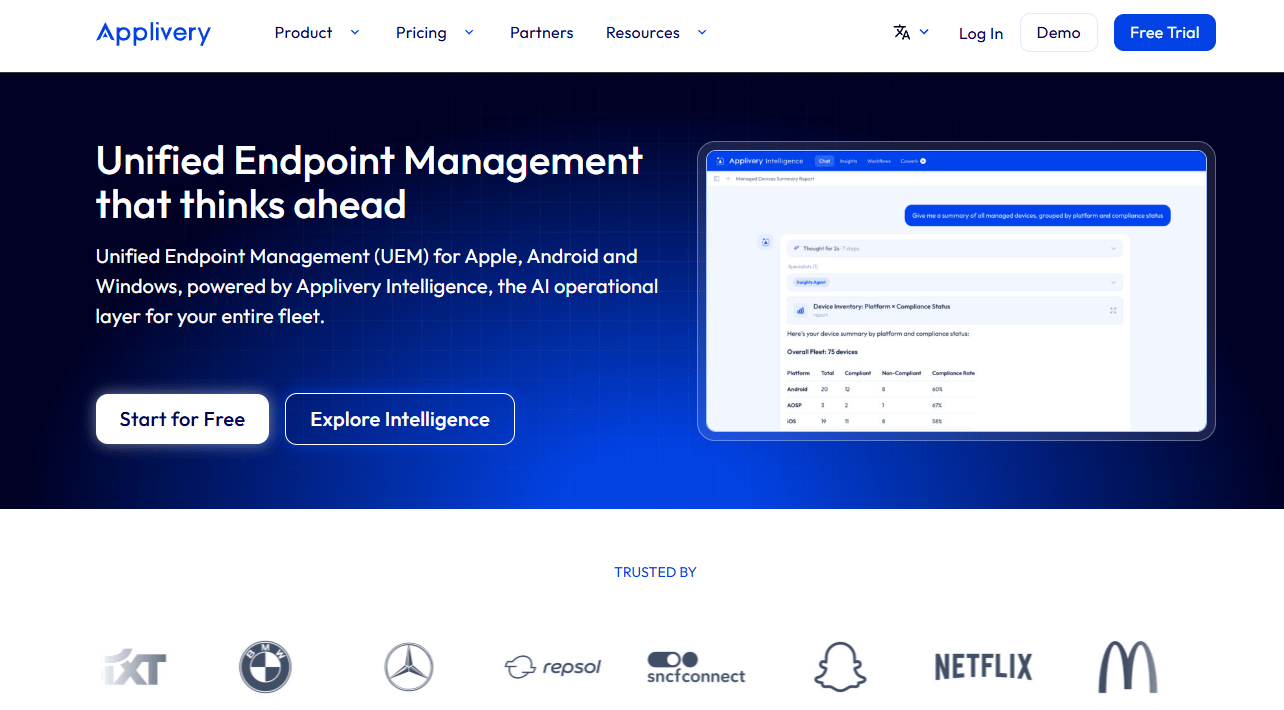
Applivery is a cloud-based Unified Endpoint Management and Mobile Device Management platform built for Android, Apple, and Windows devices. Its enterprise app store capability lets organizations create a branded private-app destination, distribute builds to specific user groups, and enforce update policies across managed and unmanaged devices. Applivery supports CI/CD integrations for teams pushing builds from development pipelines, which shortens the gap between a finished build and a deployed update.
Best for: Scaling companies that need a branded private-app catalog without requiring every device to live inside a fully managed fleet.
Key features
- Branded enterprise app store catalog for iOS and Android
- Managed and unmanaged device support in one platform
- CI/CD deployment integrations for automated build delivery
- SSO and directory synchronization for identity-based access
- App policies, update enforcement, and reporting
Why choose Applivery: It covers the full spectrum from app-store-only distribution to full device management, so teams can start with catalog and access control and expand into UEM as the fleet grows. That modularity matters when you're hiring an IT lead and need infrastructure that scales with the team rather than requiring a platform switch.
Applivery pricing: Applivery's Device Management plans start at €2 per device per month (billed annually) on the Starter tier, and €3 per device per month on Advanced (also annual). Monthly billing adds €0.50 per device on each tier. Enterprise pricing is custom. A 14-day free trial is available for teams evaluating the platform before committing to a device-count agreement.
G2 rating: Applivery holds a 4.8/5 rating on G2.
2. Appaloosa
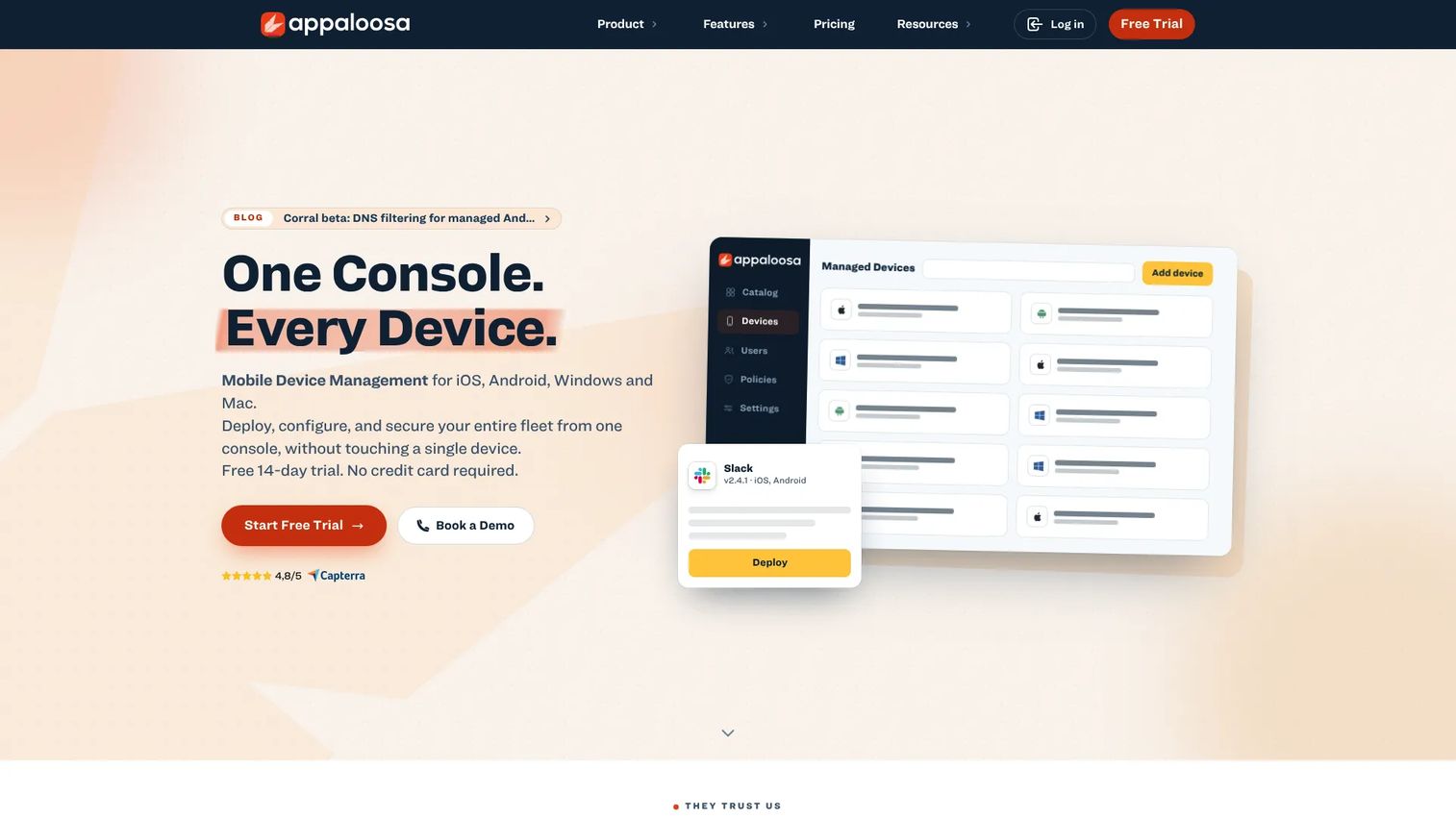
Appaloosa is a unified mobile and endpoint device management platform covering iOS, Android, Windows, and macOS from one console. Its private app distribution focus makes it a practical choice for organizations that cannot standardize on one MDM stack or one operating system. Appaloosa includes Managed Google Play integration for Android private-app distribution and SSO plus directory integration on its Enterprise tier.
Best for: Teams with a mixed device estate that need a private catalog spanning more than one operating system without running separate workflows per platform.
Key features
- Private app distribution portal across iOS, Android, Windows, and macOS
- Managed Google Play integration for Android private apps
- Zero-touch enrollment for device onboarding
- SSO and directory integration (Enterprise tier)
- App version management and OS update controls
Why choose Appaloosa: When the company supports Windows laptops alongside iOS field devices, maintaining separate distribution tools for each platform creates ownership gaps. Appaloosa's multi-OS coverage means one team, one catalog, and one audit trail. The CI/CD tools guide covers the build automation layer that connects well to platforms like this.
Appaloosa pricing: Appaloosa's Business plan starts at €3.49 per device per month, with a minimum of 50 devices. The Enterprise plan is €5.49 per device per month from 100 devices, and adds advanced SSO, directory integration, priority support, and dedicated onboarding. An Advanced Add-On costs an additional €1 per device per month on the Business plan. A 14-day free trial is available. No free tier exists.
G2 rating: Appaloosa holds a 4.2/5 rating on G2.
3. Microsoft Intune
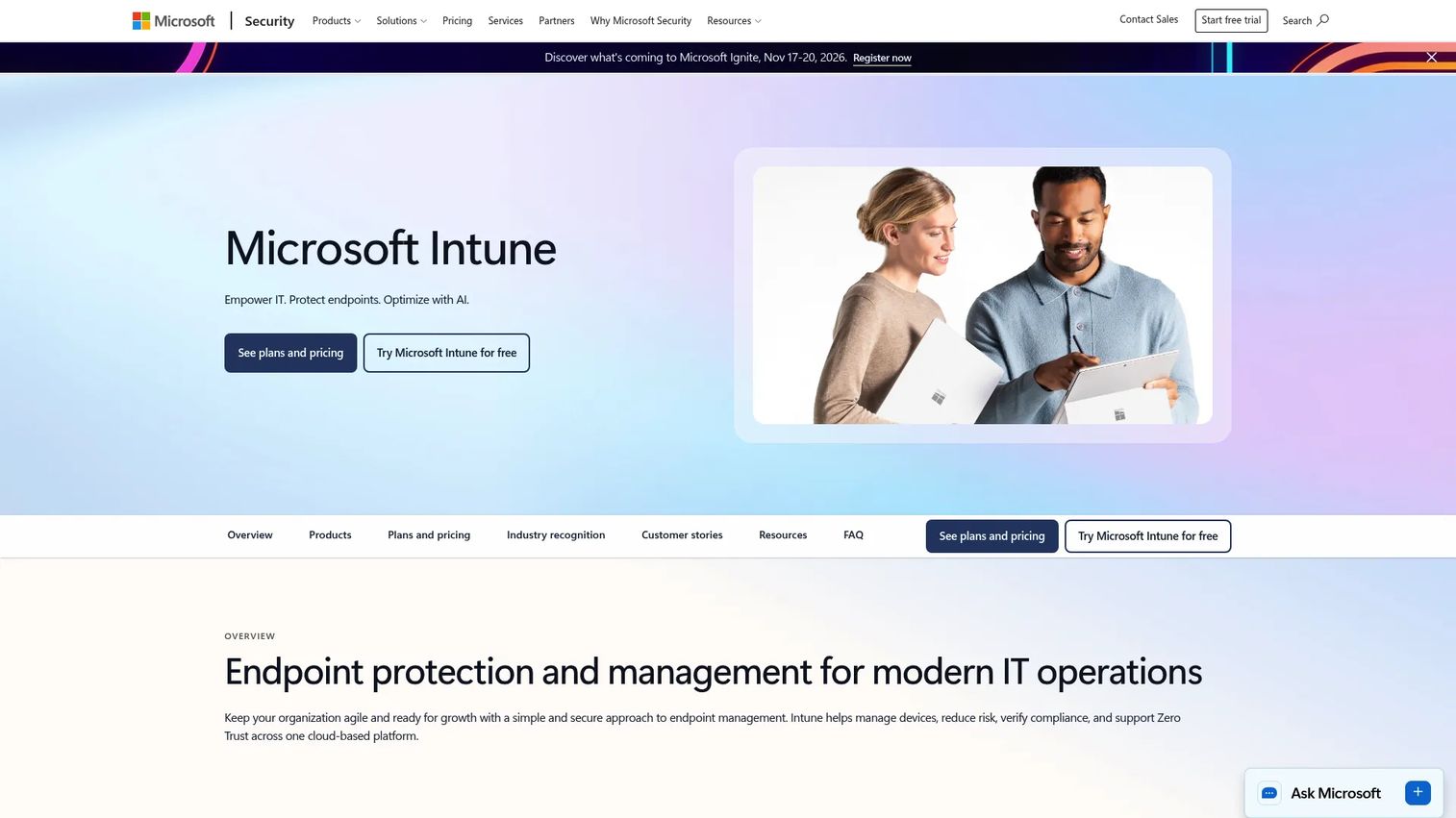
Microsoft Intune is a cloud-based unified endpoint management platform for managing and protecting devices, apps, and organizational access. Its Company Portal serves as the employee-facing app catalog, surfacing IT-approved apps to users based on device compliance and identity policy. For organizations already running Microsoft 365 and Microsoft Entra ID, Intune is often the path of least resistance because it operates inside the same identity and compliance framework the team already manages.
Best for: IT organizations that want enterprise app distribution tied directly to Microsoft identity, conditional access, and device compliance policies.
Key features
- Company Portal app catalog for employee self-service
- Microsoft Entra ID integration for identity-based app assignment
- Managed app deployment policies for iOS and Android
- Device compliance controls and conditional access
- Endpoint analytics and Microsoft Security Copilot integration
Why choose Microsoft Intune: It reduces stack fragmentation for organizations already committed to the Microsoft ecosystem. App access, device compliance, and identity management share one administrative surface, which matters when a new IT lead needs to inherit a governable system on day one. The tradeoff is that teams without Microsoft licensing must purchase it alongside Intune, which changes the cost model significantly.
Microsoft Intune pricing: Intune Plan 1 is $8.00 per user per month (annual commitment). Intune Plan 2, which adds advanced endpoint management capabilities, is $4.00 per user per month (annual). The Intune Suite, combining advanced endpoint management and security, is $10.00 per user per month (annual). Intune is also included in several Microsoft 365 and Enterprise Mobility + Security bundles, so the effective cost depends on existing Microsoft licensing. A free trial is available.
G2 rating: A verified G2 rating for Microsoft Intune could not be confirmed at publication time.
4. VMware Workspace ONE
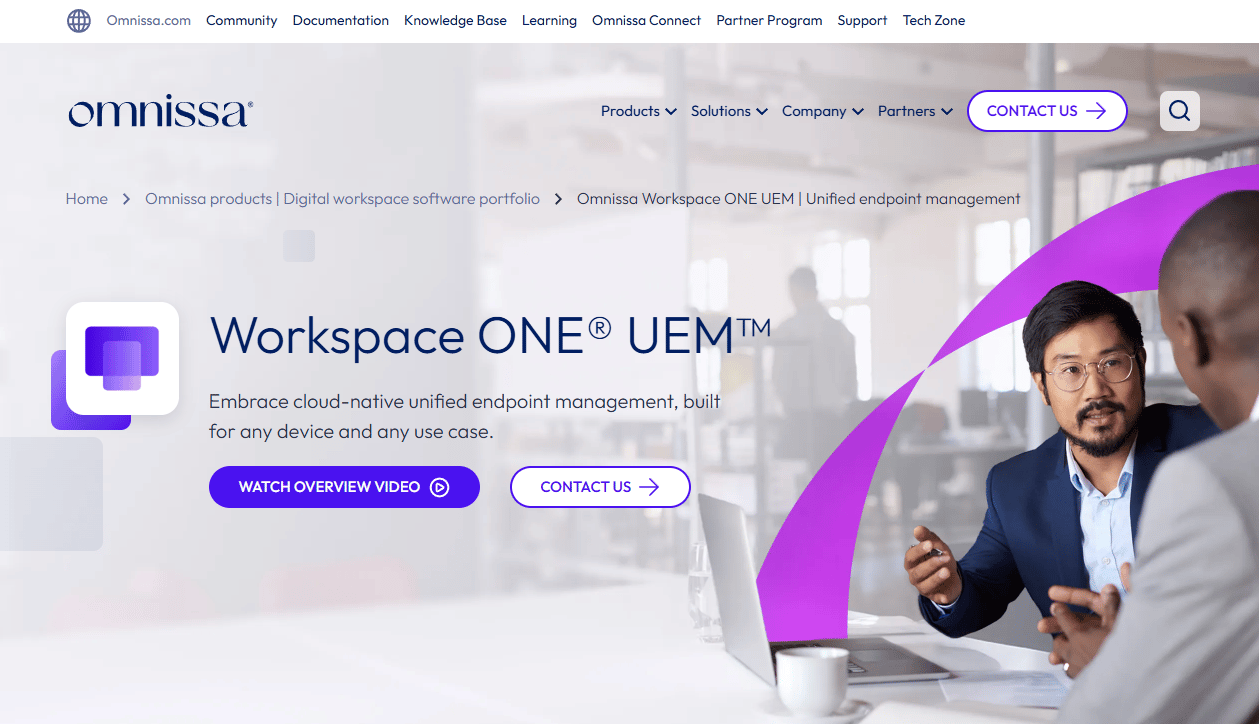
VMware Workspace ONE is a unified endpoint and digital workspace platform for managing devices, applications, operating systems, access, and security across Windows, macOS, iOS, Android, Linux, and ChromeOS. Its Intelligent Hub serves as the self-service app catalog, and its policy controls extend to conditional access, per-app VPN, and role-based app assignment. Workspace ONE is currently sold by Broadcom following the VMware acquisition.
Best for: Larger organizations running a complex endpoint estate with strict security, policy, and app-lifecycle requirements across multiple operating systems.
Key features
- Unified endpoint management across six operating systems
- Intelligent Hub app catalog with role-based app assignment
- App lifecycle management and update controls
- Conditional access and per-app VPN via Workspace ONE Tunnel
- Remote support through Workspace ONE Assist
Why choose VMware Workspace ONE: It fits organizations that have outgrown ad hoc mobile distribution and need IT to manage the app experience alongside device policy in one operating model. The platform's depth requires administrators with UEM experience to configure it well. For business process management software and automation context that often sits alongside endpoint management in larger orgs, the linked guide is relevant.
VMware Workspace ONE pricing: Pricing is structured per device or per user on a 12-month prepaid subscription. Mobile Essentials starts at $3.00 per device or $5.40 per user per month. Desktop Essentials is $4.00 per device or $7.20 per user. UEM Essentials reaches $5.25 per device or $9.45 per user. Enterprise Edition is $10.00 per device or $15.00 per user. Platinum Edition is $15.63 per device or $24.71 per user.
G2 rating: Workspace ONE holds a 4.0/5 rating on G2.
5. Jamf Pro
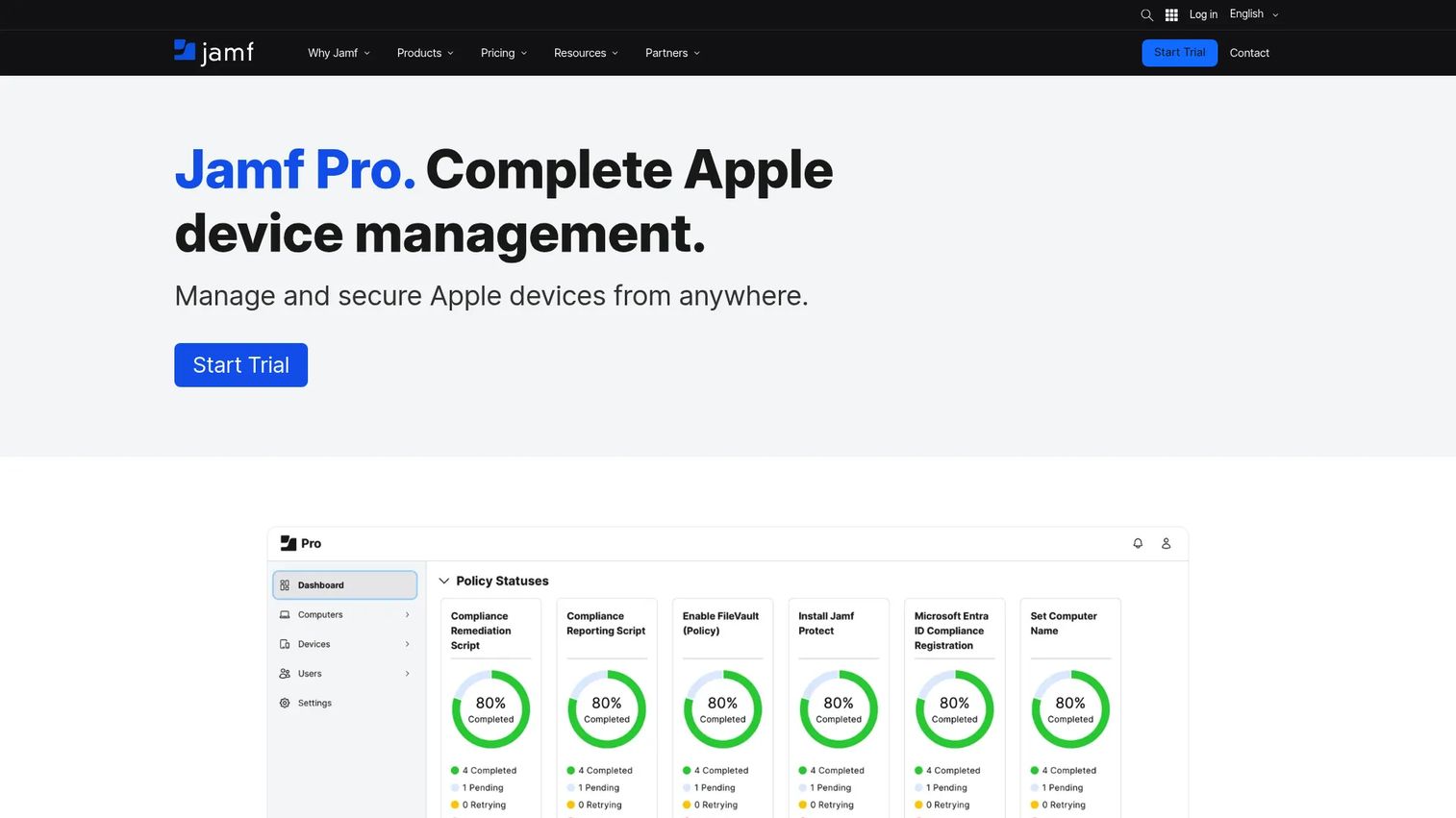
Jamf Pro is an enterprise-grade Apple device management platform for configuring, protecting, patching, and managing Apple devices at scale. Its Self Service app catalog lets employees browse and install IT-approved apps on their Mac, iPhone, or iPad without submitting a ticket. Jamf Pro integrates with Apple Business Manager for private-app distribution and volume purchasing, and supports Declarative Device Management with Blueprints for modern Apple management workflows.
Best for: Apple-first organizations that want app discovery, deployment, update enforcement, and device controls managed through a platform purpose-built for Apple.
Key features
- Self Service app catalog for Mac, iPhone, and iPad
- Apple Business Manager integration for private-app and VPP distribution
- Declarative Device Management with Blueprints
- Smart Groups for targeted app assignment
- Inventory management and compliance benchmarks
Why choose Jamf Pro: When iOS and macOS are central to employee workflows, a platform built specifically for Apple management delivers depth that cross-platform tools often compromise on. Jamf handles the nuances of Apple's distribution requirements, including volume purchasing, managed app assignment, and Declarative Device Management, without requiring the IT team to bridge gaps manually. It is not the best fit for organizations where Android or Windows represents a significant portion of the fleet.
Jamf Pro pricing: Jamf does not display per-device prices on its website. Pricing is available through Jamf for Mac and Jamf for Mobile offerings by contacting sales. A 14-day free trial is available for teams that want to evaluate the platform hands-on before engaging on contract terms.
G2 rating: A verified G2 rating for Jamf Pro could not be confirmed at publication time.
6. ManageEngine Mobile Device Manager Plus
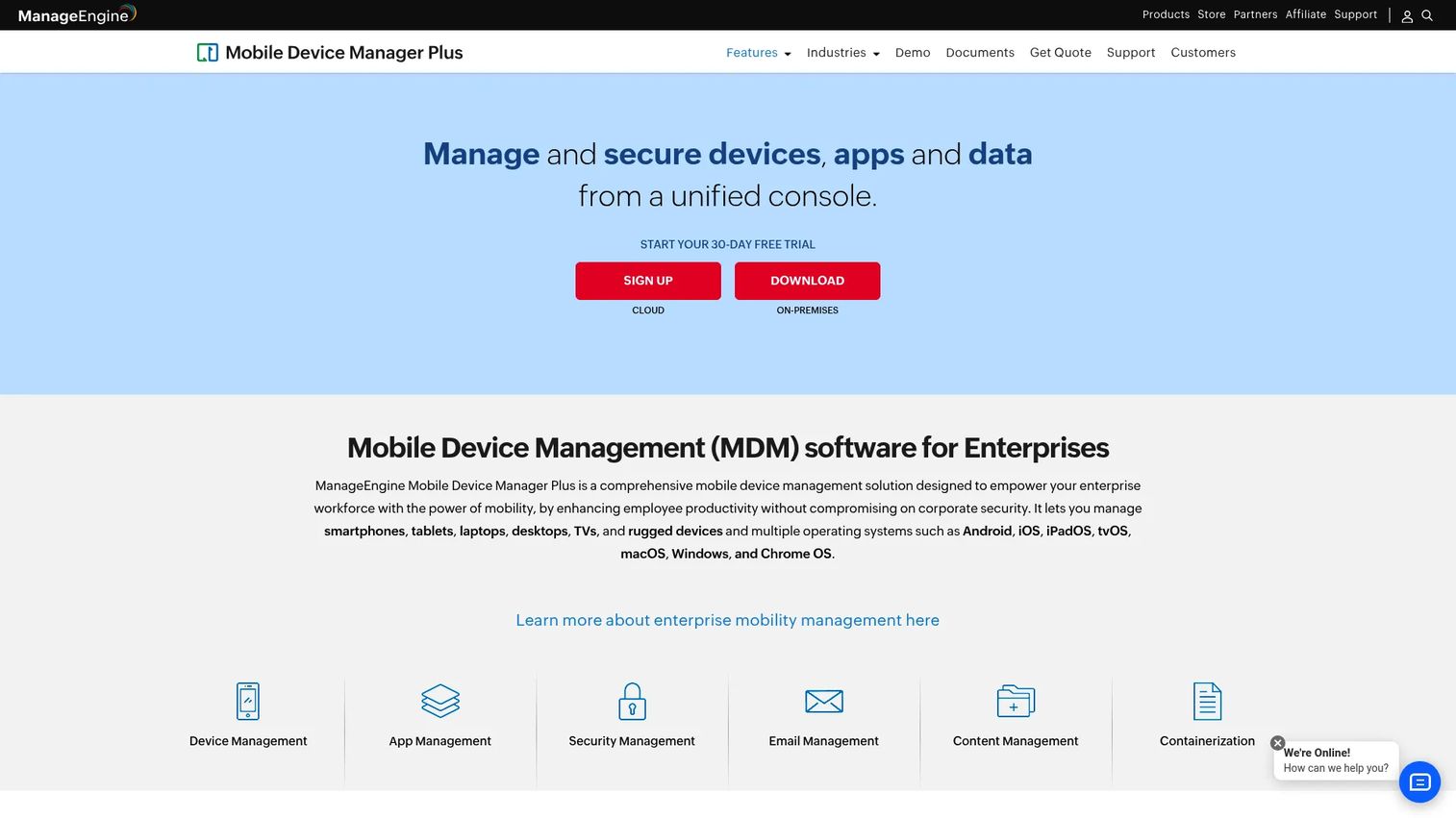
ManageEngine Mobile Device Manager Plus is a mobile device management platform for enrolling, configuring, securing, and monitoring corporate and BYOD devices from a unified console. It covers Apple, Android, Windows, and Chrome devices, and includes an enterprise app repository with deployment policies, allowlisting, blocklisting, and remote update workflows. The platform is available as a cloud or on-premises deployment, which gives organizations with data residency requirements an option most cloud-only competitors do not offer.
Best for: Growing IT teams that need enterprise app deployment and lifecycle controls at a lower entry point, including organizations that manage fewer than 25 devices and want to start for free.
Key features
- Enterprise app repository with deployment policies
- iOS and Android app management including allowlist and blocklist controls
- Remote troubleshooting, control, and app update workflows
- Kiosk mode and shared device management
- Asset management, auditing, and location tracking
Why choose ManageEngine Mobile Device Manager Plus: The free edition for up to 25 devices removes the cost barrier for early-stage device fleets. The access review software practices that enterprise teams apply to user permissions apply equally to app access here, and ManageEngine's reporting layer gives IT the audit trail to support periodic reviews. Confirm integration depth with your identity provider and CRM stack before committing, particularly if SCIM or advanced SSO is required.
ManageEngine Mobile Device Manager Plus pricing: The Standard and Professional editions are free for up to 25 devices, available as either cloud or on-premises deployments. At 50 devices, the Standard Edition on-premises annual license is $495, and the Professional Edition is $895. Cloud pricing follows a similar tier structure. Additional technician licenses are priced separately.
G2 rating: ManageEngine Mobile Device Manager Plus holds a 4.5/5 rating on G2.
7. IBM MaaS360
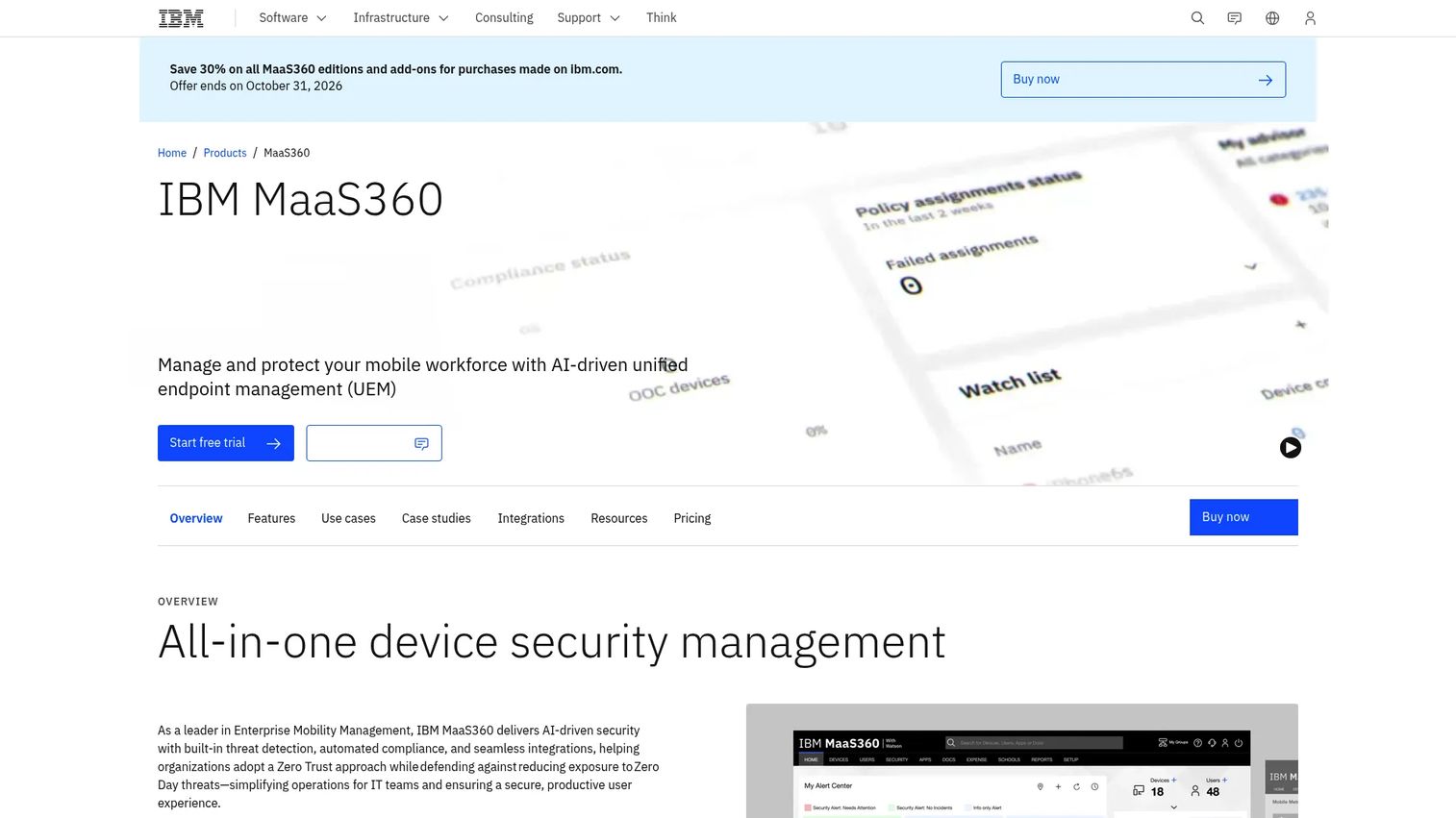
IBM MaaS360 is an AI-driven unified endpoint management platform for managing and protecting mobile workforces, devices, apps, users, and data across iOS, Android, iPadOS, macOS, Windows, ChromeOS, and rugged devices. Its enterprise app catalog sits within a broader governance framework that includes threat management, phishing protection, compliance enforcement, SSO, MFA, VPN, and data-loss-prevention controls. IBM positions MaaS360 specifically for organizations where app distribution cannot be separated from access policy and endpoint oversight.
Best for: Security-conscious organizations managing diverse mobile fleets where app distribution and endpoint security policy need to operate from one platform.
Key features
- Enterprise app catalog across iOS, Android, macOS, Windows, and ChromeOS
- Mobile and endpoint security with threat management and compliance enforcement
- Application containerization and data-loss-prevention controls
- SSO, MFA, and VPN integration for identity and access management
- Remote lock, locate, and wipe capabilities
Why choose IBM MaaS360: The platform suits regulated or security-heavy environments where app deployment triggers a policy question, not just a logistics one. For founders building infrastructure that needs to survive a security review before a Series C, MaaS360's governance depth reduces the audit preparation burden. The AI governance tools context is increasingly relevant here, as MaaS360 uses AI-driven policy recommendations to surface compliance gaps before they become incidents.
IBM MaaS360 pricing: IBM offers a 30-day free trial. The Fast Start plan begins at $1.50 per client device per month. Essentials starts at $4.24 per device per month, with a discounted rate of $2.97. Deluxe is $5.30 per device (discounted: $3.71). Premier is $6.63 (discounted: $4.64). Enterprise is $9.54 (discounted: $6.68). Mobile Security Suite pricing requires a sales conversation.
G2 rating: IBM MaaS360 holds a 4.2/5 rating on G2.
Considerations when choosing an enterprise app store
Choose your distribution model before your vendor
Determine whether you need a private catalog, MDM-managed deployment, Apple Business distribution, Managed Google Play, or a combination before evaluating platforms. No platform overrides Apple or Android distribution rules. The tool you choose has to work within those constraints, not around them. Getting the model wrong costs more than the license.
Separate managed-device needs from unmanaged-device needs
Silent installs and mandatory updates on company-owned devices are a different problem from controlled downloads for contractors or BYOD users. Some platforms handle both; others are built primarily for one scenario. Confirm which device ownership models the platform supports before piloting, not after.
Check identity and group-management fit
Evaluate SSO support, directory synchronization, group-based app assignment, audit trail depth, and access expiry behavior. The right platform should map to how your organization already manages employees, contractors, and business units. See the catalog management software guide for related context on organizing and governing large asset collections.
Test the update workflow before committing
Ask how app updates are distributed, enforced, rolled back, and communicated to end users. Version management becomes an operations problem fast when field teams depend on the app daily and a broken update reaches their devices. Request a sandbox environment and push a staged update during evaluation.
Price for operating scale, not the first pilot
Compare per-device, per-user, and bundle pricing. Model the cost at the device count you expect after the next year of hiring, not the current test group. A platform that looks affordable at 50 devices can become a budget conversation at 500.
Conclusion
Enterprise app deployment is infrastructure, not a one-time project. The choice between these seven platforms comes down to device composition, identity stack, and the level of update control your IT team needs to enforce.
Applivery suits teams that need branded private distribution across managed and unmanaged devices, with the option to grow into full UEM. Appaloosa handles multi-platform private app catalogs where iOS, Android, and desktop coexist. Microsoft Intune is the natural fit for organizations already running Microsoft 365 identity and compliance. VMware Workspace ONE serves large endpoint programs with complex policy and governance needs. Jamf Pro is the strongest choice for Apple-first fleets. ManageEngine Mobile Device Manager Plus gives cost-conscious IT teams a functional free tier and a clear upgrade path. IBM MaaS360 fits regulated environments where app distribution and security policy must be governed together.
Start by choosing the distribution model. Then choose the platform that fits your device fleet, identity stack, and update requirements. That sequence saves months of re-work.
For teams also thinking about how to show a mobile product experience before installation, mobile demos and interactive product demos serve the enablement and pre-sales layer, separate from the distribution infrastructure covered here.
Start your journey with Guideflow today!
FAQs
An enterprise app store is a private app catalog used to distribute approved internal or organization-specific applications to defined users or devices. Unlike a public marketplace, it controls user access, app visibility, version management, and deployment policies. IT teams use it to govern which employees or contractors can install which apps, and to push updates without relying on users to self-update.
Not always. MDM is often required for silent installs, device policy enforcement, and managed app configuration on company-owned devices. Some enterprise app store platforms also support controlled access for unmanaged or BYOD devices, where users self-install from a governed catalog. The answer depends on the device ownership model and what level of update enforcement your organization needs.
Apple Business Manager supports private iOS app distribution through Apple's business channels and is the standard route for most organizations distributing internal apps. The Apple Developer Enterprise Program is a separate program reserved for specific internal-use cases, and Apple requires organizations to meet eligibility requirements including a minimum of 100 employees. Most IT teams evaluating iOS enterprise app distribution should start with Apple Business Manager and MDM-managed distribution before considering the enterprise signing program.
Yes. Private Android apps can be distributed through Managed Google Play, where administrators remotely install apps to enrolled devices or list them in users' managed Play Store experience. Enterprise mobility management tools connect to Managed Google Play to handle assignment, update enforcement, and removal without public app store visibility.
Many platforms support both, but the underlying installation and distribution workflows differ by operating system. iOS distribution uses Apple-specific mechanisms including Apple Business Manager and MDM profiles. Android private-app distribution runs through Managed Google Play or device management agent enrollment. Buyers should verify iOS distribution methods, Android private-app support, update behavior, and device enrollment requirements for each platform before selecting.
Core capabilities to evaluate: Identity controls and SSO integration, user or group-based app targeting, app catalog management, version control, update policies (optional, suggested, or enforced), reporting and audit trails, and integration with Apple Business Manager or Managed Google Play. For asset lifecycle management context that connects to app and device tracking, the linked guide is useful. More mature platforms add CI/CD integration for automated build delivery and staging-to-production rollout controls.
Update behavior varies by platform and operating system. On managed devices, IT can push required updates silently without user action. On unmanaged devices, updates typically appear as available installs in the catalog that users must accept. Staged rollouts let IT push an update to a test group before releasing it to the full fleet. Rolling back a bad update requires a platform that supports version management and re-deployment of a prior build.
The terms overlap significantly. An enterprise app store typically emphasizes the discoverable catalog and governance layer: User-facing app browsing, role-based access, and audit trails. Internal app distribution can describe narrower workflows such as build sharing, Ad Hoc distribution, or a beta testing channel. The distinction matters primarily when evaluating whether a platform suits long-term employee distribution or only pre-release testing.