Your AP clerk keyed 400 invoices last month. Roughly 3% had a transposed digit, a wrong GL code, or a duplicate that slipped through. Each one becomes a supplier email, a re-approval, a delayed payment.
Manual invoice entry does not just cost hours. It compounds. Volume grows, headcount does not, and the errors that were annoying at 400 invoices become a control problem at 4,000.
The global invoice capture and OCR software market hit $4.8B in 2024 and is projected to reach $12.3B by 2033 at a 13.2% CAGR, according to Intel Market Research (2024). That growth tracks a simple shift: finance teams are done rekeying paper and PDFs by hand.
Invoice scanning software converts documents into structured AP data, then routes that data into approvals, matching, and your ERP. The gap most buyers miss is the one between basic OCR invoice processing and full AP automation software. This guide sorts the tools by exactly that.
What's inside
This guide is for AP leaders, finance ops managers, controllers, and scaling SaaS finance teams comparing invoice capture software before they commit.
We chose tools based on four things that actually decide fit:
- Accuracy and format coverage: how well it reads paper, PDFs, and e-invoices
- Matching and workflow depth: PO matching, exception routing, approvals
- ERP and accounting fit: whether it posts cleanly into your system of record
- Implementation fit: whether the platform matches your team size and volume
The list mixes OCR-first invoice data capture software with broader accounts payable automation platforms. Both belong here. You just need to know which one you are buying.
TL;DR
- Best for end-to-end AP automation: Medius and HighRadius handle capture through payment with AI-assisted approvals and matching.
- Best for a broad shortlist benchmark: Rillion, which is AI-native and built for multi-entity finance teams.
- Best for invoice capture inside AP usability: AvidXchange for mid-market teams.
- Best for spend management buyers: Coupa, when procurement and AP need one system.
- Best for global payments and touchless AP: Tipalti for cross-border operations.
- Best for SMB finance teams: BILL for simple AP and AR workflows.
- Best for enterprise invoice controls: Basware for governance, e-invoicing, and volume.
Pick based on your matching needs and ERP fit, not the longest feature list.
What is invoice scanning software?
Invoice scanning software is a category of tools that convert invoice documents into structured, usable accounts payable data using OCR, AI, or machine learning. It reads an invoice, extracts the fields, and hands clean data to your AP workflow.
The category handles more than paper. Modern invoice recognition software processes paper invoices, PDFs, e-invoices, XML, EDI, email attachments, and image files. The best tools read several input types well rather than one.
It helps to separate three things people often blur together:
- Scanning digitizes the document and reads it.
- Capture extracts and validates the specific fields you need.
- AP automation takes that captured data through matching, approvals, and ERP posting.
Core capabilities to expect from invoice data capture software:
- OCR and data extraction from headers and line items
- Invoice validation against your rules
- PO matching and discrepancy detection
- ERP and accounting integration
- Exception handling and approval workflows
The distinction that matters: an OCR-first tool gives you clean data. A full AP automation platform gives you clean data plus the workflow that moves it to payment. Neither is better in the abstract. It depends on where your process breaks.
When to use
Replace manual invoice entry
If your AP team spends its days rekeying invoices, this is the clearest trigger. Manual entry is slow, and the error rate climbs the moment volume spikes at month-end. Invoice scanning software extracts fields automatically, so a clerk reviews exceptions instead of typing every line. Teams typically cut entry time sharply and shrink the transposed-digit errors that trigger rework.
Support higher invoice volume without adding headcount
AP breaks first at the growing finance team that doubled invoice volume but kept the same two clerks. Manual scaling means overtime, backlogs, and missed early-payment discounts. Touchless AP routes clean invoices straight through with no human touch, so headcount stays flat while volume climbs. Faster routing also means approvals stop sitting in someone's inbox for a week.
Improve matching and ERP posting
Digitized documents alone do not close the loop. You need scan-to-match-to-post: the invoice captured, checked against the PO and receipt, then posted to your ERP. Look for real 3 way matching and native ERP integration if discrepancies and manual posting are your bottleneck. This is where OCR-first tools and full AP platforms diverge most.
Comparison table
Sorted by relevance to invoice scanning and AP capture, not alphabetically. Pricing and ratings reflect verified public sources at the time of writing; several vendors publish plan names without numeric prices.
| # | Product | Best for | Key differentiator | Pricing | G2 rating |
|---|---|---|---|---|---|
| 1 | Medius | Mid-market to enterprise AP teams | AI-assisted approvals and fraud detection | Not publicly listed | 4.3/5 |
| 2 | HighRadius | Enterprise finance automation | Autonomous finance across AP, AR, close | Not publicly listed | 4.3/5 |
| 3 | Rillion | Multi-entity finance teams | AI-native capture with touchless 3-way matching | Not publicly listed | 4.2/5 |
| 4 | AvidXchange | Mid-market AP usability | Invoice capture inside AP plus payments | Not publicly listed | 4.4/5 |
| 5 | Coupa | Spend management buyers | AP capture inside procurement and spend | Not publicly listed | 4.2/5 |
| 6 | Tipalti | Global payments and AP | Cross-border payouts in 200+ countries | From $99/month | 4.5/5 |
| 7 | BILL | SMB finance teams | Simple AP and AR with accounting sync | From $0/user/month | 4.4/5 |
| 8 | Basware | Enterprise invoice controls | E-invoicing network and compliance at scale | Not publicly listed | 4.2/5 |
Best 8 invoice scanning software for 2026
1. Medius
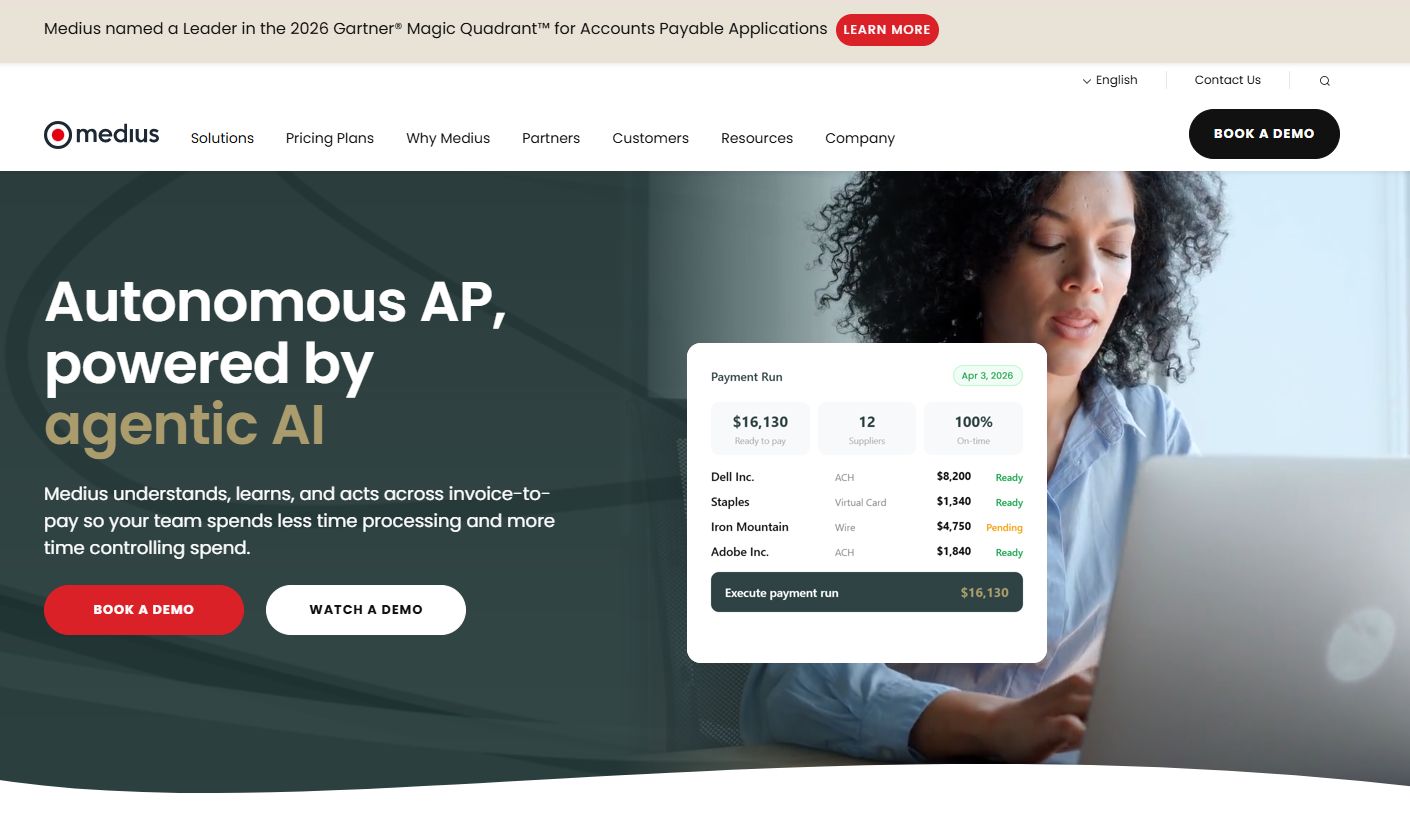
Medius is AI-powered AP automation and spend management software for finance teams. It captures invoices in multiple formats, applies AI to approvals through Medius Copilot, and carries invoices from capture to payment with ERP posting along the way. This is a full platform, not just a capture layer.
Best for: Mid-sized to enterprise finance teams automating accounts payable and spend workflows.
Key strengths
- Invoice capture and automation across formats
- AI-assisted approvals with Medius Copilot
- Fraud and risk detection on invoices and payments
- Touchless AP routing into your ERP
Why choose Medius: If your bottleneck is the whole AP cycle, not just data entry, Medius fits. It suits controllers who want capture, matching, approvals, and fraud controls in one system rather than stitching an OCR tool to a separate workflow engine.
Medius pricing: Medius lists two AP packages, AP Essentials and AP 360, on its pricing page. No public numeric price is shown; the page directs you to request a quote.
2. HighRadius
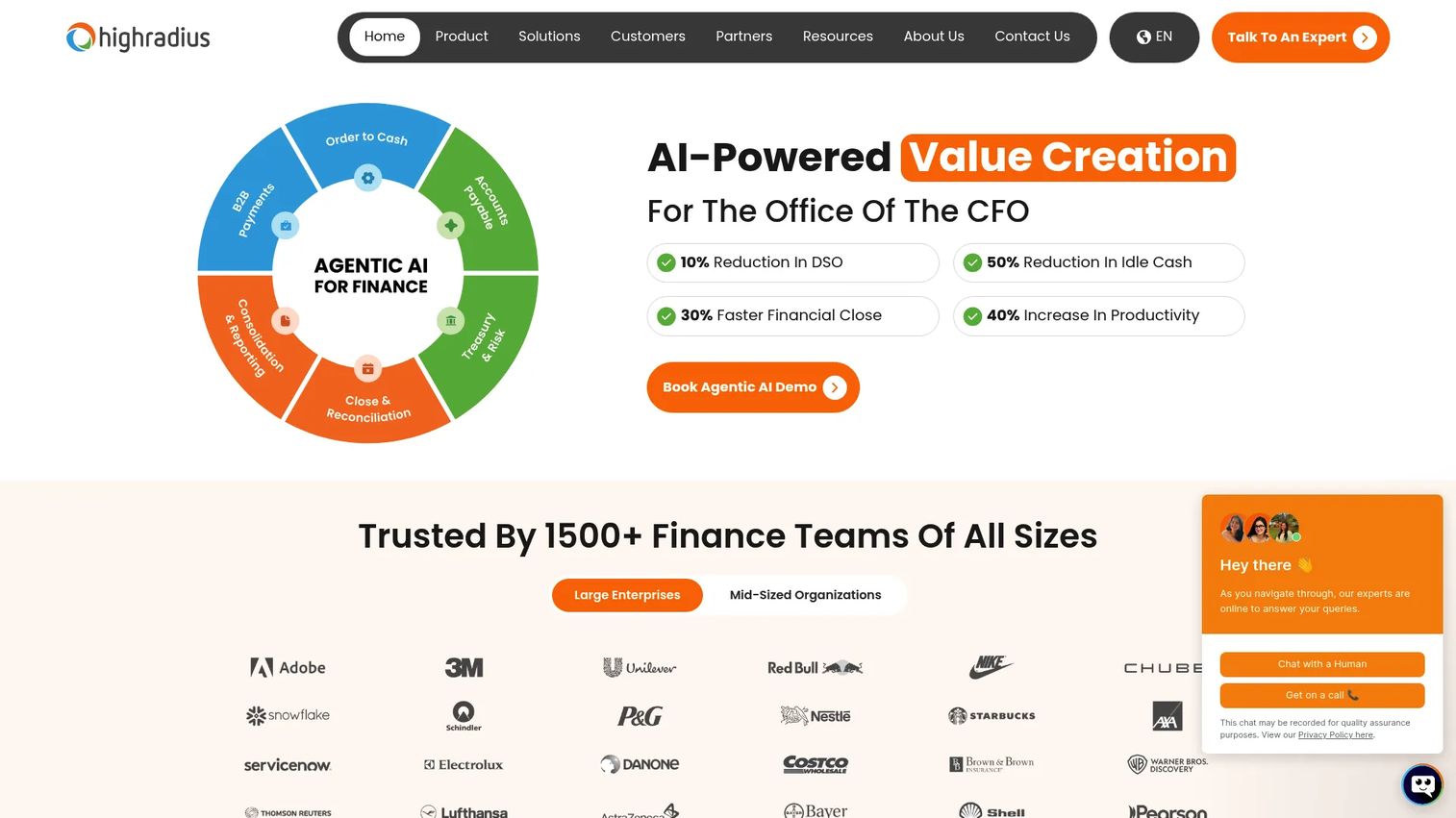
HighRadius is AI-powered autonomous finance software for the office of the CFO. It covers order-to-cash, accounts payable, and financial close, so invoice capture lives inside a wider automation stack. For AP specifically, it pairs OCR with validation, matching, and exception routing.
Best for: Mid-market and enterprise finance teams automating receivables, payables, treasury, and close together.
Key strengths
- Order-to-cash automation
- Accounts payable automation with capture and matching
- Financial close and reconciliation automation
- ERP sync across finance processes
Why choose HighRadius: Choose it when AP is one piece of a broader finance automation mandate. Teams consolidating AR, AP, treasury, and close on one platform get more from HighRadius than from a standalone capture tool, especially with line-item extraction and autonomous processing.
HighRadius pricing: HighRadius customizes pricing based on the modules you need, integration requirements, and operational complexity. No public starting price is shown on its pricing page.
3. Rillion
Rillion is AI-powered accounts payable automation software built around invoice capture, approvals, matching, and payments. Its AI-native capture recognizes suppliers and extracts data without heavy template setup, and it leans hard into multi-entity finance operations.
Best for: Mid-sized and large finance teams needing AP automation with workflow, matching, and multi-entity support.
Key strengths
- AI-native invoice capture with supplier recognition
- Touchless 3-way PO matching
- Multi-entity management
- Approval workflows plus analytics and reporting
Why choose Rillion: Rillion is a useful shortlist benchmark because it sits between pure capture and heavy enterprise platforms. It fits finance teams running several entities that want AI-native recognition rather than maintaining extraction templates by hand.
Rillion pricing: Rillion offers Essential, Professional, and Premium plans, all with unlimited users, approvers, and entities. Pricing is tailored to invoice volume and requires a 12-month minimum contract; no public numeric price is shown.
4. AvidXchange
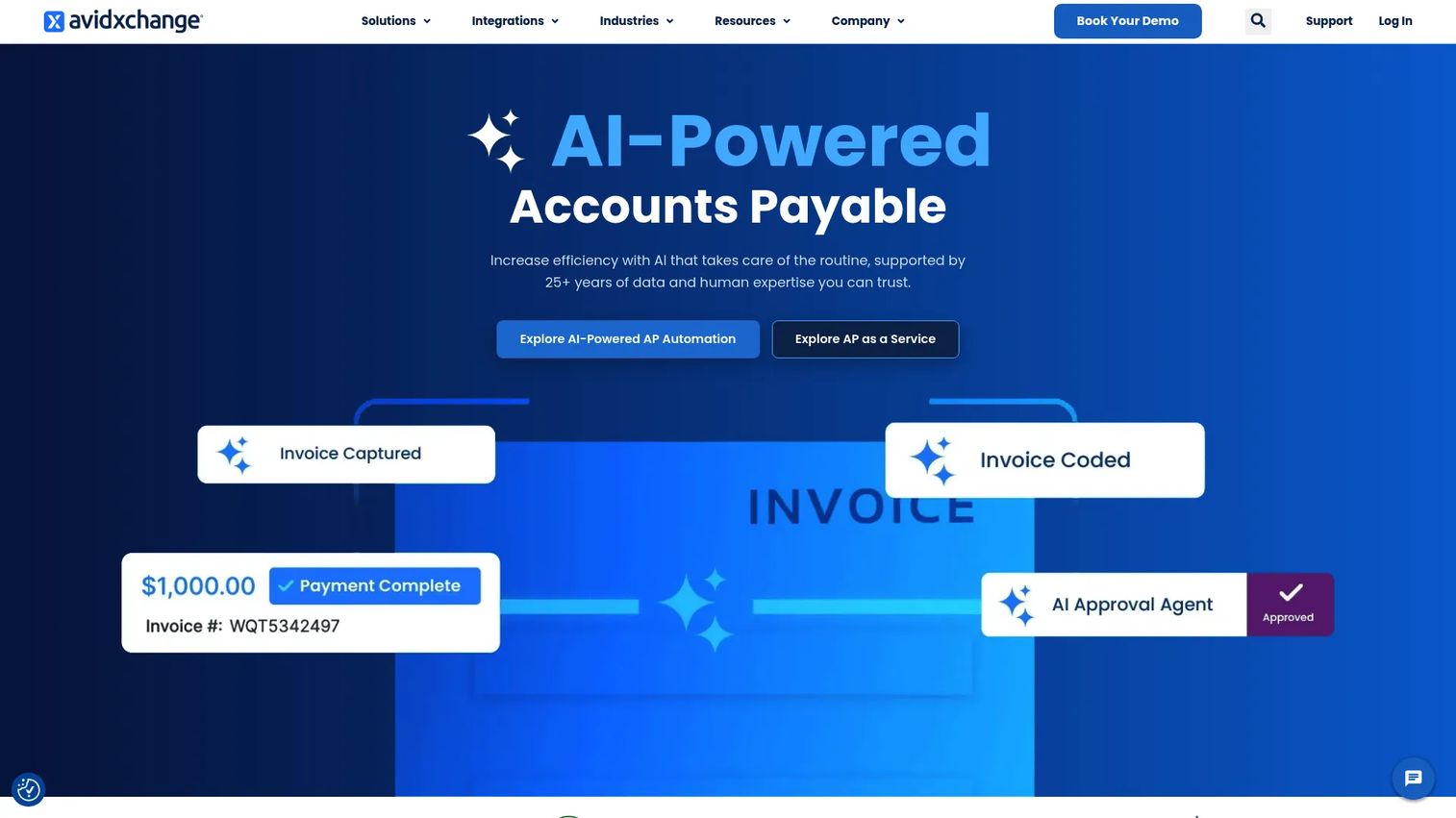
AvidXchange is AI-powered accounts payable automation software with OCR-based invoice capture through its AvidInvoice component. It digitizes invoices, simplifies approval workflows, and connects to electronic payments and a supplier network, all with a focus on day-to-day AP usability.
Best for: Mid-market organizations that want invoice capture living inside practical AP automation and payment workflows.
Key strengths
- Accounts payable automation
- Invoice management and approvals
- Electronic payments and supplier network
- OCR-based invoice digitization
Why choose AvidXchange: Pick AvidXchange when your team values a clean, workable AP flow over deep enterprise configuration. It suits middle-market finance teams that want capture, approvals, and payments together without a long implementation.
AvidXchange pricing: AvidXchange does not list public pricing. The site directs you to contact the team or book a demo for a quote based on your invoice and payment volume.
5. Coupa
Coupa is business spend management software covering procurement, invoicing, expenses, and supply chain. Invoice capture sits inside that wider platform, alongside fraud controls, a supplier portal, spend benchmarking, and virtual cards. AP here is one part of a full spend stack.
Best for: Mid-market and enterprise teams managing procurement and spend across finance and supply chain.
Key strengths
- Business spend management platform
- Procurement and e-procurement workflows
- Invoice capture with fraud controls and supplier portal
- Spend visibility and benchmarking
Why choose Coupa: Coupa makes sense when procurement and AP need to run on one system, not two. Finance leaders who want invoice scanning connected to purchasing, budgets, and spend analytics get more value here than from a capture-only tool.
Coupa pricing: Coupa does not publish pricing on its site. Plans are quoted based on scope, modules, and spend volume, so you engage sales for a figure.
6. Tipalti
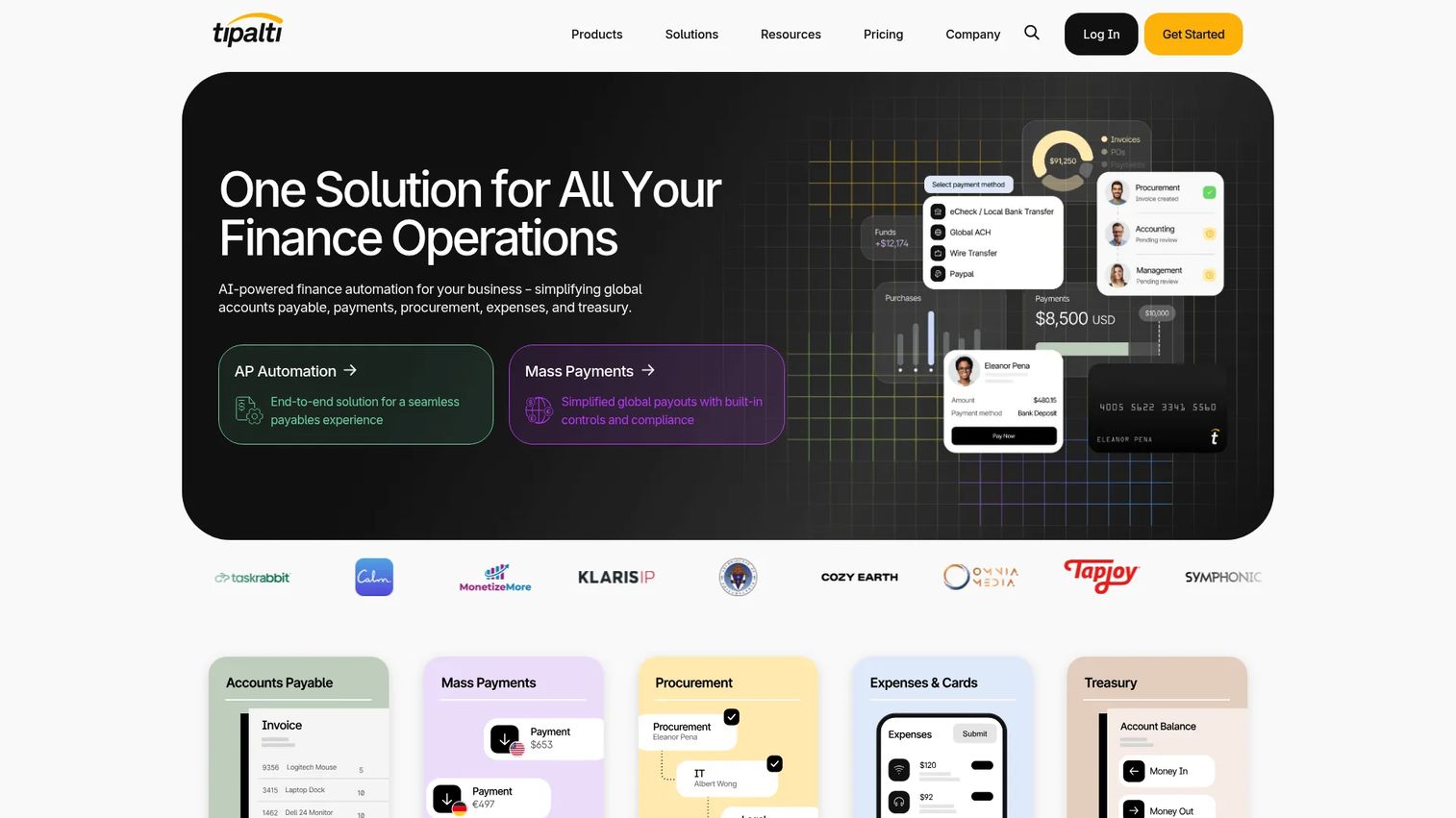
Tipalti is finance automation software for accounts payable, mass payments, procurement, and expenses. Its standout is global reach: AP automation with AI-assisted invoice capture and coding, paired with cross-border payouts across 200+ countries, 120 currencies, and 50+ payment methods.
Best for: Mid-market teams needing global AP and payout automation across multiple entities and currencies.
Key strengths
- AP automation with supplier onboarding, capture, PO matching, and reconciliation
- Global payments across 200+ countries and 120 currencies
- ERP reconciliation and AI-assisted invoice coding
- Compliance controls for cross-border payables
Why choose Tipalti: Tipalti earns its spot when payment complexity, not just capture, is the problem. Companies paying international suppliers or contractors get touchless AP plus the tax and compliance layer that cross-border payments demand.
Tipalti pricing: Tipalti Accounts Payable starts at $99/month and Mass Payments at $249/month, per its public pricing page. Additional transaction-based fees apply, and complex configurations get a custom quote.
7. BILL
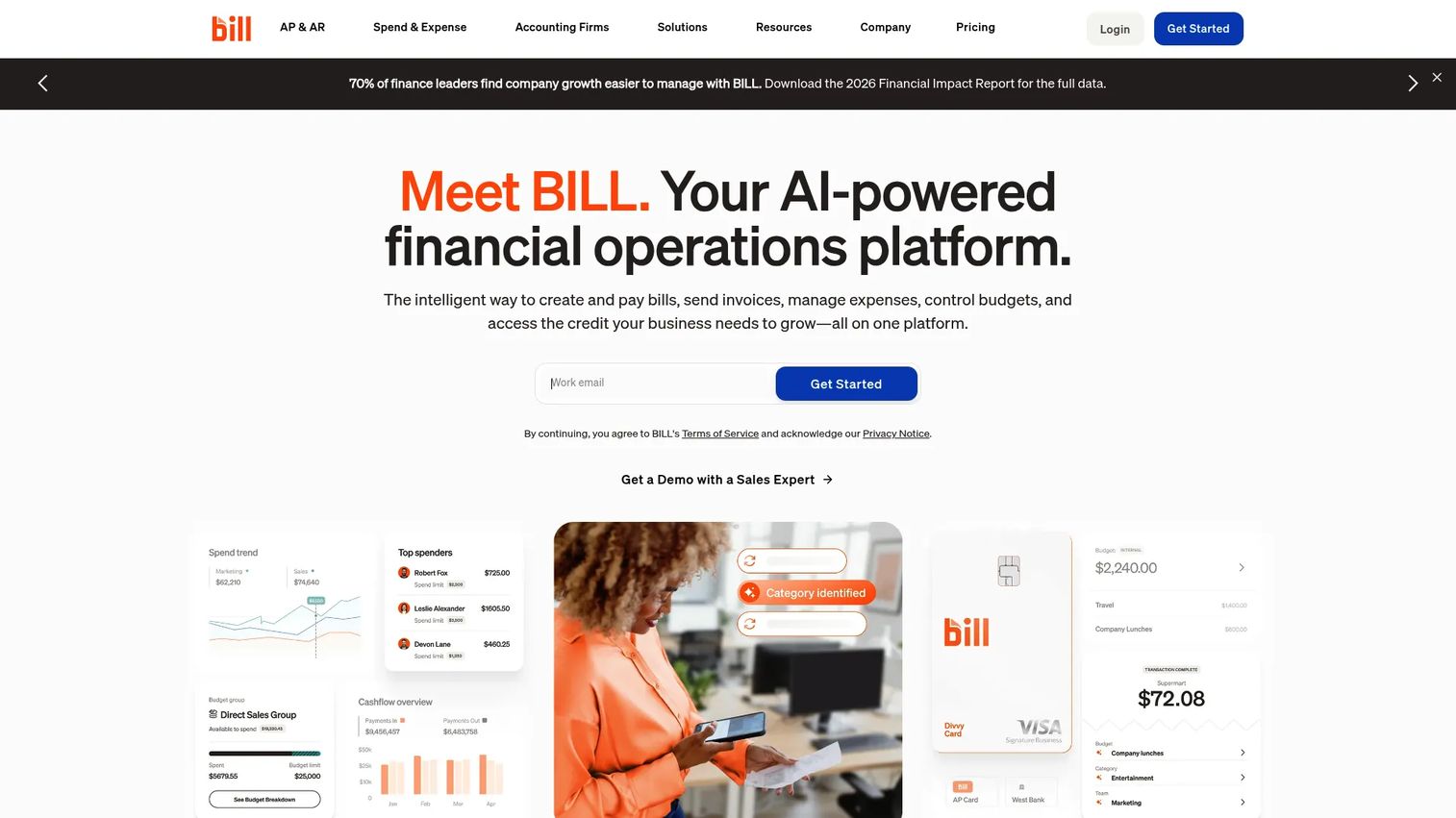
BILL is an AI-powered financial operations platform for paying bills, sending invoices, managing expenses, and controlling budgets. It captures invoice data, runs AP and AR payment workflows, and syncs to common accounting systems, all with a setup friendly to smaller teams.
Best for: Businesses and accounting teams automating AP, AR, and spend workflows without enterprise complexity.
Key strengths
- Accounts payable and accounts receivable automation
- Invoice capture with payment workflows
- Spend and expense management with cards and receipt capture
- Budget controls, approvals, and real-time tracking
Why choose BILL: BILL wins for SMB finance teams that want simplicity over deep configuration. It handles the day-to-day AP and AR workflow cleanly and integrates with accounting tools most small businesses already run.
BILL pricing: BILL's Spend & Expense product has no per-user software fee, starting at $0/user/month. Core AP and AR plans (Essentials, Team, Corporate, Enterprise) are user-based, and larger organizations may receive custom pricing.
8. Basware
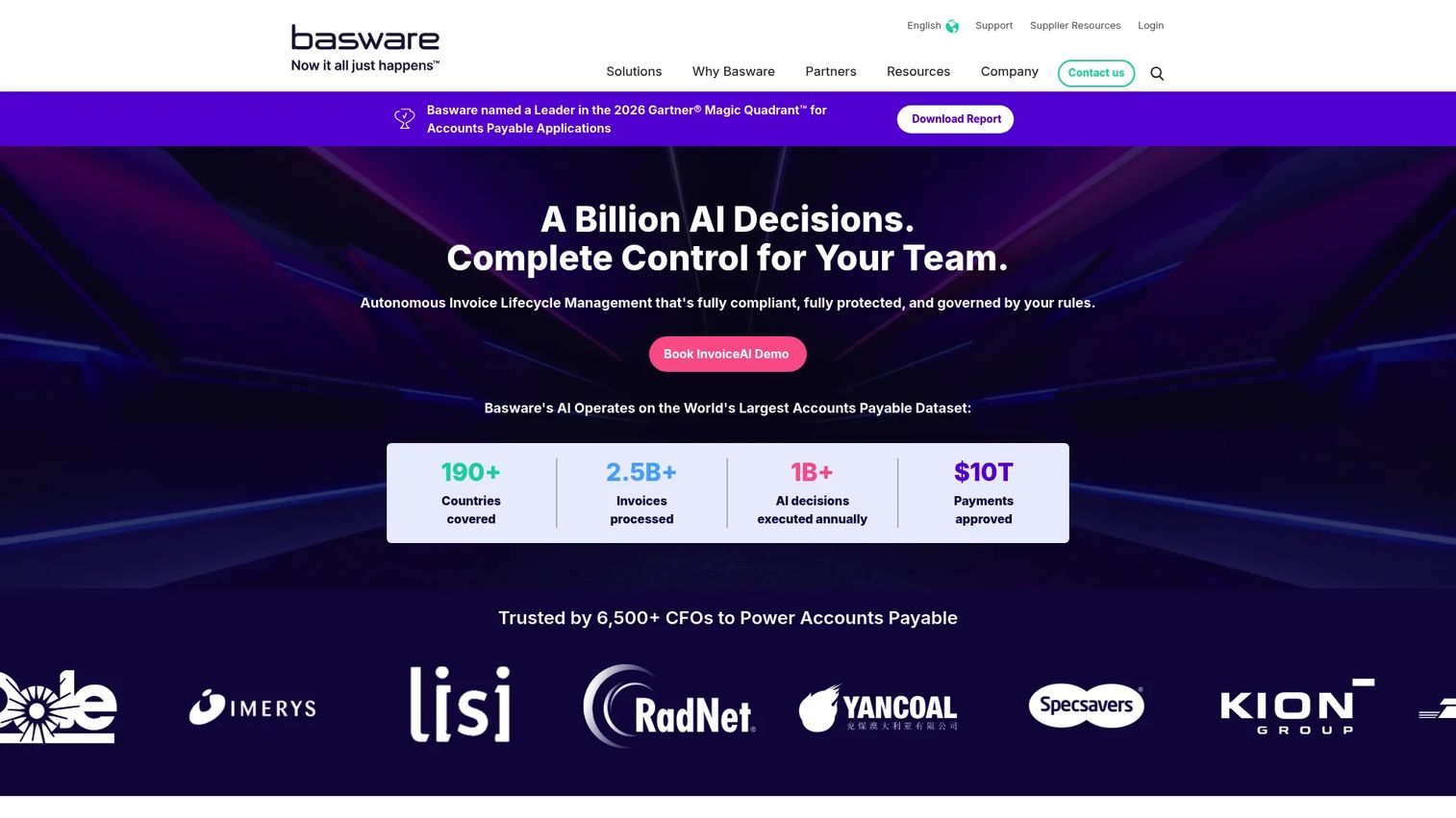
Basware is cloud-based invoice lifecycle management and AP automation software. It combines invoice scanning, e-invoicing, and network-driven processing with strong compliance and control, built for large AP teams handling high volume across many entities.
Best for: Mid-market to enterprise finance teams needing AP automation and compliant e-invoicing at scale.
Key strengths
- Invoice lifecycle management end to end
- AP automation with capture and matching
- E-invoicing network and compliance
- Governance and control for high-volume AP
Why choose Basware: Basware fits when governance and volume drive the decision. Enterprise AP teams that need audit trails, compliance across regions, and network-based invoice processing get an enterprise-grade platform built for that scale.
Basware pricing: Basware uses a subscription model that scales with customer needs. No public numeric price is shown on its pricing page; you engage sales for a quote.
Considerations
Format coverage
Confirm the tool reads every input type you actually receive: paper, PDFs, email attachments, XML, EDI, and e-invoices. Many vendors read one format well and struggle with the rest. Prioritize tools that handle multiple input types cleanly, because your suppliers will not standardize on your behalf.
Matching and exception depth
Extraction is the easy part. The harder question is whether the platform does PO matching, discrepancy detection, and exception routing without dumping everything back on a human. Evaluate the depth of the workflow, not just the accuracy of the read. A tool that captures perfectly but has thin matching leaves you doing the reconciliation manually.
ERP and accounting fit
Confirm native support for the systems your team already runs. A pretty extraction screen means little if posting to your ERP takes a custom integration and a consultant. ERP compatibility should be a primary sorting lens, not an afterthought, because it decides how clean the handoff into finance actually is.
Accuracy and maintenance
Ask how the tool improves over time and what oversight it still needs. AI-native platforms learn from corrections and supplier patterns, so accuracy climbs with use. Template-based tools require manual maintenance every time a supplier changes a layout. Know which model you are buying and who owns the upkeep.
Team fit and implementation
Match the tool to your team size, invoice volume, and finance ops maturity. A two-person AP team does not need an enterprise platform with a six-month rollout. Overbuying is a real cost. If you only need capture and clean posting, a lighter tool beats a heavy one you never fully configure.
Conclusion
The right pick depends on where your AP process breaks, not on which vendor has the longest feature list.
For end-to-end automation across capture, matching, approvals, and payment, Medius and HighRadius are the strongest. Rillion is the sharpest AI-native benchmark for multi-entity teams. AvidXchange fits mid-market teams that want capture inside a clean AP flow. Coupa is the choice when procurement and AP share one system. Tipalti wins on global payments, BILL on SMB simplicity, and Basware on enterprise controls and e-invoicing.
Your next step: narrow to two or three tools based on two questions. How complex is your matching, and does the platform post natively into your ERP? Run a short trial with real invoices from your worst suppliers, not clean samples. That is where accuracy and exception handling show their true colors, and where the gap between OCR-first capture and full AP automation becomes obvious.
FAQs
Invoice scanning software converts invoice documents into structured accounts payable data using OCR, AI, or machine learning. It reads the document, extracts fields like vendor, amount, and line items, then passes clean data into your AP workflow. The goal is to remove manual data entry and cut the errors that come with rekeying.
Scanning digitizes and reads the document. Invoice capture software goes further, extracting and validating the specific fields you need against your rules. In practice most modern tools do both, so the terms overlap. The real distinction that matters for buyers is capture versus full AP automation, which adds matching, approvals, and ERP posting on top.
Good invoice recognition software handles paper invoices, PDFs, e-invoices, XML, EDI, email attachments, and image files. Coverage varies by vendor. Some read one or two formats well and struggle with the rest, so confirm the tool handles every input type your suppliers actually send before you commit.
OCR invoice processing scans the document and converts the image into machine-readable text. The software then identifies and extracts key fields such as invoice number, date, vendor, totals, and line items. AI-native tools layer machine learning on top, so they recognize supplier patterns and improve accuracy over time instead of relying on rigid templates.
Look for accurate OCR and data extraction, invoice validation, PO matching with discrepancy detection, exception handling, approval workflows, and native ERP integration. Format coverage matters too. The most important lens is whether the tool matches your actual process gap, whether that is pure capture or full accounts payable automation.
Most do, but depth varies. Some offer native, pre-built connectors to common ERP and accounting systems, while others need custom integration work. ERP fit should be a primary sorting lens, because a clean posting into your system of record is what turns captured data into a closed workflow rather than another manual step.
It removes the rekeying. Instead of a clerk typing every field, the software extracts data automatically and a person reviews only exceptions. Touchless AP takes it further by routing clean, matched invoices straight through to posting with no human touch. That keeps headcount flat as invoice volume grows.
Not quite. Invoice scanning and capture handle the front end: reading documents and extracting data. AP automation software includes that plus matching, approval workflows, and ERP posting through to payment. Scanning is a component of AP automation. Whether you need the full platform or just capture depends on where your process actually breaks.