Your IT team manages laptops in three time zones, a dozen mobile devices that never touch the office network, and a rack of servers that still need patching at 2 a.m. Every one of those is an endpoint, and every one is a way in. According to the Verizon 2025 Data Breach Investigations Report, the human element and compromised devices remain involved in the majority of breaches, and endpoints sit at the center of that exposure.
That is the operational reality driving the endpoint management software market right now. Devices have scattered beyond the firewall, operating systems have multiplied, and the old model of walking to someone's desk to fix a problem is gone. IT and security teams need to see, secure, patch, and control every device from one place, or they spend their days chasing tickets and missing patches.
The problem is not a shortage of tools. It is the opposite. The category sprawls across unified endpoint management (UEM), remote monitoring and management (RMM), mobile device management (MDM), and patching platforms, and the vendor landscape is crowded with overlapping claims. Gartner's marketplace lists dozens of vendors. Single-vendor landing pages each insist they are the answer. Neither gives you a clean, side-by-side read on what these tools actually cost and how real users rate them.
This guide does. We picked 10 of the best endpoint management software platforms for 2026, compared verified pricing and G2 ratings, and mapped each to the buyer it fits best, so you can shortlist fast and run real trials.
What's inside
This is a neutral, editorial shortlist for IT leaders, security engineers, MSP owners, and the technical evaluators (including presales and sales engineers) who study this market. We selected platforms on four criteria that matter when you actually deploy:
- Platform coverage: support across Windows, macOS, Linux, and mobile (iOS, Android).
- Automation depth: patching, deployment, remediation, and scripting.
- Security and compliance: zero-trust support, policy enforcement, and framework alignment.
- Integrations and scalability: identity, ITSM, and security stack fit from SMB to enterprise.
Every pricing figure and G2 rating below was verified against the vendor's live page at generation time.
TL;DR
Short on time? Here are the decision shortcuts:
- Best overall UEM and RMM: NinjaOne, one console for endpoints, patching, automation, and remote support.
- Best for Microsoft-centric enterprises: Microsoft Intune, deepest Entra and Microsoft 365 integration.
- Best for Apple fleets: Jamf, the deepest Apple device management fidelity available.
- Best for MSPs: ConnectWise RMM, multi-tenant monitoring built for managing many client environments.
- Best free and lightweight patching: Action1, free forever for the first 200 endpoints.
- Best for mixed mobile and BYOD fleets: Hexnode UEM, broad OS coverage at affordable per-device tiers.
What is endpoint management software?
Endpoint management software is a platform that lets IT teams centrally secure, monitor, patch, and control all the devices (endpoints) connected to a network from a single console. Those endpoints include laptops, desktops, servers, virtual machines, smartphones, tablets, and increasingly IoT devices, regardless of where they sit or which operating system they run.
The category exists because managing devices one at a time does not scale. An endpoint management platform replaces manual, device-by-device work with centralized visibility, automated policy enforcement, and remote control. It is how a small IT team keeps thousands of devices patched, compliant, and secure without walking to a single desk.
Core capabilities
Most endpoint management solutions share a common set of capabilities:
- Centralized visibility and inventory: a real-time view of every device, its OS, installed software, and hardware specs.
- Patch management: automated detection and deployment of OS and third-party application updates.
- Automation and scripting: scheduled tasks, remediation scripts, and deployments that run without manual touch.
- Remote access and troubleshooting: secure remote control to diagnose and fix devices from anywhere.
- Policy enforcement: configuration baselines, encryption, and access rules applied at scale.
- Security and compliance: vulnerability assessment, hardening, and reporting against frameworks.
- Reporting: dashboards and audit trails for compliance and IT operations.
Unified endpoint management (UEM) vs. RMM vs. MDM vs. EDR
These acronyms get used interchangeably, but they are not the same thing. Here is the plain-language version.
Unified endpoint management brings every device type, desktop and mobile, into one console with one policy engine. RMM (remote monitoring and management) grew out of the MSP world and focuses on monitoring, patching, and remote support across client environments. MDM (mobile device management) is the narrower discipline of managing phones and tablets, and is now usually a feature inside UEM. EDR (endpoint detection and response) is a security tool, not a management tool: it detects and responds to threats rather than configuring devices.
| Category | Focus | Primary user | Device scope |
|---|---|---|---|
| UEM | Manage and secure all device types from one console | Enterprise IT | Desktop, mobile, server, IoT |
| RMM | Monitor, patch, and remotely support endpoints | MSPs, lean IT | Desktop, server, some mobile |
| MDM | Manage and secure mobile devices | IT, mobile admins | Smartphones, tablets |
| EDR | Detect and respond to endpoint threats | Security teams | Any endpoint running an agent |
Most modern unified endpoint management tools blend management and light security, then integrate with a dedicated EDR for threat response.
When to use endpoint management software
You do not always need a full UEM platform. Here are the three situations where one earns its keep.
Secure and patch a distributed or hybrid workforce
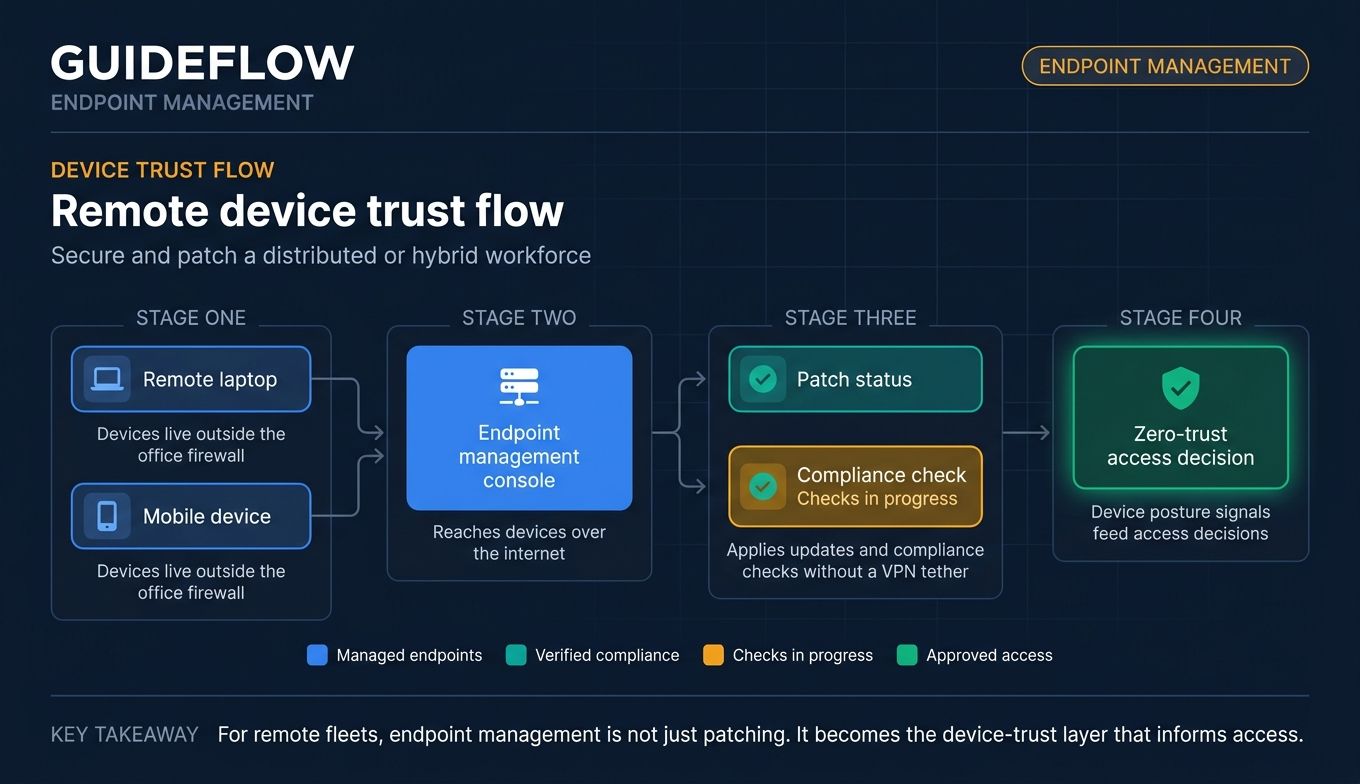
When devices live outside the office, you lose the assumptions the firewall used to give you. A laptop in a home office or a coffee shop still needs patches, encryption, and policy enforcement. Endpoint management software reaches those devices over the internet, applies updates and compliance checks without a VPN tether, and feeds device posture signals into zero-trust access decisions.
Consolidate tool sprawl into one console
Many IT teams accumulate point tools: one for patching, one for remote access, one for inventory, one for mobile. Each is a login, a contract, and a blind spot. A unified endpoint management platform folds those jobs into a single pane, which cuts licensing cost and removes the gaps that open up between disconnected systems.
Automate repetitive IT operations
Patching the same applications every month, deploying the same software to new hires, remediating the same misconfigurations: these are tasks a human should not be doing by hand. Automated endpoint management turns them into scheduled jobs and scripted policies that run across the whole fleet, freeing the team for work that actually needs judgment.
Comparison table
Here is the side-by-side view. The table is sorted by overall relevance to general endpoint management buyers, with NinjaOne first for its breadth and reviews. Pricing and G2 ratings were verified against each vendor's live pages at generation time.
| # | Product | Intent | Key use case | Pricing | G2 rating |
|---|---|---|---|---|---|
| 1 | NinjaOne | UEM and RMM | One console for lean IT and MSPs | From $1.50/device/mo | 4.7/5 |
| 2 | Microsoft Intune | Cloud-native UEM | Microsoft 365 enterprises | From $8.00/user/mo | 4.5/5 |
| 3 | ManageEngine Endpoint Central | All-in-one UEM | Mid-market value buyers | From $795/year | 4.5/5 |
| 4 | Ivanti Neurons for UEM | Enterprise UEM | Self-healing at scale | Contact sales | 4.2/5 |
| 5 | Jamf | Apple device management | Mac and iOS-first orgs | From $4/device/mo | 4.7/5 |
| 6 | Workspace ONE UEM | Enterprise UEM | Large mixed-OS fleets | From $3.00/device/mo | 4.0/5 |
| 7 | ConnectWise RMM | MSP RMM | Multi-client management | Custom quote | 4.2/5 |
| 8 | Action1 | Cloud patch management | Free-tier patching | Free up to 200 endpoints | 4.9/5 |
| 9 | Hexnode UEM | Mobile-strong UEM | Mixed mobile and BYOD | From $2.20/device/mo | 4.5/5 |
| 10 | Tanium | Real-time UEM at scale | Large enterprise IT and security | Contact sales | 4.4/5 |
1. NinjaOne
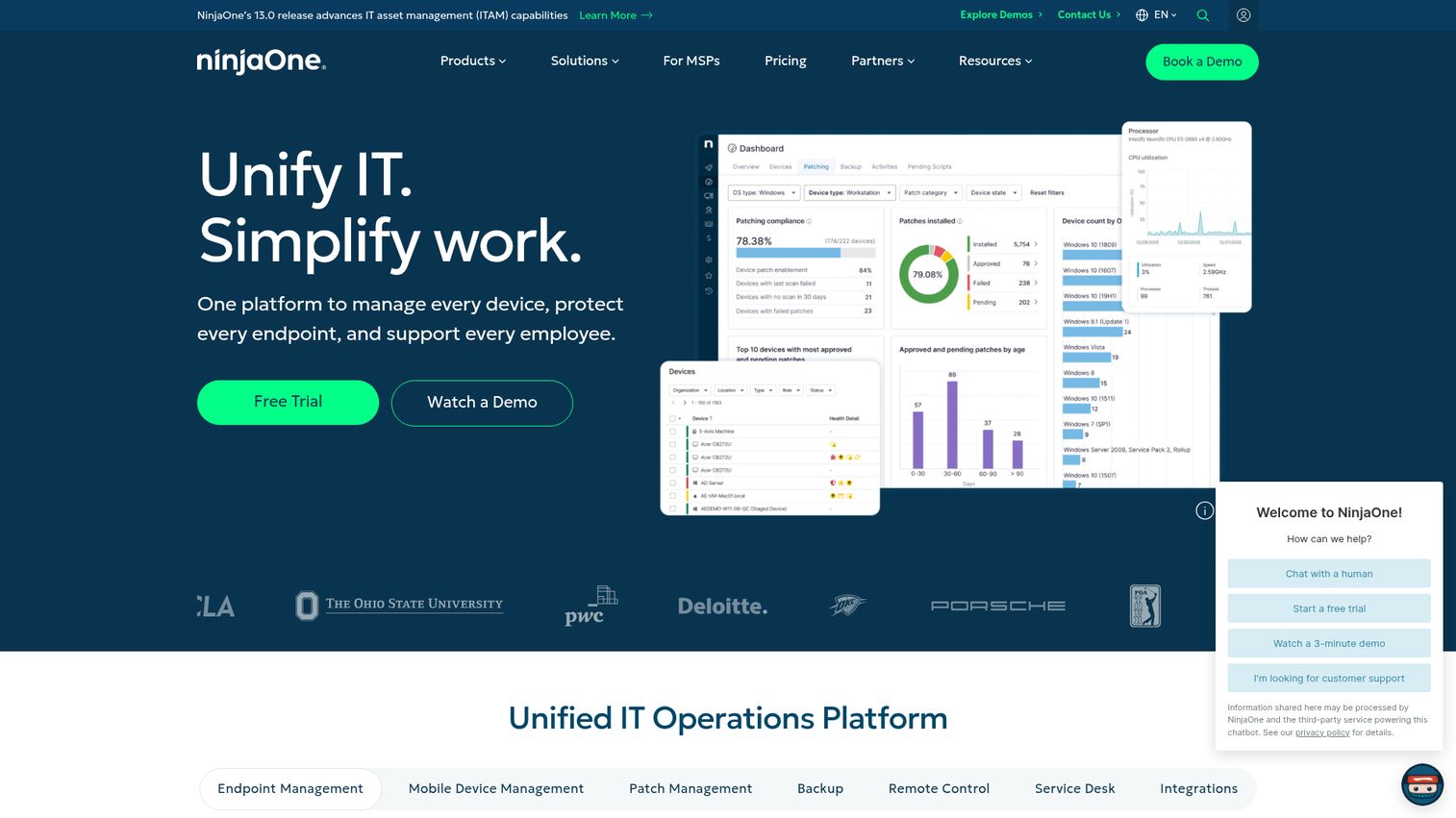
NinjaOne is a unified IT operations platform that combines endpoint management, patching, backup, and remote access in one console. It manages end-user devices, servers, virtual machines, and networking gear, which makes it a strong fit for teams that want to retire several point tools at once. Its blend of breadth and ease of use is why it lands first on this list.
Best for: Lean IT teams and MSPs that want unified endpoint management, patching, automation, and remote support from a single console.
Key strengths
- Broad endpoint visibility: Control across end-user devices, servers, VMs, and networking devices from one view.
- Deep automation: Patching, configuration management, deployments, and compliance enforcement run without manual touch.
- Real-time operations: Monitoring, alerting, remote access, and diagnostics for fast troubleshooting anywhere.
Why choose NinjaOne: If your team is small and your device count is not, NinjaOne is built for that gap. It pairs the monitoring and patching depth an MSP needs with an interface that does not require a dedicated platform specialist to run. The 4.7/5 G2 rating reflects how consistently users point to usability and support.
NinjaOne pricing: NinjaOne uses flexible per-device pricing. Published ranges start around $1.50 per device per month at 10,000 endpoints and run to roughly $3.75 per device per month for 50 or fewer endpoints, with pricing varying by endpoint count, region, and products purchased. There is no free tier, but NinjaOne offers a 14-day free trial.
2. Microsoft Intune
Microsoft Intune is a cloud-based endpoint management solution for securing and managing devices, apps, and access across platforms. It is the natural choice for organizations already standardized on Microsoft 365, because it ties directly into Entra identity and Conditional Access rather than bolting on alongside them.
Best for: Organizations standardized on Microsoft 365 that need cloud-based endpoint, app, and access management across Windows, macOS, iOS/iPadOS, Android, and Linux.
Key strengths
- Cross-platform management: Unified endpoint management across Windows, macOS, mobile, and Linux from the cloud.
- Mobile device and app management: Native MDM and mobile application management for corporate and BYOD devices.
- Identity-driven security: Device compliance, endpoint security, and Conditional Access integration with Entra.
Why choose Microsoft Intune: The case for Intune is integration, not just features. When device compliance signals feed directly into your identity and access policies, you get zero-trust enforcement without stitching tools together. For Microsoft-heavy shops, that single-vendor cohesion is hard to match, and the 4.5/5 G2 rating reflects steady satisfaction.
Microsoft Intune pricing: Intune Plan 1, the core cloud UEM plan, is $8.00 per user per month with an annual commitment. Intune Plan 2 adds advanced capabilities for $4.00 per user per month as an add-on, and the Intune Suite is $10.00 per user per month. Intune is also bundled into several Microsoft 365 E3 and E5 licenses. There is no ongoing free tier, but a free trial is available.
3. ManageEngine Endpoint Central

ManageEngine Endpoint Central is a unified endpoint management and security platform for managing laptops, mobiles, desktops, and servers from a central console. It packs a wide feature span (patching, software deployment, asset management, remote troubleshooting) into editions that price well for mid-market budgets.
Best for: IT teams that need centralized endpoint patching, software deployment, asset management, and remote troubleshooting across distributed devices.
Key strengths
- Patch and update management: Automated OS and third-party patching across the fleet.
- Software deployment: Application distribution and self-service software portals at scale.
- Remote troubleshooting: Built-in remote access for diagnosing and fixing devices remotely.
Why choose ManageEngine Endpoint Central: This is the breadth-for-the-money pick. You get a genuinely all-in-one feature set, multi-OS coverage, and the choice of on-premises or cloud deployment, which matters for teams with data-residency or air-gap requirements. The 4.5/5 G2 rating tracks with its reputation for value.
ManageEngine Endpoint Central pricing: On-premises annual pricing starts at $795/year for the Professional edition (50 endpoints, one technician), $945/year for Enterprise, $1,095/year for the UEM edition, and $1,695/year for the Security edition. A free version covers up to 25 endpoints, and cloud monthly and annual options are available alongside the perpetual licenses.
4. Ivanti Neurons for UEM
Ivanti Neurons for UEM is a cloud-based unified endpoint management platform built to see, manage, secure, and self-heal endpoints across the enterprise. Its standout angle is automation: AI-driven diagnosis and remediation that fixes issues before users file a ticket.
Best for: Enterprise IT teams that need centralized cloud-based management, visibility, security, and remediation across diverse endpoint fleets.
Key strengths
- Real-time discovery: Continuous endpoint discovery and inventory so nothing on the network goes unseen.
- Full lifecycle management: Device management across iOS, Android, macOS, Windows, ChromeOS, Linux, and IoT.
- Self-healing automation: AI-powered proactive diagnosis, remediation, and self-healing of endpoint issues.
Why choose Ivanti Neurons for UEM: For large enterprises, the value is in what the platform handles without human intervention. Autonomous remediation and risk-based patching mean fewer tickets and faster response to vulnerabilities across a sprawling fleet. The 4.2/5 G2 rating reflects a capable enterprise tool that rewards teams ready to invest in its automation depth.
Ivanti Neurons for UEM pricing: Ivanti does not publish public pricing for Neurons for UEM. The product is sold through a sales conversation, so you will need to contact Ivanti for a quote scoped to your endpoint count and edition.
5. Jamf
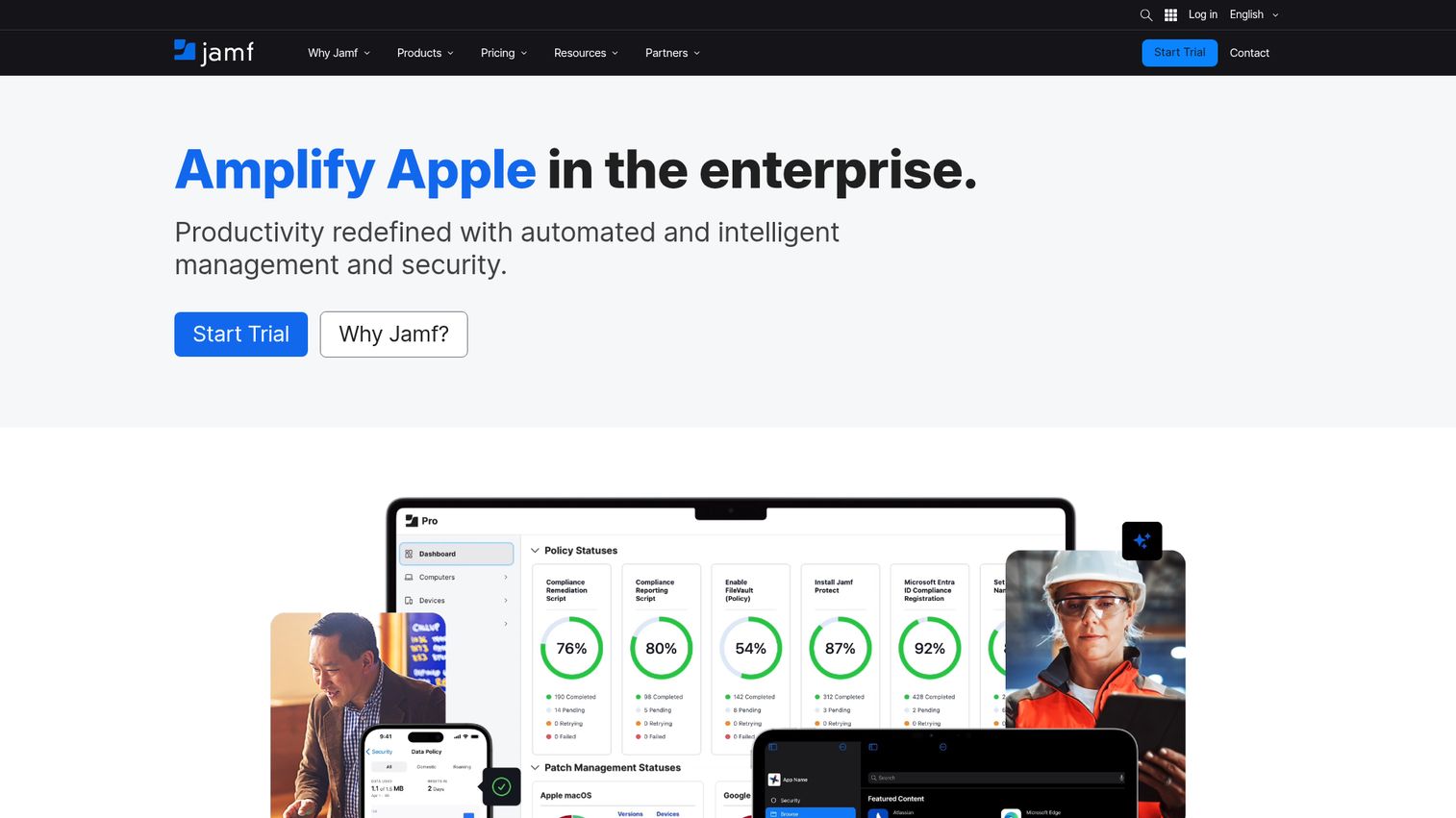
Jamf helps organizations manage and secure Apple-first environments across Mac, iPhone, iPad, Apple Watch, and Apple TV, with support for Android in mobile fleets. If your organization runs on Apple, nothing matches Jamf for fidelity to the platform.
Best for: Organizations that need to manage, secure, and automate Apple device fleets at scale.
Key strengths
- Apple device management: Deep workflow automation and same-day support for new Apple OS releases.
- Endpoint protection: Built-in vulnerability management, content filtering, and threat defense.
- Identity and access: Identity and access management with Zero Trust Network Access.
Why choose Jamf: Generic UEM tools treat Apple devices as one platform among many. Jamf treats them as the only platform that matters, which shows up in zero-touch deployment, granular Mac and iOS controls, and tiers built for both education and enterprise. For Apple-first shops, that depth is the whole point, and the 4.7/5 G2 rating backs it.
Jamf pricing: Jamf Now starts at $4 per device per month for organizations under 25 employees. Jamf for Mobile is $5.75 per mobile device per month, billed annually with a 25-device minimum, and Jamf for Mac is $12.50 per macOS device per month, billed annually with a 25-device minimum. There is a 14-day free trial.
6. Workspace ONE UEM
Workspace ONE UEM from Omnissa is a cloud-native unified endpoint management platform for managing, provisioning, and securing mobile, desktop, server, rugged, and specialty endpoints from one console. Its reach across device types makes it a fit for large, mixed-OS, mobile-heavy enterprises.
Best for: Enterprises needing unified management and security for diverse fleets of mobile, desktop, server, rugged, and specialty endpoints.
Key strengths
- Broad platform support: UEM across Windows, Windows Server, macOS, iOS, Android, Linux, and ChromeOS.
- Security and access controls: Conditional access, compliance policies, device posture checks, per-app VPN, and automated patching.
- Enterprise governance: Reporting, orchestration, role-based access, and multi-tenancy for global deployments.
Why choose Workspace ONE UEM: When your fleet spans phones, laptops, rugged scanners, and specialty hardware across regions, you need a platform that scales without fragmenting. Workspace ONE's multi-tenancy and digital workspace integration are built for exactly that complexity. The 4.0/5 G2 rating reflects a powerful enterprise platform that pays off at scale.
Workspace ONE UEM pricing: Omnissa lists five editions priced monthly based on 12 months prepaid. Mobile Essentials starts at $3.00 per device ($5.40 per user) per month, Desktop Essentials at $4.00 per device, UEM Essentials at $5.25 per device, Enterprise Edition at $10.00 per device, and Platinum Edition at $15.63 per device. There is no free tier listed.
7. ConnectWise RMM
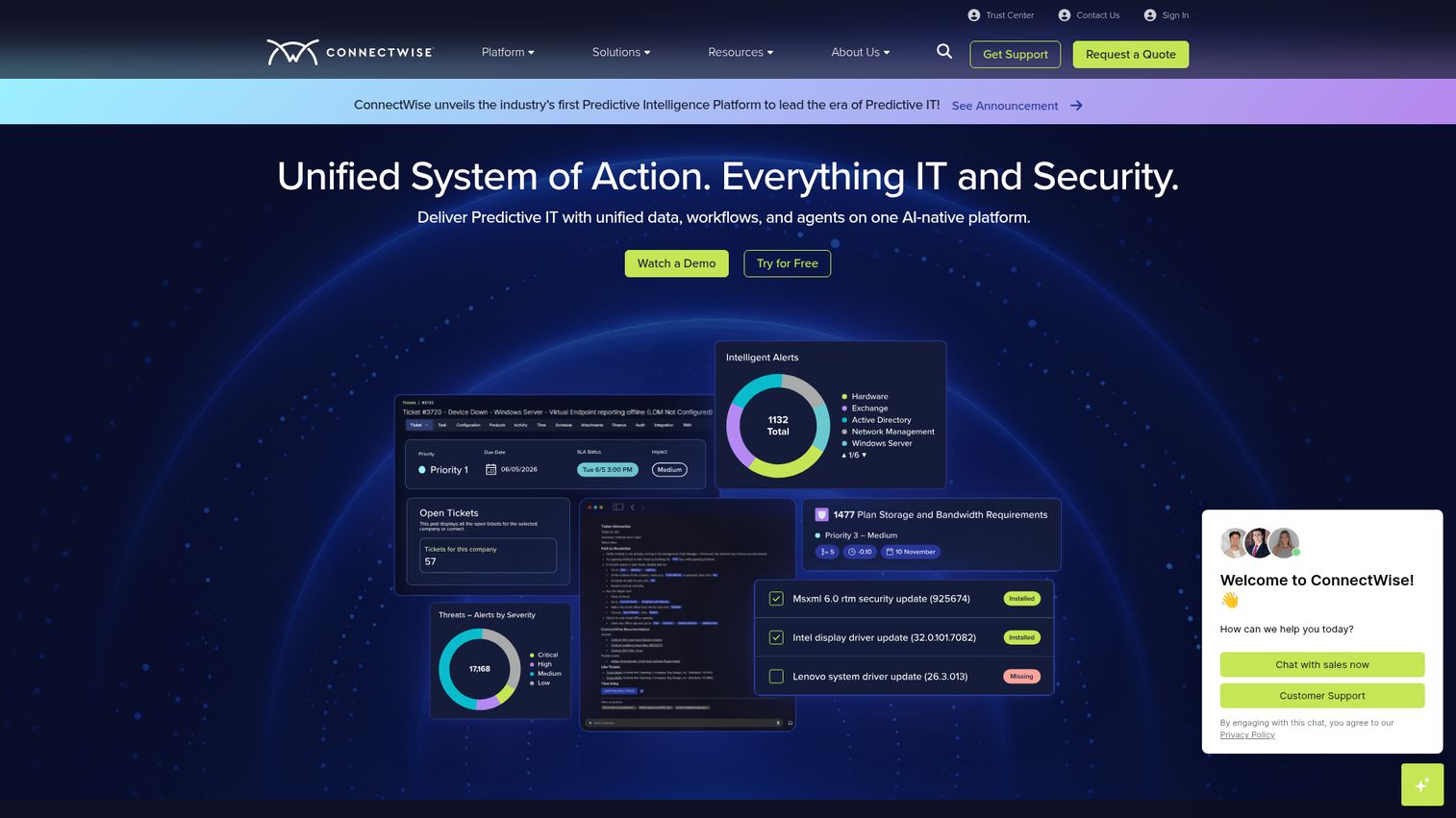
ConnectWise RMM is remote monitoring and management software for centralizing IT operations, endpoint monitoring, patching, automation, and remote troubleshooting. It is purpose-built for MSPs juggling many client environments from a single multi-tenant console.
Best for: MSPs and IT teams that need scalable endpoint monitoring, patch management, automation, and remote access in one RMM platform.
Key strengths
- Automated patching: OS and third-party patching scheduled across client fleets.
- Intelligent monitoring: Smart alerts and real-time monitoring for Windows, Mac, Linux, and virtual machines.
- Remote troubleshooting: Remote access through ScreenConnect for fast, hands-on fixes.
Why choose ConnectWise RMM: The MSP model lives or dies on managing scale efficiently, and ConnectWise RMM is shaped around that. Multi-tenancy, automation, and tight integration with the broader Asio platform let a small technician team support a large book of clients. The 4.2/5 G2 rating reflects a mature, MSP-native tool.
ConnectWise RMM pricing: ConnectWise lists Essentials, Pro, and Premium RMM packages, but pricing requires a customized quote rather than public rates. You will need to request pricing scoped to your endpoint count and client mix. Trial access is available on request.
8. Action1
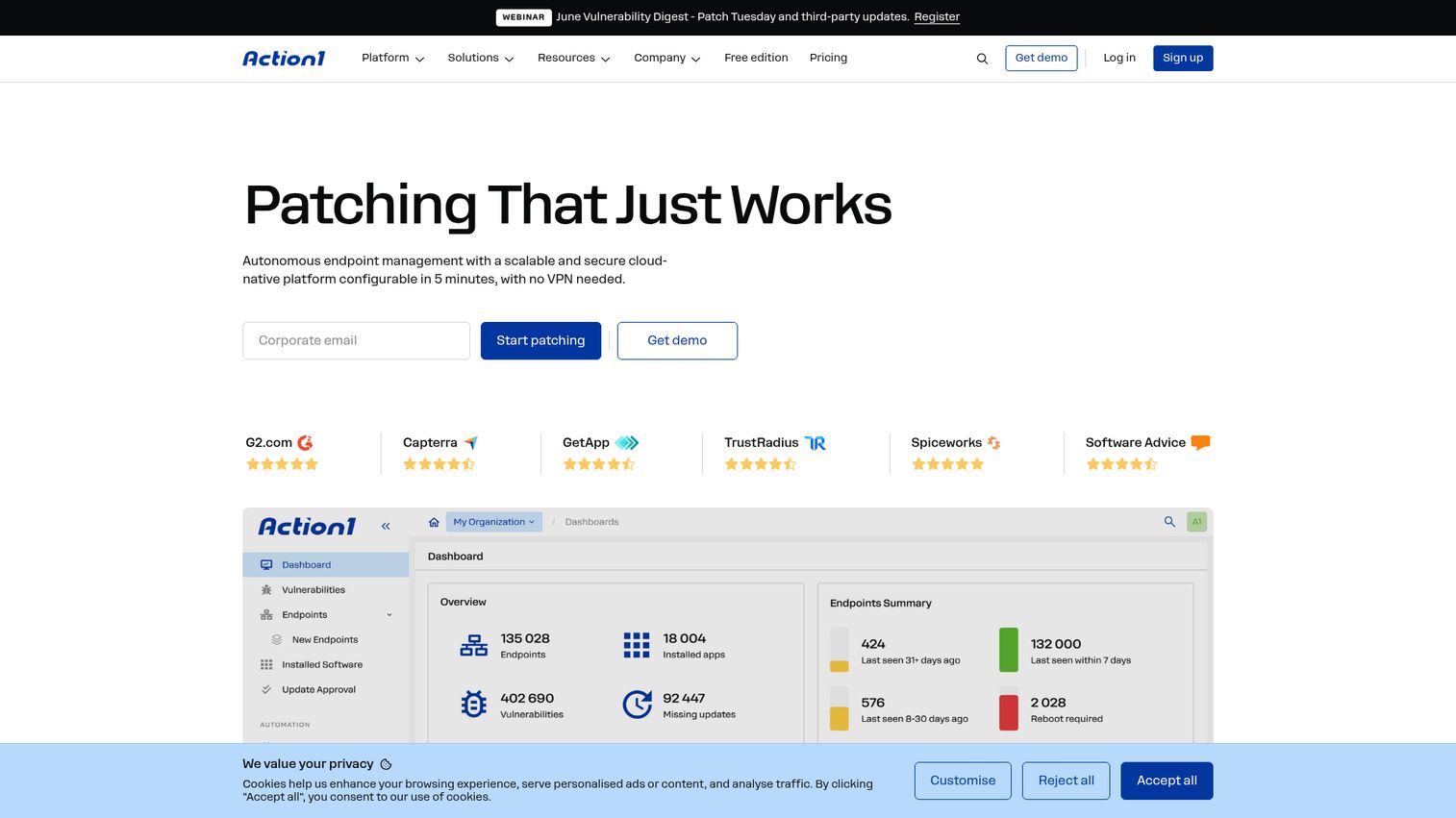
Action1 is a cloud-native autonomous endpoint management platform focused on unified OS and third-party patching, real-time vulnerability assessment, and patch compliance without VPN requirements. It is the standout choice for teams that want serious patching with a genuinely generous free tier.
Best for: IT teams and MSPs needing cloud-native automated patch management and vulnerability remediation across distributed endpoints.
Key strengths
- Cross-OS patching: Unified patching for Windows, macOS, and Linux endpoints, including third-party apps.
- Real-time visibility: Live view of vulnerabilities, missing patches, and compliance status across the fleet.
- Bandwidth-smart rollouts: Peer-to-peer patch distribution and staged update rings for controlled deployment.
Why choose Action1: Patching is where most breaches start, and Action1 makes it the centerpiece rather than an afterthought. The free-forever tier for the first 200 endpoints lets small teams deploy real patch automation at zero cost, then scale on a clean per-endpoint model. The 4.9/5 G2 rating is among the highest in the category.
Action1 pricing: Action1 is free forever for the first 200 endpoints with no functional limits. The Growth plan covers 200 to 1,000 endpoints starting at $4 per month per endpoint after the first 200 free, billed annually with a support fee. Enterprise is custom pricing for more than 1,000 endpoints.
9. Hexnode UEM
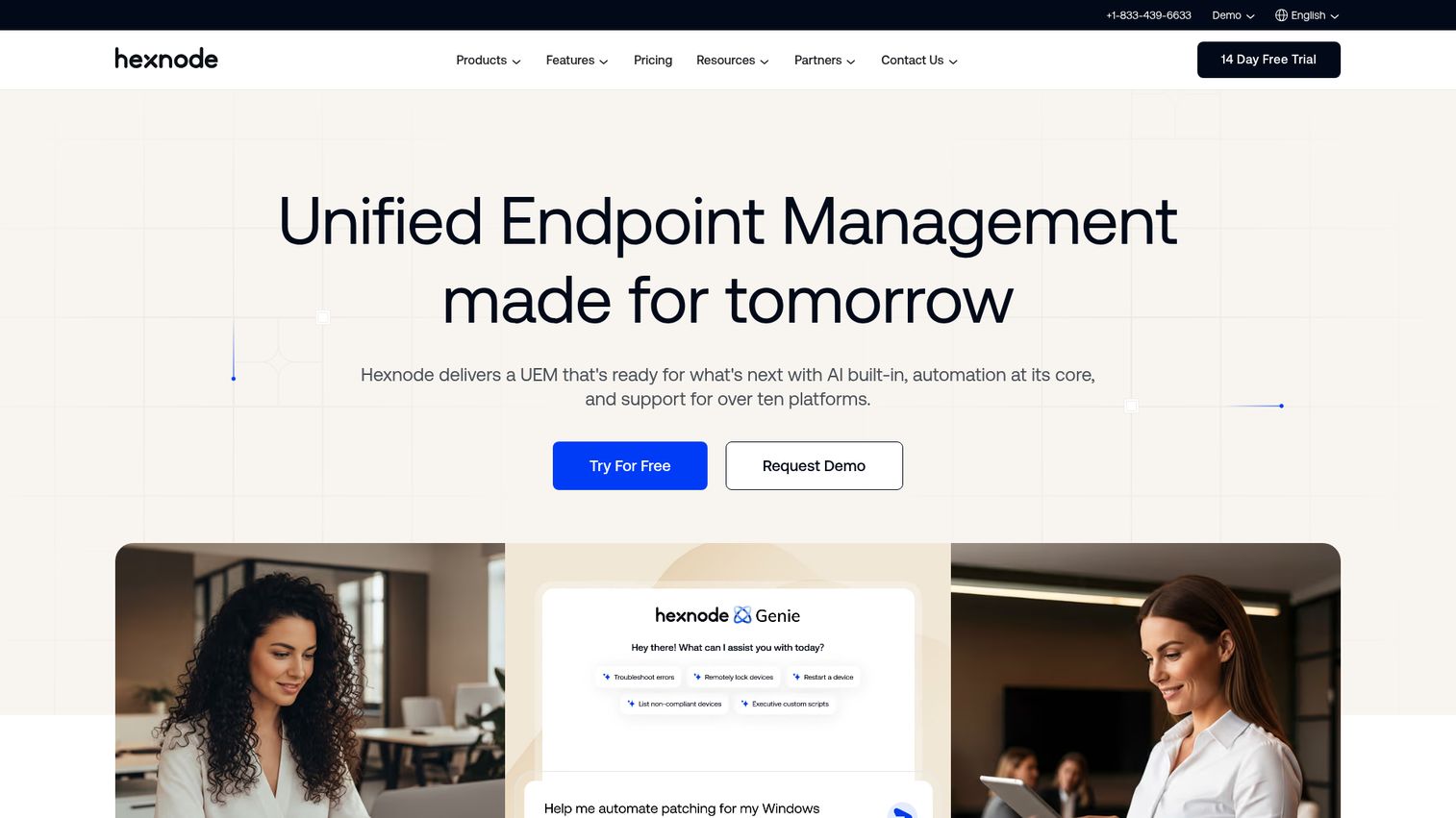
Hexnode UEM is a unified endpoint management platform for managing and securing devices across Windows, macOS, Android, iOS, tvOS, Fire OS, ChromeOS, Linux, and visionOS. Its strength in mobile and BYOD, paired with affordable tiers, makes it a fit for SMB-to-mid-market teams with mixed fleets.
Best for: Organizations that need centralized, cross-platform device management and security for mixed endpoint fleets.
Key strengths
- Cross-platform coverage: One console for an unusually wide range of operating systems, including kiosk and specialty devices.
- Kiosk and app management: Lockdown kiosk mode, app distribution, and web content filtering.
- Remote and patch control: Remote view and control plus patch and OS update management.
Why choose Hexnode UEM: If your fleet leans mobile or BYOD and your budget is tight, Hexnode delivers strong MDM and UEM coverage without enterprise pricing. Its kiosk and directory integration features suit frontline, retail, and field deployments well. The 4.5/5 G2 rating reflects a well-liked, accessible platform.
Hexnode UEM pricing: Per-device pricing starts at $2.20 per device per month for the Pro plan (MDM essentials), $3.20 for Enterprise, and $4.70 for Ultimate (UEM essentials). The Ultra tier is request-pricing. Plans start at 15 devices, offer monthly or annual billing (with 10% savings annually), and include a 14-day free trial.
10. Tanium
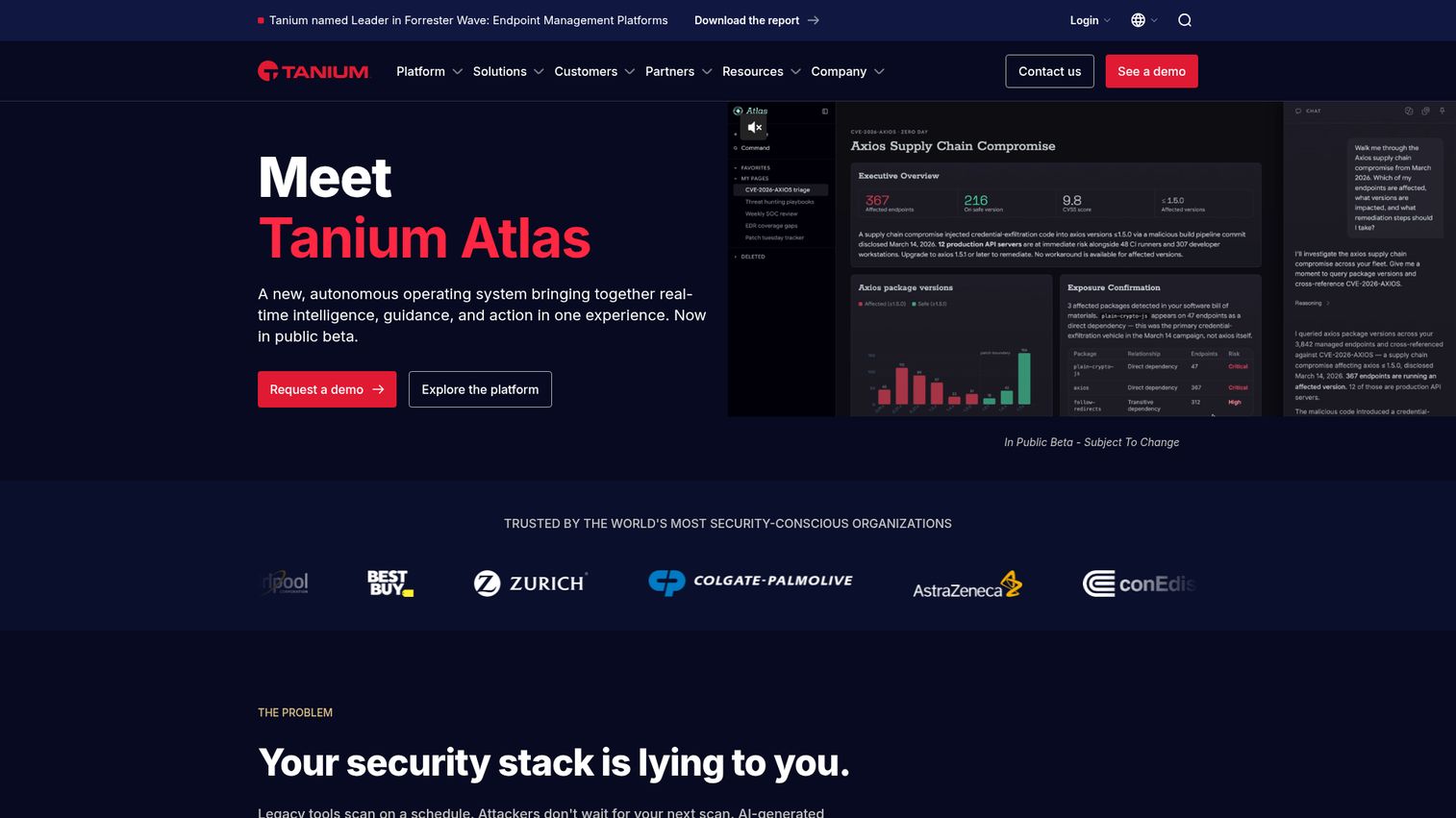
Tanium is an Autonomous IT platform for real-time endpoint intelligence, endpoint management, exposure management, and security operations. It is built for the largest fleets, where real-time visibility across hundreds of thousands of endpoints is the core requirement.
Best for: Large organizations that need unified real-time endpoint visibility, patching, vulnerability prioritization, and security operations at scale.
Key strengths
- Real-time endpoint intelligence: Query and act on the live state of every endpoint in seconds, even at massive scale.
- Exposure management: AI-assisted risk monitoring, prioritization, and remediation across the fleet.
- Security operations: Automated, continuous detection and remediation that bridges IT and security teams.
Why choose Tanium: Tanium's differentiator is speed at scale. When you need to ask a question of your entire estate and get an answer in real time, its architecture is built for that, which is why large enterprises with converged IT and security operations choose it. The 4.4/5 G2 rating reflects a platform respected for performance under heavy load.
Tanium pricing: Tanium does not publish public pricing. Plans are scoped and quoted through a sales conversation based on endpoint count and the modules you need, so contact Tanium directly for figures.
Considerations: how to choose endpoint management software
A shortlist is a start, not a decision. Run every candidate through this checklist before you commit.
Platform and OS coverage
Map the tool's coverage against your actual device mix: Windows, macOS, Linux, iOS, Android, and any BYOD or specialty hardware. A platform that handles 90% of your fleet still leaves you running a second tool for the rest, which defeats the consolidation goal. Apple-first shops should weigh Jamf's depth; mixed fleets favor broad UEM.
Automation and patch depth
Look past "we do patching" to how patching actually works. Check third-party application patching, patch cadence and staging controls, and the ability to write remediation scripts. Endpoint monitoring software that alerts but cannot auto-remediate just moves work back to your team.
Security and compliance
Confirm the platform supports your security model: zero-trust device signals, policy enforcement, and EDR integration. If you operate under HIPAA, PCI-DSS, SOC 2, or NIST, verify the reporting and controls map to those frameworks before you buy, not after an audit flags a gap. Vendors that take this seriously, like Guideflow with its security and compliance practices, make it easier to confirm alignment before signing.
Integrations and scalability
Check how the tool connects to your identity provider (Okta, Entra), ITSM, and security stack. For MSPs, multi-tenancy is non-negotiable; for growing enterprises, confirm the platform scales without a re-architecture. The right endpoint management tool fits your stack rather than forcing you to rebuild around it. When evaluating vendors, also weigh how easily a product integrates with the rest of your tooling.
Deployment model and total cost
Decide between cloud, on-premises, or hybrid early, since it filters your options fast. Then look past the headline price to per-endpoint costs at your scale and which features are gated behind higher tiers. Most importantly, do not buy on a slide deck. Run a hands-on trial or proof of concept, and book structured vendor walkthroughs so you see the real console. Many vendors now run interactive demos that let you explore the product at your own pace before a call, which is a useful way to pressure-test fit early. Some of these run as a live demo during a sales call, while others let you self-serve through a guided walkthrough on your own time.
Conclusion
The right endpoint management software depends less on which tool is "best" and more on which buyer you are. For lean IT teams and MSPs that want one console covering endpoints, patching, automation, and remote support, NinjaOne is the strongest all-around pick. Microsoft-centric enterprises get the deepest integration from Intune. Apple-first organizations should start with Jamf. MSPs managing many client environments will find ConnectWise RMM built for that motion, and teams that want serious patching at no upfront cost should try Action1's free tier first.
The move from here is straightforward. Shortlist two or three tools that match your platform mix and budget, then run real trials or proofs of concept rather than deciding on feature lists. Validate platform coverage against your actual fleet, confirm pricing at your endpoint count, and test the automation and remote-access workflows your team will use daily. The tool that wins your trial is the one worth signing. If you build software in this space yourself, packaging your product into a demo showcase can help technical buyers evaluate it faster.
FAQs
Endpoint management software is a platform that lets IT teams centrally secure, monitor, patch, and control all the devices connected to a network from one console. It covers laptops, desktops, servers, mobile devices, and more, replacing manual, device-by-device work with automation and centralized policy enforcement.
Endpoint management is the broad practice of controlling and securing devices, while unified endpoint management (UEM) brings every device type, both desktop and mobile, into a single platform with one policy engine. UEM is the modern, consolidated form of endpoint management that removes the need for separate desktop and mobile tools.
Endpoint management focuses on controlling, patching, and configuring devices, keeping them updated, compliant, and properly set up. Endpoint security, specifically EDR (endpoint detection and response), focuses on detecting and responding to threats on those devices. Most teams use both: a management platform to maintain devices and an EDR to defend them, often integrated together.
Action1 offers one of the most generous free tiers in the category, free forever for the first 200 endpoints with no functional limits on patching and management. Several other vendors, including ManageEngine Endpoint Central (free for up to 25 endpoints), offer free versions or free trials, so you can test before committing.
An endpoint manager is either the IT professional responsible for administering an organization's devices, or the software platform used to do it. As a tool, an endpoint manager centralizes the visibility, patching, configuration, and security of every device on a network from one console.
Most endpoint management software in 2026 is priced per endpoint or per user, often billed annually. Entry pricing ranges widely: NinjaOne starts around $1.50 per device per month at scale, Hexnode from $2.20 per device, Workspace ONE from $3.00 per device, and Microsoft Intune from $8.00 per user. Free tiers (like Action1's first 200 endpoints) and enterprise tools with custom-quoted pricing (like Ivanti and Tanium) sit at the two ends of the range.
ConnectWise RMM is purpose-built for MSPs, with multi-tenancy, automation, and remote access for managing many client environments from one console. NinjaOne is also a strong MSP choice, combining UEM and RMM with strong G2 ratings and per-device pricing that scales with your client base.
Yes. Once devices move beyond the office firewall, you lose visibility and control unless you can reach them over the internet. Endpoint management software patches, secures, and enforces policy on remote and hybrid devices, and feeds device posture signals into zero-trust access decisions so only healthy, compliant devices reach your systems.