Your store manager just texted three people to cover a shift that opens in four hours. Two say yes, one says no, and the schedule spreadsheet still shows the person who quit last week. By the time payroll runs, you have missed a break-compliance rule in one state and overpaid on overtime in another.
That is what running deskless teams on spreadsheets and group chats actually looks like. Frontline roles make up 80% of the global workforce but receive under 5% of training and technology investment, according to SNS Insider (2024). The gap shows up as scheduling chaos, unreliable time tracking, weak communication, and quiet labor compliance risk. The market is now moving fast to close it: the U.S. frontline worker technology market reached USD 4.12B in 2025 and is forecast to hit USD 11.42B by 2031 at a 19.28% CAGR, per Mordor Intelligence (2025). This guide breaks down the platforms worth your evaluation.
What's inside
This guide is a practical buyer's comparison of frontline workforce management software for operators managing hourly, field, retail, warehouse, and healthcare teams. We selected the seven tools based on four criteria that matter when you are trying to scale operations without adding manual oversight:
- Scheduling depth and coverage rules
- Time tracking, clock in/out, and location verification
- Mobile self-service and employee communication for frontline teams
- Labor compliance controls, integrations, and workforce analytics
TL;DR
- Best for all-in-one frontline operations: Connecteam, a single frontline worker app for scheduling, time tracking, tasks, and chat.
- Best for enterprise HR and planning: Workday, when workforce management sits inside broader HCM and finance.
- Best for hourly labor cost control: Workforce.com, with GPS time tracking and labor forecasting built for hourly teams.
- Best for Microsoft-native orgs: Microsoft 365 for frontline workers, for communication and security inside an existing stack.
- Best for shift scheduling discipline: Deputy, for shift-based teams that live and die by coverage.
- Best for mobile field teams: Skedulo, for dispatch and routing across distributed workers.
- Best for lean, operations-first teams: Staffrite, a newer option with per-employee pricing and AI-assisted balancing.
What is frontline worker software?
Frontline worker software is a category of mobile workforce management tools that helps businesses schedule, track, communicate with, and manage hourly and deskless employees who do not sit at a desk. It replaces the spreadsheets, paper timesheets, and group texts most operators start with.
The core capabilities that define frontline workforce management software:
- Shift scheduling: build, publish, and swap schedules with coverage and labor rules baked in
- Time tracking and clock in/out: capture hours through web, mobile, or kiosk, often with GPS time tracking
- Mobile self-service: let employees see shifts, request time off, and swap from a phone
- Communication and feedback: send updates, run surveys, and keep frontline teams connected
- Analytics and labor controls: monitor labor cost, overtime, and compliance in near real time
The strongest platforms unify these functions so scheduling, attendance, payroll data, and workforce analytics live in one system instead of five disconnected ones.
When to use frontline worker software
Reduce scheduling chaos
Spreadsheets break the moment shift swaps, last-minute call-outs, and labor balancing pile up. When a manager spends more time rebuilding the schedule than running the floor, frontline scheduling software with self-service swaps and rule-based coverage pays for itself. One retail operator juggling 40 hourly staff across three locations cannot do this by hand without errors.
Improve time integrity
Buddy punching, rounded-up hours, and forgotten clock-outs quietly inflate labor cost. When you need to trust the numbers that feed payroll, frontline time tracking software with GPS verification, photo clock-in, or geofencing closes the gap. This matters most for field and multi-site teams where no one is watching the time clock.
Keep deskless teams connected
Email does not reach a warehouse floor or a delivery route. When shift updates, task assignments, safety notices, and recognition are the missing loop, employee communication for frontline teams becomes the deciding feature. A connected team reads the update before the shift, not after the mistake.
Comparison table
Look at four things before you shortlist: how deep the scheduling engine runs, whether time tracking feeds payroll cleanly, how strong the mobile experience is for frontline staff, and how the platform handles labor compliance. The table below sorts the seven tools by relevance to a general frontline operations buyer.
| # | Product | Best for | Key use case | Pricing | G2 rating |
|---|---|---|---|---|---|
| 1 | Microsoft 365 for frontline workers | Microsoft-native orgs | Communication, productivity, and security for frontline staff | From $3.00/user/mo, billed yearly | 4.6/5 |
| 2 | Workday | Enterprise HR and planning | Workforce management inside unified HCM and finance | Custom pricing | 4.2/5 |
| 3 | Workforce.com | Hourly labor cost control | Scheduling, GPS time tracking, and payroll for hourly teams | Request pricing | 4.5/5 |
| 4 | Connecteam | All-in-one frontline operations | Scheduling, time tracking, tasks, and chat in one app | From $29/mo | 4.6/5 |
| 5 | Deputy | Shift scheduling discipline | Smart scheduling and time tracking for shift teams | From $5/user/mo | 4.6/5 |
| 6 | Skedulo | Mobile field teams | Field scheduling, dispatch, and routing | Contact for pricing | 4.1/5 |
| 7 | Staffrite | Lean operations-first teams | Scheduling, time clock, and payroll for shift teams | From $4/employee/mo | Not yet rated |
Best frontline worker software for 2026
1. Microsoft 365 for frontline workers
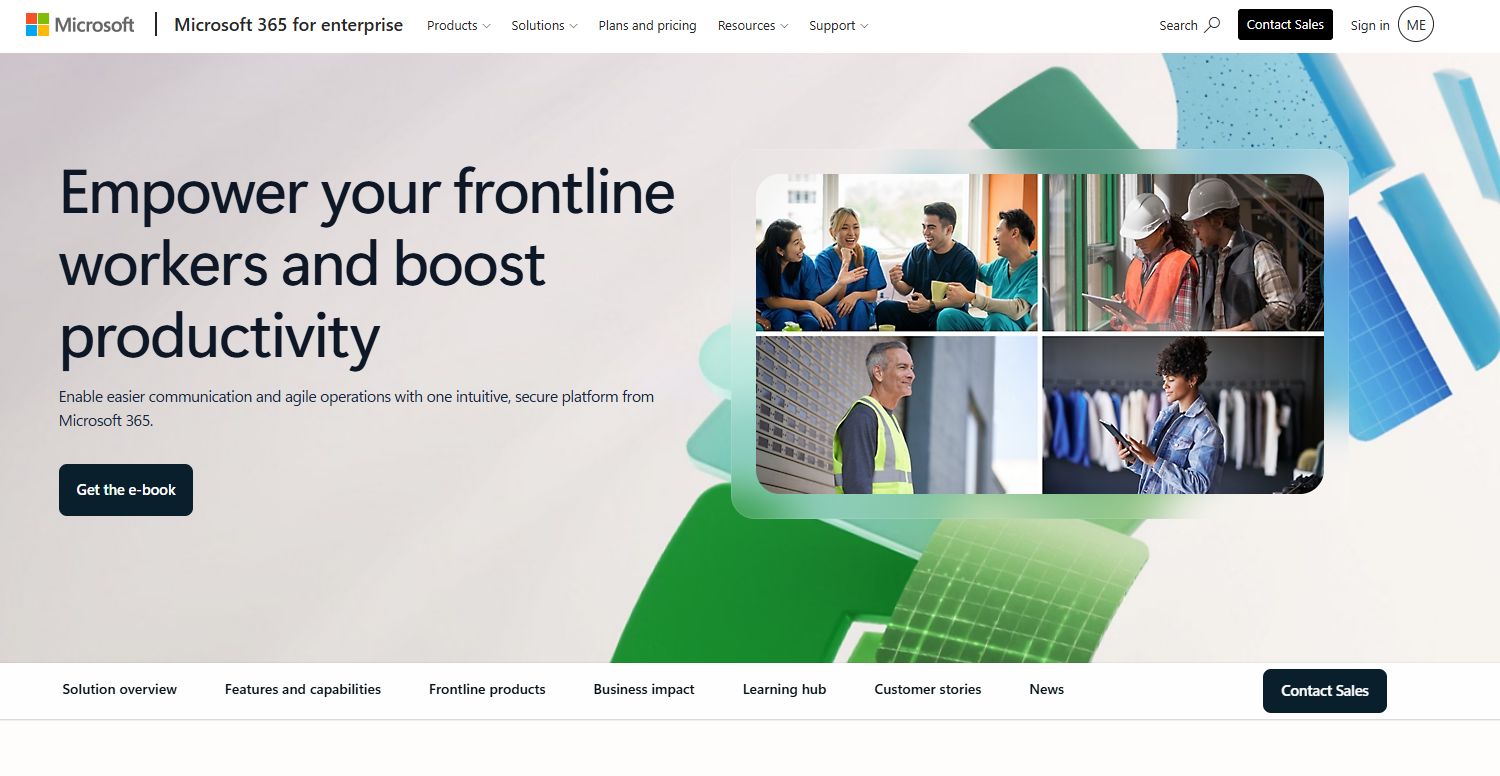
Microsoft 365 for frontline workers is a set of subscription plans built to give deskless staff secure access to communication, productivity, and workflow tools inside the Microsoft stack. It centers on Teams for chat, calls, and shift coordination, plus web and mobile Office apps and identity and security controls. For organizations already standardized on Microsoft, it extends the same environment to the frontline.
Best for: Larger organizations already running Microsoft who want to bring frontline staff into one secure, familiar environment.
Key strengths
- Web and mobile Word, Excel, and PowerPoint
- Microsoft Teams for chat, calls, meetings, and shift collaboration
- Custom apps and workflow automation with Power Apps and Power Automate
- Enterprise identity and security controls
- Deep fit with existing Microsoft 365 tenants
Why choose this tool: If your organization already pays for Microsoft 365, adding frontline plans avoids a separate vendor and keeps identity, security, and communication under one roof. The tradeoff is that dedicated scheduling and labor-cost depth often needs a specialist tool layered on top.
Pricing: Microsoft 365 F1 starts at $3.00/user/month, billed yearly. F3 runs $10.00/user/month, billed yearly. No-Teams variants price at $2.50 and $8.93/user/month respectively. There is no free tier.
2. Workday
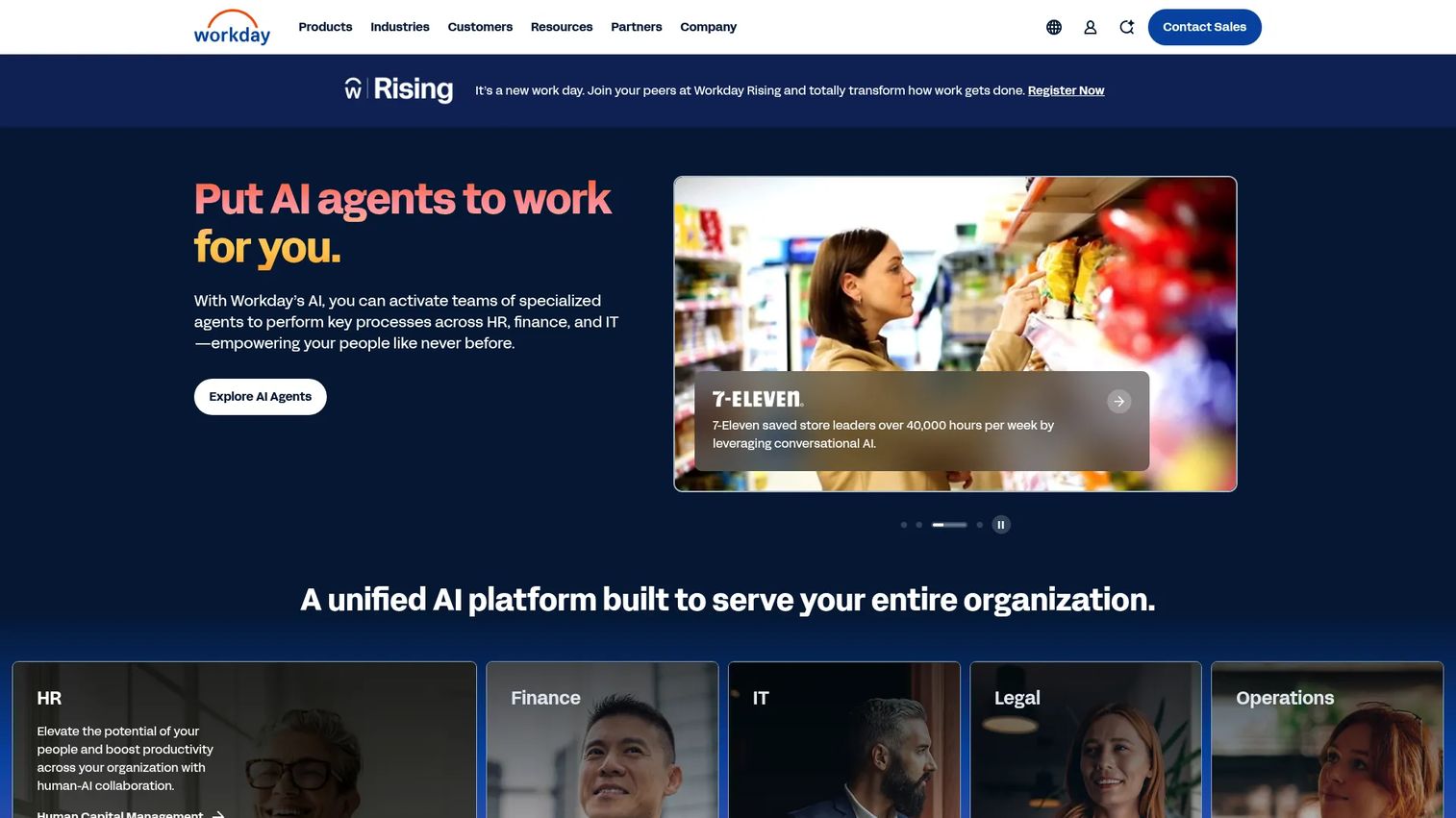
Workday is enterprise cloud software for HR, finance, and planning, with workforce management and time tracking sitting inside its broader human capital management suite. It suits large organizations that want frontline scheduling, time, pay, and compliance connected to core HR and worker sentiment data rather than run as a standalone app. This is a platform decision, not a point tool.
Best for: Enterprise teams that want frontline workforce management embedded in a unified HCM and finance system.
Key strengths
- Human capital management across the employee lifecycle
- Financial management and ERP in the same platform
- Workforce management and time tracking
- Planning and worker sentiment visibility
- Enterprise-grade compliance and reporting
Why choose this tool: Workday earns its place when frontline operations must roll up into enterprise headcount planning, pay, and analytics. Smaller operators rarely need this depth, but enterprises consolidating HR and finance get a single source of truth for the whole workforce.
Pricing: Workday uses subscription pricing based on employee count, users, and usage for certain services. Public list pricing is not published, so pricing is quote-based through sales.
3. Workforce.com
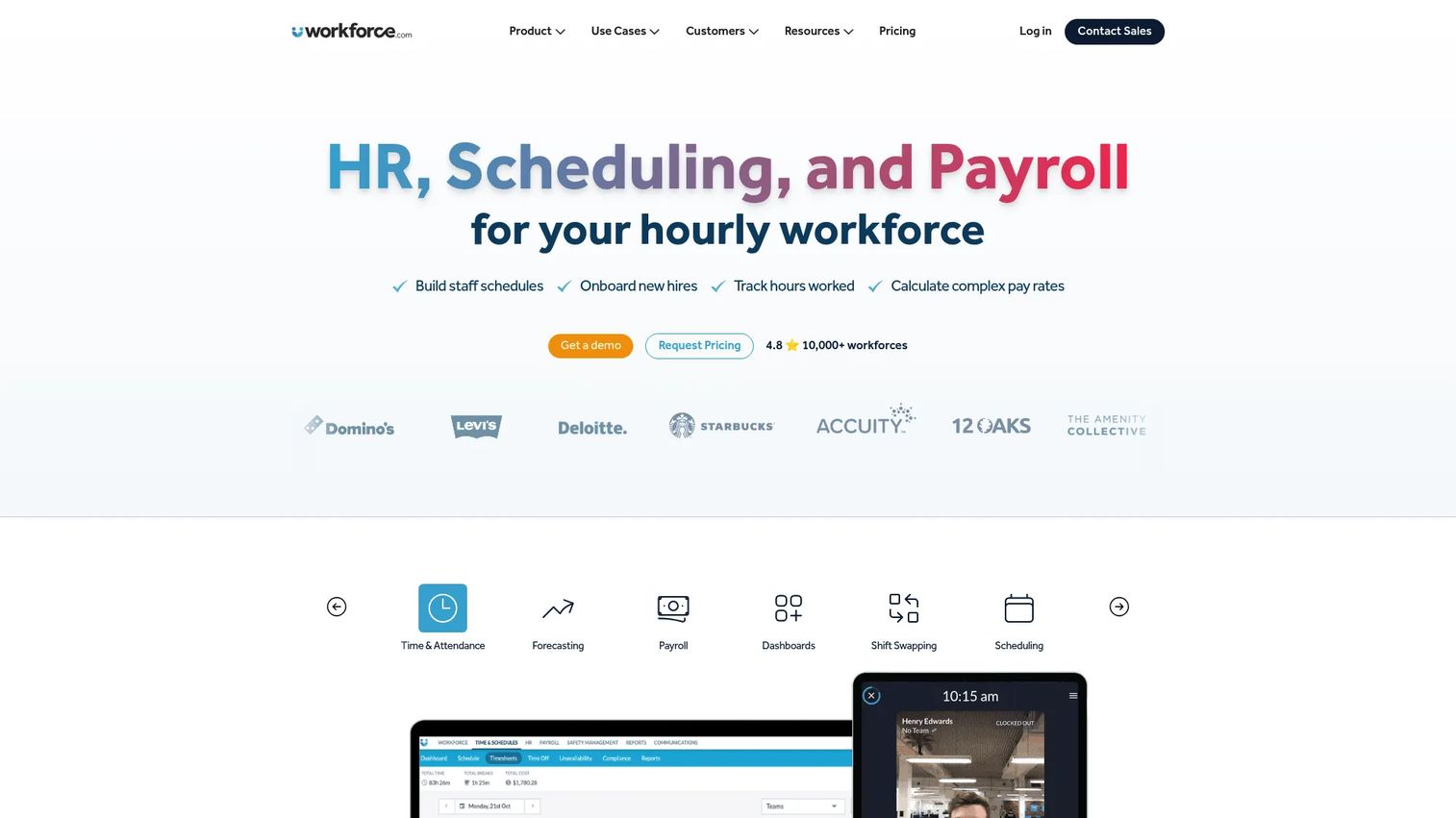
Workforce.com is an all-in-one workforce management platform built for hourly teams, combining scheduling, labor forecasting, time and attendance, HR, and payroll. Its focus on frontline time integrity and labor-cost control makes it a strong fit where every overtime hour and missed break carries real cost. The platform ties clock-in data directly to labor rules and payroll.
Best for: Hourly-workforce businesses that want scheduling, HR, and payroll in one system with tight labor-cost control.
Key strengths
- Scheduling and labor forecasting
- GPS time clock and time and attendance
- HRIS, onboarding, and applicant tracking
- Payroll and employee self-service
- Labor compliance and rule enforcement
Why choose this tool: Workforce.com is built for operators who manage labor cost as a line item they watch daily. If you are running restaurants, retail, or multi-site hourly teams and need scheduling to enforce break and overtime rules automatically, this is the operations-first pick.
Pricing: Workforce.com uses customized pricing based on modules, staff count, and implementation needs. The site shows "Request Pricing" across its All-in-One, Scheduling, Payroll, and HR plans rather than public numeric prices.
4. Connecteam
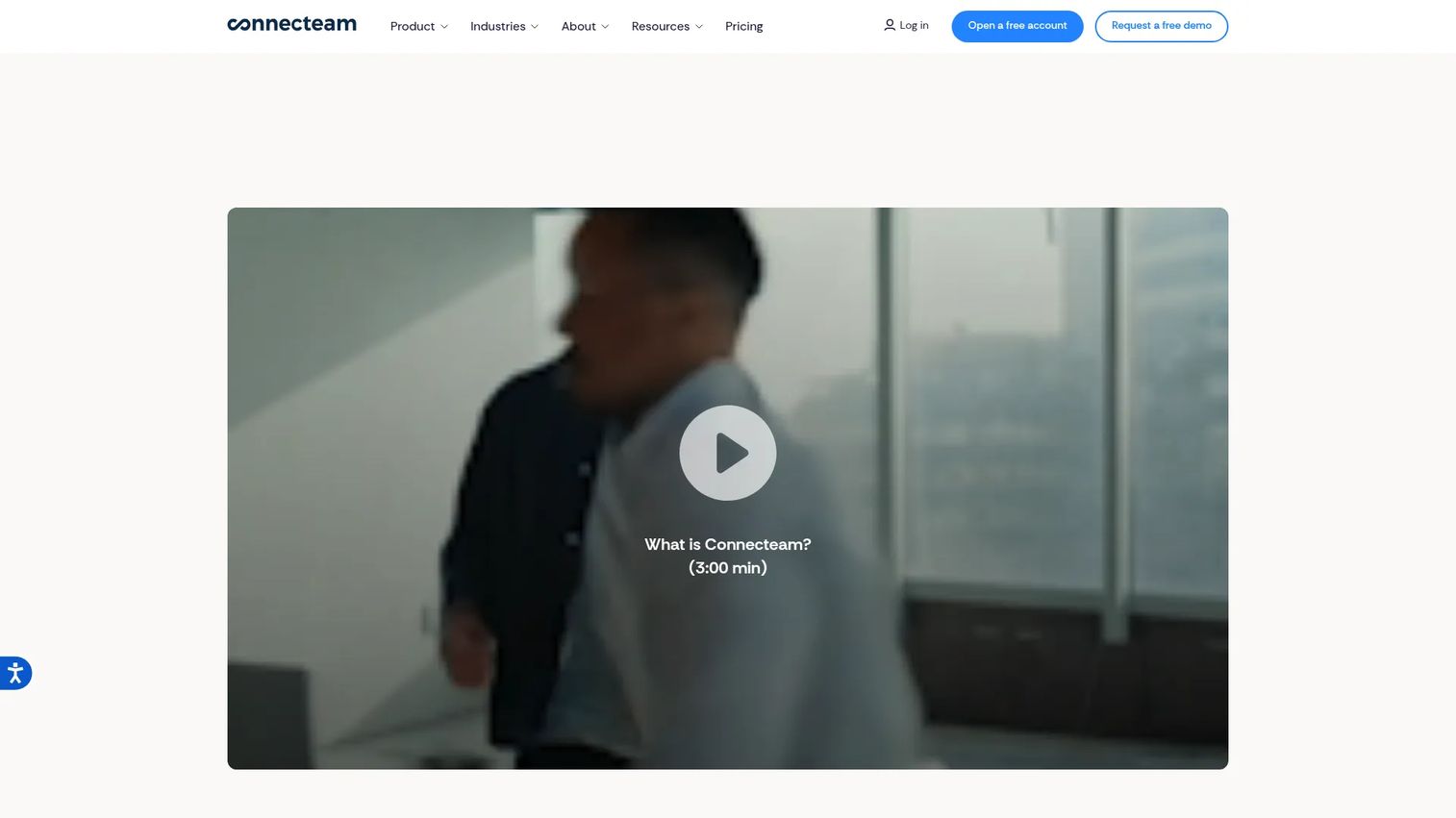
Connecteam is workforce management software that packs scheduling, time tracking, communication, and HR into a single mobile app for deskless and frontline teams. It positions itself as broad frontline coverage without a heavy implementation, so smaller operators can get scheduling, chat, and timesheets running without a long rollout. It is the closest thing on this list to an all-in-one frontline worker app.
Best for: Businesses that want one mobile app covering scheduling, time tracking, tasks, and communication for frontline teams.
Key strengths
- Scheduling and shift management
- Time tracking and timesheets
- Chat, updates, surveys, and knowledge base
- Task management and checklists
- Employee self-service and engagement tools
Why choose this tool: Connecteam works best for teams that want breadth in one place instead of stitching together separate scheduling, time, and communication tools. The all-in-one design keeps admin load low, which matters when the person configuring it also runs the floor.
Pricing: Connecteam offers a cost-free Limited plan for up to 30 users. Paid plans start at $29/month for the Basic tier, $49/month for Advanced, and $99/month for Expert, with custom Enterprise pricing. A 14-day free trial is available.
5. Deputy
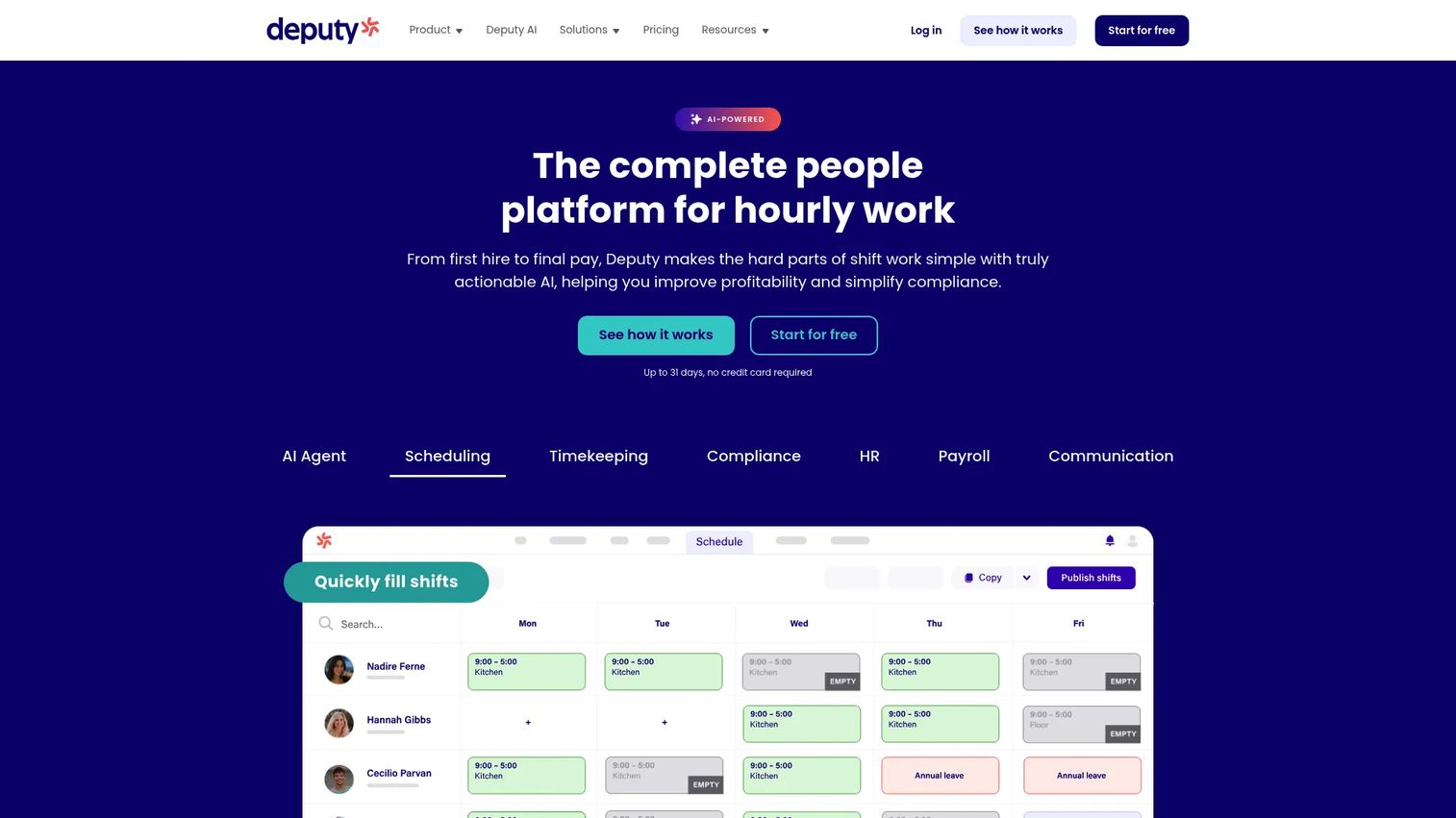
Deputy is workforce management software for shift-based teams, covering scheduling, time and attendance, leave management, compliance, and payroll connections. Its scheduling engine is the draw for teams where coverage discipline is the whole game, letting managers build rosters, auto-fill open shifts, and manage swaps from mobile. Time tracking and compliance sit right alongside.
Best for: Shift-based businesses that need strong scheduling discipline plus time tracking and compliance in one platform.
Key strengths
- Employee scheduling and auto-scheduling
- Time and attendance tracking
- Leave management
- Compliance and break rules
- Payroll integrations
Why choose this tool: Deputy is the pick when scheduling accuracy is your first problem and everything else is secondary. Retail, hospitality, and healthcare teams that need to fill shifts fast and keep coverage rules clean get a focused, mature scheduling engine.
Pricing: Deputy's Lite plan starts at $5 per user per month, Core at $6.50 per user per month, and Pro at $9 per user per month, each billed upfront or in monthly installments. A free Starter tier and a free trial are available, and payroll add-ons are offered.
6. Skedulo
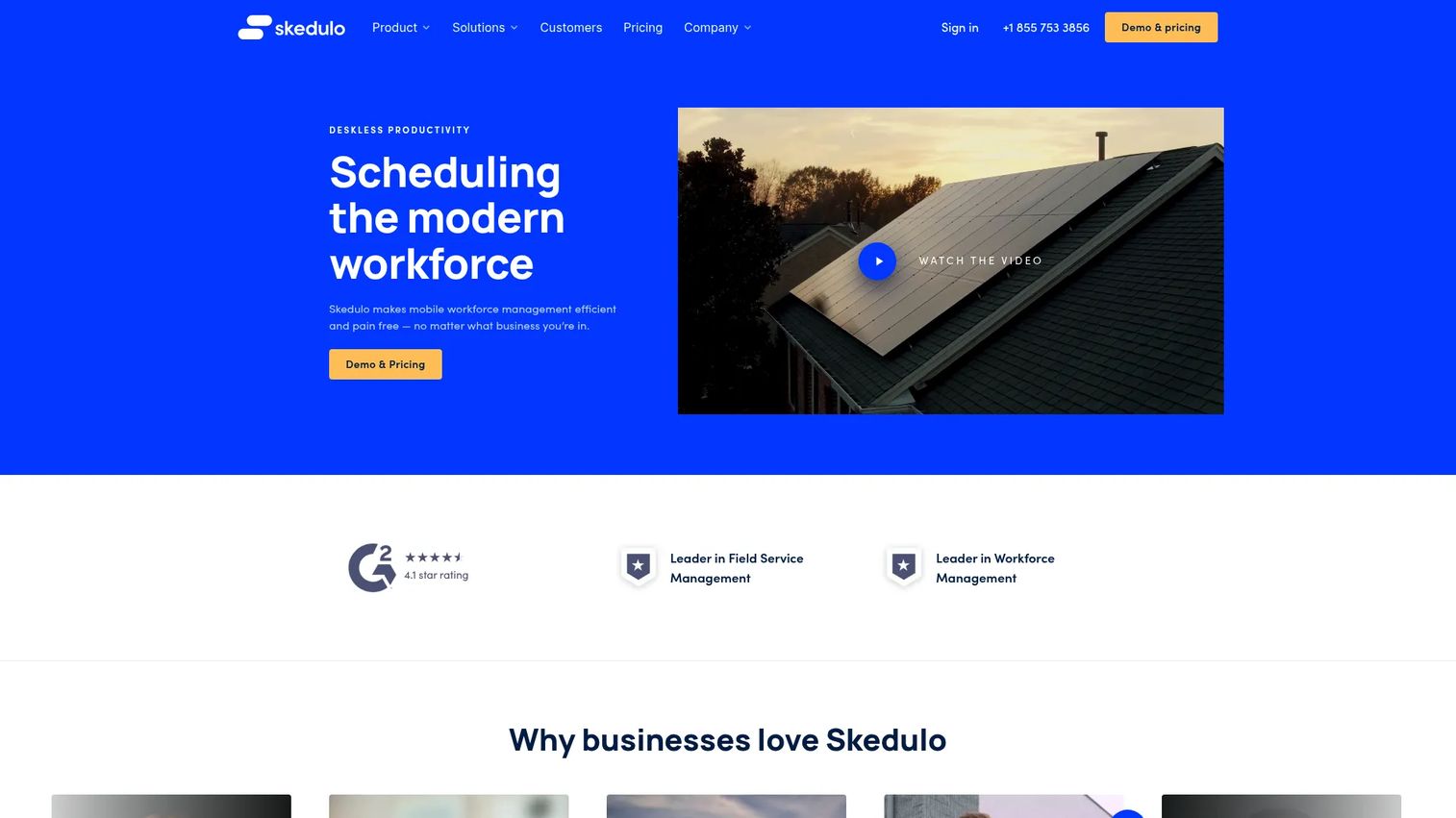
Skedulo is a workforce scheduling and deskless management platform built for mobile and field teams that need dispatch, routing, and on-the-move coordination. Where store and shift tools assume staff report to one location, Skedulo is designed for distributed workers moving between jobs, with a mobile app that handles notifications, routing, forms, photos, and signatures. Operational visibility across a field team is the point.
Best for: Enterprises managing mobile or deskless field workers with scheduling, dispatch, and routing needs.
Key strengths
- Scheduling, dispatch, and mobile workforce coordination
- Mobile app with SMS and push notifications
- Routing, calendars, and leave management
- Forms, photos, and signature capture
- Per-user licensing built for field operations
Why choose this tool: Skedulo fits when your team is on the road, not on a floor. Field service, healthcare visits, and distributed operations get routing and dispatch that store-first scheduling tools do not prioritize.
Pricing: Skedulo sells on an annual subscription with a minimum one-year commitment, licensed per user per month across Schedulers and Mobile workers plans. The pricing page shows "Contact us for pricing" rather than public numeric rates.
7. Staffrite
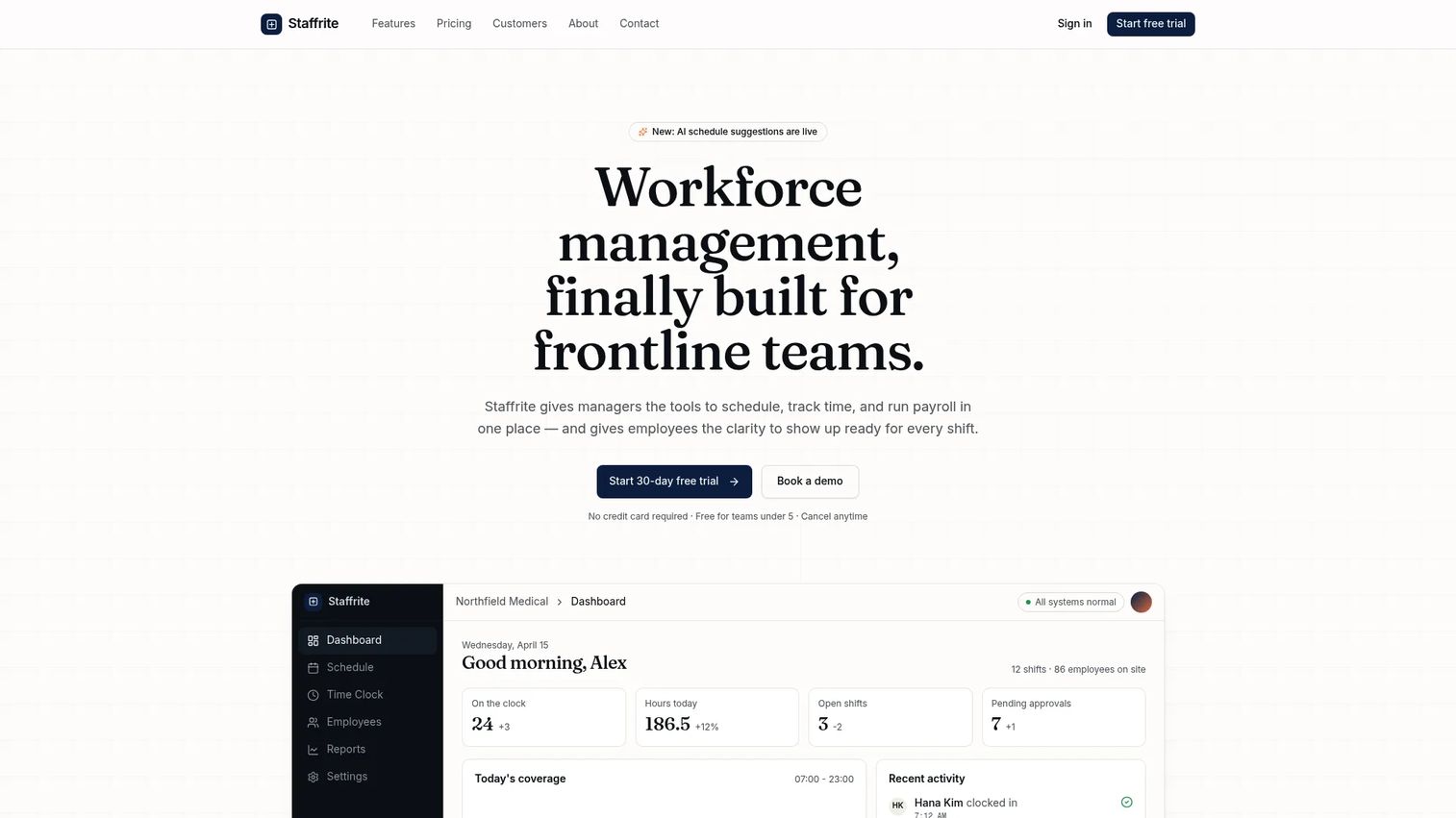
Staffrite is workforce management software for frontline teams to build schedules, track time, and connect payroll, with AI-assisted balancing to help distribute shifts. It is a newer, operations-first option with straightforward per-employee pricing, aimed at shift-based teams in healthcare, hospitality, retail, and operations. The pitch is simple scheduling and time-clock mechanics without enterprise overhead.
Best for: Lean shift-based teams that want scheduling, time clock, and payroll connection at predictable per-employee pricing.
Key strengths
- Drag-and-drop scheduling
- Time clock with web, mobile, and kiosk clock-in
- Optional GPS and photo verification
- Employee self-service for swaps, time off, and open shifts
- AI-assisted shift balancing
Why choose this tool: Staffrite suits operators who want core scheduling and time integrity without paying for modules they will not use. The per-employee model and free tier for the smallest teams make it easy to try before you commit.
Pricing: Staffrite starts at $4 per employee per month for Starter (up to 25 employees) and $7 per employee per month for Growth (unlimited employees), with custom Enterprise volume pricing. It is free for teams under 5 and offers a 30-day free trial.
Considerations
Scheduling and coverage rules
Check how the platform handles shift swaps, open-shift claiming, and last-minute coverage. Ask whether labor rules like maximum hours and required breaks are enforced automatically or left to the manager. The best frontline scheduling software prevents bad schedules before they publish.
Time tracking and location verification
Look at how staff clock in: web, mobile, kiosk, or all three. Confirm whether GPS time tracking, geofencing, or photo verification is available, and whether those hours feed payroll without manual re-entry. Time integrity is where labor cost leaks or holds.
Communication and mobile self-service
Test the mobile experience the way a frontline employee would. Can they see shifts, swap, request time off, and read updates from a phone without training? Employee communication for frontline teams only works if the app is fast and the adoption is high.
Compliance and labor controls
Evaluate how the tool tracks break compliance, overtime thresholds, and jurisdiction-specific labor rules. Strong labor compliance software flags violations before they hit payroll, not after. For multi-state operators, this alone can justify the spend.
Integrations and reporting
Map the platform against your existing payroll, HR, and POS systems before you buy. Confirm payroll integrations run cleanly and that workforce analytics report on labor cost, overtime, and attendance in one view. A tool that does not connect to payroll just moves the manual work somewhere else.
Conclusion
There is no single best frontline worker software, only the best fit for how your team actually works. For all-in-one coverage in one mobile app, Connecteam is the practical starting point. For hourly labor-cost control, Workforce.com is built for it, while Deputy leads when scheduling discipline is the core problem. Enterprises consolidating HR and finance should evaluate Workday, and Microsoft-native organizations get fast fit with Microsoft 365 for frontline workers. For distributed field teams, Skedulo handles dispatch and routing, and lean operators can start cheap with Staffrite.
Your next step is to shortlist two tools that match your primary pain, whether that is scheduling chaos, time integrity, or communication, then run both against a real week of your own schedule and payroll data. The tool that survives your messiest week is the one to buy.
FAQs
It is used to schedule, track, communicate with, and manage hourly and deskless employees who do not work at a desk. Operators use it to reduce scheduling chaos, tighten time tracking, keep teams connected, and control labor cost and compliance. It replaces spreadsheets, paper timesheets, and scattered group chats with one system.
Look for shift swaps, open-shift claiming, automated coverage, and labor-rule enforcement for breaks and overtime. Mobile self-service so staff manage their own shifts matters just as much as the scheduling engine itself. The goal is fewer manual edits and fewer compliance surprises.
GPS time tracking confirms an employee is on-site or at the right job when they clock in, which cuts buddy punching and time theft. For field and multi-site teams, geofencing and photo verification add another layer of time integrity. Accurate hours mean payroll and labor-cost reporting you can trust.
Workforce management focuses on scheduling, time tracking, attendance, and labor-cost control for day-to-day operations. HR software handles the employee lifecycle: hiring, records, benefits, and performance. Platforms like Workday combine both, while tools like Deputy and Connecteam center on the operations side.
For distributed field workers who move between jobs, Skedulo is built for dispatch and routing. For teams that want one mobile app covering scheduling, chat, and time tracking, Connecteam is a strong frontline worker app. Match the tool to whether your team is on the road or on a floor.
Check whether the tool enforces break and overtime rules automatically and whether it supports jurisdiction-specific labor law. Strong labor compliance software flags violations before schedules publish or payroll runs, not after. For multi-state operators, ask specifically how each platform handles differing state rules.
Yes, and that is the core reason most teams adopt it. Spreadsheets break under shift swaps, real-time coverage, and payroll accuracy at scale. A dedicated platform enforces rules, updates in real time, and gives every employee mobile access spreadsheets cannot.
Start with payroll, since clean payroll integrations are what turn tracked hours into paid hours without re-entry. Then confirm HR, POS, and any workforce analytics tools you rely on connect cleanly. A platform that does not integrate with payroll shifts the manual work rather than removing it.