Your beef supplier raised prices 11% last month. Your recipe costs still show the old number. Every plate that leaves the pass is now quietly less profitable than your spreadsheet claims, and you will not find out until the P&L lands weeks later.
That gap between what an ingredient actually costs today and what your recipe card says it costs is where restaurant margin goes to die. Food cost drift, stale recipe numbers, and disconnected purchasing data compound fast, especially across multiple locations.
The category built to close that gap is growing quickly. The global food costing software market was valued at $1.2 billion in 2025 and is forecast to reach $2.8 billion by 2034, a 9.8% CAGR, according to MarketIntelo (2025). Food cost automation tools already show 38% adoption among multi-unit restaurant operators, with food cost tracking delivering $40,000 to $80,000 in annual ROI for a five-location operator, per National Restaurant Association and Deloitte data summarized by U.S. Tech Automations (2024 to 2025).
The tool you pick decides whether your recipe costs update the moment an invoice lands, or whether you keep pricing menus off numbers that expired weeks ago.
What's inside
This guide is for restaurant operators, multi-unit owners, chefs, and finance leads who need to control COGS without living in spreadsheets. We reviewed seven food cost software platforms and ranked them by the factors that actually move margin.
Selection criteria:
- Live costing: how fast recipe and menu costs update when ingredient prices change
- Recipe management: version-controlled recipe libraries and sub-recipe support
- Inventory and purchasing: whether counts, orders, and vendor prices live in one system
- Integrations: native connections to POS, accounting, ERP, and distributor systems
- Pricing transparency and ROI: whether pricing is public and outcomes are measurable
TL;DR
- Best for live recipe costing: meez, a recipe management software that recosts dishes as invoice prices change.
- Best for menu engineering and menu profitability software: reciProfity, built around target food cost pricing and waste detection.
- Best for multi-location inventory control: MarketMan, combining restaurant inventory software with purchasing and recipe costing.
- Best all-in-one restaurant management software: Restaurant365, folding accounting, inventory, and food cost into one back office.
- Best for spreadsheet-style workflows: EZchef, an Excel-based menu costing software with distributor imports.
- Best for AP automation adjacency: Ottimate, for finance-heavy operators processing high invoice volume.
- Best for back-office inventory depth: Yellow Dog Inventory, an inventory-first control system with recipe costing.
What is food costing software
Food costing software is a tool that calculates the true cost of every recipe and menu item by pulling ingredient prices, portion sizes, and yields into a live cost model, so restaurants can price menus, protect margins, and control COGS.
Instead of manually updating a spreadsheet every time a vendor changes prices, the software links each recipe to its ingredients and recosts automatically. That single change is what separates a real food cost software platform from a static calculator.
Core capabilities to expect:
- Recipe costing: breaks each dish into ingredients, portions, and yields, then calculates plate cost and margin
- Menu costing: rolls recipe costs up to the menu level so you see profitability per item and per category
- Inventory and purchasing: tracks counts, order guides, and purchase orders against usage
- Vendor price updates: ingests invoice or distributor pricing so costs reflect what you actually paid
- Menu profitability and waste analysis: flags high-cost, low-margin items and surfaces shrink
- Integrations: connects to POS, accounting, ERP, and distributor systems so data flows without re-entry
Cloud-based deployment now accounts for 58.3% of global food costing software revenue in 2025, the largest and fastest-growing model, per MarketIntelo (2025). Quick service restaurants generate 35.2% of that revenue, reflecting the strongest adoption among commercial formats.
When to use food costing software
When recipe costs are changing too often
Ingredient prices move weekly. Proteins, dairy, and produce swing with seasons, supply shocks, and vendor changes. If you price a dish once and never revisit it, your margin erodes silently.
Live food costing solves this by tying each recipe to current ingredient pricing, often pulled straight from invoices. When the price of an input changes, every recipe that uses it recosts. You stop pricing menus off numbers that expired weeks ago.
When menu margins need tighter control
Not every item earns its place on the menu. Some sell well but barely clear cost. Others carry great margins but never get ordered.
Menu profitability software and menu engineering features let you sort items by contribution margin and popularity. You see which dishes to promote, reprice, re-portion, or cut. This is where recipe costing software stops being a bookkeeping chore and starts driving real decisions.
When inventory and purchasing are disconnected
Back of house counts inventory in one system. Finance reconciles invoices in another. Purchasing lives in a third. When those systems do not talk, theoretical usage and actual usage never reconcile, and shrink hides in the gap.
Food costing and inventory software that shares one data model closes that loop. Counts, purchase orders, vendor prices, and recipe usage all reference the same numbers, so variance becomes visible instead of buried.
Comparison table
Here is how the seven tools compare on fit, differentiator, pricing, and rating. Use it to shortlist two or three before reading the full sections.
| # | Product | Best for | Key differentiator | Pricing | G2 rating |
|---|---|---|---|---|---|
| 1 | meez | Live recipe costing and recipe management | Recosts recipes from invoice pricing | Free; paid from $19/mo | Not listed |
| 2 | reciProfity | Menu engineering and profitability | Target food cost pricing plus inventory | From $65/mo | Not rated |
| 3 | MarketMan | Multi-location inventory control | Inventory, purchasing, and recipe costing combined | From $199/mo | 4.3/5 |
| 4 | Restaurant365 | All-in-one back office | Accounting, inventory, and food cost in one system | From $489/mo per location | 4.6/5 |
| 5 | EZchef | Spreadsheet-style workflows | Excel-based costing with distributor imports | From $289 one-time | Not listed |
| 6 | Ottimate | AP automation adjacency | Invoice capture and cost matching | Custom | Not listed |
| 7 | Yellow Dog Inventory | Back-office inventory depth | Inventory-first control with recipe costing | Custom | 3.8/5 |
Best food costing software for 2026
1. meez
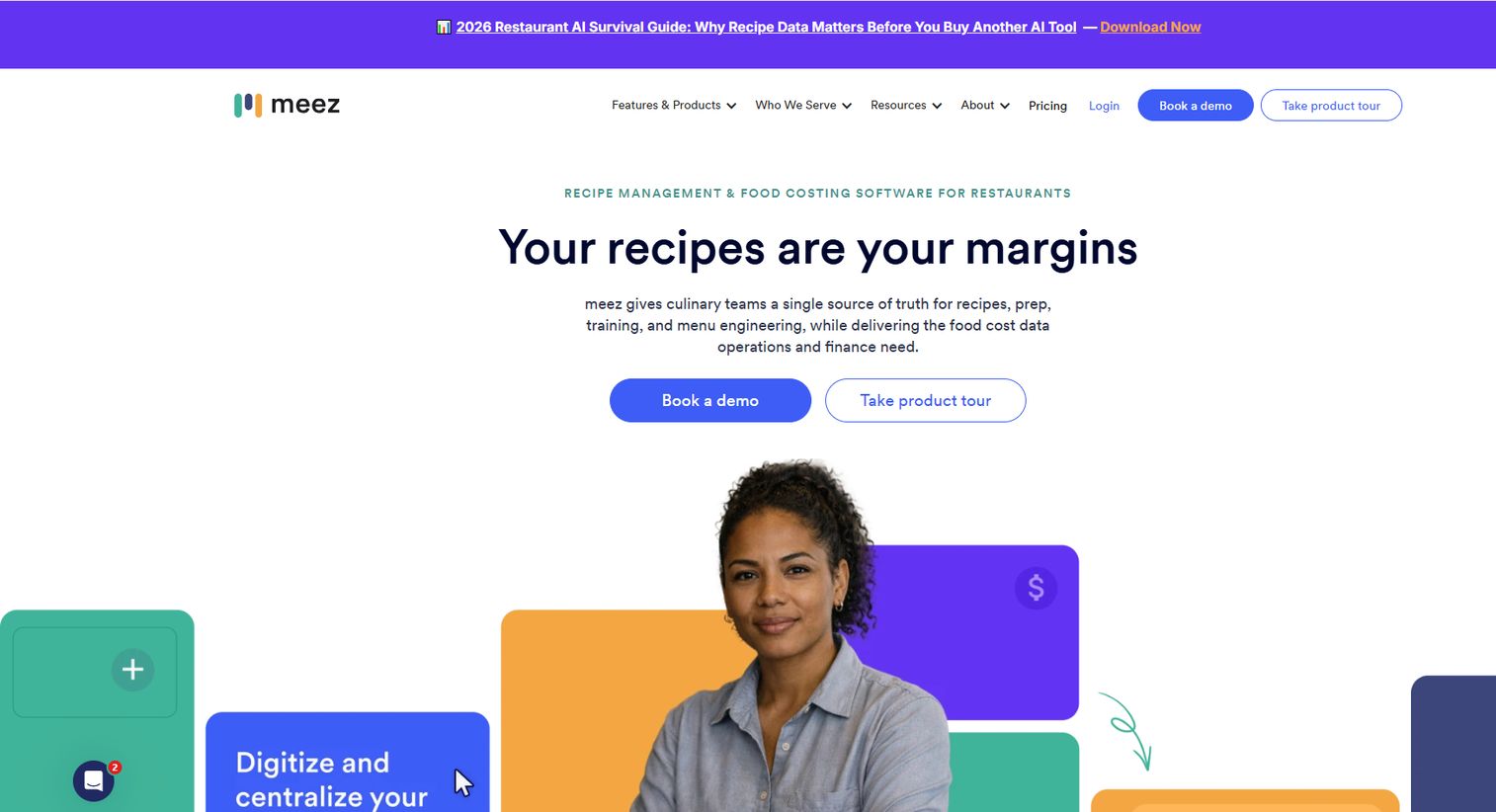
meez is a culinary operating system built around recipe management as the system of record. Chefs build recipes once, and meez holds them as structured, versioned data rather than scattered documents. From there, live food costing flows directly from scanned invoices, so plate costs reflect what you actually paid this week, not last quarter.
The platform leans into the parts of the job chefs care about: standardized recipes, sub-recipes that recost when a component changes, menu engineering, and consistent execution across a kitchen or a chain. Because recipes are the core object, training, menu rollout, and allergen tracking all reference the same source, which keeps a growing operation aligned as it scales.
Best for: Restaurants and culinary teams that want a recipe library as the backbone of food cost management.
Key strengths
- Recipe costing tied to scanned invoices
- Menu engineering and profitability views
- Invoice processing and scanning
- Sub-recipe support with automatic recosting
- Restaurant365 integration for back-office flow
Why choose meez: If your operation runs on recipes and you want costing to update the moment an invoice lands, meez fits. It suits chef-led teams that treat the recipe library as the single source of truth across locations.
meez pricing: meez offers a free plan at $0. Paid plans start at $19 per month for Starter, $79 per month for Starter Plus, and $199 per month for Scale, based on plans listed on Capterra.
2. reciProfity
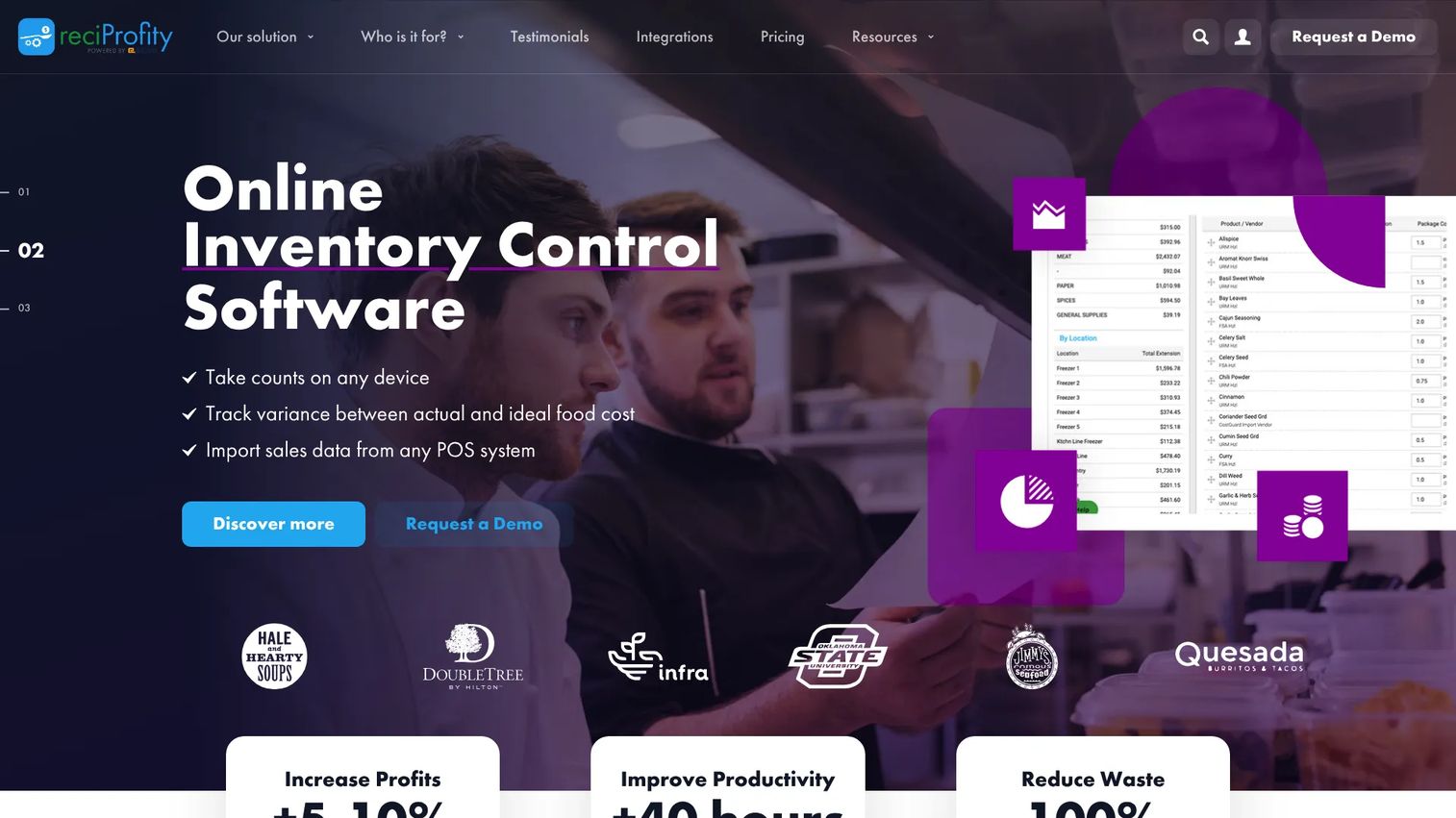
reciProfity is cloud-based food costing, recipe management, and inventory software built for operators who want to price to a target food cost percentage and then defend it. You set the margin you need, and reciProfity works backward to show what a dish should sell for and where cost is leaking.
Beyond costing, it leans into inventory control, supplier invoice entry, and menu engineering. The waste and shrink angle is where it earns its keep, surfacing the gap between theoretical and actual usage so theft, over-portioning, and spoilage stop hiding in the numbers. Multi-unit support and recipe sharing help groups keep costing consistent across sites.
Best for: Restaurants and food-service operators who want recipe costing plus inventory control in one menu profitability software platform.
Key strengths
- Recipe costing and target food cost pricing
- Inventory control and supplier invoice entry
- Menu engineering for profitability
- Waste and shrink detection
- Multi-unit support with recipe sharing
Why choose reciProfity: Choose reciProfity when margin math and waste reduction drive your decisions. It fits operators who want purchasing workflows and live food costing without stepping up to a full back-office suite.
reciProfity pricing: Plans start at $65 per month for Agile (limited to 10 recipes) or $780 per year. Aware is $79 per month, Analyzer is $99 per month, and Multi-Unit is $119 per month. A 30-day free trial with the full Analyzer plan is available.
3. MarketMan
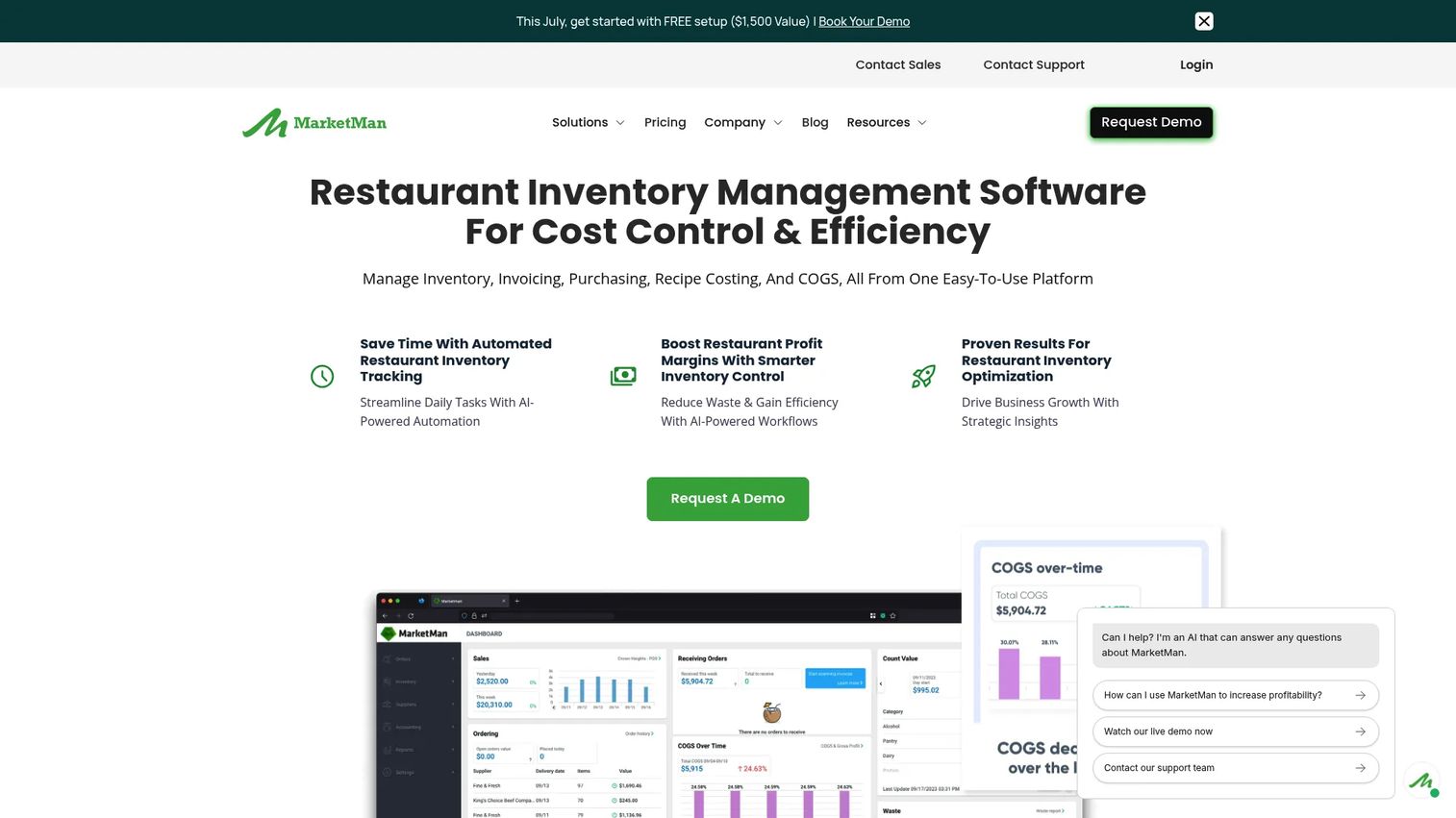
MarketMan is cloud-based restaurant inventory software that pairs inventory management with purchasing and recipe costing in one platform. It pitches a combined workflow: count inventory, place purchase orders, track vendor prices, and recost recipes, all against the same data.
Its strength is multi-location consistency. Vendor price tracking updates costs as invoices come in, so recipe costs stay current across every site without manual re-entry. For groups managing inventory management for restaurants at scale, that shared data model keeps theoretical and actual food cost reconcilable location by location. As a recipe management software layer sitting on top of inventory, it connects purchasing decisions directly to plate cost.
Best for: Restaurants and multi-location operators needing inventory, purchasing, and recipe costing together.
Key strengths
- Inventory management with live counts
- Purchase order management
- Recipe costing tied to real vendor prices
- Vendor price tracking across suppliers
- Multi-location reporting and controls
Why choose MarketMan: Pick MarketMan when purchasing and inventory are the pain, and you want live food costing to fall out of that workflow rather than run separately. It suits multi-unit operators standardizing across sites.
MarketMan pricing: Starter is $199 per month and Growth is $249 per month. Enterprise pricing is custom. MarketMan holds a 4.3 out of 5 rating on G2.
4. Restaurant365
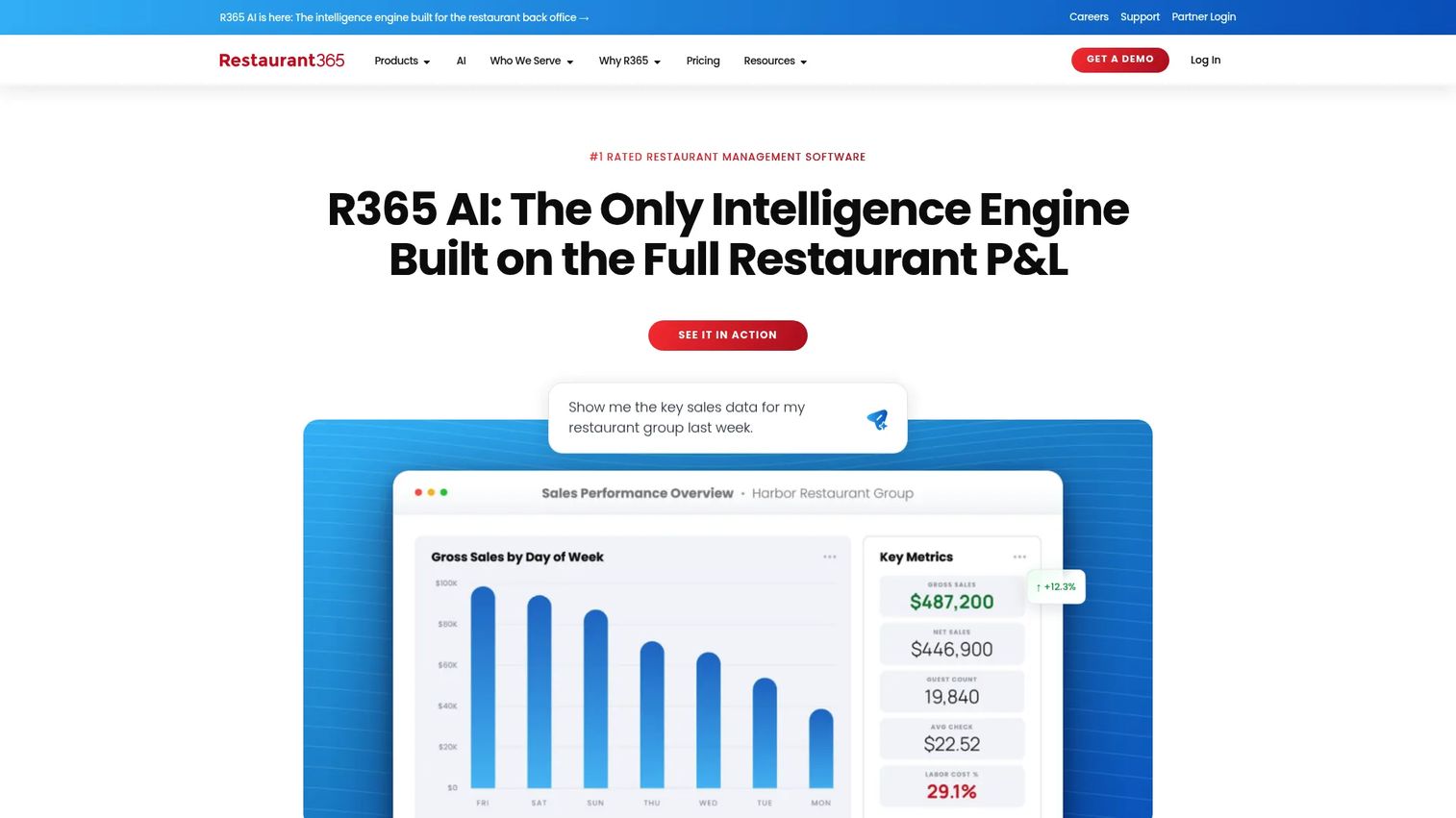
Restaurant365 is restaurant management software that folds accounting, inventory, food cost, and operational planning into one back office. Where most tools on this list own a slice of the workflow, Restaurant365 aims to be the whole thing, which is why multi-location groups gravitate to it.
Food cost tracking sits alongside restaurant-specific accounting, so your recipe and inventory numbers roll straight into financial reporting without exports. Inventory, purchasing, and vendor price tracking feed the same ledger that handles scheduling and payroll. For operators who want one system of record and native ERP-style integrations rather than a stack of point tools, that consolidation is the pitch. It also maintains a recipe library so costing stays connected to the menu.
Best for: Multi-location restaurants that want an all-in-one back office instead of separate costing, inventory, and accounting tools.
Key strengths
- Restaurant-specific accounting and reporting
- Inventory, purchasing, and food cost tracking
- Scheduling, payroll, and HR workflows
- Vendor price tracking into the ledger
- Recipe library connected to costing
Why choose Restaurant365: Choose Restaurant365 when you want restaurant inventory software and accounting under one roof, and you are consolidating tools rather than adding another. It fits finance-led multi-unit operations.
Restaurant365 pricing: The Professional plan is $489 per month per location billed annually, or $539 billed quarterly. It includes accounting, store operations, and POS Connect. Restaurant365 holds a 4.6 out of 5 rating on G2.
5. EZchef
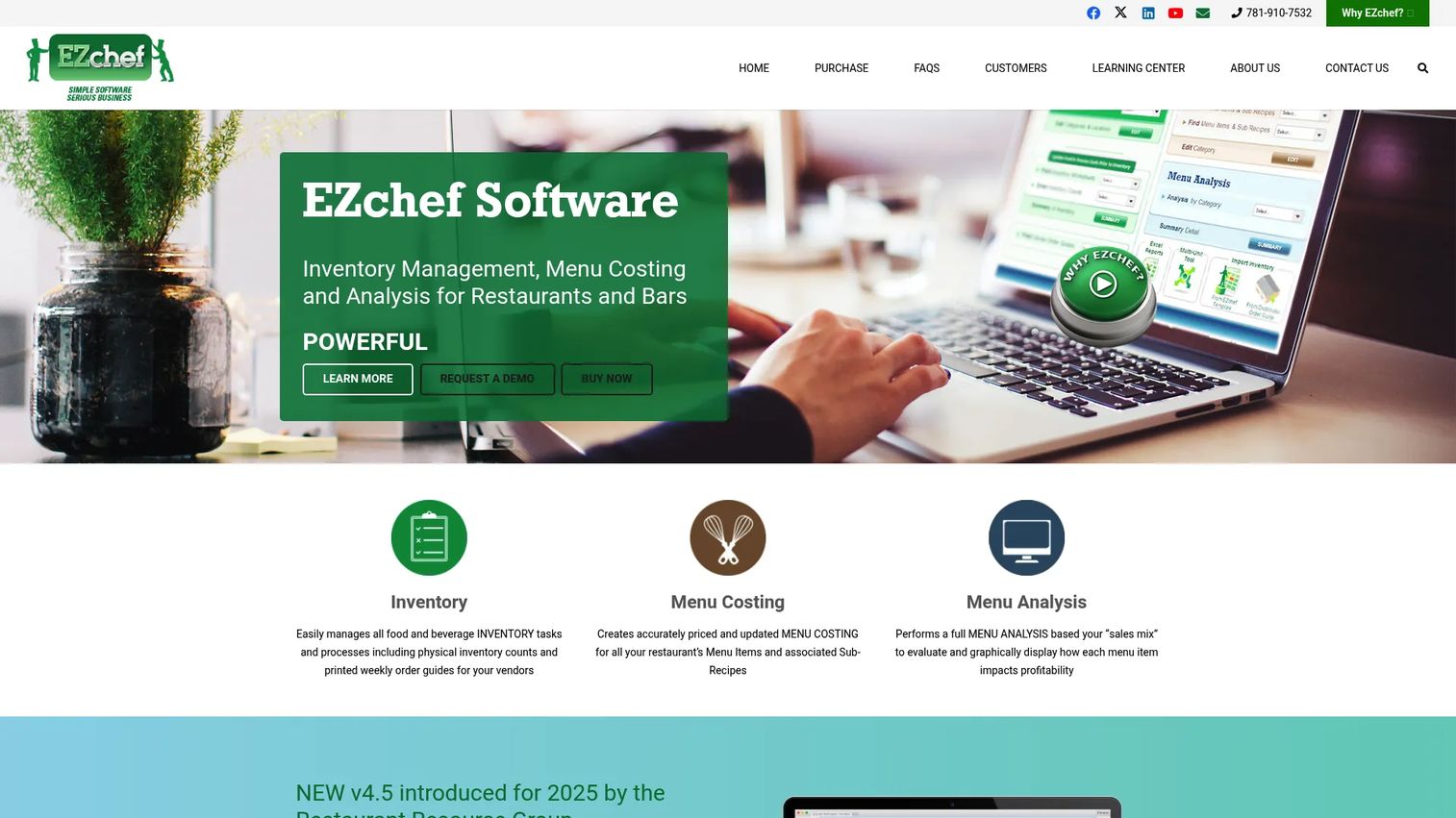
EZchef is Excel-based inventory management, menu costing, and menu analysis software for restaurants and bars. If your team already lives in spreadsheets and does not want a subscription platform, EZchef meets you there with structured workbooks instead of a login.
It handles physical inventory counts, vendor order guides, and menu costing with linked inventory and sub-recipes. The menu analysis and engineering layer turns those costs into profitability views, so you can see which items to keep and which to fix. Distributor imports and order guides speed up the parts that would otherwise be manual data entry. For independent operators, this is menu costing software without recurring fees.
Best for: Independent restaurants and bars that want Excel-based inventory, costing, and menu engineering.
Key strengths
- Inventory with physical counts and order guides
- Menu costing with linked inventory
- Sub-recipe support
- Menu analysis and engineering
- Distributor imports for faster setup
Why choose EZchef: Choose EZchef if you prefer owning a one-time tool over paying monthly, and your team is comfortable in Excel. It fits single-location operators who want costing depth without a SaaS commitment.
EZchef pricing: The Standard version is a one-time purchase at $289. Distributor versions are $359 one-time. There is no free tier.
6. Ottimate
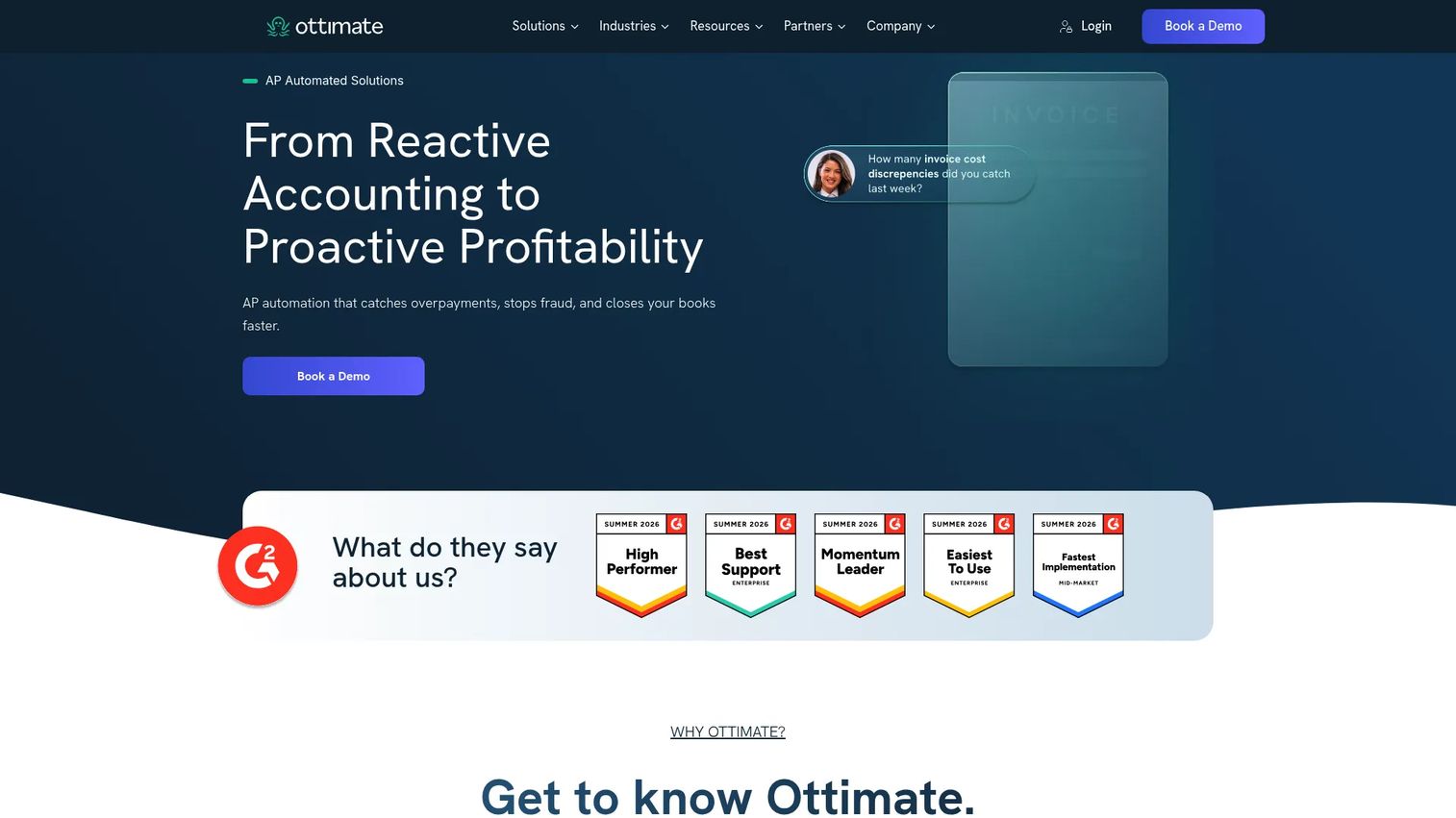
Ottimate is AI-powered accounts payable automation software. It is not a recipe costing tool in the strict sense, but it sits right next to one in the workflow, which is why finance-heavy operators evaluate it alongside food cost software.
Ottimate captures and codes invoices, matches purchase orders, receipts, and cost files, and handles vendor payments via vCard, ACH, and check. For operators drowning in paper invoices, that automation is the bottleneck it removes. The line-item cost data it extracts is the same data your costing tool needs, so many restaurants pair AP automation with a dedicated recipe costing platform rather than choosing one over the other. Consider it when invoice volume, not recipe math, is your real pain.
Best for: Restaurants, hotels, and finance teams that need AP automation feeding clean cost data downstream.
Key strengths
- Invoice capture and automatic coding
- PO, receipt, and cost-file matching
- Vendor payments via vCard, ACH, and check
- Line-item cost data extraction
- Fits alongside a costing platform
Why choose Ottimate: Choose Ottimate when accounts payable is the choke point and you want invoice data flowing cleanly into whatever costs your recipes. It complements rather than replaces a food costing tool.
Ottimate pricing: Ottimate does not publish a subscription price on its site and prompts prospects to book a demo, so pricing is custom.
7. Yellow Dog Inventory
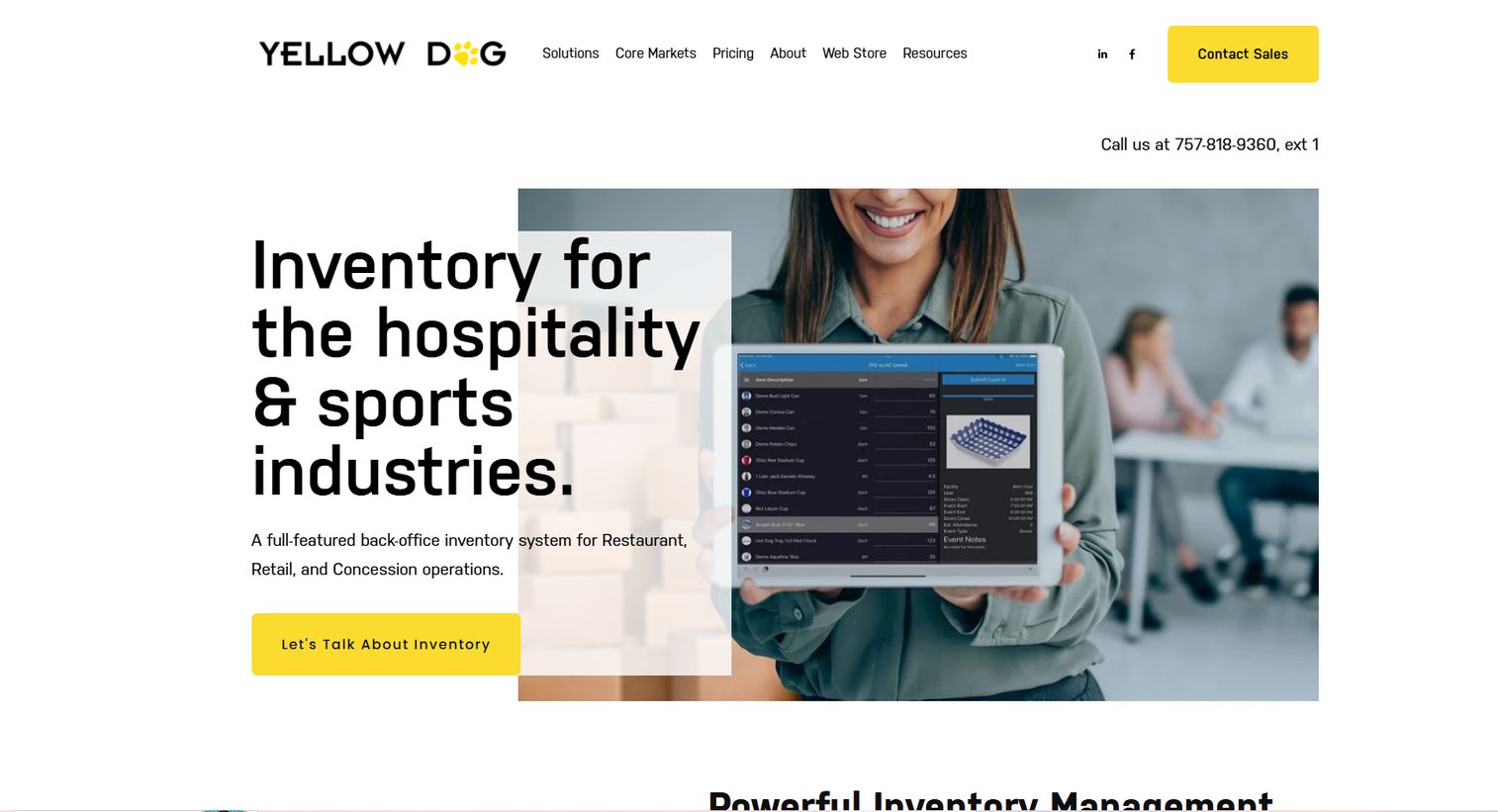
Yellow Dog Inventory is back-office inventory management software for hospitality, food and beverage, retail, and concessions. It leads with inventory depth, then layers recipe costing and procurement visibility on top, making it the inventory-first pick on this list.
The core is granular inventory management, tracking, and auditing across complex operations with many locations, storerooms, and outlets. Recipe costing draws on those counts and purchase data, so plate cost reflects real stock movement rather than estimates. For teams whose primary problem is controlling inventory management for restaurants at scale, and who want costing and procurement visibility to build on that foundation, Yellow Dog fits the shape of the work.
Best for: Hospitality and food-service teams that need deep back-office inventory control with costing attached.
Key strengths
- Inventory management across many outlets
- Inventory tracking and auditing
- Recipe costing built on real counts
- Procurement visibility
- Hospitality and concessions coverage
Why choose Yellow Dog Inventory: Choose Yellow Dog when inventory control is the hardest part of your operation and you want costing to sit on a serious inventory backbone. It fits complex, multi-outlet hospitality environments.
Yellow Dog Inventory pricing: Yellow Dog does not publish public pricing, so plans are custom and quoted per operation. It holds a 3.8 out of 5 rating on G2.
Considerations
Before you commit, verify these six things against a live demo, not a landing page.
How often costs update
Ask exactly when a recipe recosts. Is it the moment an invoice is scanned, on a nightly sync, or only when you manually refresh? Live food costing is the whole point, so confirm the trigger, not just that the feature exists.
Whether recipe libraries support version control
A recipe that changes without history is a recipe you cannot audit. Check whether the platform keeps versions, tracks who edited what, and recosts sub-recipes automatically when a component changes.
Whether inventory and purchasing share one system
If counts, purchase orders, and vendor prices live in separate tools, variance hides in the handoffs. Confirm whether inventory and purchasing reference the same data model so theoretical and actual usage reconcile.
What integrations are native
Native beats manual export every time. Verify direct connections to your POS, accounting, ERP, and distributor systems. A missing integration usually means someone re-keys data by hand.
Whether pricing is public and reporting scales
Public pricing tells you the vendor is confident and saves a sales cycle. For groups, also confirm multi-location reporting is strong enough to compare sites, not just aggregate them.
Conclusion
The right food costing software depends on where your margin actually leaks.
If recipes are your system of record and you want costs updating from invoices, start with meez. If menu engineering and waste reduction drive your decisions, reciProfity fits. For multi-location inventory and purchasing with live recipe costing, MarketMan is built for it. If you want accounting, inventory, and food cost in one back office, Restaurant365 consolidates the stack. Prefer a one-time Excel tool? EZchef. Drowning in invoices? Pair Ottimate for AP automation with a costing platform. Need deep back-office inventory? Yellow Dog Inventory.
Shortlist two or three that match your biggest pain, then book demos and test how fast costs actually update when you feed in a real invoice. That single test tells you more than any feature list. Pick the one that closes the gap between what an ingredient costs today and what your recipe says it costs.
FAQs
Food costing software calculates the true cost of every recipe and menu item by combining ingredient prices, portion sizes, and yields into a live cost model. It recosts dishes automatically when ingredient prices change, tracks inventory and purchasing, and flags low-margin items. The result is accurate menu pricing and tighter control over COGS.
Recipe costing software breaks each dish into its ingredients, then applies current unit prices, portion weights, and yield percentages to produce a plate cost. It compares that cost against your menu price to show gross margin and food cost percentage. Many tools act as a food cost percentage calculator that updates as vendor prices move.
Food costing software focuses on the cost and profitability of recipes and menu items. Inventory software focuses on what you have in stock, what you use, and what you order. The strongest platforms combine both, so recipe costs draw on real counts and purchase data, and variance between theoretical and actual usage becomes visible.
For multi-location operators, MarketMan handles inventory, purchasing, and recipe costing across sites, while Restaurant365 adds accounting and payroll for a full back office. Both keep costing consistent across locations. The right pick depends on whether you want a focused inventory and costing tool or a complete restaurant management software platform.
Yes. By comparing theoretical usage (what recipes should have consumed) against actual usage (what inventory shows was consumed), the software surfaces the gap where over-portioning, spoilage, and theft hide. reciProfity and MarketMan both lean into this waste reduction angle, turning variance into a number you can act on.
Yes. meez, reciProfity, MarketMan, Restaurant365, and EZchef all publish pricing, ranging from a free meez tier and a one-time EZchef purchase at $289 to Restaurant365 at $489 per month per location. Ottimate and Yellow Dog Inventory quote custom pricing and ask you to contact sales.
Most cloud-based platforms integrate with common POS systems so sales data flows into food cost and profitability reporting. Restaurant365 includes POS Connect, and MarketMan connects to major POS and accounting tools. Always confirm your specific POS is a native integration rather than a manual export before buying.
As often as your ingredient prices change, which for most restaurants means weekly. Proteins, dairy, and produce swing constantly, so costs based on last quarter's invoices mislead your pricing. Live food costing that recosts recipes from scanned invoices removes the manual work and keeps every plate cost current.