



You leave a discovery call with half a page of notes, three action items you already forgot, and a prospect who mentioned two objections you can't quite reconstruct. Then you spend twenty minutes rebuilding the conversation from memory before you can even send a follow-up.
That gap between what was said and what you can actually act on is the real problem. Transcription is the easy part now. Turning a spoken meeting into a clean recap, labeled by speaker, with next steps you can push into your CRM, is where most tools separate themselves.
The category is growing fast. According to Laxis in its State of Meeting Note-Taking 2026 report, 75% of professionals now use an AI note-taker in their work meetings. The same report found 67% of Fortune 500 companies have deployed one somewhere in the organization. When that many teams adopt a tool, the question stops being whether to use one and becomes which one fits how your team actually meets and follows up.
What's inside
This guide is for SDRs, AEs, and revenue teams who live in back-to-back calls and need clean follow-up fast. It also works for anyone tired of writing meeting notes from scratch.
We picked tools based on four things that matter most in real workflows:
- Accuracy: transcript quality, speaker attribution, and multilingual performance
- Bot-free capture: whether a visible bot joins the call, and whether desktop or mobile capture is an option
- Integrations: CRM sync, Slack, calendar, and task tools
- Pricing clarity: free tiers, entry prices, and what you get at each level
TL;DR
- Best overall for mature all-around workflows: Otter, strong on real-time transcription, summaries, and searchable meetings
- Best for automation-heavy sales teams: Fireflies, deep CRM and Slack automation plus meeting search
- Best for searchable meeting knowledge and Q&A: Read AI, AI search across meetings, email, and chat
- Best for bot-free, privacy-first capture: Jamie, no visible bot joins the call, 100+ language support
- Best for mobile-first capture: Minutes AI, paste transcripts or capture on the go with no signup
- Best for accuracy-critical work: Rev, human and AI transcription for interviews and compliance
- Best free tier for small teams: Fathom, unlimited recordings and summaries with fast setup
What is meeting dictation software
Meeting dictation software captures spoken meetings and turns them into searchable text, summaries, speaker-labeled notes, and next steps. It overlaps heavily with meeting transcription software and AI meeting notes tools, and most modern products combine live capture with automated summaries and follow-up workflows.
The category sits inside a fast-expanding market. Sonix reports the AI meeting transcription market is projected to grow from $3.86B to $29.45B by 2034. Fortune Business Insights valued the broader cloud dictation solution market at $7.93B in 2025. That growth reflects how many teams now treat a meeting note taker as core infrastructure rather than a nice-to-have.
Core capabilities to expect from a modern tool:
- Real-time transcription: live capture as the meeting happens
- Speaker attribution: notes labeled by who said what
- Summary generation: automated summaries of decisions and topics
- Action item extraction: next steps pulled out automatically
- Search and transcript chat: ask questions across past meetings
- Multilingual transcription: support for accents and multiple languages
- Integrations: CRM sync, Slack, calendar capture, and task tools
The difference between dictation, transcription, and a full meeting assistant is mostly scope. Dictation and transcription turn speech into text. A meeting assistant layers summaries, action items, and follow-up workflows on top, which is what most of the tools below actually deliver.
When to use meeting dictation software
Capture fast follow-up after every customer call
SDRs and AEs run back-to-back calls, and the follow-up window is short. A meeting note taker gives you a clean recap and a list of action items the moment the call ends. Instead of rebuilding the conversation from memory, you send the follow-up while the prospect still remembers it. That speed protects momentum and keeps deals moving.
Reduce the cost of missed notes and weak handoffs
When an SDR books a meeting for an AE, context gets lost in the handoff. Transcripts and summaries preserve the decisions, objections, and commitments made on the call. The AE walks into the next conversation knowing exactly what was said. Automated summaries turn a messy verbal exchange into a shared record the whole team can act on.
Support multilingual, hybrid, and in-person meetings
Not every meeting happens on a video call. Field sales, in-person discovery, and global teams need capture that works beyond the standard Zoom or Teams window. Mobile and desktop recorders handle in-person conversations, and multilingual transcription keeps accuracy high across accents and languages. Match the capture method to how your team actually meets.
Comparison table
Pricing and ratings change often, so confirm both on the vendor's site before you buy. Prices below reflect publicly listed figures at the time of writing, and plans shift as vendors update tiers.
| # | Product | Best for | Key differentiator | Pricing | G2 rating |
|---|---|---|---|---|---|
| 1 | Otter | Mature all-around workflow | Real-time transcription with searchable meetings | Free; Pro $16.99/user/mo | 4.4/5 |
| 2 | Fireflies | Automation-heavy sales teams | Deep CRM and Slack automation | Free; Pro $10/seat/mo | 4.7/5 |
| 3 | Read AI | Searchable meeting knowledge | AI search across meetings, email, and chat | Free; Pro $15/mo | Not listed |
| 4 | Jamie | Bot-free, privacy-first capture | No visible bot, 100+ languages | Free; Plus €25/mo | Not listed |
| 5 | Minutes AI | Mobile-first capture | Paste transcripts, no signup | Free | Not listed |
| 6 | Notta | Mixed-language and global calls | Multilingual transcription | Free; Pro $8.17/mo | 4.4/5 |
| 7 | Rev | Accuracy-critical work | Human plus AI transcription | Free; Essentials $29.99/mo | 4.7/5 |
| 8 | Fathom | Small teams wanting fast value | Unlimited free recordings | Free; Premium $16/mo | 5.0/5 |
Best meeting dictation software for 2026
1. Otter
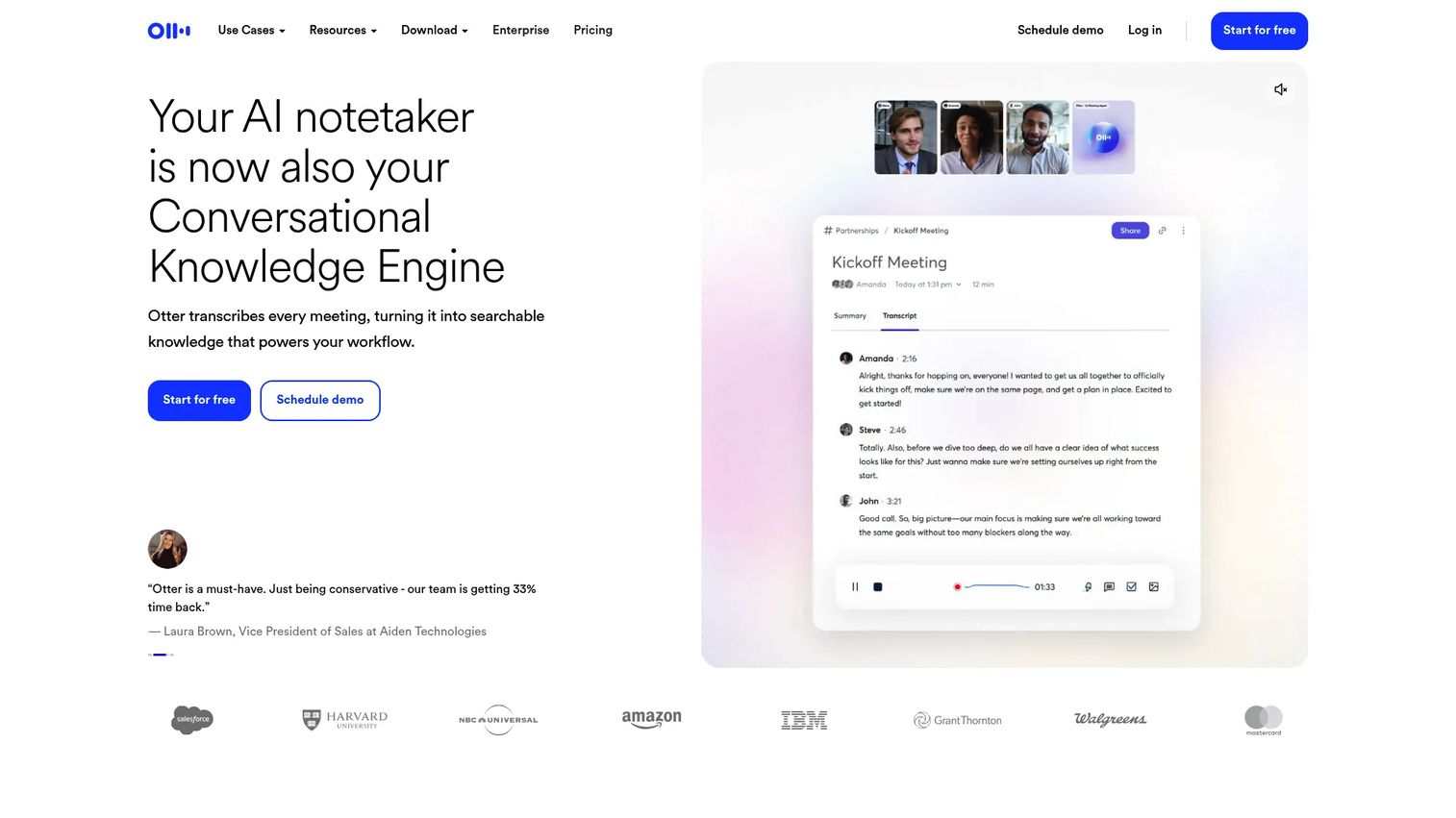
Otter is one of the most established meeting transcription tools on the market. It captures conversations in real time, labels speakers, and generates summaries you can search later. For revenue teams that want a mature, all-around workflow, it connects to Zoom, Microsoft Teams, and Google Meet and turns every call into a searchable record.
Best for: Teams and individuals who want reliable transcription plus summaries without a steep learning curve.
Key features
- Real-time transcription during meetings
- Speaker labels and searchable transcripts
- AI meeting summaries and meeting chat
- Integrations with Zoom, Teams, and Google Meet
- Free plan for individuals
Why choose Otter: It hits the middle of the market well, mature enough for teams, simple enough for a solo SDR who just wants clean recaps after every call.
Otter pricing starts with a free Basic plan. The Pro plan is $16.99 per user per month, and Business runs $19.99 per user per month, with Enterprise available on request.
Otter holds a 4.4/5 rating on G2.
2. Fireflies
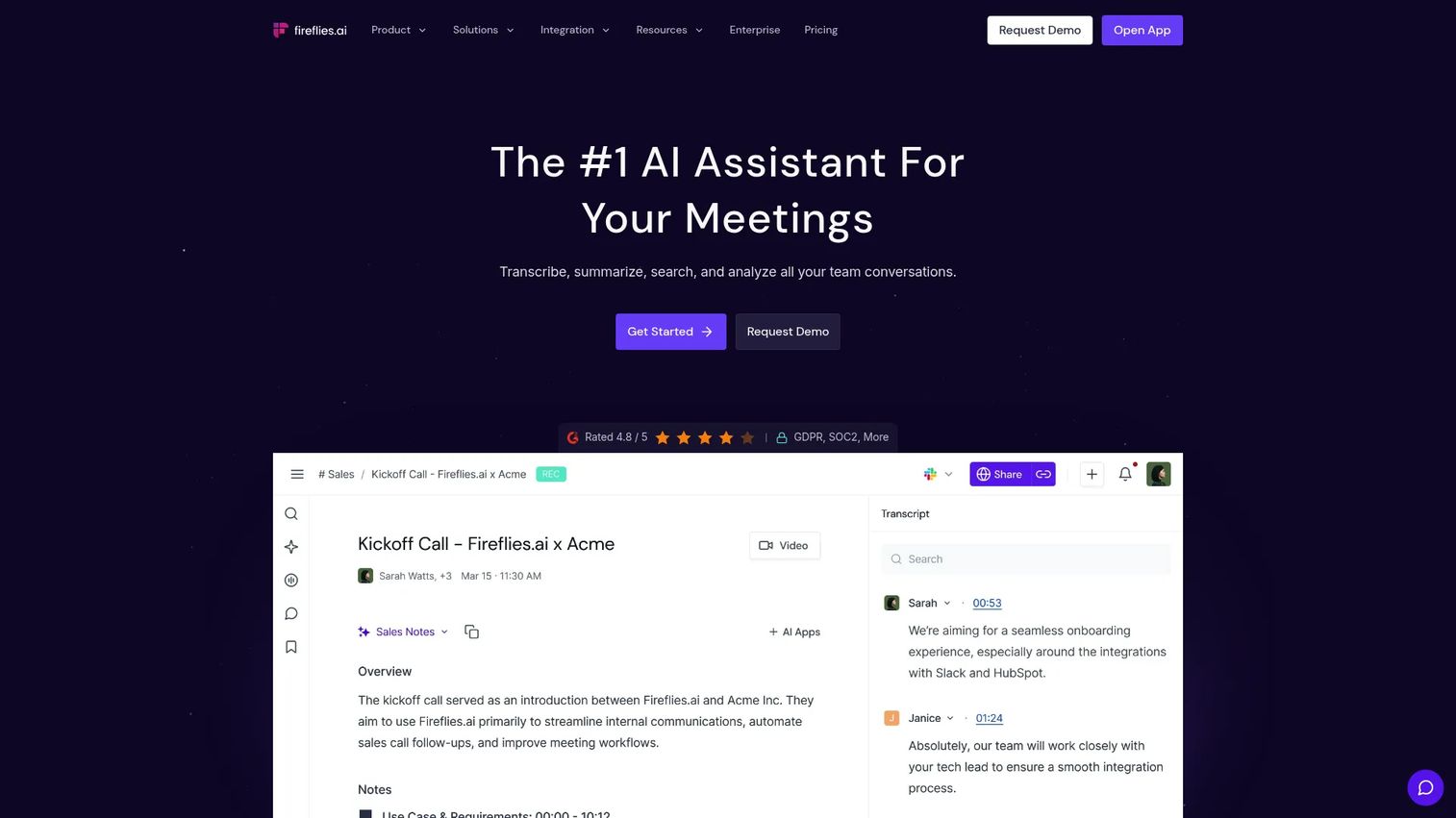
Fireflies leans hard into automation. It transcribes meetings, generates AI summaries, and pushes notes and action items into your CRM and Slack automatically. For sales teams that want follow-up to happen without manual data entry, that automation is the whole point. Its AskFred assistant lets you ask questions across past meetings.
Best for: Teams that want AI-generated notes plus conversation intelligence wired into their stack.
Key features
- Unlimited transcription and AI summaries
- Real-time notes and live transcription
- AskFred AI assistant for meeting Q&A
- Meeting search across past calls
- Chrome extension, desktop, mobile, and API access
Why choose Fireflies: If your bottleneck is CRM hygiene and follow-up, the automation layer does the work you'd otherwise do by hand after every call.
Fireflies pricing is free forever to start. Pro is $10 per seat per month billed annually, Business is $19 per seat per month, and Enterprise is $39 per seat per month.
Fireflies holds a 4.7/5 rating on G2.
3. Read AI
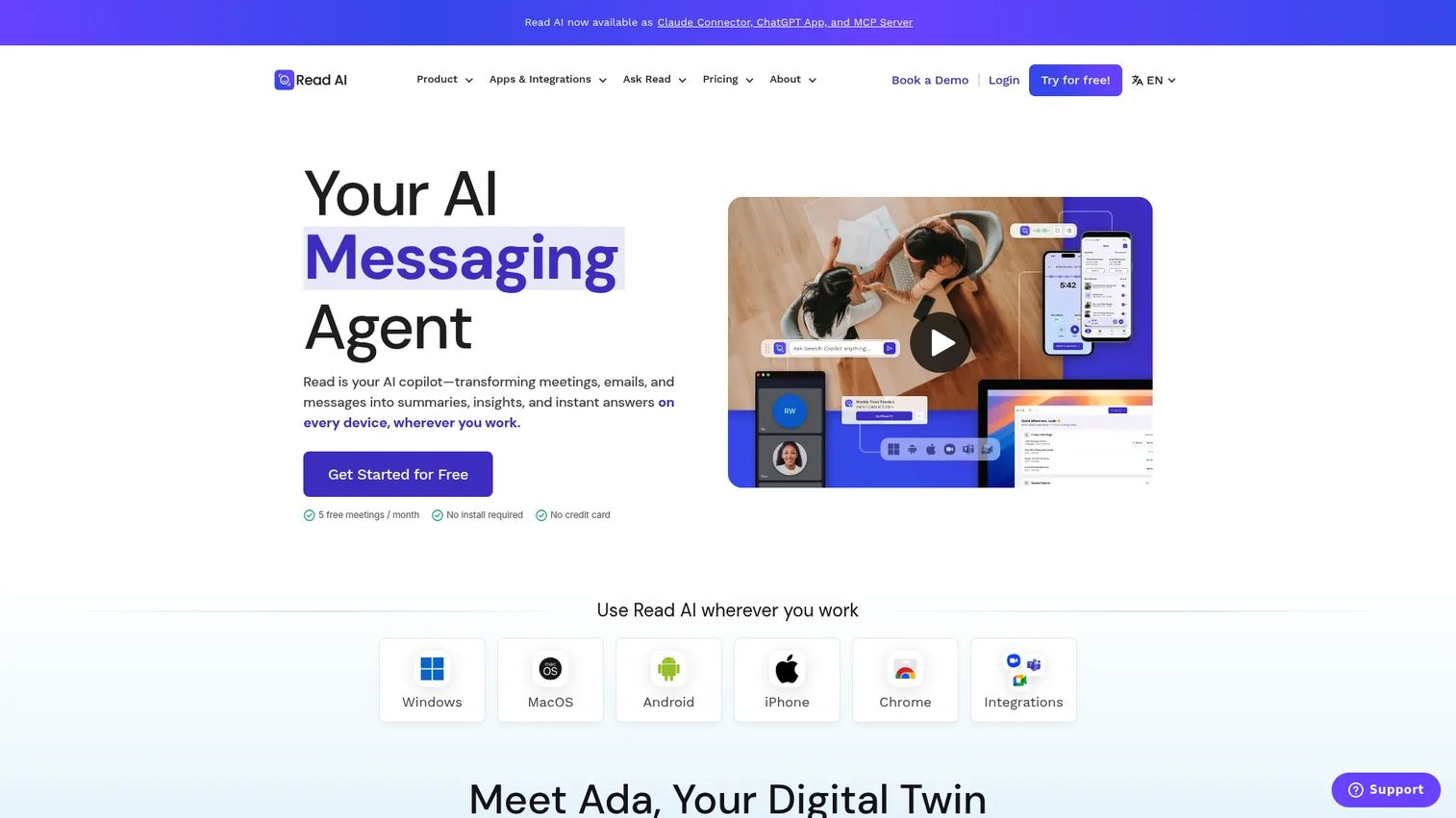
Read AI goes beyond raw transcription into searchable knowledge. It generates meeting recaps, action items, and highlights, then makes everything searchable across meetings, email, documents, and chat, with citations. For teams that want to ask "what did the customer say about pricing last month" and get an answer, that search layer is the draw.
Best for: Teams that want AI meeting notes plus searchable conversation history across their whole workspace.
Key features
- Auto-generated recaps, action items, and highlights
- AI search across meetings, email, docs, and chat
- Citations tied to source conversations
- Works with Google Meet, Zoom, Teams, Slack, and Outlook
- Available on iOS, Android, Windows, and MacOS
Why choose Read AI: It fits teams that treat meetings as knowledge to search later, not just calls to transcribe once and forget.
Read AI pricing starts with a free plan that includes five meetings per month. Pro is $15 per month billed annually or $19.75 monthly, with Enterprise and Enterprise+ tiers above that.
A current G2 rating for Read AI was not listed at the time of writing.
4. Jamie
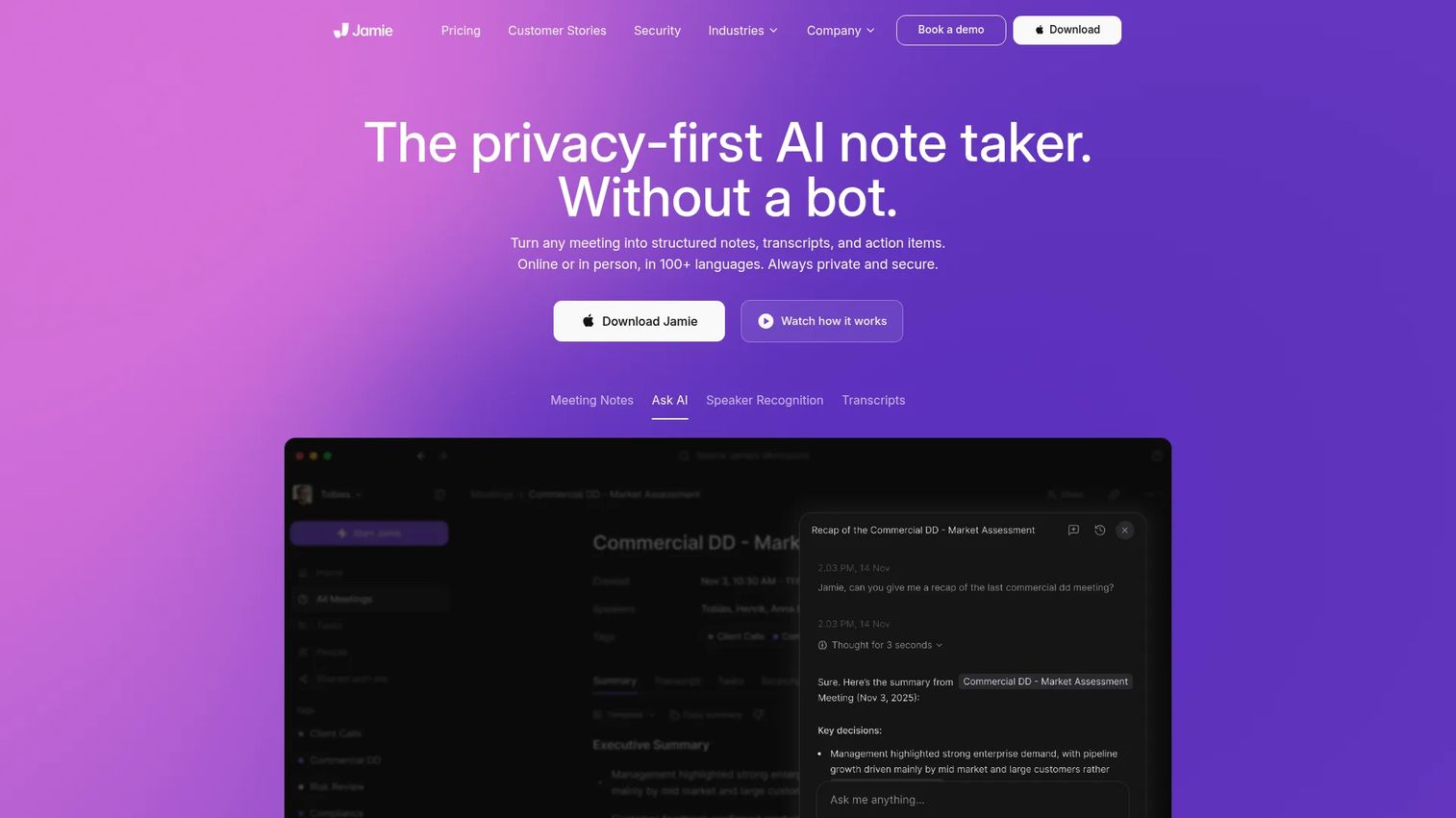
Jamie takes a privacy-first approach. It generates notes, transcripts, and action items without joining your meeting as a visible bot. No awkward "Jamie has joined the call" moment for your prospect. It captures on the desktop instead, supports 100+ languages, and lets you search past meetings with Ask AI.
Best for: Teams that want private, bot-free meeting notes and clean action items without disrupting the call.
Key features
- Bot-free meeting capture
- Automated summaries, transcripts, and action items
- Multilingual support across 100+ languages
- Ask AI search across past meetings
- CRM and workflow integrations
Why choose Jamie: When a visible bot in the meeting feels intrusive, or when meetings run across multiple languages, the bot-free capture keeps the experience clean for everyone on the call.
Jamie pricing starts with a free plan at €0 per month. Plus is €25 per month, Pro is €47 per month, and Team is €39 per month, with Enterprise available at custom pricing.
A current G2 rating for Jamie was not listed at the time of writing.
5. Minutes AI
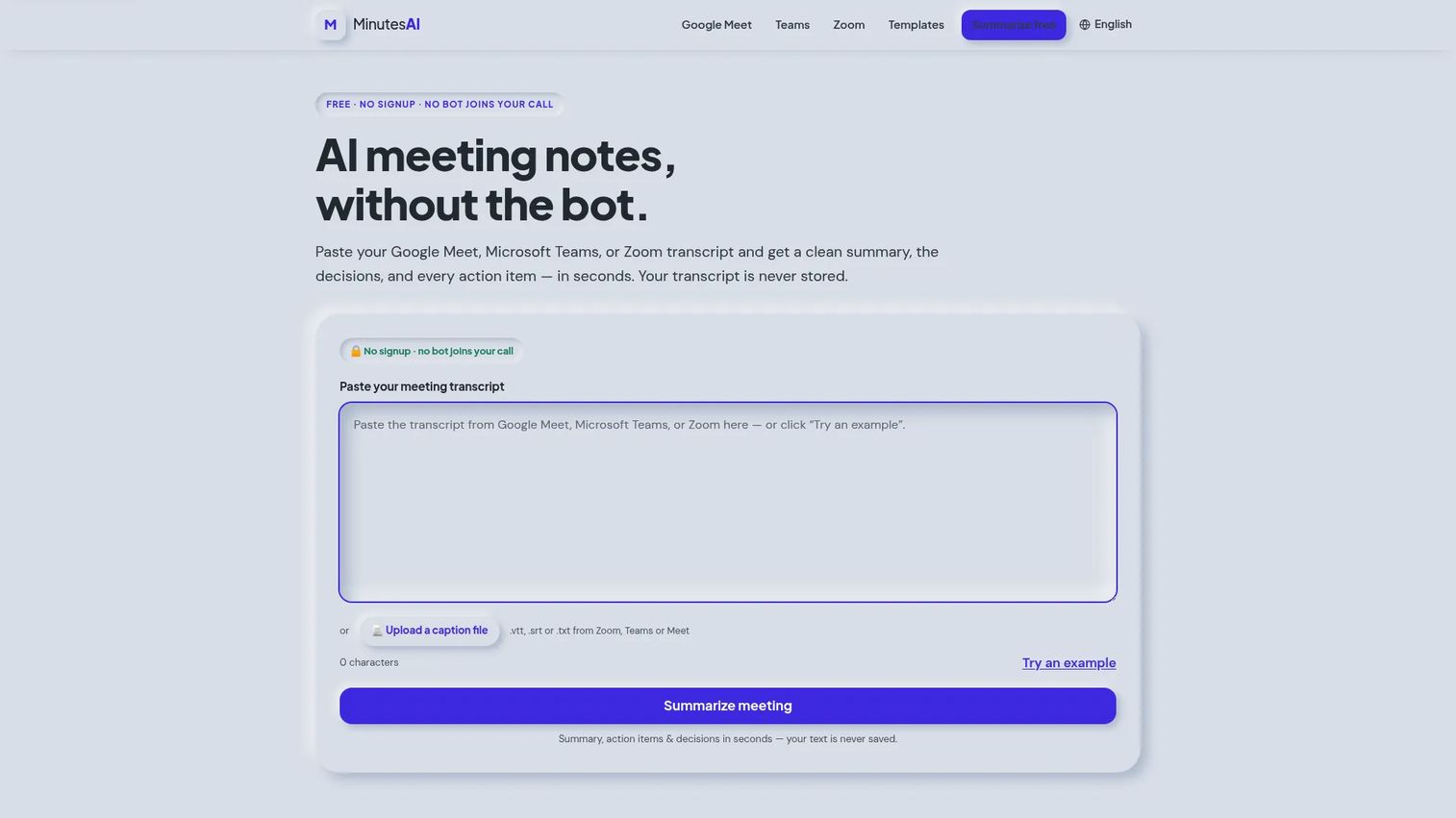
Minutes AI is built for fast capture with almost no setup. Paste a transcript from Google Meet, Teams, or Zoom and it turns it into structured summaries, decisions, and action items with owners. No account required, and no bot joins the call. For quick, on-the-go note generation, it removes friction entirely.
Best for: Teams or individuals who already have transcripts and want fast, bot-free notes without signing up.
Key features
- Paste Meet, Teams, or Zoom transcripts for instant summaries
- Extract decisions and action items with owners
- No signup and no bot joins the call
- Structured notes from raw transcript text
- Mobile-friendly quick capture
Why choose Minutes AI: It fits the moment when you just need a transcript turned into a clean recap fast, without another account or a bot sitting in your meeting.
Minutes AI offers its transcript-to-notes tool free with no account, subject to a per-device daily limit. The company does not publish a paid pricing table on its site.
A verified G2 rating for Minutes AI was not available at the time of writing.
6. Notta
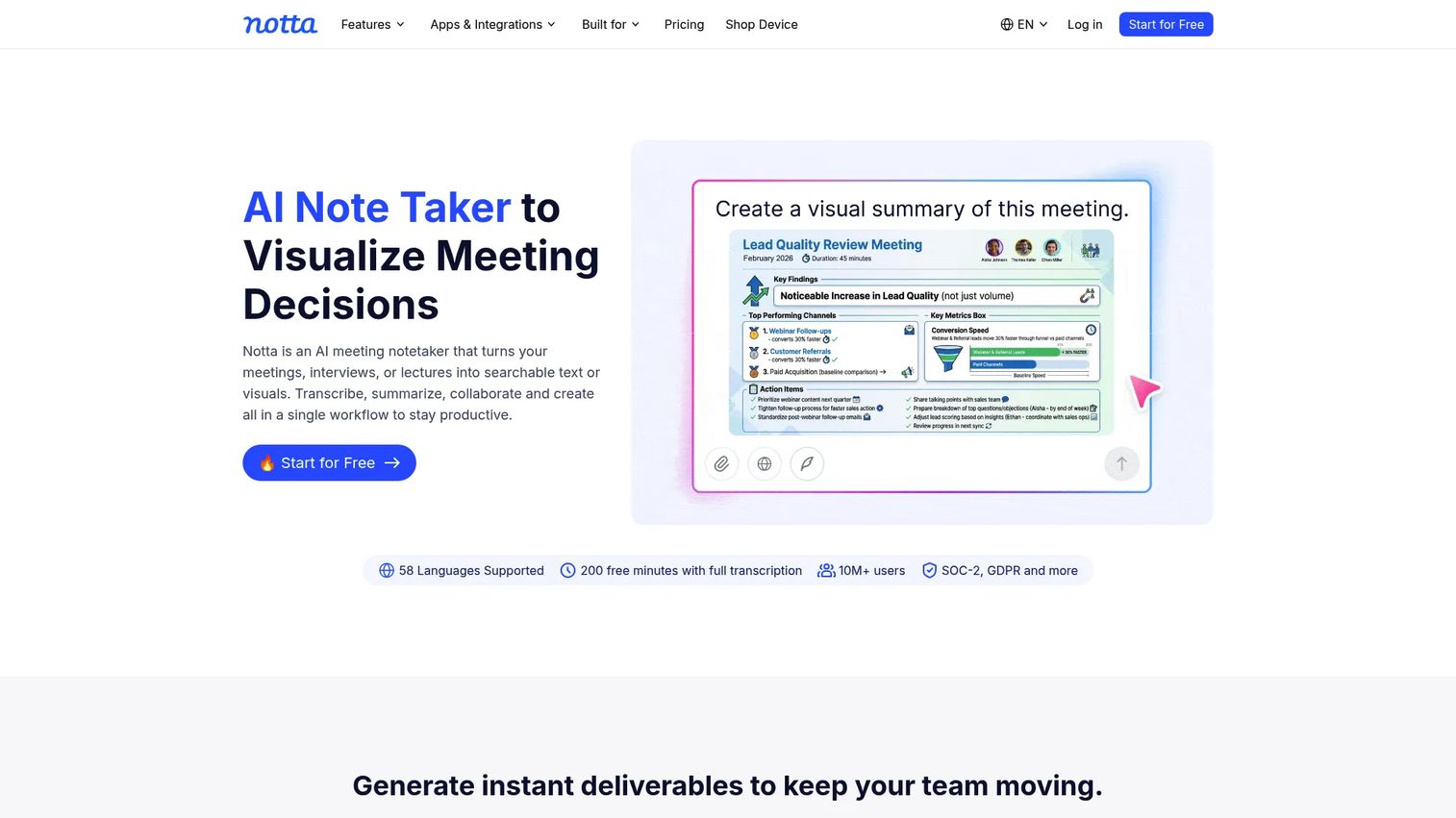
Notta is strong on multilingual transcription. It records, transcribes, summarizes, and shares conversations, with support that fits teams running mixed-language or global calls. For an SDR working accounts across regions, accurate transcription across languages keeps the notes usable no matter who is on the call.
Best for: Teams and individuals who want AI transcription plus summaries with strong multilingual support.
Key features
- Meeting transcription across multiple languages
- AI summaries of decisions and topics
- Sharing and collaboration on transcripts
- Cross-platform capture
- Live capture for real-time calls
Why choose Notta: If your calls span languages and regions, the multilingual accuracy is the reason to pick it over an English-first tool.
Notta pricing starts with a free plan at $0. Pro is $8.17 per month billed annually, and Business is $16.67 per month billed annually, with Enterprise available through sales.
Notta holds a 4.4/5 rating on G2.
7. Rev
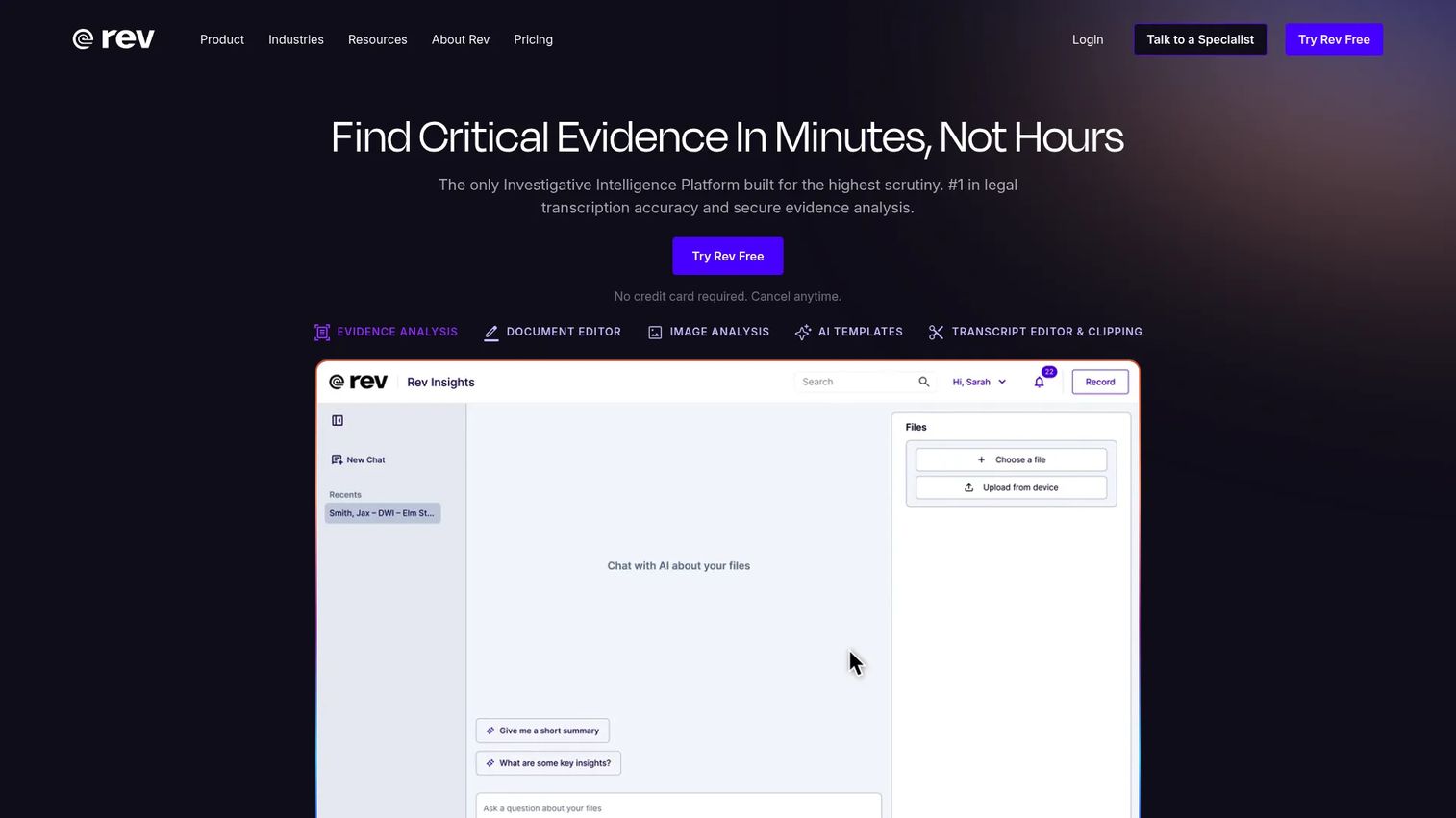
Rev is where accuracy matters more than automation. It offers both human and AI transcription, plus captions, subtitles, and legal transcript workflows. For interviews, research, or compliance-oriented work where a near-perfect transcript is non-negotiable, the human option raises the accuracy ceiling beyond what AI alone delivers.
Best for: Teams needing high-accuracy transcription, captioning, or legal transcript workflows.
Key features
- Human transcription for maximum accuracy
- AI transcription and AI captions
- Legal rough draft and premium transcripts
- Global subtitles across languages
- Pricing calculator for per-minute service
Why choose Rev: When the transcript itself is the deliverable, human transcription gives you accuracy that automation-first tools can't match.
Rev pricing includes a free plan and per-minute service pricing. Human transcription runs $1.99 per minute and AI transcription $0.25 per minute. Subscription editions include Essentials at $29.99 per month and Pro at $59.99 per month.
Rev holds a 4.7/5 rating on G2.
8. Fathom
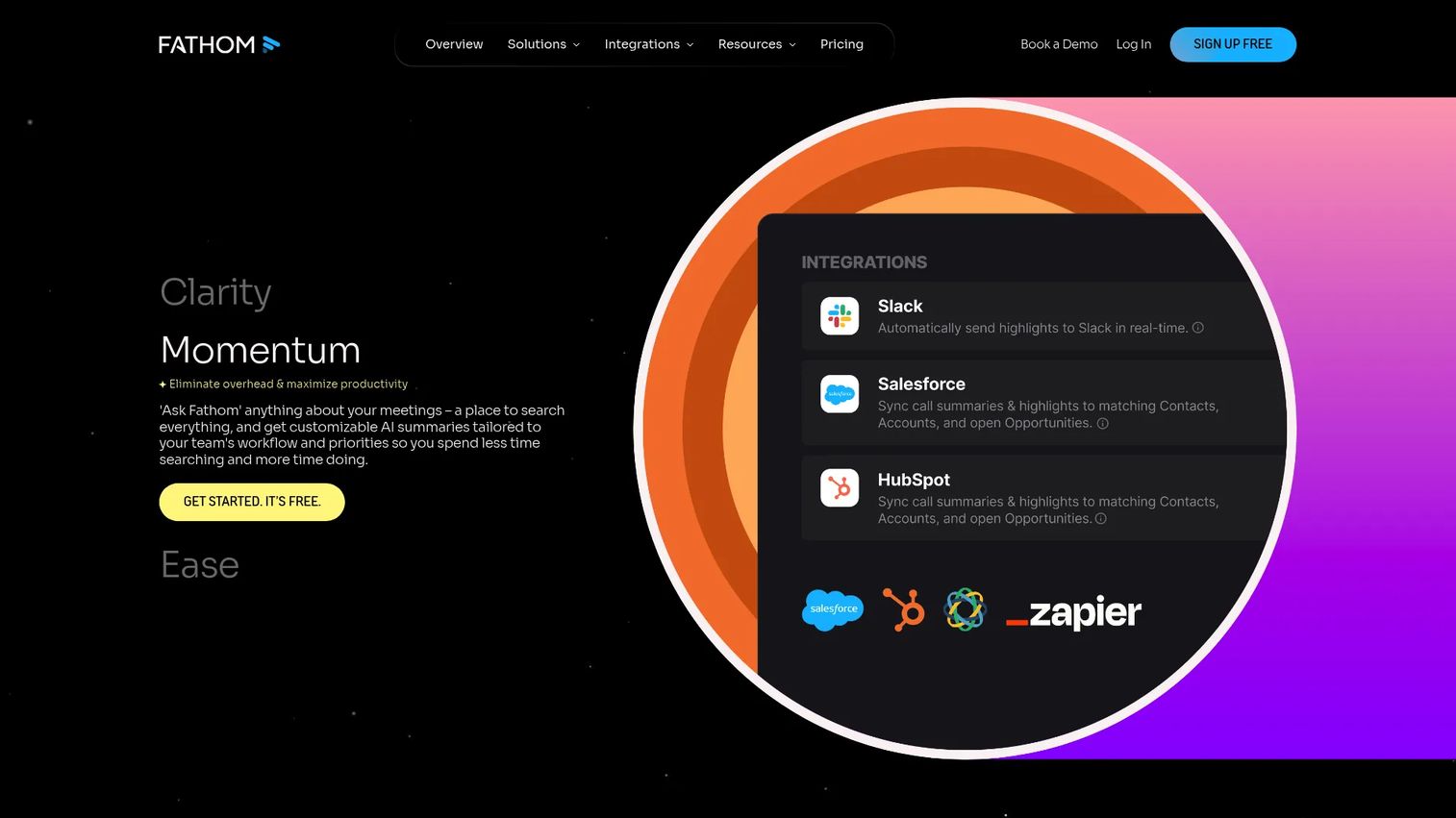
Fathom is built for fast value with minimal setup. It records, transcribes, and summarizes meetings automatically, pulls out action items, and syncs to your CRM. Its free tier is generous enough that small teams can get real value before paying anything, which makes it an easy first tool for a lean sales team.
Best for: Teams that want an AI notetaker with summaries, search, and CRM sync without heavy configuration.
Key features
- Unlimited recordings and transcriptions
- AI call summaries and action items
- Team collaboration and search
- CRM field sync
- Fast setup with minimal configuration
Why choose Fathom: The free tier does real work, so a small team can capture clean notes and sales-friendly recaps before committing budget.
Fathom pricing starts with a free forever plan. Premium is $16 per month per user, Team is $15 per month per user with a two-user minimum, and Business is $25 per month per user, with Enterprise available through sales.
Fathom holds a 5.0/5 rating on G2.
Considerations
Accuracy matters more than feature count
A long feature list is worthless if the transcript is wrong. Check transcript accuracy on real calls, not marketing demos. Test speaker attribution when three or more people talk over each other, and test multilingual performance if your calls span languages. The tool that gets the words right beats the one with more buttons.
Decide whether you want a visible bot
Some tools join the call as a visible bot, and some capture without one. A bot in the meeting is fine for internal calls but can feel intrusive to a prospect on a first call. Bot-free capture keeps the experience clean. Match the capture style to who is on the other end.
Check integrations before committing
A meeting note taker that doesn't sync to your CRM just creates another silo. Confirm the tool connects to your CRM, Slack, calendar, and task tools before you buy. For SDRs and AEs, CRM sync is the difference between notes that drive follow-up and notes that sit in a separate app nobody opens.
Review privacy and governance
Meeting transcripts contain sensitive information. Look for admin controls, retention policies, and enterprise security if you handle regulated or confidential conversations. Privacy-first and bot-free options matter more the more sensitive your calls are.
Match the capture method to your workflow
Desktop, mobile, browser, or calendar-based capture should fit how your team actually meets. Field sales needs mobile. Remote teams need calendar and browser capture. In-person discovery needs a desktop or mobile recorder. Pick the method that covers your real meeting mix.
Conclusion
The right meeting dictation software depends on how you meet and how you follow up. Otter is the strongest all-around pick for teams that want mature transcription, summaries, and search in one place. Fireflies wins for automation-heavy sales teams that need notes and action items pushed into the CRM automatically. Read AI fits teams that treat meetings as searchable knowledge.
If a visible bot in the meeting is a problem, start with a bot-free option like Jamie. If your calls span languages, Notta's multilingual accuracy is the reason to choose it. If the transcript itself is the deliverable, Rev's human transcription raises the accuracy ceiling. And if you want fast value with no budget commitment, Fathom's free tier does real work.
Pick the tool that fits your actual meeting mix and your follow-up workflow, then test it on live calls before rolling it out to the team. The best tool is the one your reps actually use after every call.
Start your journey with Guideflow today!
FAQs
Meeting dictation software captures spoken meetings and turns them into text, summaries, speaker-labeled notes, and action items. Most modern tools combine live transcription with automated summaries and follow-up workflows, so you leave a meeting with a usable record instead of scattered notes.
They overlap heavily. Dictation and transcription focus on turning speech into accurate text. An AI meeting assistant adds summaries, action item extraction, meeting search, and follow-up automation on top. Most of the tools in this guide do both, so the labels blur in practice.
For SDRs, the priority is clean follow-up and CRM hygiene. Fireflies stands out for pushing notes and action items into the CRM and Slack automatically. Otter works well for reliable recaps after every call, and Fathom's free tier is a low-risk starting point for a lean team.
Bot-free transcription captures your meeting without a visible bot joining the call. Instead of an assistant appearing as a participant, the tool captures audio on the desktop or from a transcript. This keeps the call clean for prospects who might find a visible recording bot intrusive.
Yes, though accuracy varies by tool. Multilingual transcription is a core strength for some products, with support spanning dozens or even 100+ languages. If your calls regularly span languages, test accuracy on your actual accents and language mix before committing.
Many tools support in-person capture through desktop or mobile recorders, not just video calls. Field sales and in-person discovery benefit from mobile capture, while a desktop recorder handles conference-room conversations. Check that the tool covers your meeting mix, not just Zoom or Teams calls.
AI transcription accuracy is strong for clear audio and single speakers, and drops with crosstalk, heavy accents, or poor audio. For work where the transcript is the deliverable, such as interviews or compliance, human transcription options raise accuracy beyond what AI alone delivers. Always test on your own calls.
CRM sync is the most important, since it turns meeting notes into follow-up activity instead of a separate silo. Slack integration speeds up internal handoffs, and calendar capture ensures no meeting gets missed. Task tool integrations help action items become real work rather than forgotten lines in a transcript.










