Paper SOPs were never really the problem. The problem is what happens when Worker B on the night shift follows a version that Worker A updated three weeks ago and never told anyone about. One procedure, two interpretations, one quality escape.
Visual work instruction software exists to close that gap. It replaces printed binders, static PDFs, and tribal knowledge with step-by-step, media-rich instructions that workers can actually follow on the floor, on any device, in any shift. The market is growing fast for a reason: The global connected worker platform market is projected to reach USD 20.18 billion by 2030, according to MarketsandMarkets (2025), as manufacturers push to standardize execution across sites and reduce the cost of human error.
For product managers supporting frontline operations, the evaluation challenge is not finding a tool. It is finding the right one for your operational model, your release cadence, and your integration constraints. This guide does that shortlisting work for you.
What's inside
This guide covers 8 visual work instruction software platforms evaluated for 2026. It is built for manufacturing operations leads, industrial engineers, and PMs who own frontline tooling decisions. Tools were selected based on:
- Visual clarity: Support for photos, video, annotations, and step-by-step formatting readable on small screens
- Version control and governance: Approval workflows, audit trails, and controlled update processes
- Mobile and offline access: Usability on handheld devices in low-connectivity shop-floor conditions
- Integration depth: ERP, MES, API, and connector support for operational data flow
TL;DR
- Best for connected-worker depth: VKS, for governance, IoT connectivity, and data capture
- Best for AI-assisted digitization: Operations1, for converting existing documents into structured instructions
- Best for mobile-first frontline execution: SafetyCulture, for teams already running digital inspections
- Best for manufacturing training and standardization: Dozuki, for knowledge retention and standard work
- Best for process visibility across plants: Poka, for large enterprises standardizing across multiple sites
- Best for configurable app-based workflows: Tulip, for teams building custom shop-floor apps with instruction components
- Best for lightweight visual instructions: SwipeGuide, for faster rollout without heavy platform complexity
- Best for immersive and XR-enabled training: BILT, for complex procedures and guided 3D learning
What is visual work instruction software
Visual work instruction software is a digital platform that replaces paper SOPs, static documents, and unstructured tribal knowledge with structured, media-rich, step-by-step instructions that frontline workers can follow on any device.
Unlike a generic document management system, this category is built specifically for manufacturing and frontline operations. Instructions are authored with embedded visuals, attached to specific processes or part numbers, controlled through revision workflows, and delivered to workers on the floor via tablet, phone, or workstation.
Core capabilities to expect:
- Visual content: Photos, videos, annotations, and interactive steps embedded directly in each instruction
- Version control: Controlled revisions with approval workflows, change history, and rollback
- Mobile and offline access: Instructions accessible on handheld devices, with local caching for low-connectivity environments
- Analytics and traceability: Completion tracking, worker acknowledgment, time-on-step, and audit-ready logs
- Integrations: Connections to ERP systems, MES platforms, and operational data tools via API or native connectors
Related terms worth knowing:
- Digital work instructions is the broader category. Visual work instructions are a subset that emphasizes media-rich formatting over text-heavy documents.
- Electronic work instructions (EWI) is the older term, often used in regulated industries. It overlaps significantly with digital work instruction software.
- Mobile work instructions describes the delivery method, not a separate category. Most modern platforms include mobile access as a core capability.
The practical difference between these terms matters less than the features you verify: Can workers find the right revision, on their device, without IT help, and can you prove it with a log?
When to use visual work instruction software
Standardize procedures across multiple sites
Regional variation is one of the most expensive problems in multi-plant manufacturing. When each facility maintains its own version of a procedure, quality audits become inconsistent and process improvements fail to propagate. Visual work instruction platforms give you a centralized authoring environment so a change made at headquarters publishes to every site simultaneously. Workers always see the approved revision, not a local copy.
Reduce training time for new hires and temporary workers
Onboarding on the floor is expensive. New hires shadow experienced workers, absorb informal knowledge, and hope nothing important was skipped. Visual instructions compress that ramp by giving workers a structured, self-guided path through each procedure. Mobile-friendly formatting means they can reference the correct step without interrupting a senior operator.
Improve auditability for quality and compliance reviews
When a quality escape happens, the first question is always: What version of the procedure was active, and who followed it? Paper binders cannot answer that cleanly. Digital work instruction platforms log every access, every completion, and every approval, which gives quality engineers a precise audit trail without reconstructing events from memory.
Visual work instruction software comparison
The table below compares the eight platforms across the criteria that matter most for manufacturing purchasing decisions. Pricing reflects verified data from each vendor's website as of August 2026. G2 ratings are sourced from current G2 listings.
| # | Product | Best for | Key differentiator | Pricing | G2 rating |
|---|---|---|---|---|---|
| 1 | VKS | Connected-worker governance | IoT connectivity and smart forms | Free (Lite); Pro/Enterprise: Contact for quote | 4.7/5 |
| 2 | Operations1 | AI-assisted digitization | Document-to-instruction AI conversion | Quote-based | N/A |
| 3 | SafetyCulture | Mobile-first frontline teams | Broad operational platform with inspections | Free up to 10 seats; Premium $24/seat/mo | 4.6/5 |
| 4 | Dozuki | Manufacturing training | Knowledge management and certification | Quote-based | 4.4/5 |
| 5 | Poka | Multi-plant standardization | Industrial AI and frontline enablement | Quote-based | 4.6/5 |
| 6 | Tulip | Configurable app workflows | No-code app builder with native AI | From $100/mo per interface | 4.5/5 |
| 7 | SwipeGuide | Lightweight visual instructions | Fast authoring and mobile delivery | From $825/mo per site | N/A |
| 8 | BILT | Immersive 3D guidance | Interactive 3D step-by-step instructions | Free (consumer); enterprise: Setup fee + annual subscription | 5.0/5 |
8 best visual work instruction software platforms for manufacturing in 2026
1. VKS
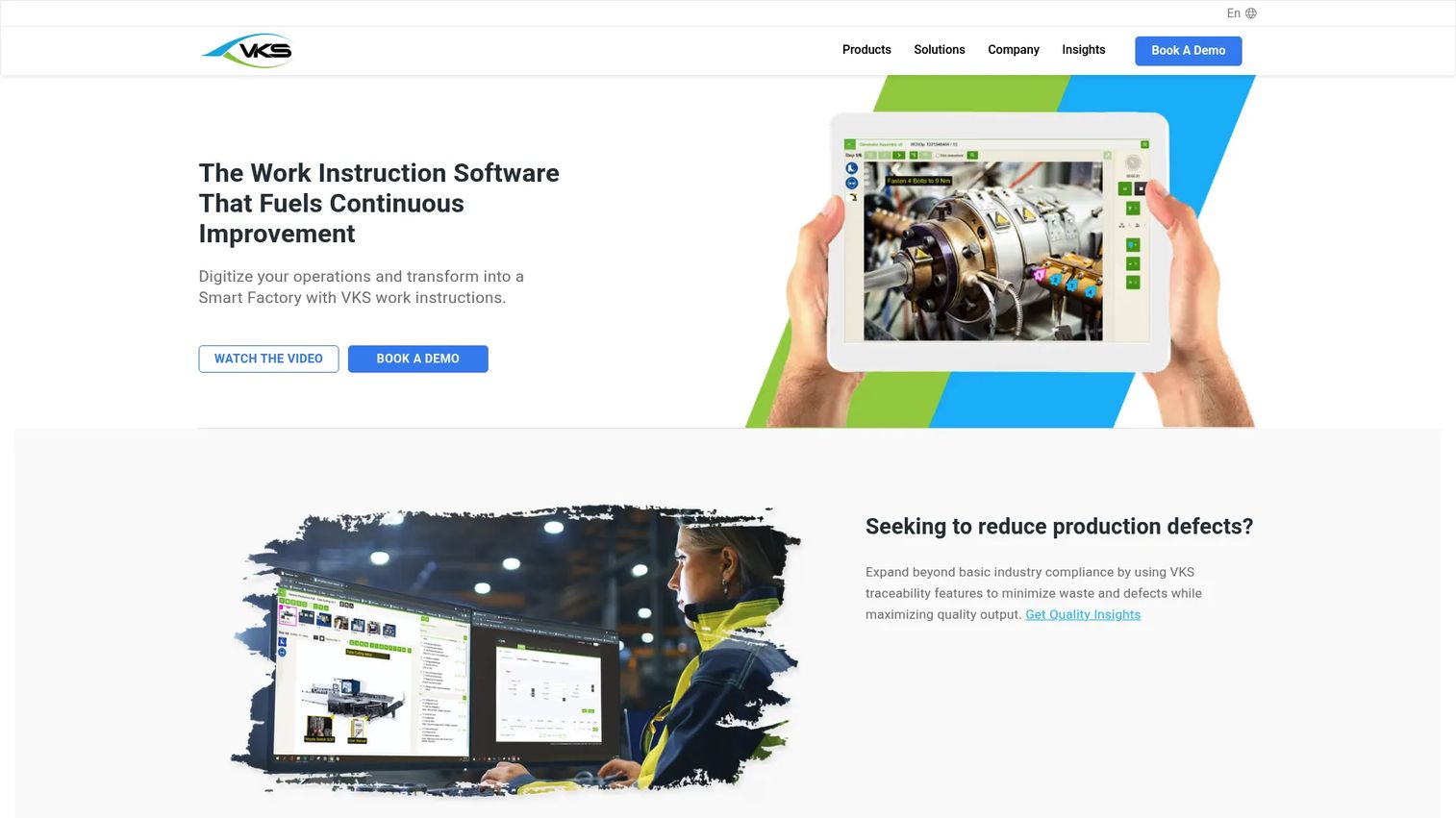
VKS is a work instruction platform built for manufacturing teams that need more than document delivery. It combines visual step-by-step instructions with smart forms, data capture, and IoT connectivity, turning the instruction itself into a data collection point on the shop floor.
Best for: Manufacturing operations teams that need structured governance, shop-floor data capture, and traceability alongside their instructions.
Key features
- Visual step-by-step instructions with photos, videos, PDFs, and annotations
- Smart forms, user signatures, and a rule engine for conditional logic
- Productivity monitoring and KPI tracking at the instruction level
- API connectivity, SSO, and Active Directory (LDAP) support
- Multilingual content support for global manufacturing rollouts
Why choose VKS: VKS excels when you need the instruction to do double duty as a data capture tool. If your team needs to record torque values, inspection results, or operator sign-offs at specific steps, that happens inside the same workflow rather than in a separate system. For teams that only need a simple checklist without data collection requirements, a lighter tool may be more appropriate.
VKS pricing: VKS offers a free Lite plan to get started. Pro and Enterprise plans are quoted based on team size and feature requirements, so reach out to their sales team for specifics on those tiers.
VKS holds a 4.7/5 rating on G2.
2. Operations1
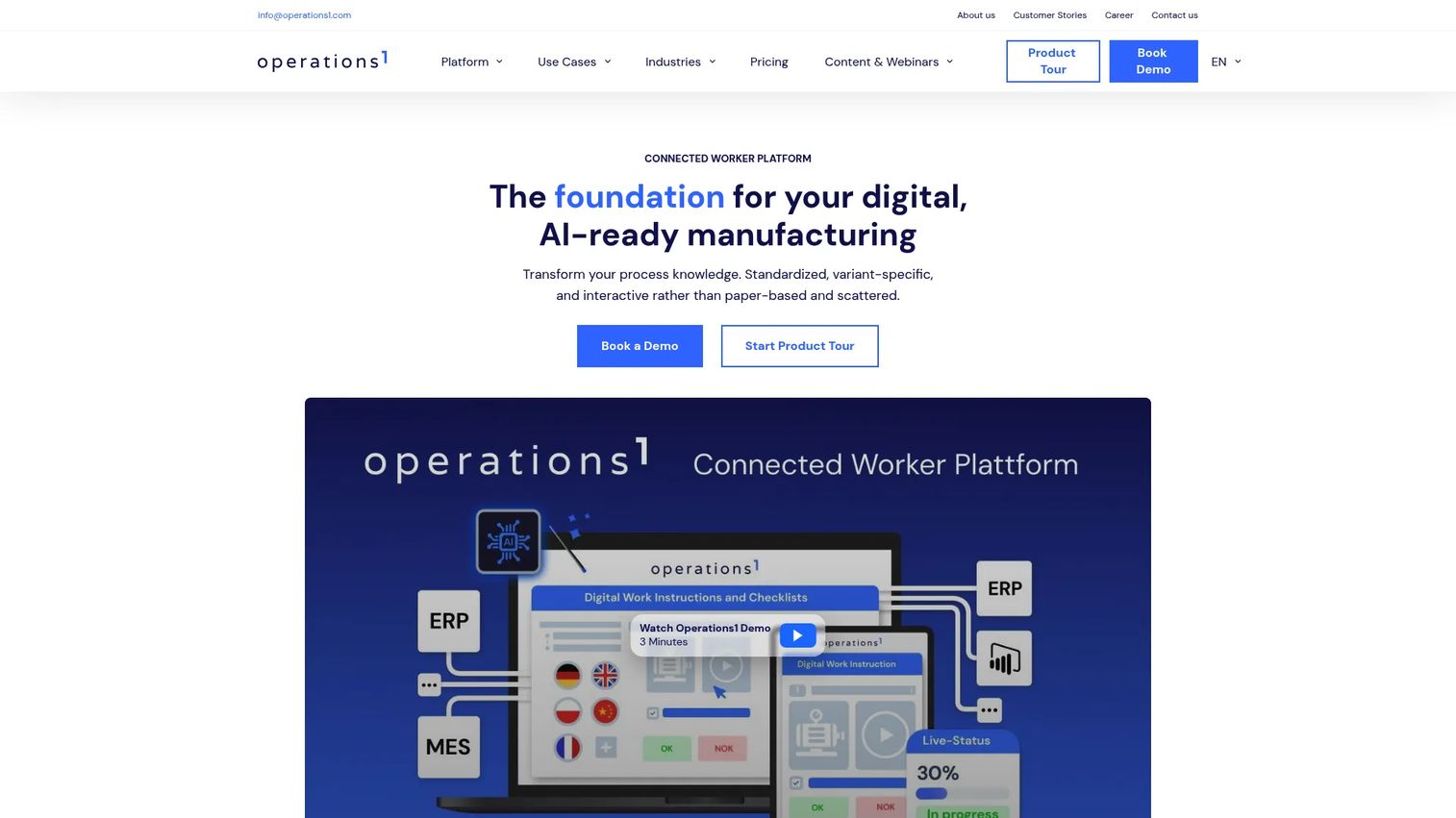
Operations1 is a connected worker platform that centers on shopfloor process digitization. Its AI Document Automator converts existing Word or PDF procedures into structured digital work instructions, which significantly reduces the time cost of migrating from paper-based systems.
Best for: Manufacturing companies with large libraries of existing documentation that need to convert to digital work instructions without rebuilding from scratch.
Key features
- AI Document Automator for converting existing documents into structured instructions
- Modular work instructions with image and video editing built in
- Checklists, audits, maintenance planning, and incident management
- Offline-capable mobile assistant app
- REST API and native ERP and MES connectors
Why choose Operations1: If your biggest obstacle to digitization is the volume of existing documentation that needs to move into a structured format, Operations1's AI conversion capability is the most direct answer. It fits well for standardization projects spanning multiple production lines or plants. Teams that are starting from scratch without legacy documentation may find less differentiation from this capability.
Operations1 pricing: Both Professional and Enterprise plans are quote-based. Contact Operations1 for pricing specific to your site count and user volume.
A verified G2 rating for Operations1 was not available at drafting time.
3. SafetyCulture
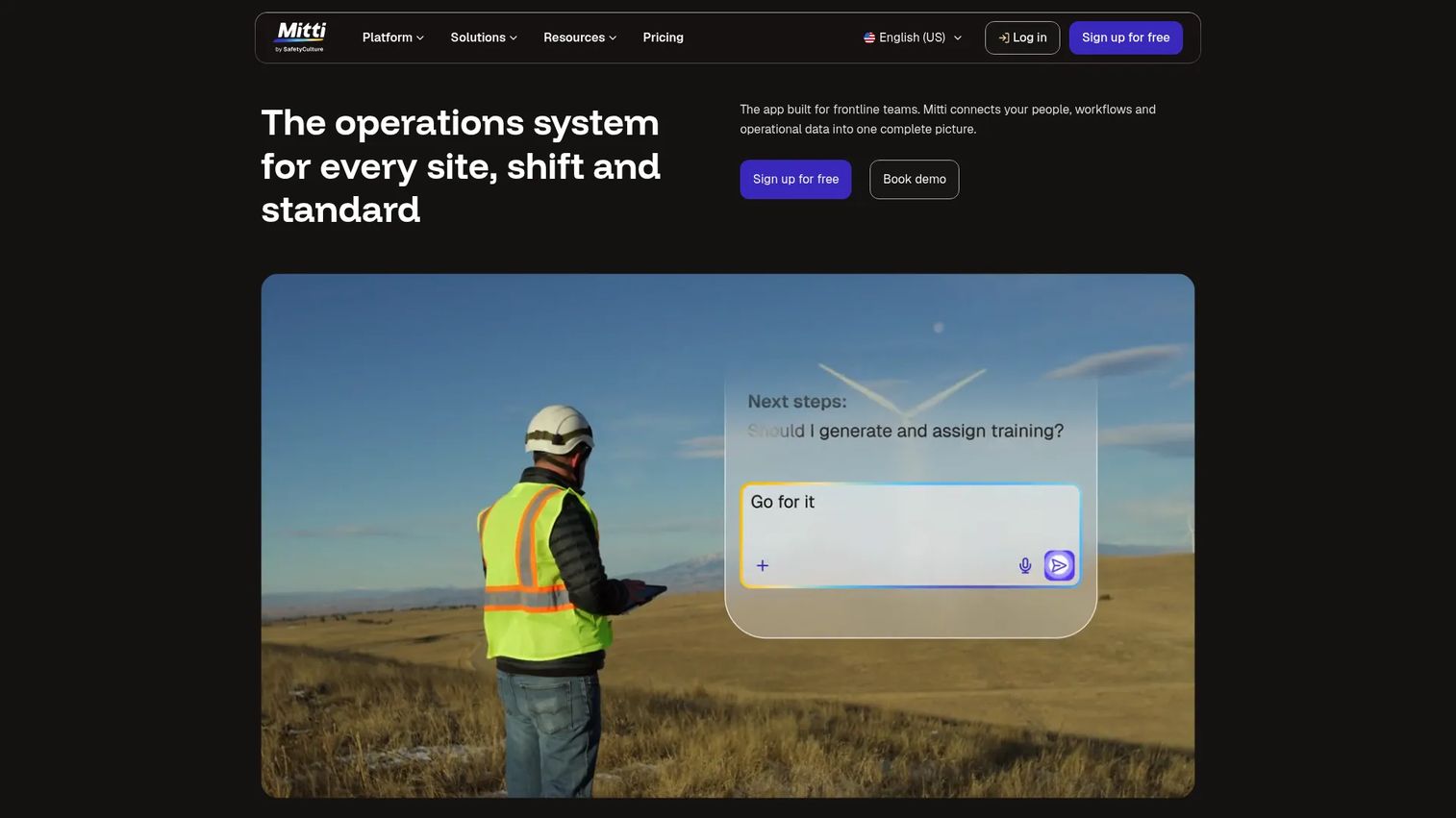
SafetyCulture is a broad frontline operations platform that covers inspections, actions, training, and document workflows. Work instructions sit within a wider operational suite rather than as the platform's sole focus, which makes it a practical choice for teams that also need inspection management and issue tracking in one place.
Best for: Frontline operations teams that want a familiar, mobile-first tool that handles inspections, tasks, and work instructions under one platform.
Key features
- Mobile-first workflow access for frontline workers
- Templates and form-based inspections
- Actions, issues, and investigations tracking
- Training and document management modules
- Team collaboration and analytics across operational workflows
Why choose SafetyCulture: SafetyCulture works well when your team already manages operational workflows digitally and you want to add structured work instructions without deploying a separate system. The free tier covering up to 10 seats gives smaller teams a no-cost starting point. Manufacturers that need deep, manufacturing-specific governance controls may find the broader platform scope trades off against specialized instruction management depth.
SafetyCulture pricing: Free plan available for up to 10 seats. Premium plans run $24 per seat per month. Lite seats start from $5 per seat per month when added to paid plans. Enterprise pricing is custom.
SafetyCulture holds a 4.6/5 rating on G2.
4. Dozuki
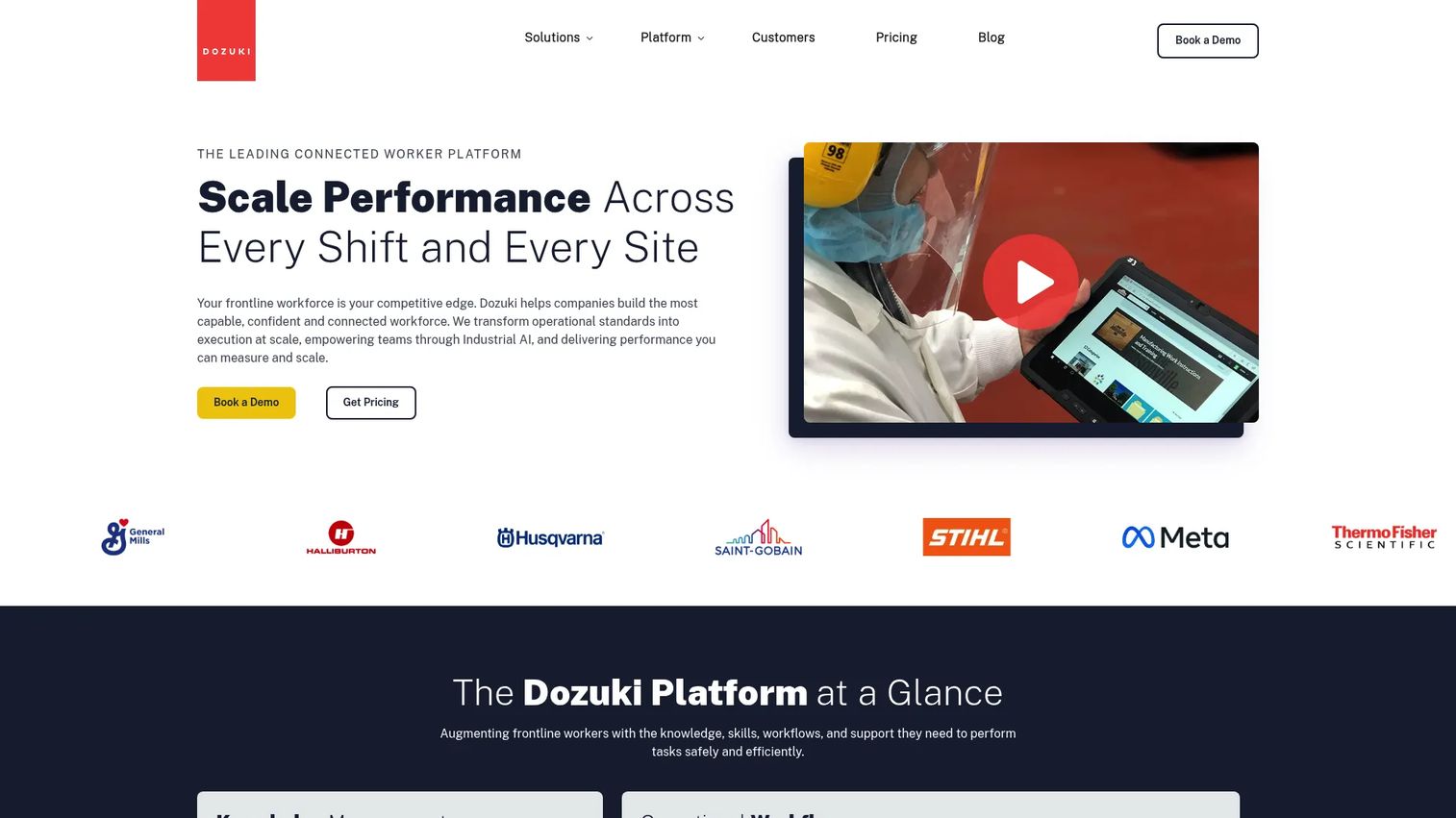
Dozuki is a connected worker platform built around manufacturing knowledge management. It pairs structured work instructions with learning pathways and certification tracking, making it particularly relevant for facilities where knowledge retention and onboarding quality are as important as procedure compliance.
Best for: Manufacturers that want to combine digital work instructions with a structured training and certification layer for frontline workers.
Key features
- Structured step-by-step work instructions with visual content capture
- Learning pathways and worker certification support
- Operational workflows and knowledge management
- Version control with controlled revision history
- Worker collaboration and embedded industrial AI features
Why choose Dozuki: Dozuki fits operations where the instruction and the training record are inseparable. When you need to prove not only that a procedure exists but that a specific worker was trained on its current revision before performing the task, Dozuki handles that linkage directly. Teams focused purely on instruction delivery without a training management requirement may not need that depth.
Dozuki pricing: Pricing is gated behind a form on Dozuki's site. Contact their team for plan details and a quote based on your facility and user count.
Dozuki holds a 4.4/5 rating on G2.
5. Poka
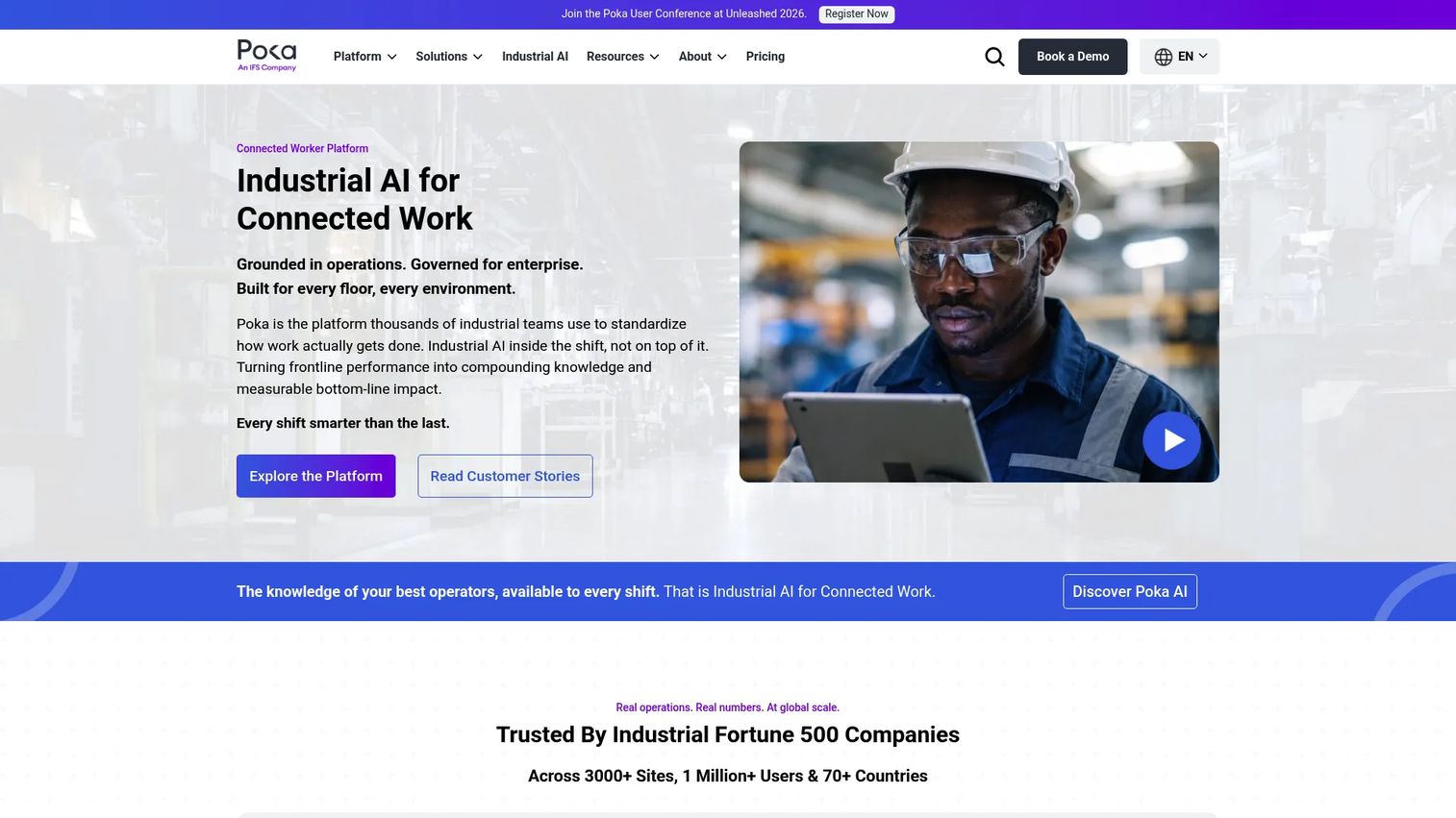
Poka positions itself as an industrial AI and connected worker platform designed for large-scale manufacturing organizations. Its feature set spans digital work instructions, skills management, daily management, and cross-plant performance analytics, with a focus on operational adoption at scale.
Best for: Large manufacturing enterprises standardizing frontline work practices across multiple plants and needing visibility into workforce performance alongside instruction compliance.
Key features
- Digital work instructions with visual content delivery
- Skills management and structured training workflows
- Daily management tools, forms, and issue tracking
- Cross-plant performance visibility and analytics
- Mobile-first usability for frontline workers
Why choose Poka: Poka is built for the scale problem. If you are managing dozens of plants with thousands of workers and need consistent execution visibility from a single platform, Poka's connected worker model covers more of that surface than a pure instruction tool. Smaller operations or single-site facilities may find the platform's scope exceeds what they need.
Poka pricing: Poka does not publish pricing on its website. Request a quote from their sales team.
Poka holds a 4.6/5 rating on G2, verified as of February 2026.
6. Tulip
Tulip is a frontline operations platform built around a no-code app builder. Rather than delivering a fixed instruction management product, Tulip lets operations teams build configurable apps that can include work instructions, data collection, machine connectivity, and AI-driven decision support within a single workflow.
Best for: Manufacturing and operations teams that want custom frontline workflows where work instructions are one component of a broader app strategy, not a standalone product.
Key features
- No-code app builder for configurable shop-floor workflows
- Native AI and ML capabilities within operational apps
- Edge connectivity for machine and device integration
- Data capture with structured analytics and reporting
- Flexible process design adaptable to complex or variable production environments
Why choose Tulip: Tulip's strength is configurability. If your instruction needs are tightly coupled with machine data, quality checks, or conditional process branching that a standard instruction tool cannot accommodate, Tulip gives you the flexibility to build exactly that. For teams that just need a clean instruction viewer with approval workflows, Tulip's broader platform may introduce more complexity than the use case warrants.
Tulip pricing: Essentials plans start at $100 per interface per month, billed annually with a 10-interface minimum. Professional plans run $250 per interface per month on the same billing structure. Enterprise pricing requires contacting sales.
Tulip holds a 4.5/5 rating on G2.
7. SwipeGuide
SwipeGuide is a digital work instruction and skills management platform focused on fast content creation and mobile delivery. Its authoring environment is designed so subject matter experts can build visual instructions without technical support, which shortens the time from process documentation to worker-ready content.
Best for: Manufacturing teams that prioritize fast rollout and straightforward authoring without the overhead of a heavy platform implementation.
Key features
- Visual step-by-step work instructions and checklists
- Self-directed learning and skills management features
- Analytics and data API for tracking usage and completion
- Multilingual content support for global operations
- Secure access controls for content governance
Why choose SwipeGuide: SwipeGuide fits when speed of deployment is the primary constraint. If your team needs instructions in workers' hands within weeks rather than months, and the authoring team includes operators rather than dedicated documentation specialists, SwipeGuide's lower-friction creation model is a genuine advantage. Teams requiring deep ERP integration or complex conditional logic may need a more configurable platform.
SwipeGuide pricing: Smart Skills by SwipeGuide starts at $825 per site per month. Contact SwipeGuide for full platform subscription pricing based on your site count and user volume.
A verified G2 rating for SwipeGuide was not available at drafting time.
8. BILT
BILT is a customer and workforce experience platform built around 3D interactive instructions. Where most work instruction tools use photos and video, BILT uses animated 3D models that workers can rotate, zoom, and step through, which addresses complex assembly or maintenance procedures where static visuals fall short.
Best for: Organizations with complex physical procedures, high-value equipment, or training scenarios where 3D spatial guidance materially improves worker accuracy and confidence.
Key features
- 3D interactive step-by-step instruction delivery
- Voice, text, and animated guidance within each step
- Product registration, receipt upload, and warranty tracking
- Mobile access across iOS and Android devices
- Support for both consumer end-user and organizational workforce use cases
Why choose BILT: BILT is the right choice when the complexity of the task exceeds what a photo sequence can communicate. Rotational assembly, internal component placement, and multi-axis installation procedures benefit significantly from 3D guidance. For straightforward linear procedures with clear visual reference points, a lighter instruction format likely covers the need at lower cost.
BILT pricing: The consumer app is free. For organizational deployments, BILT charges an initial setup fee plus an annual subscription. Contact BILT for a quote based on your use case and user volume.
BILT holds a 5.0/5 rating on G2, based on current listings. Note that this rating reflects a limited review sample, so weigh it alongside other evaluation criteria.
Considerations before you buy
Visual clarity at the point of use
Evaluate how instructions actually render on the devices your workers carry. A platform that looks clean on a desktop browser may be difficult to read on a 7-inch tablet mounted at a workstation. Ask vendors for a device-specific demo on your actual hardware, and test legibility at arm's length in a realistic lighting environment.
Version control and approval depth
Check whether the platform enforces a controlled release process, not just file versioning. You want approvals, change reasons, and a log of who approved what revision and when. If your operation sits under ISO 9001, IATF 16949, or FDA regulations, audit trail completeness is a non-negotiable evaluation criterion.
Offline access and sync behavior
Most platforms claim mobile support. Fewer have genuinely usable offline modes. Ask specifically whether workers can access full instructions without a network connection, how the platform handles conflicts when a worker completes a step offline and syncs later, and whether all content types (video, in particular) cache reliably on the device.
ERP and MES integration fit
Confirm that the platform connects to your specific ERP or MES, not just to a generic list of supported integrations. Work order routing, part number association, and completion event triggers all depend on how cleanly the instruction system talks to your production system of record. A native connector is preferable to middleware that adds maintenance overhead.
Maintenance cost against your release cadence
As a PM, factor in how often your procedures actually change. A platform that requires significant effort to update content will accumulate instruction debt as your processes evolve. Prioritize tools where subject matter experts can author and update without IT involvement, and where a single change propagates to all delivery points rather than requiring manual republication.
Conclusion
The right visual work instruction software depends on where your operation sits on two axes: Governance complexity and deployment speed.
For operations that need structured data capture, IoT connectivity, and deep traceability, VKS is the strongest starting point. Teams migrating large document libraries will find Operations1's AI conversion capability worth evaluating early. Dozuki is the clearest choice when training certification and instruction compliance must be linked. Poka fits large, multi-plant enterprises that need cross-site performance visibility. Tulip makes sense when instructions are embedded inside broader custom app workflows. SafetyCulture suits teams already running digital operations that want instructions alongside inspections. SwipeGuide is the fastest path to worker-ready content for teams prioritizing deployment speed. BILT stands apart for any organization where 3D spatial guidance changes the accuracy of complex physical procedures.
Start with one high-friction process, pilot two or three platforms against it using your actual device hardware and your actual worker population, and measure completion rates and error frequency before and after. That baseline matters more than feature comparison at the shortlisting stage.
Start your journey with Guideflow today!
FAQs
Digital work instructions is the broader category, covering any procedure delivered electronically rather than on paper. Visual work instructions specifically emphasizes media-rich, step-by-step formatting with embedded photos, video, and annotations at each step. Most modern platforms in this category are both digital and visual, but older electronic work instruction systems may be digital without strong visual formatting support.
Dozuki is the strongest fit for teams where training certification and instruction compliance must be directly linked. It supports learning pathways and worker certification alongside standard work documentation, which matters when you need to prove that a specific operator was trained on the current revision before performing a task.
Most platforms in this category include version control, but the depth of the approval workflow varies significantly. VKS, Dozuki, and Operations1 include controlled revision processes with approval steps. SafetyCulture and SwipeGuide offer document management with version history. Evaluate whether the platform enforces an approval gate before a new revision is visible to workers, not just whether it tracks file history.
Yes, all eight platforms in this guide support mobile access. The practical differences are in offline capability and device-specific usability. SafetyCulture, Poka, and SwipeGuide are particularly optimized for mobile delivery. Before committing, test the specific platform on the actual device type your workers will use, including offline behavior and content caching for video-heavy instructions.
ERP and MES integrations determine whether work instructions can be triggered automatically by work orders, associated with specific part numbers or production runs, and whether completion events feed back into your production records. Without integration, instruction completion is a separate data silo from your operational system of record. Operations1, VKS, and Poka each offer ERP and MES connector support, but verify your specific system against each vendor's integration list.
Start with instruction completion rate, time-to-completion per procedure, and the number of quality escapes linked to procedural variation. Secondary metrics include training certification completion (if the platform supports it), version adoption lag (how quickly workers shift to a new revision after approval), and support ticket volume for procedure-related questions. Establish a baseline before rollout so any post-deployment improvement is measurable rather than assumed.
Offline access matters whenever your workers operate in areas with unreliable Wi-Fi or cellular coverage, which describes a meaningful share of manufacturing floor environments. If a worker loses connection mid-procedure, the instruction must remain accessible and any data recorded during the offline session must sync reliably when connectivity returns. Verify sync conflict behavior specifically, not just whether offline mode exists.
Poka and Operations1 are the strongest fits for multi-plant standardization at scale. Poka provides cross-plant performance visibility and supports large enterprise rollouts. Operations1 handles centralized authoring with site-specific distribution. VKS also supports multi-site deployments with centralized control. For standardization efforts to succeed, prioritize platforms where a single change to an instruction propagates to all sites without requiring manual republication at each location.