



You have a hook in a voice memo, a verse in your Notes app, and a chord sketch on a napkin somewhere. None of them talk to each other. By the time you sit down to finish the song, half the spark is gone.
That scatter is the real problem. Not talent, not effort. The song lives in five places, so it never quite becomes one thing.
Songwriting software fixes the scatter by keeping lyrics, chords, and recordings in one working space. The songwriting software market hit $1.8B in 2025 and is projected to reach $3.6B by 2034, according to MarketIntelo (2025). That growth means more tools, more overlap, and more time wasted picking wrong.
The trick is matching the tool to the job. A lyric writer needs different software than someone who starts with a chord progression or wants to cut a rough demo the same afternoon.
What's inside
This guide covers songwriting software for every stage of the writing process, chosen for how well each tool does one specific job.
- Lyric-first tools: Rhyme, phrase, and word-family support for line construction
- Chord and harmony tools: Progression building and theory-guided melody
- Collaboration tools: Real-time co-writing and shared idea organization
- Production-friendly tools: Recording, looping, and arranging rough demos
- Free and paid options: From free entry points to one-time and subscription plans
- Selection criteria: How each tool was ranked by workflow fit, pricing clarity, and the specific songwriting job it does best
TL;DR
- Best overall for collaboration and organization: Songcraft keeps lyrics, chords, and recordings in one shared workspace
- Best for lyric writing and idea expansion: MasterWriter loads rhymes, phrases, and word families into one hub
- Best for chord progressions and harmony: Hookpad builds progressions with music-theory guidance in the browser
- Best for focused rhyme work: Rhyme Genie offers 30 rhyme types across 330,000+ entries
- Best for quick demos: GarageBand turns ideas into multitrack recordings on Apple devices
- Best free or low-cost entry: Songcraft for a free workspace, GarageBand for free production on Mac and iOS
What is songwriting software
Songwriting software is any tool that helps writers create, organize, test, and refine songs, from a single lyric line to a finished arrangement. Some tools focus on words, some on harmony, and some on turning a rough idea into an audio demo.
Most songwriting apps cluster around a few core jobs. Knowing which job you actually need is how you avoid paying for features you never open.
- Lyric writing aids: Rhyme dictionaries, phrase search, synonyms, and word-family expansion for stronger lines and titles
- Chord and progression helpers: Suggested progressions, key changes, and melody guidance rooted in music theory
- Recording and idea capture: A place to record voice memos, loops, and audio clips before they disappear
- Collaboration and sharing: Real-time co-writing, comments, and shared song files across writers
- Production support: Multitrack arranging, loops, and instruments for building a rough demo
The category spans free browser apps to paid desktop suites. Free songwriting software tends to cover one job well, such as rhyme lookup or basic recording. Paid tools bundle more together, usually organization plus one deep specialty like lyric reference or harmony.
The line between a songwriting app and a digital audio workstation (DAW) matters here. A DAW is built to record, mix, and produce audio. Songwriting software is built earlier in the process, when you are still deciding what the song is. Some tools, like GarageBand, sit in both camps, which is why they show up on lists like this one.
Pick the tool that matches where your songs actually stall. If you never finish lyrics, a harmony tool will not help. If your progressions feel stale, a rhyme dictionary will not fix that.
When to use songwriting software
Organize ideas before they disappear
Ideas arrive in fragments: A melody hummed into a phone, two lines of a chorus, a chord shape you liked. Songwriting software gives those fragments one home. Instead of hunting across apps, you open one file and the whole song is there, lyrics next to chords next to the recording that started it.
Build stronger lyrics and titles
When a line almost works but the last word is flat, a rhyme dictionary and phrase search speed up the fix. Word-family and synonym tools help you find the sharper image without breaking your flow. This matters most for writers who stall on lyrics, not melody.
Move from idea to demo faster
Some writers think in arrangement, not just words or chords. Production-friendly tools let you capture a clip, loop a section, and stack a few tracks the same day the idea lands. That speed keeps momentum alive, which is often the difference between a finished song and another half-draft.
Songwriting software comparison
Here is how the seven tools compare across the job each does best, current pricing, and G2 ratings where a verified listing exists. Ratings are left blank where no current G2 listing was found.
| # | Product | Best for | Key differentiator | Pricing | G2 rating |
|---|---|---|---|---|---|
| 1 | Songcraft | Collaborative writing | All-in-one online workspace with real-time co-writing | Free tier | N/A |
| 2 | MasterWriter | Lyric expansion | Rhymes, phrases, and word families in one hub | From $9.95/mo | 3.8 |
| 3 | Hookpad | Chord and harmony | Theory-guided progressions in the browser | From $7.99/mo | N/A |
| 4 | Rhyme Genie | Rhyme work | 30 rhyme types across 330,000+ entries | From $7.95 | N/A |
| 5 | TuneSmith | Notation | Simple notation for composing and sharing | Custom pricing | N/A |
| 6 | Chord Miner | Chord reference | 7,000+ chords with a chord-set library | Custom pricing | N/A |
| 7 | GarageBand | Quick demos | Multitrack recording on Apple devices | Free on Apple devices | 4.3 |
The tools split cleanly by job. Songcraft and MasterWriter sit on the writing and organization side. Hookpad, Rhyme Genie, and Chord Miner each attack one part of the craft in depth. GarageBand covers the jump from idea to audio.
Best songwriting software for 2026
1. Songcraft
Songcraft is a browser-based songwriting workspace that puts lyrics, chords, tabs, and audio recordings on one page. Its standout feature is real-time collaboration, so two writers can work the same song at once with comments, text chat, and video chat built in. Songwriting helpers like key and chord suggestions plus a rhyming dictionary sit alongside the writing.
Best for: Writers who co-write often and want a shared space instead of a thread of email attachments.
Key features
- Real-time co-writing with comments, chat, video
- Lyrics, chords, tabs, audio in one workspace
- Key and chord suggestions while you write
- Built-in rhyming dictionary
- Song and idea organization across projects
Why choose Songcraft: If your writing depends on other people, Songcraft removes the file-swapping that kills momentum between sessions. Solo writers who never collaborate will use less of it.
Songcraft pricing: Songcraft is free to sign up and start writing. The homepage promotes a free account, and the first-party pages read did not list a numeric paid tier, so treat the free workspace as the current entry point.
Songcraft does not have a current verified G2 rating.
2. MasterWriter
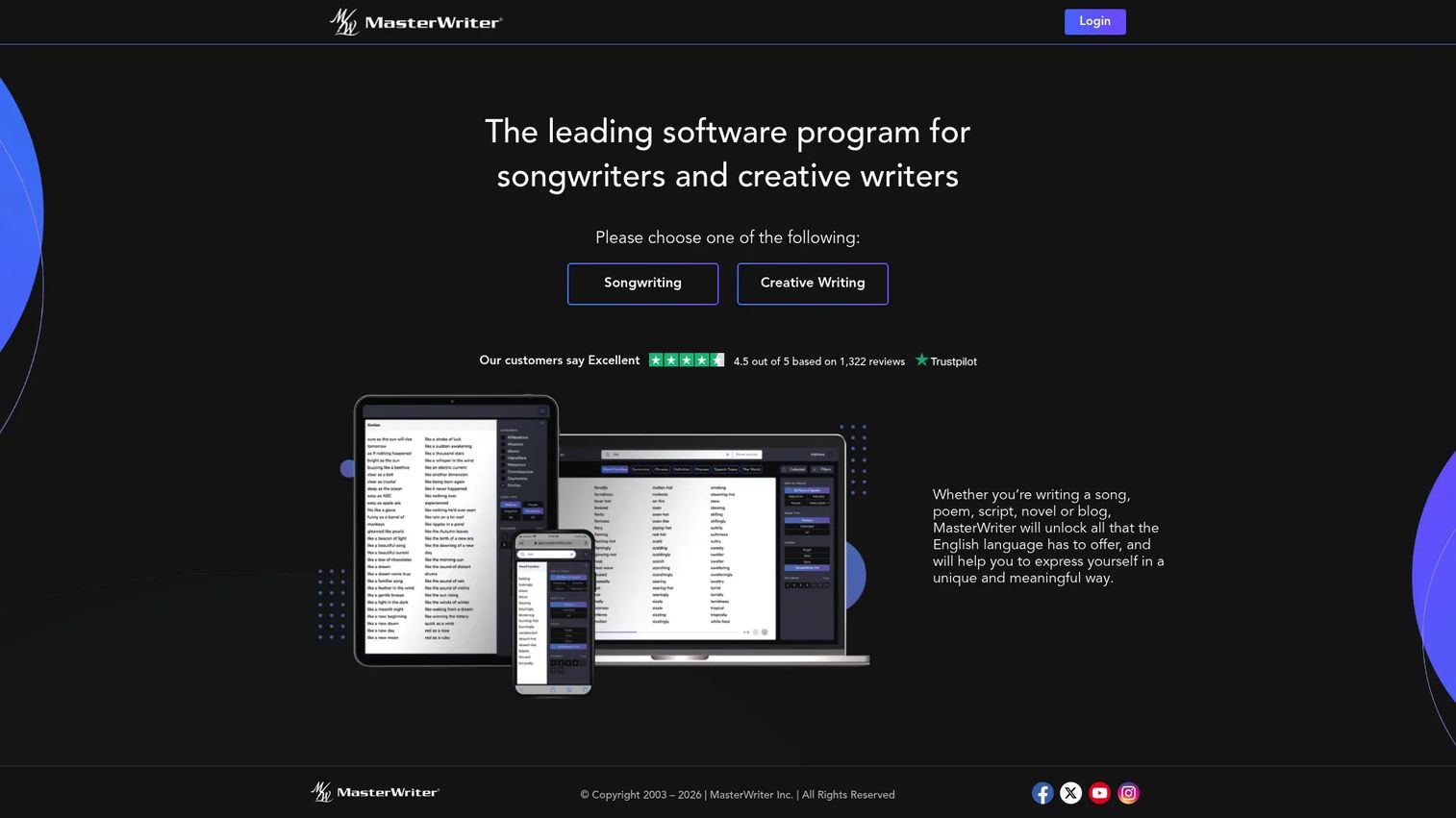
MasterWriter is a writing tool built around language reference. It loads rhymes, phrases, word families, synonyms, and speech types into one place, then adds filters so you can narrow a search to exactly the word you need. Collecting and organization tools keep your songs and ideas together, and it runs across devices.
Best for: Lyric writers who want fast language expansion and a central hub for drafts.
Key features
- Rhymes, phrases, word families, synonyms
- Filters for precise language searches
- Speech-type and sound-alike references
- Collecting and organization for songs
- Works across all devices
Why choose MasterWriter: When your bottleneck is finding the right word or breaking a stale line, MasterWriter shortens that search dramatically. It is a language tool first, so writers who need harmony or production help should pair it with something else.
MasterWriter pricing: MasterWriter runs on a subscription, starting at $9.95 per month. A one-year license is $99.95, and a two-year license is $149.95, all with free updates and a 90-day money-back guarantee. There is no free tier.
On G2, MasterWriter holds a 3.8 out of 5 rating.
3. Hookpad
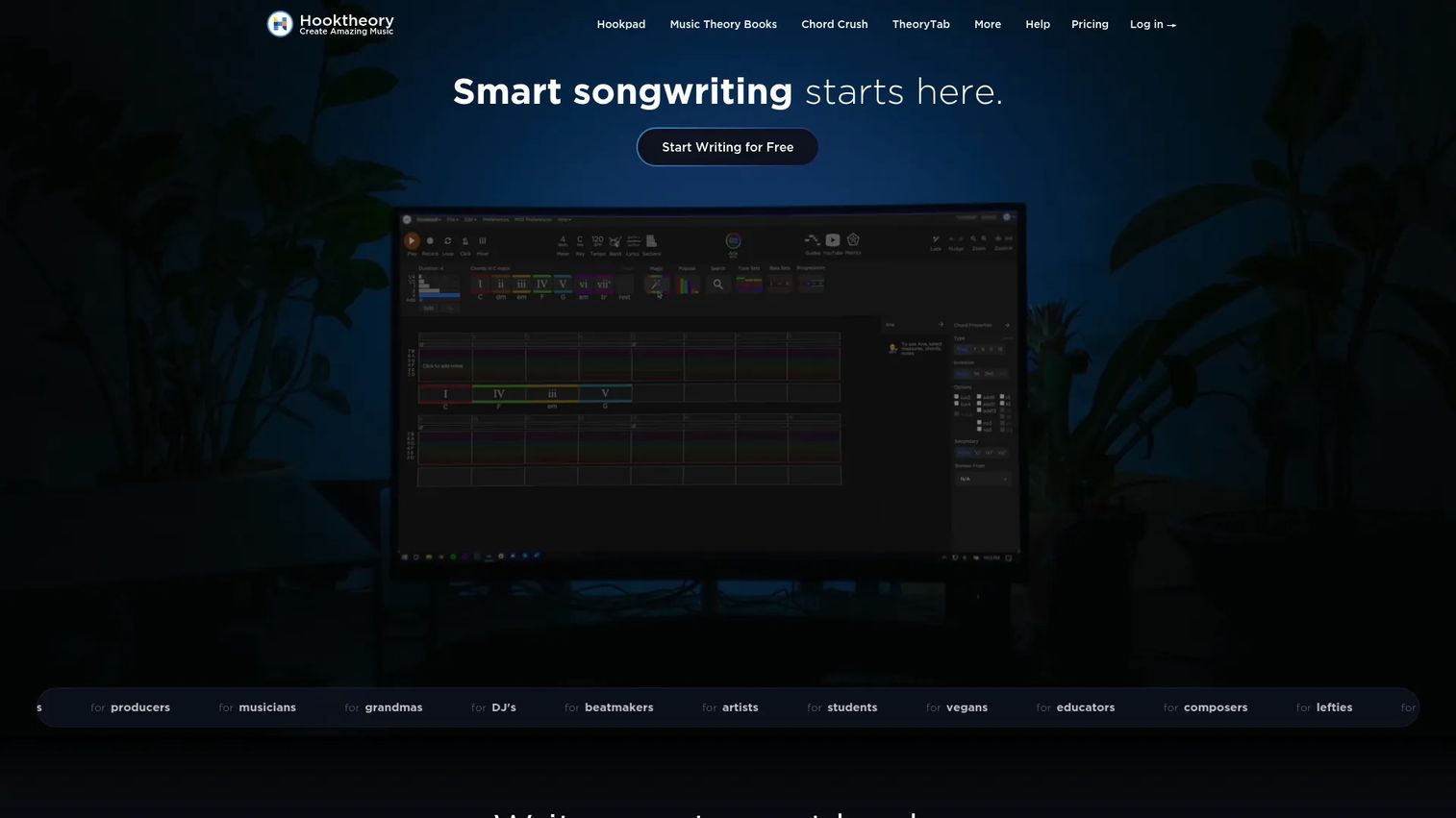
Hookpad, from Hooktheory, builds chord progressions and melodies in the browser with music theory doing the heavy lifting. It suggests chords that fit your key, flags what will sound tense or resolved, and helps you sketch melody over the changes. A lyrics editor plus MIDI input and export round it out.
Best for: Writers who start from chords or harmony and want theory guidance without a textbook.
Key features
- Chord progression and melody building
- Theory-driven chord suggestions
- Lyrics editor alongside harmony
- MIDI input and export
- Browser-based, no install
Why choose Hookpad: Hookpad is the fastest way to test whether a progression works before you commit. It is not built for deep audio production, so demo-focused writers will still need a recording tool.
Hookpad pricing: Hookpad offers a free start, then a Monthly plan at $7.99 per month or a one-time Lifetime plan at $199. Optional add-ons include the Aria feature at $14.99 per month and Music Theory Books at $34.98 one-time.
Hookpad does not have a current verified G2 rating.
4. Rhyme Genie
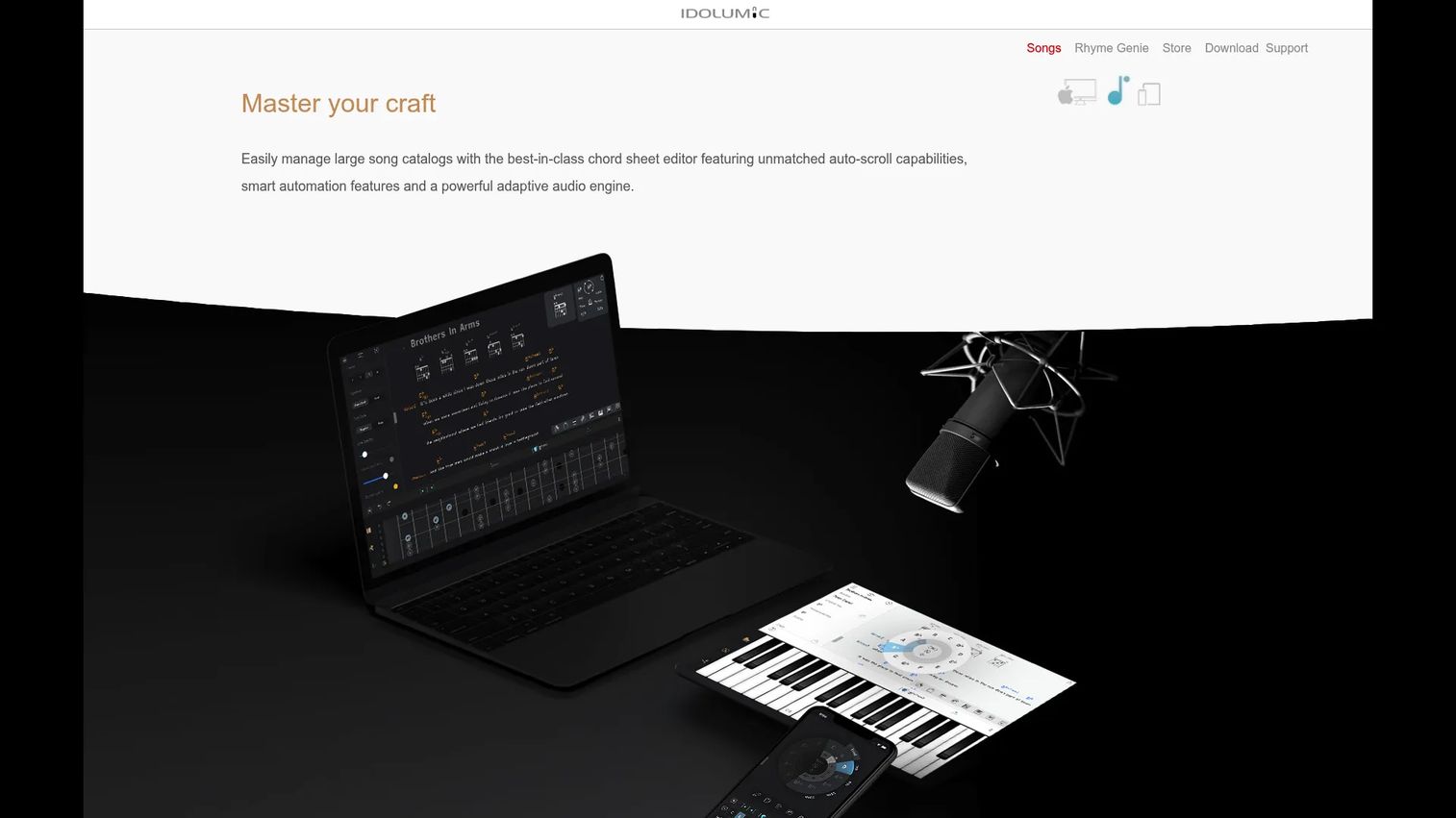
Rhyme Genie is a focused rhyming dictionary for songwriters. It covers 30 rhyme types across more than 330,000 entries, including near-rhymes most dictionaries miss, and pairs that with an integrated thesaurus and a word filter for tighter searches.
Best for: Writers who want serious rhyme and near-rhyme depth without a full writing suite.
Key features
- 30 rhyme types including near-rhymes
- 330,000+ dictionary entries
- Integrated thesaurus
- Word filter for narrowed searches
- Downloadable desktop version
Why choose Rhyme Genie: If rhyme is where your lines get stuck, this goes deeper than the rhyme tools bundled into bigger apps. It does one job, so pair it with a workspace or recorder for the rest.
Rhyme Genie pricing: Rhyme Genie's store lists an additional serial number at $7.95 for registered users, and the downloadable version includes free updates for the life of the computer plus up to three activations. Check the sales page for current full-license pricing before you buy.
Rhyme Genie does not have a current verified G2 rating.
5. TuneSmith
TuneSmith is a music notation tool for writing, collaborating on, and sharing music. It aims at composers who want a straightforward place to notate ideas and pass them to other musicians, without the weight of a full production suite.
Best for: Musicians who want simple notation for composing and sharing arrangements.
Key features
- Music writing and notation
- Collaboration on compositions
- Music sharing with other players
- Lightweight, focused interface
Why choose TuneSmith: TuneSmith suits writers who think in notation rather than loops or lyric reference. It stays lighter than larger suites, which is the appeal if you want notation without extra clutter.
TuneSmith pricing: TuneSmith's site did not expose a public pricing page in the pages read, so pricing is currently custom. Contact TuneSmith through its site for a current quote before committing.
TuneSmith does not have a current verified G2 rating.
6. Chord Miner
Chord Miner, from MusicCoach, is a guitar chord reference and repertoire tool. It carries more than 7,000 chords with multiple voicings of 41 chord types in every key, a Chord Identifier that names chords from fret positions on an interactive fretboard, and a Chord Set feature for storing progressions.
Best for: Guitarists and teachers who need a deep chord reference and a place to store chord sets.
Key features
- 7,000+ chords across 41 chord types
- Multiple voicings in every key
- Chord Identifier from fret positions
- Interactive fretboard
- Chord Set library for progressions
Why choose Chord Miner: When you want fresh progression paths and a way to name unfamiliar shapes, Chord Miner is built for guitar-first exploration. It is a reference tool, not a writing or recording workspace.
Chord Miner pricing: Chord Miner's site was unreachable during research, so current first-party pricing is custom until the vendor page is back up. Visit musiccoach.com directly to confirm license terms and cost.
Chord Miner does not have a current verified G2 rating.
7. GarageBand
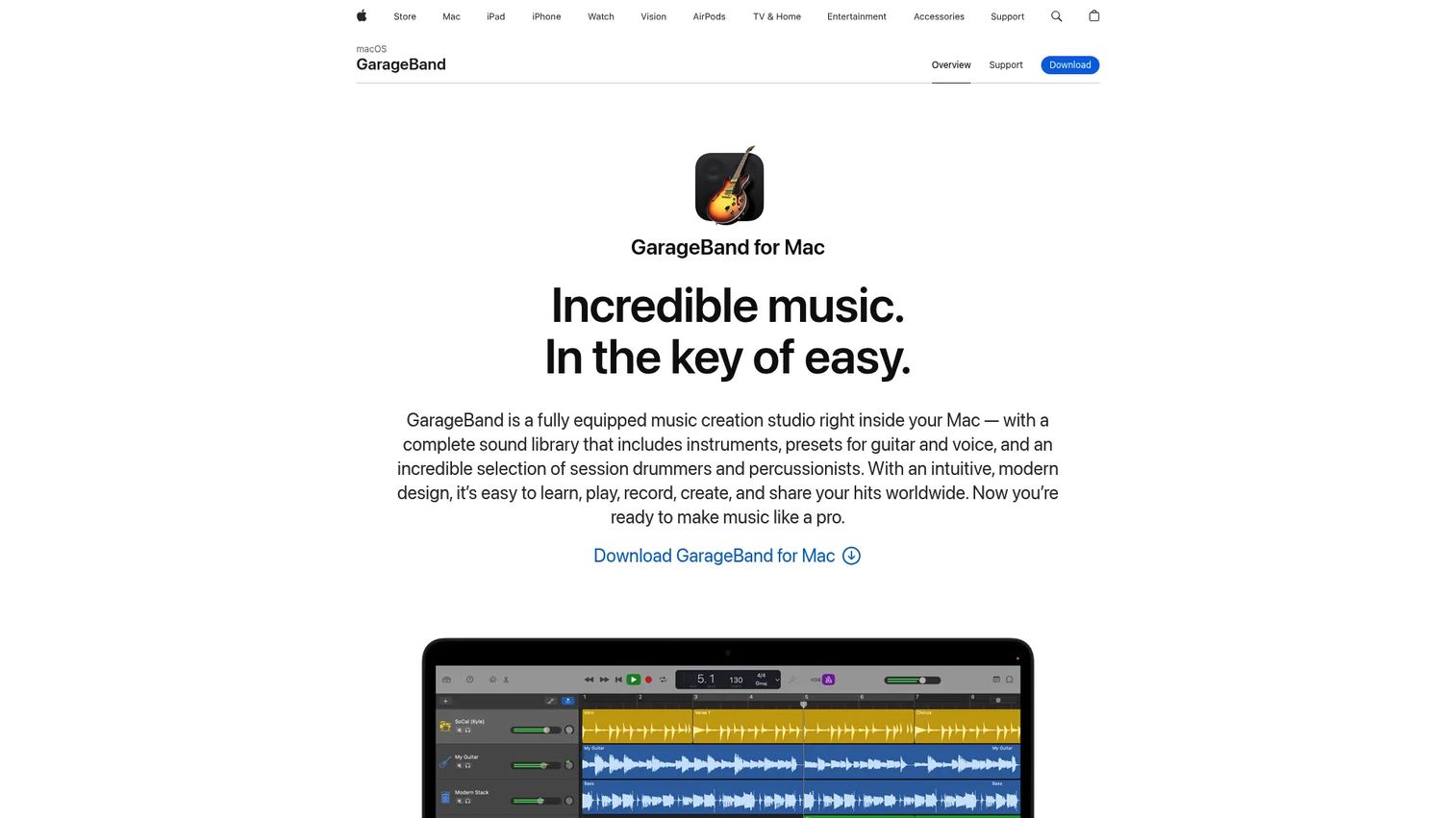
GarageBand is Apple's music creation app for Mac and iOS. It gives writers instruments, loops, amps, and effects, plus a Drummer virtual session player and support for up to 255 audio tracks on Mac. It is the easiest way to move from a songwriting idea to a recorded, arranged demo.
Best for: Beginner to intermediate writers on Apple devices who want to turn ideas into rough demos.
Key features
- Instruments, loops, amps, effects
- Drummer virtual session player
- Up to 255 audio tracks on Mac
- Multitrack recording and arranging
- Runs on Mac and iOS
Why choose GarageBand: GarageBand is the production-friendly entry point when you want to hear the song, not just read it. Writers on Windows or those needing pro mixing will eventually want a heavier DAW.
GarageBand pricing: GarageBand is free on Apple devices from the App Store, and requires macOS Monterey or later on Mac. There is no separate paid tier to buy it.
On G2, GarageBand holds a 4.3 out of 5 rating.
Considerations
Before you commit to a songwriting app, run through this short checklist. The right pick depends on where your songs actually stall, not which tool has the longest feature list.
Lyric-first or music-first
Decide whether you start with words, harmony, or arrangement. Word-first writers should weigh MasterWriter or Rhyme Genie. Chord-first writers should look at Hookpad or Chord Miner. Buying against your natural starting point wastes money.
Collaboration needs
If you co-write regularly, real-time shared editing and comments matter more than any solo feature. Songcraft is built for that. A pure solo writer can skip collaboration entirely and pick a deeper single-purpose tool.
Production depth
Be honest about whether you need a writing aid or a lightweight DAW. If you want to hear a demo, GarageBand handles it. If you only need to shape lyrics and chords, a recording suite is overkill and slows you down.
Free trial and budget
Check whether a free tier or trial covers your needs before paying for a bigger suite. Songcraft and GarageBand start free, so you can test your workflow at zero cost first. Confirm subscription versus one-time pricing so the ongoing cost matches how often you actually write.
Workflow organization
A central home for ideas often beats deep feature depth. If your songs die scattered across apps, prioritize a tool that keeps lyrics, chords, and recordings together over one with a slightly better rhyme dictionary.
Conclusion
Match the tool to your bottleneck, and the choice gets simple. Songcraft wins for collaborative writing and keeping everything in one shared space. MasterWriter is the pick when lyrics are where you stall. Hookpad handles harmony and progressions with theory built in. GarageBand takes you from idea to a rough demo the same day.
Rhyme Genie, TuneSmith, and Chord Miner each go deep on one part of the craft, so reach for them when rhyme, notation, or chord reference is the specific thing slowing you down.
Do not buy all of them. Find the one place your songs consistently break down, pick the tool built for that job, and test it for a week on a real song. If it removes the friction, keep it. If it does not, you have lost seven days, not a subscription year.
Start your journey with Guideflow today!
FAQs
GarageBand is the easiest starting point for beginners on Apple devices, since it is free and covers recording and arranging without a learning wall. Songcraft is a strong free browser option for anyone who wants to organize lyrics and chords without installing anything. Both let you test your workflow before spending money.
Lyric-focused writers lean on tools with deep language reference, like MasterWriter for rhymes, phrases, and word families, or Rhyme Genie for rhyme and near-rhyme depth. These songwriting apps speed up finding the sharper word without breaking your writing flow. They pair well with a general workspace for organizing full songs.
Yes. Songcraft offers a free account to write and organize songs in the browser, and GarageBand is free on Apple devices from the App Store. Hookpad also offers a free start before its paid Monthly and Lifetime plans. Free songwriting software usually covers one job well, so you may combine two free tools.
Hookpad is built for chord progressions, suggesting chords that fit your key and flagging tension and resolution as you write. Chord Miner suits guitarists who want a deep chord library and a way to store chord sets. Choose based on whether you want theory guidance or guitar-first reference.
It can, by removing the small stalls that snowball into a blank page. Rhyme and phrase tools break a stuck line, chord suggestions offer a fresh progression, and idea organization means you always have material to return to. The software does not write the song, but it keeps you moving.
No. A DAW is built to record, mix, and produce finished audio, while songwriting software works earlier, when you are still shaping lyrics, chords, and structure. Some tools like GarageBand overlap both, which is why they appear on songwriting lists. Most lyric and chord tools are not DAWs.
Start with the job you need done: Lyric help, harmony, collaboration, or production. Then check pricing clarity, whether a free tier or trial exists, and how well the tool organizes your ideas in one place. Match the tool to where your songs stall rather than to feature count.
Only if you co-write. If you regularly write with others, real-time shared editing and comments, as in Songcraft, save the file-swapping that kills momentum between sessions. Solo writers can skip collaboration and pick a deeper single-purpose tool instead.










