

A new hire starts Monday. By Wednesday they still cannot log into Salesforce. The access request is sitting in a ticket queue behind 40 others. Someone Slacked IT twice. A spreadsheet somewhere lists what they should have, but nobody has cross-checked it against what they actually got.
That gap is where manual provisioning breaks. Not because people are careless, but because access depends on human follow-through across a dozen disconnected systems. Onboarding lags. Role changes leave stale permissions behind. Offboarding misses an app, and a former employee keeps read access to production for three months.
The stakes are not abstract. The global user provisioning software market is forecast to grow from USD 9.94 billion in 2024 to USD 22.35 billion in 2029, a 17.5% CAGR, according to Research and Markets (2024). That growth tracks a simple reality: manual, spreadsheet-based, and ticket-based provisioning does not scale, and every lingering account is a security exposure waiting to be audited.
Customer provisioning software fixes the follow-through problem. It automates account creation, access assignment, role changes, and deprovisioning so least privilege holds by default instead of by memory. This guide compares eight tools worth evaluating in 2026.
What's inside
This guide is for IT, security, operations, HRIS, and adjacent GTM teams evaluating customer or user provisioning software. If you sit in presales and prospects keep raising access automation during technical validation, it also gives you the vocabulary to follow those conversations.
We compared each tool on the same criteria:
- Lifecycle automation across joiner, mover, and leaver workflows
- Integration depth with HRIS, directories, and SCIM enabled apps
- Governance features: RBAC, approvals, audit trails, and access reviews
- Reporting and visibility for compliance evidence
- Implementation speed and time to first workflow
The list spans SMB through enterprise environments, so match the pick to your scale and risk profile, not to logo recognition.
TL;DR
- Best for enterprise governance: SailPoint or Microsoft Entra ID, depending on how deep your identity stack runs.
- Best for fast operational rollout: Lumos or Zluri.
- Best for HR driven workflows: Rippling.
- Best for broad SaaS access automation and governance: BetterCloud.
- Best for hybrid provisioning and identity lifecycle management: Okta Workforce Identity.
- Best for complex, security led deployments: BalkanID.
If you need enterprise identity governance and administration, start with SailPoint or Microsoft Entra ID. If you need self-service access live in a few weeks, look at Lumos or Zluri first.
What is customer provisioning software
Customer provisioning software automates account creation, access assignment, role changes, and deprovisioning across the identity lifecycle. Instead of an admin manually granting access app by app, the software reads from a system of record and applies the right access automatically when someone joins, moves teams, or leaves.
The three actions people confuse most often are worth separating. Provisioning grants access. Deprovisioning removes it. Access reviews periodically confirm that whoever still has access should still have it. Automated user provisioning software handles all three without a human clicking through each system.
Core capabilities to expect:
- HRIS or system of record sync: pulls the source of truth for who works where and in what role
- SCIM and API based automation: pushes and revokes access across connected apps
- RBAC and approvals: maps roles to permissions and routes exceptions for sign-off
- Audit logs and access reviews: produces the evidence auditors and security teams ask for
- Time based or event based workflows: triggers on a start date, a role change, or a departure
In plain terms, account provisioning software connects your HR system, your directory, and your apps so access stays accurate as people move through their tenure. It replaces the manual chain of tickets and spreadsheets with rules that run on their own, and it keeps a record of every change for governance.
When to use customer provisioning software
Onboard users without manual tickets
Provisioning software earns its keep on day one. When a joiner record lands in your HRIS, the tool creates accounts and assigns role based access before the person logs in. No ticket queue, no missed apps, no first-week productivity loss. It cuts the IT setup load and removes the human error that creeps in when someone provisions ten new hires by hand.
Handle role changes without permission drift
Mover workflows are where access quietly gets messy. Someone shifts from support to sales, gains the new access they need, and keeps everything from the old role. Multiply that across a few hundred people over a few years and you have permission drift nobody can untangle. Role based and attribute based automation fixes this: change the role, and access recalculates to match. Least privilege holds, and every change stays auditable.
Offboard users fast and cleanly
Deprovisioning is where manual systems fail most visibly. Someone leaves on Friday, the offboarding ticket sits over the weekend, and access lingers into the next week or longer. Delayed revocation is a security risk and an audit finding. Automated user access provisioning revokes access across every connected system the moment the leaver event fires, so nothing lingers and nothing gets forgotten.
Comparison table
We compared the eight tools on the same buying criteria: what each is best for, its standout differentiator, public pricing, and its current G2 rating. Pricing reflects publicly listed figures where vendors publish them; several enterprise tools quote custom pricing by scale and modules.
| # | Product | Best for | Key differentiator | Pricing | G2 rating |
|---|---|---|---|---|---|
| 1 | BalkanID | Security led IGA and access risk | AI driven access risk analysis with modular pricing | From $1k/month | Not rated |
| 2 | Lumos | Fast self-service access rollout | Access requests via Slack, Teams, or ITSM | Custom | 4.7/5 |
| 3 | Microsoft Entra ID | Microsoft-native environments | Native directory and Conditional Access | From $7 user/mo | 4.5/5 |
| 4 | Okta Workforce Identity | Hybrid, mixed-SaaS identity | Universal Directory and lifecycle management | From $6 user/mo | 4.5/5 |
| 5 | SailPoint | Enterprise governance and audit | Deep IGA with access certification | Custom | 4.5/5 |
| 6 | Zluri | SaaS sprawl and shadow IT | SaaS discovery plus access workflows | Custom | 4.6/5 |
| 7 | BetterCloud | Multi-app SaaS operations | No-code workflows across SaaS apps | From $0/month | 4.4/5 |
| 8 | Rippling | HR driven provisioning | HRIS and IT provisioning in one platform | From $8 user/mo | 4.8/5 |
Best customer provisioning software for 2026
1. BalkanID
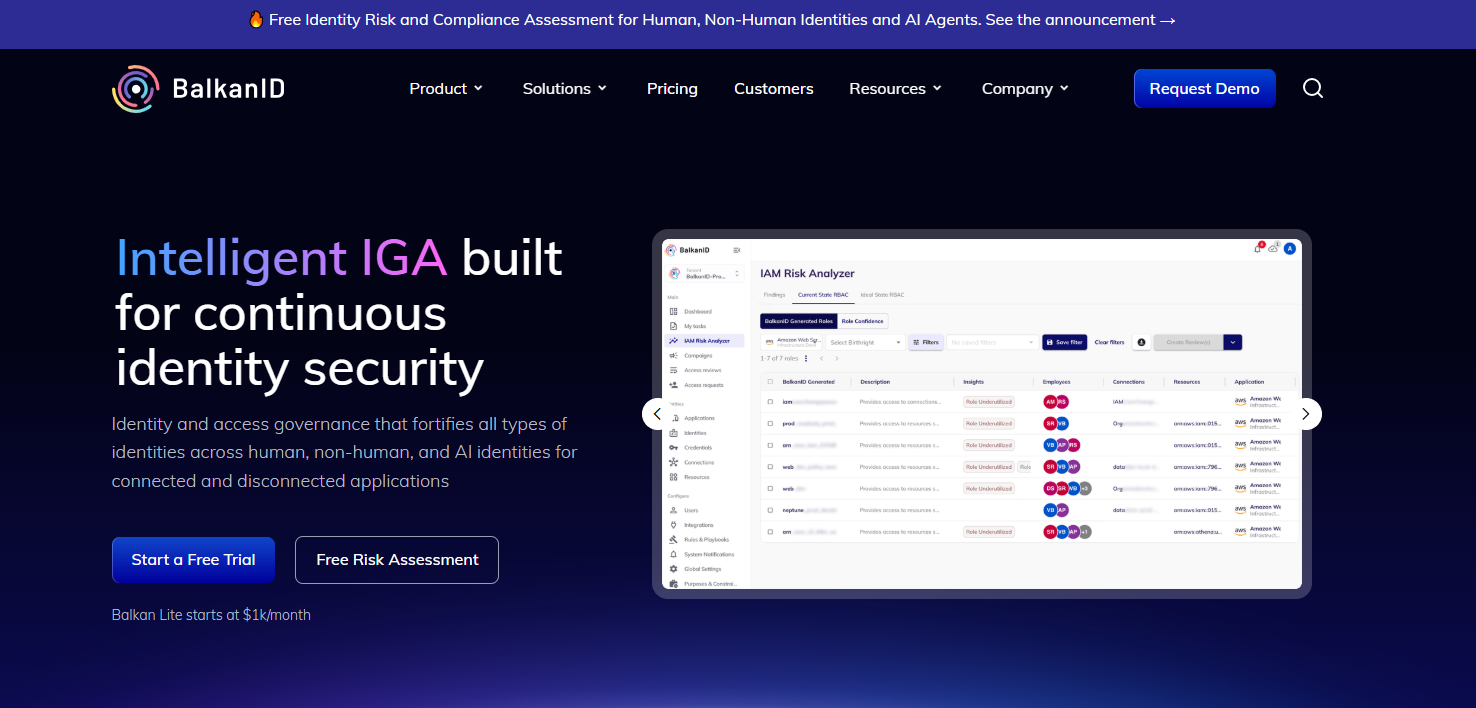
BalkanID is an AI driven identity security and access governance platform built for enterprise IGA. It focuses on the hard part of provisioning at scale: understanding who has access to what, spotting the risk in that access, and governing it across both connected and disconnected apps. Security led teams reach for it when access sprawl has outrun their ability to reason about it manually.
Best for: Enterprises that need transparent, modular identity governance and access risk management across a complex app estate.
Key features
- User access reviews for periodic certification
- IAM Risk Analyzer for access risk scoring
- Lifecycle management across joiner, mover, leaver
- Governance for disconnected and hard-to-integrate apps
- Modular deployment by capability
Why choose BalkanID: It fits teams whose core problem is access risk, not just access creation. If your security org needs to explain and defend access decisions during audits, the risk analysis and review workflows give you the evidence and the reasoning behind it. The modular model lets you start with the piece that hurts most.
BalkanID pricing: BalkanID Lite starts at $1,000/month or $10,000/year for up to 1,000 users. BalkanID Enterprise starts at $25,000/year for up to 5,000 users. Managed IGA Service starts at $25,000/year, and the Design Partner Program starts at $10,000 per module per year.
2. Lumos
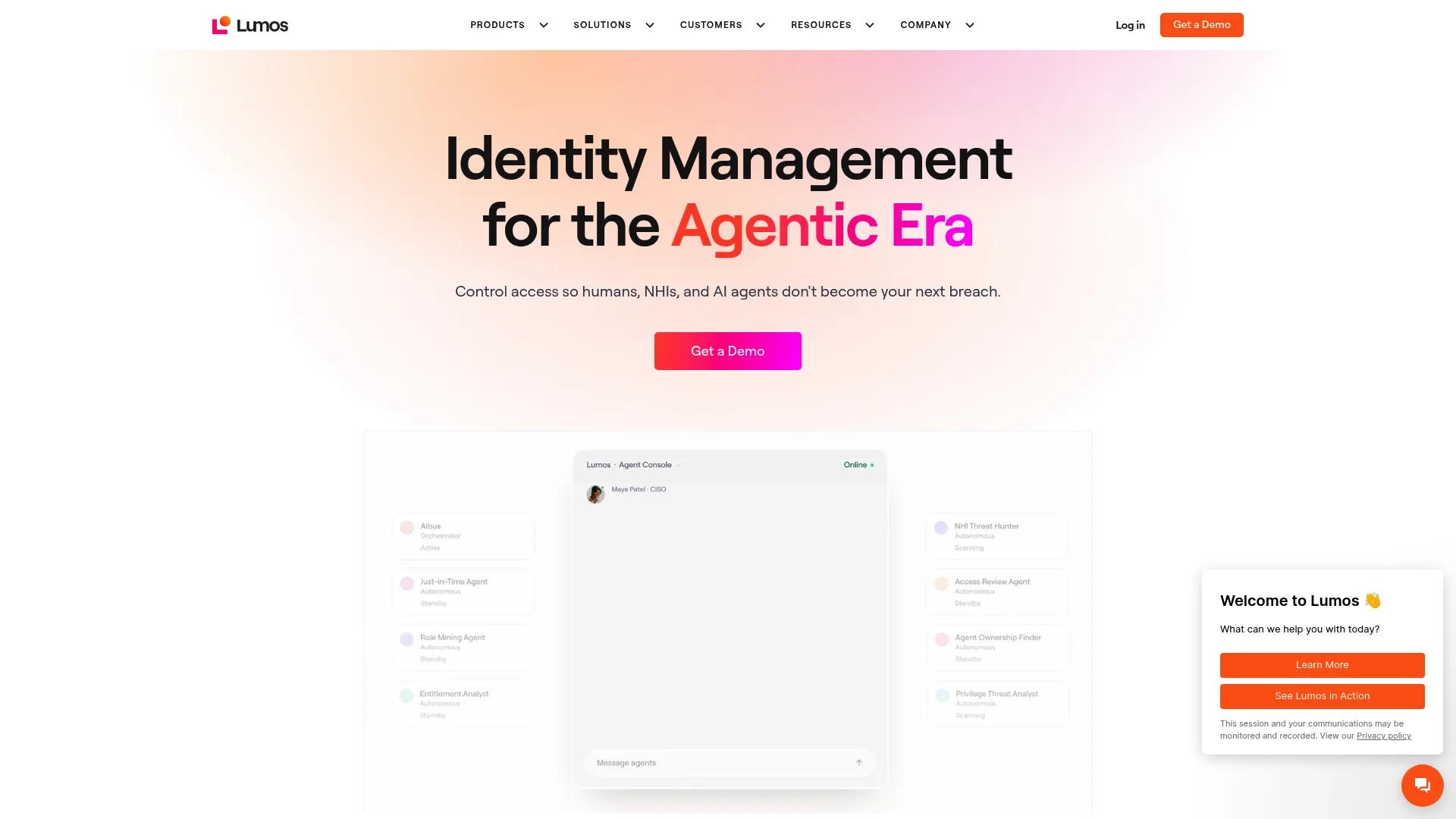
Lumos is an identity management platform built around self-service access. Employees request what they need through an AppStore, Slack, Teams, CLI, or your ITSM tool, and access is granted, tracked, and revoked automatically. It pairs that operational speed with access governance and identity analytics, so requests move fast without losing oversight.
Best for: Mid-market and enterprise teams that want to cut the IT access request queue while keeping governance intact.
Key features
- Self-service access via AppStore, Slack, Teams, CLI, or ITSM
- Just-in-time access with automatic revocation
- Access reviews with AI-assisted recommendations
- Identity analytics across the access estate
- Request routing and approval workflows
Why choose Lumos: The pull here is operational velocity. If your access request backlog is the daily bottleneck, routing requests through tools people already use, then revoking access automatically when it expires, clears the queue without abandoning least privilege. It fits teams that want fast wins and measurable request handling.
Lumos pricing: Lumos does not publish list pricing. Plans are quoted based on your environment, so you will need to contact their team for a figure tied to your user count and app scope.
3. Microsoft Entra ID
Microsoft Entra ID is Microsoft's cloud identity and access management service. For organizations already running Microsoft 365 and Azure, it handles identity lifecycle, access policies, and directory alignment natively, so provisioning stays inside the stack teams already administer.
Best for: Microsoft-centric organizations that want identity, access control, and SSO managed from where their directory already lives.
Key features
- Multifactor authentication
- Single sign-on across apps
- Conditional Access policies
- Directory-native lifecycle management
- Enterprise governance controls
Why choose Microsoft Entra ID: If your source of truth is already Microsoft, the integration depth is hard to match. Directory alignment, Conditional Access, and lifecycle automation all run natively, which shortens setup and keeps governance consistent with the rest of your Microsoft security posture.
Microsoft Entra ID pricing: Microsoft Entra ID Free is included with Microsoft cloud subscriptions. Entra ID P1 starts at $7.00 per user/month and P2 starts at $10.00 per user/month, both billed yearly.
4. Okta Workforce Identity
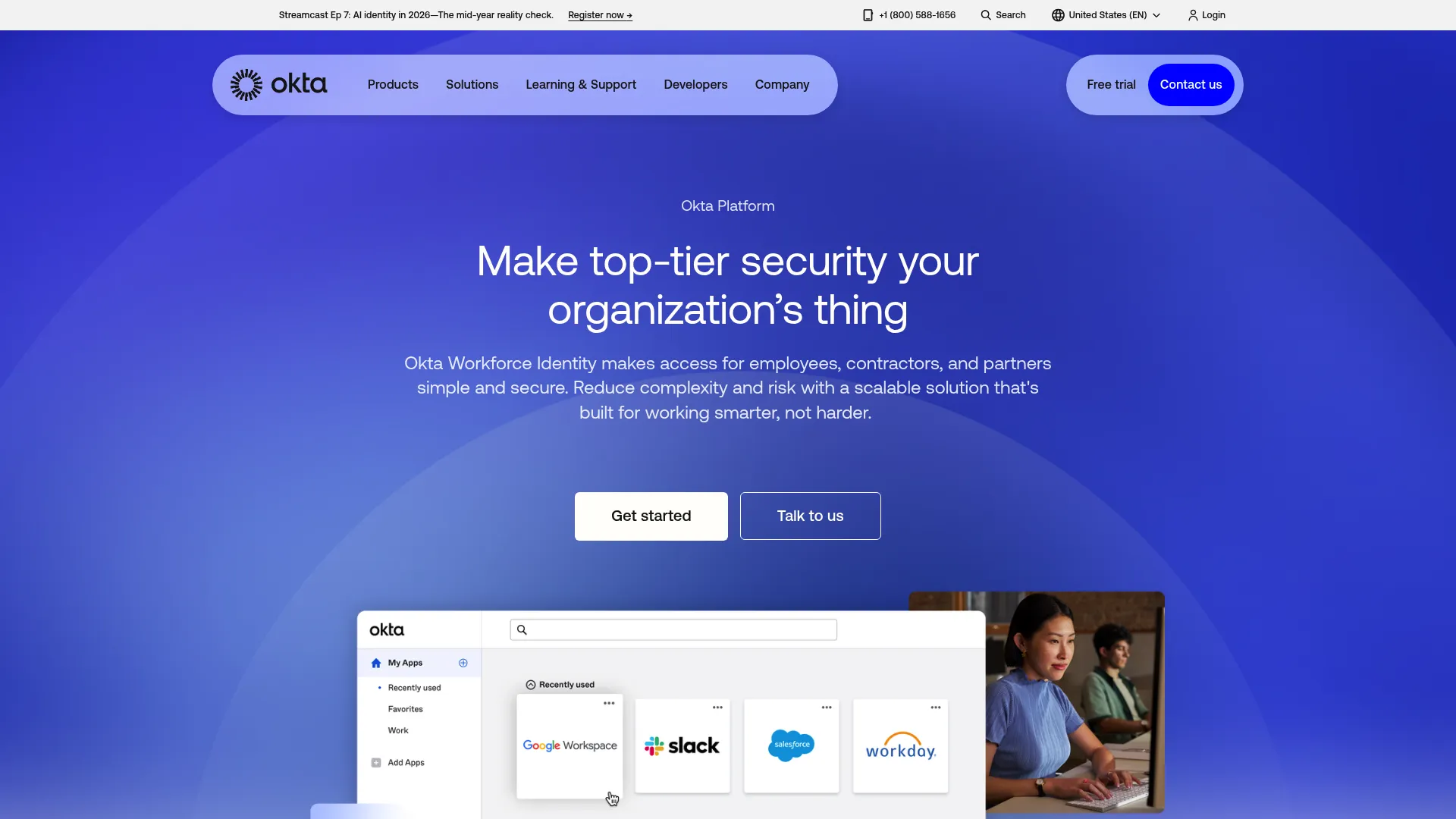
Okta Workforce Identity is a unified identity platform for securing employee, contractor, and partner access. It combines single sign-on, adaptive MFA, lifecycle management, and identity governance on a Universal Directory, which makes it a strong fit for mixed-SaaS environments that span many vendors.
Best for: Mid-market to enterprise teams that need centralized access, MFA, and governance across a heterogeneous app estate.
Key features
- Single sign-on across SaaS apps
- Adaptive MFA
- Lifecycle management for provisioning and deprovisioning
- Identity governance and access reviews
- Universal Directory as the identity backbone
Why choose Okta Workforce Identity: Okta shines when your environment is not tied to one vendor. The Universal Directory acts as a neutral source of truth, and the breadth of pre-built integrations means hybrid provisioning across cloud and on-prem apps stays manageable rather than bespoke.
Okta Workforce Identity pricing: Sold as per-user suites billed annually. Starter begins at $6 per user/month and Essentials at $17 per user/month. Professional and Enterprise require custom quotes. All suites carry a $1,500 annual contract minimum.
5. SailPoint
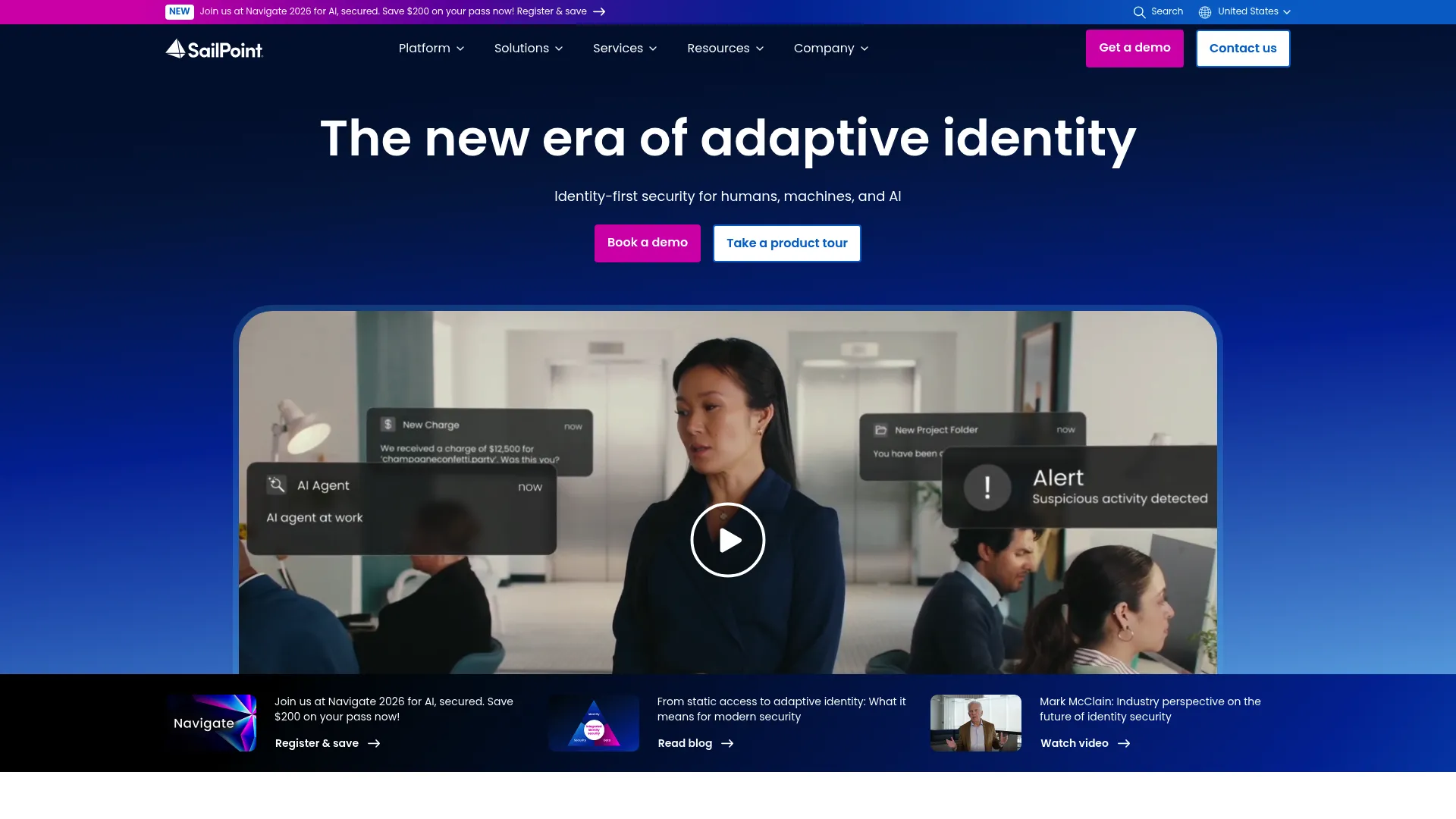
SailPoint is enterprise identity security software for governing access across people, machines, and AI. Its Identity Security Cloud is built for depth: access certification, audit trails, and governance policy that large, regulated organizations depend on to prove control over who can access what.
Best for: Large enterprises that need identity governance, access certification, and audit readiness at scale.
Key features
- Identity Security Cloud platform
- Access certification and reviews
- Identity governance and administration
- Audit-ready reporting
- Flexible Navigators pricing model
Why choose SailPoint: When compliance is non-negotiable and the auditor wants evidence, SailPoint's governance depth is the reason large organizations pick it. It handles the certification cycles, segregation-of-duties checks, and audit trails that lighter tools do not attempt. The trade-off is that this depth suits complex environments, not small teams.
SailPoint pricing: SailPoint describes its Navigators model as flexible and does not publish numeric pricing. Expect a custom quote scoped to your identity estate through their sales team.
6. Zluri
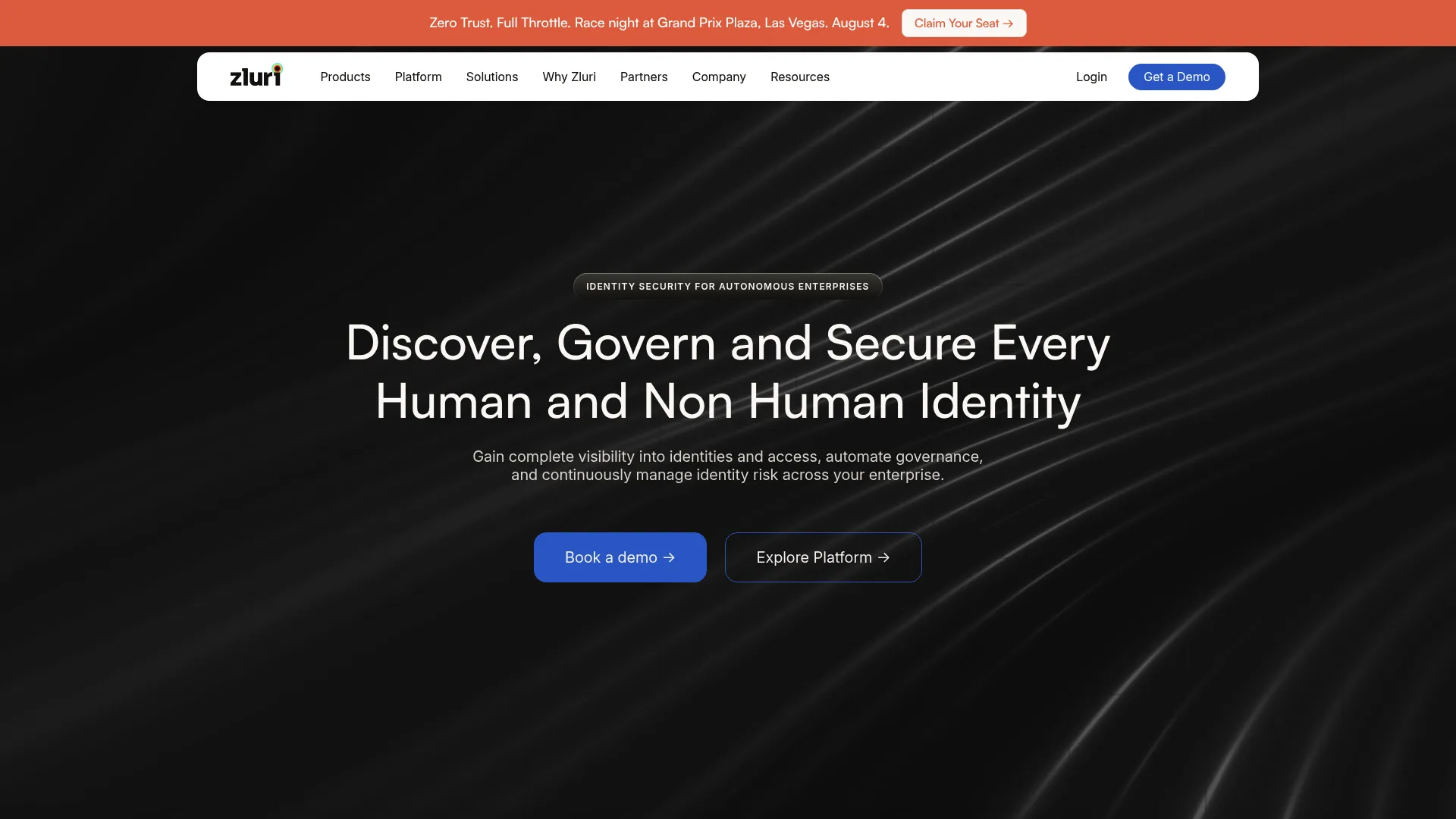
Zluri is an identity security platform that pairs SaaS discovery with access governance. It finds the apps your org actually uses, including shadow IT nobody registered, then layers provisioning, deprovisioning, and access workflows on top. That combination makes it useful for teams drowning in SaaS sprawl.
Best for: Mid-market and enterprise teams that need to see and govern access across a sprawling, partly-unknown SaaS estate.
Key features
- Identity visibility and intelligence
- SaaS discovery including shadow IT
- Identity governance and administration
- Access workflows for joiner, mover, leaver
- Identity security posture management
Why choose Zluri: Discovery is the differentiator. If you cannot list every SaaS app in use, you cannot provision or deprovision cleanly, and Zluri closes that gap first. It fits teams whose provisioning problem starts with visibility, not just automation.
Zluri pricing: Zluri does not list public pricing. Its pricing page routes to a demo request, so pricing is quoted per environment after a scoping conversation.
7. BetterCloud
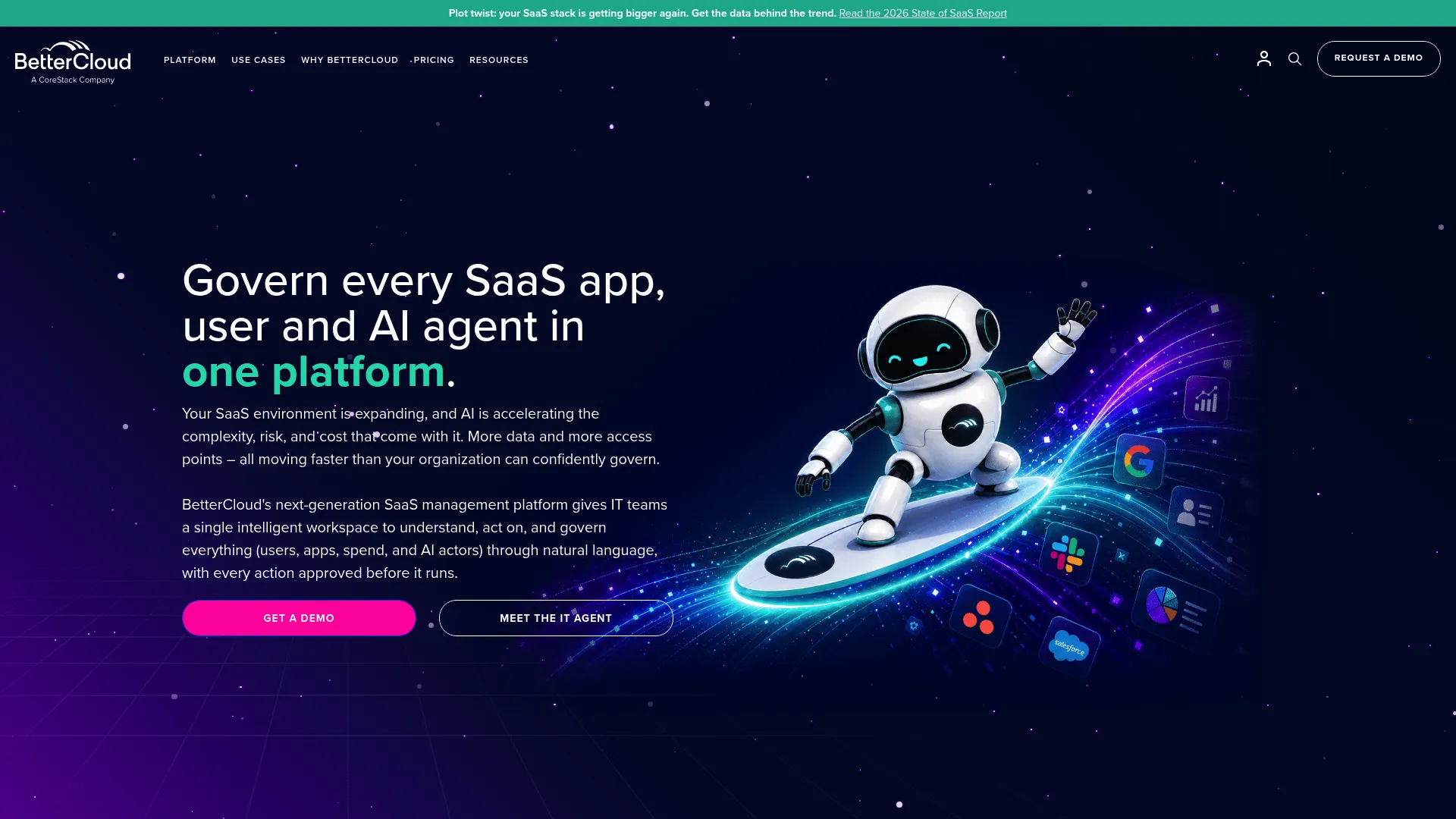
BetterCloud is an AI-powered SaaS management platform focused on IT governance, automation, and visibility. Its no-code workflow builder automates onboarding, offboarding, and access changes across connected SaaS apps, which makes multi-app access automation approachable for lean IT teams.
Best for: IT teams governing SaaS access, spend, and automation across many cloud apps without heavy scripting.
Key features
- No-code workflows for onboarding and offboarding
- Access automation across SaaS apps
- File governance and compliance controls
- Spend optimization and license reclamation
- Multi-app admin from one console
Why choose BetterCloud: The no-code workflow engine is what draws admins in. If you want to build provisioning and deprovisioning logic across many apps without writing scripts, BetterCloud makes that practical. It fits teams that value admin efficiency and multi-app governance in one place.
BetterCloud pricing: Spend Optimization Basic is available at $0/month, and File Governance offers a 21-day free trial. Broader platform subscriptions, including User Automation, are custom-quoted based on license count, connected apps, and chosen modules.
8. Rippling
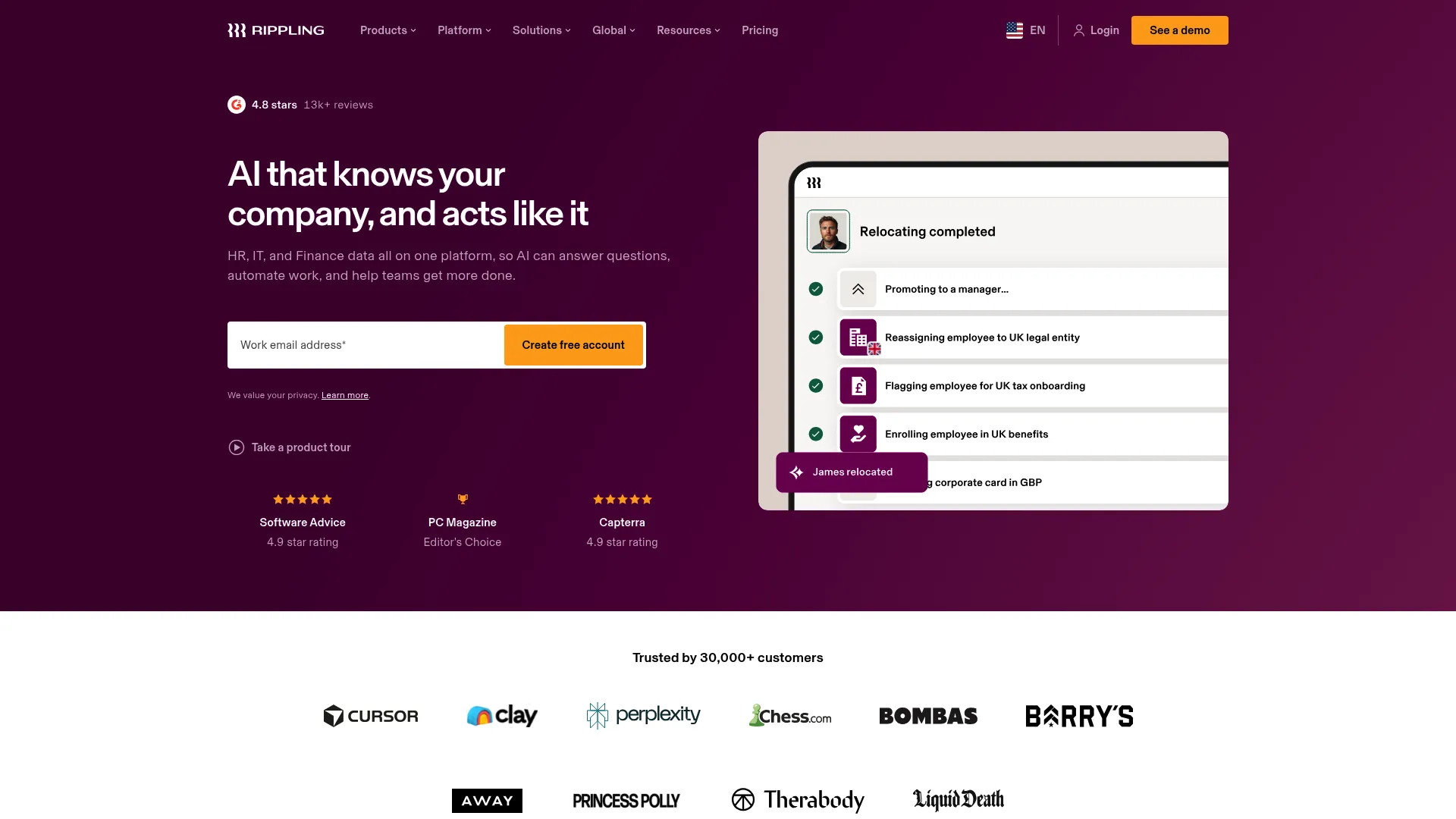
Rippling is an all-in-one workforce platform spanning HR, IT, payroll, and finance. Because the HRIS and IT provisioning live in the same system, a hire, promotion, or termination in HR automatically drives the matching access changes in IT. That single source of truth is the whole point for teams that want one system, not an integration between two.
Best for: Companies that want HR driven provisioning where the employee lifecycle and access automation run from one platform.
Key features
- Unified workforce directory and analytics
- Onboarding and offboarding automation
- Workflow Studio for custom logic
- Permissions and role management
- HRIS and IT provisioning in one system
Why choose Rippling: The operating model is the differentiator. If your provisioning trigger is always an HR event, running HR and IT from one platform removes the sync gap between systems entirely. It fits teams that would rather own one workforce platform than stitch an HRIS to a separate provisioning tool.
Rippling pricing: Rippling quotes platform pricing on request. Its small-business page lists a starting price of $8 per user per month plus a $40 monthly base fee, with many products billed per employee per month.
Considerations
Integration depth
Check whether the tool connects to your HRIS, directory services, ticketing systems, and SCIM enabled apps out of the box. Integration quality matters more than logo count on a website. A tool that supports 200 apps shallowly is worse than one that maps deeply to the ten systems you actually run. Confirm which one is your source of truth and that the tool reads it cleanly.
Governance and auditability
Look at approvals, logs, access reviews, and role controls. Governance depth should match your risk profile: a regulated enterprise needs certification cycles and segregation-of-duties checks, while a smaller team may need less. Audit trails are non-negotiable if you face SOC 2, ISO 27001, or similar. If you cannot produce evidence of who approved what and when, the automation is a liability, not an asset.
Lifecycle coverage
Confirm the tool automates all three: joiner, mover, and leaver. Partial coverage creates manual gaps. A tool that provisions well but deprovisions poorly leaves lingering access, which is where risk concentrates. Strong lifecycle fit means access recalculates on a role change and revokes instantly on departure, across every connected system, not just the easy ones.
Ease of implementation
Compare setup effort, admin overhead, and time to first workflow. Adoption depends on early wins. A tool that needs a six-month process redesign before it does anything useful tends to stall. Favor tools that let you automate one painful workflow quickly, prove value, then expand. Watch for hidden implementation costs that do not show up in the sticker price.
Reporting and visibility
Distinguish between "automation happened" and "automation is measurable." Dashboards, logs, and compliance evidence turn provisioning from a black box into something management can trust. If you cannot show a review board that offboarding completed for every leaver last quarter, you do not really have control. Reporting is what builds internal trust in the system.
Conclusion
The best customer provisioning tools depend entirely on your operating model, not on hype.
If you need enterprise identity governance and administration with deep audit and certification, evaluate SailPoint or Microsoft Entra ID first. If you want fast operational rollout and want the access request queue gone, look at Lumos or Zluri. If your provisioning trigger is always an HR event, Rippling's unified model fits best. For broad SaaS access automation without scripting, BetterCloud is the practical pick, and for access risk analysis in complex estates, BalkanID leads.
Pick on three axes: governance depth, implementation speed, and stack fit. Match the tool to whether you need enterprise IGA, SaaS sprawl cleanup, HR driven automation, or fast operational access control. Then shortlist two, run them against your real joiner, mover, and leaver workflows, and see which one clears your access queue and produces the audit evidence you need. The right choice is the one that fits how your team already works.
FAQs
Provisioning grants access: it creates accounts and assigns permissions when someone joins or changes roles. Deprovisioning removes access when someone leaves or no longer needs it. Both matter in lifecycle automation because access is only accurate when it is added correctly and removed promptly. Deprovisioning is where most manual systems fail, since revocation gets delayed or forgotten.
At minimum, your HRIS or system of record, your directory service, your SSO stack, SCIM enabled apps, and your ticketing tool. The HRIS usually acts as the source of truth for who works where and in what role. Integration depth varies by vendor, so confirm the tool maps cleanly to the specific systems you run rather than trusting a long logo list.
No. SCIM is a common standard for automating provisioning and deprovisioning across apps, but it is not the only option. Many tools also use vendor-specific APIs or workflow based automation to cover apps that do not support SCIM. SCIM is enough for standard, well-supported SaaS apps. For disconnected or legacy apps, you will need API or workflow based coverage instead.
It enforces least privilege by granting only the access a role requires, then revoking it fast when someone leaves. Automation reduces the human error that creeps into manual, ticket-based provisioning. Access reviews confirm permissions stay appropriate over time. Governance controls like approvals and audit trails still matter, since automation without oversight can propagate mistakes at scale.
Joiner mover leaver is the model that maps provisioning to the three moments in an identity lifecycle. Joiner is onboarding: create accounts and grant role based access. Mover is a role change: recalculate access so old permissions drop and new ones apply. Leaver is offboarding: revoke everything cleanly. It is the backbone of lifecycle automation.
Ownership is often shared across IT, security, HR, and operations. IT typically runs the directory and app connections, security owns governance and access reviews, and HR owns the source of truth for who works where. The right owner depends on your operating model. Unclear ownership is a common reason rollouts stall, so name an accountable owner early.
Match the tool to your risk and scale. A full IGA platform brings certification, segregation-of-duties, and deep audit trails that regulated enterprises need. Lighter provisioning software moves faster and suits smaller teams whose compliance needs are simpler. If you do not face heavy audit requirements, a full IGA platform may be more governance than you need. Buy for your actual risk profile.
Yes, though not every tool handles it equally well. Look for time based workflows and expiry rules that grant access for a set window, then revoke it automatically. Approval routing and automatic deprovisioning keep temporary access from becoming permanent by accident. If contractors are a large part of your workforce, test this specifically, since implementations vary in how cleanly they manage expiry.