Payday arrives and half the timesheets are missing. Two managers approved hours from memory. One employee logged 47 hours in a week nobody can reconstruct. Finance patches the gaps, runs payroll anyway, and everyone quietly agrees the numbers are close enough.
Close enough is expensive. When hours get entered late and approvals slip, labor costs blur, payroll corrections pile up, and nobody trusts the reporting well enough to make a decision from it. For a founder watching burn and gross margin, that fog is a real operational cost, not a clerical annoyance.
The category exists because spreadsheets stop scaling the moment you have more than a handful of people clocking time across projects, shifts, or locations. The global time tracking software market hit USD 6.1 billion in 2025 and is forecast to reach USD 11.43 billion by 2030 at a 13.38% CAGR, according to Mordor Intelligence (2025). Small and midsize businesses drive 62.8% of that revenue and post the fastest growth in the segment, which tells you where the pressure actually lives.
Good employee time tracking software turns messy hours into clean payroll, defensible reporting, and fewer manual touches. This guide compares eight tools worth your shortlist. If you're evaluating adjacent operational stacks, our roundups of outbound call tracking software and email tracking software tools follow the same buyer-first format.
What's inside
This guide is for operators and founders choosing an employee timesheet software tool that fits their workforce model, not just their feature wishlist. We looked at eight products across office, field, and project-based teams.
We selected and compared each tool on the criteria that actually decide fit:
- Usability and adoption: whether people log time without being chased
- Approvals: manager review, edits, and clean handoff to payroll
- Payroll support: exports, syncs, and integrations that reduce corrections
- Mobile, web, desktop, and kiosk coverage for how your team actually clocks in
- Reporting and analytics for labor cost and productivity visibility
- GPS, geofencing, and scheduling for field and shift-based teams
TL;DR
- Best for payroll-centric teams: QuickBooks Time, if you already live in the QuickBooks ecosystem.
- Best flexible generalist: Clockify, with a free tier and low-cost paid plans for most team sizes.
- Best free timesheet app: Jibble, free forever with unlimited users and strong attendance verification.
- Best for time tracking plus activity insight: Apploye, pairing timesheets with productivity monitoring.
- Best for client billing and agencies: Harvest, for billable hours, invoicing, and project reporting.
- Best for distributed and field teams: Hubstaff, for GPS, scheduling, and workforce visibility.
What is employee timesheet software?
Employee timesheet software is a tool that records the hours employees work, routes those hours through approvals, and turns them into data you can push to payroll, invoicing, or job costing. It replaces spreadsheets, paper timesheets, and the manual reconciliation that follows both.
The core jobs it handles:
- Clock-ins and time capture: across web app, mobile app, desktop app, and kiosk, so every team member logs hours the same way.
- Timesheets: structured weekly or project-based records that managers can review instead of decode.
- Approvals and approval workflows: manager review, edits, and sign-off before hours become payable.
- Payroll exports and payroll sync: clean handoff to your payroll system with fewer manual corrections.
- Scheduling and shift management: planned shifts compared against actual clocked hours.
- GPS, geofencing, and location tracking: proof of where field or mobile workers clocked in.
- Attendance, overtime, and compliance: flags and records that hold up under audit.
- Reporting and analytics: labor cost, utilization, and project tracking visibility for leaders.
The strongest tools connect these jobs end to end. A clock-in on a phone becomes an approved timesheet, which becomes a payroll line and a reporting data point without anyone retyping a number.
When to use employee timesheet software
Track hours without spreadsheets
Manual sheets work until they don't. Once you cross a dozen people, formulas break, someone overwrites a cell, and the version in the shared drive stops matching reality. Timesheet software adds auditability: every hour has a timestamp, an owner, and an approval trail. That matters most at the payroll handoff, where a spreadsheet gives you no defense if a number is questioned and a proper system gives you a record.
Manage field or shift-based teams
If your people work outside an office, GPS and geofencing stop being nice-to-haves. A field service crew clocking in from a job site, a retail team on rotating shifts, a distributed workforce across time zones: these need location tracking, kiosk clock-ins, and scheduling that ties planned shifts to actual hours. This is where a plain timesheet app falls behind and workforce management features earn their cost.
Connect time to payroll, billing, or job cost
Founders care less about the timer and more about what the hours feed. Clean cost allocation means you can see labor cost by project, bill clients accurately from billable hours, and run payroll with fewer corrections. The use cases that justify the spend:
- Fewer payroll reruns from bad or missing data
- Accurate job costing so project margins are real, not estimated
- Invoicing from billable time without a monthly reconstruction exercise
- Labor cost visibility that survives a board question
Comparison table
Here's how the eight tools compare on intent, differentiation, pricing, and rating. Pricing and G2 figures reflect published values at the time of writing; confirm current numbers on each vendor's site before you buy.
| # | Product | Intent | Key differentiation | Pricing | G2 rating |
|---|---|---|---|---|---|
| 1 | QuickBooks Time | Payroll-centric small business | Deep QuickBooks integration, GPS, scheduling | From $8/user/mo + $20 base/mo | 4.5/5 |
| 2 | Clockify | Flexible generalist | Free tier, broad timesheet and project coverage | Free; paid from $3.99/seat/mo | 4.5/5 |
| 3 | Jibble | Budget-conscious teams | Free forever, unlimited users, attendance verification | Free; paid from $4.49/user/mo | 4.8/5 |
| 4 | Apploye | Time tracking plus monitoring | Timesheets with productivity visibility and invoicing | Free; paid from $4.50/seat/mo | 4.7/5 |
| 5 | Harvest | Agencies and client billing | Billable hours, invoicing, project reporting | Free; paid from $9/seat/mo | See G2 |
| 6 | TimeCamp | Passive time capture | Automatic tracking, productivity reporting | Free; paid from $3.99/user/mo | 4.7/5 |
| 7 | Toggl Track | Low-friction adoption | Simple time entry, strong reporting | Free; paid from $9/user/mo | 4.6/5 |
| 8 | Hubstaff | Distributed and field teams | GPS, scheduling, workforce analytics | Free; paid from $10/seat/mo | 4.5/5 |
1. QuickBooks Time
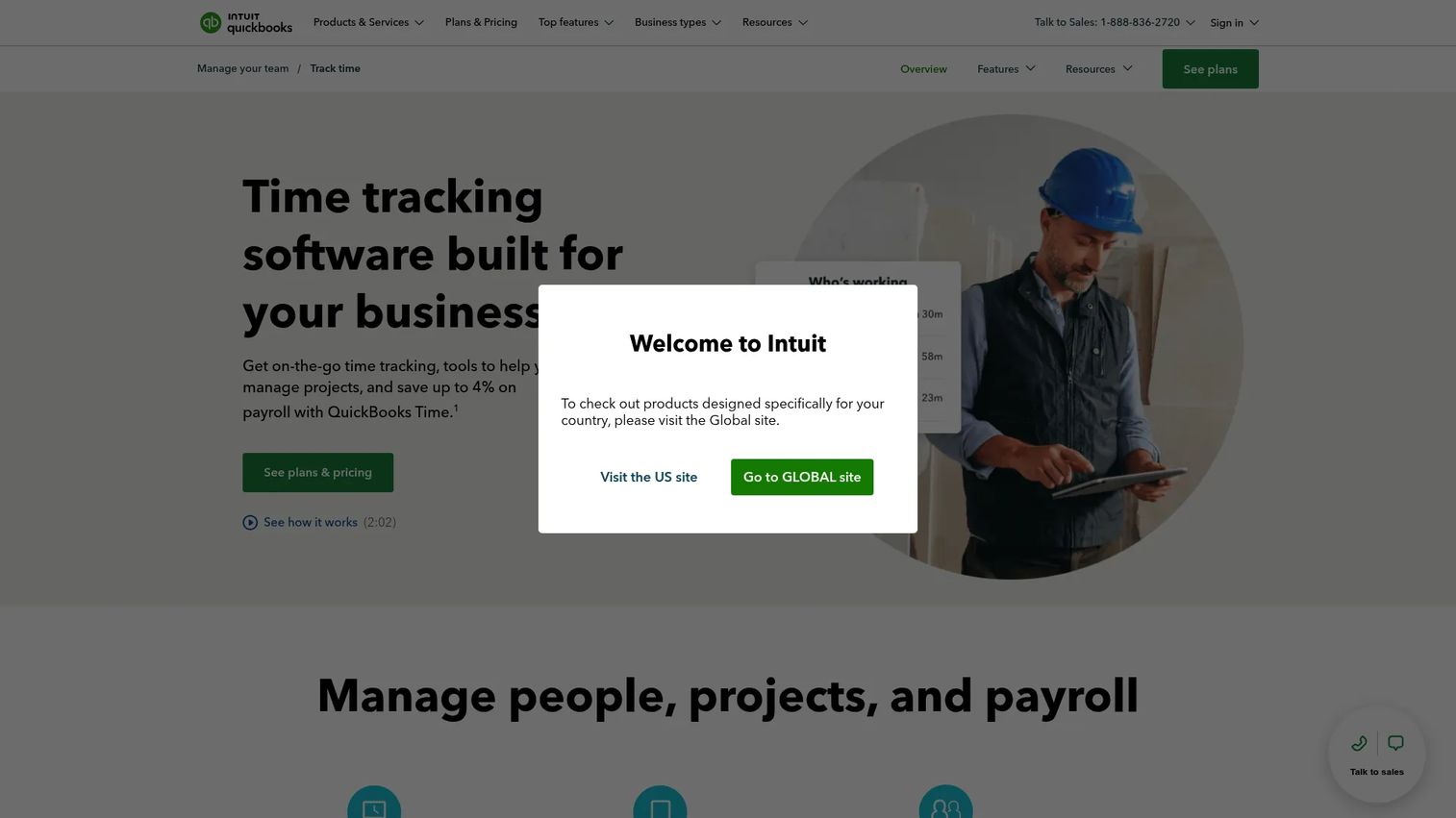
QuickBooks Time is Intuit's time tracking and scheduling software, built to feed hours straight into payroll and job tracking. If your finance stack already runs on QuickBooks, this is the tool that removes the most manual steps between a clock-in and a paycheck. Teams track time on web, mobile, and kiosk, and managers get scheduling, projects, and timesheet approvals in one place.
The pull for QuickBooks users is obvious: hours flow into QuickBooks Payroll without a manual export, so payroll corrections drop and labor cost lands in the same system your books already live in. GPS and geofencing add location proof for mobile and field crews, which matters when you're paying for hours worked off-site.
Best for: small businesses already using QuickBooks that want time tracking, scheduling, and GPS in one connected system.
Key strengths
- QuickBooks-native payroll sync: hours move into payroll and accounting without retyping, cutting reconciliation time.
- GPS and geofencing: location tracking confirms where mobile and field workers clocked in.
- Scheduling and approvals: build shifts, then approve actual timesheets against them before payroll runs.
Why choose QuickBooks Time: If QuickBooks is your system of record, this keeps time, scheduling, and payroll in one lane instead of stitched across tools. The value is the connected handoff, not a standalone feature list, so it fits teams committed to the Intuit ecosystem rather than those wanting a neutral tracker.
QuickBooks Time pricing: Two paid plans, no free tier. Premium starts at $8 per user per month plus a $20 monthly base fee. Elite starts at $10 per user per month plus a $40 monthly base fee. A 30-day free trial is available, and each additional worker adds $8 or $10 per month depending on the plan.
2. Clockify
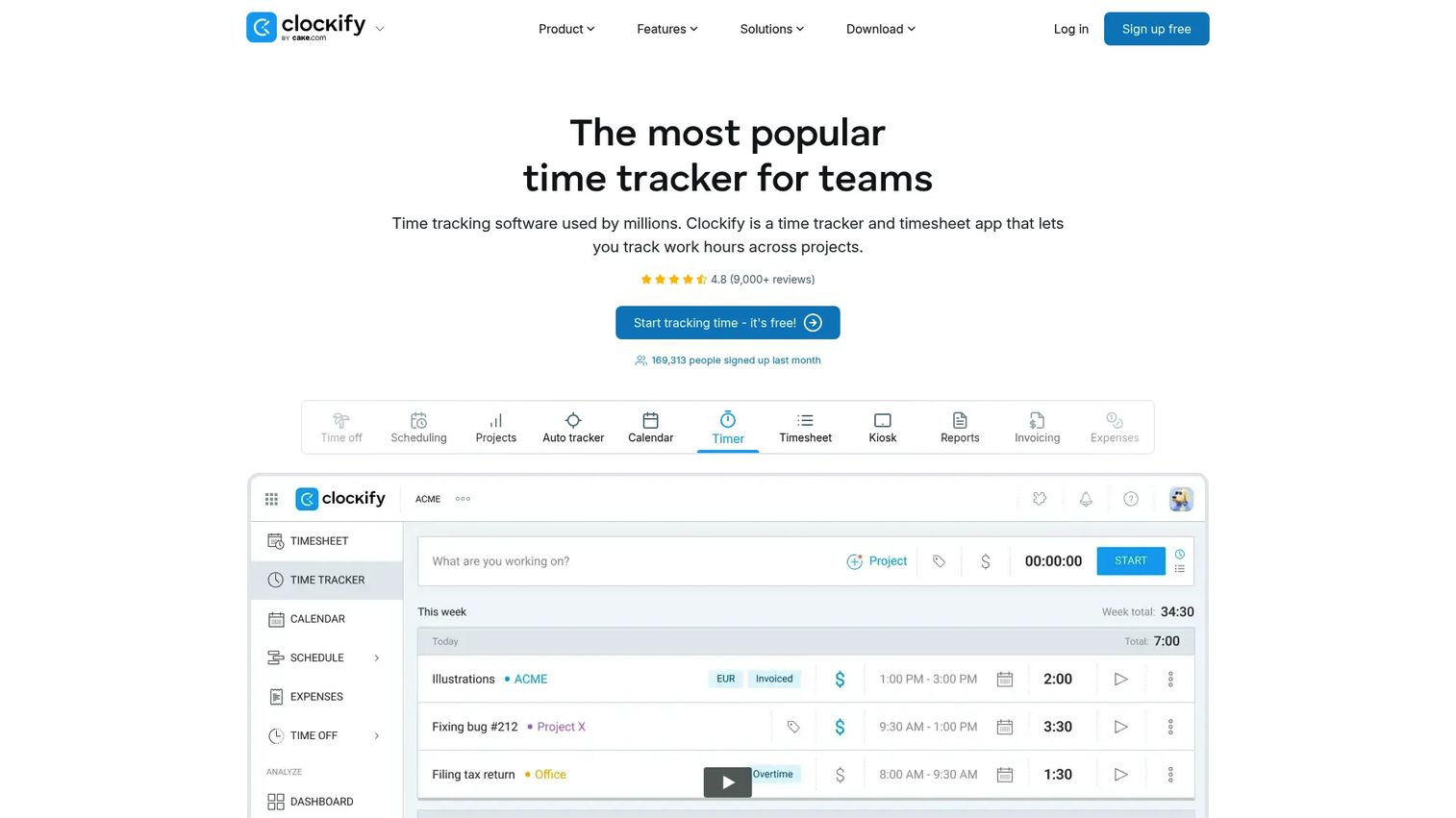
Clockify is cloud time tracking and timesheet software that scales from a solo freelancer to a large team without forcing a rigid workflow. It covers time tracking, timesheets, and project and billable hours tracking, and its free tier is generous enough that many teams start there and stay for a while. That flexibility is why teams pick it as a dependable generalist rather than a specialist tool.
Clockify works across web, desktop, and mobile, with timers, manual timesheets, approvals, scheduling, and reporting. For a founder, the appeal is low-risk evaluation: start free, prove adoption, then move to a paid plan only when you need approvals depth, more users, or advanced reporting.
Best for: teams that want simple, flexible time tracking and billing without committing to a heavy platform up front.
Key strengths
- Generous free tier: track time for up to five users at no cost before paying anything.
- Project and billable hours tracking: tie hours to projects and clients for reporting and invoicing.
- Broad platform coverage: timers and timesheets across web, desktop, and mobile.
Why choose Clockify: It's the low-friction way to introduce time tracking to a team that has never used it. The free tier removes the "will people actually adopt this" risk, and paid plans stay inexpensive as you grow, so it earns its place before you commit budget.
Clockify pricing: A free plan covers up to five users. Basic starts at $3.99 per seat per month billed annually, and Standard at $5.49 per seat per month billed annually. Pro and Enterprise tiers exist above those with additional capabilities.
3. Jibble
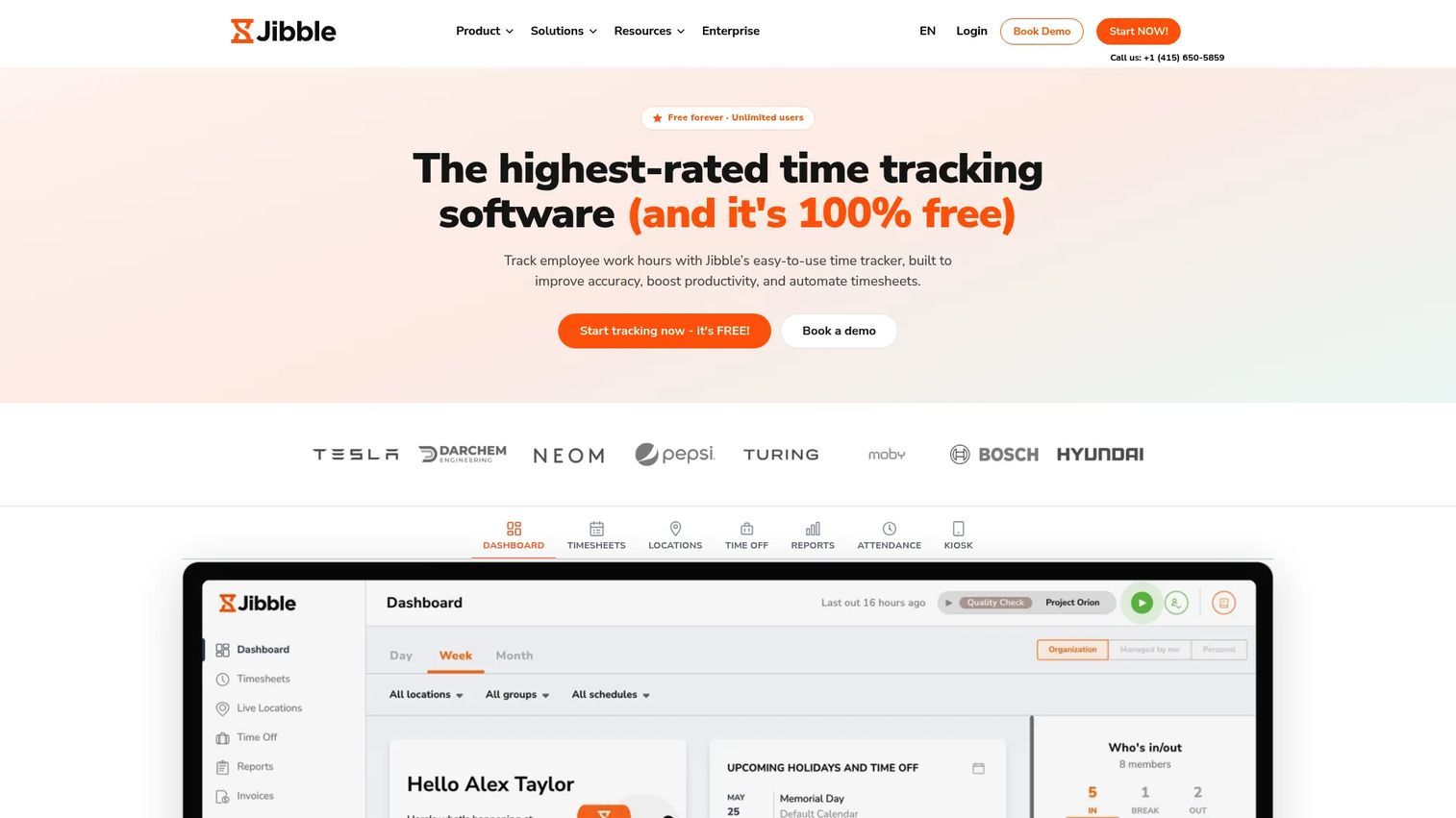
Jibble is free time tracking and attendance software that budget-sensitive teams evaluate first for one reason: the core product is free forever with unlimited users. It automates timesheets from clock-ins and layers on attendance verification that most free tools skip. Jibble averages 4.8 out of 5 across major review platforms, which is unusual for a product with such a generous free plan.
Time tracking runs across mobile, web, desktop, kiosk, Slack, and Microsoft Teams. Facial recognition and GPS location verification confirm identity and place at clock-in, and automated timesheets handle overtime, breaks, and payroll-ready reports. For an SMB watching every dollar, that combination is hard to match.
Best for: small and budget-conscious teams that need free or low-cost employee time tracking with attendance verification.
Key strengths
- Free forever, unlimited users: full core time tracking without a per-seat cost.
- Facial recognition and GPS verification: confirm who clocked in and where.
- Automated payroll-ready reports: timesheets calculate overtime and breaks for a clean payroll handoff.
Why choose Jibble: When budget is the constraint but you still need real attendance controls, Jibble delivers both. It's the default starting point for cost-sensitive teams, and paid plans add depth only when you outgrow the free tier's reporting or approvals.
Jibble pricing: Free forever with unlimited users. Essential starts at $4.49 per user per month and Pro at $7.99 per user per month, with a Growth tier positioned between them. Paid plans add advanced approvals, reporting, and automation.
4. Apploye
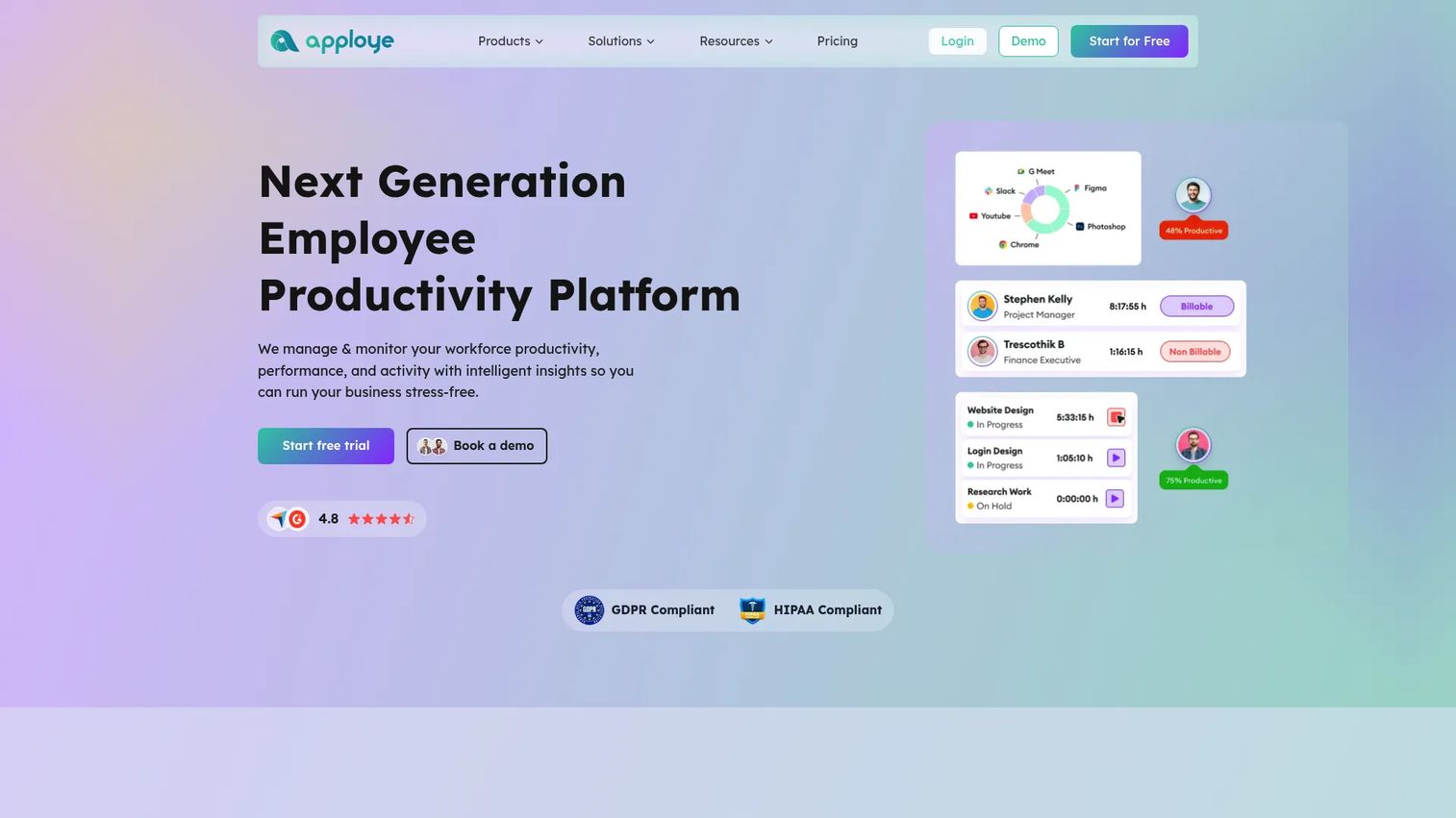
Apploye is an employee monitoring and productivity platform that combines time tracking, scheduling, attendance, and invoicing in one tool. It's built for teams that want more than hours logged, they want activity insight alongside the timesheet. Screenshot monitoring, project tracking, and client invoicing sit next to standard time capture.
For remote and distributed teams, Apploye's angle is visibility. Managers see time tracked, activity levels, and project progress in the same reporting view, then invoice clients from billable time without a separate tool. Offline support means hours still get captured when connectivity drops.
Best for: small to mid-sized teams that want time tracking paired with employee monitoring and client invoicing.
Key strengths
- Time tracking with activity monitoring: hours plus screenshot and productivity data in one view.
- Projects and invoicing: bill clients directly from tracked billable hours.
- Attendance and scheduling: manage shifts and attendance alongside time capture.
Why choose Apploye: It fits managers who need productivity visibility on top of clean timesheets, especially for remote teams. If monitoring is a requirement rather than a nice-to-have, Apploye covers both jobs where a pure tracker covers one.
Apploye pricing: Starter is free forever for up to 10 users. Elite is $4.50 per seat per month billed annually, Power is $8 per seat per month, and Enterprise is custom pricing. Paid tiers unlock deeper monitoring, invoicing, and reporting.
5. Harvest
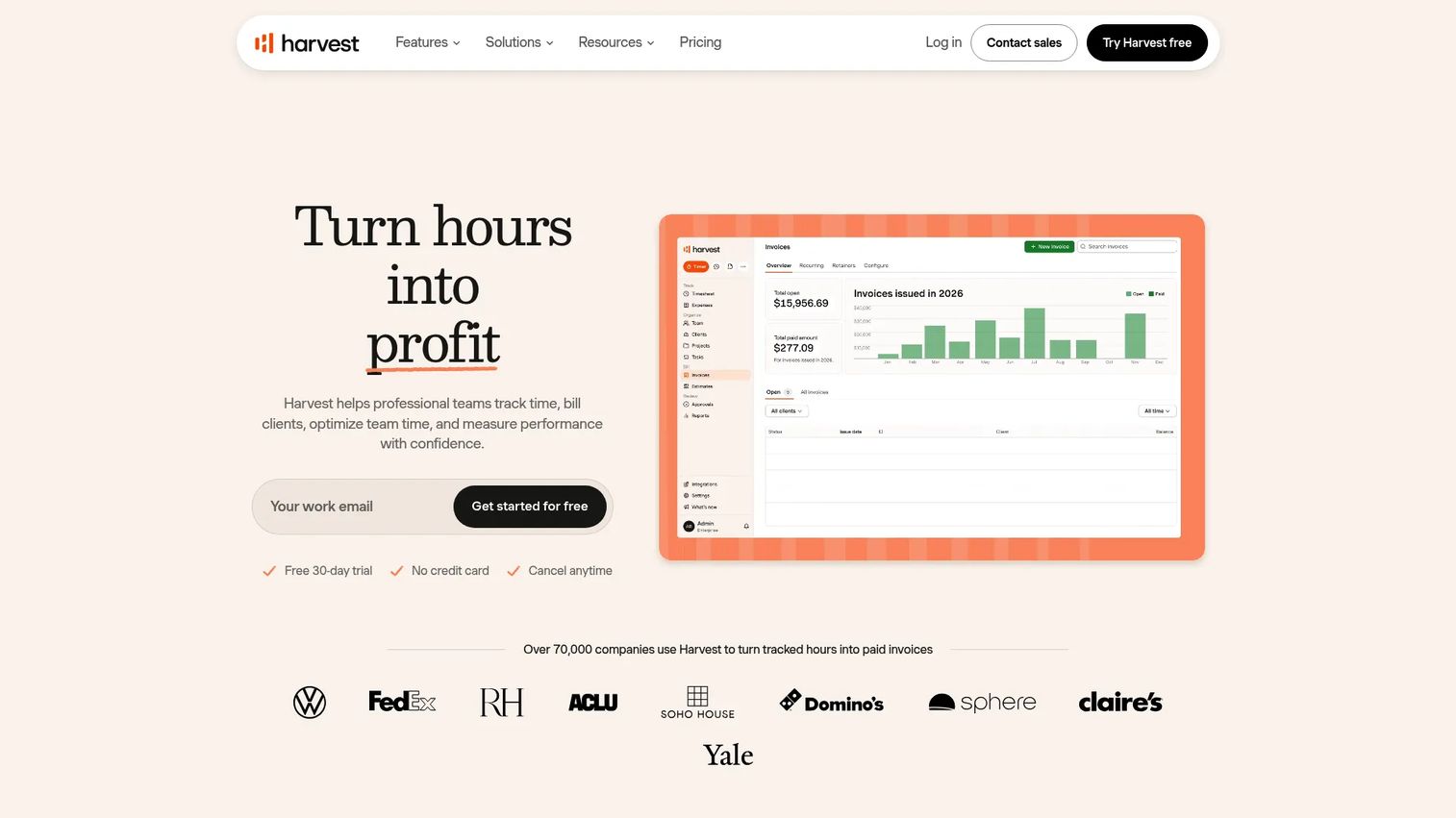
Harvest is time tracking, invoicing, reporting, and payments software built for teams that bill clients by the hour. It's the tool agencies, consultancies, and project-based teams reach for when utilization and billable hours matter as much as attendance. Time tracking runs across browser, desktop, and mobile, and reporting covers budgets, capacity, costs, and custom views.
The differentiator is the path from hours to invoice. Harvest turns tracked billable hours into invoices with online payments through integrations like Stripe, PayPal, QuickBooks Online, and Xero. For a founder running a services line, that closes the loop between work done and cash collected without a separate billing tool.
Best for: agencies, consulting teams, and founders who care about utilization and billing clients accurately.
Key strengths
- Billable hours to invoice: turn tracked time into client invoices with integrated payments.
- Project and budget reporting: track budgets, capacity, and costs against real hours.
- Cross-platform time tracking: log time from browser, desktop, or mobile.
Why choose Harvest: If your business sells time, Harvest connects tracking, project reporting, and invoicing in one place. It's simpler than a full workforce platform and sharper on billing, so it fits professional services teams over field or shift operations.
Harvest pricing: A free plan covers a single user with limited projects. The Teams plan starts from $9 per seat per month, or about $108 per seat billed annually. Enterprise starts from $14 per seat per month, or about $168 per seat billed annually. Paid plans include a 30-day free trial, and annual billing saves roughly 20%.
6. TimeCamp
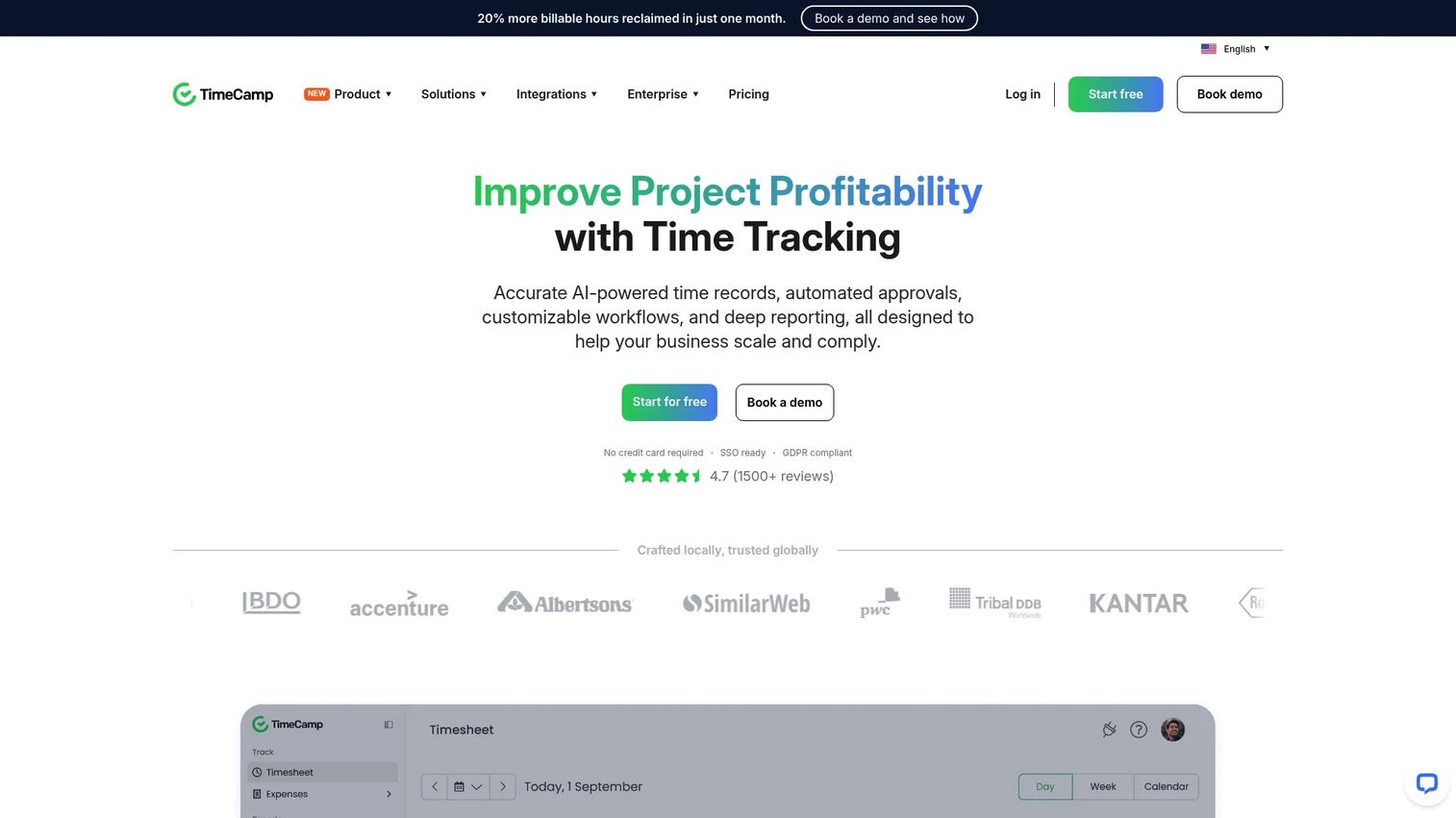
TimeCamp is automatic time tracking and productivity software for teams that would rather capture time passively than remember to start a timer. It records activity in the background, builds project-based timesheets, and layers on billing, invoicing, and expense tracking. Apps run across web, desktop, mobile, and browser.
The appeal for founders is lower reliance on employee discipline. Automatic tracking and AI timesheets reduce the "I forgot to log it" gap that undermines manual entry, and TimeCamp freezes timesheets to prevent discrepancies once they're finalized. Productivity reporting then turns that captured time into visibility on where hours actually go.
Best for: teams that want passive, automatic time capture with project tracking and productivity reporting.
Key strengths
- Automatic time tracking: capture activity in the background instead of relying on manual timers.
- Timesheets and reporting: project-based records with productivity and billing insight.
- Billing and expense tracking: invoice from tracked time and log expenses in one tool.
Why choose TimeCamp: It suits teams where manual logging keeps slipping. Passive capture plus AI timesheets means the data fills in even when people forget, which makes reporting more complete and payroll less of a chase.
TimeCamp pricing: A free forever plan is available. Starter is $3.99 per user per month billed annually ($5.49 month-to-month), Premium is $6.99 ($9.99 month-to-month), and Ultimate is $9.99 ($13.99 month-to-month). Enterprise is priced on request.
7. Toggl Track
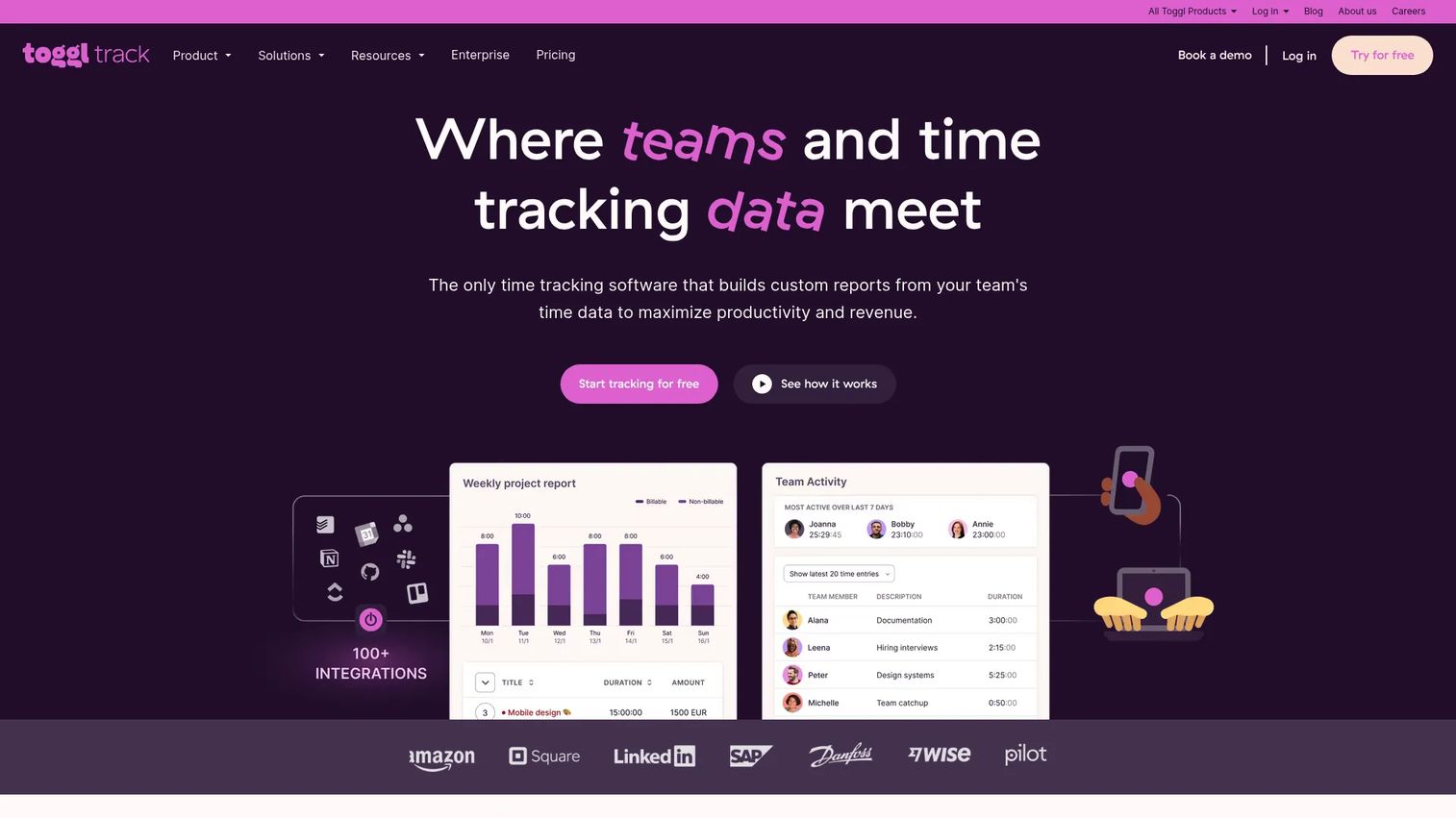
Toggl Track is cloud-based time tracking software known for one thing above all: people actually use it. Its low-friction time entry is why adoption tends to stick where heavier tools stall. Time tracking runs across web, desktop, and mobile, with automated tracking options from calendar, browser, and desktop activity.
For a founder, adoption is the hidden variable that decides whether any timesheet app pays off. Toggl Track leans into that with fast entry and reports for productivity, billing, profitability, and workload. It integrates with common tools like Slack and Jira, so time logging fits existing workflows instead of adding a chore.
Best for: teams and freelancers who want simple time tracking with strong reporting and high adoption.
Key strengths
- Low-friction time entry: fast logging that teams actually keep up with.
- Automated tracking options: capture from calendar, browser, and desktop activity.
- Reporting depth: productivity, billing, profitability, and workload views.
Why choose Toggl Track: When you've seen a tracking rollout die from low adoption, Toggl Track's ease of use is the fix. It trades heavy workforce features for logging people will actually do, which makes its reporting trustworthy.
Toggl Track pricing: A free plan covers a limited number of users. Starter is $9 per user per month and Premium is $18 per user per month, with Premium including a 30-day trial. Enterprise is custom-priced. Paid tiers add project management, billable rates, and admin controls.
8. Hubstaff
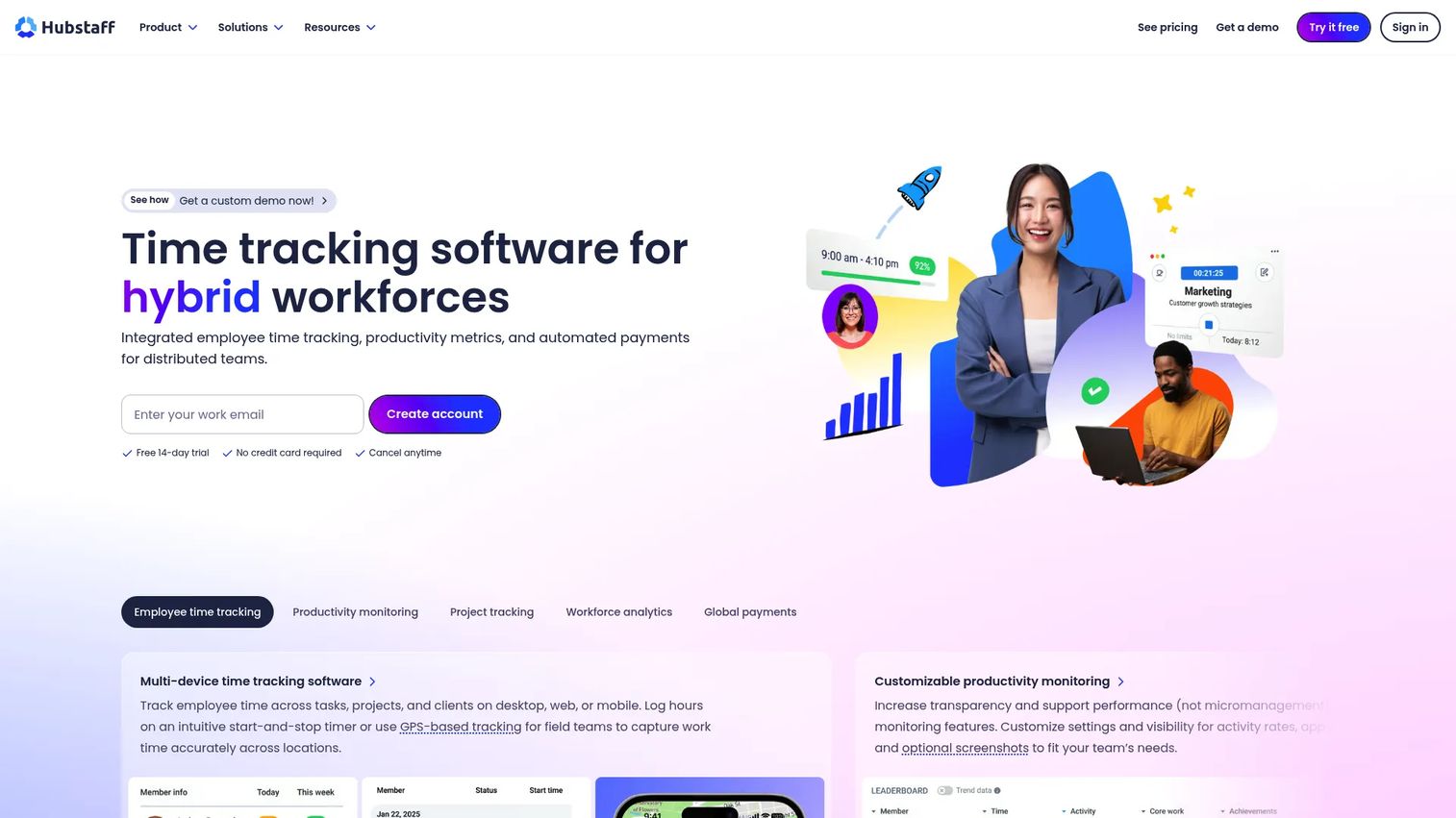
Hubstaff is time tracking and workforce management software built for distributed and field teams. It combines time tracking, automated timesheets, GPS and geofencing, scheduling, and workforce analytics in one platform. Where a basic timesheet app stops at hours, Hubstaff adds attendance, time-off tracking, and activity visibility across a remote or mobile workforce.
For founders running distributed operations, the draw is control without micromanagement. GPS and geofencing confirm field clock-ins, scheduling ties planned shifts to actual hours, and workforce analytics surface where labor cost concentrates. Screenshots, activity, and app or URL tracking add optional productivity monitoring on top.
Best for: remote and distributed teams that need time tracking plus location and activity visibility.
Key strengths
- GPS and geofencing: confirm where field and mobile workers clock in.
- Scheduling and attendance: manage shifts, time off, and attendance in one place.
- Workforce analytics: reporting on productivity, activity, and labor cost across teams.
Why choose Hubstaff: It's the pick when your workforce is spread across locations and you need visibility that a plain tracker can't give. Scheduling, GPS, and analytics together make it a fit for field operations and remote teams over office-only headcounts.
Hubstaff pricing: A free plan with limited features is available, plus a 14-day trial. The Team plan is listed at $10 per seat per month and Enterprise at $25 per seat per month. Starter and Grow tiers sit between the free plan and Team with progressively more capabilities.
What founders should verify before buying
Payroll fit
Check exactly how hours reach your payroll system. Native integration or a clean export beats manual retyping every time, and the difference shows up as fewer corrections each cycle. If you already run QuickBooks, a native sync removes an entire step. Map the payroll path before you evaluate anything else.
Adoption reality
A tool nobody uses generates worse data than a spreadsheet. Test time entry with your actual team during a trial, on the devices they use, in the workflow they follow. Low-friction logging and mobile access decide whether the numbers you get are complete or full of holes.
Approvals and compliance
Confirm the approval workflow matches how your managers actually review hours. Look at overtime rules, edit history, and whether the audit trail holds up. Attendance and compliance features matter more the moment you have shift workers or regulated hours.
Mobile, kiosk, and GPS coverage
Match the capture method to the workforce. Office teams need a web and desktop app. Field and shift teams need mobile, kiosk clock-ins, GPS, and geofencing. Buying workforce features you don't need adds cost; missing the ones you do need adds manual work.
Reporting and integrations
Decide what you need to see: labor cost, utilization, project tracking, or billable hours. Then confirm the reporting delivers it and the integrations connect to the rest of your stack. Reporting you can't act on is noise, and an integration gap becomes a manual export you'll run forever.
Conclusion
The right employee timesheet software depends on your workforce more than any feature score. QuickBooks Time fits payroll-centric teams already in the Intuit ecosystem. Clockify is the flexible generalist that scales from free to paid without lock-in. Jibble is the budget-conscious pick, free forever with real attendance verification. Harvest closes the loop for agencies billing clients from billable hours. And Hubstaff handles distributed and field teams with GPS, scheduling, and workforce analytics.
Whatever you shortlist, evaluate through the same lens: clean payroll handoff, adoption you can trust, approvals that hold up, mobile and GPS coverage for how your team works, and reporting that answers a board question. Run a trial with your real team on their real devices before you commit. The tool that wins is the one people use without being chased, because that's the only version where the numbers are trustworthy.
Start by mapping your payroll path, then pick the two tools that fit it best and test them side by side this week.
FAQs
Employee timesheet software records the hours employees work, routes them through approvals, and turns them into data for payroll, invoicing, or job costing. It replaces spreadsheets and paper timesheets with timestamped, auditable records. The goal is fewer manual touches and numbers you can trust when payroll or a client invoice depends on them.
For teams already using QuickBooks, QuickBooks Time offers the tightest payroll sync because hours flow directly into QuickBooks Payroll without a manual export. More broadly, the best payroll fit is whichever tool exports or syncs cleanly to your existing payroll system with an approval workflow in front of it. Prioritize the handoff over the feature list, since that's where corrections get eliminated.
Jibble is the standout free option, offering core time tracking free forever with unlimited users and attendance verification. Clockify and Harvest also have capable free tiers, though free plans typically stop being enough once you need deeper approvals, more users, advanced reporting, or payroll integrations. At that point the paid tiers pay for themselves in reduced admin.
Yes. QuickBooks Time, Jibble, and Hubstaff all offer GPS and location tracking, and several add geofencing to confirm clock-ins happen at the right site. These features matter most for field service, construction, retail, and any team clocking in away from a fixed office. Office-only teams rarely need them and can skip the extra cost.
Many do. QuickBooks Time, Hubstaff, and Apploye include scheduling and shift management alongside time tracking, so you can build shifts and then compare planned hours against actual clocked hours. This matters most for shift-based and field teams where labor cost depends on staffing the right hours. Project-based and salaried office teams usually need less scheduling depth.
Prioritize a clean payroll handoff, real adoption on your team's actual devices, approval workflows that match how managers review hours, and reporting that answers labor cost and utilization questions. Confirm the tool integrates with your existing payroll and finance stack. The best choice reduces operational drag and manual touches rather than adding another disconnected system.
Not exactly. Timesheet software focuses on recording and approving hours for payroll and billing. Employee monitoring adds activity data like screenshots, app usage, or productivity scores. Tools like Apploye and Hubstaff combine both, but you can track time accurately without monitoring, and monitoring features are optional for most office teams.
An employee submits their timesheet, a manager reviews the logged hours, makes or requests edits, and approves it before the hours become payable. Approved timesheets then feed payroll or invoicing, ideally through an export or sync rather than manual entry. A clear approval trail is what makes the numbers defensible when a payroll figure or client invoice is questioned.