A homepage change needs four approvals: Marketing sign-off, an engineer to merge the branch, a security review, and a content editor to update copy. The change itself takes 20 minutes. The coordination takes three days.
That gap is where websites become operational bottlenecks. Once a web property grows past a single team's ownership, it behaves like a product: It has release cadence, environment drift, access controls, and a real cost when something breaks in production. According to Business Research Insights (2025), the global WebOps platforms market was valued at $1.54 billion in 2024 and is forecast to grow at a 25.18% CAGR through 2033, a signal that engineering and product leaders are formalizing web operations as infrastructure rather than an afterthought.
Which kind of WebOps platform matches your website architecture and release model? The answer depends on whether your main operational problem is CMS governance, frontend application delivery, managed infrastructure, or enterprise portfolio control.
What's inside
This guide covers 12 WebOps platforms evaluated for 2026 across four operating models: CMS-first multi-site operations, frontend product delivery, cloud application environments, and enterprise digital experience governance.
- Who it's for: Product managers coordinating engineering, marketing, and content teams around web releases
- Selection criteria: Deployment workflow depth, preview and staging environment quality, governance and permissions model, integration fit, and verified pricing
- What you'll get: A comparison table, per-platform breakdowns, a buyer checklist, and FAQ guidance
TL;DR
- Best for CMS-first multi-site teams: Pantheon, for governed WordPress and Drupal workflows across a site portfolio
- Best for Git-native application environments: Upsun, for teams that want infrastructure versioned alongside code
- Best for frontend product teams: Vercel, for preview-driven delivery of modern frontend applications
- Best for collaborative preview workflows: Netlify, with a free tier and paid plans from $9/month
- Best for enterprise WordPress governance: WordPress VIP, for high-traffic publishers needing FedRAMP-level security
- Best for headless content operations: Contentful, when content must feed multiple channels from one structured source
- Best for managed infrastructure without server administration: Cloudways (starting at $11/month) for managed cloud hosting, DigitalOcean for teams that want more configurability
- The right platform depends on whether your primary operational problem is content governance, web application delivery, managed infrastructure, or enterprise portfolio control
What are WebOps platforms?
WebOps platforms are software products that help teams build, deploy, operate, govern, and improve websites or web applications across their full lifecycle.
The category is broader than hosting and narrower than full DevOps. A WebOps platform typically covers:
- Deployment workflows: Code and content pushes from development to staging to production, often Git-triggered
- Environment management: Staging, preview, and production environments that stay in sync
- Hosting and infrastructure: Servers, CDN, scaling, backups, and uptime
- Governance and security: Permissions, approval workflows, audit trails, and access controls
- Observability: Performance monitoring, uptime alerts, and deployment logs
- Collaboration: Shared workflows for developers, content editors, marketers, and IT
Common WebOps platform types
| Platform type | Primary job | Typical buyer | Examples in this guide |
|---|---|---|---|
| CMS-first WebOps | Run governed content sites at scale | Digital teams, agencies, enterprises | Pantheon, WordPress VIP |
| Frontend deployment platform | Build and deploy modern web applications | Product and engineering teams | Vercel, Netlify |
| Cloud application platform | Manage environments, services, and deployment workflows | Engineering-led product teams | Upsun, DigitalOcean |
| Enterprise DXP or CMS suite | Coordinate complex content, personalization, governance | Large organizations | Sitecore, Kentico, Progress Sitefinity |
WebOps versus DevOps
DevOps covers software delivery and infrastructure practices across all applications. WebOps applies similar operational discipline specifically to websites and web experiences.
The practical difference: WebOps usually adds CMS workflows, content governance, multi-site management, preview links for non-technical reviewers, and marketing collaboration. A developer pushing to a Git repo and a content editor publishing through a CMS are both part of a WebOps release process.
WebOps is also a shared operating model, not a single team's job. Product, engineering, marketing, and IT all touch a website's release cycle. A good WebOps platform reduces coordination cost across all of them.
When to use a WebOps platform
Ship website changes without release-day chaos
Marketing, product, and engineering all need to touch the same site, but releases depend on manual coordination. A WebOps platform provides preview links that stakeholders can review before production, approval workflows that replace Slack threads, and rollback paths when something goes wrong. The result is a release process with defined ownership rather than improvised handoffs.
Manage multiple sites, brands, or regions from one operating model
A growing company accumulates product sites, help centers, campaign pages, localized versions, and acquired brands. Managing each independently creates inconsistent governance, duplicated security configurations, and no shared visibility. WebOps platforms built for multi-site website management give teams shared templates, centralized permissions, and portfolio-level dashboards.
Run product-led growth experiments without constant engineering interrupts
Product and growth teams need to test onboarding pages, pricing changes, activation paths, and new messaging without filing a ticket for every iteration. A WebOps platform with stable preview environments and fast publishing reduces the opportunity cost of running experiments. Shorter time from change request to production means more experiments at the same engineering headcount.
WebOps platforms comparison
Each platform in this list solves a different operational job. Compare fit to your release model rather than treating them as interchangeable. Pricing and G2 ratings verified October 2026.
| # | Product | Best for | Key differentiator | Pricing | G2 rating |
|---|---|---|---|---|---|
| 1 | Pantheon | CMS-first multi-site operations | Governed WordPress and Drupal workflows with Dev/Test/Live environments | From $55/month | 4.4/5 |
| 2 | Upsun | Git-native application environments | Infrastructure and app config versioned with code | From €0 (usage-based) | 4.6/5 |
| 3 | Vercel | Frontend product teams | Git-triggered deploys with per-change preview URLs | Free; Pro $20/month | 4.5/5 |
| 4 | Netlify | Preview-driven web releases | Deploy previews, global CDN, serverless functions | Free; Pro $20/month | 4.5/5 |
| 5 | WordPress VIP | Enterprise WordPress governance | FedRAMP Moderate authorization, 99.99% uptime SLA | Custom pricing | 4.5/5 |
| 6 | Contentful | Headless content operations | API-first structured content for composable architectures | Free; Lite $300/month | 4.3/5 |
| 7 | Cloudways | Managed cloud hosting | Cloud server management without direct server administration | From $11/month | 4.7/5 |
| 8 | DigitalOcean | Developer-led cloud infrastructure | Configurable cloud services with App Platform and managed databases | App Platform free; Droplets from $4/month | 4.6/5 |
| 9 | Hostinger | Budget-conscious web teams | Affordable managed hosting with NVMe storage | From $2.99/month (48-month term) | 4.4/5 |
| 10 | Sitecore | Enterprise digital experience operations | Composable DXP with personalization, DAM, and multi-site governance | Custom pricing | 4.2/5 |
| 11 | Kentico | Governed digital experience delivery | Hybrid-headless CMS with built-in commerce and AI capabilities | Custom pricing | 4.4/5 |
| 12 | Progress Sitefinity | .NET-oriented web operations | Cloud-first CMS with 1,000+ integration connectors | Custom pricing | 4.0/5 |
Best 12 WebOps platforms for 2026
Each platform below is reviewed by operational fit for specific WebOps workflows, not as a universal best tool.
1. Pantheon
!Pantheon website operations platform homepage
Pantheon is an integrated WebOps platform for building, hosting, securing, and managing WordPress, Drupal, and Next.js websites. It structures every site around three persistent environments: Dev, Test, and Live. Deployments flow through those environments with version control, automated backups, and access controls built in.
Best for: Organizations and agencies managing high-performance WordPress or Drupal sites where governance and multi-site consistency matter as much as performance.
Key features
- Dev, Test, and Live environments per site
- WordPress, Drupal, and Next.js hosting with global CDN
- Autopilot automated core and plugin updates
- Role-based access controls across the site portfolio
- Automated backups, logs, and performance monitoring
Why choose Pantheon: The structured environment workflow removes ambiguity from releases. Product managers who need a defined path from development to production, with rollback options and clear ownership, will find the Dev/Test/Live model reduces coordination overhead across engineering and content teams.
Pantheon pricing: Paid plans start at $55/month (Basic) or $500 annually. Performance plans range from $200/month to $1,150/month depending on resource tier. Elite plans use custom pricing. A free account is available for development, but a paid Site Plan is required to take any site live.
G2 rating: 4.4/5 (verified October 2026)
2. Upsun
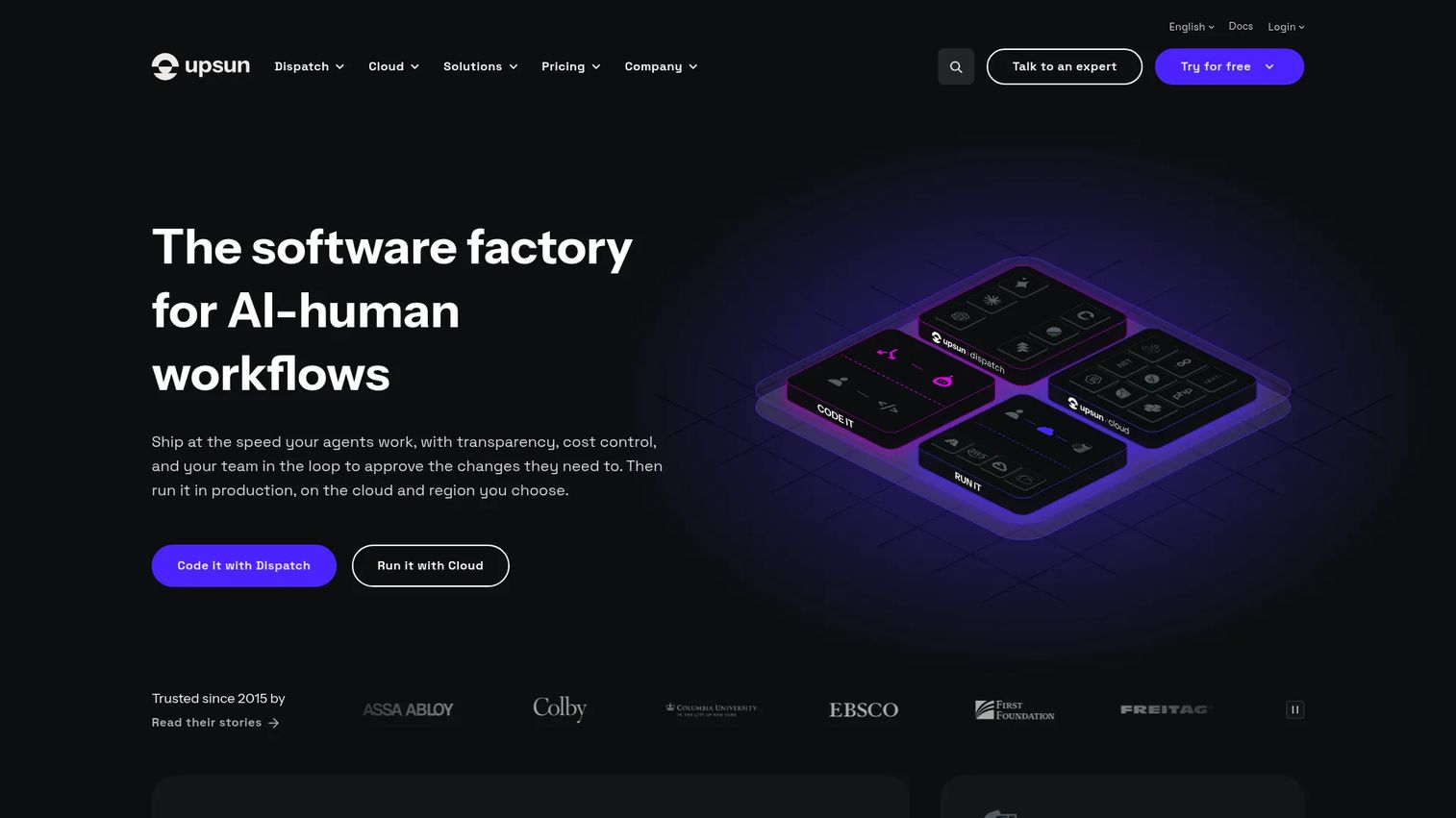
Upsun is a self-service cloud application platform where infrastructure and application configuration live alongside code in Git. Every branch becomes a production-like preview environment, cloned from the parent branch including data, dependencies, and configuration. It supports multiple runtimes and connects to AWS, Azure, GCP, and other cloud providers.
Best for: Development and platform engineering teams that need reproducible, branch-based environments for custom web applications.
Key features
- Git-driven environment configuration and branching
- Branch cloning with code, configuration, and data
- Multi-cloud provider selection (AWS, Azure, GCP, IBM, OVHcloud)
- Built-in APM, profiling, and observability
- WAF, DDoS protection, automated TLS, SOC 2, PCI DSS, ISO 27001
Why choose Upsun: Teams where "it works on staging" surprises are a real release risk will benefit most. Cloning a production-like environment from a branch means reviewers test against actual data and dependencies, not a stale staging approximation. The CI/CD tools integration through GitHub, GitLab, and Bitbucket fits teams with existing pipelines.
Upsun pricing: Upsun uses resource-based pricing with no fixed plan bundles. A 15-day free trial is available with a monthly credit covering one project fee plus one user license. Ongoing cost depends on provisioned compute, storage, and network resources. Enterprise sales are available for larger contracts.
G2 rating: 4.6/5 (verified October 2026)
3. Vercel
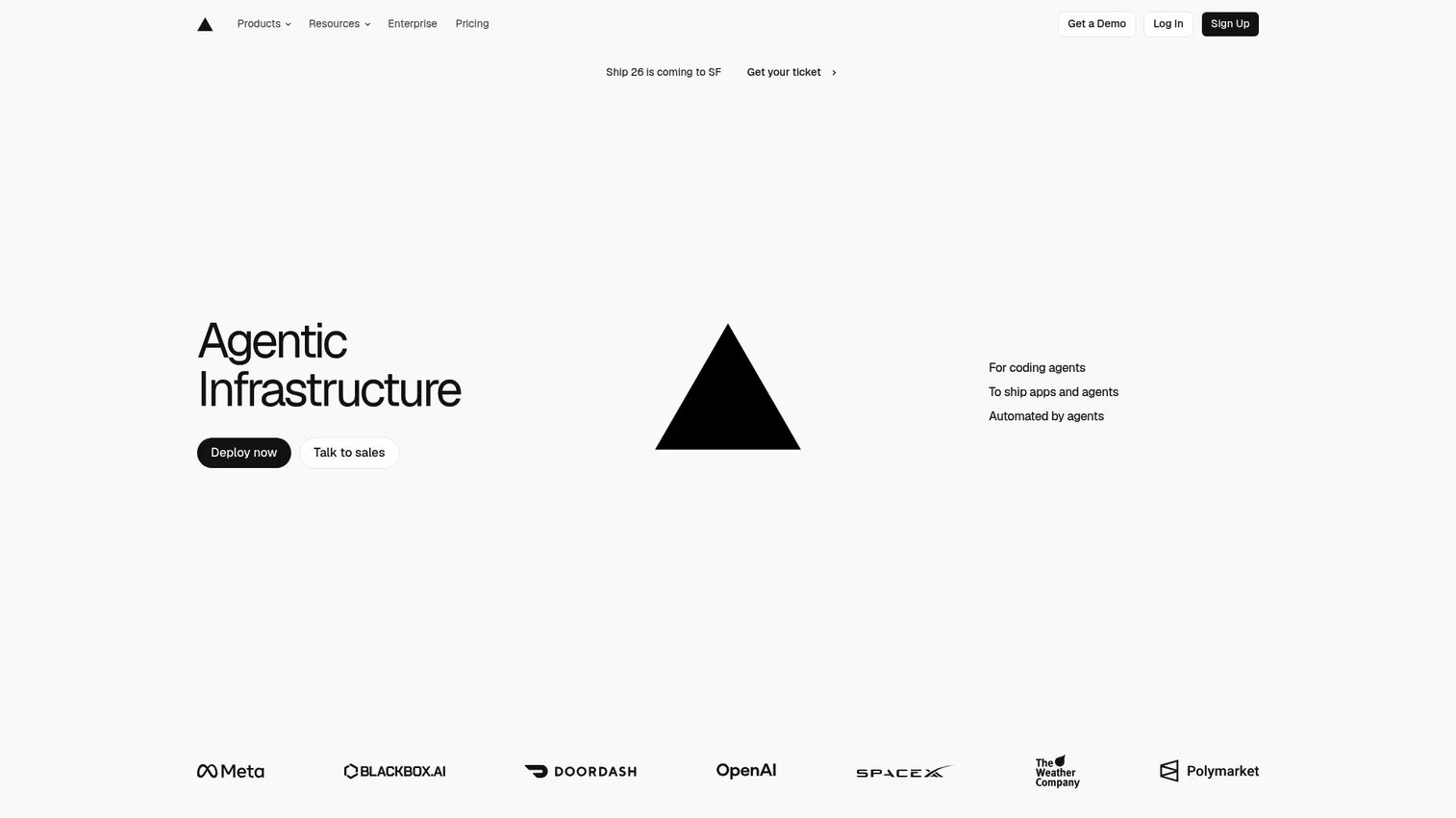
Vercel is a platform for deploying and scaling modern web applications, with particular depth for Next.js and AI-powered frontends. Every Git push triggers a build and generates a preview URL accessible to anyone on the team. Production deployments run on Vercel's global edge network with Fluid Compute for dynamic rendering.
Best for: Product and engineering teams whose release cadence depends on frontend application performance and fast stakeholder review cycles.
Key features
- Automatic CI/CD with per-change preview URLs
- Global CDN and edge network delivery with Fluid Compute
- Feature flags, observability, and web analytics
- Firewall, bot management, and DDoS mitigation
- Frontend framework support across Next.js and other modern stacks
Why choose Vercel: Preview URLs make it possible for designers, product managers, and marketing leads to review a specific change before it reaches production. That review model removes the need for staging environment access and reduces approval cycle length for teams with fast website deployment iteration.
Vercel pricing: The Hobby plan is free for personal projects. The Pro plan costs $20/month per team and includes usage credits, collaboration features, and advanced controls. Enterprise pricing is custom, covering security, SLAs, and dedicated support.
G2 rating: 4.5/5 (verified October 2026)
4. Netlify
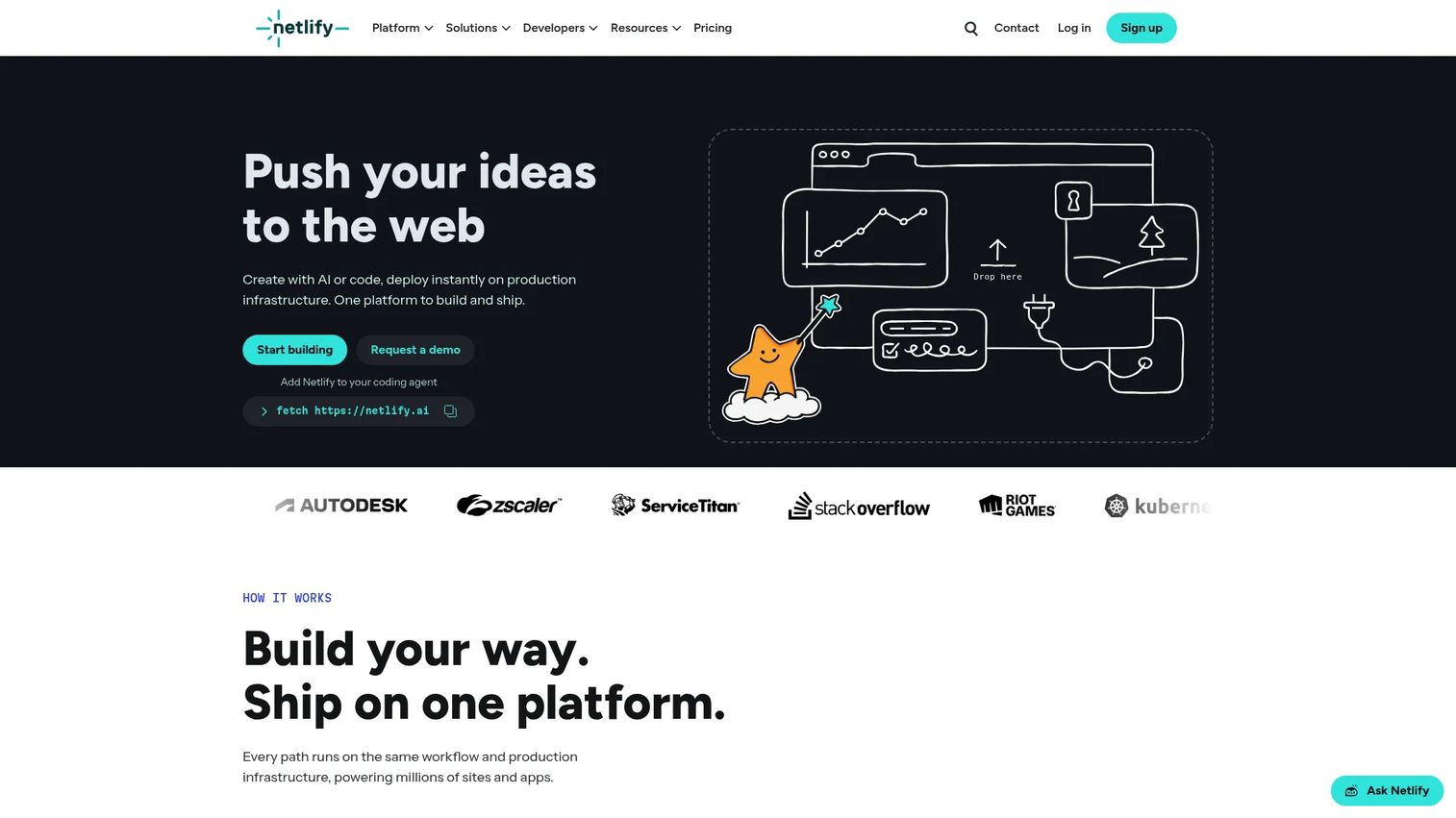
Netlify is a web development platform for building, deploying, and scaling modern websites and SaaS applications. Its Deploy Previews generate a shareable link for every pull request, so stakeholders can review the exact version before it merges. The platform includes serverless and edge functions, global CDN delivery, image optimization, and database and blob storage.
Best for: Teams that want deploy previews to become the default release artifact across product, design, and marketing workflows.
Key features
- Deploy Previews for every Git pull request
- Git, API, and AI-based deployment triggers
- Serverless, edge, background, and scheduled functions
- Global CDN with image CDN
- Database, blob storage, forms, and identity built in
Why choose Netlify: Preview-driven releases work well when multiple stakeholders need to sign off before production. Netlify's free tier makes it accessible for smaller teams, and the Pro plan scales for teams with higher build and traffic volume. Usage-based credits require forecasting as traffic grows.
Netlify pricing: The Free plan is available forever with usage limits. Personal costs $9/month. Pro costs $20/month and includes unlimited team members. Enterprise pricing is custom. All plans include usage-based build minutes and bandwidth credits.
G2 rating: 4.5/5 (verified October 2026)
5. WordPress VIP
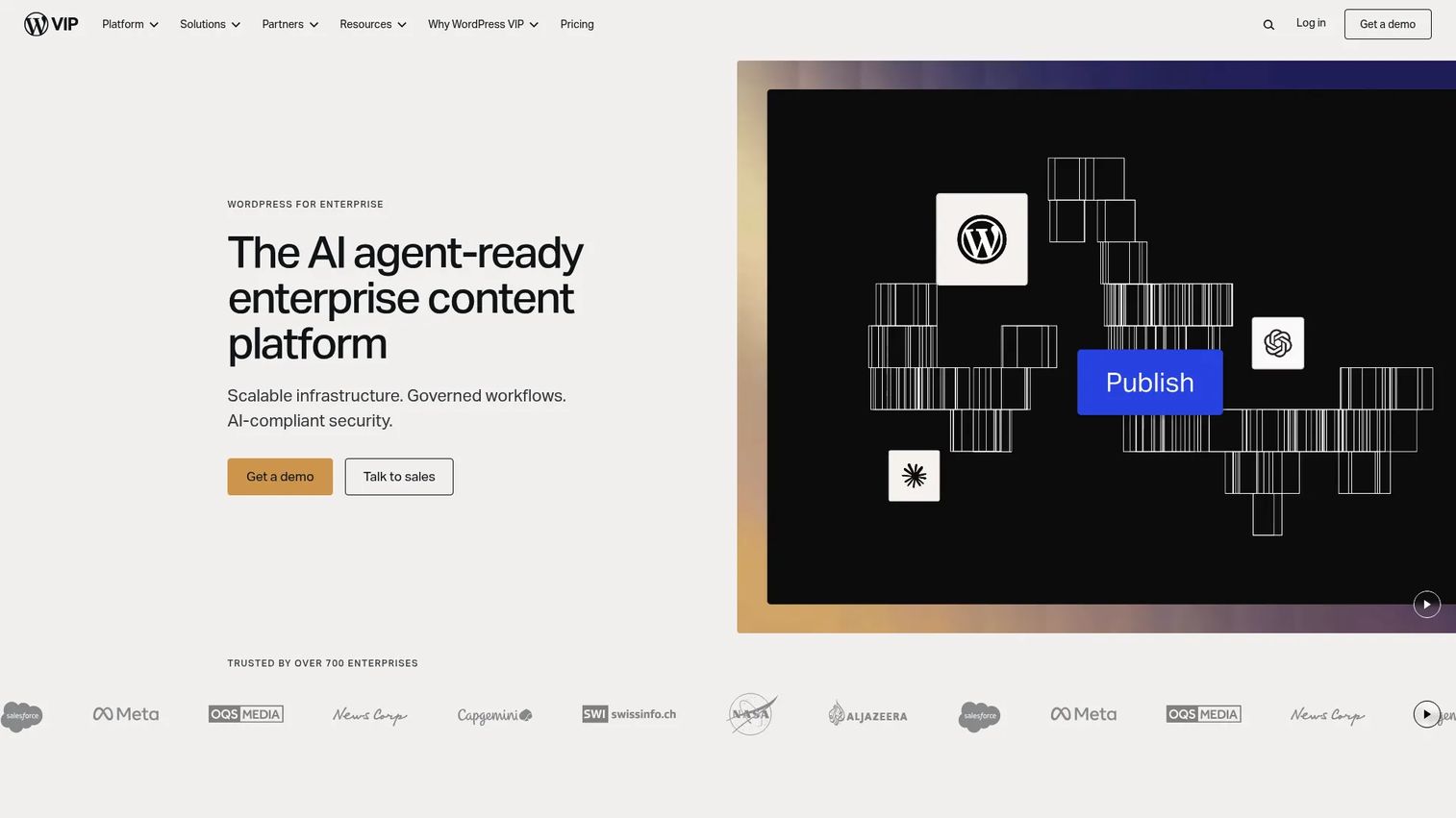
WordPress VIP is an enterprise content platform built on managed WordPress, designed for large publishers, media organizations, and marketing teams operating at scale. It runs a proprietary global CDN with a 99.99% uptime SLA and holds FedRAMP Moderate authorization, making it one of the few WordPress hosting options approved for regulated content environments.
Best for: Large enterprises and publishers committed to WordPress that need enterprise security, editorial governance, and dependable publishing operations.
Key features
- Managed WordPress with Gutenberg block editor and real-time collaborative editing
- FedRAMP Moderate authorization and SOC 2 Type 2 compliance
- Auto-scaling infrastructure with 99.99% uptime SLA
- GraphQL, REST, and Block Data APIs for omnichannel delivery
- Integrated Parse.ly content intelligence and analytics
Why choose WordPress VIP: Product managers overseeing high-traffic content properties with formal security and compliance requirements will find the FedRAMP authorization meaningful in procurement conversations. Editorial workflow controls and block-level governance reduce the risk of unauthorized content reaching production across large, distributed content teams.
WordPress VIP pricing: Three packages exist: Standard, Enhanced, and Signature. All require annual contracts and custom quotes through sales. No free tier or trial is available.
G2 rating: 4.5/5 (verified October 2026)
6. Contentful
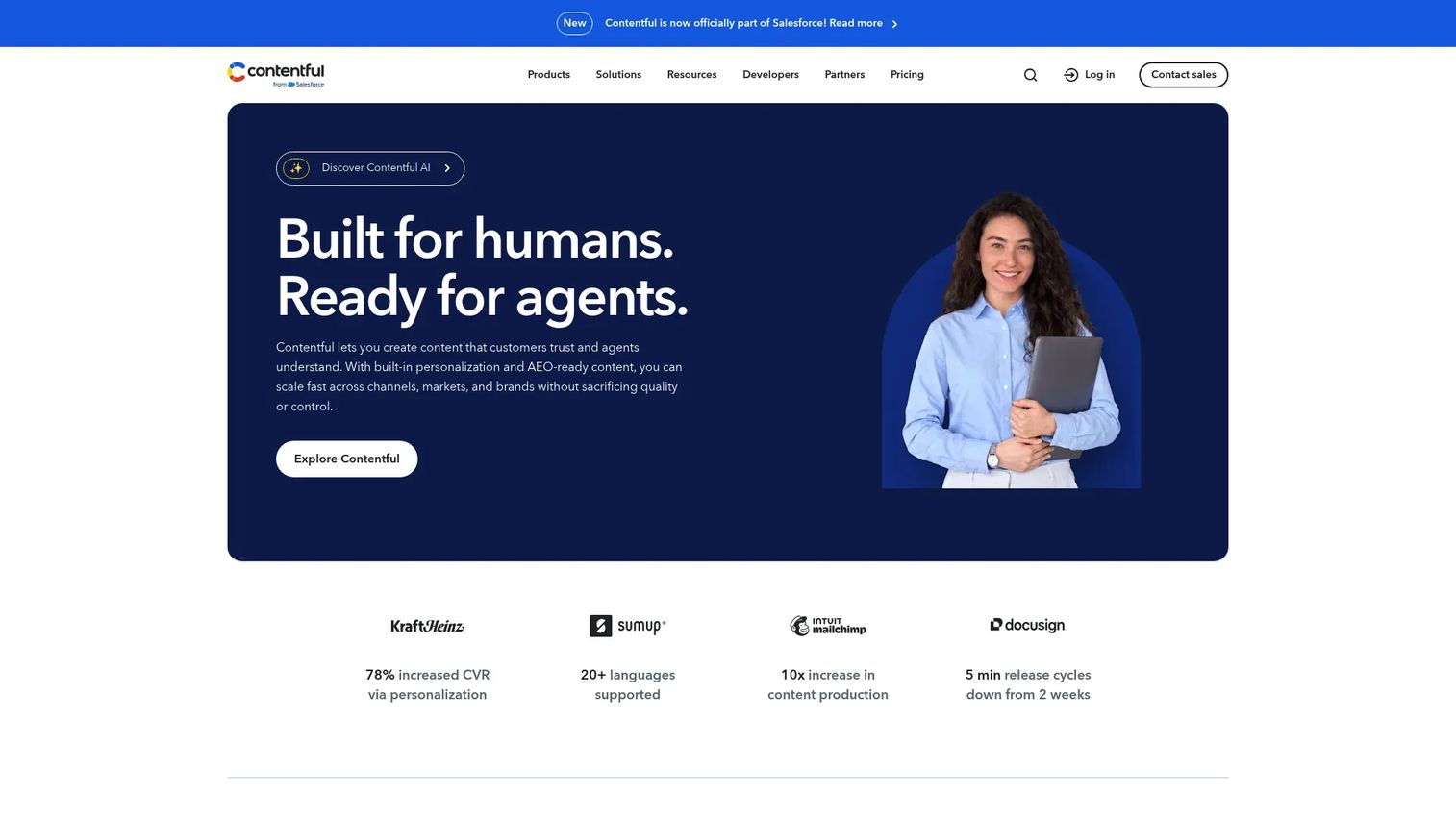
Contentful is a composable content platform for creating, managing, and delivering structured content across digital channels through APIs. It is not a complete hosting or deployment system on its own. Teams typically pair it with a frontend deployment platform for the full website operations stack.
Best for: Organizations managing structured, localized content that must power multiple web properties, applications, or regions from a single source.
Key features
- Structured content modeling with reusable content types
- API-first delivery via REST and GraphQL
- AI-powered content creation, translation, and optimization
- Content personalization and A/B testing on enterprise plans
- Contentful Studio for visual experience design
Why choose Contentful: When content must simultaneously power a marketing site, a help center, a mobile app, and a localized regional property, a headless CMS prevents content duplication and drift. Contentful's structured content model makes it straightforward to add new delivery channels without restructuring the underlying content. Teams evaluating application portfolio management across content surfaces will recognize the governance value.
Contentful pricing: The Free plan is available indefinitely with usage limits. The Lite plan costs $300/month. Enterprise plans use custom pricing. Personalization, AI Actions, and Contentful Studio carry additional custom pricing on top of the platform plan.
G2 rating: 4.3/5 (verified October 2026)
7. Cloudways
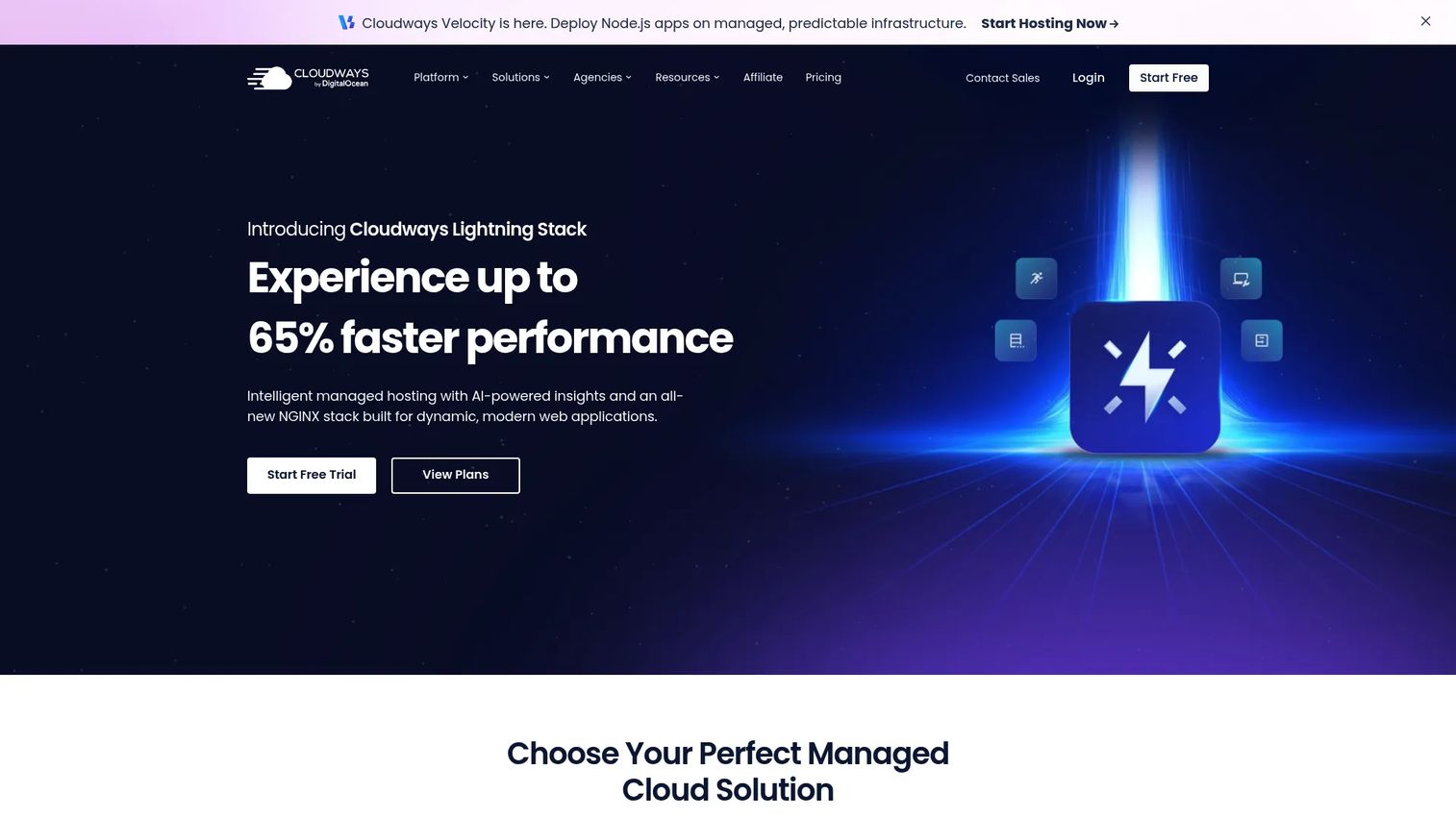
Cloudways is a managed cloud hosting platform for WordPress, Magento, Laravel, PHP, Node.js, and AI-agent applications. It sits between shared hosting and raw cloud infrastructure: Customers choose from DigitalOcean, Vultr, Linode, AWS, or Google Cloud as the underlying provider, then manage applications through Cloudways' control panel rather than the cloud provider's native console.
Best for: Agencies, developers, and small-to-mid businesses needing managed, scalable cloud hosting without direct server administration.
Key features
- Managed hosting across multiple cloud providers
- 24/7 expert support, free migrations, and free SSL
- Automated backups and staging environments
- Lightning Stack performance optimization
- Cloudways Copilot AI-assisted server management
Why choose Cloudways: For teams that need cloud-level performance without assigning a developer to server management, Cloudways handles the infrastructure layer. It is less of a full collaborative WebOps system than CMS-first or Git-native platforms, but covers the managed hosting need for product teams with limited infrastructure capacity. Application performance monitoring tools can connect alongside it for deeper observability.
Cloudways pricing: Cloudways Flexible plans start at $11/month. Cloudways Autonomous (fully managed auto-scaling) starts with a 3-day free trial, then $35/month for the Small tier. Medium runs $240/month and Large runs $995/month. Enterprise pricing is custom.
G2 rating: 4.7/5 (verified October 2026)
8. DigitalOcean
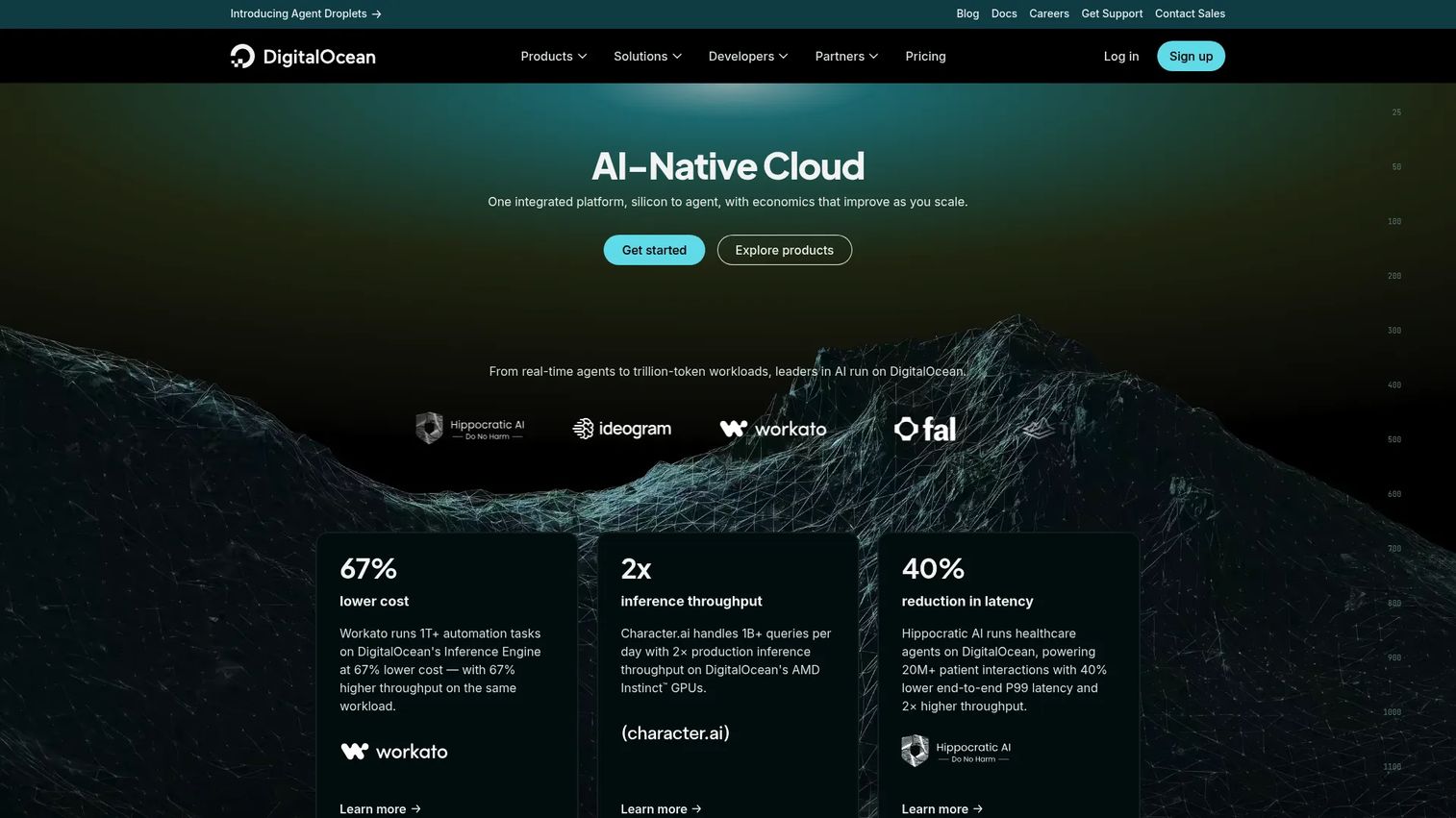
DigitalOcean is a cloud platform offering compute, AI/ML, managed databases, storage, networking, Kubernetes, and application deployment. App Platform provides a managed path for deploying web applications without server configuration. Droplets give teams configurable virtual machines when more control is needed.
Best for: Developers, startups, and technical product teams that want configurable cloud infrastructure with a relatively approachable operating model.
Key features
- App Platform for managed application deployment
- Droplets virtual machines from $4/month
- Managed Kubernetes cluster management
- Managed databases with automated backups and failover
- Object storage and team access controls
Why choose DigitalOcean: Platform choice has a direct effect on engineering time, deployment confidence, and operating cost predictability. DigitalOcean gives teams more configurability than shared hosting without the complexity of a hyperscale cloud provider. App Platform's free tier makes it accessible for smaller product teams to deploy and test web services before committing to more infrastructure. Teams comparing AI model deployment options alongside web infrastructure will find the platform's AI/ML offerings relevant.
DigitalOcean pricing: App Platform is available at $0/month for static sites. Droplets start at $4/month. Kubernetes starts at $12/month. Managed databases start at $15/month. Spaces object storage starts at $5/month.
G2 rating: 4.6/5 (verified October 2026)
9. Hostinger
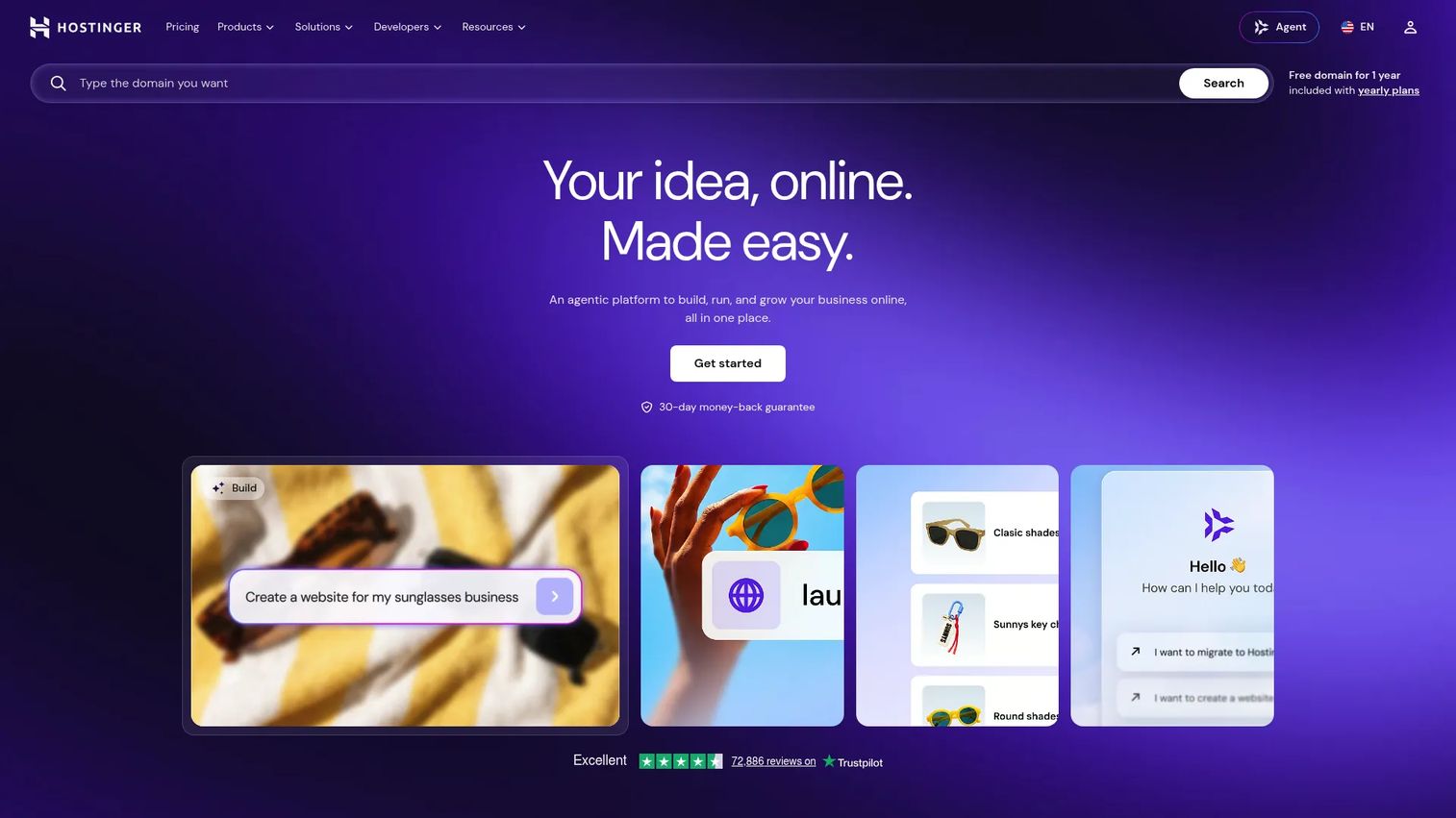
Hostinger is an all-in-one platform for building, hosting, and growing websites, web apps, and online businesses. It targets creators, small businesses, and developers who need managed hosting without operational complexity. Hostinger includes NVMe storage, LiteSpeed servers, CDN, SSL, automated backups, malware scanning, and an AI website builder.
Best for: Smaller teams and early-stage companies that need managed hosting basics covered without assigning a developer to infrastructure.
Key features
- Managed hosting with NVMe storage and LiteSpeed servers
- AI-powered website builder and marketing tools
- CDN, SSL, automated backups, and malware scanning
- WordPress, Node.js, and ecommerce hosting options
- Domain management and business email included
Why choose Hostinger: For early-stage product teams with a simple content site and limited infrastructure capacity, Hostinger covers the operational basics at a low cost. It is not a substitute for enterprise governance or elaborate multi-environment deployment workflows, but it removes the need for manual server work at the basic hosting tier. Renewal pricing is significantly higher than the promotional rate, so factor that into the total cost of ownership.
Hostinger pricing: Plans are billed on a 48-month promotional term. Premium starts at $2.99/month ($143.52 upfront, renews at $10.99/month). Unlimited costs $3.99/month ($191.52 upfront, renews at $16.99/month). Cloud Startup costs $7.99/month ($383.52 upfront, renews at $25.99/month). No free tier is available.
G2 rating: 4.4/5 (verified October 2026)
10. Sitecore
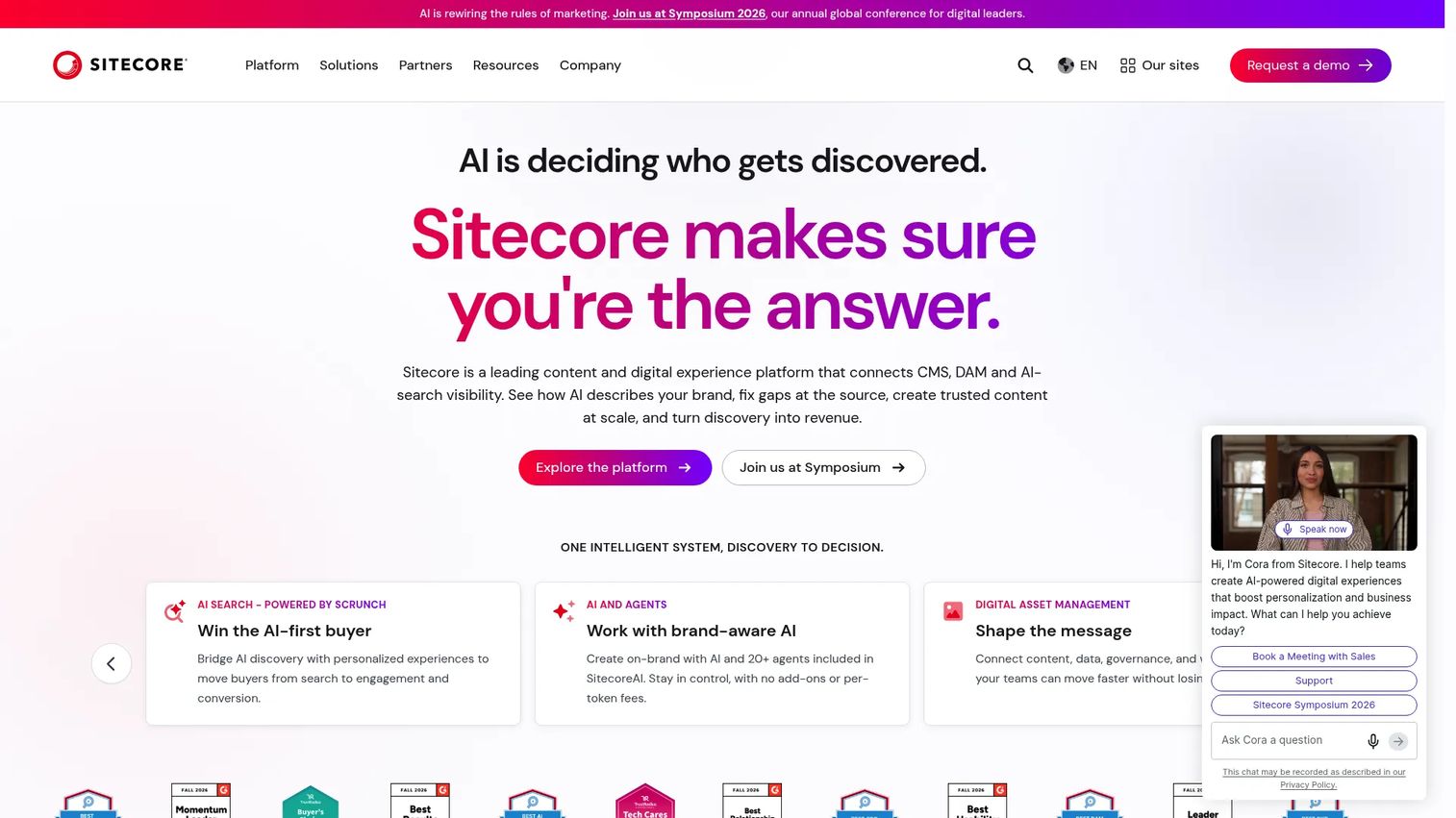
Sitecore is a composable digital experience platform for enterprise brands managing personalized, omnichannel digital experiences. It covers content management, personalization, digital asset management, headless delivery, commerce, and marketing analytics. Implementation requires dedicated ownership and integration work.
Best for: Large organizations whose web operations connect to enterprise content governance, personalization at scale, and formal multi-brand or multi-region management.
Key features
- AI-enabled content management with visual page building
- Multi-site management, personalization, and multivariate testing
- Digital asset management with AI-powered metadata enrichment
- Headless and composable architecture with commerce and search
- Workflow and approval controls for governed publishing
Why choose Sitecore: When web operations involve legal review, security governance, brand consistency across dozens of properties, and complex audience segmentation, Sitecore's composable architecture handles each capability as a module. Product managers at large organizations will recognize the tradeoff: Significant implementation effort in exchange for enterprise-grade control across the full digital experience stack.
Sitecore pricing: Custom pricing. Contact Sitecore sales for package details. No free tier or trial is listed.
G2 rating: 4.2/5 (verified October 2026)
11. Kentico
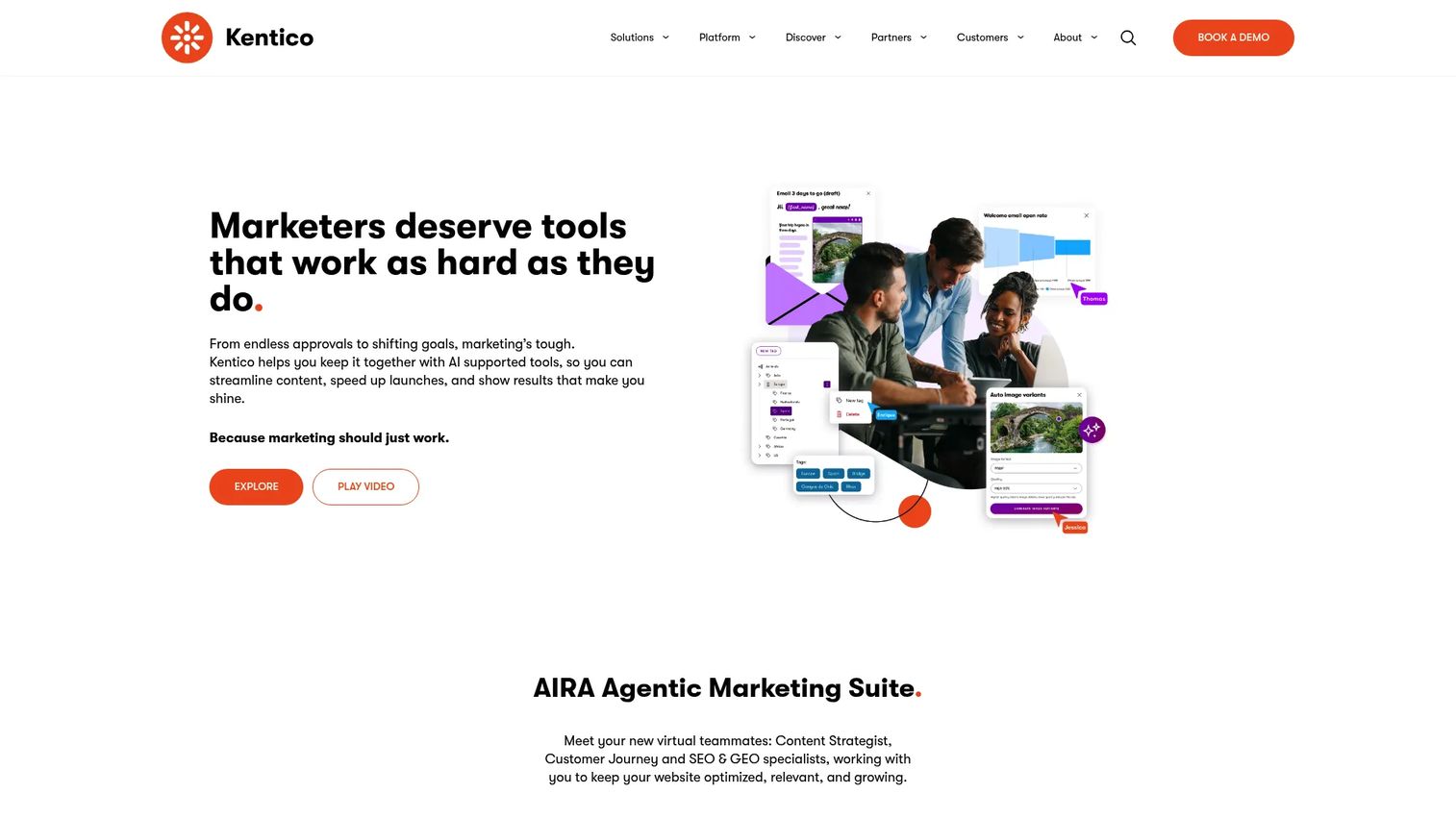
Kentico delivers Xperience by Kentico, a hybrid-headless digital experience platform combining content management, digital marketing, commerce, and AI capabilities. It targets mid-market and enterprise teams that need more structure than basic hosting but want an integrated platform rather than assembling every capability independently.
Best for: Mid-market and enterprise marketing and development teams managing content-heavy digital experiences with repeatable governance processes.
Key features
- Centralized content hub with reusable structured content
- Multichannel delivery across websites, email, apps, and headless frontends
- Visual drag-and-drop page builder and form builder
- Built-in digital commerce with product catalogs and checkout
- AIRA native AI and agentic marketing capabilities
Why choose Kentico: Teams that find pure headless CMS platforms too disconnected from marketing workflows, but find full enterprise DXPs too complex, will fit Kentico's hybrid approach. The integrated commerce and marketing tooling reduces the number of third-party integrations needed for a complete digital experience stack. Teams evaluating approval workflow software alongside their CMS will find Kentico's built-in workflow controls relevant.
Kentico pricing: Pricing depends on pageviews, environments, and storage capacity. No numeric price is displayed on the pricing page. Contact Kentico sales for a quote, and request a demo through their site.
G2 rating: 4.4/5 (verified October 2026)
12. Progress Sitefinity
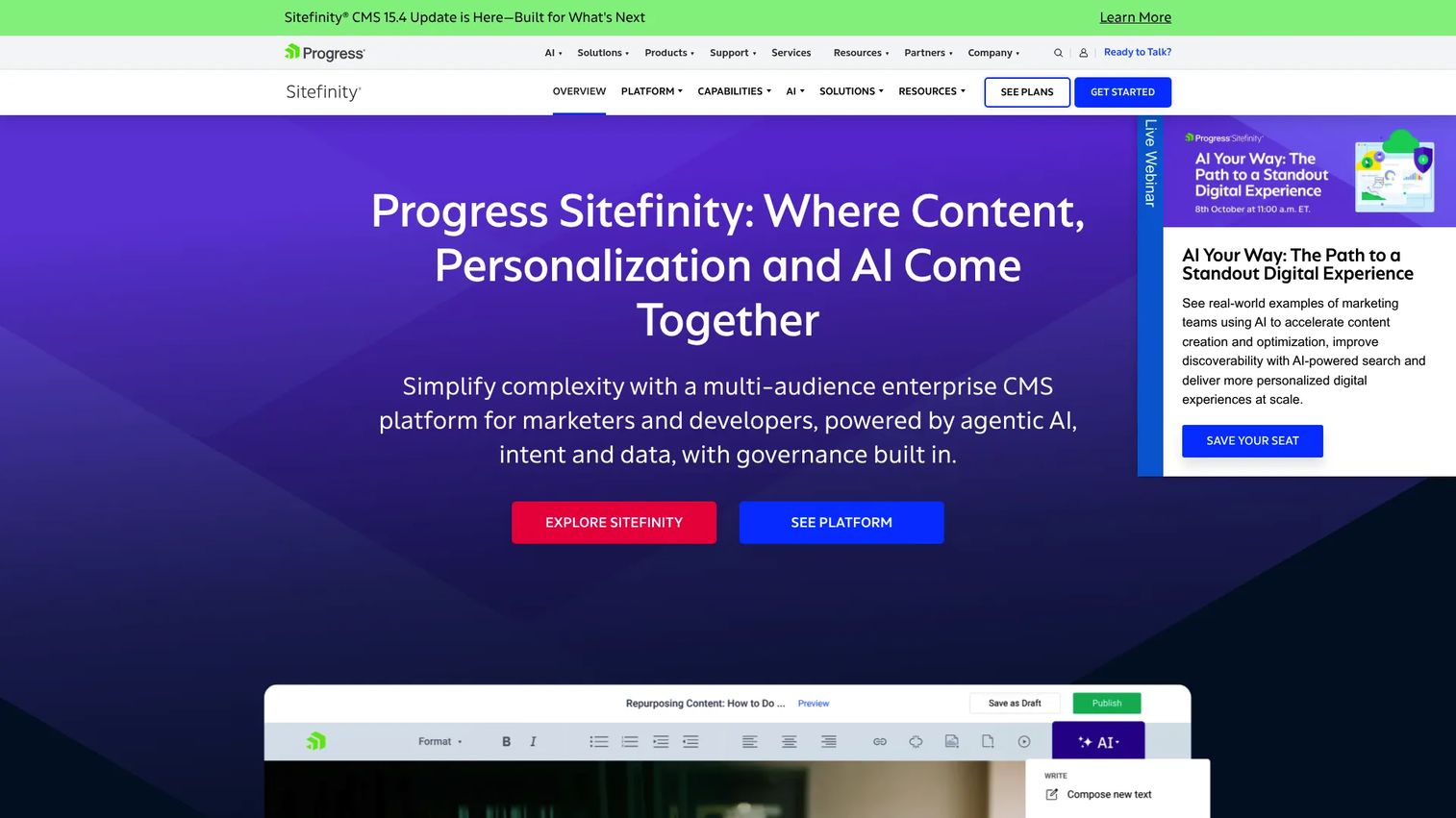
Progress Sitefinity is a cloud-first CMS and digital experience platform for managing websites, portals, and digital properties. It is particularly relevant for organizations operating in Microsoft and .NET environments. The platform covers web content management, headless delivery, multisite management, personalization, A/B testing, translation management, and a 1,000-plus connector Integration Hub.
Best for: Mid-market and enterprise organizations managing multilingual, multisite, or integration-heavy digital experiences in Microsoft-centric technology stacks.
Key features
- Web content management with headless content delivery
- Multisite management across brands and regions
- Personalization, A/B testing, and content analytics
- Translation management for multilingual properties
- Integration Hub with 1,000+ connectors for enterprise systems
Why choose Progress Sitefinity: Technical stack alignment drives the decision here. Organizations with existing .NET skills, Microsoft infrastructure, and formal release processes will find Sitefinity's integration depth and governance controls a natural fit. Teams evaluating AI governance tools alongside their web platform will recognize the structured approval and workflow controls as part of a broader governance posture. Both self-hosted and Sitefinity Cloud deployment options are available.
Progress Sitefinity pricing: Custom pricing across three packages: Sitefinity DX, Sitefinity DX plus Enterprise, and Sitefinity Cloud Base. Contact Progress sales for a quote.
G2 rating: 4.0/5 (verified October 2026)
Considerations when choosing a WebOps platform
Match the platform to your website architecture
A CMS-driven marketing site, a Next.js product application, and a multi-brand enterprise portfolio have different operational needs. Before evaluating any platform, identify where content lives, how the site deploys, and which teams own production changes. A frontend deployment platform is the wrong answer if your main challenge is CMS workflow governance.
Test the preview and release workflow end to end
Ask every vendor to walk through the path from change request to preview, approval, deployment, rollback, and post-release monitoring. Product managers should count the handoffs the platform removes, not just the features it adds. A platform that automates three of those steps matters more than one with a longer feature list.
Evaluate governance before scaling the site portfolio
Permissions, approval workflows, audit trails, and environment controls look like nice-to-have features on a single site. Once a team adds brands, regions, agencies, or regulated content, they become urgent requirements. Check that the governance model handles your portfolio growth path before you are three sites in.
Price for operating behavior, not the launch month
Compare included build minutes, traffic allowances, environment counts, seat limits, support tiers, and migration costs alongside the base plan price. Platforms with usage-based credits can look inexpensive at low volume and become expensive when release frequency and traffic increase. Run the math at projected 12-month usage, not current usage.
Confirm stack compatibility before committing
Map the platform against your CMS, Git provider, analytics stack, experimentation tools, identity provider, and monitoring setup. A platform that requires manual work between systems your team already uses adds operational overhead rather than reducing it.
Conclusion
WebOps platforms split across four operating models, and picking the wrong model costs more than picking the wrong vendor within the right model.
Pantheon fits CMS-first, multi-site operations where WordPress or Drupal governance is the primary challenge. Upsun fits engineering-led teams that want infrastructure versioned with code. Vercel and Netlify serve frontend product teams who need preview-driven release workflows. WordPress VIP fits enterprise publishers with formal security and compliance requirements. Contentful handles headless content operations when the same content must power multiple surfaces. Cloudways, DigitalOcean, and Hostinger each cover a different point on the managed infrastructure spectrum, from hands-off shared hosting to configurable cloud services. Sitecore, Kentico, and Progress Sitefinity address enterprise digital experience governance, with different fits by industry, stack, and organization size.
The practical next step: Shortlist no more than three platforms that match your operating model, then run a workflow-based pilot. Put a real content change through the full cycle: Create the change, generate a preview, gather approval, deploy, monitor the result, test rollback, and review who had access at each step. That pilot reveals more than any demo.
Start your journey with Guideflow today!
FAQs
A WebOps platform is software that supports the full operating lifecycle of websites and web applications, covering deployment, environment management, hosting, governance, security, performance, and cross-team collaboration. The category includes several distinct platform types: CMS-first platforms, frontend deployment tools, cloud application platforms, and enterprise digital experience suites.
DevOps covers software delivery practices across all applications, including backend services, APIs, and data infrastructure. WebOps applies similar operational discipline specifically to websites and web experiences. In practice, WebOps adds CMS workflows, publishing governance, multi-site portfolio management, preview links for non-technical stakeholders, and marketing team collaboration on top of the core deployment and infrastructure layer.
Developers and platform engineers handle deployments, environment configuration, and infrastructure. Product managers coordinate release workflows across engineering, marketing, and content teams. Content editors and marketers publish through CMS interfaces. IT and security teams manage permissions, access controls, and compliance. Digital experience leaders oversee portfolio governance. Agencies often use WebOps platforms to manage multiple client sites under one operating model.
Small teams often need managed hosting and a basic deployment workflow at first, which shared hosting covers adequately. Formal WebOps becomes more valuable as release volume, traffic, team size, content complexity, or site count increases. A team managing one simple site benefits less from a WebOps platform than a team managing five properties with different content editors, a shared brand standard, and a regular release schedule.
The core feature set covers deployment workflows, staging and preview environments, automated backups, security controls and permissions, uptime observability, and integration with existing tools. The priority among those features depends on the operating model: A CMS-first team weights governance and workflow controls; a frontend product team weights preview environments and build performance; an enterprise team weights audit trails, SSO, and multi-site portfolio management.
CMS-first platforms like Pantheon and enterprise DXP platforms like Sitecore, Kentico, and Progress Sitefinity typically fit multi-site portfolios better than frontend deployment tools. The reason is governance: Multi-site operations require shared permissions models, centralized templates, portfolio-level dashboards, and the ability to push updates across properties. Frontend deployment platforms excel at fast individual site delivery but add operational overhead when managing a site portfolio at scale.
A headless CMS solves content modeling, structured storage, and API delivery. It does not replace hosting, deployment pipelines, environment management, security controls, or performance monitoring. Teams using a headless CMS like Contentful still need a deployment platform such as Vercel or Netlify to build and serve the frontend, plus additional tooling for observability and access governance. The two categories are complementary, not substitutes.
Run one end-to-end workflow during evaluation: Create a content or code change, generate a preview, route it for stakeholder approval, deploy to production, monitor the deployment, trigger a rollback, and check who had access at each step. That workflow test surfaces the handoffs the platform removes, the governance gaps it leaves open, and the integration points it requires. Connect the result to your team's release cadence and experiment velocity to calculate the engineering opportunity cost of each option.