Endpoints don't fail on schedule. A laptop at a remote office drops off the network at 11pm. A patch fails silently across forty workstations. An alert fires, gets buried in noise, and a technician sees it six hours later, after a user already called.
That's the operational gap RMM software closes. The global RMM software market reached $949 million in 2025, according to MarketReportsWorld (2026), and the growth reflects how many IT teams have moved from reactive ticketing to proactive endpoint control. Patch status, remote access, alert routing, and remediation scripts used to live in separate tools. Modern RMM platforms consolidate those workflows into a single console, so your team sees which devices are healthy, which patches failed, and which alerts actually need a technician.
This guide compares 21 remote monitoring and management software options for MSPs and internal IT teams. Use it to build a shortlist, verify pricing and G2 ratings live before you commit, and match each platform's strengths to your operating model.
What's inside
This guide covers 21 RMM tools evaluated for endpoint coverage, patch management depth, remote access capability, automation quality, and integration fit.
- Who it's for: MSPs, internal IT teams, sysadmins, and operations leaders managing distributed endpoints
- Selection criteria: RMM relevance, OS coverage, automation depth, pricing clarity, and verified G2 ratings
- Scope note: The list includes purpose-built RMM platforms alongside specialized tools for Apple device management, network monitoring, and ITSM workflows
- Pricing: All figures sourced from vendor pricing pages; ratings verified on G2 at generation time
- Format: Comparison table plus individual entries with features, fit notes, and verified pricing
TL;DR
- Best overall RMM platform: NinjaOne for unified endpoint management, patching, backup, and remote access across IT and MSP teams
- Best for MSP service operations: N-able, Datto RMM, SuperOps, Syncro, and ConnectWise Automate for MSP-specific workflows, client management, and PSA integration
- Best for per-technician pricing: Atera, which charges by technician rather than endpoint count
- Best for remote access-first teams: TeamViewer, SolarWinds Dameware Remote Everywhere, and Pulseway for remote control and mobile monitoring
- Best for patch management and security: Action1 for patch compliance (free up to 200 endpoints), Heimdal for security-first endpoint control
- Best for specialized environments: Addigy for Apple fleets, Site24x7 and ManageEngine OpManager for infrastructure and network monitoring
What is remote monitoring and management software?
Remote monitoring and management software is a platform IT teams and managed service providers use to monitor endpoints, networks, servers, and user devices remotely, then automate maintenance tasks such as patching, alerts, scripts, remediation, and remote troubleshooting.
RMM tools work through an agent-server architecture. A lightweight agent is installed on each endpoint. That agent collects device data, including CPU usage, disk health, installed software, patch status, and event logs, and sends it back to a central cloud or on-premises console. Admins use that console to apply policies, push patches, trigger scripts, investigate alerts, and open remote sessions without touching the physical device.
Core capabilities to evaluate in any RMM platform:
- Endpoint monitoring: Real-time visibility into device health, hardware inventory, and software state
- Patch management: OS and third-party application updates, testing rings, approval workflows, rollback support
- Remote access: Attended support sessions, unattended access, file transfer, session recording
- Alerting: Threshold-based alerts, deduplication, automatic ticket creation, and escalation routing
- Automation and scripting: Policy-based remediation, scheduled tasks, custom scripts across Windows, macOS, and Linux
- Reporting: Patch compliance reports, device inventory, audit logs, SLA dashboards
- Integrations: PSA platforms, ITSM tools, endpoint security, identity providers, and ticketing systems
- Access controls: Role-based permissions, MFA enforcement, audit trails
Some platforms extend beyond traditional endpoint management into network monitoring, cloud observability, IoT device visibility, and virtual infrastructure. The tools in this list cover that full range, so you can match coverage to what your environment actually needs.
When to use remote monitoring and management software
Manage distributed endpoints without waiting for tickets
When your team manages laptops across home offices, branch locations, or customer sites, waiting for users to report problems is too slow. RMM tools surface device issues before they become support tickets. You get visibility into patch status, disk usage, and connectivity across every managed endpoint from a single console, so technicians prioritize issues rather than discover them after impact.
Automate patching and remediation across devices
Manual patching breaks at scale. A team managing hundreds of endpoints cannot keep OS updates and third-party applications current through ad hoc processes. RMM platforms schedule patch jobs, test in rings before broad deployment, generate compliance reports, and trigger remediation scripts when patches fail. This is where most teams recover significant technician time.
Support customers or employees from a central console
MSPs use remote access to troubleshoot client endpoints without a site visit. Internal IT teams use the same capability to support remote employees. Both can open sessions, transfer files, restart services, and create tickets from the same monitoring console, which keeps service delivery consistent regardless of where the end user is located. Connecting this workflow to PSA or access control software improves both speed and audit coverage.
Remote monitoring and management software comparison
The table below provides a shortlist view of all 21 tools. Use it to narrow your options, then verify pricing and G2 ratings on each vendor's live pages before making procurement decisions.
| # | Product | Best for | Key differentiator | Pricing | G2 rating |
|---|---|---|---|---|---|
| 1 | NinjaOne | Unified endpoint RMM | Broad monitoring, patching, backup, and automation | From $1.50/device/mo | 4.7/5 |
| 2 | Atera | Per-technician pricing | RMM, PSA, remote access, AI workflows, unlimited endpoints | Quote-based | 4.6/5 |
| 3 | TeamViewer | Remote access-heavy teams | Cross-platform remote control, unattended access | Quote-based; free personal use | 4.5/5 |
| 4 | N-able | Mature MSP operations | Monitoring, patching, backup, and security integrations for MSPs | Quote-based | 4.4/5 |
| 5 | Datto RMM | MSP endpoint management | Policy-based monitoring, automation, and ransomware detection | Quote-based | 4.5/5 |
| 6 | Action1 | Patch management and remediation | Cloud-native patching, free up to 200 endpoints | Free (200 endpoints); quote above | 4.9/5 |
| 7 | SolarWinds Dameware Remote Everywhere | Remote troubleshooting | Cloud-based remote support with session recording | From $972 | N/A on G2 |
| 8 | Rippling IT | Employee device lifecycle | Device management connected to HR and identity | From $8/employee/mo | 4.8/5 |
| 9 | SuperOps | MSP operations in one workspace | RMM and PSA built for MSP service delivery | From $1.50/endpoint/mo | 4.4/5 |
| 10 | Syncro | Small MSPs | Combined RMM, PSA, billing, and scripting per technician | From $129/user/mo (annual) | 4.5/5 |
| 11 | Heimdal | Security-first endpoint management | Patch, vulnerability, privilege, and threat prevention | Quote-based | 4.4/5 |
| 12 | Site24x7 | Infrastructure and network monitoring | Website, server, network, and cloud monitoring | From $9/mo (annual) | 4.6/5 |
| 13 | ManageEngine OpManager | Network operations teams | Network performance monitoring and infrastructure visibility | From $95 (10 devices, annual) | 4.5/5 |
| 14 | Pulseway | Mobile-first RMM | Mobile alerts, remote actions, and endpoint monitoring | Usage-based; from $0/mo | 4.6/5 |
| 15 | Addigy | Apple device fleets | Apple MDM with monitoring, remote access, compliance | From $8.25/Mac/mo | 4.5/5 |
| 16 | InvGate Service Management | ITSM-led teams | Service desk workflows connected to IT operations | From $1,499/year (5 agents) | N/A confirmed |
| 17 | ConnectWise Automate | Established MSP automation | Deep scripting, automation, and MSP process control | Quote-based | 4.1/5 |
| 18 | SysAid | ITSM plus asset workflows | AI-powered ITSM with asset management and analytics | From $89/agent/mo | 4.5/5 |
| 19 | Comodo RMM | Security-aligned remote management | Endpoint monitoring with Comodo security tooling | Free core tools available | 4.0/5 |
| 20 | MSP360 | MSP backup and remote management | Backup, RMM, and remote access under one MSP console | From $2.5/mo (backup); RMM from $1.75/endpoint/mo | 4.5/5 |
| 21 | Domotz Pro | Network and IoT monitoring | Network discovery, monitoring, SNMP, and remote connectivity | From $35/collector/mo | 4.8/5 |
Best 21 remote monitoring and management software tools
1. NinjaOne
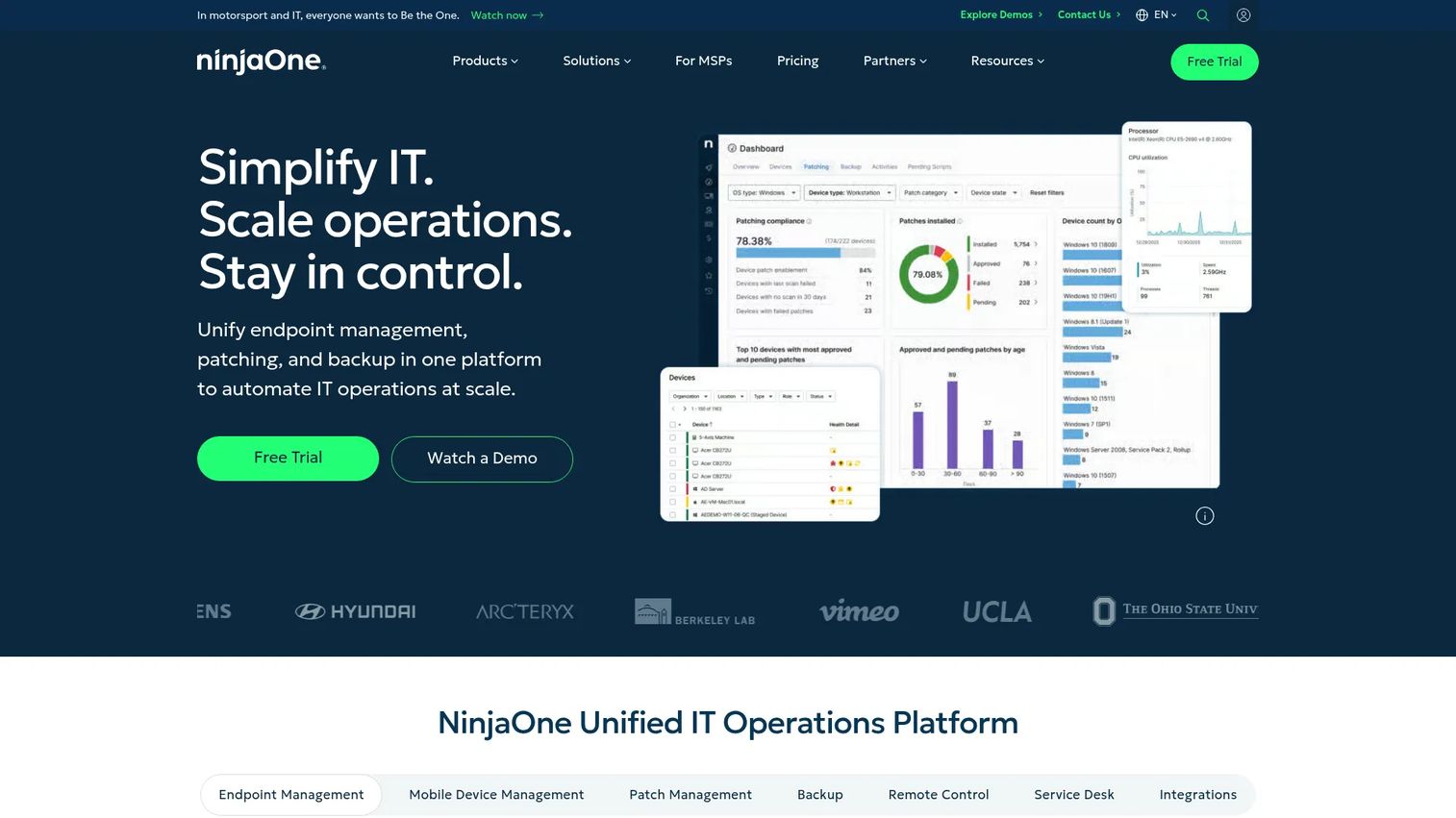
NinjaOne is a unified IT operations platform covering endpoint management, autonomous patch management, backup, and remote access from a single console. It supports Windows, macOS, Linux, servers, and virtual environments, and connects to ticketing, PSA, and security tools through a broad integration catalog. Both internal IT teams and MSPs use it as their primary endpoint management layer.
Best for: IT teams and MSPs that want one platform for endpoint monitoring, patching, backup, and remote support without stitching separate tools together.
Key features
- Endpoint monitoring across Windows, macOS, Linux, and virtual machines
- Autonomous patch management with policy-based scheduling
- Device and SaaS backup with recovery options
- Remote access with session management and audit logging
- Automation scripts and policy-based remediation
Why choose NinjaOne: It earns the top overall position because it covers more of the core RMM workflow, monitoring through remediation, than most competitors at its price point. Teams that have outgrown a patchwork of point tools find the consolidated console reduces alert noise and technician overhead significantly.
NinjaOne pricing: Pricing starts at $1.50 per device per month at 10,000 endpoints and rises to $3.75 per device per month for smaller deployments of 50 or fewer endpoints, billed monthly. Quotes vary by endpoint volume, region, and selected modules.
G2 rating: 4.7/5
2. Atera
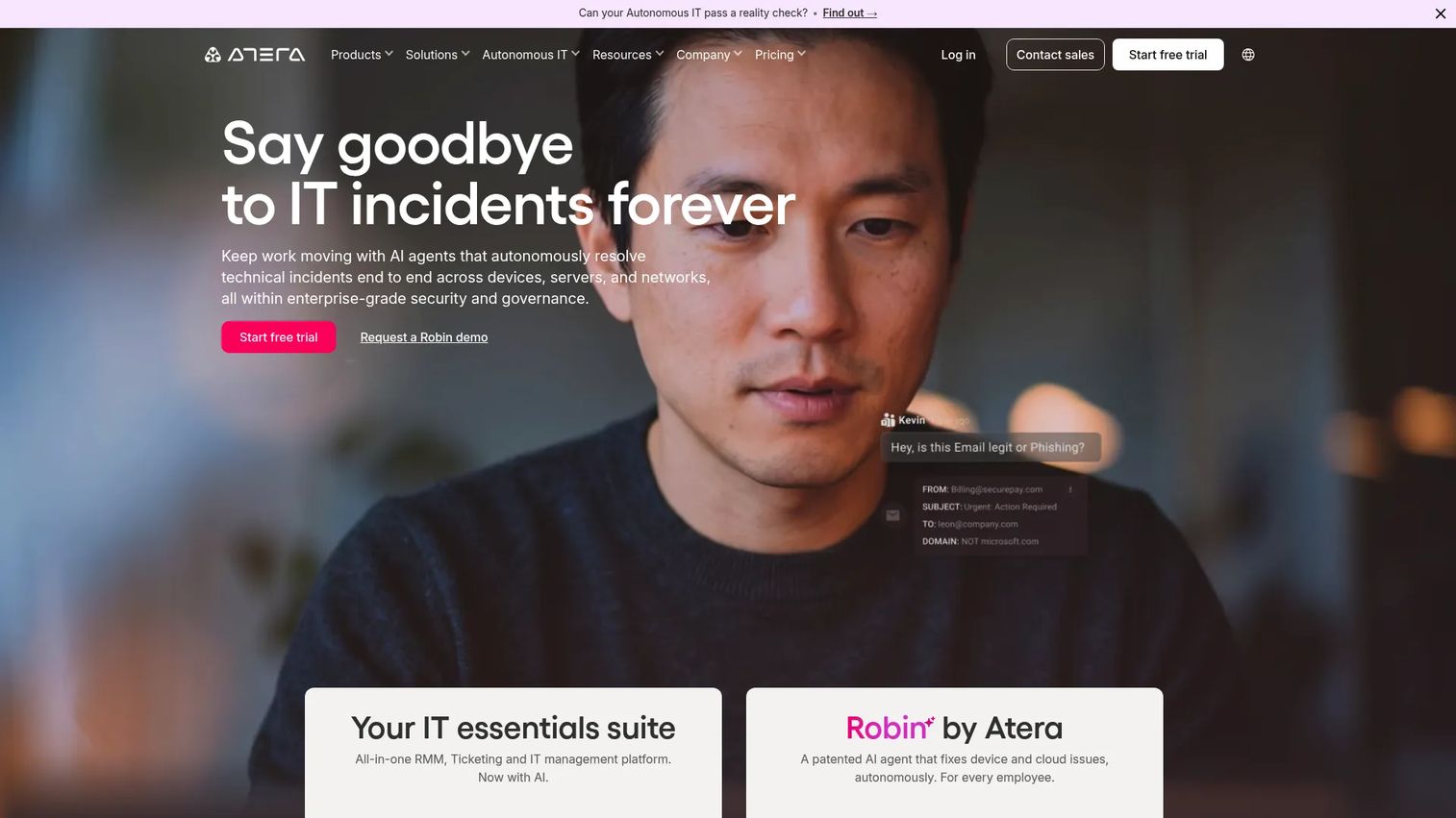
Atera packages RMM, PSA, ticketing, patch management, remote access, and AI-assisted workflows into a platform that charges by technician rather than endpoint count. That pricing structure makes it attractive for lean IT teams managing large device fleets, since adding endpoints doesn't drive up cost the way per-device models do. Atera supports Windows, macOS, and Linux with full patch management and automation included across all plans.
Best for: IT departments and MSPs that want predictable, per-technician pricing with unlimited endpoints and no per-device cost growth.
Key features
- RMM with real-time monitoring and alerting
- Patch management for OS and third-party applications
- Built-in PSA and ticketing with service portal
- Remote access via integrated tools
- AI Copilot and AI agents for workflow assistance
Why choose Atera: The per-technician model removes the per-device cost ceiling, which matters most for teams managing hundreds or thousands of endpoints per technician. The AI Copilot layer adds automated ticket triage and script suggestions that reduce manual work without requiring extra configuration.
Atera pricing: Atera uses per-technician pricing with a 30-day free trial available. Plan prices are not displayed on the pricing page and require a quote through their sales team. Reviewer-reported ranges on G2 vary widely by team size and selected plan.
G2 rating: 4.6/5
3. TeamViewer
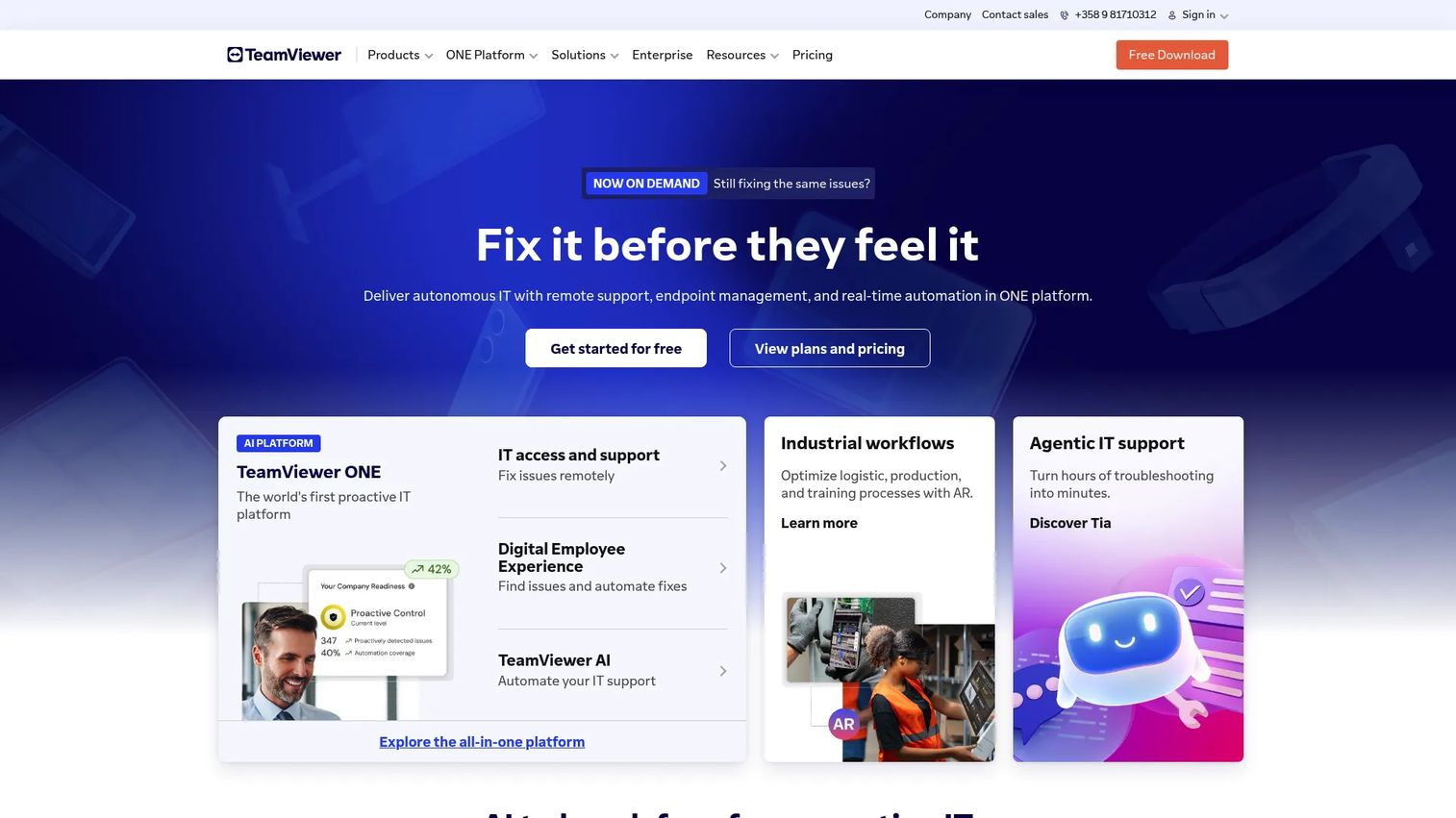
TeamViewer is one of the most widely deployed remote access platforms in enterprise IT, supporting remote control, unattended access, file transfer, and AI-powered troubleshooting across Windows, macOS, Linux, Android, and iOS. Its strength is remote session quality and cross-platform breadth. For teams that need structured endpoint policy management or automated patching as primary functions, TeamViewer works best as part of a broader stack.
Best for: IT support teams that need reliable remote control across distributed devices, particularly where on-camera troubleshooting and cross-platform access matter.
Key features
- Attended and unattended remote control across platforms
- File transfer and remote printing
- AI-powered troubleshooting with automated session documentation
- Centralized device management, permissions, and reporting
- Support for computers, mobile devices, and IoT endpoints
Why choose TeamViewer: Teams that evaluate vendors on remote session reliability and cross-platform breadth consistently rank TeamViewer near the top. If your evaluation process involves validating that a remote access tool works across a mixed device fleet, this is an appropriate proof-of-concept candidate.
TeamViewer pricing: A free license is available for personal use. Remote Access, Business, and Tensor (enterprise) plans require a quote. Billing is annual. Detailed plan prices were not publicly displayed on the pricing page at the time of writing.
G2 rating: 4.5/5
4. N-able
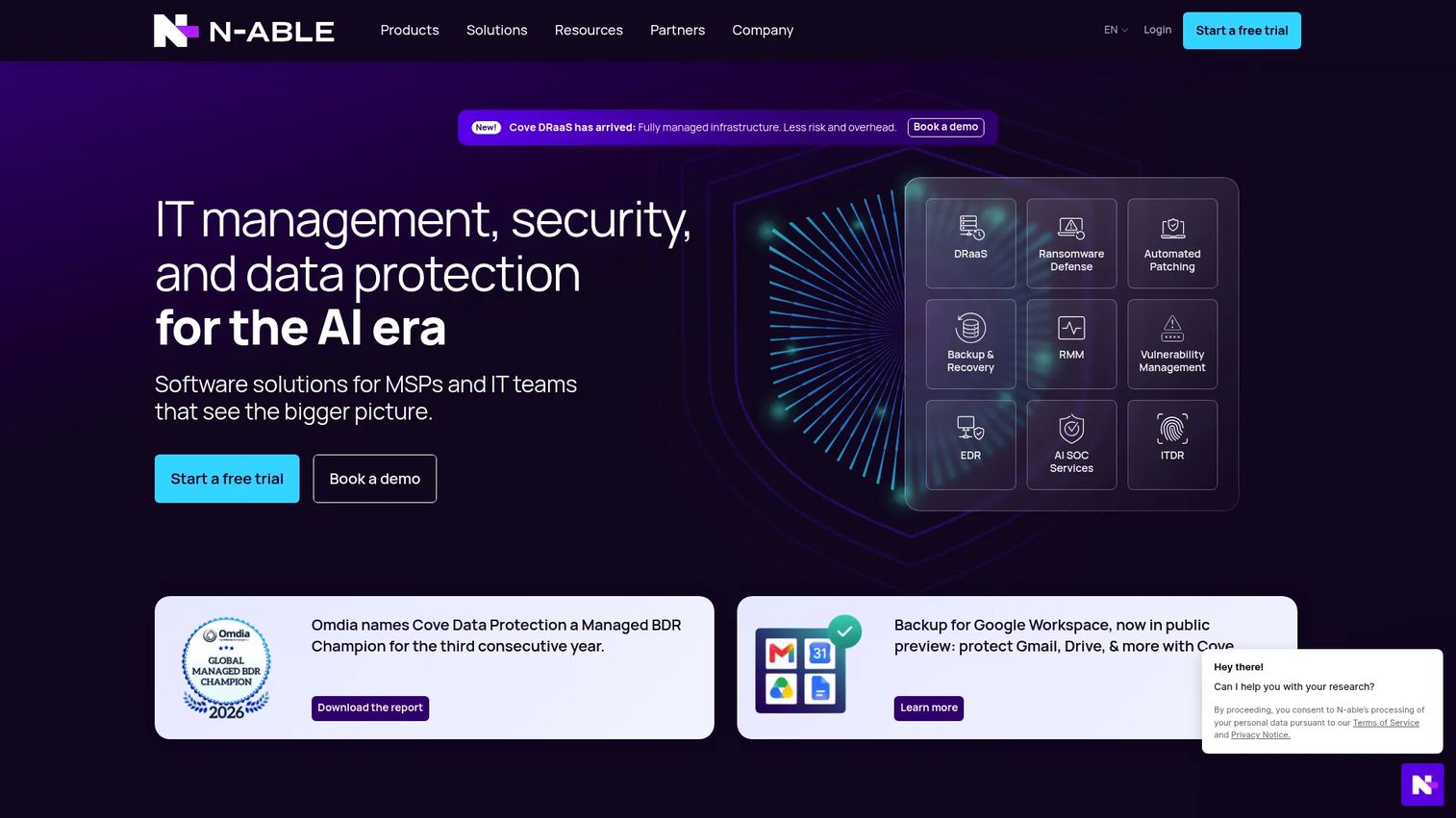
N-able is a cloud-based IT management platform built specifically for MSPs, covering endpoint monitoring, patch and vulnerability management, remote access, automation, cloud backup, endpoint security, and Microsoft 365 management. It operates as a full MSP platform rather than a single-function tool, with client-facing reporting, multi-tenant management, and integrations across the common MSP stack. MSPs with complex client environments and high service-delivery volume are the primary fit.
Best for: Managed service providers that need a mature, multi-tenant RMM platform with integrated backup, security, and client reporting.
Key features
- Unified endpoint management and remote monitoring
- Patch and vulnerability management with policy automation
- Endpoint security with EDR, MDR, and XDR options
- Cloud backup and disaster recovery
- Client-facing reporting and network device monitoring
Why choose N-able: It covers the full MSP service delivery stack, so technicians can manage monitoring, patching, backup, and security without switching platforms. For MSPs supporting many clients simultaneously, the multi-tenant architecture and mature automation depth reduce per-client overhead.
N-able pricing: N-able directs buyers to request a quote through their sales team. Pricing is not publicly listed on their website.
G2 rating: 4.4/5
5. Datto RMM
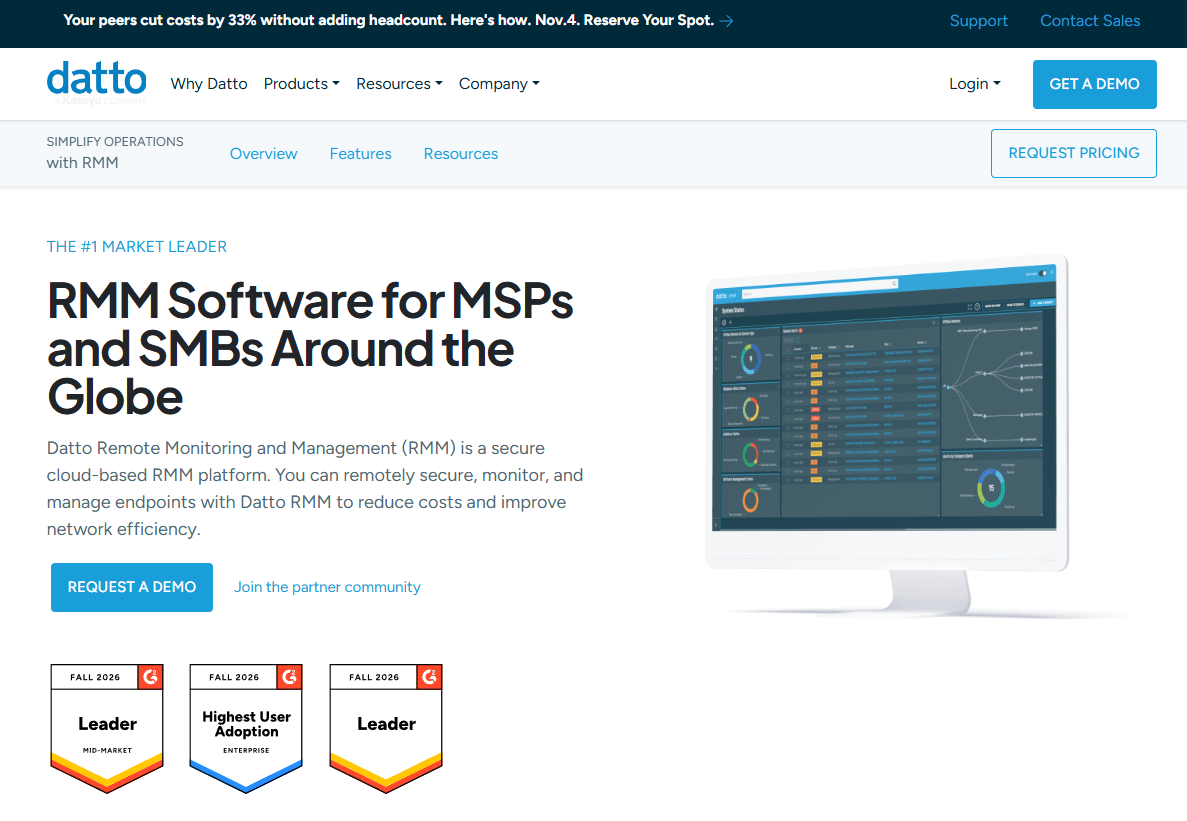
Datto RMM is a cloud-based remote monitoring and management platform for MSPs and IT teams, built around policy-based monitoring, automated patching, endpoint automation, and ransomware detection. The platform is part of the Kaseya product family and includes secure remote control, advanced reporting, and integration with other Kaseya tools. MSPs managing multiple client environments benefit from the policy-driven model, which lets them apply consistent endpoint rules across client fleets without manual per-device configuration.
Best for: MSPs that want policy-driven endpoint management for client environments, with built-in ransomware detection and automation.
Key features
- Real-time monitoring and policy-based alerting
- Automated patching for OS and applications
- Ransomware detection and isolation
- Secure remote control access
- Advanced reporting and analytics
Why choose Datto RMM: The policy engine is a practical advantage for MSPs managing many clients with similar security and patch requirements. Applying a policy once and having it propagate across endpoints saves configuration time compared to per-device management.
Datto RMM pricing: Pricing is not publicly listed. Buyers need to request a quote and should ask about endpoint count, required modules, and onboarding terms.
G2 rating: 4.5/5
6. Action1
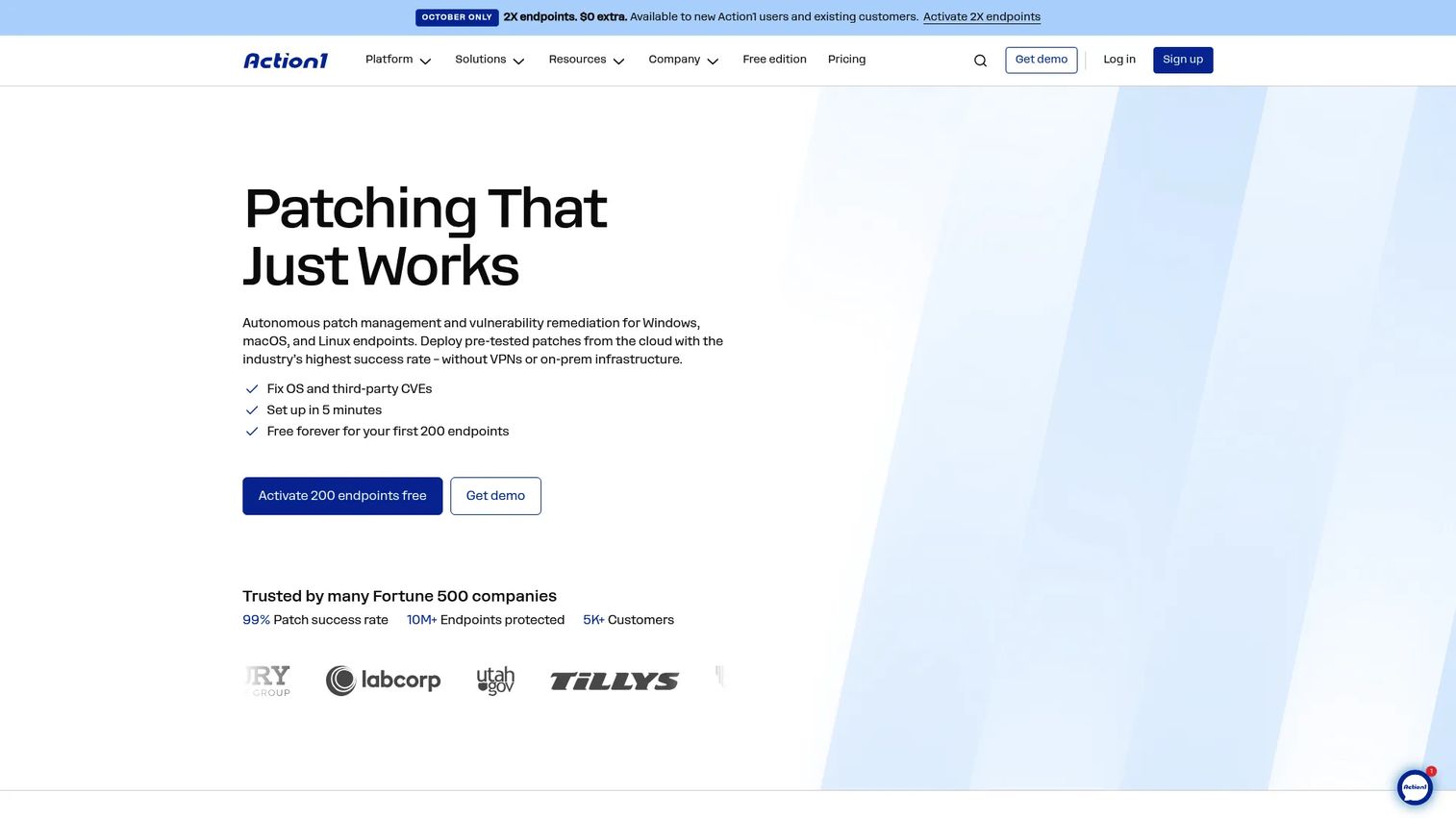
Action1 is a cloud-native endpoint management platform focused on OS and third-party patching, vulnerability discovery, software deployment, remote access, and hardware inventory. Its free tier for up to 200 endpoints makes it a practical starting point for teams that want serious patch compliance without upfront cost. The platform supports Windows, macOS, and Linux and operates without requiring on-premises infrastructure.
Best for: IT teams prioritizing patch compliance and endpoint remediation, particularly those managing fewer than 200 endpoints who want full functionality at no cost.
Key features
- OS and third-party patch management with scheduling
- Vulnerability discovery and remediation workflows
- Software deployment and removal
- Browser-based remote access
- Hardware and software inventory with compliance reporting
Why choose Action1: The 200-endpoint free tier includes the full feature set, not a stripped-down trial. For teams evaluating patch management tools through a POC, that scope lets you test realistic patch jobs, review compliance reports, and validate remediation workflows before committing to paid tiers.
Action1 pricing: The first 200 endpoints are free with no feature limits. Pricing for more than 200 endpoints is quote-based.
G2 rating: 4.9/5
7. SolarWinds Dameware Remote Everywhere
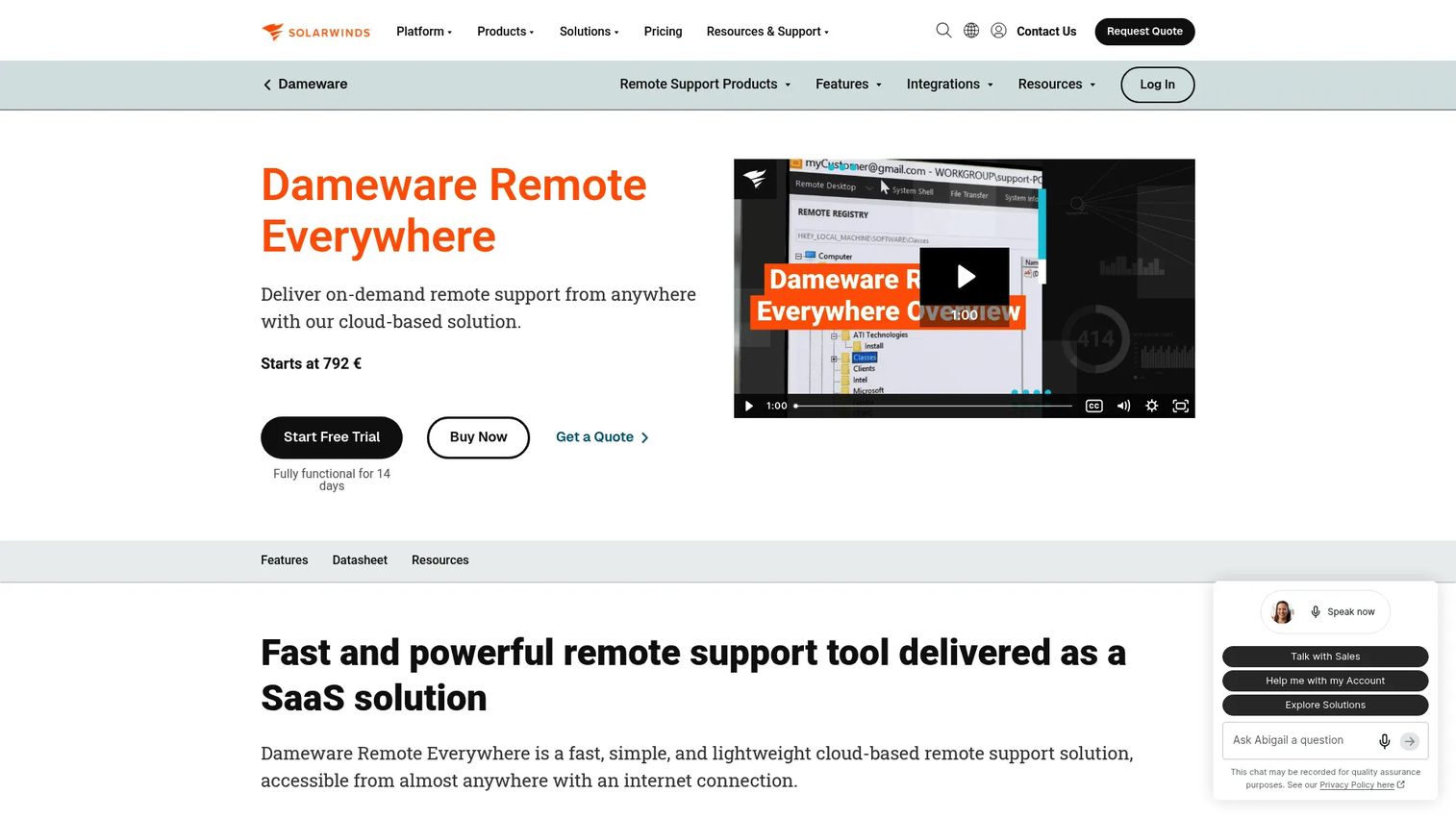
SolarWinds Dameware Remote Everywhere is a cloud-based remote support tool for IT technicians, covering attended and unattended remote access, screen sharing, file transfer, live chat, VoIP, video conferencing, session recording, and remote monitoring with automatic script execution. It supports Windows, macOS, Linux, Android, and iOS. Sessions use AES-256 and SSL/TLS encryption. The platform focuses on remote troubleshooting depth rather than full MSP automation, making it a complement to endpoint management platforms rather than a replacement.
Best for: IT support teams that need reliable, encrypted remote troubleshooting and session recording across a distributed device fleet.
Key features
- Attended and unattended remote access with AES-256 encryption
- Screen sharing, file transfer, live chat, and VoIP in sessions
- Session recording and session history reporting
- Remote monitoring with automatic script execution on alerts
- Cross-platform support across Windows, macOS, Linux, and mobile
Why choose SolarWinds Dameware Remote Everywhere: Session recording and detailed audit logging make it a strong choice for teams with compliance or security review requirements around remote access. The technician-focused console reduces session setup friction compared to general-purpose remote desktop tools.
SolarWinds Dameware Remote Everywhere pricing: Pricing starts at $972. A 14-day fully functional free trial is available. Billing cadence details were not publicly specified.
8. Rippling IT
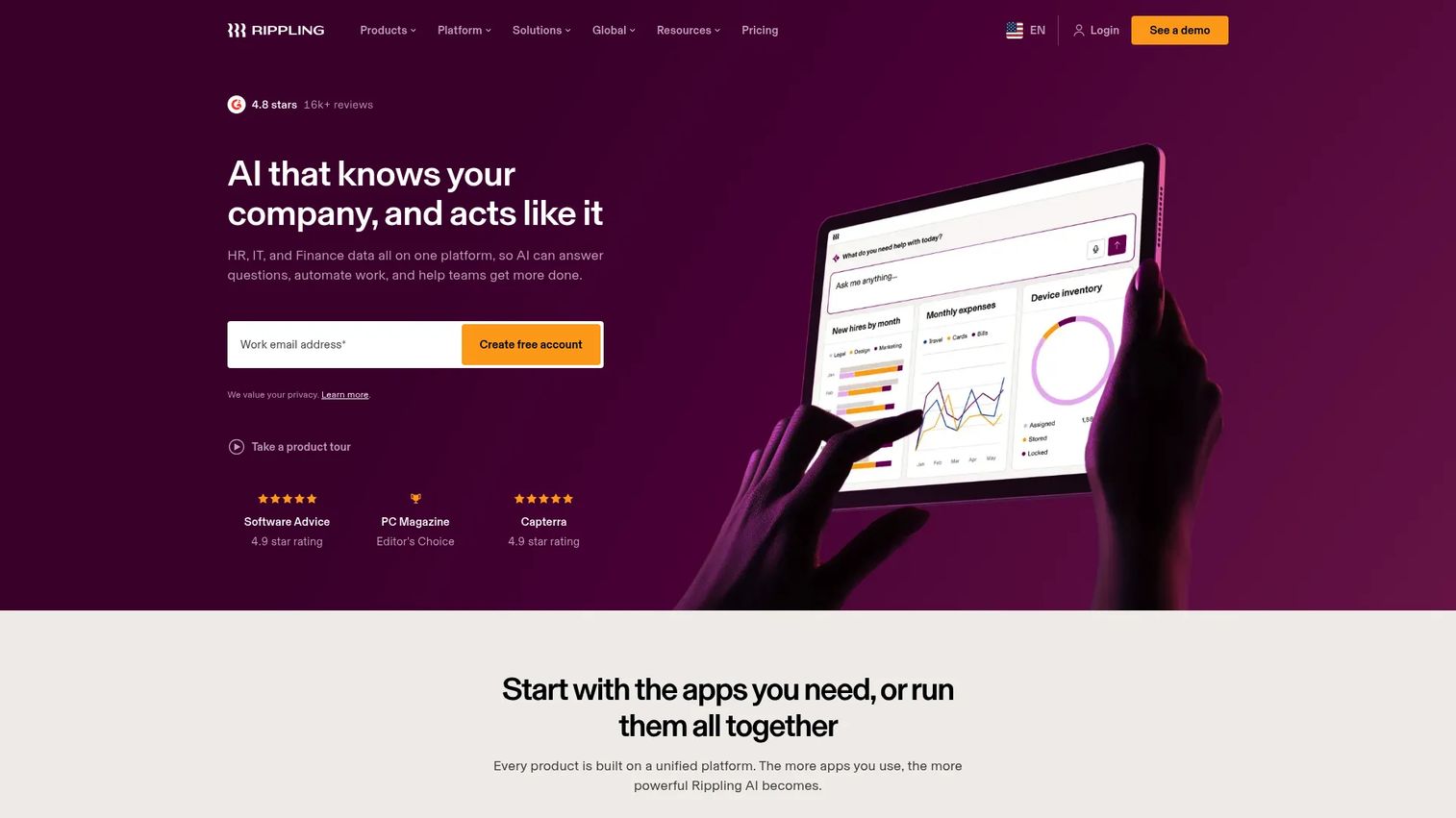
Rippling IT combines identity and access management, cross-platform device management, device inventory and lifecycle operations, helpdesk automation, and compliance workflows in a single platform. Its core differentiator is the connection between IT operations and HR data: Onboarding, offboarding, role changes, and access provisioning all flow from the same employee record. This makes it a practical fit for companies where IT and HR are tightly coordinated, rather than for traditional MSP service delivery.
Best for: Growing companies that want IT management, device lifecycle, and identity workflows connected to HR and employee data.
Key features
- Cross-platform device management for macOS, Windows, iOS, and iPadOS
- Identity and access management with provisioning automation
- Device inventory, shipping, storage, retrieval, and buyback
- Helpdesk automation and SOC 2 evidence collection
- Employee onboarding and offboarding workflow automation
Why choose Rippling IT: If your evaluation centers on consolidating IT and HR operations, Rippling IT removes the integration work that separate HR and IT tools require. The employee lifecycle model means device provisioning, app access, and identity controls all update when an employee's status changes.
Rippling IT pricing: Plans start at $8 per employee per month plus a monthly base fee. Pricing is modular and varies by selected products and employee count; custom quotes are required.
G2 rating: 4.8/5
9. SuperOps
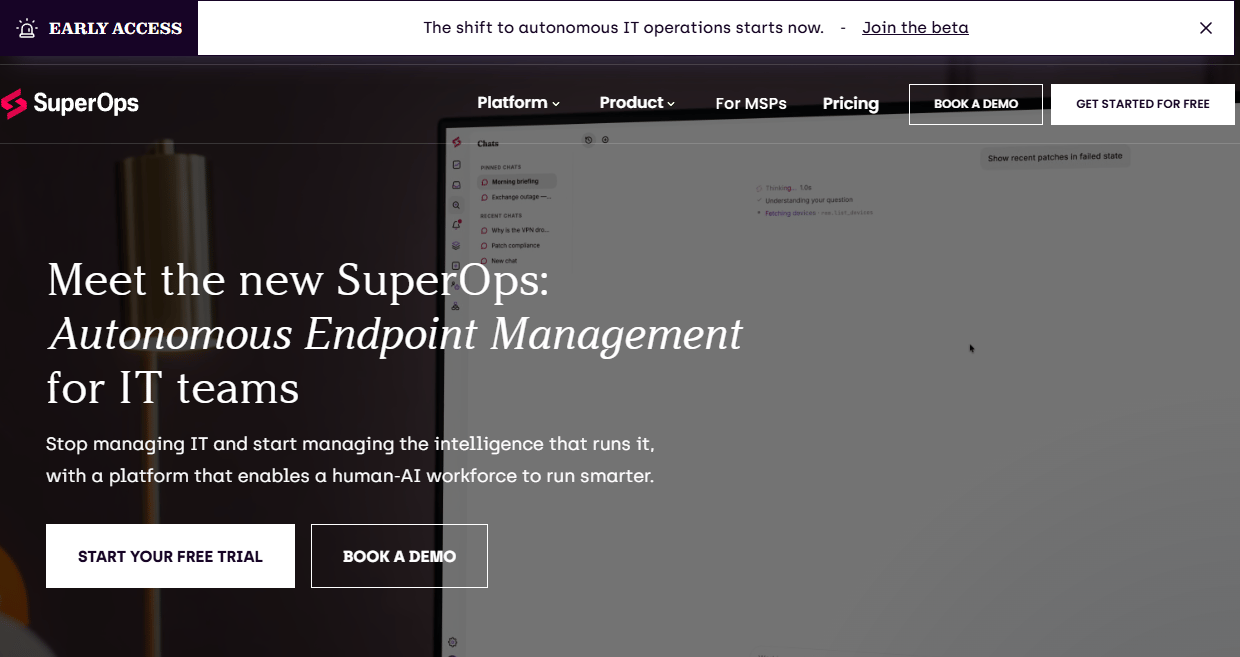
SuperOps is an AI-powered unified platform combining RMM, PSA, endpoint management, patch management, ticketing, mobile device management, workflow automation, and governance tools for MSPs and internal IT teams. The platform positions itself as a single workspace for technician operations, reducing the need to switch between separate RMM and PSA tools.
Best for: IT teams and MSPs that want RMM and PSA workflows in one platform, without buying and integrating separate systems.
Key features
- Endpoint management with real-time monitoring and alerting
- PSA with ticketing, client management, and technician dashboards
- Patch management for OS and applications
- Mobile device management
- Workflow automation and governance controls
Why choose SuperOps: The combined RMM and PSA model is the primary reason teams choose it. Technicians who currently use separate tools for monitoring and ticket management often find the consolidated workspace reduces context-switching and improves ticket-to-resolution tracking.
SuperOps pricing: The Prime plan starts at $1.50 per endpoint per month with a minimum of 100 endpoints, billed monthly. The Prime Plus plan is $3.00 per endpoint per month with a minimum of 150 endpoints. Annual billing is also available at lower rates. A free-start option is displayed on their pricing page.
G2 rating: 4.4/5
10. Syncro
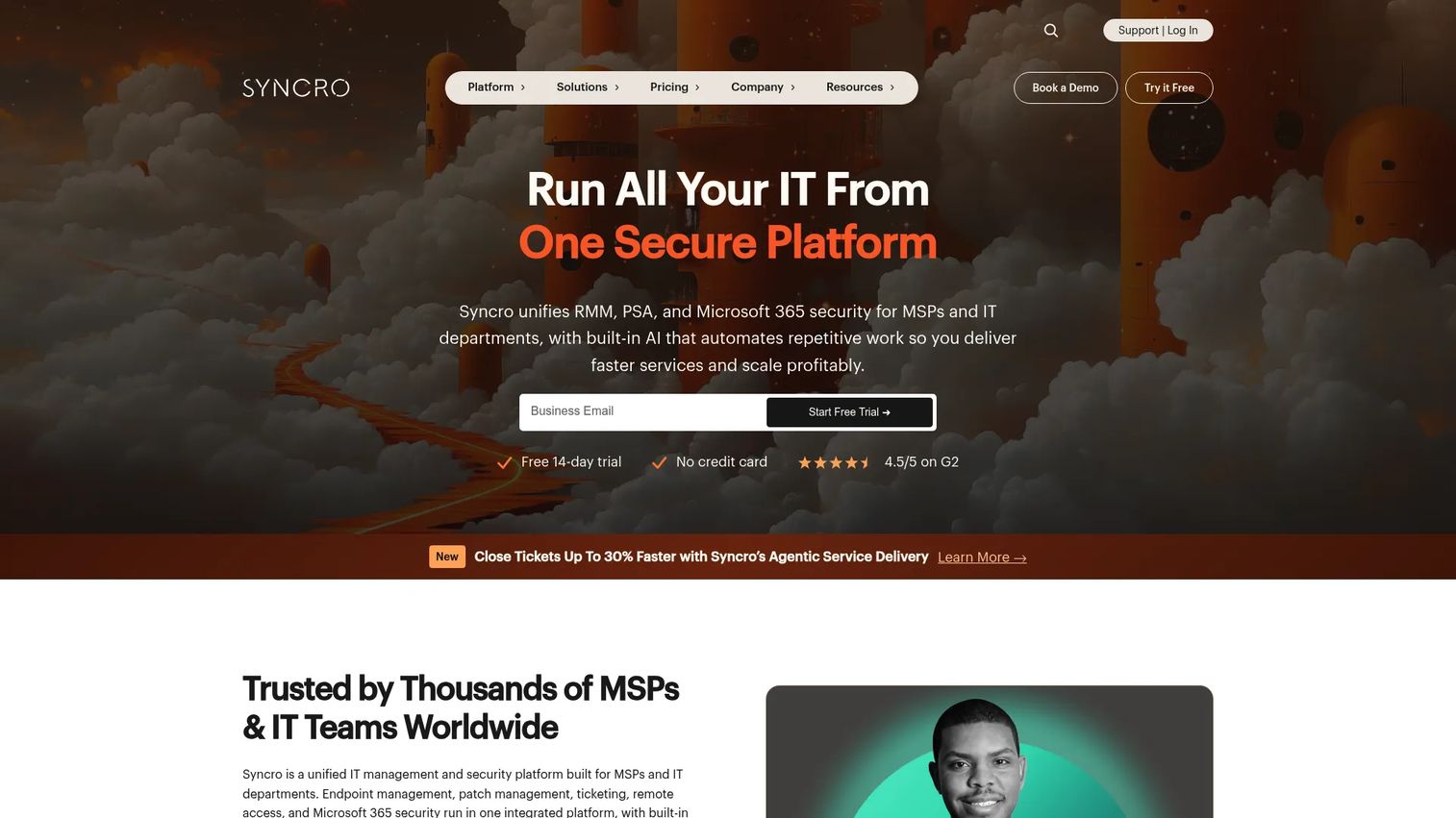
Syncro is a unified IT management platform combining RMM, PSA, remote access, patch management, scripting, billing, invoicing, Microsoft 365 management, and AI-powered automation in a per-technician model with unlimited endpoints. The platform recently rebranded under the Syncro Secure umbrella. Small MSPs and solo operators benefit from the all-in-one structure: Billing, tickets, and endpoint management don't require separate subscriptions.
Best for: Small managed service providers that need RMM, PSA, and billing under one subscription without separate platform costs.
Key features
- RMM with endpoint monitoring, alerting, and network discovery
- PSA with ticketing, help desk, and client management
- Billing and invoicing built into the platform
- Scripting engine for custom automation
- Microsoft Entra ID integration and cloud backup
Why choose Syncro: For small MSPs, the per-technician pricing with unlimited endpoints avoids the cost scaling problem that device-based pricing creates as client fleets grow. The integrated billing layer removes a separate invoicing tool from the stack.
Syncro pricing: The Core plan is $129 per user per month billed annually, or $159 per month billed monthly. The Team plan is $179 per user per month annually, or $209 monthly. A 14-day free trial is available. No permanent free tier.
G2 rating: 4.5/5
11. Heimdal
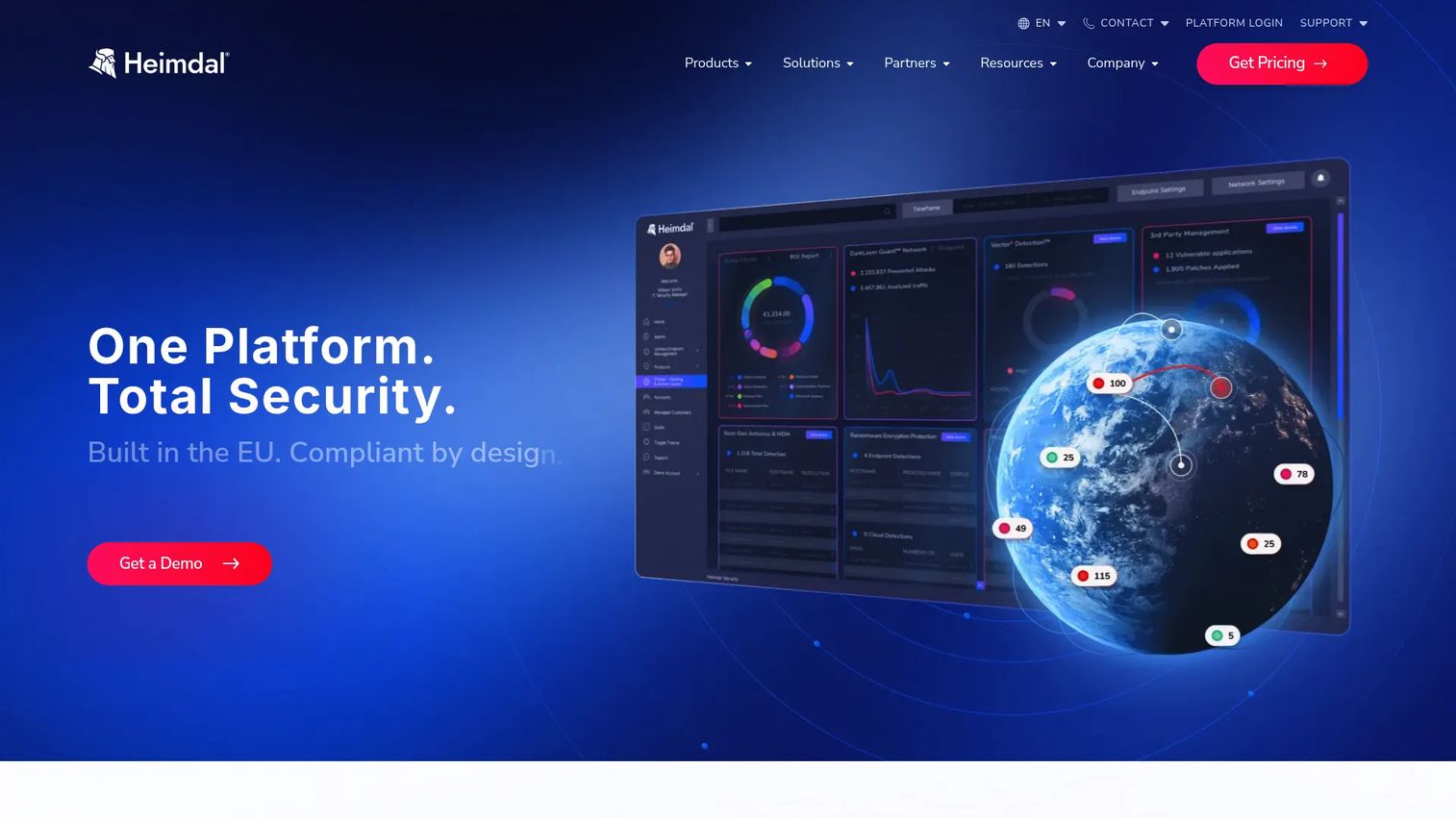
Heimdal is a unified cybersecurity platform covering DNS security, next-generation antivirus, ransomware protection, patch and asset management, privilege elevation, application control, privileged account management, email security, and managed detection. Its approach to RMM is security-first: Patching and endpoint management are part of a broader threat prevention and response architecture rather than a standalone IT operations layer.
Best for: Security-conscious IT teams and MSPs that want endpoint management, patching, and threat prevention in an integrated security platform.
Key features
- Patch and asset management for OS and third-party applications
- DNS security and threat prevention
- Privilege elevation, application control, and privileged session management
- Next-generation antivirus, firewall, and ransomware protection
- Email security and centralized dashboard management
Why choose Heimdal: Teams that treat patching and endpoint control as security functions, not just operational tasks, fit Heimdal better than traditional RMM-first tools. The integrated threat detection and privilege management layers are available through a single vendor rather than requiring separate security tool integrations.
Heimdal pricing: Business products use endpoint-based pricing with custom quotes through their sales team. A free Windows software updater is available for home users, not business deployments.
G2 rating: 4.4/5
12. Site24x7
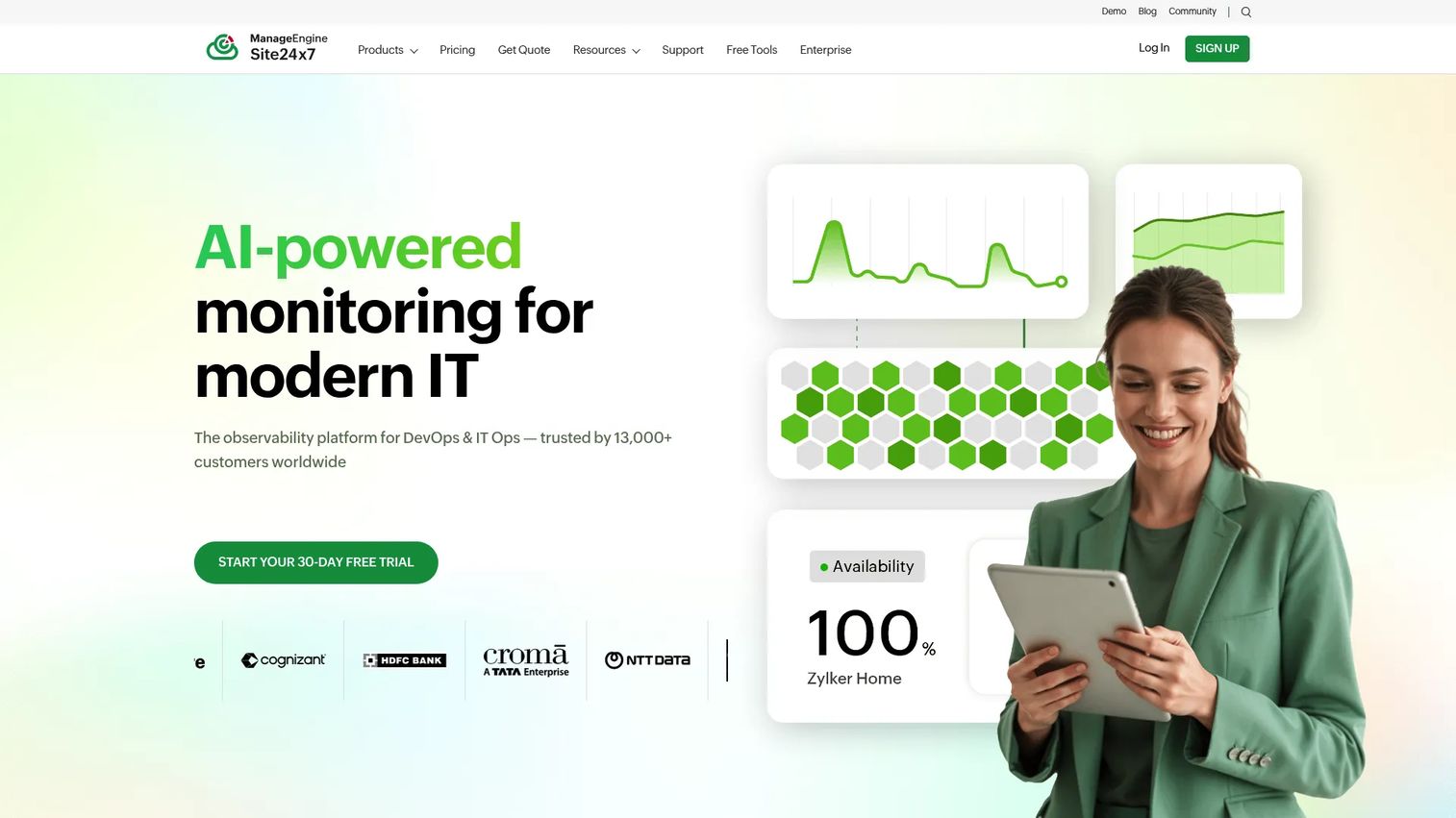
Site24x7 is an AI-powered observability and monitoring platform covering website uptime, server health, network performance, cloud resources, application performance, and digital experience monitoring. It leans heavily toward infrastructure observability rather than traditional endpoint policy management or patch automation. Teams that need broad monitoring coverage across web properties, cloud environments, and on-premises infrastructure will find it a stronger fit than teams looking for MSP RMM depth.
Best for: IT and DevOps teams that need unified infrastructure monitoring across websites, servers, networks, cloud, and applications.
Key features
- Website and uptime monitoring with SLA reporting
- Server, cloud, Kubernetes, and virtualization monitoring
- Network performance and traffic monitoring
- Application performance monitoring with distributed tracing
- Centralized log management and AIOps alerting
Why choose Site24x7: The breadth of monitoring coverage is the key differentiator. Teams managing hybrid environments with web properties, cloud workloads, and on-premises servers can monitor all of them from a single dashboard rather than using separate tools for each layer.
Site24x7 pricing: The Lite plan starts at $9 per month billed annually and monitors up to 50 resources. The Professional plan is $42 per month billed annually. Enterprise plans start at $625 per month billed annually. A free plan is available for monitoring up to 50 resources with email alerts only.
G2 rating: 4.6/5
13. ManageEngine OpManager
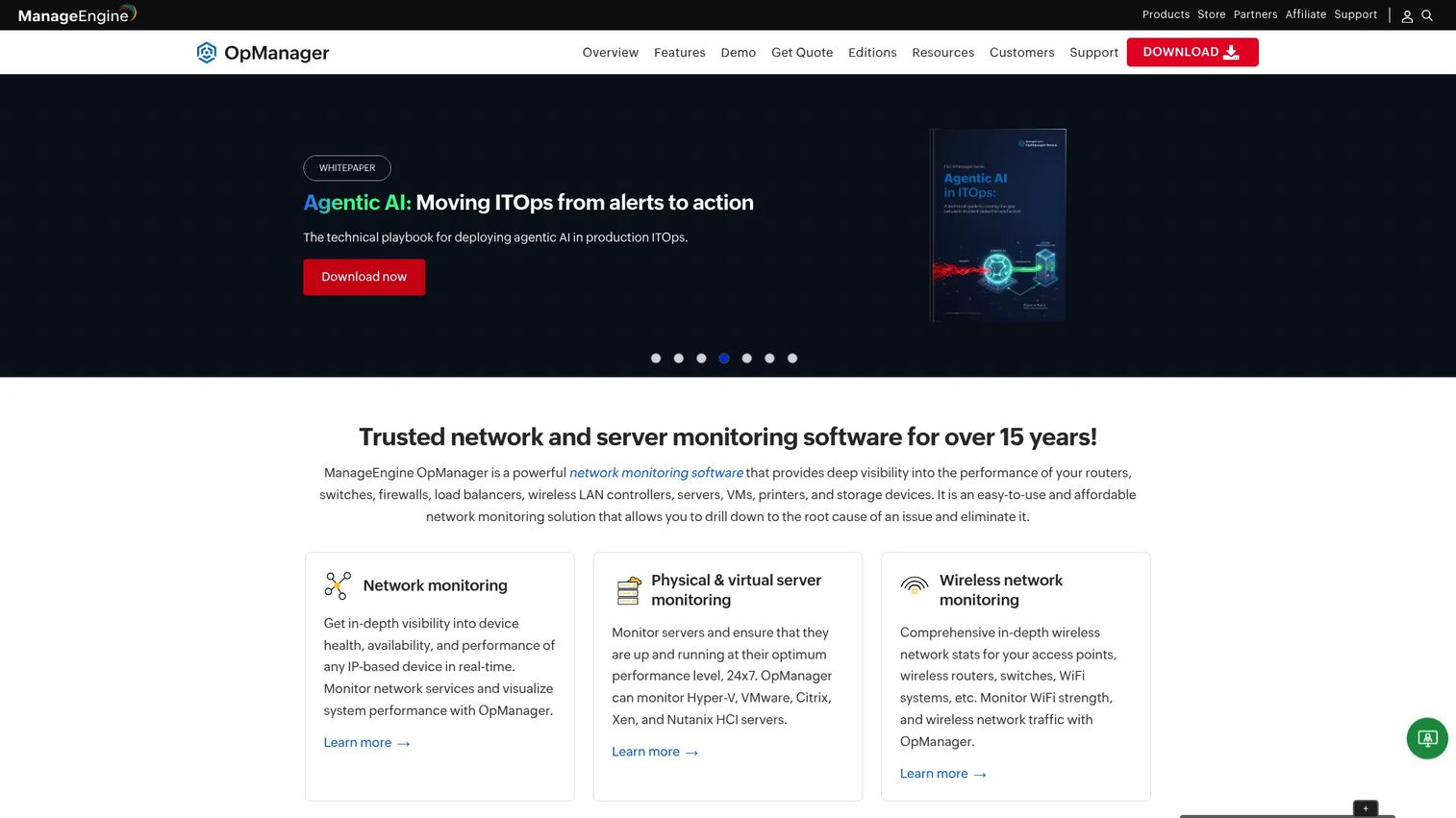
ManageEngine OpManager is an integrated network, systems, applications, and data center monitoring platform. It monitors routers, switches, firewalls, servers, virtual machines, and storage devices, with automatic network discovery, real-time alerting, root-cause analysis, AIOps-driven forecasting, and workflow automation. Like Site24x7, it focuses on infrastructure and network visibility rather than endpoint policy management or MSP service delivery.
Best for: Network admins and IT infrastructure teams that need centralized monitoring of complex network and server environments.
Key features
- Network device monitoring with automatic discovery and network mapping
- Server, virtual machine, and storage monitoring
- Real-time alerts with root-cause analysis and adaptive thresholds
- AIOps forecasting and capacity planning
- Workflow automation and troubleshooting tools
Why choose ManageEngine OpManager: Network-heavy teams evaluating infrastructure monitoring tools will find the device discovery and network mapping capabilities more developed than in general-purpose RMM platforms. The Standard, Professional, and Enterprise editions scale from 10 devices to large distributed environments.
ManageEngine OpManager pricing: The Standard Edition starts at $95 for 10 devices billed annually. The Professional Edition starts at $145 for 10 devices annually. The Enterprise Edition starts at $4,595 for 250 devices annually.
G2 rating: 4.5/5
14. Pulseway
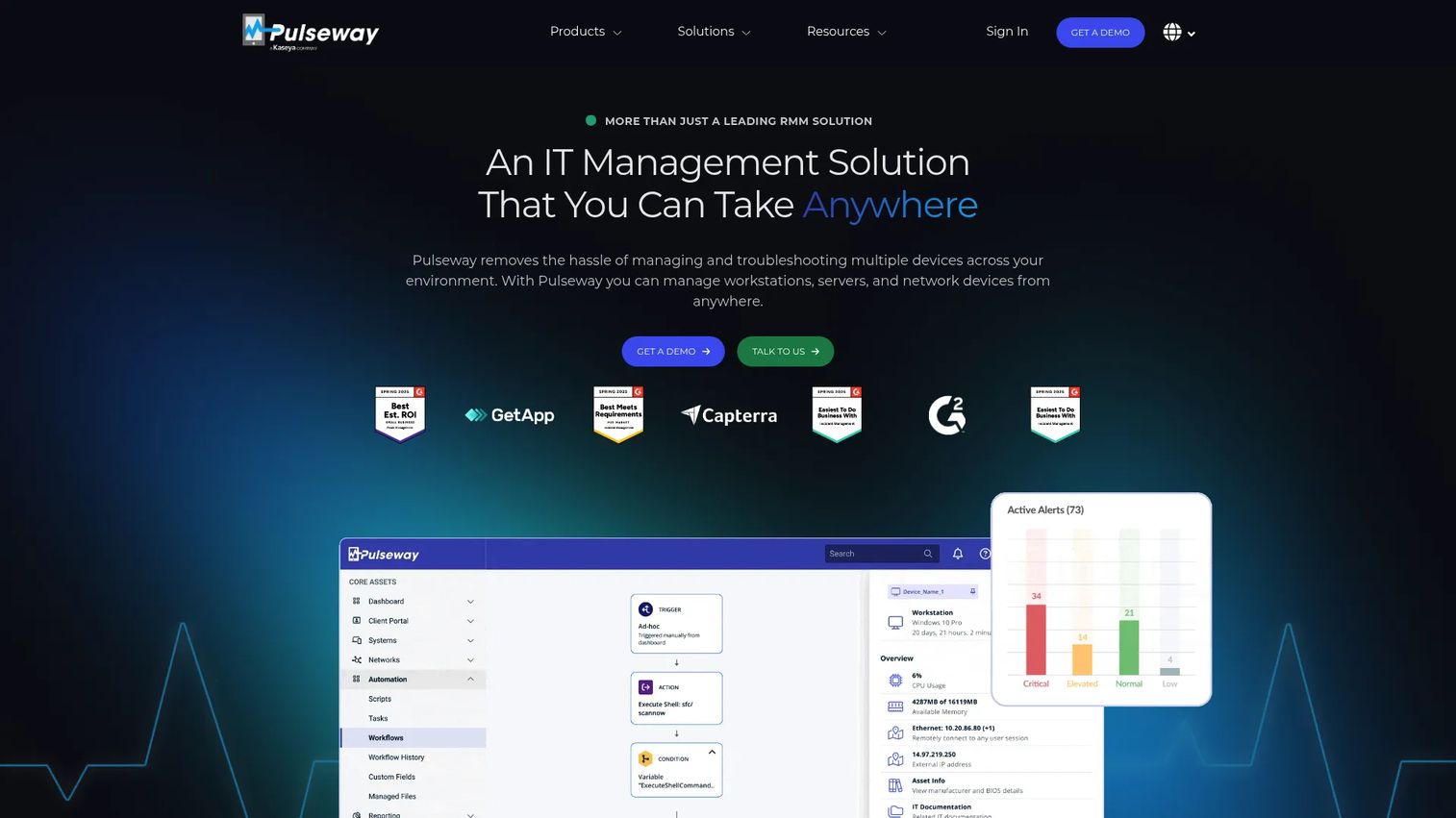
Pulseway is an all-in-one remote monitoring and management platform with a mobile-first design. Technicians receive real-time alerts on their phones and can run remote actions, trigger scripts, restart services, and push patches directly from the mobile app without needing a desktop console. It covers endpoint monitoring, IT automation, OS and third-party patch management, remote desktop, mobile device management, and ransomware detection for both MSPs and internal IT teams.
Best for: IT teams and MSPs that need to monitor endpoints and respond to alerts away from a desk, using a mobile-first console.
Key features
- Real-time monitoring with mobile push alerts and remote actions
- IT automation and auto-remediation workflows
- OS and third-party patch management
- Remote desktop and device control
- Ransomware detection and mobile device management
Why choose Pulseway: The mobile app is the practical differentiator. Technicians who are on-call or frequently away from a desk can respond to critical alerts and execute fixes without returning to a workstation. This matters for small IT teams where one technician covers after-hours monitoring.
Pulseway pricing: Pricing is usage-based with monthly, annual, and three-year billing options. The official calculator starts at $0 per month and builds based on endpoint count and selected add-ons. Contact Pulseway for a full pricing breakdown.
G2 rating: 4.6/5
15. Addigy
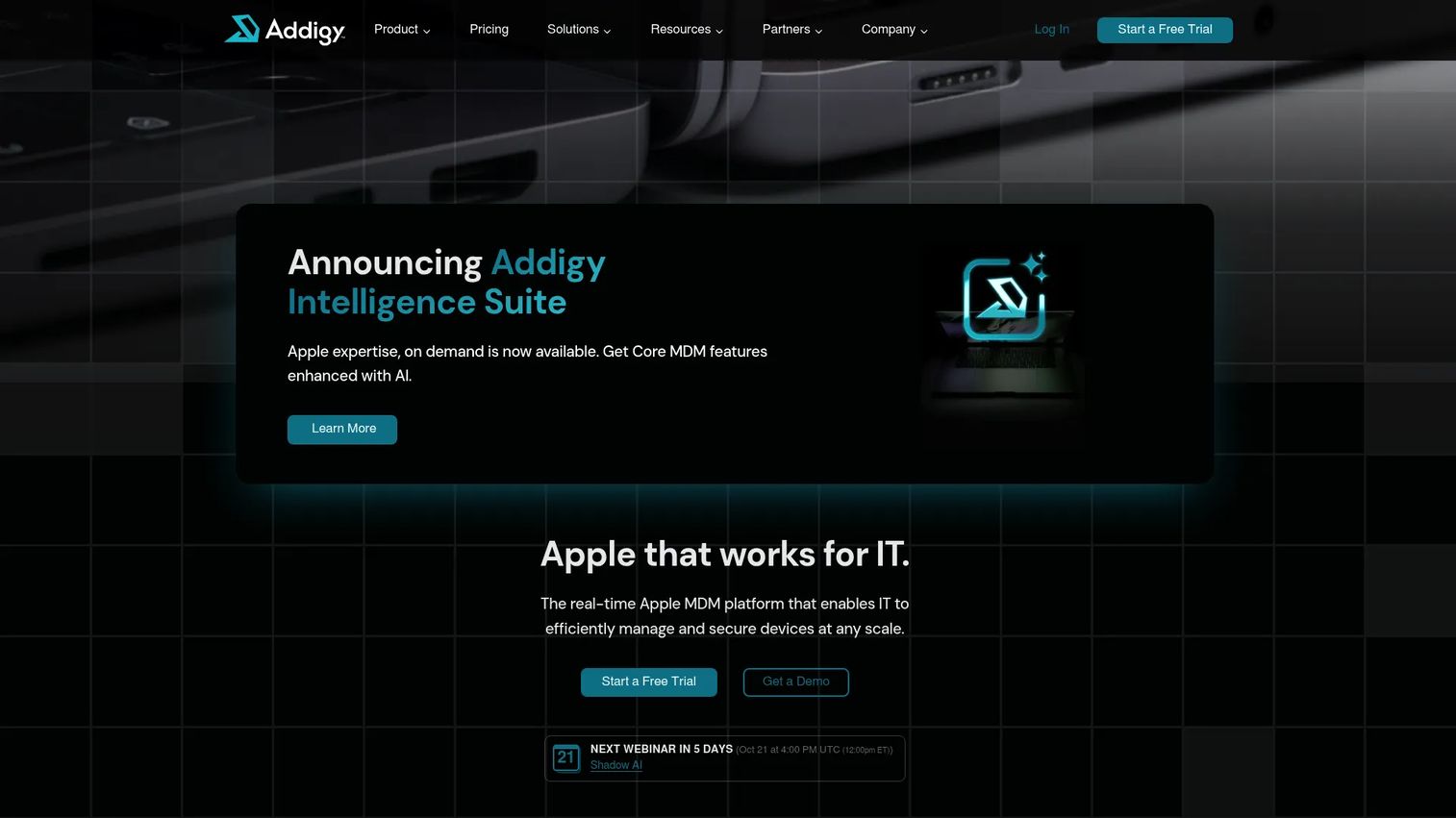
Addigy is a cloud-based Apple device management platform for Macs, iPhones, iPads, and Apple TVs. It provides real-time monitoring, zero-touch enrollment through Apple Business Manager and Apple School Manager, software deployment, patch management, LiveTerminal remote access, automated remediation, compliance enforcement, and multi-tenant management. It is purpose-built for Apple environments and is not a general-purpose RMM for mixed fleets.
Best for: IT teams and MSPs managing Apple-first device environments where macOS, iOS, and iPadOS coverage takes priority.
Key features
- Real-time device monitoring and management for Apple devices
- Zero-touch enrollment via Apple Business Manager
- Software deployment and patch management for macOS and iOS
- Remote access with LiveTerminal
- Automated remediation and compliance enforcement
Why choose Addigy: If your environment is predominantly Apple hardware, Addigy provides deeper native management capabilities than general-purpose RMM tools. The Apple Business Manager integration and real-time monitoring are purpose-built for macOS workflows in ways that cross-platform tools often approximate rather than match.
Addigy pricing: The Apple MDM plan starts at $8.25 per Mac per month. The Security Suite, which adds SentinelOne EDR, 24/7 MDR, vulnerability management, and compliance controls, is $16 per Mac per month. The Intelligence Suite is custom-priced. A 14-day free trial is available.
G2 rating: 4.5/5
16. InvGate Service Management
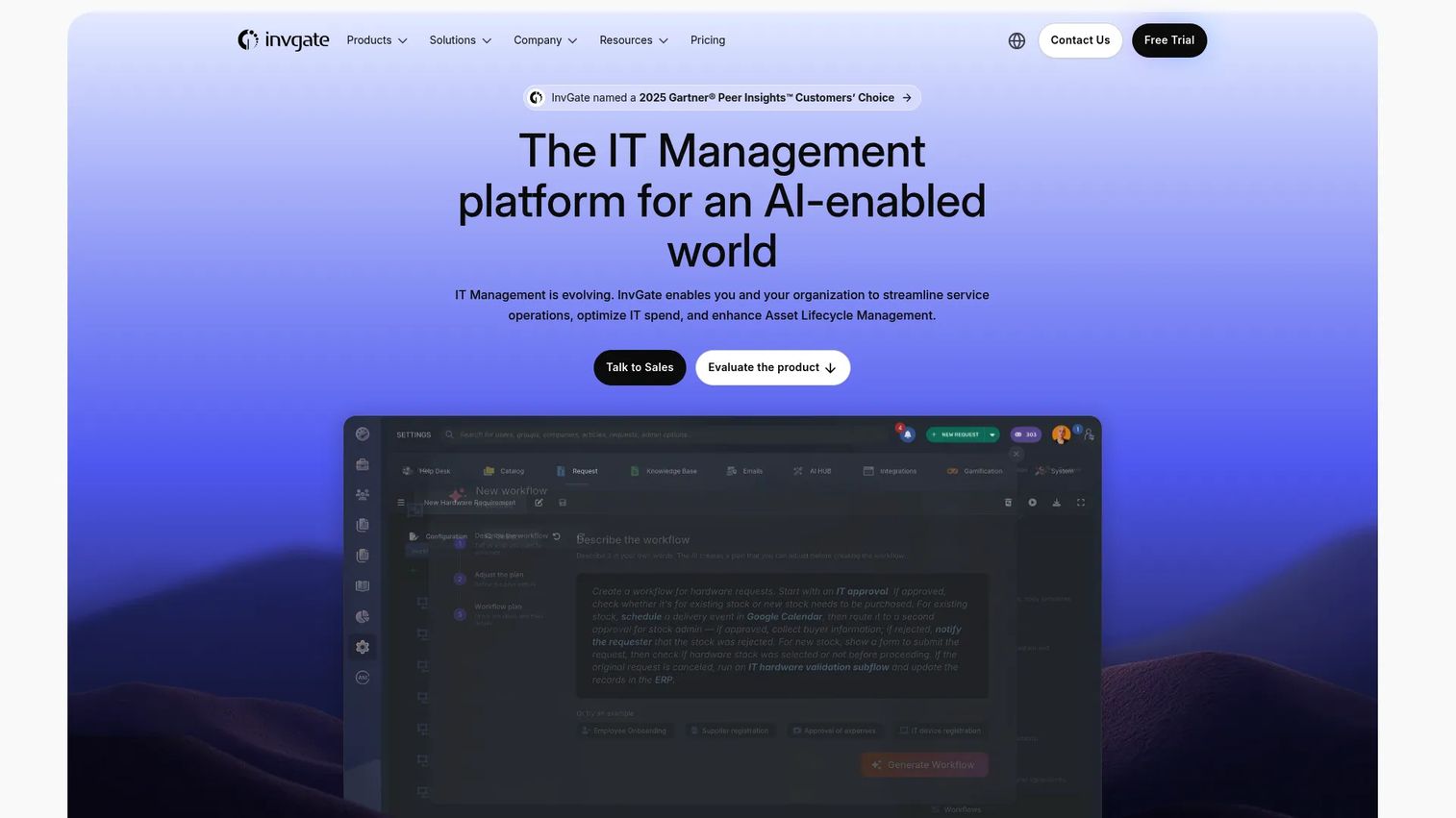
InvGate Service Management is an IT service management and enterprise service management platform combining AI-assisted ticketing, no-code workflow automation, a self-service portal, a multi-department service catalog, a knowledge base, and real-time analytics. It fits teams where IT service workflows, incident management, and asset tracking are the primary operational layer. RMM functionality connects through integrations with endpoint management tools rather than native agent-based monitoring.
Best for: Mid-market and enterprise IT teams that prioritize structured ITSM workflows, incident management, and service desk operations.
Key features
- AI Hub with virtual service agent and AI-assisted ticket responses
- No-code workflow builder for ticket routing, approvals, and escalations
- Self-service portal with multi-department service catalog and knowledge base
- Real-time analytics, dashboards, and reporting
- Asset management with inventory tracking
Why choose InvGate Service Management: Teams that start their IT operations from a service desk model, where incidents, requests, and changes flow through structured workflows, find InvGate's ITSM depth more practical than a monitoring-first RMM. Pair it with an endpoint management tool for full coverage across asset lifecycle management.
InvGate Service Management pricing: The Starter plan is $1,499 per year for 5 agents. The Pro plan is $500 per agent per year starting at $2,500 per year for up to 50 agents. The Enterprise plan starts at $12,000 per year with custom pricing for any number of agents. A 30-day free trial is available.
17. ConnectWise Automate
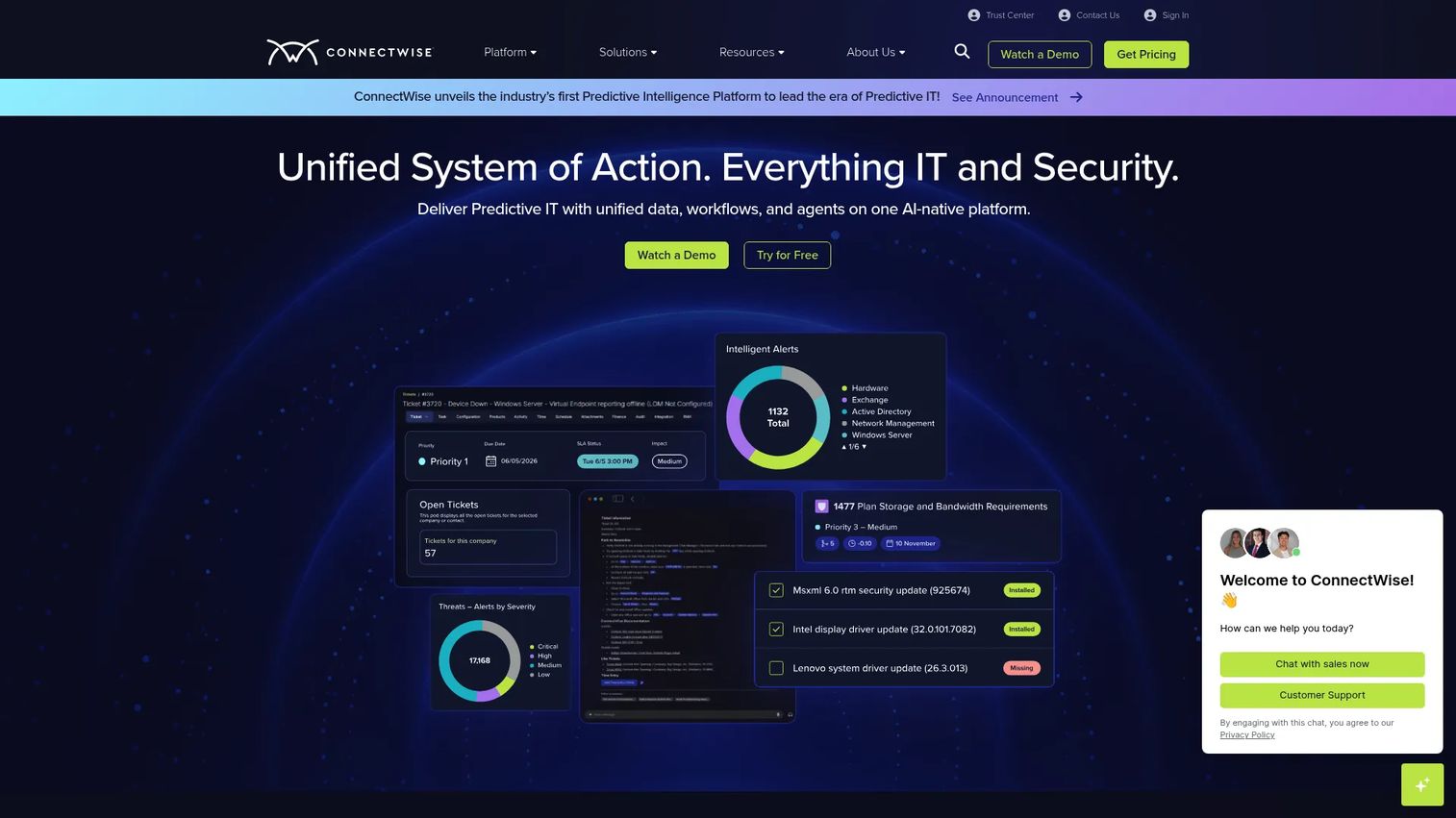
ConnectWise Automate is a remote monitoring and management platform built for MSPs that need deep scripting, workflow automation, endpoint monitoring, patching, and remote support capabilities. It is one of the more established MSP RMM platforms, with a broad integration catalog covering PSA, security, backup, and business tools. The platform rewards MSPs that invest time in building automation workflows and custom scripts, as its depth becomes more valuable as those libraries grow.
Best for: Established MSPs with mature operations that want deep automation, scripting control, and integration with the ConnectWise ecosystem.
Key features
- Asset discovery and endpoint monitoring
- Automated patching and software updates
- Deep scripting and automation workflows
- Remote support and remote control
- Integration with ConnectWise PSA and security tools
Why choose ConnectWise Automate: MSPs that have already built their service delivery around the ConnectWise stack benefit from native integration between Automate and PSA workflows. Teams new to the platform should budget for an implementation period, as the automation depth requires meaningful configuration before it delivers efficiency gains.
ConnectWise Automate pricing: Pricing is not publicly listed. Contact ConnectWise for a quote. Pricing varies by endpoint count, selected modules, and contract terms.
G2 rating: 4.1/5
18. SysAid
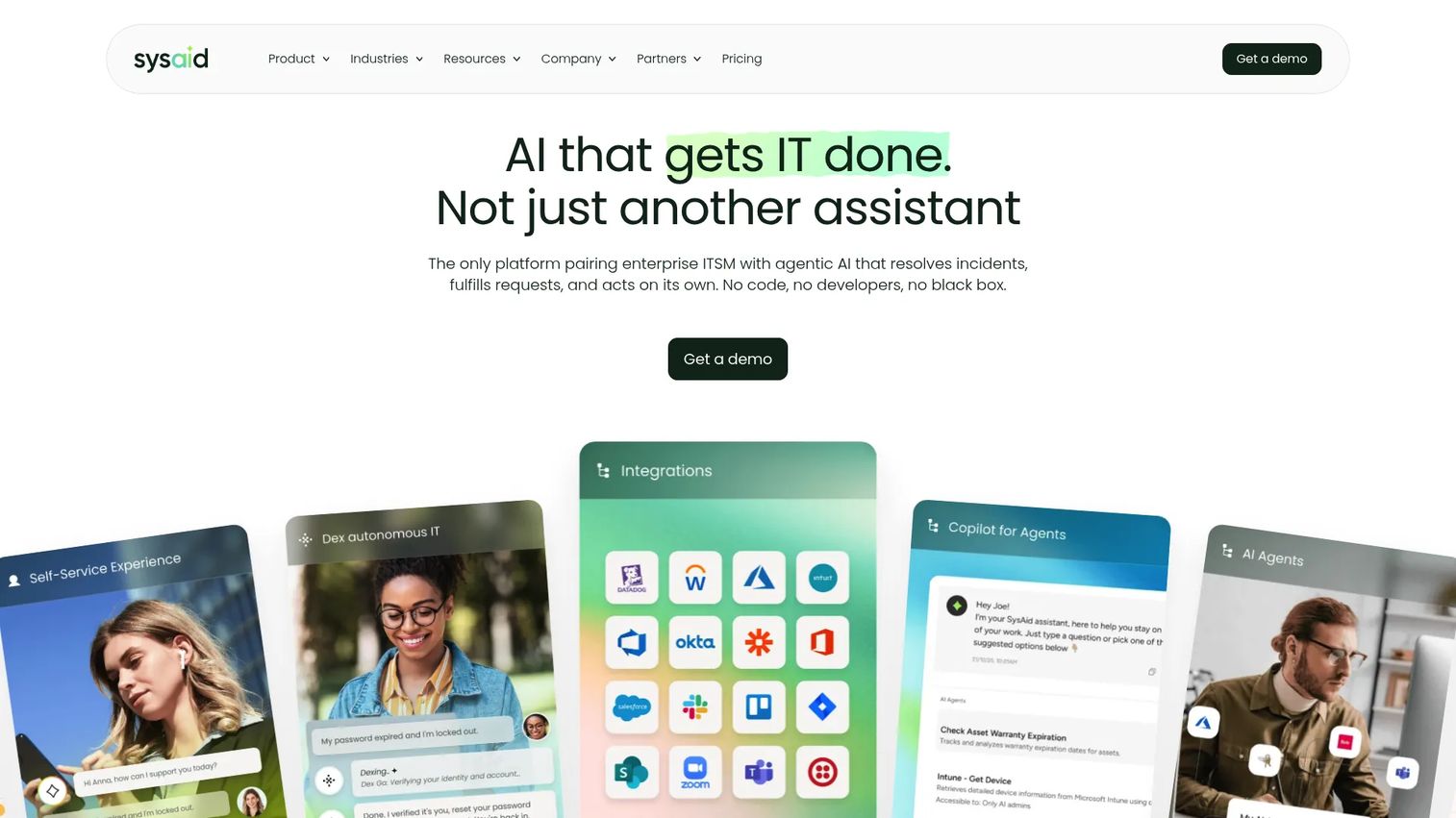
SysAid is an AI-powered IT service management platform combining incident, request, change, and problem management with asset management, network discovery, SLA tracking, BI analytics, a self-service portal, and a native developer API. The AI layer includes a prebuilt Copilot, AI-assisted responses, and custom AI agents, depending on the plan. SysAid fits IT departments that operate from a service desk model and want asset tracking and automation built into the same platform.
Best for: IT departments that want AI-enabled ITSM with integrated asset management, automation, and analytics in one platform.
Key features
- AI Copilot and prebuilt AI agents for ticket triage and responses
- Incident, request, change, and problem management workflows
- Asset management and network discovery
- SLA management with BI analytics and dashboards
- Self-service portal, knowledge base, and service catalog
Why choose SysAid: The Professional plan includes AI capabilities, asset management, and ITSM workflows in one subscription, without requiring a separate asset management tool. Teams evaluating asset performance management software alongside ITSM will find SysAid's integrated model reduces stack complexity.
SysAid pricing: The Professional plan starts at $89 per agent per month. The Enterprise plan uses custom pricing and requires a minimum of 20 agents. A free trial is available.
G2 rating: 4.5/5
19. Comodo RMM
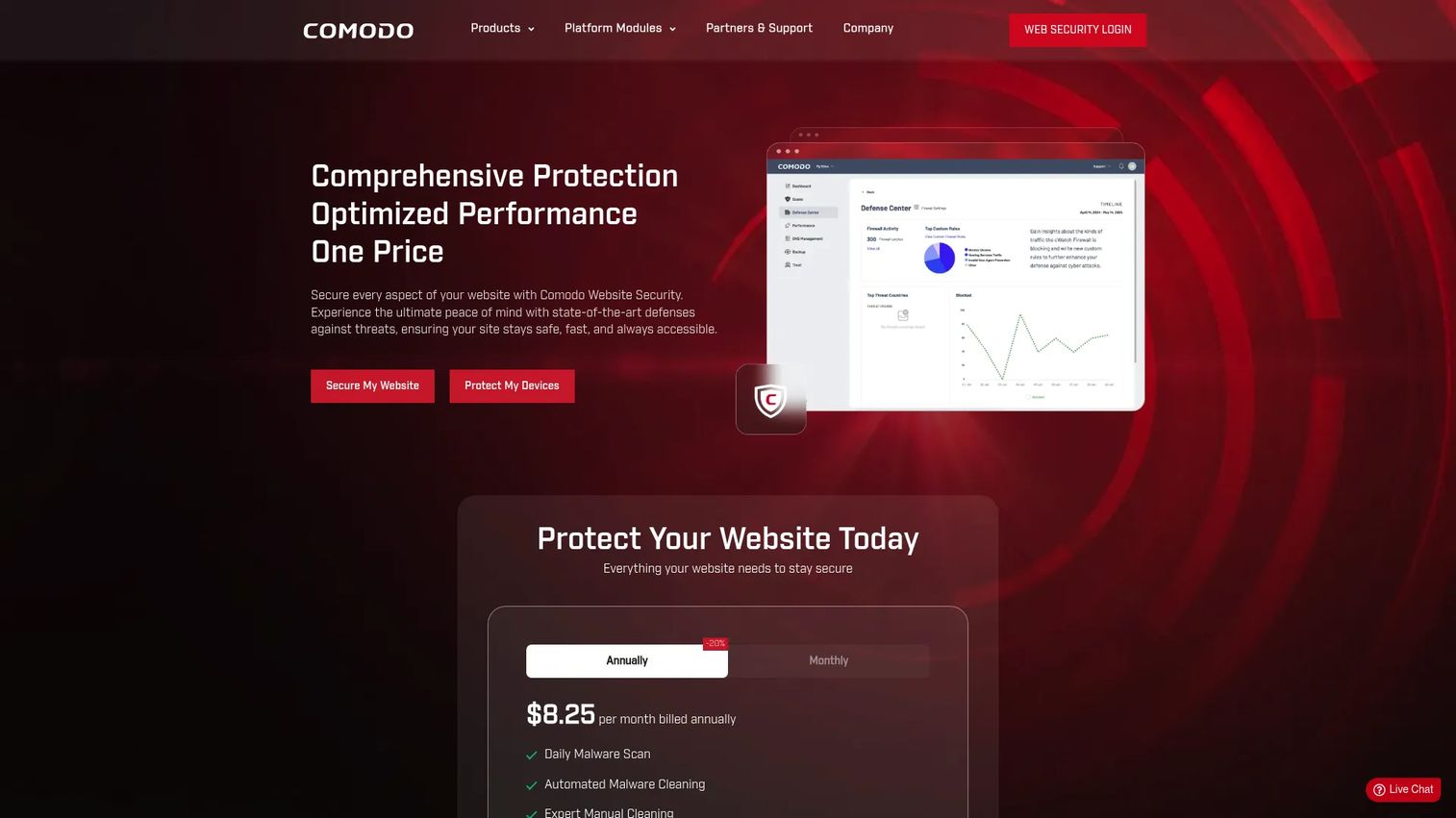
Comodo RMM delivers centralized endpoint monitoring, real-time alerts with automatic service desk ticket creation, remote desktop access, file transfer, policy-based management, reusable automation procedures, and endpoint power management. Comodo's documentation identifies the RMM module as a legacy component, with newer functionality accessible through Endpoint Manager. It operates within the broader Comodo One platform and connects to Comodo's security tools.
Best for: MSPs that want endpoint monitoring, remote support, and ticketing connected to Comodo security tooling under a free-core pricing model.
Key features
- Centralized endpoint monitoring and hardware inventory
- Real-time alerts with automatic ticket creation
- Remote desktop access and file transfer
- Policy-based endpoint management and automation procedures
- Remote command execution and endpoint power management
Why choose Comodo RMM: The free-core model makes it accessible for MSPs starting out or evaluating endpoint monitoring without upfront cost. Teams already using Comodo security products benefit from native integration between the RMM layer and endpoint protection.
Comodo RMM pricing: Core RMM and essential IT management tools are available at no cost. A 30-day free trial is available for the broader Comodo One platform. Paid add-on pricing for advanced features requires a tailored quote.
G2 rating: 4.0/5
20. MSP360
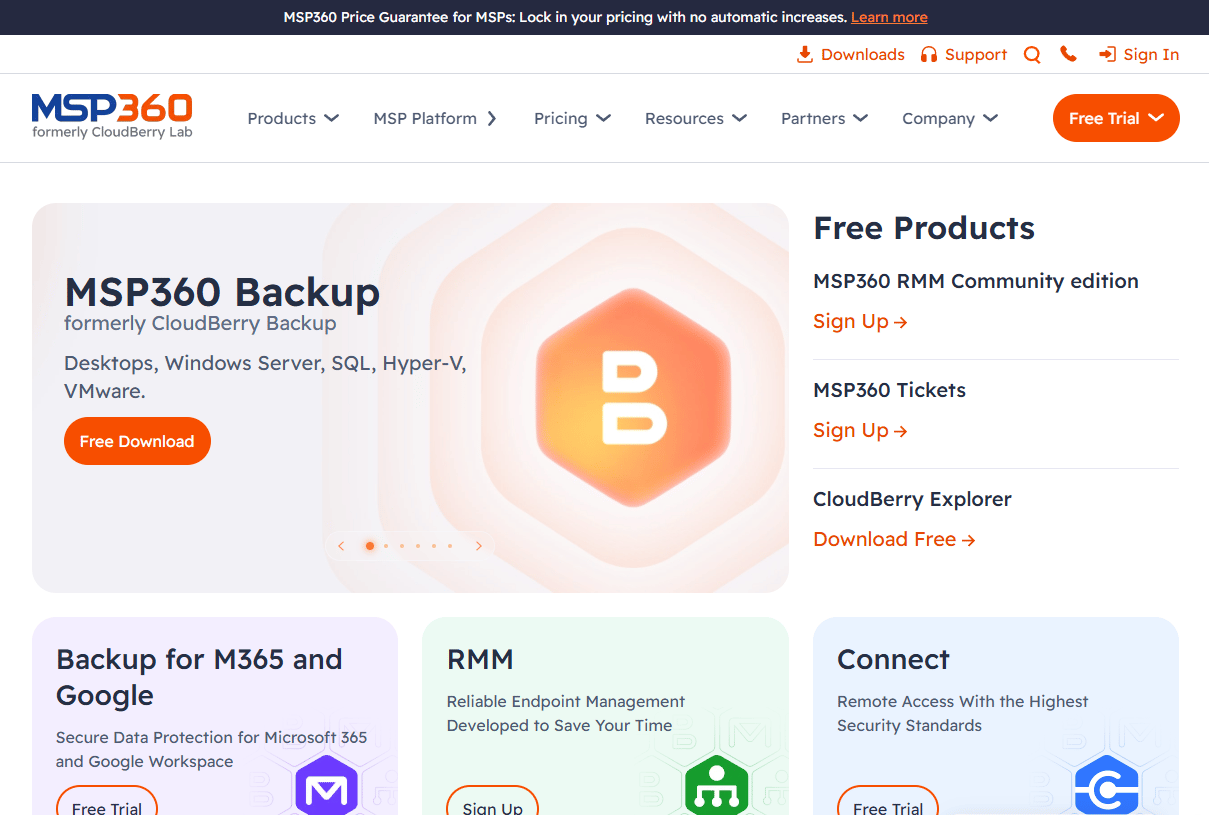
MSP360 provides centralized backup, remote monitoring and management, remote access, and ticketing for MSPs and internal IT teams. Its product catalog spans backup for Windows, macOS, Linux, VMware, Hyper-V, Proxmox, Microsoft 365, and Google Workspace alongside RMM with custom alerts, software deployment, patch management, and unattended remote access. The strength is the combination of backup and endpoint management under one MSP console, covering two common MSP service pillars without separate platform costs.
Best for: MSPs that want backup operations and remote endpoint management available from a single service console.
Key features
- Multi-platform backup for Windows, macOS, Linux, and virtual machines
- Microsoft 365 and Google Workspace backup
- Remote monitoring with custom alerts and patch management
- Unattended remote access and web-based access
- Built-in ticketing and reporting
Why choose MSP360: MSPs that want to consolidate backup and RMM without paying for two separate platforms find MSP360's combined pricing practical. The free RMM Community Edition (up to 50 endpoints) and free Connect plan (up to 5 devices) allow teams to evaluate both products before scaling to paid tiers.
MSP360 pricing: Backup plans start at $2.50 per month. The RMM Community Edition is free for up to 50 endpoints. The paid RMM plan is $1.75 per endpoint per month billed monthly. Connect Free covers up to 5 devices; Connect Pro is $89.99 per year billed annually. Microsoft 365 and Google Workspace backup starts at $24 per user per year.
G2 rating: 4.5/5
21. Domotz Pro
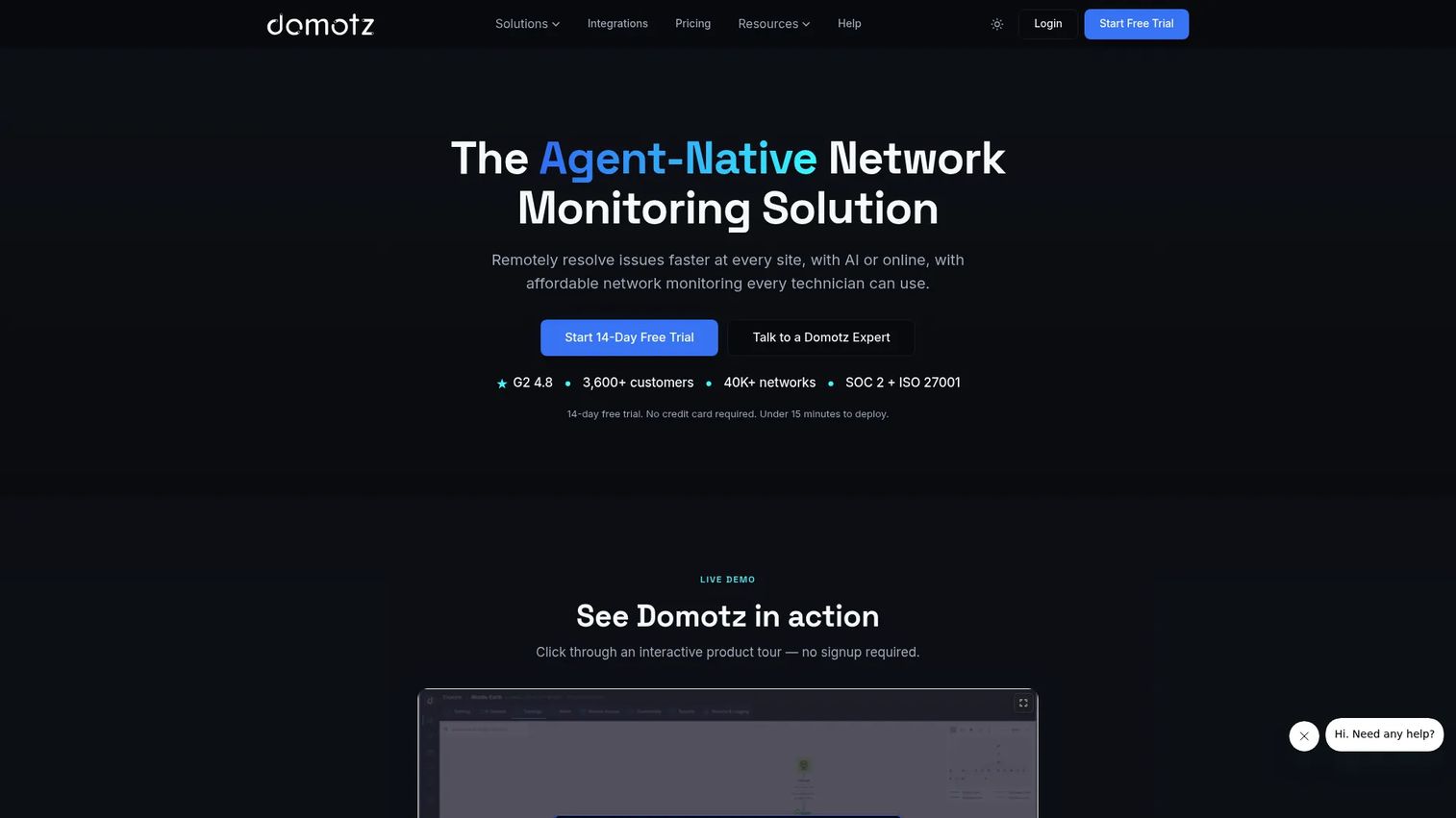
Domotz Pro is a network monitoring and management platform for MSPs, IT teams, and AV integrators. It covers automatic device discovery, real-time monitoring and alerts, remote access, power management, configuration backup, SNMP monitoring, and IoT device visibility. The platform is site-based and designed for distributed locations, making it a practical tool for organizations managing networks at many physical sites. It monitors routers, switches, firewalls, cameras, printers, and IoT devices, not Windows endpoints in the traditional RMM sense.
Best for: MSPs, IT teams, and integrators that need network device visibility and remote connectivity across many distributed locations.
Key features
- Automatic network device discovery and visibility
- Real-time monitoring, diagnostics, and SNMP support
- Remote access and power management for network devices
- Configuration backup and change alerting
- IoT device monitoring and remote connectivity
Why choose Domotz Pro: Teams managing distributed sites where network device health, IoT visibility, and remote connectivity are the primary operational concerns find Domotz more focused than general-purpose infrastructure monitoring tools. The flat per-collector pricing with unlimited devices is predictable for MSPs with many small client sites. Consider pairing it with api monitoring tools for broader service observability.
Domotz Pro pricing: The Collector plan is $35 per collector per month billed monthly. Residential Integrators pricing is $20 per home per month. Volume pricing drops to as low as $17.50 per site per month on a 12-month commitment. A 14-day free trial is available.
G2 rating: 4.8/5
Considerations when choosing remote monitoring and management software
Endpoint and operating system coverage
Before shortlisting, map every device type your team manages: Windows workstations, macOS laptops, Linux servers, virtual machines, mobile devices, and network appliances. Not every RMM tool covers all of them. Confirm OS version support, agent compatibility, and third-party patch catalog coverage during your evaluation. Coverage gaps surface after deployment, not before.
Patch management depth
A basic patching feature schedules updates. A mature one includes testing rings, manual approval gates, rollback on failure, third-party application coverage, and compliance reporting you can share with leadership or clients. Ask vendors specifically how failed patches are handled and how the platform reports patch status across all managed endpoints.
Remote access and session controls
Evaluate attended support, unattended access, file transfer, session recording, MFA enforcement, and audit logging as separate capabilities. Remote access alone is not full RMM. For teams subject to security audits or compliance reviews, session recording and granular permission controls are non-negotiable. Connect these requirements to your broader access review software evaluation.
Automation and alert quality
Noisy alerts create technician fatigue faster than almost any other operational problem. Evaluate how platforms handle alert deduplication, threshold customization, and automatic ticket routing. Also test the scripting and policy automation layer, because the efficiency gains from RMM come primarily from reducing the manual work technicians do on repeated tasks.
Integrations and reporting
PSA integration matters most for MSPs. Internal IT teams care more about ticketing, ITSM, identity, and endpoint security connections. Verify which integrations are native versus third-party, and check whether reporting covers the outputs your stakeholders actually need: Patch compliance summaries, device inventory reports, uptime tracking, and technician activity logs.
Conclusion
The 21 tools above cover the full range of remote monitoring and management use cases, from unified endpoint RMM to specialized network monitoring, Apple device management, and security-first endpoint control.
NinjaOne is the strongest all-around choice for teams that want endpoint monitoring, patching, backup, and remote access from one console. Atera and Syncro address per-technician pricing for MSPs that manage large endpoint counts without per-device cost growth. For MSP service operations at scale, N-able, Datto RMM, SuperOps, and ConnectWise Automate each bring deep MSP-specific workflows and client management depth.
Action1 stands out for patch compliance, particularly given the 200-endpoint free tier that lets teams run a meaningful POC before committing. Heimdal is the right direction for security teams that want patching and threat prevention integrated. Site24x7, ManageEngine OpManager, and Domotz Pro each serve infrastructure and network visibility needs that go beyond traditional endpoint RMM.
To move forward: Shortlist 3 to 5 tools based on your device mix, operating model, and budget, then verify pricing and G2 ratings on each vendor's live pages. Run a small pilot covering patching, alert quality, remote access, and integration into your existing ticketing or PSA stack before making a final decision.
FAQs
Remote monitoring and management software is a platform IT teams and managed service providers use to monitor endpoints, networks, and servers remotely, then automate maintenance tasks including patching, alerts, scripts, and remote troubleshooting. An agent installed on each device sends data to a central console, where admins manage policies, push updates, and access devices without being on-site.
Remote access tools focus on controlling or supporting a device from another location. RMM software adds monitoring, automated patching, policy management, alerting, reporting, and scripting on top of remote access. Many RMM platforms include remote access as one capability within a broader endpoint management platform, but remote access tools alone do not handle patch compliance or proactive monitoring.
Managed service providers use RMM to monitor and manage client endpoints across many organizations. Internal IT teams use it to manage distributed employee devices, servers, and infrastructure. Help desk teams use the remote access and ticketing integration layers. Security and operations teams use the patch compliance, vulnerability visibility, and audit logging capabilities for governance and risk management.
Core features to evaluate include endpoint monitoring, patch management for OS and third-party applications, remote access with session recording, scripting and policy automation, alert thresholds with deduplication, compliance reporting, and role-based access controls. Mature buyers should also evaluate audit log depth, approval workflows for patch deployment, and integration breadth across their existing PSA, ITSM, and security tools.
Pricing models vary significantly. Per-device pricing (like NinjaOne at $1.50 to $3.75 per device per month) scales with endpoint count. Per-technician pricing (like Atera or Syncro at $129 per technician per month) is flat regardless of endpoint volume. Per-site pricing (like Domotz at $35 per collector per month) suits distributed network monitoring. Many enterprise-focused platforms, including N-able, Datto RMM, ConnectWise Automate, and Heimdal, require a quote. Verify billing frequency, onboarding fees, and any module add-on costs before comparing figures across vendors.
No. MSPs are a major RMM audience, but internal IT teams use RMM to manage distributed corporate endpoints, patch servers, support remote employees, and generate compliance reports. The distinction usually shows up in the feature set: MSP-focused platforms include multi-tenant management, client billing, and client-facing reporting, while internal IT platforms often integrate more tightly with HR, identity, and ITSM workflows.
Start by mapping the five evaluation questions: What devices and operating systems you manage, what patches and remediations you must automate, how technicians need to access devices remotely, which alerts should create tickets versus self-remediate, and what reports prove security and uptime to leadership or clients. From there, shortlist tools by operating model (MSP versus internal IT), run a pilot covering patch deployment and alert quality, and confirm integrations with your ticketing and PSA platforms before committing.
Yes, when the platform provides patch reporting, device inventory, audit logs, role-based access controls, and policy enforcement records. These outputs support compliance evidence collection for frameworks that require documentation of endpoint patch status and access controls. No RMM platform guarantees compliance with any specific framework; that determination depends on your full security posture, controls, and how you use the data the platform generates.