A missed patch rarely announces itself. It sits quietly on an unattended laptop, a forgotten server, or a browser plugin nobody tracks, until an attacker finds it first. In 2023, Fortune Business Insights reported that over 50% of cybersecurity incidents were tied to outdated software systems. That is not a tooling problem. It is a coverage and cadence problem.
Most teams already know patching matters. The hard part is doing it across hundreds of endpoints without breaking production, missing third-party apps, or spending every Tuesday chasing reboots. The market has responded: the global patch management market is projected to grow at a 10.7% CAGR from 2026 to 2034, per Market Data Forecast (2024). More tools, more automation, more claims to sort through.
This guide cuts through that. If your evaluation instincts come from measuring impact and operational overhead, the same discipline you would apply to comparing audit management software or weighing ai cybersecurity solutions applies here. You want proof of patch cadence, low maintenance, and coverage you can defend. We ranked seven patch management tools on the criteria that actually change outcomes: OS coverage, third-party patching, automation depth, reporting, and rollback safety. The goal is a shortlist you can validate against your own environment, not a feature dump.
What's inside
This article compares seven patch management software tools built for 2026 IT and security teams. We selected each based on operating system coverage, third-party application patching, automation and scheduling depth, reporting and audit trails, and rollback controls. We also weighed environment fit, because a Windows-first shop, an MSP, and a cloud-native team rarely want the same tool.
You will get a comparison table, individual breakdowns with honest fit notes and pricing, a buyer's checklist, and a FAQ section. Ratings and pricing reflect verified sources at the time of writing. Where a vendor keeps pricing behind sales, we say so rather than guess.
TL;DR
- Best for unified security plus patching: Acronis Cyber Protect bundles backup, malware protection, and patching under one agent.
- Best for broad third-party patching: ManageEngine Patch Manager Plus covers Windows, macOS, Linux, and 1,100+ third-party apps.
- Best for MSPs and lean IT teams: NinjaOne folds patching into a full endpoint management workflow.
- Best for cloud-native automation: Automox runs policy-based patching across mixed OS fleets with no on-prem infrastructure.
- Best for risk-based prioritization: Ivanti Security Controls ties patching to vulnerability context.
- Best for Microsoft-centric shops: Microsoft Intune handles Windows-first endpoint and update management.
What is patch management software?
Patch management software is a platform that automates the process of finding, testing, deploying, and verifying software updates across an organization's endpoints and servers. It centralizes what used to be a manual, device-by-device chore into a single console with visibility, scheduling, and reporting.
The patch management process usually follows a repeatable loop. The tool builds an asset inventory, scans for missing patches, prioritizes them, tests updates against a pilot group, deploys them on a schedule, verifies success, and logs the whole thing for audit. Good patch management tools handle both operating system updates and third-party applications, since attackers rarely care which layer they exploit.
Core capabilities to expect from modern patch management solutions:
- Asset inventory: A live map of every device, OS version, and installed application.
- Patch monitoring: Continuous scanning for missing or superseded patches.
- Approval workflows: Control over which patches ship and when.
- Patch scheduling: Maintenance windows that avoid disrupting users.
- Third-party patching: Coverage for Adobe, Java, browsers, and other high-risk apps.
- Testing and validation: Pilot deployment before a full rollout.
- Rollback: A path back when a patch breaks something.
- Reporting and audit trails: Evidence of patch cadence and approvals.
Why patch management matters for security and continuity
Unpatched software is one of the most reliable entry points for attackers. Ransomware prevention leans heavily on closing known vulnerabilities before they are weaponized, and automated patching shrinks the window between disclosure and remediation. Patching is also a continuity play: a controlled maintenance window beats an emergency reboot after an incident.
Compliance and auditability
Regulated teams do not just need patched systems. They need to prove it. Frameworks like PCI DSS, HIPAA, and GDPR expect documented patch cadence, approval logs, and deployment evidence. Reporting and audit trails turn patch management from an operational task into defensible proof, which matters as much to a compliance officer as it does to a sysadmin. If you already manage evidence for other frameworks, the discipline overlaps with tools like ai security posture management.
When to use patch management software
Secure distributed endpoints without manual firefighting
If you manage more than a handful of devices, especially with remote workers, manual patching stops scaling fast. Devices sleep, go offline, or sit in inconsistent states. Automated patching queues updates and applies them when a device checks in, so coverage does not depend on someone being at their desk. The larger and more scattered your fleet, the more this matters. Endpoint management at scale is where automation stops being a nice-to-have.
Meet compliance and audit requirements
Regulated environments need evidence, not assurances. If auditors ask when a patch was approved, who signed off, and when it hit each machine, you need a system that logs it automatically. PCI DSS, HIPAA, and GDPR each expect a demonstrable patch cadence. A tool that generates audit-ready reports removes a recurring scramble every audit cycle and lowers your compliance risk between them.
Reduce exposure from third-party apps and risky lag
Patching Windows or macOS alone leaves a large gap. Adobe Reader, Java, Chrome, and other third-party apps are frequent attack targets, and they update on their own erratic schedules. Third-party patching brings these into the same workflow as OS updates, closing the lag that attackers exploit. If your tool only covers the OS, you are patching half the problem.
Comparison table
Here are the seven tools ranked by relevance to a broad IT and security buyer. Pricing and ratings reflect verified sources at the time of writing. Where a vendor keeps pricing behind sales, the table says so.
| # | Product | Intent | Key use case | Pricing | G2 rating |
|---|---|---|---|---|---|
| 1 | Acronis Cyber Protect | Unified security | Backup plus patching plus malware protection in one agent | Custom (contact sales) | 4.3/5 |
| 2 | ManageEngine Patch Manager Plus | Cross-OS patching | Windows, macOS, Linux, and 1,100+ third-party apps | From $34.5/mo (cloud) | 4.5/5 |
| 3 | NinjaOne | MSP and lean IT | Patching inside unified endpoint management | From $1.50/device/mo | 4.7/5 |
| 4 | Automox | Cloud automation | Policy-based patching across mixed OS fleets | From $1/endpoint/mo | 4.5/5 |
| 5 | Ivanti Security Controls | Risk-based patching | Vulnerability-driven prioritization for Windows and Linux | Custom (contact sales) | 3.8/5 |
| 6 | Microsoft Intune | Windows-first | Endpoint and update management in Microsoft ecosystems | From $8/user/mo | 4.5/5 |
| 7 | GFI LanGuard | Scan plus remediate | Vulnerability scanning with patch remediation | Custom (contact sales) | Not listed |
1. Acronis Cyber Protect
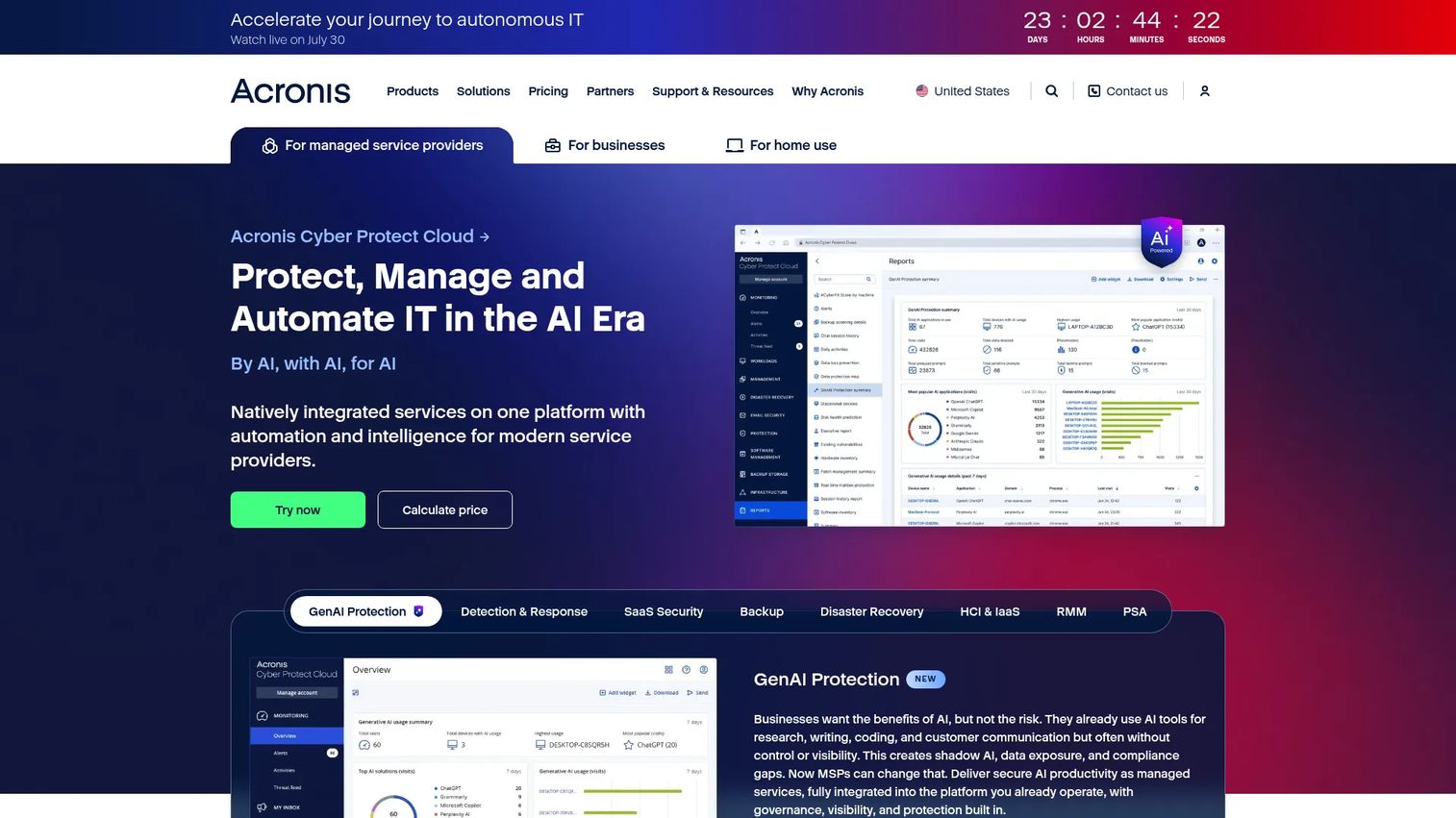
Acronis Cyber Protect is cyber protection software that combines backup, disaster recovery, and cybersecurity in one product. Patch management is one layer inside a broader stack, which is the whole point: instead of buying patching, backup, and malware protection separately, you run them under one agent and one management console. For teams tired of stitching tools together, that consolidation is the draw.
The product ships in three editions, Standard, Advanced, and Backup Advanced, on subscription-based licensing. It targets SMB, enterprise, and OT use cases, which is a wider spread than most patch-only tools attempt. The single-agent approach means one thing to deploy and one console to watch, which cuts administrative overhead across the whole security workflow.
Best for: Security-forward teams that want fewer vendors and prefer backup, patching, and malware protection under one roof.
Key strengths
- One agent, one console: Deploy and manage backup, patching, and security from a single point.
- Integrated backup plus recovery: A patch that breaks something meets a recovery path in the same tool.
- Multi-scenario coverage: Editions span SMB, enterprise, and OT environments.
Why choose Acronis Cyber Protect: If your real problem is tool sprawl, and you value the ability to roll back a bad patch by restoring from backup in the same platform, Acronis makes a strong case. It fits teams that treat patching as part of a broader protection strategy rather than a standalone task. Teams that only want a dedicated patching engine may find the wider feature set more than they need.
Acronis Cyber Protect pricing: Acronis does not publish pricing on its product page. It states that pricing varies by region, workload type, and deployment model, and directs buyers to contact Acronis or a partner for a tailored quote. Expect a subscription model. Because the entry price is not public, validate cost against your workload count and edition before committing.
2. ManageEngine Patch Manager Plus
ManageEngine Patch Manager Plus is automated patch management software for Windows, macOS, Linux, and third-party applications. It handles the full patch management process in one place: scanning, assessment, deployment, and reporting. The standout is breadth. It patches more than 1,100 third-party applications and supports patch testing and approval before anything goes wide, which is exactly what a cautious admin wants.
Cross-platform coverage is its center of gravity. If you run a mixed fleet where Windows patching is only part of the job, having macOS and Linux in the same console removes the need for separate tools per OS. Patch testing, approval workflows, and scheduling give you staged control over rollout, so you can pilot updates before they touch production machines.
Best for: IT teams that need centralized patching across endpoints and a large catalog of third-party apps.
Key strengths
- Broad third-party patching: Coverage for 1,100+ applications beyond the OS.
- True multi-OS support: Windows, macOS, and Linux in one workflow.
- Test and approve before deploy: Staged rollout with approval workflows.
Why choose ManageEngine Patch Manager Plus: The third-party catalog is the reason most teams land here. If application patching lag is your biggest exposure, this closes it without adding a second tool. It fits teams that want deployment control and reporting without jumping to a heavier enterprise suite. The trade-off is that patch management is its focus, so teams wanting broad endpoint automation may look at an RMM instead.
ManageEngine Patch Manager Plus pricing: Pricing is public and split by edition and deployment. The Professional cloud plan starts at $34.5 per month, with an on-premises Professional edition at $245 annually. Enterprise cloud runs $44.5 per month, and Enterprise on-premises is $345 annually. Additional technician pricing applies. No free tier was shown, though the tiered structure lets you match plan to environment.
3. NinjaOne
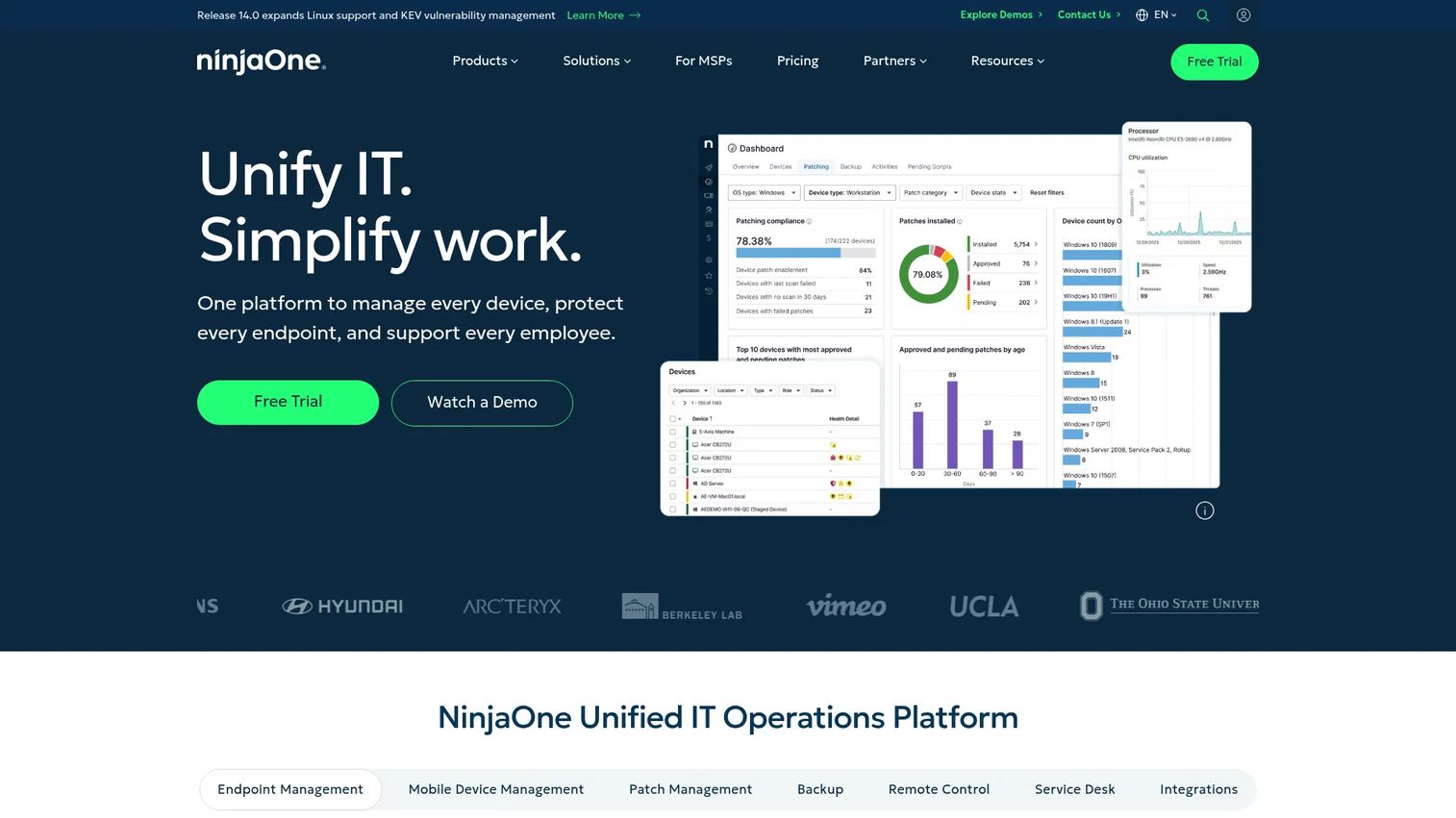
NinjaOne is cloud-based unified IT operations software covering endpoint management, patching, backup, remote access, and more. Patching here is one capability inside a broader RMM platform, which is why it resonates with MSPs and lean IT teams. When you are already managing endpoints, monitoring, and remote support in one console, autonomous patching fits the workflow instead of adding a tab.
That integration is the argument. For an MSP juggling many client environments, or a small internal team wearing every hat, a single pane for endpoint management plus automated patching cuts context-switching. NinjaOne folds patch deployment into the same visibility layer you use for everything else, so patch status sits alongside device health and backup state.
Best for: MSPs and lean IT teams managing endpoints at scale who want patching inside a broader operations platform.
Key strengths
- Autonomous patching: Automated patch deployment tied to endpoint management.
- Unified operations: Endpoint management, patching, backup, and remote access in one console.
- Scales by device: Per-device pricing that fits growing fleets.
Why choose NinjaOne: If patching is one job among many and you want it inside the same tool you use for monitoring and remote support, NinjaOne is a natural fit. Its high user ratings reflect that convenience. It suits teams who value operational consolidation over a single-purpose patching engine.
NinjaOne pricing: NinjaOne uses per-device pricing with volume discounts. The public page states pricing starts as low as $1.50 per device per month at 10,000 endpoints and rises to $3.75 per device per month at 50 or fewer endpoints. A 14-day free trial is available. Full plan-by-plan pricing is not publicly listed, so request a quote sized to your fleet.
4. Automox
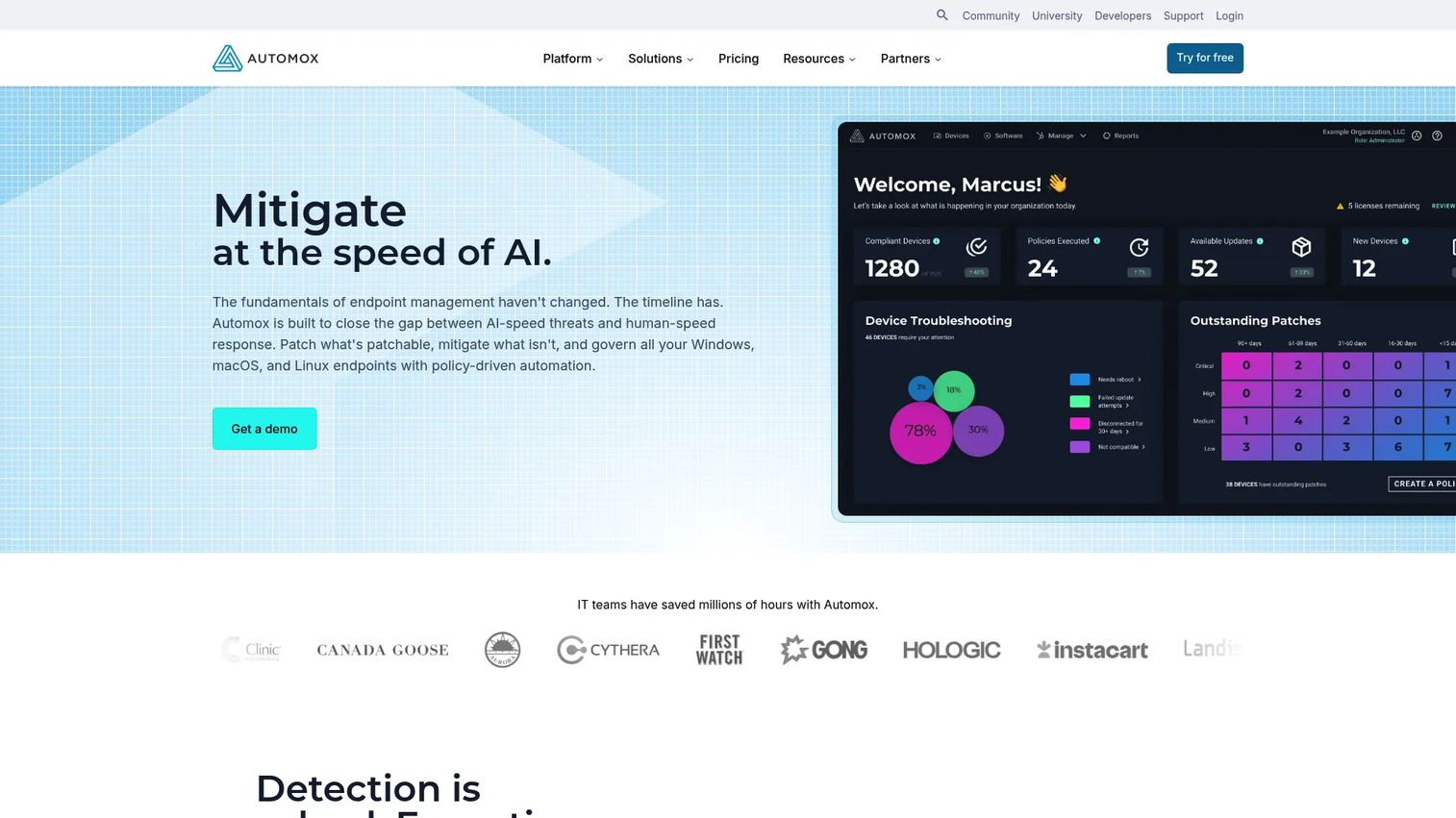
Automox is cloud-native autonomous endpoint management for patching, configuration, and IT automation across Windows, macOS, and Linux. Its defining trait is the absence of on-prem infrastructure. Everything runs from the cloud, which suits distributed teams and anyone avoiding the overhead of servers like WSUS or SCCM to push patches. If your workforce is remote-first, this model maps cleanly to how devices actually connect.
Beyond OS patching, Automox handles third-party patching, software deployment, and device configuration. Automation policies and Worklets let you codify remediation, while API access and remote control extend it into broader IT automation. Policy-based deployment means you set the rules once and let the platform enforce them across the fleet, which is where the maintenance savings show up.
Best for: IT teams managing patching and endpoint automation across mixed OS fleets without heavy on-prem infrastructure.
Key strengths
- Cloud-native, no on-prem: Patch remote and in-office devices without VPN dependence.
- Policy-based automation: Worklets and policies enforce remediation automatically.
- Mixed-OS coverage: Windows, macOS, and Linux in one platform.
Why choose Automox: For distributed environments, the cloud-native model removes an entire category of infrastructure work. It fits teams that want automated patching, configuration, and remediation without maintaining patch servers. The policy engine appeals to teams that want to define patch behavior once and scale it, which maps well to a low-maintenance, high-coverage goal.
Automox pricing: Automox offers a free start and usage-based monthly billing with no commitment, or an annual plan at a 25% saving. The Patch OS plan is $1 per endpoint per month on an annual commitment. Automate Essentials and Automate Enterprise use custom pricing with volume discounting. A free tier is available, which makes it easy to validate before scaling.
5. Ivanti Security Controls
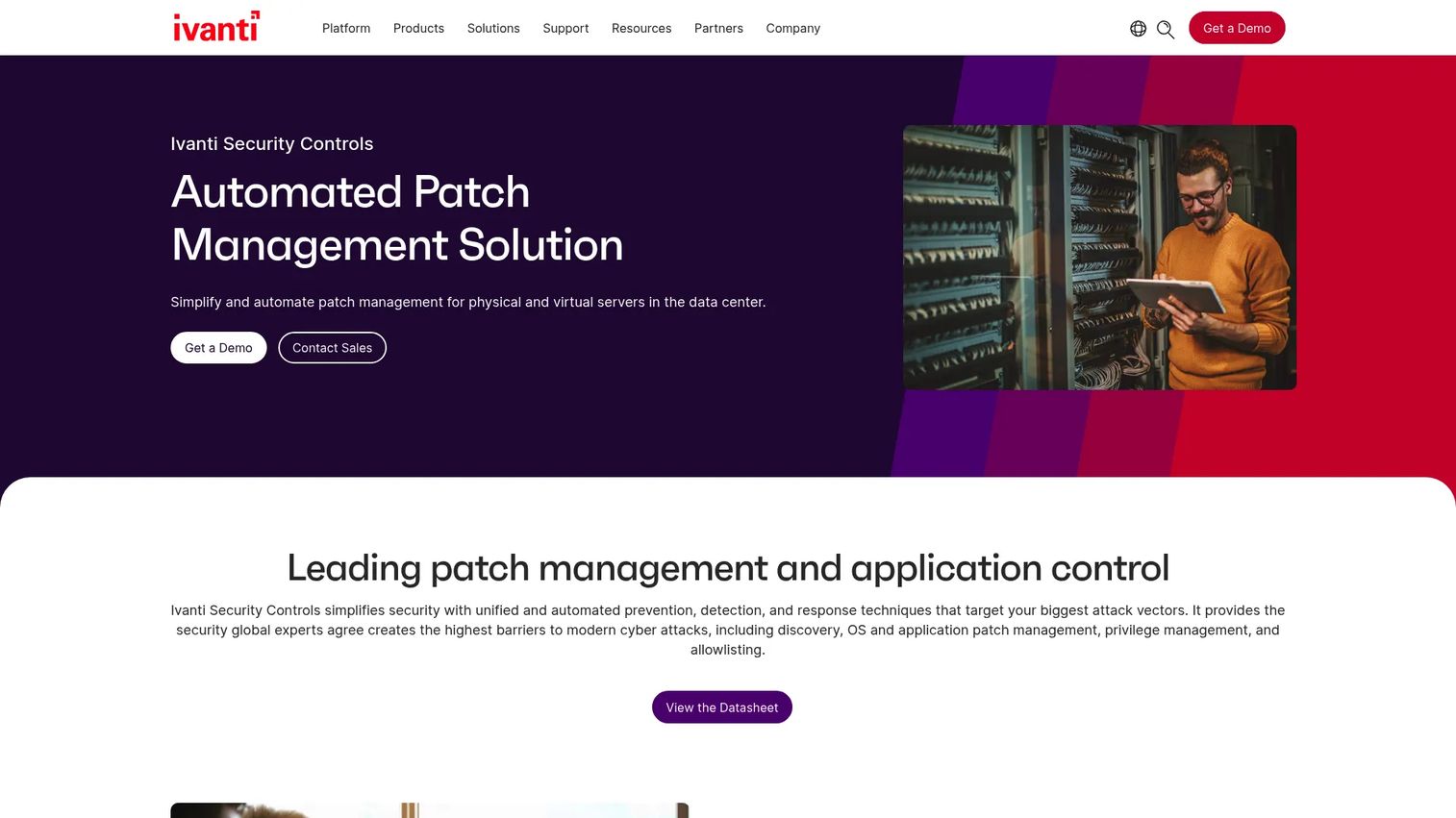
Ivanti Security Controls is automated patch management and application control for Windows and Linux servers and workstations. What separates it is the tie between patching and security context. It discovers vulnerabilities, patches agentlessly, and layers in dynamic allowlisting, so patch decisions can be informed by risk rather than treated as a flat checklist.
For teams that want tighter security workflow integration, this vulnerability-driven angle matters. Risk-based prioritization means you can focus effort on the patches that reduce the most exposure first, instead of chasing every update equally. Agentless patching also simplifies coverage for servers where installing agents is undesirable. The application control layer adds a second line of defense alongside patching.
Best for: IT teams that need centralized patching and privilege or application control across mixed Windows and Linux environments.
Key strengths
- Vulnerability discovery: Surfaces exposures to inform patch priority.
- Agentless patching: Covers servers without deploying an agent everywhere.
- Dynamic allowlisting: Application control paired with patch remediation.
Why choose Ivanti Security Controls: If your team thinks in terms of vulnerability management and wants patching driven by risk, Ivanti fits that mindset. It suits Windows and Linux server environments where application control and patching belong in the same workflow. G2 notes limited review volume, so weigh that against your own proof-of-concept when evaluating.
Ivanti Security Controls pricing: Ivanti does not publish pricing on its product page. The page directs visitors to request a demo or contact sales. Because no public price is available, size the cost against your server and workstation count directly with Ivanti before deciding.
6. Microsoft Intune
Microsoft Intune is cloud-based endpoint management for managing identities, apps, and devices. For Microsoft-centric organizations, it is often already in the stack, which changes the calculus. It handles device enrollment across mobile, desktop, and virtual endpoints, app deployment and update policies, and compliance reporting with Conditional Access support.
Intune shines as Windows patch management software inside a Microsoft ecosystem. If your fleet is largely Windows and you already run Microsoft 365, Intune extends update and endpoint management without adding a new vendor. It is worth being clear about scope: Intune focuses on OS and app update management within the Microsoft world. Teams needing deep third-party patching across a wide catalog or heavy multi-OS coverage sometimes add a dedicated patching layer alongside it.
Best for: IT teams managing and securing employee devices, apps, and access in Microsoft-centric environments.
Key strengths
- Microsoft-native: Fits directly into Microsoft 365 and Entra environments.
- Full device lifecycle: Enrollment, app deployment, updates, and removal.
- Compliance and Conditional Access: Reporting and access policies built in.
Why choose Microsoft Intune: For Windows-first teams already invested in Microsoft, Intune is the path of least resistance and often the most cost-effective. It handles endpoint and update management cleanly. Teams with heavy Linux, macOS, or broad third-party patching needs may pair it with a specialized tool for full coverage.
Microsoft Intune pricing: Intune Plan 1, the foundational tier, is $8 per user per month paid yearly. Plan 2, an add-on for advanced endpoint management, is $4 per user per month. The Intune Suite, bundling advanced management and security, is $10 per user per month. A 30-day free trial is available. Pricing is per user, so model it against seat count rather than device count.
7. GFI LanGuard
GFI LanGuard is patch management and network auditing software for discovering vulnerabilities and remediating endpoints. Its angle is combining assessment and remediation in one workflow. Rather than scanning with one tool and patching with another, LanGuard finds the vulnerabilities and then closes them, which appeals to teams that want a single pass from detection to fix.
Vulnerability scanning is the front end, patch management is the back end, and network and software auditing tie them together. For teams that value visibility into what is exposed before deciding what to patch, that combination is practical. It supports third-party patching alongside OS updates, so the scan-to-remediate loop covers more than the base operating system.
Best for: IT teams needing centralized vulnerability scanning and patch remediation across a network.
Key strengths
- Scan and remediate together: Vulnerability scanning feeds directly into patching.
- Network and software auditing: Visibility into what is installed and exposed.
- Third-party patching: Coverage beyond the operating system.
Why choose GFI LanGuard: If you want assessment and remediation as one motion instead of two separate tools, LanGuard delivers that. It fits teams that treat scanning and patching as a single security workflow. Pricing is not public and licensing is subscription-based, so a trial and quote are the way to confirm fit.
GFI LanGuard pricing: GFI does not publish a list price on its site. Support confirms subscription-based licensing and free trial availability, but no public first-party price was verified. Request a quote and use the free trial to validate before committing.
Considerations
Before you shortlist, run each candidate through these criteria against your actual environment.
Windows-only or multi-OS environment
Your OS mix narrows the field fast. A Windows-only shop can lean on Microsoft Intune or WSUS-adjacent workflows, while a mixed fleet needs true multi-OS support like ManageEngine, Automox, or NinjaOne. Confirm macOS and Linux coverage explicitly, since some tools treat non-Windows as an afterthought.
Third-party application coverage
OS patching alone leaves gaps. Check how many third-party applications a tool patches and whether it covers your specific risk apps: browsers, PDF readers, Java, and productivity suites. Ask for the actual catalog, not a marketing number, and verify update cadence for the apps you care about most.
Reporting and compliance depth
If you answer to auditors, verify the evidence a tool produces before you buy. You want approval logs, deployment timestamps, patch cadence reports, and exportable audit trails that map to PCI DSS, HIPAA, or GDPR. Test whether the reporting matches what your compliance team actually needs to file.
Rollback, testing, and safety controls
A patch that breaks a line-of-business app is its own incident. Look for staged rollout to a pilot group, testing and validation before wide deployment, and a clear rollback path. Tools that pair patching with backup, like Acronis, give you recovery when a rollback alone is not enough.
Ecosystem fit and administrative overhead
Decide whether the tool replaces something you already run or adds another layer. An RMM like NinjaOne may consolidate several tools, while a specialized patcher may sit alongside your existing endpoint management. Weigh the ongoing maintenance burden, not just the feature list, since low overhead is what keeps patching from decaying over time.
Conclusion
There is no single best patch management tool, only the best fit for your environment. Acronis Cyber Protect suits teams consolidating security and backup under one agent. ManageEngine Patch Manager Plus wins on third-party breadth and multi-OS coverage. NinjaOne fits MSPs and lean teams wanting patching inside unified operations. Automox is the cloud-native pick for distributed fleets. Ivanti Security Controls appeals to teams driving patching by vulnerability risk. Microsoft Intune is the natural choice for Windows-first Microsoft shops, and GFI LanGuard pairs scanning with remediation in one pass.
The practical next step: build a shortlist by environment type first, then validate three things in a trial. Confirm the reporting satisfies your compliance requirements, test the rollback and staged deployment controls under real conditions, and verify third-party patch coverage for the apps that actually put you at risk. Patch cadence is only as good as the tool that sustains it without adding overhead.
FAQs
Patch management software is a platform that automates finding, testing, deploying, and verifying software updates across an organization's endpoints and servers. It replaces manual, device-by-device updating with centralized scanning, scheduling, approval workflows, and reporting, so teams can keep systems current without firefighting.
The tool builds an asset inventory, scans for missing patches, and prioritizes them. Admins test updates against a pilot group, approve them, and schedule deployment during a maintenance window. The tool verifies each patch applied successfully and logs the activity for audit trails.
Vulnerability management is the broader discipline of finding, assessing, and prioritizing security weaknesses across your environment. Patch management is one remediation method within it, focused on deploying software updates. You can use vulnerability data to prioritize which patches to deploy first, which is the model tools like Ivanti Security Controls use.
Many do, and it matters. Adobe, Java, Chrome, and similar apps are frequent attack targets and update on erratic schedules. Tools like ManageEngine Patch Manager Plus patch 1,100+ third-party applications alongside the OS, closing the lag attackers exploit. Always confirm coverage for your specific risk apps before buying.
Windows-first teams should prioritize deep Windows patch management support, integration with existing Microsoft infrastructure, and reliable scheduling and reporting. Microsoft Intune fits naturally in Microsoft 365 environments. If you also run macOS, Linux, or a large third-party catalog, confirm that coverage rather than assuming a Windows-centric tool handles it.
Because compliance requires proof, not assurances. Frameworks like PCI DSS, HIPAA, and GDPR expect documented patch cadence, approval logs, and deployment evidence. Automated reporting and audit trails turn patching into defensible evidence, removing the scramble every audit cycle and lowering compliance risk between them.
Very. A patch that breaks a business-critical app is its own incident. Staged rollout to a pilot group catches problems before they hit the whole fleet, and a rollback path lets you recover fast. Tools that pair patching with backup add a recovery layer when rollback alone is not enough.
Built-in endpoint management like Microsoft Intune is often enough for Windows-first, Microsoft-centric fleets with modest third-party needs. You typically need dedicated or broader patch software when you run mixed OS environments, require deep third-party patching across a large app catalog, or need vulnerability-driven prioritization and detailed audit reporting.