



An active shooter alert takes too long to reach the third floor. A power outage hits a hospital wing and half the staff never see the notice. A weather event closes a campus, but the text goes to a phone number that changed two years ago.
Speed is the whole job. When a normal email thread or a Slack ping is too slow, you need a system that reaches everyone at once, confirms who received it, and coordinates the response without anyone digging for a phone tree.
The market has grown accordingly. The global mass notification system market is projected at USD 15.74B in 2026, rising to USD 23.93B by 2031, according to MarketsandMarkets (2026). That growth reflects one reality: organizations are done treating emergency communication as an afterthought.
This guide compares seven platforms so you can pick one that works the first time, under pressure, at the moment it matters most.
What's inside
This guide is for operators buying emergency notification software for a business, school, healthcare system, or public sector team. It covers what the category does, when it earns a place in your stack, and how seven platforms compare.
We selected tools based on four criteria that matter under real pressure:
- Multi-channel delivery: reaches people across text, email, voice, desktop, and mobile
- Incident response and escalation: supports acknowledgments, tasking, and coordinated workflows
- Industry fit: segments cleanly for schools, healthcare, government, and enterprise
- Integration and governance: connects to your systems of record with admin controls and reporting
TL;DR
- Best overall for enterprise incident response: AlertMedia, for teams that need mass notification plus threat intelligence.
- Best for internal comms plus daily messaging: Regroup Mass Notification, which handles emergencies and routine operational updates.
- Best for school and campus alerting: Singlewire Software, with paging, desktop, and visitor safety modules.
- Best for fast, three-click alerting: Rave Alert, a FedRAMP-authorized mass notification system.
- Best for large-scale critical event management: Everbridge, for coordinating complex incidents across an enterprise.
- Best for business continuity workflows: Crises Control, for tasking, escalation, and incident management.
- Best for endpoint and hardware coverage: Alertus Technologies, for campus and enterprise physical alerting.
What is emergency alert software
Emergency alert software is a mass notification system that sends urgent messages across many channels at once so people get critical information fast, confirm they received it, and coordinate a response.
The category is sometimes called emergency notification software or mass notification software, and the core capabilities overlap. Here is what these systems do:
- Multi-channel alert delivery: push the same message to SMS, email, voice, desktop, mobile app, and paging in one send
- Mass notification and targeted segmentation: reach an entire organization or a specific building, role, or shift
- Two-way communication and acknowledgments: confirm who received the alert and who needs help
- Incident escalation and coordination: route tasks, trigger response plans, and keep responders aligned
- Broad endpoint support: cover desktop alerting, mobile alerting, voice calls, digital signage, and IP paging
Multi-channel alerting is the defining feature. A single channel fails too often. Phones are on silent, email sits unread, and desktop banners get dismissed. Sending across every channel at once is how you close the gap between "we sent it" and "they saw it."
Emergency notification systems also double as public warning systems for governments and campuses that need to reach citizens or students at scale. The best platforms handle both the crisis alert and the routine operational message from the same console.
When to use emergency alert software
Send urgent alerts across multiple channels
One channel is a single point of failure. If your only alert path is email, anyone away from their inbox misses it. Multi-channel alerting sends the same message to SMS, voice, desktop, and mobile at the same time, so the alert reaches people wherever they are. Use it the moment a delay of even minutes carries real consequences.
Coordinate incident response in real time
An alert is the start, not the end. Incident management software adds acknowledgments, escalation rules, and tasking so the right people confirm receipt and act. If a first responder does not acknowledge within a set window, the system escalates automatically. Use this when a crisis needs coordinated action, not just a broadcast.
Reach different groups with different messages
A weather closure means one thing to students and another to facilities staff. Segmentation by role, site, department, or shift lets you send targeted messages instead of blasting everyone the same text. This keeps alerts relevant, reduces noise, and prevents the alert fatigue that makes people ignore the next one.
Comparison table
Here is how the seven platforms stack up on best fit, differentiator, pricing, and G2 rating. Pricing across this category is quote-based, so most vendors direct you to a sales conversation rather than a public price.
| # | Product | Best for | Key differentiator | Pricing | G2 rating |
|---|---|---|---|---|---|
| 1 | AlertMedia | Enterprise incident response | Notification plus threat intelligence | Custom pricing | 4.7/5 |
| 2 | Regroup Mass Notification | Emergency plus daily comms | Emergency and routine messaging in one | Custom pricing | Not listed |
| 3 | Singlewire Software | School and campus alerting | Paging, desktop, and visitor safety | Custom pricing | 4.5/5 |
| 4 | Rave Alert | Fast, three-click alerting | FedRAMP-authorized delivery | Custom pricing | 4.5/5 |
| 5 | Everbridge | Critical event management | Enterprise-scale incident coordination | Custom pricing | Not listed |
| 6 | Crises Control | Business continuity | Incident tasking and escalation | Custom pricing | Not listed |
| 7 | Alertus Technologies | Endpoint and hardware alerting | Physical endpoint coverage | Custom pricing | Not listed |
The table shows a category where feature depth, not headline price, decides the fit. Read the sections below to match a platform to your operational context.
Best 7 emergency alert software tools for 2026
1. AlertMedia
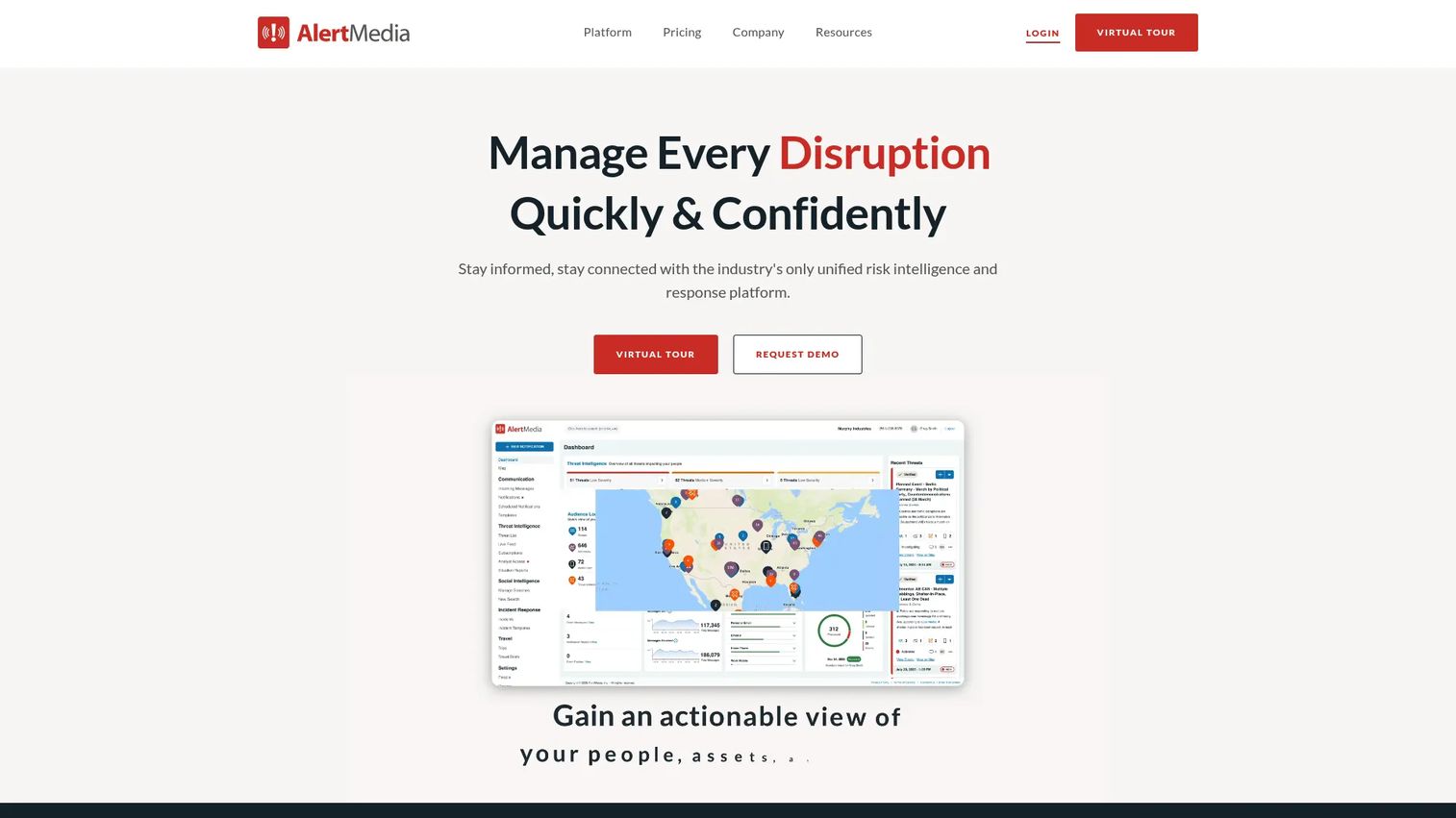
AlertMedia is emergency communication and risk intelligence software built for organizations that need to alert, coordinate, and respond during critical events. It pairs multichannel mass notification with threat monitoring, so your team sees a developing situation and responds through the same platform. Two-way messaging confirms who received an alert and who needs help.
The threat intelligence layer is what separates AlertMedia from a pure notification tool. Instead of only reacting, you get advance warning on weather, civil unrest, and other risks near your people and sites. Audience segmentation lets you target a specific location or team, and internal and external use cases both run from one console.
Best for: Enterprises that need mass notifications, incident coordination, and threat intelligence in a single platform.
Key features
- Multichannel emergency notifications across SMS, voice, email
- AI-assisted incident response planning
- Risk intelligence and threat monitoring
- Two-way messaging and confirmations
- Audience segmentation by location and team
Why choose AlertMedia: Pick it when you want threat awareness and mass notification together, rather than stitching two tools into one workflow. It fits enterprises with distributed sites and people to protect.
AlertMedia pricing: AlertMedia uses custom pricing and asks prospects to request a quote through its pricing page. No numeric plan is published.
AlertMedia holds a 4.7/5 rating on G2.
2. Regroup Mass Notification
Regroup Mass Notification is cloud-based mass notification software that handles emergency alerts and routine operational communications from one system. That dual purpose is the point. You use the same platform to warn about a lockdown and to send a shift change or a facilities update, which keeps your team fluent in the tool before a crisis hits.
Regroup delivers across text, phone, email, desktop alerts, digital signage, and push notifications. Two-way messaging lets recipients respond, and geofencing targets alerts to people inside a specific area. For teams that want emergency readiness without buying a tool that sits idle between incidents, the operational messaging angle earns its keep.
Best for: Organizations that want emergency and everyday mass communications in a single multi-channel platform.
Key features
- Text, phone, email, desktop, and push channels
- Digital signage integration
- Two-way messaging
- Geofencing for location-based alerts
- Templates for fast setup
Why choose Regroup: Choose it when daily operational messaging matters as much as crisis alerting. Regular use keeps administrators comfortable with the system, so nobody fumbles the console during a real event.
Regroup pricing: Regroup uses custom, flexible pricing and directs prospects to request a quote.
3. Singlewire Software
Singlewire Software builds enterprise safety and communication software centered on its InformaCast mass notification and incident management product. It is a strong fit for schools, healthcare systems, government, and manufacturing, where reaching people across many device types is the whole challenge. IP paging, desktop alerts, and mobile notifications work together to blanket a facility.
Beyond notification, Singlewire adds Visitor Aware for visitor and student management, which extends the platform into physical safety workflows. For a campus that needs to alert classrooms over paging, push to staff phones, and track who is in the building, the combination covers more ground than a text-only tool. The healthcare emergency alerting and school emergency notification use cases are where it stands out.
Best for: Schools, healthcare, and government teams that need emergency notification plus visitor and safety workflows.
Key features
- InformaCast mass notification and incident management
- IP paging and desktop and mobile alerts
- Visitor Aware visitor and student management
- Multi-device coverage across a facility
- Sector-specific safety modules
Why choose Singlewire: Choose it when you need to reach people through paging and physical endpoints, not just personal devices. It suits campuses and facilities with mixed infrastructure.
Singlewire pricing: Singlewire establishes pricing through bids, quotes, or order forms rather than a public price. Contact the vendor for a quote.
Singlewire holds a 4.5/5 rating on G2.
4. Rave Alert
Rave Alert is a FedRAMP-authorized mass notification system built for speed. Its signature is three-click message sending across text, email, voice, desktop, social, and other channels, so an administrator can push an alert without hunting through menus. That matters when seconds count and the person sending is under stress.
Rave keeps recipient data current by syncing automatically with your database of record and running proactive data checks, which addresses the stale-contact problem that undermines so many alert systems. Configurable templates and unlimited messages support both routine and crisis sends. Its Text to Opt-In and Automatic Polling Module make it a fit for campus and public sector deployments where reaching a large, changing population is the norm.
Best for: Organizations that need fast mass notification with reliable, current recipient data.
Key features
- Three-click sending across text, email, voice, desktop, social
- Automatic sync with database of record
- Ongoing proactive data checks
- Unlimited messages and configurable templates
- Text to Opt-In and Automatic Polling Module
Why choose Rave Alert: Choose it when speed of send and data accuracy top your list. The FedRAMP authorization also helps in public sector and regulated environments.
Rave Alert pricing: Rave Alert does not publish pricing on its site and uses a quote and request-a-demo flow. Contact the vendor for a quote.
Rave Alert holds a 4.5/5 rating on G2.
5. Everbridge
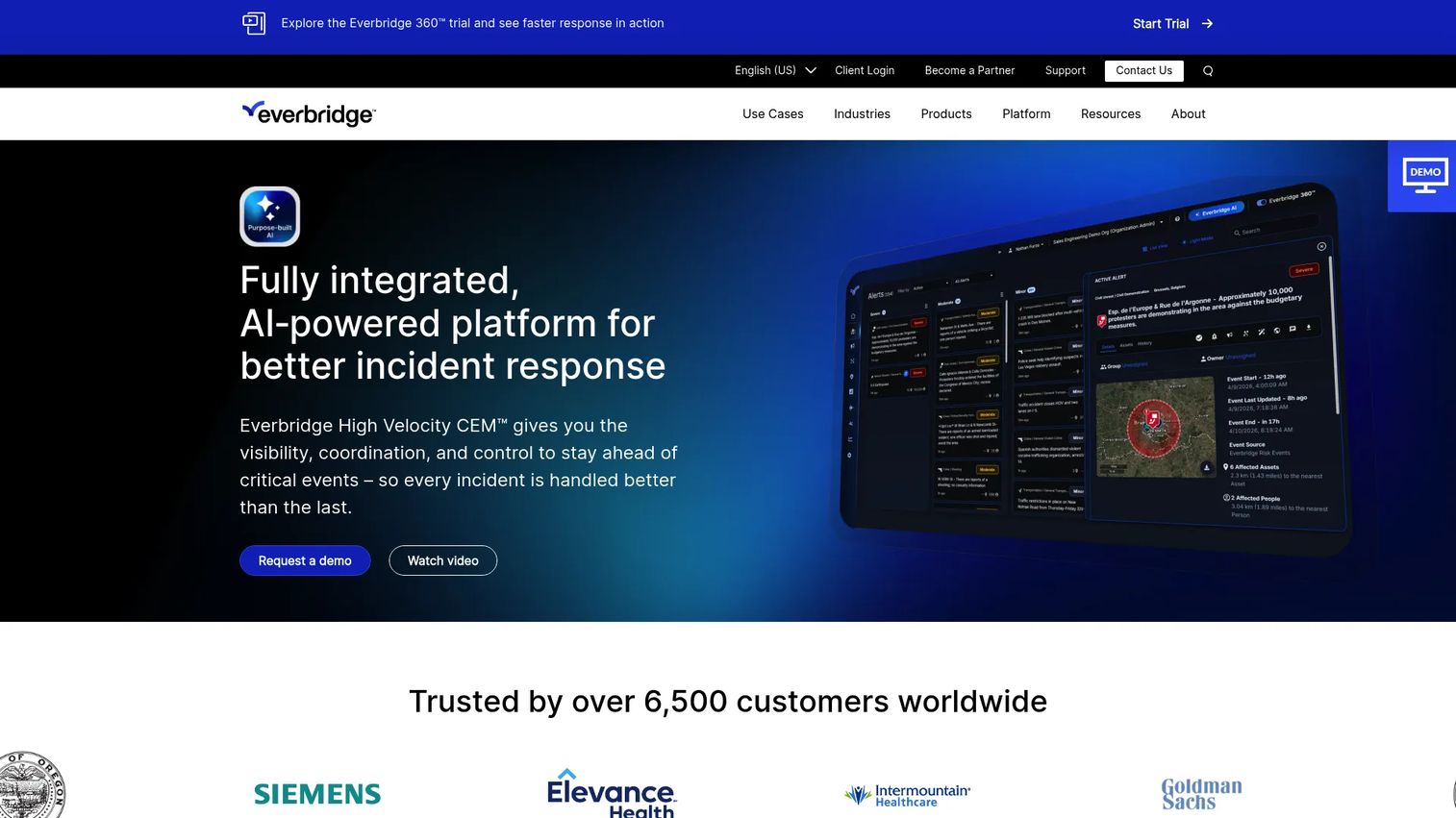
Everbridge is enterprise critical event management and resilience software for responding to physical and digital threats. It reaches beyond notification into full incident coordination, which is why large organizations with complex risk profiles gravitate to it. Mass notification is one module inside a broader critical event management platform.
Everbridge combines high-velocity critical event management, risk intelligence, and crisis management, with purpose-built AI supporting the workflows. For a global enterprise juggling multiple sites, supply chains, and threat types, that breadth matters. Governance and reporting depth make it a fit for organizations that must document response for compliance and board review.
Best for: Large organizations that need coordinated incident response, mass notification, and resilience workflows at scale.
Key features
- High-velocity critical event management
- Risk intelligence and threat monitoring
- Mass notification across channels
- Crisis management workflows
- Purpose-built AI for response
Why choose Everbridge: Choose it when your challenge is coordinating a complex incident across a large, distributed organization, not just sending an alert. It suits enterprise resilience programs.
Everbridge pricing:Everbridge doesn't display pricing on its site. The vendor needs to be contacted to scope a plan for your organization.
6. Crises Control
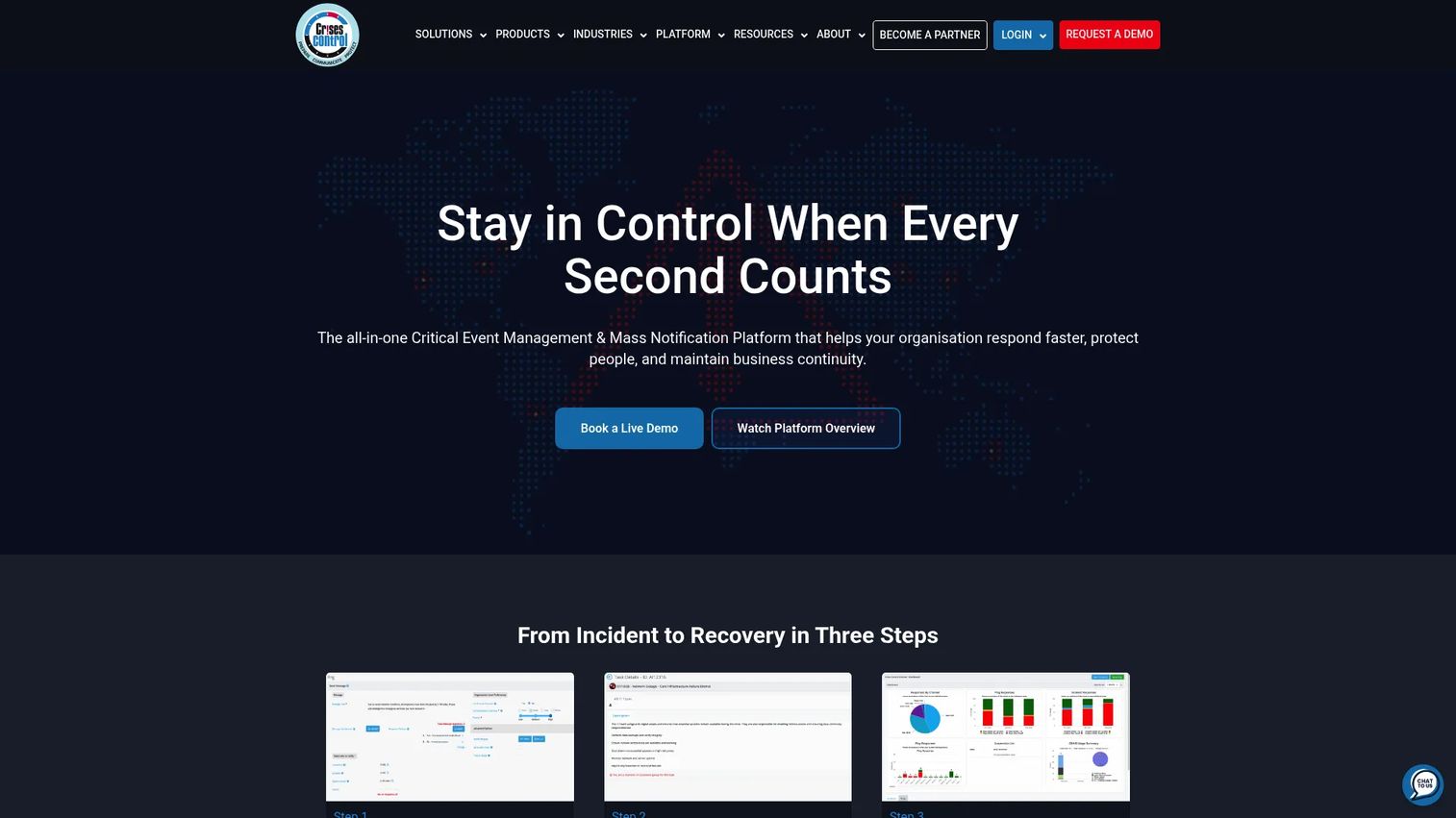
Crises Control is critical event management and mass notification software focused on crisis response and business continuity. It sends alerts across email, SMS, push, voice calls, and web, then layers incident management on top so the response does not stop at the notification. Task management and real-time updates keep everyone aligned as a situation develops.
The business continuity angle is where Crises Control fits differently. Incident workflows, tasking, and escalation turn an alert into a coordinated organization-wide response. An audit trail, reporting, and integrations including SSO and APIs support the governance side. For teams that treat emergency communication as part of a broader continuity plan, that structure helps.
Best for: Organizations that need critical event management and mass notification tied to business continuity.
Key features
- Mass notifications across email, SMS, push, voice, web
- Incident management with task management
- Real-time updates during incidents
- Audit trail and reporting
- SSO and API integrations
Why choose Crises Control: Choose it when tasking and escalation matter as much as the alert itself. It fits teams building emergency comms into a formal continuity program.
Crises Control pricing: Crises Control uses a pricing calculator rather than a fixed public price, and notes that other currencies are available on request. Contact the vendor for a quote.
7. Alertus Technologies
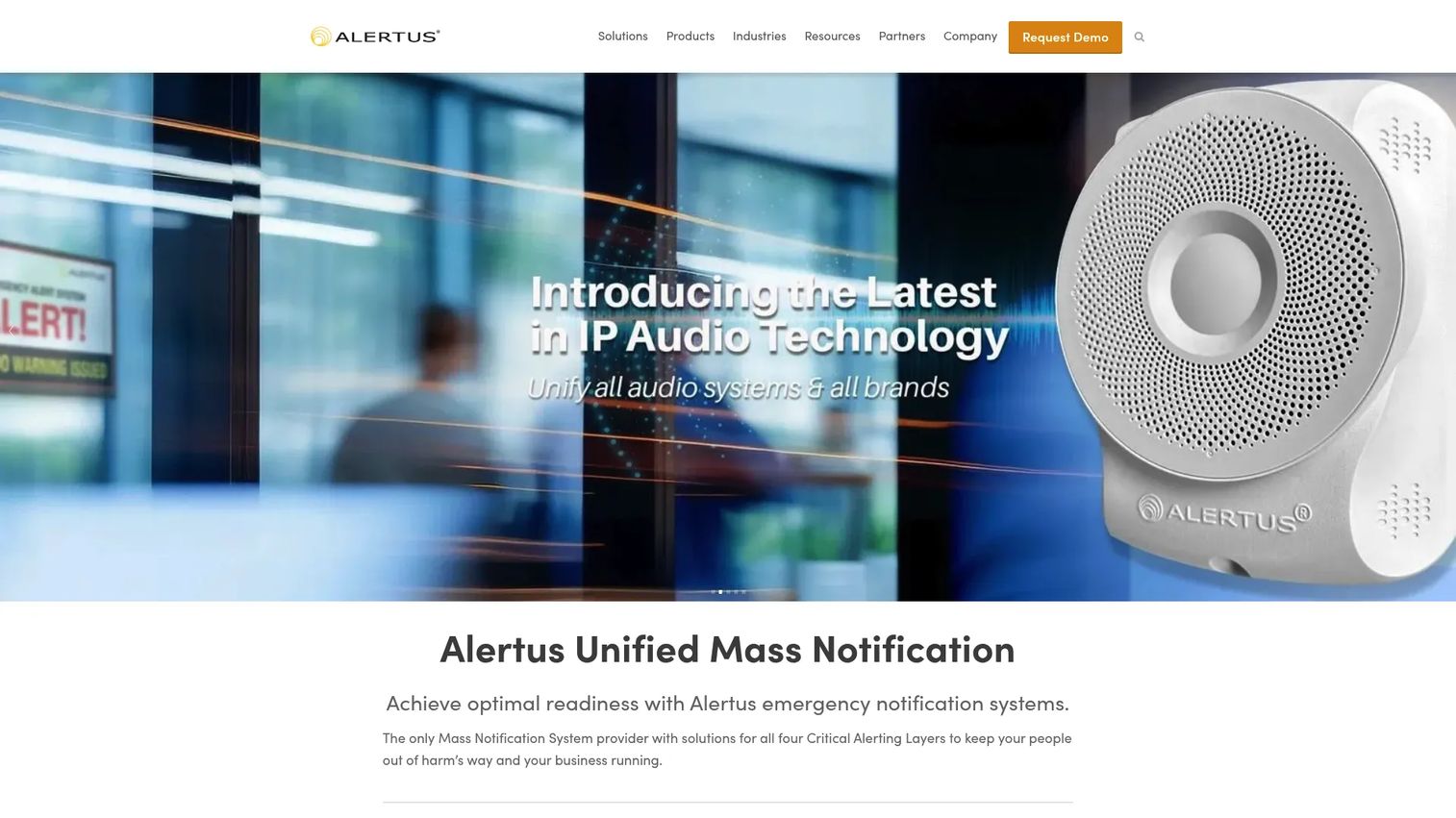
Alertus Technologies delivers multi-channel emergency notification with unusual depth on physical endpoints. Where many platforms focus on personal devices, Alertus covers hardware alerting: wall-mounted beacons, desktop notifications, and integration with existing systems across a campus or enterprise. That endpoint coverage is its differentiator.
For a workplace emergency alerting scenario where you need to reach people who are not looking at a phone, physical endpoints close the gap. Alertus pairs mobile and desktop alerting with hardware so an alert lands whether someone is at a workstation, in a hallway, or on the floor. Its integration and deployment depth suit campuses and enterprises with layered infrastructure.
Best for: Campus and enterprise teams that need physical endpoint coverage alongside mobile and desktop alerting.
Key features
- Multi-channel emergency notification
- Hardware and physical endpoint alerting
- Desktop and mobile alerting
- Integration with existing systems
- Campus and enterprise deployment depth
Why choose Alertus: Choose it when reaching people away from their phones is a priority. Physical endpoints matter in facilities where staff are not desk-bound.
Alertus pricing: Alertus doesn't publish pricing on its site. The vendor needs to be contacted to scope hardware and software for your deployment.
Considerations
Before you commit, run each platform against this checklist. The right answer depends on your operational reality, not a feature count.
Channel coverage
Confirm the platform reaches every channel your people actually use. Ask whether it sends SMS, voice, email, desktop, mobile push, and paging in a single send. A gap here means someone misses the alert, and one missed recipient in an emergency is one too many.
Segmentation and targeting
Check how precisely you can target a message. You should be able to reach a specific building, role, shift, or department without blasting everyone. Ask about geofencing and dynamic groups, since a relevant alert gets read and a noisy one gets ignored.
Incident management and escalation
Look past the initial broadcast. Verify the platform supports acknowledgments, automatic escalation, and tasking so a response coordinates itself when a first responder does not confirm. This is the line between a notification tool and true incident management software.
Integrations and admin controls
Ask what the system connects to. Your directory, HR system, and access controls should feed recipient data automatically so contacts stay current. Check for SSO, role-based admin controls, and an audit trail for post-incident review and compliance.
Industry fit and implementation
Match the platform to your sector. A school needs paging and visitor management, a hospital needs healthcare emergency alerting, and a public sector team needs a public warning system with FedRAMP authorization. Ask how long implementation takes and who owns it.
Conclusion
The right emergency alert software is the one that works the first time, under stress, when a normal channel is too slow. Match the platform to your context rather than chasing the longest feature list.
For broad enterprise coverage with threat intelligence, AlertMedia leads. For campus and school safety with paging and visitor workflows, Singlewire Software fits. For teams that want emergency plus daily operational messaging in one tool, Regroup Mass Notification earns its place. For large-scale critical event management, Everbridge coordinates complex incidents, while Rave Alert wins on speed and FedRAMP authorization for public sector deployments.
Your next step depends on size and use case. A single-site business or school should shortlist two platforms and run a live test send. A distributed enterprise should scope a critical event management platform against its full risk profile. Whatever you choose, test the system before you need it, verify that recipient data stays current, and confirm the escalation path works end to end.
FAQs
The terms overlap heavily and most vendors use them interchangeably. Both send urgent messages across many channels to large groups fast. Emergency notification software sometimes emphasizes crisis and incident response, while mass notification software can also cover routine operational messaging. In practice, the leading platforms do both.
Yes. Multi-channel delivery is the defining feature of the category. A good platform pushes the same message to SMS, email, voice call, desktop banner, mobile push, and often IP paging in a single send. Sending across every channel at once is how you close the gap between sending an alert and people actually seeing it.
Paging and physical endpoint coverage rank high, since classrooms and hallways need audible alerts, not just phone notifications. Look for visitor and student management, fast targeted segmentation by building, and integration with existing infrastructure. Several platforms also support Alyssa's Law requirements and campus-specific public warning workflows.
Two-way communication confirms who received an alert and who needs help. Instead of broadcasting and hoping, you see acknowledgments in real time and can route resources to people who report a problem. During an incident, that feedback loop turns a one-way broadcast into a coordinated response.
Verify channel coverage, segmentation precision, escalation and acknowledgment support, and how recipient data stays current. Ask about integrations with your directory and HR system, SSO, and audit trails for compliance. Then run a live test send before you commit, because the only real proof is an alert that arrives.
Schools and universities, healthcare systems, government and public sector agencies, manufacturing, and large enterprises are the heaviest users. Each has a duty to reach people fast during a crisis. Healthcare emergency alerting, school emergency notification, and workplace emergency alerting are the most common deployment contexts.
Beyond the initial alert, incident management software adds escalation rules, acknowledgments, and tasking. If a responder does not confirm within a set window, the system escalates automatically to the next person. It also keeps a record of who did what, which supports post-incident review and compliance reporting.
Many platforms handle both. Using the same tool for routine messages, like a shift change or a facilities update, keeps administrators fluent in the console so nobody fumbles it during a real emergency. Platforms built for dual use make daily operational messaging a core part of the value.










