You dial a number. You wait through four rings. Voicemail. You log the call, update the CRM, find the next lead in a different tab, and dial again. Repeat that 60 times and you have spent most of your day on everything except talking to people.
That is the real cost of manual outbound calling. Not the dials themselves, but the dead time between them.
A power dialer removes that dead time. It queues your list, dials the next number the moment you hang up, drops voicemails with one click, and writes the call outcome back to your CRM without you touching a keyboard. The result is more live conversations per hour, which is the only activity that actually books meetings.
Demand for these tools is climbing. The auto dialer software market is projected to grow from US$506.6M in 2024 to US$1.22B by 2034 at a 9.2% CAGR, according to Fact.MR (2024). Buyers want automation because reps want time back.
This guide compares seven power dialer tools on the criteria that matter for outbound teams: dialing speed, CRM fit, compliance, coaching, and pricing transparency.
What's inside
This guide is for SDRs, outbound reps, and the sales managers who buy tools for them. Every pick was evaluated against the same short list of criteria:
- Dialing speed and throughput: how fast it moves reps from one live conversation to the next
- CRM integrations: how cleanly it syncs with Salesforce, HubSpot, or your existing stack
- Coaching and call quality: call recording, live coaching, and QA workflows for ramp
- Compliance: support for TCPA-aware calling, DNC handling, and approved workflows
- Pricing transparency: whether you can see what you will pay before a sales call
TL;DR
- Best overall for high-volume outbound: PhoneBurner, built around unlimited dialing and live conversations
- Best platform bundle with AI: Dialpad, if you want a dialer inside a broader communications stack
- Best CRM-first workflow: Close, for structured outbound directly inside a sales CRM
- Best for contact-center style outbound: RingCentral, when the dialer sits in a larger phone system
- Best for coaching and dialing efficiency: JustCall, for distributed teams that need flexible workflows
- Best all-in-one calling system: Aircall, for teams that want a polished phone system plus dialer
- Best for scalable parallel dialing: Salesfinity, for high-volume prospecting teams
What is power dialer software?
Power dialer software is a sales calling tool that automatically dials numbers from a queue, one after another, so reps spend more time in live conversations and less time dialing by hand. When a call ends, the system immediately dials the next lead in the list.
Unlike a predictive dialer, which dials several numbers at once and predicts agent availability, a power dialer dials one number per rep at a time. That keeps a human ready for every connect and avoids the awkward pause that predictive dialers can create.
Key features to expect in modern power dialing software:
- CRM syncing: call outcomes, notes, and dispositions write back automatically
- Voicemail drop: leave a pre-recorded message with one click and move on
- Call recording: capture calls for coaching, QA, and compliance
- Local presence: display a local area code to lift answer rates
- Call analytics: track connect rates, talk time, and call outcomes
- Live coaching: listen, whisper, or barge on active calls
- Lead filtering: build and prioritize call queues from CRM data
The category overlaps with related tools. An autodialer is any software that dials automatically. A predictive dialer is a specific autodialer type built for maximum agent utilization. A power dialer sits between manual dialing and predictive dialing: automated pacing, but one live rep per call.
When to use a power dialer
Use a power dialer when your team makes high-volume outbound calls
If your SDRs run large call lists every day, dialing by hand wastes hours. A power dialer keeps reps in a continuous flow of live conversations, which lifts throughput and connect rates without adding headcount. The more calls your motion demands, the bigger the return.
Use a power dialer when reps need fewer manual steps
SDRs juggle seven or more tabs on a normal day. A power dialer collapses several of them: it pulls the next lead, dials, logs the outcome, and drops voicemail without a rep clicking between tools. Fewer clicks means more time on the phone and cleaner CRM data.
Use a power dialer when coaching and consistency matter
Call recording and live coaching give managers a feedback loop that scales. New reps ramp faster when a manager can listen live and whisper guidance. Recorded calls become QA material and onboarding examples, so the whole team calls more consistently.
Power dialer software comparison
Here is a side-by-side view of the seven tools, sorted by relevance to SDR outbound calling. Pricing and ratings reflect each vendor's public pages and G2 listings at the time of writing.
| # | Product | Best for | Key differentiator | Pricing | G2 rating |
|---|---|---|---|---|---|
| 1 | PhoneBurner | High-volume outbound teams | Unlimited dialing with built-in CRM and coaching | From $140/user/mo (billed annually) | Not listed |
| 2 | Dialpad | AI-first calling platforms | AI transcription and real-time coaching | From $15/user/mo | 4.4/5 |
| 3 | RingCentral | Contact-center style outbound | Dialer inside a full UCaaS stack | From $19.99/user/mo (annual) | 4.3/5 |
| 4 | Close | CRM-native outbound | Calling built into the CRM | From $9/user/mo | 4.7/5 |
| 5 | JustCall | Distributed SDR teams | Calling, SMS, and AI coaching in one | From $19/user/mo | 4.3/5 |
| 6 | Aircall | All-in-one calling teams | Cloud phone system with 250+ integrations | Custom pricing | 4.4/5 |
| 7 | Salesfinity | Scalable parallel dialing | AI parallel dialer with enrichment | From $299/user/mo | 4.8/5 |
Best power dialer software for 2026
1. PhoneBurner
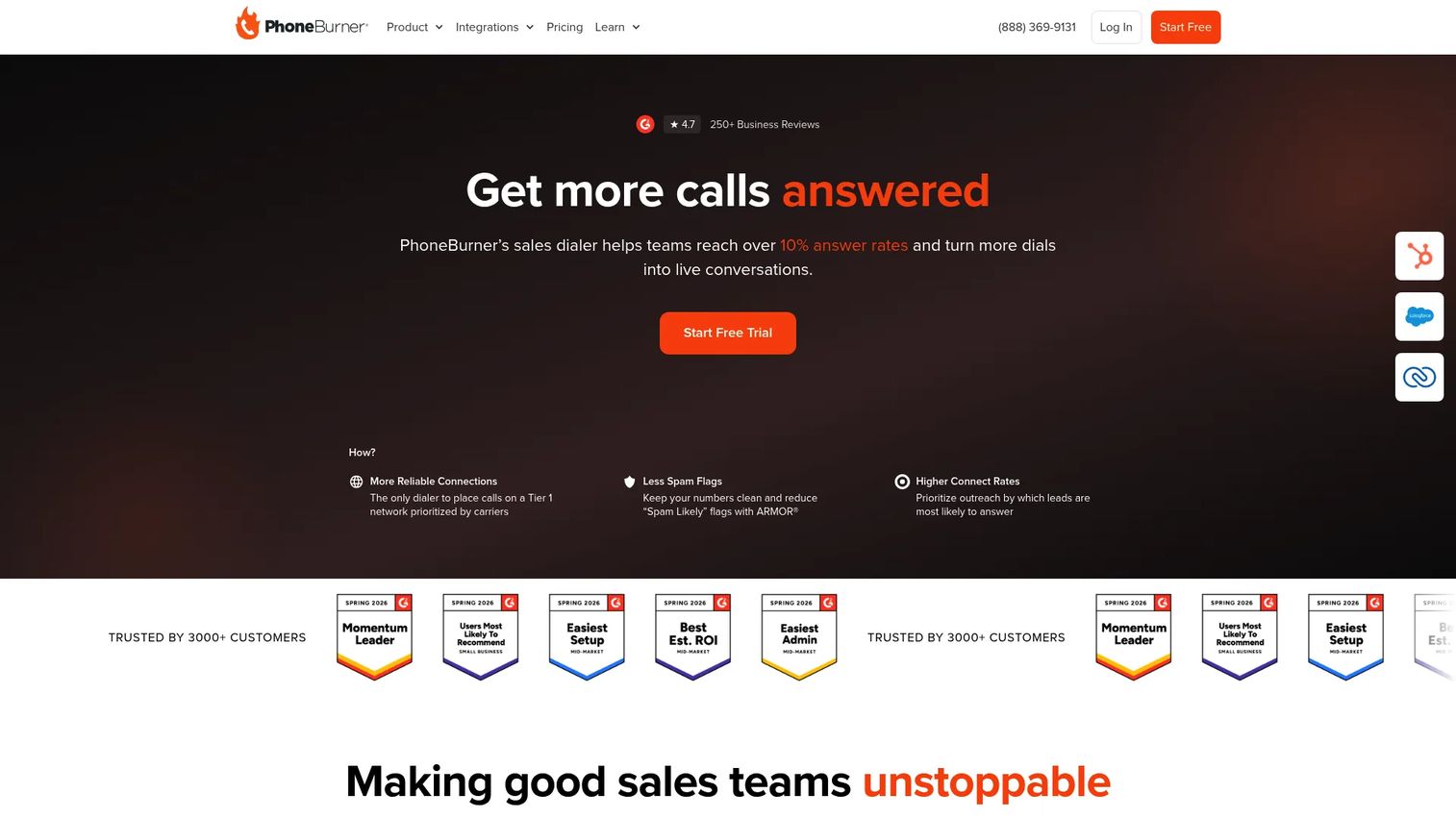
PhoneBurner is a sales dialer and CRM platform built for teams that live on the phone. It pairs a power dialer with follow-up automation and coaching tools, so reps move from one live conversation to the next without manual dialing or admin drag. The pitch is simple: more talk time, fewer clicks, cleaner records.
Best for: Outbound teams that prioritize live conversations and high daily dial volume.
Key strengths
- Unlimited dialing on paid plans
- Workflow automation for follow-up
- Call analytics for connect rates and outcomes
- Voicemail drop and local presence
- Built-in CRM plus integrations
Why choose PhoneBurner: If your team's north star is live conversations per hour, PhoneBurner is built around that metric. The unlimited dialing model means throughput is not throttled by a per-minute meter, which suits SDRs running large lists day after day.
PhoneBurner pricing: The Standard plan starts at $140 per user per month billed annually. Professional is $165 per user per month and Premium is $183 per user per month, both billed annually. A free trial is available.
2. Dialpad
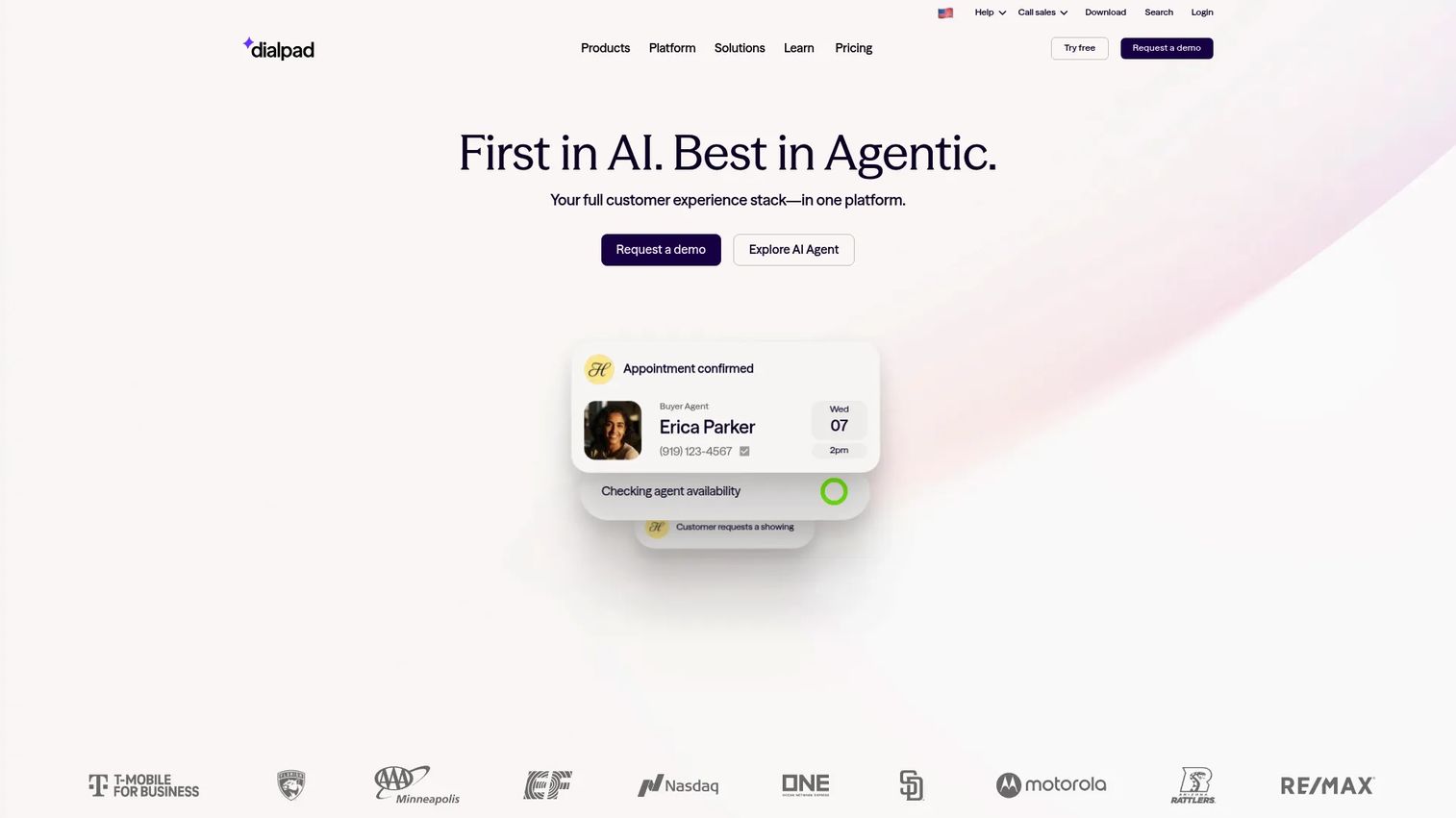
Dialpad is an AI-powered communications platform that bundles business calling, messaging, meetings, and a contact center. Its power dialer sits inside that broader stack, so outbound calling shares a home with your team's everyday communication tools. The AI layer is the headline: real-time transcription, call summaries, and live guidance.
Best for: Teams that want a dialer inside a unified communications platform with strong AI features.
Key strengths
- AI transcription and real-time call summaries
- Business calling, messaging, and meetings in one
- Contact center analytics and workforce tools
- Voicemail drop and call recording
- Live coaching and AI-assisted guidance
Why choose Dialpad: The value is consolidation. Instead of a standalone dialer bolted onto a phone system, you get calling, messaging, meetings, and outbound dialing under one roof, with AI that transcribes and summarizes calls automatically. That reduces tool sprawl for teams tired of switching apps.
Dialpad pricing: Dialpad Connect starts at $15 per user per month for the Standard plan. Pro is $25 per user per month, and Enterprise is custom pricing. Its AI Agent product uses conversation-based pricing rather than a per-seat rate.
3. RingCentral
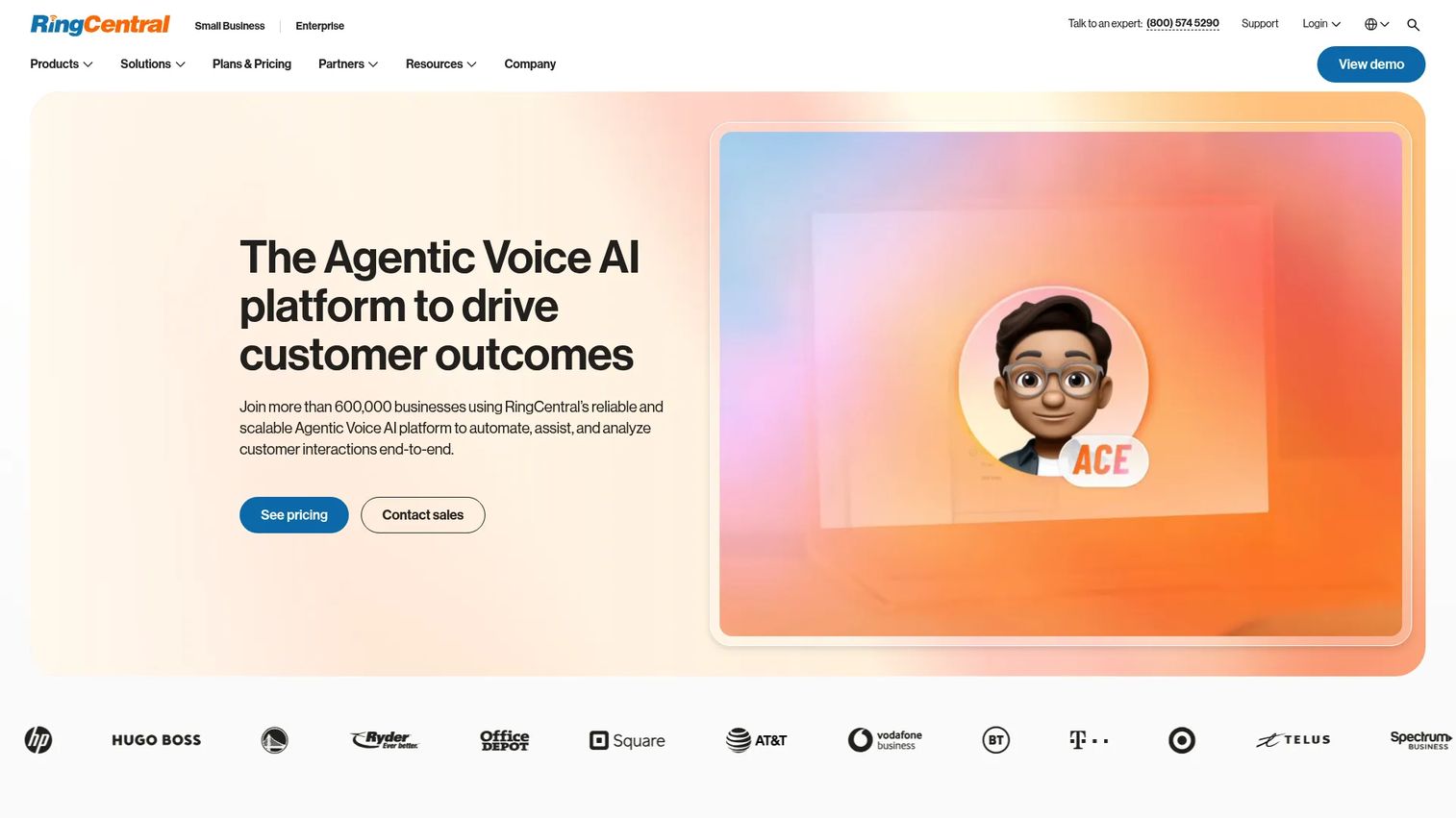
RingCentral is a cloud communications platform covering business phone, messaging, video, and contact center. Its power and progressive dialing capabilities sit inside a larger UCaaS system, alongside predictive and preview options for teams running contact-center style outbound. Analytics, routing, and compliance tooling come with the broader platform.
Best for: Teams that want dialer functionality as part of a full business communications stack.
Key strengths
- Unlimited calls within the US and Canada
- Unlimited audio meetings and video conferencing
- Voicemail-to-text and internet fax
- Call routing and analytics
- Power, progressive, and predictive dialing options
Why choose RingCentral: If your organization already needs a full phone system, meetings, and messaging, layering outbound dialing into the same platform avoids running two vendors. It fits teams that think in terms of a communications system, not just a sales dialer.
RingCentral pricing: RingEX plans start at $19.99 per user per month billed annually for Essentials. Standard is $24.99, Premium is $34.99, and Ultimate is $49.99 per user per month, all billed annually.
4. Close
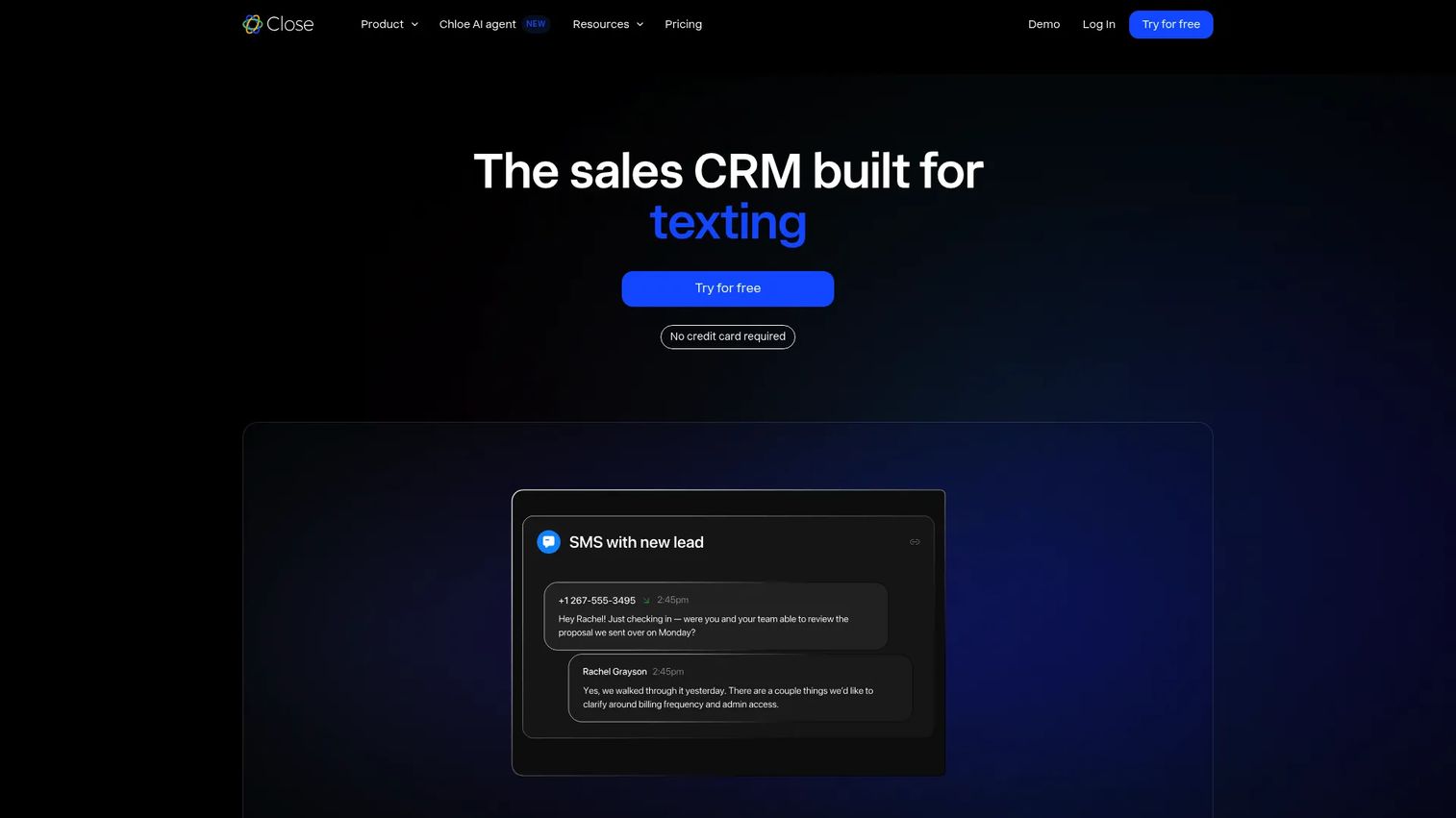
Close is a sales CRM with calling, email, SMS, and automation built in. Its power dialer runs directly inside the CRM, using Smart Views to build call queues, session controls to manage dialing, and duplicate prevention to keep lists clean. For teams that want outbound calling and pipeline management in one place, that native design removes the gap between dialing and record-keeping.
Best for: Inside sales teams that want structured outbound directly inside their CRM.
Key strengths
- Built-in calling with power dialer
- Email and SMS outreach
- Smart Views for call queue building
- Workflow automation and AI lead insights
- Session controls and duplicate prevention
Why choose Close: Because the dialer and CRM are the same product, there is no sync lag or integration gap. Reps call from the same screen where the lead lives, and every outcome logs automatically. That native fit suits teams that want one system rather than a dialer plus a separate CRM.
Close pricing: Plans start at $9 per user per month for Solo. Essentials is $35, Growth is $99, and Scale is $139 per user per month. Calling and SMS are usage-based on top of the seat price. A 14-day free trial is available with no credit card required.
5. JustCall
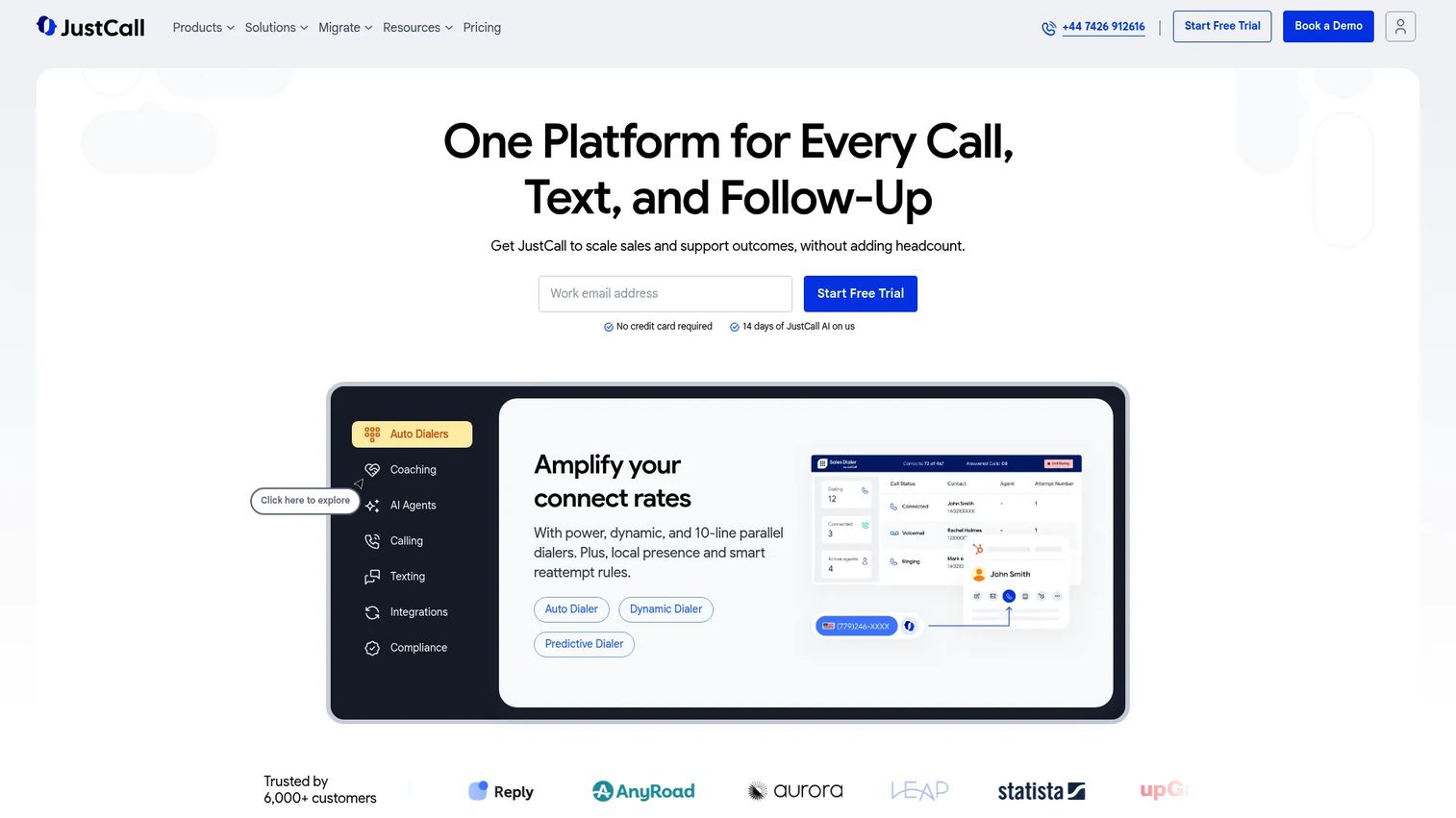
JustCall is an AI-powered business communications platform for calls, SMS, and sales or support workflows. It offers power dialing, team calling, call tracking, local presence, and call recording, with an AI layer for call scoring and coaching. With 70-plus native integrations, it slots into most SDR stacks without heavy setup.
Best for: Distributed SDR teams that need flexible outbound calling plus texting.
Key strengths
- Calling and SMS in one platform
- AI call scoring, coaching, and voice agents
- Power dialing and local presence
- Call recording and call tracking
- 70+ native integrations plus APIs and webhooks
Why choose JustCall: JustCall fits teams that run outbound across both voice and text and want AI coaching baked in. The broad integration library means distributed reps can keep their existing CRM and sequencer while adding a dialer that ties into everything.
JustCall pricing: Plans start at $19 per user per month. The Team plan is $29, Pro is $49, and Pro Plus is $89 per user per month, all billed annually. There is a two-license minimum and a 14-day free trial. AI voice agent usage is priced separately at $0.99 per minute.
6. Aircall
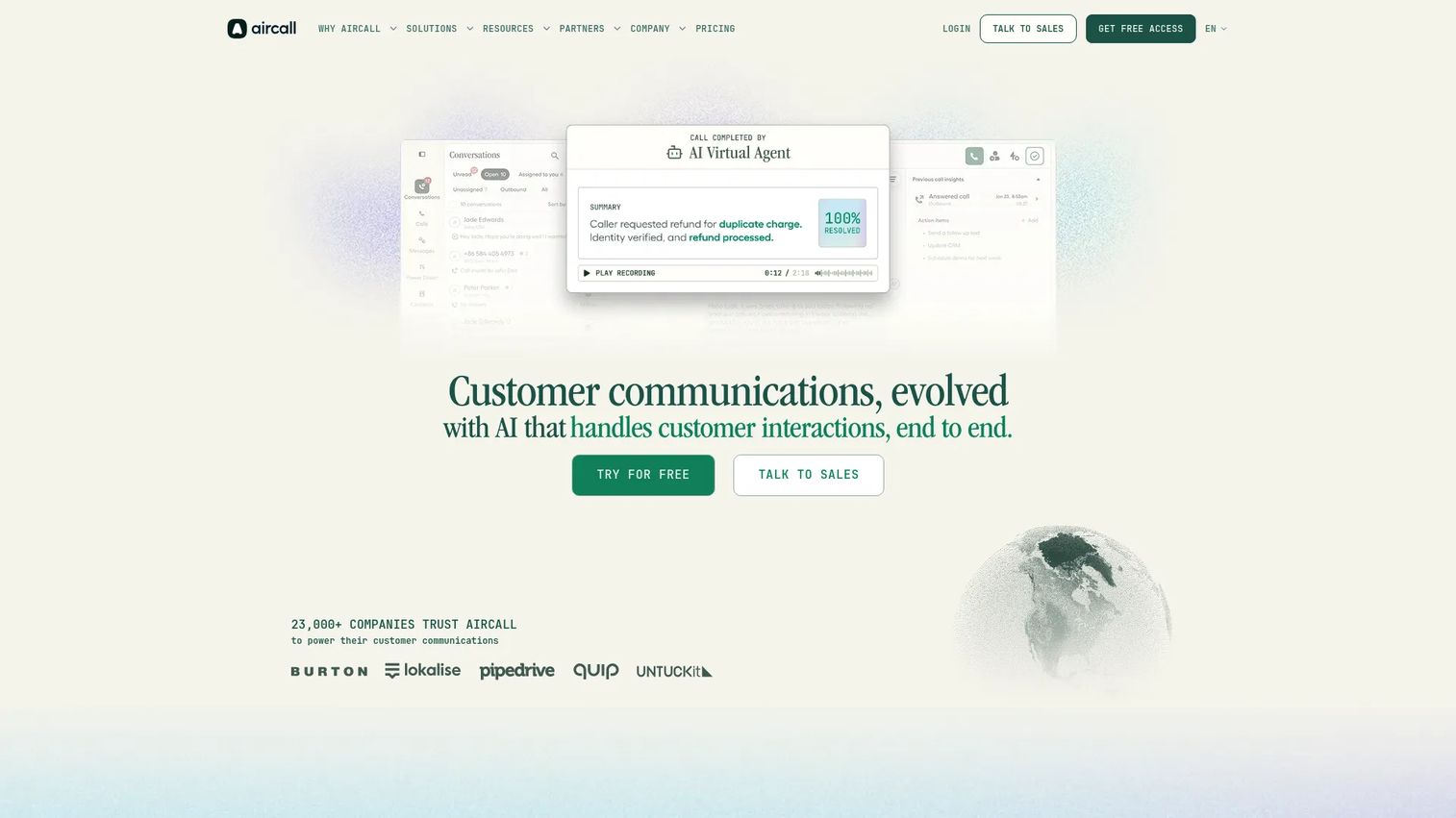
Aircall is a cloud phone and conversation platform for sales and support teams. It combines call queueing, power dialer workflows, IVR, call routing, and click-to-dial with more than 250 integrations. AI transcription, call summaries, and conversation analytics support coaching and QA across the team.
Best for: Sales teams that want a polished cloud phone system plus dialer functionality.
Key strengths
- IVR, call routing, recording, and click-to-dial
- Power dialer and call queueing
- 250+ integrations plus API access
- AI transcription and call summaries
- Conversation analytics and coaching tools
Why choose Aircall: Aircall suits teams that value a clean, well-integrated phone system as much as the dialer itself. The large integration catalog and AI conversation features make it a strong fit for sales and support orgs that want one platform for both.
Aircall pricing: Aircall lists Essentials and Professional plans billed annually with a three-license minimum, plus a Custom plan for larger teams. Specific per-license amounts are quoted through the pricing page and sales team. A free-access option and AI voice agent free minutes are available.
7. Salesfinity
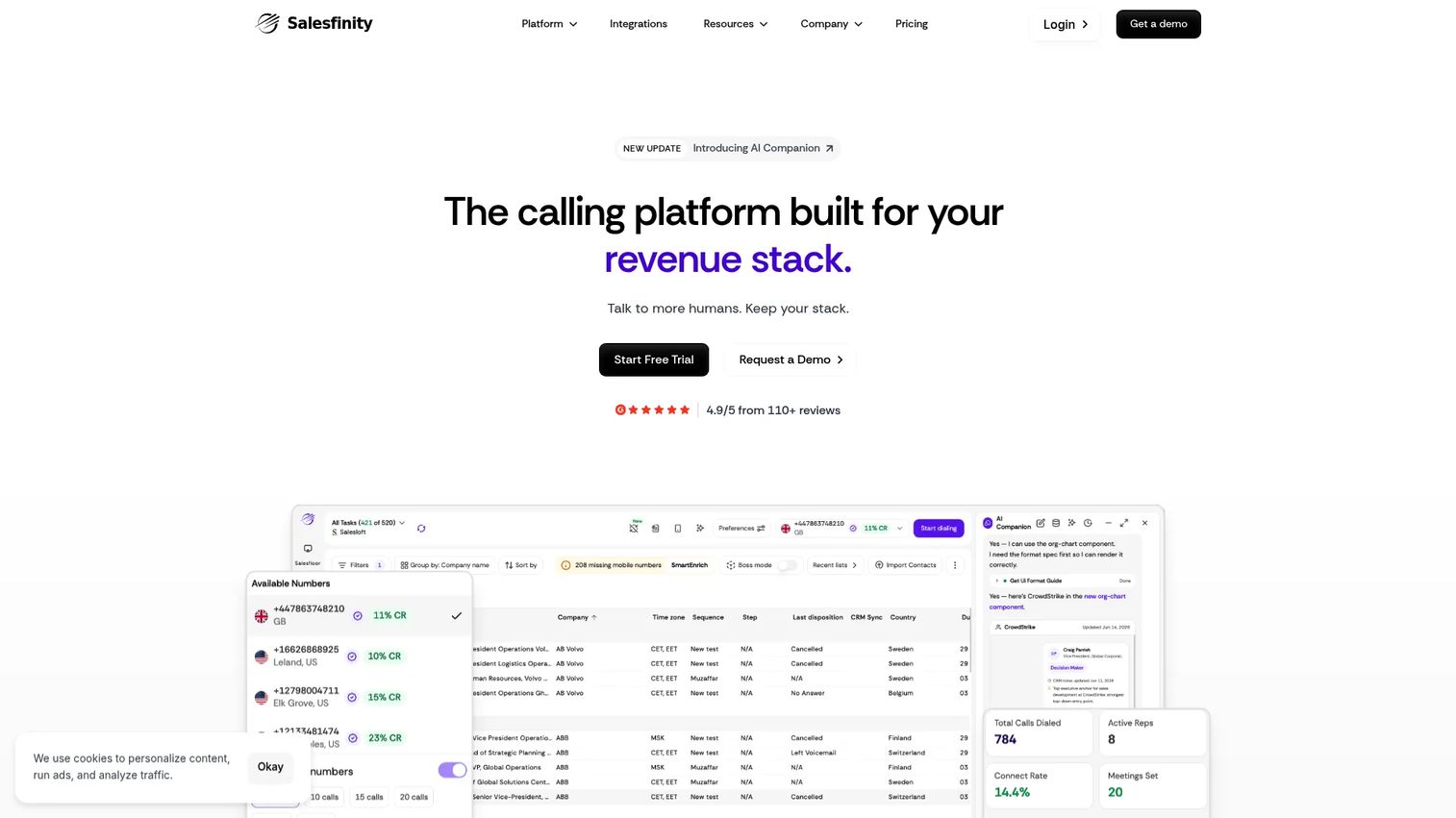
Salesfinity is an AI parallel dialer and revenue operating system for outbound sales teams. It pairs parallel dialing with a virtual salesfloor for coaching and SmartEnrich waterfall enrichment to keep call lists accurate. The platform is aimed at high-volume B2B prospecting teams that want dialing, coaching, and data quality in one place.
Best for: Outbound B2B teams that want parallel dialing plus coaching and enrichment together.
Key strengths
- AI parallel dialer for high call volume
- Virtual salesfloor for live coaching
- SmartEnrich waterfall enrichment
- AI Companion on every plan
- Team productivity and workflow tooling
Why choose Salesfinity: Salesfinity fits teams scaling outbound volume that also want enrichment and coaching built in, rather than stitched together. The parallel dialing approach maximizes connects per hour, and the virtual salesfloor keeps managers close to live calls.
Salesfinity pricing: The Gold plan is self-serve at $299 per user per month billed monthly. Enterprise and Enterprise Plus are custom-priced annual plans. AI Companion is included on every plan. A free trial is available.
Considerations before you buy
CRM integration
Check for native integration with your existing CRM, not just a generic Zapier connection. A dialer that syncs deeply with Salesforce or HubSpot writes call outcomes, notes, and dispositions back automatically. Integration depth matters more than a checkbox on a feature list, because shallow syncs create the exact data-hygiene problems SDRs are trying to escape.
Compliance and risk
Outbound calling carries legal weight. Look for tools that support TCPA-aware workflows, DNC list handling, and consent tracking, plus features that reduce abandoned-call risk. Compliance is not a feature to add later. It should shape your shortlist from the start, especially if you call across states or into regulated industries.
Coaching and call quality
Evaluate call recording, live coaching modes (listen, whisper, barge), and QA workflows. These tools drive faster ramp for new reps and give managers a consistent feedback loop. The best analytics tie directly to coaching moments, not just a dashboard nobody opens.
International calling
If your team dials globally, check coverage, local presence numbers by country, and per-minute rates. Multi-country calling can carry hidden costs, so confirm which regions are included in your plan and which are billed on top.
Pricing model
Compare seat-based versus usage-based pricing, and annual versus monthly billing. Some tools include unlimited dialing; others meter minutes. Watch for hidden costs like premium analytics, advanced integrations, or per-minute international rates. Match the pricing model to your call volume so you are not penalized for the throughput you actually need.
Conclusion
The right power dialer depends on how your team works, not on a single ranking. For pure high-volume outbound with unlimited dialing, PhoneBurner is the standout. If you want AI and a full communications stack, Dialpad fits. Close wins for teams that want calling native inside their CRM, while RingCentral suits contact-center style operations. JustCall serves distributed teams that mix voice and text, Aircall delivers a polished all-in-one phone system, and Salesfinity scales parallel dialing for high-volume prospecting.
Your next step: shortlist two or three tools, test dialing speed and CRM fit against your real workflow, and verify pricing for your call volume before you commit. The best choice is the one your reps will actually use every day.
And once a dialer books the meeting, the demo does the rest. Interactive product experiences like those from Guideflow let you share a guided walkthrough in follow-up emails so prospects experience the product before the next call.
Start your journey with Guideflow today!
FAQs
A power dialer is software that automatically dials phone numbers from a queue, one at a time, moving to the next lead as soon as a call ends. It removes the manual dialing and dead time that slow down outbound reps, so they spend more of the day in live conversations.
You load a call list, then the power dialer dials the first number, connects you when someone answers, and logs the outcome to your CRM. When you hang up, it immediately dials the next lead. Voicemail drop and local presence often run in the background to lift answer rates and save time.
A power dialer dials one number per rep at a time, so a live person is always ready to talk. A predictive dialer dials several numbers at once and uses algorithms to predict when agents will be free, which maximizes utilization but can create pauses or abandoned calls. Power dialing suits smaller teams and conversational selling; predictive dialing suits high-scale call centers.
Not exactly. Autodialer is the umbrella term for any software that dials automatically. A power dialer is one type of autodialer, and so is a predictive dialer. People use the terms loosely, but a power dialer specifically keeps one live rep per call with automated pacing between dials.
Prioritize CRM integrations that sync call outcomes automatically, voicemail drop to save time on no-answers, call recording for coaching, and reporting on connect and answer rates. Live coaching and local presence are strong additions for teams focused on ramp and connect rates.
Power dialing itself is legal, but outbound calling is regulated. In the US, rules like TCPA and DNC lists govern how and when you can call. Choose software with compliance features built in, and verify the specific rules for the states, countries, and industries you call into with your own legal team.
Pricing varies widely by plan, billing model, and included features. Entry seats in this list range from around $9 to $299 per user per month, and some tools meter minutes on top of the seat price. Annual billing usually lowers the monthly rate, so match the pricing model to your actual call volume.
A power dialer mainly improves efficiency: more dials per hour and less dead time between calls. Connect rate gains often come from paired features like local presence numbers and cleaner list filtering, plus the simple fact that reps reach more numbers per session. The tool speeds up the workflow; good data and targeting still drive who actually answers.