Last updated: October 2026
Your product launch goes live at 9:00 a.m. By 9:03, checkout slows, support gets flooded, and the team has no clean answer for who gets access first. Engineering is troubleshooting. Customer service is overwhelmed. And the question nobody can answer is whether the queue is fair.
This is not purely an infrastructure problem. It hits conversion, customer trust, and your ability to learn anything useful from the event. According to Queue-it's 2025 research, 87% of consumers prefer a short wait on a reliable site over immediate access to a buggy one. A well-designed online waiting room sets transparent expectations before demand becomes an incident.
Two distinct jobs sit under the virtual waiting room label. Online traffic waiting rooms protect websites and apps when visitor volume exceeds capacity. Service and appointment queue systems let people join remotely and arrive when staff can serve them. The right platform depends on which job you're solving.
This guide covers 12 tools across both categories, with the pricing, implementation context, and decision criteria that Product Managers actually need.
What's inside
- 12 virtual waiting room and queue management tools, covering online traffic control and service queue operations
- How tools were selected: Queue controls, reliability, notification capabilities, integration fit, and analytics depth
- Which tools fit ecommerce launches, ticket sales, government services, appointments, and multi-location operations
- What to verify before procurement, including cost drivers, implementation ownership, and instrumentation requirements
TL;DR
- Best for high-demand online launches: Queue-it handles traffic orchestration, fairness rules, and bot mitigation for peak-demand events
- Best for flexible appointment and remote waiting flows: Waitwhile combines virtual waitlists, appointments, and customer notifications with a free tier to start
- Best for government and complex public-service queues: QLess supports virtual queue enrollment, appointment scheduling, and multi-location service operations
- Best for enterprise customer-flow management: Qmatic covers multi-location orchestration and customer journey analytics at scale
- Best for configurable web traffic controls: Queue-Fair provides granular admission-rate controls with a free tier and a 5.0/5 G2 rating
- Best for lightweight hospitality and restaurant waitlists: NextMe and TablesReady handle digital waitlists and SMS notifications for front-of-house teams
What is virtual waiting room software?
Virtual waiting room software places visitors into a managed digital queue when demand exceeds website capacity or available service capacity, then admits them in a controlled order. The category splits into two operationally different approaches.
Online traffic waiting rooms
These tools intercept visitors before they reach a capacity-constrained page or backend system. Core mechanics include:
- Configurable traffic thresholds and admission rates
- FIFO queuing and pre-queue randomization
- Priority or invite-only access tiers
- Estimated wait-time messaging and branded queue pages
- Bot detection and abuse controls
- Real-time event dashboards for monitoring and intervention
Service and appointment queue systems
These tools replace physical lines with remote check-in and notification workflows. Core mechanics include:
- Virtual queue enrollment by SMS, web, or kiosk
- Appointment scheduling alongside walk-in management
- Automated customer notifications when service time approaches
- Staff routing and multi-location load balancing
- Queue position visibility for customers and staff
- Service analytics and reporting
Key features to look for
- Configurable admission rules (FIFO, randomized, priority)
- Real-time dashboards with event-level oversight
- Estimated wait-time accuracy and communication
- SMS, email, and app notifications
- API and ecommerce platform integrations
- Bot and abuse controls
- Accessibility and mobile support
- Role-based administration
- Data retention and security controls
Not every tool covers both online traffic protection and physical service queues equally. Clarify the primary job before comparing features.
When to use virtual waiting room software
Protect high-demand releases and online events
Product launches, limited inventory drops, ticket onsales, and public registration windows can overwhelm a site in minutes. A waiting room protects uptime by controlling how many users reach capacity-constrained pages simultaneously. Customers see their position and an estimated wait time rather than an error page. According to Queue-it's 2025 research, 84% of consumers prefer an online queue with wait information to a site crash or error.
Replace physical lines with remote check-in
Clinics, government offices, campus services, and retail locations can replace crowded waiting areas with virtual queues. Customers join remotely via SMS or a web link, receive status updates, and arrive closer to their service time. Staff gain visibility into who is next without managing a physical queue.
Manage appointment plus walk-in demand
Organizations with both booked appointments and unpredictable walk-ins need routing logic that keeps scheduled visits moving without losing walk-in customers. Routing rules, service types, staff capacity, and notification timing all require configuration. The right platform makes these variables manageable without constant engineering involvement.
Virtual waiting room software comparison
These tools serve different queue models. Compare them first by the demand you need to control, then by technical fit, operational workflow, and commercial model.
| # | Product | Best for | Key differentiator | Pricing | G2 rating |
|---|---|---|---|---|---|
| 1 | Queue-it | High-volume online launches | Traffic orchestration, fairness rules, AI bot mitigation | From $1,499/event (Essentials); enterprise contact sales | 4.7/5 |
| 2 | Waitwhile | Appointment and walk-in queues | Remote check-in, notifications, free tier available | Free; paid from $31/month | 4.9/5 |
| 3 | QLess | Government and public-service queues | Virtual queue enrollment, callback, multi-location | Contact sales | 4.3/5 |
| 4 | Qmatic | Enterprise customer-flow operations | Multi-location orchestration and journey analytics | Contact sales | 3.9/5 |
| 5 | WaitWell | Regulated service environments | Appointment and walk-in unification with AI wait-time estimation | From $29/month/location | 4.7/5 |
| 6 | Queue-Fair | Configurable web traffic queues | Admission-rate controls, bot protection, free tier | Free tier available; paid contact sales | 5.0/5 |
| 7 | CrowdHandler | Ecommerce traffic surges | One-in-one-out controls, event-based waiting rooms | Free (Lite); paid from $190/month | 4.9/5 |
| 8 | NextMe | Hospitality and lightweight waitlists | Guest SMS notifications and digital waitlist management | Free; paid from $49.99/month (billed annually) | 5.0/5 |
| 9 | TablesReady | Restaurants and service counters | Text-based waitlist with two-way SMS and reservations | Free; paid from $39/month (billed annually) | 4.6/5 |
| 10 | Qudini | Retail and appointment-led service | Appointment booking and queue management for retailers | Contact sales | 4.5/5 |
| 11 | Verint | Large contact-center environments | Enterprise CX automation and omnichannel engagement | Contact sales | 4.4/5 |
| 12 | Navimize | Healthcare-adjacent location services | Medical imaging, telemedicine, EHR integration context | Contact vendor | Not rated on G2 |
Best 12 virtual waiting room software tools for 2026
1. Queue-it
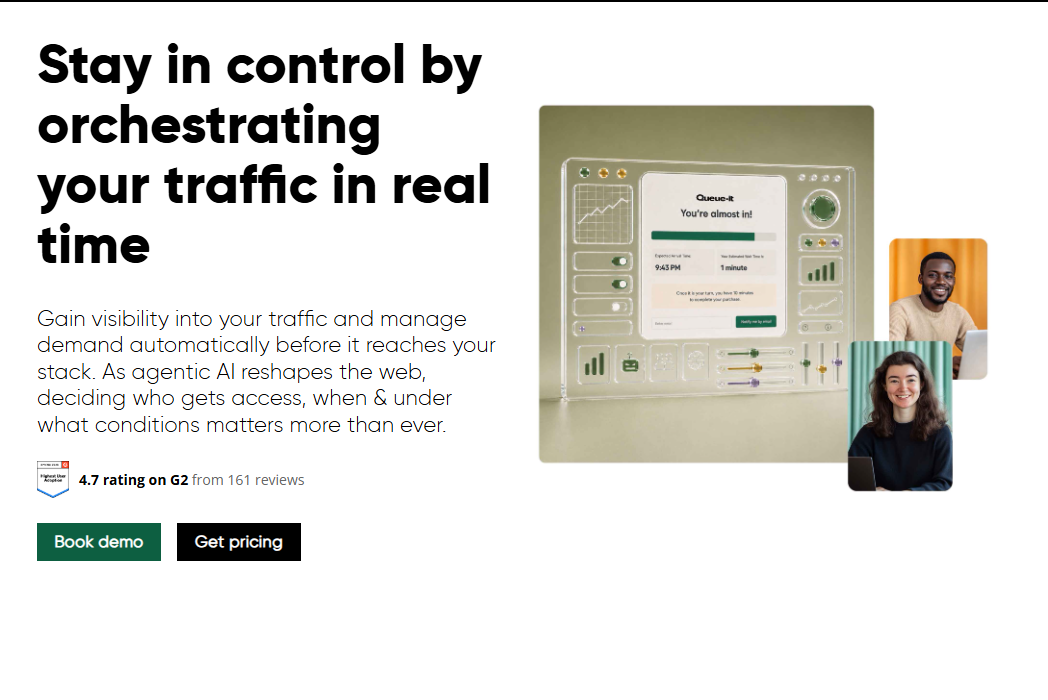
Queue-it is an online traffic orchestration platform built specifically for high-demand digital events. It manages peak website, app, and API traffic through virtual waiting rooms, configurable access rules, and AI-powered bot protection. Teams at major ticket platforms, government portals, and ecommerce sites use it when failure during a surge has direct revenue or reputational consequences.
Best for: Product and digital teams protecting websites or apps during predictable high-demand events like ticket onsales, product launches, or public registrations.
Key features
- Configurable traffic thresholds and FIFO or randomized queue rules
- AI-powered bot detection and mitigation
- Priority access and invite-only admission tiers
- Branded waiting-room pages with estimated wait-time messaging
- Real-time event dashboards with 25+ platform connectors
Why choose Queue-it: It belongs on the shortlist when your primary concern is fair, measurable access control during surge events. Service queue operations or appointment scheduling fall outside its scope.
Queue-it pricing: The Essentials plan starts at $1,499 per event and includes one scheduled waiting room, a custom theme, and up to 5,000 visitors per event. Standard, Pro, and Enterprise plans require contacting sales, with volume and contract terms as the main pricing variables.
G2 rating: 4.7/5
2. Waitwhile
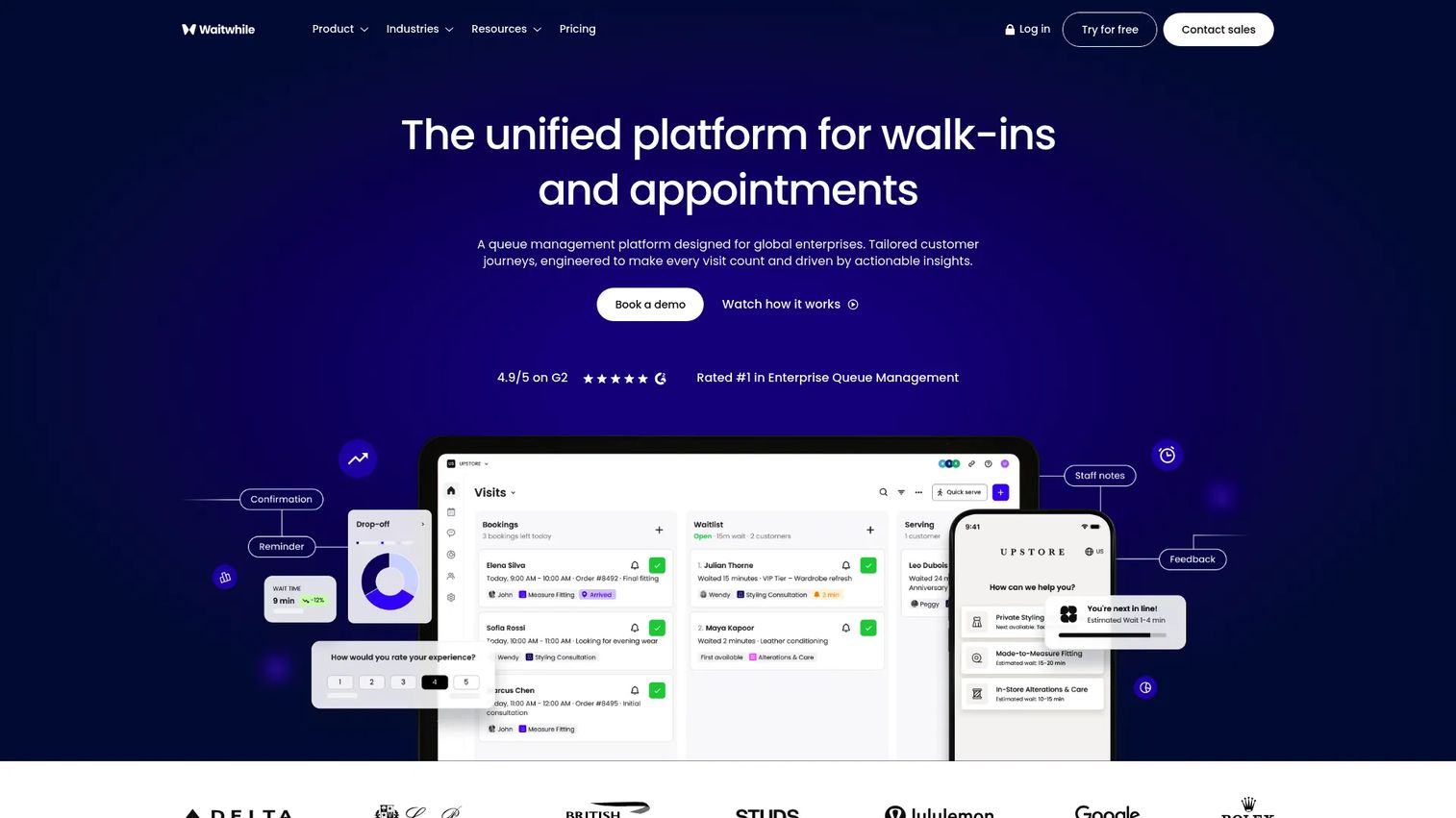
Waitwhile is a customer-flow platform for managing appointments, walk-ins, and virtual waitlists. Customers join online or on-site, receive automated SMS or email updates, and arrive when the service team is ready. It fits organizations where the PM's job is improving service access and reducing manual coordination, not protecting website infrastructure during traffic spikes.
Best for: Teams managing customer arrivals, service counters, multi-channel waiting experiences, or any combination of appointments and walk-ins.
Key features
- Online and onsite check-in with branded queue pages
- Automated customer notifications via SMS and email
- Appointment scheduling synchronized with walk-in queues
- Resource management and staff dashboards
- API, webhooks, Zapier, and Salesforce integrations
Why choose Waitwhile: The free tier makes it practical to validate a waitlist workflow before committing to a paid plan. It fits operations teams and PMs who need visible service flow metrics rather than web traffic admission controls.
Waitwhile pricing: The Free plan covers 1 location and up to 50 visits per month. Starter plans begin at $31/month and support up to 10 locations with 2,500 monthly visits. Business starts at $55/month, and Enterprise pricing is negotiated.
G2 rating: 4.9/5
3. QLess
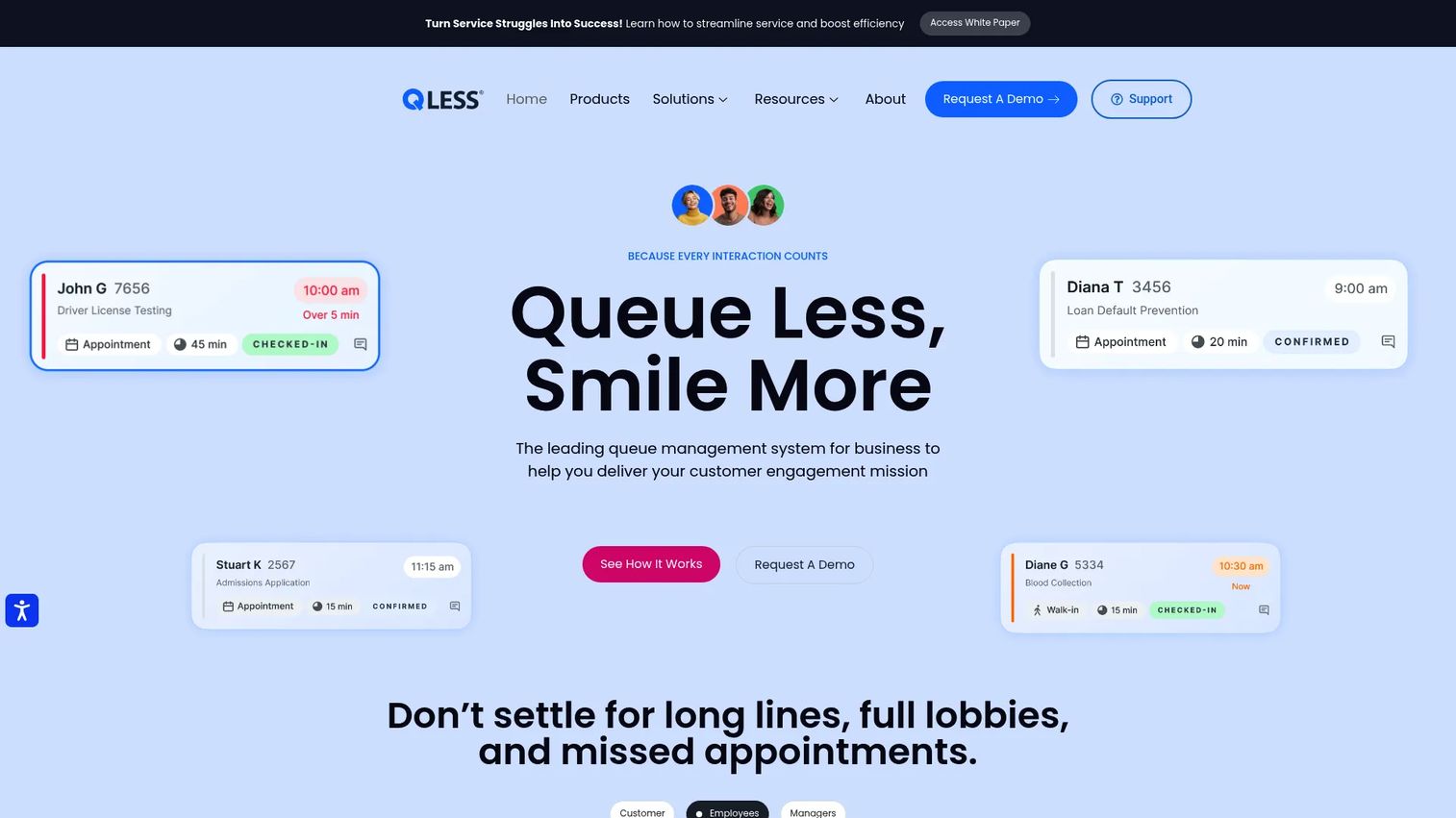
QLess is a cloud-based queue management and appointment scheduling platform designed for high-transaction service environments. Government agencies, university campuses, healthcare facilities, and multi-location retailers use it to manage virtual queue enrollment, callback flows, appointment reminders, and service routing across multiple service types simultaneously.
Best for: Government agencies, campuses, and enterprise service organizations managing multiple queues, service types, and locations in parallel.
Key features
- Virtual queue enrollment via SMS, web, or kiosk
- Appointment scheduling with automated reminders
- Callback queueing so customers wait remotely
- Multi-location load balancing and service routing
- Real-time operational analytics and two-way customer communication
Why choose QLess: It works well when equitable service access across departments and customer groups matters as much as operational efficiency. PMs should assess integration scope early, particularly connections to identity systems, CRM, and existing scheduling tools.
QLess pricing: QLess does not display prices on its website. Contact sales for a quote. Pricing variables include the number of locations, queue types, integrations, and service volume.
G2 rating: 4.3/5
4. Qmatic
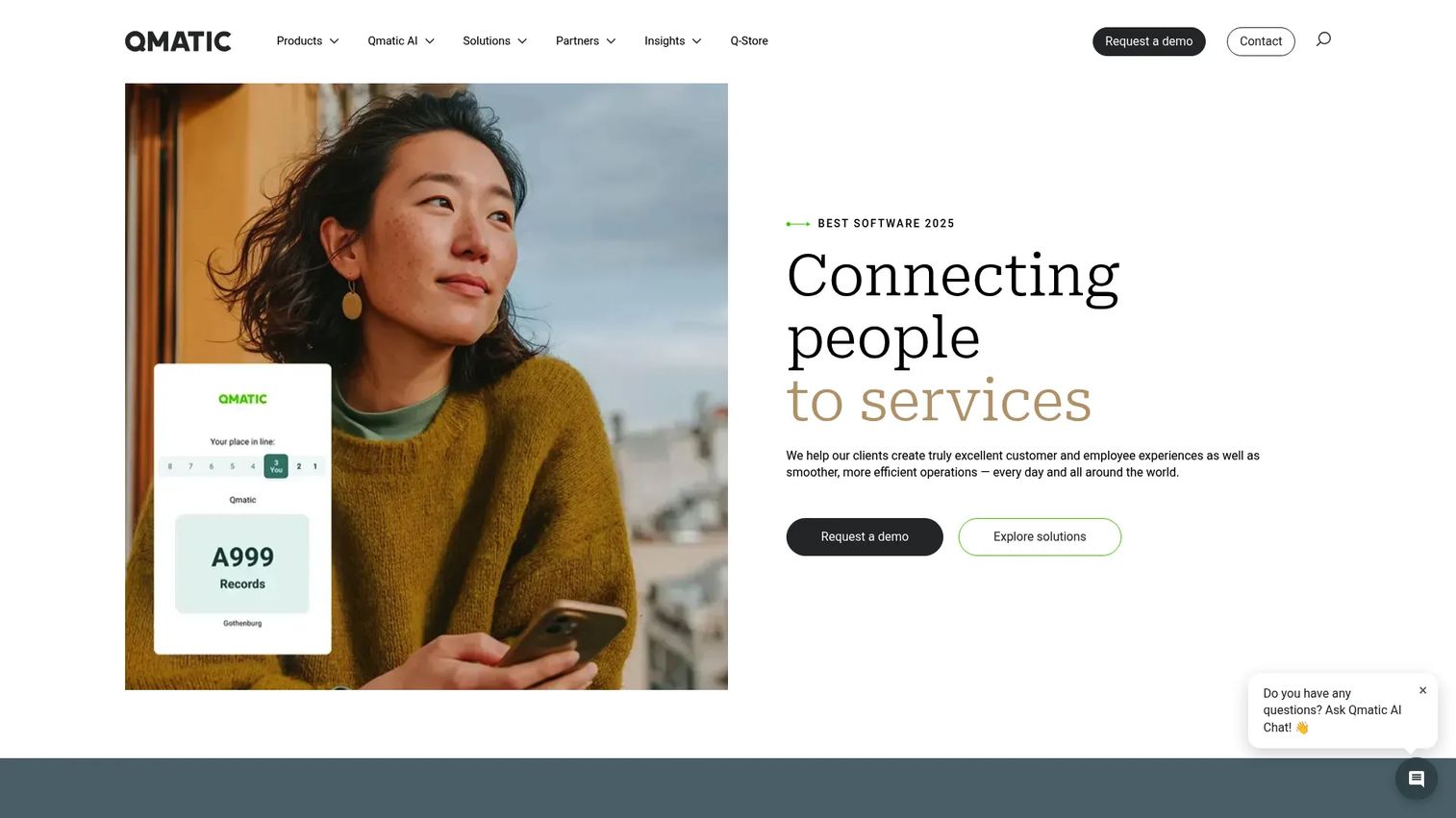
Qmatic provides enterprise customer journey management for high-volume, multi-location service operations. Banks, healthcare networks, government branches, and large retailers use it to coordinate appointments, walk-in queues, staff routing, and customer journey analytics across many service points simultaneously.
Best for: Large organizations coordinating appointments, walk-ins, and performance reporting across dozens or hundreds of service locations.
Key features
- Multi-location queue management and intelligent routing
- Appointment scheduling with calendar integration and reminders
- Virtual queuing via mobile tickets and real-time status updates
- Customer journey analytics and staff workload visibility
- Enterprise integration options for CRM and service platforms
Why choose Qmatic: It fits teams where queue management is embedded within a broader service-delivery operation, not a standalone tool. PMs should evaluate implementation ownership, data integration requirements, and change-management scope before procurement.
Qmatic pricing: Qmatic does not publish pricing. Contact sales for a quote. Cost depends on product modules, location count, hardware needs, and implementation scope.
G2 rating: 3.9/5
5. WaitWell
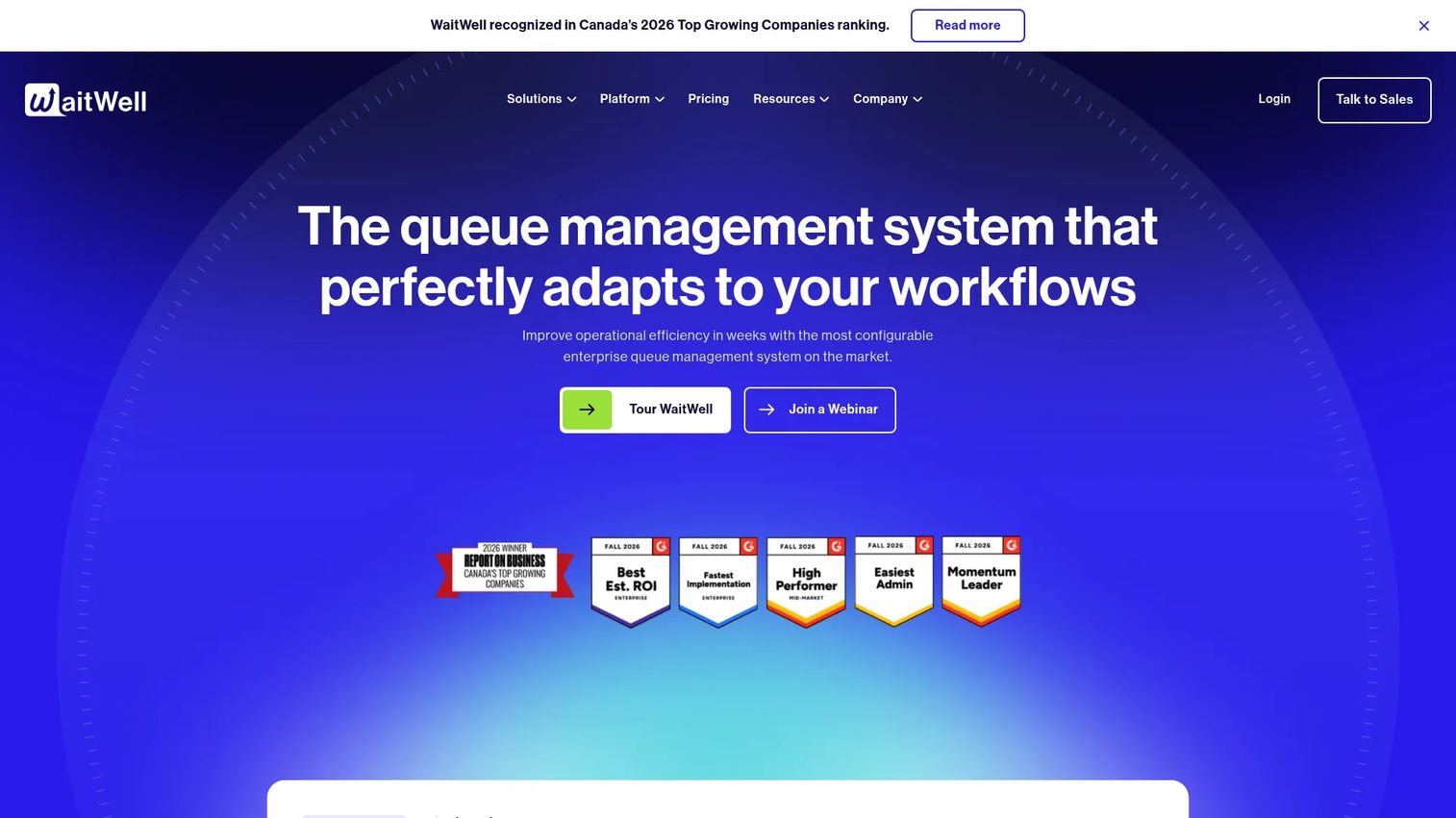
WaitWell is an enterprise queue management platform for multi-location service organizations. It unifies appointment bookings, walk-in queues, two-way customer messaging, and real-time dashboards in one workflow. Healthcare networks, higher education campuses, government service centers, and multi-location retail teams use it to manage complex, high-volume service demand.
Best for: Service organizations that need to coordinate appointments, walk-ins, routing, and staff capacity without maintaining separate systems for each.
Key features
- Virtual queue management with AI-powered wait-time estimation
- Appointment booking and unified walk-in management
- Automated two-way messaging and customer notifications
- Real-time dashboards and analytics
- Multi-location operations with integration support
Why choose WaitWell: PMs should consider it when blind spots caused by separate appointment and queue systems affect service metrics. Verify notification channel support, integration depth, and reporting requirements against your existing stack before committing.
WaitWell pricing: Starter plans begin at $29/month per location. Basic starts at $55/month per location. Enterprise and Campus plans require custom pricing.
G2 rating: 4.7/5
6. Queue-Fair
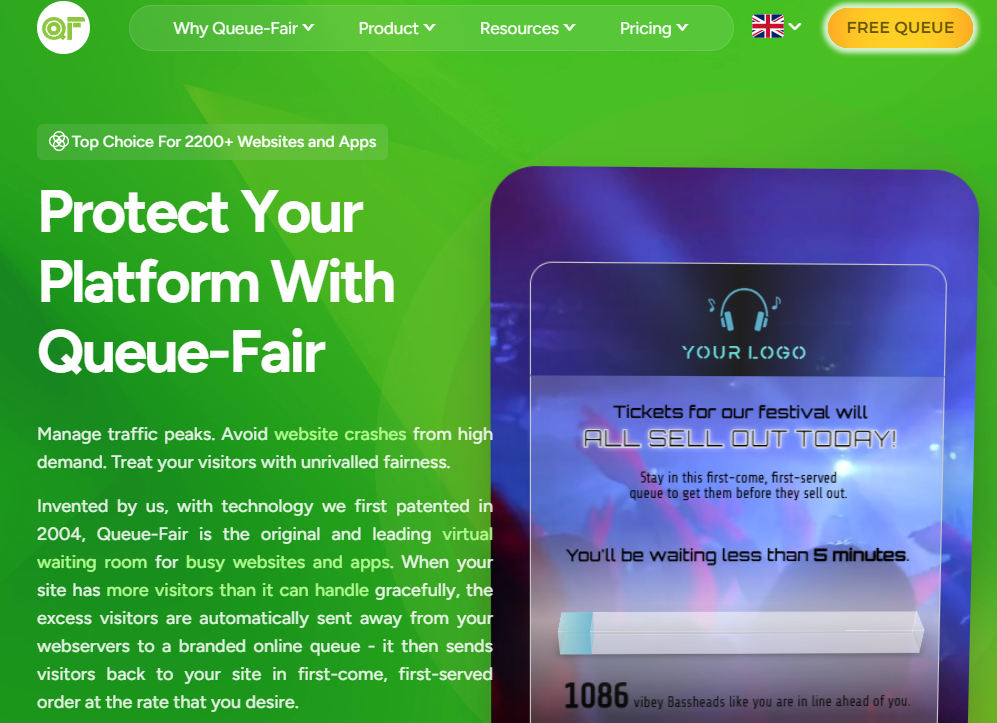
Queue-Fair is a virtual waiting room platform for high-traffic websites. It controls how many visitors reach a site during surges by queuing excess traffic and releasing users at a configured rate. Integration options include JavaScript, server-side code, and network-edge deployments via Cloudflare or Akamai.
Best for: Digital teams that need granular queue behavior controls for traffic spikes, ticket releases, or time-sensitive registrations.
Key features
- Configurable queue rules and admission-rate controls
- Branded waiting-room pages with queue position messaging
- Bot protection, CAPTCHA, and one-order-per-customer controls
- Real-time analytics and traffic monitoring dashboards
- Multiple integration methods including JavaScript and network edge
Why choose Queue-Fair: The free tier lets teams test the integration and queue behavior before scaling. It earns a 5.0/5 on G2. Confirm bot control coverage, deployment architecture, and support availability for your specific event type before launch.
Queue-Fair pricing: A free tier is available with no time limit. The paid Unlimited Service plan is customized by traffic volume, queuing frequency, and use case. Contact Queue-Fair for a quote.
G2 rating: 5.0/5
7. CrowdHandler
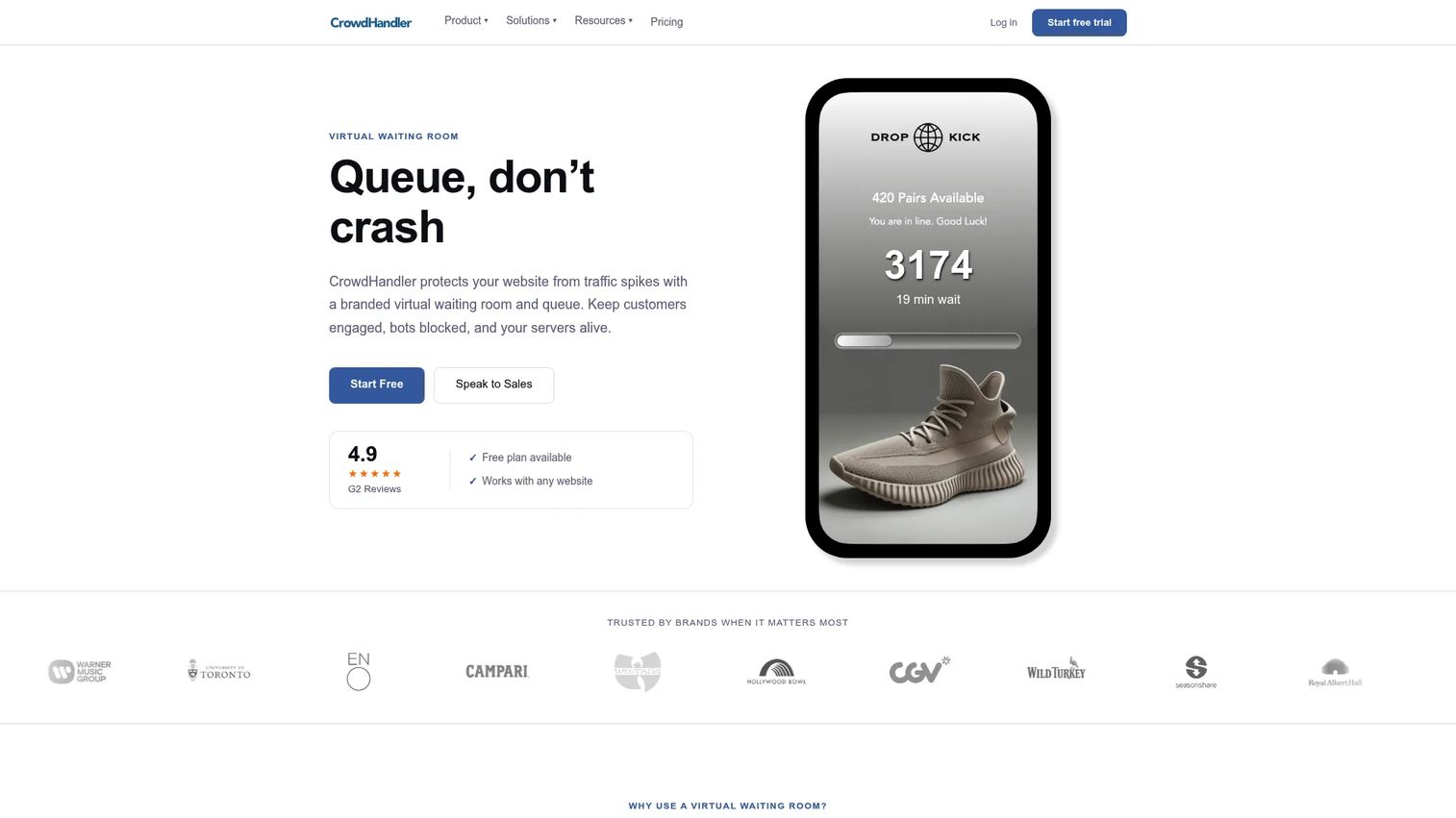
CrowdHandler is a virtual waiting-room and traffic-management platform purpose-built for ecommerce traffic surges, product drops, and ticket onsales. It uses one-in-one-out logic to keep site performance stable during peak events, with branded queue pages, bot mitigation, and event-level monitoring.
Best for: Ecommerce teams that need an event-focused waiting room without building traffic controls internally.
Key features
- One-in-one-out traffic management and configurable rate controls
- Branded queue pages with countdown and position messaging
- Bot mitigation using IP intelligence and device fingerprinting
- Event-based deployment with Shopify, WordPress, and Cloudflare integrations
- Priority codes and stock control for VIP or invite-only access
Why choose CrowdHandler: It suits focused event operations where inventory, checkout stability, and customer communication all need to work together. Confirm platform support, global traffic coverage, and integration depth for your specific commerce stack.
CrowdHandler pricing: The Lite plan is free forever. Starter costs $190/month. Standard is $800/month. Plus is $1,500/month. Professional is $3,200/month. Enterprise reaches $5,600/month. All prices are monthly, billed monthly.
G2 rating: 4.9/5
8. NextMe
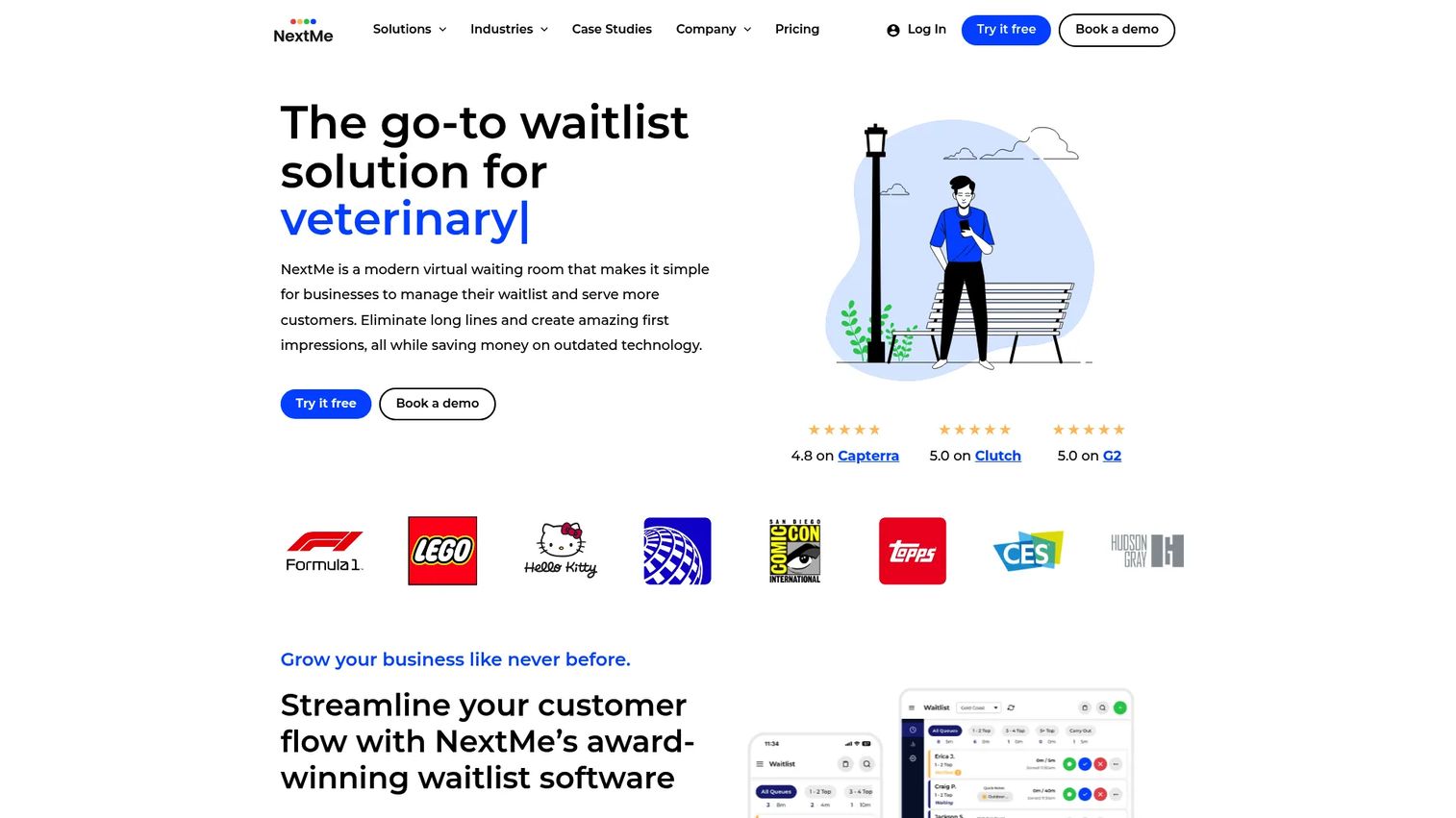
NextMe is a virtual waitlist and queue management platform for businesses and event organizers. Guests join a digital waitlist, receive customizable SMS updates, and check in when ready. The platform also supports appointment bookings, loyalty tracking, and WhatsApp notifications for markets where SMS is not preferred.
Best for: Restaurants, hospitality teams, and event operators that need a practical waitlist and text-notification workflow without complex enterprise routing.
Key features
- Digital waitlists with guest status tracking
- Customizable SMS and WhatsApp notifications
- Appointment bookings and self check-in
- Multi-device syncing for staff-facing queue management
- Guest loyalty tracking and analytics reporting
Why choose NextMe: Operational simplicity matters here more than website traffic protection or enterprise service routing. It earns a 5.0/5 on G2. The free tier covers 100 SMS per month and one user, which is enough to validate a waitlist workflow before scaling.
NextMe pricing: The Free plan includes 100 SMS per month and one user. Starter is $49.99/month billed annually and includes 3,000 SMS and five users. Business is $79.99/month billed annually and includes 5,000 SMS and ten users. Custom pricing is available for larger volumes.
G2 rating: 5.0/5
9. TablesReady
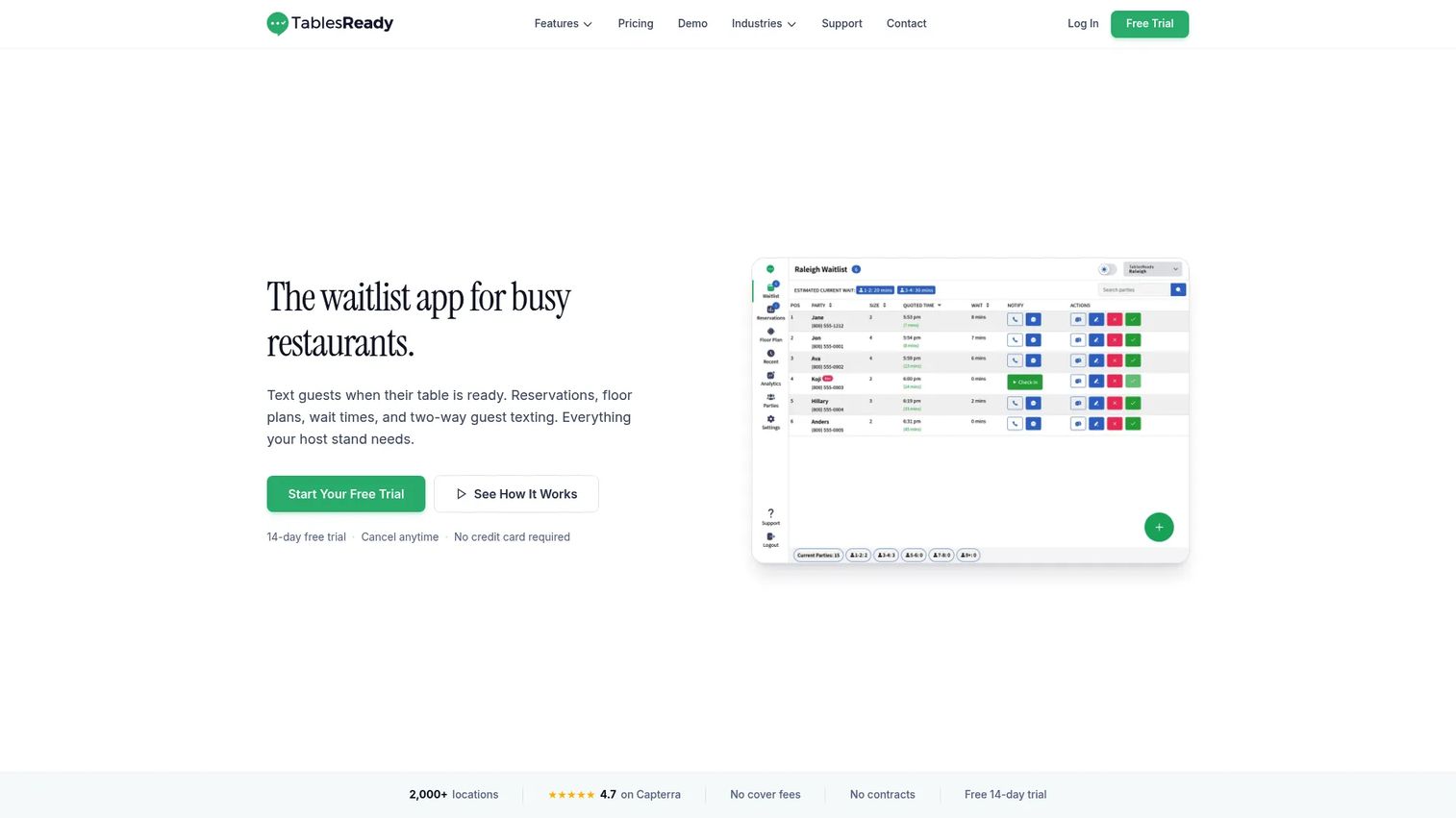
TablesReady is a waitlist, reservations, and customer-flow tool for restaurants and other front-of-house operations. It handles digital waitlists, two-way SMS communication, online reservations, table management with visual floor plans, and integrations with Square, Google, and Stripe.
Best for: Restaurants, hospitality venues, and local service teams managing walk-ins, reservations, and guest communication.
Key features
- Digital waitlist with self-check-in and online signup
- Two-way SMS notifications and guest texting
- Online bookings with table management and visual floor plans
- Predicted wait times and queue analytics
- Integrations with Square, Google, Stripe, Zapier, and webhooks
Why choose TablesReady: The product is focused on guest communication and front-of-house coordination, not website traffic throttling. The free tier covers up to 100 parties, which is a workable starting point for a single location.
TablesReady pricing: The Free plan covers up to 100 parties per month. Starter starts at $39/month billed annually and adds two-way SMS, basic reservations, and predicted wait times. Business starts at $79/month billed annually and adds table management, Square and Google integrations, and geofencing.
G2 rating: 4.6/5
10. Qudini
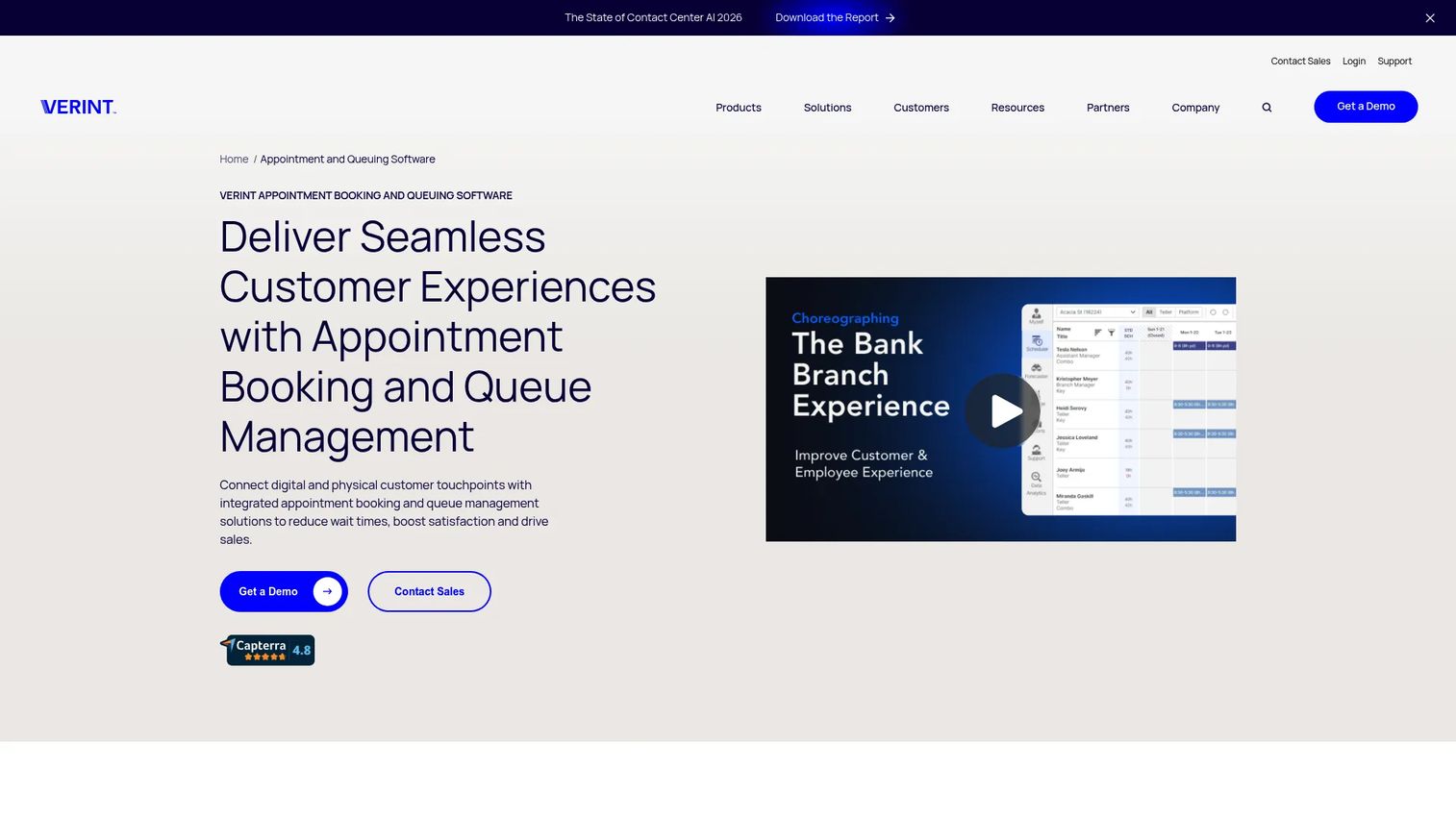
Qudini was acquired by Verint and is now presented as Verint Appointment and Queuing Software. The product covers appointment booking, virtual waitlists, queue management, and event management for retail, banking, and higher education environments. It connects digital touchpoints, such as booking pages and web check-in, with in-store service workflows.
Best for: Retailers, banks, and universities managing appointments, queues, and in-person customer experiences across locations.
Key features
- Appointment scheduling and online booking
- Virtual waitlists and queue management
- Event management workflows
- Customer journey analytics
- Integrations with CRM and retail service systems
Why choose Qudini: PMs should consider it when the queue is one part of a broader omnichannel service journey that includes digital booking, arrival management, and staff allocation. Verify CRM, POS, and analytics integrations before shortlisting.
Qudini pricing: Contact Verint sales for pricing. The product is sold as part of Verint's broader customer experience platform. Pricing depends on modules, locations, and implementation scope.
G2 rating: 4.5/5
11. Verint
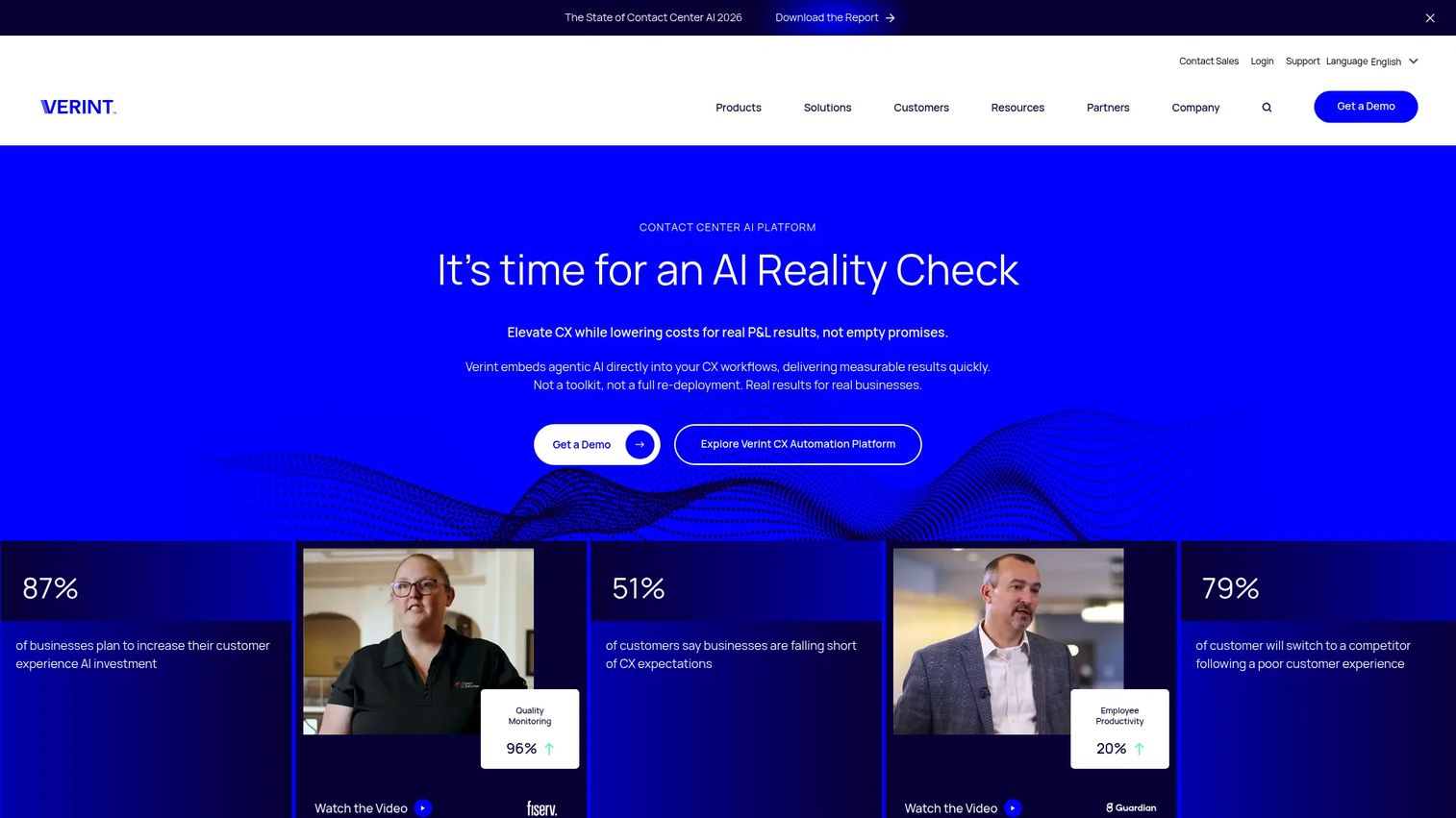
Verint provides AI-powered customer experience automation for large contact-center and enterprise service environments. Its platform covers omnichannel customer engagement, conversation intelligence, automated quality management, workforce optimization, and desktop analytics. Queue and appointment capabilities fit within a much broader CX automation suite.
Best for: Large organizations that need queue operations connected to contact-center infrastructure, workforce planning, and enterprise service analytics.
Key features
- Omnichannel customer engagement and agent desktop
- AI-powered virtual assistants and conversational agents
- Conversation intelligence, transcription, and sentiment analytics
- Automated quality management and compliance scoring
- Workforce and desktop intelligence
Why choose Verint: Add it to a shortlist when queue management connects directly to contact-center operations and workforce planning, not as a standalone waiting-room tool. Assess implementation scope and total cost of ownership carefully. The platform is sold as a suite, not a point solution.
Verint pricing: Contact sales. Pricing depends on modules selected, seat count, service channels, and deployment model. Annual contracts are standard.
G2 rating: 4.4/5
12. Navimize
Navimize presents healthcare-technology content focused on medical imaging, telemedicine, remote monitoring, and EHR integration. Its positioning on G2 reflects healthcare IT context rather than a broadly available queue management product. No verified pricing page or defined software product scope was confirmed from the first-party site at the time of publication.
Best for: Healthcare organizations exploring medical technology and EHR-related topics in a queueing or patient-flow context.
Key features
- Medical imaging technology context
- Telemedicine and remote monitoring
- EHR integration focus
- Healthcare-adjacent patient flow content
- Location-specific healthcare service information
Why choose Navimize: Contact the vendor directly to verify current product availability, geographic coverage, and integration scope before including it in a procurement shortlist. G2 lists zero reviews and no rating for Navimize at the time of verification.
Navimize pricing: Contact Navimize directly. No pricing information was available on the official site.
Considerations
Choose the queue model before comparing features
Decide whether the primary goal is protecting a website from traffic overload or managing people waiting for a service. A platform built for traffic admission controls may not handle appointment routing or staff-facing dashboards. A service queue platform may not protect checkout during a flash sale. This decision eliminates most mismatches before you open a vendor's feature page.
Model total cost, not just the entry plan
Monthly pricing often hides the most significant cost drivers. For traffic-control tools, that means visitor volume tiers, event frequency, and premium support. For service queue platforms, it means location count, SMS volume, implementation services, and hardware. Build a 12-month cost model that includes each of these variables before finalizing a budget.
Validate integrations and implementation ownership
Check how each platform connects to your ecommerce infrastructure, CRM, identity and verification tools, analytics stack, and internal service systems. Identify who owns initial setup, ongoing configuration, live-event monitoring, and incident response. The opportunity cost of pulling engineering into a queue event is significant, so integration clarity reduces it.
Instrument the experience from day one
Define success metrics before launch. Useful instrumentation targets include queue abandonment rate, admission-to-conversion rate, actual versus estimated wait time, error rate during peak demand, notification delivery confirmation, and support ticket volume generated by the queue. Setting baselines before the first event makes post-event analysis much faster.
Verify accessibility, mobile support, and security controls
Customers join queues from mobile devices, assistive technology, and browsers with varying capabilities. Confirm that waiting-room pages and notification flows meet your accessibility requirements. For regulated environments, verify data residency, retention policies, role-based access, and security certification coverage before deployment.
Conclusion
The right choice here depends on the queue model you need to run. Queue-it is the strongest option for controlled admission during high-demand online events, from ticket sales to product launches. Waitwhile covers flexible remote waitlists and appointment workflows with a free tier that makes validation straightforward. QLess and Qmatic suit complex service operations with multiple locations and service types. Queue-Fair and CrowdHandler give digital teams configurable controls for online traffic spikes, with transparent starting prices and free tiers to test with. NextMe and TablesReady handle simpler hospitality and restaurant waitlists without enterprise overhead. Qudini and Verint fit broader retail and enterprise service journeys where queue management connects to a larger CX platform.
Before committing to any of these tools, shortlist two that match your specific queue model. Run a live workflow test against your actual traffic volumes, service rules, notification requirements, and reporting needs. The instrumentation you set up for that test will also give you the baselines you need to measure success after launch.
Start your journey with Guideflow today!
FAQs
Virtual waiting room software creates a digital queue when website demand or service demand exceeds available capacity. It shows visitors or customers their position, an estimated wait time, and status notifications, then admits them in a controlled order when capacity opens up. The category covers both online traffic admission tools and service queue platforms for in-person or remote customer flow.
When visitor traffic exceeds a configured threshold, the platform intercepts new arrivals and assigns them a queue position instead of letting them reach the capacity-constrained page or backend system. Admission policies determine the release order, which can be FIFO, randomized, or priority-based. Users see branded queue pages with their position and an estimated wait time, then receive access when the configured admission rate allows.
Virtual waiting rooms typically protect digital infrastructure during online traffic spikes, controlling how many users reach a website or app at once. Queue management software typically handles appointment scheduling, walk-in management, staff routing, and customer notification for in-person or remote service operations. Several platforms overlap, but the core technical architecture and operational workflows differ significantly between the two.
They reduce overload by limiting how many users simultaneously reach capacity-constrained pages or backend services. The practical result depends on correct threshold configuration, realistic capacity settings, and active monitoring during the event. A waiting room cannot compensate for an undersized backend, but it can absorb excess demand and give engineering time to respond before a failure occurs.
Most service-queue platforms include SMS or email notifications that alert customers when they are close to being served. Some also support WhatsApp for markets where SMS delivery is unreliable. Messaging limits and per-message costs vary by vendor and pricing tier, so confirm these variables against your expected notification volume before selecting a plan.
Useful metrics include queue abandonment rate, admission-to-conversion rate, actual versus estimated wait time accuracy, error rate during peak demand, notification delivery rate, and support ticket volume generated by the queue experience. Setting baselines before the first live event makes it possible to separate queue performance from other variables affecting conversion or service completion.
Ecommerce teams use traffic-control waiting rooms for product drops and flash sales. Ticketing platforms use them for high-demand onsales. Government agencies, healthcare providers, and university campuses use service queue systems for appointment and walk-in management. Retailers, hospitality businesses, and contact centers also use queue management software to coordinate customer flow and staff capacity.
Test traffic thresholds against realistic peak-demand scenarios, not just average load. Verify failover behavior if the queue platform itself experiences an outage. Confirm mobile usability and accessibility across the browsers and devices your customers use. Check notification delivery timing and content, bot control coverage, analytics event instrumentation, and support escalation paths for live-event incidents. Running a simulated event before the real one reduces the chance of finding configuration gaps under pressure.