You are probably not replacing a feature. You are replacing a workflow. Usetiful may have covered product tours, onboarding checklists, and in-app messages, but the next tool needs to match how your team trains employees, launches product changes, and keeps enablement current across Sales, CS, and Support.
This list of Usetiful alternatives spans five categories: Interactive guide platforms, digital adoption platforms, product onboarding tools, customer messaging platforms, lightweight popup tools, and open-source tour libraries. Guideflow is the top pick for teams whose real job is internal training, employee onboarding, SOPs, and reusable product education. For teams that need in-app guidance inside the live product, digital adoption platforms like Userflow, Product Fruits, or Appcues are the stronger fit. For behavioral analytics, Fullstory and Pendo lead. For engineering-owned tours, Shepherd.js, Driver.js, and Intro.js are the right tools.
The global digital adoption platform market reached $1.24 billion in 2025, according to Fortune Business Insights (2026), which signals how fast this category is expanding and why switching decisions are more consequential now than a year ago.
TL;DR
- Best for internal training and SOPs: Guideflow. Record software once, share interactive step-by-step guides with employees, Sales, Support, and onboarding teams. Free plan available; paid plans from $35/user/month (annual).
- Best for in-app onboarding experiments: Appcues, for mature product-led teams running lifecycle messaging at scale.
- Best for fast in-app flows and checklists: Userflow, starting at $240/month (annual).
- Best behavioral analytics plus guides: Fullstory, with a free tier covering 30,000 sessions/month.
- Best lightweight popup option: TinyPopups, plans from $16/month.
- Best for open-source developer-owned tours: Shepherd.js (free for open-source; $50 lifetime commercial), Driver.js (free), or Intro.js (free open-source; commercial licenses from $9.99 lifetime).
- The list covers 14 tools across six categories. Guideflow leads when product knowledge needs to travel beyond the app.
What's inside
- Why teams look for Usetiful alternatives in 2026
- A 14-row comparison table by category, use case, price, and G2 rating
- Ranked tool cards with pricing and shortfalls for each tool
- Use-case routing for internal training, in-app onboarding, analytics, popups, and developer-built tours
- FAQs on pricing, migration, and PMM evaluation criteria
What is Usetiful?
Usetiful is a digital adoption and product onboarding platform associated with in-app guidance: Tours, checklists, tooltips, surveys, and product education delivered inside a live application. It targets SaaS teams that want no-code tools to guide users through features and reduce activation friction.
Teams searching for Usetiful alternatives typically compare it against broader digital adoption platforms, product analytics tools with guide features, lightweight popup tools, and developer-owned tour libraries.
For PMMs, the core evaluation question is: "Do you need in-app guidance inside the live product, or reusable product education assets that work across internal and external surfaces?"
| Need | Better-fit category |
|---|---|
| Train employees on internal software | Interactive guide platform |
| Launch in-app onboarding for end users | Digital adoption platform |
| Analyze friction and session behavior | Product analytics or session replay |
| Run lightweight announcements or polls | Popup or messaging tool |
| Build custom tours directly in code | Open-source tour library |
Why teams look for Usetiful alternatives
Teams usually look for Usetiful alternatives when their onboarding needs expand beyond basic in-app guidance, when pricing or packaging changes, or when they need content that travels outside the product itself.
They need training content outside the app
PMMs consistently run into the same problem: In-app guidance tools are built for the product UI, not for the Sales deck, the onboarding email, the help article, or the new-hire training session. When Sales needs to understand what changed in the last release, or when Support needs a step-by-step guide to answer a recurring ticket, a DAP's in-app tooltips do not reach them.
Guideflow solves this by turning recorded software flows into interactive demos that can be shared anywhere: Embedded in Notion, sent via email, posted in Slack, or organized in a demo center for self-serve access.
They need deeper adoption analytics
Some teams find Usetiful's analytics surface too thin for measuring adoption impact. Fullstory, Userpilot, and Pendo pair behavioral data with in-app guidance so teams can see where users stall, correlate friction with churn, and prioritize which flows to fix first.
They need lighter-weight campaigns
Not every team needs a full DAP. When the job is a banner, a poll, or a simple feature announcement, TinyPopups covers it without the implementation overhead of a larger platform.
They want engineering control
Developer teams with precise UI requirements often prefer to own their tour implementation in code. Shepherd.js, Driver.js, and Intro.js give engineering full control over styling, behavior, and accessibility.
They are planning a migration
Before switching tools, audit your active tours, checklists, surveys, and messages. Identify which assets must remain in-app, and which can become shareable interactive guides. Screenshot or capture high-performing flows before rebuilding. Prioritize by audience: Customers first, then employees, Sales, Support, and partners.
How we picked these Usetiful alternatives
Each tool was selected based on real capability overlap with the jobs Usetiful customers need to do, pricing sourced from each vendor's own pricing page, and ratings from G2. The list covers six categories so you can tell whether a tool is a direct replacement, a category upgrade, or a different way to solve the job entirely. Any statistic cited below names the source and year.
Usetiful alternatives at a glance
Guideflow leads when the job is internal software training and reusable interactive guides. Digital adoption platforms fit teams that need in-app onboarding inside the live product. Open-source libraries work for teams with engineering bandwidth and precise implementation needs.
| Tool | Category | Best for | G2 rating | Free plan | Starting price |
|---|---|---|---|---|---|
| Guideflow | Interactive guide platform | Internal training, employee onboarding, SOPs, and reusable product education | 5.0/5 | Yes | Free; Solo $35/user/month (annual) |
| Fullstory | Session replay and digital experience analytics | Behavioral analytics plus guides and surveys | 4.5/5 | Yes (30,000 sessions/month) | Business: Contact sales |
| Userflow | Product adoption platform | Fast in-app flows, checklists, and adoption signals | 4.8/5 | No (14-day trial) | $240/month (annual) |
| Product Fruits | Digital adoption platform | Tours, checklists, tooltips, and feedback widgets | 4.7/5 | No (14-day trial) | $111/month (annual) |
| UserGuiding | Product onboarding software | No-code user onboarding, checklists, and surveys | 4.7/5 | Yes (14-day trial, support essentials) | $249/month |
| Appcues | Product onboarding and adoption platform | Mature onboarding experiments and lifecycle messaging | 4.6/5 | No | $3,600/year (Spark) |
| Userpilot | Product growth platform | Onboarding combined with adoption analytics | 4.6/5 | No (14-day trial) | $299/month |
| HelpHero | Product onboarding software | Straightforward in-app tours for smaller SaaS teams | 4.9/5 | No (14-day trial) | $55/month |
| Intercom | Customer messaging and support platform | Support, announcements, and customer communication | 4.5/5 | No (14-day trial) | $19/seat/month (annual) |
| Pendo | Product experience platform | Enterprise product analytics and in-app guidance | 4.4 | Yes (up to 500 MAUs) | Contact sales |
| TinyPopups | Lightweight popup and survey tool | Popups, banners, polls, and simple in-app campaigns | 4.5 | No (7-day trial) | $16/month (annual) |
| Shepherd.js | Open-source tour library | Developer-built tours with custom JS control | 4.2 | Yes (open-source) | $50 lifetime (commercial) |
| Driver.js | Open-source tour library | Lightweight developer-owned page highlights and tours | 4.6 | Yes | Free (MIT license) |
| Intro.js | Open-source tour library | Step-by-step tours with commercial licensing options | 4.5 | Yes (open-source) | $9.99 lifetime (commercial) |
The best Usetiful alternatives in 2026
1. Guideflow (interactive guide platform)
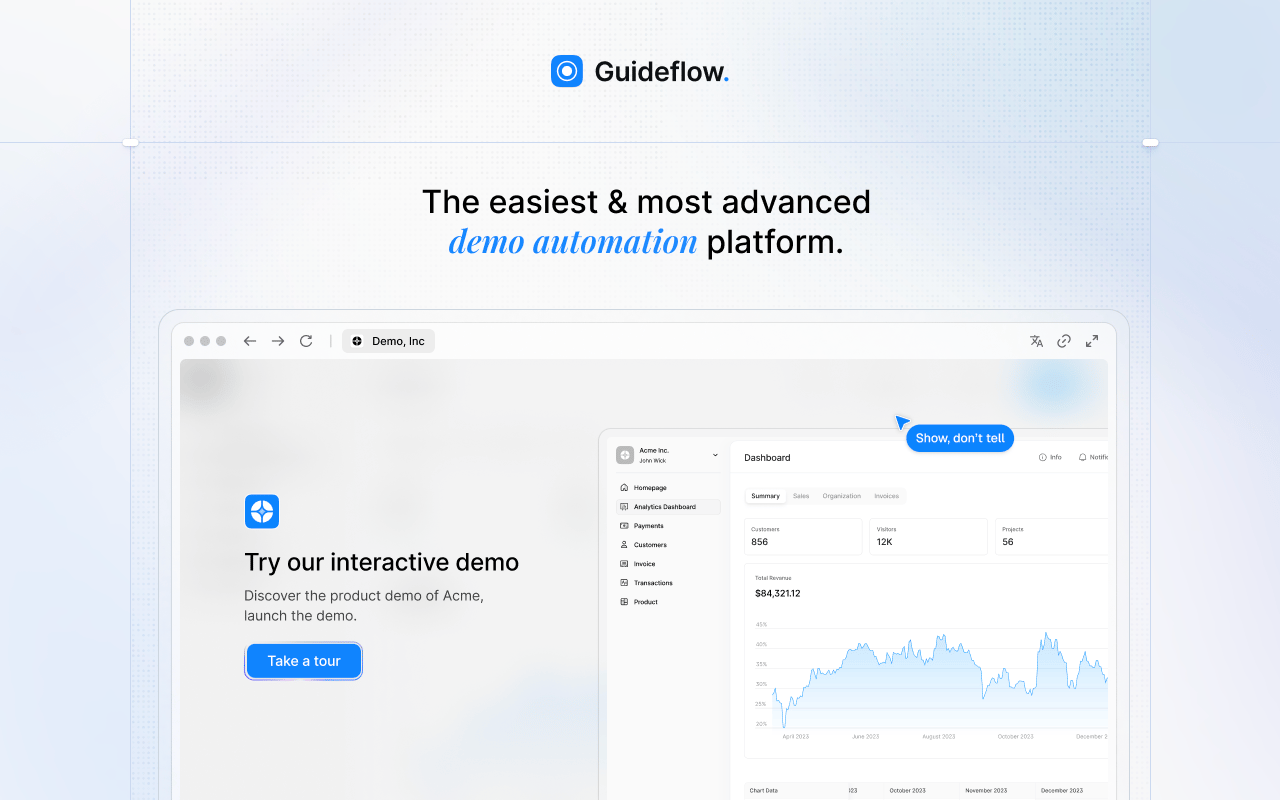
Guideflow is the top pick for teams replacing Usetiful because the real job has shifted. They no longer need a tooltip inside the app. They need product knowledge to travel: To employees who joined last month, to Sales reps who missed the last feature release, to Support agents handling a recurring question. Guideflow captures software flows and turns them into interactive step-by-step guides you can share anywhere.
Best for: PMMs, enablement teams, support teams, onboarding teams, and operations teams building reusable interactive guides for internal training and product education.
What it is: Guideflow is a demo automation platform for creating interactive demos, demo pages, demo centers, sandboxes, live demos, and mobile demos. For internal use, the same interactive demos become step-by-step guides for employees and cross-functional teams. Capture runs through the Chrome extension or the native app using screenshot, HTML, or video modes. The editor supports text, images, graphs, and branching. Analytics cover step-level completion, drop-off, and viewer flow. Integrations connect to HubSpot, Salesforce, Pipedrive, Zoho, and Marketo.
Key features:
- Interactive step-by-step guides built from captured software flows
- Chrome extension or native app capture with screenshot, HTML, and video modes
- Editable text, images, graphs, and branching via no-code editor
- Step-level analytics for completion, drop-off, and viewer flow
- Demo centers for organizing multiple guides by team or use case
- Sandboxes for open-ended product exploration
- Translation into more than 30 languages
- Integrations with HubSpot, Salesforce, Pipedrive, Zoho, and Marketo via the integrations layer
Where Guideflow falls short: Teams that need live in-app tooltips and checklists delivered inside the product UI may still need a DAP alongside Guideflow. Teams that only need a simple banner or poll will find a lightweight popup tool covers the job. Engineering teams that want every guide coded directly into the app codebase may prefer an open-source library.
Pricing: Free plan at $0. Solo at $35/user/month (annual). Growth at $499/month (annual). Advanced at $1,499/month (annual). Enterprise from $2,999/month (annual), adding SSO, advanced governance, and enterprise security.
G2 rating: 5.0/5
How it compares to Usetiful: Usetiful is built for in-app onboarding and digital adoption inside the product. Guideflow is built for product knowledge that needs to travel beyond the app. Choose Guideflow when the product story needs to reach employees, Sales, and Support, not just users inside the UI.
2. Fullstory (session replay and digital experience analytics)
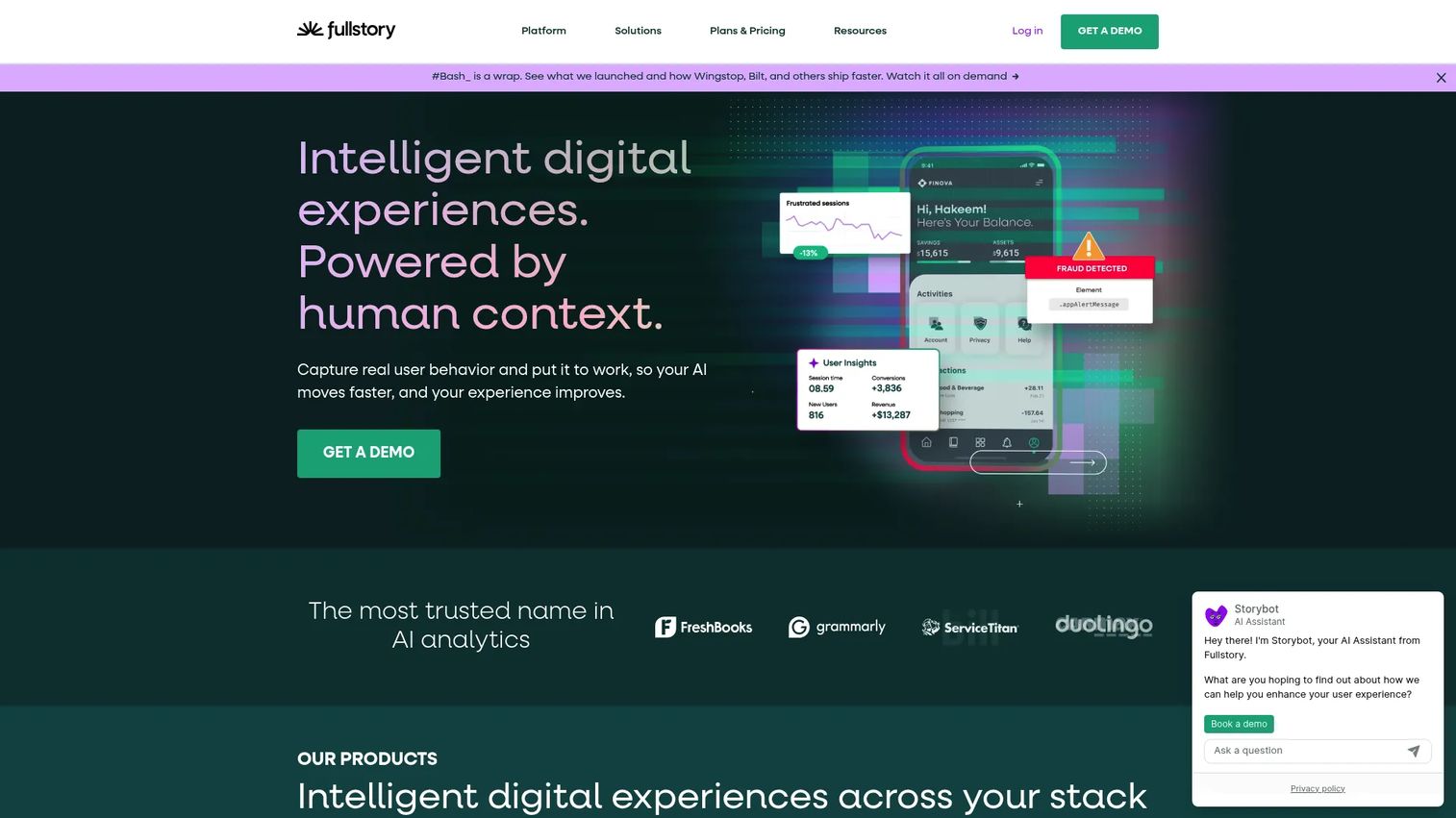
Fullstory sits in a different category from most tools on this list. Its core job is behavioral analytics, and guides and surveys are layered on top of that data foundation. If your replacement decision is driven by wanting to understand what users do before you decide where to put guidance, Fullstory makes that case clearly.
Best for: Product and growth teams that want adoption content tied to behavioral data and session context.
What it is: Fullstory is an intelligent digital experience platform offering session replay, heatmaps, funnels, conversion analysis, AI-powered insights, and experience optimization. Its Guides and Surveys feature adds in-app messaging capabilities within the same analytics environment. Fullstory's free tier includes 30,000 sessions per month for up to 10 users. Business, Advanced, and Enterprise plans require a pricing request.
Key features:
- Session replay and behavioral analytics
- Heatmaps, funnels, and conversion analysis
- Guides and surveys for in-app messaging
- AI-powered insights and behavioral data activation
- Mobile analytics
Where Fullstory falls short: Pricing for paid tiers is quote-based, which creates friction for teams doing a quick evaluation. G2 reviewers on Fullstory's listing note that the platform's breadth can feel like more than a team needs if the primary goal is building onboarding sequences. Teams replacing Usetiful only for lightweight tours may find the analytics overhead more than the job requires.
Pricing: FullstoryFree at $0 (30,000 sessions/month, up to 10 users, 12-month retention). Business, Advanced, and Enterprise: Contact sales for pricing.
G2 rating: 4.5/5
How it compares to Usetiful: Stronger analytics environment with behavioral context Usetiful does not provide. Better fit for teams where identifying friction in the user journey is the primary goal.
3. Userflow (product adoption platform)
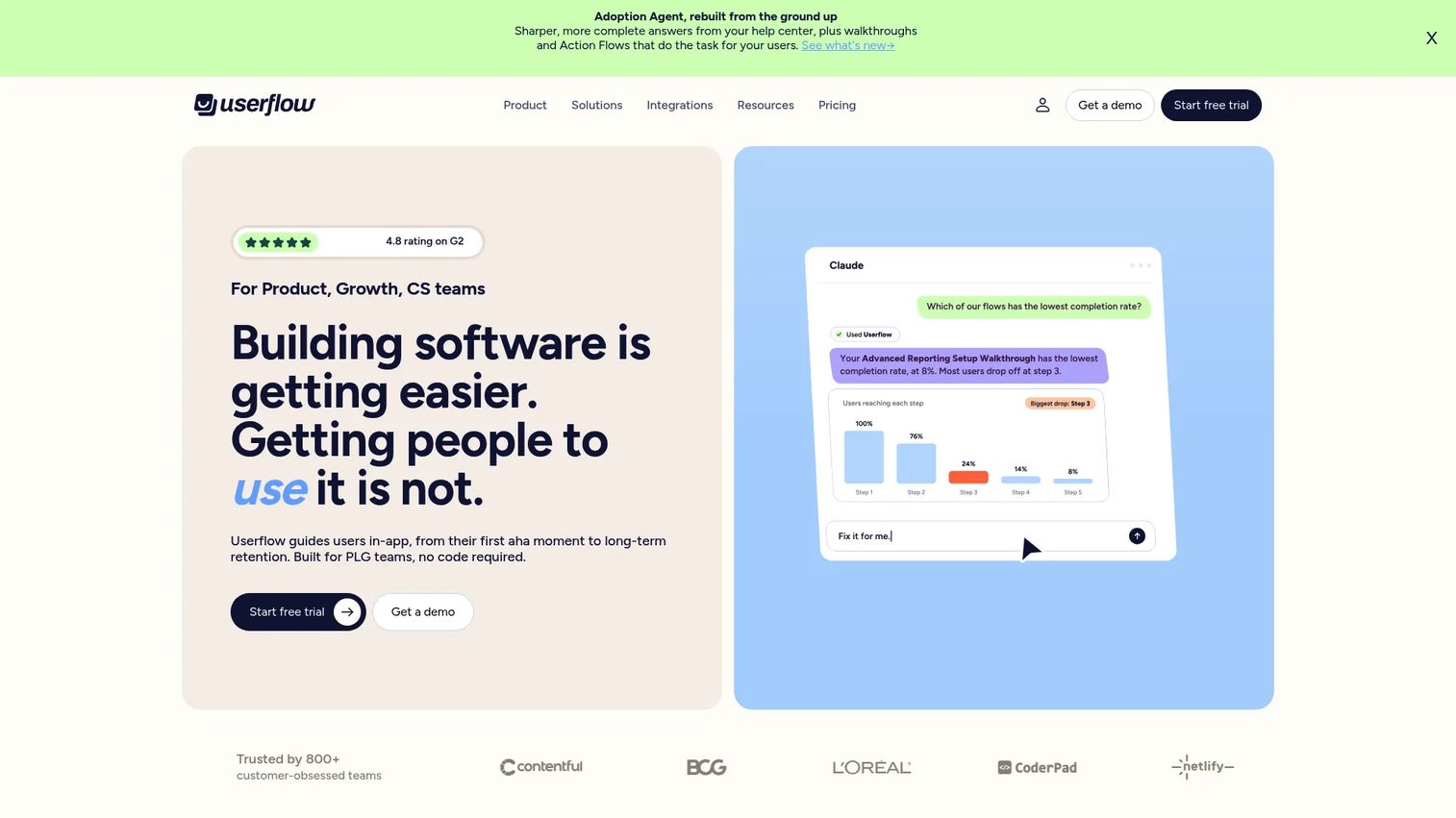
Userflow is a direct product adoption replacement for teams that need in-app flows, checklists, and adoption signals delivered inside the live product. The no-code builder is built for SaaS product and growth teams who want to ship onboarding improvements without engineering support on every update.
Best for: SaaS product and customer success teams that need fast, behavior-based in-app onboarding and adoption flows.
What it is: Userflow is an AI-powered product adoption platform for in-app onboarding, checklists, surveys, resource centers, and adoption analytics. It targets behavior using user attributes, events, and segmentation. The Adoption Agent feature enables in-app AI-guided answers. Userflow offers a 14-day free trial; no permanent free tier is listed.
Key features:
- No-code in-app flows, checklists, tooltips, banners, and surveys
- Behavior-based targeting by user attributes and events
- Product adoption analytics and dashboards
- Adoption Agent for in-app AI-guided navigation
- MCP integration for AI tool connectivity
Where Userflow falls short: G2 reviewers note that advanced adoption workflows require clean event instrumentation, which can slow implementation for teams without a solid analytics foundation. The platform is focused on live product onboarding, so internal training and SOP distribution are outside its scope.
Pricing: Essentials at $240/month (annual), covering 1,000 MAUs. Studio at $400/month (annual), adding the Adoption Agent, all integrations, and a dedicated CSM. Enterprise: Custom pricing.
G2 rating: 4.8/5
How it compares to Usetiful: A close like-for-like swap for in-app product onboarding. Stronger adoption analytics and AI capabilities than Usetiful offers.
4. Product Fruits (digital adoption platform)
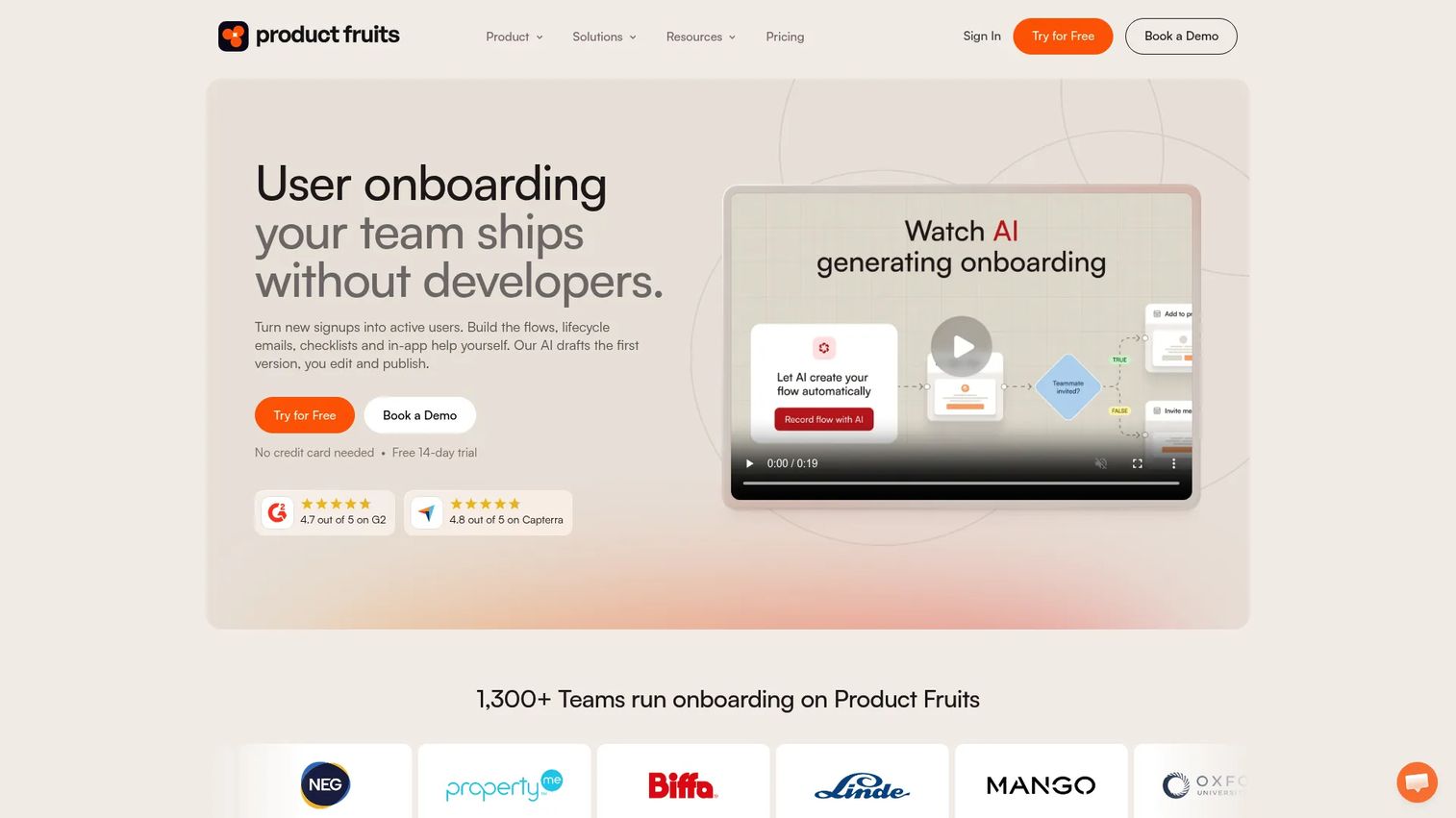
Product Fruits covers the classic DAP toolkit: Tours, checklists, tooltips, announcements, and feedback widgets in a no-code builder. It is a broad in-app onboarding platform for SaaS teams that want to guide users through feature activation and reduce early drop-off.
Best for: SaaS product and growth teams that need a full in-app onboarding toolkit without developer involvement.
What it is: Product Fruits is a user onboarding and product adoption platform for building adaptive flows, tours, hints, checklists, in-app announcements, and a knowledge base. It includes an AI onboarding agent. A 14-day trial is available; no permanent free tier is listed on the pricing page.
Key features:
- Adaptive in-app onboarding flows and tours
- Checklists and onboarding hints
- In-app announcements and newsfeed
- Knowledge base and contextual help
- AI onboarding agent
Where Product Fruits falls short: G2 reviewers mention that internal SOP training and distributing guides outside the app are not primary use cases. Teams with complex analytics needs may find the reporting less detailed than platforms like Fullstory or Pendo.
Pricing: Starter at $111/month (1,500 MAUs, 25% off billed annually). Pro at $187/month. Business at $374/month. Custom plans available.
G2 rating: 4.7/5
How it compares to Usetiful: A closer category replacement for in-app guidance. Covers tours, checklists, and feedback in a single platform with pricing that scales by MAUs.
5. UserGuiding (product onboarding software)
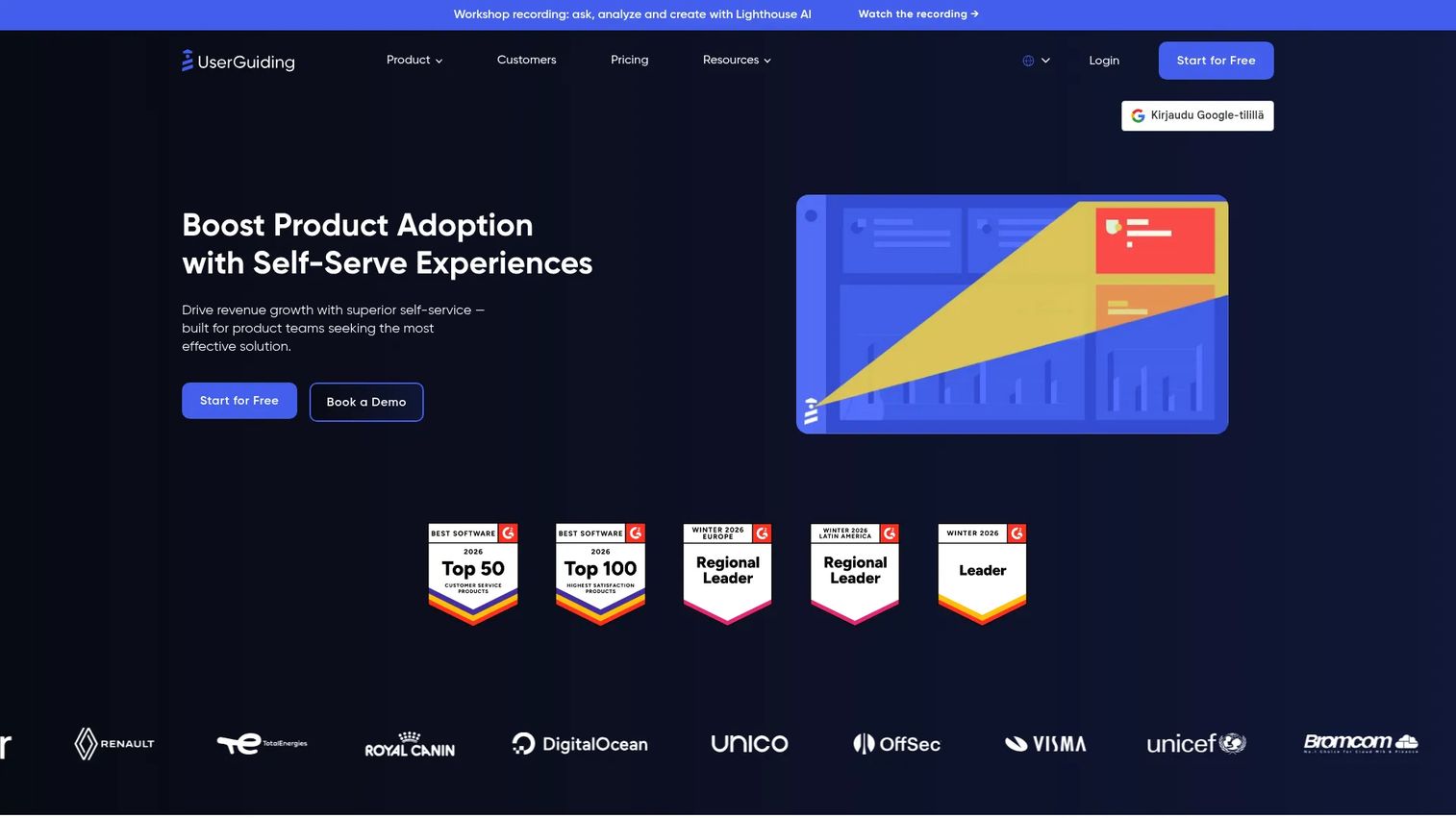
UserGuiding is built for PMMs and growth teams that want product tours, checklists, hotspots, and resource centers without filing a ticket to engineering. The no-code editor is designed for teams that need to ship and iterate onboarding content on their own schedule.
Best for: PMMs and growth teams that need no-code user onboarding and in-app engagement without developer dependency.
What it is: UserGuiding is a no-code product adoption platform offering product tours, onboarding checklists, in-app surveys, NPS, knowledge bases, resource centers, session replay, and segmentation. A 14-day trial is available, and a Support Essentials tier is listed without a public price.
Key features:
- Product tours and onboarding checklists
- In-app surveys, NPS, and hotspots
- Knowledge base and resource centers
- Segmentation and analytics
- AI assistant and session replay
Where UserGuiding falls short: The platform centers on customer-facing in-app onboarding. G2 reviewers note that internal training distribution and SOP content reuse require a separate surface. Teams exceeding the base MAU count will see pricing increase as they scale.
Pricing: Starter at $249/month (up to 2,000 MAUs). Growth at $499/month (up to 2,000 MAUs). Enterprise: Contact for custom pricing.
G2 rating: 4.7/5
How it compares to Usetiful: A familiar no-code DAP alternative for teams that want in-app onboarding without moving into a broader enterprise analytics stack.
6. Appcues (product onboarding and adoption platform)
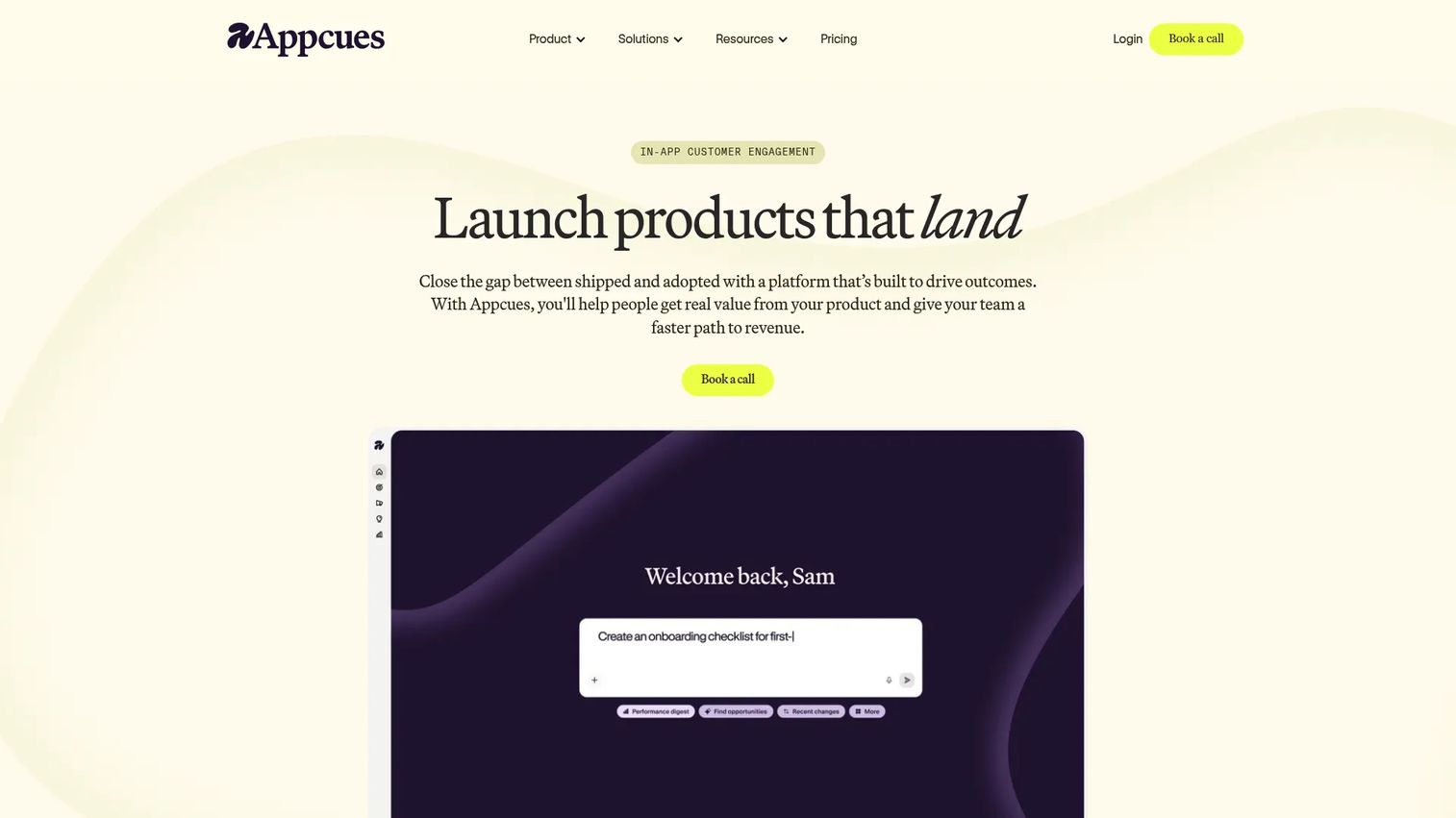
Appcues fits teams that have already built an onboarding strategy and want to run experiments, segment by lifecycle stage, and measure activation. It is the platform for product-led growth teams that treat in-app onboarding as a system of continuous experiments rather than a one-time setup.
Best for: Product-led growth teams with a mature onboarding strategy who need lifecycle experimentation and behavioral segmentation.
What it is: Appcues is a product onboarding and adoption platform for in-app flows, checklists, launchpads, banners, surveys, NPS, and email campaigns. It includes product analytics with funnels, retention, and user journeys, plus AI-assisted campaign creation. No free tier is available.
Key features:
- In-app flows, checklists, banners, pins, and launchpads
- Behavior-based audience targeting and segmentation
- Product analytics with funnels and retention
- Email and push notification delivery
- AI-assisted experience creation
Where Appcues falls short: Pricing starts at $3,600/year for the Spark plan, which G2 reviewers flag as a jump for smaller teams. Teams looking for internal training or SOP content distribution will need a separate tool. The Spark plan limits published experiences to 10, which can constrain teams mid-ramp.
Pricing: Spark at $3,600/year (up to 1,000 MAUs, 10 published experiences). Grow from $9,000/year (scales with MAUs). Enterprise: Custom pricing.
G2 rating: 4.6/5
How it compares to Usetiful: More mature onboarding and lifecycle experimentation platform. Better fit for teams running activation programs at scale than for teams doing a simple tour replacement.
7. Userpilot (product growth platform)
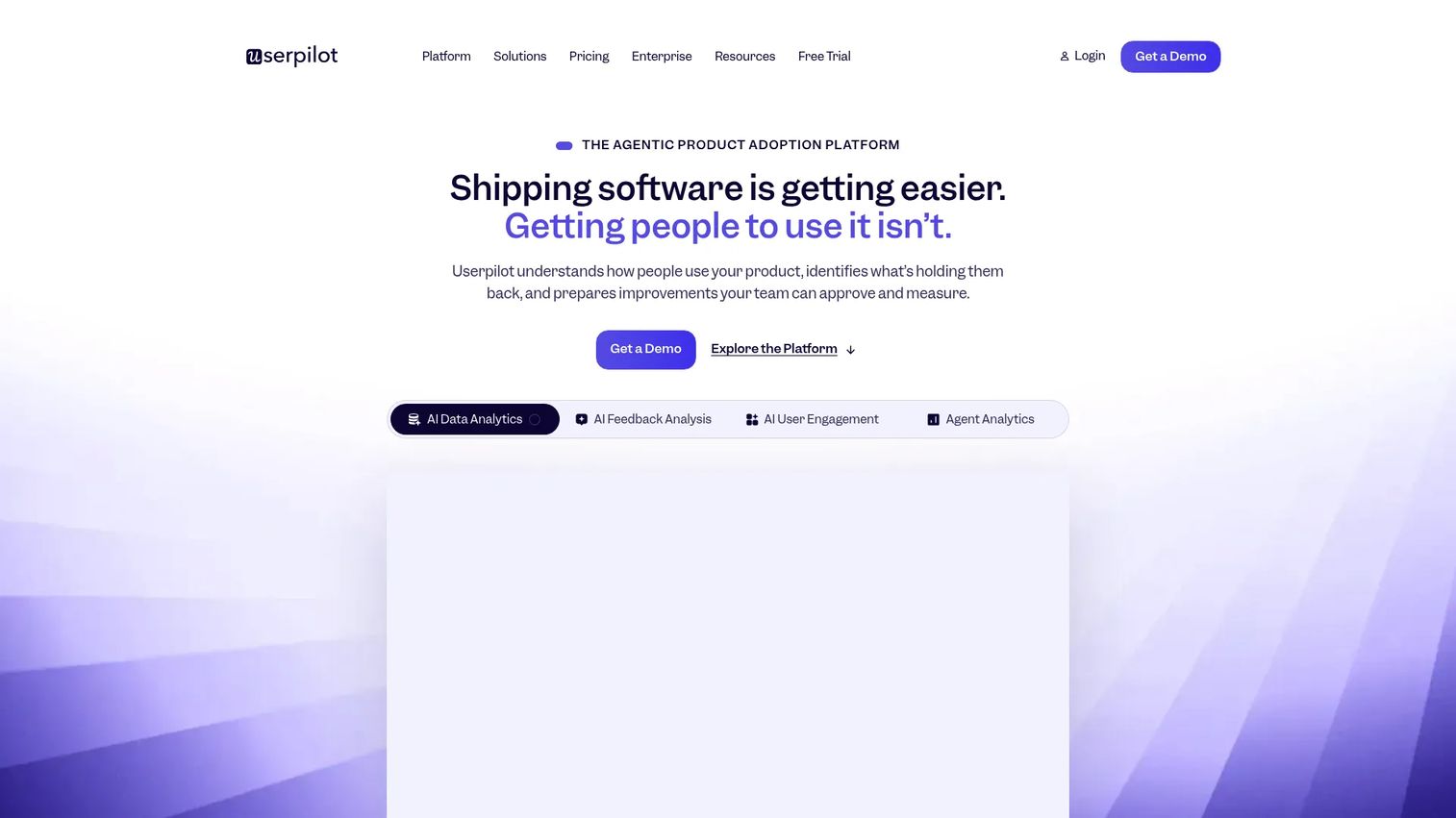
Userpilot combines in-app onboarding with product adoption analytics and segmentation, making it the right pick for product-led teams that want to understand why users are not adopting a feature, not only where to put a checklist.
Best for: Product and growth teams that need adoption analytics alongside in-app experience creation.
What it is: Userpilot is a product growth and analytics platform covering in-app engagement, onboarding, NPS surveys, session replay, email, mobile engagement, and an AI analytics agent. It is usage-based, with Starter covering up to 2,000 MAUs. A 14-day trial is available.
Key features:
- In-app onboarding and engagement experiences
- Product analytics with funnels, retention, and user journeys
- NPS and advanced surveys
- Session replay and event autocapture
- Mobile engagement and AI agent analytics
Where Userpilot falls short: G2 reviewers mention that implementation quality depends heavily on event tracking and segmentation discipline set up before onboarding. Teams without a clean data layer may find the analytics features underutilized early on. Internal enablement distribution is not a primary use case.
Pricing: Starter at $299/month (up to 2,000 MAUs). Growth from $849/month (scales with MAUs). Enterprise: Custom pricing.
G2 rating: 4.6/5
How it compares to Usetiful: Stronger for product-led growth programs that need adoption analytics. Closer to Pendo in scope than to a lightweight tour replacement.
8. HelpHero (product onboarding software)
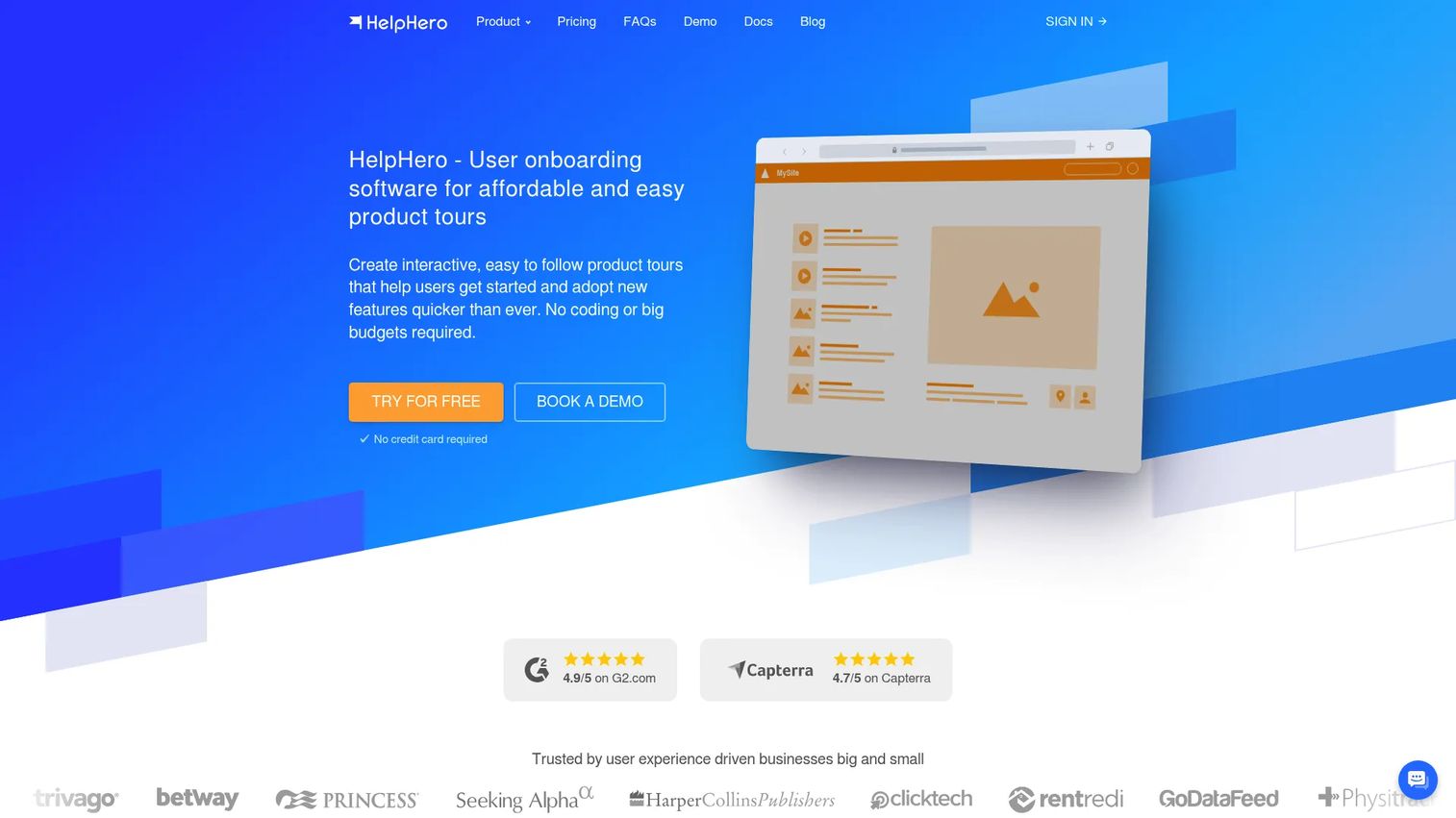
HelpHero earns its place on this list by keeping things focused. It covers in-app tours, checklists, and hotspots without the enterprise pricing or the analytics overhead. For smaller SaaS teams that need a solid no-code onboarding layer and nothing more, the pricing-to-feature ratio is worth attention.
Best for: Smaller SaaS teams that need straightforward in-app tours and onboarding checklists at an affordable entry point.
What it is: HelpHero is a no-code user onboarding platform for interactive product tours, checklists, hotspots, and A/B testing. It supports web-based mobile and tablet apps. Pricing scales by MAUs. A 14-day trial is available; no permanent free tier is listed.
Key features:
- Interactive product tours and onboarding checklists
- Hotspots and audience targeting
- Code-free visual editor
- Analytics and A/B testing
Where HelpHero falls short: Native mobile apps are not supported; only web-based mobile and tablet experiences work. G2 reviewers note that enterprise governance, broader analytics, and training distribution are outside the platform's scope. Teams growing past 20,000 MAUs move to a custom tier.
Pricing: From $55/month (up to 1,000 MAUs). Scales to $299/month (up to 20,000 MAUs). Startup and Enterprise tiers: Contact for pricing.
G2 rating: 4.9/5
How it compares to Usetiful: A focused in-app onboarding replacement with strong ratings at a lower entry price than most DAPs.
9. Intercom (customer messaging and support platform)
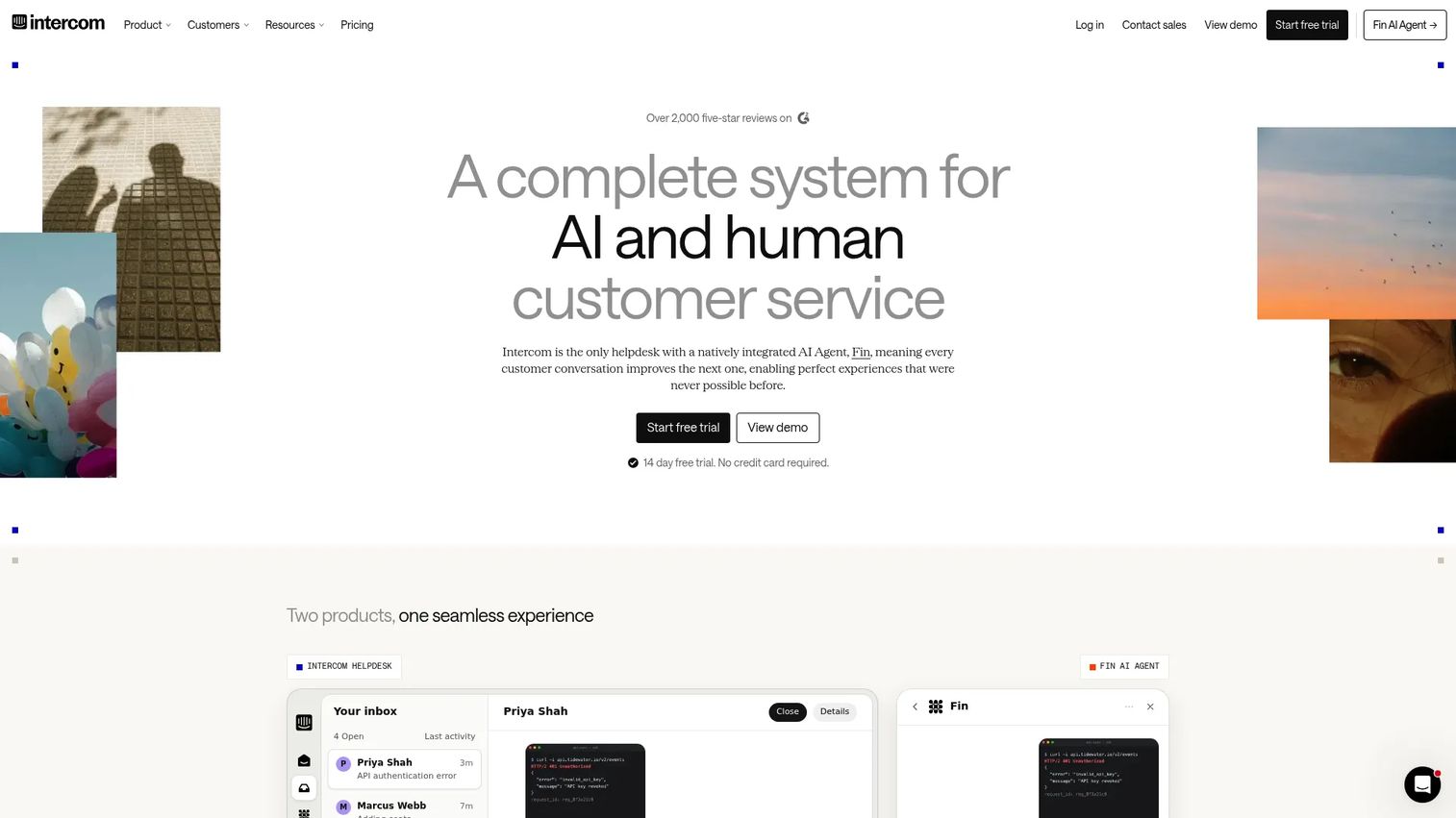
Intercom belongs on this list when the real replacement job is customer communication, not onboarding tours. If your Usetiful use case was primarily announcements, support messaging, and proactive outreach rather than activation flows, Intercom is the better category fit.
Best for: Support and customer engagement teams that need omnichannel messaging, automated ticketing, and proactive in-app communication.
What it is: Intercom is an AI-first customer service platform with an omnichannel inbox, Fin AI Agent for ticket automation, Copilot for agents, workflows, a help center, and outbound messaging. A 14-day trial is available. No free tier is listed on the pricing page.
Key features:
- Omnichannel inbox and AI-powered ticketing
- Fin AI Agent for customer-facing automation
- Help center with self-serve content
- Outbound messaging and proactive in-app communication
- Reporting and workflow automation
Where Intercom falls short: Intercom's pricing is per-seat plus usage-based Fin outcomes, which can scale quickly for support teams. G2 reviewers mention that teams using Intercom primarily for onboarding tours and checklists may find the platform broader than the job requires. PMMs looking for SOP training or internal guides need a different tool.
Pricing: Essential at $19/seat/month (annual). Advanced at $85/seat/month (annual). Expert at $132/seat/month (annual). Fin AI Agent at $0.99 per outcome.
G2 rating: 4.5/5
How it compares to Usetiful: Stronger for customer communication and support. Less of a like-for-like DAP replacement if the primary need was in-app activation tours.
10. Pendo (product experience platform)
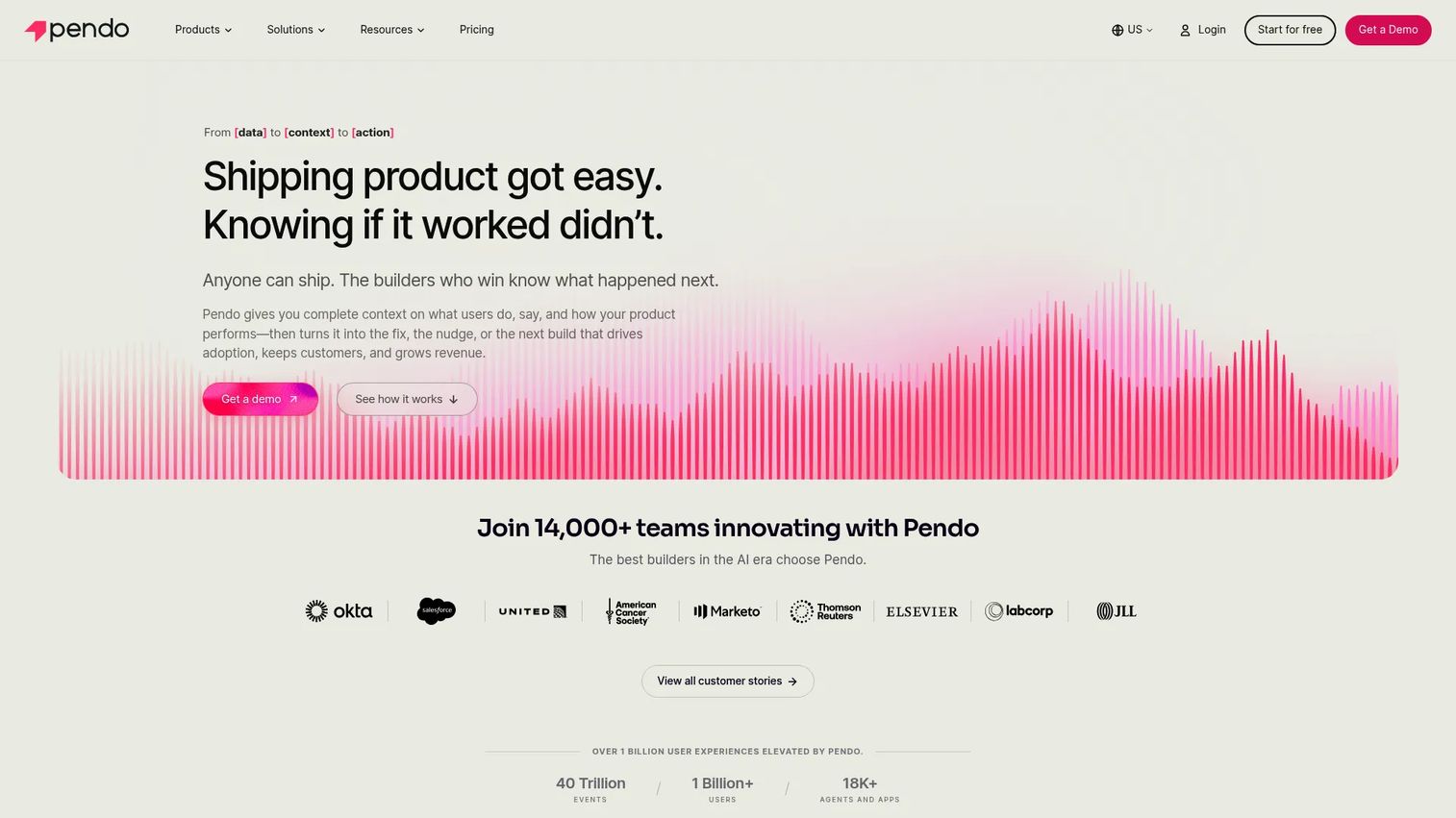
Pendo is an enterprise-grade platform where product analytics, in-app guides, NPS, session replay, and roadmaps sit together. It is the right tool when leadership needs a single system of record for product behavior and customer feedback, not just a guided tour layer.
Best for: Enterprise product organizations that need product analytics, in-app guidance, and feedback in a single platform.
What it is: Pendo is a product experience platform covering product analytics, in-app guides, session replay, NPS, CSAT, PMF surveys, feedback collection, roadmaps, and cross-channel journey orchestration. The free tier supports up to 500 MAUs; paid plans use custom pricing based on MAUs and selected functionality.
Key features:
- Product analytics with behavioral segmentation
- In-app guides and contextual help
- NPS, CSAT, and PMF surveys
- Session replay and journey orchestration
- Feedback collection and roadmap tooling
Where Pendo falls short: G2 reviewers note that implementation requires cross-functional setup effort, and teams only replacing lightweight tours may find Pendo more infrastructure than the job warrants.
Pricing: Free tier at $0 (up to 500 MAUs). Base, Core, and Ultimate: Custom pricing based on MAUs and features. Contact Pendo for a quote.
G2: 4.4
How it compares to Usetiful: A broader enterprise product experience option. Not a lightweight replacement; better suited to teams where product analytics and feedback are as important as the guidance layer.
11. TinyPopups (lightweight popup and survey tool)
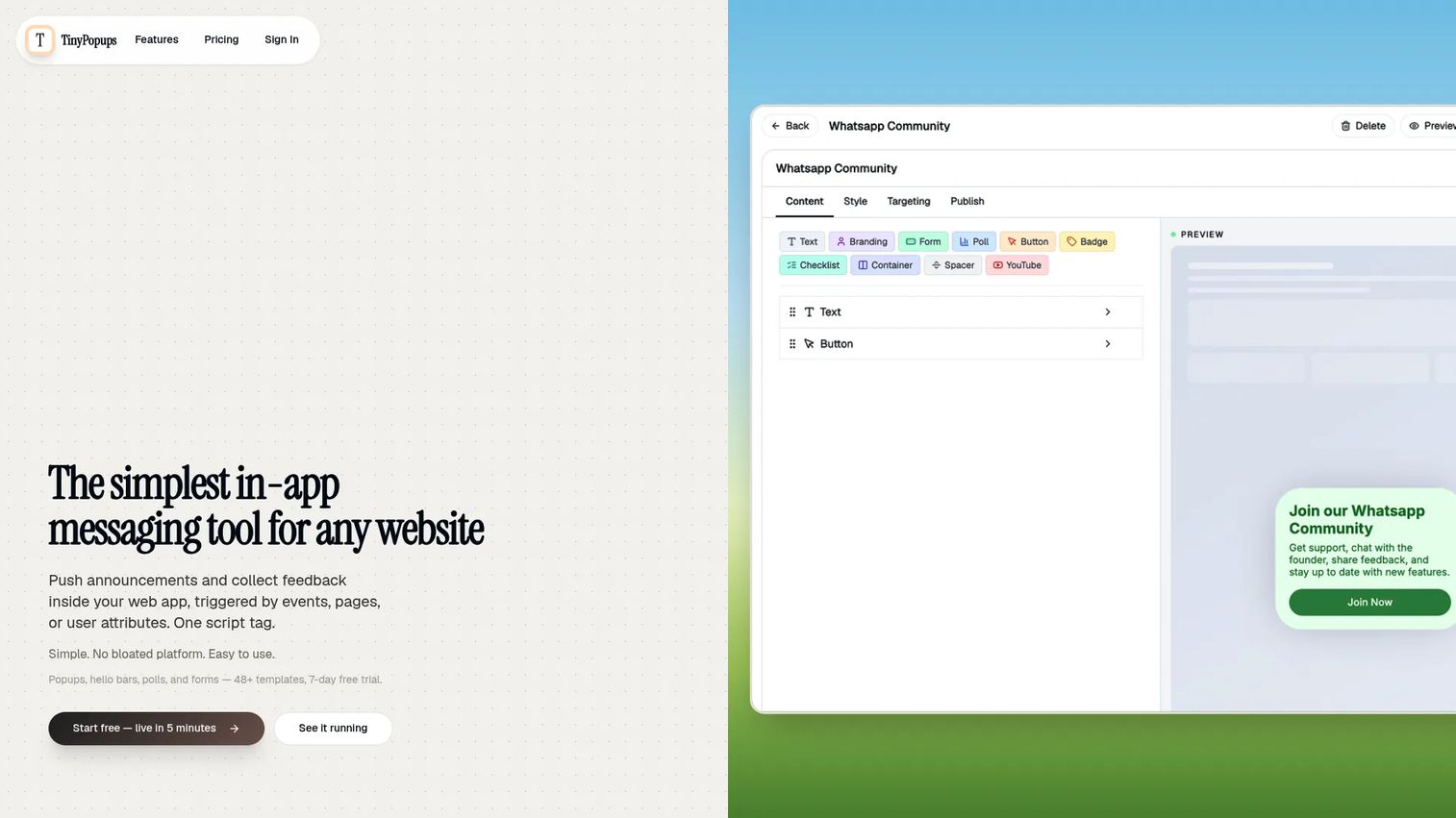
TinyPopups earns a spot here for teams whose Usetiful use case was primarily announcements, upgrade nudges, and simple feedback capture. If the job is a targeted banner or a quick poll, this tool covers it without the complexity of a full DAP.
Best for: Small SaaS teams that need targeted in-app announcements, surveys, and upgrade prompts without a full product adoption platform.
What it is: TinyPopups is a lightweight in-app messaging tool for popups, hello bars, polls, forms, NPS, and CSAT surveys. It uses event-, page-, country-, and user-attribute targeting. A 7-day trial is available. The Starter plan includes 5 active campaigns and 10,000 monthly popup views.
Key features:
- Targeted popups, modals, and hello bars
- Polls, forms, NPS, and CSAT surveys
- Event-, page-, and attribute-based targeting
- Video and YouTube embeds
- 48+ templates with a drag-and-drop editor
Where TinyPopups falls short: TinyPopups covers messaging and feedback capture, not onboarding sequences, checklists, or interactive product tours. Teams needing a full DAP replacement will find the scope limited. No G2 rating was available during this review.
Pricing: Starter at $16/month (annual, $190/year; 5 campaigns, 10,000 views/month). Pro at $33/month (annual, $390/year; unlimited campaigns, 100,000 views/month).
G2: 4.5
How it compares to Usetiful: A partial replacement when the need is lightweight messaging. Not a like-for-like swap for onboarding tours, checklists, or analytics.
12. Shepherd.js (open-source tour library)
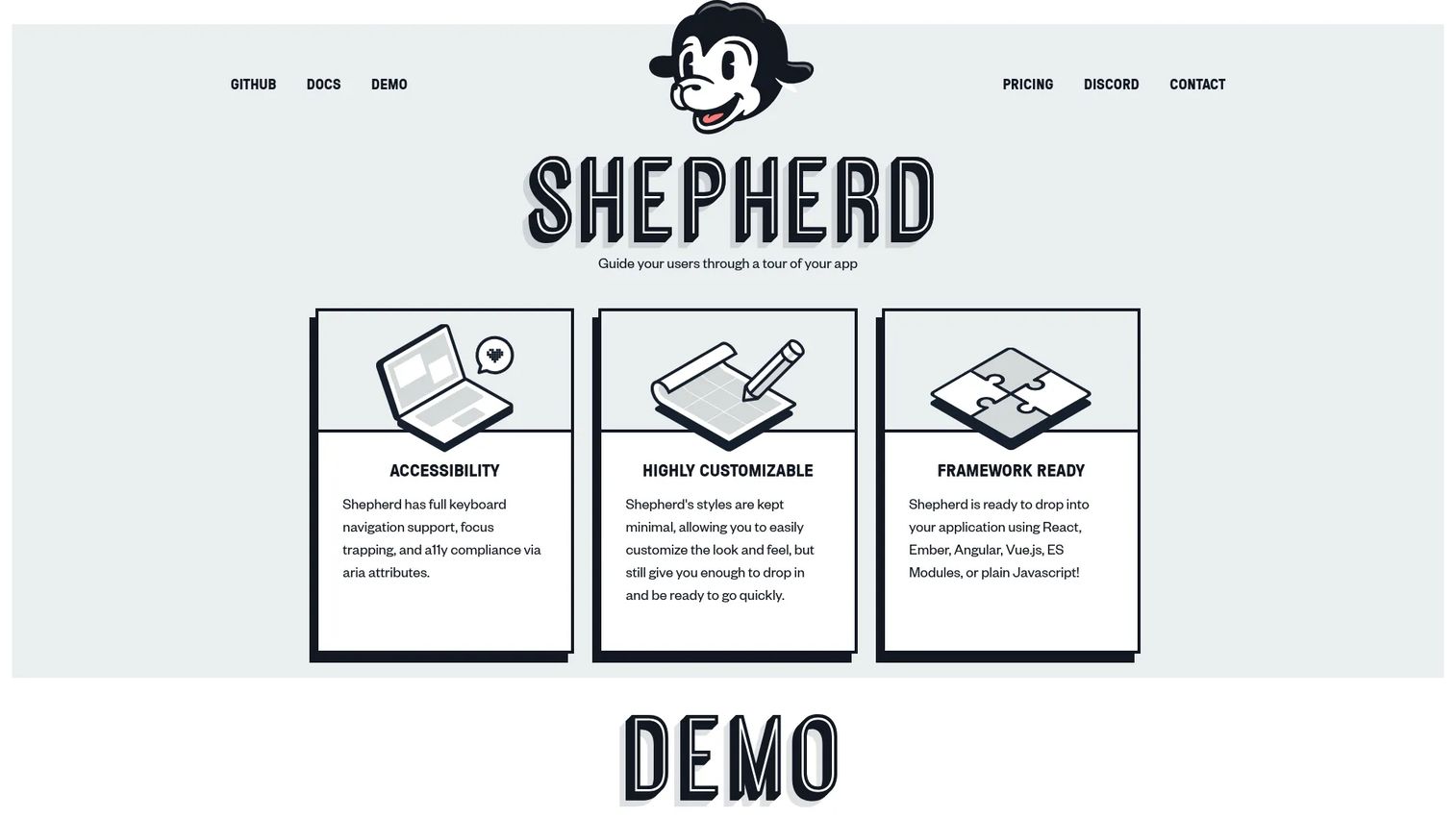
Shepherd.js belongs on this list for engineering teams that want full control over how product tours are built and styled. The tradeoff is straightforward: More control, less no-code operational speed for PMMs.
Best for: Developers building customizable in-app tours and onboarding flows with framework flexibility.
What it is: Shepherd.js is an open-source JavaScript library for product tours, onboarding flows, and feature announcements. It supports React, Ember, Angular, Vue.js, ES modules, and plain JavaScript. Free for open-source, personal, and non-commercial use. Commercial licenses are lifetime purchases.
Key features:
- JavaScript-based product tours and onboarding flows
- Keyboard navigation, focus trapping, and ARIA accessibility
- Customizable styling with framework support for React, Angular, Vue.js, and more
Where Shepherd.js falls short: PMMs cannot build, update, or distribute guides without developer support. Analytics, governance, and content management require additional build work outside the library itself.
Pricing: Free for open-source and non-commercial use. Business license at $50/lifetime. Enterprise license at $300/lifetime. Consulting: Contact for a quote.
G2: 4.2
How it compares to Usetiful: More implementation control, no no-code PMM workflow. The right swap for engineering-led teams; not a replacement for teams that need to publish independently.
13. Driver.js (open-source tour library)
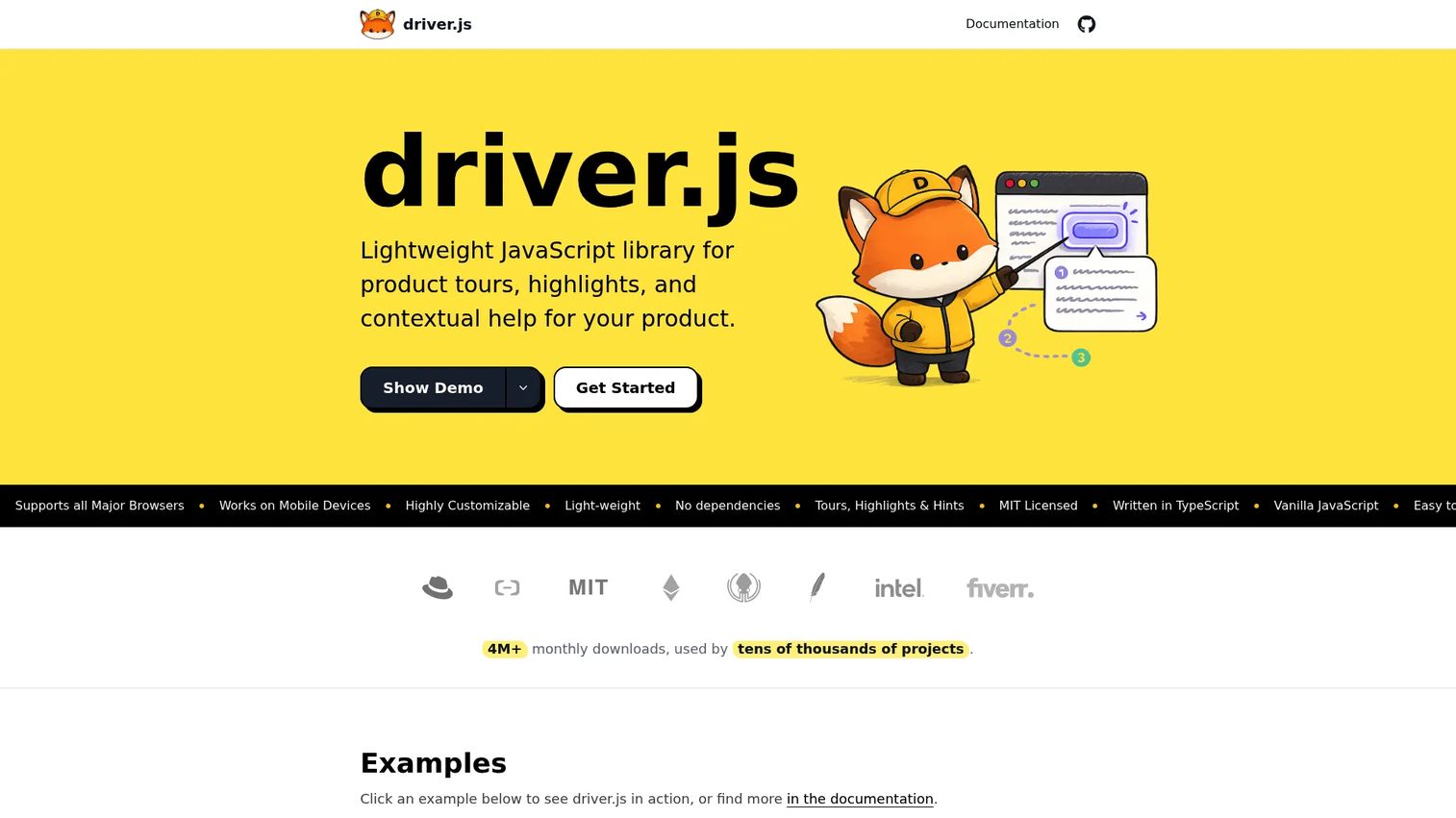
Driver.js is free under the MIT license and covers product tours, element highlights, and contextual help without dependencies. For developers who want a lightweight, maintainable library they can build into their own stack, it is worth evaluating.
Best for: Developers building lightweight, customizable tours and contextual highlights directly into web applications.
What it is: Driver.js is an MIT-licensed JavaScript library for product tours, single-element highlights, feature hints, and onboarding checklists. It supports React, Vue, and Next.js. No dependencies. Free for personal and commercial projects, forever.
Key features:
- Product tours and single-element highlights
- Feature hints and onboarding checklists
- Headless tours with custom UI support
- React, Vue, and Next.js framework support
- No external dependencies
Where Driver.js falls short: All content updates require developer time, which creates a bottleneck for PMMs who need to iterate on training content without engineering support. Analytics and content management need separate systems.
Pricing: Free for everyone, forever (MIT license).
G2: 4.6
How it compares to Usetiful: Stronger for code-level control and teams that want zero dependency overhead. Weaker for non-technical teams that need to publish and iterate without engineering.
14. Intro.js (open-source tour library)
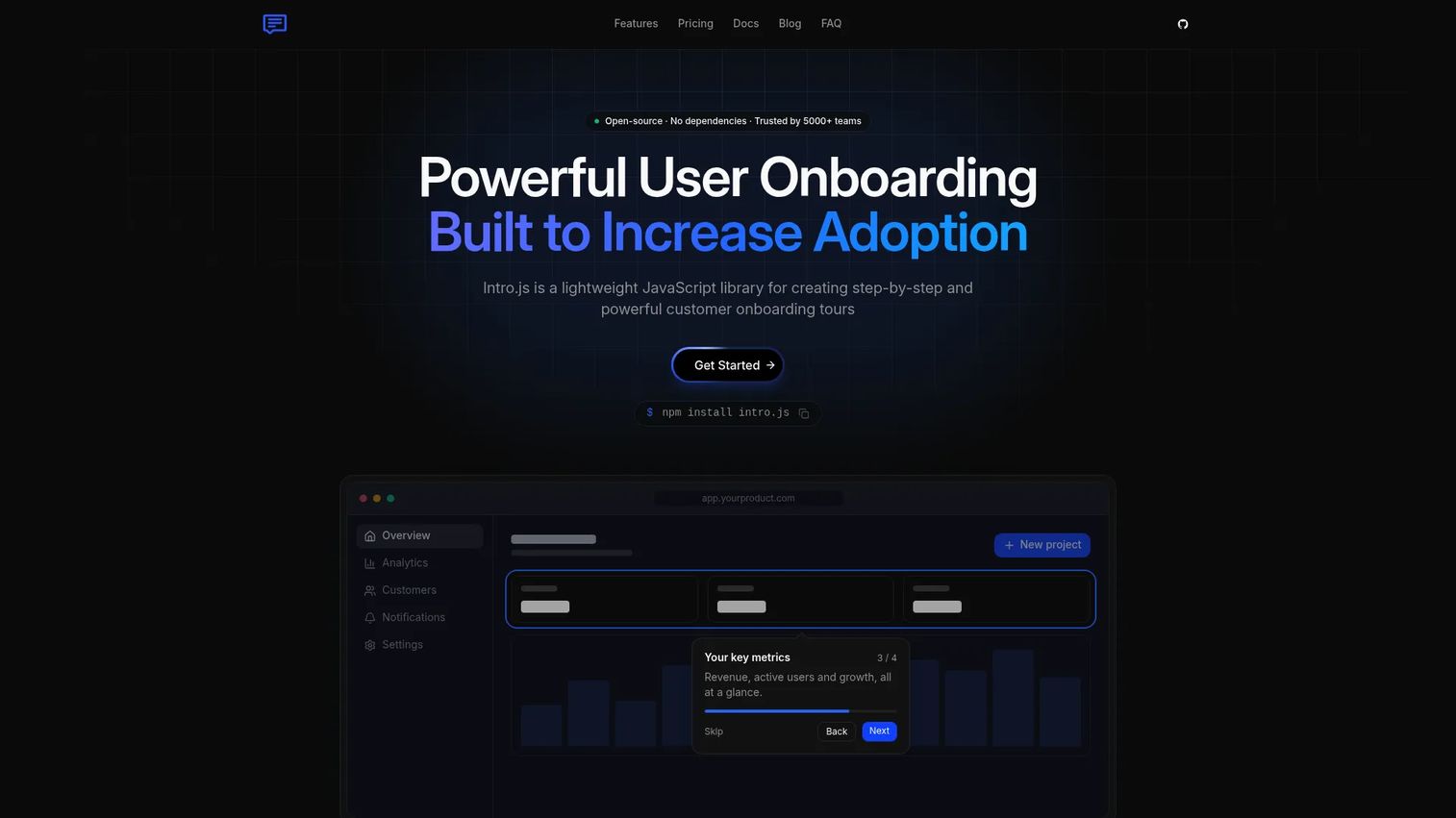
Intro.js is a known JavaScript library for step-by-step tours and contextual hints. Teams building commercially need to pick the right license tier; open-source use under AGPLv3 is free, while commercial projects start at $9.99 for a lifetime license.
Best for: Developers building step-by-step tours in web applications who need a named library with commercial licensing clarity.
What it is: Intro.js is a lightweight JavaScript library for step-by-step customer onboarding tours, hints, and contextual guidance. No external dependencies. Open-source use is free under AGPLv3; commercial licenses are one-time lifetime purchases.
Key features:
- Step-by-step product tours and contextual hints
- Customizable tour steps and themes
- Works with plain JavaScript and multiple frameworks
- No external dependencies
Where Intro.js falls short: Commercial licensing requires evaluation against project count and support needs. No-code PMM workflows and internal training distribution are not supported by the library itself.
Pricing: Open Source at $0 (AGPLv3, forever). Starter license at $9.99/lifetime. Business license at $49.99/lifetime. Premium license at $299.99/lifetime.
G2: 4.5
How it compares to Usetiful: Better for engineering-owned implementation with known licensing terms. Not a DAP replacement for teams that need to build and publish training content without developer involvement.
What is the best Usetiful alternative for internal training?
Guideflow is the best fit when the job is internal training, employee onboarding, SOPs, and reusable product education.
Internal training requires a different content model than live in-app guidance. Sales reps cannot access your app's onboarding tooltips when they are preparing for a call. New employees need to learn software workflows before they have the right permissions. Support agents need step-by-step guides they can follow and share.
Guideflow's interactive demos become internal step-by-step guides that live in Notion, embed in emails, or sit inside a demo center organized by team or use case. Step-level analytics show which steps get completed and where employees drop off, so PMMs can improve content without a live training session.
Which Usetiful alternative is best for in-app onboarding?
Userflow, Product Fruits, UserGuiding, Appcues, and Userpilot are stronger fits when the content must appear inside the live product experience.
In-app onboarding and internal training are different jobs with different delivery surfaces. For teams that need checklists, tooltips, and activation flows inside the product: UserGuiding for no-code onboarding with strong ratings, Appcues for lifecycle experimentation, Userpilot for adoption analytics alongside onboarding, Product Fruits for a broad DAP toolkit at accessible pricing, and Userflow for fast in-app flows and behavior-based segmentation.
What is the best Usetiful alternative for analytics?
Fullstory, Pendo, and Userpilot are the strongest options when analytics drive the buying decision.
Fullstory pairs session replay with guides and surveys so teams can see what users do before deciding where to place guidance. Pendo covers product analytics, feedback, and roadmaps in an enterprise-grade environment. Userpilot pairs onboarding with adoption analytics, making it the right pick for product-led growth teams that need to measure feature adoption.
For PMMs, analytics matter beyond basic completion rates. Proving that a launch drove activation, or that training content reduced support tickets, requires step-level data. Guideflow's analyze feature covers step-level completion, drop-off, and viewer flow for internal guides. For live product analytics, Fullstory and Pendo go deeper.
Which Usetiful alternative works best for lightweight popups?
TinyPopups is the focused pick when the team only needs popups, banners, polls, and simple in-app campaigns.
Lightweight messaging is a partial replacement for Usetiful, covering announcements, upgrade nudges, and feedback capture. TinyPopups handles these jobs with event-based targeting and 48 templates. Teams needing activation tours, checklists, or internal training should choose a different category.
What is the best free or open-source Usetiful alternative?
Shepherd.js, Driver.js, and Intro.js are the best fit when engineering teams want to build and own product tours in code.
Free does not mean no cost. PMMs should factor in engineering time for setup and content updates, plus the additional build work needed for analytics and governance. Driver.js is free under the MIT license with no dependencies. Shepherd.js is free for non-commercial use. Intro.js is free under AGPLv3; commercial licenses start at $9.99 lifetime. For teams that want a free tier without engineering ownership, Fullstory's free plan covers 30,000 sessions per month.
When should you stay with Usetiful?
A team should stay if the current tours, checklists, and surveys still cover the job, the platform is stable, and migration would create more disruption than value. Switching tools costs time across engineering, PMM, and content operations. If existing assets perform well and the team's onboarding needs have not changed, the switching cost is real.
If the need has shifted, the category determines the next step: Guideflow for internal training and SOPs, a DAP for in-app onboarding, Fullstory or Pendo for behavioral analytics, or an open-source library for engineering-owned tours.
Why teams switch from Usetiful to Guideflow
The switch makes sense when the goal is no longer "put a tour in the app." Product knowledge has to reach employees who joined last month, Sales reps preparing for a demo, Support agents answering a recurring ticket, and partners who sell without product expertise.
Guideflow covers this by turning captured software flows into interactive step-by-step guides that work wherever the audience is. Capture runs through the Chrome extension or the native app. The editor supports text, images, graphs, and branching without code. Demo centers let PMMs organize guides by team, use case, or launch. Sandboxes through the sandbox product give teams open-ended product exploration for deeper training scenarios. Translation into more than 30 languages means content reaches global teams without rebuilding.
Step-level analytics on completion, drop-off, and viewer flow tell PMMs which training assets are working and which to fix. CRM records are created when a viewer identifies through an in-demo form or a personalized link, so Sales and CS engagement with training guides becomes a signal in HubSpot, Salesforce, or Pipedrive.
More than 500,000 guideflows have been created across teams using the platform for sales enablement, onboarding, support, and launch education.
Start your journey with Guideflow today!
Frequently asked questions: Usetiful alternatives
The best alternatives depend on the job. Guideflow leads for internal training, employee onboarding, and SOPs. Userflow, Product Fruits, UserGuiding, Appcues, and Userpilot cover in-app product onboarding. Fullstory and Pendo serve teams where behavioral analytics drive the decision. HelpHero works for smaller teams needing straightforward in-app tours. TinyPopups covers lightweight popups and surveys. Shepherd.js, Driver.js, and Intro.js fit engineering-owned tour implementations.
Yes, when the job is interactive software training, employee onboarding, SOPs, sales enablement, or reusable product education that works beyond the product UI. Guideflow creates interactive step-by-step guides from recorded software flows, shareable anywhere. It is not a full in-app DAP replacement for teams that need live tooltips and checklists inside the product experience.
Guideflow. Employee onboarding needs reusable guides that can be shared in Slack, embedded in onboarding docs, and updated when the product changes without rebuilding from scratch. Step-level analytics show which parts of the guide employees actually complete. PMMs, Enablement, Support, and Ops teams all use the same content library.
For live in-app onboarding, the strongest options are UserGuiding for no-code speed, Appcues for lifecycle experimentation, Userpilot for adoption analytics, Product Fruits for a broad toolkit, and Userflow for behavior-based segmentation. In-app onboarding and internal training use different delivery surfaces; a DAP serves the in-product user experience, while an interactive guide platform serves the team behind the product.
Pricing varies widely by category. Open-source libraries like Driver.js are free; Intro.js and Shepherd.js have commercial licenses starting under $50 lifetime. TinyPopups starts at $16/month. HelpHero starts at $55/month. Guideflow has a free plan; paid plans start at $35/user/month (annual). Userflow starts at $240/month (annual). UserGuiding at $249/month. Product Fruits at $111/month. Appcues at $3,600/year. Userpilot at $299/month. Fullstory and Pendo require a sales conversation for paid tiers.
Start by auditing all active tours, checklists, surveys, and messages. Decide which assets must stay inside the app and which can become shareable interactive guides. Capture or screenshot high-performing flows before rebuilding. Prioritize by audience: Customers first, then employees, Sales, Support, and partners. Keep old and new content running in parallel only where continuity is critical. Track adoption after migration to measure whether the switch improved completion and engagement.
For engineering teams that want code-level control, yes. Shepherd.js, Driver.js, and Intro.js give developers full control over styling, accessibility, and behavior. For PMMs who need to publish, update, and measure content without developer support, they are not a practical replacement. The engineering time required for setup, updates, and analytics adds up quickly.
Speed to publish without engineering support, reuse across launches and enablement and onboarding and support, analytics on completion and drop-off, collaboration and governance for versioning and approvals, and a clear separation between in-app onboarding and internal training. The category match matters most: A DAP solves the in-product activation problem, while an interactive guide platform solves the cross-functional product education problem.