A user signs up. They land on an empty dashboard. They don't know what to click first, so they close the tab. Two weeks later your CS team is answering the same "how do I connect my data source?" question for the fifth time this month.
That's the gap tooltip software fills. Not decorative hover text, but contextual guidance that reaches users at the exact moment they're stuck, without pulling anyone into a support call.
The category is growing for a reason. The global product tours software market, which includes in-app tooltips and walkthroughs, was USD 0.58B in 2024 and is projected to reach USD 1.73B by 2033 at a 15.5% CAGR, according to Business Research Insights (2025). More teams are treating in-app guidance as core onboarding infrastructure, not a nice-to-have.
But here's the part most roundups skip. If you're a PM, the tool you pick isn't just about how pretty the tooltips look. It's about whether it survives your release cadence, segments cleanly across personas, and gives you activation data you can actually act on. The wrong choice becomes another brittle layer you babysit every sprint.
This guide compares nine tooltip tools through that lens. If your job is showing users a full product experience rather than nudging them inside your app, interactive demos and sandboxes solve a different problem, and you can capture a guided walkthrough or share it anywhere. For in-app tooltips specifically, keep reading.
What's inside
This guide is for PMs, product ops, and onboarding owners comparing tooltip software before a purchase decision. You already know tooltips exist. You want the shortlist and the differentiation.
We chose the nine tools below based on four criteria that matter most for product teams:
- No-code editing: Can non-engineers build and update tooltips without a release?
- Targeting and segmentation: Can you show the right tip to the right persona at the right moment?
- Styling and native fit: Do the tooltips match your product instead of looking bolted on?
- Analytics and maintainability: Can you measure impact and keep tooltips current as the UI changes?
TL;DR
- Best for enterprise adoption and compliance: Apty pairs in-app guidance with workflow monitoring across business software.
- Best for PM teams needing deep analytics: Userpilot and Pendo tie tooltips to product usage data and segmentation.
- Best for lightweight, fast onboarding: HelpHero and UserGuiding get you shipping tours without engineering.
- Best for a full PLG suite: Produktly bundles tours, checklists, and feedback in one place.
- Best for pure in-app messaging on the web: Tooltip.io focuses on templates, targeting, and browser-based creation.
What is tooltip software
Tooltip software is a tool that lets teams add contextual, in-product guidance, small pop-ups, hotspots, and inline hints, that appear inside an app to help users complete tasks without leaving the interface.
Unlike static documentation, tooltips meet users where the friction happens. Instead of sending someone to a help center article, you surface a one-line hint next to the button they're hesitating over. Instead of a scheduled onboarding call, you trigger a short sequence the first time a user hits a new screen.
Tooltips differ from full product tours in scope. A tour is a broader guided flow across multiple steps and screens. A tooltip is usually a single, targeted nudge. Most tools in this list do both, plus checklists, banners, and surveys.
Core capabilities to expect from tooltip software:
- In-app messaging formats: tooltips, hotspots, modals, banners, and slideouts
- WYSIWYG editor: build and style tooltips without touching code
- Targeting and triggers: show tips based on user segment, plan, behavior, or page
- User segmentation: split audiences by role, lifecycle stage, or use case
- Styling controls: match brand colors, fonts, and native look
- Tooltip positioning: anchor tips to specific UI elements responsively
- Performance analytics: track views, completion, engagement, and drop-off
For a PM, the value is scalable onboarding that reduces support load and increases activation without a constant engineering dependency. The risk to watch is maintainability. Tooltips anchored to fragile selectors break when the UI ships changes, so preview and update speed matter as much as the initial build.
When to use tooltip software
Guide first-time users to activation
New users don't read docs. They click around until they either find value or leave. Tooltips shorten that path by pointing to the one action that drives your activation metric. Use them on empty states, first-run screens, and the moment before a user abandons setup.
Drive adoption of new or underused features
You shipped a feature. Usage is flat because nobody knows it exists. A targeted tooltip or hotspot on the relevant screen surfaces it to the right segment without an email blast. This works best when triggered by behavior, like showing the tip only to users who've never touched the feature.
Reduce repetitive support tickets
If your support team answers the same "where do I find X?" question weekly, that's a tooltip, not a ticket. Contextual help at the friction point deflects the question before it becomes a conversation. Pair this with analytics to find which screens generate the most confusion, then guide there first.
Comparison table
The table below ranks the nine tools by relevance to product teams evaluating tooltip software. Pricing reflects each vendor's published entry point at the time of writing, so treat it as a starting reference and confirm current tiers during your evaluation. G2 ratings are directional signals of user sentiment, not a substitute for your own trial.
| # | Product | Intent | Key differentiation | Pricing | G2 rating |
|---|---|---|---|---|---|
| 1 | Tooltip.io | Web in-app messaging | Template-based messaging via Chrome extension | From $249/mo | Not listed |
| 2 | Apty | Enterprise adoption | AI-assisted guidance plus workflow monitoring | From $9,500/app/yr | 4.7/5 |
| 3 | Produktly | PLG suite | Tours, checklists, and feedback in one tool | From 19€/mo | Not listed |
| 4 | Inline Manual | In-app onboarding | Walkthroughs plus in-app help center | From $158/mo | 4.6/5 |
| 5 | UserGuiding | No-code onboarding | Fast tours with a free forever tier | From $174/mo | 4.7/5 |
| 6 | HelpHero | Lightweight tours | Affordable MAU-based onboarding | From $55/mo | 4.9/5 |
| 7 | Userpilot | Product growth | Tooltips tied to product analytics | From $299/mo | 4.6/5 |
| 8 | Pendo | Product experience | Analytics plus in-app guidance at scale | Free tier available | 4.4/5 |
Best tooltip software tools for 2026
1. Tooltip.io
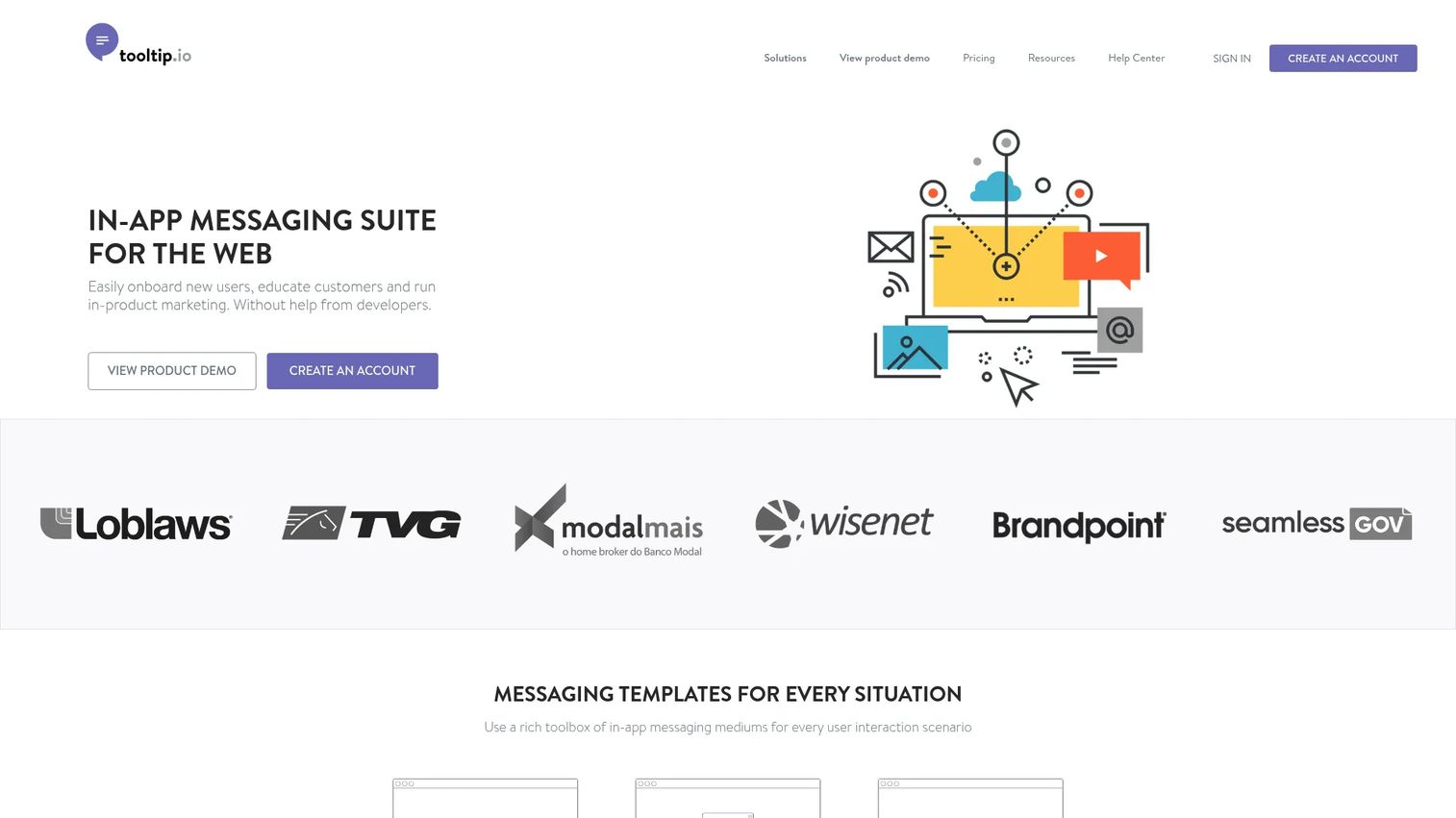
Tooltip.io is an in-app messaging suite for the web. It focuses on giving teams a library of message formats, tooltips, popups, notifications, bars, banners, slideouts, containers, and hotspots, that you build and preview directly in the browser through a Chrome extension. The positioning is straightforward: no-code in-app messaging and onboarding campaigns without an engineering ticket.
For a PM, the appeal is speed and breadth of formats. You can launch a campaign, target a segment, and preview before publishing without leaving your product's live pages. It supports audience targeting, segmentation, triggers, Google Tag Manager, and cross-domain, mobile, and browser coverage.
Best for: Teams that want no-code in-app messaging and onboarding campaigns on the web.
Key strengths
- Wide format library: tooltips, popups, bars, banners, slideouts, hotspots
- Browser-based campaign creation and preview via Chrome extension
- Audience targeting, segmentation, and behavior triggers
- Google Tag Manager support and cross-domain coverage
- Analytics on message performance
Why choose Tooltip.io: If your primary need is contextual in-app messaging on a web product and you want to build campaigns in the browser, Tooltip.io keeps the workflow tight. It fits teams that value format variety over a full analytics suite.
Tooltip.io pricing: A free 14-day trial is available. The PRO plan is $249 a month. Enterprise pricing is quote-based through sales.
2. Apty
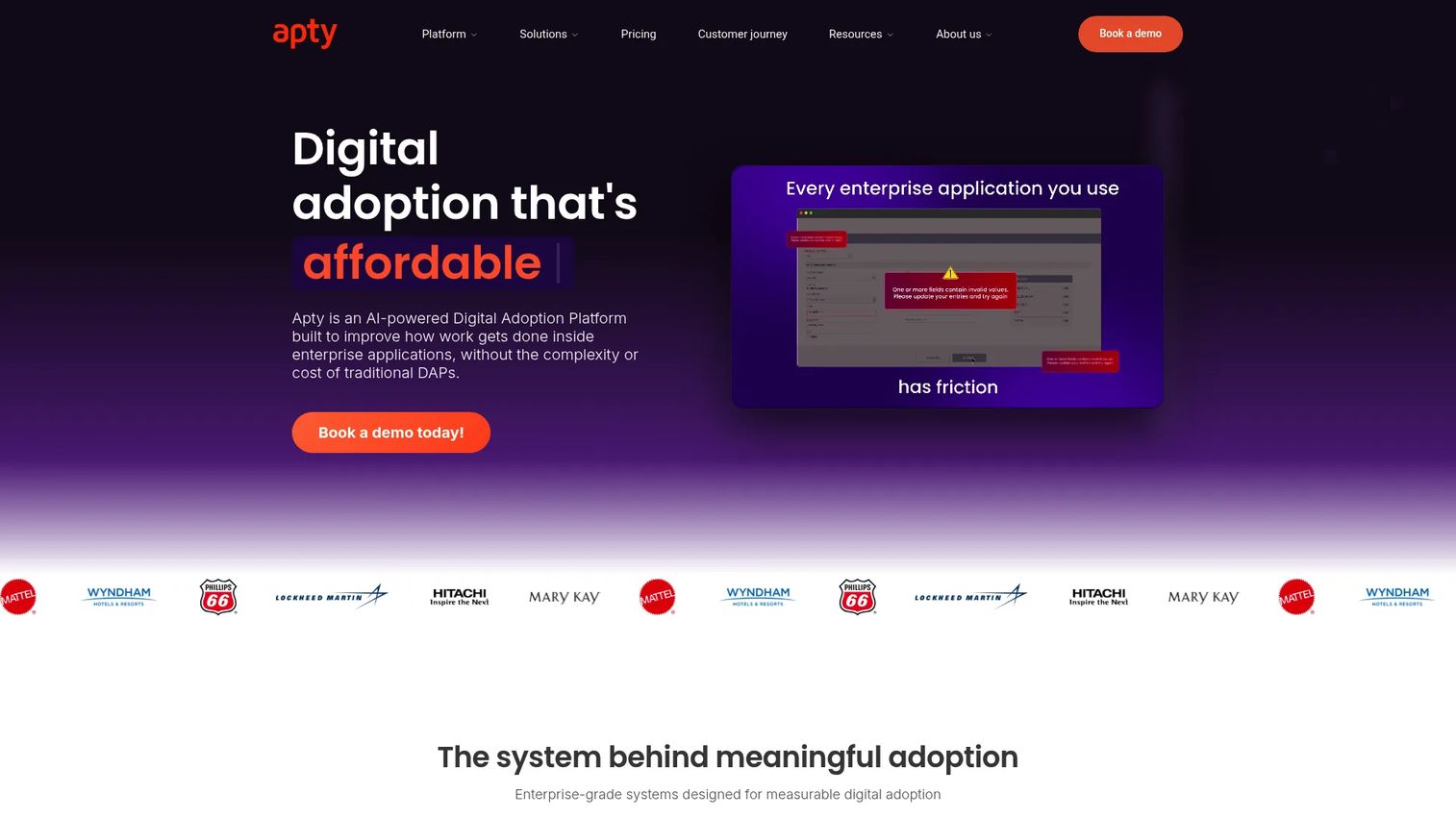
Apty is an AI-powered digital adoption platform built for enterprise applications. Beyond tooltips, it layers in workflow monitoring and adoption analytics, so guidance sits alongside data on how users move through business-critical software. It's aimed at organizations rolling out complex applications where adoption and compliance both matter.
For PMs at larger companies, Apty's differentiator is the combination of in-app guidance with monitoring. You're not just placing tooltips, you're tracking whether users complete required workflows and where they stall. The AI-assisted content and optimization help keep guidance current as processes change.
Best for: Enterprises that need in-app guidance, analytics, and compliance support across business software.
Key strengths
- AI-assisted content creation and optimization
- In-app guidance and tooltips for complex apps
- Workflow monitoring to track task completion
- Adoption analytics across business software
- Enterprise-focused deployment options
Why choose Apty: Choose Apty when adoption of enterprise or internal software is the goal and you need workflow-level visibility, not just onboarding nudges. It fits teams driving compliance and process adherence at scale.
Apty pricing: All features are included from day one. Pricing starts at $9,500 per app annually, with optional add-ons such as on-premise authoring, white-label, and professional services. There is no free tier.
3. Produktly
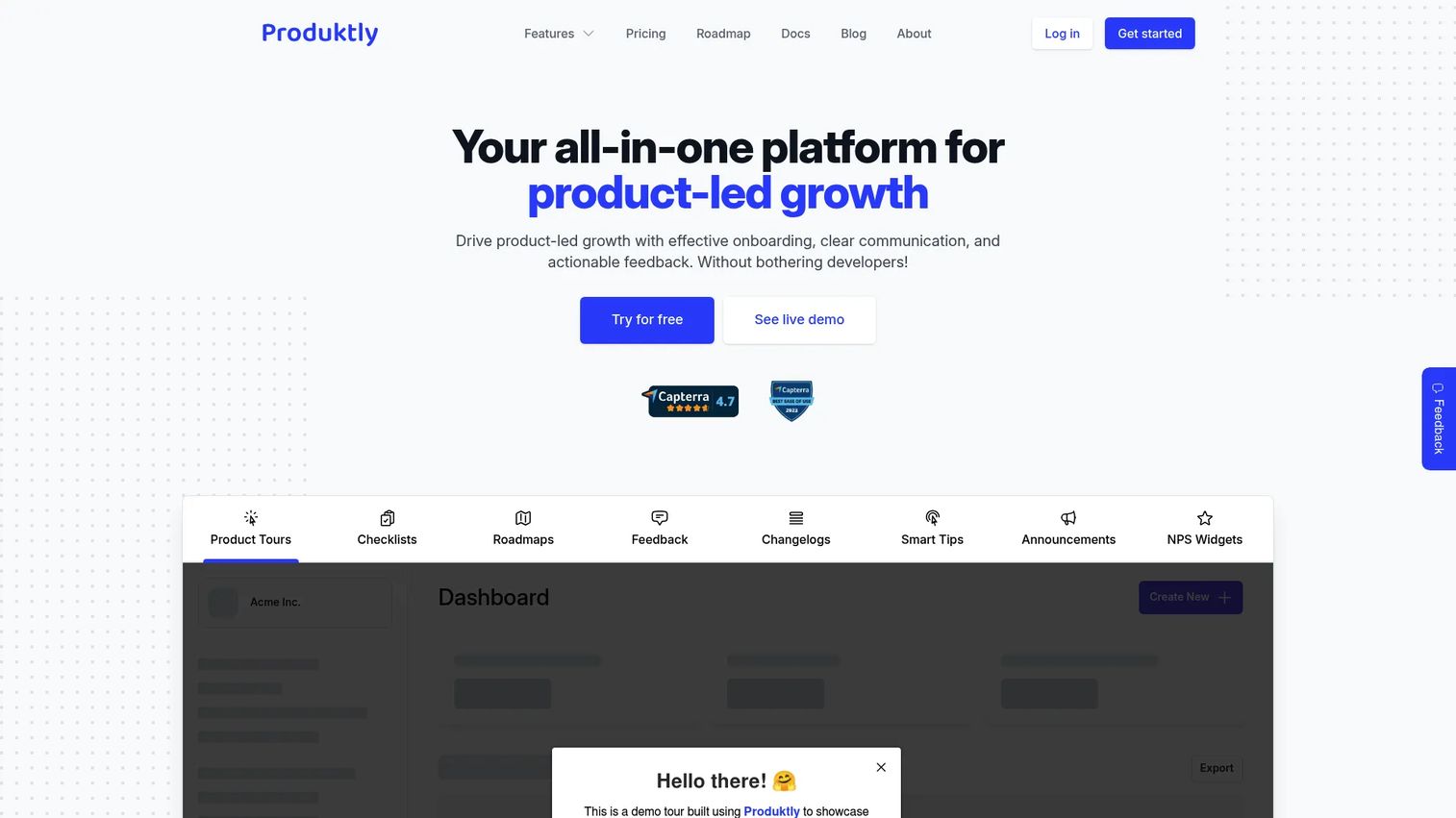
Produktly is an all-in-one product-led growth tool covering onboarding, in-app communication, and feedback. It bundles product tours, checklists, and roadmaps alongside smart tips, announcements, NPS widgets, and micro surveys. The pitch is a no-code suite that handles the full onboarding-to-feedback loop without stitching multiple tools together.
For PMs who want breadth without a heavy enterprise price tag, Produktly consolidates several jobs. You build tooltips and tours, run checklists to drive activation, and collect feedback in the same place. That reduces tool sprawl and keeps onboarding logic in one system.
Best for: Teams that want a no-code in-app onboarding and feedback suite.
Key strengths
- Product tours and contextual tooltips
- Onboarding checklists to drive activation
- Roadmaps and changelog announcements
- NPS widgets and micro surveys for feedback
- No-code editing across all formats
Why choose Produktly: Choose Produktly when you want onboarding, in-app communication, and feedback in one affordable tool rather than assembling a stack. It fits smaller product teams optimizing for velocity and consolidation.
Produktly pricing: The Developer plan starts at 19€ a month, Startup at 59€ a month, and Growth at 199€ a month. Paid plans include a free 14-day trial. There is no permanent free tier.
4. Inline Manual
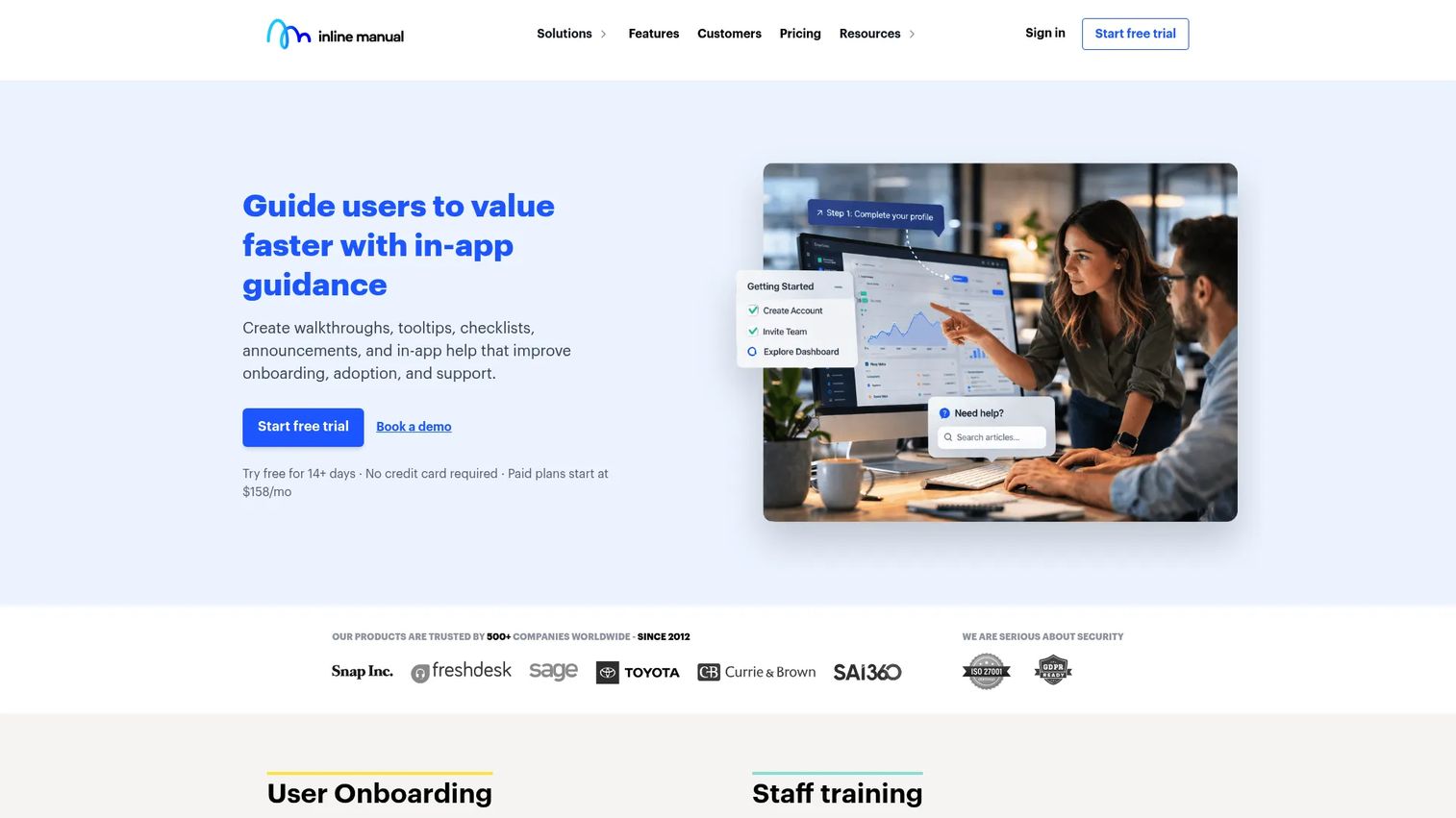
Inline Manual is a digital adoption platform for in-app onboarding, guidance, and user education. It pairs interactive walkthroughs and tooltips with an in-app help center that includes searchable articles. Segmentation, branching, analytics, and multilingual support round out the feature set for teams serving diverse or global user bases.
For a PM, the standout is the combined guidance-plus-help-center model. Users get contextual tooltips during a task and can search documentation without leaving the app. Branching logic lets you adapt walkthroughs by segment, which matters for multi-persona products.
Best for: Teams that want in-app onboarding and product adoption tooling for SaaS or internal software.
Key strengths
- Interactive walkthroughs and tooltips
- In-app help center with articles and search
- Segmentation and branching for tailored flows
- Performance analytics on guidance
- Multilingual support for global users
Why choose Inline Manual: Choose Inline Manual when you want onboarding guidance and self-serve documentation delivered together inside your product. It fits SaaS and internal-tool teams that need multilingual, segmented flows.
Inline Manual pricing: Standard Pro starts at $158 a month for 250 monthly active users. Enterprise pricing is available on request. A one-time Product Adoption Audit is offered at $399, with add-ons like iFrames support, standalone player, and priority support.
5. UserGuiding
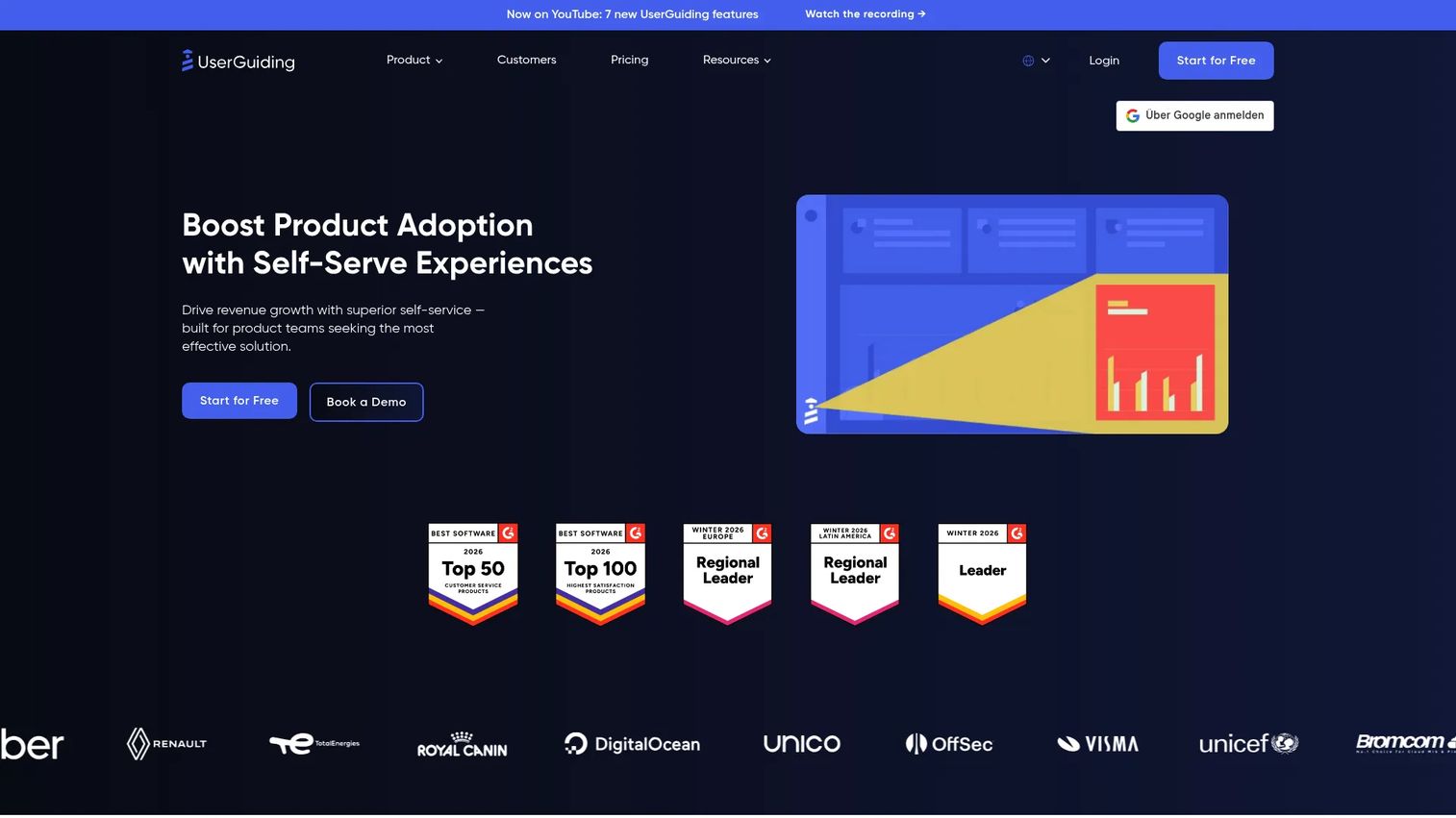
UserGuiding is a no-code product adoption and user onboarding platform. It covers product tours, a knowledge base and resource center, in-app surveys, and NPS, all built without engineering. The positioning targets B2B teams that want self-serve support and adoption tools they can ship and iterate on quickly.
For PMs, UserGuiding's draw is the balance of no-code speed and a free forever tier to start. You build tours and tooltips, add a resource center for self-service, and layer in surveys to close the feedback loop. That covers the core onboarding jobs without a long implementation.
Best for: B2B teams that want no-code onboarding, self-serve support, and product adoption tools.
Key strengths
- No-code product tours and tooltips
- Knowledge base and resource center
- In-app surveys and NPS collection
- Segmentation and targeting controls
- Free forever support tier to start
Why choose UserGuiding: Choose UserGuiding when you want a no-code onboarding tool that scales from a free tier to growth-stage needs without engineering. It fits B2B teams prioritizing self-serve support and fast iteration.
UserGuiding pricing: A free Support Essentials tier is available forever. Starter is $174 a month billed yearly, Growth is $349 a month billed yearly, and Enterprise is quote-based.
6. HelpHero
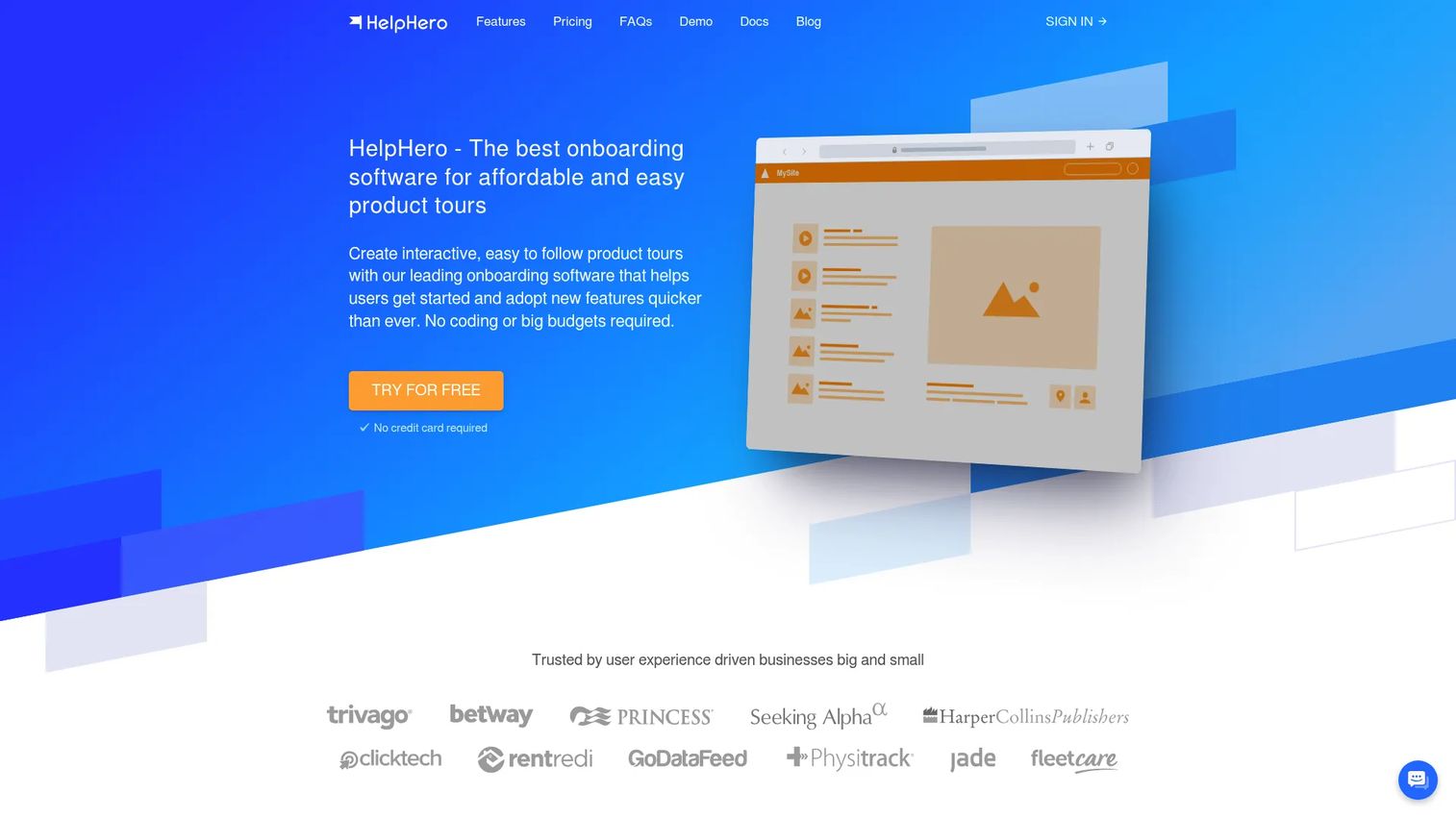
HelpHero is user onboarding software for creating interactive product tours and in-app guidance. It keeps the scope focused: interactive tours, onboarding checklists, and hotspots, tooltips, and feature announcements. The pitch is affordable, no-code onboarding that you can stand up without a big budget or engineering lift.
For PMs watching cost and simplicity, HelpHero's MAU-based pricing and tight feature set make it easy to justify and easy to maintain. You get the essentials for guiding users and announcing features without a sprawling platform to learn. Its high G2 rating reflects that focus.
Best for: Teams that need affordable, no-code in-app onboarding and product tours.
Key strengths
- Interactive product tours
- User onboarding checklists
- Hotspots, tooltips, and feature announcements
- No-code editor for fast setup
- Transparent MAU-based pricing
Why choose HelpHero: Choose HelpHero when you want a focused, affordable onboarding tool that ships tours and tooltips without complexity. It fits teams that value simplicity and predictable pricing over a broad platform.
HelpHero pricing: Pricing is based on monthly active users. Plans run from $55 a month for up to 1,000 MAU, $115 for up to 2,500, $179 for up to 5,000, $249 for up to 10,000, and $299 for up to 20,000. Startup and enterprise plans are custom, with a free 14-day trial and no credit card required.
7. Userpilot
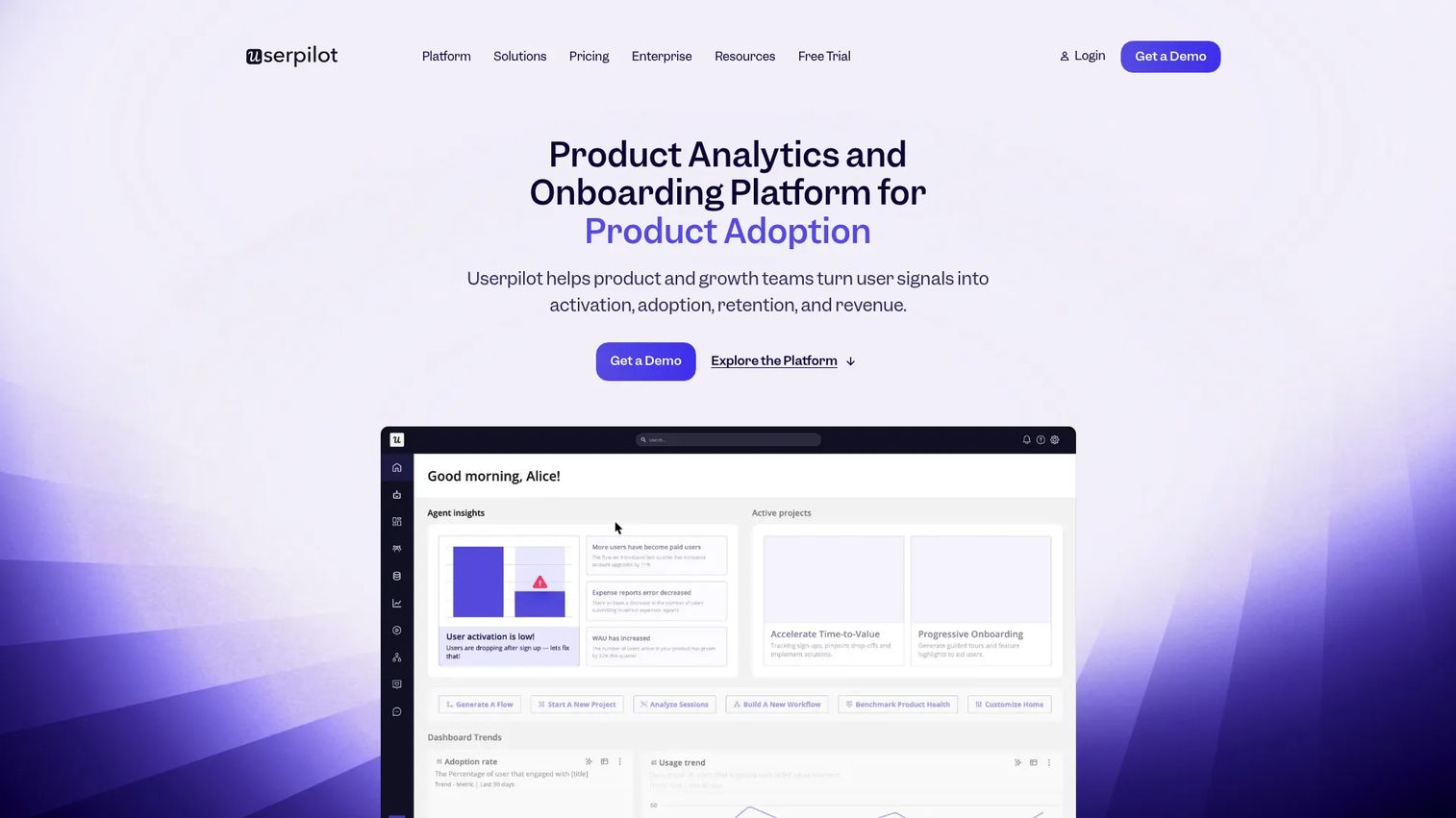
Userpilot is a no-code product growth platform spanning analytics, in-app engagement, feedback, session replay, workflows, email, and mobile. Tooltips and tours are one piece of a broader system that ties in-app guidance directly to product usage data. Its AI assistant, Lia, and deep integration options support teams building data-driven onboarding.
For PMs, Userpilot's advantage is connecting tooltips to analytics and segmentation in one platform. You can trigger guidance based on behavior, then measure whether it moved activation or feature adoption. Session replay and feedback close the loop, so you're iterating on evidence rather than guesses.
Best for: Teams that want a no-code platform to drive product adoption and user engagement.
Key strengths
- Product analytics tied to in-app guidance
- In-app engagement flows: tooltips, tours, checklists
- Session replay to see where users struggle
- User feedback, NPS, and surveys
- Workflows, email, mobile, and integrations
Why choose Userpilot: Choose Userpilot when you want tooltips and analytics in the same platform so you can measure and iterate on activation. It fits data-driven product teams that treat onboarding as an experiment.
Userpilot pricing: Pricing is based on monthly active users. Starter starts at $299 a month, Growth from $849 a month, and Enterprise is custom. A 14-day free trial is available.
8. Pendo
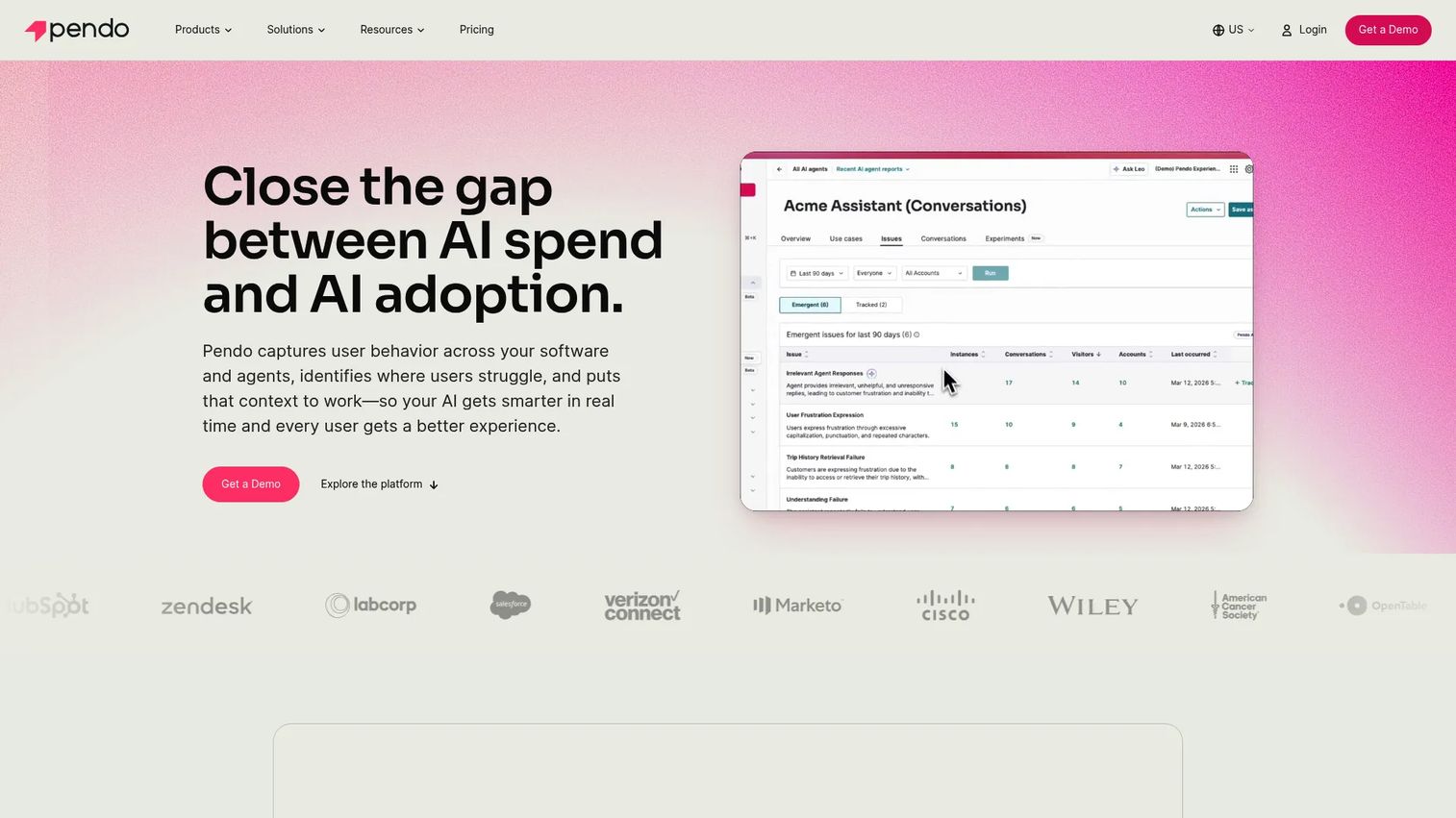
Pendo is a product experience platform combining analytics, in-app guidance, feedback, session replay, and roadmapping. Its in-app guides and tooltips sit on top of a mature analytics engine, which is why larger product organizations often standardize on it. The breadth makes it a system of record for how users experience the product.
For PMs at scale, Pendo's strength is measurement depth. You can segment users, place tooltips and guides, and connect that to retention and adoption analytics across the whole product. Session replay and NPS surveys add qualitative context to the usage data.
Best for: Teams that want one platform for product analytics, in-app adoption, and user feedback.
Key strengths
- Product analytics with deep segmentation
- In-app guides and tooltips
- Session replay for behavior insight
- Sentiment and NPS surveys
- Roadmaps and data sync integrations
Why choose Pendo: Choose Pendo when analytics depth is as important as the tooltips themselves and you want one platform across product, adoption, and feedback. It fits mid-market and enterprise product teams standardizing their stack.
Pendo pricing: A free plan is available up to 500 monthly active users. The Base, Core, and Ultimate plans require requesting pricing, which is based on MAUs plus the functionality you choose.
Considerations
Before you commit, run each shortlisted tool against the criteria that determine whether it helps or becomes a maintenance burden.
Segmentation and trigger control
Your product likely serves multiple personas, admins, end users, different plans. A tooltip that fires for everyone is noise. Evaluate how granularly each tool targets by role, plan, lifecycle stage, and behavior. Behavior-based triggers matter most, because showing a tip only when a user is actually stuck is what separates helpful from annoying.
Styling and native fit
Tooltips that look bolted on erode trust. Check whether the WYSIWYG editor lets you match brand colors, fonts, and positioning so guidance feels native. Preview before publishing is essential here, so you catch misplaced anchors before users do.
Analytics and measurement
If you can't measure it, you can't defend it against feature work. Look for tooltip-level analytics on views, completion, engagement, and drop-off. The stronger tools tie this to activation and retention, so you can prove onboarding changes moved a metric rather than just shipped.
Maintenance and release cadence
This is the PM anxiety that roundups ignore. Tooltips anchored to fragile UI selectors break when you ship. Ask how each tool handles element changes, how fast a non-engineer can fix a broken tip, and whether it warns you when a tooltip stops matching the UI. Low maintenance is a feature, not a footnote.
Integration and governance
Your tooltips should feed the same analytics and CRM stack you already run. Confirm integrations with your data warehouse, product analytics, and CRM, plus access controls and versioning so multiple teammates can edit without stepping on each other. Governance keeps a growing library from turning into chaos.
Conclusion
There's no single best tooltip software, only the best fit for your release cadence, segmentation needs, and analytics depth.
If you're at enterprise scale rolling out complex or internal software, Apty pairs guidance with workflow monitoring. If analytics depth drives your decisions, Userpilot and Pendo tie tooltips to product usage and retention data. For fast, affordable onboarding without engineering, HelpHero and UserGuiding get you shipping quickly. Produktly consolidates tours, checklists, and feedback for teams optimizing against tool sprawl, and Tooltip.io focuses on browser-based in-app messaging, while Inline Manual blends guidance with a searchable help center.
Next step: shortlist two or three tools and actually test them. Build a real tooltip, target a real segment, and change your UI to see how fast you can fix a broken anchor. That last test, update speed after a release, tells you more about long-term fit than any feature list.
If part of your job is showing users a full product experience rather than nudging inside the app, explore what Guideflow does with interactive demos and sandboxes. You can personalize a guided walkthrough, analyze engagement, and integrate the data into your stack.
Start your journey with Guideflow today!
FAQs
Tooltip software adds contextual, in-product guidance, small pop-ups, hotspots, and inline hints, that help users complete tasks without leaving your app. It surfaces help at the exact moment of friction instead of routing users to documentation. Most tools also support tours, checklists, banners, and surveys.
Tooltips are targeted, inline nudges usually tied to a single UI element or moment. Product tours are broader guided flows that walk a user across multiple steps and screens. Most tools in this list do both, so you can mix a full first-run tour with standalone tooltips for individual features later.
Use tooltips for immediate, in-context help when a user is actively stuck on a task. Documentation works better for deep reference material a user reads intentionally. If someone has to leave your app to find an answer to a simple in-flow question, that's a tooltip, not a doc.
There's no fixed number. It depends on frequency, audience segmentation, and task complexity. The failure mode is firing tips a user didn't ask for on screens they already understand. Segment tightly, cap frequency, and trigger on behavior so tips appear only when they add value.
Yes, when applied to repetitive friction points and basic workflow guidance. If your support team answers the same "where do I find X?" question weekly, a contextual tooltip at that screen deflects it before it becomes a ticket. Use analytics to find your highest-confusion screens, then guide there first.
Look for views, completion rate, engagement, and drop-off at the tooltip and flow level. The stronger signal is tying that guidance data to activation and retention, so you can prove a change moved a metric. Segmentation in the analytics matters, so you can see how different personas respond.
The strongest tools support no-code or low-code workflows, so a PM or product ops owner can build and update tooltips without a release. Initial installation of a script or SDK usually needs a one-time engineering step. After that, day-to-day editing should not require developer time.
Prevent fatigue with tight targeting, frequency caps, and concise copy. Show a tip only to the segment that needs it, only when behavior indicates they're stuck, and only once unless dismissed. Keep the copy to a single clear action. Review analytics regularly and retire tooltips that no longer earn their placement.