Your roadmap lives in one system. Decisions happen in chat. Customer evidence sits in documents scattered across three shared drives. Status updates exist only in someone's memory until the next standup.
The cost isn't the number of apps your team runs. It's the missing context between them. According to the EmpowerSuite Digital Workplace Report (2025), employees spend an average of 29 hours per week using productivity software, yet the coordination overhead keeps rising. The problem isn't time on tools. It's that the wrong tools handle the wrong jobs, and no one has drawn clear lines between them.
For Product Managers, this matters more than it does for most roles. You sit at the intersection of engineering, design, customer success, sales, and marketing. When context breaks down between those functions, the cost shows up in delayed releases, rework, and activation metrics that quietly decline.
This guide ranks 15 team productivity software options by the specific workflow job they handle best.
What's inside
This guide is for Product Managers, heads of product, and cross-functional leads evaluating or consolidating their productivity stack. Tools were selected based on:
- Workflow fit: Does it address a specific coordination bottleneck, not just general task volume?
- Cross-functional value: Can it serve product, engineering, design, and go-to-market teams without forcing one function to compromise?
- Integration depth: Does it connect to the systems PMs already use for analytics, CRM, or communication?
- Maintainability: Will workflows hold up across frequent releases without constant cleanup?
Pricing and G2 ratings are verified from each vendor's current pricing page and G2 listing.
TL;DR
- Best for Microsoft-centered organizations: Microsoft Teams combines chat, meetings, files, and workflows inside the Microsoft 365 identity layer
- Best for flexible product documentation: Notion connects research, requirements, and decisions in a customizable workspace
- Best for fast team communication: Slack handles high-volume channel-based coordination across product and GTM teams
- Best for structured project execution: Asana brings owned tasks, timelines, dependencies, and portfolio reporting together
- Best for workflow automation: Zapier connects your existing productivity tools and removes repetitive coordination steps
- Best for time and capacity visibility: Toggl tracks effort at the project level so planning assumptions stay grounded
What is team productivity software?
Team productivity software helps groups plan work, communicate decisions, share information, automate repeatable tasks, and measure progress from connected digital workflows.
The category spans several distinct job types, and most teams need more than one:
- Project management software: Plans work with owners, dependencies, milestones, and delivery status. Covers tools like Asana, Jira, Trello, monday.com, and ClickUp
- Collaboration software: Supports discussions, shared documents, meetings, and async coordination. Covers Microsoft Teams, Slack, and Google Workspace
- Knowledge management software: Stores decisions, processes, research, and product context. Notion sits here for most product teams
- Workflow automation software: Moves information between systems and triggers repeatable actions without manual steps. Zapier is the primary example
- Time tracking software: Records effort, capacity, and work patterns at the project level. Toggl is built specifically for this job
- Visual collaboration software: Supports discovery, diagramming, workshops, and ideation. Miro fits here
Key capabilities to look for
- Tasks, owners, deadlines, and dependency tracking
- Shared documentation and decision records that stay findable
- Comments, mentions, and notifications that don't create noise
- Workflow automation tied to real handoffs
- Dashboards and progress views that don't require manual updates
- Permissions and workspace governance as the team scales
- Templates for recurring work like launches, retrospectives, and sprint cycles
- Search across projects and knowledge
- Mobile access for distributed team members
- AI features tied to a specific workflow improvement, not just added as a checkbox
No single platform handles every job equally well. Choose based on the workflow bottleneck, not the longest feature list. A PM team that struggles with decision traceability has a different problem than one whose cross-functional launch coordination keeps breaking.
When to use team productivity software
Coordinate cross-functional product work
Roadmap planning, discovery, engineering dependencies, design reviews, launch readiness, and customer feedback each touch different teams. Without shared ownership and visible status, every update requires a new meeting. The right product management tools create a shared layer where each function can see what it needs without asking.
Run distributed or hybrid workflows
Async updates, time-zone handoffs, and searchable decision records reduce the coordination cost for distributed teams. The goal isn't eliminating meetings. It's making the space between meetings productive. A tool that forces synchronous updates into a global team adds friction instead of removing it.
Automate recurring coordination
Intake forms, approvals, reminders, status changes, and handoffs between systems all have a repeatable pattern. Business process management software handles these patterns at scale. Automation should remove repetitive work, not hide important decisions inside a black box.
Team productivity software comparison
The table below is a decision aid, not a universal ranking. Each tool handles a different primary job. Sort by the column that reflects your current bottleneck.
| # | Product | Best for | Key differentiator | Pricing | G2 rating |
|---|---|---|---|---|---|
| 1 | Microsoft Teams | Microsoft 365 organizations | Integrated chat, meetings, and files in one identity layer | From $4/user/month | 4.4/5 |
| 2 | Notion | Flexible product knowledge | Connected docs, databases, and tasks in one workspace | From $10/member/month | 4.6/5 |
| 3 | Slack | High-volume team communication | Channel-based messaging with deep app integrations | From $7.25/user/month | N/A |
| 4 | Google Drive | Shared files and document collaboration | Familiar cloud storage with real-time co-editing | From $1.99/month | N/A |
| 5 | Microsoft 365 | Broad office productivity | Full Office suite plus OneDrive and Teams in one license | From $9.99/month | 4.6/5 |
| 6 | Google Workspace | Distributed browser-based teams | Gmail, Meet, Drive, and Docs under one admin layer | From $7/user/month | 4.6/5 |
| 7 | Asana | Structured cross-functional execution | Timelines, dependencies, forms, and portfolio reporting | From $10.99/user/month | 4.4/5 |
| 8 | monday.com | Configurable team workflows | Visual boards, dashboards, and rules-based automation | From $9/seat/month | 4.7/5 |
| 9 | Trello | Lightweight visual task management | Kanban boards with low setup overhead | From $5/user/month | 4.4/5 |
| 10 | Jira | Software delivery and backlog management | Agile workflows, sprint planning, and release tracking | Free tier available | N/A |
| 11 | Zapier | Connecting productivity apps | 9,000+ app integrations with multi-step automation | From $19.99/month | 4.5/5 |
| 12 | Miro | Visual collaboration and discovery | Collaborative canvas with 7,000+ templates | From $8/member/month | 4.6/5 |
| 13 | Teamwork.com | Client delivery and resource planning | Profitability, budgets, and utilization in one view | From $9.99/user/month | 4.4/5 |
| 14 | ClickUp | All-in-one configurable workspace | Tasks, docs, goals, and dashboards under one roof | From $7/user/month | 4.6/5 |
| 15 | Toggl | Time tracking and capacity visibility | Project-level time data tied to planning and billing | Free tier available | N/A |
Pricing and ratings verified September 2026 from each tool's official pricing page and G2 listing.
Best 15 team productivity software tools for 2026
1. Microsoft Teams
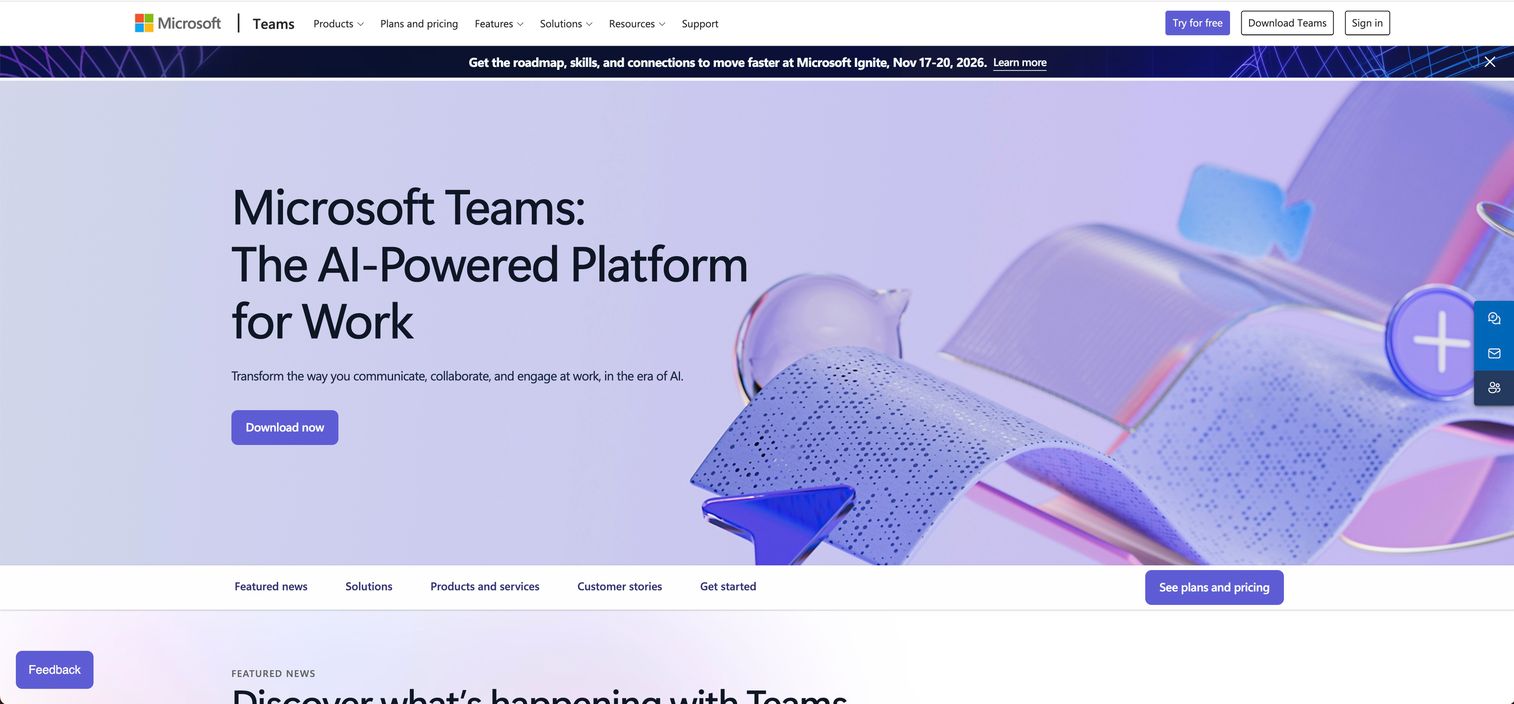
Microsoft Teams is an AI-powered workplace platform for chat, meetings, calling, and file collaboration. It connects to the broader Microsoft 365 suite, meaning the files, calendars, and identities your organization already uses plug directly into the communication layer. Product Managers in Microsoft-centered organizations use it to run launch channels, track decisions alongside shared documents, and coordinate engineering and GTM handoffs without switching tools.
Best for: Product organizations already running Microsoft 365 for files, email, meetings, and identity management.
Key features
- Channels for product launches, triage, and cross-functional coordination
- Meeting recordings, transcripts, and AI-generated notes
- Real-time file collaboration through Microsoft 365 apps
- Workflow extensions and approval flows
- Enterprise permissions and administration controls
Why choose Microsoft Teams: If your organization already standardizes on Microsoft identity and licensing, Teams removes the cost of running a separate communication tool. The value comes from consolidation, not from any single feature.
Microsoft Teams pricing: Teams Essentials starts at $4/user/month billed annually. Microsoft Teams Premium adds AI features at $10/user/month billed annually. A free tier is available with limited functionality.
G2 rating: 4.4/5
2. Notion
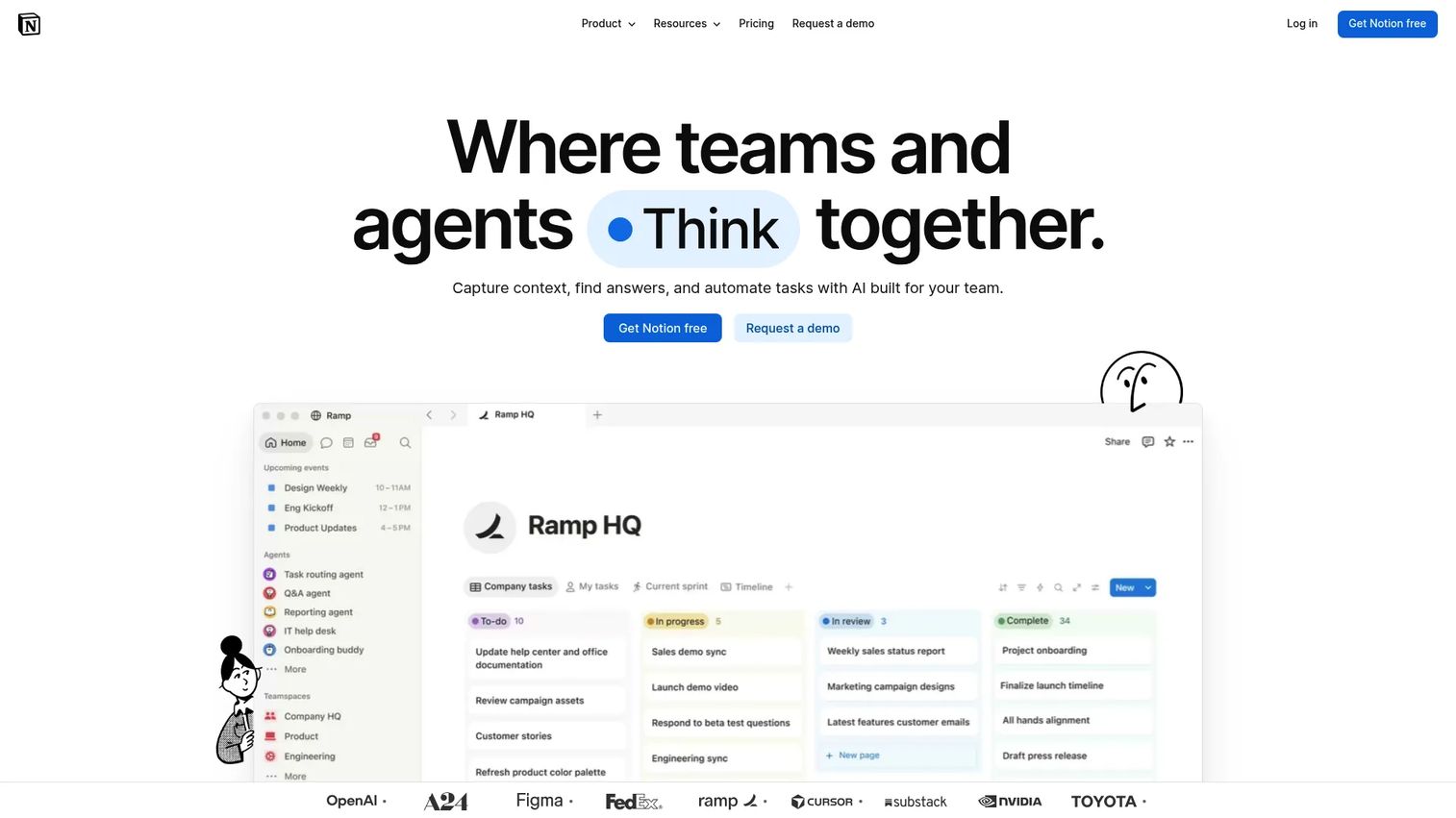
Notion is a connected workspace that combines documentation, knowledge management, and project tracking in a single flexible environment. Product teams use it to connect research repositories, PRD drafts, decision logs, and launch briefs in a structure they design and own. The platform added AI agents and enterprise search, making it more useful for teams managing large, interconnected bodies of product context. Its flexibility is both its strength and its main maintenance risk.
Best for: Product teams building a structured knowledge layer that connects research, requirements, and cross-functional decisions.
Key features
- Flexible pages, databases, and linked views
- PRD and project templates with customizable fields
- Linked tasks and dependency tracking across databases
- AI Meeting Notes and Enterprise Search
- Shared decision records and searchable team knowledge
Why choose Notion: Choose it when your team's problem is durable context, not task execution. Notion works best when someone owns the information architecture and maintains naming conventions. Without that ownership, workspaces drift quickly.
Notion pricing: Free plan available for individuals. Paid plans start at $10/member/month (Plus) and $20/member/month (Business), both billed monthly. Enterprise pricing is custom.
G2 rating: 4.6/5
3. Slack
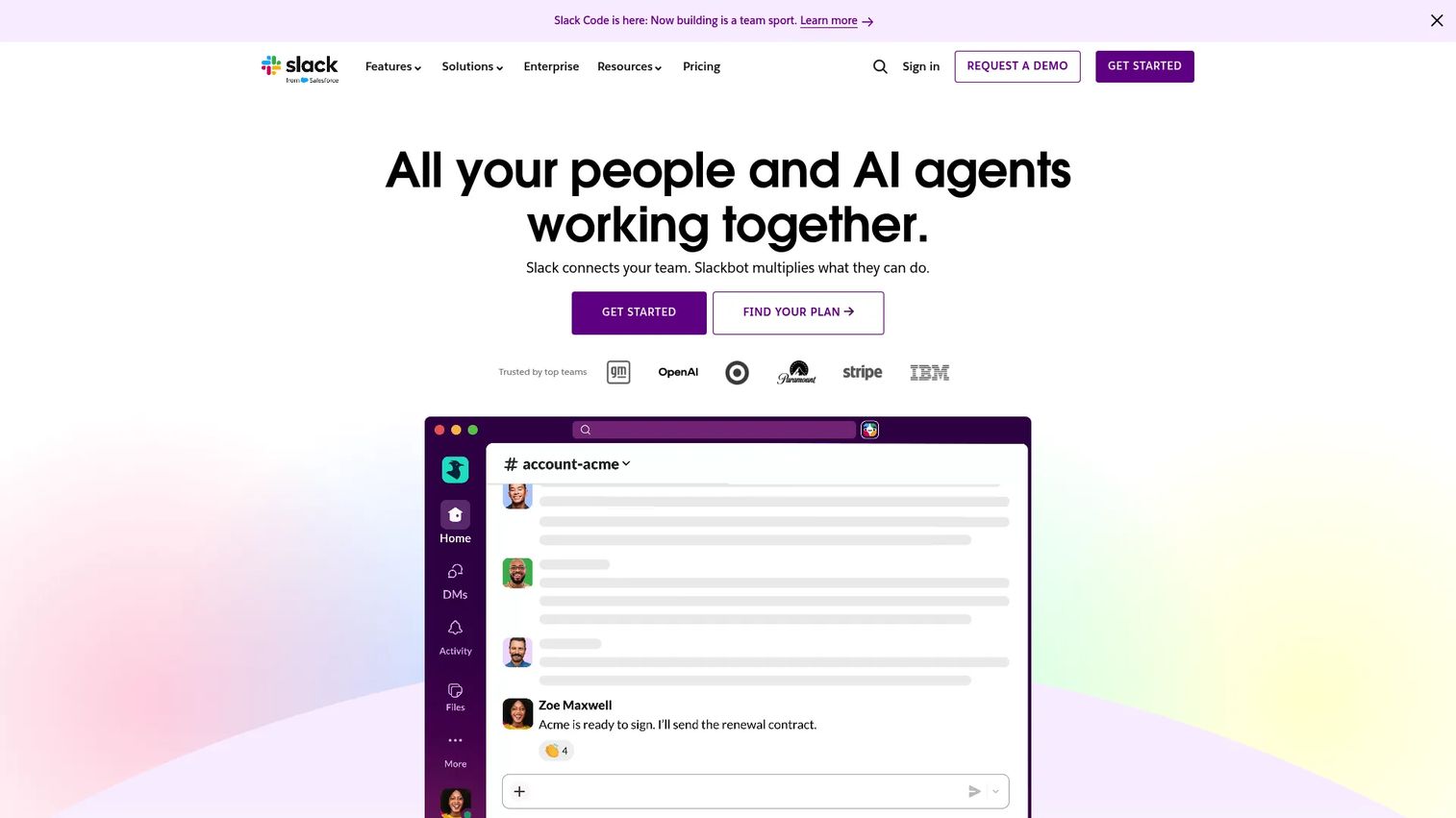
Slack is a work collaboration platform built around channel-based messaging, integrations, and AI-powered search. Product Managers use it as the operational nerve center: Routing customer signals into a feedback channel, running launch war rooms, coordinating incident response, and surfacing quick decisions without scheduling a meeting. Its strength is volume and speed. Its risk is that important decisions get buried in conversation rather than recorded somewhere durable.
Best for: Teams that run high-frequency cross-functional communication across product, engineering, support, and go-to-market functions.
Key features
- Topic-based channels with threads and mentions
- Audio and video huddles without a calendar invite
- Workflow Builder for intake and notification automation
- Slack Connect for collaboration with external partners
- AI search, daily recaps, and conversation summaries
Why choose Slack: Use it as the communication layer in a broader stack. Pair it with a documentation tool for decisions and a project system for owned work. Slack alone is not a system of record.
Slack pricing: Free plan available with limited message history. Pro starts at $7.25/user/month billed annually. Business+ is $15/user/month billed annually. Enterprise Grid pricing requires contacting sales.
G2 rating: Not available from current listing.
4. Google Drive
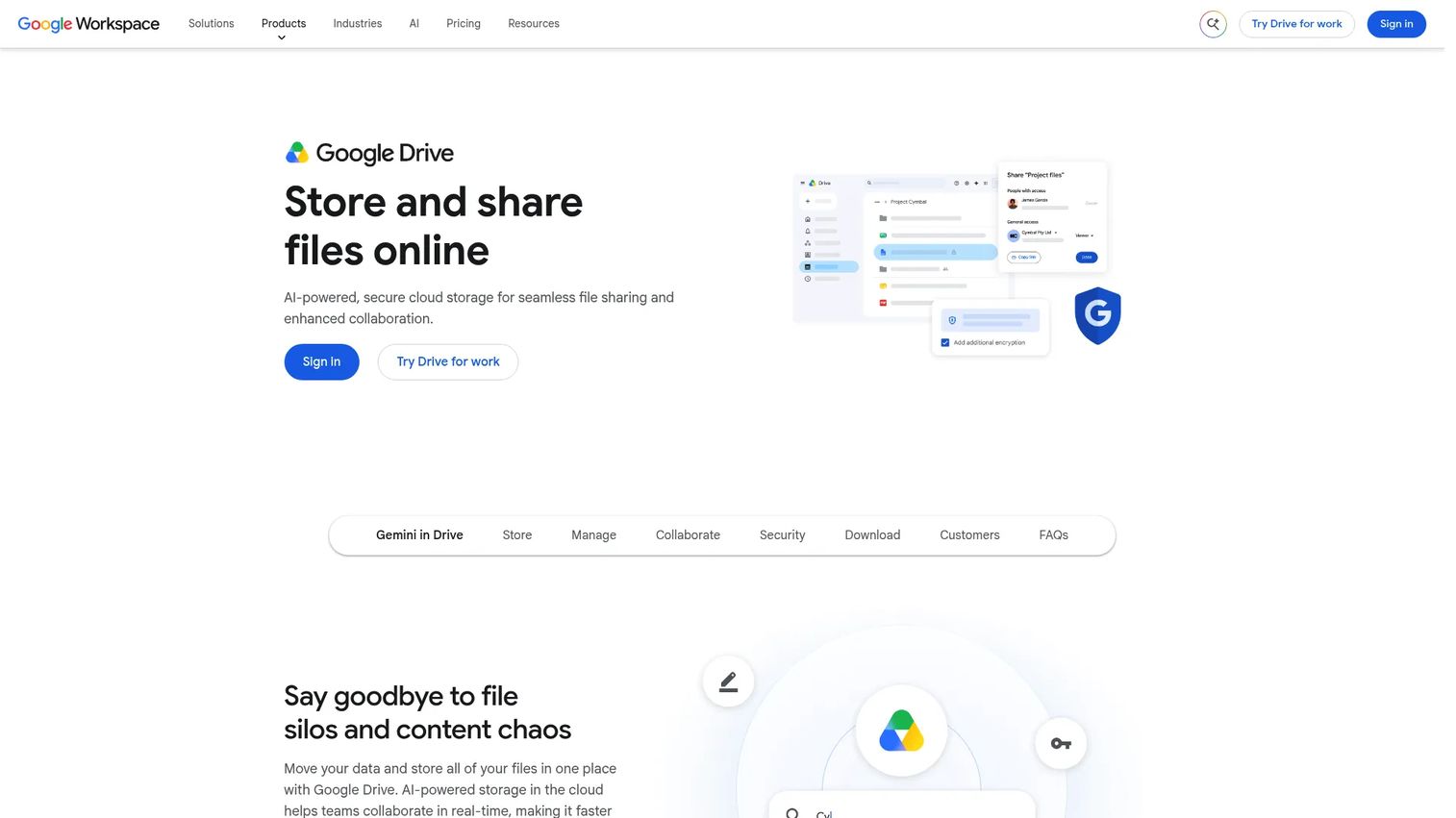
Google Drive is a cloud storage and file collaboration platform that most teams already use without a formal decision to adopt it. Product Managers rely on it for research repositories, launch assets, customer interview recordings, and documents shared across engineering, design, and marketing. Its real-time co-editing and permission controls are mature and familiar. The limitation is that file organization requires deliberate governance, and project status stays disconnected from documents.
Best for: Teams that need accessible shared files and collaborative documents without adding new systems.
Key features
- Shared drives and folder permissions
- Real-time editing of Docs, Sheets, Slides, and PDFs
- Version history across document types
- Customizable sharing controls for internal and external access
- Desktop sync for Windows and macOS
Why choose Google Drive: It works best as a document layer paired with a separate project tool for owners, deadlines, and delivery tracking. Trying to manage project status inside folders adds maintenance overhead.
Google Drive pricing: Free tier includes 15 GB shared storage. Paid Google One plans start at $1.99/month for 100 GB. Google AI Plus is $9.99/month and includes expanded AI features.
G2 rating: Not available from current listing.
5. Microsoft 365
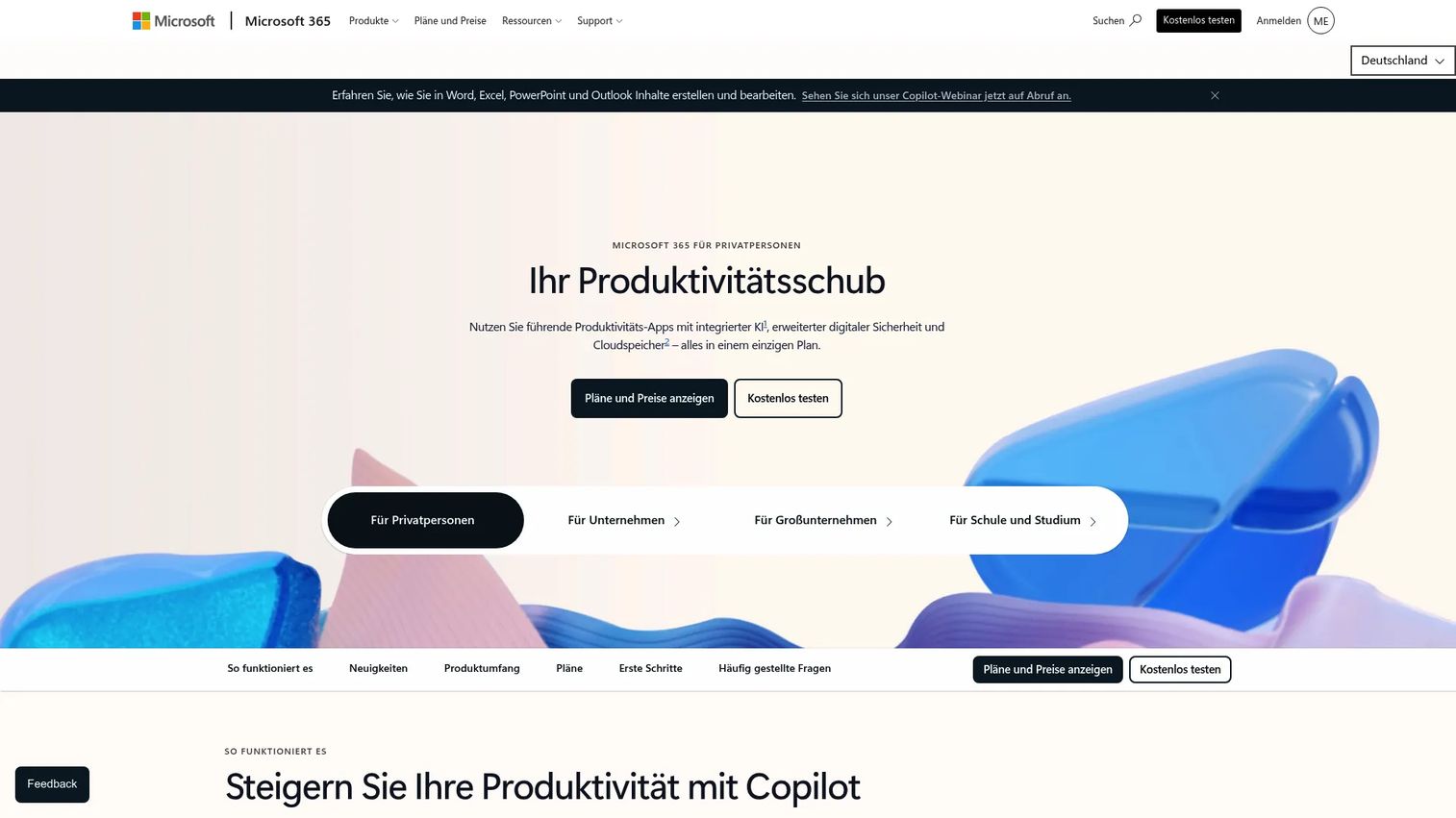
Microsoft 365 is a cloud productivity suite combining Office applications, OneDrive storage, Teams, and Copilot AI features under a single license. For Product Managers in established organizations, it's often already in place as the company standard. The value is breadth: Roadmap analysis in Excel, launch presentations in PowerPoint, document governance in SharePoint, and communication in Teams all share the same identity and permission layer.
Best for: Organizations standardizing office productivity, identity, file storage, and communication under Microsoft licensing.
Key features
- Word, Excel, PowerPoint, Outlook, and OneNote apps
- OneDrive and SharePoint storage with governance controls
- Microsoft Teams for meetings and chat
- Copilot AI features across applications
- Enterprise identity, data, and device security
Why choose Microsoft 365: The procurement argument is strong when your organization already pays for it. PMs in these environments get the most value by pairing it with a dedicated project tracking tool for delivery accountability, since M365 alone doesn't create clear cross-functional ownership.
Microsoft 365 pricing: Personal plans start at $9.99/month or $99.99/year. Family plans cover up to six users at $12.99/month or $129.99/year. Premium is $19.99/month or $199.99/year with advanced AI features.
G2 rating: 4.6/5
6. Google Workspace
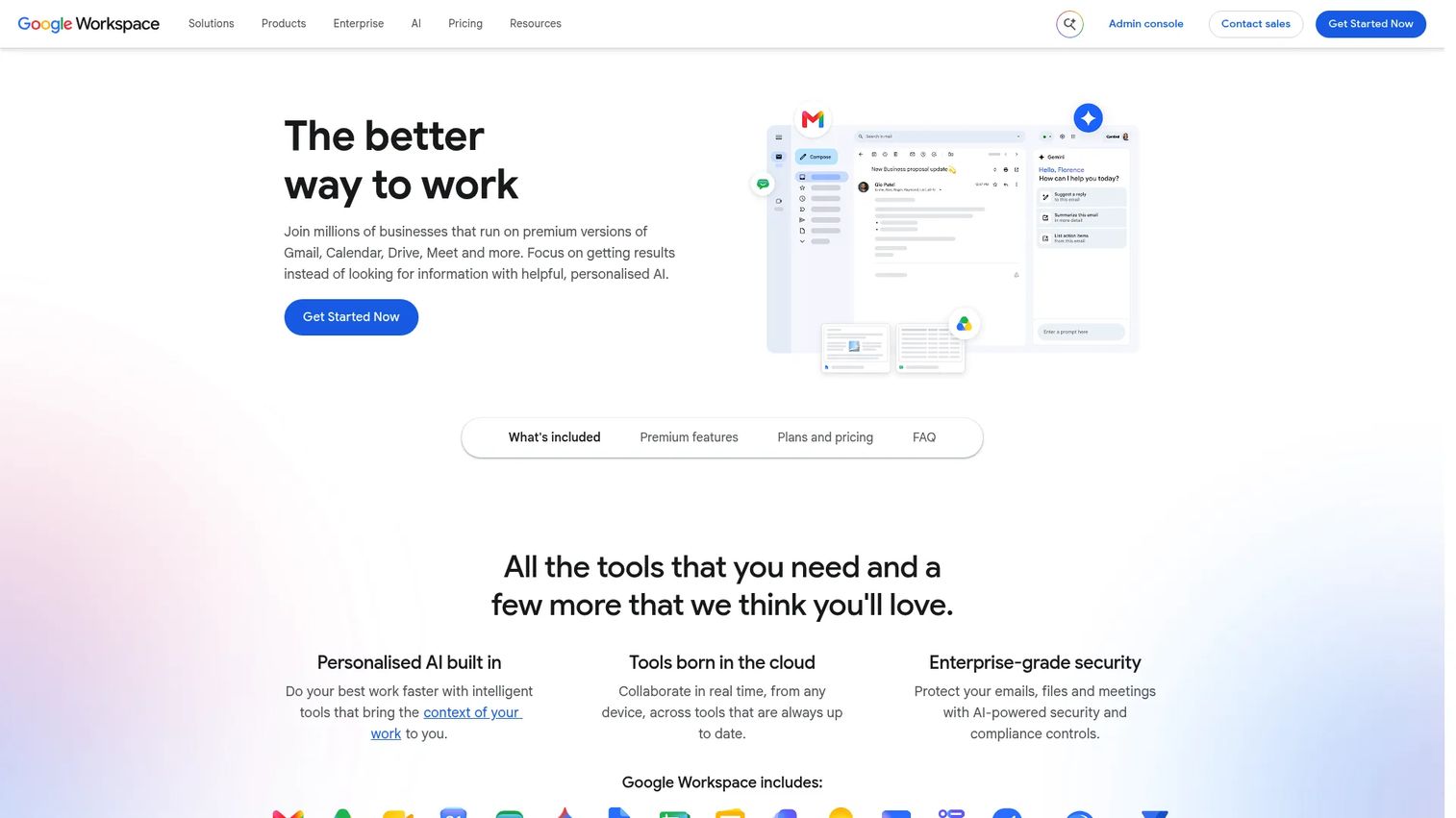
Google Workspace is a business productivity and collaboration suite covering Gmail, Calendar, Drive, Docs, Sheets, Slides, Meet, and Gemini AI features. It's the default choice for distributed product teams who want browser-based access, real-time co-editing, and a single admin layer. PMs use it for product research, roadmap analysis in Sheets, planning documents in Docs, and launch calendars. Cross-functional execution can still fragment between email, chat, and documents without a project system running alongside it.
Best for: Distributed teams that want browser-based communication, documents, files, and meetings with low setup overhead.
Key features
- Custom business email through Gmail
- Real-time document editing in Docs, Sheets, and Slides
- Shared Drive storage with admin access controls
- Calendar and Google Meet coordination
- Integrated Gemini AI features across apps
Why choose Google Workspace: It's a strong foundation for distributed teams who prioritize accessibility and co-editing. Pair it with a project management tool for delivery tracking and with clear naming conventions for shared drives.
Google Workspace pricing: Business Starter starts at $7/user/month on an annual plan ($8.40/month on a flexible monthly plan). Business Standard is $14/user/month annually. A 14-day trial is available. Enterprise pricing requires contacting sales.
G2 rating: 4.6/5
7. Asana
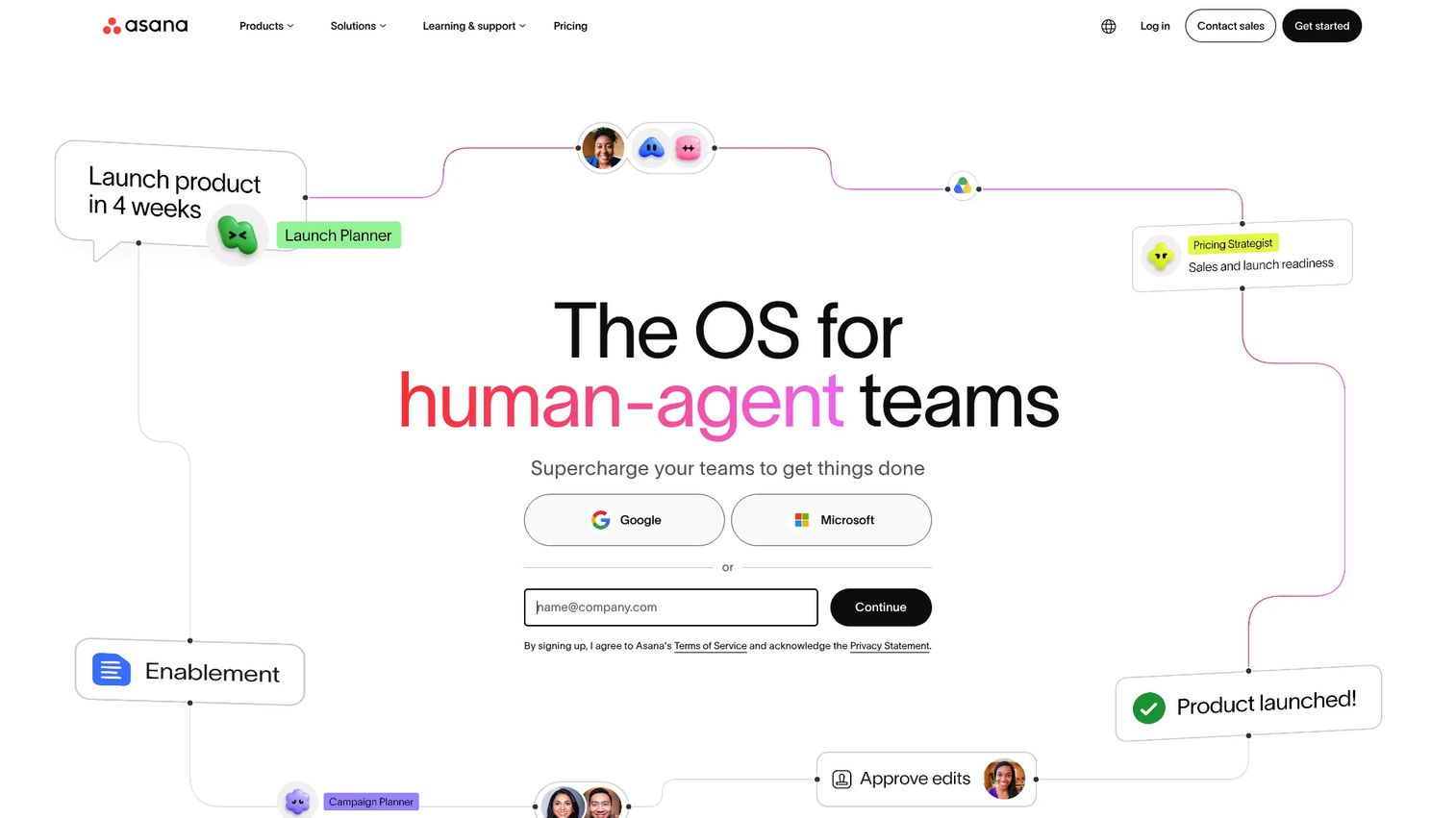
Asana is a work management platform for organizing projects, tasks, goals, and cross-functional workflows. Product Managers use it to turn roadmap initiatives into owned, trackable work with clear deadlines, dependencies, and status visibility across engineering, design, and marketing. Its portfolio view makes it possible to see release readiness across multiple projects without assembling a status doc manually. The risk is over-structuring work, which adds maintenance overhead without improving decision quality.
Best for: Product teams managing launches, release dependencies, beta programs, and recurring cross-functional initiatives.
Key features
- Task ownership, due dates, and dependency management
- Timeline and Gantt views for release planning
- Project templates for launches, retrospectives, and intake
- Forms for structured customer feedback and request intake
- Portfolio dashboards for multi-project status reporting
Why choose Asana: Choose it when execution visibility is the bottleneck. It works best when the team commits to updating tasks rather than relying on verbal updates. Without that discipline, the project board drifts from reality.
Asana pricing: Free Personal plan for up to 2 users. Starter is $10.99/user/month billed annually. A Timesheets and Budgets add-on is available at $5.99/user/month billed annually. Advanced and Enterprise plan pricing isn't displayed publicly.
G2 rating: 4.4/5
8. Monday.com
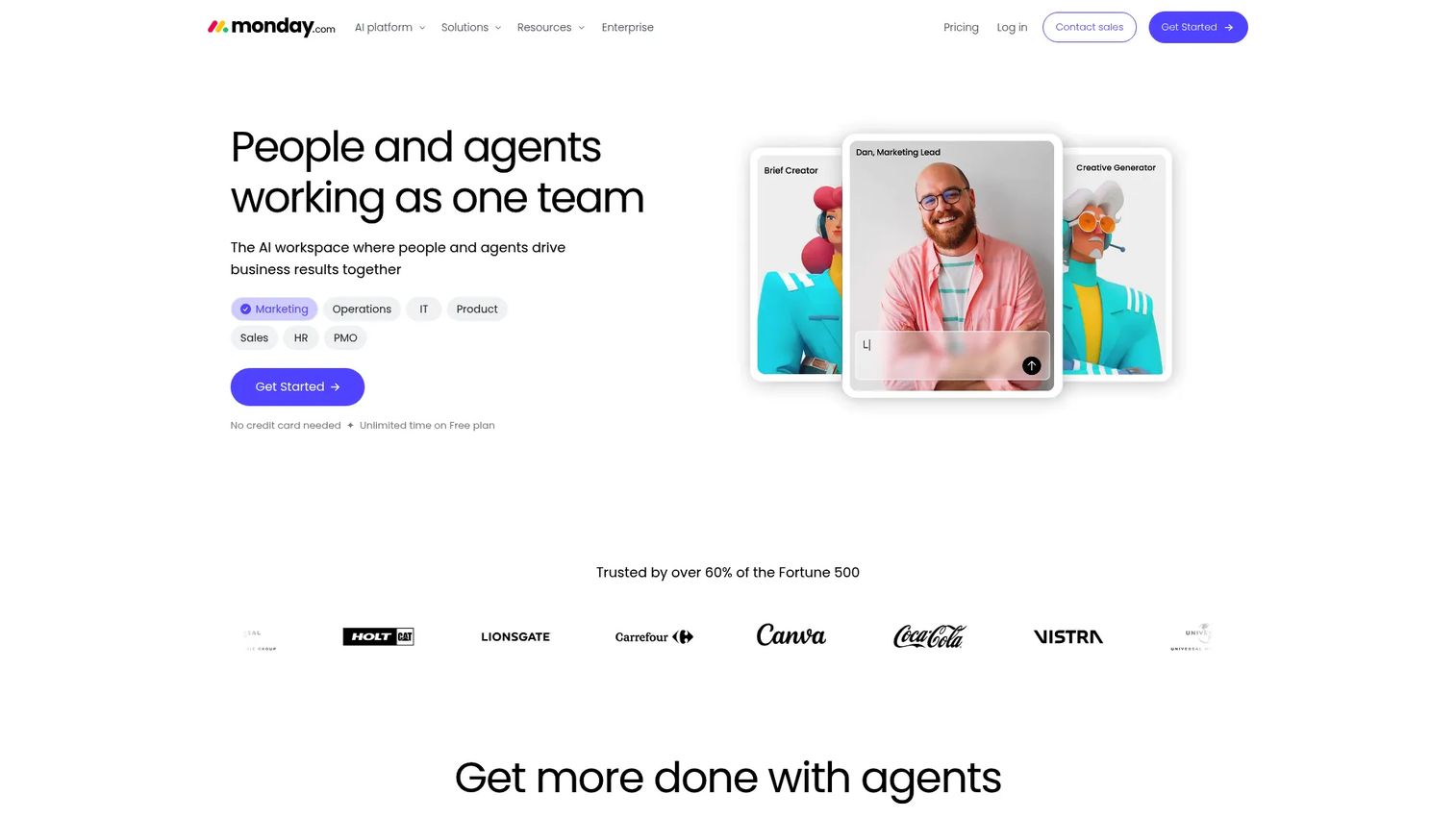
monday.com is an AI work platform for organizing, automating, and reporting on cross-functional work. Its visual boards are highly configurable, making it popular with teams that need to track different types of work, product launches, marketing campaigns, and operations all in one place. PMs use it for launch trackers, roadmap views, and executive dashboards that aggregate status across functions. The configurability that makes it flexible also requires governance. Board proliferation is a real risk.
Best for: Teams that need configurable workflows across product, marketing, and operations with visual status tracking.
Key features
- Custom workflow boards with flexible columns and views
- Status and ownership fields with color-coded tracking
- Dashboards that aggregate data across boards
- Forms and intake flows for structured request management
- Rules-based automation for recurring status changes
Why choose monday.com: It suits teams where different functions need different views of the same work. Before creating many custom boards, agree on a common data model and naming convention.
monday.com pricing: Free plan available. Basic starts at $9/seat/month billed annually. Standard is $12/seat/month and Pro is $19/seat/month, both billed annually. Enterprise pricing is custom.
G2 rating: 4.7/5
9. Trello
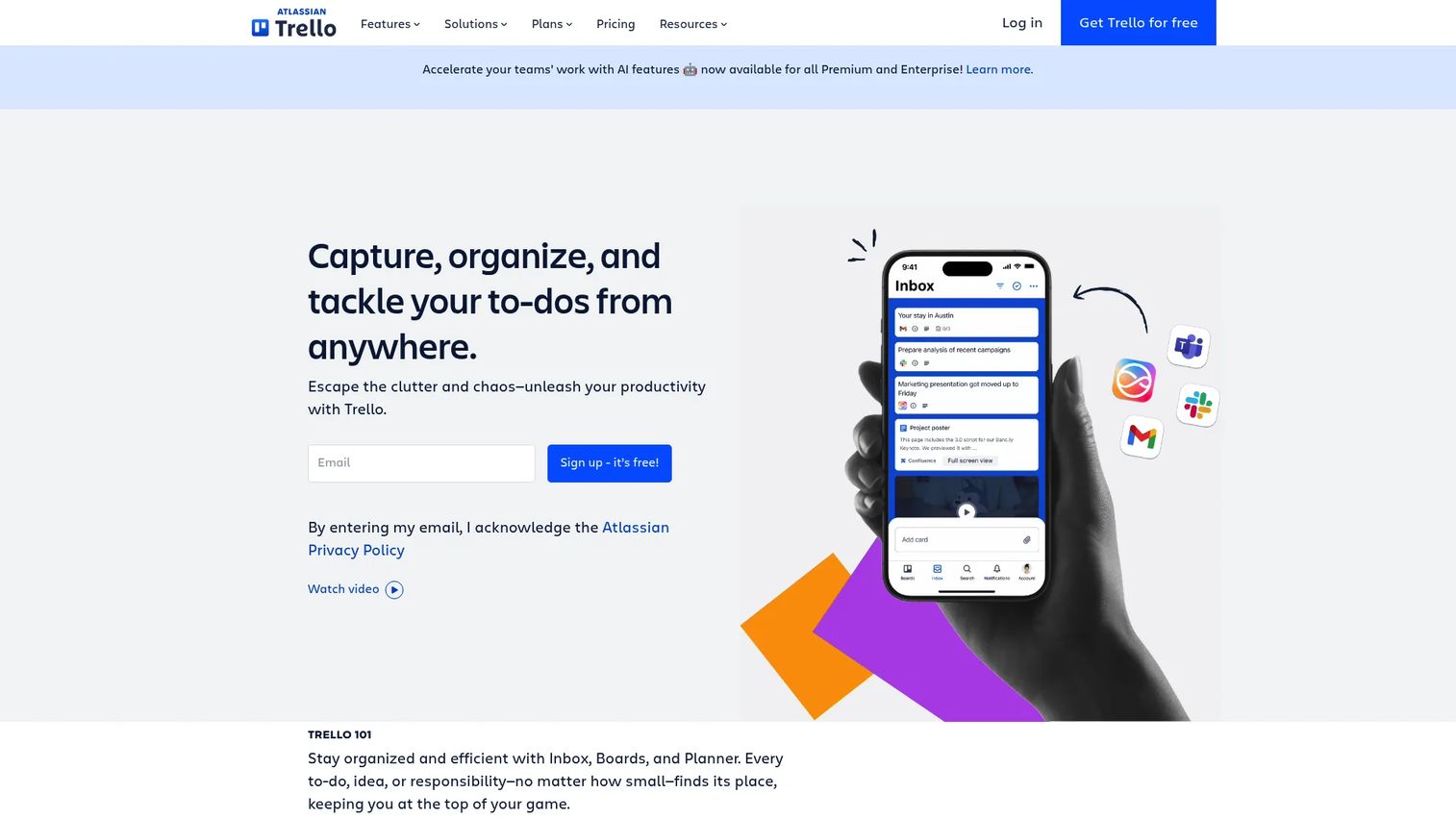
Trello is a visual work-management platform built around Kanban boards. It's the lowest-friction option for small product teams running focused workflows, sprint preparation, launch checklists, or experiment backlogs. Cards, labels, due dates, and checklists cover most simple tracking needs without requiring setup time. Teams that grow beyond a few concurrent projects or need dependency tracking across functions typically find Trello's card-based model insufficient.
Best for: Small product teams and focused workflows that need simple visual task management with fast adoption.
Key features
- Kanban boards with cards, lists, and labels
- Card checklists and due dates
- Power-Ups for integrations and extended functionality
- Workflow automation through Butler
- Templates for common project types
Why choose Trello: Use it for contained workflows with a small number of contributors. When your backlog spans multiple teams, dependencies, or release tracks, you'll need a more structured system alongside it.
Trello pricing: Free for up to 10 collaborators per workspace. Standard is $5/user/month billed annually ($6 monthly). Premium is $10/user/month billed annually ($12.50 monthly). Enterprise is $17.50/user/month billed annually.
G2 rating: 4.4/5
10. Jira
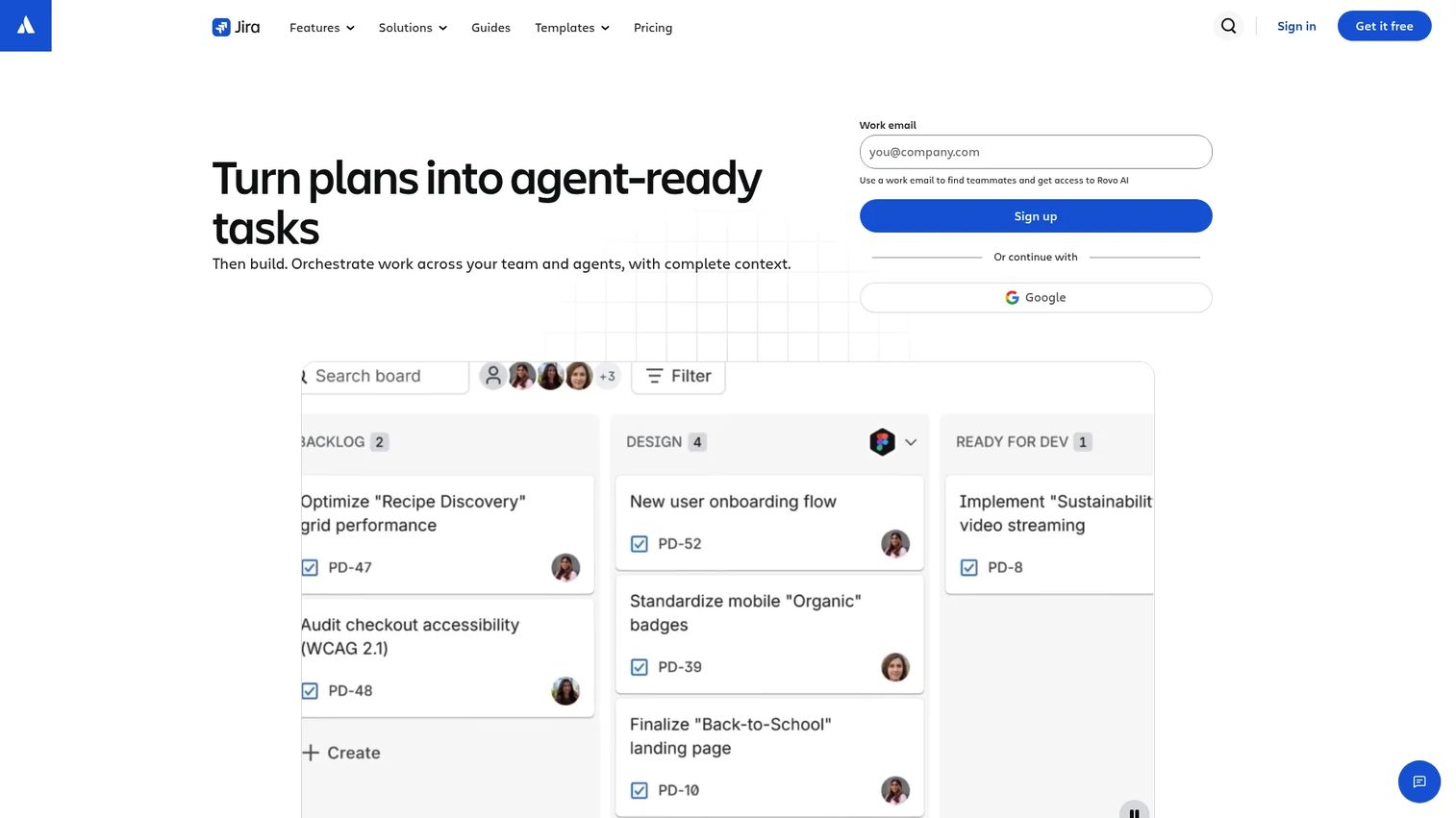
Jira is project and work management software built for software delivery teams. Product Managers working closely with engineering use it for backlog prioritization, sprint planning, bug triage, release tracking, and dependency management. Its reporting depth is unmatched for software delivery workflows. Teams outside engineering, including marketing and design, often find the workflow complexity too high for their needs, which makes Jira a strong delivery layer rather than a single company-wide system.
Best for: Product and engineering teams managing software backlogs, releases, technical dependencies, and agile delivery.
Key features
- Backlog and sprint planning with board and list views
- Custom issue types, workflows, fields, and permissions
- Release tracking and dependency management
- Rovo AI for search and automated workflow suggestions
- 3,000+ integrations through the Atlassian Marketplace
Why choose Jira: It's the right choice when delivery accountability and engineering process are the primary problem. Pair it with a documentation layer like Notion for requirements and a communication tool for cross-functional coordination.
Jira pricing: Free tier for up to 10 users. Standard and Premium plan pricing requires the Atlassian pricing calculator. Enterprise pricing requires contacting sales.
G2 rating: Not available from current listing.
11. Zapier
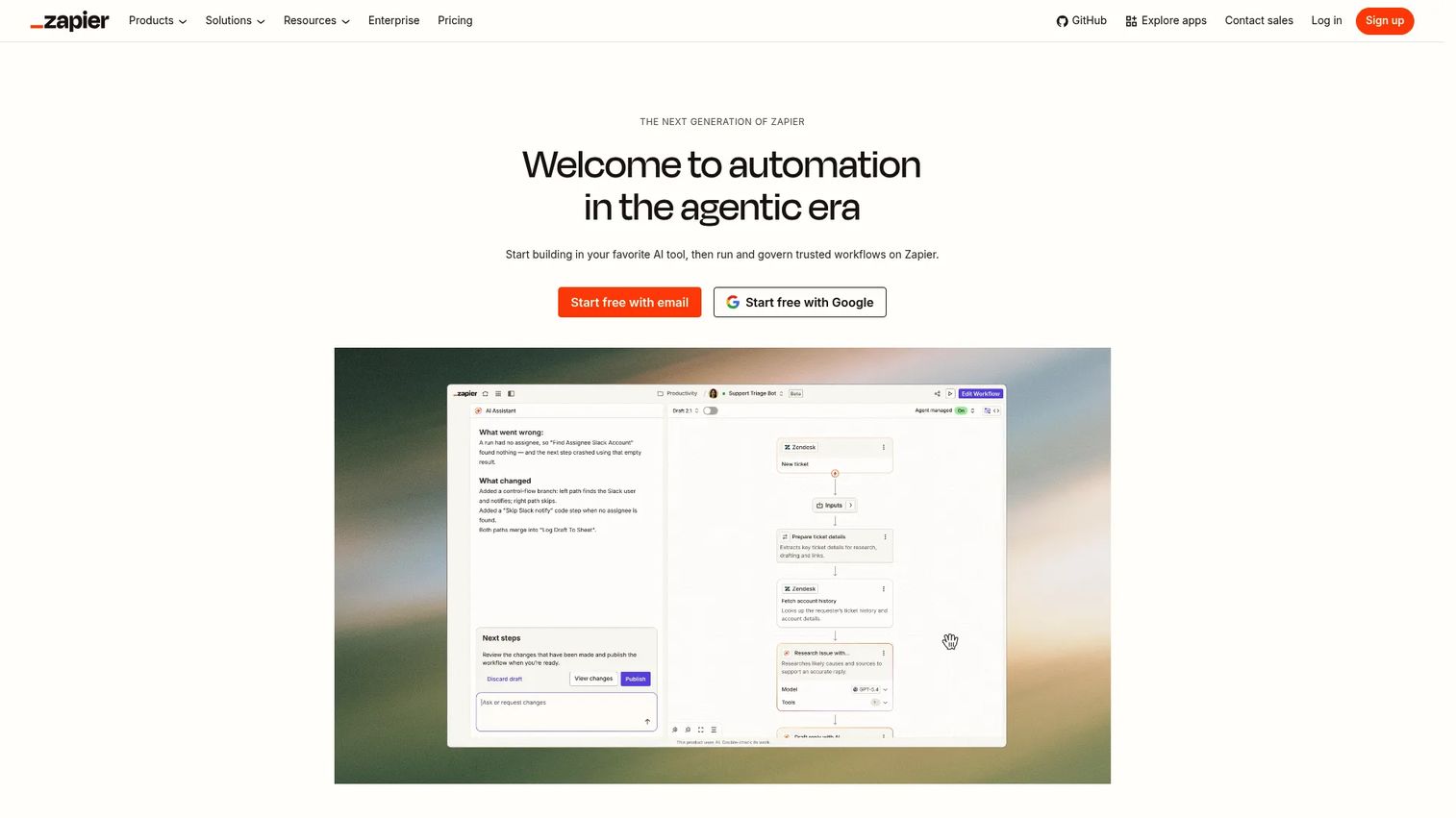
Zapier is a no-code automation platform connecting over 9,000 apps and building multi-step workflows without engineering involvement. Product Managers use it to route customer feedback from surveys into Notion databases, trigger Slack alerts from Jira status changes, sync form submissions to project boards, and automate intake across tools. It works best as a connective layer, not a project system. Automation costs grow with task volume, and poorly owned workflows become difficult to debug over time.
Best for: Teams connecting separate productivity systems and automating handoffs without custom engineering work.
Key features
- Trigger and action workflows across 9,000+ apps
- Multi-step automations with filters and conditional paths
- Tables and Forms for structured data capture
- Webhooks for custom integrations
- Task monitoring and error logging
Why choose Zapier: Choose it when a specific handoff between two systems is creating repeated manual work. Build one automation at a time and assign a named owner to each workflow.
Zapier pricing: Free plan includes 100 tasks/month and two-step Zaps. Professional starts at $19.99/month for multi-step Zaps and premium apps. Team starts at $69/month for up to 25 users. Enterprise pricing requires contacting sales.
G2 rating: 4.5/5
12. Miro
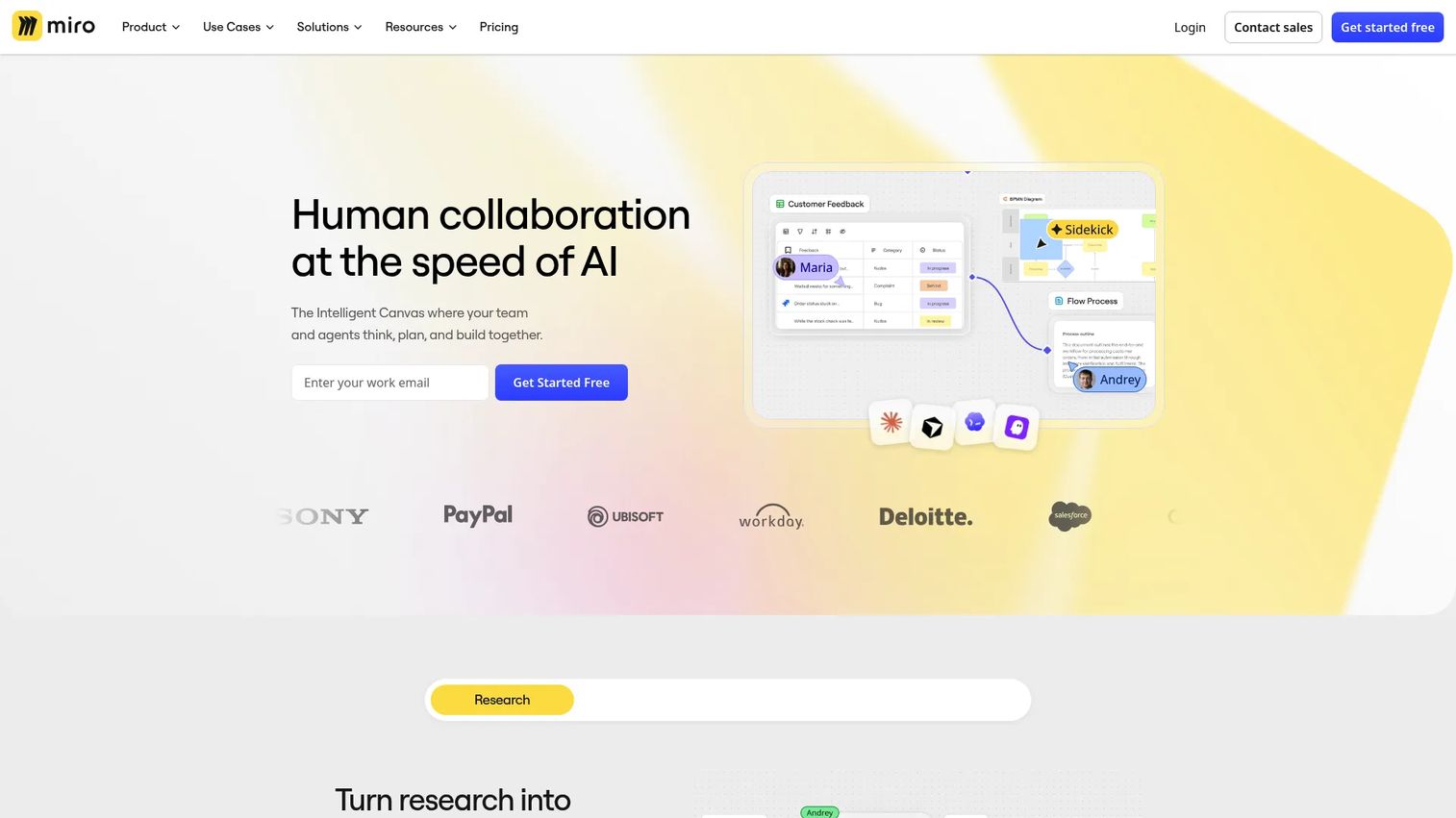
Miro is an AI-powered visual workspace for teams to brainstorm, map, diagram, and run workshops. Product Managers reach for it in the ambiguous phases of work: Discovery synthesis, customer journey mapping, prioritization workshops, service blueprints, and sprint retrospectives. Over 7,000 templates cover most recurring PM workshop types. The limitation is that decisions made on a Miro board need to move into a durable system. Boards can become difficult to search or translate into execution records if they're not maintained.
Best for: Product teams running discovery, journey mapping, ideation sessions, and planning workshops where visual collaboration matters.
Key features
- Collaborative canvas with real-time editing
- 7,000+ workshop and diagramming templates
- Voting and facilitation tools for async and live sessions
- AI-powered diagrams, summaries, and workflow suggestions
- Presentation mode for sharing boards with stakeholders
Why choose Miro: Use it when the work is ambiguous and needs to be externalized before it can be structured. After a workshop, export the key decisions and move them into your project or documentation system.
Miro pricing: Free plan for three editable boards. Starter is $8/member/month billed annually. Business is $20/member/month billed annually ($25 monthly). Enterprise pricing requires contacting sales.
G2 rating: 4.6/5
13. Teamwork.com
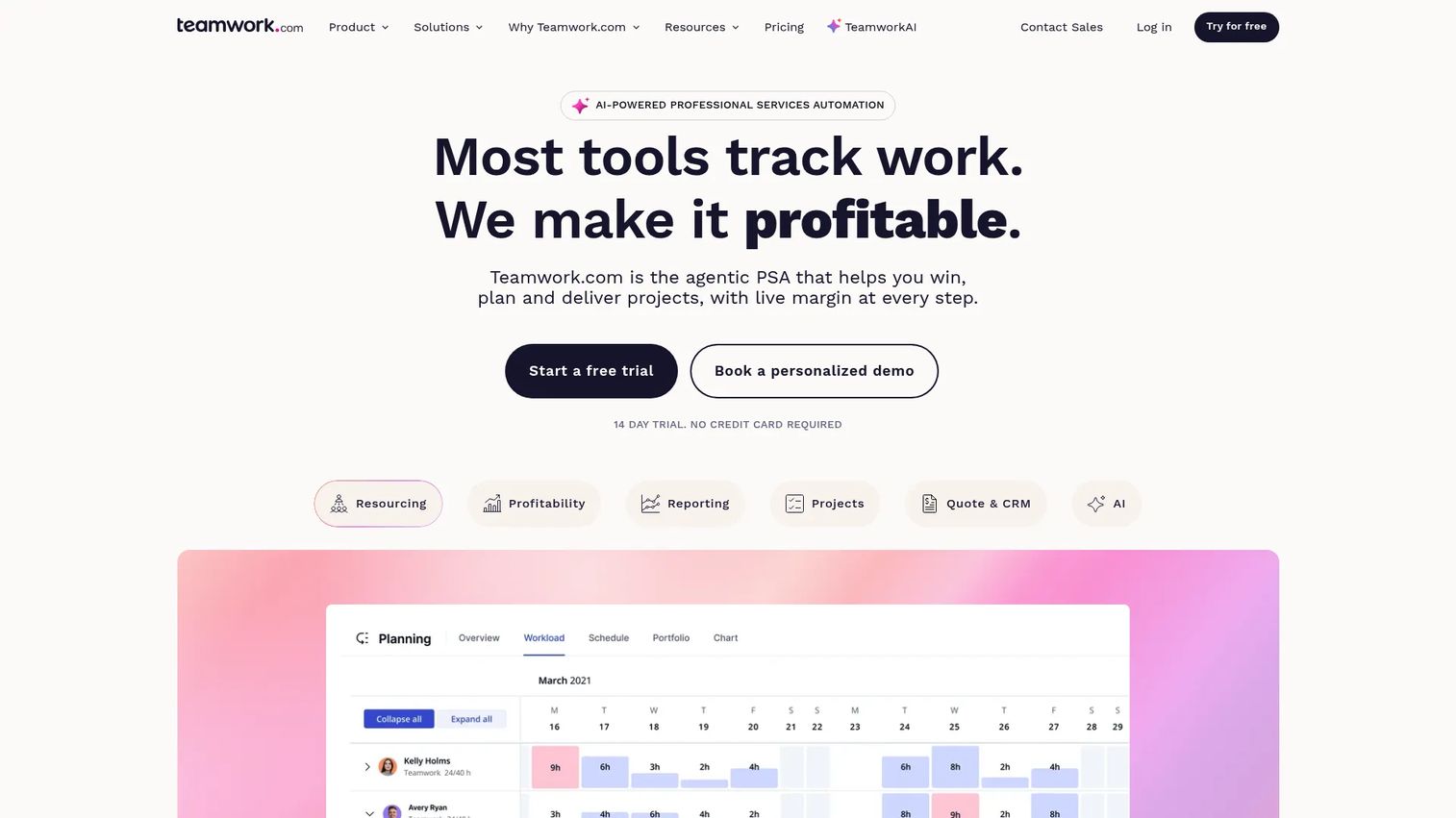
Teamwork.com is project management and professional services automation software built for client-service organizations. It connects project execution to commercial outcomes through budgets, time tracking, resource planning, utilization reporting, and invoicing. Product Managers encounter it most often in organizations with a service delivery component: Implementation teams, agencies running client onboarding, or consultancies coordinating partner delivery. For teams managing purely internal product work, its commercial and resource planning depth may go unused.
Best for: Teams managing client projects, billable work, resource allocation, and delivery profitability in one platform.
Key features
- Project and task management with list, board, timeline, and Gantt views
- Resource planning, workload management, and capacity forecasting
- Time tracking tied to project budgets and invoicing
- Profitability insights and accounting integrations
- Client collaboration and external access controls
Why choose Teamwork.com: It's the right fit when project delivery and commercial visibility need to live together. If your PM work is purely internal, consider whether the profitability and invoicing features are worth the added complexity.
Teamwork.com pricing: Free plan for up to 5 users. Basics is $9.99/user/month billed annually. Accelerate is $24.99/user/month billed annually. Optimize and Enterprise pricing require contacting sales.
G2 rating: 4.4/5
14. ClickUp
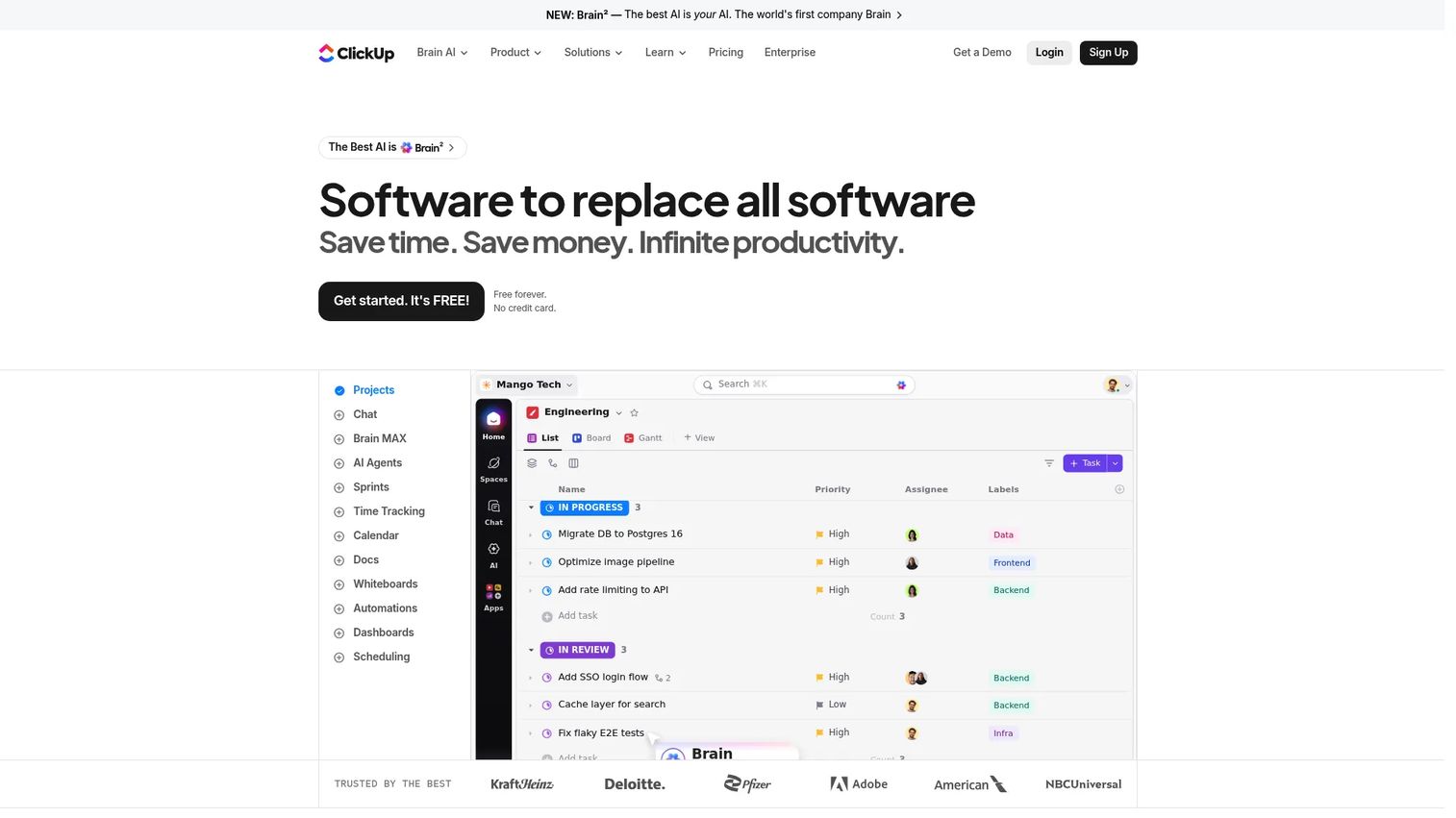
ClickUp is an all-in-one work management platform covering tasks, docs, goals, dashboards, whiteboards, automations, and team communication. Product teams use it when they want to consolidate project management, product documentation, sprint tracking, launch coordination, and executive reporting without running four separate tools. Its breadth is the appeal. The same breadth can create configuration fatigue if the team doesn't agree on a shared operating model before building out the workspace. See our guide to best product management tools for additional comparisons in this space.
Best for: Teams seeking a configurable workspace that covers project management, documentation, goals, and dashboards without switching tools.
Key features
- Multiple project views: List, board, calendar, Gantt, and timeline
- Docs and Wikis with task relationships
- Goals, milestones, and progress dashboards
- Custom fields and workflow automations
- Built-in time tracking and Gantt charts
Why choose ClickUp: Start with one or two core workflows before building out the full workspace. Teams that expand too quickly end up with inconsistent structures that are harder to maintain than the separate tools they replaced.
ClickUp pricing: Free Forever plan includes unlimited tasks and members. Unlimited is $7/user/month billed annually ($10 monthly). Business is $12/user/month billed annually ($19 monthly). Enterprise pricing is custom.
G2 rating: 4.6/5
15. Toggl
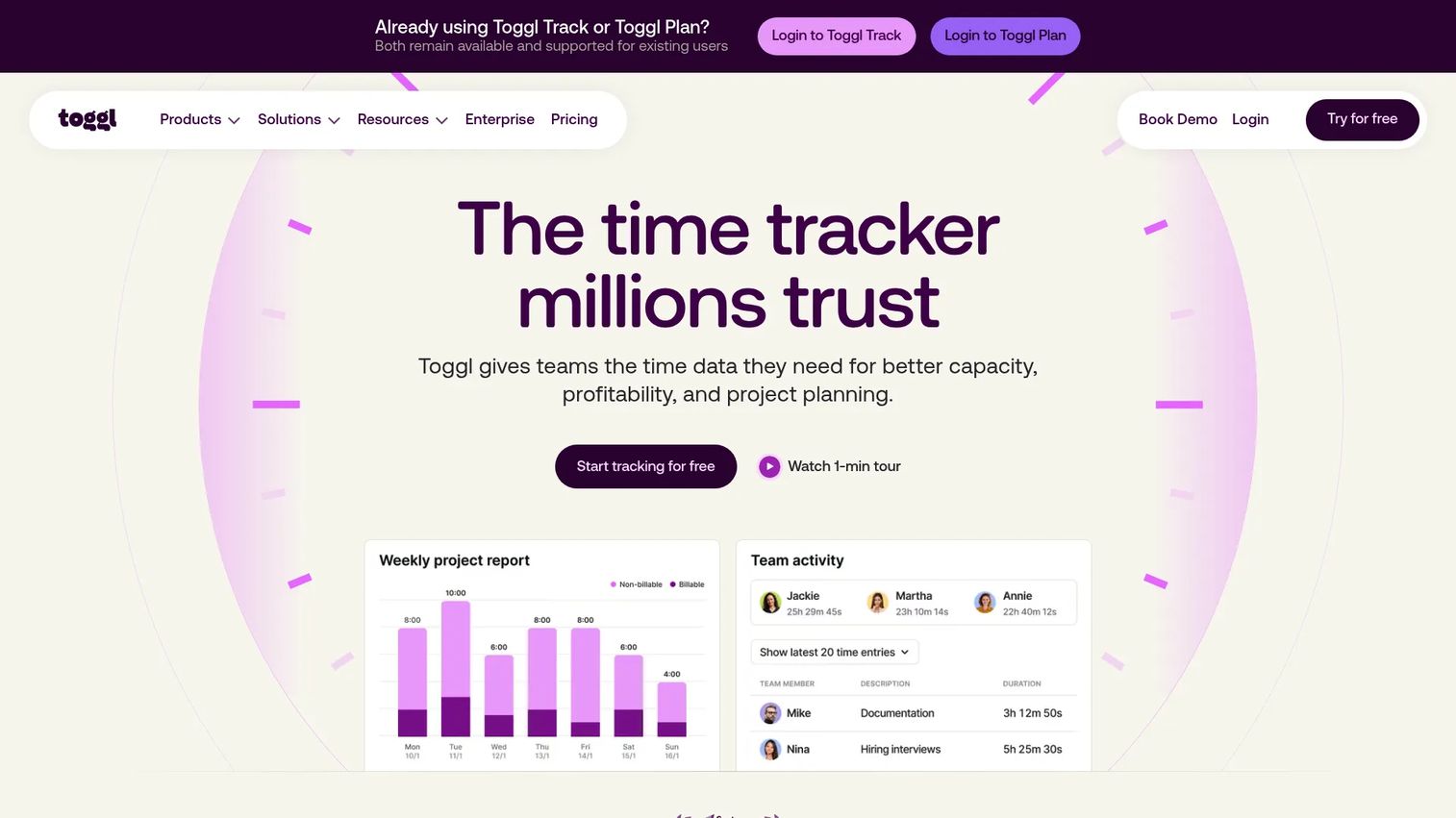
Toggl is a time-tracking, planning, and capacity-management platform for individuals and teams. Product Managers use it to understand where engineering and design time actually goes, validate planning assumptions, identify maintenance and support overhead, and compare estimated versus actual effort at the project level. It covers time tracking, project planning with tasks and milestones, and reporting for productivity and profitability. Time data becomes meaningful when paired with delivery outcomes, not used as a standalone performance proxy.
Best for: Teams that need project-level time data for planning, capacity analysis, or billing without adding surveillance overhead.
Key features
- Timer and manual time entry by project and task
- Project time reports with billable and non-billable tracking
- Estimates and budgets tied to project tracking
- Reporting for utilization, workload, and profitability
- Team reporting and dashboard views
Why choose Toggl: Use it when planning assumptions feel disconnected from reality. Time data at the project level helps PMs make honest trade-off decisions about release cadence and opportunity cost.
Toggl pricing: Free plan for basic time tracking and personal insights. Starter is $9/user/month. Premium is $16/user/month. Enterprise pricing requires contacting sales. All paid plans are billed monthly.
G2 rating: Not available from current listing.
Considerations when choosing team productivity software
Start with the workflow bottleneck
Identify whether the problem is planning, communication, documentation, automation, or capacity visibility before evaluating platforms. Buying a broad system to solve an undefined coordination problem typically results in low adoption and another tool to maintain.
Map the system of record
Decide where tasks, decisions, customer evidence, and delivery status should live before purchasing. Duplicating the same information across chat, documents, and project boards creates the coordination overhead you were trying to remove.
Evaluate adoption and maintenance
Assess onboarding time, available templates, permission models, and the ownership structure for keeping workflows current. A tool that requires constant cleanup across frequent releases can cost more in operational overhead than it saves in coordination. Check our business scheduling software tools guide for supporting tools that pair with the productivity stack.
Check integrations and data flow
Verify whether the tool connects to your analytics platform, CRM, communication layer, and development system. Focus on whether information moves automatically rather than requiring manual export or re-entry.
Measure output without micromanagement
Track cycle time, milestone reliability, activation work completed, support deflection, and decision latency. Avoid treating hours online, message volume, or raw task count as productivity signals. Those metrics measure activity, not outcomes.
How to choose the right team productivity software for your team
The right configuration depends on the specific bottleneck, not a universal rule.
If product and engineering need tighter delivery visibility: Start with Jira or Asana for owned tasks, dependencies, and release tracking. Add Notion as a documentation layer only when requirements and decisions need a structured home that survives sprint cycles.
If the team is distributed across time zones: Prioritize Microsoft Teams, Google Workspace, or Slack for communication and shared documents. Establish async update templates and escalation rules before layering automation on top.
If work is scattered across too many tools: Evaluate ClickUp, monday.com, or Microsoft 365 as consolidation candidates. Compare migration effort against the ongoing cost of duplicate records and repeated status work. Our business process management software guide covers adjacent consolidation tools worth considering.
If time and capacity are the main planning blind spots: Evaluate Toggl alongside Teamwork.com. Pair effort data with delivery milestones and customer impact metrics rather than using time as a standalone score.
The decision rule that holds across all four scenarios: Choose the smallest connected stack that gives the team clear ownership, durable context, useful measurement, and a manageable maintenance burden. Adding tools is easy. Reducing them later is not.
Conclusion
Each tool in this list handles a distinct job. Microsoft Teams for Microsoft-centered organizations. Notion for product knowledge management. Slack for high-volume communication. Asana for structured cross-functional execution. Jira for software delivery. Zapier for workflow connections. Miro for discovery collaboration. Teamwork.com for client delivery and profitability. ClickUp for teams that want to consolidate across project types. Toggl for capacity visibility.
For most product teams, the right stack is two or three connected tools rather than one platform trying to cover every job. Start with the workflow that produces the most repeated friction and measure cycle time before and after. That gives you a specific number to defend when the next tool evaluation comes up.
If you're building or refining product demonstrations alongside your team's workflow stack, Start your journey with Guideflow today!
FAQs
Team productivity software is the category of tools that help groups plan work, coordinate communication, manage shared knowledge, automate repeatable processes, and track progress. It covers project management, collaboration, documentation, automation, and time tracking. Most teams need two or three connected tools rather than one universal platform, because each tool type handles a distinct job.
Ownership, deadlines, and dependency tracking matter most for execution visibility. Searchable decisions and shared documents reduce repeated context-gathering. The most useful feature depends on the team's primary bottleneck: A team that struggles with decision traceability has a different problem than one whose launch coordination keeps breaking.
Start with a specific workflow problem: Roadmap coordination, customer feedback routing, release visibility, or capacity planning. Then evaluate adoption cost, integration with your analytics and CRM stack, governance and permission models, and the maintenance burden across frequent releases. Don't evaluate by feature volume.
A single platform reduces switching and duplicate records, which matters when teams lose context between systems. Focused tools with strong integrations can work equally well when each handles a distinct job and data flows automatically between them. The deciding factor is the maintenance overhead: How much cleanup does each configuration require after a release cycle?
They support async updates, shared documentation, time-zone handoffs, and searchable decisions. The tools work best when teams define notification rules, escalation paths, and update cadences before adopting them. Remote coordination problems are usually process problems that a tool reveals rather than solves on its own.
Track cycle time, milestone reliability, decision latency, support deflection, and activation work completed. Avoid using online hours, message counts, or raw task volume as individual performance signals. Those measure activity. The metrics above measure whether work is moving at the pace the product plan requires.
Pricing ranges from free plans with feature limits to per-user subscriptions at $7 to $25/user/month and enterprise contracts at custom rates. Total cost scales with seat count, storage, automation volume, advanced reporting, and security controls. Several tools on this list, including Asana, Trello, Notion, and monday.com, have usable free tiers for small teams.
Adoption is fastest when the team starts with one workflow, a small set of templates, named owners for each workspace area, and clear success metrics. Migrate only the information needed for current work before expanding. Teams that try to migrate everything at once typically end up with a cluttered new system that mirrors the old one's problems.
Project management software is a subset of team productivity software focused specifically on planning work with owners, deadlines, dependencies, and delivery tracking. Team productivity software is the broader category covering communication, documentation, automation, and time tracking alongside project management. Most product teams need both a project tool and at least one communication or documentation tool working alongside it.