You change one price at the register. The website still shows the old number. The delivery app shows a third. A customer scans the QR code and orders an item you 86'd three hours ago.
Nobody made a mistake, exactly. The menu just lives in six places at once, and no single place tells the truth. Every channel drifts on its own clock.
That drift costs money. Wrong prices trigger refunds. Stale items trigger cancellations. And the staff hours spent reconciling all of it never show up on a P&L, so nobody catches how expensive the manual work has become.
The menu management software market reflects how sharp this problem has gotten. Grand View Research valued the broader restaurant management software market at $5.79 billion in 2024, projecting growth to $14.70 billion by 2030 at a 17.4% CAGR. Business Research Insights reports that more than 40% of new restaurants are now implementing online ordering and payment software as a default part of opening.
The fix is structural, not procedural. You stop managing menus channel by channel and start managing one menu that every channel reads from.
What's inside
This guide is for restaurant operators, multi-location owners, and founders scaling a food concept who need one place to control menu data across every channel.
We picked tools based on four things that matter when menus drift:
- POS sync: Does a price change hit the register in real time?
- Omnichannel publishing: Can one edit push to web, QR, delivery, and signage at once?
- Multi-location support: Can you set location-specific pricing without cloning menus?
- Analytics: Does it show you what sells, what doesn't, and where the margin is?
No sponsored placement. Order reflects fit against those criteria, not vendor relationships.
TL;DR
- Best POS-native control: TouchBistro, if you want menu editing inside a full-service restaurant POS.
- Best for direct online ordering: UpMenu, for commission-free ordering, QR menus, and a branded app.
- Best for enterprise and multi-location: Oracle Simphony, for centralized pricing, allergen data, and analytics at scale.
- Best for print plus digital consistency: Trabon Group, for brands syncing printed menus, signage, and beverage lists across many locations.
- Best simple QR-to-order setup: Qulah, for a QR menu and POS in one low-cost system.
- Best free QR menu: Satisorder, for guest-facing digital menus and table ordering with a free tier.
- Best for shortlisting: GetApp, to compare verified reviews before you commit.
What is menu management software
Menu management software is a system that centralizes menu creation, pricing, and availability so one edit publishes consistently across every customer-facing and operational channel.
Think of it as the single source of truth for your menu data. Instead of updating the POS, the website, the QR code, and the delivery apps separately, you edit one menu database and the platform pushes those changes everywhere. That is the difference between a menu management system and a design tool: one controls the data behind the menu, the other just makes it look nice.
Core functions of a restaurant menu management system:
- Centralized menu control: One master menu that feeds every channel.
- Version control: Track changes, roll back, and avoid menu discrepancies between locations.
- POS sync: Push prices and availability to the register in real time.
- Omnichannel publishing: Update web, QR code menus, online ordering, delivery, digital signage, and printed menus from one place.
- Availability and 86ing: Mark items sold out and hide them across channels instantly.
- Modifiers and dietary data: Manage allergen and dietary modifiers, portion sizes, and add-ons.
- Multi-location management: Set location-specific pricing and menu versions without rebuilding.
- Menu engineering analytics: See what sells, what carries margin, and where to cut waste.
The point of a restaurant menu management platform is operational control, not decoration. It removes the manual coordination that causes wrong prices and stale items in the first place.
When to use menu management software
Launching seasonal menus and specials
Seasonal menus, limited-time specials, and rotating features create the most menu churn. When you run a fall menu across 12 locations, you do not want to edit 12 POS systems and 12 websites by hand. A central platform lets you build the seasonal menu once, schedule it, and publish everywhere on the day it goes live.
Managing multiple locations
Multi-location menu management is where manual work compounds fastest. Each new location multiplies the surfaces you have to keep in sync. Menu management software lets you maintain one master menu and layer location-specific pricing on top, so a downtown store can charge more without a separate menu file.
Pushing real-time price updates
Food costs move. When beef jumps or a supplier changes, you need pricing to update everywhere at once. Real-time updates and POS sync mean the price change hits the register, the QR menu, and the online ordering page together, not on three different schedules.
Syncing digital channels
QR code menus, online ordering, delivery marketplaces, and digital signage all read from the same menu. When they read from different versions, you get menu discrepancies that cost you refunds and trust. A single source of truth keeps every digital channel showing the same thing.
Comparison table
Read this table top to bottom by fit, not rank. The right pick depends on whether you need POS-native control, direct online ordering, enterprise scale, or a simple QR menu. Pricing and G2 ratings reflect verified values at time of writing; some vendors quote custom pricing only.
| # | Product | Best for | Key differentiator | Pricing | G2 rating |
|---|---|---|---|---|---|
| 1 | TouchBistro | Full-service POS-native menus | Menu control inside a restaurant POS | From $69/month | 4.1/5 |
| 2 | UpMenu | Commission-free direct ordering | Online ordering, QR menus, branded app | From $49/month | 4.8/5 |
| 3 | Oracle Simphony | Enterprise and multi-location | Centralized pricing, allergen data, analytics | Custom | 3.6/5 |
| 4 | Trabon Group | Print plus digital consistency | Centralized menu database across locations | Custom | Not listed |
| 5 | Qulah | Simple QR-to-order setup | QR menu and POS in one system | From $8 one-time | Not listed |
| 6 | Satisorder | Free QR menus | Digital menus and table ordering | Free; from €9.99/month | Not listed |
| 7 | GetApp | Shortlisting vendors | Verified reviews and comparison | Free to use | 4.0/5 |
Best menu management software for 2026
Each entry below covers what the tool does, who it fits, its key strengths, why you would choose it, and current pricing. Tools are ordered by relevance to centralized menu control, not alphabetically.
1. TouchBistro
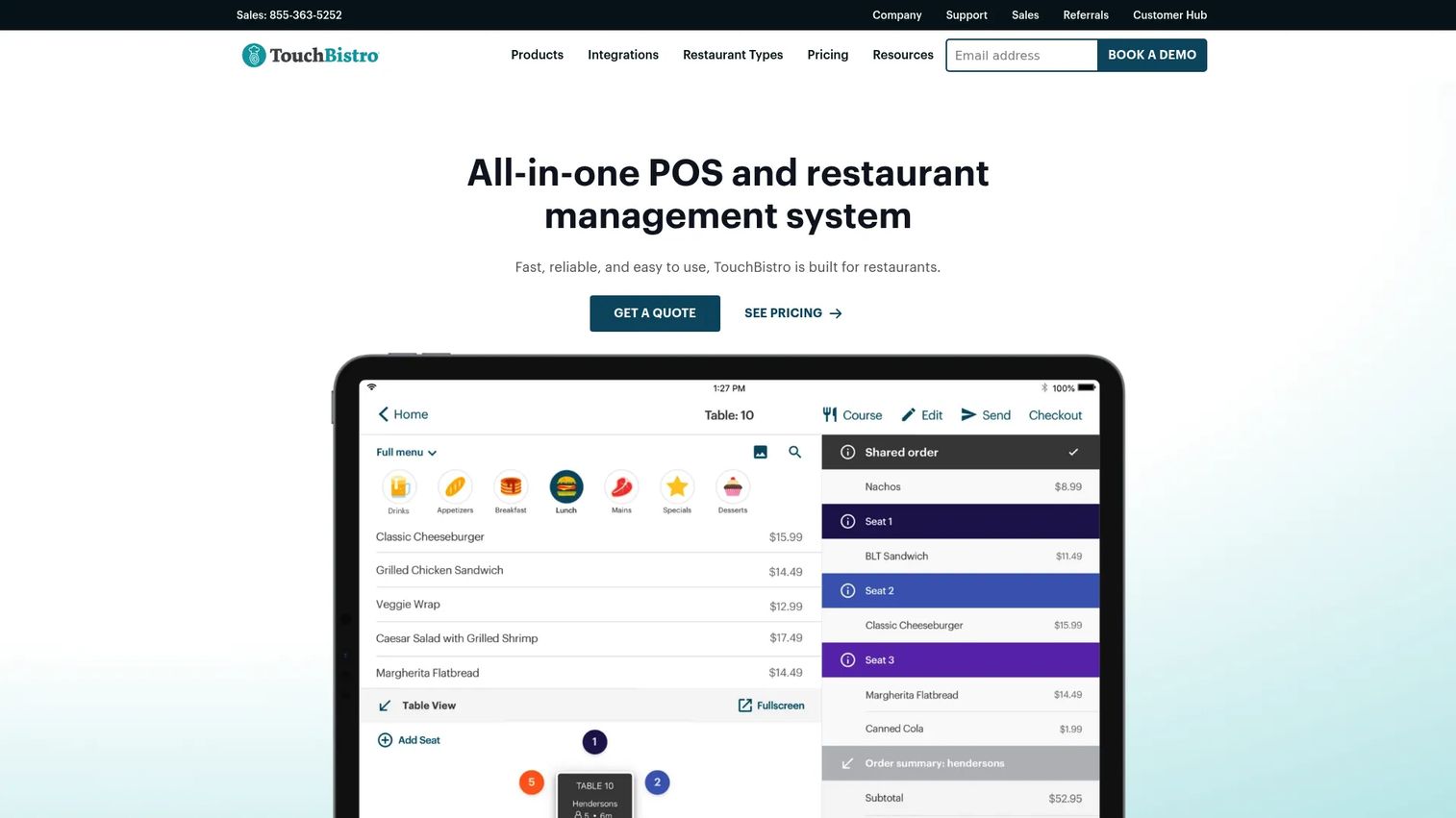
TouchBistro is a restaurant POS and management platform built specifically for foodservice operators. Menu management lives inside the POS, so the menu you edit is the menu your servers ring up. That tight coupling matters when you want a change at the register to be the change everywhere your staff touches an order.
The platform pairs menu control with tableside ordering, floor plan and table management, and reporting. For a full-service operation, that means you are not stitching a menu tool onto a separate register system. The menu, the modifiers, and the sales data live in one place.
Best for: Full-service restaurants that want menu control built directly into their POS.
Key strengths
- POS-native menu editing: Change prices and items where staff already work.
- Tableside ordering: Servers fire orders from the floor, tied to the live menu.
- Floor plan and table management: Map covers to the same system running your menu.
- Modifiers and add-ons: Manage portion sizes, sides, and dietary modifiers per item.
- Reporting bundle: See what sells alongside staff and sales data.
Why choose TouchBistro: If you run a full-service restaurant and want menu management, seasonal changes, and inventory in the same tool your staff already use, TouchBistro keeps the menu and the register as one system. It fits operators who value POS-native control over standalone menu design.
Pricing: The Point of Sale plan starts at $69/month. The Essentials Bundle starts at $119/month. A Custom Setup is available as a quote. There is no public free tier; add-ons are quoted separately.
2. UpMenu
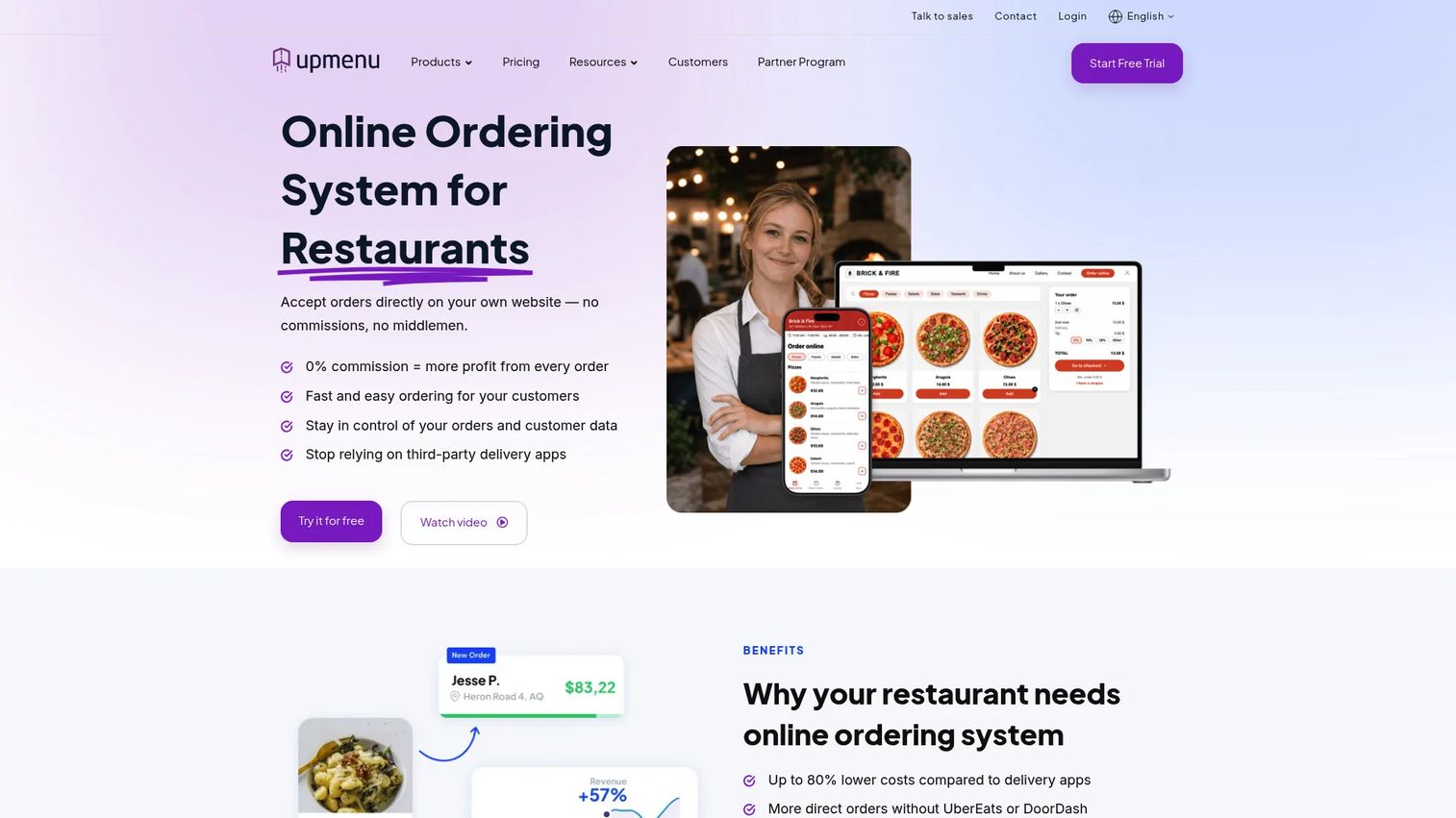
UpMenu is a restaurant software platform built around commission-free direct ordering. You manage your menu once and publish it across your own website, a branded mobile app, and QR code menus, without handing a cut of every order to a marketplace. For operators tired of paying delivery-app fees, that independence is the pitch.
Menu management spans every selling channel UpMenu supports: online menus, in-house QR menus, and the app. Multi-location control lets chains manage several restaurants from one account, and the reporting and analytics show how each channel performs.
Best for: Restaurants and chains that want a commission-free direct ordering stack with menus, a website, and an app in one place.
Key strengths
- Commission-free online ordering: Keep the full order value, not a marketplace remainder.
- Website and app builder: Publish menus to your own branded surfaces.
- QR code menus: Turn table tents into contactless ordering.
- Multi-location control: Manage several restaurants from one account.
- Reporting and analytics: Track ordering performance by channel.
Why choose UpMenu: UpMenu fits operators who want to own the customer relationship instead of renting it from third-party marketplaces. If direct online ordering, QR menus, and catering menus across multiple locations matter more than POS hardware, this is the stack that centralizes them.
Pricing: UpMenu is subscription-only. The Basic plan is $49/month per restaurant, Standard is $89/month, and Premium is $169/month. Prices are shown in multiple currencies on the pricing page. A free demo is available, but there is no free plan.
3. Oracle Simphony
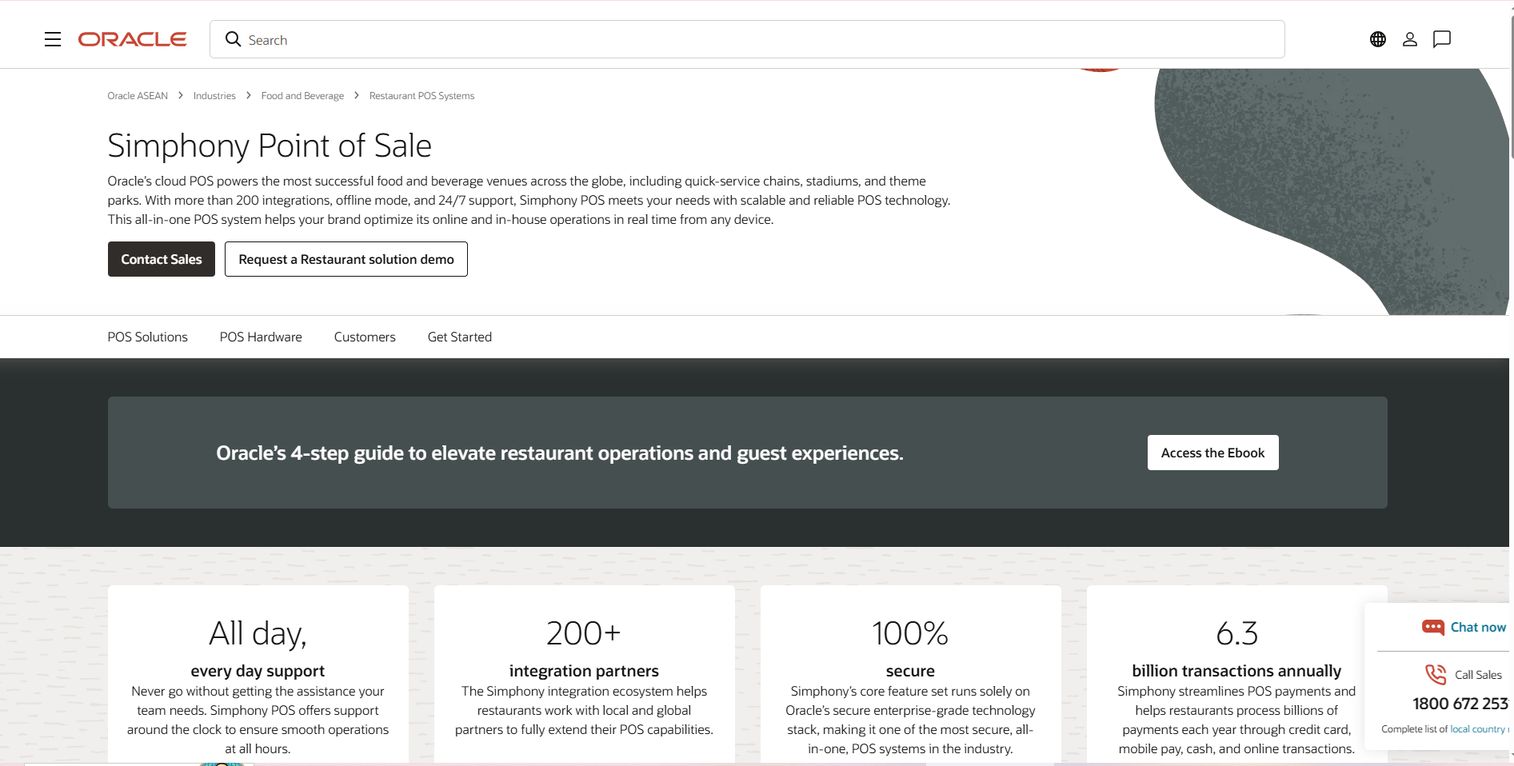
Oracle Simphony is a cloud-based restaurant POS platform built for scale. Menu management sits inside a system designed for multi-location and enterprise operators who need complex control: centralized pricing updates, allergen and nutrient data, and analytics across every device and location. When you run dozens or hundreds of sites, the ability to push a menu change once and have it land everywhere is the whole point.
Simphony pairs menu management with an open API and 200+ integrations, so digital menu boards, kiosks, loyalty, and kitchen display systems all read from the same source. Reporting and analytics run across the estate, which is where menu engineering, pricing decisions, and margin analysis happen.
Best for: Multi-location and enterprise restaurants that need centralized menu control with deep integrations and analytics.
Key strengths
- Centralized pricing updates: Push menu and price changes across every location at once.
- Allergen and nutrient management: Maintain dietary and allergen data centrally.
- Digital menu boards: Feed signage and kiosks from the same menu source.
- Open API with 200+ integrations: Connect POS to the rest of your stack.
- Reporting and analytics: Run menu engineering analytics across devices and sites.
Why choose Oracle Simphony: Simphony fits operators whose complexity has outgrown simpler tools. If you manage many locations, need real-time updates, allergen data, and analytics that hold up to scrutiny, its centralized model and integration depth carry that weight.
Pricing: Oracle states it offers monthly pricing plans, but no public numeric price is listed. Pricing is handled through a contact sales or request-a-demo flow.
4. Trabon Group
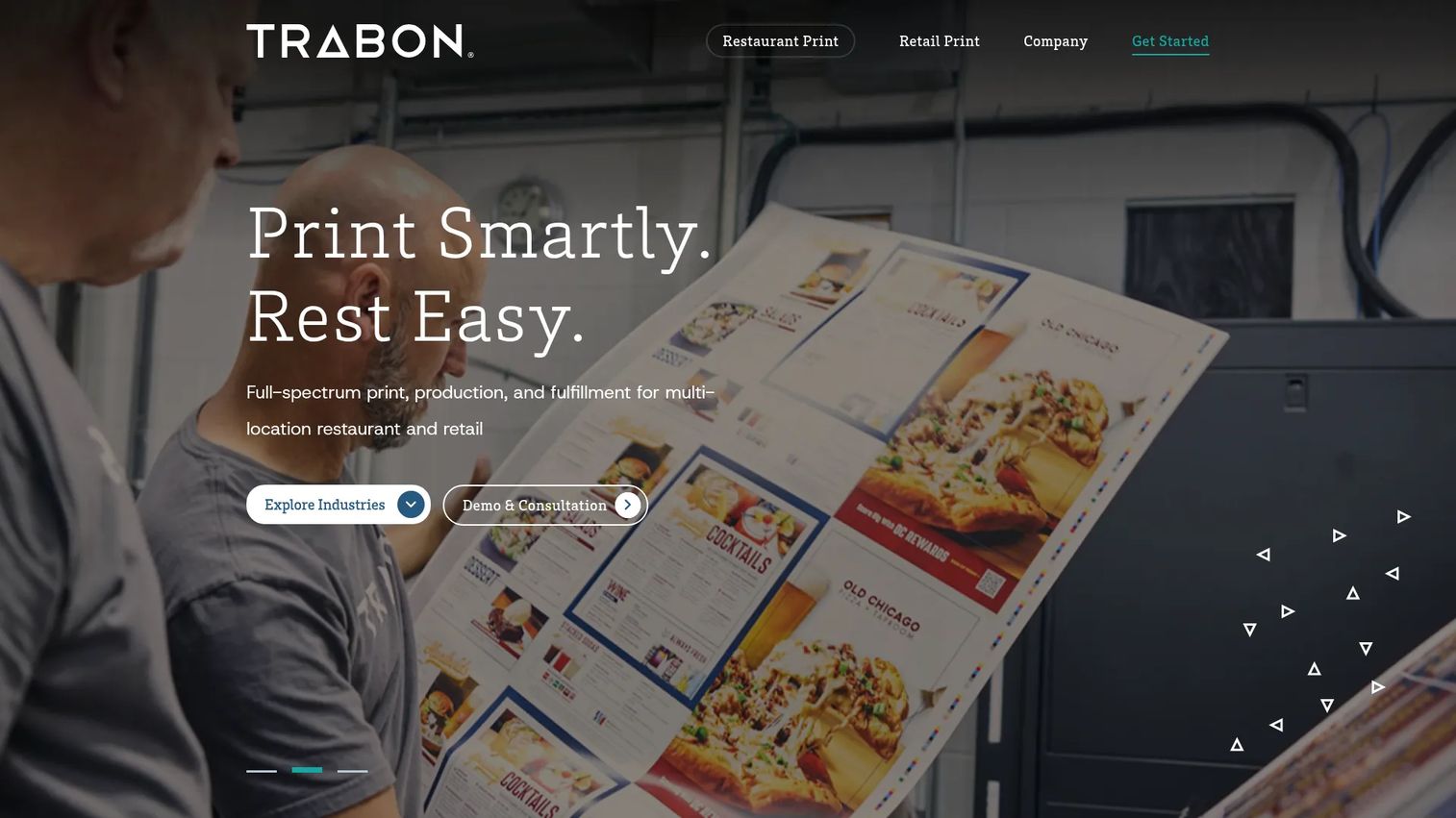
Trabon Group approaches menu management from the print and multi-location consistency angle. Its MenuNet platform acts as a centralized menu database, and PrintNet handles print-on-demand fulfillment. For brands that still run printed menus alongside digital ones, Trabon keeps the two from drifting apart. One data change updates the print file, the signage, and the online channels together.
That makes Trabon a strong fit for multi-location brands where menu consistency across many sites is a brand-control problem, not just an operations one. It integrates with existing digital signage and online ordering tools rather than replacing them, and it handles beverage menu management, cocktail menus, wine lists, and rotating craft beers alongside food.
Best for: Restaurant and retail brands that need centralized print and digital menu consistency across many locations.
Key strengths
- Centralized menu database: MenuNet holds one source for every location.
- Print-on-demand fulfillment: PrintNet produces printed menus from the master data.
- Digital signage integration: Feed existing menu boards from the same source.
- Beverage menu management: Handle cocktail menus, wine lists, and rotating beers.
- Integration-friendly: Works with your current online ordering and signage tools.
Why choose Trabon Group: Trabon fits brands where printed menus still matter and consistency across locations is a brand requirement. If you need your printed, signage, and online menus to always match, its centralized database plus fulfillment model closes the gap.
Pricing: Trabon does not publish public pricing. Fees are set through a master services agreement and statement of work, so you engage via a demo or consultation.
5. Qulah
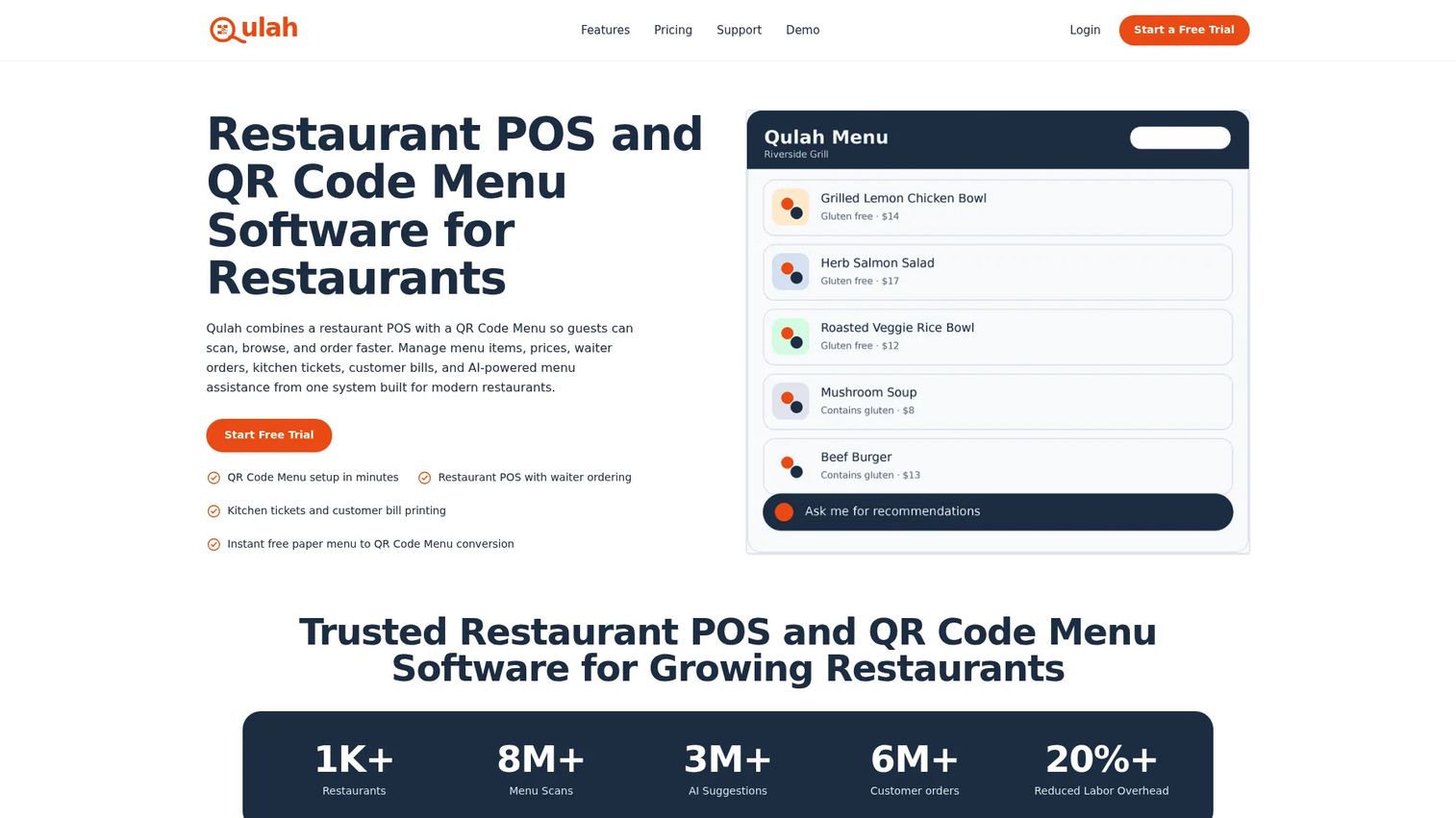
Qulah combines a QR code menu and a restaurant POS in one system. Guests scan a code, browse the menu in their browser with no app install, and the order flows into the same POS your staff use. For operators who want the simplest possible QR-to-order path without assembling multiple tools, that combination keeps the setup lean.
The POS side handles waiter ordering, kitchen tickets, and customer bill printing, so the QR menu is not a bolt-on but part of the same order flow. It is a practical fit for smaller operations that want contactless menus and basic POS in a single, affordable package.
Best for: Restaurants that want a QR code menu and POS in one straightforward system.
Key strengths
- QR code menu setup: Guests browse and order from their phone browser.
- Restaurant POS: Waiter ordering built into the same system.
- Kitchen tickets: Orders route to the kitchen automatically.
- Bill printing: Print customer checks from the POS.
- Browser-based access: No app download for guests.
Why choose Qulah: Qulah fits operators who want QR menus and POS without the cost or complexity of an enterprise platform. If a simple contactless ordering workflow at a low entry price is the goal, its combined model delivers that directly.
Pricing: Qulah offers a One Timer plan at $8 as a one-time payment per venue. Subscription plans run $25/month (Starter), $100/month (Business), and $200/month (Enterprise). Every plan includes a 14-day trial.
6. Satisorder
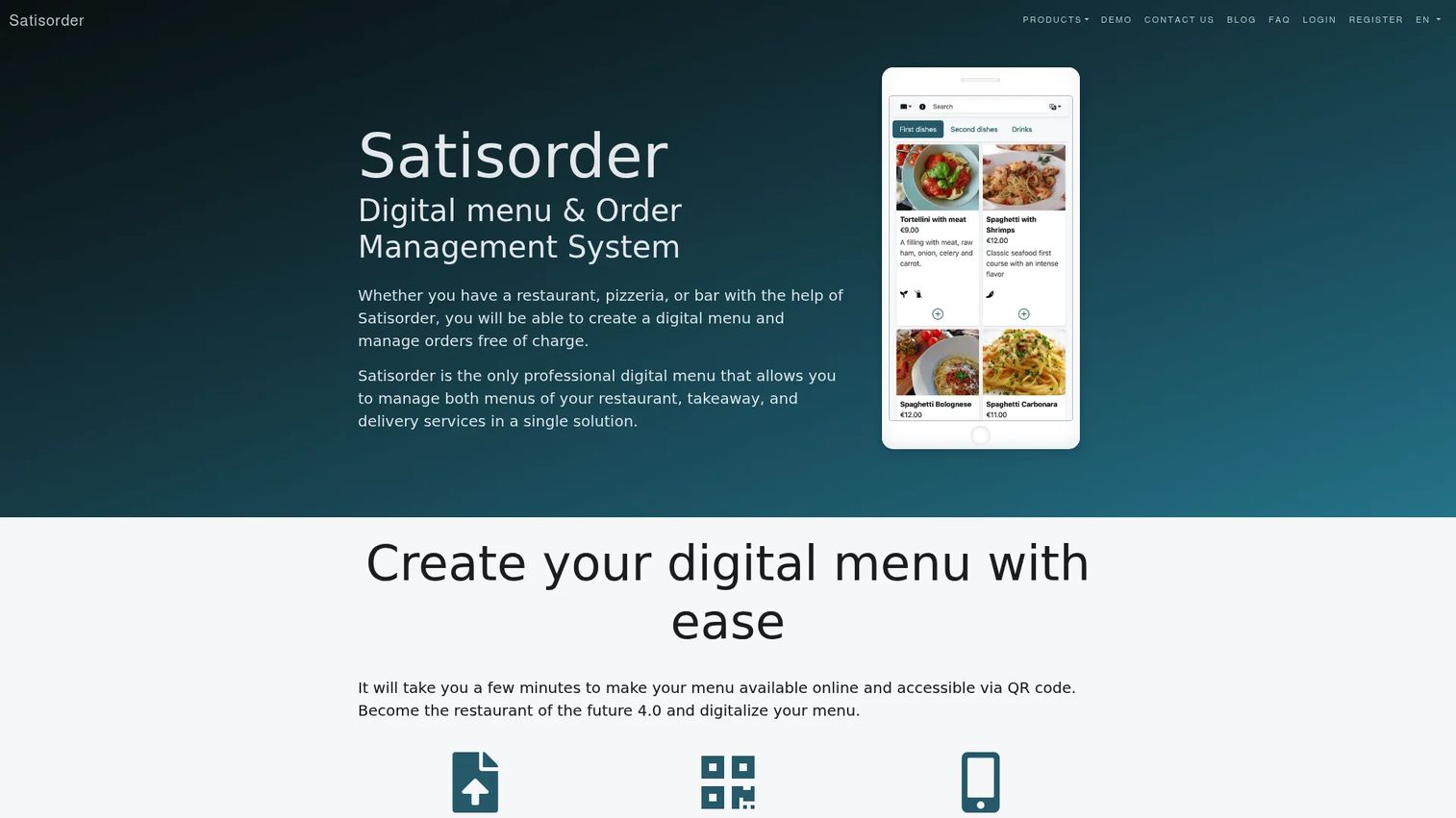
Satisorder is a digital menu and order management system for restaurants, pizzerias, and bars. Its focus is fast deployment of guest-facing digital menus with QR access, table ordering, and payment integrations. If you want a contactless menu live quickly without a large budget, the free tier makes it easy to start.
Beyond the QR menu, Satisorder manages orders across table service, takeaway, and delivery, and supports multilingual menus with automatic translation. That translation feature is useful for restaurants in tourist areas or multilingual markets where the menu needs to read cleanly in several languages.
Best for: Restaurants that want a free QR menu and order management workflow with fast setup.
Key strengths
- QR-code digital menus: Guests scan and order without an app.
- Order management: Handle table, takeaway, and delivery orders in one place.
- Payment integrations: Take payment through the digital menu.
- Multilingual menus: Automatic translation for multiple languages.
- Fast deployment: Get a guest-facing menu live quickly.
Why choose Satisorder: Satisorder fits operators who want a low-risk way to launch digital menus and ordering. If a free entry point, QR access, and multilingual support matter more than deep enterprise features, it gets a guest-facing menu running without commitment.
Pricing: Satisorder offers a Starter plan free forever. Basic is €9.99/month and Pro is €19.99/month, both with a six-month trial period. Prices exclude VAT and local taxes.
7. GetApp
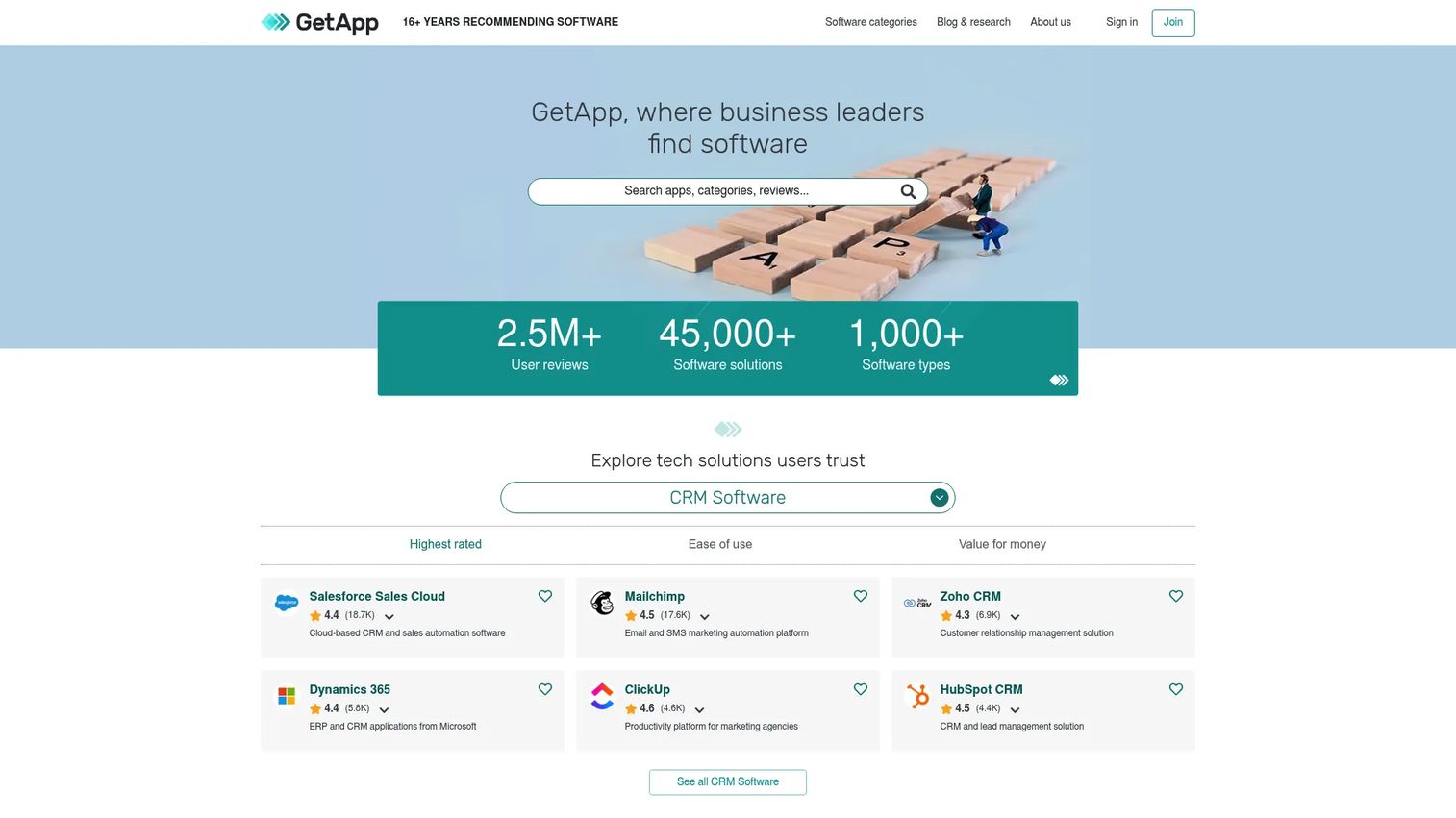
GetApp is not a menu management platform. It is a business software discovery and comparison site, and it belongs on this list for a different job: narrowing your shortlist before you commit. When you are weighing several restaurant menu management systems, GetApp lets you read verified reviews and compare vendors side by side.
Use it to pressure-test the tools above. Read what actual operators say about POS sync reliability, support quality, and how each platform handles multi-location menu management before you sit through a sales demo. It is a research layer, not a replacement for a vendor.
Best for: Operators comparing menu management software options and reading verified reviews before buying.
Key strengths
- Software search and comparison: Filter and compare vendors by category.
- Verified user reviews: Read feedback from real operators.
- Category leader rankings: See how tools stack up in their category.
- Free to use: No cost to research and compare.
- Broad coverage: Discover vendors beyond the obvious names.
Why choose GetApp: GetApp fits the shortlisting stage, not the buying stage. If you want to validate a vendor's reputation and compare menu engineering analytics, pricing, and reviews before booking demos, it is where you narrow the field.
Pricing: GetApp is free to use. There is no public pricing page for the service itself, since the platform makes money from vendor referrals, not user fees.
Considerations
Before you shortlist, run each option through these criteria. The feature list matters less than how well the tool fits your actual operation.
Integration depth
Check how deeply the tool connects to your POS, online ordering, delivery apps, and signage. Real-time POS sync is the difference between a menu that stays consistent and one that drifts. Ask specifically whether price changes hit the register instantly or on a delay.
Channel coverage
List every channel where your menu appears: web, QR code menus, delivery marketplaces, digital signage, printed menus. Then confirm the platform publishes to all of them from one edit. Any channel it can't reach becomes a manual task you keep forever.
Pricing model
Match the pricing model to your scale. Flat monthly plans favor single locations and small chains. Custom enterprise pricing tends to fit multi-location operators who need centralized control. Watch for per-location costs that compound as you grow.
Location complexity
If you run multiple locations, confirm the tool supports location-specific pricing and menu versions without cloning menus. Managing one master menu with location overrides is far cleaner than maintaining a separate file per site.
Analytics quality
Menu engineering analytics turn menu data into margin decisions. Look for reporting that ties items to sales, COGS, and profit so you can cut waste and reprice with evidence, not guesswork.
Conclusion
The core problem never changes: your menu lives in too many places, and they drift apart. The right menu management software collapses those places into one source of truth that publishes consistently everywhere.
Here's the quick shortlist by operator type:
- Run a full-service restaurant and want menus inside your POS? Start with TouchBistro.
- Want commission-free direct ordering with QR menus and an app? UpMenu owns that lane.
- Managing many locations with allergen data and analytics at scale? Oracle Simphony carries the complexity.
- Need printed and digital menus to always match across a brand? Trabon Group closes that gap.
- Want the simplest QR-to-order setup at a low price? Qulah or Satisorder, depending on whether you want POS included.
- Still comparing? Use GetApp to read verified reviews before you book demos.
Next step: pick two or three tools that fit your channel mix, then test real menu workflows. Build a seasonal menu, push a price change, and watch whether it lands everywhere at once. That single test tells you more than any feature list.
FAQs
A POS system rings up orders and processes payments. Menu management software controls the menu data behind those orders and pushes it to every channel, including the POS. Many platforms bundle both, but the menu management layer is what keeps prices and availability consistent across web, QR, delivery, and the register at once.
Yes. Most restaurant menu management systems publish to your own online ordering page and, depending on the platform, to third-party delivery marketplaces. The value is version control: one edit updates every connected channel, so you avoid menu discrepancies between what a customer sees on the website and what they see in a delivery app.
You build the seasonal menu or special once, schedule it, and publish it across every location and channel on the day it launches. When the promotion ends, you pull it everywhere in one action. That beats editing multiple POS systems, websites, and QR menus by hand and hoping they all match.
Prioritize centralized menu control with location-specific pricing, so you maintain one master menu and layer per-site overrides on top. Confirm real-time POS sync, multi-location reporting, and the ability to push a change to some or all sites at once. Managing one menu database beats cloning a separate file per location.
Most modern platforms do. QR code menus let guests scan, browse, and often order from their phone browser with no app install. Because the QR menu reads from the same central menu database as your other channels, a price change or an 86'd item updates the QR menu automatically alongside everything else.
Yes, especially enterprise-grade tools. Platforms like Oracle Simphony and TouchBistro let you manage allergen and dietary modifiers centrally, so the information stays accurate across every menu surface. Updating allergen data in one place and having it publish everywhere reduces both compliance risk and customer confusion.
Two models dominate. Flat monthly subscriptions, often per location, fit single sites and small chains, with entry plans commonly in the $8 to $69/month range across the tools here. Enterprise and multi-location platforms tend to use custom pricing quoted through a sales conversation, since needs and location counts vary widely.
Match the tool to your complexity. If you run one or a few locations and want fast setup, a simpler QR-and-POS tool or a flat-rate platform fits. If you manage many locations, need allergen data, centralized pricing, digital menu boards, and analytics that survive scrutiny, an enterprise system like Oracle Simphony earns its cost. Test real menu workflows on your shortlist before committing.