Manual transcription is killing your productivity.
A 60-minute interview takes three to four hours to transcribe by hand. Multiply that across a team doing weekly user research, daily sales calls, or a podcast publishing twice a week, and you're looking at a serious time drain with no upside.
AI transcription software has changed the math. Modern tools convert audio to text in minutes, not hours, with accuracy rates ranging from 85% to 95% on clean audio. But the market is crowded, the pricing models vary wildly, and no single tool is the right fit for every use case.
We tested 12 transcription tools across meeting transcription, podcast production, video editing, research workflows, and multilingual content. We evaluated both free tiers and paid plans, checked integrations, and noted where each tool genuinely outperforms the alternatives.
What's inside
This guide covers the 12 best transcription software tools in 2026, including AI-only tools, human transcription services, and hybrid options. We explain our evaluation methodology, provide a full comparison table, and give you honest, use-case-specific recommendations. You'll also find a buying guide covering accuracy trade-offs, security and compliance considerations, and a breakdown of what free tiers actually deliver.
TL;DR
- Best for meetings: Otter.ai - real-time transcription with Zoom, Google Meet, and Teams integration
- Best for accuracy: Rev (AI + human hybrid) or GoTranscript (human-only, 99%+ accuracy
- Best free option: OpenAI Whisper (technical users) or Notta (non-technical, 120 min/month free)
- Best for podcasters: Castmagic - transcription plus AI-generated show notes, social posts, and newsletters
- Best for research teams: Reduct.Video - search across all transcripts and create highlight reels
What is transcription software
Transcription software converts spoken audio or video into written text, either through automated AI processing or human transcription services. The term covers a wide range of tools: real-time transcription apps that caption live meetings, automated transcription software that processes uploaded audio files, and video transcription software that syncs text to timecodes for editing.
The core distinction worth understanding is AI transcription vs. human transcription services. AI transcription software processes your audio through a machine learning model and returns text in seconds or minutes. Human transcription services route your audio to professional transcribers who manually produce the text. AI is fast and cheap; human is slow and expensive but delivers higher accuracy, particularly on difficult audio.
Most modern tools sit somewhere in between, offering AI-first processing with optional human review for critical content.
When to use transcription software
For meeting-heavy teams
If your team runs more than five meetings per week and nobody's capturing decisions reliably, a real-time transcription app pays for itself immediately. Tools like Otter.ai and Fireflies.ai auto-join your video calls and produce searchable transcripts with speaker labels and AI summaries. No more "what did we actually decide in that call?"
For content creators and podcasters
Video transcription software like Descript turns transcription into an editing workflow. You upload a recording, get a transcript, and edit the audio by editing the text. Castmagic goes further: one podcast episode becomes a transcript, show notes, social posts, and a newsletter draft in under five minutes. If you're looking for more ways to streamline your output, explore our roundup of the best content creation software tools.
For legal, medical, or research use
When accuracy is non-negotiable and the content may be published, cited, or used in legal proceedings, AI transcription averages 85–95% accuracy on clean audio. That's not good enough for a deposition or a medical record. Human transcription services like GoTranscript and Rev's human option deliver 99%+ accuracy and offer HIPAA-compliant workflows for sensitive content.
For multilingual teams
If your audio spans multiple languages, tools like Sonix (49+ languages) and Happy Scribe (60+ languages) handle transcription and translation in a single workflow. Most general-purpose tools don't cover this well.
Quick-glance comparison table: best transcription software in 2026
| # | Tool | Best for | Starting price | AI/Human | Free tier | Languages |
|---|---|---|---|---|---|---|
| 1 | Otter.ai | Meeting transcription | $16.99/mo | AI | 300 min/mo | English-focused |
| 2 | Rev | Accuracy + hybrid | $0.25/min (AI) | Both | No | 36+ |
| 3 | Guideflow | Interactive product demos | $40/mo | N/A | Yes | 29 (voiceover) |
| 4 | Sonix | Multilingual teams | $10/hr | AI | Trial only | 49+ |
| 5 | Happy Scribe | Video production | $0.20/min | Both | No | 60+ |
| 6 | Fireflies.ai | Sales + CRM teams | $18/user/mo | AI | Limited | 60+ |
| 7 | Notta | Individual/students | $14.99/mo | AI | 120 min/mo | 58 |
| 8 | Trint | Newsrooms | $52/mo | AI | No | 40+ |
| 9 | Reduct.Video | UX research | $30/user/mo | AI | Trial | Multiple |
| 10 | Castmagic | Podcast repurposing | $23/mo | AI | No | Multiple |
| 11 | OpenAI Whisper | Developers | Free | AI | Unlimited | 97+ |
| 12 | GoTranscript | Guaranteed accuracy | $0.72/min | Human | No | Multiple |
How we evaluated these transcription tools
We tested each tool against the same 30-minute audio sample containing four speakers, moderate background noise, and a mix of accents. We also ran each tool against a clean single-speaker podcast recording and a multi-participant Zoom call recording.
Metrics we measured: word accuracy rate, speaker diarization quality (how well the tool identifies and labels individual speakers), timestamp accuracy, turnaround speed, and export format options. We tested both free tiers and paid plans where available. Pricing was verified as of April 2026.
We weighted real-world usability heavily. A tool with 94% accuracy that requires a PhD to operate scores lower than a tool with 90% accuracy that a journalist can use in their first session.
1. Otter.ai - best AI transcription software for meetings
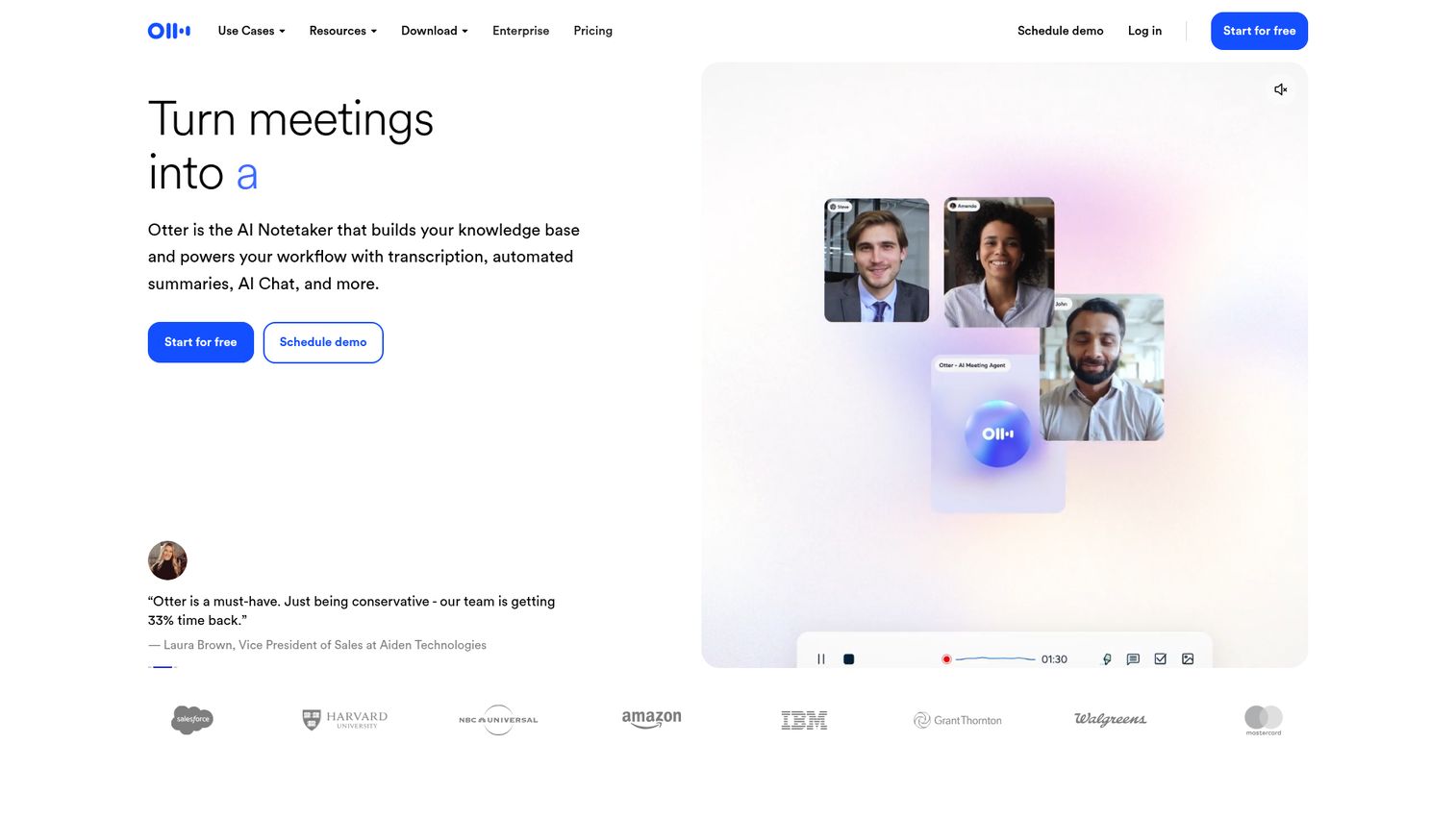
Otter.ai is the most widely used AI transcription app for real-time meeting transcription, and it's conspicuously absent from most competitor roundups - which is a significant gap given its adoption.
The core product is OtterPilot, a bot that auto-joins your Zoom, Google Meet, or Microsoft Teams calls, transcribes in real time, and generates AI summaries with action items after the meeting ends. You don't have to remember to hit record. It handles speaker diarization (identifying and labeling different speakers) reliably on calls with up to six or seven participants, though accuracy drops when people talk over each other.
The collaborative workspace lets teammates comment on transcript sections, highlight key moments, and search across all past meetings. For remote teams running multiple calls daily, the searchable transcript archive alone justifies the cost.
Best for: Remote teams, meeting-heavy professionals, and anyone who needs live meeting transcription without manual setup.
Key strengths
- OtterPilot auto-joins and transcribes Zoom, Google Meet, and Teams
- Real-time captions with speaker diarization
- AI-generated summaries and action items post-meeting
- Collaborative workspace with comments and highlights
- Vocabulary customization for industry-specific terms
Pricing: Free (300 min/month), Pro ($16.99/month), Business ($30/user/month), Enterprise (custom)
2. Rev - best for accuracy with human + AI options
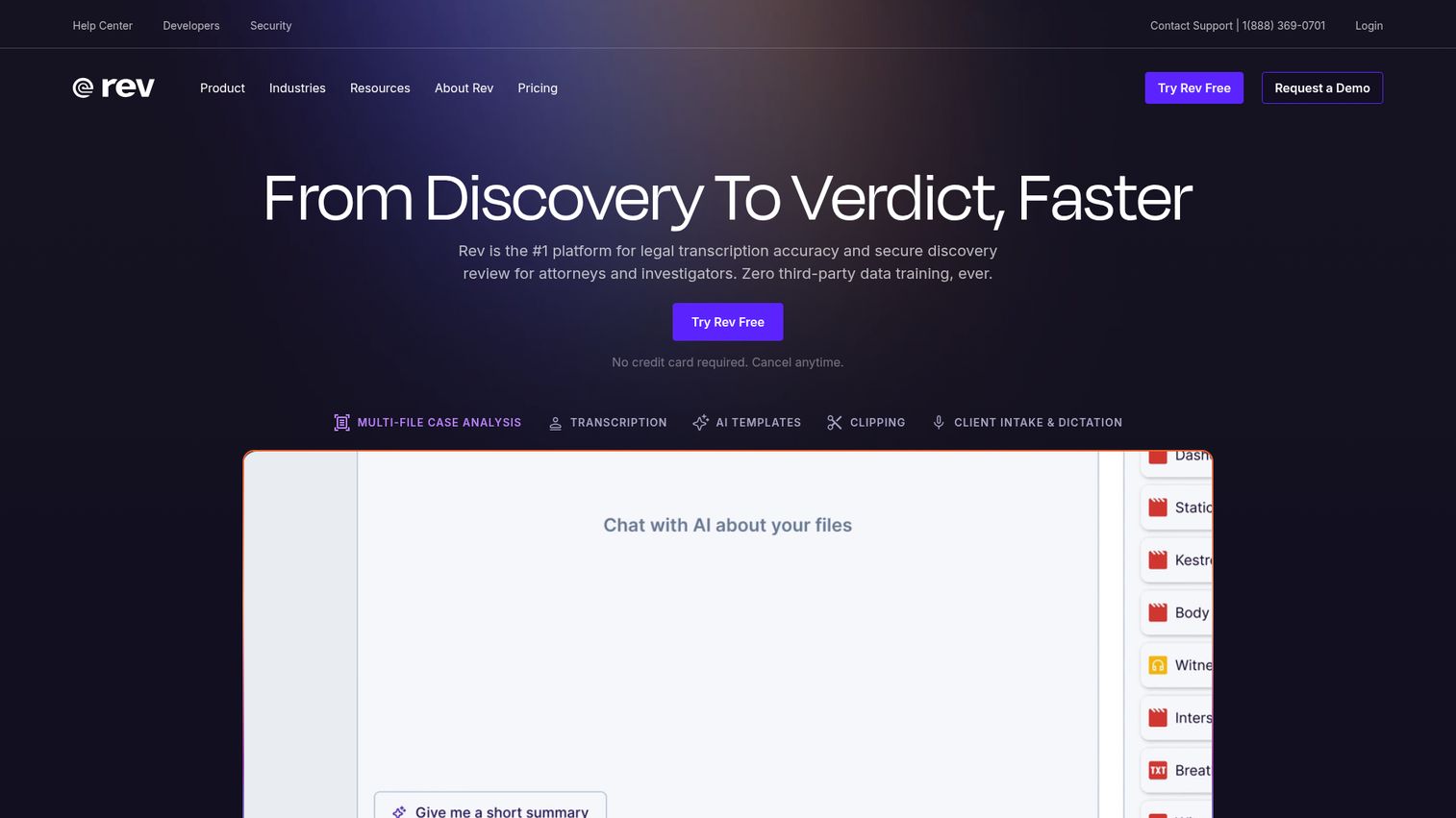
Rev is the go-to choice when you need guaranteed accuracy and want the flexibility to choose between AI speed and human precision on a file-by-file basis.
The AI transcription engine handles most use cases well, delivering accuracy in the 90–95% range on clean audio. When accuracy is critical - a legal deposition, a published interview, a medical consultation - you can escalate to human review for the same file. Rev's human transcription service delivers 99%+ accuracy, with turnaround times typically under 12 hours for standard files.
Rev also supports 36+ languages, generates captions and subtitles for video, and offers API access for developers building transcription into custom workflows. The pay-per-use pricing model works well for teams with variable volume; you're not paying a monthly subscription for capacity you don't use every month.
The honest trade-off: human transcription at $1.50/minute gets expensive fast at scale. A 10-hour archive of interviews costs $900 for human review. For internal meeting notes, the AI tier is the right call.
Best for: Journalists, legal professionals, and anyone who needs guaranteed accuracy and is willing to pay for human review on critical files.
Key strengths
- AI transcription with optional human review per file
- 99%+ accuracy on human-reviewed transcripts
- 36+ language support with caption and subtitle generation
- Pay-per-use pricing with no subscription required
- Developer API for custom transcription workflows
Pricing: AI transcription from $0.25/minute; Human transcription from $1.50/minute
3. Guideflow - best for turning recordings into interactive product demos
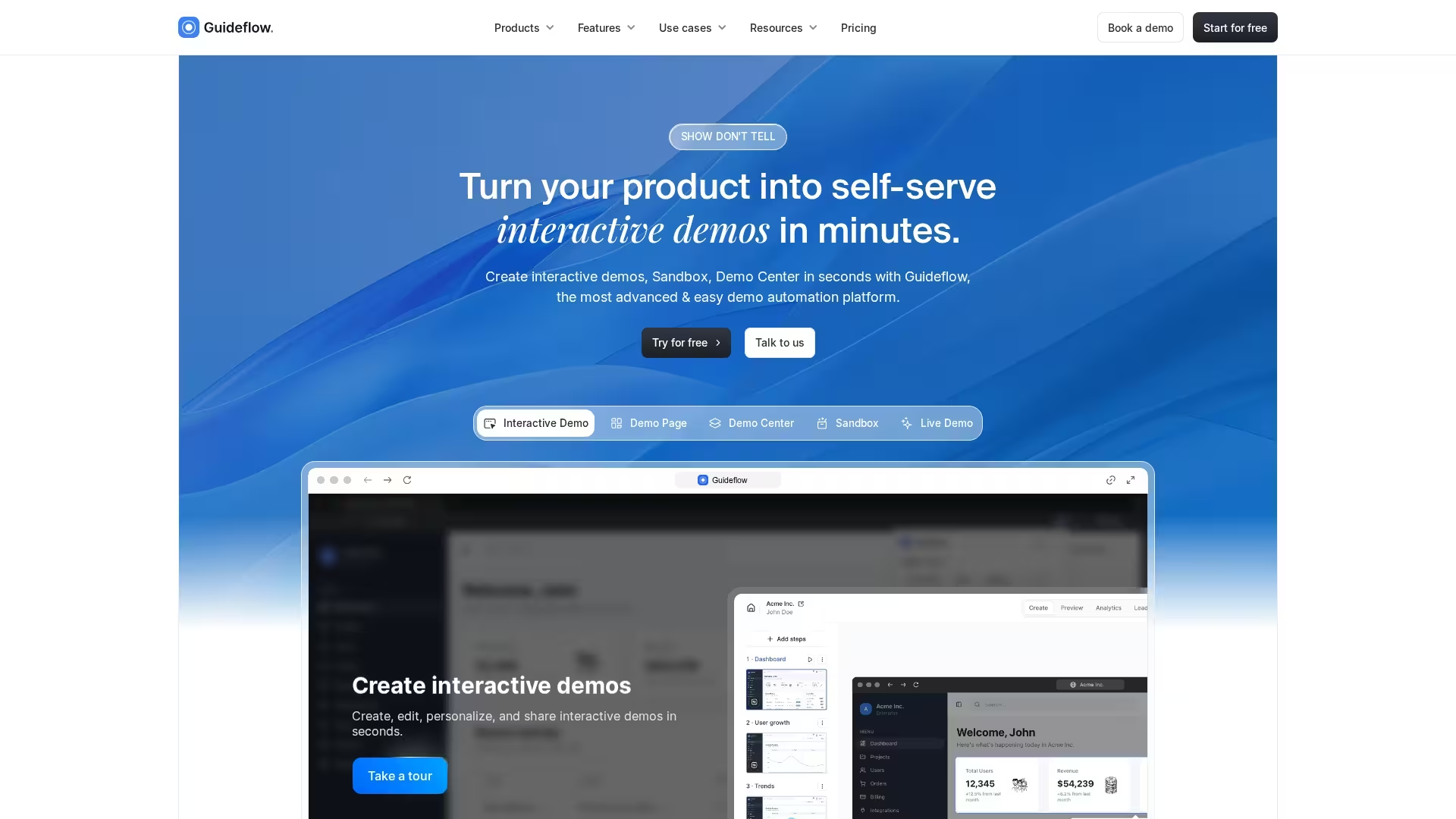
Guideflow turns a live pass through your product into a clickable walkthrough your audience can explore at their own pace. You run the flow once in your own browser, and the capture becomes a guided demo with steps, annotations, and narration. Teams reach for it when the goal is showing how a product works rather than producing a written record of what was said. Onboarding guides, sales demos, and support walkthroughs all come out of the same capture session.
Capture runs through a Chrome extension or a desktop app. You click through a workflow in your own product, and Guideflow records as you go. Screen capture takes a screenshot on every click and rolls video automatically when you scroll, type, or drag. HTML capture goes further and grabs the underlying HTML and CSS of each screen, so you can swap logos, brand colors, and sample data per prospect. Sandbox capture stitches multiple HTML captures into a free-roaming environment with no guided prompts.
The AI layer is where transcription-adjacent work happens. Guideflow generates voiceover from a written script through an ElevenLabs partnership, covering 29 languages with control over pacing, pauses, pronunciation, and tone. You can clone your own voice. Subtitles generate automatically for both synthetic and human voiceover and stay editable afterward. AI Translate and the Localization Center handle multi-market versions of the same demo.
Sharing and measurement are built for go-to-market teams rather than editors. Demos publish as public links, custom links, or embeds, with access control down to password, token, or invite-only. Session analytics show step-by-step drop-off, and native integrations push engagement data into Salesforce, HubSpot, Marketo, Segment, GA4, Mixpanel, and more.
Best for: Product marketers, customer success teams, and video content creators who want transcription integrated into an interactive demo workflow.
Key strengths
- Screen, HTML, and sandbox capture from a Chrome extension or desktop app
- HTML capture allows per-prospect personalization of logos, colors, and data
- AI voiceover in 29 languages with voice cloning and editable auto-generated subtitles
- Session-level analytics with step-by-step drop-off tracking
- Native CRM and analytics integrations including Salesforce, HubSpot, GA4, and Mixpanel
- Access control from public to password, token, or invite-only, on SOC 2 Type II infrastructure
Pricing: Free ($0), Solo (from $35/month), Startup/Growth (from $499/month), Advanced (from $1,499/month), Enterprise (from $2,999/month)
4. Sonix - best for multi-language transcription
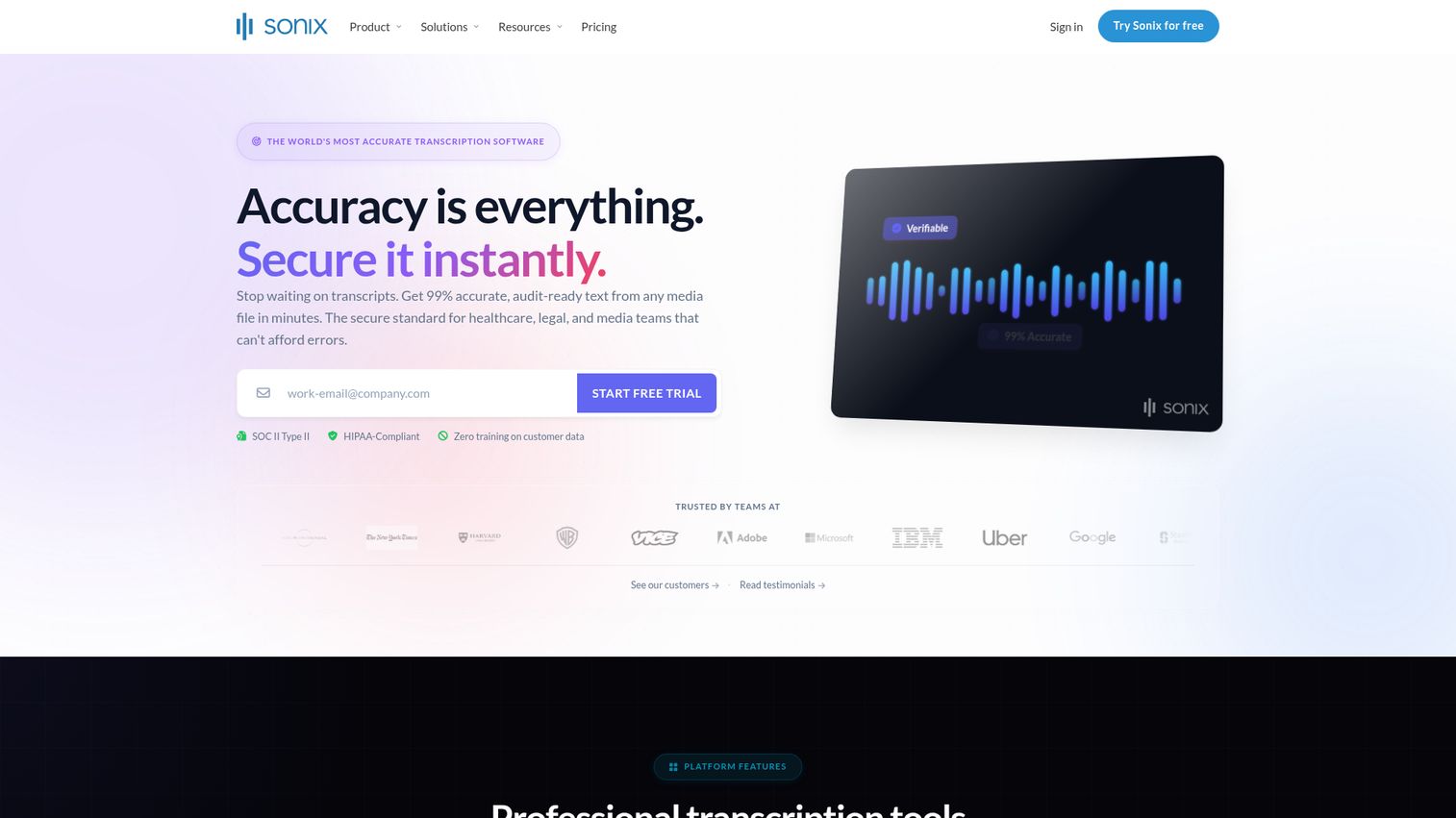
Sonix is the strongest choice for teams working with non-English audio or multilingual content. It supports 49+ languages with high accuracy and adds automated translation after transcription - so you can transcribe a Spanish interview and translate it to English in the same workflow, without switching tools.
The in-browser editor is clean and practical. Transcripts are time-stamped at the word level, so you can click any word in the transcript and jump to that moment in the audio. The editor also handles subtitle and caption export in SRT and VTT formats, which matters for video teams publishing across platforms.
Integrations with Zoom, Zapier, and Adobe Premiere extend Sonix into existing production workflows without manual file transfer. The pay-as-you-go pricing is transparent, but it adds up for high-volume users. A team transcribing 20 hours of audio per month on the standard plan would pay $200 - the Premium subscription at $22/month plus $5/hour makes more sense at that volume.
Best for: Global teams, multilingual content creators, and researchers working with non-English audio.
Key strengths
- 49+ language support with high transcription accuracy
- Automated translation after transcription in the same workflow
- Word-level timestamps with click-to-seek in the editor
- Subtitle and caption export in SRT and VTT formats
- Integrations with Zoom, Zapier, and Adobe Premiere
Pricing: Standard ($10/hour pay-as-you-go), Premium ($5/hour + $22/month subscription)
5. Happy Scribe - best hybrid AI + human transcription service
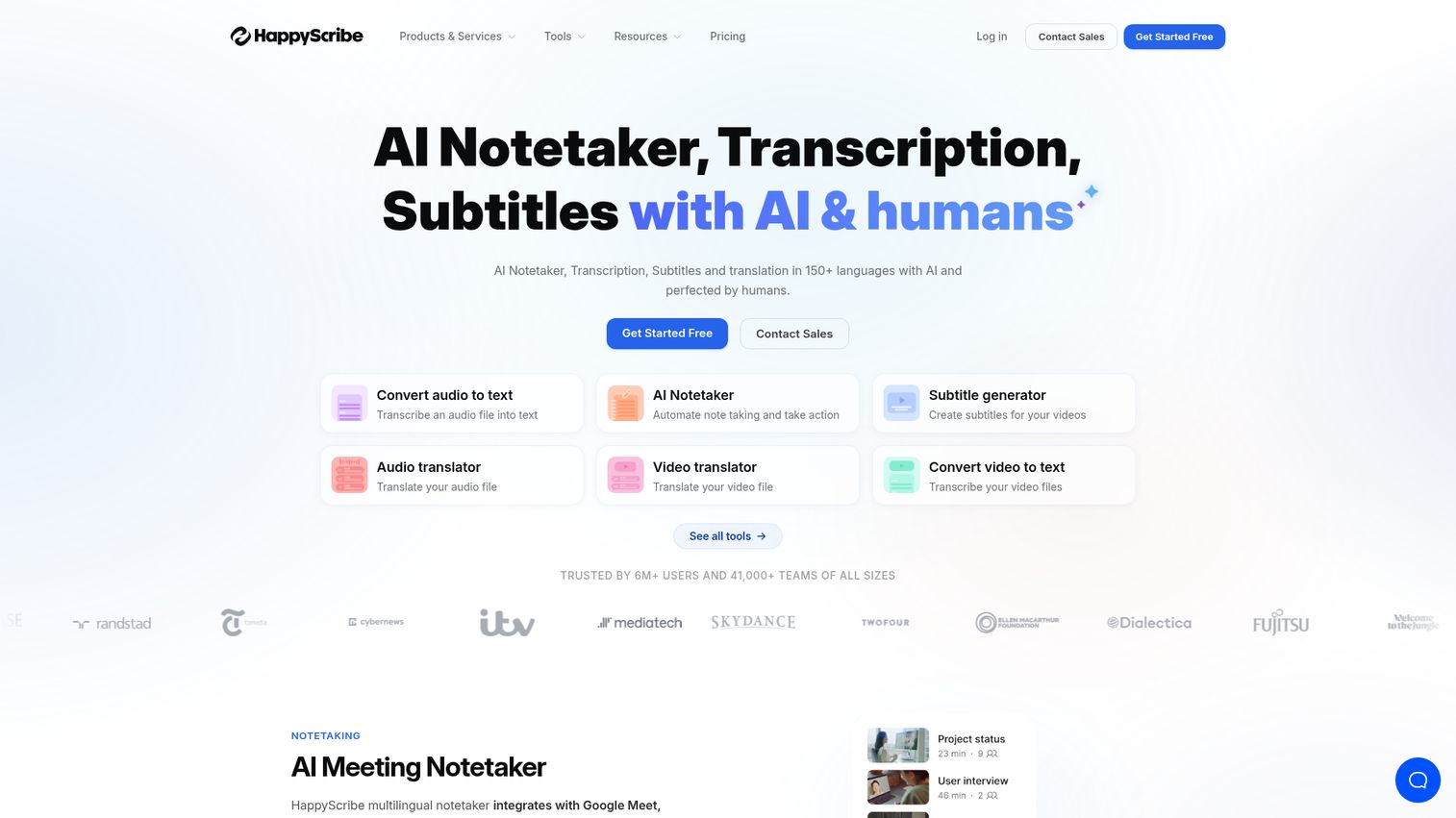
Happy Scribe offers one of the most practical hybrid models in the transcription space: start with AI for speed and cost, escalate to human proofreading only when accuracy is critical. You make that call file by file.
The interactive transcript editor is well-designed for subtitle work. You can adjust timing, edit text, and export in multiple formats (SRT, VTT, TXT, DOCX) without leaving the browser. The team collaboration features let multiple editors work on the same transcript simultaneously, which matters for video production teams with tight deadlines.
At 60+ languages, Happy Scribe has broader language coverage than Rev, though Rev's human transcription turnaround tends to be faster. The human proofreading option at $1.70/minute is slightly more expensive than Rev's $1.50/minute, but the subtitle tooling is stronger for video-specific workflows.
The editor can feel cluttered when working with large files (60+ minutes), and the interface takes some getting used to. But for video production teams that need subtitles, transcripts, and multilingual support in one place, it's a strong fit.
Best for: Video production teams, filmmakers, and media companies needing subtitles and transcripts in multiple languages.
Key strengths
- AI transcription with optional human proofreading per file
- 60+ language support with subtitle export (SRT, VTT)
- Interactive browser-based editor with team collaboration
- Flexible AI/human hybrid model with per-file control
- Strong subtitle timing and formatting tools
Pricing: AI from $0.20/minute; Human from $1.70/minute; subscription plans available
6. Fireflies.ai - best AI transcription for sales and CRM teams
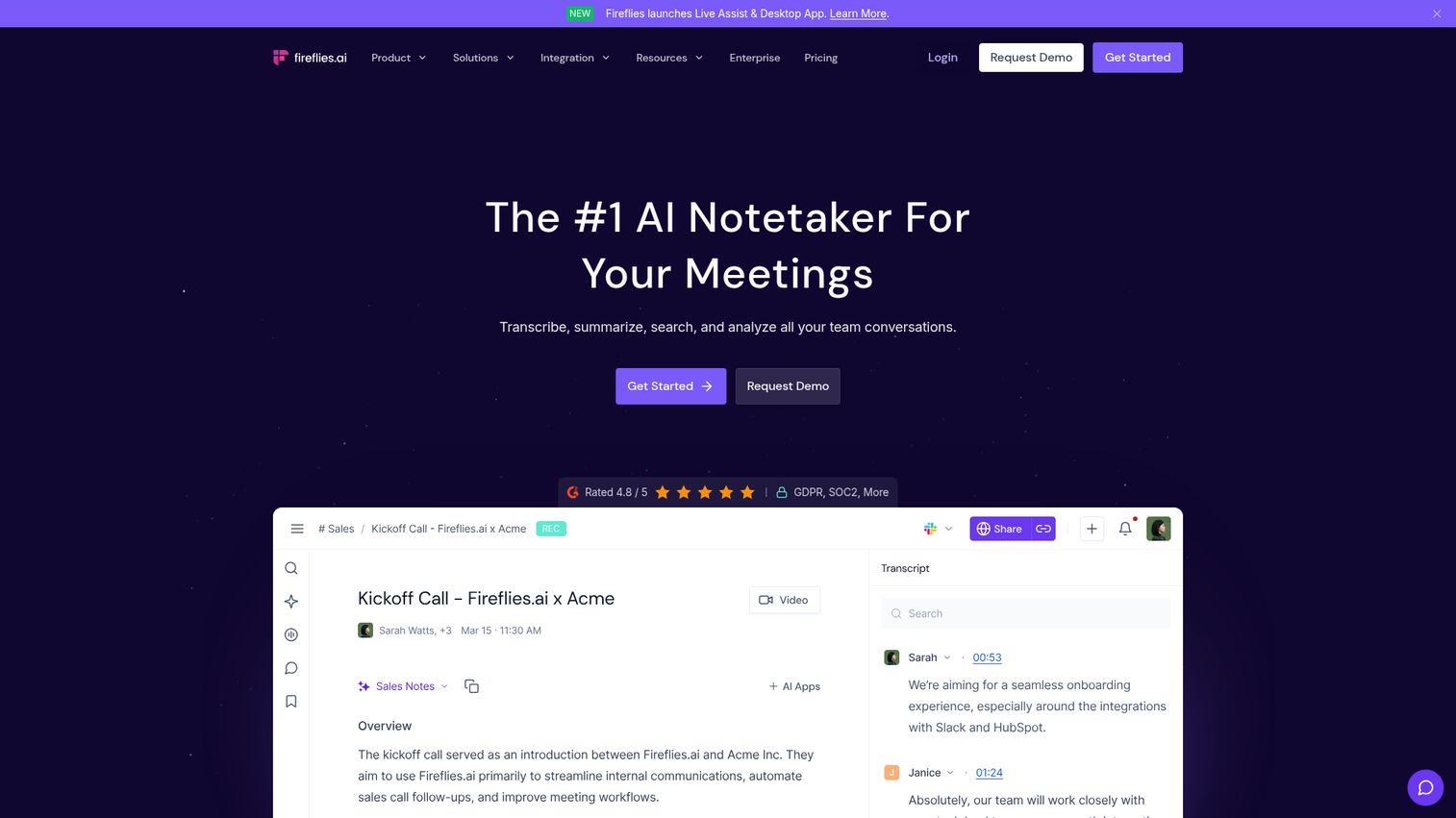
Fireflies.ai is built for revenue teams. It auto-joins Zoom, Google Meet, Teams, and Webex calls, transcribes them, and then syncs the output directly to your CRM - Salesforce, HubSpot, or Pipedrive - without manual data entry. If you're evaluating CRM options alongside your transcription stack, our guide to the best CRM software covers the leading platforms in detail.
The conversation intelligence layer is what separates Fireflies from general-purpose transcription tools. It tracks talk-to-listen ratios, flags sentiment shifts, identifies topics discussed (pricing, competitors, objections), and surfaces these as searchable data points across your entire meeting history. A sales manager can search "pricing objection" and pull every meeting where that topic came up in the last 90 days.
The searchable meeting database compounds in value over time. After six months of use, your team has a fully indexed archive of every customer conversation, searchable by topic, speaker, keyword, or date. That's a meaningful asset for onboarding new reps and coaching existing ones. Teams focused on improving rep performance should also explore the best sales coaching software for purpose-built coaching workflows.
The limitation is focus: Fireflies is primarily a meeting tool. If you need to transcribe pre-recorded audio files, podcasts, or video content, it's not the right fit. It also requires calendar integration setup, which adds a few minutes of configuration before it starts working.
Best for: Sales teams, customer success managers, and anyone who needs meeting transcripts automatically synced to CRM.
Key strengths
- Auto-joins and records Zoom, Google Meet, Teams, and Webex
- CRM integrations with Salesforce, HubSpot, and Pipedrive
- Conversation intelligence: talk-to-listen ratio, sentiment, topic tracking
- Searchable meeting transcript database across all past calls
- AI-generated summaries and action items per meeting
Pricing: Free (limited), Pro ($18/user/month), Business ($29/user/month), Enterprise (custom)
7. Notta - best free transcription software for individuals
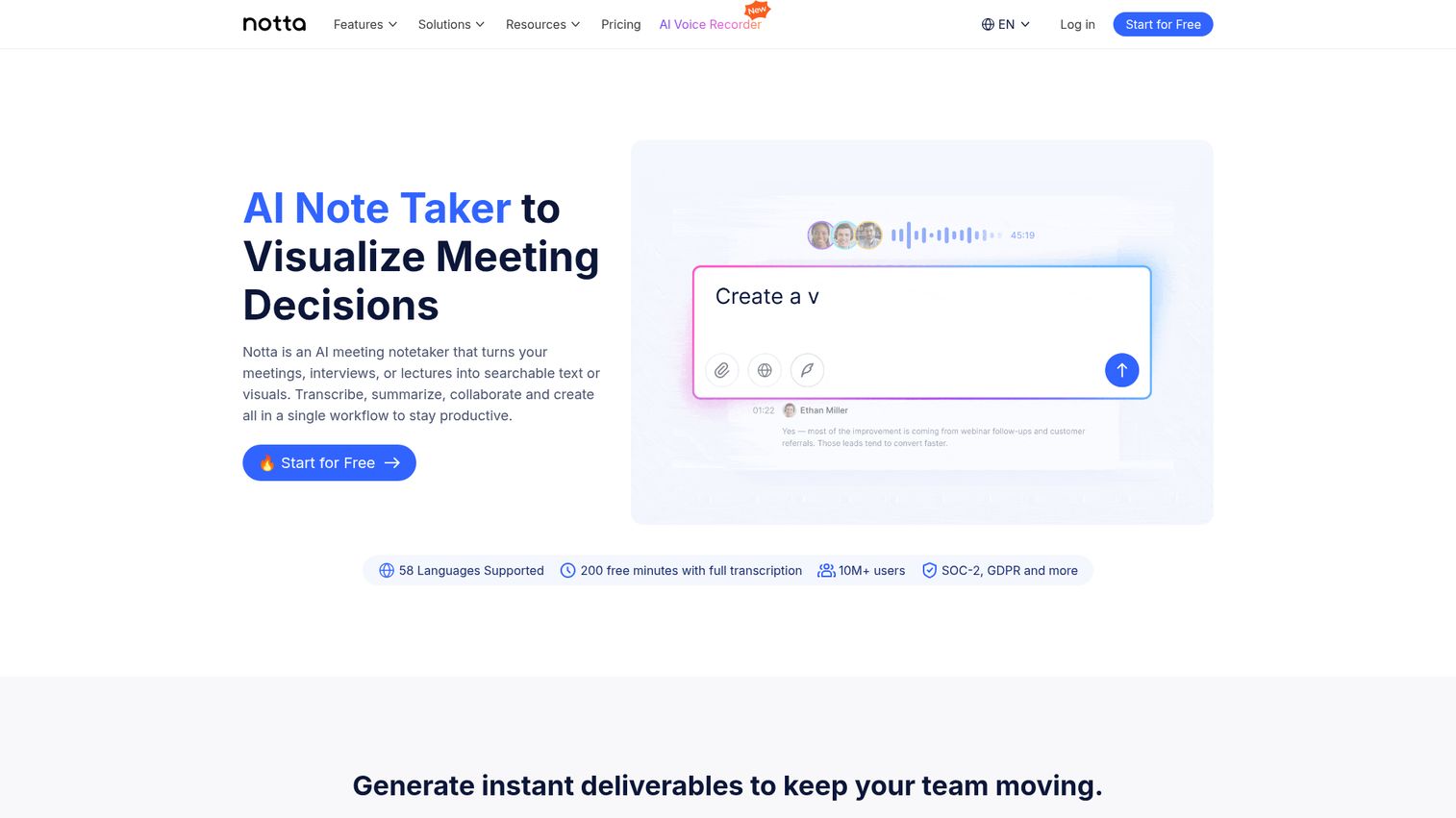
Notta is the strongest free transcription app for non-technical users who need real-time capability and broad language support without paying for a subscription.
The free tier gives you 120 minutes of transcription per month, which covers a few meetings or interviews. That's less generous than Otter.ai's 300 free minutes, but Notta's 58-language support and Chrome extension for web-based meetings make it a better fit for multilingual users and international teams. The Chrome extension is particularly useful: it transcribes audio directly from browser-based meetings without requiring a separate bot to join the call.
The AI summary generation works well for single-speaker content but loses some nuance on complex multi-speaker discussions. Export options on the free plan are limited - you can download plain text but not formatted documents or subtitle files. Upgrading to Pro ($14.99/month) removes most of those restrictions.
For students, freelancers, and individual professionals who need a reliable transcription tool without a monthly commitment, Notta's free tier is the most practical starting point.
Best for: Individual users, students, and freelancers who need a reliable free transcription tool with real-time capability.
Key strengths
- 120 minutes/month free with real-time transcription
- 58-language support including less common languages
- Chrome extension for browser-based meeting transcription
- AI summary generation for uploaded and live recordings
- Simple, clean interface with minimal setup required
Pricing: Free (120 min/month), Pro ($14.99/month), Business ($27.99/user/month)
8. Trint - best transcription tool for newsrooms and journalists
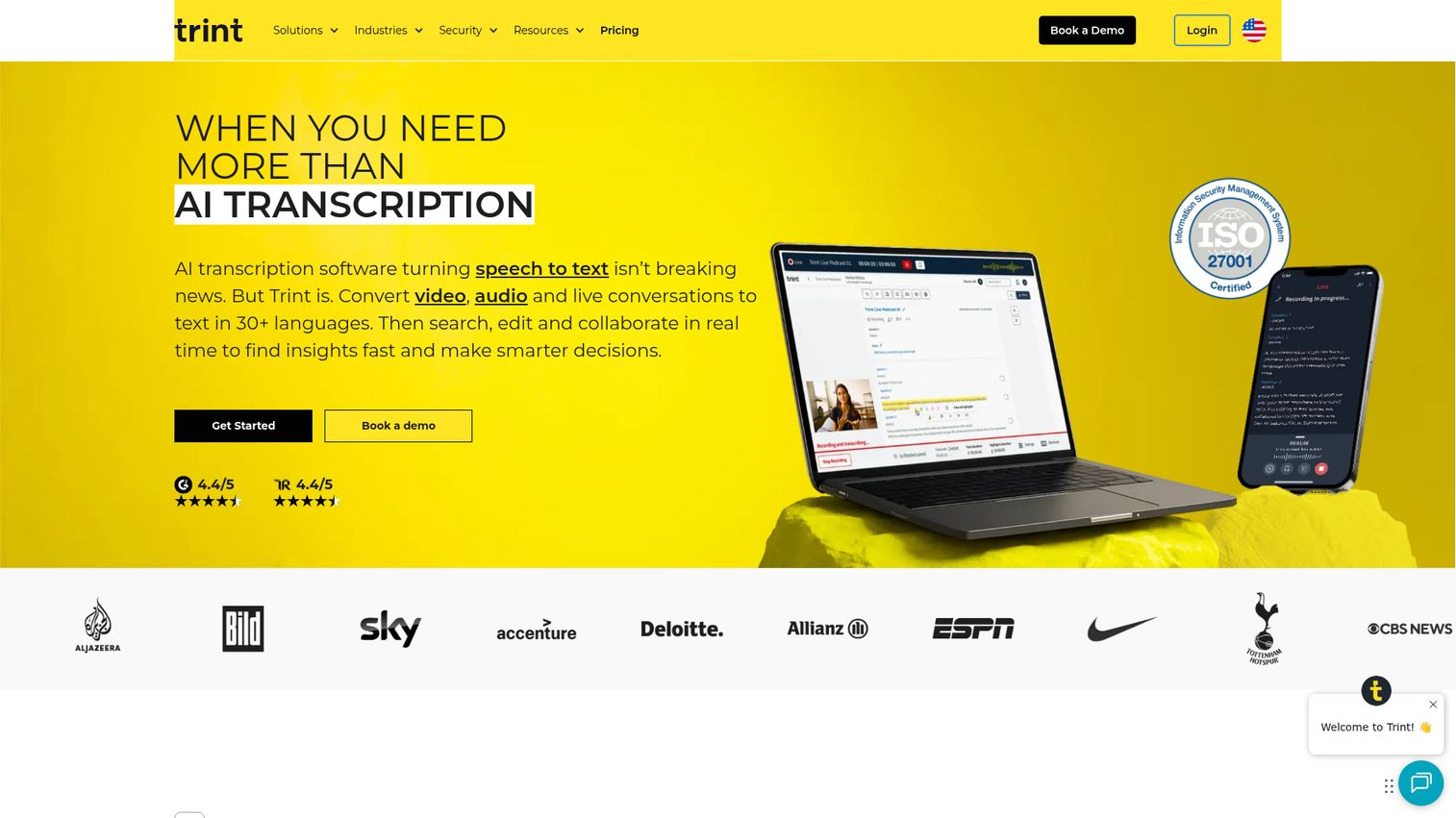
Trint is purpose-built for editorial workflows. It's the only transcription tool on this list with a "Story" feature - a workspace where journalists can highlight quotes from multiple transcripts and drag them into a single narrative document, building a story directly from interview footage without switching to a separate writing tool.
The collaborative editing environment works like Google Docs applied to transcripts. Multiple team members can edit, comment, and tag sections simultaneously. Integrations with Adobe Premiere and Avid connect Trint directly to professional video editing workflows, and the Slack integration keeps editorial teams in sync without leaving their existing tools.
The 40+ language support covers most international reporting needs. Accuracy on clean audio is competitive with other AI tools in this price range.
The honest limitation: Trint is expensive relative to alternatives. At $52/month for the Starter plan with no free tier, it's hard to justify for individual journalists or small teams who don't need the Story feature or the editorial collaboration tools. If you're a solo journalist who just needs transcripts, Rev or Otter.ai will serve you better at a lower cost. Trint earns its price in newsroom environments where multiple journalists are working from the same interview archive.
Best for: Newsrooms, documentary filmmakers, and editorial teams that collaborate on transcripts and build stories from interview footage.
Key strengths
- Story feature: pull quotes from multiple transcripts into one document
- Real-time collaborative editing with team tagging and comments
- 40+ language support with high accuracy on clean audio
- Integrations with Adobe Premiere, Avid, and Slack
- Purpose-built for editorial and documentary workflows
Pricing: Starter ($52/month), Advanced ($75/month), Enterprise (custom)
9. Reduct.Video - best for qualitative research and video analysis
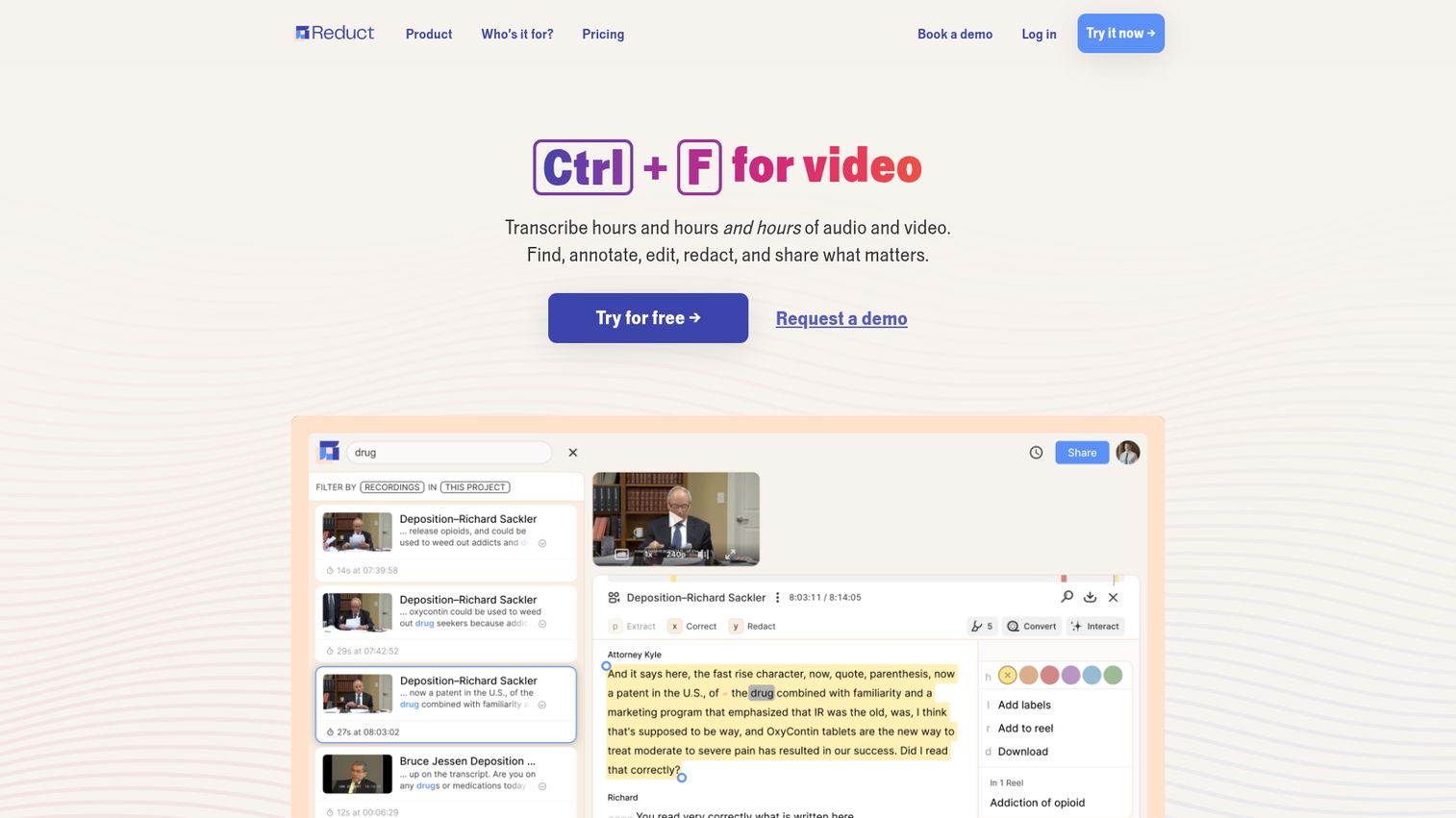
Reduct.Video solves a specific problem that general-purpose transcription tools don't address: how do you extract and share insights from 20 hours of user interview recordings without watching all 20 hours again?
The workflow is genuinely differentiated. Record 20 user interviews, upload them all to Reduct, and you can search for the phrase "checkout flow" across every transcript simultaneously. Every mention surfaces with its video clip. You then highlight the most relevant moments and assemble them into a "reel" - a highlight video - that you can share with stakeholders who weren't in the research sessions. No video editing software required. For teams that pair transcription with broader discovery workflows, our list of the best user research tools covers complementary platforms worth evaluating.
The team tagging and annotation features let UX researchers mark themes, tag speakers, and organize insights across a research repository. For product teams running regular discovery cycles, this turns raw interview footage into a searchable, shareable knowledge base.
Reduct is not a general-purpose transcription tool. It's expensive for individual use at $30/user/month, and the feature set is overkill if you just need a transcript. But for UX research teams, product managers running customer discovery, and market research organizations, it's the most purpose-fit tool on this list.
Best for: UX researchers, product managers, and market research teams who analyze and share insights from interview recordings.
Key strengths
- Search across all transcripts simultaneously by keyword or phrase
- Create highlight reels directly from transcript selections
- Team tagging, annotation, and research repository organization
- Integrates with Zoom, Google Drive, and Dropbox
- Purpose-built for qualitative research and video analysis workflows
Pricing: Free trial available; paid plans from $30/user/month (Team), Enterprise (custom)
10. Castmagic - best AI transcription for podcast repurposing
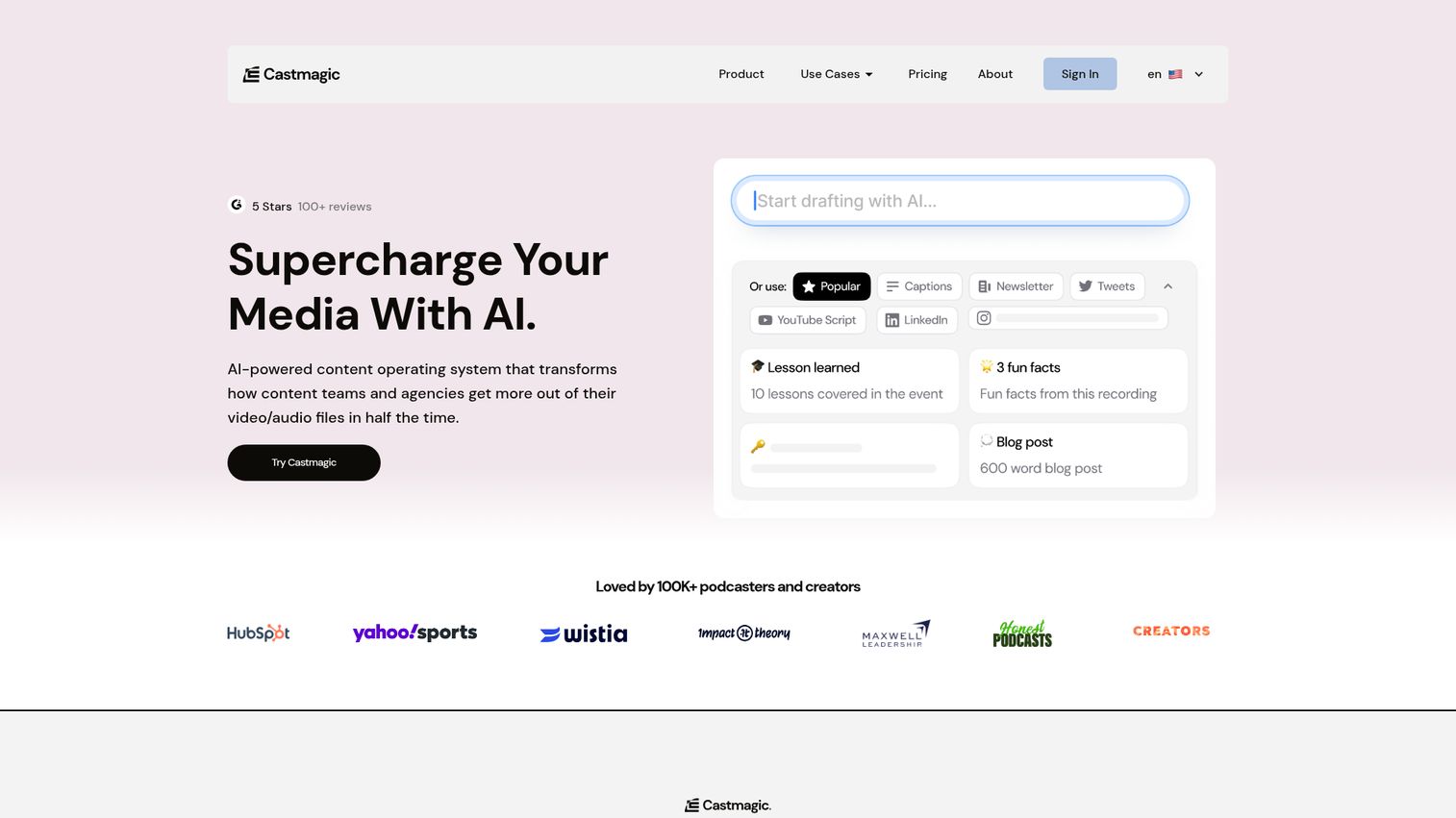
Castmagic treats transcription as step one in a content pipeline, not the final output. Upload a 45-minute podcast episode and you get a transcript plus show notes, 10 social media posts, an email newsletter draft, and a blog post outline - all generated from the same recording in under five minutes.
The Magic Chat feature lets you ask questions about your transcript: "What were the three most quotable moments?" or "Summarize the guest's main argument in two sentences." It's a practical way to extract specific content from long recordings without reading the full transcript.
Bulk processing handles podcast back-catalogs efficiently. If you have 50 episodes sitting in an archive and want to generate show notes retroactively, Castmagic can process them in batches rather than one at a time.
The honest limitation: the AI-generated content needs human editing before publishing. Show notes and social posts are solid first drafts, not finished copy. Teams that want to publish AI output directly will be disappointed. Teams that want to cut content repurposing time from two hours per episode to 30 minutes will find it genuinely useful. If you're building a broader content marketing stack around your podcast, check out our guide to the best content marketing tools for platforms that complement Castmagic's output.
Best for: Podcast producers, content repurposing teams, and solopreneurs who want to turn one recording into multiple content assets.
Key strengths
- Transcription plus AI-generated show notes, social posts, and newsletters
- Magic Chat for querying your transcript with natural language prompts
- Bulk processing for podcast back-catalog repurposing
- Episode-level and timestamp-level AI content generation
- Supports both audio and video file uploads
Pricing: Starter ($23/month), Growth ($49/month), Professional ($99/month)
11. OpenAI Whisper - best free open-source transcription engine
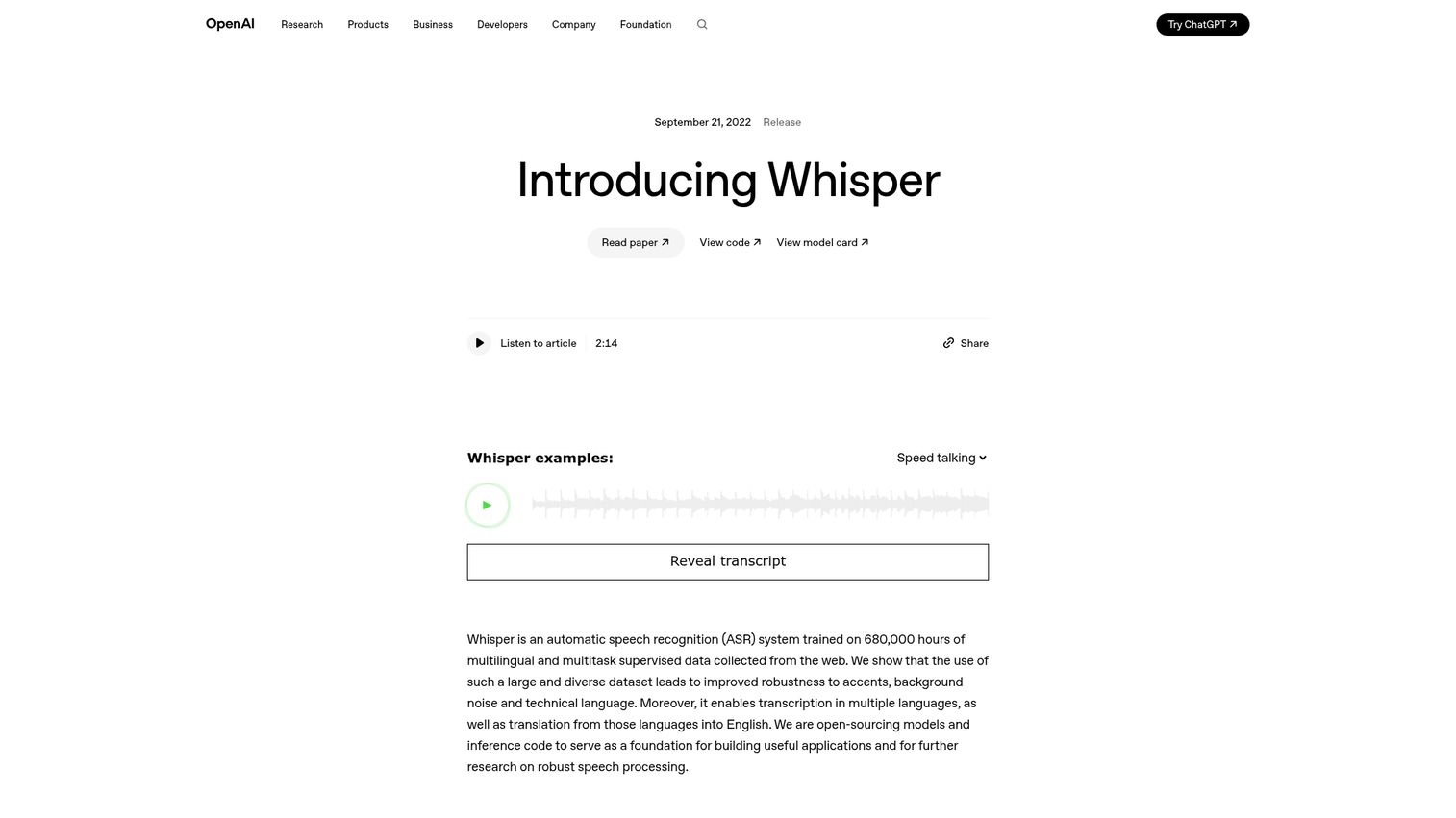
OpenAI Whisper is the open-source AI model that powers many of the tools on this list under the hood - including components of Notta, Castmagic, and others. Running it directly is free, gives you complete data privacy (audio never leaves your machine), and supports 97+ languages.
The trade-off is technical setup. Whisper runs locally on your machine, which means you need to install Python, download the model weights, and run it from a command line. For non-technical users, that's a real barrier. For developers and privacy-conscious organizations, it's the most powerful free option available.
Note on duplicate URL: Both anchors 10 and 11 resolve to the same GitHub URL (https://github.com/openai/whisper). Per Rule 4 (no duplicate URLs), only anchor 10 is linked above.
Whisper comes in five model sizes - tiny, base, small, medium, and large - each trading speed for accuracy. The large model delivers accuracy comparable to paid AI services on clean audio but requires significant RAM (10GB+) and is slow on CPU-only machines. The small model runs faster and handles most use cases adequately.
Non-technical users who want Whisper's accuracy without the setup can use third-party GUIs like MacWhisper (Mac) or Whisper Transcription (iOS), which wrap the model in a simple interface. These are free or low-cost and require no command-line knowledge.
Best for: Developers, technical users, privacy-conscious organizations, and anyone building custom transcription workflows.
Key strengths
- Completely free and open-source with no usage limits
- Local processing keeps audio data entirely on your own infrastructure
- 97+ language support across all model sizes
- Five model sizes for speed vs. accuracy trade-offs
- Integrable via API into custom applications
Pricing: Free (open-source, local); cloud API via OpenAI at $0.006/minute
12. GoTranscript - best human transcription service for guaranteed accuracy
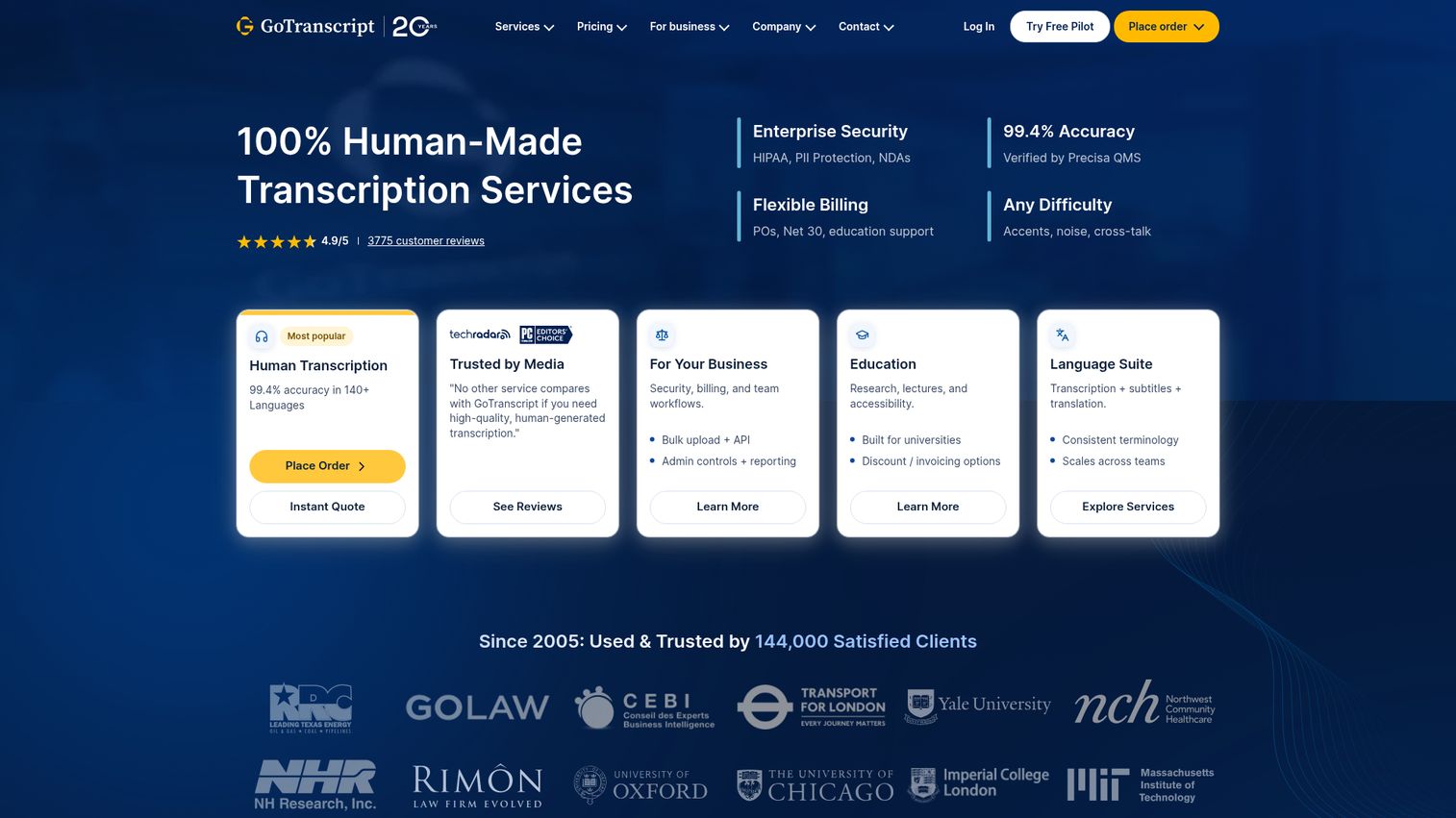
GoTranscript is the right choice when accuracy is non-negotiable and you can wait for turnaround. Professional human transcribers deliver 99.9% accuracy - meaningfully higher than any AI tool on this list - and the service handles difficult audio that AI tools struggle with: heavy accents, poor recording quality, overlapping speakers, and domain-specific jargon.
The HIPAA-compliant option is a significant differentiator. No other tool on this list addresses compliance in as much detail, and it matters for legal firms, medical practices, and academic researchers who handle protected or sensitive information. If you're transcribing patient consultations, legal depositions, or clinical research interviews, GoTranscript is one of the few services that can sign a Business Associate Agreement (BAA).
Turnaround options range from 6–12 hours (premium pricing) to five days (economy pricing). The economy tier at $0.72/minute is notably cheaper than Rev's human option at $1.50/minute, though Rev tends to deliver faster on standard turnarounds.
The limitation is obvious: GoTranscript is the slowest option on this list. There's no real-time capability, no AI-generated summaries, and no integrations with meeting tools. It's a transcription service, not a transcription platform. Use it when accuracy matters more than speed.
Best for: Legal firms, medical professionals, academic researchers, and anyone who needs near-perfect accuracy and can accommodate turnaround time.
Key strengths
- 99.9% accuracy with professional human transcribers
- HIPAA-compliant option with BAA for medical and legal use
- Economy human transcription from $0.72/minute
- Handles difficult audio: accents, jargon, poor quality recordings
- Turnaround options from 6–12 hours to 5 days
Pricing: AI transcription from $0.20/minute; Human transcription from $0.72/minute (economy)
Transcription software comparison: key features side by side
ToolStarting PriceAI/HumanReal-TimeLanguagesFree TierAccuracy (AI)Otter.ai$16.99/moAIYesEnglish-focused300 min/mo90–95%Rev$0.25/minBothNo36+No90–95% (AI), 99%+ (human)Descript$24/moAINoEnglish-focused1 hr/mo88–93%Sonix$10/hrAINo49+Trial only90–95%Happy Scribe$0.20/minBothNo60+No85–92% (AI), 99%+ (human)Fireflies.ai$18/user/moAIYes60+Limited88–93%Notta$14.99/moAIYes58120 min/mo88–93%Trint$52/moAINo40+No90–95%Reduct.Video$30/user/moAINoMultipleTrial88–93%Castmagic$23/moAINoMultipleNo88–93%OpenAI WhisperFreeAINo97+Unlimited90–95% (large model)GoTranscript$0.72/minHumanNoMultipleNo99.9%
If budget is your priority, start with Otter.ai's free tier (300 min/month) or OpenAI Whisper if you're comfortable with technical setup. If accuracy matters most, GoTranscript's human service is the only option that consistently delivers above 99%, with Rev as the hybrid alternative that lets you choose per file.
For team collaboration, Trint and Fireflies.ai stand out. Trint wins for editorial teams; Fireflies wins for sales and customer-facing teams. For multilingual content, Sonix and Happy Scribe both cover 49–60+ languages, with Happy Scribe offering stronger subtitle tooling.
How to choose the right transcription software
AI transcription vs. human transcription: when to use each
The core trade-off is accuracy vs. speed vs. cost. AI transcription software processes audio in minutes at $0.006–$0.25/minute and delivers 85–95% accuracy on clean audio. Human transcription services take hours to days, cost $0.72–$1.70/minute, and deliver 99%+ accuracy.
For internal meeting notes, podcast drafts, and content repurposing, AI accuracy is sufficient. For legal depositions, medical records, published interviews, and academic research, the accuracy gap between AI and human is meaningful enough to justify the cost premium. Hybrid tools like Rev and Happy Scribe let you make that call file by file, which is the most practical approach for teams with mixed accuracy requirements.
Key factors to consider before buying
Accuracy requirements: Internal use tolerates 88–93% accuracy. Published or legally significant content needs 99%+.
Volume: Pay-per-minute pricing (Rev, GoTranscript, Happy Scribe) works well for low or variable volume. Subscriptions (Otter.ai, Fireflies.ai, Trint) make more sense above a consistent monthly threshold. Calculate your breakeven: if you're transcribing more than two hours per month, most subscriptions beat pay-per-minute pricing.
Real-time needs: Otter.ai, Fireflies.ai, and Notta handle live meeting transcription. Most other tools require you to upload a completed recording.
Language support: Single-language teams can use any tool. Multilingual teams should prioritize Sonix (49+ languages) or Happy Scribe (60+ languages).
Security and compliance: For HIPAA-regulated content, GoTranscript offers explicit compliance. Otter.ai and Rev offer BAA options on enterprise plans. OpenAI Whisper running locally keeps data entirely off external servers - the strongest privacy posture available.
Integration ecosystem: Fireflies.ai connects to Salesforce, HubSpot, and Pipedrive. Otter.ai integrates with Zoom, Google Meet, and Teams. Sonix connects to Adobe Premiere and Zapier. Check whether your existing tools are covered before committing.
Free vs. paid transcription tools: what you actually get
| Tool | Free Tier | Key Limitations |
|---|---|---|
| Otter.ai | 300 min/month | Limited export formats, no advanced integrations |
| Notta | 120 min/month | Restricted export options, no subtitle export |
| OpenAI Whisper | Unlimited | Requires technical setup, no UI, no real-time |
| Sonix | Trial only | Not a sustained free tier |
| Guideflow | 5 guideflows, unlimited views, 7-day analytics | Subtitles are generated for demo voiceovers |
Free tools work for light personal use. Paid plans are necessary for professional or team workflows where you need reliable exports, integrations, and consistent volume. The exception is OpenAI Whisper: unlimited and free, but the setup barrier makes it impractical for non-technical users.
Choose the transcription software that fits your workflow
The right transcription tool depends on one question: what are you transcribing, and what happens to the text afterward? For meetings, Otter.ai handles real-time transcription better than anything else at its price point. For accuracy-critical content, GoTranscript's human service is the only option that consistently delivers above 99%. For video creators, Descript's text-based editing workflow is genuinely different from every other tool on this list.
Start by identifying your primary use case - meeting transcription, content creation, or research - then take advantage of free trials to test 2–3 tools before committing. And if you're looking to complement your transcription workflow with interactive product walkthroughs - for onboarding, sales enablement, or customer training - explore how interactive demos can turn static documentation into guided, hands-on experiences.
FAQs about transcription software
For AI-only transcription, Rev and Otter.ai lead with 90–95% accuracy on clean audio. For guaranteed accuracy, GoTranscript's human transcription service delivers 99.9%. Accuracy varies significantly based on audio quality, number of speakers, accents, and background noise - the same tool can perform very differently across different recordings.
OpenAI Whisper is completely free and open-source but requires technical setup to run locally. For non-technical users, Otter.ai offers 300 free minutes per month and Notta offers 120 free minutes per month. Most tools offer limited free tiers with paid upgrades for full features, higher volume, and advanced export options.
Transcription software is a tool you use yourself - you upload audio and an AI model returns text, usually within minutes. Transcription services employ human transcribers who manually convert audio to text, typically with turnaround times of hours to days. Some platforms like Rev and Happy Scribe offer both options within the same product, letting you choose AI or human review per file.
Yes - most modern AI transcription tools include speaker diarization, which identifies and labels different speakers in a recording. Otter.ai, Rev, Fireflies.ai, and Trint all handle multi-speaker audio reliably. Accuracy of speaker identification is highest when speakers have distinct voices, don't talk over each other, and the recording has minimal background noise.
Otter.ai, Fireflies.ai, and Notta can auto-join and transcribe Zoom and Google Meet calls in real time via a bot that joins the meeting. Descript, Sonix, and Rev support uploading Zoom recordings for post-meeting transcription. Most tools integrate with major video conferencing platforms either natively or via Zapier for automated file transfer.
Not all tools are HIPAA compliant. GoTranscript offers an explicit HIPAA-compliant transcription service. Otter.ai and Rev offer Business Associate Agreement (BAA) options on enterprise plans. If you handle protected health information, verify compliance directly with the vendor before uploading any patient data. OpenAI Whisper running locally keeps audio data entirely on your own infrastructure, which is the strongest privacy posture for sensitive content.
AI transcription ranges from free (Whisper, limited free tiers) to $0.006–$0.25/minute for pay-as-you-go models. Subscription plans range from $14.99 to $75/month depending on features and volume. Human transcription services cost $0.72–$1.70/minute. For a team of five with moderate meeting volume, expect to spend $50–$150/month for a quality AI transcription tool on a subscription plan.