

Your phone system looked cheap when you signed up. Then the team grew.
Now three reps share one number. Voicemails land in a personal inbox nobody checks. A prospect texts your main line and it disappears into a black hole. You are the routing table, the auto attendant, and the escalation path all at once. That does not scale.
The shift is real and measurable. About 31% of businesses worldwide have adopted VoIP phone systems, and U.S. business VoIP lines climbed from 6.2 million in 2010 to 41.6 million in 2018, according to 9cv9 (2025). Across the broader market, VoIP communication adoption has reached 71%, with cloud telephony at 63%, per Industry Research Biz (2026).
Here is the thing most buyers miss. You are not shopping for a phone line. You are shopping for call routing, business SMS, voicemail transcription, team collaboration, analytics, and control over how customer conversations flow through your company. The right business phone software is an operating layer for customer-facing communication, not a voice plan.
What's inside
This guide is for founders and operators picking a business phone system that survives growth. We compared seven tools on the factors that actually matter at scale, not on marketing copy.
Selection criteria:
- Core calling and messaging: call routing, call forwarding, business SMS, voicemail transcription, call recording
- Access everywhere: mobile app, desktop app, and desk phone compatibility
- Stack fit: CRM integrations, analytics, and how cleanly it plugs into your GTM tools
- Cost relative to stage: transparent pricing, plan tiers, and free trial availability
TL;DR
- Best all-in-one platform: Nextiva. Voice, messaging, video, and contact center in one place, priced for small business.
- Best for AI features: Dialpad. AI transcription and call recaps built into the core product.
- Best simple virtual phone system: Grasshopper. A shared business number with texting and routing, no hardware needed.
- Best AI-powered shared inbox: Quo. A shared number plus an AI agent for calling and texting at small-team scale.
- Best for budget-conscious teams: Ooma Office. Hosted phone system with a receptionist starting under $20 a month.
- Best broad UCaaS suite: RingCentral. Calling, messaging, video, and contact center with deep integrations.
What is business phone software
Business phone software is a cloud-based system that runs your company calling, texting, and voicemail over the internet instead of a traditional landline or on-premise PBX. It combines voice, business SMS, call routing, and analytics in apps your team uses on desktop and mobile.
Unlike a consumer calling app or a single second number, business VoIP is built for teams. It routes inbound calls to the right person, records and transcribes conversations, and keeps a shared record of who talked to which customer.
Core capabilities that matter to a growing team:
- Calling and business SMS: make and receive calls plus text from a business number
- Call routing and forwarding: send calls to the right rep, queue, or department
- Auto attendant and IVR: greet callers and route them without a human
- Voicemail transcription: read voicemails as text instead of listening
- Call recording and monitoring: review calls for coaching and quality
- Mobile app and desktop app: take business calls anywhere
- Desk phone compatibility: support IP desk phones for teams that want hardware
- Analytics and CRM integrations: track call volume and log activity to your CRM
Here is how a cloud phone system compares to the older options most teams are leaving behind.
| Capability | Traditional landline / PBX | Consumer app (second number) | Business phone software |
|---|---|---|---|
| Team call routing | Limited, hardware-bound | No | Yes |
| Business SMS | No | Basic | Yes |
| Voicemail transcription | Rare | Sometimes | Yes |
| CRM integrations | No | No | Yes |
| Mobile and desktop apps | No | Mobile only | Yes |
| Scales with headcount | Expensive | No | Yes |
When to use business phone software
Centralize sales and support calls
You just hired your first two AEs and a support lead. Calls are scattered across personal cell numbers and nobody can see the full picture. A business phone system gives you one shared number, call queues, and call recording so every conversation is logged and coachable. When a rep leaves, the number and history stay with the company.
Separate personal and business communication
Early on, you handed out your cell. Now prospects text you at 11pm and your personal voicemail is full of customer requests. A virtual phone system puts a real business number on your existing phone through a mobile app, so work calls and personal calls stay separate without carrying two devices.
Route and record calls as the team grows
Once you cross a dozen people, ad hoc forwarding breaks. You need an auto attendant, IVR menus, call queues, and rules that send the right call to the right team automatically. Add call monitoring and analytics, and you can finally see call volume, response times, and where conversations stall, without being in every call yourself.
Comparison table
Here is the shortlist ranked for a founder-stage buyer weighing routing, messaging, mobile fit, and pricing. Ratings and prices are pulled from each vendor's live pages and G2 listings as of August 2026.
| # | Product | Best for | Key differentiator | Pricing | G2 rating |
|---|---|---|---|---|---|
| 1 | Nextiva | All-in-one phone and customer communications | Voice, video, and contact center in one platform | From $15/user/mo | 4.5/5 |
| 2 | Dialpad | AI-native calling | AI transcription and call recaps built in | From $15/user/mo | 4.4/5 |
| 3 | GoTo Connect | Managed cloud phone for SMBs | Built-in meetings, messaging, and AI receptionist | Contact sales | 4.4/5 |
| 4 | Grasshopper | Simple virtual phone system | Shared business number with texting, no hardware | From $14/mo | 3.9/5 |
| 5 | Quo | AI-powered shared inbox | Shared number plus Sona AI agent | From $15/user/mo | 4.7/5 |
| 6 | RingCentral | Broad UCaaS suite | Calling, video, and contact center with deep integrations | From $19.99/user/mo | 4.3/5 |
| 7 | Ooma Office | Budget-conscious small teams | Hosted phone with virtual receptionist | From $19.95/mo | 4.6/5 |
Best business phone software for 2026
1. Nextiva
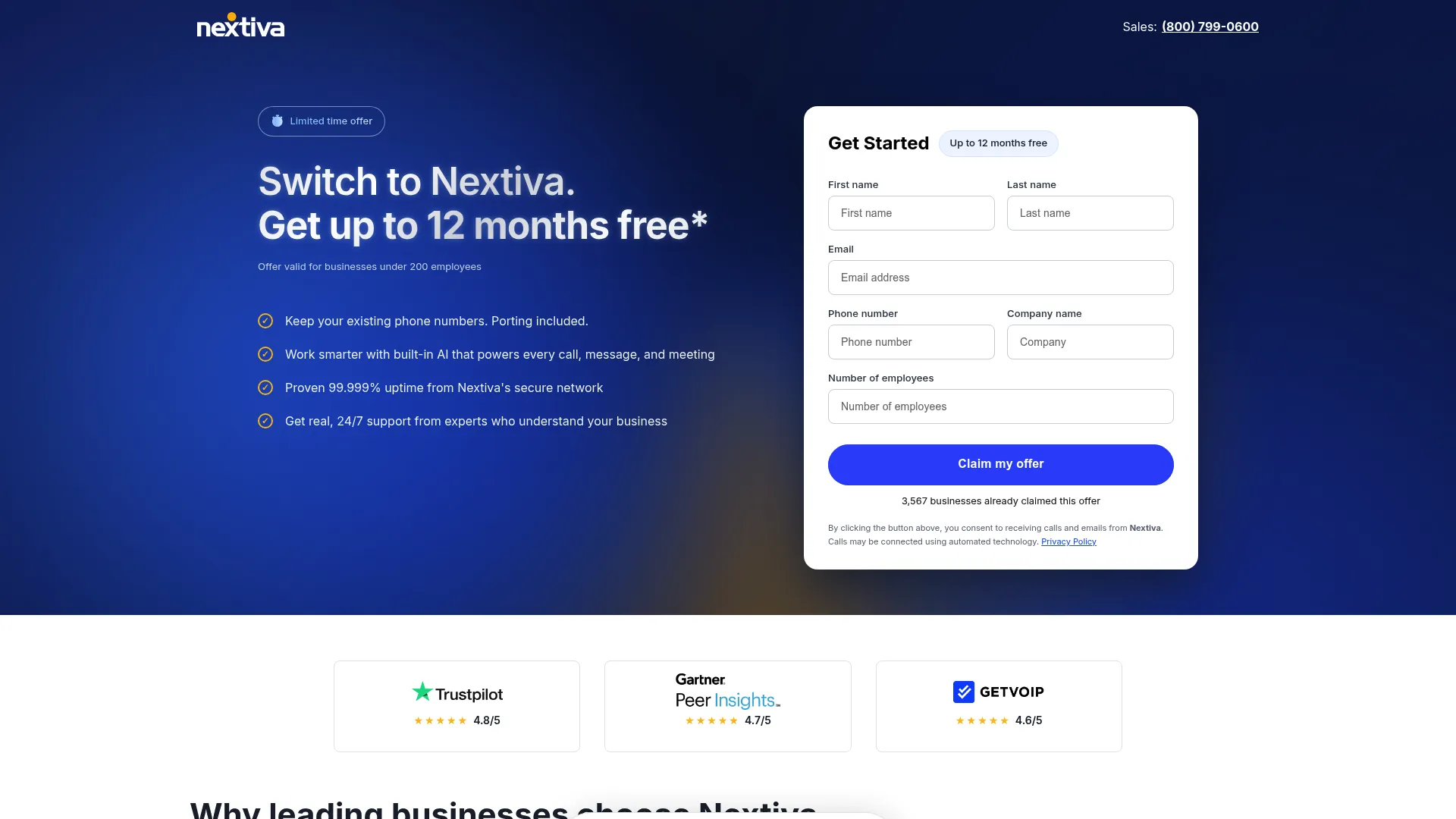
Nextiva is a business communications and customer experience platform that combines voice, messaging, video, and contact center workflows in one place. It is built for teams that want one system for calling and customer conversations rather than a stack of point tools. For a founder trying to consolidate, that single-platform framing is the draw.
Best for: Teams that want an all-in-one business phone and customer communications platform.
Key features
- Cloud phone system with business voice and text
- Video meetings, screen sharing, and meeting notes
- Omnichannel customer communications and contact center tools
- Call routing and auto attendant
- Analytics and CRM integrations
Why choose Nextiva: If you want voice, video, and a path to a full contact center under one roof, Nextiva covers the widest surface here. It fits founders who would rather grow into one platform than bolt tools together later.
Nextiva pricing: Small business plans are Core at $15/user/mo, Engage at $25/user/mo, and Scale at $75/user/mo on annual pricing. Contact center plans start with Essential from $75/agent/mo, with Professional and Premium available by contacting sales.
Mobile and desktop fit: Nextiva runs on desktop and mobile apps so reps take business calls and messages anywhere, with desk phone support for teams that want hardware.
Where it falls short for this persona: The jump from small business plans to contact center pricing is steep, so a lean team may pay for capabilities it does not use yet. The breadth also means a longer setup than a single-purpose virtual number.
2. Dialpad

Dialpad is an AI-native customer communications platform for calling, messaging, meetings, contact center, and AI agents. Its differentiator is that AI transcription and call recaps are baked into the core product, not sold as a separate add-on. For a founder who wants call summaries flowing into follow-ups without extra tooling, that matters.
Best for: Teams that want an AI-powered unified voice, messaging, meetings, and contact center platform.
Key features
- AI transcription and automatic call recaps
- Call routing and contact center tools
- Business messaging and video meetings
- Voicemail and call handling
- CRM integrations
Why choose Dialpad: Choose Dialpad if you want AI note-taking and call summaries as a default, not a premium tier. It fits sales-heavy teams that live on the phone and want the record written for them.
Dialpad pricing: Connect plans are Standard at $15/user/month and Pro at $25/user/month, with an Enterprise tier available by quote. The AI Agent product uses conversation-based pricing available through sales. A free trial is offered.
Mobile and desktop fit: Dialpad works across desktop and mobile apps, so calls, messages, and transcripts stay in sync wherever you work.
Where it falls short for this persona: AI Agent pricing is not public, which makes budgeting the advanced tier harder up front. Teams wanting the deepest AI features should expect a sales conversation rather than a self-serve checkout.
3. GoTo Connect
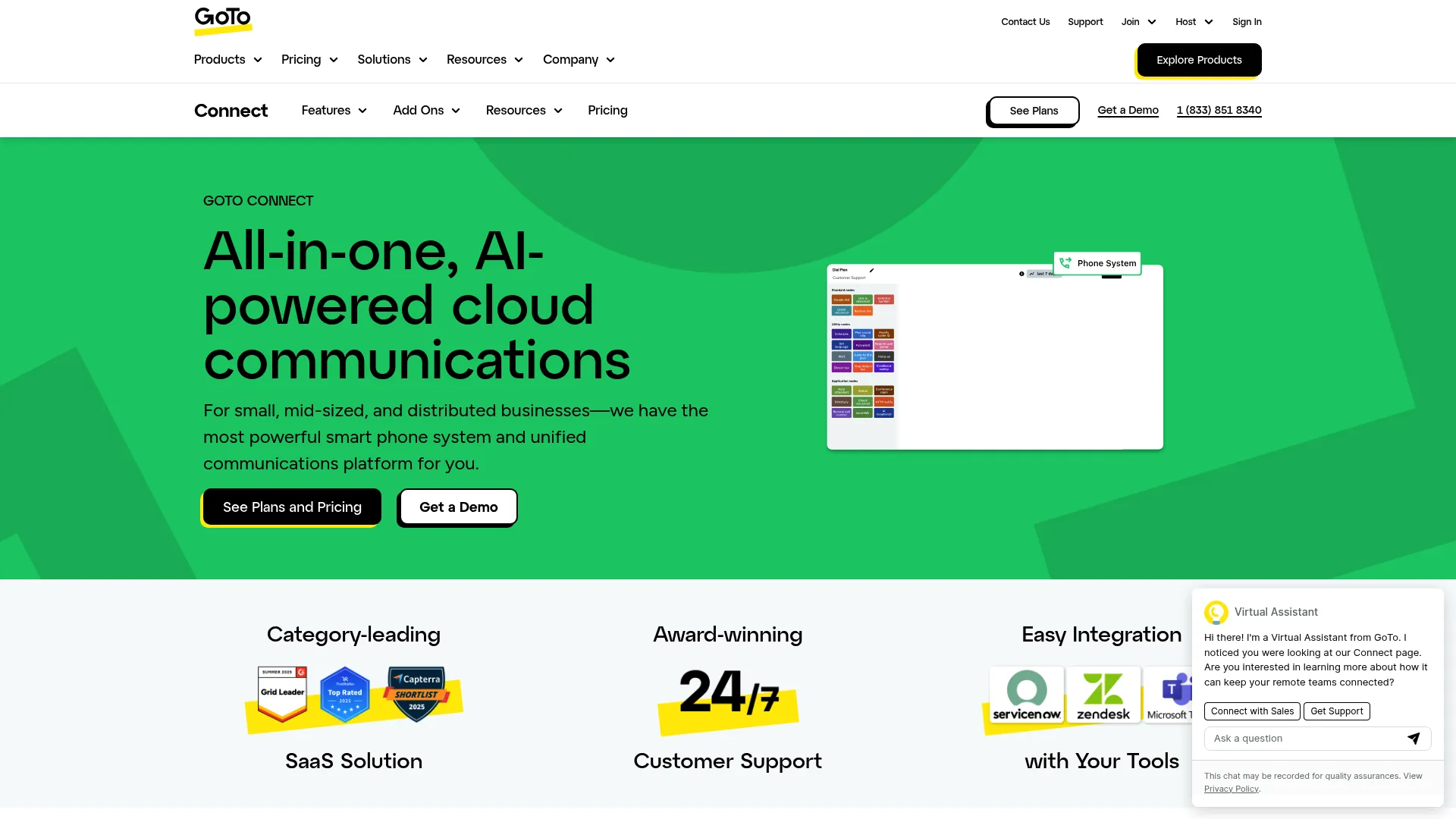
GoTo Connect is an all-in-one AI-powered cloud communications platform covering business phone, meetings, messaging, and customer experience. It targets small to midsize businesses that want a managed system rather than a DIY setup. The AI Receptionist and call summaries stand out for teams that want automated call handling without building it themselves.
Best for: Small to midsize businesses that want a managed cloud phone system with built-in meetings, messaging, and AI features.
Key features
- Cloud phone system with softphone and SMS
- AI Receptionist, call summaries, transcription, and sentiment analysis
- Admin tools and call routing
- Analytics and reporting
- Integrations
Why choose GoTo Connect: Pick GoTo Connect if you want a managed phone system with AI call handling and a single vendor for phone, meetings, and messaging. It suits teams that value a done-for-you setup over granular control.
GoTo Connect pricing: Public pricing is not displayed. The pricing page routes to contact sales for both the Phone System and Customer Experience offerings.
Mobile and desktop fit: GoTo Connect provides softphone capabilities across devices, so the team can call and message from desktop and mobile.
Where it falls short for this persona: The lack of public pricing slows the fast, self-serve evaluation founders prefer. If you want to compare cost per seat in a spreadsheet before a call, you will have to reach out first.
4. Grasshopper
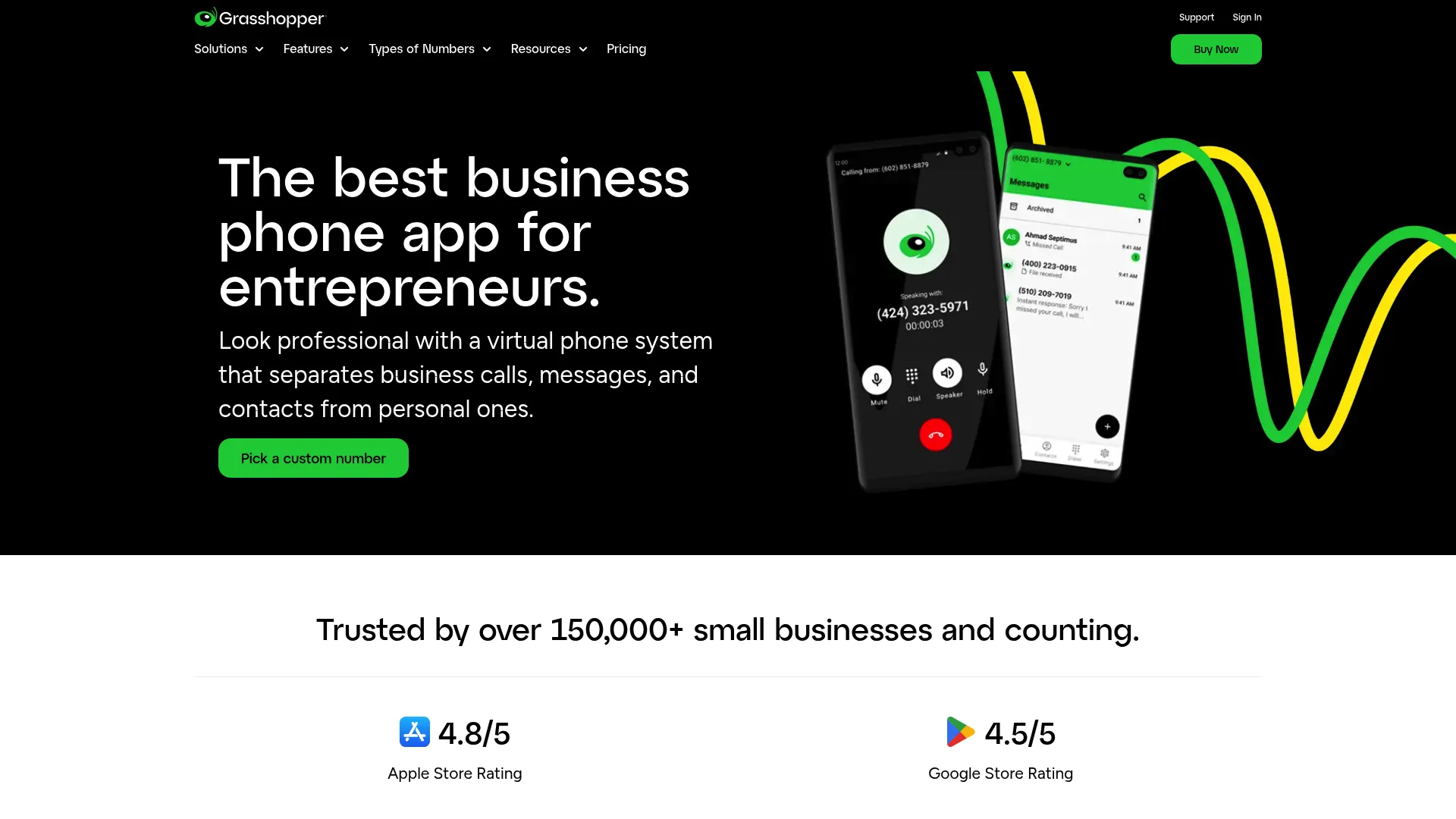
Grasshopper is a virtual phone system built for small businesses and entrepreneurs. It layers a business number, call routing, and texting on top of the phones you already own, so there is no hardware to buy. For a solo founder or a tiny team, it is the fastest way to look like a real company on the phone.
Best for: Small businesses that want a simple shared business phone system with texting and call routing.
Key features
- Business phone number with extensions
- Call routing and call forwarding
- Business texting
- Voicemail, call recording, and custom greetings
- Virtual receptionist with desktop and mobile apps
Why choose Grasshopper: Choose Grasshopper when simplicity beats depth. It is the right pick for entrepreneurs who want a business line and texting without contact center features they will not use.
Grasshopper pricing: Monthly plans are True Solo at $14/month, Solo Plus at $25/month, and Small Business at $55/month. Annual billing figures are shown on the pricing page.
Mobile and desktop fit: Grasshopper runs on desktop and mobile apps and adds a business number to your existing phone, so no new device is needed.
Where it falls short for this persona: Grasshopper is deliberately light on advanced routing, analytics, and CRM depth, so a team scaling past a handful of people will outgrow it. Its G2 rating also trails the others on this list.
5. Quo
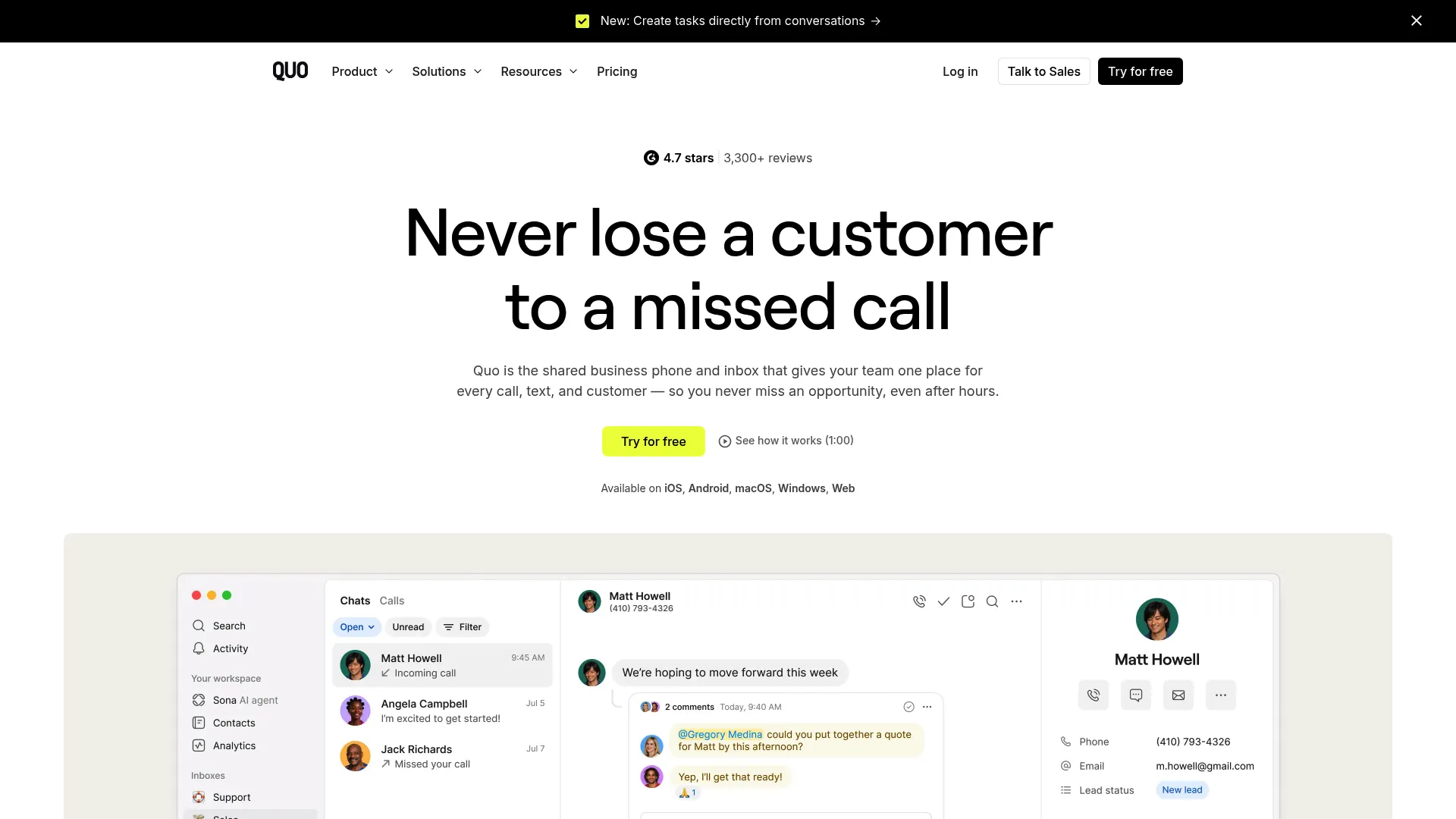
Quo is an AI-powered shared business phone and inbox for teams. It pairs a shared number with an AI agent called Sona that assists with calling and texting, plus call summaries and tags. For a small team that wants a shared inbox model rather than individual lines, Quo fits the way modern support and sales actually work.
Best for: Small teams that want a shared phone system with AI-assisted calling and texting.
Key features
- Shared business phone number and inbox
- Call routing, forwarding, and voicemail transcripts
- Sona AI agent for calling and texting
- AI call summaries and call tags
- Business SMS
Why choose Quo: Pick Quo if you want a shared team inbox and AI assistance at a small-team price. It suits founders who treat phone and text like a collaborative queue, not a set of personal extensions.
Quo pricing: Plans are Starter at $15 per user per month, Business at $23 per user per month, and Scale at $35 per user per month, each billed annually. A free trial is available.
Mobile and desktop fit: Quo works across devices so the shared inbox, calls, and texts stay in one place for the whole team.
Where it falls short for this persona: Quo is focused on shared-inbox calling and texting, so teams needing a full contact center, video suite, or desk phone fleet may find it narrower than the bigger platforms here.
6. RingCentral
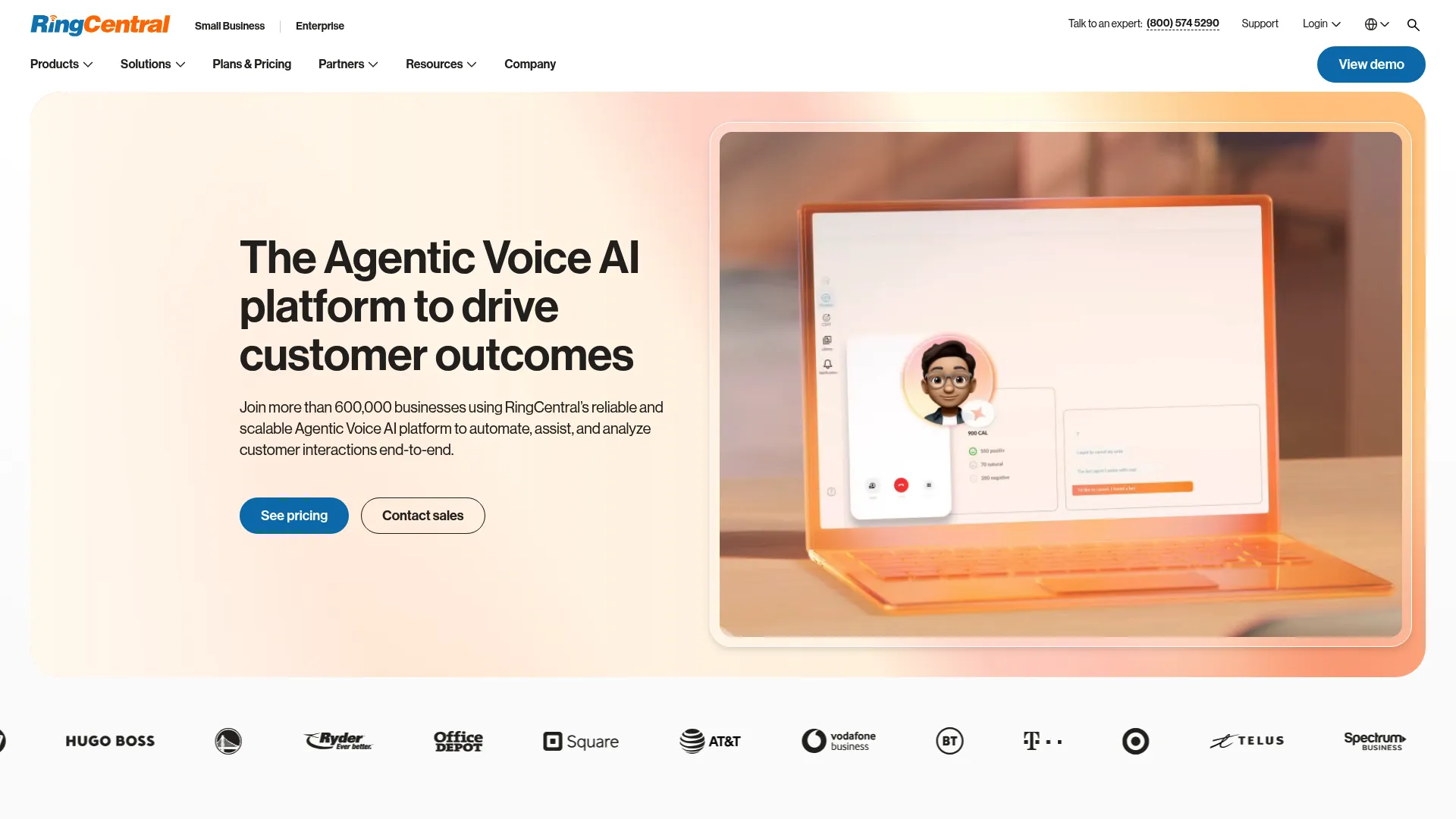
RingCentral is a cloud business communications platform spanning calling, messaging, video meetings, and contact center. It is one of the broadest UCaaS suites on this list, with deep integrations for teams that want their phone system wired into the rest of the stack. For a company standardizing on one communications vendor, the breadth is the point.
Best for: Businesses wanting an all-in-one cloud communications suite.
Key features
- Business phone calling and voicemail-to-text
- Video meetings with AI transcripts and summaries
- Unified communications and contact center offerings
- Call routing and analytics
- Broad third-party integrations
Why choose RingCentral: Choose RingCentral if integration depth and a full UCaaS feature set outweigh the higher entry price. It fits teams that want one vendor for phone, video, messaging, and contact center as they scale.
RingCentral pricing: RingEX plans are Essentials at $19.99/user/mo, Standard at $24.99/user/mo, Premium at $34.99/user/mo, and Ultimate at $49.99/user/mo on annual billing. Monthly pricing and a free trial are available.
Mobile and desktop fit: RingCentral runs across desktop and mobile apps with desk phone support, keeping calls and messages available on any device.
Where it falls short for this persona: The entry price sits above the simpler tools here, and the wide feature set can feel heavy for a small team that only needs calling and texting today.
7. Ooma Office
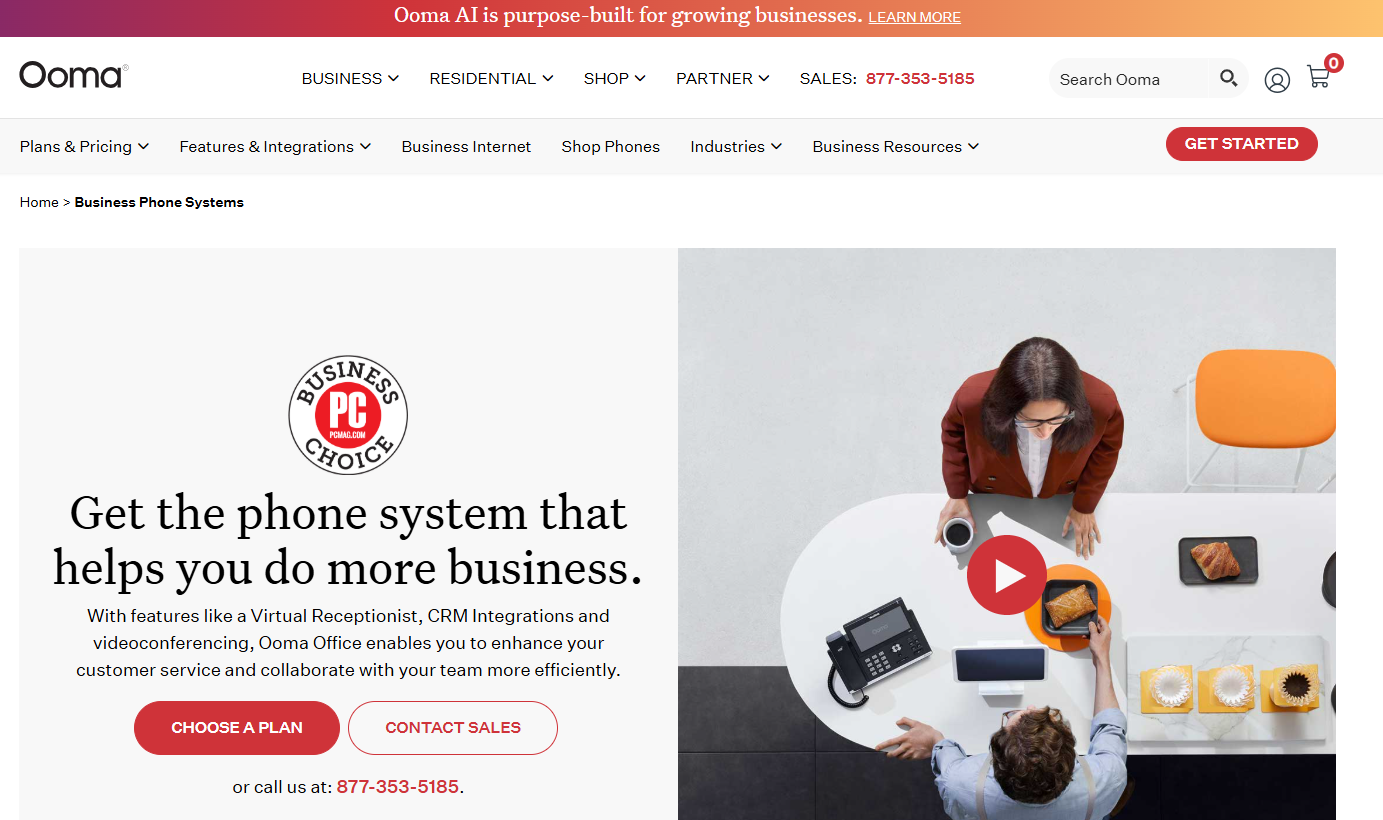
Ooma Office is a cloud-based business phone system for small and growing teams. It leads with straightforward pricing, unlimited U.S. and Canada calling, and a virtual receptionist. For a budget-conscious founder who wants a hosted phone system without per-feature surprises, Ooma is an easy starting point.
Best for: Small businesses wanting a hosted phone system with receptionist and collaboration features.
Key features
- Unlimited calling in the U.S. and Canada
- Virtual receptionist
- Mobile app and desktop app
- Call routing and voicemail
- Collaboration features on higher tiers
Why choose Ooma Office: Choose Ooma Office when predictable, low pricing and reliable calling matter more than a broad platform. It fits small teams that want a working phone system fast without a big commitment.
Ooma Office pricing: Plans are Essentials at $19.95/month, Pro at $24.95/month, and Pro Plus at $29.95/month.
Mobile and desktop fit: Ooma Office includes mobile and desktop apps, so the team can take business calls away from the desk.
Where it falls short for this persona: Ooma leans small business, so a company planning aggressive growth into complex contact center workflows may hit ceilings the larger UCaaS suites clear more easily.
Considerations
Before you commit, run your shortlist through this checklist.
Pricing structure and add-ons
Look past the headline per-user price. Check what sits behind higher tiers, whether AI features cost extra, and if contact center or advanced routing is gated. A cheap base plan with paid add-ons can cost more than a richer tier. Confirm billing frequency, since annual pricing usually beats monthly.
Mobile and desktop app quality
Your team will live in these apps, not a desk phone. Trial the mobile app and desktop app before you buy. Test call quality, how texts sync across devices, and whether notifications actually reach reps. A clunky app is the fastest way to kill adoption.
Routing, SMS, voicemail, and recording
Map your real workflow. Do you need call queues, an auto attendant, IVR menus, or simple forwarding? Confirm business SMS is included, not extra. Check voicemail transcription accuracy and whether call recording is available on the plan you can afford, since these drive coaching and quality.
CRM and stack integrations
A phone system that logs calls to your CRM saves hours of manual entry. Confirm native integrations with the tools you already run, plus number porting so you keep your existing number. Weak integrations mean fragmented data and blind spots your board will ask about.
Team-size and scale limits
Buy for where you will be in a year, not just today. Some tools shine for solo founders but stall past a dozen seats. Others carry contact center depth you will grow into. Match the plan tiers to your hiring plan so you are not migrating again in six months.
Conclusion
The right business phone software is the one your team actually uses every week, not the one with the longest feature list.
If you want a single platform for voice, video, and a future contact center, start with Nextiva. If AI transcription and call recaps are the priority, Dialpad builds them in by default. For a simple virtual phone system that gets a solo founder or tiny team live in minutes, Grasshopper is hard to beat, while Quo brings a shared inbox and AI agent at small-team pricing. Budget-conscious teams should look at Ooma Office, and companies standardizing on one broad UCaaS suite will find depth in RingCentral. GoTo Connect suits SMBs that want a managed setup with AI call handling.
Pick two, run the free trial with your real call volume, and port a test number before you commit. The tool that survives a week of actual use is your answer.
FAQs
Business phone software is a cloud-based system that runs company calling, texting, voicemail, and routing over the internet instead of a landline or on-premise PBX. It works through desktop and mobile apps and adds team features like call queues, analytics, and CRM integrations that consumer calling apps lack.
Entry plans on this list start around $14 to $20 per user or line per month on annual billing. Simple virtual phone systems like Grasshopper start at $14/month, while broader UCaaS suites like RingCentral begin at $19.99/user/mo. Advanced tiers with contact center or AI features cost more, and some vendors like GoTo Connect quote by sales.
At minimum, look for call routing, call forwarding, business SMS, voicemail transcription, and an auto attendant. As you grow, add call recording, call queues, analytics, and CRM integrations. Mobile and desktop apps are non-negotiable for a team that is not tied to desks.
Yes, in almost every case. Number porting lets you move your current business number to a new provider, and every tool here supports it. Porting can take a few business days, so start the process before you cancel your old service to avoid downtime.
Yes. Every tool on this list offers both a mobile app and a desktop app, so reps take business calls and texts from any device. Several also support IP desk phones for teams that still want hardware at the desk.
VoIP is the technology that carries calls over the internet. A business phone system is the full product built on top of it, adding routing, business SMS, voicemail transcription, analytics, and team management. Put simply, VoIP is the pipe and business phone software is everything that makes it usable for a team.
For a solo founder or very small team wanting simplicity, Grasshopper delivers a business number and texting with no hardware. For a small team that wants a shared inbox with AI assistance, Quo fits well. Budget-first teams should compare Ooma Office, which starts under $20 a month.
You can run entirely on apps. Every system here works through mobile and desktop apps, and many teams never buy a physical phone. Desk phones remain an option through IP phone support on tools like Nextiva and RingCentral if reception areas or call-heavy roles prefer hardware.