Your cold emails land in spam. Your follow-ups go out late, or not at all. Meanwhile, your competitor's SDR just booked three meetings before lunch using the same list you have.
Cold email tools automate personalized outreach to prospects who haven't opted in, handle follow-up sequences automatically, and track engagement so you know who's interested. This guide covers 12 platforms tested for deliverability, automation depth, and the integrations that actually matter for pipeline.
What's inside this guide
Cold email tools are software platforms that automate personalized outreach to prospects who haven't opted in, track engagement metrics like opens and replies, and manage follow-up sequences automatically. Unlike email marketing platforms designed for newsletters and subscriber lists, cold email software focuses on one-to-one sales conversations at scale.
This guide covers 12 cold email platforms tested for deliverability, automation depth, personalization capabilities, and CRM integrations. We selected tools based on inbox placement rates, sequence flexibility, pricing transparency, and G2 ratings where available.
TL;DR quick picks by use case
- Best for scaling outbound fast: Instantly offers unlimited mailbox connections without per-seat pricing
- Best free cold email software to start: Apollo provides a generous free tier with built-in prospecting data
- Best for agencies managing multiple clients: Saleshandy includes white-label workspaces and sender rotation
- Best cold email automation with built-in prospecting: Apollo and Snov.io combine contact databases with sequences
- Best for small teams on tight budgets: Snov.io starts under $30/month
- Best deliverability-first cold outreach tool: Smartlead focuses exclusively on inbox placement infrastructure
What makes cold email tools effective
Cold email outreach platforms differ from standard email clients in five key ways. Understanding each capability helps you evaluate which features matter for your workflow.
Deliverability and inbox warmup
Deliverability measures the percentage of emails landing in primary inboxes versus spam folders. Without strong deliverability, one in six emails never get seen.
Inbox warmup is the automated process of gradually sending emails from a new domain to build sender reputation. Most cold email tools include warmup features or integrate with dedicated warmup services.
- Warmup pools: Networks of real inboxes that exchange emails to simulate genuine engagement signals
- Domain rotation: Spreading sends across multiple domains to avoid throttling from any single provider
- Bounce handling: Automatic removal of invalid addresses before they damage your sender reputation
Sequence automation and follow-ups
Sequences are pre-scheduled series of emails triggered by time intervals or prospect behavior. Manual follow-up is inconsistent and time-consuming, and 49% more replies often depend on the first follow-up.
- Multi-step sequences: Automated chains of 3-7 emails sent over days or weeks
- Conditional logic: Branching paths based on opens, clicks, or replies
- Auto-pause: Stopping sequences automatically when prospects respond
The best cold email automation tools let you set rules like "if no reply after 3 days, send follow-up A" or "if link clicked, move to interested sequence."
Personalization at scale
Personalization variables (sometimes called merge tags) insert prospect-specific data like name, company, or role into email templates. This goes beyond basic mail merge.
- Dynamic fields: First name, company, industry, job title, and custom attributes
- Spintax: Variations within email copy to avoid spam filter detection
- AI-generated personalization: Custom opening lines based on LinkedIn profiles or company news
Generic emails get ignored. Personalized emails that reference specific details about the prospect's situation can drive 142% more replies.
CRM and workflow integrations
Cold email outreach software works best when connected to your existing sales stack. Isolated tools create data silos and manual work.
- Two-way sync: Replies and engagement data flow back to CRM records automatically
- Lead routing: Automatic assignment based on territory, response type, or deal stage
- Zapier and native connections: Flexibility for custom workflows with marketing automation tools
Check whether your CRM (Salesforce, HubSpot, Pipedrive) has native integration or requires middleware.
Analytics that connect to pipeline
The metrics that matter for cold email differ from email marketing KPIs.
- Open rate: Percentage of recipients who opened (increasingly unreliable due to Apple Mail Privacy Protection)
- Reply rate: Percentage who responded (the most meaningful signal)
- Positive reply rate: Percentage of replies indicating genuine interest
- Booking rate: Meetings scheduled per emails sent
The best cold email marketing tools tie metrics to pipeline outcomes, not just vanity numbers. You want to know which sequences generate revenue, not just which subject lines get opens.
When cold email tools drive the most value
Cold email platforms fit specific situations better than others. Here's when they deliver the strongest ROI.
Scaling outbound without adding headcount
Cold email systems let small teams reach thousands of prospects without hiring additional SDRs. One rep can manage multiple mailboxes and sequences simultaneously, multiplying their effective output.
This works when targeting is tight and list quality is high. Blasting low-quality lists wastes the efficiency gains.
Improving reply rates on existing lists
Teams with prospect data who aren't getting responses often see immediate lifts from switching tools. Better deliverability, smarter follow-up timing, and deeper personalization can improve reply rates without changing the underlying list.
Sometimes the problem isn't your messaging. It's that your emails land in spam.
Testing messaging and offers rapidly
A/B testing capabilities in cold email marketing platforms let you test subject lines, value propositions, CTAs, and send times across thousands of recipients. Results inform not just email copy but broader sales messaging.
Marketing teams often use insights from cold email tests to refine positioning across channels, not just outbound sequences.
Cold email platforms compared at a glance
# | Product | Best for | Key differentiation | Pricing | G2 rating |
|---|---|---|---|---|---|
1 | Instantly | Unlimited scaling | Unlimited mailboxes, aggressive warmup | $30/mo | 4.8/5 |
2 | Smartlead | Deliverability focus | Private warmup pool, mailbox rotation | $39/mo | 4.7/5 |
3 | Apollo | All-in-one prospecting | B2B database plus sequences | Free tier | 4.8/5 |
4 | Saleshandy | Agency management | White-label, sender rotation | $25/mo | 4.6/5 |
5 | Lemlist | Visual personalization | Custom images and videos | $39/mo | 4.4/5 |
6 | Woodpecker | Compliance-first | Conservative limits, monitoring | $29/mo | 4.3/5 |
7 | Reply.io | Multichannel outbound | Email, LinkedIn, calls combined | $49/mo | 4.6/5 |
8 | Mailshake | Simple setup | Intuitive UI, quick launch | $45/mo | 4.7/5 |
9 | Snov.io | Budget all-in-one | Email finder plus sequences | $30/mo | 4.6/5 |
10 | Klenty | CRM-centric teams | Deep Salesforce/HubSpot sync | $50/mo | 4.6/5 |
11 | Mixmax | Gmail-native workflow | In-inbox sequences | $29/mo | 4.6/5 |
12 | QuickMail | Data-driven optimization | Granular deliverability metrics | $49/mo | 4.6/5 |
Each platform below includes a detailed breakdown of strengths, limitations, and ideal use cases.
12 best cold email outreach platforms for sales teams
1. Instantly
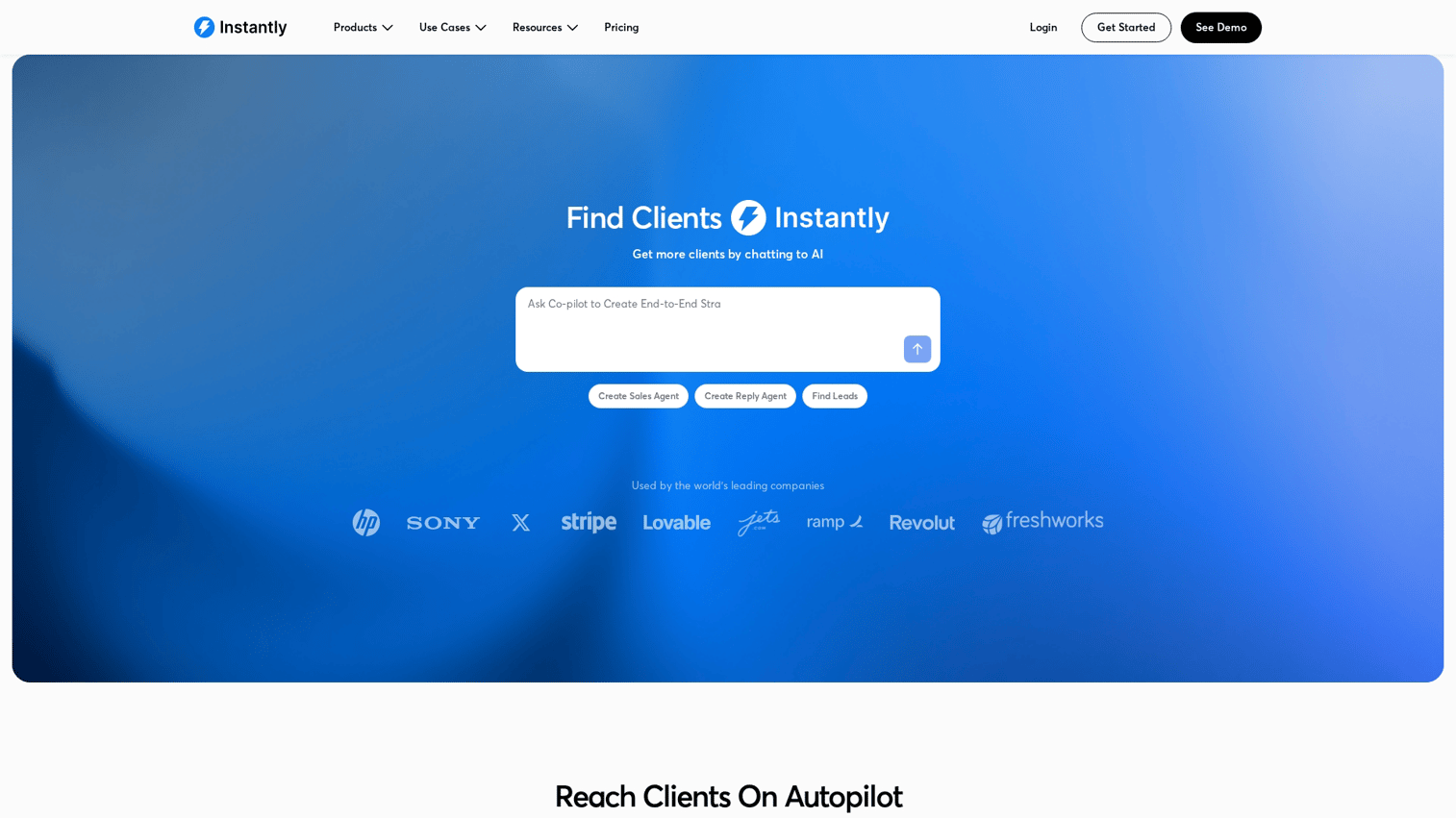
Instantly built its reputation on unlimited mailbox connections and aggressive warmup infrastructure. The platform targets teams scaling outbound volume without per-seat pricing constraints.
Best for: Teams needing unlimited sending accounts without costs rising with each new mailbox.
Key strengths
- Unlimited mailboxes: Connect as many email accounts as needed without additional fees
- Automated warmup: Built-in warmup pool with real engagement signals from active users
- Unibox: Single inbox view to manage replies across all connected accounts
Why choose Instantly
Instantly works well when volume is your primary constraint. The unlimited mailbox model suits agencies and teams running campaigns across many domains. The tradeoff: fewer native CRM integrations than enterprise-focused tools. If your workflow requires deep Salesforce sync, you'll likely need middleware.
Instantly pricing
Plans start at $30/month for Growth tier with unlimited email accounts. Higher tiers add lead management and CRM features.
2. Smartlead
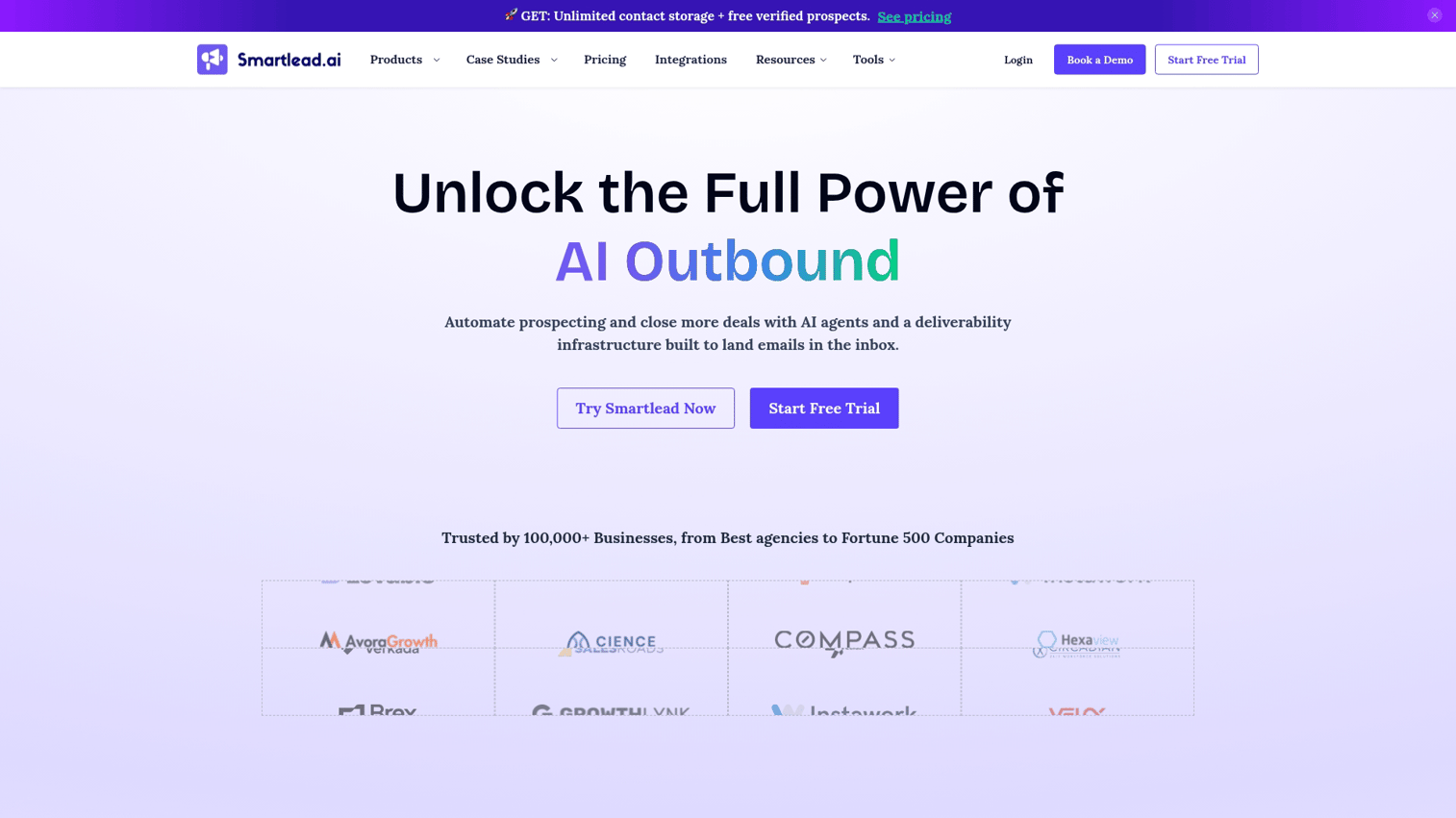
Smartlead focuses almost exclusively on deliverability infrastructure. The platform's private warmup pool and mailbox rotation features target teams where inbox placement is the primary concern.
Best for: Deliverability-obsessed teams sending high volumes who can't afford spam folder placement.
Key strengths
- Exclusive warmup pool: Private network for sender reputation building, separate from shared pools
- Mailbox rotation: Automatic distribution across accounts to stay under provider limits
- Built-in lead CRM: Pipeline view without requiring external tools
Why choose Smartlead
Choose Smartlead when landing in primary inboxes matters more than feature breadth. The platform does one thing exceptionally well. Less robust for teams needing deep CRM integrations or multichannel sequences. Strong fit for agencies managing client campaigns where deliverability is the key metric.
Smartlead pricing
Plans start at $39/month for Basic with 2,000 active leads. Pro tier at $94/month adds unlimited leads and advanced analytics.
3. Apollo
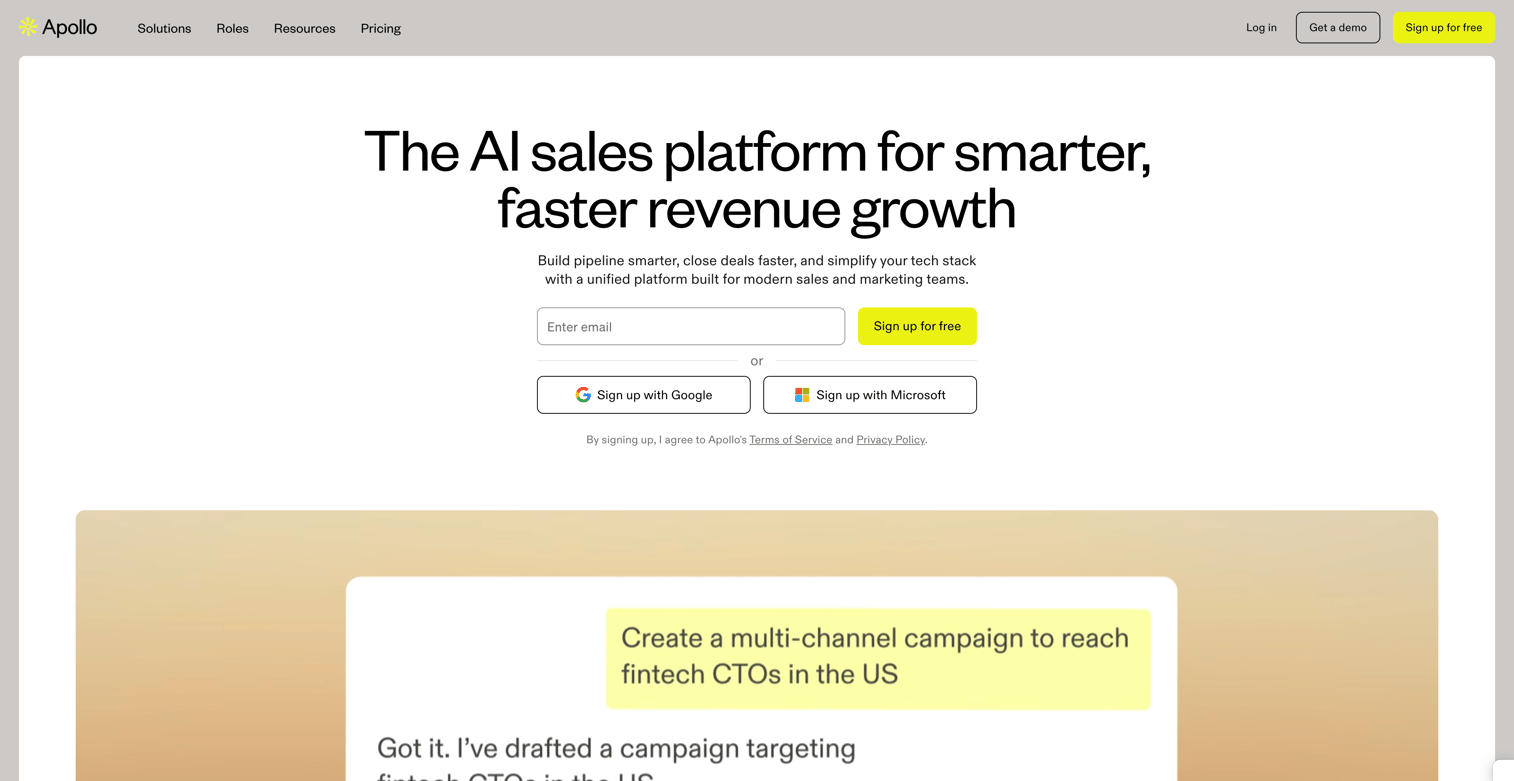
Apollo combines a B2B prospecting database with cold email automation in one platform. You can find contacts and email them without switching tools.
Best for: Teams that need prospecting data and cold outreach in one tool, especially when building outbound from scratch.
Key strengths
- B2B database: Access to 275M+ contacts and 73M+ companies without a separate data provider
- Sequences with intent signals: Prioritize outreach based on buying signals and engagement
- LinkedIn integration: Connect outbound email with social touches in unified workflows
Why choose Apollo
Apollo reduces tool sprawl for teams without existing data providers. The free tier is genuinely useful for testing. Tradeoff: database quality varies by industry and geography. European coverage tends to be weaker than North American data.
Apollo pricing
Free tier includes 10,000 email credits monthly. Basic starts at $49/user/month with unlimited sequences.
4. Saleshandy
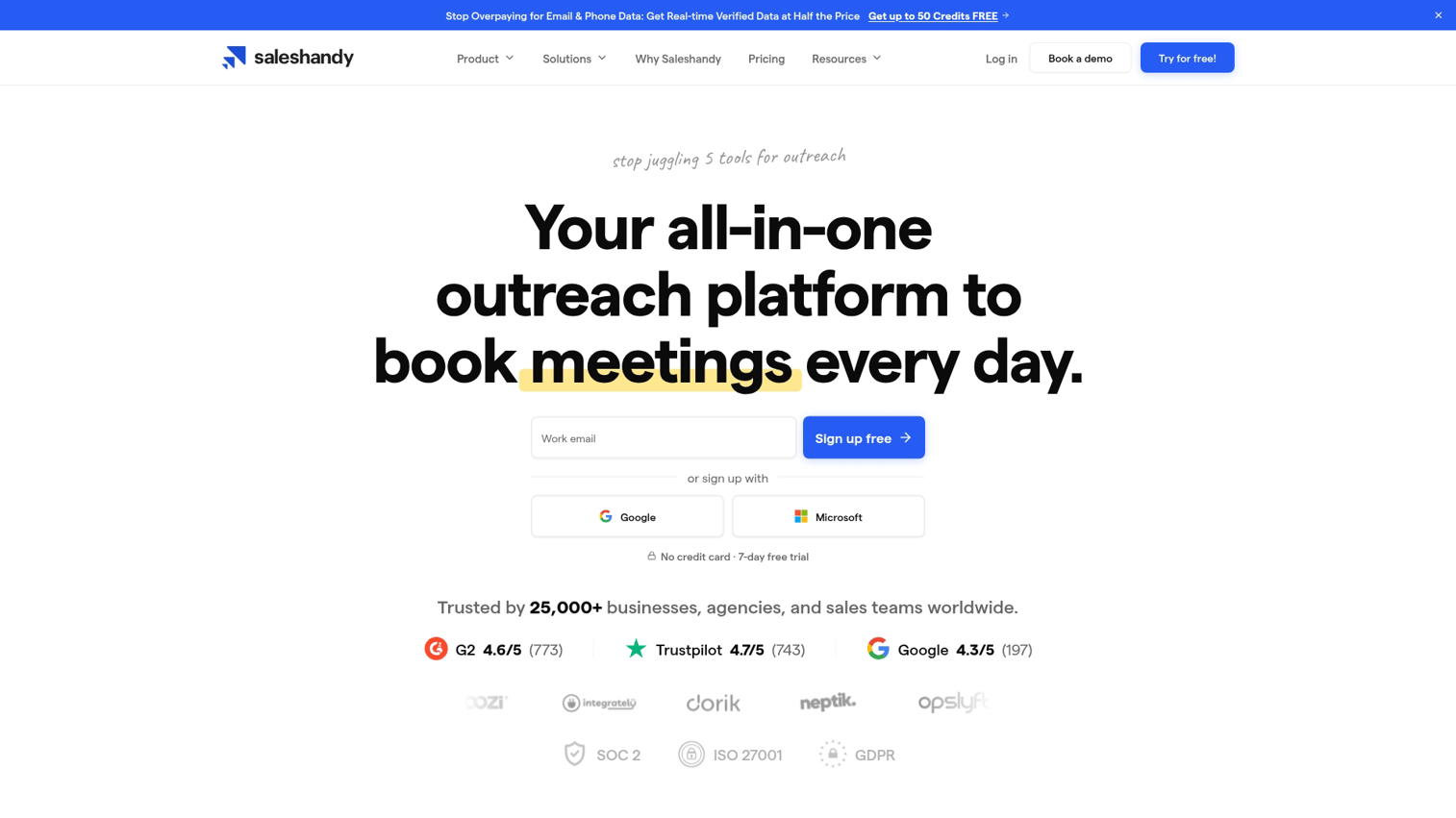
Saleshandy designed its platform specifically for agencies and teams managing multiple client accounts. Sender rotation and unified inbox features support high-volume, multi-brand operations.
Best for: Agencies running campaigns across many client domains who need consolidated management.
Key strengths
- Sender rotation: Distribute sends across accounts automatically to protect deliverability
- Client management: Separate workspaces per client with white-label reporting options
- Unified inbox: Single view for replies across all campaigns and clients
Why choose Saleshandy
Saleshandy is purpose-built for the agency model. If you manage outbound for multiple brands, the workspace separation and white-label features save significant time. Less differentiated for single-brand teams who don't need multi-client infrastructure.
Saleshandy pricing
Outreach Basic starts at $25/month for one email account. Agency plans with client management start at $149/month.
5. Lemlist
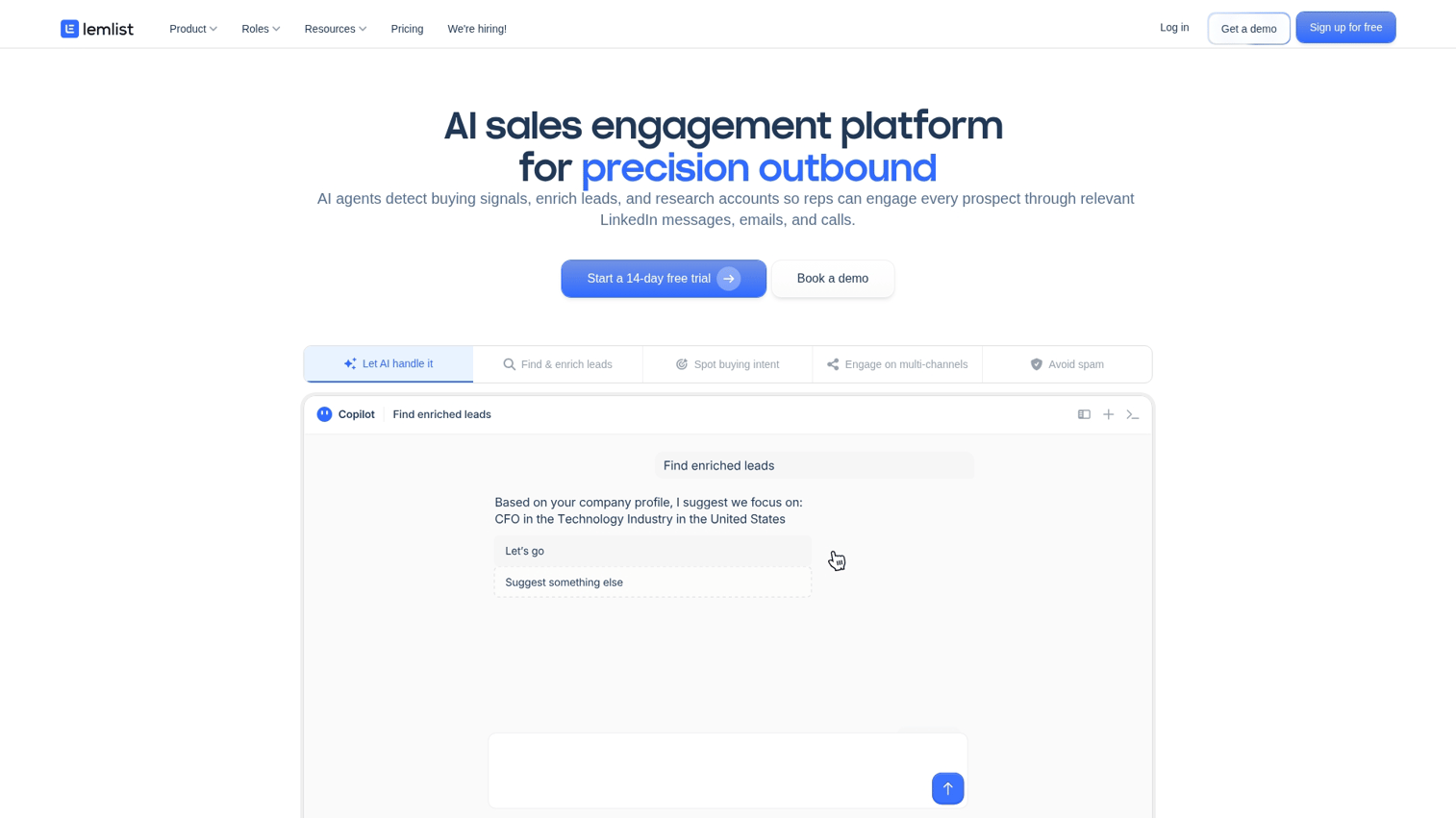
Lemlist differentiates through visual personalization, letting you embed custom images and videos with prospect-specific details directly in emails.
Best for: Teams using creative, visual outreach to stand out in crowded inboxes.
Key strengths
- Personalized images: Dynamic images with prospect name, company logo, or custom text embedded
- Multichannel sequences: Email, LinkedIn, and calls in one workflow
- Lemwarm: Built-in warmup tool with community network
Why choose Lemlist
Lemlist works when visual creativity matters. Personalized images catch attention in ways text alone cannot. The tradeoff: learning curve for image personalization setup. Strong for teams targeting executives who receive heavy email volume and need pattern interrupts.
Lemlist pricing
Email Starter at $39/month includes basic sequences. Email Pro at $69/month adds multichannel and advanced personalization.
6. Woodpecker
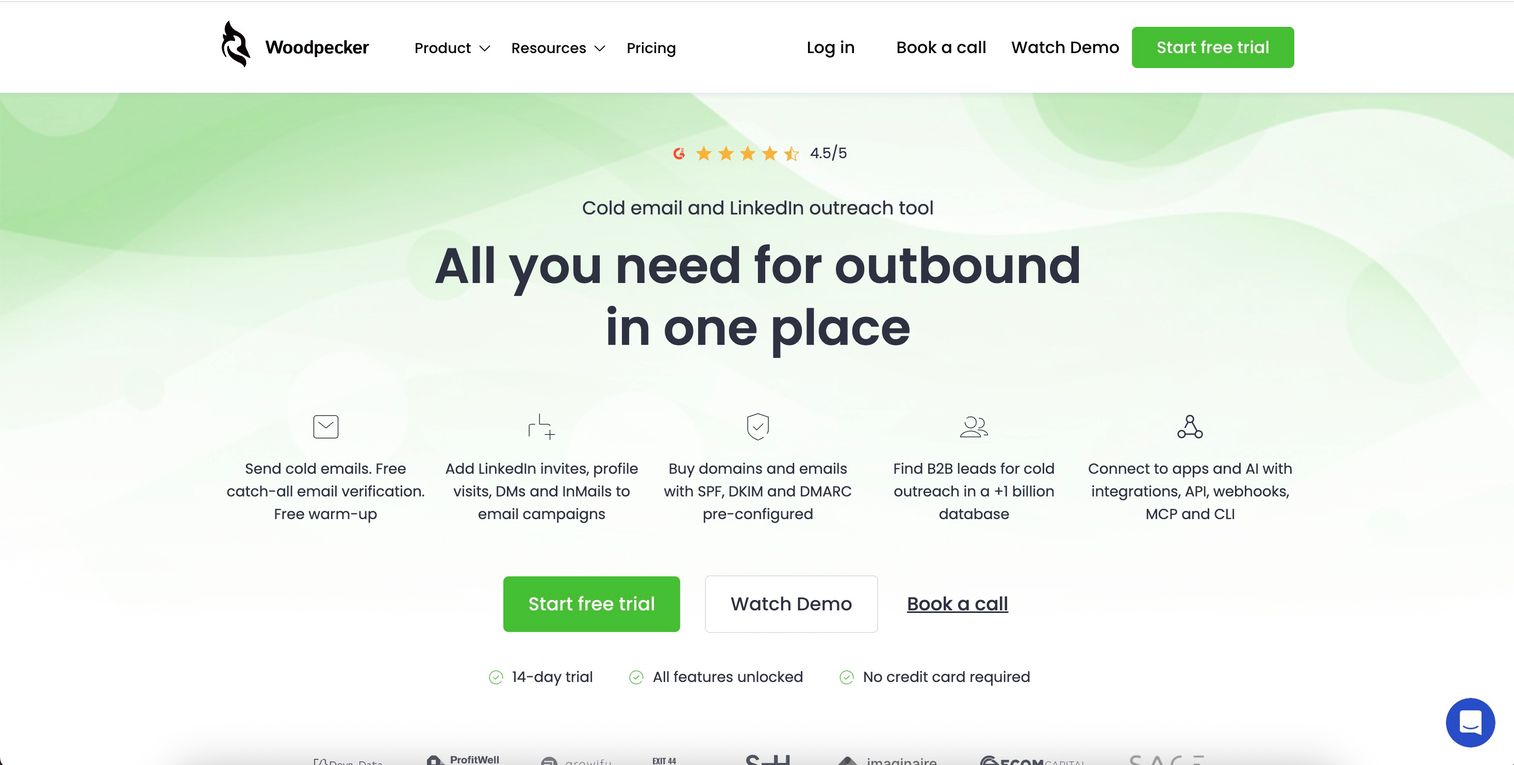
Woodpecker takes a conservative approach to cold email, with built-in limits and monitoring designed to protect sender reputation above all else.
Best for: Risk-averse teams in regulated industries where reputation damage carries serious consequences.
Key strengths
- Deliverability monitoring: Real-time alerts when sender reputation drops
- Team collaboration: Shared prospect lists with automatic duplicate detection
- API-first design: Strong foundation for teams building custom integrations
Why choose Woodpecker
Woodpecker's conservative sending limits suit teams where reputation risk outweighs volume goals. The platform won't let you blast 1,000 emails from a new domain on day one. Tradeoff: slower scaling than aggressive-volume tools.
Woodpecker pricing
Plans start at $29/month per email slot. Team features and additional slots scale pricing.
7. Reply.io
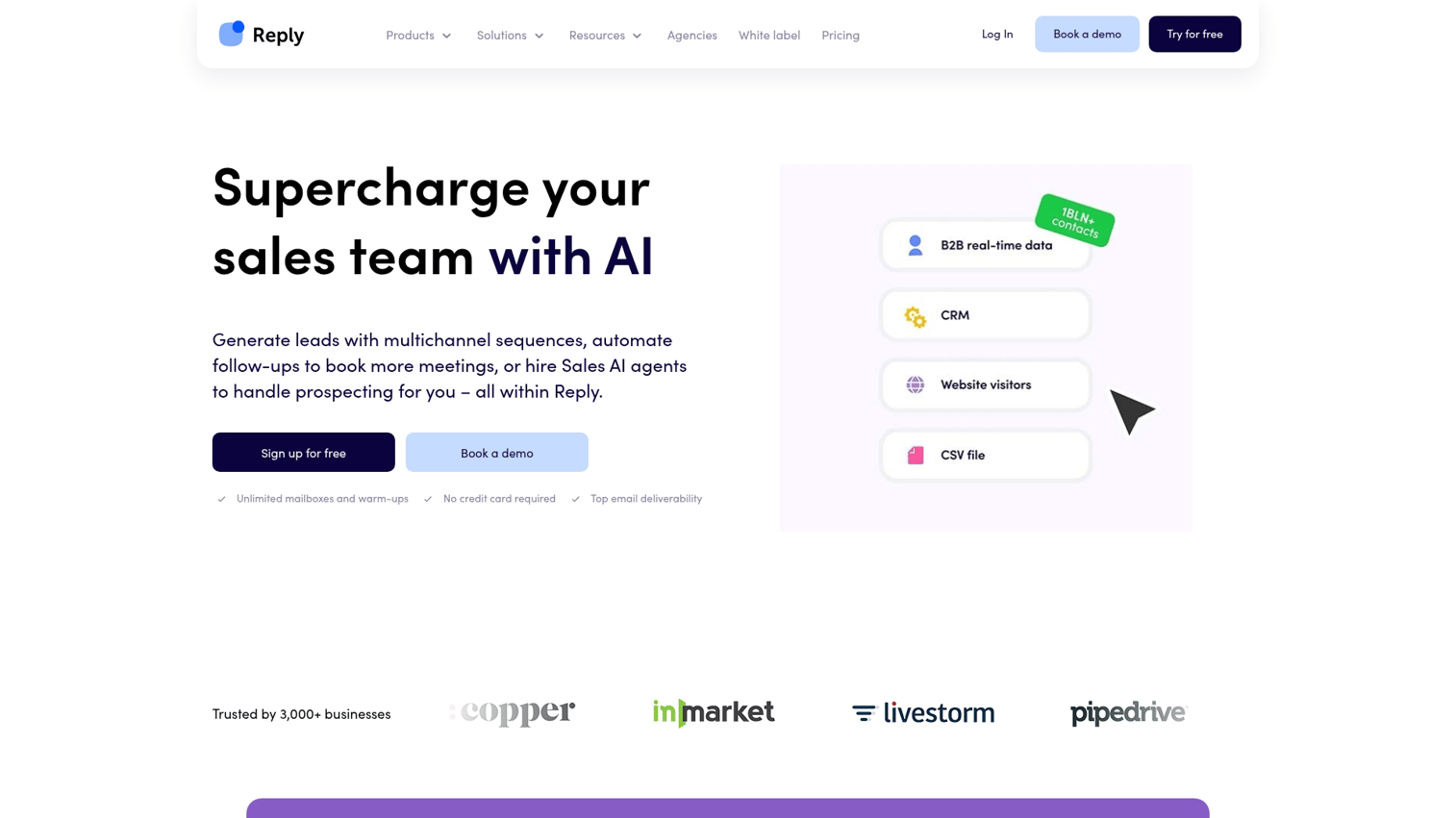
Reply.io offers true multichannel sequences combining email, LinkedIn, calls, and SMS in unified workflows.
Best for: Teams running multichannel outbound where phone and social complement email.
Key strengths
- Multichannel sequences: Email plus LinkedIn plus phone in coordinated flows
- AI sequence generator: Create campaign drafts from prompts
- Chrome extension: Prospect directly from LinkedIn profiles
Why choose Reply.io
Reply.io works best when your outbound strategy includes phone and social touches, not just email. The platform coordinates timing across channels. Tradeoff: complexity for email-only teams who don't need multichannel features.
Reply.io pricing
Starter at $49/user/month includes 1,000 contacts. Professional at $89/user/month adds unlimited contacts and advanced features.
8. Mailshake
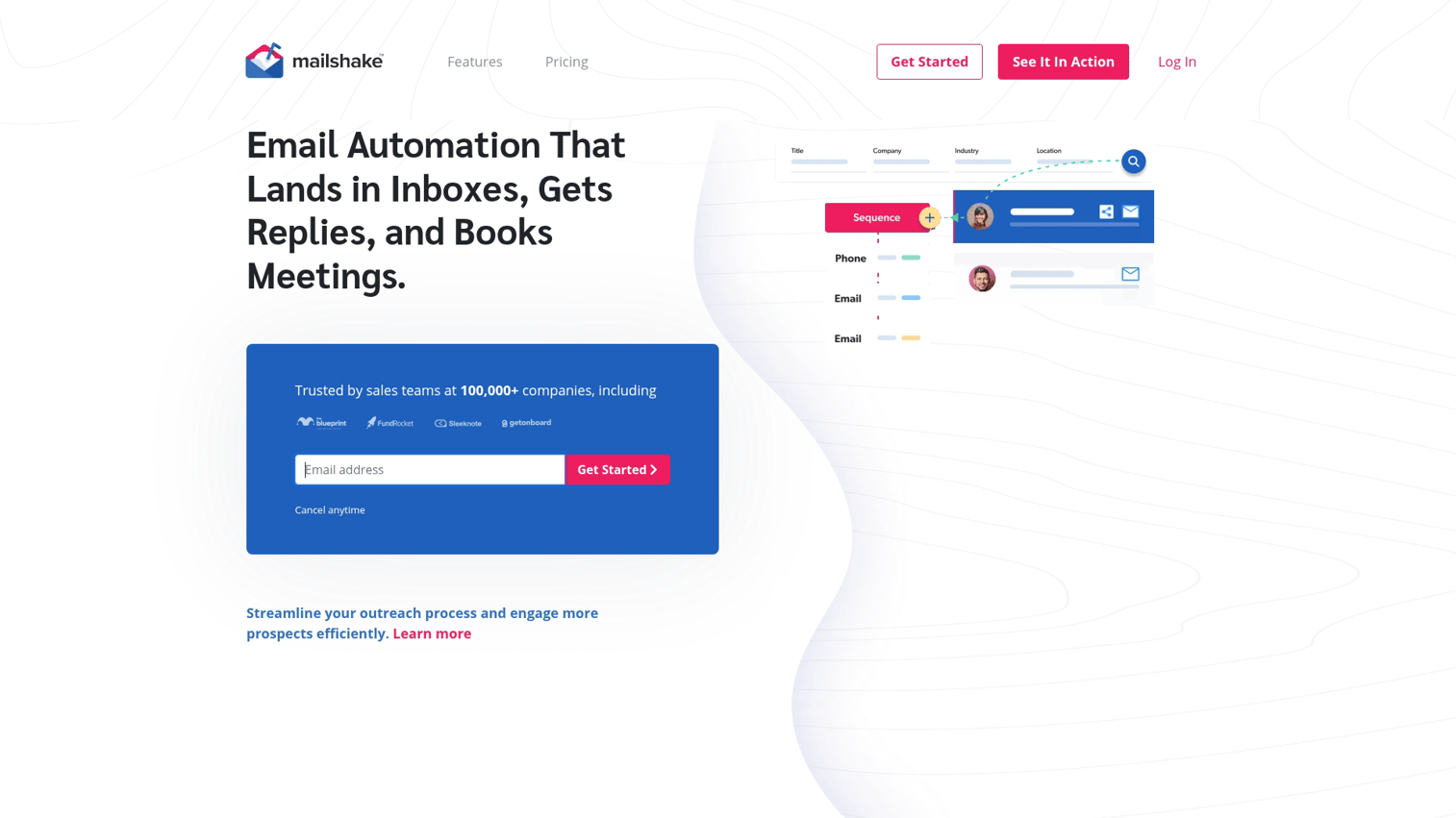
Mailshake prioritizes simplicity and ease of use. Teams can launch campaigns quickly without extensive training.
Best for: Teams wanting fast setup without steep learning curves or complex configuration.
Key strengths
- Simple UI: Minimal training needed to launch first campaign
- Lead catcher: Automatic lead qualification from reply content
- Dialer add-on: Phone outreach from same platform
Why choose Mailshake
Mailshake is a good entry point for teams new to cold outreach. The interface is intuitive enough that reps can self-serve. Tradeoff: fewer advanced features than power tools.
Mailshake pricing
Email Outreach starts at $45/user/month. Sales Engagement at $85/user/month adds phone dialer.
9. Snov.io
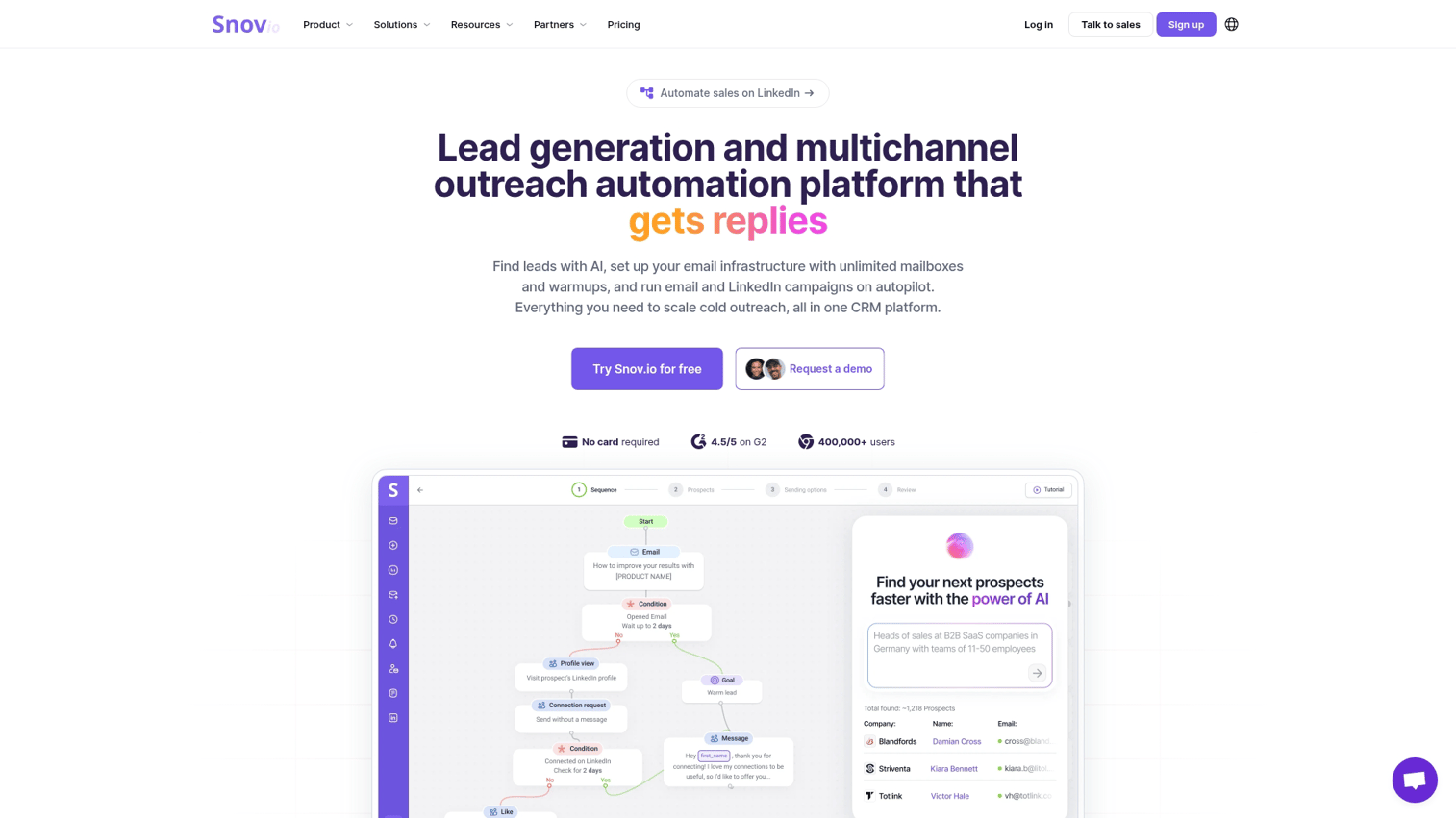
Snov.io combines email finder, verifier, and sequences in one affordable platform. The end-to-end prospecting workflow suits budget-conscious teams.
Best for: Budget-conscious teams needing prospecting and outreach together without enterprise pricing.
Key strengths
- Email finder: Discover addresses from domains and LinkedIn profiles
- Email verifier: Clean lists before sending to protect deliverability
- Drip campaigns: Automated sequences with personalization variables
Why choose Snov.io
Snov.io offers strong value for early-stage teams. The combination of finding, verifying, and emailing contacts in one tool reduces complexity. Tradeoff: deliverability features less mature than specialist platforms.
Snov.io pricing
Trial includes 50 credits. Starter at $30/month includes 1,000 credits. Pro plans scale with usage.
10. Klenty
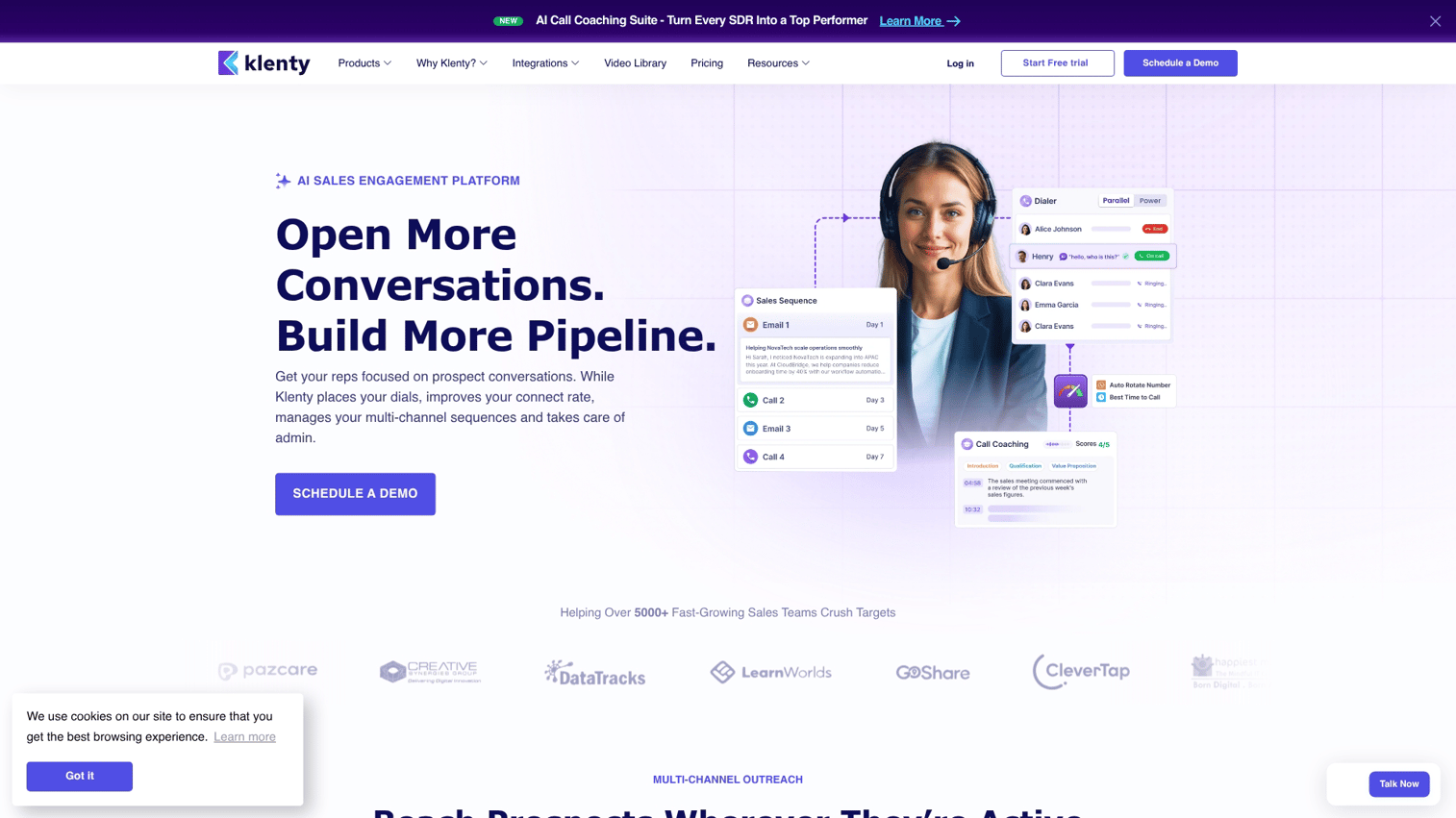
Klenty focuses on deep CRM integration, particularly with Salesforce and HubSpot. The platform suits teams where CRM is the system of record.
Best for: CRM-centric sales teams needing tight bidirectional sync with Salesforce or HubSpot.
Key strengths
- CRM sync: Bidirectional with Salesforce, HubSpot, Pipedrive, and Zoho
- Sales playbooks: Template sequences for different scenarios and personas
- Conversation intelligence: Basic call recording and analysis
Why choose Klenty
Klenty works well when your CRM drives everything. Engagement data flows back automatically, keeping records current. Tradeoff: less focus on deliverability infrastructure than specialist tools.
Klenty pricing
Startup at $50/user/month includes basic sequences. Growth at $70/user/month adds advanced features.
11. Mixmax
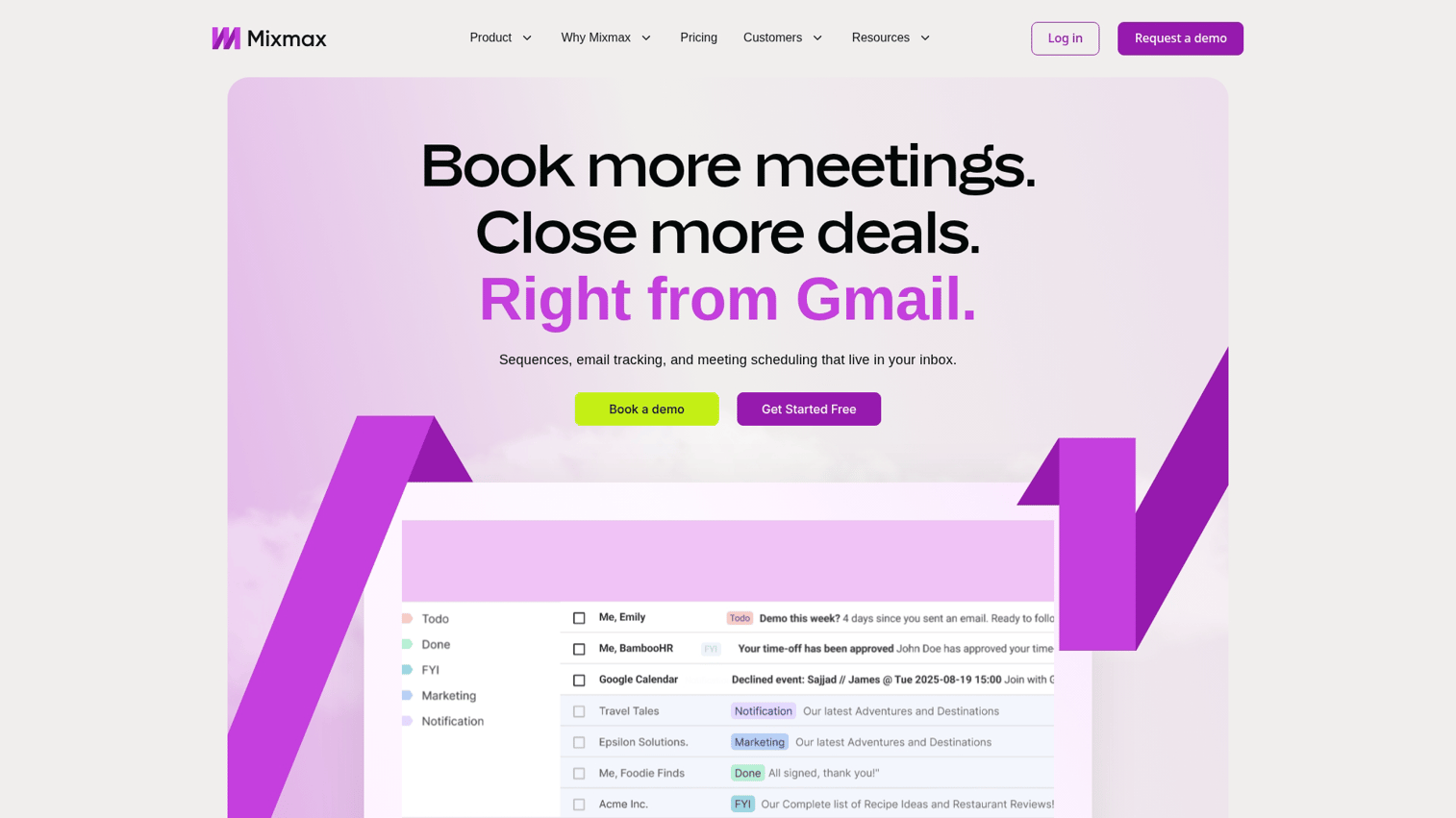
Mixmax operates inside Gmail rather than as a separate platform. Sequences and tracking happen without leaving your inbox.
Best for: Gmail-native teams wanting in-inbox workflow without switching applications.
Key strengths
- Gmail integration: Sequences and tracking without leaving inbox
- Meeting scheduling: One-click booking links embedded in emails
- Engagement tracking: Real-time notifications on opens and clicks
Why choose Mixmax
Mixmax works best for reps who live in Gmail and resist switching to separate tools. The in-inbox experience reduces friction. Tradeoff: limited to Gmail/Google Workspace users.
Mixmax pricing
Free tier includes basic tracking. Growth at $29/user/month adds sequences. Enterprise pricing available.
12. QuickMail
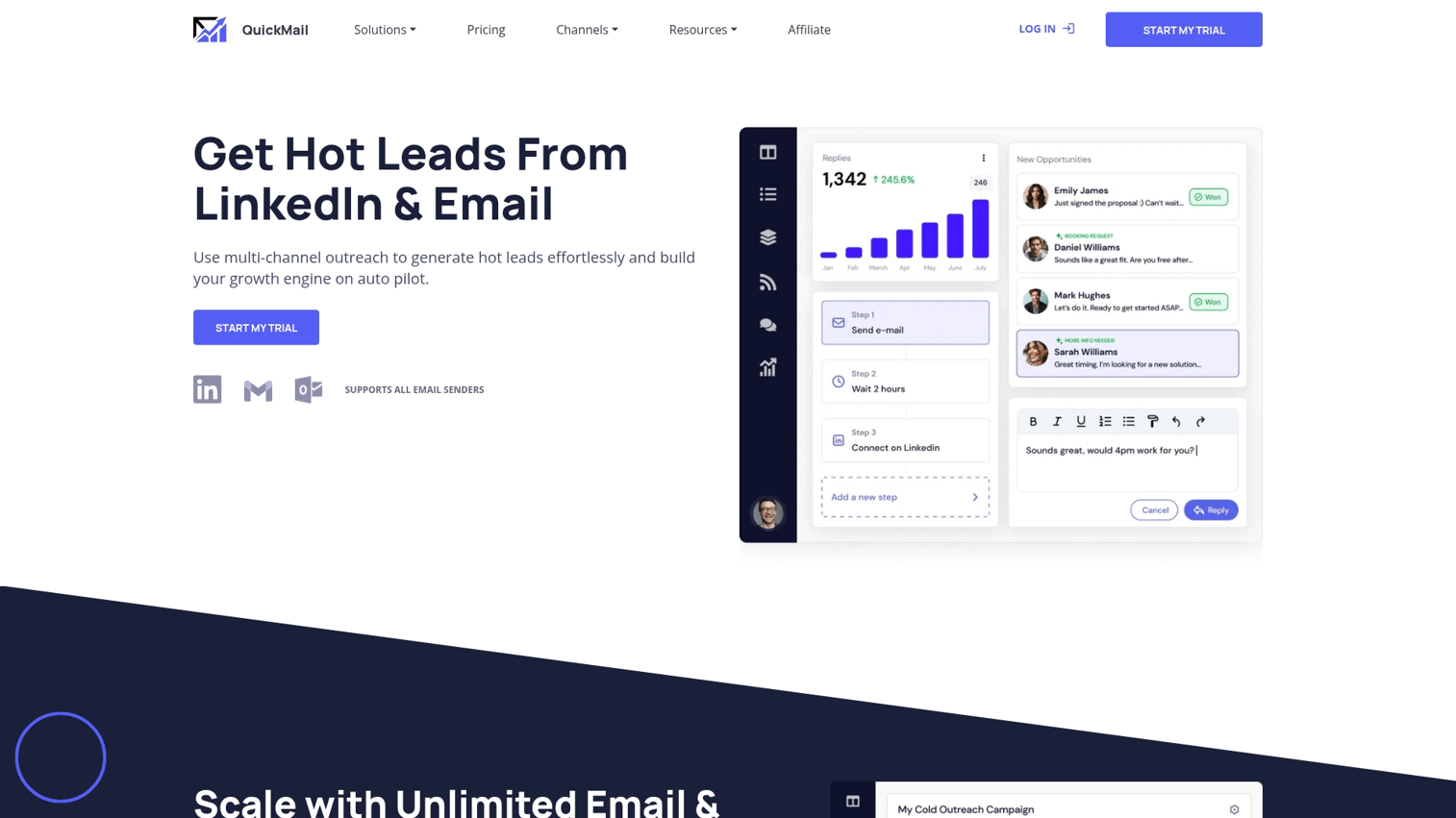
QuickMail emphasizes granular deliverability metrics and transparency. The platform suits data-driven teams who optimize based on detailed analytics.
Best for: Data-driven teams wanting granular deliverability insights and optimization levers.
Key strengths
- Deliverability dashboard: Inbox placement rates broken down by domain and provider
- Auto-warmup: Built-in sender reputation building
- Inbox rotation: Distribute sends to protect reputation across accounts
Why choose QuickMail
QuickMail works for teams who optimize based on data rather than intuition. The deliverability dashboard shows exactly where emails land. Tradeoff: interface less polished than consumer-friendly alternatives.
QuickMail pricing
Basic at $49/month includes one inbox. Pro at $89/month adds multiple inboxes and advanced features.
How to evaluate cold email marketing software
Use the criteria below to compare platforms against your specific requirements.
Deliverability infrastructure
Deliverability determines whether your emails get seen at all because authenticated senders are 2.7x more likely to reach inboxes. When evaluating tools, consider:
- Does the tool offer built-in warmup or require third-party services?
- How does it handle deliverability drops? Are there alerts?
- What's the warmup pool size and quality?
Ask vendors for inbox placement benchmarks from similar customers.
Pricing model and scaling costs
Pricing structures vary significantly across cold email platforms.
Model | How it works | Watch for |
|---|---|---|
Per-seat | Cost rises with team size | Hidden costs for additional mailboxes |
Per-contact | Cost rises with list size | Overage charges on active leads |
Unlimited mailboxes | Flat fee regardless of accounts | Feature limitations at lower tiers |
Calculate total cost at your expected volume, not just starting price.
AI capabilities that save time
AI features in cold email tools range from genuinely useful to marketing fluff. When evaluating, look at:
- AI-written emails: Do they sound human or obviously generated?
- AI personalization: Does it pull real data or generic placeholders?
- AI sequence suggestions: Based on your data or generic templates?
Test AI features before committing. Quality varies dramatically.
Team and client management
For teams, evaluate shared sequences, permission controls, and workspace separation. For agencies, check white-label options, client reporting, and billing separation.
Solo users can skip this section entirely.
Integration depth with your stack
Cold email outreach tools work best when connected to existing workflows. Verify:
- Native CRM sync (Salesforce, HubSpot, Pipedrive)
- Slack notifications for replies and engagement
- Calendar integration for meeting booking
- Zapier support for custom workflows
Demand generation tools often overlap with cold email platforms, so check for redundancy in your stack.
What happens after the reply
Cold email tools solve one problem: getting prospects to respond. What happens next determines whether that reply becomes a meeting.
Prospects often reply with "Tell me more" or "Send info." The asset you send next shapes whether they book a call or disappear. Static PDFs rarely work. Recorded videos get skipped.
Interactive demos let prospects experience your product on their own time. They answer their own questions and self-qualify before committing to a call. This removes friction between "interested" and "booked."
The workflow looks like this: cold email generates the reply, interactive demo converts the reply to a meeting, CRM tracks the outcome. Teams using Guideflow pair cold email sequences with personalized demos for every prospect, seeing higher meeting rates from positive replies.
Tip: When a prospect replies asking for more information, send an interactive demo link instead of a PDF. Self-serve experiences convert better than static attachments.
Match your cold email system to your sales motion
The right tool depends on your specific situation, not universal "best" rankings.
- High volume, price-sensitive: Instantly, Smartlead, Saleshandy
- All-in-one with prospecting: Apollo, Snov.io
- Multichannel outbound: Reply.io, Lemlist
- Gmail-native simplicity: Mixmax, Mailshake
- CRM-centric teams: Klenty, Woodpecker
Start with free tiers where available. Test deliverability before scaling volume. Focus on reply rate over vanity metrics like opens.
Ready to convert more cold email replies into booked meetings? Start your journey with Guideflow today and see how interactive demos turn interest into pipeline.
FAQs about cold email automation
Cold email software sends personalized messages to prospects who haven't opted in, while email marketing tools send campaigns to subscribers who signed up. Cold emailing software focuses on deliverability and one-to-one personalization; email marketing focuses on broadcast and nurture sequences.
Cold emailing is legal under CAN-SPAM if you include a physical address, honor opt-outs within 10 days, and avoid deceptive subject lines. Under GDPR, cold B2B email requires legitimate interest justification, accurate data, and easy opt-out mechanisms. Consult legal counsel for specific compliance questions.
Apollo, Snov.io, and Mixmax offer free tiers with limited contacts and features suitable for testing. Free cold emailing software works for validating messaging but typically requires paid plans for serious volume or advanced features.
Most teams use one mailbox per 30-50 daily sends to protect deliverability and stay under provider limits. Scale by adding mailboxes, not by pushing more volume through single accounts. A team sending 500 emails daily typically runs 10-15 active mailboxes.
Strong cold email campaigns generate reply rates between 5-15%, with positive replies (interested responses) typically representing 30-50% of total replies. Rates vary significantly by industry, targeting quality, and offer relevance.
Email warmup typically takes 2-4 weeks of gradual volume increase with positive engagement signals. Rushing warmup or skipping it often results in spam folder placement and damaged sender reputation that takes months to recover.
Yes, cold email platforms work for any high-volume personalized outreach including recruiting, investor relations, and partnership development. The same deliverability and personalization principles apply across use cases, though messaging and compliance requirements differ.