Most teams do not need more integration. They need data to move reliably between systems without breaking every time a source schema changes. That is the actual problem hiding behind every "we need better data integration" conversation. A connector silently drops a field, a warehouse load fails at 3 a.m., and suddenly a revenue dashboard is wrong for a week before anyone notices.
For presales and technical evaluators, the stakes are higher. You are not just picking a tool. You are defending a choice across security, architecture, and procurement, and you have to answer hard questions about connector coverage, deployment model, and what the bill looks like at scale. The data integration market reflects how central this decision has become. Mordor Intelligence puts the global data integration market at USD 14.33 billion in 2026, growing to USD 22.17 billion by 2031 at a 9.12% CAGR. Adoption is shifting too: Global Growth Insights (2026) reports that 62% of enterprises have moved to cloud-based integration frameworks, and over 54% now prioritize real-time data exchange.
That pressure is why buyers stall. The category is crowded, pricing models rarely line up, and the difference between ETL and ELT, or batch and real-time, quietly changes which tool actually fits. The way teams evaluate this is not far from how they evaluate any technical purchase, whether that is a customer data platform or a set of data visualization tools that sit downstream of the pipeline. This guide cuts through it with a practical shortlist built for people who have to make the call and then live with it.
What's inside
This roundup covers the best data integration software for teams that need to connect apps, databases, warehouses, and operational systems without babysitting fragile pipelines. Every tool here was assessed against four criteria that matter most in a real evaluation: connector breadth and quality, deployment flexibility across cloud, SaaS, on-prem, and hybrid, transformation and replication capability including ETL, ELT, and CDC, and governance depth for security and compliance review.
The list is organized for technical evaluators and presales teams. That means each entry is framed around fit, defensibility across stakeholders, and pricing predictability, not marketing gloss. Where a tool shines, we say so. Where it fits a narrow profile, we say that too.
TL;DR
- Best overall for broad connector coverage: Fivetran, for teams that want low-maintenance, fully managed ingestion into a cloud warehouse.
- Best for open source flexibility: Airbyte, for engineering teams that want a large connector ecosystem with self-managed and cloud options.
- Best for enterprise governance: Informatica, for regulated organizations that need data quality, lineage, and unified control.
- Best for cloud warehouse teams: Matillion, for analytics teams building transformation-heavy pipelines close to the warehouse.
- Best for hybrid and multi-deployment enterprises: IBM watsonx.data integration, for governed batch and streaming across mixed environments.
- Best for AWS-native and Azure-native teams: AWS Glue and Azure Data Factory, when you want data integration inside the cloud you already run.
What data integration software is
Data integration software is a category of tools that combine data from multiple sources, transform it, and deliver it to one or more destinations so teams can analyze it or act on it. That is the core job. Everything else is a variation on how the data moves, when it moves, and who controls it.
In plain terms, it connects the systems where your data lives (CRMs, databases, SaaS apps, event streams) to the systems where your data needs to go (warehouses, lakehouses, analytics tools, other operational apps). A good platform does this without engineers writing and maintaining brittle custom scripts for every connection.
The core capabilities buyers evaluate:
- Connector breadth and quality: How many sources and destinations are supported, and how well those connectors handle schema changes and edge cases.
- ETL, ELT, CDC, replication, and orchestration: Whether the tool transforms before or after loading, captures changes incrementally, replicates full datasets, and coordinates multi-step jobs.
- Batch and real-time processing: Whether data moves on a schedule, continuously, or both.
- Governance, lineage, monitoring, and observability: How you track where data came from, catch failures early, and prove compliance.
- Deployment flexibility: Support for cloud, SaaS, on-prem, and hybrid models.
Why it matters now
The modern data stack has more of everything: more sources, more destinations, more internal stakeholders, and more risk when something breaks. A single silent failure can corrupt reporting for an entire quarter. That is why teams now weigh predictable pricing, self-serve management, and fast implementation as heavily as raw feature lists.
There is also an AI angle. Clean, governed, well-integrated data is the prerequisite for any serious analytics or AI initiative. If the pipeline is unreliable, everything downstream inherits the problem. Integration is no longer plumbing you can ignore. It is foundational infrastructure.
When to use data integration software
Centralize fragmented data for analytics
The most common trigger is a warehouse or lakehouse that needs reliable ingestion from many systems. When reporting depends on data scattered across a CRM, a billing system, a product database, and a dozen SaaS tools, manual exports stop scaling fast. Common source systems include:
- Salesforce, HubSpot, and other CRMs
- PostgreSQL, MySQL, and other transactional databases
- Stripe, NetSuite, and finance platforms
- Product analytics and event streams
- Marketing and ad platforms
Reliable ingestion means dashboards, reporting, and decision-making run on trustworthy numbers instead of stale spreadsheets.
Sync operational systems in near real time
Some workflows cannot wait for a nightly batch. Revenue operations needs current pipeline data. Customer-facing teams need up-to-date account records. Finance needs synced transaction data to close the books. When the cost of stale data is high, near real-time sync through CDC or streaming becomes the requirement, not a nice-to-have. Batch alone leaves gaps that show up in bad decisions and frustrated teams.
Replace fragile custom pipelines
Every engineering team has a graveyard of custom scripts holding critical pipelines together. They break when a source API changes, and only the person who wrote them knows how to fix them. Standardized connectors, built-in monitoring, and governance replace that fragility with something the whole team can maintain.
| Before | After |
|---|---|
| Custom scripts per source | Standardized managed connectors |
| Engineer required for every fix | Self-serve monitoring and alerts |
| No lineage or audit trail | Built-in governance and observability |
| Silent failures found days later | Proactive failure alerts |
Comparison table
Use this table to build a shortlist fast. Pricing models vary widely across usage-based, consumption-based, and quote-based structures, so verify current figures against each vendor's pricing page before you commit. G2 ratings reflect listings at the time of writing. The list is ranked by overall fit for broad data integration software searches.
| # | Product | Intent | Key differentiation | Pricing | G2 rating |
|---|---|---|---|---|---|
| 1 | Fivetran | Managed ingestion for analytics | 700+ fully managed connectors, low maintenance | Free plan; usage-based paid tiers | 4.3/5 |
| 2 | Airbyte | Open source data movement | 600+ connectors, self-managed and cloud | Free plan; paid from $29/month | 4.4/5 |
| 3 | Informatica | Enterprise data management | Data quality, lineage, unified governance | Free tier; consumption-based quote | 4.3/5 |
| 4 | IBM watsonx.data integration | Hybrid batch and streaming | Governed pipelines across hybrid cloud | Consumption-based, USD 1 per RU | 4.4/5 |
| 5 | Matillion | Cloud warehouse transformation | Warehouse-native ETL/ELT and transformation | Custom / consumption-based | 4.4/5 |
| 6 | SnapLogic | Unified data and app integration | 1,000+ Snaps, iPaaS plus AI automation | Quote-based tiers | 4.4/5 |
| 7 | Dell Boomi | iPaaS and app integration | Connectors, API management, automation | Pay-as-you-go from $99/month | 4.4/5 |
| 8 | AWS Glue | Serverless AWS-native integration | Serverless ETL, crawlers, Data Catalog | Usage-based, $0.44/DPU-hour | 4.3/5 |
| 9 | Azure Data Factory | Azure-native orchestration | Serverless pipelines, 90+ connectors | Pay-as-you-go usage | 4.6/5 |
1. Fivetran
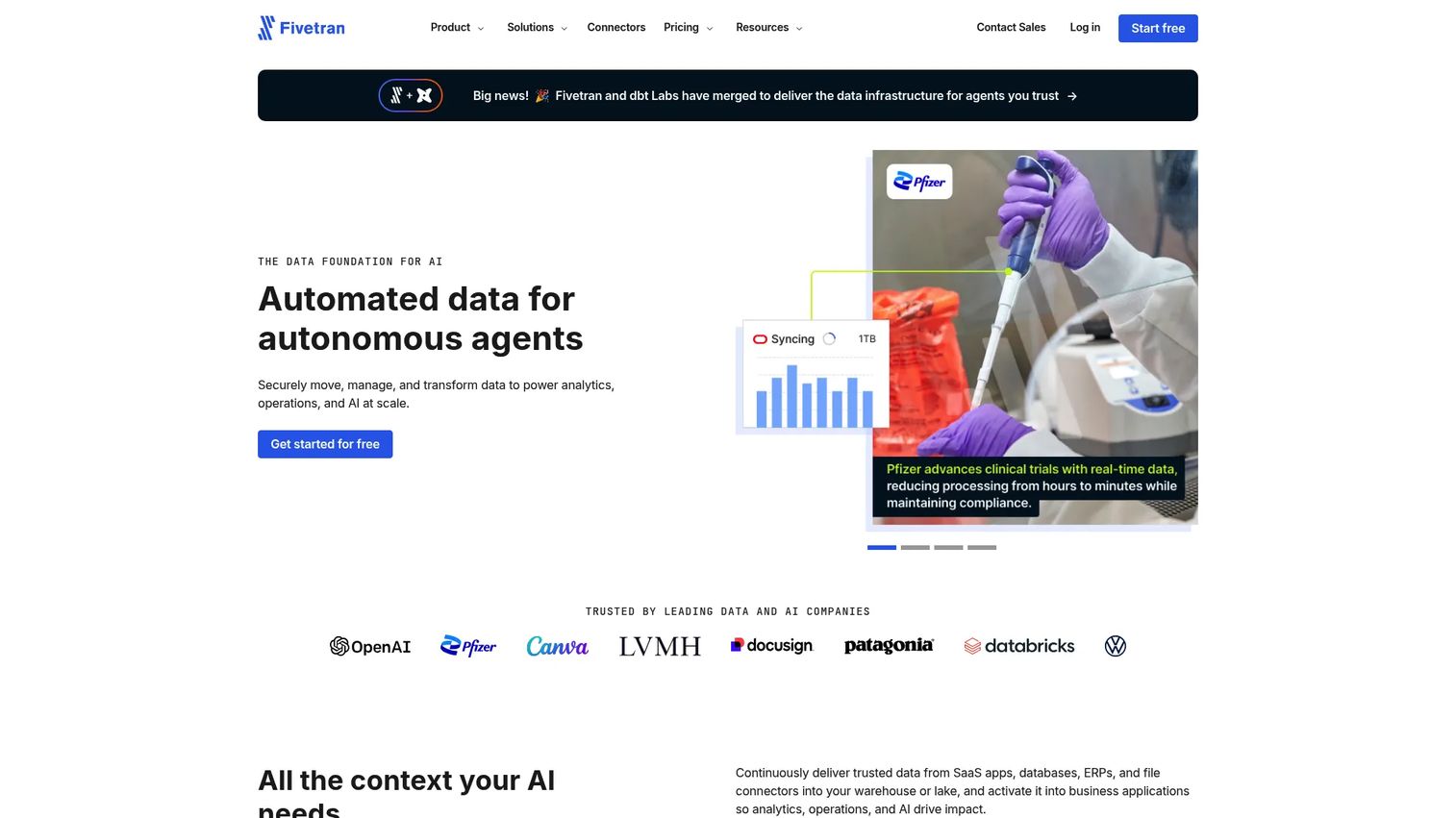
Fivetran is a managed data integration platform built to move data into warehouses, lakes, and activation destinations with minimal upkeep. It is warehouse-first by design and often the first name on a shortlist when analytics teams want ingestion to just work. The pitch is simple: point it at your sources, pick your destination, and let fully managed connectors handle schema drift and syncs without an engineer babysitting the pipeline.
Best for: Teams needing low-maintenance, automated data ingestion into cloud analytics stacks.
Key strengths
- 700+ fully managed connectors: Broad coverage across databases, SaaS apps, and event sources, so most sources are supported out of the box.
- 200+ managed activation destinations: Supports reverse ETL patterns to push modeled data back into operational tools.
- dbt Core integration: Transformation lives close to the warehouse with native support for modern ELT workflows.
Why choose Fivetran: If your priority is connector breadth and you would rather not maintain ingestion at all, Fivetran fits. It handles the boring, brittle parts of data replication automatically, which frees engineering to work on transformation and modeling instead of pipeline firefighting. It suits teams that treat the warehouse as the center of gravity.
Fivetran pricing: Fivetran offers a Free plan at $0, then Standard, Enterprise, and Business Critical tiers priced on usage, with monthly pay-as-you-go and annual contract options. Because paid pricing is consumption-based, there is no single universal starting price, and new connections come with 14-day free trials. Model your monthly active rows carefully during a proof of concept, since usage-based billing can move quickly as volumes grow. G2 reviewers rate Fivetran 4.3/5.
2. Airbyte
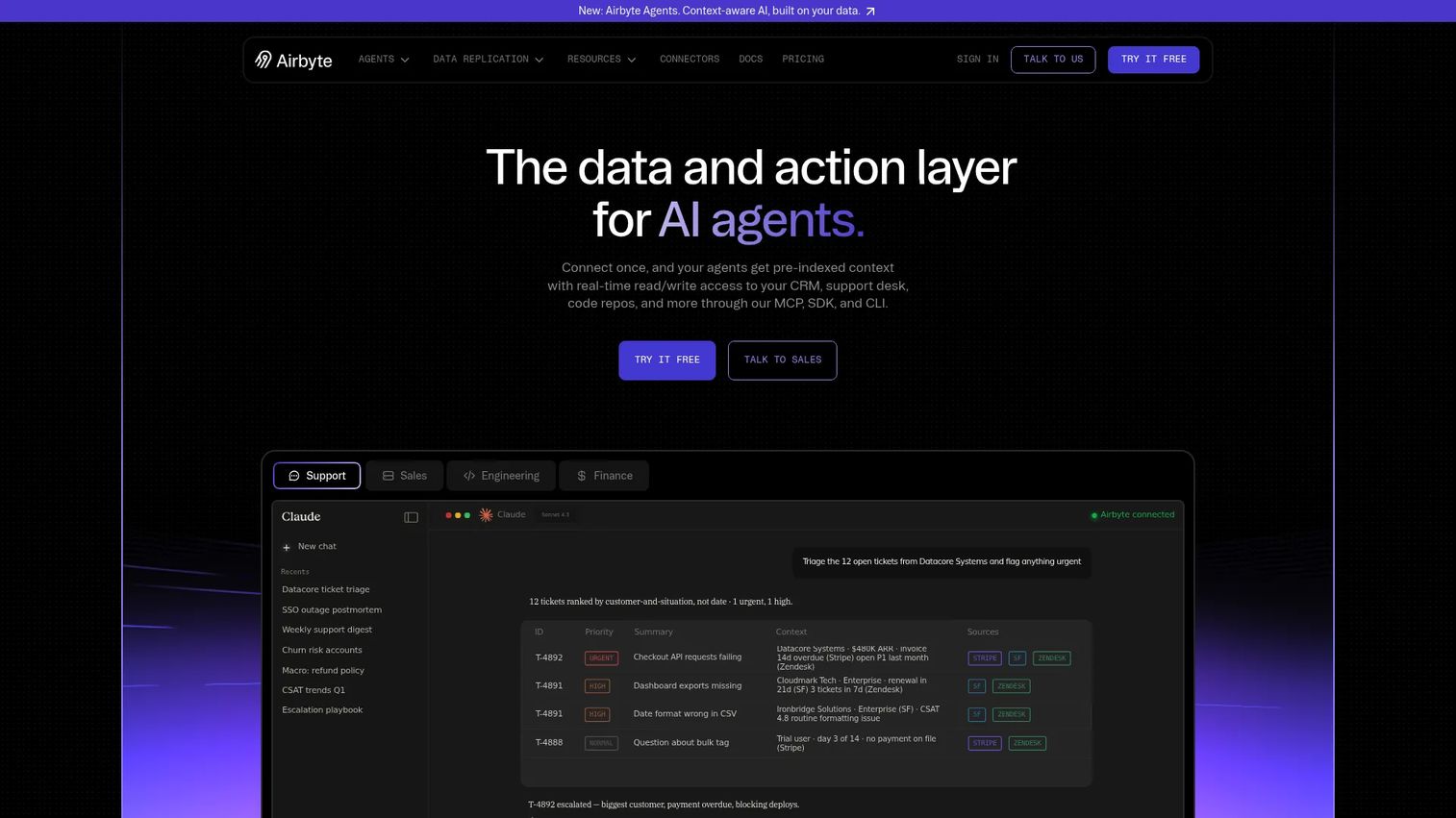
Airbyte is an open data movement platform built for data replication and, increasingly, AI-agent context. Its open source roots are the draw. Technical teams like the transparency, the large connector catalog, and the option to run it self-managed or in the cloud. If you want control over how and where your integration runs, Airbyte gives you that lever.
Best for: Engineering teams that want a large connector ecosystem with both self-managed and cloud deployment options.
Key strengths
- 600+ replication connectors: A wide catalog covering databases, SaaS sources, and destinations, extendable by the community.
- Self-managed, cloud, and enterprise options: Deploy where your architecture and compliance needs dictate.
- 50+ agent connectors: Supports newer patterns for feeding governed data into AI workflows.
Why choose Airbyte: Airbyte fits teams that value flexibility and want to own their deployment model rather than accept a single managed path. Engineering teams comfortable operating their own infrastructure get connector breadth plus deployment control in one platform. That combination is hard to match if self-hosting is a hard requirement for security or cost reasons.
Airbyte pricing: Airbyte's pricing spans two tracks. On the replication side, Core is always free and self-managed, Standard starts at $10/month with volume-based billing, and Plus is $500/month, with Pro and Enterprise Flex requiring sales contact. Its agent product offers a Free plan at $0, an Individual plan at $29/month, and a Team plan at $299/month. The free and low-cost entry points make it easy to validate before committing budget. G2 reviewers rate Airbyte 4.4/5.
3. Informatica
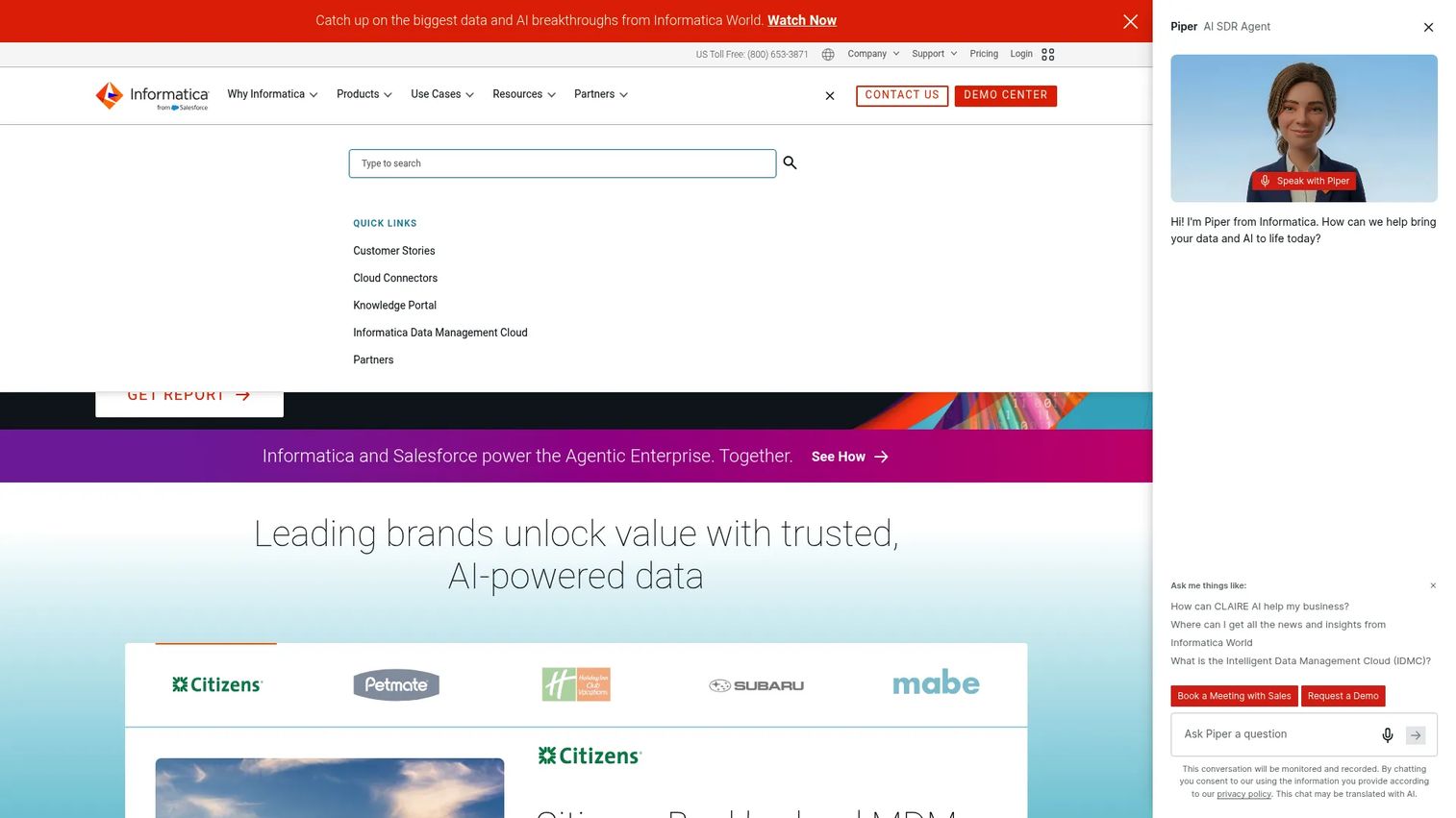
Informatica is an enterprise cloud data management platform spanning integration, quality, governance, and AI-driven data operations. It stays relevant in large, regulated environments because it treats governance and data quality as first-class capabilities, not add-ons. When the evaluation involves security, compliance, and lineage as much as raw data movement, Informatica shows up on the shortlist.
Best for: Large organizations needing a complete enterprise data management platform with deep governance.
Key strengths
- AI-powered data management cloud: Unifies integration, quality, and governance under one control plane.
- Data integration and engineering: Handles complex, multi-system pipelines across cloud and on-prem sources.
- Data quality and observability: Built-in profiling, cleansing, and monitoring for trustworthy data.
Why choose Informatica: Informatica is the choice when governance and data quality are non-negotiable and the environment is complex enough to justify an enterprise platform. Regulated industries with strict lineage and audit requirements get a defensible answer for security and compliance reviews. It is a serious commitment, best suited to teams that need breadth and governance in one place.
Informatica pricing: Informatica offers a free data integration tier and a flexible, consumption-based pricing model for its Intelligent Data Management Cloud. Public pages show the free offering and a quote-based model, but no single public numeric starting price is listed, so plan for a sales conversation to size the consumption cost against your workloads. G2 reviewers rate Informatica 4.3/5.
4. IBM watsonx.data integration
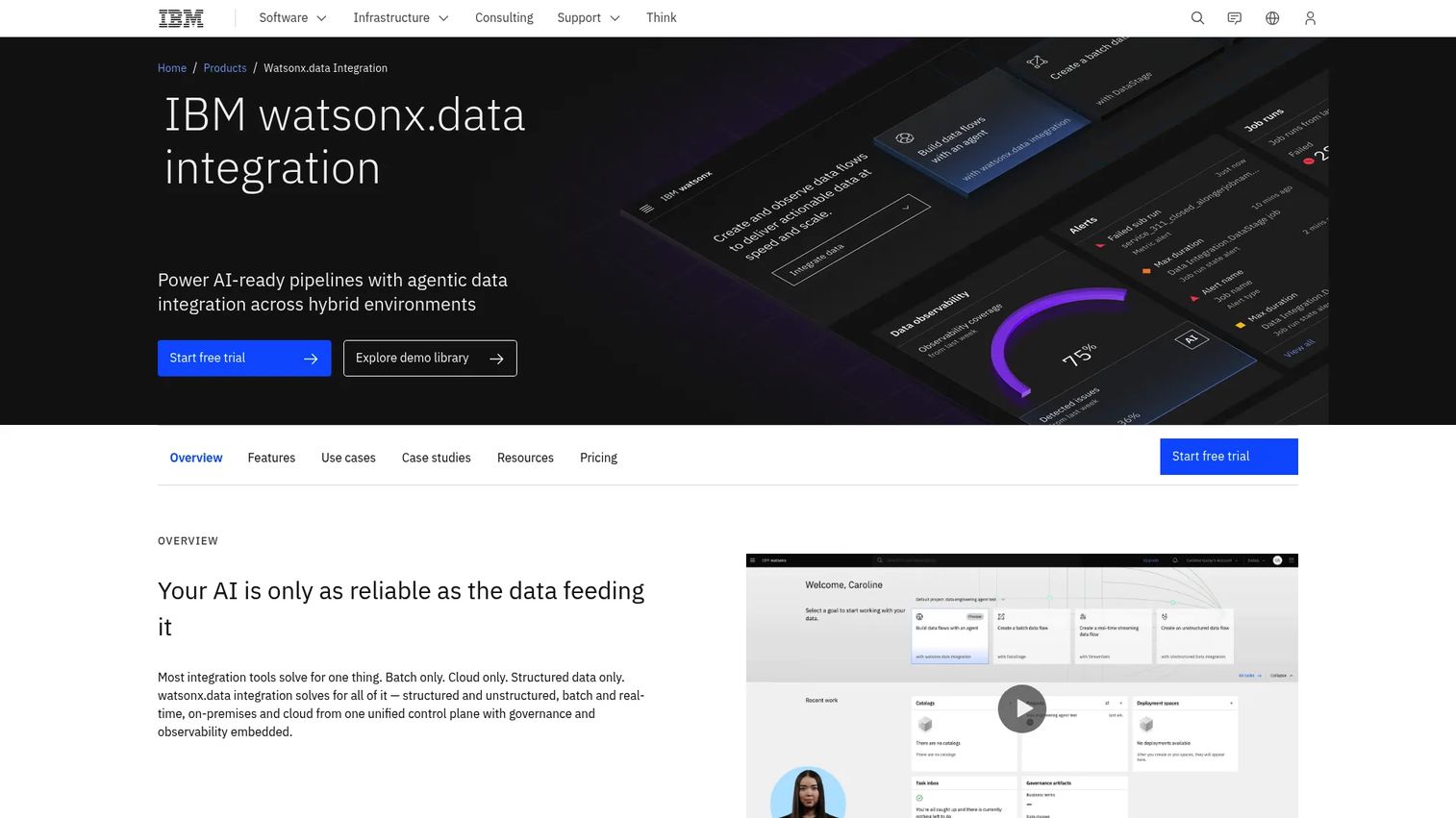
IBM watsonx.data integration is IBM's enterprise data integration software for batch, streaming, and agentic pipeline delivery across hybrid environments. It fits architectures that span multiple deployment models, where some data lives on-prem, some in cloud, and governance has to hold across all of it. The platform combines batch ETL/ELT with real-time streaming and low-code and pro-code authoring in one place.
Best for: Enterprises needing governed batch, streaming, and AI-ready data integration across hybrid cloud.
Key strengths
- Batch ETL/ELT pipelines: Handles traditional scheduled data movement at enterprise scale.
- Real-time streaming ingestion and transformation: Supports continuous data movement for time-sensitive workflows.
- Governance, observability, and flexible authoring: Low-code and pro-code options with built-in monitoring and control.
Why choose IBM watsonx.data integration: IBM fits enterprises with genuinely mixed environments and strong governance requirements. If your architecture is not going all-cloud any time soon and you need batch and streaming under one governed roof, this covers the hybrid case well. It rewards teams that already operate at enterprise scale and need integration that spans deployment models.
IBM watsonx.data integration pricing: IBM prices watsonx.data on compute, with resource units listed at USD 1 per RU and a one-minute minimum charge. Delivery options include a free trial, a SaaS managed service offering, Bring Your Own Cloud, and an on-prem software offering, with the last two requiring sales contact. For procurement, the RU-based model gives a clear per-unit cost to build usage estimates against. G2 reviewers rate IBM watsonx.data 4.4/5.
5. Matillion
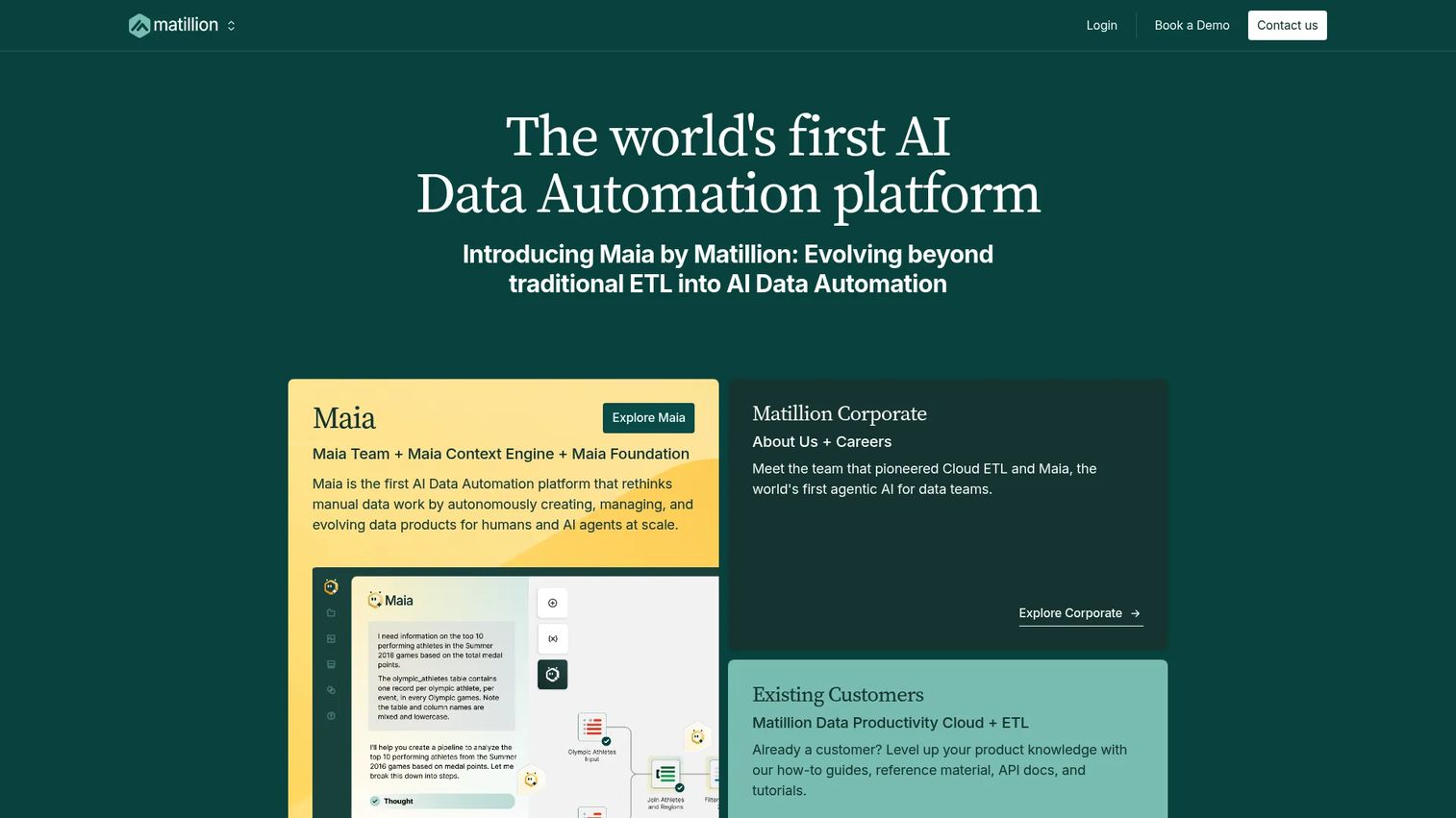
Matillion focuses on cloud data integration and transformation built around the warehouse. It is often evaluated by teams building modern analytics pipelines who want transformation logic close to the data. Rather than treating transformation as an afterthought, Matillion makes it central, which appeals to analytics engineering teams standardizing on ELT patterns.
Best for: Analytics teams building transformation-heavy pipelines close to a cloud warehouse.
Key strengths
- Warehouse-native ETL and ELT: Runs transformations inside the cloud warehouse for performance and scale.
- Visual transformation workflows: Low-code building of complex transformation logic without deep scripting.
- Modern analytics pipeline focus: Purpose-built for teams centered on cloud data platforms.
Why choose Matillion: Matillion fits when transformation is the heavy lifting and the warehouse is where that work should happen. Analytics teams that want to build and maintain transformation logic visually, close to the data, get value fastest here. It is a strong fit for teams whose pipeline complexity lives in the modeling layer rather than the ingestion layer.
Matillion pricing: Matillion uses a consumption-based model tied to usage. Public pricing typically requires a conversation to size against your workload, so treat the proof of concept as your chance to model real transformation volume and forecast cost. G2 reviewers rate Matillion 4.4/5.
6. SnapLogic
SnapLogic is an enterprise integration and AI automation platform that spans both data integration and application integration. Its iPaaS approach fits teams that need to move data and connect applications from the same platform. If your requirements include workflow orchestration and app connectivity alongside data movement, SnapLogic covers more of that surface than a warehouse-only tool.
Best for: Large enterprises needing unified data, app, API, and AI-agent integration in one platform.
Key strengths
- 1,000+ pre-built connectors (Snaps): Broad coverage across applications, data sources, and services.
- Visual ETL/ELT, app integration, and API management: Handles data and application integration together.
- Enterprise security and hybrid deployment: Governance and flexible deployment for large environments.
Why choose SnapLogic: SnapLogic fits when your integration needs cross both data pipelines and application workflows. Teams that would otherwise buy a warehouse ingestion tool and a separate iPaaS can consolidate onto one platform. The large Snap library and AI automation features make it a fit for enterprises standardizing integration across many systems.
SnapLogic pricing: SnapLogic's public pricing page names Essential, Professional, and Enterprise One packages but does not display dollar amounts, prompting a demo for customized pricing. Plan for a scoping conversation, and use it to clarify how pricing scales as you add connectors and pipelines. G2 reviewers rate SnapLogic 4.4/5.
7. Dell Boomi
Dell Boomi is a cloud-native integration and automation platform for connecting applications, data, APIs, and AI agents. It sits squarely in the iPaaS category, which makes it a fit for teams bridging business applications and data movement. If your world is more about connecting ERPs, CRMs, and operational apps than loading a warehouse, Boomi speaks that language.
Best for: Enterprises needing one platform for integration, API management, data movement, and automation.
Key strengths
- Pre-built connectors and recipes: Speeds up common application and data integration patterns.
- API management: Design, deploy, and manage APIs alongside integrations.
- Data integration and orchestration: Coordinates multi-step data and application workflows.
Why choose Dell Boomi: Boomi fits mixed IT and business use cases where integration spans applications, APIs, and data movement. Teams bridging enterprise apps with operational data get one platform instead of stitching several together. It is a strong fit for organizations whose integration challenge is as much about connecting business systems as it is about analytics ingestion.
Dell Boomi pricing: Boomi offers a 30-day free trial and a pay-as-you-go plan at $99 per month plus usage, billed monthly. Named subscription tiers, from Professional up to Enterprise Plus, are described but require a sales conversation for pricing. The pay-as-you-go entry point makes it straightforward to start small and validate before scaling. G2 reviewers rate Dell Boomi 4.4/5.
8. AWS Glue
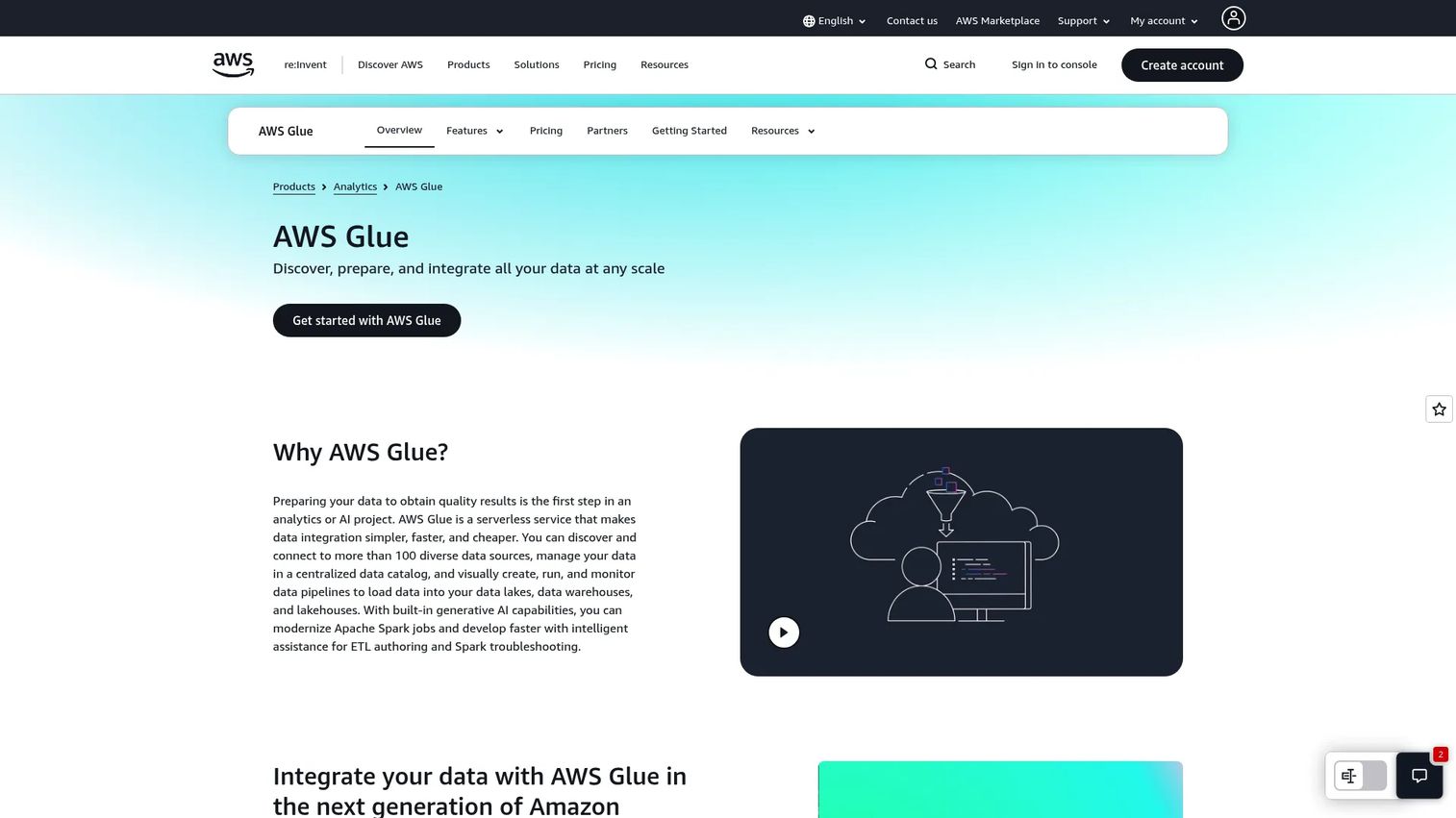
AWS Glue is a serverless AWS data integration service for discovering, preparing, moving, and integrating data. For teams already standardized on AWS, it is often the default because it lives inside the ecosystem you already run and bill through. Serverless ETL means you do not manage infrastructure, and the Data Catalog gives you schema management across your AWS estate.
Best for: Teams already on AWS that need managed ETL, cataloging, and serverless data integration.
Key strengths
- Serverless data integration: No infrastructure to provision or manage for ETL jobs.
- Crawlers and ETL jobs: Automatically discovers schema and runs transformation jobs.
- Data Catalog and schema management: Central metadata across your AWS data sources.
Why choose AWS Glue: Glue fits AWS-native teams that want data integration inside their existing cloud rather than a separate platform. The tight ecosystem fit means fewer moving parts and unified billing. It rewards teams whose data gravity is already in AWS and who value cloud-native orchestration over cross-cloud portability.
AWS Glue pricing: Glue pricing is usage-based, with ETL jobs billed at $0.44 per DPU-hour, charged per second with a one-minute minimum. The Data Catalog, crawlers, interactive sessions, and DataBrew carry separate charges, and pricing varies by region. Because consumption drives cost, model DPU usage during evaluation so the bill holds no surprises at scale. G2 reviewers rate AWS Glue 4.3/5.
9. Azure Data Factory

Azure Data Factory is Microsoft's fully managed, serverless data integration service for building ETL and ELT pipelines and orchestrating data movement at scale. For Azure-centric teams, it is the natural default. It handles code-free pipeline building, hybrid connectivity, and orchestration across sources, which makes it a fit when your stack already runs on Microsoft.
Best for: Enterprises that need cloud-native ETL and ELT orchestration across hybrid data sources.
Key strengths
- Fully managed serverless integration: No infrastructure to manage for pipelines.
- 90+ built-in connectors: Broad coverage across Azure, other clouds, and on-prem sources.
- Code-free ETL/ELT with orchestration: Visual pipeline building plus monitoring and scheduling.
Why choose Azure Data Factory: Azure Data Factory is the strong fit for Azure-centric teams that want orchestration and pipelines inside the Microsoft ecosystem. Hybrid connectivity means it reaches on-prem sources too, which helps enterprises mid-migration. If your organization is not standardized on Azure, a warehouse-native or open source tool may fit the workflow better.
Azure Data Factory pricing: Azure Data Factory uses a pay-as-you-go model calculated by usage. Microsoft's pricing page describes the consumption model but the exact numeric rates should be confirmed on the current pricing page and the Azure pricing calculator, since they vary by activity type and region. Build a usage estimate before committing so the cost is predictable. G2 reviewers rate Azure Data Factory 4.6/5.
Considerations before you buy
The right tool depends on your architecture, your team, and your risk tolerance. Run every shortlist candidate through these criteria before committing.
Deployment model fit
Decide early whether you need cloud, SaaS, on-prem, or hybrid. A warehouse-native cloud tool and a hybrid enterprise platform solve different problems. If some data must stay on-prem for compliance, that constraint narrows the field fast. Confirm the deployment model matches your architecture, not just your current state but where you are heading.
Connector breadth versus depth
Raw connector counts look impressive, but depth matters more. A connector that silently drops fields or breaks on schema changes costs more than one that does not exist. Test the specific connectors you depend on during a proof of concept, and check how each handles CDC, incremental syncs, and error recovery.
Governance and data quality
For regulated environments, lineage, monitoring, and data quality are not optional. Ask how the platform tracks where data came from, catches failures, and supports audit requirements. This is where enterprise platforms earn their cost, and where lightweight tools may leave gaps you have to fill elsewhere.
Pricing predictability
Usage-based and consumption-based pricing can scale unpredictably as volumes grow. Model your real workload against the pricing structure before signing. The cheapest entry point is not always the cheapest at scale, and a surprise bill is a fast way to lose internal trust in a tool you championed.
Conclusion
The shortlist sorts cleanly by buyer type. If you want broad connector coverage and low-maintenance ingestion, Fivetran leads. If open source flexibility and deployment control matter most, Airbyte fits. For enterprise governance and data quality, Informatica and IBM watsonx.data integration are built for it. Matillion suits warehouse-centric transformation work, while SnapLogic and Dell Boomi handle unified data and application integration. AWS Glue and Azure Data Factory are the natural picks for teams already committed to AWS or Azure.
The practical next step for presales and technical teams is to validate three things before anything else: the deployment model against your architecture, the pricing structure against your real workload, and the operational ownership against your team's capacity. Get those right in a proof of concept, and the rest of the evaluation follows. Pick based on fit, not feature-list length, and you will defend the choice long after the contract is signed.
FAQs
Data integration software combines data from multiple sources, transforms it, and delivers it to one or more destinations such as a warehouse, lakehouse, or operational system. It replaces brittle custom scripts with standardized connectors, monitoring, and governance so teams can move data reliably without an engineer maintaining every connection.
ETL extracts data, transforms it before loading, and then loads it into the destination, which suits cases where you want clean, modeled data landing in the warehouse. ELT loads raw data first and transforms it inside the destination, which fits modern cloud warehouses with cheap compute. The choice shapes which tool fits: warehouse-native platforms lean ELT, while some enterprise tools handle both.
Use real-time or near real-time integration when the cost of stale data is high, such as revenue operations, customer-facing account data, or fraud detection. Batch is fine for reporting that tolerates a nightly refresh. Global Growth Insights reports over 54% of enterprises now prioritize real-time data exchange, so the requirement is increasingly common. Many tools support both through CDC and streaming.
It depends on the environment. For analytics teams centralizing many SaaS sources, connector breadth and quality often matter most. For regulated enterprises, governance, lineage, and data quality carry more weight because a compliance gap is a bigger risk than a missing connector. The best evaluation weighs both against your specific workload and stakeholders.
Yes, when the team is comfortable operating its own infrastructure and values deployment control. Open source options give enterprises a large connector ecosystem plus self-managed and cloud deployment, which helps with security and cost requirements. Larger organizations often pair open source flexibility with an enterprise support plan for governance and reliability guarantees.
Hybrid requirements narrow the field to platforms that support cloud, on-prem, and mixed environments under consistent governance. If some data must stay on-prem for compliance while other workloads run in the cloud, a hybrid-capable enterprise platform fits better than a cloud-only warehouse tool. Confirm the deployment model matches where your architecture is heading, not just where it is today.
Model the real workload against each vendor's pricing structure rather than trusting the entry price. Usage-based and consumption-based models can scale quickly as volumes grow, so run projected data volumes through the pricing during the proof of concept. A tool that is cheapest to start may not be cheapest at scale, and predictable cost is what makes a purchase defensible in procurement.
Test the specific connectors you depend on, including how they handle schema changes, CDC, and error recovery. Measure real data volume against the pricing model to forecast cost at scale. Confirm governance, lineage, and monitoring meet your compliance needs, and validate the deployment model against your architecture. Those four checks surface most of the risk before a contract is signed.