Your event starts at 9 a.m. By 9:07, the social team has posted updates, the newsroom has a draft, and the website still shows nothing current for readers to follow.
The operational problem is not simply publishing faster. It is creating one reliable, branded destination where updates, multimedia, audience interaction, and measurable engagement live together, so readers have a reason to stay and return. According to the Reuters Institute for the Study of Journalism (2013), 62% of UK live-blog readers said the format was a convenient way to follow news at work. That reader habit has only grown as audiences now expect coverage to match the speed of events.
G2 currently tracks 13 products in the live blog software category, with an average rating of 4.5 out of 5 across the category. Buyers have real options and need a clear selection framework to find the right fit for their publishing model and commercial goals.
What's inside
This guide is for marketing teams at publishers, media brands, sports organizations, agencies, and event businesses that need measurable audience engagement without adding another disconnected publishing tool.
- Seven live blog platforms for publishers, event teams, and sports coverage
- A side-by-side comparison of pricing, ratings, and standout use cases
- Buyer criteria covering CMS integration, mobile reporting, engagement, and analytics
- Guidance for teams choosing between hosted SaaS, enterprise CMS, and open-source deployment
Tools were evaluated on publishing speed, CMS fit, mobile reporting, audience engagement features, analytics depth, and pricing transparency.
TL;DR
- Best for newsroom teams: Timepath, for embedded live coverage alongside timelines, polls, collections, and other editorial formats
- Best for sports and event engagement: Tickaroo, for multimedia live coverage with polling, comments, and structured templates
- Best for audience interaction and monetization: Arena, for live blogs paired with chat, social streams, conversion cards, and ad options
- Best free starting point: 24liveblog, for teams testing live coverage with a free plan before adding advanced reporting or branding controls
- Best for open-source deployment: Live Blog, for publishers that want self-hosting or managed hosting options with full API access
- Best for enterprise publishing infrastructure: RebelMouse, for large publishers that want live coverage inside a broader AI-powered CMS
What is live blog software?
Live blog software is a publishing platform that lets teams add chronological updates to a continuously refreshed page during breaking news, sporting events, conferences, product launches, or other developing stories.
Unlike a standard article, a live blog publishes updates during the event rather than after it ends. Multiple contributors can file text, images, video, social embeds, and other content from any device, while editors moderate, prioritize, and correct updates in real time. Readers follow one page instead of refreshing multiple posts, and teams can measure engagement around a single branded content experience.
Core capabilities to expect
Good live blogging software typically covers:
- Real-time chronological publishing
- Text, images, video, audio, and social embeds
- CMS integration or embeddable live pages
- Mobile reporting for field contributors
- Moderation and editorial workflow controls
- Audience features such as polls, comments, quizzes, or chat
- Analytics covering page views, session depth, and interactions
- Responsive design for desktop and mobile readers
Live blogs versus live streams
A livestream is primarily video-first. A live blog is a flexible editorial feed combining text, media, embeds, commentary, and audience interaction. Many event teams use both formats in parallel.
Live blogs versus ordinary blog posts
| Live blog | Traditional article | |
|---|---|---|
| Publishing cadence | Continuous during event | Published once, updated rarely |
| Contributors | Multiple reporters simultaneously | Usually single author |
| Reader behavior | Stays on one page, refreshes for updates | Reads once, leaves |
| Measurement | Session depth, return visits, interactions | Page views, time on page |
Use a live blog when the story changes faster than your article approval cycle.
When to use live blog software
Cover breaking news as it develops
Elections, court verdicts, weather emergencies, and public announcements move faster than traditional publishing workflows allow. Live blog software gives editorial teams a dedicated page where reporters file from the field, editors approve updates, and readers follow chronological coverage without losing context across separate posts.
Run live sports coverage and score-driven updates
Sports publishers need match commentary, lineups, live score updates, fan polls, and sponsor placements, often under high concurrent traffic. Audience engagement features turn passive readers into participants, and structured templates speed up recurring coverage formats like match day and post-match recap.
Create a live event hub for marketing campaigns
Conferences, webinars, product launches, and virtual events all benefit from a branded live destination. Marketing teams can combine live updates with lead capture forms, social content curation, sponsor placements, and engagement analytics, then repurpose the coverage as post-event content. The result is a campaign asset that keeps working after the event closes.
Live blog software comparison
The right platform depends on whether your team needs newsroom collaboration, high-volume event engagement, self-hosted control, or a broader publishing stack. Use the table below to build your shortlist before booking demos or starting a trial.
Pricing and ratings checked against vendor pricing pages and current G2 listings before publication.
| # | Product | Best for | Key differentiator | Pricing | G2 rating |
|---|---|---|---|---|---|
| 1 | Timepath | Newsrooms needing live coverage plus interactive editorial formats | Liveblog add-on within a broader visual-storytelling editor | Free; Pro $39/mo + Liveblog $100/mo | Not yet rated |
| 2 | Tickaroo | Sports, news, and event publishers | Templates, mobile reporting, engagement features, and live coverage analytics | From €79 per live blog | 5.0 |
| 3 | Arena | Audience engagement and live-event monetization | Live blogs with chat, social streams, conversion cards, and ad tools | Free; Starter from $39/mo (billed yearly) | Not currently verified |
| 4 | 24liveblog | Teams testing live coverage with a low-cost entry point | Free plan, event embeds, mobile apps, chat, and social integrations | Free; Premium $39/mo (billed annually) | Not rated |
| 5 | Live Blog | Publishers wanting open-source or self-hosted options | Open-source software, mobile reporter app, REST API, managed hosting | From €29/event; open-source free | 4.0 |
| 6 | Rock Content Live | Content marketing teams wanting real-time event coverage | Social content ingestion and scoreboard-style live content | Contact vendor | 4.0 |
| 7 | RebelMouse | Enterprise publishers needing live coverage inside a broader CMS | Enterprise AI-powered CMS with live coverage, SEO, and monetization | Custom pricing | 4.4 |
7 best live blog software tools for 2026
1. Timepath
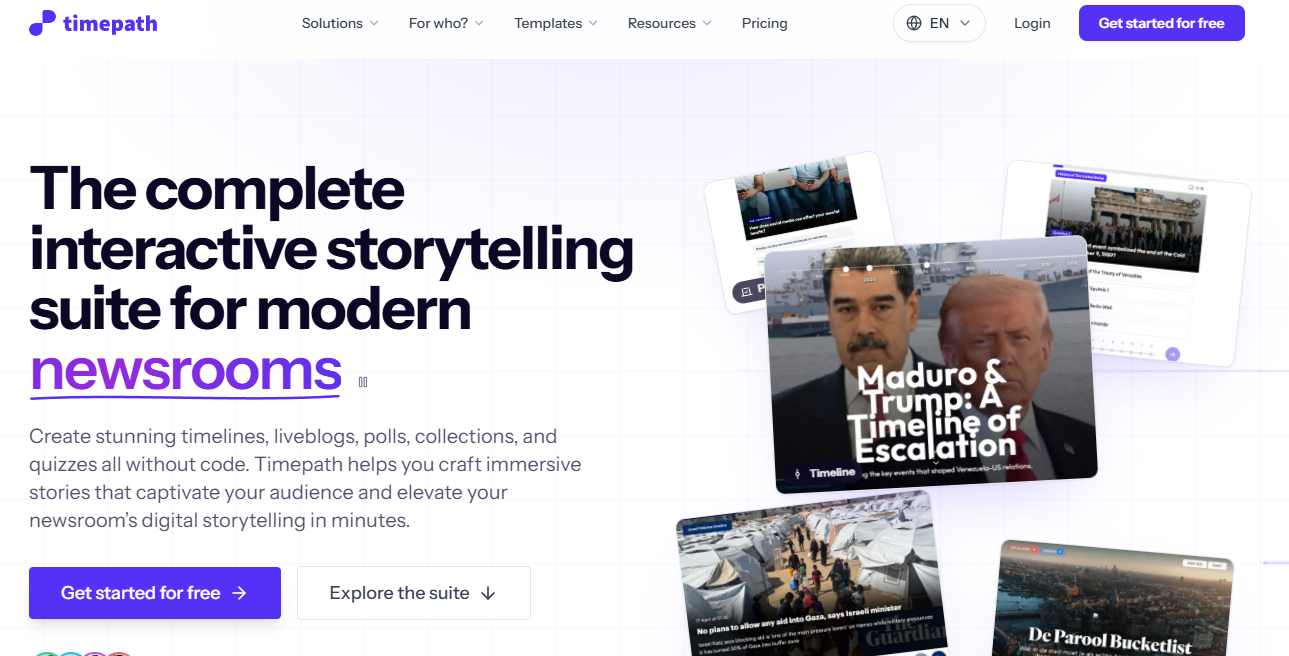
Timepath is an interactive storytelling platform for newsrooms, journalists, publishers, and agencies. It supports timelines, liveblogs, collections, quizzes, polls, surveys, social stories, GeoStories, and data stories, all embeddable from a single editorial workflow. For a digital marketer evaluating tool consolidation, that breadth is the main argument: One platform can replace several point tools covering polls, timelines, and live coverage.
Best for: Digital publishers and newsroom marketing teams that want live coverage, audience interaction, and visual storytelling formats in one platform.
Key features
- Real-time live updates from any device
- Article imports as live blog entries
- Branded embeds for CMS pages
- Polls, quizzes, collections, and timelines alongside liveblogs
- Built-in analytics and automation modules
Why choose Timepath: Choose it when live blogging is part of a broader editorial engagement strategy. It fits teams that publish recurring live coverage and want to avoid buying separate tools for polls, timelines, and visual storytelling.
Timepath pricing: Free plan available for limited publishing. Pro costs $39 per month, and the Liveblog feature is an add-on at an additional $100 per month, bringing the effective Pro entry to $139 per month. Team costs $149 per month with the same Liveblog add-on applying on top.
2. Tickaroo
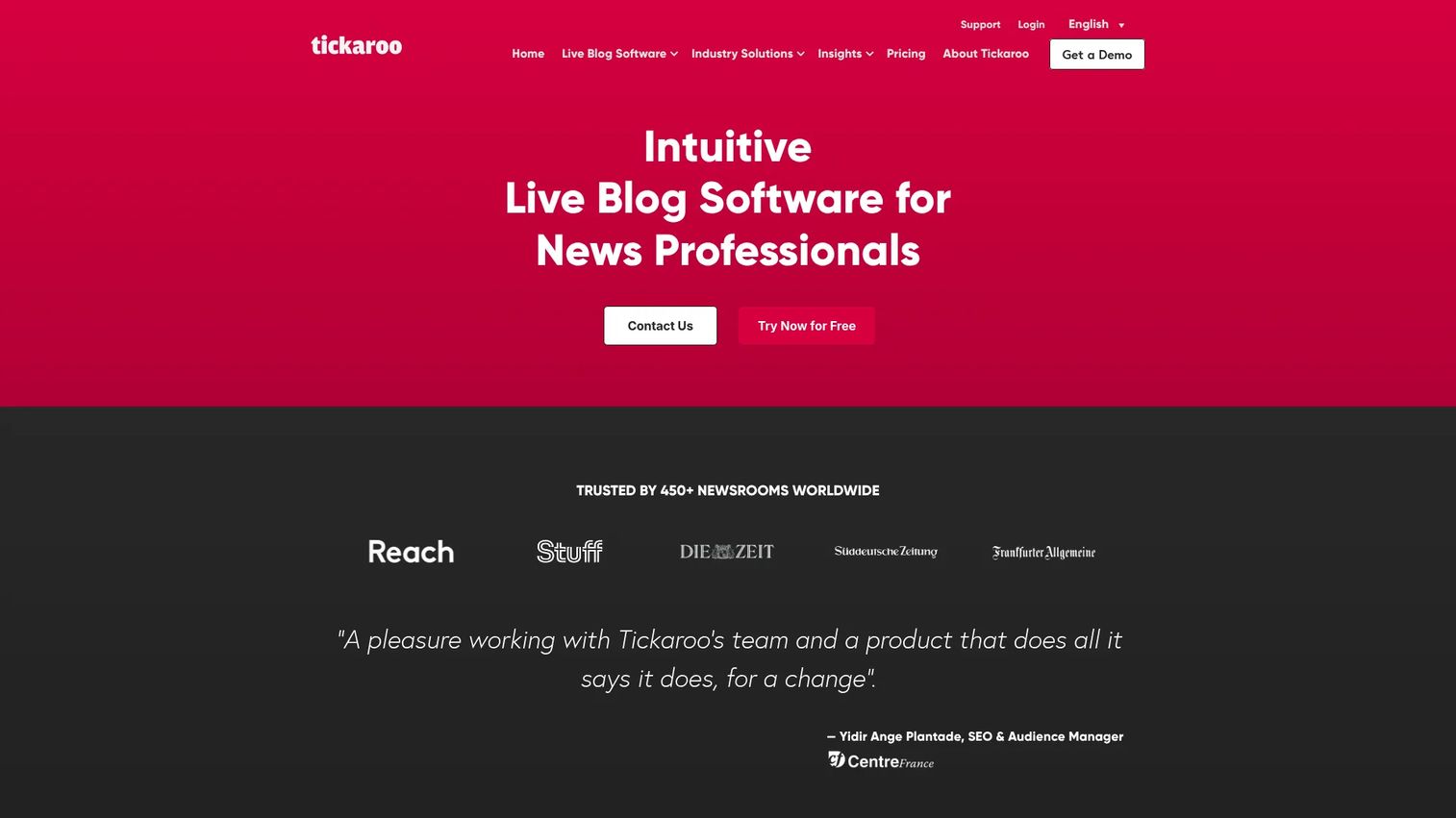
Tickaroo is live coverage software built for publishers, media organizations, sports organizations, and event organizers. Its core strength is structured live coverage that combines real-time multimedia publishing with reader engagement features, including live commenting, polls, quizzes, emojis, and reactions. A mobile reporter app lets field contributors file updates directly without needing desktop access, which matters for sports teams covering matches from the pitch.
Best for: News, sports, and event teams that need strong live coverage templates with reader interaction built directly into the publishing workflow.
Key features
- Mobile Reporter App for field publishing
- Multi-reporter collaboration mode
- Polls, quizzes, emojis, and live commenting
- CMS, SSO, RSS, and third-party integrations
- SEO optimization and live coverage analytics
Why choose Tickaroo: Choose it when audience participation matters as much as publishing speed. It is particularly suited to sports coverage and recurring event formats that benefit from polls, comments, and structured live templates. The On Demand pricing model also makes it practical for teams with infrequent live coverage needs.
Tickaroo pricing: On Demand costs €79 per published live blog (30-day duration). Advanced starts at €499 per month, and Professional starts at €1,149 per month. Enterprise pricing is available on request. A 14-day free trial is offered.
G2 rating: 5.0 out of 5 (based on 12 reviews, per G2).
3. Arena
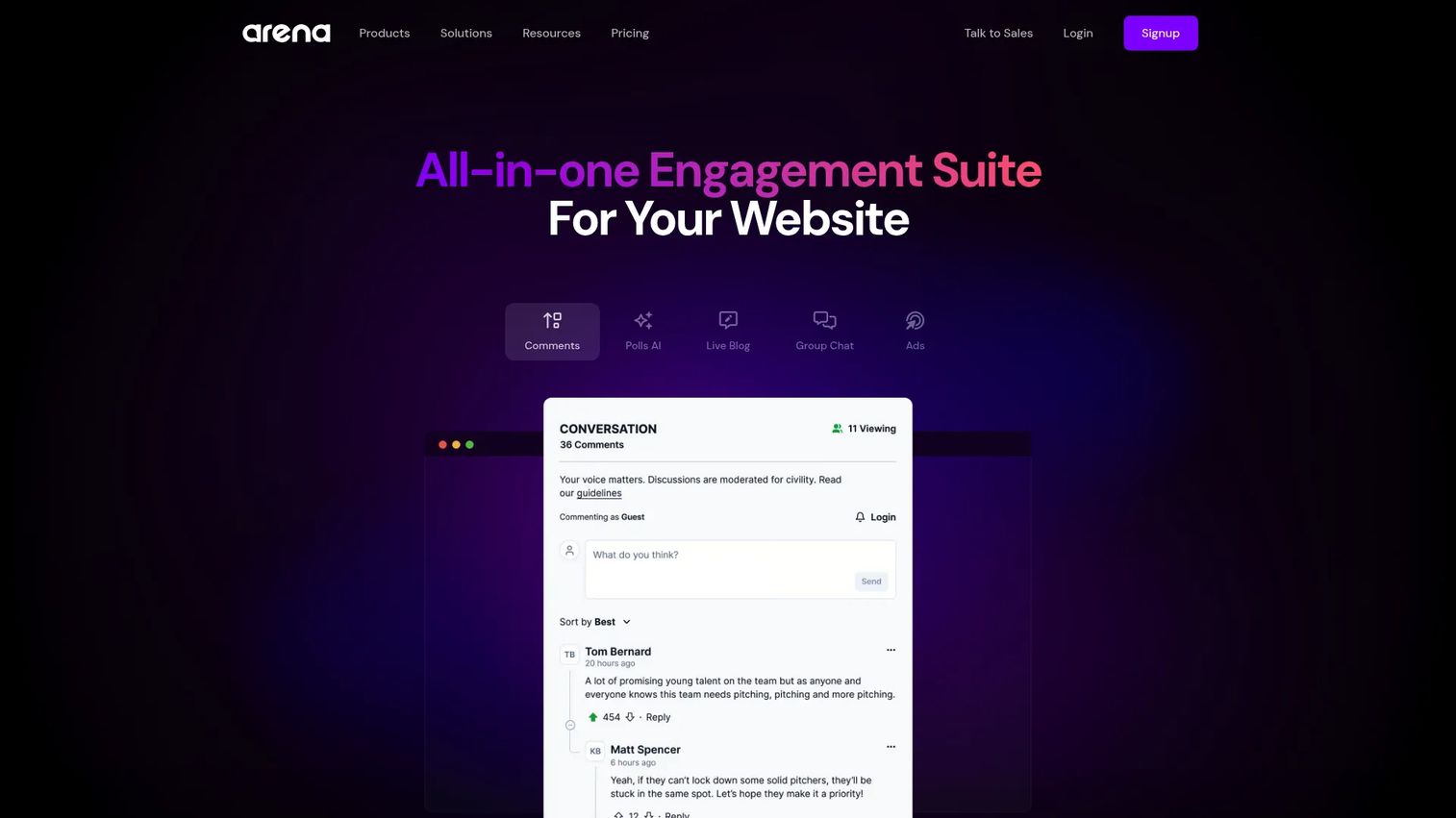
Arena is an engagement platform that combines live blogs, group chat, polls, Q&As, social network content streams, and AI-assisted moderation into one embeddable widget. For marketing teams running events, it goes beyond publishing updates: Conversion cards capture leads, and monetization options create sponsor inventory during live coverage. Publishers, sports organizations, and brands use it to turn passive live event readers into active participants.
Best for: Digital marketers and event teams that want to combine live updates with community interaction, lead capture, and monetization.
Key features
- Live blogs with embedded group chat
- Social network content streams
- Polls, Q&As, and AI-assisted comment moderation
- Conversion cards for lead and email capture
- Analytics and ad monetization options
Why choose Arena: Choose it when a live event needs interaction, not only updates. It suits marketing teams that want first-party data capture, deeper repeat participation, and sponsor or conversion opportunities during live coverage. Some monetization and enterprise features sit on higher tiers, so confirm the plan boundary that matches your use case before signing.
Arena pricing: Free plan available. Starter costs $39 per month billed yearly (or $49 per month billed monthly). Professional costs $299 per month billed yearly (or $349 per month billed monthly). Business costs $829 per month billed yearly. Enterprise pricing is custom.
4. 24liveblog
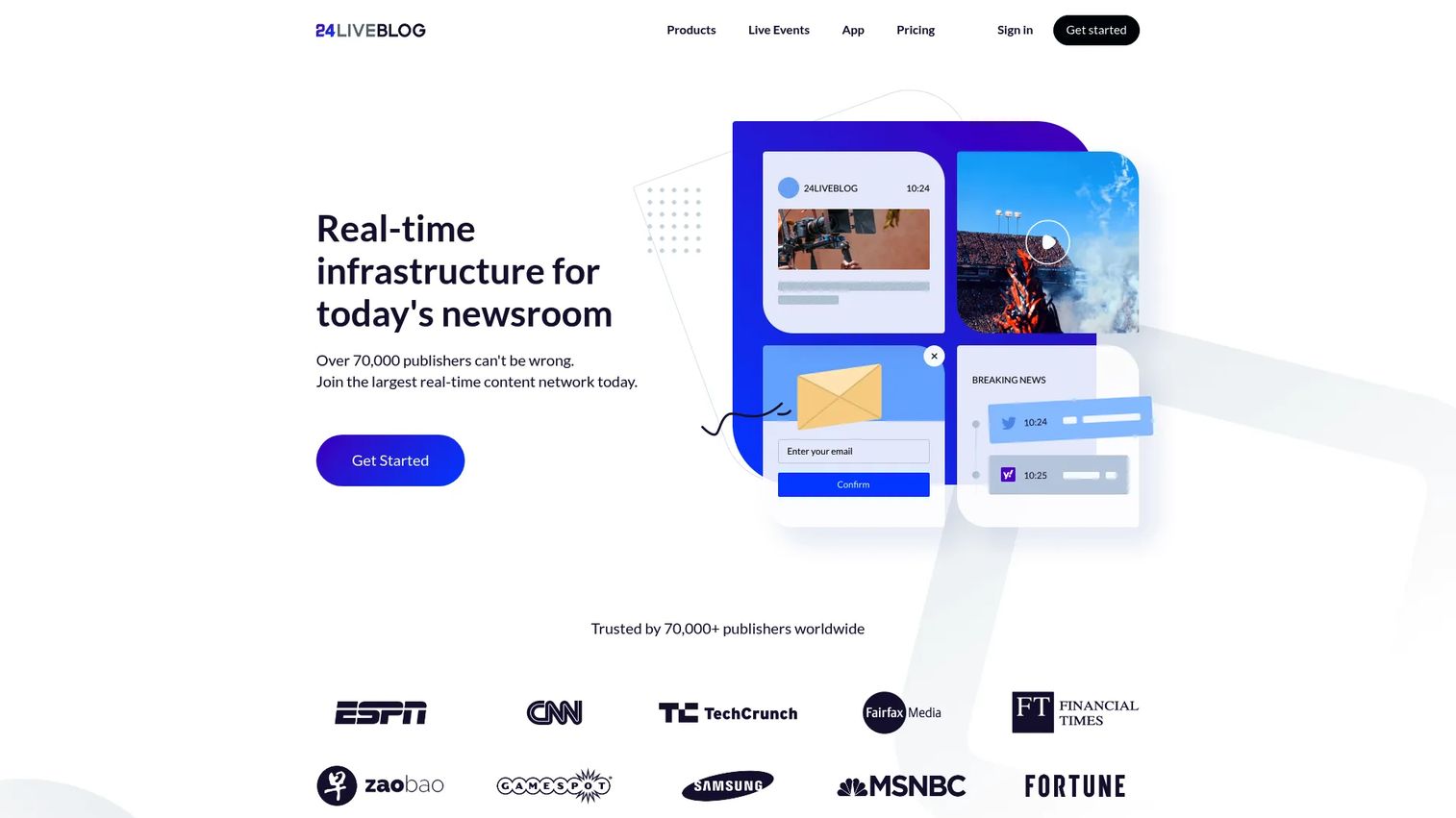
24liveblog is a real-time live blogging platform designed for publishing and managing live events online. It covers unlimited events, social media stream integration, group chat, comments, polls, draft scheduling, real-time analytics, and mobile apps for iOS and Android. The free Starter plan makes it one of the most accessible entry points in the category, letting smaller teams test live coverage before committing to paid tiers.
Best for: Small marketing teams, event organizers, and publishers that want to launch live coverage quickly with a free plan and room to grow.
Key features
- Free Starter plan with unlimited events
- Social media stream integration
- Comments, chat, and polls
- iOS and Android mobile apps
- Spam-control moderation and custom templates
Why choose 24liveblog: Choose it when you need to launch quickly, test audience response, and keep costs controlled. It offers a practical mix of live coverage and engagement features for smaller teams that cannot justify enterprise publishing software immediately. Check the page-view and storage limits by tier before committing, as those constraints become relevant during high-traffic coverage.
24liveblog pricing: Starter is free. Premium costs $39 per month billed annually. Business costs $49 per month billed annually. Enterprise pricing requires contacting the vendor.
5. Live Blog
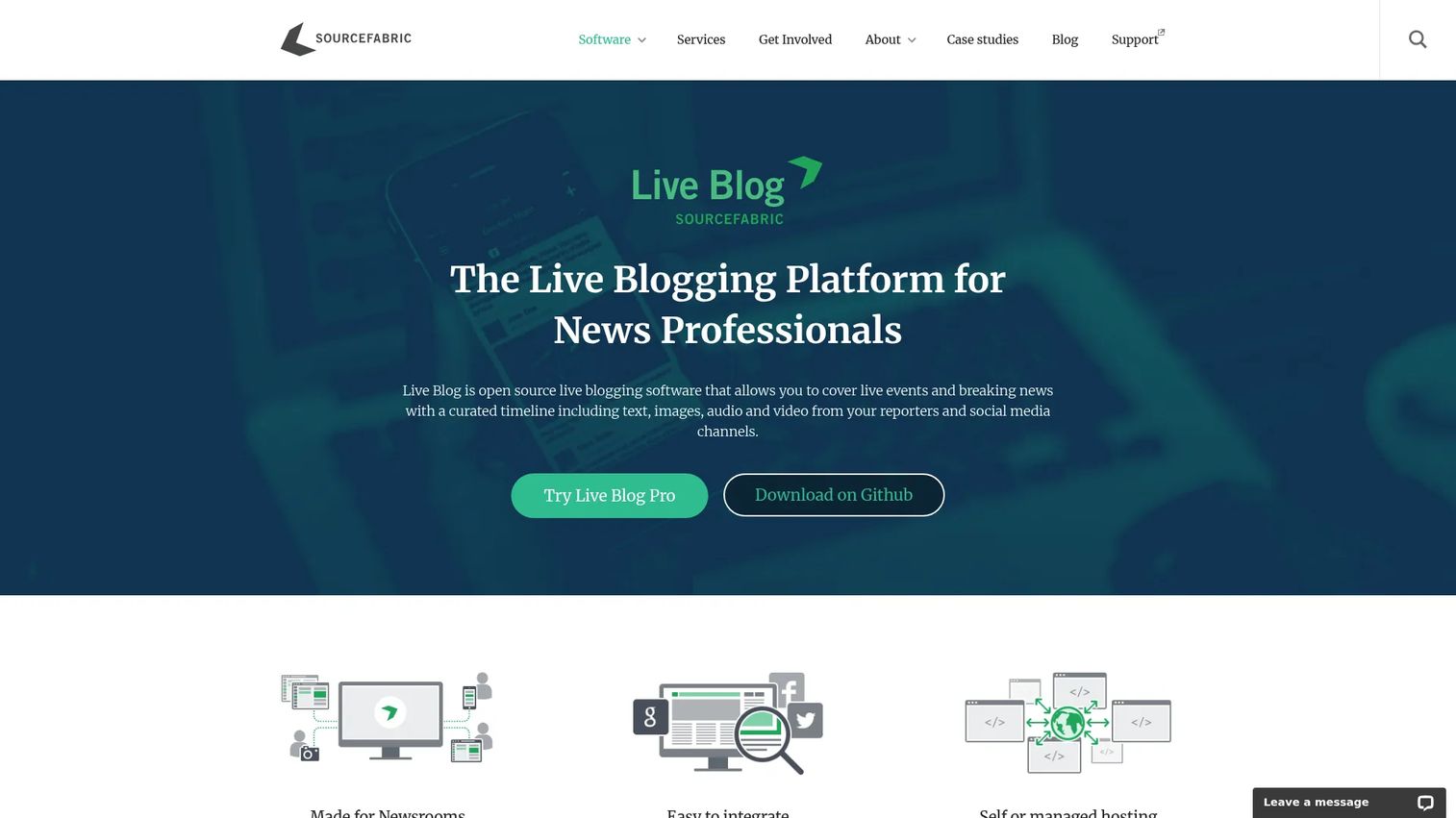
Live Blog by Sourcefabric is open-source live blogging software for news professionals covering breaking news, live events, sports, and elections. Teams with internal development resources can self-host at no license cost, while those that prefer a managed environment can choose from hosted plans. A mobile reporter app, CMS embed capability, RESTful API, and GitHub access give technically capable publishers full control over their deployment and integration model.
Best for: Publishers with technical teams that want open-source control, API access, or self-hosted deployment.
Key features
- Open-source self-hosting (no license fee)
- Mobile reporter app
- CMS embed without coding required
- RESTful API and GitHub access
- Polls, image galleries, and ad integration
Why choose Live Blog: Choose it when deployment control and open-source flexibility matter more than a polished out-of-the-box SaaS experience. The self-hosted route requires owning hosting, maintenance, and technical configuration internally. Teams that cannot support that overhead should evaluate the managed hosting plans instead.
Live Blog pricing: Self-hosted open-source deployment carries no license fee. Hosted plans start at €29 per event (Go plan), €163 per month for the Solo plan, and €462 per month for the Team plan. Corporate pricing is custom. Annual billing applies to Solo and Team.
G2 rating: 4.0 out of 5.
6. Rock Content Live
Rock Content Live offered real-time live event coverage with social content ingestion, Q&As, polls, quizzes, moderation tools, scoreboards, and engagement analytics. It positioned itself for media organizations, publishers, and corporations covering live events and real-time stories. The platform supported live post creation, social media curation, and scoreboard-style event modules within a content-marketing-adjacent workflow.
Best for: Content marketing teams that want live-event publishing tied to broader editorial campaigns.
Key features
- Live post publishing with real-time updates
- Social media content curation and ingestion
- Scoreboard and event-style modules
- Q&As, polls, and moderation tools
- Engagement analytics
Why choose Rock Content Live: Choose it when your team runs content-led campaigns and wants live coverage without separating event publishing from the broader editorial calendar. That said, Rock Content announced that Live was sunset and would remain available only until December 2023. Confirm current availability and product status directly with Rock Content before adding it to a buying shortlist.
Rock Content Live pricing: Pricing was not verifiable at the time of publication. Contact Rock Content directly to confirm current availability, plan structure, and pricing.
G2 rating: 4.0 out of 5.
7. RebelMouse
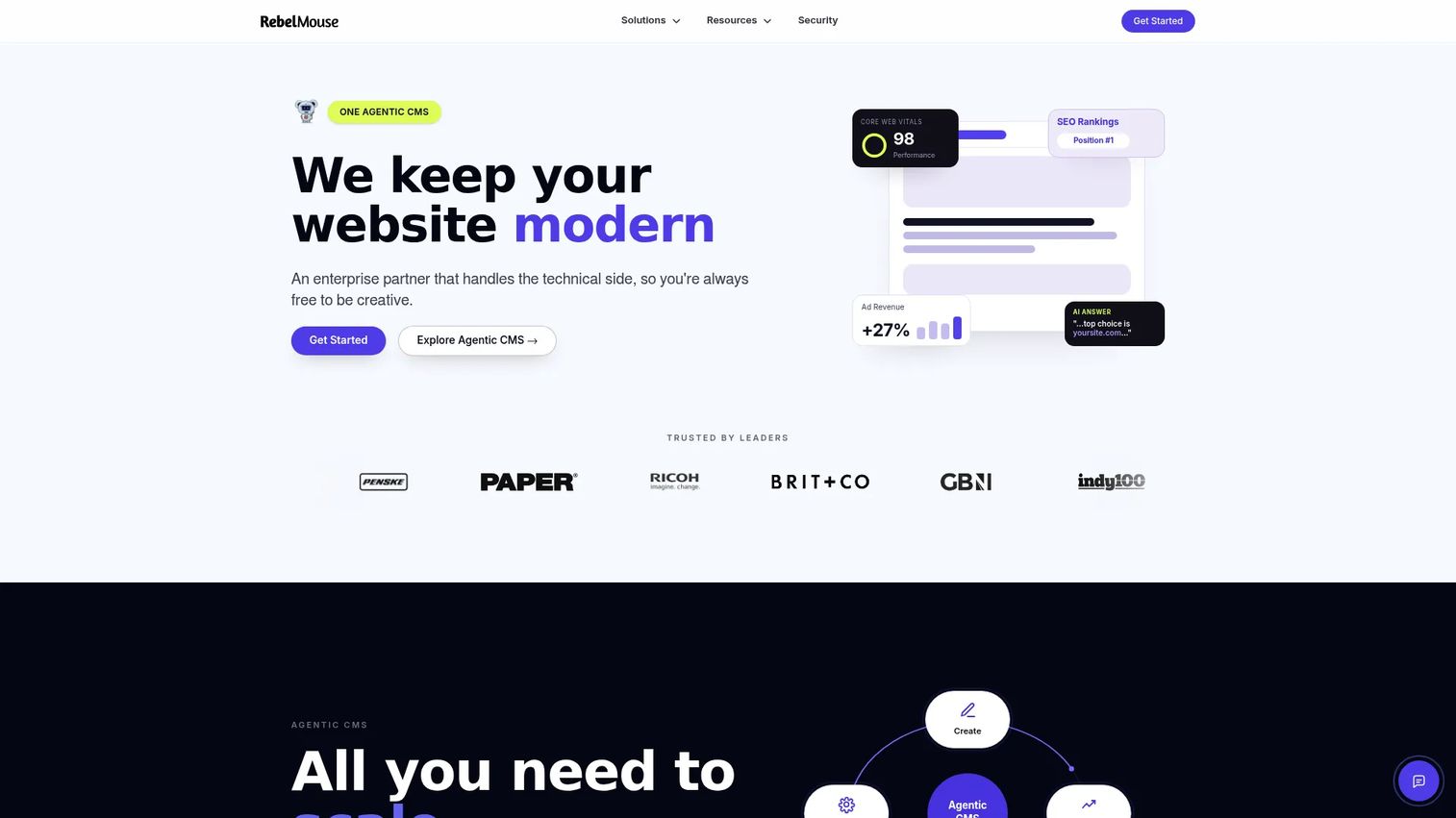
RebelMouse is an enterprise-grade, AI-powered CMS for content publishing, performance optimization, and monetization. Its live coverage capabilities sit inside a broader editorial infrastructure that includes adaptive design, reusable components, built-in SEO tools, subscriptions, and personalization. Large publishers and media companies choose it when live blogging is one capability within a platform-level decision, not the only reason to buy.
Best for: Large publishers and media companies that need live coverage within an enterprise publishing stack.
Key features
- AI-assisted editorial workflows and headline optimization
- Adaptive design and reusable component system
- Live coverage within a full enterprise CMS
- Built-in SEO, monetization, and subscription tools
- Managed implementation support
Why choose RebelMouse: Choose it when live blogging is part of a broader publisher-platform decision covering CMS, performance, SEO, and revenue. It will fit teams that need a full publishing infrastructure more than a lightweight standalone event tool. For one-off event coverage or smaller teams, the implementation scope and custom pricing make it a higher-stakes commitment.
RebelMouse pricing: Custom pricing. Contact sales to discuss implementation scope, site count, audience scale, editorial users, and support commitments.
G2 rating: 4.4 out of 5.
Considerations when choosing live blog software
CMS and embed fit
Assess whether the platform uses an iframe, script embed, plugin, or native CMS integration. Ask who owns implementation: Your team, the vendor, or a developer. Verify whether the live experience can inherit your site's styles and whether the embed affects page-load performance.
Mobile and multi-reporter workflows
Check whether field reporters can publish from a mobile app, whether editors can approve updates in a separate queue, and whether multiple contributors can work in a single live feed simultaneously. For sports and event coverage, mobile publishing speed is often the deciding factor.
Audience engagement and moderation
Decide which interaction formats your coverage actually needs: Polls, comments, chat, quizzes, social streams, or Q&As. Each format adds moderation workload. Evaluate spam controls, access settings, and whether the moderation tools require manual review or automated filtering.
Analytics and revenue model
Look past page views. Evaluate whether the platform tracks engaged time, return visits, content interactions, lead capture, and sponsor placements. A marketer needs attribution data that connects live coverage to downstream results, whether those are subscriptions, leads, or event conversions. Check export options and integration with your existing analytics stack.
Scale, hosting, and governance
Verify page-view limits by pricing tier and how the platform behaves during traffic spikes. Confirm data export rights, user permissions, SSO availability, privacy requirements, and whether the hosting model aligns with your IT governance requirements.
Conclusion
Each platform in this list solves a different version of the same problem: Getting timely, audience-friendly coverage onto the page without breaking your publishing workflow or your budget.
Timepath suits newsroom teams that need live coverage alongside polls, timelines, and other interactive editorial formats. Tickaroo is the strongest option for sports, news, and event publishers that want structured templates with participation features built in. Arena focuses on live engagement, lead capture, and monetization for marketing-led events. 24liveblog offers the lowest-friction entry point, with a free plan that lets smaller teams test before committing. Live Blog gives technically capable publishers open-source control and API access. RebelMouse fits large publishers making a platform-level CMS decision rather than a standalone tool purchase.
Rock Content Live's current availability should be confirmed directly with the vendor before including it in any active evaluation.
Shortlist two platforms based on your publishing model, then run one live event or coverage test. Measure editor effort, page performance, reader engagement, and the downstream result that matters most for your team, whether that is subscriptions, leads, sponsorship value, or return visits. If you are exploring how to pair live coverage engagement with event marketing tools or event management platforms, those guides cover adjacent tools that can extend what you build here.
FAQs
Live blog software is a platform for publishing a continuously updated, chronological page during an active event or developing story. Common formats include breaking news, sports match coverage, conferences, elections, and product launches. Unlike a standard article, updates publish in real time and readers stay on one page to follow the event as it develops.
Core features to evaluate include real-time updates, multimedia support, CMS integration or embed options, mobile publishing, moderation controls, analytics, and responsive page design. Audience engagement capabilities such as polls, comments, chat, and social streams matter more for some formats than others. Priorities shift by use case: A sports publisher needs mobile reporting and fan polls, while a conference team needs lead capture and sponsor placements.
Most platforms use iframe embeds, JavaScript snippets, plugins, or APIs to integrate with WordPress or other CMS environments. Before selecting a tool, confirm who owns the implementation, whether the embed respects your site's theme and load performance, and what editorial permissions the integration provides. Some platforms require a developer to configure the embed; others are self-serve.
Sports coverage benefits from mobile reporting for contributors at the venue, structured templates for recurring coverage formats such as match day, audience participation through polls and comments, and moderation to manage fan interaction at volume. Compare platforms based on those specific workflows rather than only on price. Tickaroo and Arena are the two strongest options in this list for sports-specific requirements.
Several platforms offer free plans or open-source editions. Timepath, 24liveblog, and Arena all have free tiers. Live Blog's self-hosted version carries no license fee. Free access typically limits page views, branding controls, the number of simultaneous live events, contributor accounts, analytics depth, or support responsiveness. Check those limits against your expected traffic before committing to a free plan for a high-visibility event.
Yes, and the mechanism is structural. A live blog gives readers a single destination to return to as an event develops, which increases return visits compared to a static article. Engagement features such as polls, chat, comments, and social streams deepen participation beyond passive reading. Those features also require moderation planning: More interaction formats mean more potential for spam, off-topic content, or moderation load during peak coverage moments.
Start with page views, engaged time, and return visit rate during the live event. Add interaction rate (poll responses, comments, chat messages) to understand reader participation. For marketing-led events, track lead capture volume, email subscriber additions, and sponsor click-through alongside editorial metrics. Establish a baseline against a comparable standard article or previous event coverage before drawing conclusions about relative performance.
Hosted SaaS tools reduce infrastructure responsibility and maintenance overhead. Self-hosted or open-source tools give your team more deployment control and flexibility, but require internal engineering capacity for setup, updates, and ongoing maintenance. The decision turns on three factors: Internal technical resources, governance and data-residency requirements, and expected traffic volume. Teams without dedicated engineering support should default to hosted plans, even if they choose an open-source platform like Live Blog.