



You booked a meeting room in one system. Invoiced it in another. Pulled occupancy numbers from a third. Then spent Friday afternoon reconciling all three by hand.
That is how most flex space operators run. Bookings live in one tool, billing in another, member data somewhere else. Every location you add multiplies the admin instead of the revenue.
The market is not shrinking. QYResearch projects the flexible workspace management software market will reach US$842 million in 2025. And Allwork.Space reported enterprise flex usage grew at a 170% CAGR between 2022 and 2025. Demand is rising faster than most operators can staff for.
So the question is not whether to run software. It is which flex space management software actually consolidates bookings, billing, and occupancy analytics into one place, and holds up as you scale across sites.
What's inside
This guide is for operators evaluating flex space, coworking, and office management platforms. We built it for founder-level readers who care about repeatable revenue and operating leverage, not feature vanity.
We selected and compared each tool on four things:
- Booking depth across desks, rooms, offices, and equipment
- Billing and payment automation, including recurring billing
- Occupancy analytics and revenue reporting
- Integrations and multi-location scalability
Pricing and ratings reflect verified vendor and review data at the time of writing.
TL;DR
- Best for AI pricing and revenue optimization: Flexspace AI
- Best for unified bookings and accounting sync: Spacebring
- Best for modular workplace operations: Optix
- Best for billing automation and reporting: Deskworks
- Best for advanced workflow depth: Nexudus
- Best for enterprise or developer-led setups: Yardi Kube
- Best for community-driven spaces: Coworks
Pick by priority, not brand. If revenue optimization drives you, start with AI-led pricing. If breadth matters more, choose an all-in-one operations platform. If you run many sites, weight centralized reporting and integrations above everything else.
What is flex space software
Flex space software is a centralized platform that manages bookings, billing, member operations, and occupancy analytics for coworking spaces, flex offices, and shared workspaces in one system.
It replaces the patchwork of spreadsheets, standalone invoicing, and disconnected booking tools that operators otherwise stitch together. The category overlaps heavily with coworking management software and flex office software, and the terms often get used interchangeably.
Core capabilities usually include:
- Bookings: Reserve desks, meeting rooms, private offices, equipment, and parking from a single calendar
- Billing and payments: Recurring billing, invoices, credits, discounts, and add-on charges with minimal manual cleanup
- Member management: A member portal, self-service workflows, and CRM-style records
- Occupancy analytics: Real-time utilization and revenue reporting across spaces
- Access control and visitor management: Door access, check-in, and security workflows where needed
- Integrations: Accounting, CRM, and payment tools so data stops living in silos
The best flexible workspace software does two jobs at once. It reduces admin for your front desk, and it gives owners the occupancy analytics needed to make pricing and inventory decisions. That combination is what separates real space management software from a booking widget bolted onto a website.
For operators scaling across sites, the platform also has to support multi-location management: shared inventory logic, repeatable workflows, and one reporting layer that rolls every location up into a single view.
When to use flex space software
Use it when bookings and billing are split across too many systems
You feel this every month. A member books a room in one tool, the charge lives in your accounting software, and someone manually matches them. Fragmentation slows revenue capture and buries your team in reconciliation.
A central platform ties the booking to the invoice automatically. Bookings, recurring billing, and payments run through one system, so revenue gets captured the moment a space is reserved, not at month-end.
Use it when you need occupancy and revenue visibility
You cannot price or staff well without knowing what is actually being used. Guessing at utilization means empty desks you paid for and peak-hour rooms you underpriced.
Occupancy analytics surface real-time utilization and revenue trends. That data drives better staffing, sharper pricing, and smarter inventory decisions, instead of quarterly spreadsheet archaeology.
Use it when your space is scaling across locations
One site runs on habit. Three sites need systems. Adding locations without a platform means every new space multiplies admin, breaks reporting, and forces your team to relearn workflows.
Look for repeatable workflows, deep integrations, and centralized reporting that treats scale as a first-class requirement. Scalability is a selection driver, not a nice-to-have you add later.
Comparison table
Here is the shortlist side by side. Use it to shortcut to the tool that fits your model, then read the full section before deciding.
| # | Product | Best for | Key differentiator | Pricing | G2 rating |
|---|---|---|---|---|---|
| 1 | Flexspace AI | AI pricing and revenue optimization | SmartPricing and SmartMarketing AI agents | Pay-as-you-go Starter; Pro via sales | Not available |
| 2 | Spacebring | Unified bookings and accounting sync | Billing automation with member portal and admin app | From €158/mo | 4.9/5 |
| 3 | Optix | Modular workplace operations | White-labeled app plus automation workflows | From $229/mo | Not available |
| 4 | Deskworks | Billing automation and reporting | Front desk automation and reporting focus | Not publicly listed | Not available |
| 5 | Nexudus | Advanced workflow depth | Deep operations and member management | Active-user based; 21-day trial | 4.2/5 |
| 6 | Yardi Kube | Enterprise and developer-led setups | Centralized accounting inside a real estate suite | Demo-led quote | 3.5/5 |
| 7 | Coworks | Community-driven spaces | Member app and community-first workflows | From $149/mo | 5.0/5 |
Best 7 flex space software tools for 2026
1. Flexspace AI
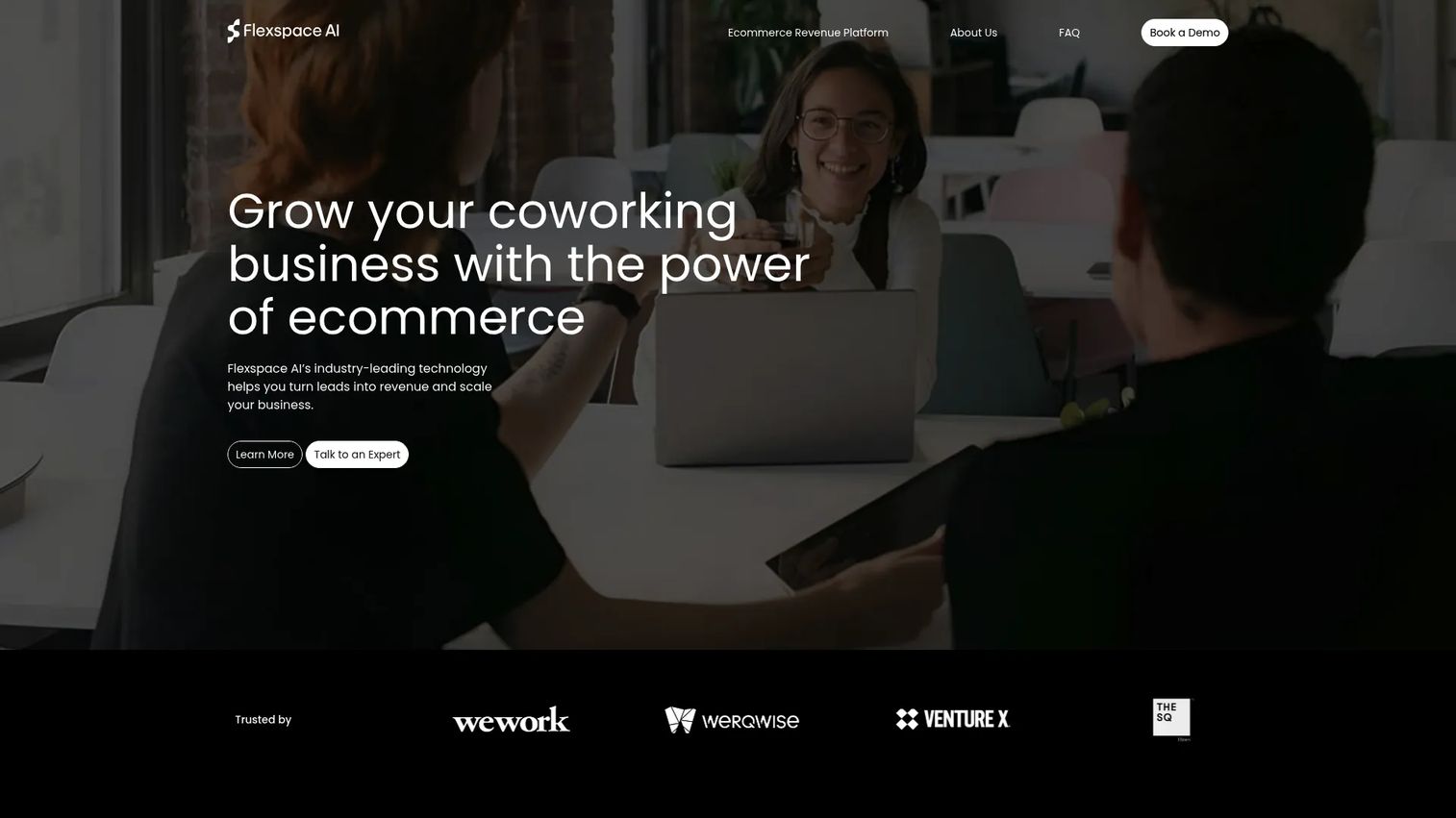
Flexspace AI is coworking management and revenue optimization software built for flexible workspace operators who treat pricing as a lever, not a fixed setting. It pairs frictionless website booking and payment with AI agents that adjust pricing and marketing based on real demand. If you run a space and suspect you are leaving money on the table at peak hours, this is the tool built around that problem.
The revenue-first framing is the differentiator. SmartPricing reads demand and adjusts rates, SmartMarketing automates outreach, and real-time optimization surfaces where bookings and revenue are trending. It plugs into CRM and inventory tools so the pricing engine works off live data.
Best for: Operators focused on revenue optimization and AI-assisted pricing.
Key features
- Real-time revenue optimization and booking insights
- Frictionless website booking and payment
- AI-powered SmartPricing and SmartMarketing agents
- CRM and inventory integrations
Why choose Flexspace AI: Choose it if revenue optimization is the priority and you want pricing to move with demand instead of sitting static. It fits operators who would rather tune yield automatically than reprice by hand every quarter.
Flexspace AI pricing: The Starter plan runs on a pay-as-you-go model. The Pro plan requires contacting sales for pricing. Prices are listed in USD on the pricing page.
2. Spacebring
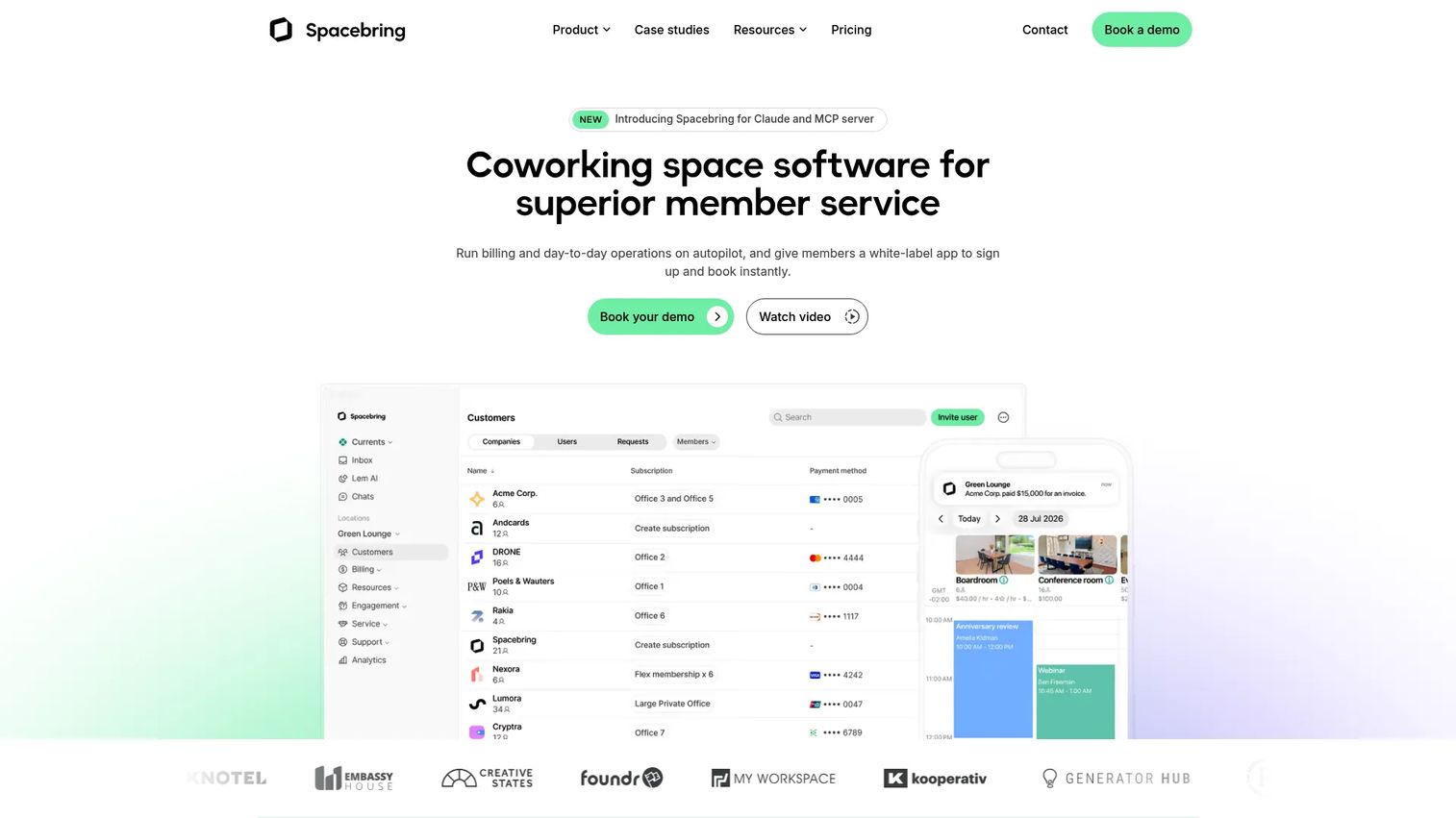
Spacebring is coworking and shared-space operations software that handles billing, bookings, memberships, and member engagement in one platform. It leans into breadth. If you want a single system covering the daily operational load instead of three separate tools, Spacebring is built for that.
Billing automation is the anchor. It pairs with resource booking, a member web portal, and an admin mobile app, so front desk staff and members work from the same source. The result is less manual invoicing and cleaner member service across the board.
Best for: Operators wanting broad operational coverage with accounting sync and strong member experience.
Key features
- Billing automation
- Member web portal and admin mobile app
- Resource booking and space management
Why choose Spacebring: Choose it if you want an all-in-one system that reduces the number of tools your team logs into daily. It fits operators who value operational breadth and a polished member portal over niche customization.
Spacebring pricing: The Business plan starts at €158 per month, billed monthly or yearly. The Enterprise plan uses custom pricing with a 12-month minimum commitment. A 7-day trial is available, with no setup fees stated.
Spacebring holds a 4.9/5 rating on G2.
3. Optix
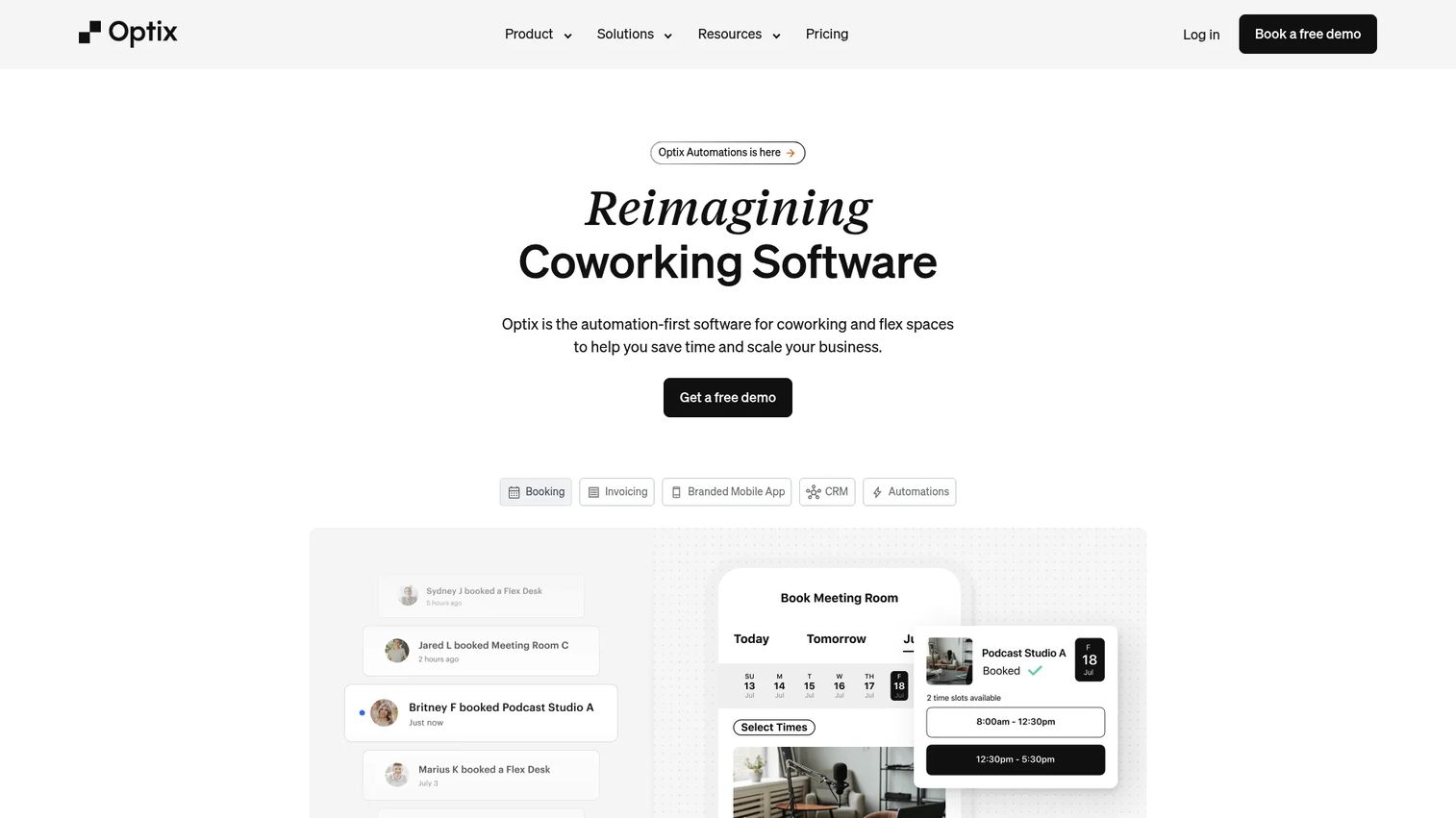
Optix is coworking and flexible workspace software focused on automating operations and member engagement through a branded experience. Its edge is customization. If you want the app your members use to carry your brand rather than the vendor's, Optix is designed for that.
The white-labeled mobile app is the headline. Under it sit automation workflows and desk, room, and resource booking. Together they let operators build a member experience that feels native to their space while cutting repetitive admin behind the scenes.
Best for: Coworking operators and flex-space teams that need automation, booking, and a branded member app.
Key features
- Automation workflows
- Desk, room, and resource booking
- White-labeled mobile app
Why choose Optix: Choose it if brand and member experience matter as much as raw operations. It fits operators who want a polished, customizable app without building one from scratch.
Optix pricing: Optix offers four plans. Essentials is $229 USD per month, Pro is $349, Grow is $579, and Scale is custom. Annual billing is also available, and Optix states there is a 14-day free trial.
4. Deskworks
Deskworks positions itself around office management with strong billing automation and reporting. For finance- and operations-heavy teams, the appeal is admin reduction: automating the invoicing and renewal work that otherwise eats front desk hours.
The focus is on billing, add-on charges, and reporting that surfaces the KPIs owners actually track. That makes it a fit for teams where the daily bottleneck is administrative rather than community-building.
Best for: Operators who want strong admin automation and clear reporting visibility.
Key features
- Automated billing and invoicing
- Add-on and recurring charge handling
- Front desk and reporting dashboards
Why choose Deskworks: Choose it if your operation is finance-heavy and your priority is cutting manual billing work. It fits teams that measure success by clean books and low admin overhead.
Deskworks pricing: Deskworks does not list pricing publicly. Reach out to the vendor directly to get a quote tied to your setup.
5. Nexudus
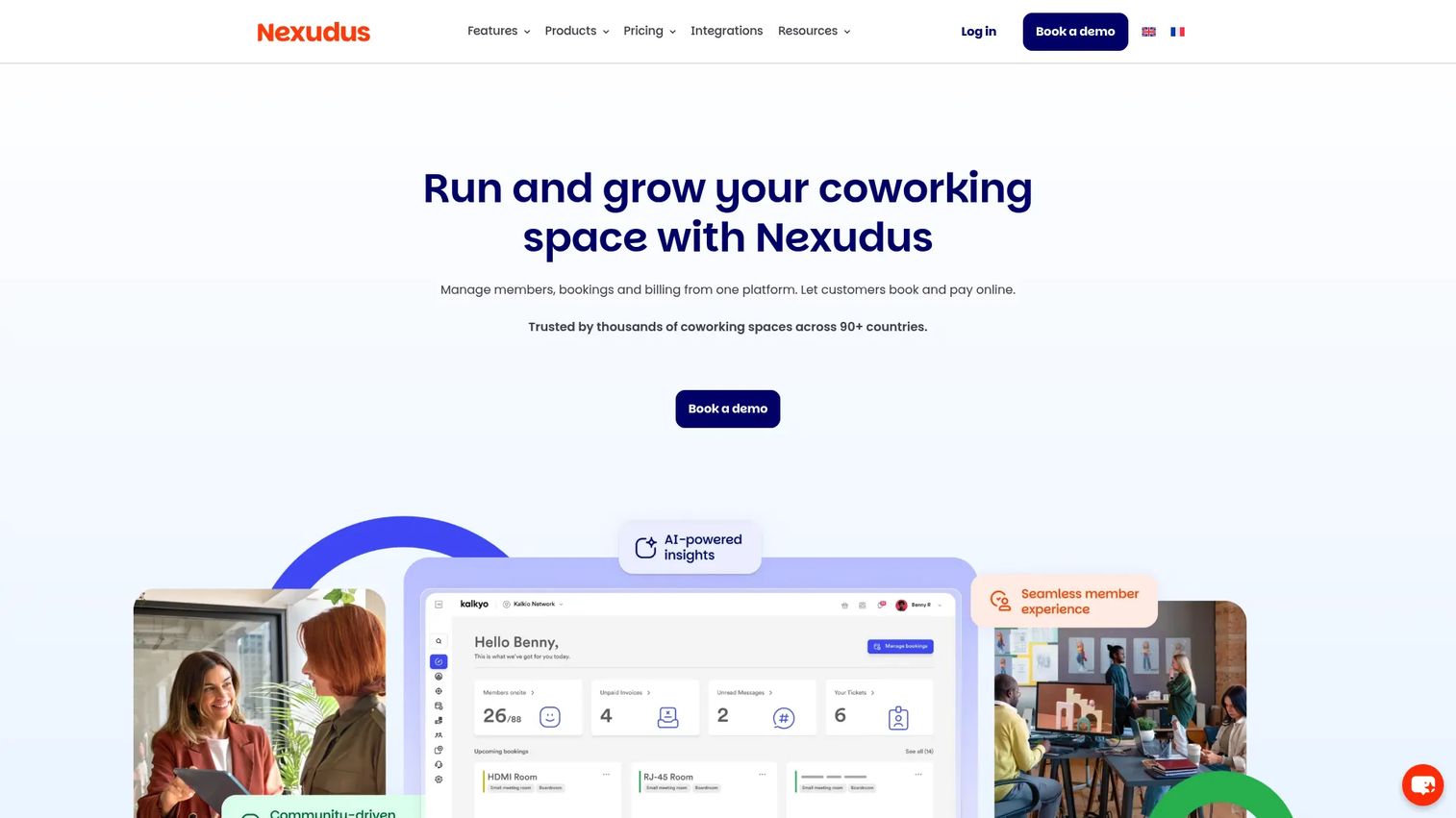
Nexudus is coworking and flex workspace management software built for depth. It covers bookings, billing, member management, and automation across a wide surface, which suits larger operators who need many operational areas handled in one place.
The breadth is the point. Where lighter tools cover the basics, Nexudus goes deep into tasks, member operations, and process support. That depth rewards teams with the volume and complexity to use it fully.
Best for: Larger operators needing breadth across many operational areas.
Key features
- Desk and room bookings
- Automated billing and invoicing
- Member management and CRM
Why choose Nexudus: Choose it if you run a larger or more complex operation and want one platform that reaches into every corner of your workflow. It fits teams that can put deep functionality to work rather than growing into it slowly.
Nexudus pricing: Nexudus prices by active users per location. The pricing page shows a 21-day free trial and points larger spaces to contact the team for a tailored quote.
Nexudus holds a 4.2/5 rating on G2.
6. Yardi Kube
Yardi Kube is coworking and flex workspace management software that sits inside Yardi's broader real estate suite. For enterprise operators and organizations already invested in that ecosystem, the pull is centralized accounting and a platform built for heavier process needs.
It covers flexible reservations, automated billing and payment collection, and a white-labeled member portal. The real estate suite context makes it a fit for larger organizations that want workspace management connected to the rest of their property operations.
Best for: Enterprise operators and organizations with heavier process and accounting needs.
Key features
- Flexible reservations and resource scheduling
- Automated billing and payment collection
- White-labeled member portal and mobile experience
Why choose Yardi Kube: Choose it if you are an enterprise operator, especially one already running Yardi, and want workspace management inside a wider real estate platform. It fits organizations where centralized accounting across properties matters most.
Yardi Kube pricing: Yardi Kube is demo-led. The site does not publish pricing, so you request a demo and receive a quote based on your requirements.
Yardi Kube holds a 3.5/5 rating on G2.
7. Coworks
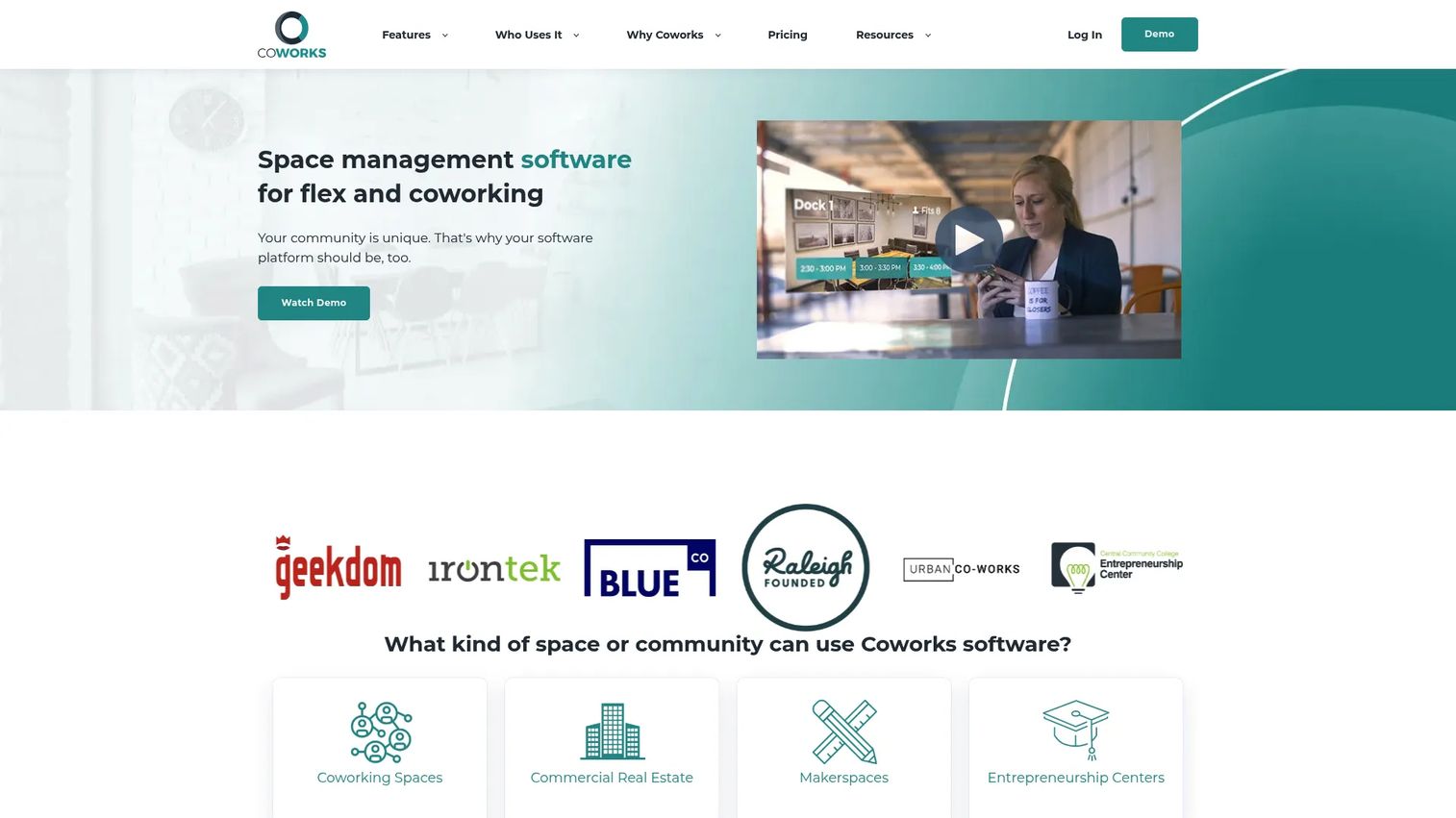
Coworks is coworking space management software built around member experience and community. It handles booking, billing, events, and operations, but its center of gravity is the member relationship, which makes it a natural fit for community-led spaces.
The member mobile app carries the experience, backed by room and equipment booking plus billing and invoicing automation. For smaller or community-first operators, that combination keeps members engaged without a heavy operational stack.
Best for: Operators who prioritize community engagement and member experience.
Key features
- Member mobile app
- Room and equipment booking
- Billing and invoicing automation
Why choose Coworks: Choose it if community and member engagement drive your space more than enterprise-scale process. It fits smaller or community-led operators who want a strong member app without complexity.
Coworks pricing: The Hybrid Workspace plan starts at $149 per month billed yearly, or $199 per month billed monthly. Coworking Premium is $249 per month billed yearly. The Enterprise plan is custom.
Coworks holds a 5.0/5 rating on Capterra.
Considerations
Before you commit, pressure-test each platform against how your space actually runs. These five criteria separate a tool that fits from one that forces a second migration a year later.
Booking depth
Check how the platform handles rooms, desks, private offices, equipment, and parking. A tool built for hot desks may not model private office contracts well. Make sure the booking logic matches your real inventory, not a simplified version of it.
Billing and payments
Look at recurring billing, invoices, discounts, credits, and add-on charges. The question is how much runs automatically versus how much your team cleans up by hand. Booking and billing software earns its keep when revenue captures itself at the point of reservation.
Analytics and occupancy reporting
Favor platforms that surface real-time utilization and revenue reporting in dashboards, not exports. If you have to stitch spreadsheets together to see performance, the analytics are not doing their job. Good occupancy analytics make the next pricing and staffing decision obvious.
Integrations and consolidation
Verify accounting, CRM, and payment integrations before you buy. List the systems the platform replaces and the systems it must keep talking to. The goal is fewer tools and cleaner data, not another silo added to the stack.
Scalability and access control
Assess multi-location management, access control, and how member complexity is handled as you grow. Choose a platform that expands with your portfolio. Picking for today's single site and re-migrating later costs more than choosing for scale now.
Conclusion
The right flex management software depends on your priority, not on which brand shows up first in a search.
If revenue optimization leads, Flexspace AI builds its whole model around AI-driven pricing. If you want broad operations with accounting sync, Spacebring covers bookings, billing, and member experience in one place. Optix wins on branded, modular workplace operations, while Deskworks leans into billing automation and reporting for finance-heavy teams. Nexudus rewards larger operators who need workflow depth, Yardi Kube fits enterprise and developer-led setups inside a real estate suite, and Coworks suits community-driven spaces that live in their member app.
For multi-location operators, weight centralized reporting and repeatable workflows above everything else. The tool that looks fine at one site is the one that breaks at three.
Before you sign, run the same three workflows through each shortlisted platform: a booking, an invoice, and a report. How each tool handles those three tells you more than any feature list.
FAQs
Flex space software is a centralized platform for managing bookings, billing, member operations, and occupancy analytics across coworking and flexible office spaces. It replaces separate tools for reservations, invoicing, and reporting with one system, so operators capture revenue and serve members without stitching data together by hand.
They overlap heavily and the terms often get used interchangeably. Both handle bookings, billing, and member management. The practical difference is emphasis: some tools skew toward coworking and community workflows, while others skew toward flex office and enterprise operations. Match the tool's center of gravity to your business model rather than the label.
At minimum, look for bookings across desks and rooms, recurring billing and invoicing, a member portal, occupancy and revenue reporting, and accounting or CRM integrations. Community tools and access control matter more for some operators than others. Prioritize the features tied to how you actually capture revenue and serve members.
Weight centralized reporting, repeatable workflows, and deep integrations over single-site convenience. Platforms like Nexudus and Yardi Kube are built for operational depth and enterprise scale, which suits larger portfolios. The test is whether the tool rolls every location into one reporting view without forcing your team to relearn workflows per site.
Pricing varies by business model and feature depth. Published starting points range from $149 per month for Coworks to €158 per month for Spacebring and $229 per month for Optix. Others, like Deskworks and Yardi Kube, use quote-based or demo-led pricing tied to your setup. Billing models differ, so compare on what each tier actually includes.
It depends on your operational complexity and security needs. Single-room community spaces may not need door access integration, while multi-floor or 24/7 spaces usually do. If members come and go outside staffed hours, or if security is a selling point, prioritize access control and visitor management in your shortlist.
For revenue-first operators, Flexspace AI is built around it, using SmartPricing and SmartMarketing AI agents to adjust rates and outreach based on real demand. Most platforms report occupancy analytics you can act on, but Flexspace AI automates the pricing decision itself. Use the comparison table above to weigh it against your other priorities.










