Your team can survive shared folders until one outdated drawing reaches a supplier.
That moment arrives faster than most founders expect. An engineer updates a revision. Manufacturing builds against the previous version. The error surfaces during final inspection, or worse, after delivery. The cost is rework, delay, and the kind of escalation that pulls you back into operational details you thought were handled.
Spreadsheet BOMs and email approval chains work at 5 engineers. At 15, with external contractors and a second product variant, they become a liability. The global product data management software market was valued at $8.27 billion in 2025 and is projected to reach $15.4 billion by 2035 (Wise Guy Reports, 2026), which reflects how broadly companies have recognized this risk.
PDM software creates a single controlled record for CAD files, drawings, parts, bills of materials, revisions, and change orders. It replaces tribal knowledge with a workflow anyone on the team, including a new VP of Engineering hired next quarter, can follow without asking you.
This guide gives you a shortlist of eight tools with verified pricing, G2 ratings, and honest guidance on which operating conditions favor each one.
What's inside
This guide is for founders at hardware-enabled, industrial SaaS, IoT, or connected-product companies who need to evaluate PDM infrastructure. Items were selected based on four criteria:
- CAD and ECAD fit: Native integrations with the design tools your engineers actually use
- BOM and change governance: Controlled revision workflows, not just file storage
- Implementation realism: Deployment complexity, ownership, and total cost over 24 months
- Scale path: Whether the tool serves a 50-person company today without blocking enterprise requirements later
Pricing and G2 ratings were verified against live vendor and G2 pages in October 2026.
TL;DR
- Best for enterprise PDM and digital-thread programs: PTC Windchill, for complex multi-CAD environments needing broad lifecycle governance
- Best for global multi-discipline engineering: Siemens Teamcenter, when mechanical, electrical, and software data all need a shared backbone
- Best for Autodesk-centric teams: Autodesk Vault, if Inventor or AutoCAD drives your design work
- Best for SOLIDWORKS-led engineering: SOLIDWORKS PDM, for focused file control without a full PLM overhaul
- Best for regulated and manufacturing-heavy products: Arena PLM, when quality, supplier, and compliance workflows are non-negotiable
- Best for cloud-first BOM collaboration: OpenBOM, starting at $30 per seat per month (billed annually)
- Best for browser-native CAD teams: Onshape, with built-in PDM and plans from $1,500 per user per year
- Best for teams connecting changes to operations: Odoo PLM, with a free one-app plan and paid tiers from $24.90 per user per month
What is product data management software?
Product data management software is a system that controls the files, records, revisions, approvals, and relationships required to design, build, and maintain a physical product.
What PDM software manages
A PDM system centralizes:
- CAD files, drawings, models, and assemblies
- Engineering specifications and controlled documents
- Part records and approved manufacturer parts
- Bills of materials and product structures
- Revisions, versions, release states, and check-in history
- Change requests, change orders, and approval workflows
- Supplier-facing documents and manufacturing handoff packages
Core PDM capabilities
When evaluating PDM tools, look for:
- CAD file vaulting and controlled access
- Revision and version history with audit trail
- Check-in and check-out controls to prevent conflicts
- BOM management and synchronization across design and manufacturing
- Engineering change workflows with role-based approvals
- Search, metadata, and part classification
- Integration with CAD, ERP, quality, and manufacturing systems
PDM vs PLM vs ERP
The category boundaries matter for scoping your purchase:
| System | Primary job | Typical owner | Core records |
|---|---|---|---|
| PDM | Control engineering product data | Engineering | CAD, drawings, revisions, BOMs |
| PLM | Govern the product lifecycle across functions | Product, engineering, operations | Product records, changes, quality, suppliers, lifecycle workflows |
| ERP | Plan and run business operations | Finance and operations | Orders, inventory, purchasing, production, accounting |
A startup often begins with PDM to get file control and versioning under control. Broader PLM becomes necessary when quality, compliance, supplier change communication, and lifecycle governance require formal workflows. ERP remains the operational system of record once engineering has released product data downstream.
When to use product data management software
Replace shared folders before revision mistakes become expensive
The trigger is usually a combination of more engineers, external contractors, and multiple product variants. When two people can overwrite each other's CAD files, or when a supplier receives a drawing that is two revisions behind the current approved version, the cost is rework and schedule delay. Controlled file vaulting eliminates the ambiguity about which revision is current and who approved it.
Control bills of materials and engineering changes
A BOM without controlled revisions becomes a purchasing and manufacturing error waiting to happen. Formal engineering change order (ECO) workflows establish who can approve a change, what documentation is required, and when the new revision becomes effective. Without that structure, changes propagate informally, and manufacturing may build against a part spec that engineering already superseded.
Connect engineering decisions to manufacturing and operations
At the point where CAD data must flow into supplier packets, procurement, quality processes, and ERP, a team needs a system that keeps as-designed and released records aligned. PDM creates the handoff package; ERP consumes it. Without a controlled release process in between, the two systems drift.
You probably need PDM if:
- Engineers spend time searching for the "real" version of a file
- Suppliers have received stale drawings in the past 12 months
- BOM updates happen in a spreadsheet that lives on one person's laptop
- Engineering changes are approved over email with no formal audit trail
- A new hire cannot find the approved spec without asking a senior engineer
Product data management software comparison
The table below covers all eight tools verified in October 2026. Pricing reflects vendor pages; contact sales is noted where no rate is displayed.
| # | Product | Best for | Key differentiator | Pricing | G2 rating |
|---|---|---|---|---|---|
| 1 | PTC Windchill | Enterprise multi-CAD PDM and PLM | Broad lifecycle governance across complex environments | Contact sales | 4.1/5 |
| 2 | Siemens Teamcenter | Global multi-discipline engineering organizations | Cross-domain data management with embedded AI | Contact sales | 4.3/5 |
| 3 | Autodesk Vault | Autodesk-centric CAD teams | Deep Autodesk tool integration and controlled data | Contact sales | 4.1/5 |
| 4 | SOLIDWORKS PDM | SOLIDWORKS-led engineering teams | Native file control and workflows for SOLIDWORKS | Contact sales | 4.2/5 |
| 5 | Arena PLM | Regulated and manufacturing-heavy product companies | Change control, quality workflows, supplier collaboration | Contact sales (10-day free trial) | 4.2/5 |
| 6 | OpenBOM | Distributed teams managing BOMs and supply chain | Cloud-first BOM collaboration; from $30/seat/month (annual) | From $30/seat/month | 4.2/5 |
| 7 | Onshape | Browser-based design teams | Built-in PDM inside cloud-native CAD | From $1,500/user/year | 4.7/5 |
| 8 | Odoo PLM | Smaller teams connecting engineering changes to operations | PLM workflows inside a modular business suite | Free plan; from $24.90/user/month | 4.2/5 |
8 best product data management software tools for 2026
Tool fit depends on four constraints: The CAD and ECAD systems your engineering team already uses, whether BOM and change workflows need formal control, how much implementation ownership the company can support, and whether you need focused PDM now or a broader PLM operating model.
1. PTC Windchill
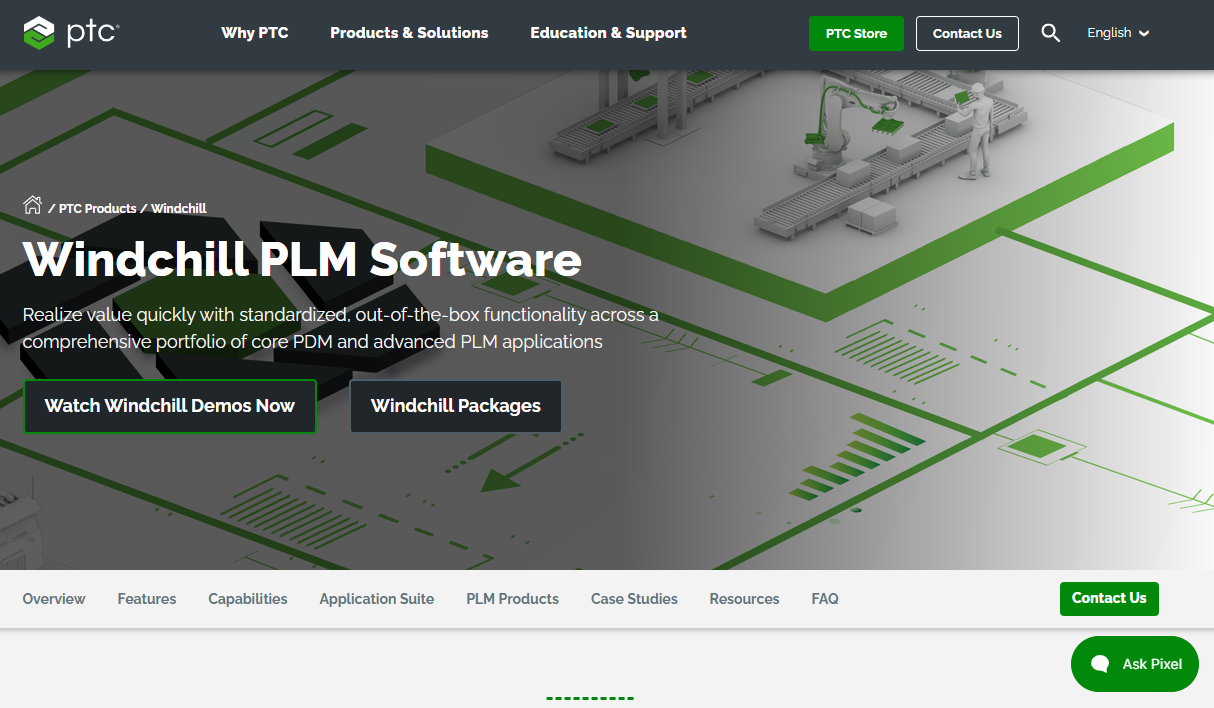
PTC Windchill is an enterprise product lifecycle management platform that connects product data, processes, and people across the full product lifecycle. It handles complex PDM requirements alongside broader PLM governance, covering multi-CAD environments, regulated workflows, distributed engineering teams, and manufacturing handoff. Companies building complex physical products often choose Windchill when they need a platform that can expand from file control into full lifecycle management without requiring a later migration.
Best for: Large engineering organizations that need controlled product data across design, manufacturing, service, and supplier networks.
Key features
- Multi-CAD and ECAD data management
- Revision and configuration control with audit trail
- Engineering change workflows and BOM management
- Quality management and compliance process support
- Supplier collaboration and end-to-end product traceability
Why choose PTC Windchill: Windchill suits organizations where governance, traceability, and scale are the primary requirements. It fits best when the company can support a structured implementation program and has engineering complexity that lighter tools cannot address.
PTC Windchill pricing: PTC offers Base, Advanced, and Premium subscription packages; all pricing requires contacting sales directly. No rate is displayed on the vendor's pricing page.
G2 rating: 4.1/5
2. Siemens Teamcenter
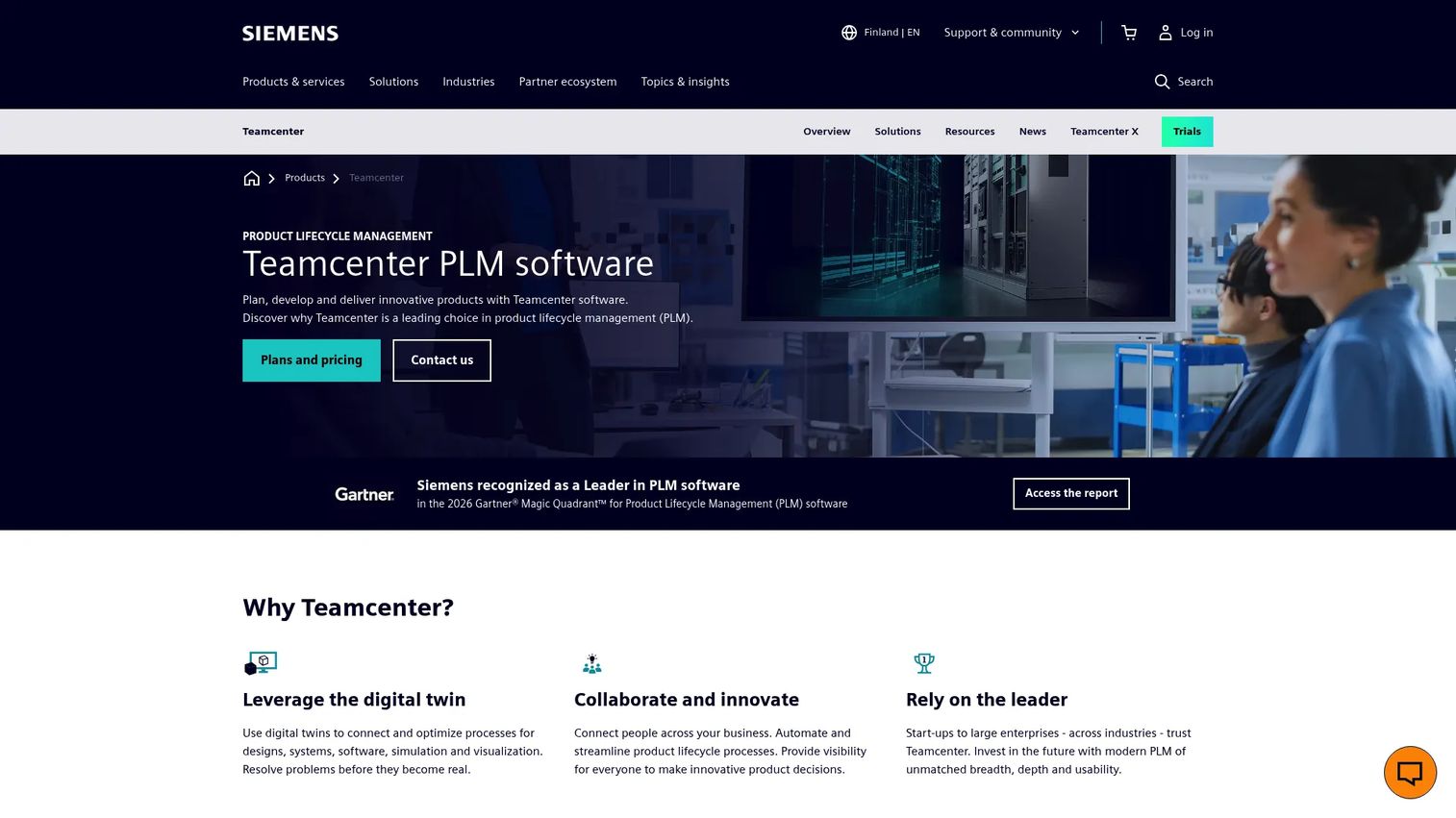
Siemens Teamcenter is a product lifecycle management platform built for organizations managing product data across mechanical, electrical, electronics, and software engineering disciplines. Its Teamcenter X cloud offering provides Essentials, Standard, Advanced, and Premium SaaS tiers, making it accessible without a full on-premises deployment. Teamcenter's embedded AI capabilities, including Teamcenter Copilot, bring AI assistance to requirements, design data, and configuration tasks. For founders building products that span hardware and embedded software, this cross-domain backbone addresses a coordination problem that single-domain tools cannot.
Best for: Large and complex manufacturing organizations that need shared configuration, change, and lifecycle controls across multiple engineering departments, sites, and supplier networks.
Key features
- Digital twin and digital thread management
- Cross-domain collaboration across mechanical, electrical, and software development
- Requirements, design data, and product configuration management
- Manufacturing, service, and lifecycle process management
- Embedded AI via Teamcenter Copilot
Why choose Siemens Teamcenter: The platform becomes compelling when product complexity forces multiple engineering disciplines to share configuration and change governance. It is not a low-lift purchase; plan for a structured deployment with dedicated admin ownership.
Siemens Teamcenter pricing: Teamcenter X offers four SaaS tiers (Essentials, Standard, Advanced, Premium), but Siemens requires a quote for all pricing. Contact sales to get a rate.
G2 rating: 4.3/5
3. Autodesk Vault
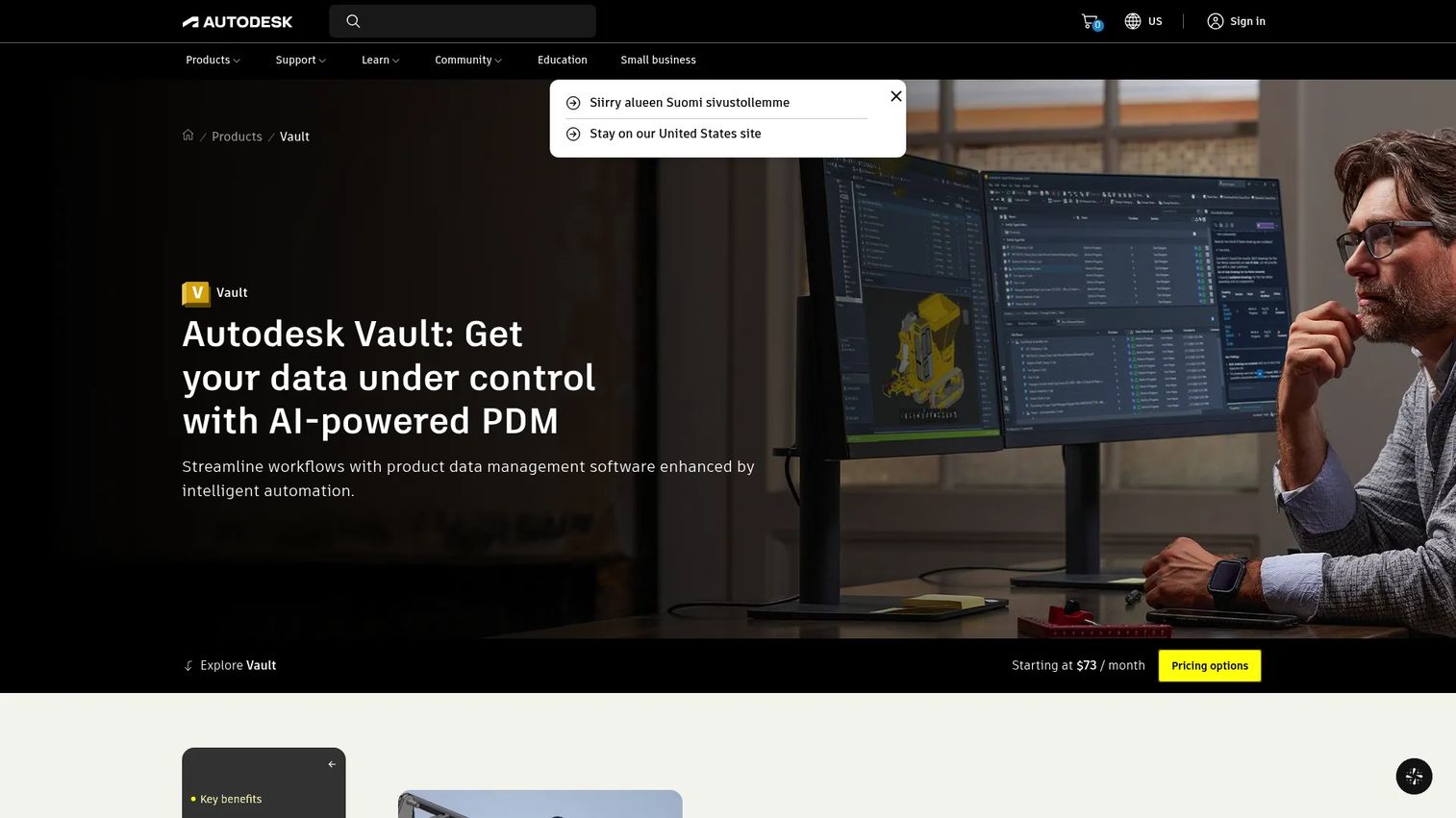
Autodesk Vault is a product data management tool built to work directly with Autodesk design applications, particularly Inventor and AutoCAD. It adds controlled file management, revision history, BOM management, and engineering change orders to teams already working inside the Autodesk environment. Vault also exposes data APIs for custom integrations, and a browser-based thin client gives access without requiring a full desktop install. For non-Autodesk files, fit should be evaluated carefully before committing.
Best for: Mechanical engineering teams whose design work lives in Autodesk Inventor, AutoCAD, or related Autodesk tools and who need a practical step beyond shared network folders.
Key features
- Direct CAD integration with Autodesk design tools
- File version and revision control with check-in/check-out
- BOM management and design reuse
- Engineering change orders and workflow automation
- Vault Data APIs for custom integrations
Why choose Autodesk Vault: The stack-fit argument is straightforward. If engineering already works in Autodesk tools, adding Vault tightens data management without requiring engineers to leave the design environment they know. The gap between file storage and controlled PDM closes with relatively low process disruption.
Autodesk Vault pricing: Autodesk's buy page currently displays pricing placeholders rather than numeric rates. Contact Autodesk or an authorized reseller for annual subscription pricing on Vault Professional or Vault Office editions.
G2 rating: 4.1/5
4. SOLIDWORKS PDM
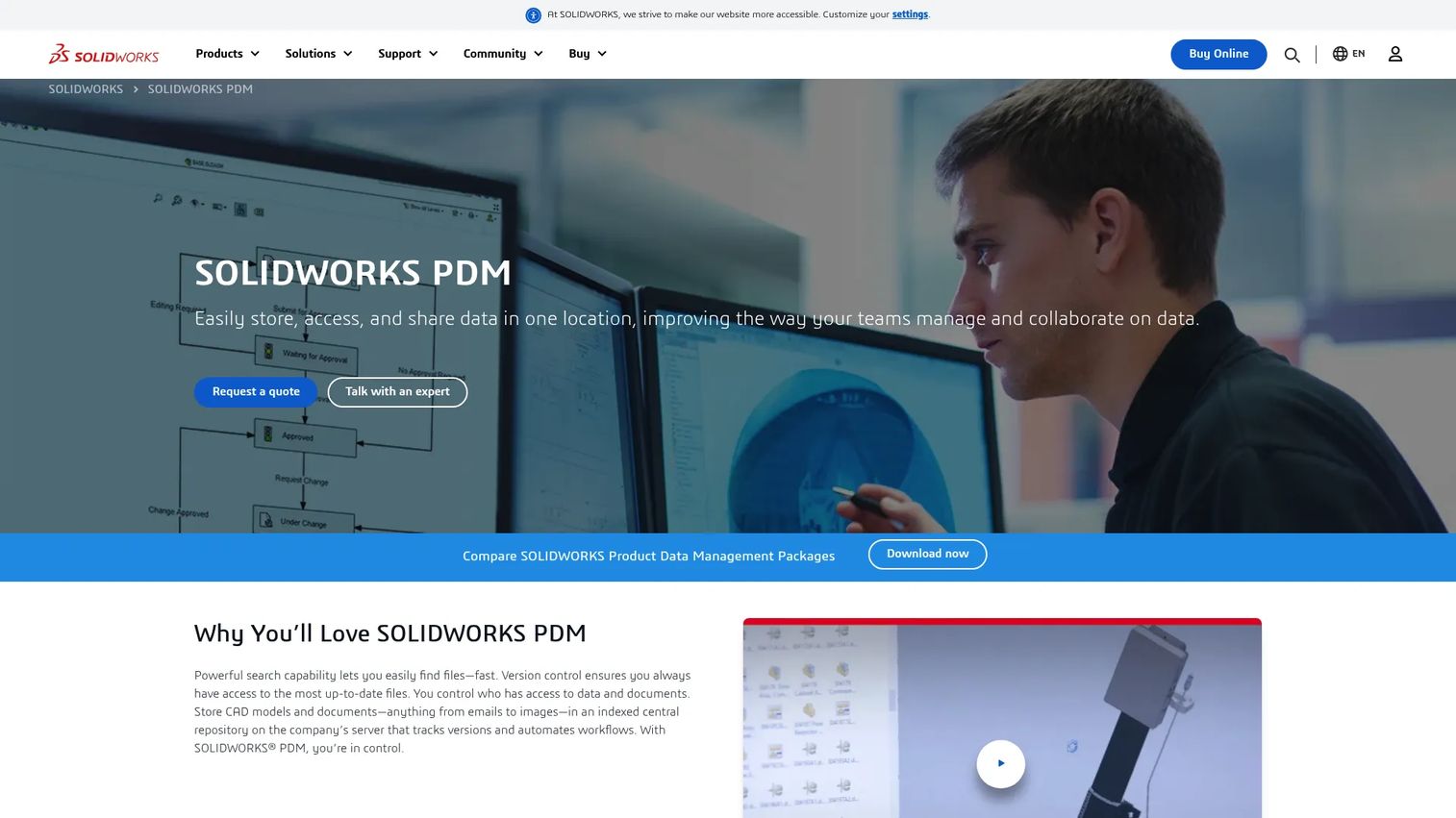
SOLIDWORKS PDM provides centralized file vaulting, search, version control, and approval workflows for engineering teams that build in SOLIDWORKS. It comes in two editions: Standard, designed for smaller single-site teams, and Professional, built for distributed teams that need more advanced workflows and multi-CAD support. Engineers access the vault through Windows Explorer, which reduces the learning curve. Remote browser access and automated notifications keep approval processes moving without manual follow-up.
Best for: Engineering teams whose product development workflow centers on SOLIDWORKS assemblies, drawings, and related files, and who need stronger design-data discipline without immediately adopting a full PLM program.
Key features
- Centralized SOLIDWORKS file vault with Windows Explorer integration
- Check-in and check-out controls to prevent conflicting edits
- Revision history with full audit trail
- Automated approval workflows and notifications
- BOM support and search across all stored files
Why choose SOLIDWORKS PDM: For a SOLIDWORKS-centric team, this is the focused PDM argument: Solve the file-control and versioning problem first, without buying enterprise-scale PLM capability before the operating model needs it. The Professional edition adds distributed access and more advanced change workflows when the team grows.
SOLIDWORKS PDM pricing: Pricing is handled through SOLIDWORKS resellers and is not displayed on the vendor's product page. Contact a certified reseller for Standard and Professional edition rates; G2 reviewers report figures vary by seat count and deployment model.
G2 rating: 4.2/5
5. Arena PLM
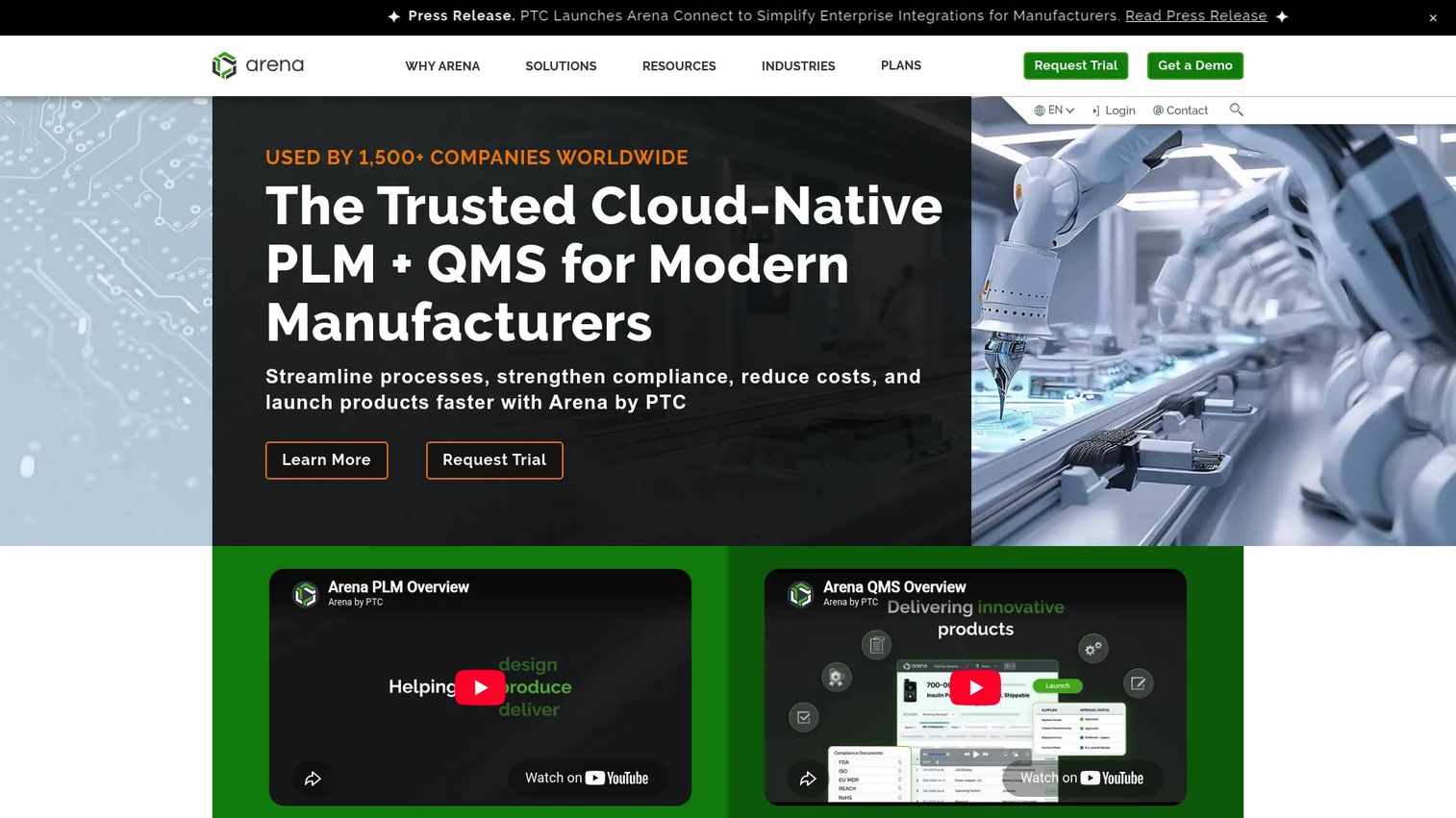
Arena PLM is a cloud-native product lifecycle management platform built for global high-tech manufacturers managing complex products, quality processes, and supply-chain collaboration. It goes beyond basic CAD vaulting to cover controlled product records, BOMs, formal change orders, quality workflows, supplier communication, and regulatory compliance. The platform includes Arena AI to support intelligent data management. For a hardware or medical device company with external contract manufacturers and formal quality requirements, Arena addresses the cross-functional governance problem that focused PDM tools leave open.
Best for: Growing hardware, medical device, electronics, and regulated product teams that need engineering, quality, operations, and suppliers all working from the same governed product data.
Key features
- BOM and part management with revision control
- Change order workflows across engineering and operations
- Quality process support including CAPA and audit trails
- Supplier collaboration on controlled product records
- Requirements management and regulatory compliance tracking
Why choose Arena PLM: Arena fits when engineering alone cannot own the change process. If quality, operations, and suppliers all need to participate in approvals and receive controlled data, Arena's cross-functional design earns its cost. Teams looking only for file vaulting should assess whether the broader scope matches their immediate need.
Arena PLM pricing: Arena offers a 10-day free trial with no credit card required. Launch and Enterprise paid plans require contacting sales for pricing.
G2 rating: 4.2/5
6. OpenBOM
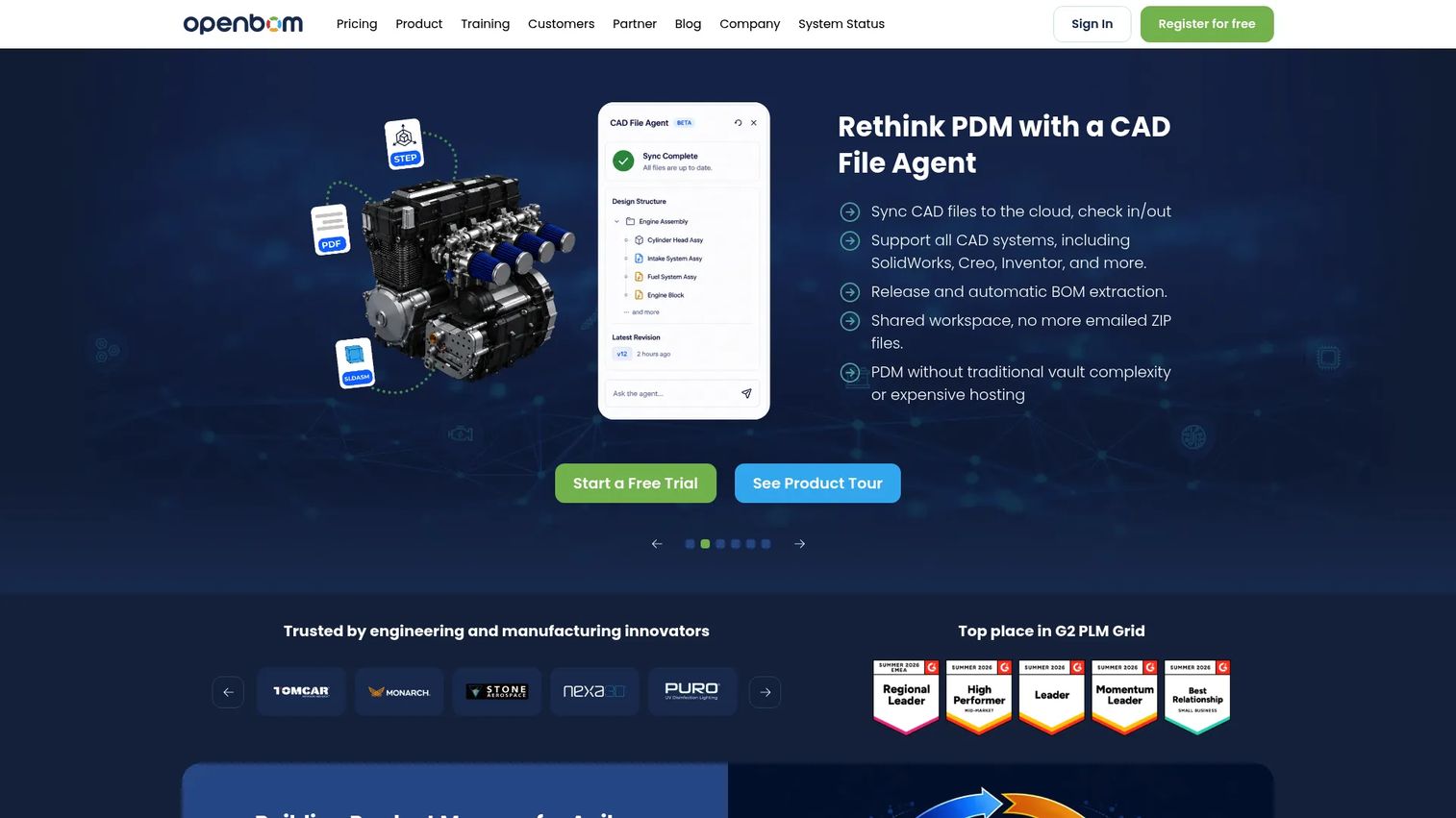
OpenBOM is a connected SaaS workspace for engineering and manufacturing teams to manage CAD data, BOMs, product structures, changes, procurement, and ERP workflows in one place. It integrates with major CAD tools through paid add-ins and supports real-time collaboration across distributed teams. The Company tier adds CAD file management, revision control, and change management, while the Team tier covers BOM management, part catalogs, inventory control, RFQs, and purchase orders. Up to 2,000 data records are free, making it practical to evaluate before committing. If you're looking at bill of materials software options specifically, OpenBOM is one of the most focused cloud-native options in the category.
Best for: Startups and mid-market product teams that need approved BOMs, supplier visibility, and change management before scaling production, without the overhead of a large enterprise PLM deployment.
Key features
- Cloud BOM management with xBOM support
- Real-time collaboration and data sharing across teams
- Revision and change management on the Company tier
- Procurement, inventory, and RFQ management
- ERP and CAD system integrations
Why choose OpenBOM: The founder-reality case is clear. You need an approved BOM and a clear component history before you scale production. OpenBOM's cloud-first design means no on-premises infrastructure, and the transparent pricing lets you start at a team level and add CAD integrations as the engineering workflow demands it.
OpenBOM pricing: Team plan is $55 per seat per month (or $30 billed annually). Company plan is $165 per seat per month (or $90 billed annually). CAD Add-ins cost $45 per seat per month per CAD system ($25 billed annually). Enterprise pricing is custom. Up to 2,000 data records are free.
G2 rating: 4.2/5
7. Onshape
Onshape is a cloud-native 3D CAD and product data management platform where data management is built into the design environment rather than layered on top of it. Version history, branching, merging, release management, and role-based access controls are native capabilities, not add-ons requiring a separate vault. Drawings stay synchronized with parts, assemblies, and BOMs. Real-time collaboration means multiple engineers can work on the same assembly simultaneously without check-in conflicts. For teams considering their best CAD software options alongside PDM, Onshape collapses the two decisions into one.
Best for: Distributed engineering teams willing to standardize on a cloud-native CAD environment, particularly those dealing with local-file version confusion and collaboration overhead on a desktop-CAD stack.
Key features
- Full browser-based 3D CAD with parts, assemblies, and drawings
- Built-in version history with branching and merging
- Native release management and release workflow
- Real-time multi-user collaboration with no check-in required
- Role-based access controls and mobile access
Why choose Onshape: The architectural distinction matters. Onshape reduces PDM overhead by eliminating the separate vault entirely. That works cleanly when the team builds inside Onshape. It is less of a direct replacement for a multi-CAD enterprise PDM estate where legacy files and other design tools need to coexist.
Onshape pricing: Free plan available for non-commercial personal projects. Standard plan is $1,500 per user per year. Professional plan is $2,500 per user per year. Enterprise pricing requires contacting sales.
G2 rating: 4.7/5
8. Odoo PLM
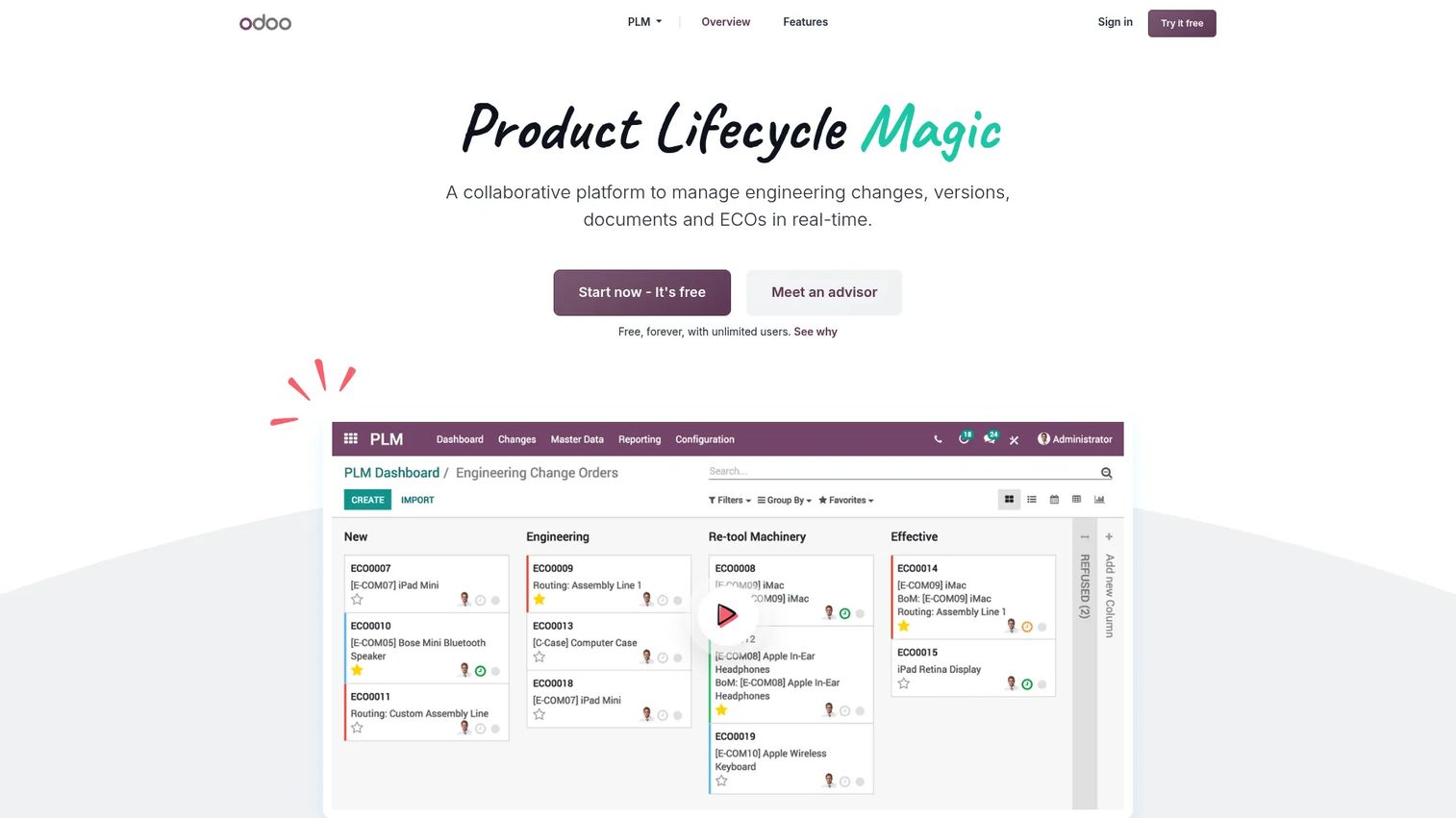
Odoo PLM manages engineering change orders, BOM versioning, document collaboration, approval workflows, and manufacturing traceability as part of Odoo's broader modular business suite. It connects engineering changes directly to manufacturing, inventory, and purchasing data. BOM comparison, revision history, merge-conflict management, and effective-date reporting are included. For teams already using or planning to use Odoo across operations, adding PLM avoids the data handoff problem between an isolated PDM tool and the ERP. Consider pairing it with a look at best product management tools if you're evaluating the broader operational stack at the same time.
Best for: Small and midsize product teams that need a practical engineering change process connected to manufacturing, inventory, and purchasing, particularly those already on the Odoo platform.
Key features
- Engineering change orders with BOM version control
- BOM comparison, reversion, and merge-conflict management
- Document management for design files, worksheets, and CAD files
- Approval workflows, milestones, and scheduled activities
- Manufacturing traceability and effective-date reporting
Why choose Odoo PLM: Odoo PLM makes sense when the primary requirement is coordinating engineering changes with operational records rather than managing a complex, multi-CAD file vault. Assess CAD integration depth carefully if file vaulting is the core requirement, since Odoo's strength is process coordination rather than deep CAD data management.
Odoo PLM pricing: One App Free plan covers PLM with unlimited users at no cost. Standard plan is $24.90 per user per month (billed annually). Custom plan is $49.00 per user per month (billed annually).
G2 rating: 4.2/5
Considerations when choosing product data management software
Start with the source of truth you need
Map where CAD files, BOMs, part records, supplier data, quality records, and released documentation live today. If multiple systems each claim to hold the approved record, adoption will fail regardless of which vendor you choose. Define the single system of record before evaluating tools.
Match the platform to your CAD and ECAD environment
Native integrations determine whether engineers actually use the system. A PDM tool that requires manual export from SOLIDWORKS or Inventor creates friction that teams route around. Evaluate integration depth, not just the integration checkbox, by testing check-in, check-out, and assembly reference handling with a real design file.
Decide whether you need PDM or broader PLM
Focused PDM solves file control and versioning. Broader PLM becomes necessary when quality, compliance, supplier change communication, configuration variants, or lifecycle governance require formal cross-functional workflows. Buying PLM scope before the operating model needs it adds cost and implementation complexity. You can review asset lifecycle management software options if broader lifecycle governance is already on your roadmap.
Price implementation, not only subscriptions
The total cost includes data cleanup, migration from shared folders or legacy systems, integrations with ERP and quality tools, admin ownership, user training, workflow design, and supplier onboarding. A lower subscription rate can become expensive if adoption requires continuous workarounds. Budget 12 to 24 months of total cost, not only the per-seat rate.
Test the release and change workflow before signing
Run a proof-of-concept using a real assembly, current BOM, an actual design revision, and a sample change request. The team should validate the full workflow from engineering change through manufacturing handoff. A demo on vendor-prepared data is not the same as a test on your own data.
Conclusion
PDM becomes necessary when product complexity makes shared folders and spreadsheet BOMs a release risk rather than just an inconvenience. The decision is not whether to adopt a system, but which system fits the engineering environment and operational maturity you have now, while supporting the scale you need in 18 months.
Route your evaluation by what the team actually uses:
- PTC Windchill or Siemens Teamcenter for enterprise and multi-domain environments
- Autodesk Vault for Autodesk-centered teams
- SOLIDWORKS PDM for SOLIDWORKS-centered engineering
- Arena PLM for regulated and cross-functional manufacturing workflows
- OpenBOM for cloud-first BOM collaboration
- Onshape for browser-native CAD and built-in PDM
- Odoo PLM for smaller teams connecting engineering changes to operations data
Before booking vendor demos, document one release workflow and one change workflow using your current process. Identify where the handoff breaks, who owns the approved record, and what happens when a revision is disputed. That exercise gives every vendor demo a specific test scenario rather than a generic tour.
Pick the system that gives your team one approved answer when someone asks: "Which revision are we building?"
FAQs about product data management software
Product data management software is a controlled system for managing engineering files, product records, revisions, BOMs, and release workflows. It creates a governed source of truth for design and manufacturing data, replacing shared drives and informal approvals with structured version control, role-based access, and audit-ready change histories.
PDM focuses on engineering data control: CAD files, revisions, parts, and BOMs owned primarily by the engineering team. PLM expands into broader product lifecycle governance, covering quality, supplier management, compliance, configuration variants, and cross-functional workflows. Many platforms, including PTC Windchill, Siemens Teamcenter, and Arena PLM, cover both to varying degrees. You can also explore best contract lifecycle management software if supplier and compliance agreements are part of your evaluation.
No. PDM owns product-definition and engineering-release data. ERP runs purchasing, inventory, production scheduling, finance, and transactions. Strong implementations connect the two: PDM releases a BOM and part records, and ERP consumes them to drive procurement and manufacturing orders. Conflating the two creates governance problems in both directions.
Startups should prioritize an approved BOM, revision history, a release workflow, and a clean integration with their primary CAD tool. OpenBOM and Odoo PLM offer accessible entry points with transparent pricing. Onshape is worth considering if the team is not yet locked into a desktop-CAD stack. Avoid buying enterprise PLM scope before the operating model demands it; the implementation cost and complexity will exceed the benefit.
Most PDM platforms manage or synchronize BOMs, but depth varies significantly. Test multi-level BOMs, alternate parts, revision-aware structures, approved manufacturer parts, and ERP handoff requirements before committing. A system that stores a flat BOM but cannot handle indented assembly structures or revision-specific part lists will create manual reconciliation work downstream. For a focused comparison of bill of materials software options, that guide covers the category in depth.
The best fit depends on the CAD environment. Autodesk Vault integrates tightly with Autodesk Inventor and AutoCAD. SOLIDWORKS PDM is purpose-built for SOLIDWORKS assemblies and drawings. Onshape has native PDM because the CAD and data management share the same platform. PTC Windchill and Siemens Teamcenter support multi-CAD environments, including CATIA, NX, Creo, and others, when the organization uses more than one design tool.
Cost varies by user count, CAD integrations, deployment model, workflow complexity, and implementation scope. OpenBOM starts at $30 per seat per month billed annually. Onshape's Standard plan is $1,500 per user per year. Odoo PLM is included in Odoo's free one-app plan, with paid tiers from $24.90 per user per month. Enterprise platforms including PTC Windchill, Siemens Teamcenter, Autodesk Vault, SOLIDWORKS PDM, and Arena PLM all require a quote. Budget separately for data cleanup, migration, integrations, training, and administration; implementation often exceeds subscription cost in the first year.
Move when any of these conditions appear: Conflicting BOM versions causing purchasing or manufacturing errors, unclear release status requiring engineers to ask who holds the approved file, repeated rework traced to an outdated drawing reaching a supplier, external contractors or contract manufacturers receiving stale specifications, or more than two engineers making concurrent changes to shared files. If your team spends meaningful time finding the right version instead of doing engineering work, the operational cost of delay already exceeds the cost of a PDM system. You may also want to explore change data capture software if tracking engineering change events across systems is part of the broader data infrastructure problem.