


You picked a sculpting tool for the brushes. Six months later the real problem shows up. The mesh will not retopologize cleanly, the textures do not export in the format your engine wants, and the handoff to animation breaks.
That is the pattern with 3D sculpting software. The clay-like feel sells the tool. The pipeline decides whether it was the right call.
The market is growing fast enough that the choice matters more each year. The global 3D sculpting software market reached USD 1.2 billion in 2025 and is projected to hit USD 2.3 billion by 2034 at 8.7% CAGR, according to MarketIntelo (2026). By 2026, 42% of game development studios had implemented cloud-based sculpting for team collaboration, up from 18% in 2022, per the same MarketIntelo report.
So the question is not "which tool has the best brushes." It is "which tool fits how you actually block forms, paint surfaces, and ship assets." This guide answers that.
What's inside
This guide is for anyone choosing a 3D sculpting program for character art, concept work, game assets, film, or 3D printing. If you evaluate tools the way a product manager does, by workflow fit, maintainability, and downstream handoff, this is built for you.
We picked the seven tools on these criteria:
- Sculpting depth: brush systems, masking, dynamic topology, multi-resolution
- Painting and texturing: surface detail and PBR texture support
- Retopology and export: clean meshes and useful export formats
- Platform and access: desktop, browser-based, cross-platform, and iPad
- Price and trial access: free, open source, subscription, or one-time license
The list spans free, browser-based, professional, and pipeline-oriented options.
TL;DR
- Best overall for high-end sculpting: ZBrush, for deep brush control and painting on tens of millions of polygons.
- Best free and open source option: Blender, a full 3D suite with capable sculpting built in.
- Best for browser-based quick sculpting: SculptGL, a lightweight WebGL sculpting app.
- Best for all-in-one sculpting plus retopology: 3DCoat, which pairs voxel sculpting with strong pipeline tools.
- Best for Autodesk-centric workflows: Mudbox, focused on sculpting and texture painting.
- Best for simple browser-based modeling and sculpting: SelfCAD, an accessible all-in-one web workflow.
- Best for production pipelines: Maya, where sculpting is one part of a broader animation and effects stack.
What is digital sculpting software?
Digital sculpting software is a category of tools for creating and refining 3D forms using clay-like, brush-based controls instead of point-by-point modeling. You push, pull, smooth, pinch, and mask a mesh the way a sculptor works physical clay, then add high-frequency detail like pores, wrinkles, and cloth folds.
Unlike traditional CAD or box modeling, digital sculpting tools prioritize organic freeform detail over exact measurements. That makes them the standard for characters, creatures, and other organic forms where feel matters more than precise dimensions.
Most 3D sculpting software shares a common set of capabilities:
- Clay-like operations: pushing, pulling, smoothing, pinching, inflating, and masking
- High-detail surface creation across millions of polygons
- Painting and texturing tools for color and PBR material work
- Retopology to convert a dense sculpt into an animation-ready mesh
- UV mapping to prepare surfaces for textures
- Export and pipeline interoperability with common 3D formats
The output rarely stops at the sculpt. A finished high-poly model usually moves into retopology, then UVs, then texture baking, then rigging, animation, rendering, or slicing for a 3D print. That is why export formats and clean topology decide whether a sculpting tool actually fits your work, not just whether the brushes feel good.
For teams, the calculus adds maintainability. A tool that produces clean, portable assets reduces rework across every release and handoff. A tool that traps your sculpt in a proprietary format creates ongoing friction. Both painting and texturing quality and export depth belong at the top of your evaluation, alongside raw sculpting feel.
When to use digital sculpting software
Create character art and organic forms
Reach for sculpting when the shape is more important than the measurement. Characters, creatures, faces, and cloth all rely on freeform detail that box modeling handles slowly. Brush-based control lets you block gesture and volume fast, then layer in fine detail. If your work is organic and expressive, sculpting is the faster path to a convincing form.
Build assets for games, film, or 3D printing
High-detail workflows lean on sculpting to generate surface information you cannot practically model by hand. Game artists sculpt a high-poly model, then bake that detail into normal maps for a lower-poly in-game mesh. Film artists sculpt hero assets at extreme resolution. For 3D printing, you sculpt the form, then export a watertight mesh for slicing.
Move from rough blockout to production-ready mesh
Sculpting is where blockouts become finished forms, but the sculpt is not the deliverable. Retopology, UVs, and texture handoff turn a dense sculpt into something a pipeline can use. If your work has to survive rigging, animation, or engine import, prioritize tools with strong retopology and reliable export formats over tools that only sculpt.
Comparison table
Here is the shortlist side by side. Pricing and ratings reflect the vendors' own pages and current G2 listings where available.
| # | Product | Best for | Key differentiator | Pricing | G2 rating |
|---|---|---|---|---|---|
| 1 | ZBrush | High-end professional sculpting | Deep brush system, painting on tens of millions of polygons, desktop and iPad | $479.40/year, free iPad plan | 4.7/5 |
| 2 | Blender | Free sculpting inside a full 3D suite | Open source sculpting plus modeling, painting, and animation | Free | 4.6/5 |
| 3 | 3DCoat | Sculpting plus retopology and painting | Voxel and surface sculpting with AUTOPO retopo and PBR texturing | €379 one-time | 4.3/5 |
| 4 | Mudbox | Autodesk-centric studios | Focused sculpting and texture painting with a 30-day trial | Subscription, free trial | Not listed |
| 5 | SculptGL | Quick browser-based sculpting | Lightweight WebGL app with dynamic topology and OBJ/PLY/STL export | Free | Not listed |
| 6 | Maya | Production pipelines needing sculpting as one step | Integrated modeling, animation, VFX, and rendering stack | Subscription | 4.3/5 |
| 7 | SelfCAD | Simple browser-based modeling and sculpting | All-in-one web CAD, sculpting, and 3D print slicing | Freemium | 4.3/5 |
Best 7 digital sculpting software for 2026
1. ZBrush
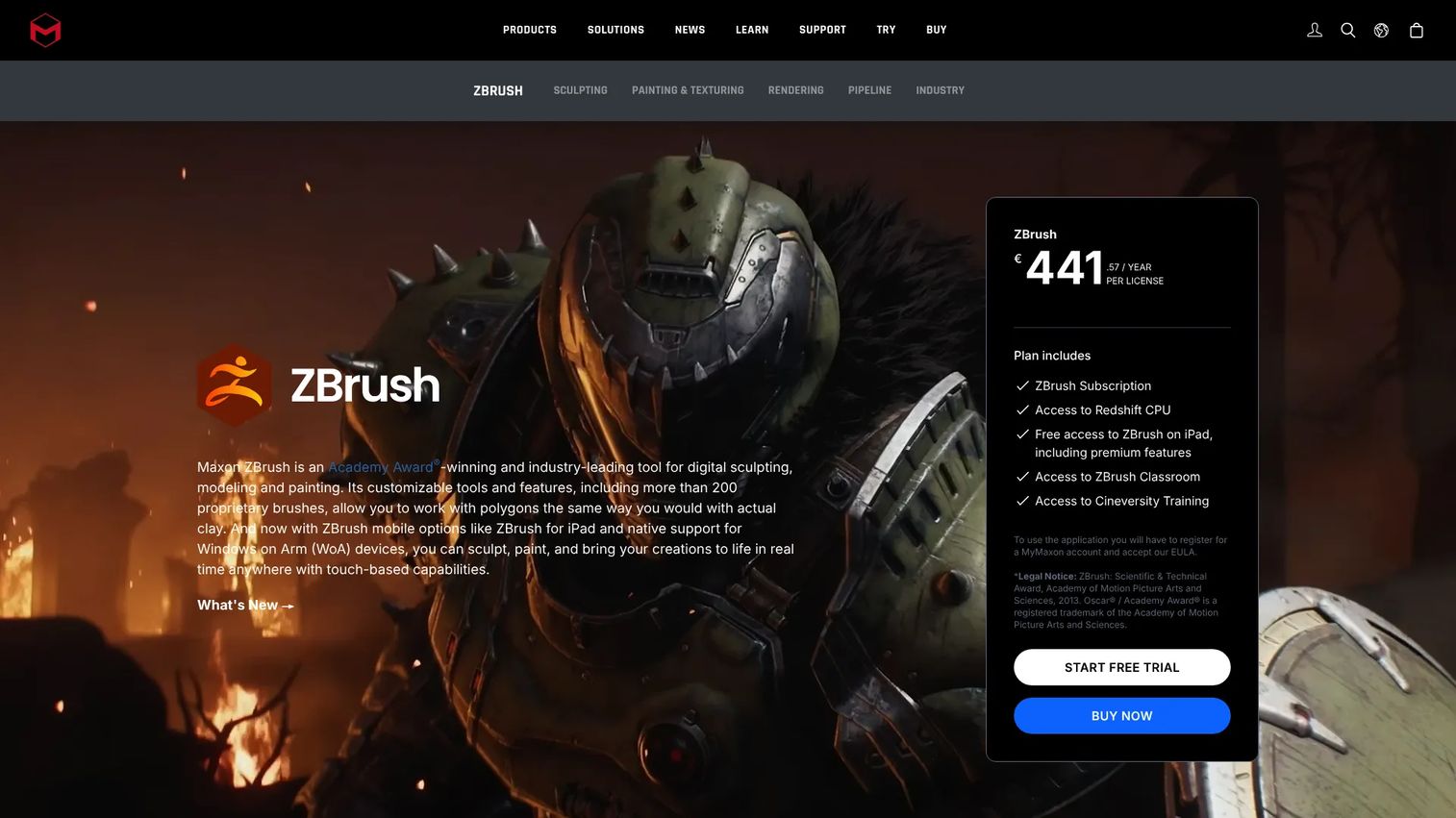
ZBrush is the reference point for high-end digital sculpting, modeling, and painting. It handles tens of millions of polygons, letting you sculpt and paint detail that most tools cannot carry. The workflow spans desktop and iPad, with GoZ interoperability to move models in and out of other apps.
For a product manager evaluating tools for a content team, ZBrush is the depth ceiling. If your artists need the most detailed sculpting and painting available, this is where the pipeline usually starts.
Best for: 3D artists needing high-detail sculpting and painting across desktop and iPad.
Key features
- Digital sculpting with customizable brushes
- Painting and texturing on tens of millions of polygons
- Desktop and iPad workflow
- GoZ interoperability with other apps
Why choose ZBrush: Choose it when raw sculpting and painting depth is the priority and your artists will invest the time to learn a mature, deep toolset.
ZBrush pricing: The ZBrush subscription runs $479.40 per year or $39.95 per month, and both include ZBrush desktop and ZBrush for iPad. There is also a free ZBrush for iPad plan.
ZBrush holds a 4.7 out of 5 rating on G2.
2. Blender
Blender is a free and open source 3D creation suite, and its sculpting toolset is capable enough for serious work. Blender sculpting includes brush-based clay operations, masking, multi-resolution, and dynamic topology, alongside painting. Because it lives inside a full suite, you can sculpt, retopologize, UV, texture, animate, and render without leaving the app.
That single-app breadth is the reason Blender fits multi-purpose workflows. For teams watching opportunity cost, a free and open source tool that covers the whole pipeline is hard to ignore.
Best for: Individuals and studios needing a free, open-source 3D creation tool.
Key features
- Modeling and sculpting in one app
- Animation and rigging
- Rendering and VFX/compositing
- Free and open source
Why choose Blender: Choose Blender when you want capable sculpting plus a complete 3D pipeline at no license cost, and your team is comfortable with a broad, self-directed tool.
Blender pricing: Blender is free and open source, with no paid tiers to manage.
Blender holds a 4.6 out of 5 rating on G2.
3. 3DCoat
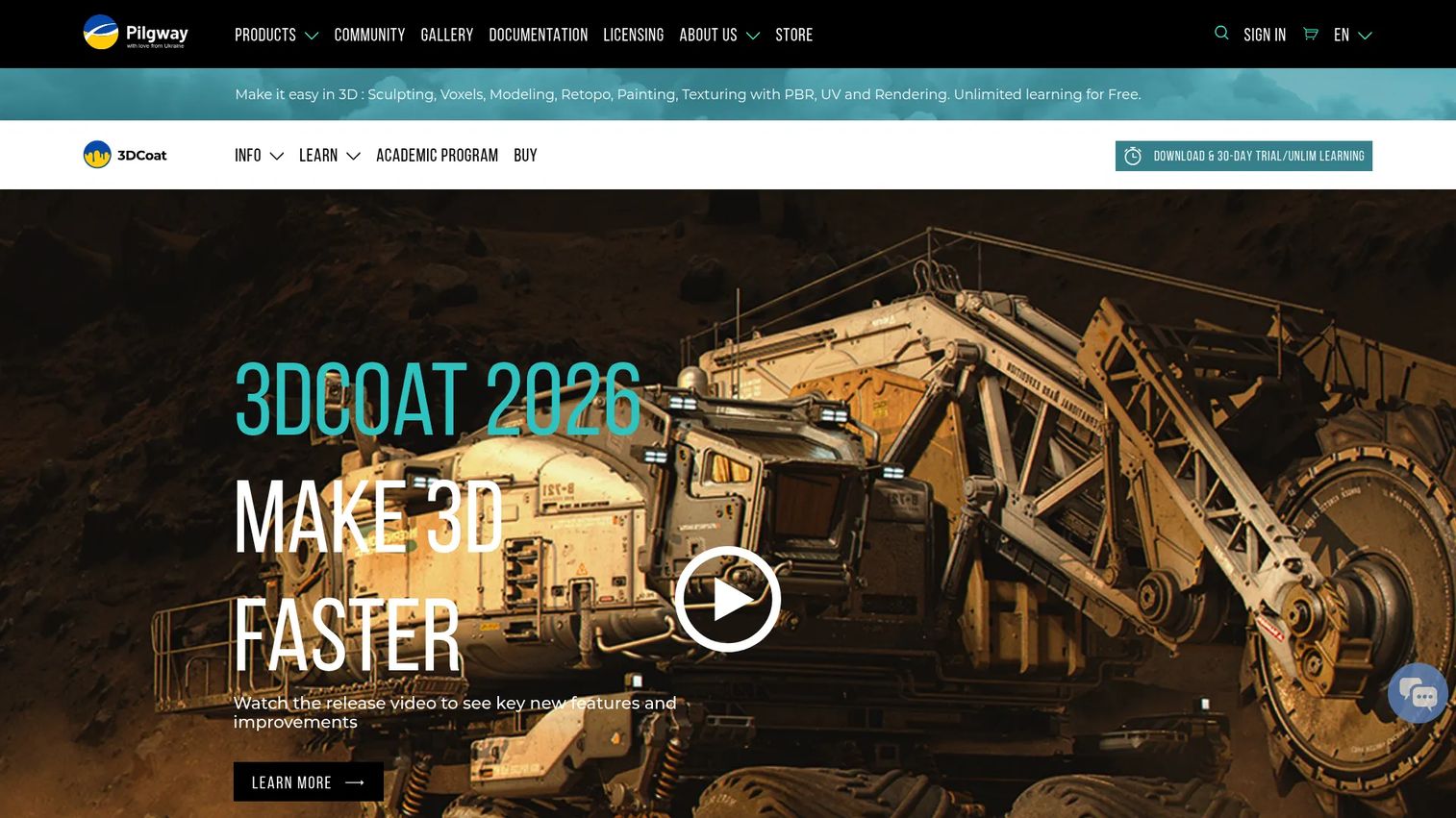
3DCoat is a 3D content creation application built for sculpting, retopology, UV mapping, texturing, rendering, and modeling. It supports both voxel sculpting and surface sculpting, then hands the result straight into retopology and PBR texture painting. Its AUTOPO retopology tools help turn a dense sculpt into a usable mesh without leaving the app.
3DCoat earns its place when the pipeline matters as much as the sculpt. If your team spends real time on retopology, UVs, and texturing, having those steps in one tool cuts handoff friction.
Best for: 3D artists needing an all-in-one sculpting, retopo, UV, and texturing workflow.
Key features
- Digital sculpting with voxel sculpting
- Retopology tools including AUTOPO
- UV mapping and PBR texture painting
Why choose 3DCoat: Choose it when retopology and texturing are as central to your work as the sculpt itself, and you want one tool covering the full asset prep chain.
3DCoat pricing: The 3DCoat 2026 node-locked personal license is a one-time €379. The vendor also lists company, student, subscription, and rent-to-own options.
3DCoat holds a 4.3 out of 5 rating on G2.
4. Mudbox
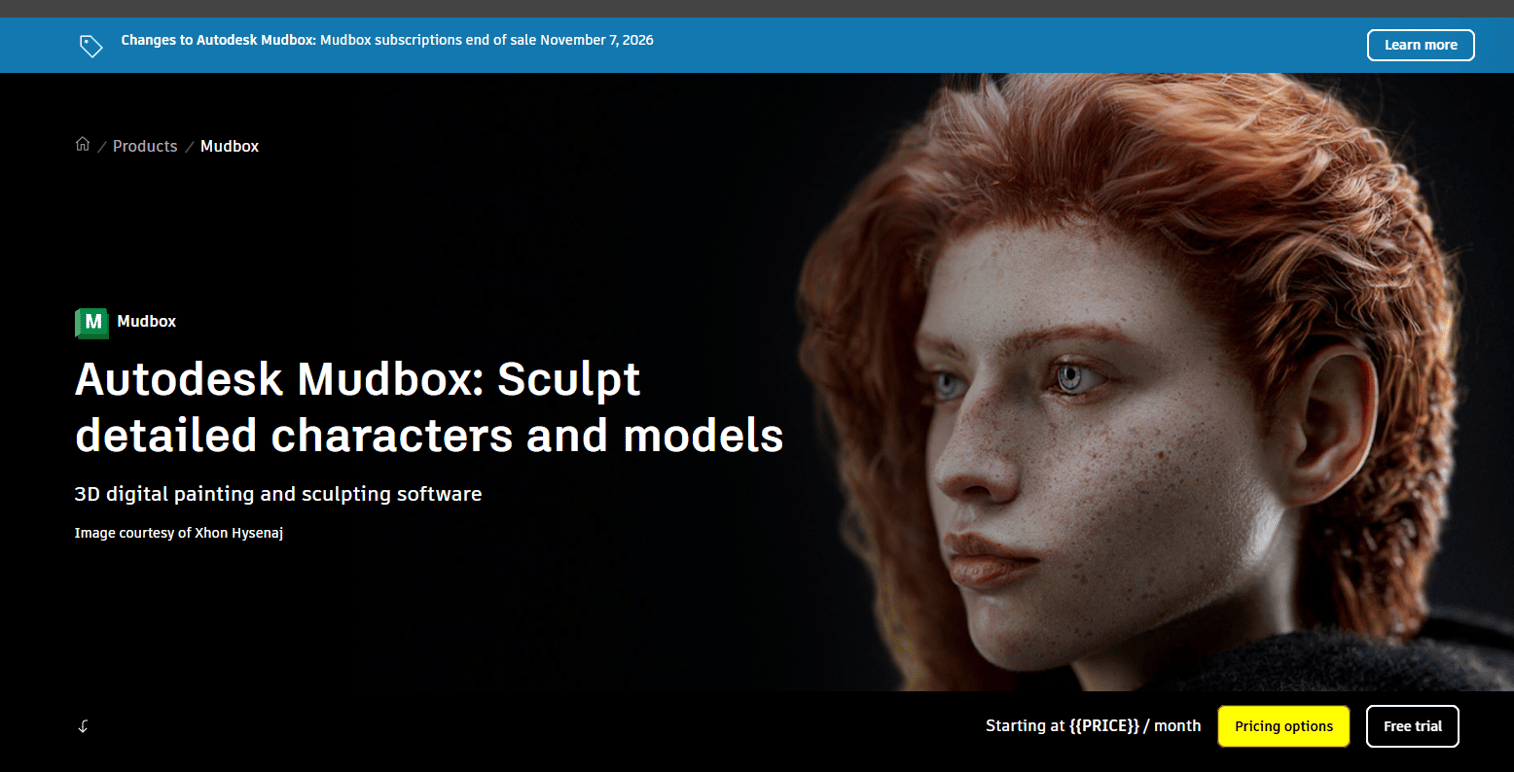
Mudbox is Autodesk's 3D digital painting and sculpting software. It focuses on sculpting and texture painting for characters and environments, working with high-resolution meshes and textures. For studios already standardized on Autodesk, Mudbox slots into an existing workflow alongside Maya and other Autodesk products.
That workflow integration is the main reason to pick it. If your team lives in the Autodesk stack, staying inside it reduces the number of tools and handoffs to maintain.
Best for: Professional VFX and game artists who need sculpting and texture painting.
Key features
- 3D sculpting and painting for characters and environments
- High-resolution meshes and textures
- Free 30-day trial
Why choose Mudbox: Choose it when your studio already runs Autodesk tools and you want sculpting and texture painting that fits that established pipeline.
Mudbox pricing: Autodesk offers Mudbox as an annual, monthly, or three-year subscription, and a free 30-day trial is available. Check Autodesk's buy page for current subscription figures before committing.
5. SculptGL
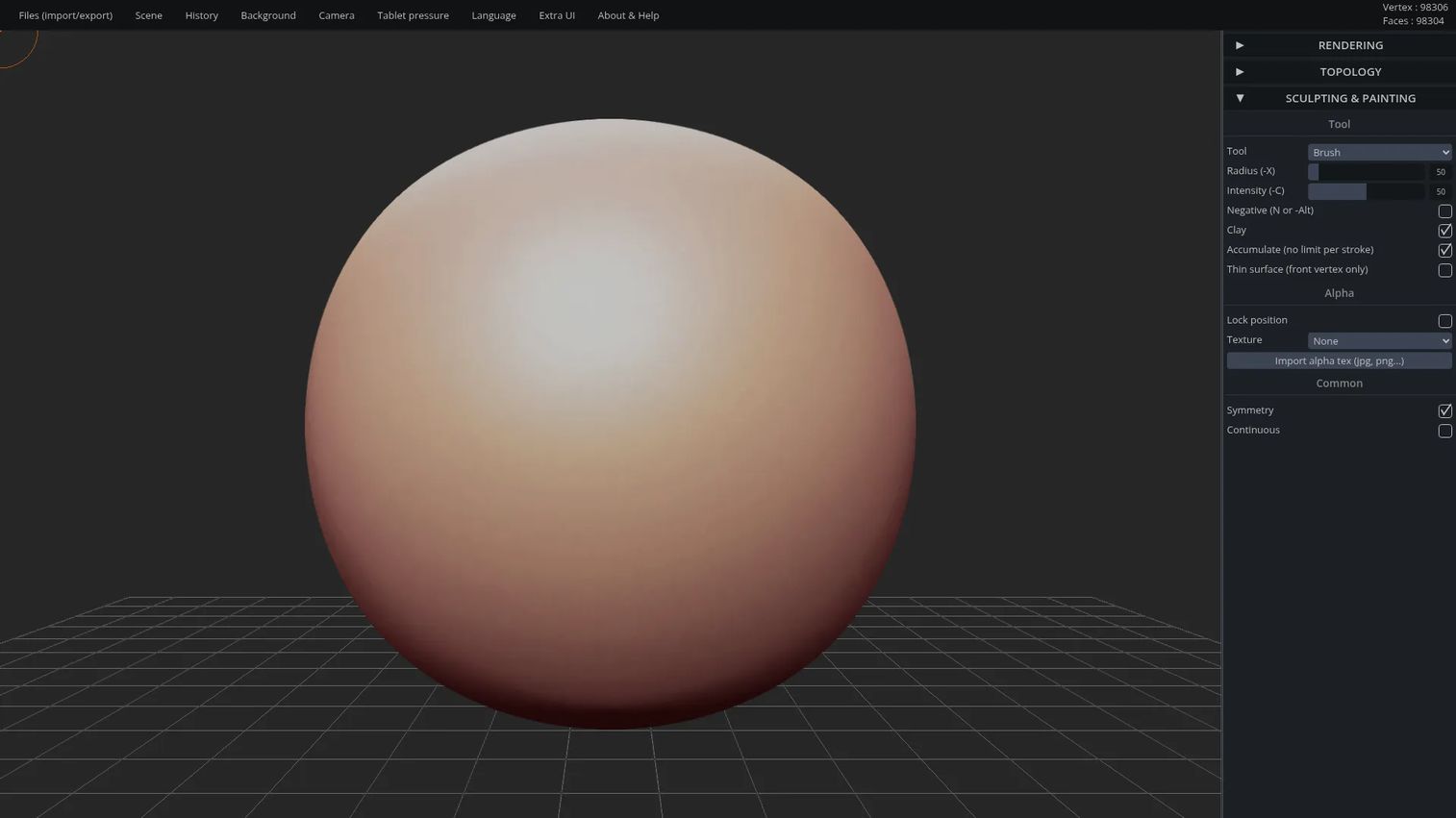
SculptGL is a WebGL digital sculpting app that runs in the browser. It offers sculpting tools, multiresolution sculpting, voxel remeshing, and dynamic topology, plus import and export for OBJ, PLY, and STL. There is nothing to install, which makes it a fast way to block a form or teach the basics of 3D sculpting.
SculptGL is the low-friction entry point. Use it for quick sculpts, experiments, or as a browser-based sculpting option when a full desktop suite is more than the moment needs.
Best for: Browser-based 3D sculpting and mesh editing.
Key features
- Sculpting tools in the browser
- Multiresolution sculpting
- Dynamic topology and voxel remeshing
- Import/export for OBJ, PLY, STL
Why choose SculptGL: Choose it for quick browser-based sculpting, learning the fundamentals, or fast concept blockouts without installing anything.
SculptGL pricing: SculptGL is free to use in the browser.
6. Maya
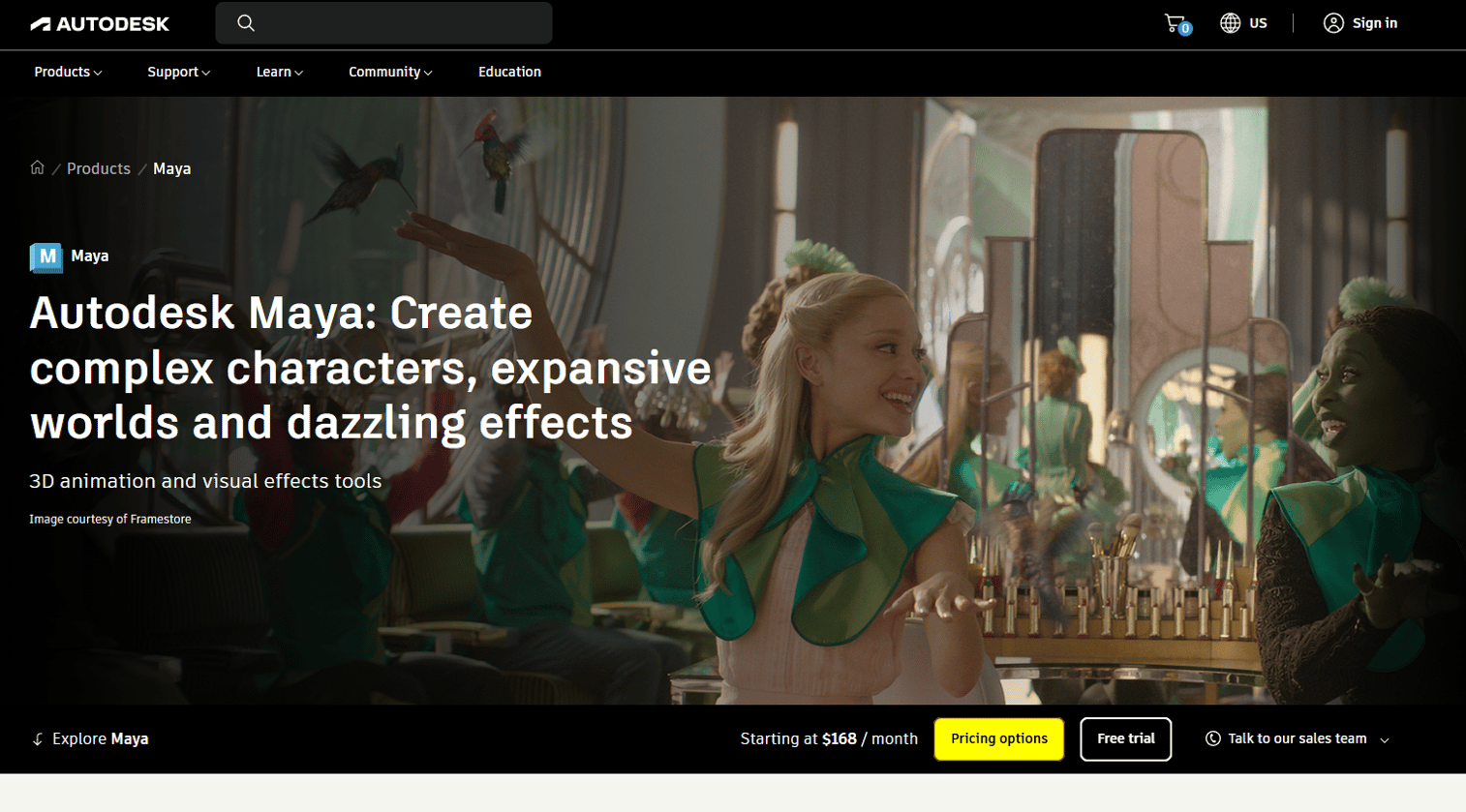
Maya is Autodesk's 3D animation, modeling, simulation, and rendering software, and sculpting is one part of that larger environment. It covers 3D modeling and animation, VFX tools with Bifrost, and AI features like ML Deformer and MotionMaker. For studios that already build in Maya, sculpting inside the same stack keeps the whole production under one roof.
That workflow continuity is the point. If your pipeline centers on Maya for rigging, animation, and effects, sculpting there avoids extra round trips between tools.
Best for: Film, TV, and game studios needing professional 3D character and effects workflows.
Key features
- 3D modeling and animation
- VFX tools with Bifrost
- AI tools including ML Deformer and MotionMaker
Why choose Maya: Choose it when your production already runs on Maya and you want sculpting as one connected step in a broader animation and effects pipeline.
Maya pricing: Autodesk sells Maya on a subscription. Check Autodesk's Maya page for the current subscription figure, since prices are set on the vendor's buy flow.
Maya holds a 4.3 out of 5 rating on G2.
7. SelfCAD
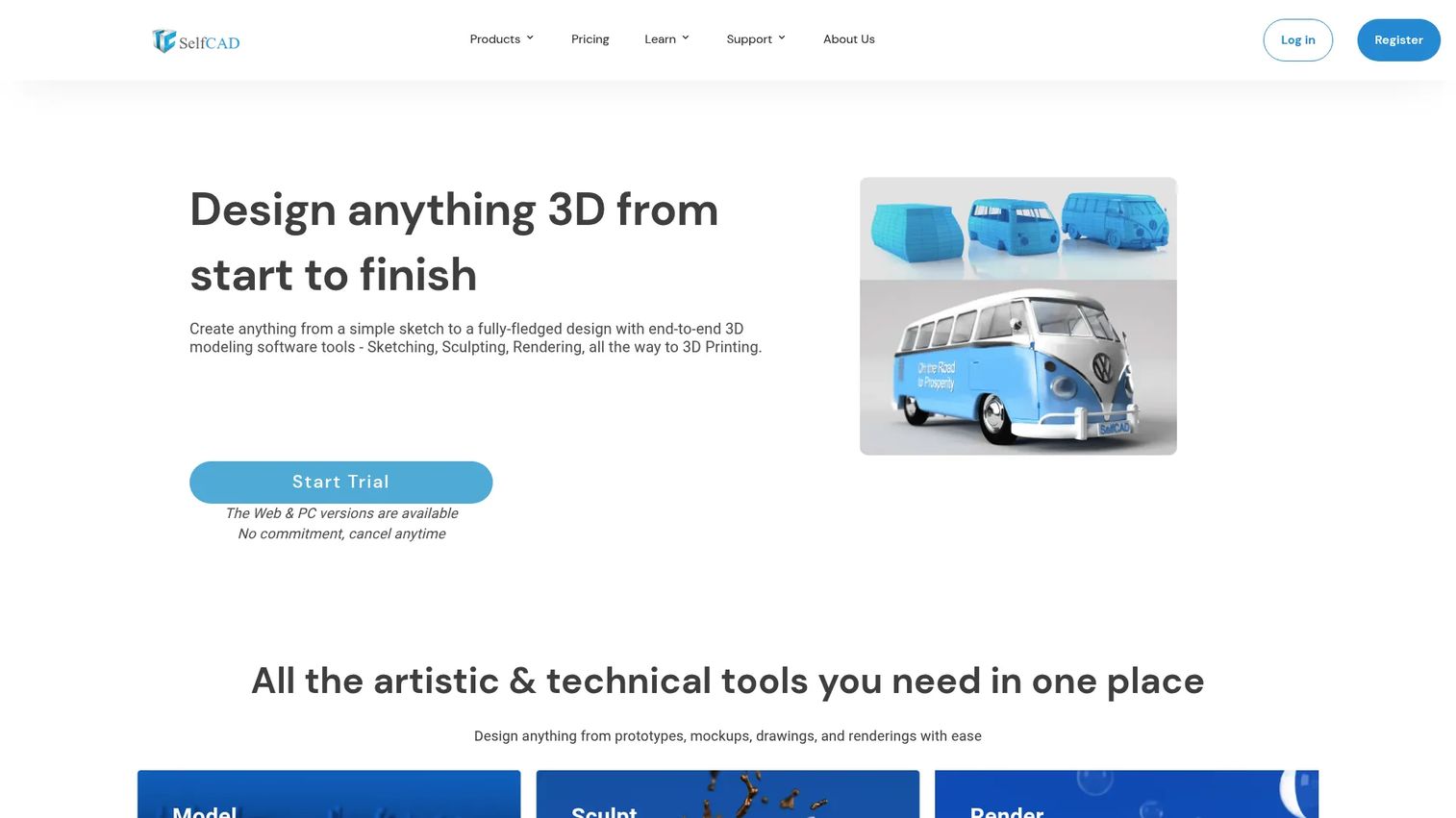
SelfCAD is a browser-based 3D CAD and CAM tool that combines modeling, sculpting, slicing, and printing in one place. It runs online with 3D modeling and sculpting tools plus a built-in slicer, so you can go from design to a printable file without switching apps. The all-in-one approach makes it approachable for beginners and small teams.
SelfCAD fits simpler projects and entry-level buyers. If you want an accessible on-ramp to 3D design and printing without a steep learning curve, it lowers the barrier.
Best for: Beginners and teams needing an all-in-one browser-based 3D design and 3D printing tool.
Key features
- Online 3D CAD
- 3D modeling and sculpting tools
- Slicer and printing workflow
Why choose SelfCAD: Choose it when ease of use and an all-in-one browser workflow matter more than the deep sculpting ceiling of a professional suite.
SelfCAD pricing: SelfCAD is freemium, with a free plan and a subscription-based SelfCAD Pro plan. Check the SelfCAD pricing page for the current Pro figure.
SelfCAD holds a 4.3 out of 5 rating on G2.
Considerations
Before you commit, run the shortlist through these criteria. The right pick depends on how you actually work, not on which tool has the flashiest brush demo.
Sculpting depth
Look at the brush system, masking, dynamic topology, and multi-resolution support. High-poly work needs a tool that carries millions of polygons without choking. If your art is detail-heavy, prioritize raw sculpting capacity over convenience features.
Painting and texturing
Check whether the tool paints directly on the sculpt and supports PBR materials. Painting and texturing in the same app cuts round trips to a separate texturing tool. For color-heavy assets, this can save real time each cycle.
Retopology and export
A dense sculpt is rarely the deliverable. Confirm the tool has retopology, UV mapping, and export formats that match your target, whether that is a game engine, a renderer, or an STL for printing. Clean topology and portable formats decide whether the sculpt survives the handoff.
Platform and device support
Decide what you need: desktop power, browser-based access, cross-platform installs, or iPad mobility. Browser tools remove setup entirely. Desktop suites offer the deepest control. Match the platform to where and how your team sculpts.
Price and trial access
Compare free and open source, one-time licenses, and subscriptions against your budget and release cadence. Test the trial or free tier before you buy, and weigh the license cost against the opportunity cost of learning and maintaining the tool over time.
Conclusion
The best digital sculpture software is the one that fits your pipeline, not the one with the deepest brush menu.
If you need the most mature sculpting and painting workflow, ZBrush is the ceiling. If you want capable sculpting at no license cost inside a full 3D suite, Blender is the strongest free option. If retopology and texturing sit at the center of your work, 3DCoat handles the whole asset prep chain in one tool. If you want browser-first simplicity, SculptGL gets you sculpting in seconds with nothing to install.
For Autodesk shops, Mudbox and Maya keep sculpting inside an existing stack. For beginners and simple 3D printing projects, SelfCAD lowers the barrier to entry.
Whatever you choose, let your export formats and pipeline handoff drive the decision. Test the free tier or trial, run one real asset from blockout through export, and see whether the tool survives the parts that break most workflows.
Start your journey with Guideflow today!
FAQs
For no-cost beginners, Blender offers capable sculpting inside a full 3D suite, though it has a broad learning curve. SelfCAD is more approachable for absolute beginners thanks to its browser-based, all-in-one design. SculptGL is the fastest way to try sculpting with nothing to install.
Yes. Blender is free and open source and covers sculpting, modeling, texturing, and animation. SculptGL is free and runs in the browser. SelfCAD offers a free plan alongside its paid Pro tier, and ZBrush has a free plan for iPad.
Yes. Blender sculpting includes brush-based clay tools, masking, multi-resolution, and dynamic topology, plus painting. Because it sits inside a complete 3D creation suite, you can sculpt, retopologize, texture, and render in the same free tool.
SculptGL is a dedicated WebGL sculpting app with dynamic topology and OBJ, PLY, and STL export. SelfCAD is a broader browser-based option that adds CAD modeling and a 3D print slicer. Both run without any installation.
For printing, you want clean export to formats like STL. SelfCAD combines sculpting with a built-in slicer, making it convenient for print projects. SculptGL exports STL directly, and ZBrush, Blender, and 3DCoat all export meshes suitable for slicing and printing.
Not entirely. Sculpting excels at organic, freeform detail, while traditional modeling handles precise, hard-surface, or measurement-driven work. Many pipelines use both: sculpt the high-detail form, then retopologize into a clean, animation-ready mesh. Suites like Blender, Maya, and 3DCoat combine sculpting and modeling in one program.
Common export formats include OBJ, FBX, STL, and PLY. SculptGL exports OBJ, PLY, and STL. Full suites like Blender, Maya, and 3DCoat support a wider range for game engines, renderers, and 3D printing. Always confirm the tool exports the format your downstream pipeline needs.
Maya is primarily an animation, modeling, simulation, and rendering platform, with sculpting as one part of that larger stack. It suits studios that want sculpting inside their existing Maya pipeline. For the deepest dedicated sculpting, artists often pair Maya with ZBrush, Mudbox, or 3DCoat and move models between them.










