Your build fails at 4pm on a Friday. The commit that broke it went in three hours ago. Nobody knows which change caused it, and the release window closes in an hour.
That situation is avoidable. Continuous integration tools catch it the moment the commit lands, not after three hours of detective work. They trigger a build, run your test suite, report the result, and block the merge if something breaks. According to the CNCF's 2025 survey, 60% of organizations already use CI/CD for most or all of their applications, up from 46% the year before. The teams that have not made the switch are still finding out about problems the hard way.
Choosing the right CI tool matters because the wrong one creates a different kind of friction: Slow queues, maintenance overhead, runner outages, or a security review that blocks your whole pipeline from going live. The market for CI/CD tools is projected to reach USD 5.36B by 2031, according to Mordor Intelligence (2026), which means the category is growing fast and so is the number of options competing for your attention.
This guide cuts through that noise with a practical shortlist of 15 CI tools worth evaluating in 2026.
What's inside
This guide is for engineering managers, DevOps leads, platform engineers, and presales or sales engineering teams that need to understand what CI/CD tool a prospect runs before walking into a technical evaluation.
Tools were chosen and ordered by:
- Relevance to cloud-native, self-hosted, and enterprise workflows in 2026
- Verified pricing and G2 ratings pulled from live sources
- Coverage of key decision axes: Runner model, source control fit, governance, and deployment support
- Separation of true CI/CD platforms from adjacent DevOps infrastructure (containers, monitoring, version control)
TL;DR
- Best open-source CI server: Jenkins, when your platform team can maintain plugins and build agents
- Best for cloud-native speed: CircleCI, for managed runners and fast parallel builds
- Best all-in-one DevOps platform: GitLab CI/CD, when source control and pipelines should live together
- Best for GitHub teams: GitHub Actions, when repositories and workflows already live in GitHub
- Best for Windows and .NET builds: AppVeyor, for teams with Windows-heavy CI requirements
- Best for enterprise governance: Azure Pipelines and Harness, depending on your cloud stack and approval requirements
- Best for infrastructure control: Buildkite, when builds must stay on your own agents for security or compliance reasons
What is continuous integration software
Continuous integration software automates the process of building, testing, and validating code every time a developer commits changes to a shared repository.
Core capabilities of CI tools
When evaluating build automation software in this category, look for:
- Source control triggers: Respond to commits, pull requests, branches, tags, and schedules
- Automated builds: Compile and package code without manual intervention
- Test execution: Run unit, integration, and end-to-end test suites on every change
- Parallel jobs: Split work across multiple runners to reduce total build time
- Runners and agents: Hosted or self-hosted compute environments that execute pipeline steps
- Artifact storage: Preserve build outputs for downstream use or deployment
- Secrets management: Secure injection of credentials, tokens, and environment variables
- Status checks: Report pass or fail back to the pull request or commit
- Deployment workflows: Extend the pipeline into staging and production environments
- Audit logs and notifications: Track who triggered what, and alert the right people when something fails
Continuous integration versus CI/CD
CI focuses on build and test validation after each commit. CD, which stands for continuous delivery or continuous deployment, moves validated changes through release and deployment workflows. Most tools on this list now handle both, so buyers comparing CI tools are often making a CI/CD platform decision. The distinction still matters for procurement and security reviews, where teams sometimes gate CI and CD access separately.
Where CI tools fit in technical evaluations
For presales and sales engineering teams, knowing which CI tool a prospect runs answers integration questions before they surface on a discovery call. A prospect running Jenkins on-premises has different security, networking, and plugin requirements than one running GitHub Actions on managed runners. Understanding the runner model, the source control host, and the deployment targets tells you where your product needs to fit and which proof points will land.
When to use continuous integration tools
Automate builds before code reaches main
Most teams adopt CI when pull request reviews alone stop catching regressions. Adding a required build check means every merge goes through a consistent, automated gate. Branch protection rules combined with CI status checks reduce the number of broken builds that reach main or production.
Run tests consistently across every commit
Manual test runs are skipped under pressure. A CI pipeline runs the same suite on every commit, across operating systems and runtime versions if needed, without relying on developer discipline. Parallel execution and test splitting cut the feedback loop from minutes to seconds on large test suites.
Standardize release workflows across teams
As engineering teams grow, release variance becomes a risk. CI/CD tools enforce consistent steps: Environment variable injection, approval gates, deployment targets, and rollback conditions all live in code rather than tribal knowledge. That consistency also makes compliance and audit questions easier to answer.
Continuous integration tools comparison
The table below covers all 15 tools in this guide, ordered by the list that follows. Pricing and G2 ratings were verified from each vendor's live pricing page and G2 listing. Tools without a confirmed G2 rating show N/A.
| # | Product | Best for | Key differentiator | Pricing | G2 rating |
|---|---|---|---|---|---|
| 1 | Jenkins | Open-source, self-hosted CI | Largest plugin ecosystem, full infrastructure control | Free (open source) | 4.4/5 |
| 2 | CircleCI | Cloud-native speed and managed runners | Orbs, Docker layer caching, parallel test splitting | Free tier; paid from $15/month | 4.4/5 |
| 3 | GitLab CI/CD | All-in-one DevSecOps platform | Source control, CI, security scanning in one place | Free tier; Premium $29/user/month | 4.5/5 |
| 4 | GitHub Actions | GitHub-native CI/CD | Marketplace actions, tight PR integration | Free minutes included; Team $4/user/month | N/A |
| 5 | Azure Pipelines | Microsoft-stack and enterprise teams | Multi-platform agents, Azure DevOps integration | 1 free parallel job; additional jobs from $15/month | 4.3/5 |
| 6 | Bitbucket Pipelines | Bitbucket Cloud and Atlassian teams | Built-in CI with Jira integration | Free tier; Standard from $3.65/user/month | 4.4/5 |
| 7 | Bamboo | Atlassian Data Center environments | Self-managed CI with Jira and Bitbucket Server | From $10 (server license) | 4.1/5 |
| 8 | Travis CI | Open-source and GitHub projects | Simple YAML config, broad language support | Free tier; usage-based from $13.75/month | 4.5/5 |
| 9 | TeamCity | Structured, mature CI server | Kotlin DSL, build chains, AI Build Analyzer | Free (Professional); Cloud from $15/committer/month | N/A |
| 10 | Harness | Enterprise CI with governance | AI-powered pipelines, OPA policy enforcement | Free tier; Essentials and Enterprise by quote | N/A |
| 11 | Buildkite | Infrastructure-controlled builds | Hybrid agent model, private infrastructure support | Free tier; Pro $30/active user/month | 4.7/5 |
| 12 | Semaphore | Fast cloud CI performance | Pay-as-you-go compute, open-source option | From $0.0025/min; $15 free credits/month | 4.7/5 |
| 13 | AppVeyor | Windows and .NET CI | Native Windows build workers, .NET support | Open-source free; paid from $29/month | 4.3/5 |
| 14 | GoCD | Complex delivery pipeline modeling | Value stream maps, dependency management | Free (open source) | 4.1/5 |
| 15 | AWS CodePipeline | AWS-native delivery orchestration | Native AWS service integrations, IAM access control | V1: $1/active pipeline/month; V2: $0.002/action minute | N/A |
Best 15 continuous integration tools for 2026
1. Jenkins
Jenkins is the open-source automation server that most engineering teams still know by name. It connects to virtually any source control system, triggers builds on commits, and executes pipelines defined in Jenkinsfiles. Its plugin ecosystem covers over 1,800 integrations, making it adaptable to almost any tech stack.
Best for: Engineering and DevOps teams that need maximum CI flexibility and can dedicate resources to maintaining self-hosted infrastructure.
Key features
- Open-source CI server with no licensing fee
- Pipeline as code via Jenkinsfiles
- 1,800+ plugins for build, test, and deploy integrations
- Distributed builds across multiple agents
- Full control over runner configuration and scaling
Why choose Jenkins: Jenkins earns its place when deep customization, legacy system support, or full infrastructure ownership is non-negotiable. Platform teams that have already built tooling around it find it hard to replace. Teams that want to avoid ongoing maintenance should compare it against managed options first.
Jenkins pricing: Jenkins software is free and open source. Budget for hosting, build agent infrastructure, storage, and the admin time required for upgrades and security patching.
G2 rating: 4.4/5
2. CircleCI
CircleCI is a managed CI/CD platform built around developer speed. Teams write pipeline configuration once, reuse it through orbs, and get fast feedback from Docker layer caching and parallel test splitting. Runners are available as cloud-hosted or self-hosted, which gives teams flexibility without requiring them to build their own infrastructure from scratch.
Best for: Cloud-first engineering teams shipping frequently who want managed runners and strong developer experience out of the box.
Key features
- Cloud and self-hosted runners across Linux, Windows, macOS, and Arm
- Reusable orbs for shared pipeline configuration
- Docker layer caching to speed up container builds
- Parallel test splitting across multiple executors
- Automated testing, deployment, and rollback workflows
Why choose CircleCI: CircleCI works well for teams reducing Jenkins maintenance overhead without giving up configurability. Its orb library makes reuse practical, and Docker caching cuts build times on container-heavy projects.
CircleCI pricing: A free tier includes 6,000 build minutes and up to 5 active users per month. The Performance plan starts at $15/month and includes 30,000 credits and expanded concurrency. Scale pricing requires contacting sales.
G2 rating: 4.4/5
3. GitLab CI/CD
GitLab CI/CD is part of the broader GitLab DevSecOps platform, which means CI pipelines live in the same tool as merge requests, security scanning, environments, and the package registry. Teams define pipelines in YAML, trigger them on merge requests or schedules, and deploy to configured environments, all without leaving GitLab. This matters for technical evaluations because it reduces the number of integration points that need to pass a security review.
Best for: Teams that want source control, CI pipelines, security checks, and delivery workflows in a single DevOps platform.
Key features
- YAML pipeline configuration with reusable CI/CD Catalog components
- Merge trains, parent-child pipelines, and DAG execution
- Built-in SAST, DAST, dependency scanning, and compliance pipelines
- Environments and progressive delivery including canary deployments
- Self-managed and SaaS deployment options
Why choose GitLab CI/CD: GitLab CI/CD is strongest when the team already uses GitLab for source control. Adding pipelines costs no additional setup, and security scans run without third-party integrations. Presales teams selling into GitLab shops will find that CI/CD is already part of the conversation.
GitLab CI/CD pricing: Free includes CI/CD and 400 compute minutes per month. Premium runs $29/user/month billed annually and includes 10,000 compute minutes. Ultimate pricing is custom and adds enterprise security and compliance capabilities.
G2 rating: 4.5/5
4. GitHub Actions
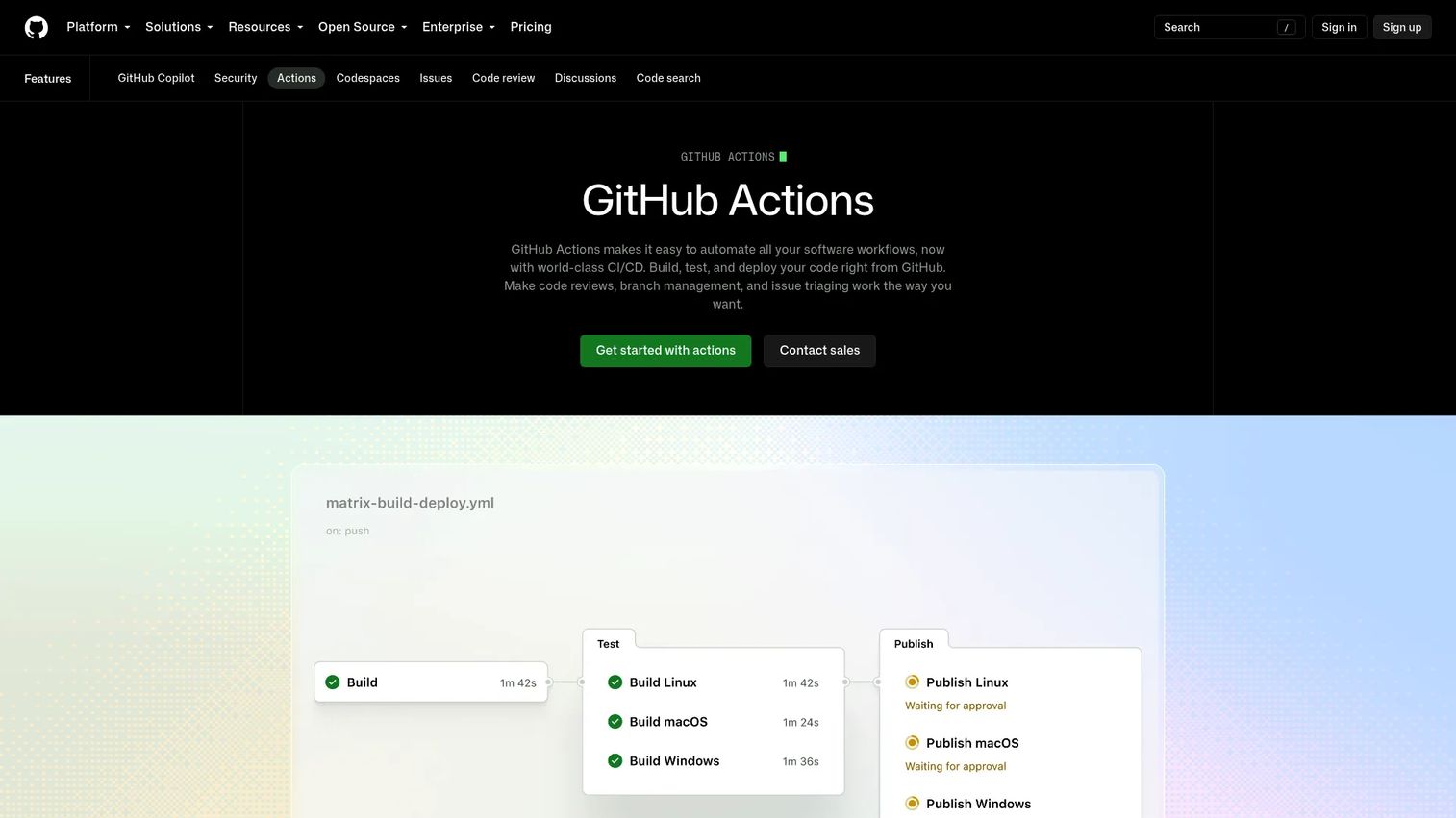
GitHub Actions automates software workflows directly inside GitHub repositories. Developers write workflow files in YAML, trigger them on pull requests, pushes, or schedules, and pick from thousands of community-shared actions in the Marketplace. Hosted runners cover Linux, macOS, and Windows, with self-hosted runners available for teams that need custom hardware or network access.
Best for: Development teams whose repositories, pull requests, and developer collaboration already live in GitHub.
Key features
- Workflow YAML files stored in the repository
- GitHub Actions Marketplace with thousands of reusable actions
- Hosted runners across Linux, macOS, Windows, ARM, and GPU
- Self-hosted runner support for custom infrastructure
- Matrix builds for testing across OS and runtime combinations
Why choose GitHub Actions: The biggest advantage is proximity. CI configuration lives next to code, status checks appear directly on pull requests, and there is no context switch to a separate CI platform. Teams already invested in GitHub will find it the lowest-friction option.
GitHub Actions pricing: GitHub's Free plan includes 2,000 Actions minutes per month. The Team plan at $4/user/month includes 3,000 minutes. Enterprise at $21/user/month includes 50,000 minutes. Additional minutes and storage are billed separately.
5. Azure Pipelines
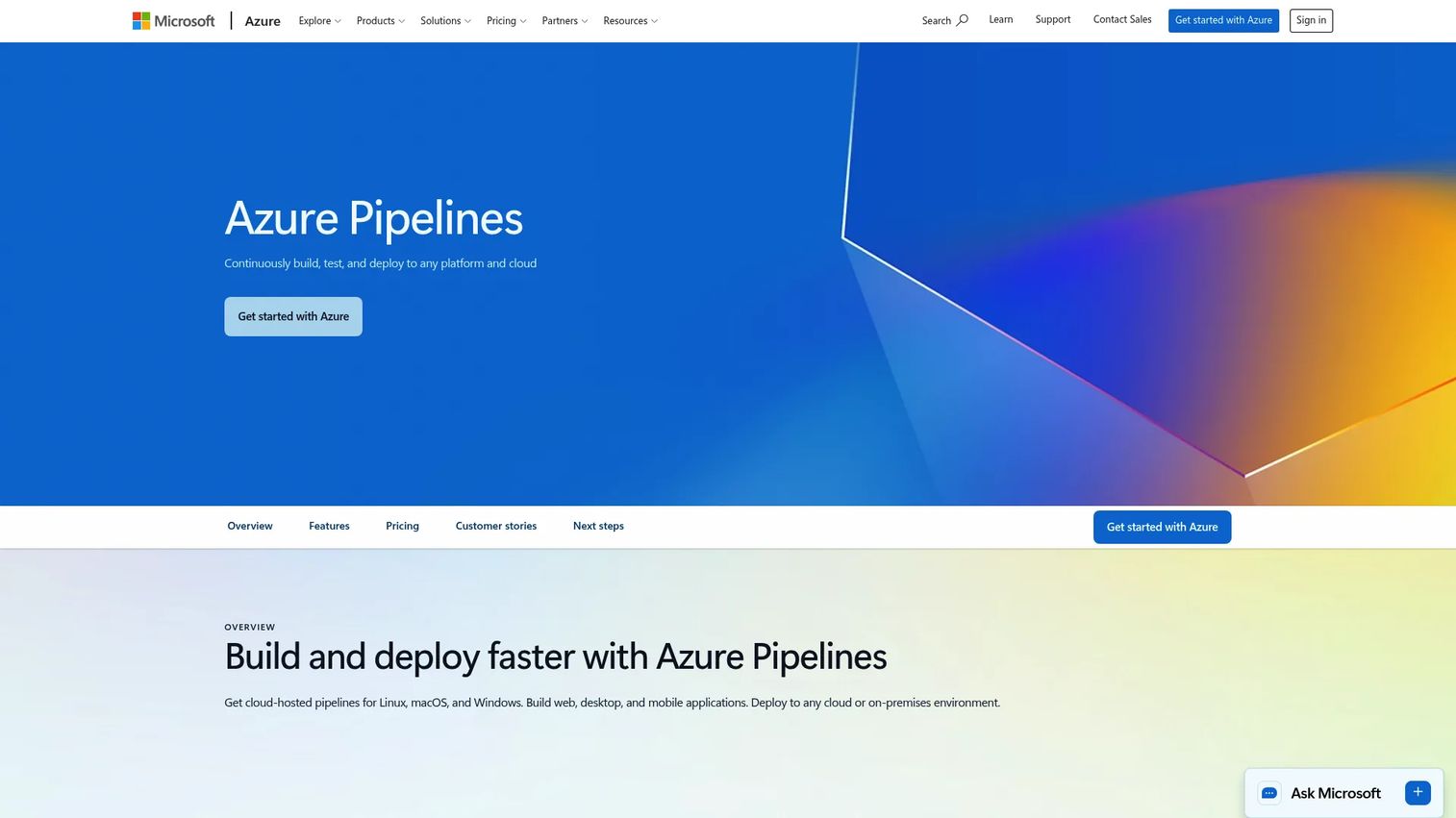
Azure Pipelines is Microsoft's CI/CD service inside Azure DevOps. It builds, tests, and deploys applications across Windows, Linux, and macOS using hosted agents or self-hosted agents you run yourself. Release pipelines add approval gates, environment promotion, and deployment tracking. Azure Pipelines also works with GitHub and other repositories, so it is not limited to teams using Azure Repos.
Best for: Microsoft-heavy teams and regulated enterprises standardizing on Azure DevOps for build, test, and release workflows.
Key features
- Multi-platform hosted agents for Windows, Linux, and macOS
- YAML pipeline support and classic release pipelines
- Native deployment to Azure, AWS, GCP, and on-premises
- Release gates, approvals, and enterprise access controls
- Azure DevOps integration for work tracking and reporting
Why choose Azure Pipelines: Azure Pipelines is the natural fit when engineering depends on Azure services, Microsoft identity, or Azure DevOps for project tracking. Its governance controls, approval gates, and audit capabilities are well-suited to regulated environments where every release needs a paper trail.
Azure Pipelines pricing: One free Microsoft-hosted parallel job with 1,800 minutes per month is included, plus one free self-hosted parallel job with unlimited minutes. Additional Microsoft-hosted jobs cost $40 each; additional self-hosted jobs cost $15 each.
G2 rating: 4.3/5
6. Bitbucket Pipelines
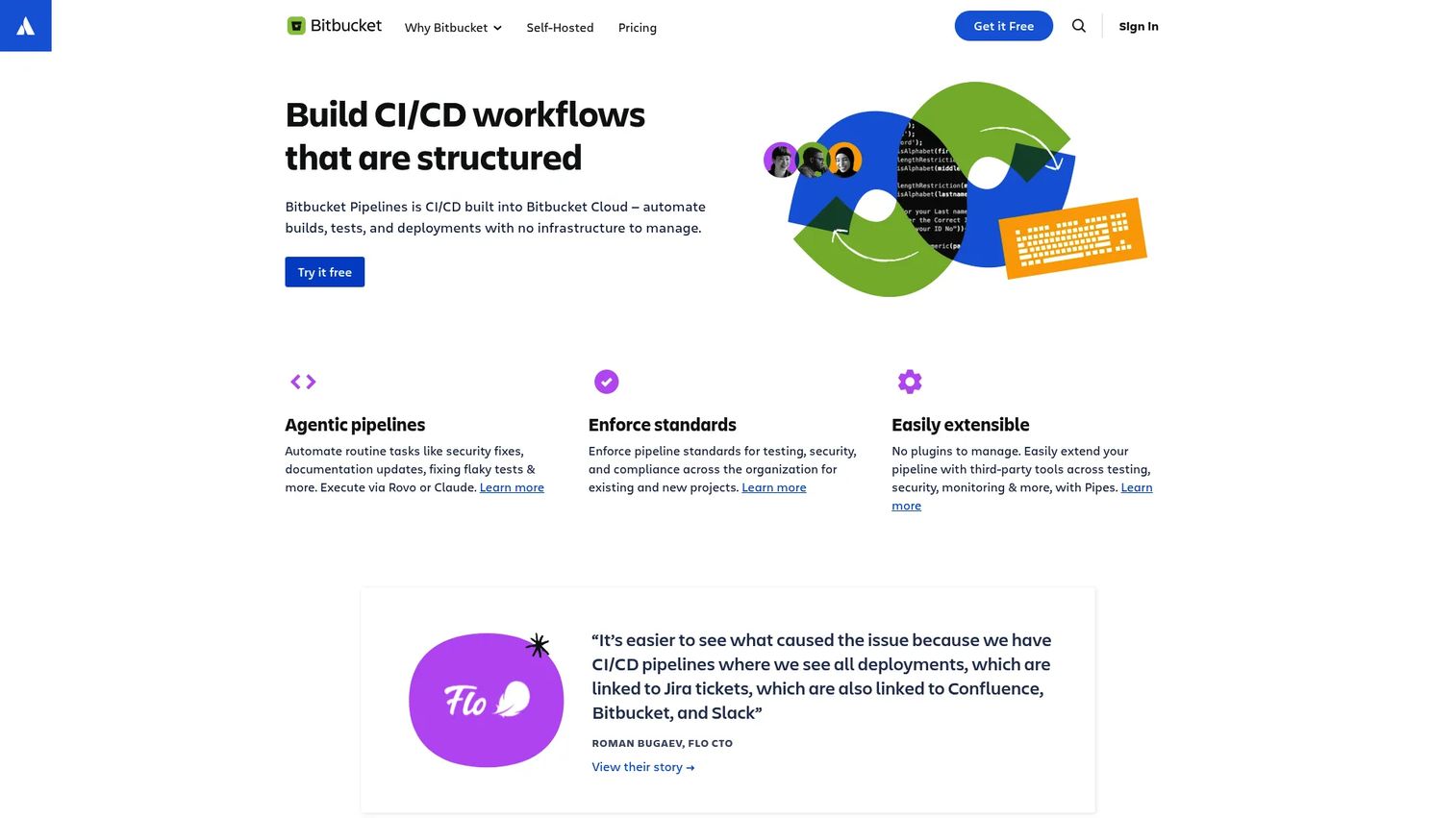
Bitbucket Pipelines is CI/CD built directly into Bitbucket Cloud. Teams configure pipelines in a YAML file, connect deployments to named environments, and track build status alongside their pull requests. Jira integration is native, so build results appear in Jira tickets without additional setup. Pipe integrations extend deployments to AWS, Azure, and other targets.
Best for: Bitbucket Cloud teams that want CI/CD without adding a separate platform or maintaining additional credentials.
Key features
- Built-in pipelines with no additional installation
- YAML pipeline files committed alongside code
- Native Jira integration for build status on tickets
- Deployment environments with per-environment variables
- Docker-based builds with 100+ pipe integrations
Why choose Bitbucket Pipelines: The case for Bitbucket Pipelines rests entirely on Bitbucket and Jira. Teams already committed to that combination get working CI/CD with minimal setup. If repositories live somewhere else, the value drops considerably.
Bitbucket Pipelines pricing: The Free plan covers up to 5 users and includes 50 build minutes per month. Standard costs $3.65/user/month and includes 2,500 build minutes. Premium costs $7.25/user/month and includes 3,500 build minutes. Additional minutes cost $10/month per 1,000.
G2 rating: 4.4/5
7. Bamboo
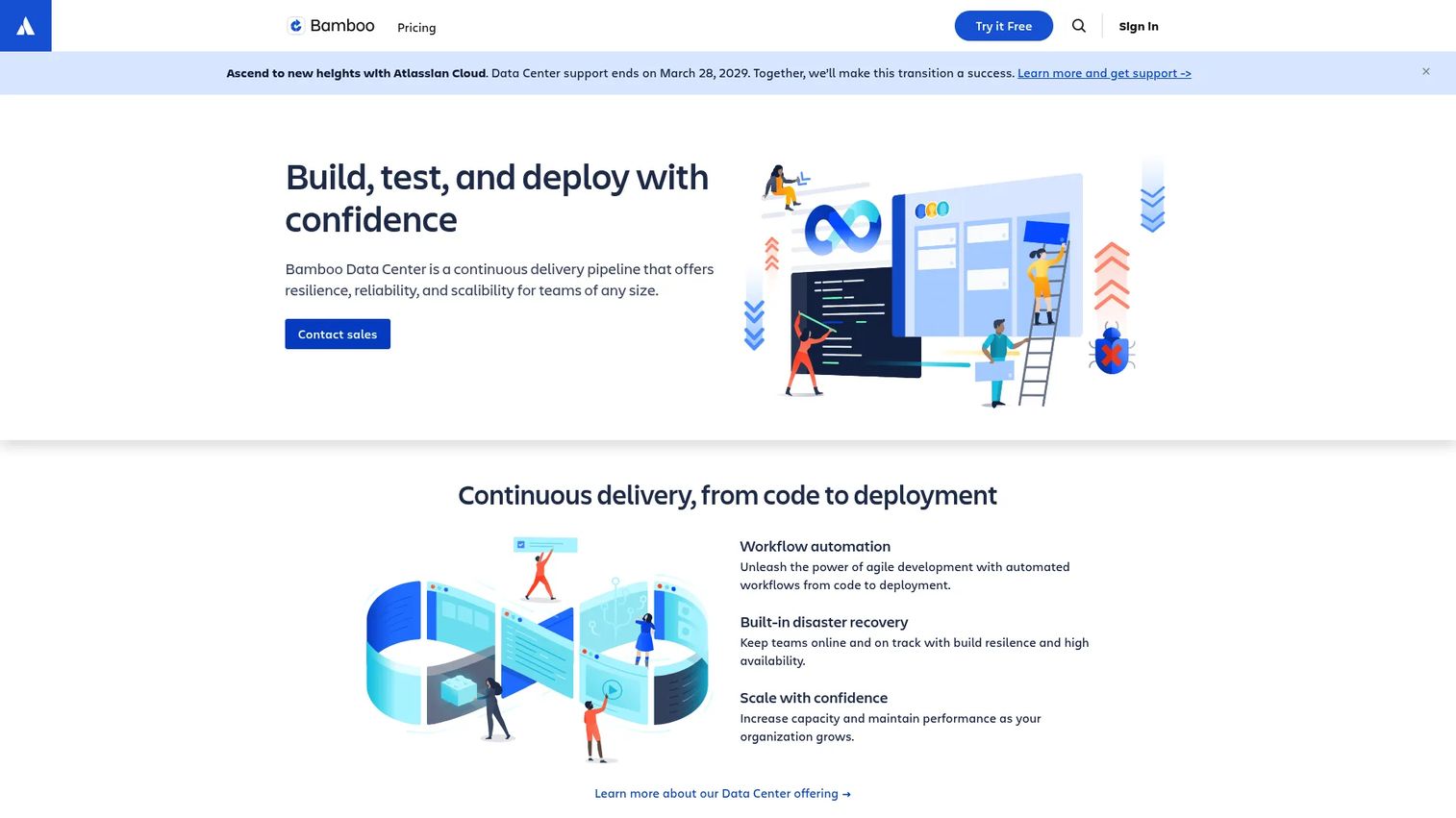
Bamboo is Atlassian's self-managed CI/CD server. Build plans group stages and jobs, deployment projects track releases per environment, and remote agents handle distributed workloads. Integration with Jira and Bitbucket Server is first-class, making it the natural CI choice for teams running the full Atlassian Data Center stack.
Best for: Atlassian-centered engineering teams that need a self-managed CI/CD server with strong Jira and Bitbucket Server integration.
Key features
- Build plans with multi-stage job configuration
- Deployment projects with per-environment access controls
- Remote agents for distributed build execution
- First-class Jira and Bitbucket integration
- Docker, AWS CodeDeploy, and Opsgenie integrations
Why choose Bamboo: Bamboo fits teams already running Atlassian Data Center who want CI/CD to sit in the same administrative context as their other tools. Teams open to cloud-hosted CI should compare it against Bitbucket Pipelines or other managed options before committing.
Bamboo pricing: The Small Teams server license starts at $10 (up to 10 jobs). The Growing Teams server license costs $800 (unlimited jobs). Both include a 30-day free trial. Data Center pricing requires contacting Atlassian sales.
G2 rating: 4.1/5
8. Travis CI
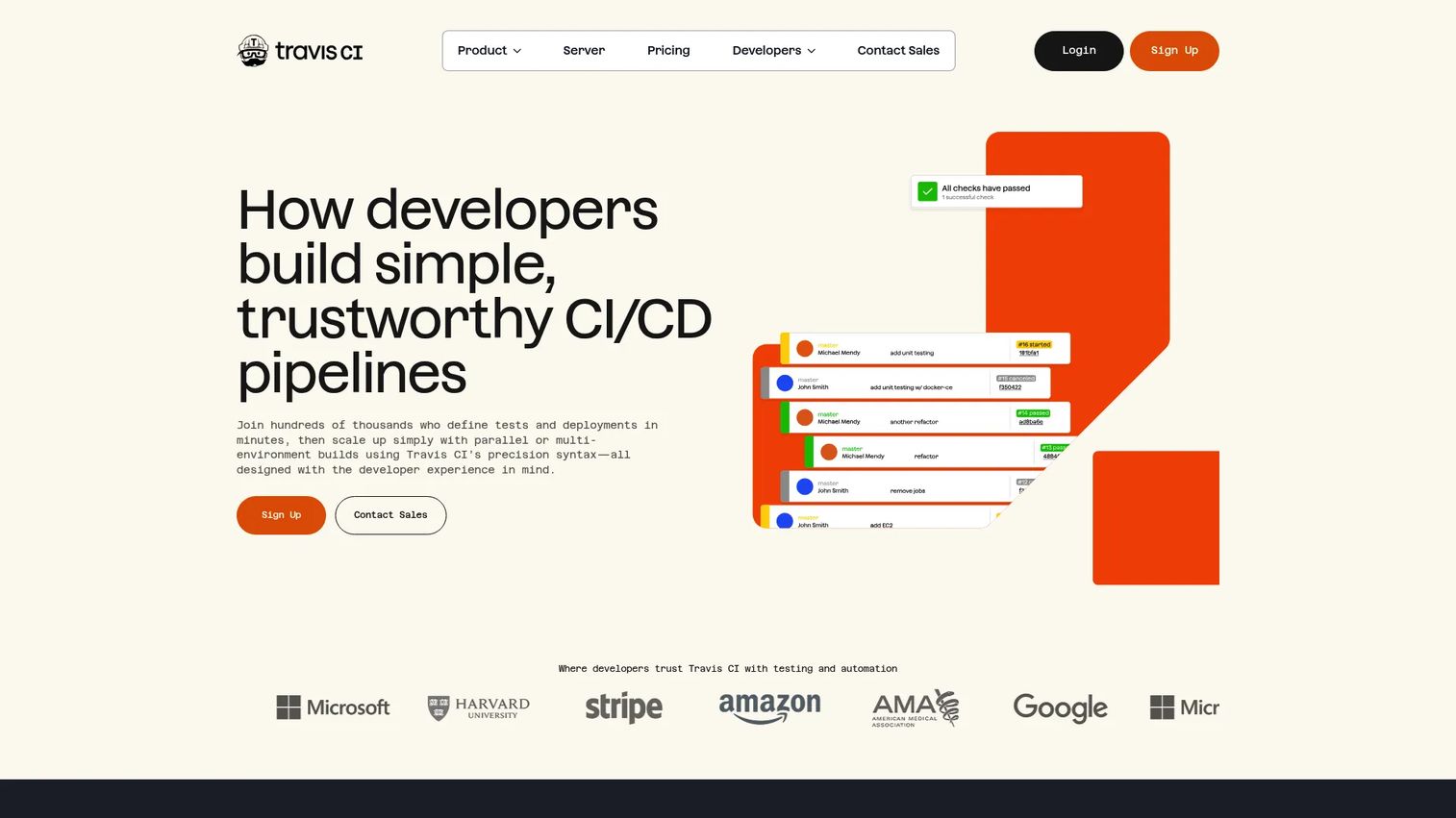
Travis CI is a hosted CI service with a long history in the open-source community. Teams configure builds in a .travis.yml file, define build matrices to test across multiple language versions and operating systems, and connect to GitHub, GitLab, or Bitbucket repositories. Encrypted secrets and HashiCorp Vault integration cover secure credential handling.
Best for: Small teams and open-source maintainers that want straightforward repository-based CI with broad language support.
Key features
- YAML build configuration with matrix support
- Support for 30+ programming languages and multiple OS targets
- Pull request testing and automated deployments
- Encrypted and scoped secrets with HashiCorp Vault integration
- Docker compatibility and multi-VCS repository support
Why choose Travis CI: Travis CI suits teams that want simple, familiar configuration for common language stacks without managing server infrastructure. For larger engineering organizations with complex pipeline requirements, the broader CI/CD platforms in this list offer more governance and scale.
Travis CI pricing: A free tier is available through the application plans page with 10,000 credits. Paid plans start at $13.75/month billed annually for the Usage Based plan ($15/month billed monthly). The Unlimited Plan starts at $72/month annually. A Server plan runs $34/month.
G2 rating: 4.5/5
9. TeamCity
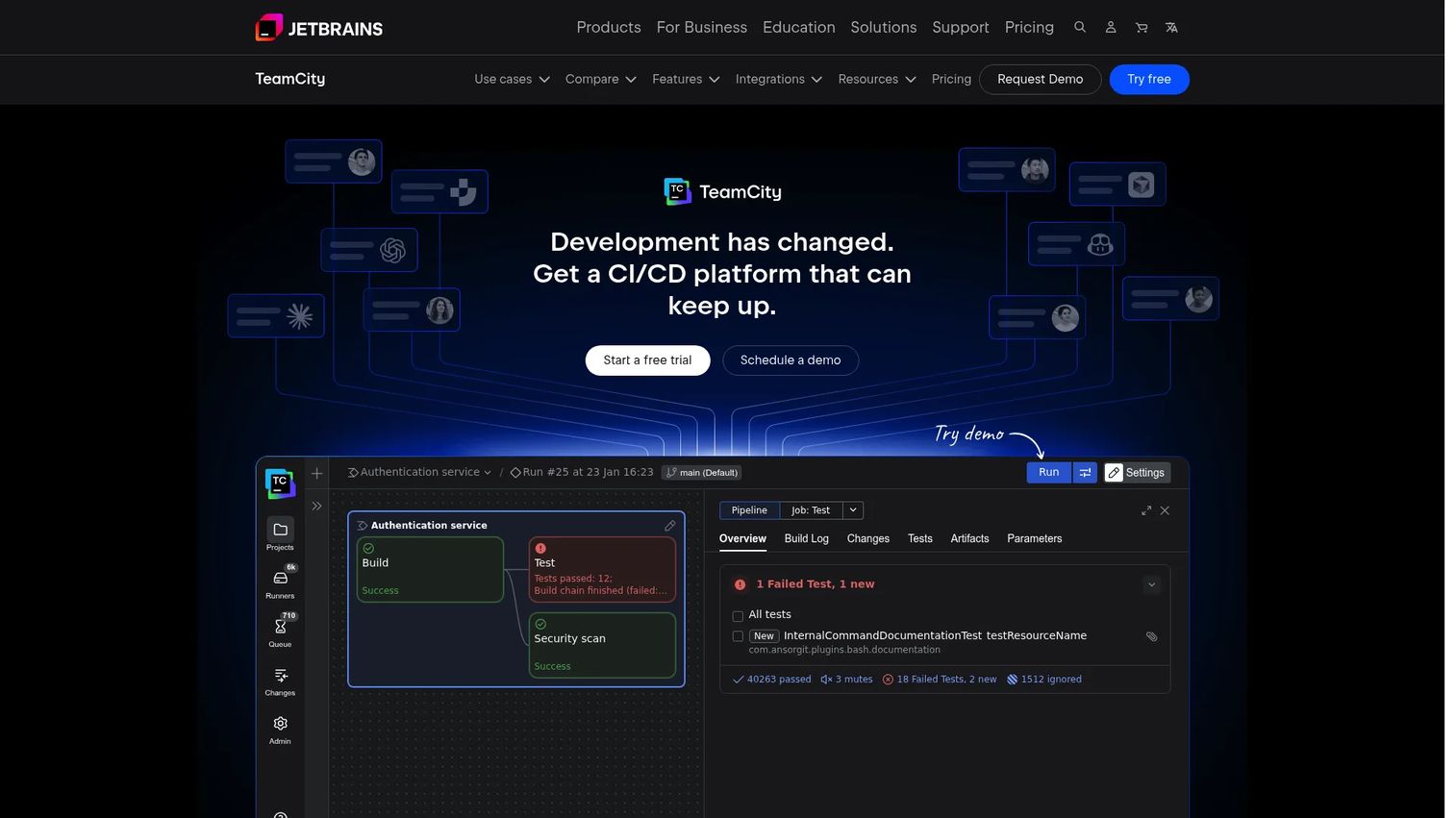
TeamCity is JetBrains' CI/CD platform, available as an on-premises server or a cloud-hosted service. Build chains connect dependent jobs and visualize how changes flow through the pipeline. Kotlin DSL lets teams version their build configuration as code. An AI Build Analyzer and AI Assistant help diagnose failures faster.
Best for: Development teams that want a mature, structured CI environment with strong build visibility and configuration control.
Key features
- Build chains for dependent job visualization
- Kotlin DSL for configuration as code
- AI Build Analyzer and AI Assistant for failure diagnosis
- Parallel test execution with flaky-test detection
- Integrations with GitHub, GitLab, Bitbucket, Docker, Kubernetes, and AWS
Why choose TeamCity: TeamCity works well for teams that value structured pipeline configuration and want to understand build dependencies visually. JetBrains integrations are a natural fit for teams using IntelliJ-based IDEs across their engineering org.
TeamCity pricing: The Professional on-premises edition is free forever with 3 build agents and 100 build configurations. The Enterprise edition costs $2,399/year with unlimited configurations. Cloud pricing starts at $15/committer/month with a minimum of 3 committers.
10. Harness
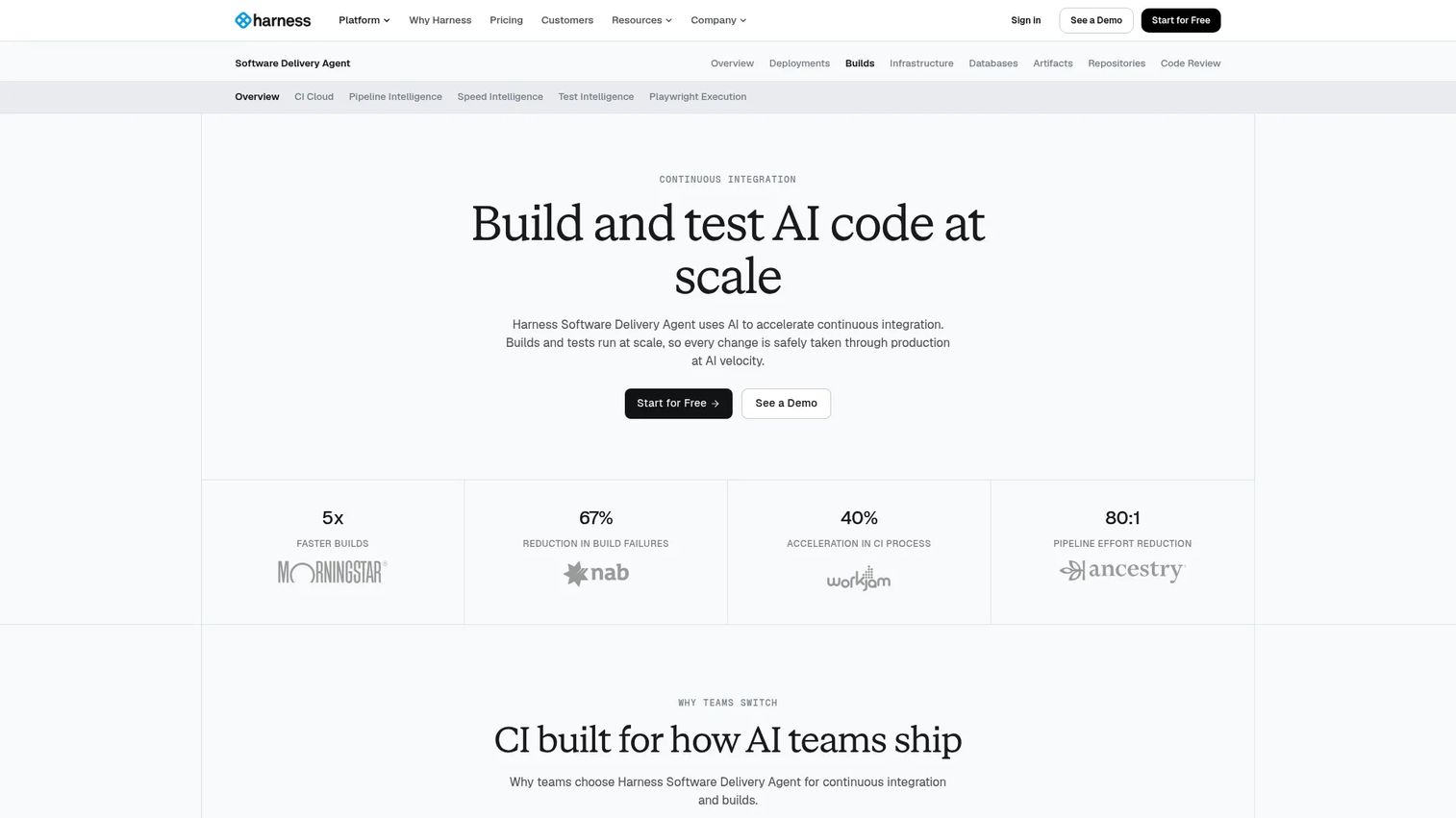
Harness is a modern software delivery platform with separate modules for CI, CD, feature flags, cloud cost, and security. The CI module uses AI-powered pipeline authoring, Build Intelligence to skip unchanged steps, and Test Intelligence to run only the tests affected by a change. OPA policy enforcement and SLSA Level 3 compliance support give security and platform teams the governance controls they need.
Best for: Enterprise engineering teams formalizing delivery governance, approval workflows, and multi-environment deployment pipelines.
Key features
- AI-powered pipeline authoring and error analysis
- Build Intelligence and Docker Layer Caching
- Test Intelligence with flaky-test detection and quarantine
- OPA policy enforcement and SBOM generation
- Harness Cloud isolated build infrastructure for Mac, Linux, and Windows
Why choose Harness: Choose Harness when CI is part of a broader delivery maturity initiative. Its governance module and policy enforcement make it well-suited for regulated industries or organizations formalizing SDLC controls. The free tier is a practical entry point for smaller teams evaluating enterprise capabilities.
Harness pricing: A free plan includes 2,000 build minutes per month. Essentials and Enterprise plans are priced by quote. Contact Harness sales for current rates on both tiers.
11. Buildkite
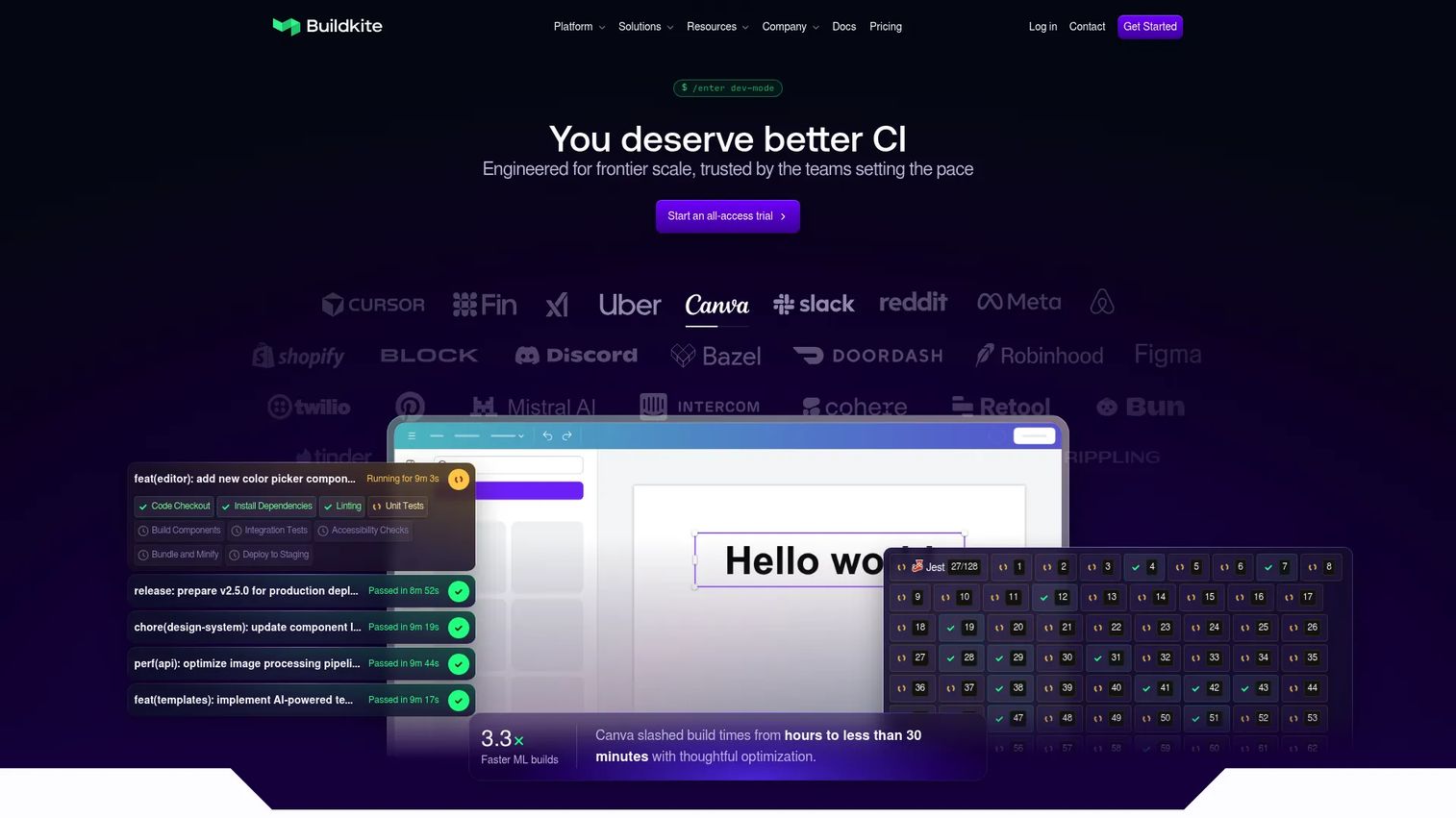
Buildkite separates pipeline orchestration from build execution. The Buildkite platform coordinates pipelines and stores results, while agents run on infrastructure you control: Your own servers, cloud instances, or Buildkite's hosted agents. This hybrid model matters for teams with security requirements around data, networking, or custom hardware, including GPU or Apple Silicon workloads.
Best for: Security-conscious engineering teams that need cloud coordination of CI pipelines while keeping build execution on their own infrastructure.
Key features
- Dynamic pipelines and pipelines as code
- Self-hosted, hosted, and hybrid build agent options
- Test Engine with test splitting and flaky-test quarantine
- Package Registries for artifact management
- Scalable concurrency and pipeline observability tools
Why choose Buildkite: Buildkite is the right call when builds cannot run on shared hosted infrastructure due to data residency, compliance, or custom hardware requirements. The agent model gives you compute control without giving up a managed pipeline experience.
Buildkite pricing: A free plan covers up to 5 users. The Pro plan costs $30/active user/month for up to 50 users. Enterprise pricing is custom and includes advanced security, compliance controls, and dedicated support. Hosted agents are billed separately by usage.
G2 rating: 4.7/5
12. Semaphore
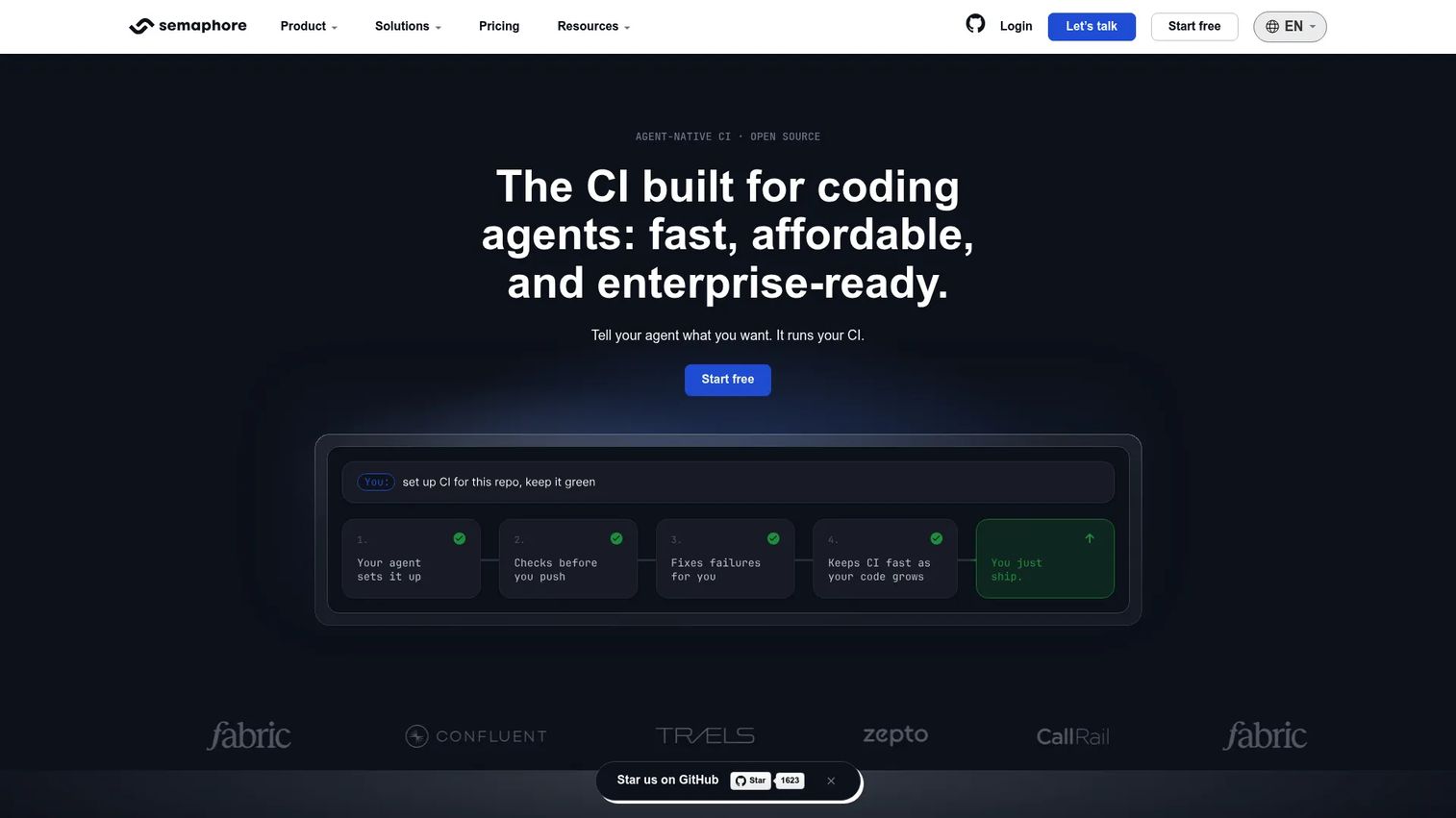
Semaphore is an open-source, cloud-based CI/CD platform focused on pipeline speed and pay-as-you-go compute. Organizations receive $15 in free compute credits per month, and workloads scale across ARM and x64 machine types. Self-hosted agents are also available for teams that need private infrastructure. Monorepo support and test reports round out the feature set.
Best for: Engineering teams where pipeline speed is the primary bottleneck and pay-per-use compute pricing fits the workload pattern.
Key features
- Pay-as-you-go compute across ARM and x64 machine types
- Parallel jobs and fast feedback loops
- Docker support and container-based builds
- Monorepo support with change detection
- Self-hosted agents for private infrastructure
Why choose Semaphore: Semaphore works well for teams that want managed cloud CI with strong performance tuning and no fixed seat commitment. Its open-source option and usage-based pricing make it a practical fit for startups and growth-stage teams.
Semaphore pricing: Compute is billed per minute. Ubuntu ARM 2vCPU costs $0.003/min; Ubuntu x64 2vCPU costs $0.0075/min; macOS 4vCPU costs $0.09/min. Self-hosted agents cost $0.0025/min. Each organization gets $15 in free credits per month.
G2 rating: 4.7/5
13. AppVeyor
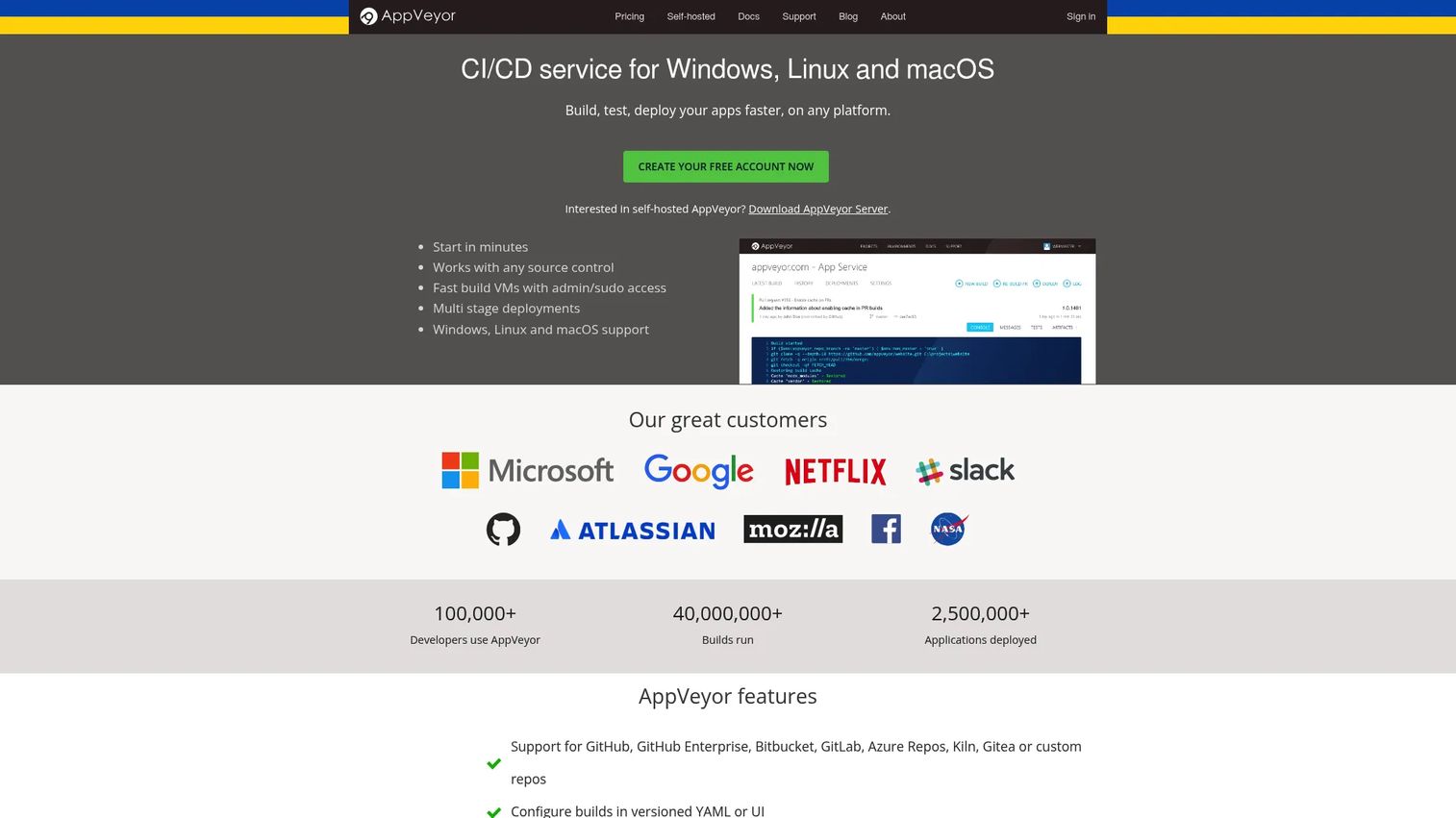
AppVeyor is a CI/CD service with particular depth for Windows builds and .NET projects. Clean, isolated build environments run on Windows workers, and YAML or UI-based configuration gives teams flexibility. AppVeyor supports repositories from GitHub, Bitbucket, GitLab, Azure Repos, and others, with artifact publishing and a built-in NuGet server for .NET package workflows.
Best for: Teams maintaining .NET applications, Windows packages, or legacy Windows CI workflows where native Windows build support is the deciding factor.
Key features
- Windows, Linux, and macOS build environments
- Versioned YAML or UI-based build configuration
- Built-in NuGet server and artifact publishing
- Branch and pull request builds with status reporting
- Deployment support and repository integrations across major VCS platforms
Why choose AppVeyor: AppVeyor's strongest case is Windows. Most cloud CI platforms treat Windows as a secondary target. AppVeyor makes it first-class, which matters for teams maintaining Windows services, MSI packages, or .NET frameworks alongside modern cloud workloads.
AppVeyor pricing: Open-source projects build for free. The Basic plan costs $29/month. Pro costs $59/month or $590/year. Premium costs $99/month or $990/year. Additional concurrent jobs cost $50/month, and additional self-hosted jobs cost $10/month.
G2 rating: 4.3/5
14. GoCD
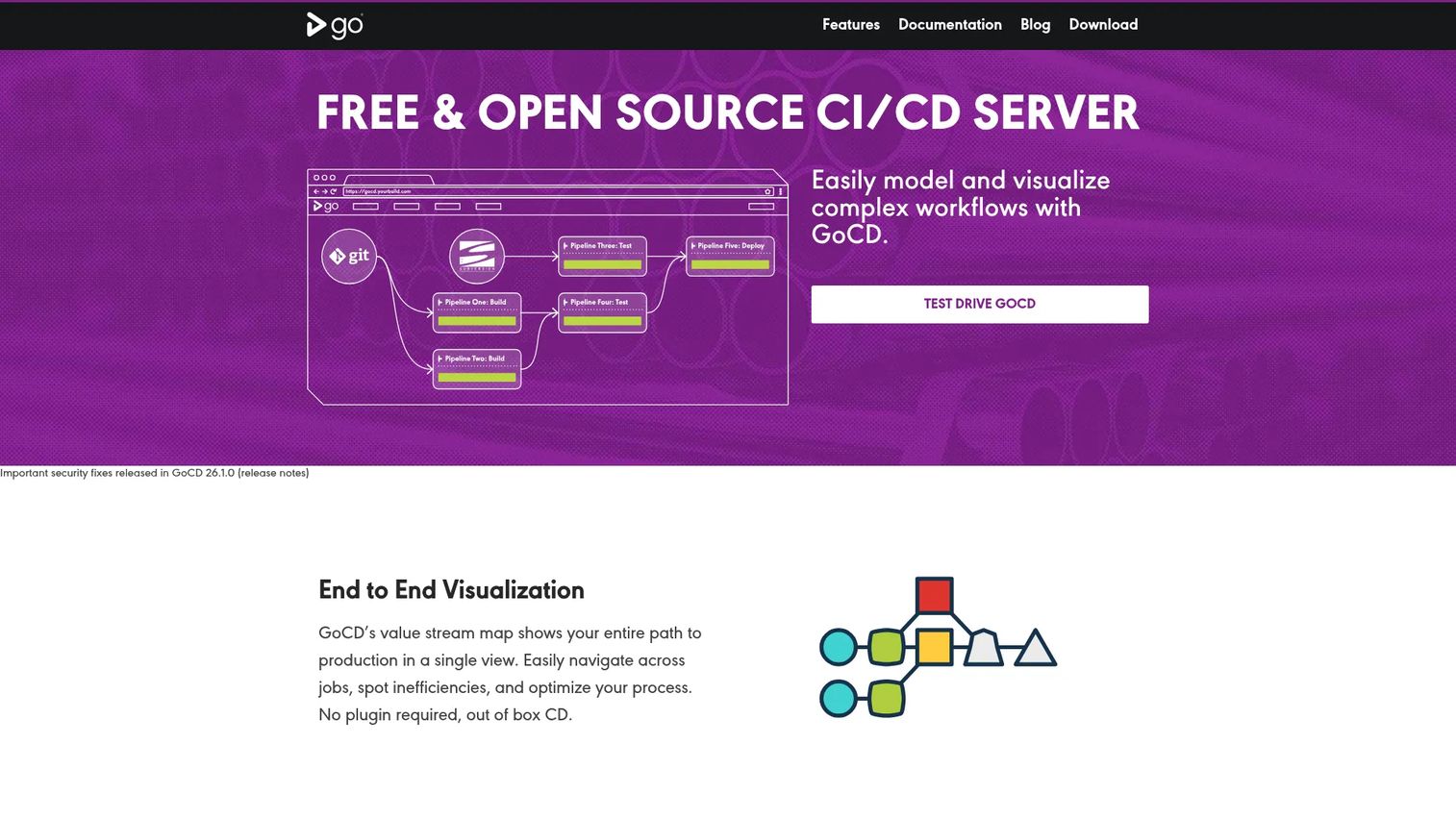
GoCD is an open-source continuous delivery server designed for teams that need to reason about complex pipeline dependencies. Its value stream map shows the full delivery flow from commit to production, with dependencies between pipelines visualized in one view. Artifact promotion and deployment traceability are built in, not bolted on.
Best for: Teams managing complex multi-service delivery pipelines where visualizing dependencies and tracking artifacts across environments matters.
Key features
- Open-source CD server with no licensing fee
- Value stream maps for end-to-end pipeline visibility
- Pipeline dependency modeling and artifact promotion
- Agent-based build execution with plugin extensibility
- Build comparison across commits and file changes
Why choose GoCD: GoCD suits teams that need to model delivery dependencies across multiple services or environments and want that complexity visible in a single map. It is a specialist tool; teams looking for broad CI coverage alongside delivery modeling should also evaluate GitLab CI/CD or Harness.
GoCD pricing: GoCD is free and open source under the Apache License 2.0. Budget for server hosting, agent infrastructure, backup management, upgrades, and the operational overhead of running your own installation.
G2 rating: 4.1/5
15. AWS CodePipeline
AWS CodePipeline is a managed continuous delivery service that orchestrates build, test, and deploy workflows inside AWS. It connects source repositories, CodeBuild for compilation and testing, CodeDeploy for deployment targets, and manual approval actions into a single release pipeline. IAM access controls, SNS notifications, and CloudFormation support make it native to AWS governance patterns.
Best for: Teams deploying primarily inside AWS who want pipeline orchestration to use the same IAM roles, VPCs, and service integrations as their application infrastructure.
Key features
- AWS-native pipeline orchestration with configurable stages and actions
- Integrations with CodeBuild, CodeDeploy, S3, ECS, Lambda, and CloudFormation
- Manual approval actions and declarative pipeline templates
- IAM access control and SNS notification support
- Third-party source integrations alongside CodeCommit
Why choose AWS CodePipeline: AWS CodePipeline removes the glue code between AWS services. Teams building and deploying inside AWS get a pipeline that shares permissions models, networking, and service identities with their application infrastructure. Teams outside AWS will find broader CI/CD platforms easier to manage.
AWS CodePipeline pricing: V1 pipelines cost $1.00 per active pipeline per month, with the first 30 days free. V2 pipelines cost $0.002 per action execution minute, with 100 free action execution minutes per month. Separate charges apply for CodeBuild compute, CodeDeploy, and other AWS services used in the pipeline.
Considerations when choosing continuous integration tools
Source control fit
CI tools must connect cleanly to where your code lives. A mismatch between your source control host and your CI platform creates extra credential management and webhook configuration. Teams on GitHub benefit most from GitHub Actions or CircleCI. Bitbucket shops get the most from Bitbucket Pipelines or Bamboo. GitLab users already have CI/CD built in.
Cloud-hosted versus self-hosted control
Cloud-hosted CI eliminates server maintenance, agent provisioning, and upgrade cycles. Self-hosted CI gives you control over data residency, network access, custom hardware, and compliance posture. The choice is not permanent. Buildkite's hybrid model and CircleCI's self-hosted runner option let teams start cloud-hosted and bring workloads on-premises as requirements change.
Runner model and build performance
Hosted runners are convenient but shared. Self-hosted or hybrid agents let you match hardware to workload: More memory for large test suites, GPU support for ML pipelines, or Apple Silicon for iOS builds. Also evaluate caching support, parallel job limits per tier, and queue time under peak load. A tool with a generous free tier but aggressive throttling on paid tiers will slow your team at exactly the wrong moment.
Security and governance
Security reviews increasingly cover CI/CD tooling. Key questions: Where do build artifacts and secrets live? Can you enforce branch protection and required approvals in the pipeline definition? Does the tool support audit logs and role-based access? For DevSecOps workflows, also check whether the platform runs dependency scanning, SAST, or SBOM generation natively, or whether those require external integrations. Our guide to application security testing software covers adjacent tooling that often needs to connect to your pipeline.
Pricing and scaling costs
CI pricing models vary significantly. Open-source tools (Jenkins, GoCD) are free software but carry real infrastructure and admin costs. Usage-based tools (Semaphore, AWS CodePipeline) keep costs low for irregular workloads but scale up fast for large teams with heavy build minutes. Per-seat tools (CircleCI Performance, Buildkite Pro) are predictable but penalize growth. Model a real month: Estimate build minutes per day, concurrent jobs at peak, and storage for artifacts, then compare total costs rather than entry-tier prices.
Conclusion
The right CI tool comes down to where your code lives, who manages the infrastructure, and what governance requirements your organization has to satisfy.
Jenkins and GoCD suit platform teams that want open-source control and are comfortable owning the operational overhead. CircleCI and Semaphore fit engineering teams that want fast, managed pipelines without maintaining servers. GitHub Actions and GitLab CI/CD each earn their place when the team already commits to one platform. Bitbucket Pipelines and Bamboo follow the same logic for Atlassian shops. Azure Pipelines and Harness handle regulated enterprises that need approval gates and audit trails. Buildkite covers teams that need cloud coordination with private build infrastructure. TeamCity offers mature, structured pipeline control with strong JetBrains integration. AppVeyor remains the clearest choice for Windows-heavy CI. AWS CodePipeline is the natural fit when deployment already lives inside AWS.
Presales and sales engineering teams selling into DevOps buyers should map which tools appear in a prospect's stack early in technical discovery. CI/CD choices reveal security posture, infrastructure model, and release cadence, all of which affect how your product needs to integrate.
When your team also needs a better way to show complex technical products during buyer evaluations, an interactive demo lets prospects explore a product workflow without requiring a live environment.
Start your journey with Guideflow today!
FAQs
Continuous integration tools automate the build, test, and validation steps that happen after a developer commits code to a shared repository. They detect regressions immediately rather than at release time, enforce code quality gates, and give teams a repeatable, auditable record of every change that moved toward production.
CI covers the build and test phase: Validating that new code compiles, passes tests, and meets quality checks before it reaches main. CI/CD adds delivery and deployment automation, moving validated code through staging and production environments on a defined schedule or trigger. Most modern platforms handle both, so the distinction matters mainly for procurement scoping and compliance documentation.
GitHub Actions is a strong default for open-source projects hosted on GitHub, with free minutes for public repositories and a large Marketplace. Travis CI has a long open-source history and broad language support. GitLab CI/CD covers open-source projects hosted on GitLab. Semaphore offers a pay-as-you-go model with free monthly credits. The right answer depends on which platform hosts the repository and which runner environments the project needs.
GitLab CI/CD, Azure Pipelines, Harness, and Buildkite each cover enterprise requirements, but from different angles. GitLab combines source control and CI in one governed platform. Azure Pipelines integrates with Microsoft identity and Azure DevOps. Harness adds AI-powered pipelines, OPA policy enforcement, and SLSA compliance. Buildkite provides infrastructure control for teams that cannot send builds to shared cloud runners. Match the tool to your existing cloud stack and compliance requirements.
Cloud-hosted CI reduces maintenance and scales automatically, which suits most teams shipping SaaS products. Self-hosted CI is worth the overhead when data residency rules apply, when builds require specialized hardware, or when network access to internal resources makes cloud agents impractical. Hybrid options like Buildkite let you start cloud-hosted and move specific workloads on-premises without switching platforms.
CI pricing depends on the model. Open-source tools like Jenkins and GoCD cost nothing to license but carry infrastructure and admin costs. Usage-based platforms like Semaphore and AWS CodePipeline charge per compute minute. Per-seat platforms like CircleCI and Buildkite charge by active user or committer. Identify your team size, average daily build minutes, peak concurrency, and artifact storage needs before comparing price lists, since entry-tier numbers rarely reflect total monthly spend.
Reliable build triggers on commits and pull requests are foundational. Beyond that, prioritize parallel test execution to cut feedback time, intelligent caching to avoid redundant work, and clear artifact handling. Secrets management protects credentials during builds. Detailed logs and status checks speed up failure diagnosis. For AI software testing tools and automated testing integrations, also check whether the CI platform can split test suites and detect flaky tests natively.
Yes. Most modern CI/CD platforms support Docker, container-based builds, and Kubernetes deployment targets. GitLab CI/CD, Harness, and Azure Pipelines have native Kubernetes integration. Buildkite supports Kubernetes-based agent scaling. GitHub Actions and CircleCI support container-based job execution and deploy steps to Kubernetes clusters through Marketplace actions or orbs. For teams building Kubernetes-native infrastructure, also review our guide to API testing tools, which often sit downstream of the CI pipeline in a service mesh context.