A release slips, and nobody can point to one cause. The code passed tests. Security flagged something late. The deployment queue backed up. Support found out from users, not from engineering.
That gap between "code merged" and "release landed cleanly" is what DevOps platforms are supposed to close. According to Google Cloud's DORA report (2025), 90% of organizations have adopted at least one internal platform, yet delivery bottlenecks persist because adoption and integration depth are two different things. The real problem isn't a missing tool. It's a fragmented stack where CI runs in one place, deployment approvals live in another, security findings surface too late, and product managers can't distinguish a planning problem from a release bottleneck.
A well-chosen DevOps platform connects those handoffs. This guide covers 10 platforms across CI/CD tools, delivery governance, infrastructure automation, and DevSecOps so you can build a shortlist worth evaluating.
What's inside
This guide is for product managers and engineering leads evaluating how to consolidate or improve software delivery tooling. Items were chosen based on four criteria:
- Multi-stage lifecycle coverage (not single-function point tools)
- Fit across distinct operating models: GitHub-native, Kubernetes-first, enterprise Jenkins, Microsoft ecosystem
- Current pricing and G2 ratings verified against live vendor pages
- Relevance to release predictability, toolchain consolidation, and cross-functional delivery visibility
TL;DR
- Best for GitHub-native teams: GitHub, for tightly connected source control, CI/CD, and security in one developer workflow
- Best all-in-one DevSecOps platform: GitLab, for teams wanting planning through delivery in a single product family
- Best for deployment governance: Harness, for complex multi-environment releases and approval workflows
- Best for Microsoft-centered organizations: Microsoft Azure DevOps, for boards, repos, pipelines, and Azure alignment
- Best for Kubernetes and GitOps delivery: Codefresh, for teams running cloud-native deployments at scale
- Best for infrastructure automation: Red Hat Ansible Automation Platform, for repeatable configuration across hybrid environments
What are DevOps platforms?
A DevOps platform is software that connects multiple stages of the software delivery lifecycle, including source control, build automation, testing, security, deployment, infrastructure management, and operational feedback.
DevOps platform versus DevOps tool
A point tool handles a narrow job: Metrics collection, secrets management, or container orchestration. A platform connects several of those jobs through shared workflows, governance, and permissions. The goal isn't to eliminate specialized tools. The goal is to reduce unnecessary handoffs and fragile integrations.
| Individual DevOps tool | DevOps platform |
|---|---|
| Focuses on one delivery function | Connects multiple delivery stages |
| Requires more integration work | Centralizes workflows and governance |
| Owned by one specialist team | Supports visibility across engineering, security, operations, and product |
Core capabilities to look for
When evaluating DevOps software, prioritize platforms that cover:
- Source control and code review
- CI/CD pipeline automation
- Security scanning and policy controls
- Release orchestration and approvals
- Infrastructure as code support
- Kubernetes and cloud deployment workflows
- Auditability and role-based governance
- Deployment visibility and operational feedback
Why product managers should care
PMs don't configure pipelines. They do need to distinguish a planning problem from a release bottleneck, reduce late-stage surprises, and coordinate launch timing with support, marketing, and customer success. A platform with clear deployment visibility translates engineering status into something actionable at the roadmap level. Without it, "what's blocking the release?" becomes a meeting, not a dashboard.
When to use a DevOps platform
Standardize repeatable delivery across teams
Use a DevOps automation platform when multiple squads have evolved different pipeline patterns across the same codebase or product. Shared templates and guardrails reduce the per-squad maintenance cost without demanding identical workflows. The payoff is a consistent release cadence instead of a per-team negotiation before every launch.
Bring security into the release process
Use a DevSecOps platform when security findings appear late, compliance checks are manual, or audit preparation relies on spreadsheets. Shifting security left, into the development and delivery workflow itself, shortens remediation cycles and reduces the release risk that forces last-minute holds.
Reduce delivery risk as release cadence increases
Use deployment automation and release controls when frequency is rising and teams need better rollback, progressive delivery, and approval workflows. For PMs, this translates directly to release confidence: Fewer stakeholder surprises, clearer go/no-go signals, and better incident attribution when something does go wrong.
DevOps platform comparison
The table below is a shortlist for first-pass evaluation. Pricing and ratings are verified against live vendor pages as of October 2026. Use it to narrow the field before booking demos.
| # | Product | Best for | Key differentiator | Pricing | G2 rating |
|---|---|---|---|---|---|
| 1 | GitHub | GitHub-native developer teams | Integrated source control, Actions CI/CD, and security | Free; Team from $4/user/month | N/A (Capterra: 4.8) |
| 2 | GitLab | Integrated DevSecOps coverage | Planning through delivery in one platform | Free; Premium $29/user/month (annual) | 4.5/5 |
| 3 | Harness | Complex delivery governance | AI-native delivery, policy-as-code, and release controls | Contact sales (free trial available) | 4.6/5 |
| 4 | Microsoft Azure DevOps | Microsoft and Azure-centered teams | Boards, Repos, Pipelines, Test Plans, Artifacts | First 5 users free; $6/user/month after | N/A |
| 5 | CloudBees Platform | Enterprise CI/CD modernization | Governed Jenkins and software delivery at scale | Custom pricing | 4.4/5 |
| 6 | CircleCI | Fast, configurable CI workflows | Hosted and self-hosted runners with parallel execution | Free; Performance from $15/month | 4.4/5 |
| 7 | Codefresh | Kubernetes and GitOps delivery | Argo ecosystem, GitOps workflows, DORA metrics | Contact for pricing | 4.6/5 |
| 8 | Red Hat Ansible Automation Platform | Infrastructure and operations automation | Playbook-driven automation across hybrid cloud | Custom quote (Standard and Premium) | 4.6/5 |
| 9 | Octopus Deploy | Controlled multi-environment releases | Release orchestration, runbooks, multi-tenant deployment | Free; Professional from $4,170/year | 4.4/5 |
| 10 | Bitbucket | Atlassian-ecosystem teams | Git hosting with Jira linking and Pipelines CI/CD | Free up to 5 users; Standard $3.65/user/month | 4.4/5 |
Best 10 DevOps platforms for 2026
1. GitHub
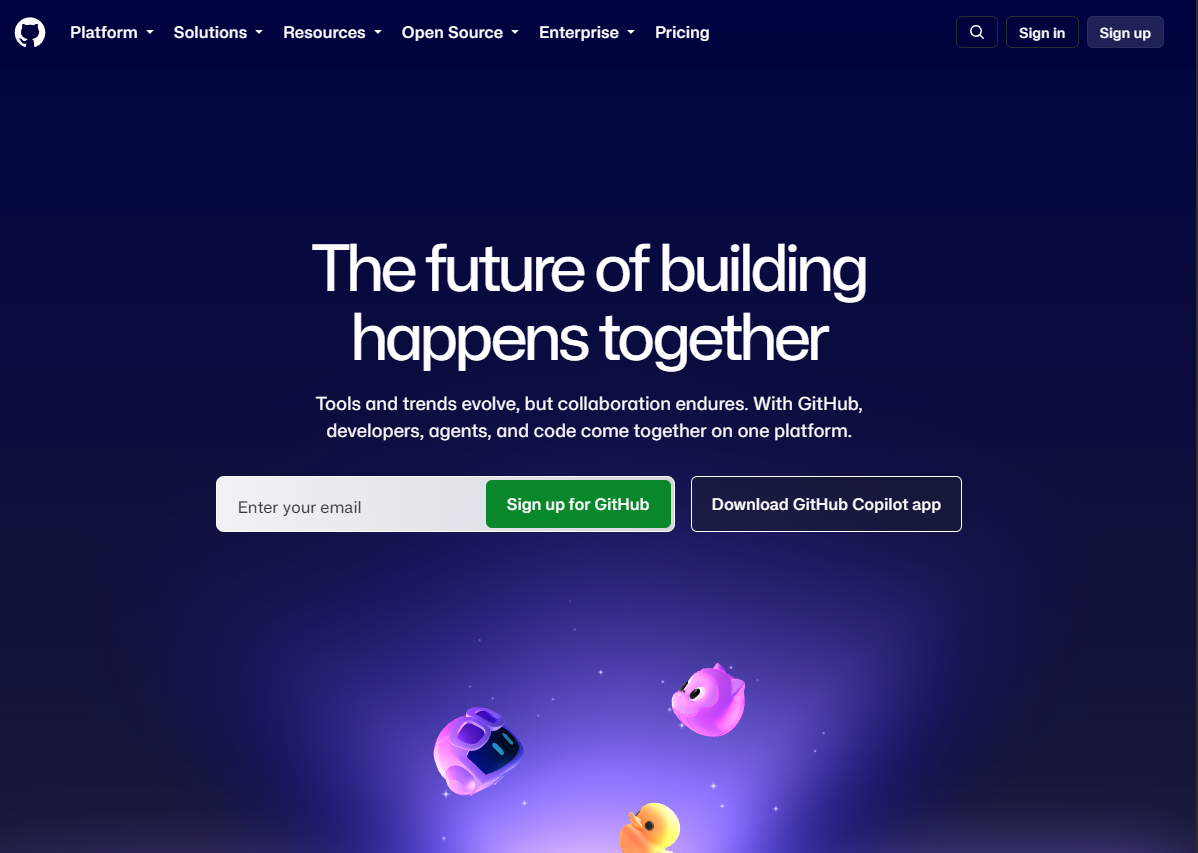
GitHub is a developer platform for hosting, collaborating on, automating, securing, and managing software projects. For teams already using GitHub as their daily code collaboration environment, the platform reduces context switching by keeping source control, CI/CD, security scanning, and issue tracking in one place. GitHub Actions handles workflow automation across the full build-to-deploy cycle, and built-in code scanning and secret scanning surface vulnerabilities without requiring a separate security tool.
Best for: Product and engineering teams using GitHub repositories as their primary system of record for code collaboration.
Key features
- Pull requests and code review workflows
- GitHub Actions for CI/CD automation
- Code scanning and secret scanning
- Codespaces cloud development environments
- Package and artifact registry
Why choose GitHub: The strongest argument for GitHub is consolidation around the code host your engineers already use. Teams with complex enterprise release governance may still need a dedicated deployment orchestration layer on top.
GitHub pricing: Free plan available with core features. Team plan is $4 per user per month. Enterprise runs $21 per user per month.
2. GitLab
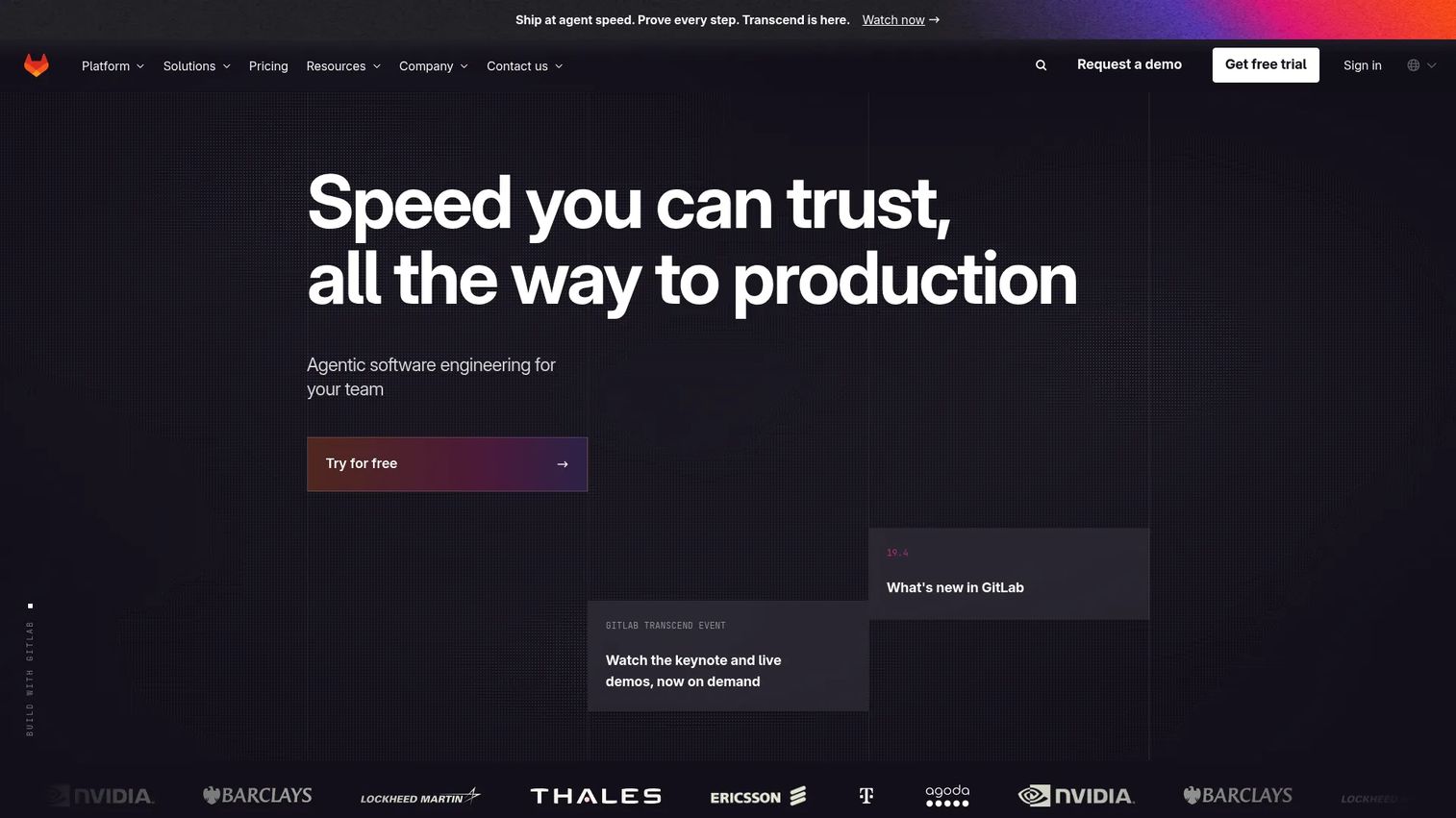
GitLab is an intelligent DevSecOps platform covering planning, source code management, CI/CD, application security, compliance, and analytics. Its appeal for organizations trying to reduce toolchain sprawl comes from having all of those capabilities inside one product family. A product manager can trace a roadmap item through a merge request, a security finding, a pipeline run, and a production deployment without switching contexts.
Best for: Organizations reducing toolchain fragmentation and willing to standardize the delivery lifecycle in one platform.
Key features
- Source code management and merge requests
- Integrated CI/CD pipelines and registry
- Application security scanning and software composition analysis
- Value stream analytics and lifecycle visibility
- [GitLab Duo Agent Platform for agentic workflows
Why choose GitLab: GitLab earns consideration when cross-functional traceability matters as much as any individual capability. Broad adoption across engineering and security requires deliberate rollout and ownership; it is not a drop-in replacement for an existing multi-tool stack.
GitLab pricing: Free plan available. Premium is $29 per user per month billed annually](https://about.gitlab.com/pricing/). Ultimate is custom pricing. For more context on application security testing software that integrates with CI/CD workflows, see the linked guide.
G2 rating: 4.5/5
3. Harness
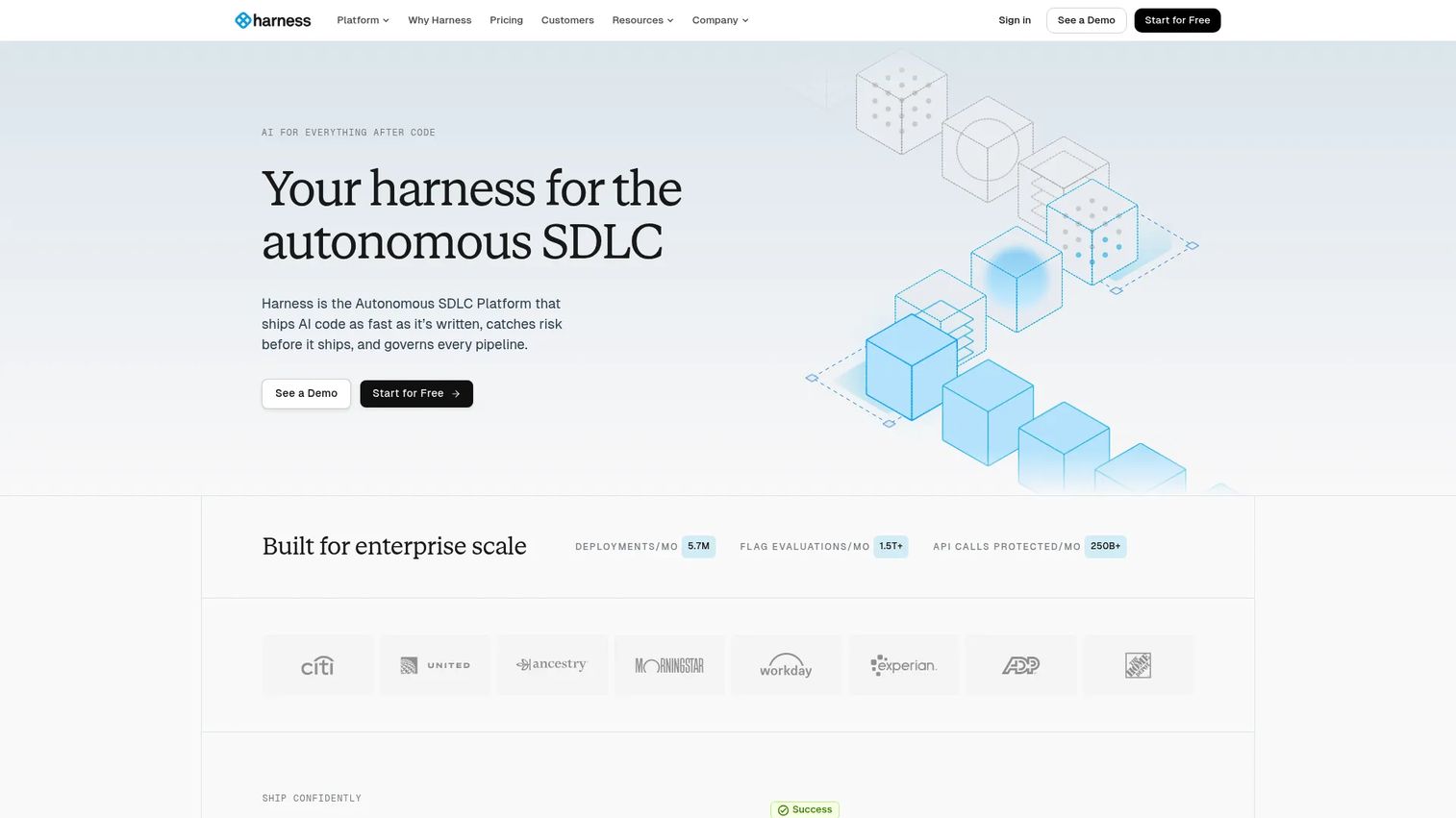
Harness is an AI-native software delivery platform covering continuous integration, continuous delivery, security testing, runtime protection, cost management, and engineering insights. Its differentiation sits at the deployment governance layer: Policy-as-code controls, RBAC, audit trails, and golden-path templates that standardize how releases move across environments without forcing every squad into a rigid process.
Best for: Enterprise engineering and platform teams managing complex deployment environments, multiple services, or strong approval workflow requirements.
Key features
- Continuous delivery with progressive deployment strategies and automated rollback
- AI-powered delivery agents across security testing and cost management
- Policy-as-code governance, RBAC, and audit trails
- Feature management and deployment verification
- Golden-path templates for standardizing release patterns
Why choose Harness: Harness earns a shortlist position when deployment complexity is the core bottleneck, not source control. Teams that need a new repository host should look elsewhere; teams that need better control over how releases travel from code to production will find it relevant.
Harness pricing: Essentials and Enterprise plans both require a sales conversation. A free platform trial is available with no credit card. For scope and usage context, contact Harness directly at harness.io/pricing.
G2 rating: 4.6/5.
4. Microsoft Azure DevOps
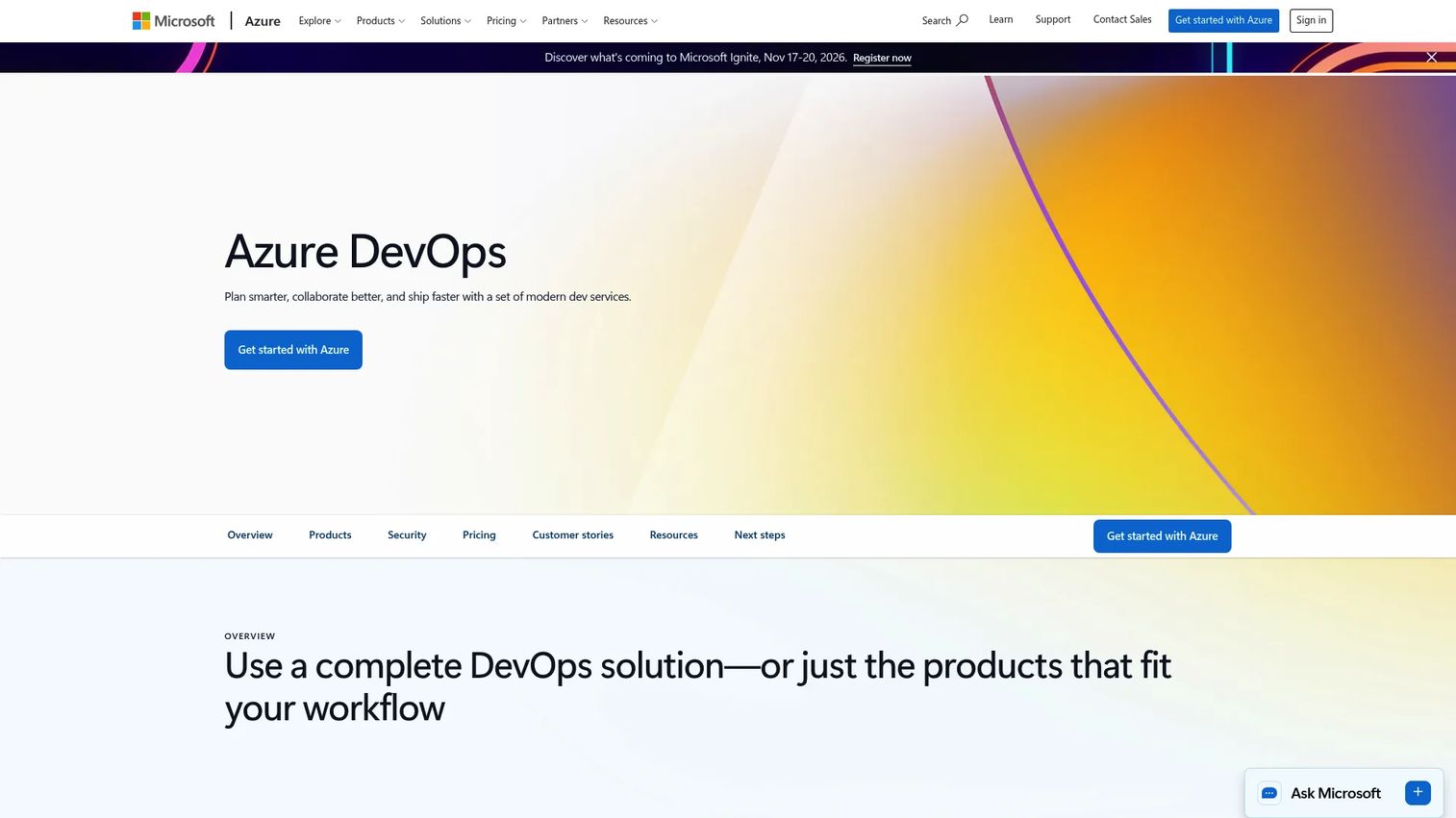
Microsoft Azure DevOps is a suite of development services for planning, collaborating on, building, testing, and deploying software. It packages Azure Boards for work tracking, Azure Repos for Git hosting, Azure Pipelines for CI/CD, Azure Test Plans for manual and exploratory testing, and Azure Artifacts for package management. Teams in Microsoft-heavy engineering environments benefit from tight identity integration, familiar tooling, and strong alignment with Azure infrastructure.
Best for: Software development teams invested in the Microsoft ecosystem, Azure infrastructure, or enterprise identity and governance patterns.
Key features
- Azure Boards for agile planning and work tracking
- Azure Repos for unlimited private Git repositories
- Azure Pipelines for CI/CD across cloud and on-premises targets
- Azure Test Plans for manual and exploratory testing
- Azure Artifacts for package hosting and sharing
Why choose Microsoft Azure DevOps: Its strongest fit comes from Microsoft ecosystem alignment. The work-tracking and pipeline linkage can give PMs clear delivery reporting, but the system requires disciplined information architecture to avoid duplicating work across project boards and other planning tools.
Microsoft Azure DevOps pricing: First five users are free. After that, the Basic plan runs $6 per user per month. Basic + Test Plans adds test capabilities at $52 per user per month.
5. CloudBees Platform

CloudBees offers a cloud-native DevSecOps platform for software delivery, security, compliance, and operations governance at enterprise scale. Its core positioning is around organizations that need to standardize and govern CI/CD across large engineering estates, particularly those with existing Jenkins investments that require modernization rather than wholesale replacement.
Best for: Large engineering organizations managing many teams, repositories, compliance requirements, and complex CI/CD estates.
Key features
- Enterprise Jenkins management and modernization
- CI/CD governance and pipeline templates
- Application security and compliance integration
- Shared configuration and delivery insights
- Role-based access and audit capabilities
Why choose CloudBees: CloudBees suits organizations where standardizing delivery governance across a portfolio of teams matters more than a developer-first setup. If your engineering estate has grown into a patchwork of Jenkins configurations, this is worth evaluating.
CloudBees Platform pricing: No numeric price is shown on the pricing page. CloudBees requires a custom quote. Contact their sales team at cloudbees.com/pricing for details.
G2 rating: 4.4/5 for CloudBees overall
6. CircleCI
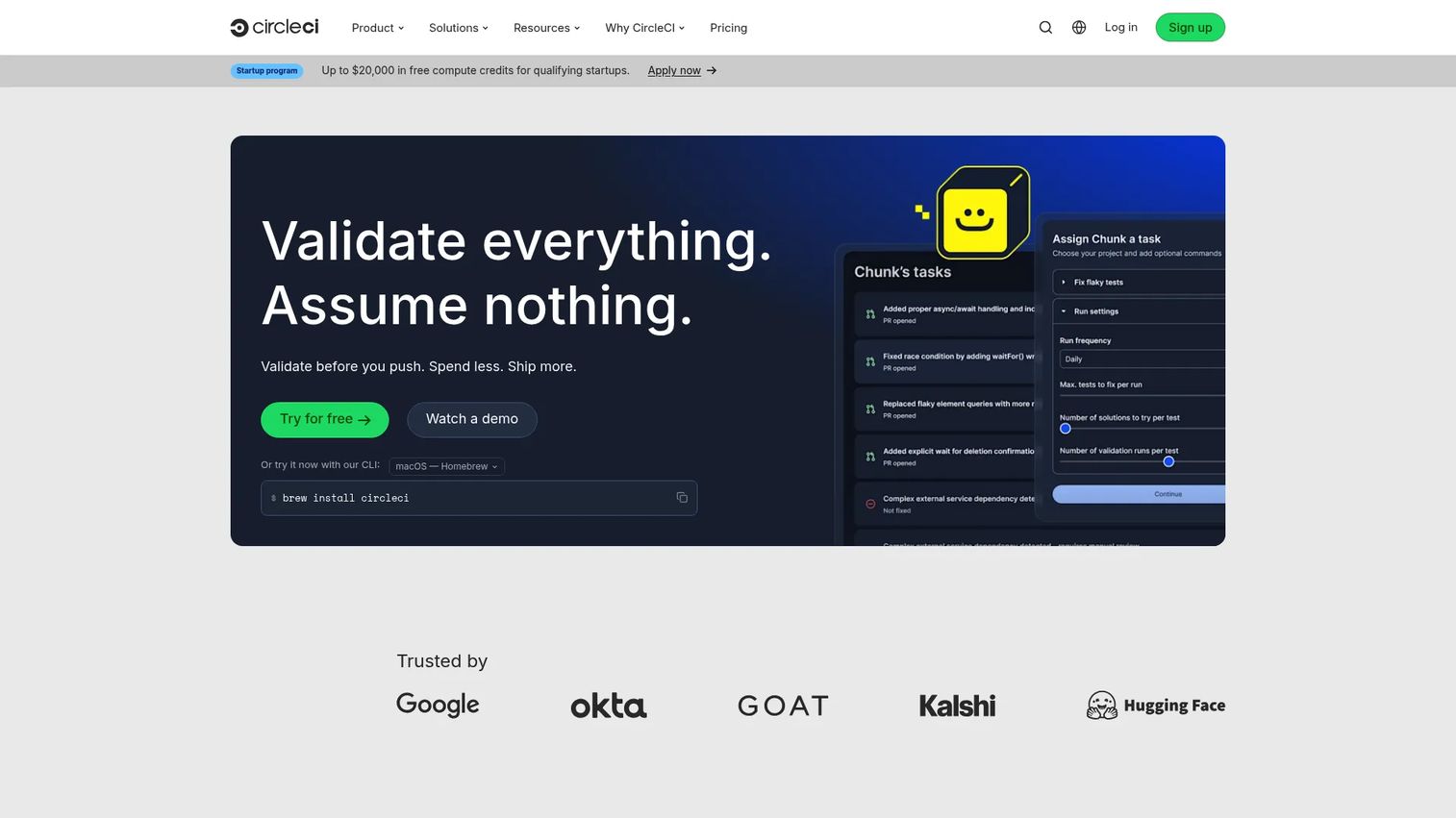
CircleCI is a continuous integration and continuous delivery platform for automating software build, test, and deployment workflows. It supports Docker, Linux, Windows, Arm, macOS, and self-hosted runner configurations, making it adaptable across engineering environments. Reusable orbs, configurable concurrency, and Docker Layer Caching reduce redundant build work across large codebases.
Best for: Engineering teams that want flexible hosted CI/CD without adopting a broad lifecycle suite.
Key features
- Configurable pipeline workflows and parallel execution
- Reusable orbs for shared configuration
- Docker, Linux, Windows, Arm, macOS, and self-hosted runners
- Docker Layer Caching for faster builds
- Flaky test detection and pipeline insights
Why choose CircleCI: CircleCI is a strong fit when fast, repeatable CI is the immediate priority. It is less of an all-in-one planning and governance suite than the broader platforms on this list, so PMs may still need separate tools for roadmap traceability and operational visibility.
CircleCI pricing: Free plan includes up to 6,000 build minutes and 5 active users. Performance starts at $15 per month with 30,000 credits. Scale pricing requires a sales conversation.
G2 rating: 4.4/5.
7. Codefresh
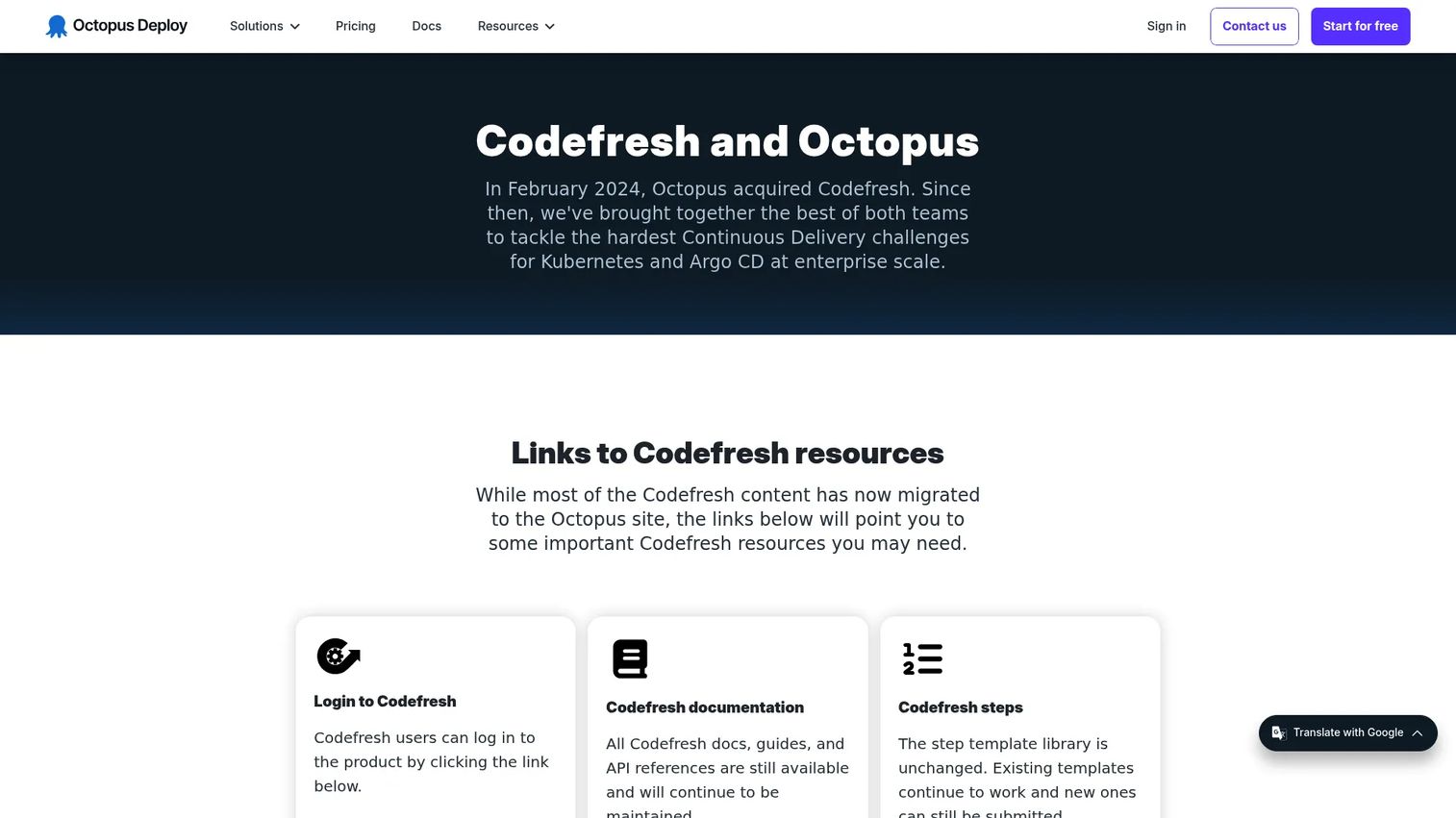
Codefresh is a cloud-native software lifecycle platform covering CI/CD and GitOps. Its Argo ecosystem support, Kubernetes deployment dashboards, and DORA metrics make it a focused choice for platform engineering teams running Kubernetes at scale. Environment promotion, pipeline integrations with Git providers and registries, and deployment insights give teams clear visibility into what version is running in each cluster.
Best for: Platform engineering teams running Kubernetes-focused delivery and GitOps workflows across multiple environments.
Key features
- CI/CD pipelines for build, test, and deployment
- GitOps workflows powered by Argo CD, Argo Rollouts, and Argo Events
- Kubernetes, Helm, and application deployment dashboards
- DORA metrics and deployment insights
- Pipeline integrations with Git providers, registries, and cloud providers
Why choose Codefresh: Codefresh fits teams whose release model centers on Kubernetes clusters and declarative configuration. It is more specialized than a broad lifecycle platform; for PMs, the GitOps model can make multi-service launch coordination clearer because deployed versions are visible per environment. Related reading on AI model deployment software is available for teams managing ML workloads alongside application delivery.
Codefresh pricing: No pricing is shown on Codefresh's website. Plans are provided in order forms and vary by deployment model. Contact Codefresh directly for current pricing.
G2 rating: 4.6/5.
8. Red Hat Ansible Automation Platform
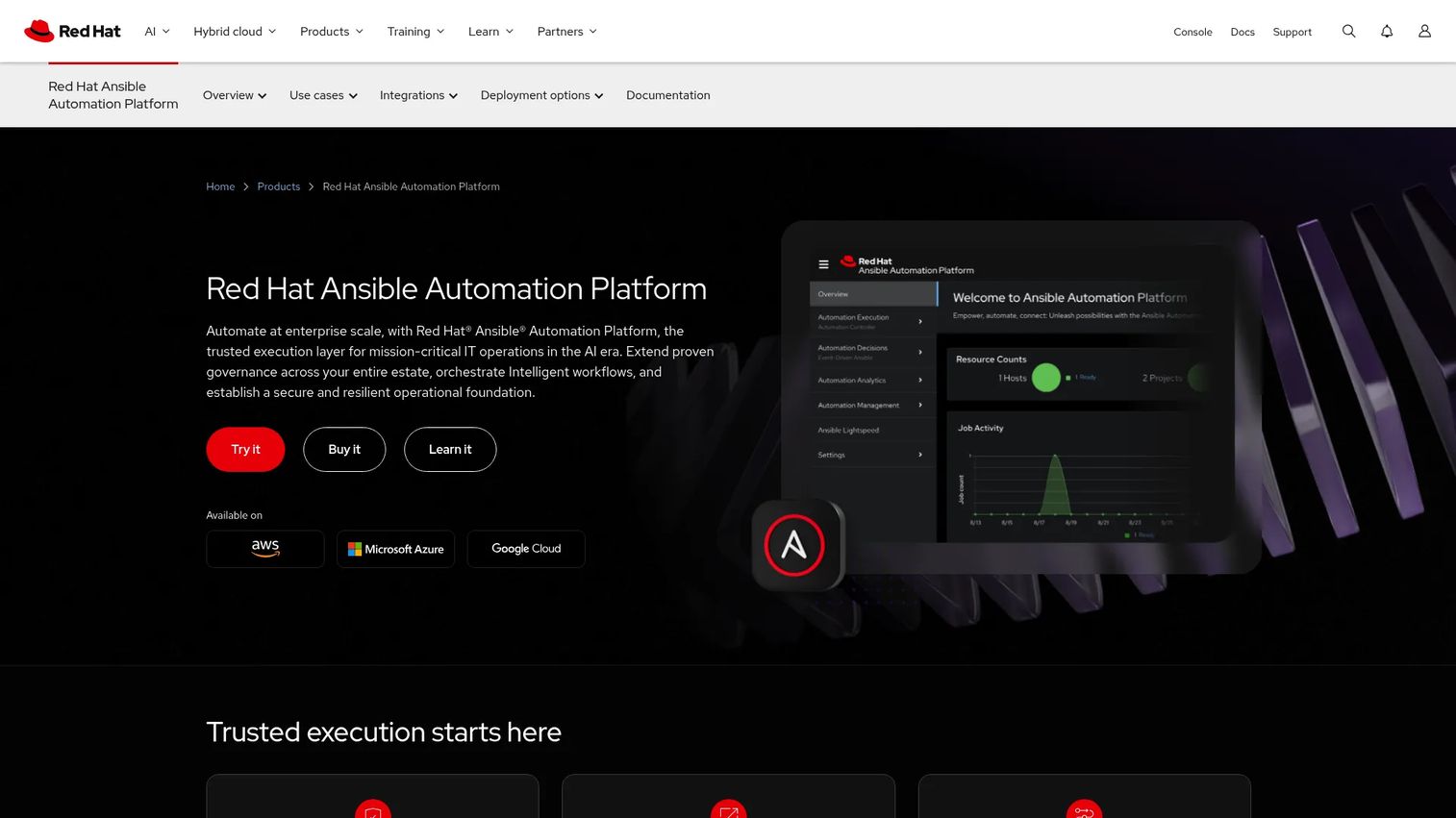
Red Hat Ansible Automation Platform is an enterprise automation platform for creating, executing, governing, and scaling IT automation across hybrid cloud, on-premises, and edge environments. Its automation controller, Event-Driven Ansible, and automation mesh give infrastructure and operations teams a consistent way to manage configuration, deployment, and operational runbooks without manual intervention at each environment.
Best for: Enterprise IT teams standardizing infrastructure, network, cloud, security, and application automation across heterogeneous environments.
Key features
- Automation controller with web UI, API, RBAC, scheduling, and audit capabilities
- Event-Driven Ansible for rule-based automated responses to IT events
- Automation mesh and execution environments for scalable, consistent automation
- Automation hub with prebuilt content
- Automation analytics and Red Hat Insights for platform health
Why choose Red Hat Ansible Automation Platform: It is particularly valuable where manual environment setup, configuration drift, and repetitive operational work slow delivery. For PMs, infrastructure consistency translates to fewer launch blockers and lower engineering interruption costs when new environments are needed for a release.
Red Hat Ansible Automation Platform pricing: Standard and Premium subscriptions are available, both via custom quote. Standard includes 9 AM to 5 PM support; Premium adds 24x7 support. Contact Red Hat at redhat.com for current pricing.
G2 rating: 4.6/5.
9. Octopus Deploy
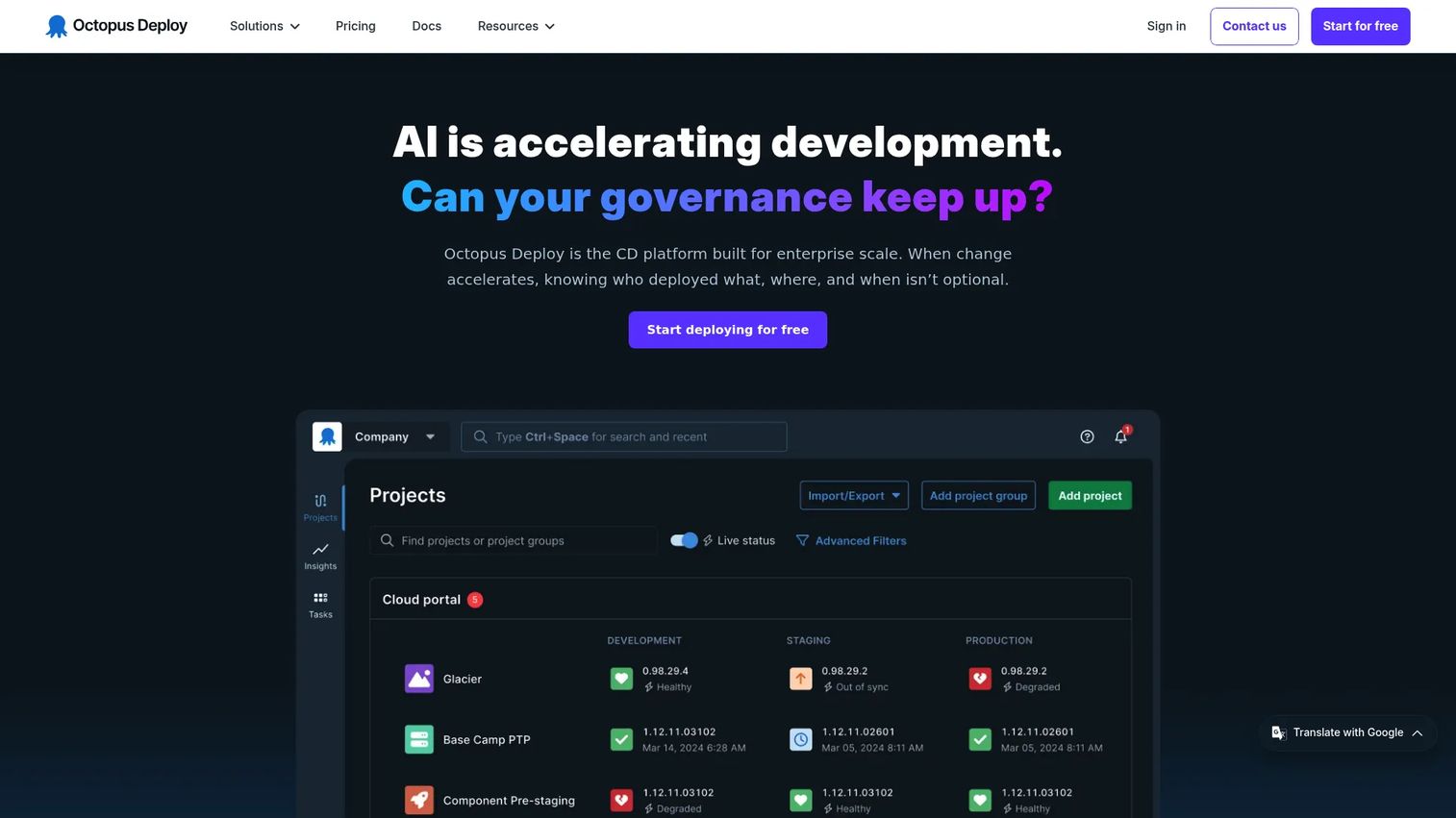
Octopus Deploy is a continuous delivery platform for release orchestration, deployment automation, and runbook automation. Its environment-specific variables, approval controls, and progressive delivery options (rolling, blue/green, canary) make it a disciplined choice for teams that have mature build processes but need cleaner release management across many environments. Multi-tenant deployment support adds specific value for teams shipping customer-specific configurations.
Best for: Software teams needing governed, repeatable deployments across complex multi-environment or multi-cloud infrastructure.
Key features
- Release orchestration and environment promotion
- Deployment automation across Kubernetes, cloud, Linux, Windows, and on-premises targets
- Runbook automation for operational steps
- Configuration and secrets management
- Role-based access control, approvals, auditing, and deployment freezes
Why choose Octopus Deploy: Octopus is compelling when the build process is already solid but release management is the bottleneck. It may be narrower than a full platform for teams that also need source control and work management. For PMs, environment-level visibility can prevent launch dates from being set before rollout dependencies are confirmed. See also our guide to build automation software for upstream pipeline context.
Octopus Deploy pricing: Free plan includes 10 projects, 10 tenants, 10 machines, and 10 users. Professional starts from $4,170 per year. Enterprise starts from $23,400 per year. Tenants and machines are available as add-ons at $770 per year each.
G2 rating: 4.4/5.
10. Bitbucket
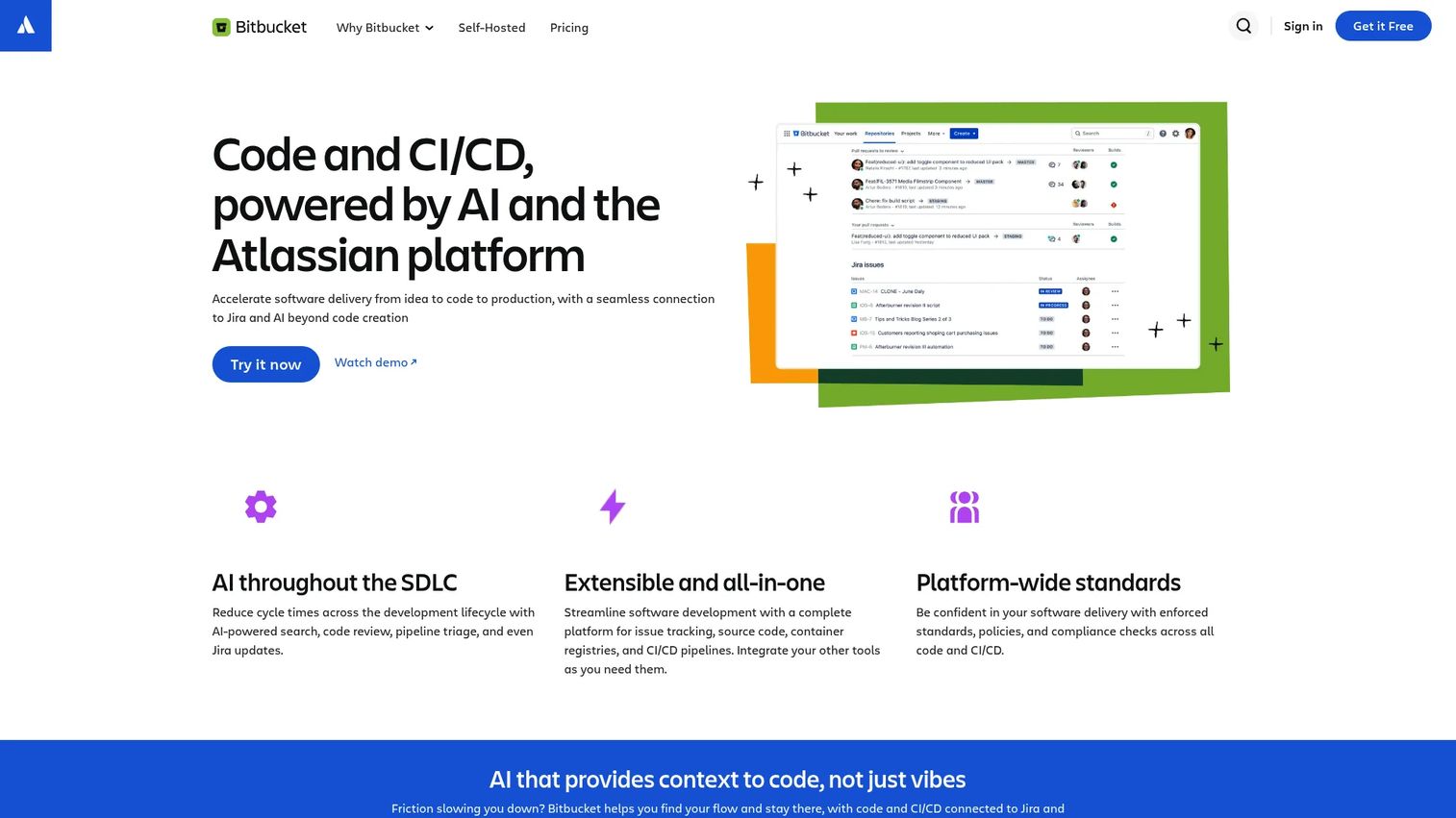
Bitbucket is a Git code hosting and collaboration platform with integrated CI/CD and deep Atlassian ecosystem integrations. For teams already running planning and issue tracking through Jira, Bitbucket's pull request to Jira issue linking keeps development work connected to roadmap items without requiring a separate integration layer. Branch permissions, merge checks, and code search round out the repository management layer.
Best for: Software development teams that rely on Jira and want repository workflows directly connected to their planning system.
Key features
- Git repository hosting, pull requests, and code review
- Branch permissions, merge checks, and code insights
- Bitbucket Pipelines for integrated CI/CD
- Jira and Trello integrations
- Code search and third-party integrations via APIs
Why choose Bitbucket: Bitbucket is strongest when Jira and Atlassian administration are already embedded in the organization. Linked issues, pull requests, and releases can improve delivery reporting for PMs, but only when teams maintain clean workflow discipline. For teams with heavy build and deployment complexity, test whether Pipelines matches their CI/CD needs before committing. Our guide to CI/CD tools covers additional pipeline tooling for reference.
Bitbucket pricing: Free forever for up to 5 users. Standard is $3.65 per user per month. Premium is $7.25 per user per month.
G2 rating: 4.4/5.
Considerations when choosing a DevOps platform
Start with the bottleneck, not the feature checklist
Identify whether the immediate problem is CI speed, deployment risk, security gates, infrastructure drift, or toolchain sprawl. A platform that solves the wrong bottleneck adds process without improving delivery. Ask engineering which handoff causes the most rework before shortlisting platforms.
Map your current system of record
Document where code, product work, security findings, deployment data, and incident records live today. The evaluation should show how a platform connects these systems or replaces them with minimal duplication. PMs benefit from this exercise because it surfaces the gaps between planning and production that nobody has owned formally.
Test the governance model before committing
Evaluate audit logs, access controls, approval workflows, environment permissions, and policy checks. This matters most when delivery spans regulated industries, shared cloud accounts, or multiple product lines. A platform that looks complete in a demo may have governance gaps that surface only during a procurement security review.
Price the operating model, not just the entry tier
Compare paid seats, compute usage, pipeline minutes, runners, deployment targets, and enterprise governance requirements. A low entry price can become expensive when team scale and usage assumptions change. Run a usage model against your current build frequency, team size, and environment count before signing.
Plan adoption around release cadence
Ask who will own templates, maintain integrations, review pipeline standards, and onboard new teams. A platform rollout succeeds when it improves existing delivery paths before asking engineers to change everything. The opportunity cost of a poorly adopted platform is real: Maintainability declines, and the tool becomes another integration to manage rather than a delivery multiplier.
Conclusion
The best DevOps platform isn't the one with the longest feature list. It's the one that removes the constraint slowing your roadmap today.
For GitHub-native teams, GitHub keeps the developer workflow tight. GitLab suits organizations that want integrated DevSecOps coverage from planning through delivery. Harness earns a look when deployment governance is the core problem. Microsoft Azure DevOps fits teams already standardized on Microsoft tooling. Codefresh excels for Kubernetes and GitOps delivery. Red Hat Ansible Automation Platform leads for infrastructure automation across hybrid environments. Octopus Deploy handles controlled multi-environment releases. Bitbucket works when Jira integration is the primary driver. CircleCI handles fast CI workflows cleanly. CloudBees is the choice for governed Jenkins modernization at enterprise scale.
Before booking vendor calls, build a short evaluation scorecard with engineering, security, and product stakeholders. Agree on the three criteria that matter most for your release cadence and team structure. That scorecard will make the first vendor conversation far more productive than a feature demo.
For related tooling research, see our guides on cloud data security software, access control software, and AI security posture management tools.
FAQs
A DevOps platform is a connected software delivery system spanning source control, CI/CD, security, deployment, infrastructure management, and operational feedback. It differs from a point tool by connecting multiple delivery stages through shared workflows, governance, and data rather than handling a single function in isolation. Individual tools can still be part of the stack alongside a platform.
DevSecOps platforms bring security scanning, policy checks, compliance evidence, and vulnerability management into the development and delivery workflow rather than treating security as a downstream gate. GitLab and Harness both include security capabilities as first-class platform components. Adopting a DevSecOps platform doesn't make an organization compliant with any specific framework; it shifts security left and reduces the cost of finding issues late.
Small teams should prioritize their current repository location, a manageable learning curve, transparent costs, and limited admin overhead. GitHub, GitLab, CircleCI, Bitbucket, and Microsoft Azure DevOps all offer free or low-cost entry tiers. The right starting point depends on where the team's code already lives and whether CI speed or Jira integration is the higher priority.
Kubernetes-heavy teams should evaluate GitOps support, environment promotion controls, cluster integration depth, and deployment visibility. Codefresh and Harness are both worth a short evaluation for teams running Kubernetes-centric delivery. The final fit depends on whether GitOps-centered workflows or broader delivery governance is the primary requirement.
Some platforms consolidate parts of those workflows. GitLab, for example, includes planning and CI/CD that can reduce Jenkins and Jira dependency. But specialized tools often remain necessary, particularly for deep infrastructure orchestration or observability. The decision should be based on integration burden, governance needs, and whether teams need specialist functionality that a platform's built-in version doesn't fully match.
Costs vary significantly across seat count, compute usage, pipeline minutes, hosted runner access, and enterprise governance features. GitHub and Bitbucket start at a few dollars per user per month. GitLab Premium runs $29 per user per month annually. Octopus Deploy's Professional plan starts at $4,170 per year. Harness, CloudBees, Red Hat Ansible Automation Platform, and Codefresh all require a sales conversation for pricing. Model your expected usage before comparing entry prices alone.
PMs should assess how a platform affects release predictability, handoff visibility, and roadmap-to-production traceability. Practical questions include: Can I see deployment status without asking engineering? Does the platform surface which release is live in which environment? Does it reduce the lag between a security finding and a release hold? Opportunity cost and maintainability across a rising release cadence are the two metrics most worth tracking after rollout.
Most platforms on this list support hybrid delivery, but the important test is whether they integrate with the organization's identity provider, deployment targets, secrets management, and audit requirements. Red Hat Ansible Automation Platform is specifically designed for hybrid cloud and on-premises automation. GitLab and Harness both support multi-cloud and hybrid deployment targets. Confirm integration depth against your specific infrastructure before shortlisting.