The release slipped. Engineering says a late change caused the regression. Support needs an answer. Leadership wants to know whether the issue was avoidable.
Most teams treat that post-mortem as an engineering problem. It isn't. It's a traceability problem. Without a clear record of what changed, who reviewed it, and which version reached production, you're reconstructing the story from memory and Slack threads.
Source code management software is the system that creates that record. According to The Pragmatic Engineer (2025), 78% of tech professionals actively use version control, with Git variants dominating. Yet the market itself, valued at $4.8 billion in 2025 by DataIntelo, continues growing at 9.8% annually through 2034 as organizations invest in more integrated delivery workflows.
Choosing the right platform affects release cadence, delivery risk, and how much operational overhead your team carries across every sprint. This guide helps product managers and engineering leaders shortlist the right tool, with pricing, ratings, and selection criteria to match your operating model.
What's inside
This guide covers seven source code management tools for 2026. It's built for product managers who need to evaluate delivery infrastructure without getting lost in command-line tutorials.
- A plain-English explanation of source code management and version control
- The difference between distributed and centralized version control systems
- A side-by-side comparison table with pricing and G2 ratings
- Seven tool profiles with features, pricing, and PM-specific fit guidance
- A buyer checklist for release traceability, CI/CD fit, governance, and migration cost
Selection criteria: Collaboration model, release traceability, CI/CD integration depth, and total cost of ownership (including storage, compute, and administration).
TL;DR
- Best overall for mainstream Git workflows: GitHub, with broad ecosystem reach and strong pull-request-based collaboration
- Best for integrated DevSecOps: GitLab, which combines repositories, CI/CD, security scanning, and compliance in one platform
- Best for Jira-centered teams: Bitbucket, where pull requests link directly to Jira issues and Atlassian workflows
- Best for self-hosted Microsoft-aligned delivery: Azure DevOps Server, with on-premises Boards, Pipelines, and test traceability
- Best for large binary assets: Perforce P4, built for game, media, and hardware teams where file locking matters
- Best open-source centralized option: Subversion, for teams maintaining established centralized repositories
- Best lightweight distributed alternative: Mercurial, for teams that specifically prefer its command model and workflow
What is source code management?
Source code management is the practice and software used to track, organize, review, and coordinate changes to a software codebase over time.
Source code management vs. version control
Version control is the core mechanism: It records changes to files so any earlier state can be restored. Source control management extends that mechanism into full team workflows, including repository permissions, branching policies, pull requests, release tags, CI/CD integrations, and audit trails. All version control systems support SCM, but not all SCM implementations require a modern hosted platform.
The core SCM building blocks
- Repository: The shared location for code and its full change history
- Working copy: A developer's local version of the project
- Commit: A recorded unit of change with author, message, and timestamp
- Branch: An isolated line of development that doesn't affect shared code
- Merge: Combining approved work from one branch into another
- Pull request or merge request: A review and approval workflow before merging
- Tag or release: A named point in history tied to a deployable version
Centralized vs. distributed version control
Two models underpin source code management. Choosing between them is the first decision, not a detail.
Centralized systems maintain one authoritative server repository. Teams check out files, make changes, and commit back. File locking is possible, which matters when two people editing the same binary file would create an unresolvable conflict.
Distributed systems give every contributor a complete local copy of the full history. Commits happen locally, branches are cheap, and code review workflows are built around proposing merges rather than locking files.
| Model | Best fit |
|---|---|
| Distributed version control | Product teams shipping frequently with parallel feature work |
| Centralized version control | Controlled environments, legacy repositories, or binary-heavy asset workflows |
Most SaaS product teams run on distributed Git-based workflows. Centralized options remain a deliberate fit for specific constraints: Regulated environments, large non-text assets, or organizations where migration cost outweighs the benefit of switching.
When to use source code management software
Coordinate parallel feature work
Branches let multiple engineers work on separate roadmap items without overwriting shared code. A well-configured branching strategy, combined with required code review, reduces delivery risk when priorities shift mid-sprint. For product managers, this means fewer "whose change broke the build" conversations.
Make releases and incidents traceable
Commits, tags, and pull requests create a direct link between a customer-facing release and the exact changes behind it. When a regression surfaces, you can trace the specific merge that introduced it rather than interviewing engineers. That traceability pays off during post-launch reviews, incident retrospectives, and scope decisions on the next release.
Build delivery controls into CI/CD
SCM platforms commonly trigger builds, tests, security scans, and deployment workflows when code changes. The right platform should fit your team's existing CI/CD tools and release cadence without requiring a parallel automation rebuild. Pairing strong code review tools with branch protection rules turns the repository into a quality gate, not just a storage location.
Source code management tools comparison
Tools in this category differ less on the ability to store code and more on workflow fit. For product managers, the key dimensions are traceability from work item to release, code review governance, CI/CD integration depth, and total cost. Evaluate each tool against your repository model and delivery stack before comparing interface features.
| # | Product | Best for | Key differentiator | Pricing | G2 rating |
|---|---|---|---|---|---|
| 1 | GitHub | Most teams using Git-based collaboration | Widely adopted Git platform with pull requests, code owners, Actions, and broad integrations | Free. Team at $4/user/month | 4.6/5 |
| 2 | GitLab | Teams wanting source control and DevSecOps in one platform | Integrated Git repos, CI/CD, security scanning, planning, and compliance | Free. Premium at $29/user/month (billed annually) | 4.5/5 |
| 3 | Bitbucket | Teams running Jira-centered development workflows | Git hosting with native Jira and Atlassian workflow alignment | Free up to 5 users. Standard at $3.65/user/month | 4.4/5 |
| 4 | Azure DevOps Server | Organizations needing on-premises Microsoft-aligned delivery tooling | Self-hosted Git or TFVC with Boards, Pipelines, Test Plans, and work-item traceability | Free Express (up to 5 users). Full server via Microsoft quote | 4.2/5 |
| 5 | Perforce P4 | Large binary assets, game, semiconductor, and controlled enterprise workflows | Centralized versioning with file locking and high-scale asset handling | Free up to 5 users. P4 Cloud at $39/user/month | 4.2/5 |
| 6 | Subversion | Teams maintaining centralized repositories and established workflows | Open-source centralized version control with mature path-based access controls | Free and open source | 3.9/5 |
| 7 | Mercurial | Teams that prefer a lightweight distributed version-control model | Distributed version control with local commits and full history | Free and open source | 4.2/5 |
Pricing and G2 ratings verified October 2026 from vendor pricing pages and current G2 listings.
Best 7 source code management tools for 2026
1. GitHub
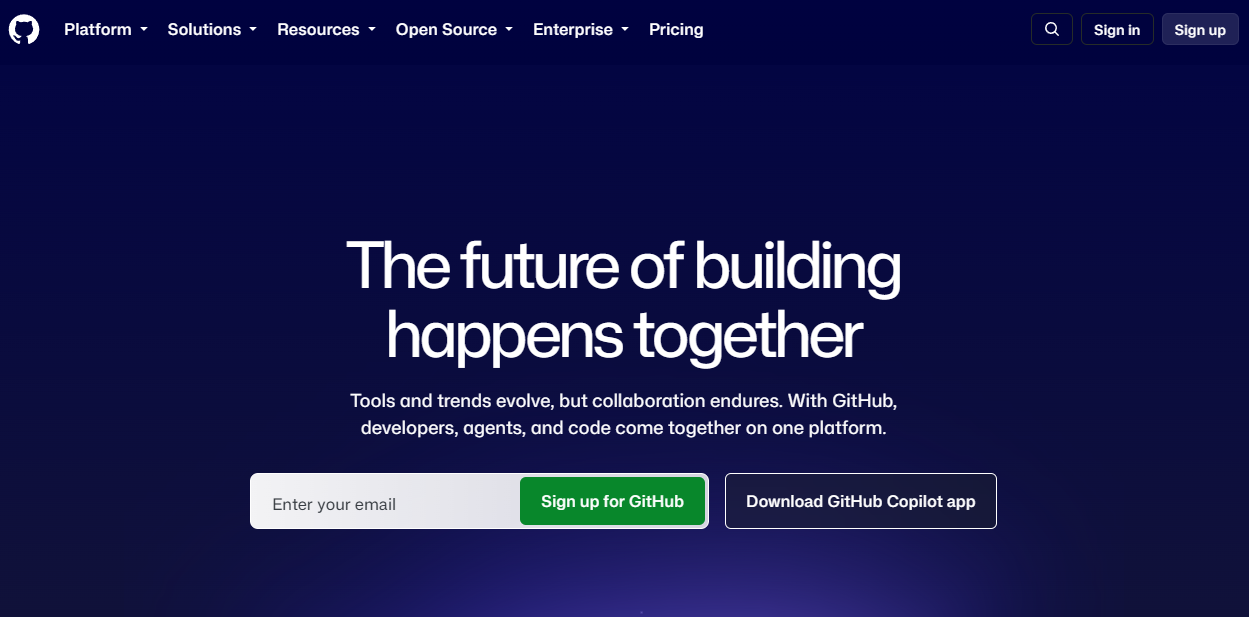
GitHub is a developer platform for hosting Git repositories, managing code collaboration, automating software workflows, and handling application security. It's the most widely adopted Git-based platform, used across individual developers, startups, and large enterprises. Pull requests, protected branches, and GitHub Actions form its collaboration and automation backbone.
Best for: Product and engineering teams that want a familiar Git workflow with strong cross-functional visibility and a large integration ecosystem.
Key features
- Pull requests with required reviews and code owner routing
- Protected branches and rulesets for merge controls
- GitHub Actions for CI/CD automation
- GitHub Codespaces cloud development environments
- Code scanning, secret scanning, and Dependabot security updates
- Issues and Projects for work tracking
Why choose GitHub: GitHub suits teams where hiring pipelines, open-source participation, and broad ecosystem integrations drive the platform decision. For PMs, pull request status, issue links, release tags, and project-level visibility are directly accessible without requiring engineering to build custom reporting.
GitHub pricing: Free plan available with core features for individuals and organizations. Team plan costs $4 per user per month (promotional pricing for the first 12 months). Enterprise starts at $21 per user per month with advanced security, compliance, and deployment options.
G2 rating: 4.6/5, verified October 2026.
2. GitLab
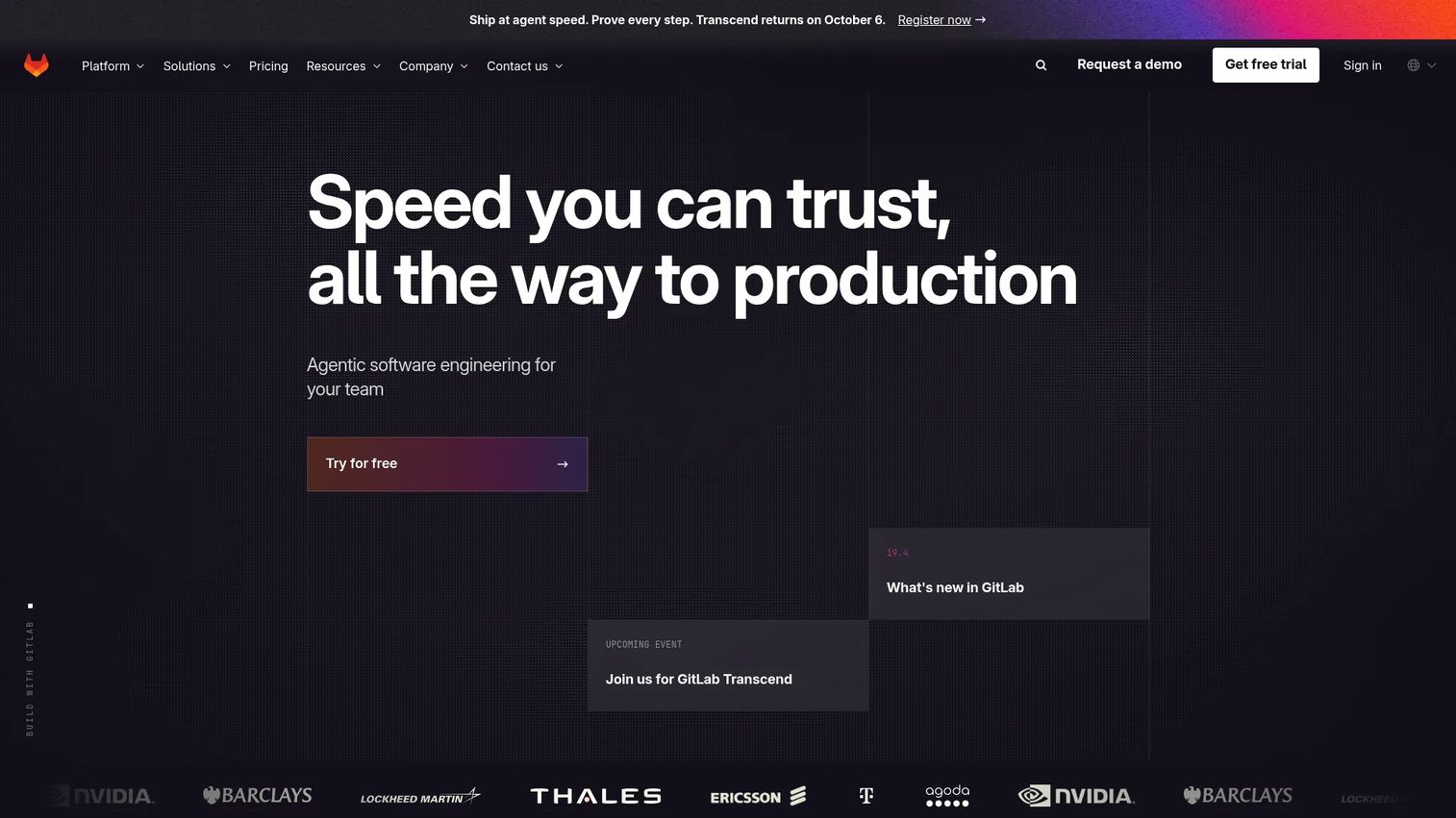
GitLab is an intelligent DevSecOps platform that combines source code management, CI/CD pipelines, security scanning, compliance controls, and planning in one system. Unlike standalone Git hosts, GitLab positions itself as the full delivery lifecycle in a single application. Merge requests, merge trains, and approval rules structure the path from development to deployment.
Best for: Teams that want to reduce handoffs between separate repository, pipeline, and security tools.
Key features
- Git repositories with merge requests and approval rules
- Built-in CI/CD with merge trains and deployment controls
- Application security and software supply chain security scanning
- Vulnerability management and compliance dashboards
- Issue boards, planning tools, and milestone tracking
- Audit logs and governance controls
Why choose GitLab: GitLab fits organizations that want a more unified delivery workflow, reducing the number of integrations to maintain. For product managers, a shared workflow makes it easier to follow an initiative from an issue through merge approval, pipeline execution, and release status. Fewer gaps between planning and deployment mean fewer surprises at launch.
GitLab pricing: Free tier available with no credit card required. Premium plan costs $29 per user per month, billed annually. Ultimate uses custom pricing, requiring a sales conversation, and adds strategic portfolio management, value stream analytics, and advanced compliance features.
G2 rating: 4.5/5, verified October 2026.
3. Bitbucket
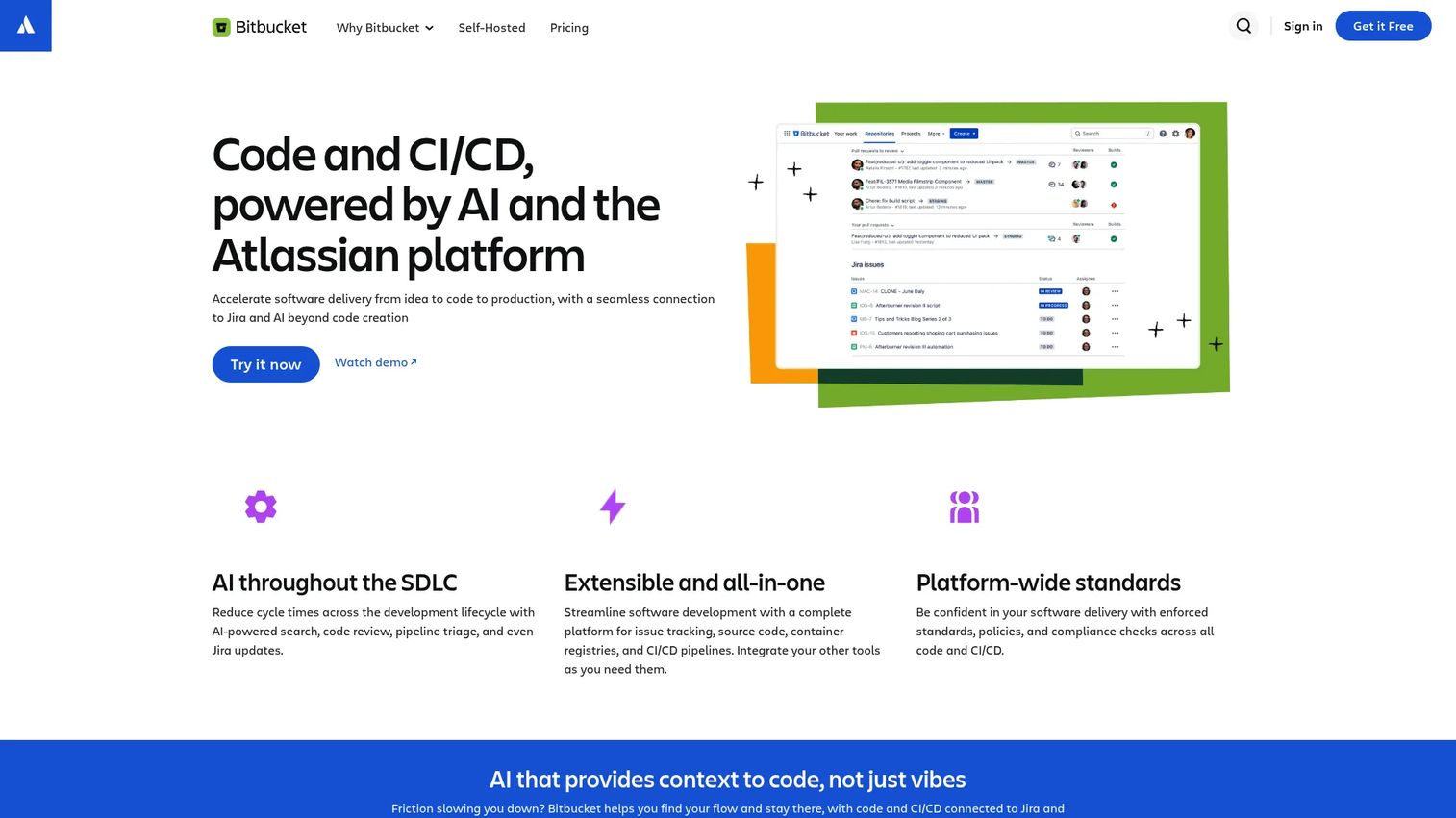
Bitbucket is a Git-based code hosting and collaboration platform with native integration into Jira and the broader Atlassian product suite. Pull requests in Bitbucket link directly to Jira issues, giving teams a traceable connection between work items and code changes. Built-in Bitbucket Pipelines handles CI/CD without requiring a separate tool.
Best for: Product and engineering teams whose planning, backlog management, and delivery reporting already live in Jira.
Key features
- Git repository hosting with pull requests and merge checks
- Jira Software and Trello issue linking
- Branch permissions and required code review
- Built-in Bitbucket Pipelines for CI/CD
- Deployment permissions and code insights
- Atlassian administration and access controls
Why choose Bitbucket: Bitbucket reduces context switching for teams whose operational workflows already run on the Atlassian stack. Connecting user stories, bugs, and epics to branches, pull requests, and deployments creates a traceable delivery record without building custom integrations. That link matters most during sprint reviews and incident retrospectives, where you need to validate what shipped and when.
Bitbucket pricing: Free plan supports up to 5 users with core repository and collaboration features. Standard plan costs $3.65 per user per month. Premium plan costs $7.25 per user per month, adding advanced governance, security, and administrative controls. Pricing verified on Atlassian's pricing page, October 2026.
G2 rating: 4.4/5, verified October 2026.
4. Azure DevOps Server
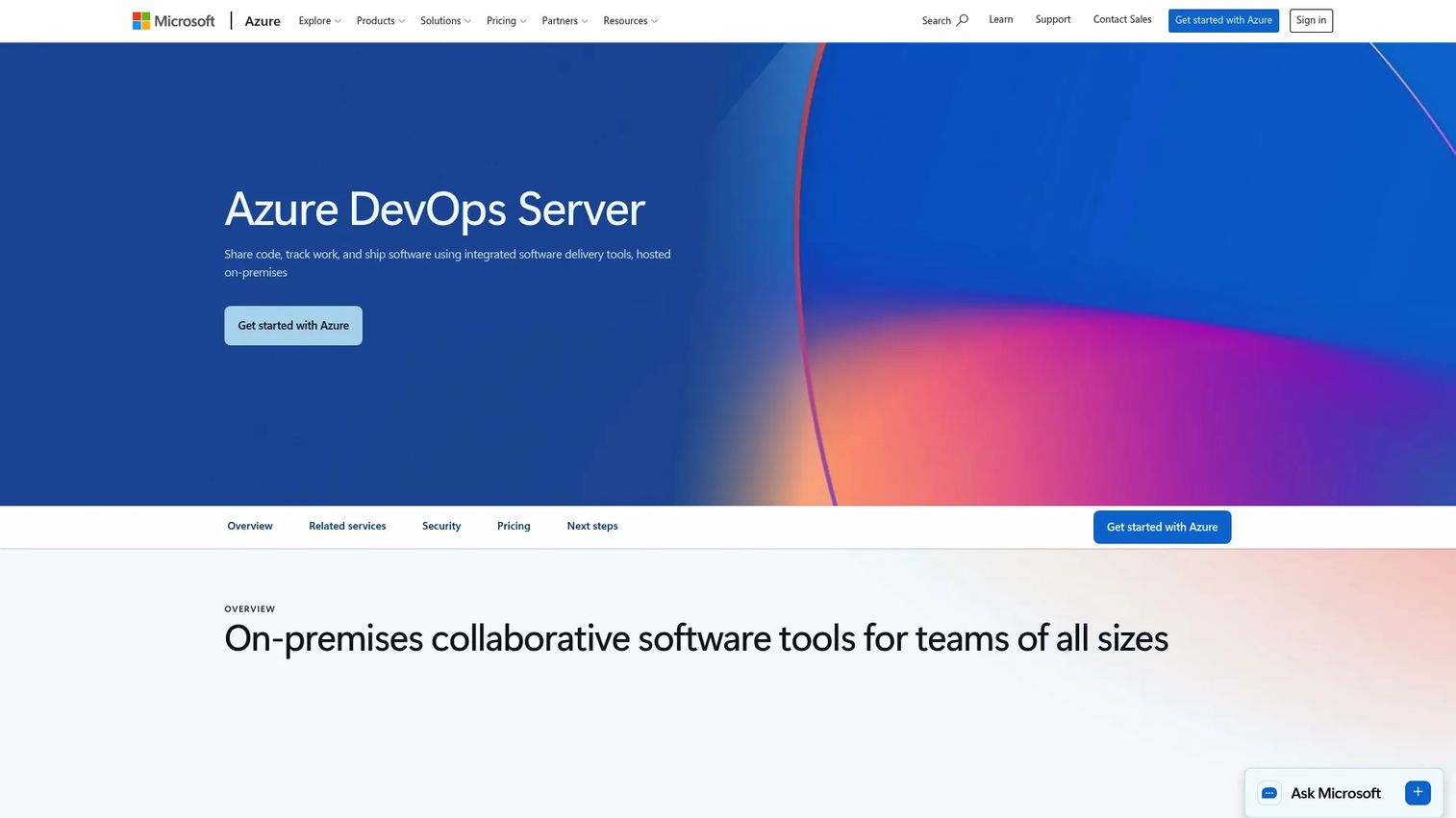
Azure DevOps Server is an on-premises application lifecycle management platform from Microsoft. It supports Git and TFVC repositories alongside Azure Boards (work tracking), Azure Pipelines (CI/CD), Azure Test Plans, and Azure Artifacts. Unlike the cloud service, the server edition runs on infrastructure you control, which matters for organizations with air-gapped environments, strict data residency requirements, or existing Microsoft licensing.
Best for: Enterprises that require self-hosted delivery infrastructure, Microsoft-aligned tooling, or traceable linkage from requirements through tests and releases.
Key features
- Git and TFVC repository hosting
- Azure Boards for work item and sprint tracking
- Azure Pipelines for CI/CD build and deployment automation
- Azure Test Plans for manual and exploratory testing
- Azure Artifacts for package management
- REST APIs, OAuth 2.0, and Marketplace extension support
Why choose Azure DevOps Server: Self-hosted source control with end-to-end traceability is the main reason teams choose this platform. For PMs, the ability to link a backlog item to a branch, a pull request, a test result, and a release pipeline is the clearest path to answering "did this actually ship?" without chasing engineers. That said, the platform carries real administrative overhead: Someone on your team owns the server, updates, and infrastructure.
Azure DevOps Server pricing: The Express edition is free for teams of up to five users. Full server deployment pricing isn't shown as a fixed number on Microsoft's product pages; you purchase through Azure monthly billing or traditional server/CAL licensing via a Microsoft reseller. For context on the cloud equivalent, Azure DevOps Services Basic includes the first five users free, then charges $6 per user per month.
G2 rating: 4.2/5, verified October 2026.
5. Perforce P4
Perforce P4 (formerly Helix Core) is a centralized version-control platform built for teams managing large-scale repositories, binary assets, and workflows where file locking is operationally necessary. Game studios, semiconductor companies, automotive engineering teams, and media production organizations use it when distributed Git workflows create problems rather than solve them.
Best for: Teams managing large binary files, 3D assets, CAD data, chip designs, or any workflow where two contributors editing the same file produces an unresolvable conflict.
Key features
- Exclusive file locking for non-mergeable assets
- Stream-based branching and merging workflows
- Proxy and edge servers for distributed team access
- Granular permissions and full audit logs
- Delta transfers to minimize sync and submit bandwidth
Why choose Perforce P4: P4 earns its place when Git-based merge workflows break down on binary files. Unreal Engine assets, Photoshop source files, and chip layouts can't be diffed or merged like text. File locking ensures only one person edits a given asset at a time, preventing destructive overwrites. For PMs on asset-heavy roadmaps, this prevents a class of handoff failures that distributed systems can't address by design.
Perforce P4 pricing: Free for up to 5 users and 20 workspaces with the standard P4 edition. P4 Cloud, the managed hosted option designed for teams under 100 users, costs $39 per user per month. Larger self-managed or enterprise deployments require a quote from Perforce sales.
G2 rating: 4.2/5, verified October 2026.
6. Subversion
Apache Subversion (SVN) is an open-source centralized version control system that has been in active use since 2000. It versions directories and files, supports atomic commits, tracks merges, and offers path-based access controls. Many organizations still run Subversion for legacy codebases, regulated environments, or because their operational workflows were built around its centralized model.
Best for: Teams maintaining established centralized repositories where the migration cost to a distributed system exceeds the operational benefit.
Key features
- Centralized repository with versioned directories and metadata
- Atomic commits that prevent partial-state corruption
- Branching and tagging via directory copy operations
- Merge tracking across branches
- Path-based access controls for fine-grained permissions
- Apache HTTP Server, WebDAV, and standalone svnserve deployment options
Why choose Subversion: Subversion is a deliberate continuity choice, not a default for net-new teams. Regulated environments with strict audit requirements, legacy monorepos with years of history, and teams where the retooling cost of migrating to Git would disrupt active development all have reason to stay. New product teams with parallel feature work and modern CI/CD pipelines will generally find a Git-based platform more naturally suited to how they ship.
Subversion pricing: Free and open source. Budget separately for hosting infrastructure, administration, backup management, integrations with CI/CD tools, and any migration services if you're considering a future transition.
G2 rating: 3.9/5, verified October 2026.
7. Mercurial
Mercurial is a free distributed source control management tool for versioning files and software projects. It shares Git's distributed architecture, with every contributor holding a complete local history, fast local commits, and a full set of branching and merging operations. Some developers prefer its command model and find it more consistent than Git's.
Best for: Teams already using Mercurial, or teams that specifically prefer its distributed workflow and command conventions over Git's.
Key features
- Distributed architecture with a complete local project history
- Fast local commits, branching, merging, and history operations
- Named branches and bookmarks for workflow organization
- Changeset-based tracking and revision identifiers
- Extension system for customizing behavior
- Cross-platform support across Windows, macOS, and Linux
Why choose Mercurial: Mercurial makes sense for teams with an existing investment in it: Workflows built around its conventions, tooling tuned to its behavior, and contributors familiar with its commands. Choosing it for a new project requires a realistic look at the surrounding ecosystem. GitHub, GitLab, Bitbucket, and most modern CI/CD and deployment platforms are optimized for Git-based workflows. A team selecting Mercurial will manage more integration work and face a narrower hiring pool than one standardizing on Git.
Mercurial pricing: Free and open source. Account for hosting, support, integrations with your existing CI/CD stack, and team enablement costs when comparing total cost of ownership.
G2 rating: 4.2/5, verified October 2026.
Considerations when choosing source code management software
Decide on the collaboration model first
The first question isn't which hosted platform has the best interface. It's whether your workflows need distributed Git, centralized control, file locking, or on-premises deployment. That decision narrows the shortlist from seven to two or three before you evaluate any features. Teams with parallel feature work and modern CI/CD pipelines point toward Git-based platforms. Binary-heavy asset workflows point toward centralized systems with file locking.
Trace work from idea to production
Assess whether the platform can link branches, pull requests, tests, and deployments back to work items in your planning tool. Product managers need enough traceability to answer release questions without turning every status update into a manual reporting exercise. Evaluate this with a real example from your last release cycle, not a demo walkthrough.
Match code review controls to delivery risk
Review approval rules, protected branches, code-owner routing, required status checks, and audit log depth. The right governance level depends on your product's release cadence and compliance requirements, not on what the platform defaults to. A startup shipping daily and an enterprise under SOC 2 review have meaningfully different needs.
Budget for usage beyond seat count
Per-user prices don't tell the full cost. Include CI/CD compute minutes, large-file storage (Git LFS or P4 binary storage), self-hosted infrastructure, security add-ons, and migration services. A platform that looks affordable per seat can become expensive at scale when you add storage and pipeline compute.
Plan the migration and maintenance work
A new SCM platform affects developer workflows, CI/CD configuration, documentation, integrations, and release automation. Ask who owns the rollout, what runs during the transition, and how repository history transfers. Underestimating migration cost is the most common reason platform switches take longer than planned.
Conclusion
The right source code management tool depends on your operating model, not a feature checklist.
GitHub fits most product teams that want a familiar Git workflow with broad ecosystem reach and strong cross-functional visibility. GitLab suits organizations consolidating repositories, CI/CD, security, and planning into fewer tools. Bitbucket is the natural fit for teams whose planning and delivery workflows already run on Jira. Azure DevOps Server serves enterprises that need self-hosted infrastructure with end-to-end traceability from backlog to release.
Perforce P4 is purpose-built for binary-heavy and asset-dependent workflows where merge-based collaboration breaks down. Subversion remains a deliberate choice for established centralized repositories where migration economics favor continuity. Mercurial works for teams with an existing investment in its workflow and command model.
The best next step: Build a shortlist with engineering, security, and delivery operations together. Then test the two tools that best match your repository model and release process using a real project, not a feature checklist alone. How the platform handles your actual branching strategy, review workflow, and CI/CD integration matters more than any benchmark.
For broader context on related tooling, explore the Guideflow guides on CI/CD tools, code review tools, and asset lifecycle management software.
FAQs
Source code management is the discipline and software used to track, organize, review, and coordinate changes to a software codebase over time. It gives teams a shared record of what changed, who made the change, when it happened, and why. Version control is the underlying mechanism; SCM is the broader practice that wraps it in team workflows, permissions, and integrations.
Version control records changes to files so earlier states can be restored. Source code management applies version control to software delivery through repositories, permission models, branching policies, pull requests, CI/CD hooks, and release controls. Every SCM system uses version control, but SCM includes the team workflows built on top of it.
Git is a distributed version control system, not a hosted SCM platform. You can run Git directly from the command line, but most teams use a hosted platform that adds pull requests, access controls, CI/CD hooks, issue linking, and collaboration features on top of Git. GitHub, GitLab, and Bitbucket are examples of platforms that host Git repositories.
There's no universal answer. Product teams should choose based on engineering workflow, release visibility needs, issue tracking integration, security requirements, and deployment model. GitHub fits most teams starting from scratch. GitLab fits teams that want source control and DevSecOps in one platform. Bitbucket fits teams already committed to the Atlassian stack. Evaluate traceability and CI/CD fit first.
Centralized version control stores the authoritative repository on a single server. Contributors check out files, make changes, and commit back to that server. Distributed version control gives every contributor a complete local copy of the full project history, including all branches and commits. Distributed workflows support parallel development and offline commits more naturally. Centralized systems offer tighter file-level control, which matters for binary assets that can't be merged.
Branches isolate work in progress so it doesn't affect shared code until it's ready. Pull requests create a structured review point before a change reaches a shared branch, giving teammates the opportunity to catch bugs, enforce standards, and document decisions. For product managers, the pull request trail provides a documented record of what was reviewed, who approved it, and what automated checks passed before a release.
Yes. SCM platforms commonly trigger builds, tests, security scans, and deployment workflows in response to code changes, such as a push to a branch or a merged pull request. GitHub Actions, GitLab CI/CD, and Bitbucket Pipelines are built-in automation tools. The platform should support your existing CI/CD tooling and provide enough traceability to connect a commit to a production release. Choosing an SCM that integrates with your delivery stack reduces the maintenance overhead of managing separate automation systems.
PMs typically don't manage repositories directly. They use SCM-linked data to understand release status, validate whether specific scope has shipped, support incident reviews, and trace a roadmap item from ticket to pull request to deployment. Platforms that link work items to branches and releases make that traceability available without requiring PMs to read code or ask engineering for custom reports. The change history also supports post-launch analysis and scope decisions on subsequent iterations.