A missed calibration date is rarely just a scheduling problem. It becomes a quality hold, a rejected shipment, or an audit finding that ties up your team for weeks. And when instrument records live in a spreadsheet nobody fully trusts, every audit turns into a scavenger hunt.
That is the operational reality calibration management software is built to fix. The category exists to track instruments, schedule calibrations, maintain traceability, and produce audit-ready records without the manual admin that eats your quality team's time. The market reflects the demand: the calibration management software market reached US$353.24M in 2025 and is projected to hit US$557.29M by 2034, according to The Insight Partners (2025). Adoption is already broad, with over 50% of labs and factories reportedly using automated tools to manage calibration records, schedules, and compliance, per ReAnIn (2025).
If you are evaluating a calibration management system the way a product manager evaluates any workflow tool, you care about the same things: does it reduce manual coordination, does it scale across sites, does it produce clean data you can defend, and will it hold up as your process changes. Those questions map neatly onto calibration software, and they are the lens this guide uses.
The same tracking discipline shows up in adjacent categories too, from audit management software to contract lifecycle management tools. If your workflows overlap with a broader digital adoption or event management stack, the evaluation habits carry over cleanly.
What's inside
This guide covers seven calibration software tools spanning free, mid-market, and enterprise options. Each one addresses some mix of calibration management, calibration tracking software needs, traceability, mobile workflows, and compliance fit.
We selected tools based on four criteria that matter most to quality and operations teams:
- Scheduling automation and automated alerts for due dates
- Audit readiness, including traceability and record retention
- Mobile app support and offline calibration workflows for field and shop-floor use
- Compliance mapping for ISO, FDA, 21 CFR Part 11, and GMP requirements
We favored breadth so you can compare a free tool for a two-person shop against enterprise-grade metrology platforms in the same table.
TL;DR
- Best overall for broad tracking and mobile workflows: SafetyCulture, a mobile-first platform for inspections, actions, and asset visibility.
- Best free option: GageList, with a free plan, unlimited users on paid tiers, and no seat licensing.
- Best for enterprise compliance-heavy operations: IndySoft, with configurable, industry-specific workflows and digital calibration certificates.
- Best for labs and high-control environments: MET/CAL by Fluke, built for automated procedure execution and metrology-grade calibration.
- Best for regulated metrology programs: Beamex CMX, with paperless, traceable calibration management.
- Best for straightforward calibration management: ProCalV5 by Prime Technologies, focused on scheduling, history, and reporting without excess complexity.
What calibration software is
Calibration software is a system that tracks measurement instruments, schedules their calibrations, stores calibration records and certificates, and helps teams prove traceability during audits. Calibration management software extends that with more automation and oversight: assignment workflows, automated alerts, compliance mapping, and reporting across an entire instrument fleet.
In plain terms, it replaces the spreadsheet, the shared drive, and the sticky note on the gage. It answers three questions on demand: what instruments do we have, when is each one due, and can we prove every past calibration was done and traceable.
Core capabilities buyers expect
Most calibration tracking software and gage tracking software converge on a common feature set. When you evaluate options, look for:
- Asset registry and instrument history: a central record of every gage, meter, and tool, with full calibration history
- Due dates, reminders, and assignment workflows: automated alerts so nothing slips past its interval
- Calibration traceability and audit-ready records: documented links back to reference standards
- Mobile or offline support: a calibration app for technicians working on the floor or in the field
- Compliance mapping and reporting: alignment with ISO, FDA, 21 CFR Part 11, and GMP
- Integration with maintenance workflows: connections to preventive maintenance and asset management systems
Why it matters
The payoff is operational. Fewer missed calibrations means less rework and fewer quality holds. Cleaner traceability and audit-ready records mean faster audits with fewer findings. Automated alerts cut the manual coordination that quietly drains a quality team.
There is a real difference between a tracking tool and a calibration management system. A tracker tells you what is due. A management system schedules it, assigns it, documents it, and reports on it.
| Capability | Basic tracking tool | Calibration management system |
|---|---|---|
| Instrument registry | Yes | Yes |
| Due-date reminders | Yes | Yes, with automated alerts |
| Assignment workflows | Limited | Yes |
| Traceability and certificates | Basic | Full, audit-ready |
| Compliance reporting | Manual | Built-in |
| Maintenance integration | Rare | Common |
Standards weigh heavily on this decision. 72% of industrial enterprises prioritize ISO/IEC 17025-accredited calibration providers, according to SNS Insider (2025), which tells you compliance mapping is not a nice-to-have.
When to use calibration software
Track instruments across multiple sites
Teams with distributed facilities need one source of truth. Multi-site calibration management gives you centralized visibility into due dates, ownership, and standardized intervals across every location. Without it, each site drifts into its own spreadsheet, and consistency becomes impossible to enforce or audit.
Prepare for audits and compliance reviews
Audit-ready records, traceability, and retention reduce risk when an auditor arrives. If your operation falls under ISO, FDA, 21 CFR Part 11, or GMP, you need to produce complete calibration history on demand. A calibration management system keeps that history intact and exportable, so a review becomes a report rather than a fire drill.
Reduce manual coordination in maintenance operations
Calibration rarely lives alone. It sits alongside preventive maintenance and broader asset care. Software with automated alerts and technician workflows removes the manual chasing, so a calibration app can dispatch the right task to the right person and log the result the moment it happens.
Comparison table
Here is how the seven tools compare across intent, primary use case, pricing, and G2 rating. Use it to shortlist two or three before reading the detailed sections.
| # | Product | Intent | Key use case | Pricing | G2 rating |
|---|---|---|---|---|---|
| 1 | SafetyCulture | Mobile-first operations | Inspections, asset visibility, calibration forms | Free; Lite $5/seat/mo; Full $24/seat/mo (billed annually) | 4.6/5 |
| 2 | GageList | Budget-first management | Low-cost calibration management, unlimited users | Free; Core $79/mo (billed annually) | 4.0/5 |
| 3 | IndySoft | Enterprise compliance | Configurable industry workflows, certificates | Contact sales | Not listed |
| 4 | MET/CAL by Fluke | Lab and metrology | Automated procedure execution, asset tracking | Request a quote | 4.5/5 |
| 5 | Beamex CMX | Regulated metrology | Paperless, traceable calibration management | Request a quote | Not listed |
| 6 | ProCalV5 | Standard management | Scheduling, history logs, reporting | ProCal Direct $179/user/mo | 4.4/5 |
| 7 | GAGEtrak Pro | Quality operations | Calibration history, gage and asset tracking | Contact vendor | Not listed |
The pattern is clear by buyer type. Budget-conscious shops start with GageList. Mobile-heavy operations lean SafetyCulture. Regulated labs and metrology programs look at MET/CAL and Beamex CMX. Complex, multi-vertical quality environments evaluate IndySoft.
1. SafetyCulture
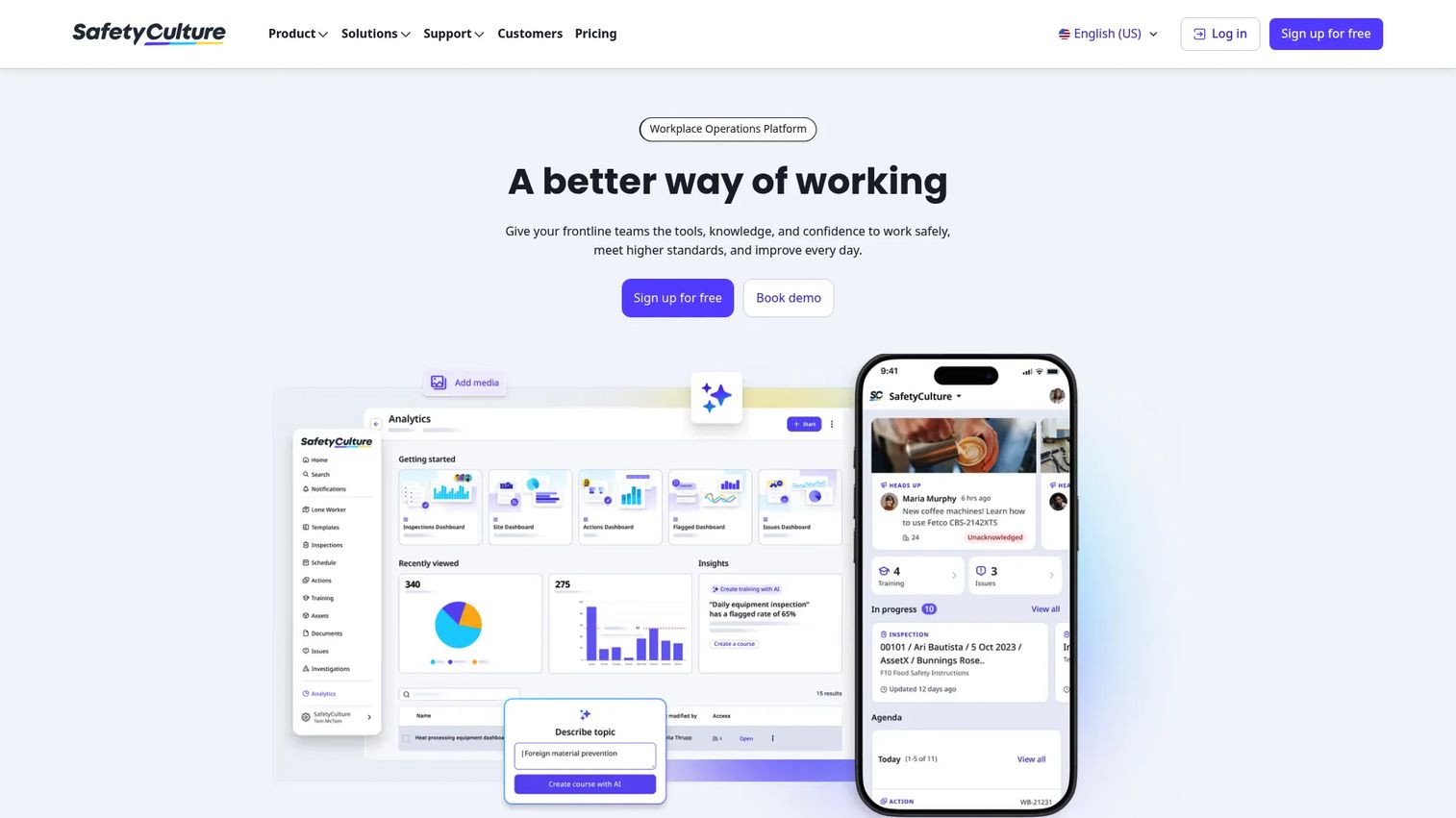
SafetyCulture is a workplace operations platform built around mobile inspections, actions, training, and asset management. It appears in most calibration roundups because its digital templates and asset tracking adapt cleanly to calibration forms and equipment checks. Teams use it to run inspections from a phone, assign follow-up actions, and keep asset records visible across sites.
Best for: Teams that want a mobile-first platform for calibration forms, inspections, and broader operational workflows in one place.
Key strengths
- Templates and digital inspections: Build calibration and equipment checklists that technicians complete on any device.
- Actions and issue management: Turn a failed check into an assigned, tracked corrective action automatically.
- Training and recurring courses: Keep technicians certified and current with scheduled, recurring training.
Why choose SafetyCulture: It is the strongest pick when calibration is one of several operational workflows you manage, not the only one. If your team already runs safety inspections and asset checks from mobile devices, adding calibration forms keeps everything in a single system rather than a dedicated point tool.
SafetyCulture pricing: SafetyCulture publishes a Free plan at $0 per year. The Lite plan is $5 per seat per month, billed annually, and the Full plan is $24 per seat per month, billed annually. Enterprise pricing is custom through sales, and a 30-day free trial is available. It carries a 4.6/5 rating on G2.
2. GageList
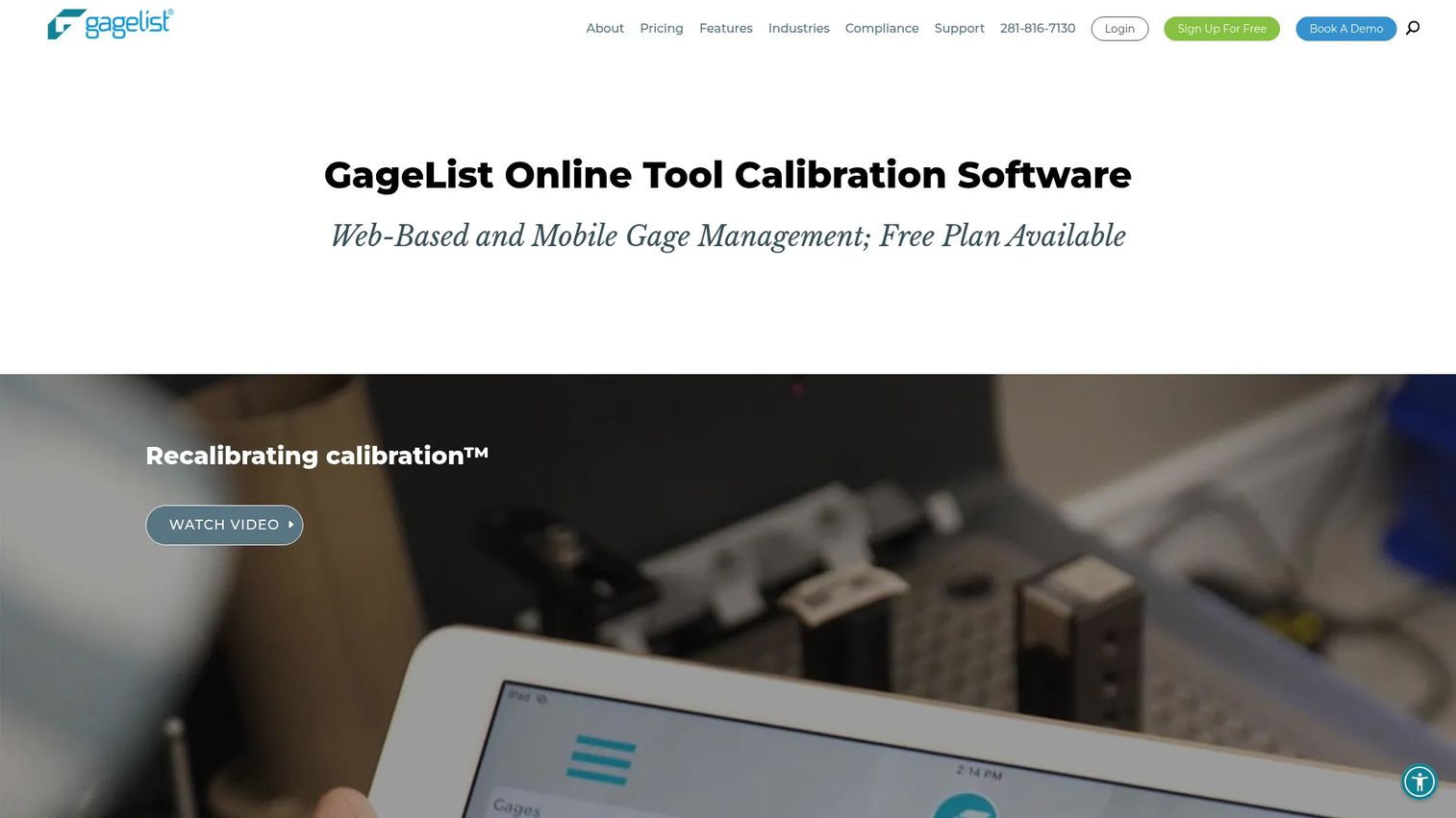
GageList is calibration and gage management software focused on records, certificates, scheduling, and compliance workflows. Its defining feature is affordability: a genuine free plan to start, and unlimited users on paid tiers with no seat licensing. That pricing model makes it attractive for shops where headcount would otherwise inflate a per-seat bill.
Best for: Manufacturers and quality teams that want low-cost, cloud-based calibration management with unlimited users.
Key strengths
- Unlimited users on paid plans: Add every technician and inspector without per-seat costs stacking up.
- Mobile app for iOS and Android: A calibration app that supports field and shop-floor work.
- Automatic scheduling and calibration certificates: Automated alerts for due dates plus certificate generation for records.
Why choose GageList: It is the budget-first, operationally simple option. If free calibration software is your starting point and you expect to grow the number of people touching the system, no seat licensing removes a common cost trap. It also supports multi-site calibration management for teams spread across locations.
GageList pricing: GageList offers a Free plan at $0. Paid plans are billed annually as Core at $79 per month, Plus at $159 per month, Pro at $249 per month, and Max at $399 per month, with separate monthly-billing prices shown on the pricing page. A Custom option is available by phone. GageList holds a 4.0/5 rating on G2.
3. IndySoft
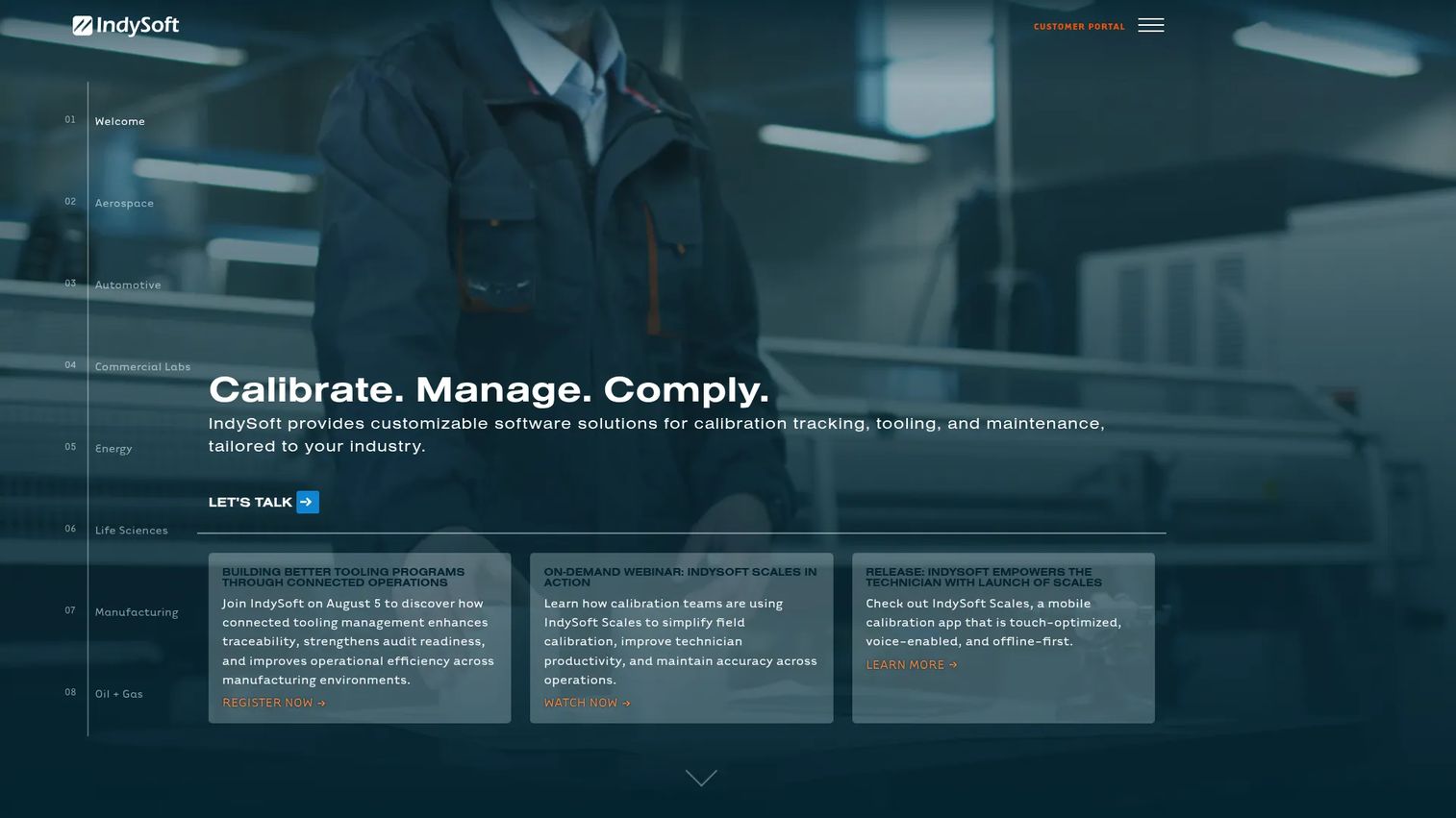
IndySoft is calibration management software built for tracking assets, tooling, and maintenance in complex quality environments. Its strength is configurability paired with deep compliance segmentation, which is why it shows up in regulated verticals like aerospace, automotive, labs, life sciences, manufacturing, and oil and gas. It supports both cloud and on-premises deployment.
Best for: Organizations that need configurable calibration and asset management with strong compliance depth across multiple facilities.
Key strengths
- Calibration tracking and workflow management: Configurable workflows that map to your specific process and standards.
- Tooling and preventive maintenance modules: Manage calibration alongside tooling and maintenance workflows.
- Cloud and on-premises deployment options: Choose the hosting model your IT and compliance teams require.
Why choose IndySoft: It fits teams whose compliance requirements are too varied for a one-size template. If you operate across regulated verticals, need digital calibration certificates, and must support multiple facilities under different standards, its configurability earns its place. That flexibility is the trade-off you accept for a more involved setup than a lightweight tracker.
IndySoft pricing: IndySoft does not publish public pricing. The site directs prospective buyers to contact sales for a quote, which is typical for configurable enterprise software where scope drives cost. Verify current pricing and deployment options directly with the vendor before shortlisting.
4. MET/CAL by Fluke
MET/CAL by Fluke is calibration management software built for automating, documenting, and managing calibration workflows in lab and metrology settings. It is the choice for controlled technical environments where procedure execution needs to be repeatable, documented, and traceable. Fluke's metrology pedigree makes it a common standard in calibration labs.
Best for: Calibration labs that need automated procedure execution and rigorous calibration asset management.
Key strengths
- Automated calibration for increased productivity: Run procedures automatically to reduce technician time per instrument.
- Procedure creation, editing, testing, and documentation: Build and validate calibration procedures within the platform.
- Asset tracking, reporting, and compliance support: Maintain traceability and generate compliance-ready reports.
Why choose MET/CAL: It is the pick when test equipment calibration and technician productivity are the priority, not general asset tracking. Labs running high volumes of repeatable procedures benefit most from the automation, and the documentation depth supports traceability requirements auditors expect.
MET/CAL pricing: Fluke does not publish public pricing for MET/CAL; the product page uses a request-a-quote model. Pricing typically scales with procedure libraries, modules, and support needs, so request a quote scoped to your lab. Fluke carries a 4.5/5 rating on its G2 seller page, though that reflects Fluke overall rather than a MET/CAL-specific listing.
5. Beamex CMX
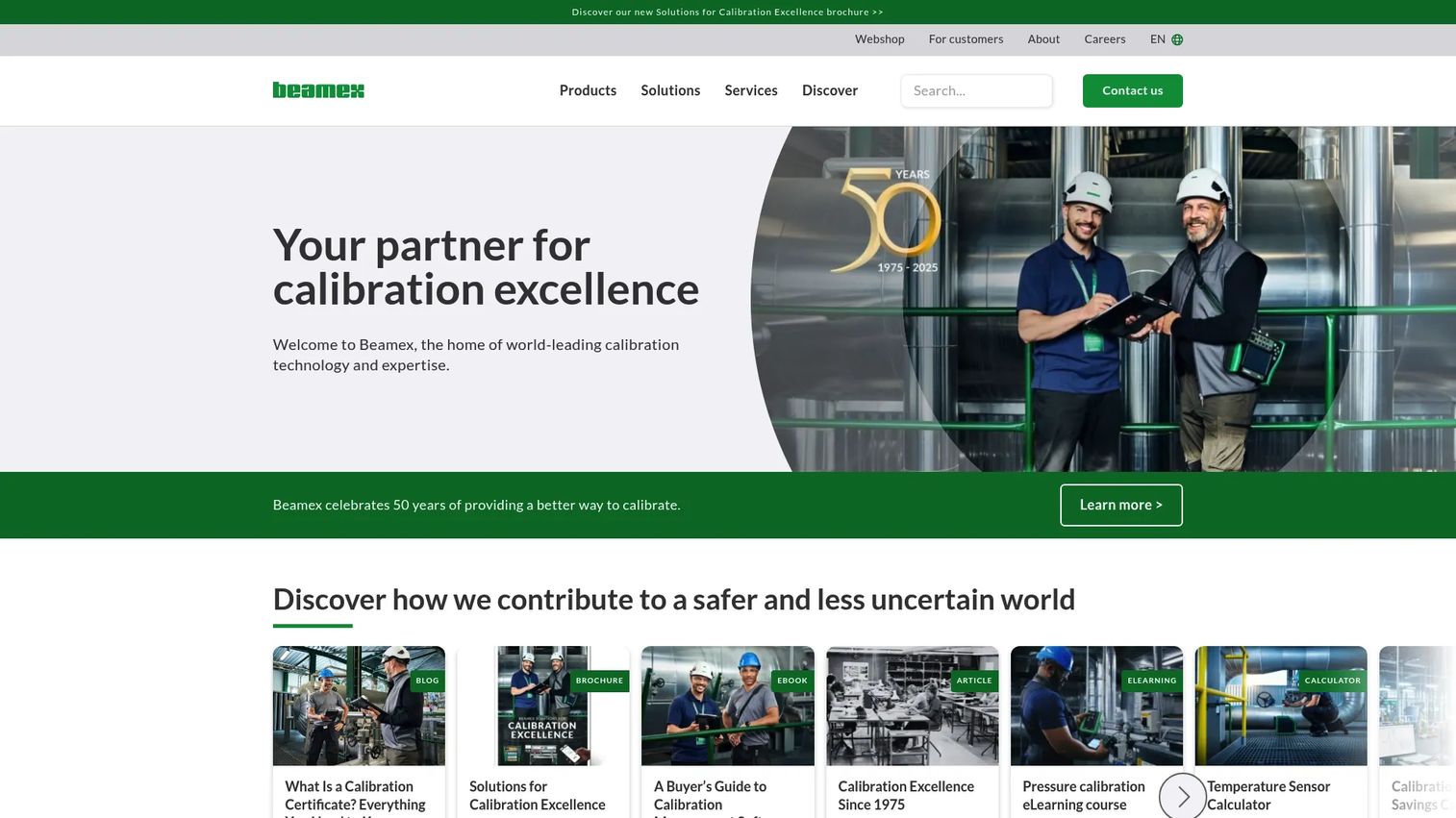
Beamex CMX is calibration management software for planning, executing, analyzing, and documenting calibration work and instrument assets. It targets regulated quality teams and metrology programs that need paperless workflows and defensible traceability. The platform emphasizes workflow control and reporting, with role-based access to keep records tight.
Best for: Manufacturers and regulated operations that need traceable, paperless calibration management.
Key strengths
- Instrument management: Centralized management of instruments, positions, and calibration history.
- Role-based access control: Restrict who can create, approve, and edit records for compliance integrity.
- Cloud or on-premises installation: Deploy in the environment your security and compliance policies allow.
Why choose Beamex CMX: It suits teams that run structured, paperless calibration programs and answer to auditors regularly. The workflow control and reporting depth make it a fit for GMP and ISO-driven operations where every calibration needs an approval trail and a defensible record.
Beamex CMX pricing: Beamex uses a quote-based model and does not display public pricing; requests route through a quote and demo form. Capterra reviewers give CMX a 4.6/5 rating. Because pricing depends on modules, deployment, and instrument volume, request a scoped quote before comparing.
6. ProCalV5 by Prime Technologies
ProCalV5 by Prime Technologies is calibration management software focused on scheduling, execution, reporting, and historical record-keeping. It aims at teams that want standard calibration management without overcomplicating the process. Centralized instrument status and historical records keep the day-to-day simple and auditable.
Best for: Teams that need dependable calibration management and compliance tracking without excess complexity.
Key strengths
- Calibration scheduling and execution: Plan and run calibrations on a clear, automated schedule.
- Reporting and certificate management: Generate reports and manage certificates for audit-ready records.
- Centralized instrument status and historical records: See current status and full history for every instrument.
Why choose ProCalV5: It is the right call when you want calibration management and reliable record-keeping without a heavy configuration project. Teams that value simplicity and straightforward scheduling over deep customization tend to find it a comfortable fit.
ProCalV5 pricing: Capterra lists ProCalV5 at $179.00 per user per month under a ProCal Direct plan, and shows a free trial available. Because that figure comes from a third-party listing rather than the vendor's own page, confirm current pricing directly with Prime Technologies. ProCalV5 holds a 4.4/5 rating on G2.
7. GAGEtrak Pro by Cybermetrics
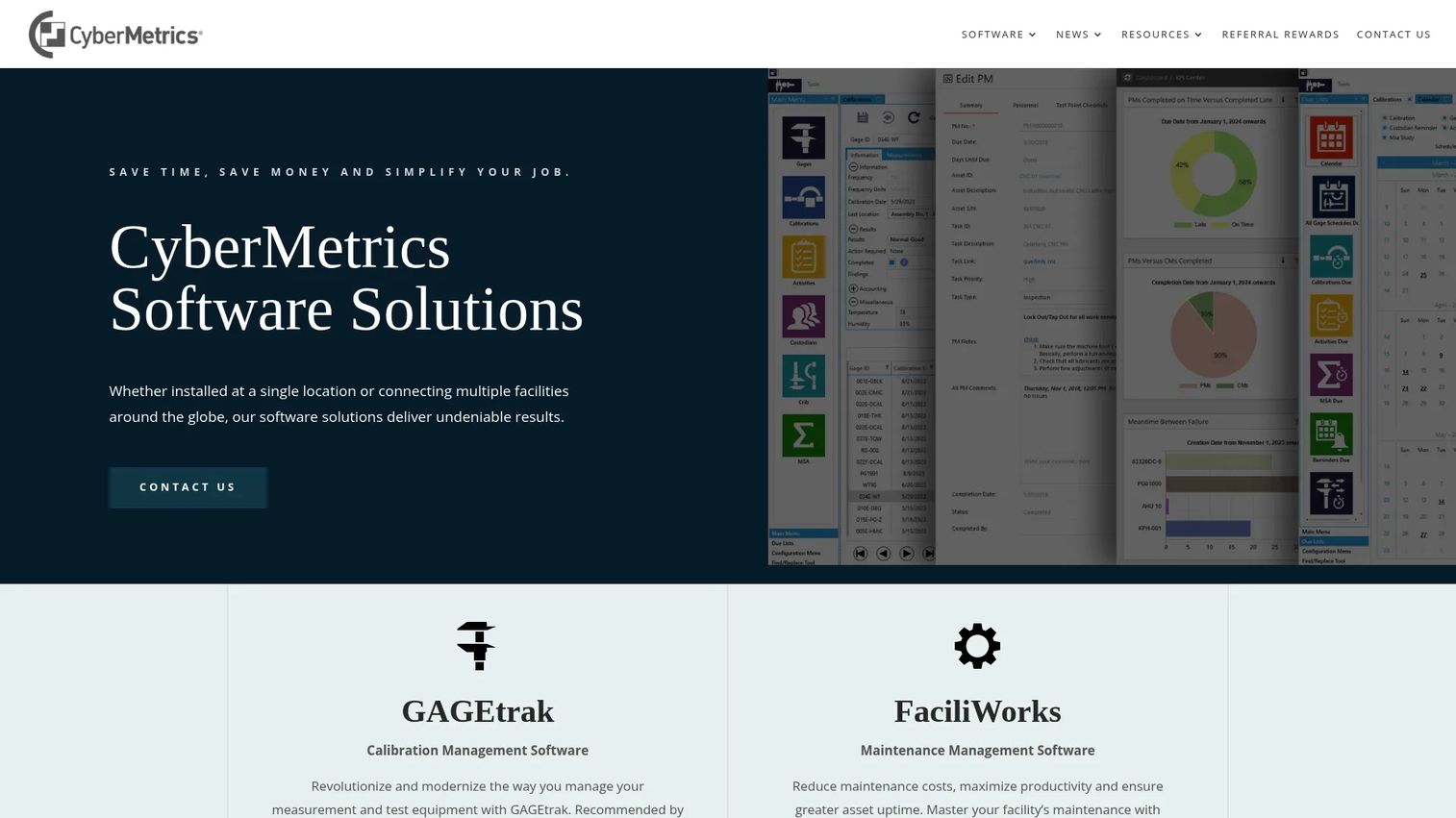
GAGEtrak Pro by CyberMetrics is calibration management software for tracking gage and calibration records in quality operations. It focuses on calibration history, reporting, and asset management, with views built to surface upcoming calibrations and isolate the data a quality team needs. It has a long track record in manufacturing and quality environments.
Best for: Manufacturing and quality teams managing gage and calibration records with ongoing instrument oversight.
Key strengths
- Calibration management software: Purpose-built for gage and instrument calibration records.
- Calendar view for upcoming calibrations: See what is due at a glance to stay ahead of intervals.
- Custom views for isolating data: Filter and segment records to focus on specific instruments or areas.
Why choose GAGEtrak Pro: It supports audit readiness and ongoing instrument oversight for teams that live in a quality management routine. If your priority is a mature, established tool for gage tracking software and calibration history in a manufacturing setting, it belongs on your shortlist.
GAGEtrak Pro pricing: CyberMetrics does not publish public pricing for GAGEtrak Pro on its own site, so plan to contact the vendor for a quote. Capterra reviewers give GAGEtrak a 4.2/5 rating across a large review base. Verify current pricing and the exact Pro feature set with CyberMetrics before committing.
Considerations before you buy
Before you sign anything, run the shortlist through a practical checklist. These are the criteria that separate a tool that fits from one that fights your process.
Compliance and standards fit
Confirm the tool maps to the standards you actually answer to: ISO, ISO/IEC 17025, FDA, 21 CFR Part 11, or GMP. Ask how it handles electronic signatures and record integrity if you fall under 21 CFR Part 11. Compliance mapping should be built in, not bolted on.
Mobile and offline capability
If technicians work on the floor or in the field, verify the mobile app and offline calibration workflows before you buy. Test whether records sync cleanly when a device reconnects. A calibration app that only works with a stable connection creates gaps in coverage.
Traceability and record retention
Check how the tool documents calibration traceability back to reference standards, and how long it retains records. Audit-ready records are only useful if you can export complete history on demand, not reconstruct it from fragments.
Scale and multi-site support
If you run more than one facility, confirm the platform handles multi-site calibration management with centralized visibility and standardized intervals. A tool that works for one site can buckle when you add three more with different requirements.
Maintenance and system integration
Calibration rarely stands alone. Ask whether the tool connects to preventive maintenance, asset management, and your quality systems. Integration with maintenance workflows keeps calibration part of a broader asset picture rather than a silo.
Conclusion
The best calibration software depends on four variables: compliance needs, mobile use, scale, and budget. There is no single winner, only the right fit for your operation.
Budget-conscious shops and teams wanting no seat licensing start with GageList. Mobile-heavy operations that manage inspections alongside calibration lean toward SafetyCulture. Regulated labs and metrology programs evaluate MET/CAL by Fluke and Beamex CMX for procedure depth and traceability. Complex, multi-vertical quality environments look hard at IndySoft. Teams wanting straightforward management without configuration overhead consider ProCalV5, and established manufacturing quality operations shortlist GAGEtrak Pro.
The practical next step is simple. Pick two tools that match your compliance and scale needs, then verify three things directly with each vendor: current pricing, mobile and offline capabilities, and support for the specific standards you answer to. Run a short trial where one exists, and put your real instrument data into it before deciding.
FAQs
Calibration software tracks measurement instruments, schedules their calibrations, stores records and certificates, and helps prove traceability during audits. It replaces manual spreadsheets with automated alerts, assignment workflows, and compliance reporting, so teams reduce missed due dates and rework while keeping audit-ready records on hand.
The terms overlap heavily and are often used interchangeably. In practice, "management" implies more automation and oversight: assignment workflows, compliance mapping, multi-site visibility, and reporting across a full instrument fleet, rather than just a list of due dates. Most modern tools sit on the management side of that line.
Many tools offer a calibration app for iOS and Android, and some support offline calibration workflows for field or shop-floor use. Field teams should verify both the mobile app quality and how offline records sync when a device reconnects, since coverage gaps appear when syncing is unreliable.
Look for support for ISO and ISO/IEC 17025, FDA regulations, 21 CFR Part 11 for electronic records and signatures, and GMP where applicable. Industry-specific requirements matter too, since aerospace, automotive, and life sciences each carry their own compliance expectations. Confirm the mapping is built in rather than manual.
For a small shop with a limited instrument count, a free plan can be enough to get organized and stay on top of due dates. Before committing, verify record retention, certificate generation, mobile access, and whether compliance features are gated behind paid tiers. GageList is a common starting point given its free plan and no seat licensing.
It centralizes calibration traceability, due dates, and full instrument history in one place, so you can produce complete records on demand instead of reconstructing them. Automated alerts reduce missed calibrations that create findings, and record retention plus exportable reports turn an audit into a report pull rather than a scramble.
Yes. Many calibration management systems integrate with preventive maintenance and asset management tools, so calibration lives inside a broader asset care picture. Automated alerts can dispatch tasks to technicians, and shared asset data keeps calibration and maintenance from drifting into separate silos.