You run a discovery sprint. You collect 80 sticky notes from five researchers. Now what? The notes sit in a shared folder, color-coded by session but not by meaning. Synthesis becomes a three-hour meeting where everyone debates whether "navigation confusion" and "unclear menu labels" are the same theme.
That bottleneck is exactly what affinity mapping software is built to remove. It gives teams a shared infinite canvas where sticky notes, interview quotes, and brainstorm output get grouped into actionable themes, without the wall of paper or the endless Zoom call spent dragging cards around.
The global collaborative whiteboard software market reached USD 3.17 billion in 2025 and is forecast to grow at a 20.28% CAGR through 2031, according to Mordor Intelligence (2026). That growth reflects how much teams now depend on digital synthesis workflows, not just occasional brainstorming sessions.
This guide compares seven affinity diagram tools to help Product Managers, UX researchers, and cross-functional teams pick the right one for discovery synthesis, remote workshops, and prioritization.
What's inside
This guide covers seven affinity mapping software options evaluated for 2026. Tools were chosen based on:
- Template depth: Does it include affinity diagram templates ready to use out of the box?
- Collaboration quality: Does it support real-time editing across distributed teams?
- AI-assisted clustering: Does it help group sticky notes automatically, and how editable is the result?
- Execution handoff: Can you move from themes to action items, tasks, or roadmap input without switching tools?
The list runs from full-featured visual collaboration platforms to lightweight tools with a narrower, faster workflow.
TL;DR
- Best overall for PM teams: Lucidspark, for collaborative whiteboard features tied to facilitator tools and planning integrations
- Best for remote workshops and AI clustering: Mural, with purpose-built facilitation modes and AI-assisted grouping
- Best for workflow breadth: Creately, which combines affinity mapping with diagramming and task management
- Best for template ecosystem and education: Miro, with 7,000+ templates and structured method guidance
- Best for design-adjacent product teams: FigJam, included with every Figma seat and purpose-built for cross-functional collaboration
- Best for speed and simplicity: Whimsical, with a clean interface that reduces setup friction for quick clustering sessions
- Best for structured planning after clustering: Stormboard, which connects brainstorm output directly to action items and reporting
What is affinity mapping software
Affinity mapping software is a digital tool that helps teams collect, group, and organize ideas, interview notes, or research findings into labeled themes on a shared visual canvas.
A physical affinity mapping session uses sticky notes on a wall. The digital version replaces the wall with an infinite whiteboard that remote teams can access simultaneously, often with templates that set up the exercise in advance.
Core features to look for in an affinity diagram tool:
- Sticky notes and cards: Digital equivalents of paper notes, color-coded by participant or category
- Drag-and-drop grouping: Move and cluster notes by theme without reformatting
- Affinity diagram templates: Pre-built layouts that structure the exercise before participants join
- Real-time collaboration: Multiple editors working on the same canvas at the same time
- Voting and dot-voting: Built-in mechanisms to prioritize themes after clustering
- AI-assisted clustering: Automatic grouping suggestions that reduce manual sorting time
- Export and handoff: Output themes into slides, spreadsheets, or planning tools
- Infinite canvas: A scrollable whiteboard that expands as the session grows
For Product Managers specifically, the goal is not just organizing sticky notes. It is turning discovery chaos into decision-ready segments: Which pain points repeat across segments, which themes connect to the current roadmap, and which ones belong in the backlog. The right affinity diagram maker speeds that synthesis without creating another maintenance overhead.
When to use
Turn messy discovery notes into themes
After user interviews, support feedback reviews, or usability tests, raw notes pile up faster than your team can synthesize them. An affinity mapping tool gives researchers a shared workspace to move quotes and observations into clusters, label themes, and spot patterns across sessions. This works whether you are processing five interviews or fifty.
Run remote workshops with cross-functional teams
Roadmap planning, retrospectives, and stakeholder alignment sessions all benefit from a structured whiteboard where everyone contributes simultaneously. Features like timers, facilitator modes, and voting keep remote workshops from drifting into one person talking while others watch. The collaborative canvas captures input from engineering, design, and sales in one place.
Prioritize themes into next steps
Once themes are grouped, voting helps the team agree on which ones matter most. Good affinity diagram software lets you move from labeled clusters to dot-voted priorities, then export or link those priorities into a project management tool. That handoff from insight to action item is where many teams lose momentum, and the right tool keeps it intact.
Affinity mapping software comparison
Each tool below suits a different workflow priority. Lucidspark and Mural fit teams that want structured facilitation. Miro suits teams that want depth and a large template library. Creately works for teams that need post-synthesis task management. FigJam fits Figma-native product and design teams. Whimsical suits teams that want speed over feature depth. Stormboard fits structured planning-first teams that connect workshop output directly to reporting.
| # | Product | Best for | Key differentiator | Pricing | G2 rating |
|---|---|---|---|---|---|
| 1 | Lucidspark | PM-led collaboration and workshop planning | Facilitator tools plus Lucid ecosystem integrations | Free; paid from $7.95/mo | 4.5/5 |
| 2 | Mural | Remote workshops and AI-assisted synthesis | AI clustering plus purpose-built facilitation modes | Free; paid from $9.99/member/mo | 4.6/5 |
| 3 | Creately | Diagramming plus workflow execution | Task management and integrations alongside affinity mapping | Free; paid plans available | 4.4/5 |
| 4 | Miro | Template ecosystem and educational depth | 7,000+ templates with 250+ integrations | Free; paid from $8/member/mo | 4.6/5 |
| 5 | FigJam | Design-adjacent product teams in Figma | Included with every Figma seat | Free; paid from $3/editor/mo | 4.6/5 |
| 6 | Whimsical | Fast, lightweight clustering | Clean editor with low setup overhead | Free; paid from $10/editor/mo | 4.6/5 |
| 7 | Stormboard | Structured planning tied to brainstorm output | Built-in reporting and action item creation | Free; Business from $10/user/mo | 4.4/5 |
Best affinity mapping software for 2026
1. Lucidspark
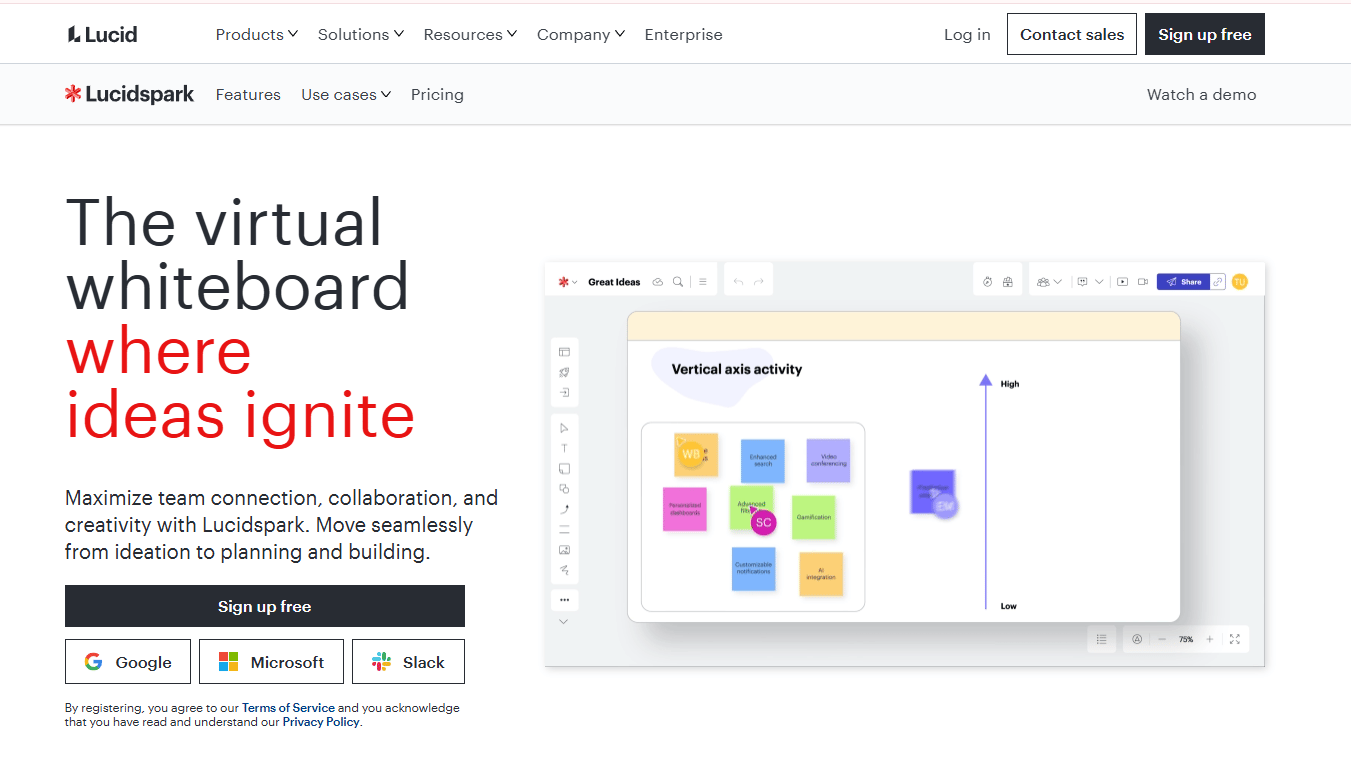
Lucidspark is a virtual whiteboard built for real-time brainstorming and idea organization, sitting within the broader Lucid Visual Collaboration Suite. It offers sticky notes, freehand drawing, voting, timers, and a template library alongside dynamic mind maps and Lucid Cards. For Product Managers who already use Lucidchart for flowcharts or process diagrams, Lucidspark adds an affinity mapping layer within the same ecosystem.
Best for: PM teams that want collaborative whiteboard capabilities tied into a broader visual workflow and planning stack.
Key features
- Sticky notes, shapes, voting, and built-in chat for live sessions
- Timer and facilitator controls for structured workshop runs
- Templates for affinity diagrams, brainstorming, and retrospectives
- Integrations with Jira, Confluence, Google Workspace, and Microsoft 365
- Dynamic tables and Lucid Cards for connecting whiteboard output to structured data
Why choose Lucidspark: If your team is already in the Lucid ecosystem and needs affinity mapping to connect to downstream diagrams or project tracking, Lucidspark avoids the overhead of adding a separate tool. The facilitator controls, including summon, timer, and voting, make it practical for running structured remote sessions without much setup.
Lucidspark pricing: Lucidspark offers a free tier. The Individual plan runs $7.95 per month and the Team plan starts at $9 per month, based on Capterra-reported figures as of August 2026. Enterprise pricing requires contacting sales.
Lucidspark holds a 4.5/5 rating on G2.
2. Mural
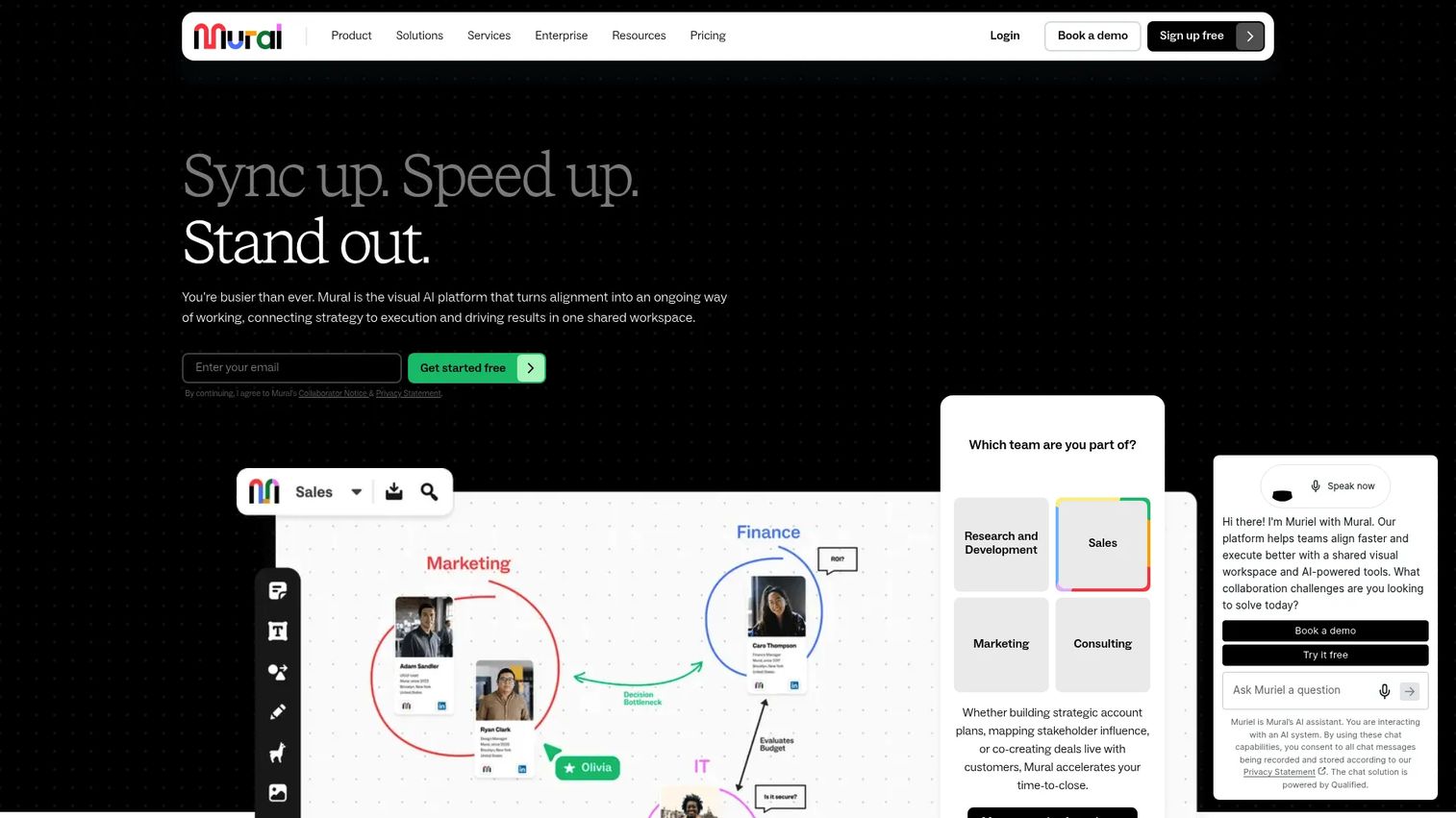
Mural is a visual collaboration platform designed around structured workshops, brainstorming sessions, and team planning. Its facilitation toolkit includes private mode, participant summoning, and timer features built to keep remote sessions on track. The platform added AI clustering to help teams automatically suggest groupings from a board of sticky notes, which reduces the cognitive load of manual synthesis.
Best for: Teams running regular remote workshops who want AI-assisted grouping alongside strong facilitation controls.
Key features
- AI clustering to suggest theme groupings from sticky note sets
- Private mode and summon for structured facilitation during live sessions
- Infinite, resizable canvas with sticky notes, diagrams, and shapes
- Templates for affinity mapping, retrospectives, and product discovery
- Unlimited murals on paid plans with external user controls on Business tier
Why choose Mural: Mural's combination of AI clustering and facilitation controls is the most complete in this category for teams that run workshops regularly. The AI grouping is editable, not prescriptive, so a researcher can accept suggestions or reorganize freely. For distributed product teams doing synthesis across time zones, the template library and async commenting reduce the need for a synchronous follow-up call.
Mural pricing: Mural has a free plan that includes unlimited murals, with a cap of three editable murals at a time. The Team+ plan costs $9.99 per member per month billed annually, or $12 per member per month billed monthly. The Business plan runs $17.99 per member per month billed annually. Enterprise pricing requires contacting sales directly.
Mural holds a 4.6/5 rating on G2.
3. Creately
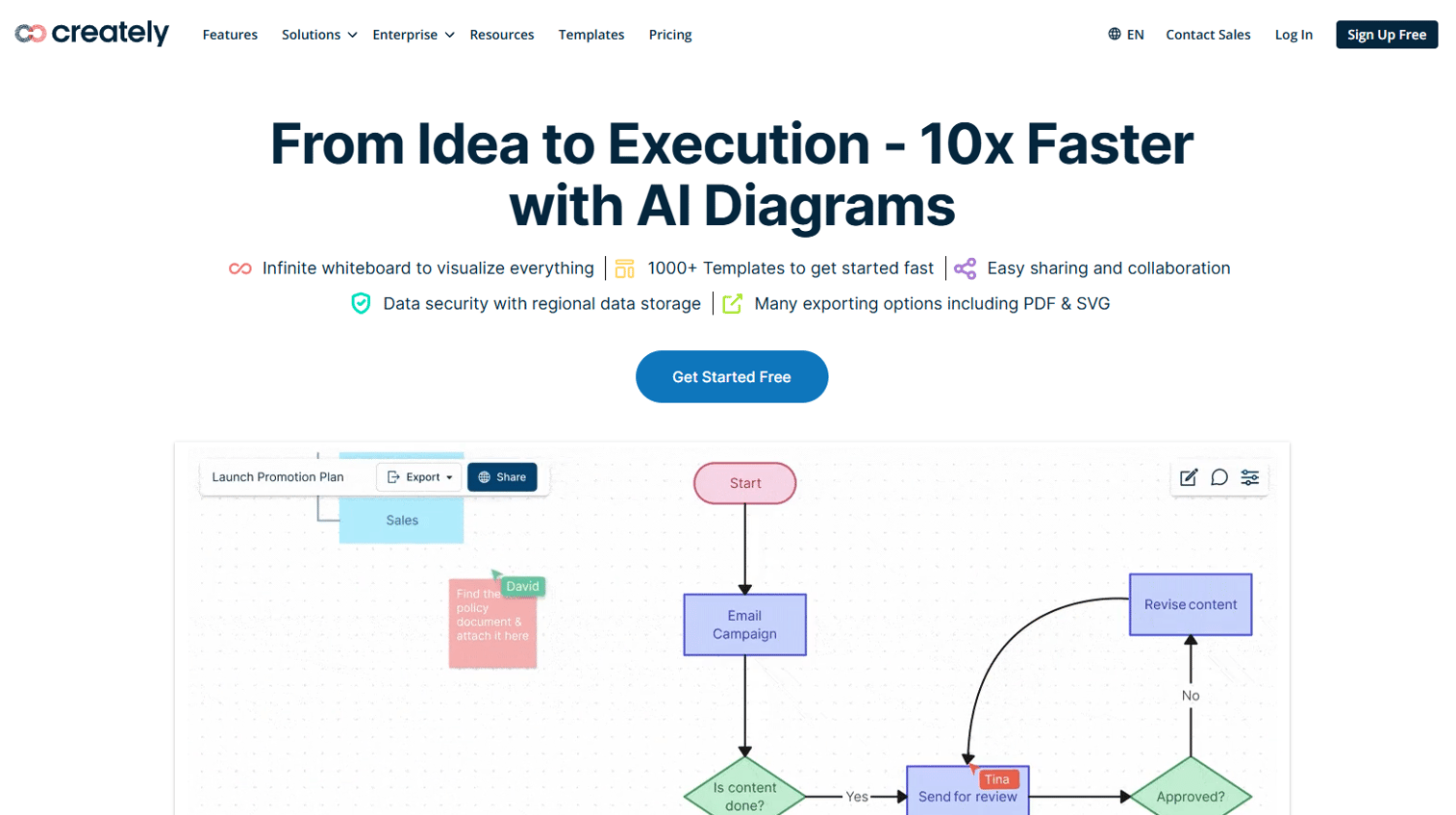
Creately is a visual collaboration and diagramming platform that goes beyond whiteboarding into structured workflow management. Alongside affinity mapping, it supports flowcharts, org charts, process diagrams, and task boards, making it one of the more versatile options for teams that want their synthesis workspace and their planning workspace in one place. Real-time collaboration, shape libraries, and AI diagramming features are included across the platform.
Best for: Product and cross-functional teams that need affinity mapping as one step in a broader workflow, with task management and exports built in.
Key features
- Infinite canvas combining whiteboarding, diagramming, and task management
- Real-time collaboration with comments and team permissions
- Templates for affinity maps, user journey maps, and wireframes
- AI diagram generation alongside manual drag-and-drop grouping
- Exports to multiple formats with Google Drive and Microsoft integrations
Why choose Creately: If your team's synthesis work flows directly into planning, Creately reduces the handoff friction between whiteboard output and action items. The broader diagramming capability means you can map a user journey and run an affinity exercise in the same workspace without switching tools. The tradeoff is that the interface is more complex than lightweight whiteboard tools, which adds some onboarding time.
Creately pricing: Creately offers a free plan with core features. Paid plans, including Starter, Team, and Business tiers, are available on monthly or annual billing, though the exact tier prices were not visible on the pricing page at the time of this review. Enterprise pricing requires contacting sales. Check creately.com/plans for current figures.
Creately holds a 4.4/5 rating on G2.
4. Miro
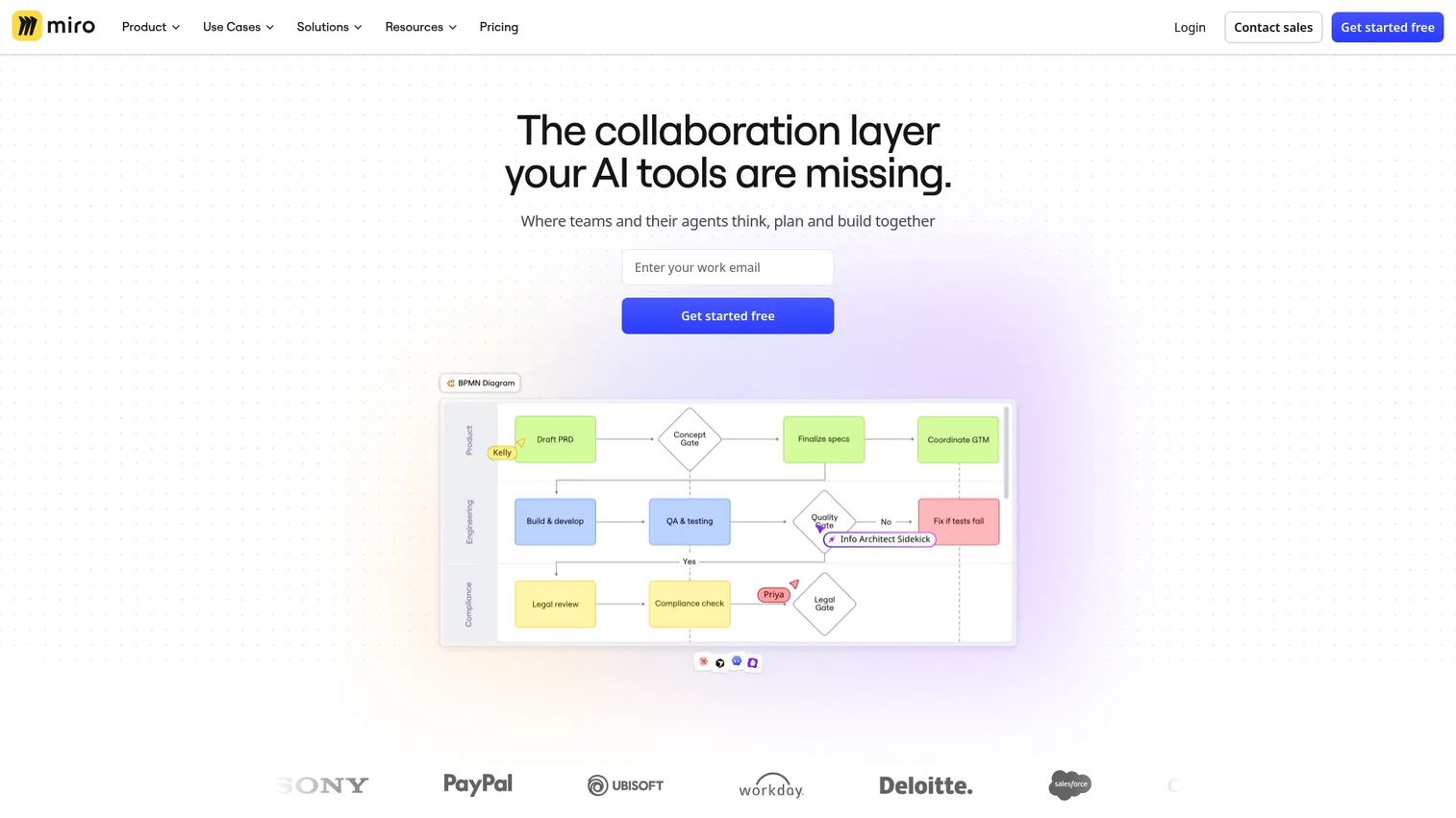
Miro is an AI-first collaborative whiteboard and visual workspace used across product, design, and research teams. It offers more than 7,000 templates, 250+ integrations, and a guided approach to methods like affinity mapping that explains the process alongside the tool. For teams new to affinity diagramming, Miro's built-in method guidance reduces the learning curve without requiring a facilitator to brief participants first.
Best for: Teams that want a deep template library, broad integration coverage, and educational context built into the whiteboard workflow.
Key features
- 7,000+ templates including affinity diagrams, sprint planning, and UX research formats
- AI-powered workspace with intelligent suggestions and content generation
- Sticky notes, voting, commenting, and real-time editing for remote teams
- 250+ integrations including Jira, Asana, Slack, Google Drive, and Figma
- Video and audio calls embedded directly in the canvas for async or live sessions
Why choose Miro: Miro suits teams that use whiteboards across multiple workflow types, not just affinity mapping. The combination of template depth and integration coverage makes it practical for PM teams that run different workshop formats week to week. The free tier limits boards to three per account, which works for early evaluation but constrains ongoing use.
Miro pricing: Miro has a free plan. The Starter plan costs $8 per member per month billed yearly. Business runs $16 per member per month billed yearly. Enterprise plans start from 30 members and require contacting sales for custom pricing.
Miro holds a 4.6/5 rating on G2.
5. FigJam
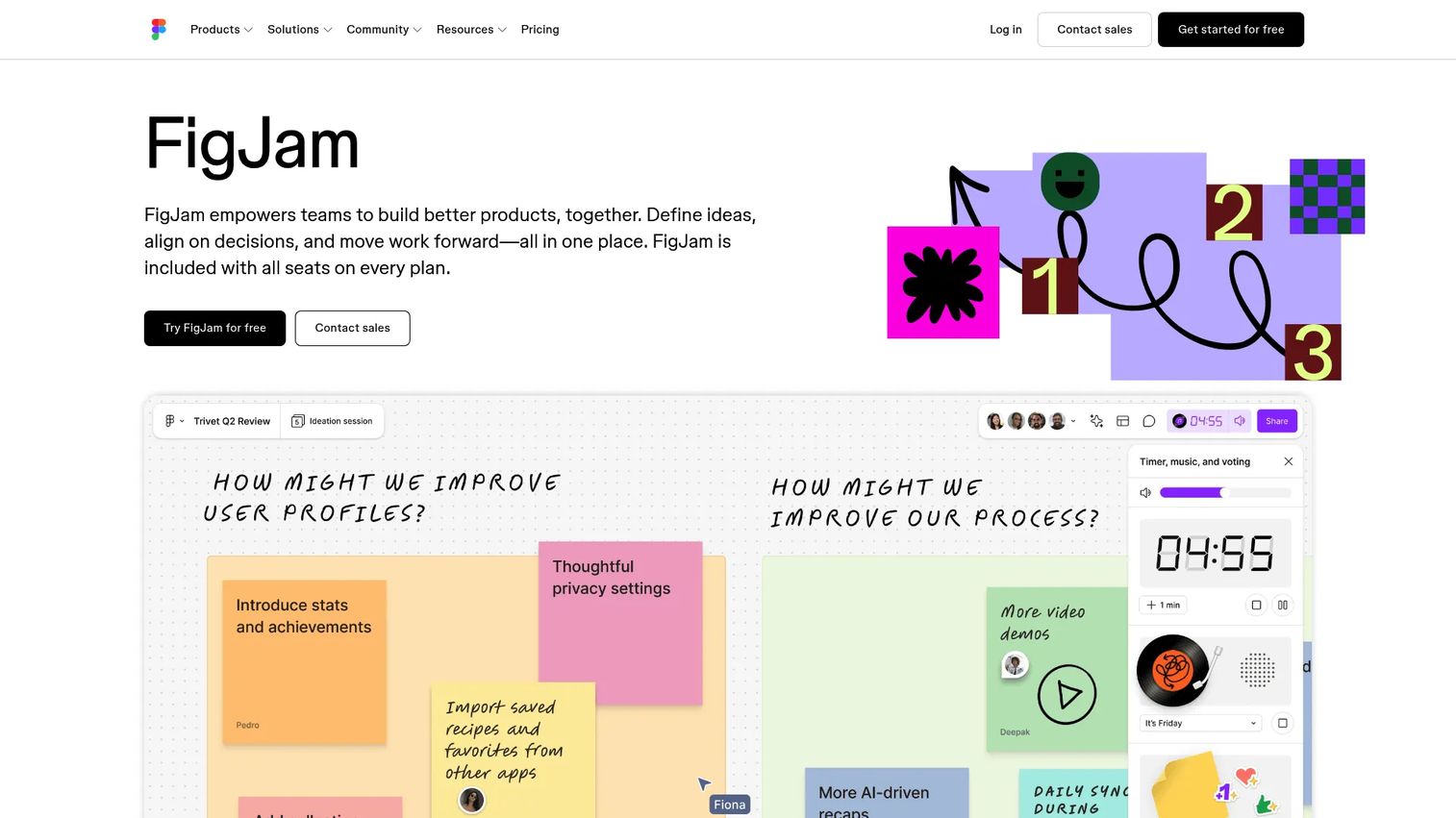
FigJam is Figma's online whiteboard tool, built for brainstorming, workshops, and collaborative planning. It supports sticky notes, shapes, connectors, voting, and audio conversations on a shared canvas. Because FigJam is included with every Figma seat, product and design teams that already pay for Figma get the whiteboard capability without adding a new line item. Unlimited collaborators can view and participate in sessions even on the free tier.
Best for: Product and design teams already using Figma who want a connected whiteboard without a separate subscription.
Key features
- Sticky notes, shapes, voting, and connectors on an infinite canvas
- Audio conversations built into the canvas for synchronous sessions
- Templates for affinity mapping, retrospectives, and sprint planning
- Open sessions with unlimited collaborator access
- Native connection to Figma design files for design-to-discovery workflows
Why choose FigJam: The cost argument is straightforward for Figma users: The whiteboard is included. Beyond cost, the connection between FigJam boards and Figma design files is useful for product teams who want to link discovery themes directly to wireframes or design components. Teams not already in Figma will find less differentiation here compared to more facilitation-focused tools.
FigJam pricing: FigJam is included in every Figma seat. The Starter plan is free with limited access. The Professional plan costs $3 per editor per month and the Organization plan costs $5 per editor per month, both covering Figma and FigJam together.
FigJam holds a 4.6/5 rating on G2.
6. Whimsical
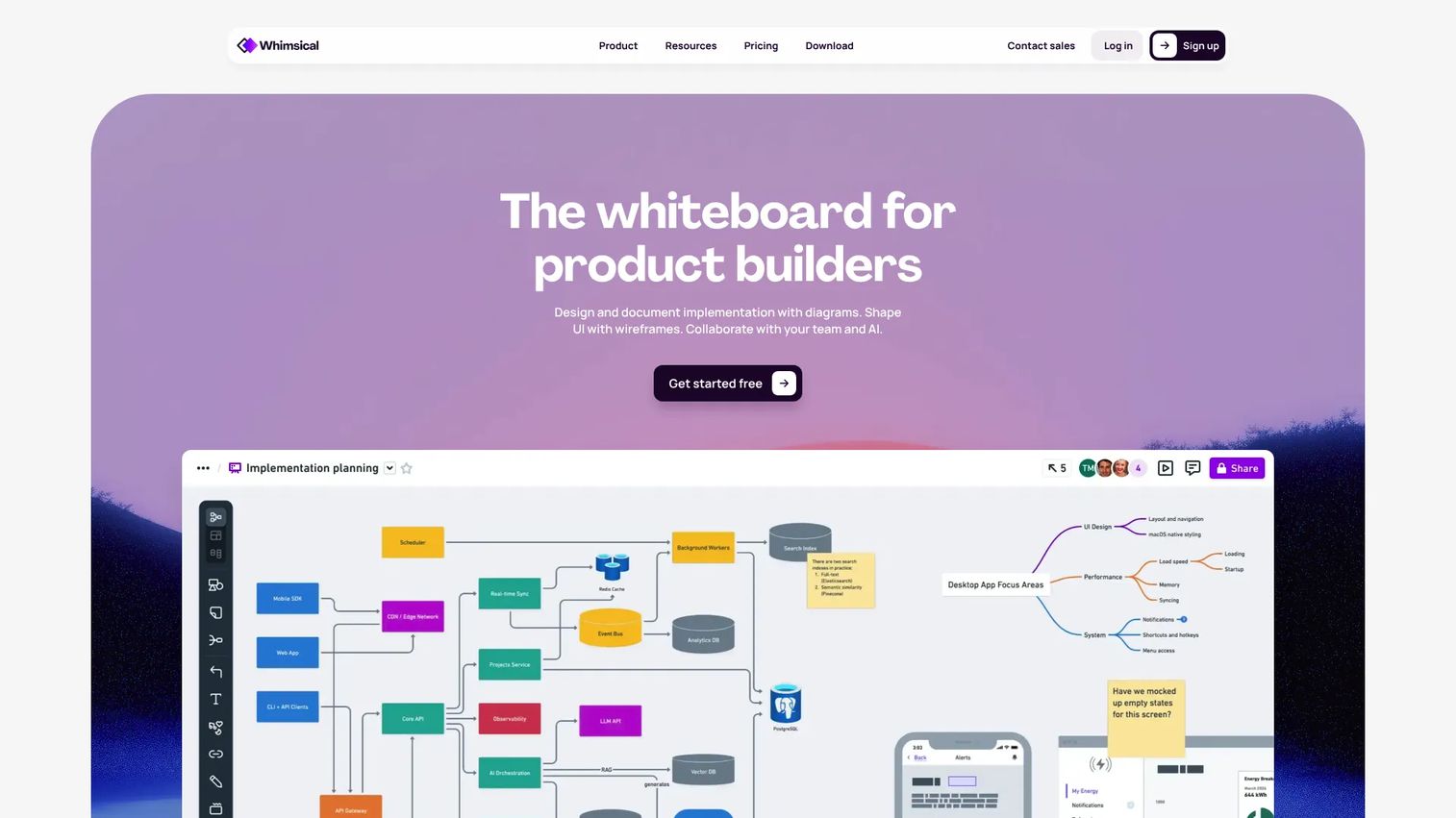
Whimsical is a collaborative whiteboard and visual workspace covering flowcharts, mind maps, wireframes, and freeform boards. It is noticeably cleaner and faster to start than most alternatives in this category. Teams that need to cluster ideas quickly without configuring templates or facilitating a structured session will find Whimsical reduces friction from opening the tool to having a working board. AI features include flowchart and mind map generation from text prompts.
Best for: Teams that want fast, lightweight visual clustering without the overhead of a full-featured collaboration platform.
Key features
- AI-generated flowcharts and mind maps from text input
- Boards for freeform whiteboarding and lightweight affinity clustering
- Flowcharts, mind maps, and wireframes in a single workspace
- Collaboration features including comments and shared editing
- Integrations with common productivity and project management tools
Why choose Whimsical: Whimsical's strength is speed and clarity. If your team runs quick synthesis sessions or solo clustering exercises and does not need a full facilitator toolkit, Whimsical gets you to a working board faster than any other tool on this list. The tradeoff is depth: Voting, advanced templates, and AI clustering are less developed than in Mural or Miro.
Whimsical pricing: Whimsical offers a free plan. The Pro plan costs $10 per editor per month billed monthly. The Business plan costs $20 per editor per month billed monthly. Annual billing saves approximately 17% on paid tiers. Viewers are always free.
Whimsical holds a 4.6/5 rating on G2.
7. Stormboard
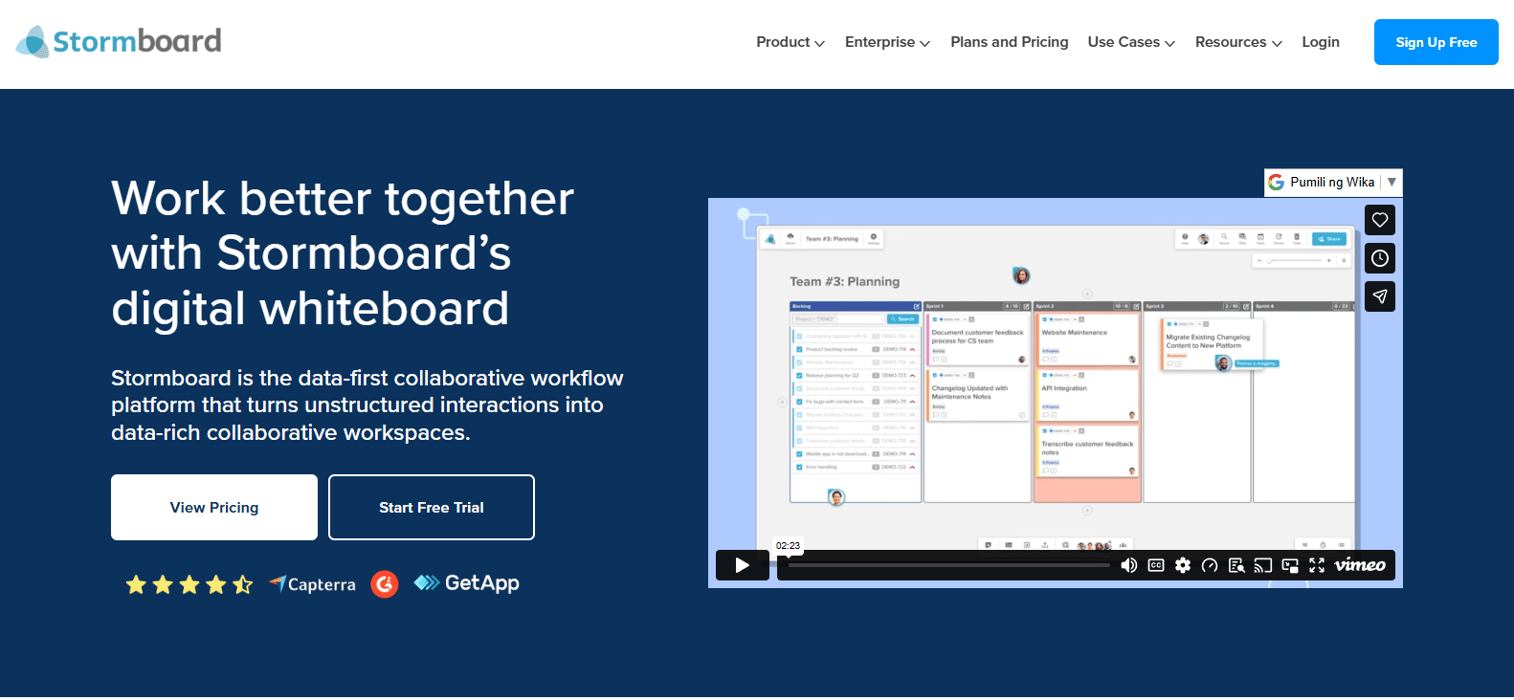
Stormboard takes a data-first approach to brainstorming and team planning. Unlike purely whiteboard-oriented tools, it organizes sticky notes into structured "storms" and connects session output directly to action items, reports, and exports. It supports real-time collaboration across desktop, mobile, tablet, and Surface Hub, which makes it practical for hybrid teams that run workshops across room-based and remote participants. Microsoft Office and Google Drive live co-editing are built in.
Best for: Teams that need brainstorming and affinity clustering to connect directly to structured planning outputs like reports, action items, and task tracking.
Key features
- Structured storms with unlimited collaborators and substorms on Business plans
- Real-time collaboration across desktop, mobile, tablet, and Surface Hub
- Built-in voting, action item creation, and reporting from session output
- Microsoft Office and Google Drive live co-editing and imports/exports
- Templates for brainstorming, planning, and retrospective sessions
Why choose Stormboard: Stormboard fits teams where the workshop output needs to become a documented deliverable quickly. The reporting and action item features reduce the post-session cleanup that most whiteboard tools leave to the facilitator. If your synthesis sessions end with a report shared to stakeholders or tasks pushed to a project tool, Stormboard's structure handles that handoff more directly than open-canvas tools.
Stormboard pricing: Stormboard offers a free Personal plan with limited features. The Business plan costs $10 per user per month billed monthly, or $8.33 per user per month billed annually. Enterprise pricing requires contacting sales.
Stormboard holds a 4.4/5 rating on G2.
Considerations
Collaboration and workshop fit
Check whether the tool supports simultaneous editing for your team size without performance issues. Facilitation features like timers, voting, and private mode matter most for live workshops. If your sessions are async, prioritize commenting depth and notification controls over live facilitation controls.
Template depth
Verify that the tool includes affinity diagram templates ready to use, not just blank canvas starters. Look for templates built around UX research, discovery synthesis, and retrospectives specifically. Shallow template libraries shift setup work onto the facilitator before every session.
AI assistance
Evaluate whether AI clustering is editable and transparent. Automatic grouping is useful for large note sets, but it should show you how it grouped items so you can override the logic. AI that reshuffles notes without explanation adds confusion rather than reducing it.
Execution handoff
Confirm whether the tool lets you move from clustered themes to tasks, action items, or export formats your planning tools accept. Many whiteboard tools treat synthesis as the endpoint. For PM teams, synthesis is an input to prioritization, and the handoff must work with your actual stack, whether that is Jira, Linear, or Notion.
Integrations and governance
Check which project management, communication, and documentation tools connect natively. Slack, Google Drive, Jira, and Confluence are the most common requirements for product teams. Also verify whether the tool supports workspace-level permissions, version history, and SSO, especially if you manage multiple teams or need audit controls.
Conclusion
For most Product Manager workflows, the decision comes down to what happens after clustering. If you want facilitation depth and planning integrations, Lucidspark or Mural will suit your team. Miro is the right call when template variety and integration breadth matter more than facilitation controls. Creately works when synthesis needs to connect directly to task management in the same tool.
FigJam is the obvious choice if your team is already paying for Figma. Whimsical handles fast, low-overhead clustering well. Stormboard fits teams whose synthesis sessions end with a stakeholder report or a structured action list.
Start with the tool that fits your next workshop, not the one with the longest feature list. Every option on this list has a free tier, so you can run a real session before committing.
Once your themes are clear and your roadmap priorities are set, showing those insights to stakeholders gets easier with the right presentation layer. Start your journey with Guideflow today!
FAQs
Affinity mapping groups existing data, like interview quotes or brainstorm output, into themes based on similarity. Mind mapping starts from a central idea and branches outward to explore relationships. Affinity mapping is synthesis-first; mind mapping is ideation-first. Product Managers typically use affinity mapping after research collection and mind mapping during early problem exploration.
Start by adding all your raw notes, quotes, or ideas as individual sticky notes on a shared canvas. Then move similar notes into clusters and label each cluster with a theme. Most affinity diagram tools include templates that set up the canvas structure in advance. After clustering, use voting to prioritize which themes deserve the most attention.
PMs should prioritize real-time collaboration for remote teams, voting to support prioritization after clustering, and export options that connect themes to planning tools like Jira or Notion. AI-assisted clustering is useful for large note sets. Template quality matters because a well-structured affinity diagram template reduces facilitation overhead before each session.
No. AI clustering accelerates the first pass by suggesting groupings, but the suggestions require human review and often reorganization. It is most useful when you have more than 50 notes and want to reduce the time spent on initial grouping. The quality of AI suggestions depends on how well the note content is written, so poorly phrased notes still require manual interpretation.
Look for templates that include a staging area for unsorted notes, labeled cluster zones, and a voting row for prioritization. Research synthesis templates and discovery retrospective templates are the most useful starting points for PM workflows. Templates that include instructions for participants reduce the briefing time at the start of a remote session.
Once themes are labeled and voted on, assign each high-priority theme to an owner and define a next step. Tools like Stormboard generate action items directly from session output. In tools without built-in task creation, export your themes to a spreadsheet or project management tool and create tasks manually. The key is connecting each theme to a decision, not just a label.
Yes, provided the tool supports simultaneous editing, a structured template, and facilitator controls like timers and voting. The most common failure mode is too many participants on the canvas without a clear process, which turns clustering into chaos. Starting with a time-boxed note-adding phase, then a grouping phase, then a voting phase keeps remote sessions productive regardless of team size.
Mural is the strongest option for UX research teams because of its AI clustering, facilitation modes, and research-specific templates. Miro is a close alternative with more template variety and stronger integration with documentation tools. FigJam suits research teams already embedded in the Figma product development workflow who want clustering output to sit close to design artifacts.