
A patient books a slot. They never show. The chair sits empty, the revenue evaporates, and someone on your team spends an afternoon calling to reschedule. Multiply that across a week, and the cost stops being a nuisance and starts being a line item.
The numbers are blunt. Patient no-shows cost the U.S. healthcare system an estimated $150 billion per year, with each missed appointment carrying an average cost of $200 or more, according to Dialog Health's 2025 analysis. Independent practices alone lose roughly $150,000 annually. The reactive work piles up on top of that: manual confirmation calls, reschedule coordination, and the steady drip of "did my appointment get confirmed?" messages landing in your support queue.
Appointment reminder software exists to close that gap. It automates the nudges, sends them across the channels people actually read, and lets clients confirm or reschedule without a single phone call from your staff. The effect is measurable. A Klara study found text message appointment reminders cut no-show rates by almost 38%, and clinics using automated appointment reminders typically report no-show reductions between 30% and 50%. For SMS-heavy reminder workflows, it helps to also evaluate dedicated SMS marketing software that handles texting at scale.
The problem is choosing one. The search results for this category are stacked with vendor landing pages, each insisting it is the answer. None of them put the options side by side. This guide does. We compare ten tools by channel coverage, pricing, integrations, and compliance, so you can shortlist the right fit instead of trusting one vendor's pitch.
What's inside
This guide is for service businesses, clinics, and operations or support teams evaluating tools to cut no-shows and reduce scheduling friction. We picked ten tools that are live and active in 2026, then assessed each against four criteria that actually matter when you buy.
- Channel coverage: Does it send reminders by SMS, email, and voice, or just one?
- Automation and timing: Can you set reminder cadences and confirmations without manual touchpoints?
- Integrations and calendar sync: Does it connect to Google Calendar, Outlook, iCloud, and your booking stack?
- Pricing transparency and compliance: Are prices public, and is there HIPAA support where healthcare needs it?
TL;DR
Short on time? Here are the decision shortcuts.
- Best free tier: Square Appointments. The Free plan carries no monthly fee, and reminders activate on paid tiers.
- Best for clinics needing HIPAA: ReminderCall (now Rectangle Health) and Weave, both built for healthcare communication.
- Best all-in-one booking plus reminders: Acuity Scheduling, with self-booking, payments, and reminders in one place.
- Best for two-way texting: Appointment Reminder, with SMS, email, voice, and a unified inbox.
- Best for calendar-driven scheduling: Apptoto, which reads directly from Google, Outlook, and iCloud.
- Best for self-scheduling teams: Calendly, ideal if your team already books via scheduling links.
What is appointment reminder software?
Appointment reminder software is a tool that automatically sends clients reminders about upcoming appointments by text, email, or voice, and lets them confirm, cancel, or reschedule without staff involvement. It replaces the manual phone calls and sticky-note follow-ups that drain front-office time. Many teams pair these tools with broader business scheduling software to handle booking end to end.
At its core, an appointment reminder system reads your booking calendar, identifies upcoming appointments, and triggers messages on a schedule you set. The better platforms handle confirmations, track replies, and feed the data back into your calendar so nobody double-books or chases a client who already confirmed.
Most automated appointment reminder software shares a common feature set:
- Automated SMS, email, and voice reminders: Multi-channel messages sent on a timed cadence before each appointment. SMS leads here, with appointment reminder text messages hitting a 98% open rate.
- Confirmation tracking: Clients reply to confirm or cancel, and the system logs the status automatically.
- Customizable templates: Pre-written messages you tailor by service, provider, or appointment type.
- Calendar sync: Two-way connection to Google Calendar, Outlook, iCloud, and booking platforms.
- Two-way messaging: Clients reply to reschedule or ask questions, often into a shared inbox.
- Bulk and recall messaging: Mass texts for closures, openings, or patients due for a recall visit.
- Analytics and reporting: Delivery rates, confirmation rates, and no-show tracking over time.
The value of automated appointment reminders comes from removing the human step. Instead of an agent dialing through a list, the system runs the cadence, captures the replies, and only surfaces the exceptions that need attention. That shift is what turns a reactive scheduling process into a quiet, dependable one.
When to use appointment reminder software
Not every business needs a dedicated reminder tool, but a few situations make it close to mandatory.
Cut no-shows on booked appointments
If empty slots are costing you money, this is the first and clearest reason to adopt automated appointment reminders. Each no-show is lost revenue plus the opportunity cost of a slot you could have filled. A text reminder service that nudges clients 24 hours and one hour out reduces the chance someone simply forgets. The research backs this: clinics see no-show drops of 30% to 50% after switching to automated reminders.
Automate confirmations without manual touchpoints
When your staff spends hours each week calling to confirm appointments, the labor adds up fast. Automated text reminders with two-way replies let clients confirm by tapping a single button. Your team stops dialing and starts handling only the cancellations and reschedules that actually need a human. The cadence runs itself, even after hours and on weekends. The same automation logic underpins broader marketing automation software that triggers messages without manual effort.
Reduce scheduling-related support tickets
For support and operations teams, reminders quietly deflect a whole ticket category. The "did my appointment get confirmed?" question disappears when clients receive an automatic confirmation. Reschedule requests route through the reminder reply instead of a support email. If you are mapping how reminders fit alongside your help center and macros, the same logic applies to other customer support workflows where automation handles the repetitive question before an agent ever sees it. You can also train clients on self-service steps with interactive guides instead of scheduling a live call, and you can build self-service experiences that deflect routine questions entirely. Fewer reactive tickets means agents spend time on the issues that genuinely need them.
The 10 best appointment reminder software tools for 2026
Below is a side-by-side comparison, followed by a detailed breakdown of each tool. Pricing and ratings reflect verified figures from vendor pages and review platforms as of mid-2026. Confirm current numbers before you buy, since plans shift.
| # | Product | Intent | Key use case | Pricing | G2 rating |
|---|---|---|---|---|---|
| 1 | GoReminders | Simple SMS/email reminders | SMBs wanting fast, low-setup reminders | From £8/mo | 4.8/5 |
| 2 | Square Appointments | Booking plus payments plus reminders | All-in-one scheduling and payments | $0/mo (Free), Plus $49/mo | 4.5/5 (Capterra) |
| 3 | Appointment Reminder | Multi-channel two-way reminders | Teams wanting SMS, email, and voice | From $29/mo | 4.8/5 (Capterra) |
| 4 | ReminderCall | HIPAA-compliant patient reminders | Medical and dental practices | Contact vendor | 4.7/5 (Capterra) |
| 5 | Apptoto | Calendar-driven reminders | Scheduling tied to existing calendars | From $30/mo | 4.9/5 |
| 6 | Weave | Unified healthcare communications | Dental and medical practices | From $249/mo | 4.6/5 |
| 7 | Calendly | Self-scheduling plus reminders | Teams booking via scheduling links | Free, Standard $10/seat/mo | 4.7/5 |
| 8 | Acuity Scheduling | Booking plus reminders | Service businesses needing both | From $16/mo | 4.7/5 |
| 9 | SimpleTexting | SMS-first reminders and marketing | SMS-centric businesses | From $39/mo | 4.7/5 |
| 10 | Textedly | High-volume text reminders | Bulk SMS reminder workflows | From $29/mo | 4.6/5 |
1. GoReminders
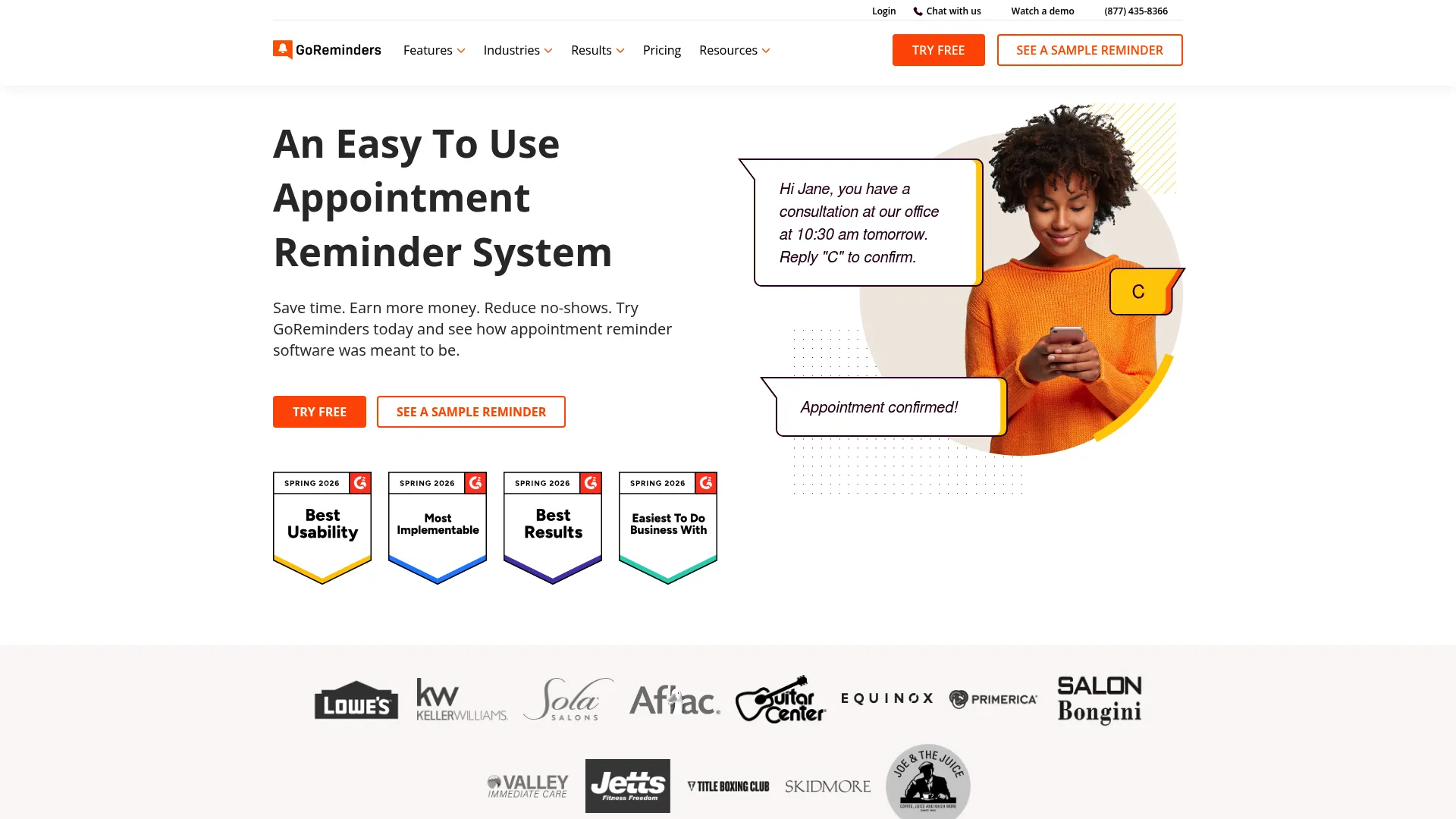
GoReminders is appointment reminder and scheduling software focused on sending automated text and email reminders, confirmations, and booking links. It keeps the setup light, which is exactly what a small business owner without an IT team needs. You connect a calendar, pick a template, and the reminders start going out.
Best for: Small and appointment-based businesses that want automated SMS and email reminders running with minimal setup.
Key strengths
- Automated text and email reminders: Customizable messages with flexible timing so each reminder fits the appointment type.
- Broad calendar integrations: Syncs with Google Calendar, Outlook, iCal, and a mobile app for on-the-go scheduling.
- Online booking modes: Offers both appointment-request mode and instant-book mode, plus Zapier integrations to tools like Mailchimp.
Why choose GoReminders: If you run a salon, a clinic, or a service business and you do not want a steep learning curve, GoReminders earns its place. The trade-off is depth: it does not bundle payments or voice reminders the way larger platforms do. For teams that want a clean text reminder service without extra modules, that simplicity is the point.
GoReminders pricing: GoReminders carries a G2 rating of 4.8/5. Public pricing on its UK page lists Basic at £8/month, Professional at £23/month, and Scale at £38/month for 25 appointments per month, with annual billing dropping those to £6, £19, and £31 respectively. A free trial is available so you can test the workflow before committing.
2. Square Appointments

Square Appointments is appointment scheduling software with online booking, staff calendars, client reminders, and integrated Square payments. It is the natural pick if you already use Square for point-of-sale, since booking, reminders, and checkout live in one system. Salons, spas, and barbershops gravitate here for that reason.
Best for: Service businesses that want booking, staff scheduling, automatic reminders, and payment processing in one platform.
Key strengths
- Automatic text and email reminders: Confirmations and reminders go out without manual effort, reducing missed slots.
- Online booking website: A branded booking page plus integrations that let clients self-schedule.
- Integrated payments: Accept tap, dip, swipe, digital wallets, card on file, Afterpay, and Cash App Pay at checkout.
Why choose Square Appointments: The case is consolidation. If you want to avoid stitching together a booking tool, a reminder tool, and a payment processor, Square does all three. The reminder features live on paid tiers, so the free plan is more about booking and payments than automated reminders. For businesses already in the Square ecosystem, the integration is hard to beat.
Square Appointments pricing: It holds a 4.5/5 rating on Capterra. Square Free has no monthly subscription, with payments billed at processing-fee rates. Square Plus runs $49/month per location, Square Premium is $149/month per location, and Square Pro uses custom pricing for businesses processing over $250,000 per year. Paid plans include a 30-day free trial.
3. Appointment Reminder
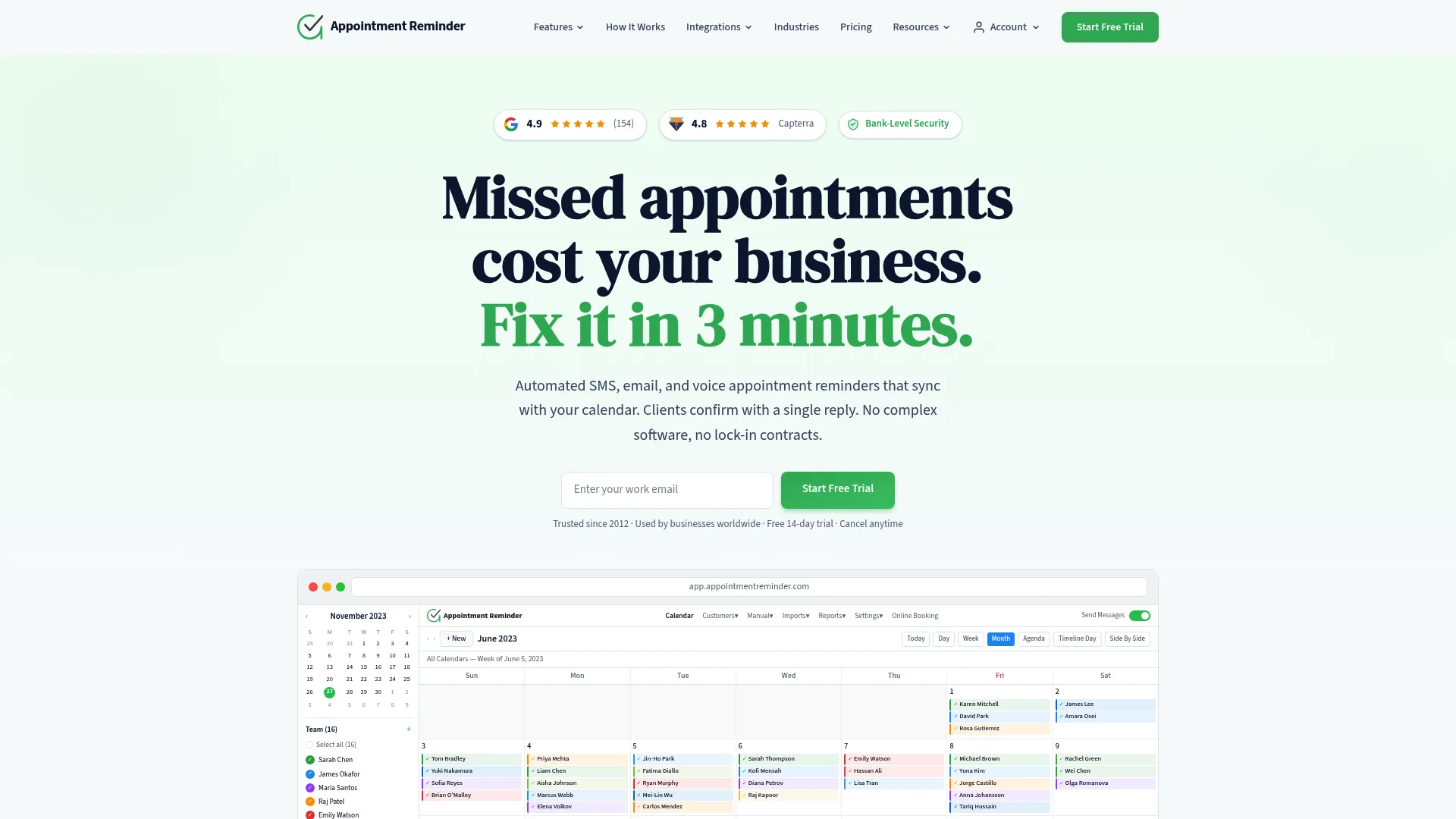
Appointment Reminder is a multi-channel platform for sending automated SMS, email, and voice reminders, with calendar sync and online scheduling built in. The standout here is genuine three-channel coverage paired with two-way texting, so clients can confirm, cancel, or reschedule by reply.
Best for: Teams that want reminders across SMS, email, and voice, plus a two-way inbox to manage replies.
Key strengths
- SMS, email, and voice reminders: Reach clients on whichever channel they respond to, including reminder calls for those who skip texts.
- Two-way texting: Clients confirm, cancel, or reschedule directly, and replies land in a unified inbox.
- Real-time calendar sync: Connects to Google Calendar, Outlook, iCal, and more, syncing as bookings change.
Why choose Appointment Reminder: If your clients span generations and channels, the voice option matters. Older patients who ignore SMS still answer a reminder call. The setup is described as simple, with no staff training needed. The trade-off is the absence of a permanent free tier, though a 14-day trial lets you test it first.
Appointment Reminder pricing: It rates 4.8/5 on Capterra across dozens of reviews. United States monthly plans start at $29/month for 400 reminders on the Starter tier, then Growth at $49/month, Professional at $89/month, and Business at $150/month for 3,200 reminders. Annual billing includes one month free, and custom plans cover higher volumes.
4. ReminderCall
ReminderCall, now part of Rectangle Health and branded as Bridge Engagement Basic, is HIPAA-compliant patient appointment reminder software for calling, texting, and emailing patients. It is built specifically for healthcare, where compliance is not optional. The platform handles the reminder cadence while keeping patient communication within HIPAA boundaries.
Best for: Medical and dental practices that need HIPAA-compliant automated reminders to cut patient no-shows.
Key strengths
- Multi-channel patient reminders: Automated reminders via calls, emails, and two-way texting, all in one workflow.
- HIPAA-compliant messaging: Patient appointment reminder messages built to meet healthcare privacy requirements via HIPAA privacy requirements.
- Delivery reporting: Cancellation notifications plus real-time reminder delivery reports and analytics.
Why choose ReminderCall: For a practice, the compliance layer is the deciding factor. A general text reminder service may not offer the safeguards healthcare requires, and ReminderCall is purpose-built for that environment. As a medical appointment reminder service, it pairs the reminder cadence with the recall and rescheduling features clinics rely on. The reasonable trade-off is that pricing is not public, so you will need to contact the vendor.
ReminderCall pricing: ReminderCall holds a 4.7/5 rating on Capterra across more than 160 reviews. Rectangle Health does not publish pricing for the Bridge Engagement Basic tier, so you will need to request a quote tailored to your practice size and channel mix.
5. Apptoto
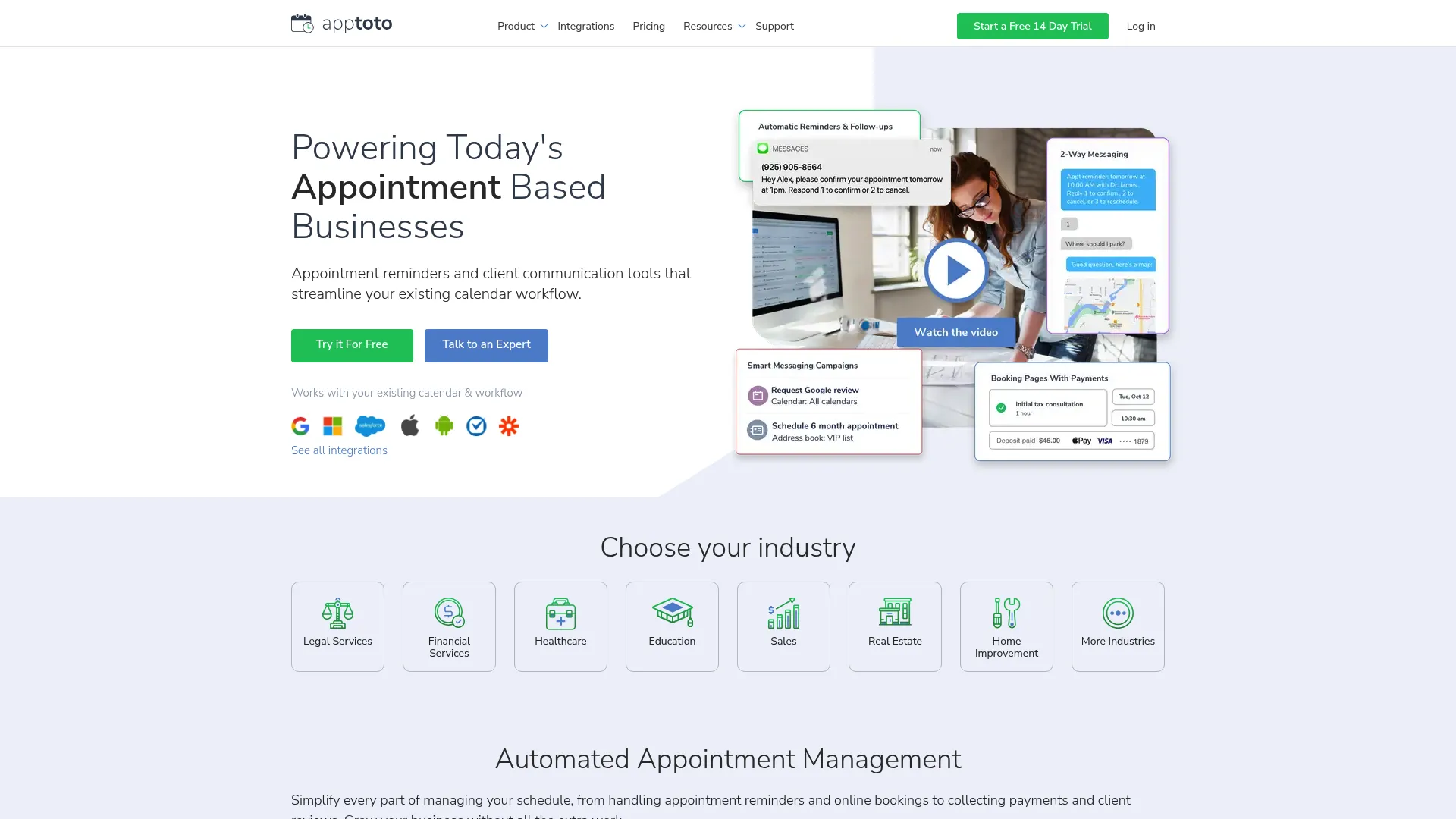
Apptoto is an automated appointment reminder, messaging, and online scheduling platform that connects directly to your existing calendars and contacts. Its strength is reading from the calendar you already use, so you do not migrate your scheduling workflow to a new system. It then sends SMS, email, and voice reminders off that calendar.
Best for: Appointment-based businesses whose scheduling already lives in Google, Outlook, or iCloud calendars.
Key strengths
- Calendar-native reminders: Automated SMS, email, and voice reminders triggered directly from your calendar events.
- Online booking pages: Self-scheduling pages that write appointments back into your calendar automatically.
- Two-way messaging: A shared inbox and outbox for client replies, confirmations, and reschedules.
Why choose Apptoto: If your team lives inside Google Calendar or Outlook, Apptoto fits without forcing a workflow change. It layers reminders on top of the calendar rather than replacing it. That makes it a strong choice for calendar-driven operations, with the modest trade-off that there is no permanent free tier, only a 14-day trial.
Apptoto pricing: Apptoto carries a 4.9/5 rating on G2. Pricing starts at $30/month, with $10 for each additional user. The pricing page offers both monthly and annual billing, a 23% annual discount, a 14-day free trial, and optional add-ons including Reputation Management and Premium Setup.
6. Weave
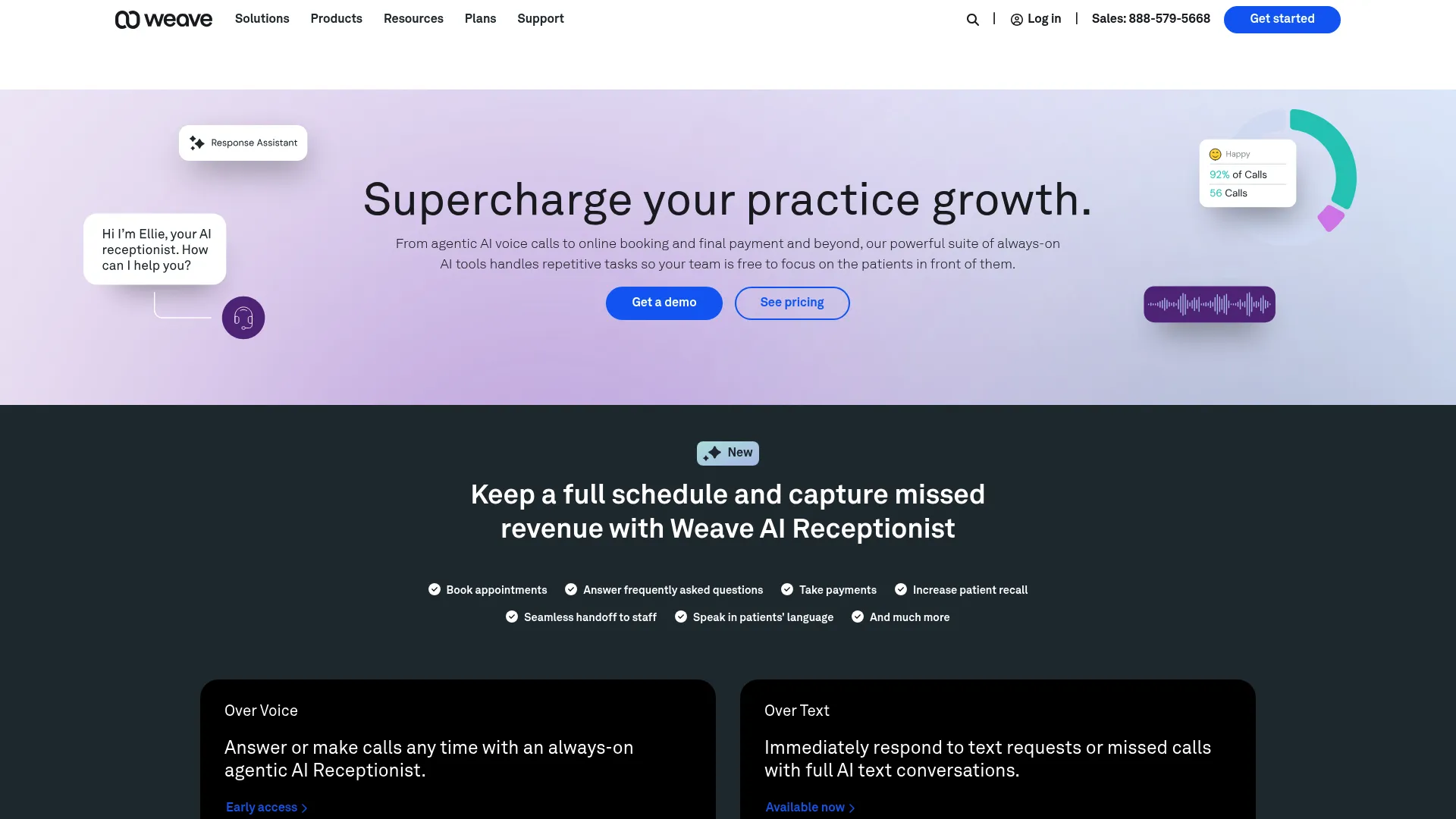
Weave is an all-in-one communication and engagement platform for healthcare practices, covering calls, texts, scheduling, payments, and reviews. Reminders are one piece of a broader front-office system. For a dental or medical practice that wants to consolidate its phones and patient messaging, Weave bundles it together.
Best for: Small and medium healthcare practices wanting one platform for phones, reminders, scheduling, payments, and reviews.
Key strengths
- Appointment reminders and confirmations: Automated reminders and schedule confirmations alongside the practice phone system.
- Two-way and bulk texting: Message patients one-on-one or send bulk texts for closures and openings.
- Unified front office: VoIP phones with Call Pop, online scheduling, digital forms, Text to Pay, and review requests in one place.
Why choose Weave: The pitch is consolidation for healthcare. Instead of a separate phone system, reminder tool, and payment processor, Weave handles the full front-office stack. That breadth is also the trade-off: it is more platform than a practice needs if all you want is reminders. For practices ready to unify communications, the depth pays off.
Weave pricing: Weave rates 4.6/5 on G2. The pricing page lists Pro, Elite, and Ultimate plans, with pricing starting from $249 per month. Tier-specific prices are shown as "Get Pricing," so you will request a quote based on your practice needs and channel mix.
7. Calendly
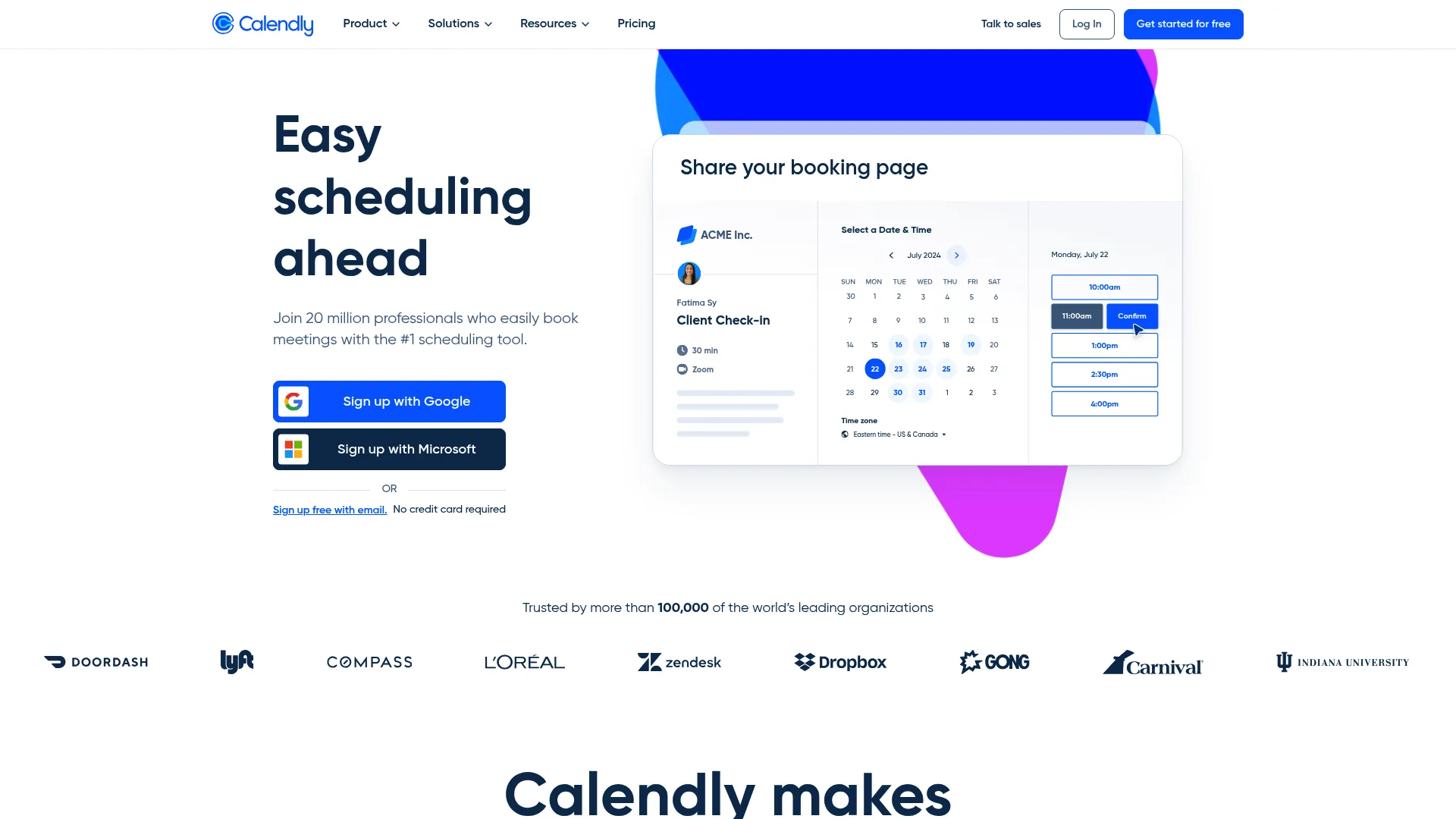
Calendly is a scheduling automation platform for booking meetings, routing invitees, and automating meeting communications, including reminders. It is the familiar choice for SaaS and support teams that already share scheduling links. Its Workflows feature sends automated email and SMS reminders so booked meetings actually happen. You can also explore an interactive Calendly demo to see the scheduling experience before committing.
Best for: Teams and professionals who book external meetings via self-scheduling links and want automated reminders attached.
Key strengths
- Calendar sync: Connects with Google, Outlook, and Exchange to prevent double-booking across teams.
- Automated Workflows: Sends meeting reminders, follow-ups, and scheduling outreach automatically by email and text.
- Routing and analytics: Round-robin scheduling, meeting routing, integrations, and admin and security controls.
Why choose Calendly: For a support or operations team already running on Calendly, adding reminder Workflows is a natural extension rather than a new tool. It shines for self-scheduling motions where invitees book their own time. It is less suited to walk-in or front-desk businesses that need bulk patient reminders, so match it to a scheduling-link workflow.
Calendly pricing: Calendly holds a 4.7/5 rating on G2. The Free plan covers personal use, Standard runs $10/seat/month, Teams is $16/seat/month, and Enterprise starts at $15,000/year, all on yearly billing. SMS reminders are part of the automated Workflows on paid tiers.
8. Acuity Scheduling
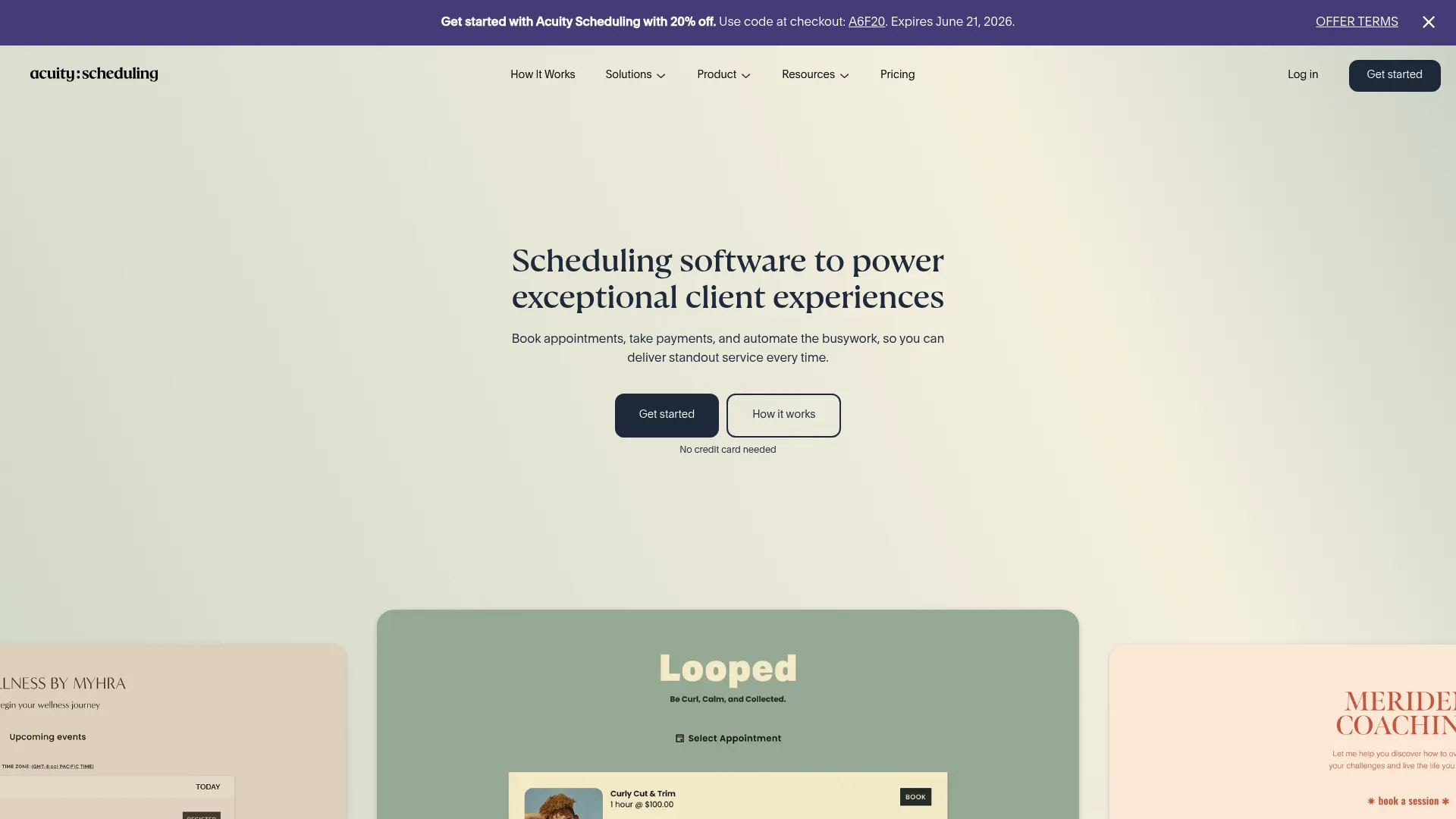
Acuity Scheduling is online appointment scheduling software for booking, taking payments, managing calendars, and automating client communications. It blends self-booking with reminders, which makes it a strong fit for service businesses that want clients to book themselves and then get reminded automatically. See it in action via this Acuity Scheduling demo.
Best for: Service businesses that want clients to self-book, pay online, and receive automated reminders in one tool.
Key strengths
- Client self-scheduling: Branded booking pages let clients book without back-and-forth.
- Automated reminders: Email reminders on every plan, with text reminders on higher tiers, plus custom client forms.
- Payments and HIPAA option: Take payments via Stripe payment processing, Square, or PayPal, with a HIPAA BAA available on the Premium tier.
Why choose Acuity Scheduling: Acuity fits service businesses that want booking and reminders bundled without a steep setup. The tiered approach means text reminders and HIPAA support sit on higher plans, so factor that into your tier choice. For coaches, studios, and clinics that want self-scheduling plus automated reminders, it covers both jobs cleanly.
Acuity Scheduling pricing: Acuity rates 4.7/5 on G2. Starter is $16/month annually ($20 monthly) with email reminders, Standard is $27/month annually ($34 monthly) adding text reminders, and Premium is $49/month annually ($61 monthly) adding a HIPAA BAA. There is no free plan, only a 7-day trial.
9. SimpleTexting
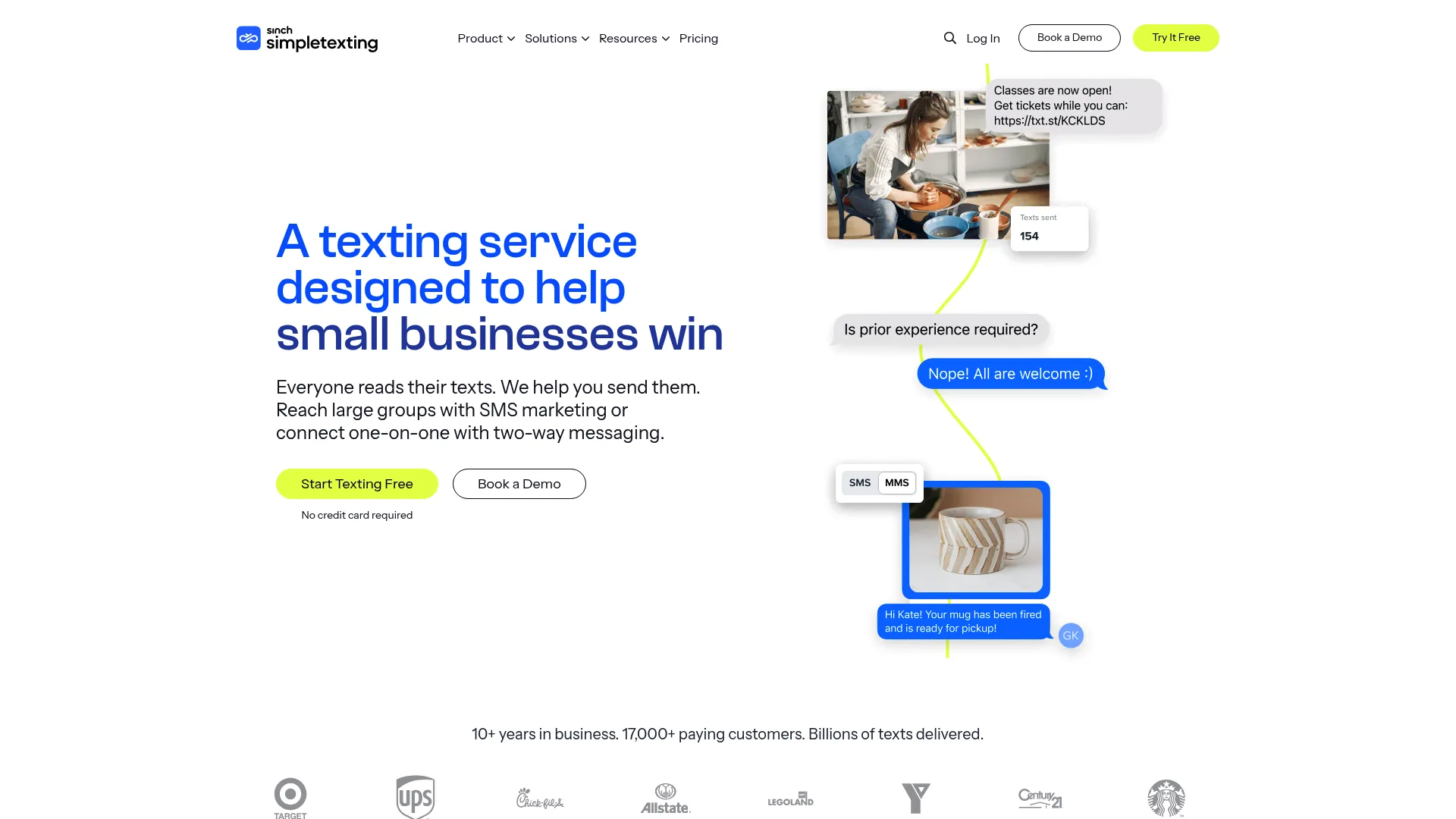
SimpleTexting is an SMS marketing and two-way business texting platform for reaching groups or messaging customers one-on-one. It is SMS-first, which suits businesses where text is the primary channel. Scheduled and recurring texts make it practical for appointment reminders and confirmations at scale.
Best for: SMS-centric businesses that want scheduled text message appointment reminders plus two-way customer texting.
Key strengths
- Mass and two-way texting: Send bulk reminders or hold one-on-one conversations from a dedicated business number.
- Scheduled and recurring texts: Auto-replies, drip campaigns, scheduled sends, and recurring texts power the reminder cadence.
- Contact management: Unlimited contacts, advanced segments, text-to-join keywords, and Mailchimp and Zapier integrations.
Why choose SimpleTexting: If text is how your customers prefer to hear from you, an SMS-first platform beats a general scheduling tool with bolted-on texting. SimpleTexting handles both blasts and conversations. The trade-off is that it is built around messaging rather than calendar booking, so pair it with your existing scheduling system.
SimpleTexting pricing: SimpleTexting holds a 4.7/5 rating on G2. Pricing is credit-based, with a starting plan of 500 credits at an estimated $39/month ($29 for credits plus $10 for a local number) and extra credits at 5.5 cents each. A custom plan is available, plus add-ons like additional teammates at $20/month per user. A free trial requires no credit card.
10. Textedly
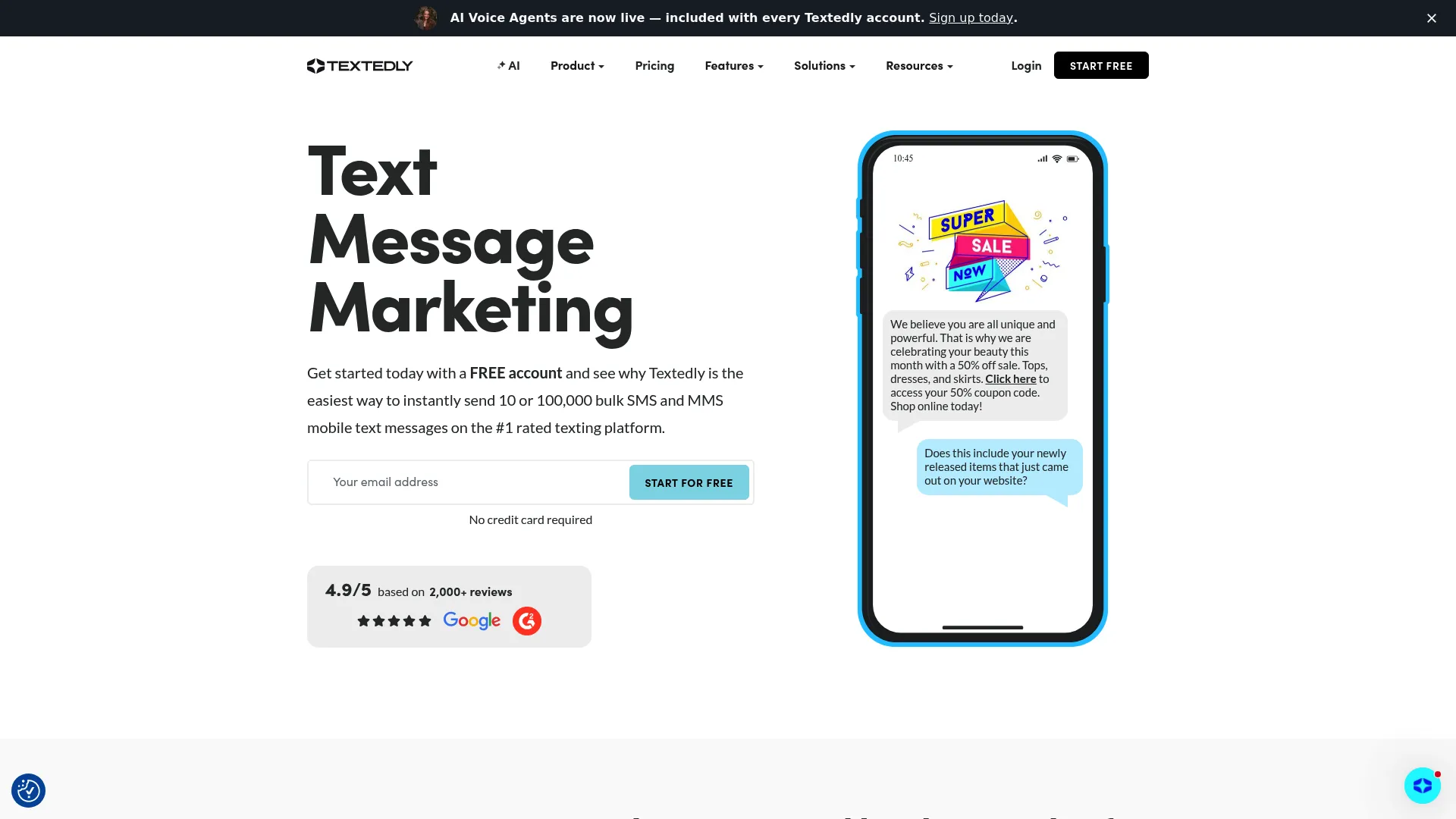
Textedly is an SMS and MMS text message marketing platform for sending bulk messages, running two-way conversations, collecting payments, and managing reviews. It scales well for high-volume text reminders, with a long ladder of plans that grow as your message count does. Scheduled and recurring texts handle the reminder workload.
Best for: Businesses that need scalable SMS and MMS reminder campaigns with high message volumes.
Key strengths
- Mass group SMS and MMS: Send bulk reminders or confirmations to large lists in one click.
- Two-way SMS: Free incoming messages let clients reply to confirm or reschedule.
- Scheduled and recurring texts: Automate the reminder cadence, plus text keywords and webforms for opt-ins.
Why choose Textedly: Textedly fits businesses sending automated text reminders at scale, where the message count climbs into the thousands. Its tiered structure means you only pay for the volume you use. The trade-off mirrors SimpleTexting: it is a texting platform first, so connect it to your scheduling system rather than expecting calendar booking inside the tool.
Textedly pricing: Textedly carries a 4.6/5 rating on G2. A free start option includes 50 text messages, then annual-billed plans run from Basic at $29/month up to Legend at $5,520/month, with larger custom plans available by phone. Note added fees such as $30 for 500 extra texts and $10 per additional keyword.
How to choose the right appointment reminder software
The right tool depends on your channels, your stack, and your compliance needs. Run through this checklist before you commit.
Channel coverage (SMS, email, voice)
Match the channel to where your clients actually respond. SMS wins on open rates, but older patients may answer a reminder call instead. If your audience spans both, pick a tool that covers SMS, email, and voice rather than one channel alone. Appointment Reminder and Apptoto both offer all three.
Calendar sync and integrations
Your reminder tool should read from the calendar you already use. Check for Google Calendar, Outlook, and iCloud sync, plus connections to your booking platform and CRM. A tool that forces you to migrate your scheduling workflow adds friction you do not need. Apptoto and Appointment Reminder are built around calendar syncing.
Two-way messaging
Decide whether clients need to reply to confirm or reschedule. Two-way texting turns a one-directional reminder into a confirmation system, and it routes reschedule requests away from your support queue. Most tools on this list support it, but confirm the replies land somewhere your team can manage them.
Compliance (HIPAA where relevant)
If you handle patient data, compliance is non-negotiable. Look for a Business Associate Agreement (BAA) and audit trails. ReminderCall and Weave are built for healthcare, and Acuity offers a HIPAA BAA on its Premium tier. A general text reminder service may not meet the bar a practice requires.
Pricing transparency and free tier
Check the entry price, message limits, and whether costs scale predictably. Square offers a free plan, Calendly has a free tier, and several tools provide trials. Watch for per-message charges and add-on fees that inflate the bill at volume, as Textedly and SimpleTexting both bill on usage. If email reminders are central to your stack, it's worth comparing dedicated email marketing software too.
Conclusion
The right pick comes down to your situation. For a small business that wants reminders running fast with minimal setup, GoReminders is the clean choice. If you want booking, payments, and reminders consolidated, Square Appointments earns the pick, and its free plan makes it easy to start. Clinics that need HIPAA compliance should look at ReminderCall or Weave, while Acuity Scheduling covers service businesses that want self-booking and reminders together.
If true multi-channel coverage matters, Appointment Reminder gives you SMS, email, and voice with two-way replies. Calendly fits teams already booking via scheduling links, Apptoto suits calendar-driven operations, and SimpleTexting or Textedly serve businesses where SMS is the primary channel.
The next step is simple. Shortlist two tools that match your channel and integration needs, then start a free trial this week. Test the reminder cadence against your real calendar, watch how clients respond, and measure the change in your no-show rate before you decide. The tool that quietly reduces empty slots and reschedule calls is the one worth paying for.
FAQs
Appointment reminder software automatically sends clients reminders about upcoming appointments by text, email, or voice, and lets them confirm, cancel, or reschedule without staff involvement. It reads your booking calendar, triggers messages on a schedule you set, and tracks the responses, replacing manual confirmation calls.
Pricing ranges from free tiers to per-message and per-seat models. Square Appointments and Calendly both offer free plans, while paid options start around $16 to $39 per month for tools like Acuity Scheduling, Appointment Reminder, and Apptoto. SMS-first platforms such as Textedly and SimpleTexting bill on usage, so cost scales with message volume.
Yes, and the mechanism matters more than any single percentage. Reminders work because they reach clients at the right time on a channel they read, and two-way confirmations let people cancel early so the slot can be refilled. A Klara study found text reminders cut no-shows by nearly 38%, and clinics commonly report 30% to 50% reductions after automating. Timing, channel, and easy confirmation drive the result.
Square Appointments offers a Free plan with no monthly fee, and Calendly has an always-free tier for personal use, though reminder features sit on paid plans for both. Several other tools, including Appointment Reminder, Apptoto, and Acuity, offer free trials so you can test before paying, even without a permanent free tier.
Yes. Most tools send both text and email reminders, and many add voice calls as a third channel. Appointment Reminder and Apptoto cover all three. Many platforms also support two-way texting, so clients reply to confirm or reschedule directly, with responses routing into a shared inbox.
Yes. ReminderCall (now Rectangle Health) and Weave are built for healthcare and provide HIPAA-compliant patient communication. Acuity Scheduling offers a HIPAA Business Associate Agreement on its Premium tier. When evaluating a medical appointment reminder service, confirm the vendor signs a BAA and supports audit trails.
Yes. Google Calendar is one of the most common integrations. Appointment Reminder, Apptoto, GoReminders, and Calendly all sync with Google Calendar, and most also connect to Outlook and iCloud. This lets the software read your appointments and trigger reminders without manual data entry.
Setup time varies by tool. Lighter platforms like GoReminders and Appointment Reminder are designed for fast onboarding, with Appointment Reminder noting no staff training is required. You connect a calendar, choose a message template, set the timing, and reminders begin. Tools with broader feature sets, such as Weave, may take longer since they cover phones, payments, and more.