

A customer calls in with a blinking router. They can't tell you which light is flashing, what color it is, or which port the cable is in. You walk them through it over the phone. Twenty minutes later, you're both frustrated and the issue is still open.
This is the wall that phone and text support hit when the problem is physical or visual. A misconfigured device. An install gone sideways. An error screen the customer can't describe in a ticket. Your agents burn handle time on back-and-forth guessing, and the field team eats the cost when a technician gets dispatched for something that could have been fixed remotely.
That cost is real. According to the Technology Services Industry Association, the average truck roll runs around $1,000 once you account for labor, travel, and time. Remote video support software exists to avoid that bill: it lets an agent see exactly what the customer sees through their phone camera, then guide them to a fix in real time.
The market has matured. There are now purpose-built tools for live video troubleshooting, AR-guided field service, and visual self-service, each tuned for a different support workflow. The hard part is picking the one that fits how your team actually resolves tickets. This guide ranks 10 of them and tells you which support and field-service scenarios each one fits best.
What's inside
This guide is for customer support and field-service leaders evaluating remote visual support tools for a team, not a single user. It covers what remote video assistance is, when it earns its place in your stack, and how 10 tools compare on the criteria that matter for support metrics.
We selected and ranked the tools on four factors: live video fidelity and mobile access (can the customer join from a phone with low friction), AR and annotation depth, integrations with the support stack (help desk, CRM, FSM, CCaaS), and documentation plus analytics. Every pricing figure and G2 rating below was checked against live sources. Where a vendor does not publish a price, we say so plainly rather than guess.
TL;DR
Short on time? Here are the decision shortcuts by segment:
- Best for field service and AR: SightCall, for enterprise-grade AR live video with truck-roll and ESG reporting.
- Best zero-download customer access: Viewabo or Blitzz, both join via a simple link with no app install.
- Best for SaaS help desk integration: TechSee, for visual AI that plugs into the contact center and deflects upstream.
- Best entry option: Zoho Lens, with a free plan and paid tiers from US$8 per technician per month.
- Best enterprise ecosystem: TeamViewer, pairing remote support with the TeamViewer Frontline AR platform.
What is remote video support software?
Remote video support software lets a support agent and a customer connect over a live video stream so the agent can see the customer's environment in real time and guide them to a resolution. Instead of describing a problem in words, the customer points their phone camera at the broken device, and the agent watches, annotates, and walks them through the fix.
Most tools in this category share a common set of capabilities:
- Live shared video stream from the customer's phone camera, so the agent sees the actual hardware, screen, or environment.
- Live annotation, pointing, and drawing on the video feed to direct attention to a specific button, cable, or light.
- AR overlays that anchor step guidance to real-world objects, so an arrow stays on the right port even as the camera moves.
- Screenshot, pause, zoom, and record to capture detail and slow down a fast-moving feed.
- Session capture and automatic documentation, often as a PDF report, for compliance and ticket history.
- Integrations with help desk, CRM, field service management (FSM), and contact center (CCaaS) systems so sessions log to the ticket automatically.
- Analytics that map to resolution time, truck rolls avoided, and first-contact resolution.
The category sits at the intersection of customer support and field service. Support teams use it to resolve hardware and install issues without escalation. Field-service teams use it to diagnose before dispatching, which is where the cost savings concentrate.
Remote video support vs. remote visual assistance vs. AR collaboration
You'll see this category called several things: remote visual support, remote visual assistance software, visual remote assistance, and AR remote assistance. They're largely the same thing, with different emphasis. "Visual assistance" leans toward AR-guided field work. "Video support" leans toward customer-facing troubleshooting. "AR collaboration" emphasizes annotations anchored to physical objects.
One distinction matters for planning. Live video is the right tier for the genuinely physical, can't-be-documented ticket. But a large share of "how do I" tickets are repetitive and screen-based, and never need a live human at all. That's where async interactive guided walkthroughs perform best: they deflect the repetitive screen-based questions upstream, so your live video queue stays focused on the complex physical issues that actually need eyes on the problem.
When to use remote video support
Not every ticket needs live video. These are the situations where it earns its keep.
Resolve physical or hardware issues you can't see over text
When the problem lives in the physical world, text and phone fall apart. Device installs, blinking status lights, cabling layouts, and error screens the customer can't describe accurately all benefit from a live camera view. The agent stops guessing and starts diagnosing what's actually in front of the customer. This is the single clearest trigger for reaching for a video tool instead of a macro.
Reduce truck rolls and on-site visits
For field-service teams, the math is direct. With the average truck roll costing around $1,000 per TSIA, diagnosing remotely before dispatch protects margin. Many issues that look like a site visit turn out to be a settings change or a reseated cable once an expert can see them. Help Lightning customers, for example, report first-time fix rate gains of 15 to 20 percent after adding remote visual guidance, which is exactly the lever that keeps trucks in the depot.
Guide non-technical customers through multi-step fixes live
Some fixes are multi-step and easy to get wrong. Reading them aloud invites miscommunication: the customer taps the wrong thing, and you start over. Pointing and annotating directly on the customer's own camera view removes that ambiguity. The customer sees the arrow land on the exact button, follows it, and confirms in real time. This is where visual remote assistance shortens handle time most. For repetitive software walkthroughs, interactive product tours can handle the same guidance asynchronously.
10 best remote video support software tools for 2026
These are the best video support solutions for tech support teams, ranked by fit for support and field-service workflows. Pricing and G2 ratings were verified against live sources. Where a vendor does not publish prices, that is noted rather than estimated.
| # | Product | Intent | Key use case | Pricing | G2 rating |
|---|---|---|---|---|---|
| 1 | TeamViewer | Enterprise remote support + AR | Remote support and Frontline AR in one ecosystem | Business/Premium/Corporate tiers; free for personal use | 4.5/5 |
| 2 | SightCall | Field service + AR | Enterprise AR live video with ROI and ESG reporting | Custom (not public) | 4.6/5 |
| 3 | TechSee | Visual AI for contact centers | Computer vision plus AR-assisted visual support | Quote-based | 4.9/5 |
| 4 | XMReality | Frictionless link sessions | Zero-download AR sessions with auto PDF docs | From US$35/user/mo (annual) | 4.5/5 |
| 5 | Zoho Lens | SMB and Zoho stack | Affordable AR remote assistance | Free; from US$8/technician/mo | 4.7/5 |
| 6 | Help Lightning | Complex equipment | Merged-reality remote visual guidance | Custom (not public) | 4.8/5 |
| 7 | Blitzz | No-app branded video | App-free browser video for contact centers | From US$15/agent/mo (annual) | 4.9/5 |
| 8 | Vuforia Chalk | Industrial AR | Object-anchored AR annotations | Custom (not public) | 4.4/5 |
| 9 | Apizee | Compliance-focused | Visual support plus co-browsing, GDPR focus | Custom (not public) | 4.5/5 |
| 10 | Viewabo | SMB smartphone video | SMS-link live video, no app | From US$79/mo (annual) | 4.5/5 |
1. TeamViewer
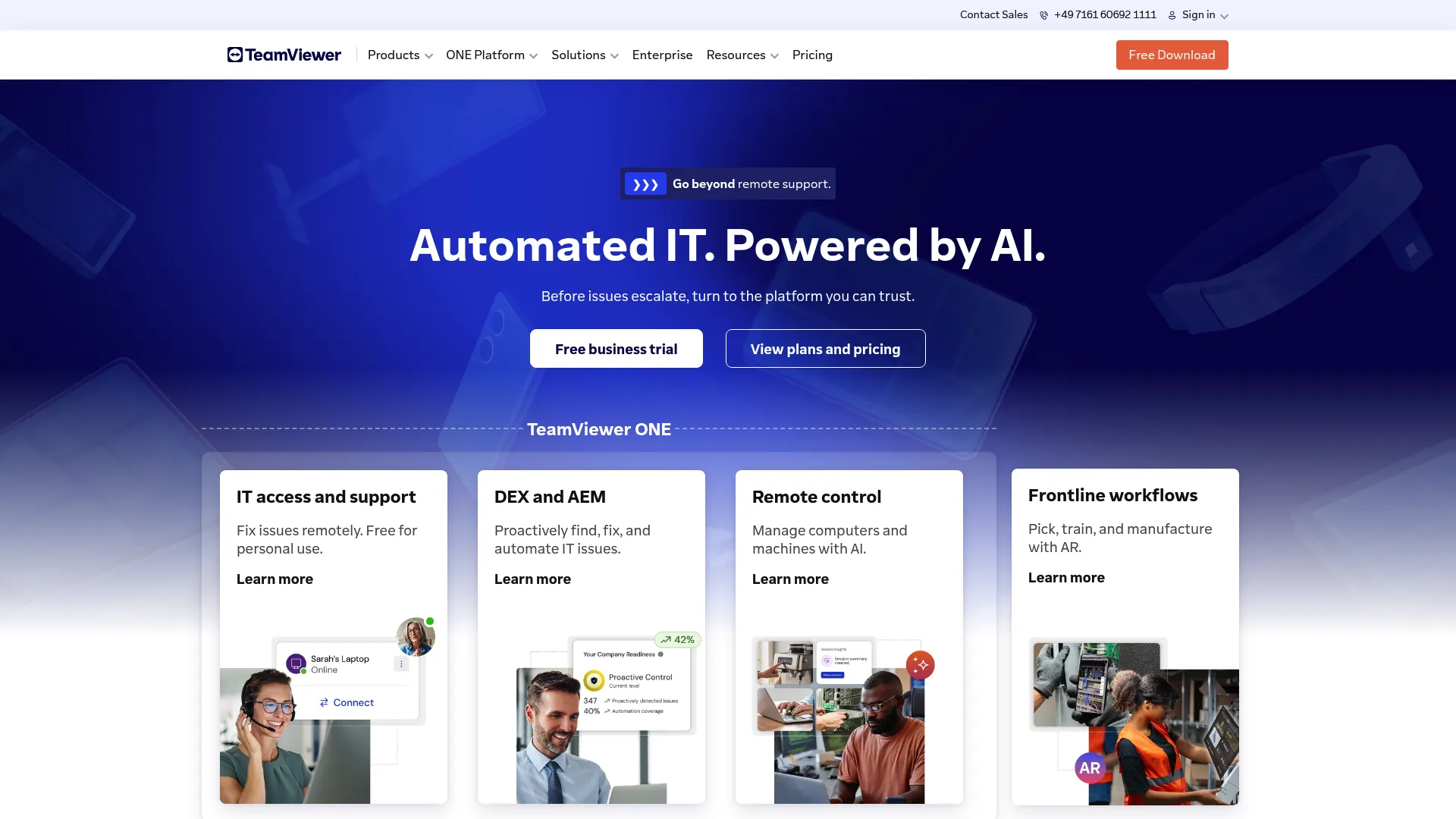
TeamViewer is one of the most established remote support brands, and it covers both classic remote access and visual assistance. The core product handles secure remote support, remote control, and device management across platforms. For visual and AR-guided work, TeamViewer Frontline adds enterprise augmented reality with see-what-I-see capabilities and support for wearable computing.
Best for: Enterprises that want remote support, device management, and AR-guided field assistance under one vendor.
Key strengths
- Remote support and control: Mature, cross-platform remote access that IT and support teams already trust.
- TeamViewer Frontline AR: One of the most widely deployed industrial AR platforms, with see-what-I-see live guidance for technicians.
- Asset and patch management: Device management and AI-assisted IT support summaries extend the platform beyond a single session.
Why choose TeamViewer: If your team already runs TeamViewer for remote access, adding Frontline keeps visual support inside an ecosystem you administer, secure, and bill in one place. That consolidation matters when procurement and security teams resist net-new vendors. It fits enterprises more than a two-person SMB support desk.
TeamViewer pricing: TeamViewer publishes license categories rather than open price numbers. The lineup includes Business, Premium, and Corporate licenses billed as annual subscriptions, plus TeamViewer Tensor as a customized enterprise license through sales. A free tier is available for personal, non-commercial use. For commercial remote video support, expect to talk to sales for a Frontline quote.
2. SightCall
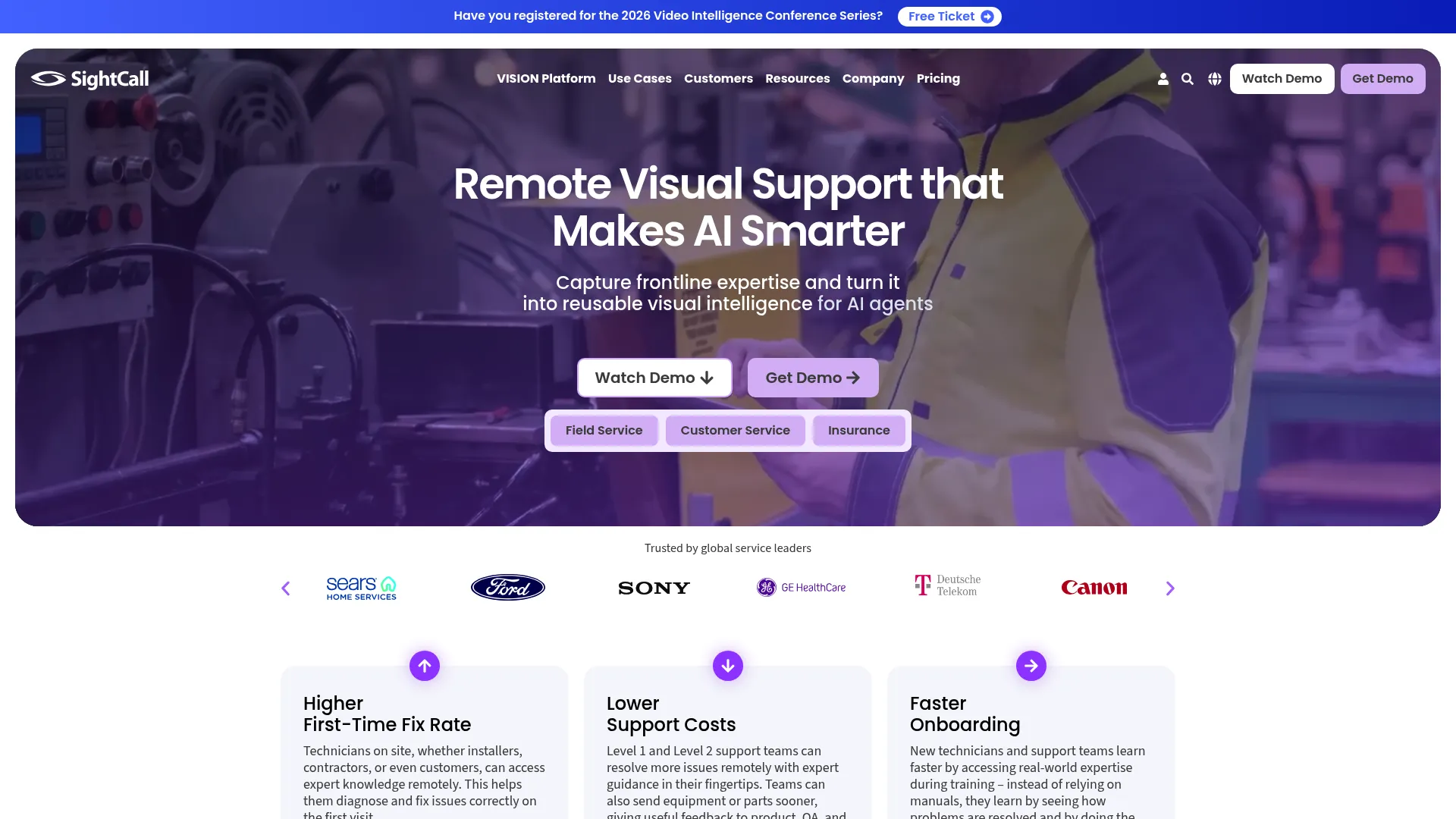
SightCall is a remote visual support platform built for enterprise service organizations. It combines live video, augmented reality annotations, and AI-driven visual intelligence to help technicians, experts, and customers solve issues faster. The platform is purpose-built for field service, customer service, insurance, and telehealth, with consent and pre-call workflows that prepare sessions before they start.
Best for: Field-service and insurance teams that need enterprise AR live video plus auditable ROI and ESG reporting.
Key strengths
- Live AR remote video: Real-time video support with AR annotations and screen sharing so experts guide hands-on work.
- Visual data capture: HD photo capture, OCR, geolocation, barcode scanning, and media sharing feed structured data back to the ticket.
- Reporting and dashboards: Audio transcription, note taking, PDF report generation, AI face blur, and timestamping, plus metrics that quantify avoided site visits.
Why choose SightCall: SightCall leans hardest into the field-service ROI story. Its dashboards track truck rolls avoided and ESG-relevant metrics like reduced returns, giving leaders auditable data for compliance and internal accountability. If you need to prove the program's value to a CFO, that reporting depth is the draw. It is enterprise-priced, so smaller teams may find it heavier than they need.
SightCall pricing: SightCall does not publish public pricing. Its pricing page presents platform offerings, including SightCall Snap, Remote Visual Support, and Xpert Knowledge, but no figures or billing terms. Plan to request a custom quote scoped to your seat count and integrations.
3. TechSee
TechSee brings computer vision and AR into customer service automation. Beyond agent-guided live video, it uses AI to analyze images and video, diagnose issues, and guide customers, technicians, and agents. Its visual self-service flows deflect simpler tickets before an agent is involved, which sets it apart from tools focused purely on live sessions.
Best for: High-volume contact centers that want visual AI to assist agents and deflect tickets through self-service.
Key strengths
- No-code computer vision builder: Train enterprise-grade visual AI models without engineering, then point them at real issues.
- AI image and video analysis: Diagnose problems and guide users automatically, reducing the load on live agents.
- Browser-based remote assistance: Live video, photo mode, VoIP, visual history, AR guidance, and multiparty consultation, all without a customer app.
Why choose TechSee: TechSee is the pick when your volume is high enough that AI-assisted diagnosis and visual self-service materially change your queue. The computer vision layer means repeat issues get faster over time. It is built for enterprise contact centers, so the value scales with ticket volume rather than small-team simplicity. Teams looking to scale self-service should also explore knowledge base software to round out their deflection stack.
TechSee pricing: TechSee uses quote-based pricing and does not publish public figures, currency, or named tiers on its pricing page. Pricing is scoped per deployment, so contact TechSee for a quote tied to your contact-center volume.
4. XMReality
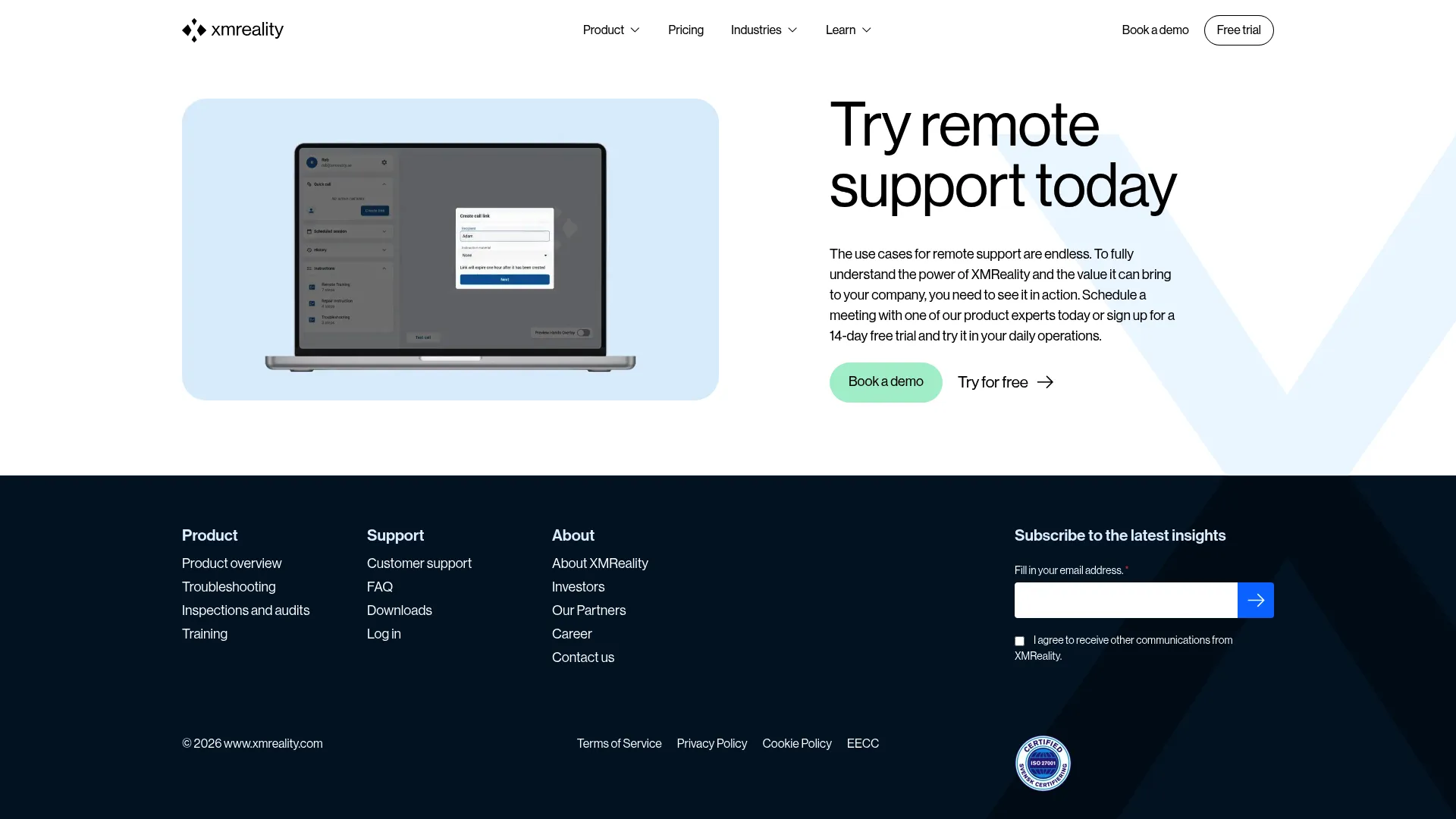
XMReality is remote visual assistance software focused on frictionless customer access and clean documentation. Customers join sessions via a shareable link with no download or login required. Its signature Hands Overlay lets an expert place their own hands into the customer's video feed to demonstrate a fix, alongside annotations, pointer, zoom, and snapshots.
Best for: Support and inspection teams that want zero-friction customer access with auditable session documentation.
Key strengths
- No-download link sessions: Guests join from a browser with no app or account, which lifts session completion.
- AR guide tools: Hands Overlay, annotations, pointer, zoom, snapshots, and high-quality pause for precise visual guidance.
- Session documentation: Snapshots, notes, video recordings, PDF reports, cloud storage, and step-by-step instructions for compliant records.
Why choose XMReality: XMReality balances low customer friction with strong documentation, which suits regulated or inspection-heavy work where you need a PDF record of every session. The Hands Overlay is genuinely useful for demonstrating manual steps. Public per-user pricing also makes it easier to budget than quote-only competitors.
XMReality pricing: XMReality publishes clear pricing. Basic starts at US$35 per user per month billed yearly (US$42 monthly), with unlimited calls, guide tools, documentation, and up to 5 users. Professional is US$68 per user per month yearly (US$78 monthly), adding call recordings, PDF reports, AI transcription, group calls, branding, and integrations. Enterprise is a custom quote with advanced management, SSO, and APIs. A 14-day Professional trial is available with no credit card.
5. Zoho Lens
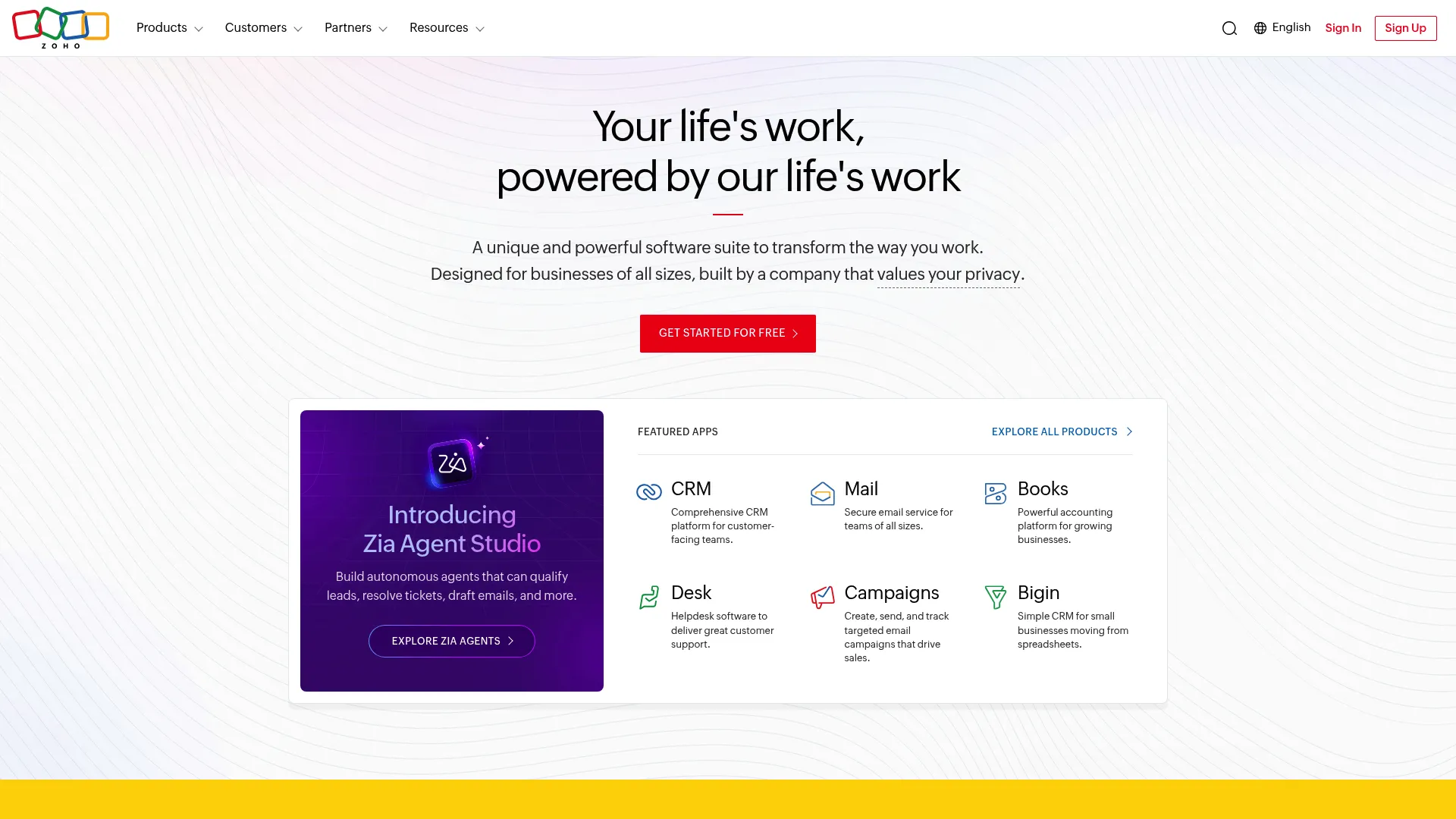
Zoho Lens is a cloud-based AR remote assistance platform that lets technicians view a remote user's camera stream and guide them with AR tools. It offers live camera streaming, AR annotations, VoIP, text chat, and file transfer, plus session recording and analytics on higher tiers. For teams already on Zoho, it slots into a familiar ecosystem.
Best for: SMB and Zoho-stack support teams that want capable AR remote assistance at an accessible price.
Key strengths
- Live camera streaming with AR annotations: See the customer's environment and mark it up in real time.
- VoIP, chat, and file transfer: Multi-participant sessions with the communication tools a session needs, in the browser.
- Recording and analytics: Session recording, snapshots, analytics, rebranding, and a mobile SDK on paid tiers.
Why choose Zoho Lens: Zoho Lens is the entry-friendly option. The free plan lets small teams test visual remote support before committing, and the paid tiers stay affordable as you scale technicians. If you already run Zoho CRM or Desk, the integration story is simpler. Larger enterprises may want the deeper field-service reporting that specialist tools offer.
Zoho Lens pricing: Zoho Lens has a genuine free plan (US$0) with core remote assistance and one simultaneous session. Standard is US$8 per technician per month billed annually, adding advanced chat, file transfer, scheduled sessions, multi-technician support, and analytics. Professional is US$13 per technician per month billed annually, adding session recording, snapshots, departments, AR comments, AR measure, mobile and API capabilities, and four simultaneous sessions.
6. Help Lightning
Help Lightning, offered as IFS Remote Assistance, is an AR remote visual support solution known for "merged reality." It blends two live video streams, the on-site person's view and the remote expert's, so the expert can use gestures and annotations as if standing beside the equipment. That makes it a strong fit for complex equipment service, maintenance, and commissioning.
Best for: Teams supporting complex equipment in manufacturing, healthcare, and utilities that need hands-on expert guidance.
Key strengths
- Merged-reality guidance: Blends on-site and expert video streams for natural, hands-in-the-frame instruction.
- Real-time messaging and live video: Keeps the expert and technician in sync during diagnosis and repair.
- AR annotations and screen sharing: Anchor guidance to the equipment and share context as needed.
Why choose Help Lightning: Help Lightning is built for the high-complexity, high-stakes repair where guidance has to feel like an expert is physically present. Customers report first-time fix gains of 15 to 20 percent and meaningful truck-roll reductions after adoption. If your tickets center on intricate machinery rather than consumer devices, the merged-reality model earns its place.
Help Lightning pricing: Help Lightning, under IFS, does not publish public pricing on its own site. Because pricing should come from the vendor directly, plan to contact IFS for a quote scoped to your team size and use case.
7. Blitzz
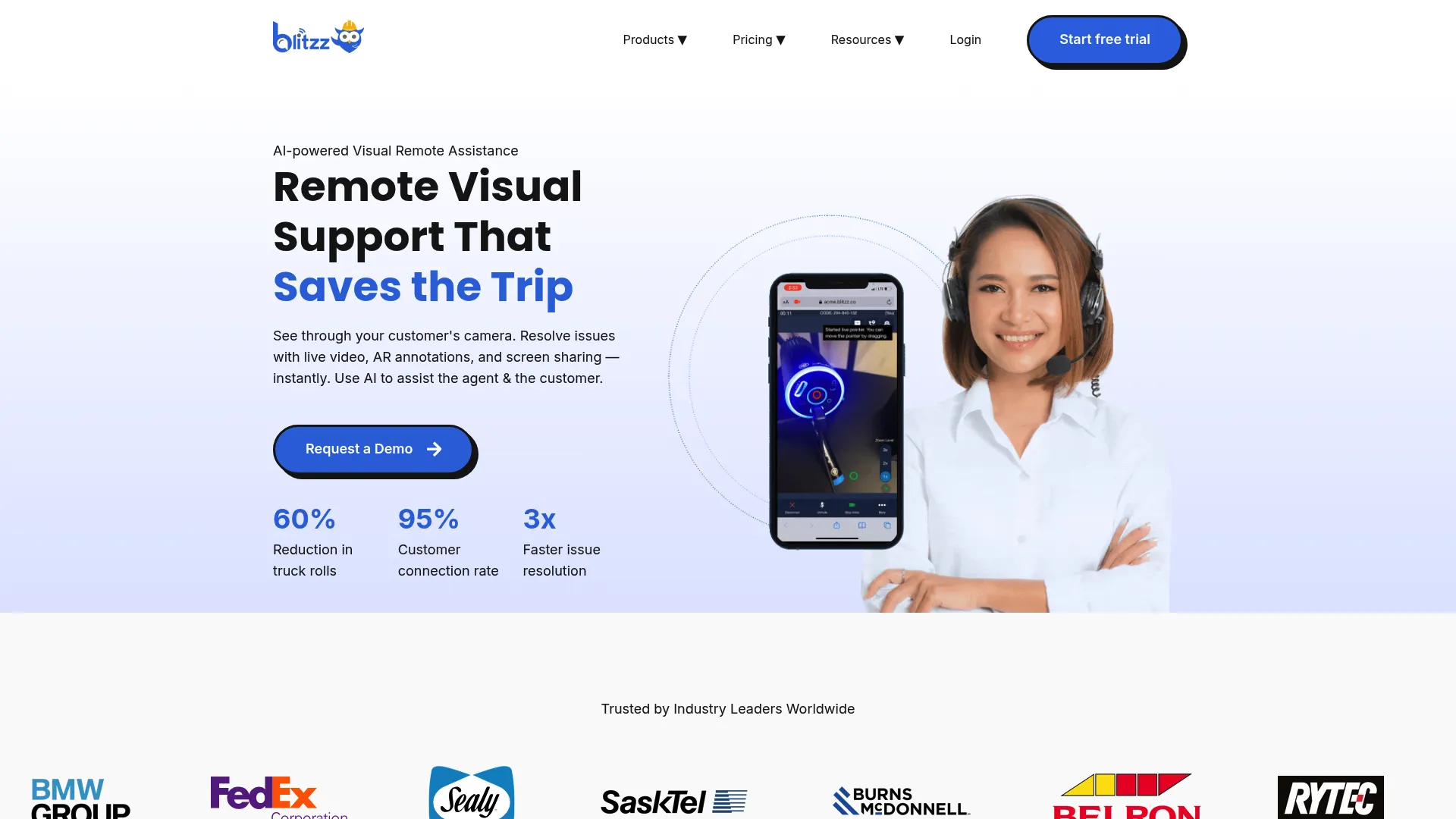
Blitzz is an AI-powered remote visual support platform for contact centers and field-service teams, built around app-free access. Customers join browser-based video calls via a secure SMS, email, or WhatsApp link with no download. Agents annotate the live feed, and the platform adds AI call summaries, OCR, GPS tracking, and inspection report generation.
Best for: Contact centers and field teams that want branded, no-download customer video sessions with documentation.
Key strengths
- App-free browser video: Customers join instantly via SMS, email, or WhatsApp link, removing install friction.
- Live markup and remote controls: Annotation, pointer navigation, remote zoom, and remote flashlight control during the session.
- AI documentation: AI call summaries, OCR text extraction, GPS location, HD photo capture, and inspection report generation.
Why choose Blitzz: Blitzz is a strong pick when low customer friction and clean documentation both matter, especially for inspections. The app-free join keeps completion rates up, and the AI summaries cut the after-call work agents hate. Its white-label and multi-industry support make it flexible across consumer and field-service contexts.
Blitzz pricing: Blitzz publishes pricing for its co-browse line: Cobrowse for Browser at US$15 per agent per month and Cobrowse Everywhere (browser plus mobile SDK) at US$25 per agent per month, both billed annually. Its inspection product lists a Professional plan at US$334 per month billed annually, with Enterprise as usage-based custom pricing. A free trial is available; a permanent free tier was not confirmed on the site.
8. Vuforia Chalk
Vuforia Chalk is PTC's AR remote assistance tool, known for digital chalk-mark annotations that stick to physical objects using real-time 3D environment mapping. An expert draws an arrow on a valve, and that arrow stays anchored even as the technician moves the camera. It supports phones, tablets, RealWear eyewear, laptops, and desktops, with deep roots in industrial service.
Best for: Industrial and equipment-maintenance teams that need AR annotations anchored precisely to real-world objects.
Key strengths
- Object-anchored AR annotations: Chalk marks stick to physical objects via 3D mapping, even as the technician moves.
- Live remote expert guidance: A shared view of the technician's environment for real-time direction.
- Broad device support: Works across mobile, tablet, RealWear eyewear, laptop, and desktop.
Why choose Vuforia Chalk: Chalk's object-anchored annotations are best suited to industrial maintenance, where guidance needs to stay locked onto a specific part. Note that PTC has announced it is retiring Vuforia Chalk in favor of ServiceMax Zinc, so evaluate the migration path before committing. Teams already in the PTC ecosystem should map their timeline accordingly.
Vuforia Chalk pricing: PTC does not publish public numeric pricing for Vuforia Chalk. Its pages reference a Premium License for features like Connect Codes, Chalk for Desktop, and RealWear support. Given the announced retirement and migration to ServiceMax Zinc, confirm current availability and pricing with PTC directly.
9. Apizee
Apizee provides secure real-time visual support and video communication for customer service, field service, meetings, and telehealth. It pairs live video and HD picture capture with co-browsing, screen sharing, and file sharing. Apizee leans into security and compliance, with strong GDPR alignment, which makes it a fit for European and regulated teams.
Best for: European and compliance-focused support teams that need secure visual support plus co-browsing.
Key strengths
- Omnichannel real-time communication: Chat, audio, and video in one secure session.
- HD picture capture and annotation: Capture and mark up high-quality images for diagnosis and records.
- Co-browsing and screen sharing: Guide customers through screen-based steps alongside camera-based visual support.
Why choose Apizee: Apizee is the choice when data residency and GDPR compliance sit at the top of your checklist. It is trusted across finance, insurance, telecom, and healthcare, where security review can make or break a purchase. The co-browsing capability also lets one tool handle both screen-based and physical-world support.
Apizee pricing: Apizee does not display public numeric prices. Its pricing page lists solution offers for Customer Service, Field Service, Meeting, and Telehealth, and directs prospects to describe their project for a tailored quote. Plan to request pricing scoped to your use case and seat count.
10. Viewabo
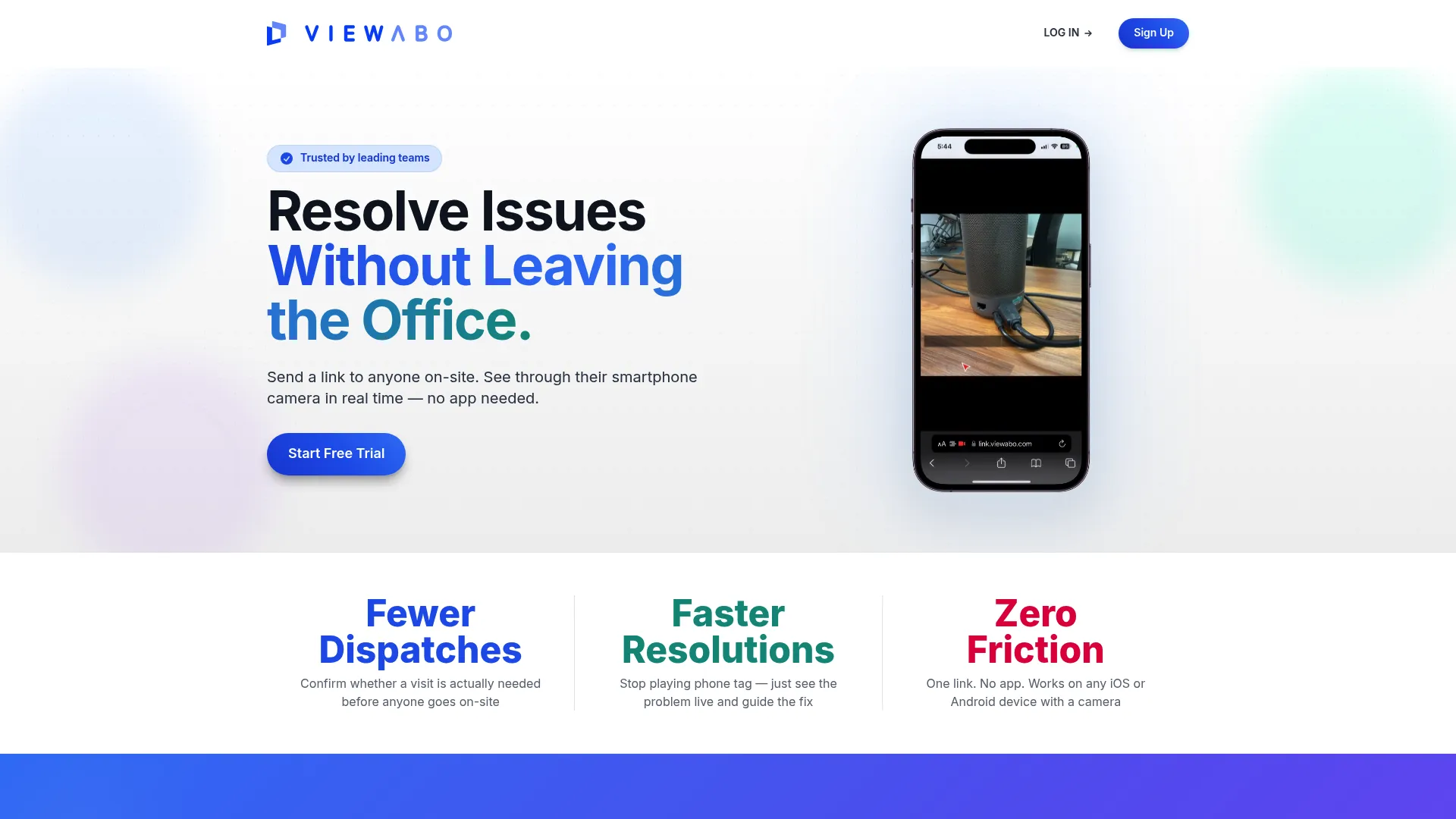
Viewabo is a lightweight remote visual support platform that lets support teams send a customer a link to share live smartphone camera video, with no app to install. The customer taps the link, grants camera access, and the agent sees what they see. In-session tools include cursor highlighting, pause, snapshots, and annotations, plus automatic session recordings.
Best for: SMB product and hardware support teams that want simple smartphone-based video before dispatching staff.
Key strengths
- No-app smartphone video: Customers join via SMS, email, or link with no download required.
- In-session tools: Cursor highlighting, pause, snapshots, annotations, and audio controls during the call.
- Automatic recordings: Session recordings with sharing links, password protection, expiry settings, and plan-based retention.
Why choose Viewabo: Viewabo is the straightforward, affordable option for smaller teams that need to diagnose physical issues before sending someone on-site. Its usage-based pricing with unlimited seats suits teams where session volume, not headcount, drives cost. It is lighter than enterprise AR platforms, which is the point.
Viewabo pricing: Viewabo uses usage-based pricing with unlimited seats. Starter is US$79 per month billed annually (US$99 monthly) with 50 sessions per month and 90-day recording retention. Growth is US$199 per month annually (US$249 monthly) with 150 sessions and 180-day retention. Scale is US$399 per month annually (US$499 monthly) with 500 sessions and 365-day retention. A 14-day free trial includes 10 sessions, no credit card required.
How remote video support fits with your broader deflection stack
Live video is the most expensive interaction in your support model. An agent and a customer on a real-time call is the highest-touch resolution path you run. So the goal is not to push every ticket into video. It's to reserve video for the tickets that genuinely need eyes on a physical problem, and to resolve everything else upstream, before it reaches a live queue.
Most support teams run a tiered model, whether they've named it or not:
- Help center articles catch the searchable, self-explanatory questions.
- Async self-serve guides handle the repetitive, screen-based "how do I" walkthroughs that text articles explain poorly.
- Chatbot or AI assistant triages and answers structured questions.
- Live video support resolves the physical, complex tickets that none of the above can: the blinking router, the install, the equipment fault.
The middle layer is where volume gets removed cheaply. A large share of incoming tickets are repetitive screen-based steps a customer could complete themselves with the right visual guide. Self-serve walkthroughs perform best exactly here: they deflect those how-to questions before they consume an agent, which keeps your live video queue focused on the high-value physical issues that justify the cost of a real-time session. Pairing them with user onboarding software further reduces inbound volume. The two layers are complementary, not competing. One protects the other's capacity.
How to choose remote video support software
Use this checklist to map a tool to your support metrics, not just its feature list.
Customer-side friction (download vs. zero-download)
The single biggest predictor of session completion is whether the customer has to install anything. App downloads kill sessions, especially for non-technical customers in the middle of a frustrating issue. Favor tools that join via a browser link or SMS, like Viewabo, Blitzz, XMReality, or Apizee, unless you have a captive technician audience.
AR and annotation depth
Match the AR capability to your issue complexity. Simple consumer fixes need pointing and drawing. Intricate equipment maintenance benefits from object-anchored AR that stays locked to a part as the camera moves, which is where Vuforia Chalk and Help Lightning's merged reality stand out. Don't pay for depth you won't use.
Integrations with your support stack
Confirm native connectors to your help desk, CRM, FSM, or CCaaS before you buy. The win is automatic: sessions, recordings, and captured photos logging to the ticket without manual copy-paste. If a session lives outside your system of record, agents stop using it. Check your specific stack, not just the vendor's logo wall. Tools that integrate cleanly with your existing systems see far higher adoption than those that don't.
Documentation, recording, and analytics
Look for auto-PDF reports, session recording, and metrics that map to your KPIs: first-contact resolution, average handle time, truck rolls avoided, and CSAT. Regulated and inspection-heavy teams especially need an auditable record of every session. Analytics that tie back to truck rolls avoided also make the ROI case for you.
Pricing model and scale
Pricing models differ sharply: per-agent (TeamViewer, Zoho Lens, Blitzz), per-session or usage-based (Viewabo), and custom enterprise quotes (SightCall, TechSee, Help Lightning, Apizee). Model how cost grows with your actual ticket volume. A per-seat plan can be cheaper at low volume; usage-based can win when sessions are sporadic.
Conclusion
The right remote video support tool depends on the tickets you're actually trying to resolve. For field service and AR-heavy work with hard ROI reporting, SightCall and Help Lightning lead. For zero-download customer access that protects session completion, Viewabo and Blitzz are strong, low-friction picks. For SaaS contact centers that want visual AI and deflection built in, TechSee fits. For an affordable entry point, Zoho Lens starts free and scales cheaply, while TeamViewer suits enterprises consolidating remote support and AR in one ecosystem.
Don't buy on the feature matrix alone. Shortlist two or three tools that match your customer-side friction tolerance and your stack, then run trials against your highest-friction ticket types: the installs, the hardware faults, the issues your agents currently dread. Measure first-contact resolution and average handle time before and after. Several of these tools, including XMReality, Zoho Lens, and Viewabo, offer free trials, so you can test on real tickets before committing budget. To complement live video with scalable self-service, explore the best digital adoption platforms that reduce inbound volume upstream.
FAQs
Remote video support software lets a support agent and a customer connect over a live video stream so the agent can see the customer's environment and guide them to a resolution in real time. The customer typically points their phone camera at the issue, and the agent watches and directs. AR overlays and live annotation are common add-ons that anchor guidance to what the camera sees.
Remote desktop and screen sharing tools control or view a customer's computer screen, which works for software problems. Remote video support uses the customer's live camera to see physical environments and devices, like a router, an appliance, or an install. They solve different problems: one looks at the screen, the other looks at the world around it. Some platforms, such as Apizee, combine co-browsing with camera-based support.
Many modern tools do not require any download. Platforms like XMReality, Blitzz, Apizee, and Viewabo let customers join via a browser link or SMS, with no app or account. Others, especially AR field-service tools, may use a dedicated app or wearable. Low friction matters because every install step lowers the share of customers who actually complete the session.
It lets an expert diagnose the issue remotely before anyone is dispatched, so problems that turn out to be a settings change or a reseated cable never become a site visit. With the average truck roll costing around $1,000 according to TSIA, avoiding even a fraction of dispatches adds up. Help Lightning customers report first-time fix rate improvements of 15 to 20 percent after adopting remote visual guidance.
Reputable vendors offer consent workflows, encryption, and data residency controls, and compliance-focused vendors like Apizee emphasize full GDPR alignment. SightCall includes consent and pre-call workflows plus AI face blur for privacy. Always verify a vendor's specific certifications, such as SOC 2, and confirm how recordings and captured images are stored and retained before you buy.
Pricing models vary. Per-agent or per-technician plans exist, like Zoho Lens from US$8 per technician per month and XMReality from US$35 per user per month. Usage-based pricing exists too, like Viewabo from US$79 per month for 50 sessions. Enterprise and AR-heavy platforms such as SightCall, TechSee, and Help Lightning use custom quotes. Free trials are common, and Zoho Lens offers a genuine free tier.
Smaller teams usually do best with low-friction, affordable options. Zoho Lens has a free plan and paid tiers from US$8 per technician per month. Viewabo offers usage-based pricing with unlimited seats from US$79 per month, and XMReality has a 14-day trial and public per-user pricing. Match the tool to your ticket type and existing stack rather than buying the most feature-rich platform.
Most established tools offer native connectors to help desk, CRM, FSM, or CCaaS systems, so sessions, recordings, and captured media log to the ticket automatically. SightCall integrates with platforms like Salesforce and SAP Field Service Management, and Viewabo connects to help desks like Freshworks. Confirm support for your specific stack before purchase, since an integration that doesn't fit your system of record won't get used.