Your inspector finishes a walkthrough at a remote site. The findings live on a clipboard for three days, then get typed into a spreadsheet, then sit in someone's inbox until the corrective action slips past its due date. Nobody notices until the auditor asks for it.
That gap between finding a hazard and closing it is where most safety programs bleed time and risk. Paper forms don't remind anyone. Spreadsheets don't escalate. And when an OSHA compliance review lands, the data you need is scattered across drives, texts, and memory.
The category built to fix this has real momentum. The global safety inspection software market is projected to grow from roughly USD 383 million in 2024 to USD 767 million by 2031, a compound annual growth rate near 10.6% according to OpenPR (2025). The reason is practical: around 55% of safety managers say manual inspections leave critical gaps, per Global Growth Insights (2025).
Good workplace inspection software collapses that timeline. Inspectors complete audits from a mobile inspection app, even offline. Findings turn into tracked corrective action management with owners and due dates. Leaders get dashboards and analytics that show where risk is trending before it becomes an incident. That is the core promise, and it is what separates a real inspection tool from a digital form.
This guide compares four tools built for field execution and audit readiness. Let's get into who each one fits.
What's inside
This guide compares four safety inspection software tools for 2026 and helps you pick based on your team's strongest need, not a generic feature checklist.
We built the list around the capabilities that actually decide fit:
- Mobile and offline inspections for field teams
- Corrective action tracking from finding to closure
- Checklist and template flexibility
- Reporting, dashboards, and audit trails
- Compliance and audit readiness support
It is written for EHS managers, safety leaders, operations teams, and product managers evaluating workflow software for workplace inspections, field audits, and recurring safety programs.
TL;DR
- Best overall for inspection management and compliance workflows: Vector Solutions. Deep safety program tooling, OSHA-linked checklists, and corrective actions built for regulated environments.
- Best for smart forms, reporting, and field communication: SafetyCulture. Fast digitization, strong frontline usability, and real-time reporting.
- Best for broader safety management beyond inspections: Safety Reports. Inspections plus incidents, training, JSA, and observations in one mobile suite.
- Best for digital audits, question libraries, and near-miss capture: EASE. Template-driven audit programs and closed-loop corrective actions built for manufacturing.
The right pick depends on one question: do you want a focused inspection and safety auditing software tool, or a broader safety platform? Pick the tool that matches your team's biggest gap first.
What is safety inspection software
Safety inspection software is a digital system that lets teams create, conduct, and track workplace safety inspections and audits, then manage the corrective actions and reporting that follow.
It replaces paper forms and scattered spreadsheets with a structured workflow that runs across mobile devices and desktop. Inspectors capture findings in the field. Managers assign follow-up work. Leaders see compliance status in one place.
Core capabilities most buyers should expect:
- Configurable checklists and forms: Reusable templates, question libraries, and conditional logic so inspections match your actual process.
- Offline mobile inspections: Complete audits without connectivity, then sync when back online.
- Corrective action tracking: Turn findings into assigned tasks with due dates, escalation, and closure records.
- Reporting and dashboards: Trend analysis, compliance visibility, and exportable reports.
- Compliance and audit readiness: Time-stamped records and audit trails that hold up under review.
You will also see this category called inspection management software or workplace inspection software. The terms overlap heavily. What matters is whether the tool actually moves a finding from the field to a closed corrective action, with a record you can defend later.
When to use
Replace paper inspections with mobile field workflows
If your inspectors still carry clipboards or fill out forms in a truck cab, you are losing data and time on every walkthrough. A mobile inspection app lets them complete audits on site, attach photos as GPS photo evidence, and submit instantly.
Offline inspections matter here. Warehouses, construction sites, and plants often have dead zones, and a tool that stalls without signal defeats the purpose. Roughly 45% of companies are shifting to mobile-first inspection solutions, making field safety reporting about 50% faster, per Global Growth Insights (2025).
Standardize recurring audits and follow-up
Safety programs run on recurring inspections: daily equipment checks, weekly walkthroughs, monthly compliance audits. Doing this manually means missed dates and inconsistent execution.
Software adds a safety compliance calendar, due-date reminders, and escalation logic. When a corrective action goes past due, it climbs to the next owner instead of disappearing. That accountability loop is what turns findings into fixes.
Improve compliance visibility and reporting
When leadership or an auditor asks "are we compliant," you need an answer backed by data, not a guess. This is where dashboards, audit trails, and trend analysis earn their keep.
Good reporting shows recurring hazards, open action counts, and completion rates by site or team. That visibility supports OSHA compliance and audit readiness by giving you documentation and traceability on demand.
Comparison table
We selected these four tools based on mobile and offline field execution, corrective action management, checklist flexibility, and reporting depth, the factors that decide whether inspection management software actually fits a working safety program. Pricing and ratings reflect verified vendor and G2 sources at the time of writing.
| # | Product | Best for | Key differentiator | Pricing | G2 rating |
|---|---|---|---|---|---|
| 1 | Vector Solutions | Compliance-heavy safety programs | Safety, training, and workforce tooling in one platform | Quote-based | Not published |
| 2 | SafetyCulture | Fast digitization and frontline use | Smart forms with real-time reporting and team messaging | Free; Premium from $24/seat/mo | 4.6/5 |
| 3 | Safety Reports | Inspections plus adjacent EHS modules | Multiple safety modules in one mobile suite | Contact for pricing | Not published |
| 4 | EASE | Standardized manufacturing audits | Question library plus closed-loop corrective actions | From $720/site/mo | 4.6/5 |
The table is a starting filter, not the decision. The differences that matter show up in the details below.
Best 4 safety inspection software tools for 2026
1. Vector Solutions
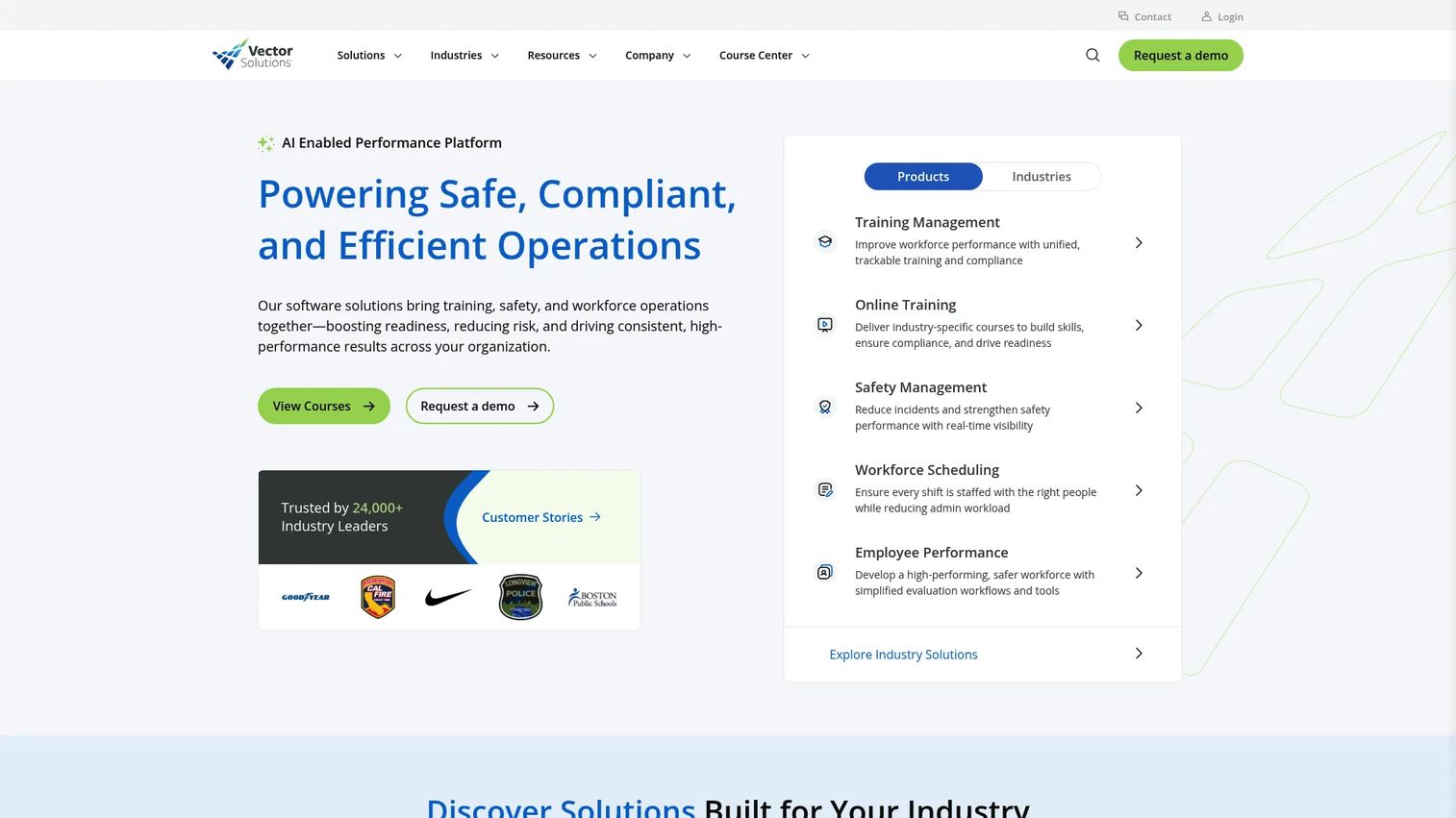
Vector Solutions is an AI-enabled performance platform that brings training, safety, and workforce operations together. For safety teams, that means inspections and audits sit alongside the training and scheduling systems that surround a real compliance program, not in a separate silo.
That breadth is the point. Many teams do not just need a form builder. They need OSHA-linked checklists, mobile and offline execution for field inspectors, scheduling for recurring audits, and corrective actions that route to the right owner. Vector Solutions is built for organizations that treat safety as an operational program with accountability across roles.
Best for: organizations that need compliance, safety, and workforce training managed in one platform rather than stitched from separate tools.
Key strengths
- Training management tied to safety and compliance
- Safety management with inspections and corrective actions
- Workforce scheduling for recurring audit programs
- Mobile and offline field execution
- OSHA-linked checklist and compliance coverage
Why choose Vector Solutions: If your safety program spans training, certification, and inspections, a single platform reduces the maintenance overhead of connecting three tools. It fits compliance-heavy teams in industries where audit readiness is non-negotiable and training records and inspection records need to live together.
Vector Solutions pricing: Vector Solutions does not publish standardized pricing. Plans are quote-based and vary by product, industry, organization size, seat count, and contract length. You will need to contact their team for a tailored quote.
2. SafetyCulture
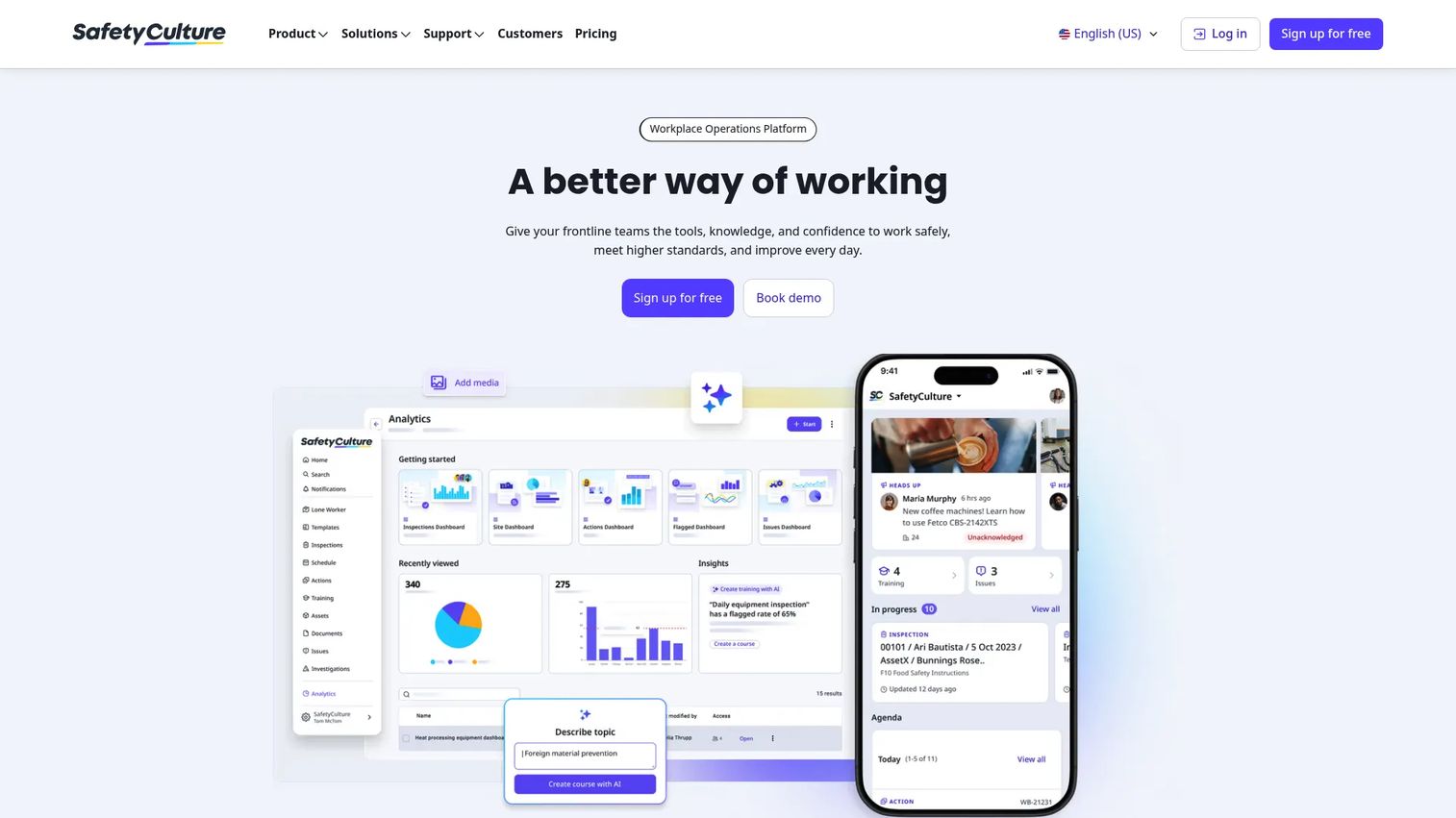
SafetyCulture is a workplace operations platform built around inspections, issues, training, assets, and team communication. It is one of the fastest ways to move a paper checklist into a digital, repeatable workflow that frontline staff actually use.
The draw for most teams is speed and usability. Smart digital checklists build quickly, issue capture turns a finding into a tracked action, and branded reports generate on submission. Add real-time dashboards and team messaging, and you get a tool that closes the loop between field and office without heavy setup. It also supports sensors and assets for teams doing asset condition monitoring.
Best for: teams that want fast inspection digitization with strong frontline usability and real-time reporting.
Key strengths
- Inspections and drag-and-drop digital checklists
- Issues, actions, and investigations tracking
- Training, documents, assets, sensors, and analytics
- Branded reports generated on submission
- Real-time dashboards and team messaging
Why choose SafetyCulture: If your priority is getting inspectors off paper fast and keeping them there, SafetyCulture's usability is hard to beat. The free tier lets small teams validate the workflow before committing budget, which matters when you are proving adoption internally.
SafetyCulture pricing: Free for small teams of up to 10 users. Premium runs $24 per seat per month billed annually, or $29 per seat per month billed monthly. Enterprise is custom priced with additional services. SafetyCulture holds a 4.6/5 rating on G2.
3. Safety Reports
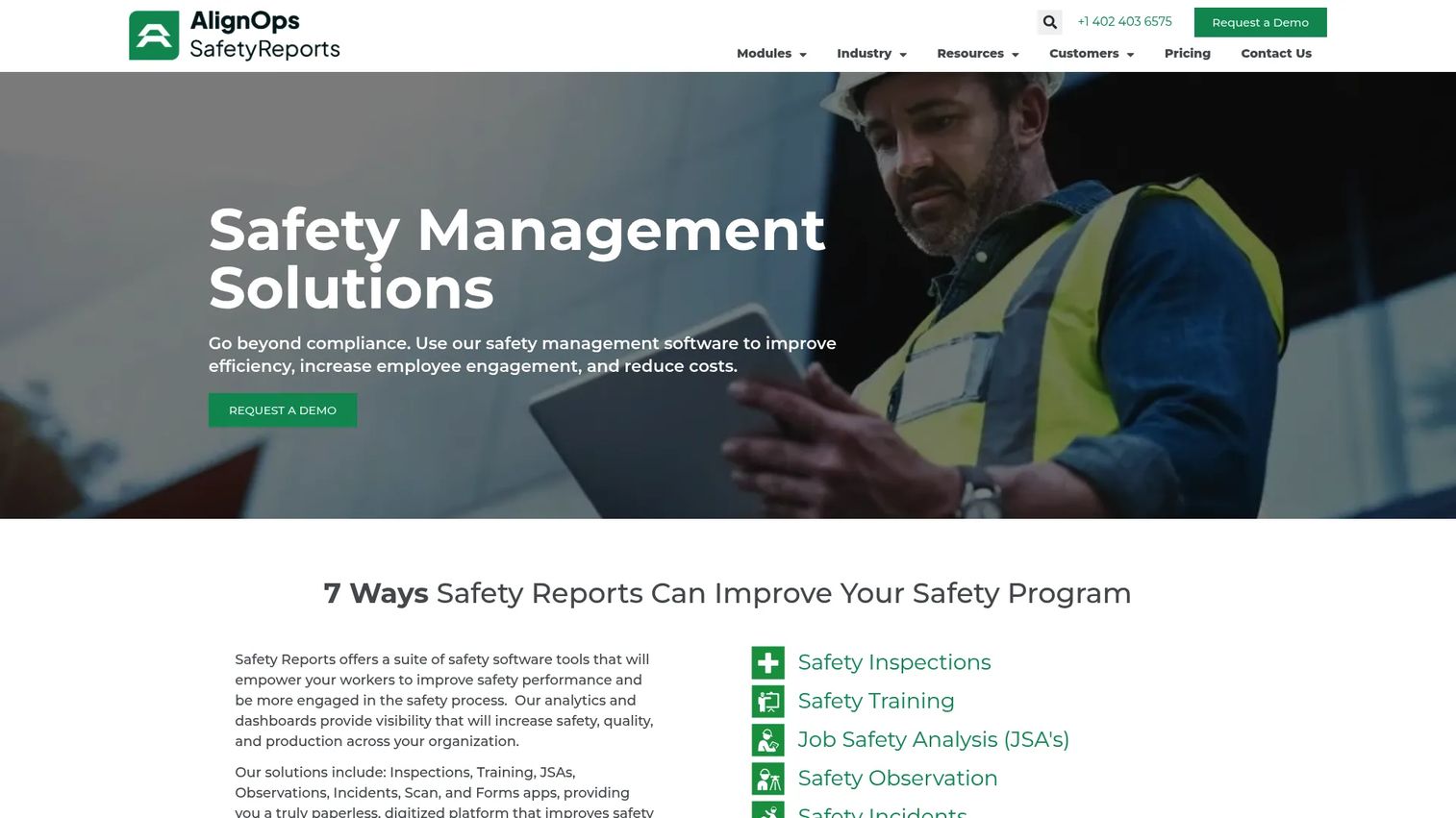
Safety Reports is an EHS and safety management suite with mobile apps covering inspections, incidents, training, JSA, forms, scans, and observations. It fits teams that want inspections plus the adjacent safety workflows that usually live in separate systems.
The appeal is coverage. Instead of buying one tool for inspections and another for incident tracking or training, you get a set of connected modules in one platform. It supports OSHA standards and practices, works offline for field execution, and handles hazard reporting and near-miss capture alongside standard inspections. For a growing safety function, that consolidation reduces tool sprawl.
Best for: teams needing configurable mobile safety workflows plus compliance reporting across more than just inspections.
Key strengths
- Mobile safety inspections and reporting
- Incidents, training, JSA, forms, scans, and observations modules
- OSHA standards and practices support
- Offline field execution
- Configurable workflows across modules
Why choose Safety Reports: If you can already see the need for incident tracking, observations, and training on top of inspections, starting with a broader suite avoids a painful migration later. It suits teams that want a wider EHS platform without jumping to a heavyweight enterprise system.
Safety Reports pricing: Safety Reports lists two subscription tiers, Pro and Premium. Both use contact-us pricing rather than published numeric prices, so you will need to reach their team for a quote based on your module scope and user count.
4. EASE
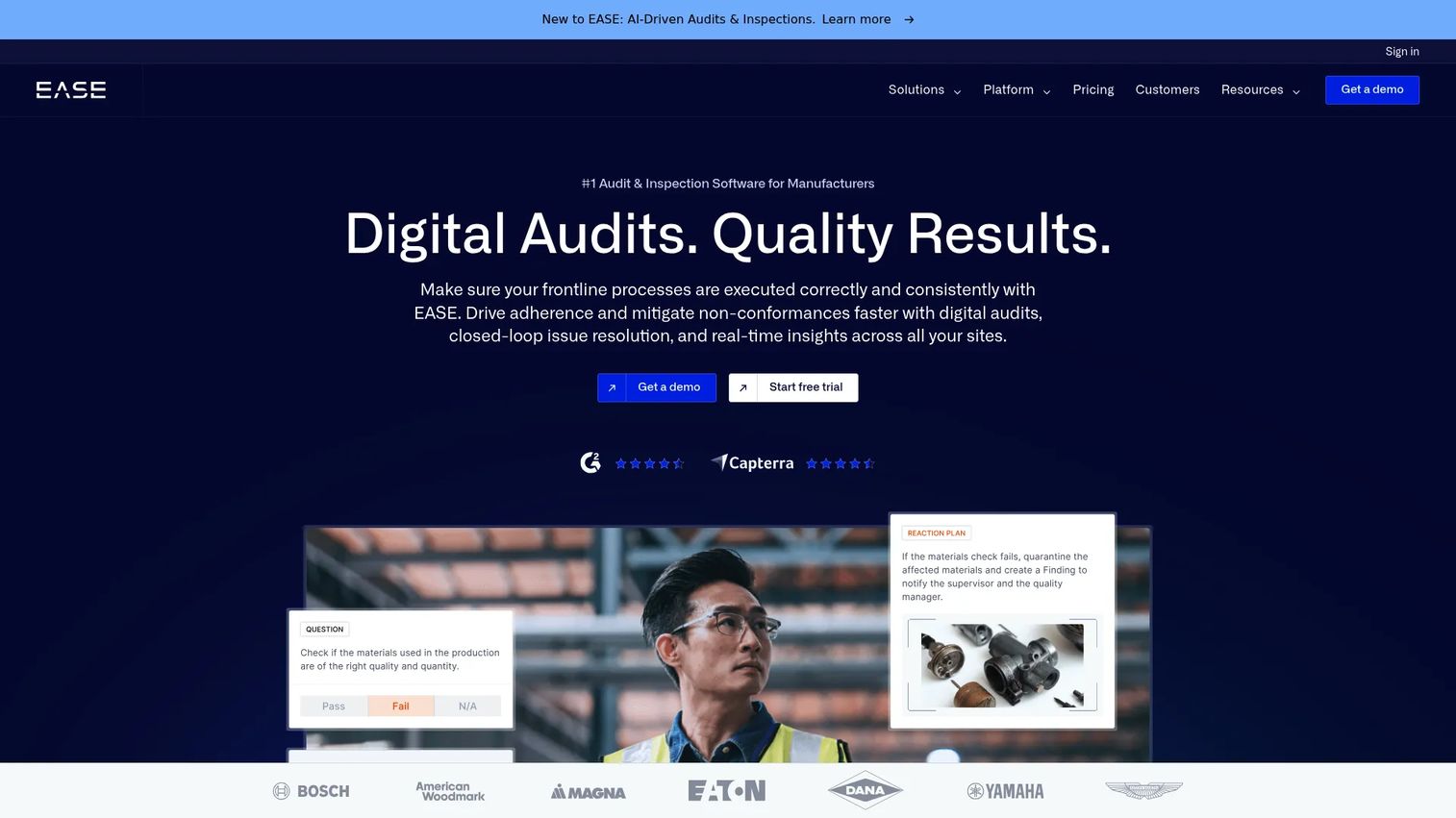
EASE is manufacturing audit and inspection software for quality, safety, and operations teams. It is purpose-built for the plant floor, where standardized audits and fast response loops directly affect safety and output.
The strength here is structure. A question library keeps audits consistent across shifts and sites. Closed-loop issue resolution means a finding cannot quietly go stale: it becomes a corrective action with an owner, notifications, and escalation until it closes. Add offline mobile support, automated scheduling for recurring inspections, and dashboards, and you get a disciplined audit program rather than a pile of one-off forms. An open API and webhooks handle integrations and data flow into other systems.
Best for: manufacturers and frontline teams that want standardized, template-driven audit programs with fast corrective action loops.
Key strengths
- Digital audits and inspections with a question library
- Closed-loop issue resolution and corrective actions
- Offline mobile app support
- Automated scheduling and dashboards
- Open API and webhooks for integrations
Why choose EASE: If you run layered process audits or recurring plant inspections across multiple sites, EASE's template-driven approach keeps every audit consistent and every finding accountable. The site-based pricing model with unlimited users fits operations where many people inspect but you do not want to pay per seat.
EASE pricing: Three site-based annual plans, all with unlimited users. EASE starts at $720 per site per month, EASE PLUS at $890 per site per month, and EASE PRO at $1,290 per site per month, all billed annually. Implementation fees apply. EASE holds a 4.6/5 rating on G2.
Considerations
Mobile and offline field execution
Inspections happen where the work is: remote sites, warehouses, construction zones, and plants with poor signal. If the app cannot function offline, your inspectors will fall back to paper and you are back where you started.
Verify how sync actually behaves. Does the tool queue submissions and photos while offline, then upload cleanly when signal returns? Test the mobile UX on the devices your team really uses, not just a demo tablet.
Corrective action management
An inspection that finds a hazard but never closes it is just documentation of a problem. The value is in the follow-up loop.
Check the corrective action management details: can you assign owners, set due dates, trigger reminders, and escalate overdue items? Does the tool track closure with a record you can show an auditor? Weak follow-up logic is where most programs quietly leak.
Checklist flexibility and template control
Your process is not generic, so your checklists and forms should not be either. Look for reusable templates, question libraries, and conditional logic that shows the right questions based on prior answers.
Rigid forms create shadow work. When the tool cannot capture what inspectors actually see, they start keeping notes elsewhere, and your central record goes incomplete. Flexibility here protects data integrity.
Reporting, dashboards, and audit trails
Reporting quality often separates a serious inspection tool from a simple form app. Leaders need trend data, compliance visibility, and exportable reports, not just a list of completed forms.
Confirm the dashboards and analytics show what you need: open actions by site, recurring hazards, completion rates, and time-stamped audit trails for compliance. If you cannot export it, you cannot defend it in a review.
Integrations and ecosystem fit
In larger organizations, inspection data rarely lives alone. It needs to reach BI tools, ERP systems, HR records, and SSO for access control.
Verify integrations and API depth before committing. Ask how integrations are maintained over time, what export options exist, and whether the API supports the data flow you need. Shallow integrations create the same silos you are trying to escape.
Conclusion
Four tools, four clear fits. Vector Solutions suits compliance-heavy teams that want inspections, training, and workforce operations in one platform. SafetyCulture is the fastest path off paper for frontline teams that value usability and real-time reporting. Safety Reports fits teams that need inspections plus incidents, training, and observations in one suite. EASE is built for manufacturers running standardized, template-driven audits with tight corrective action loops.
Start with your strongest need, not the longest feature list. If compliance depth is the pressure, look hard at Vector Solutions. If frontline speed is the blocker, SafetyCulture. If you are outgrowing single-purpose tools, Safety Reports. If you run plant-floor audits at scale, EASE.
The best next step is small and concrete. Map your current inspection pain, then pilot one recurring workflow in a shortlisted tool. Run it with real inspectors on real sites for a few weeks. Adoption in the field, not the sales demo, tells you whether the tool will hold up as inspection management software your team actually uses.
FAQs
Spreadsheets capture data but do nothing with it. Safety inspection software adds accountability: it assigns corrective actions to owners, sends due-date reminders, escalates overdue items, and keeps a time-stamped audit trail. It also generates dashboards and reports automatically, so compliance status is always current instead of reconstructed after the fact.
For most field teams, yes. Warehouses, construction sites, and plants frequently have dead zones, and an inspection tool that stalls without signal pushes inspectors back to paper. Offline support lets them complete audits and attach photos on site, then sync automatically when connectivity returns, so no data is lost.
The terms overlap heavily and are often used interchangeably. Inspection management software emphasizes conducting and tracking routine inspections and the corrective actions that follow. Safety auditing software leans toward structured, standards-based audits and compliance verification. Most modern tools handle both, so focus on capabilities rather than the label.
When an inspection flags a hazard or nonconformance, the tool creates a corrective action tied to that finding. You assign an owner and due date, the system sends reminders, and overdue items escalate to the next responsible person. The action stays open until it is verified and closed, leaving a documented record for audits.
It supports OSHA compliance by giving you documentation, traceability, and audit readiness. Time-stamped inspections, closed corrective actions, and exportable reports show a regulator what you inspected, what you found, and how you resolved it. The software does not replace legal guidance, but it makes proving your process far easier.
Field teams care about speed and reliability. Mobile usability, offline mode, GPS photo evidence, and fast completion matter more than any dashboard. If inspectors can finish and submit an audit in minutes without fighting the interface, adoption holds and your data stays complete.
Look past the headline number at what drives it. Some tools price per seat, others per site with unlimited users, which changes the math depending on how many people inspect. Weigh module scope, reporting depth, integration needs, and enterprise security requirements like SSO. A cheap tool that misses corrective action tracking or audit trails costs more later.
Sometimes. A focused inspection tool is enough when your main need is digitizing inspections and closing corrective actions. Broader suites like Safety Reports or platforms like Vector Solutions add incidents, training, and workforce modules, moving closer to a full EHS platform. Match the scope to your actual program, not to the biggest feature set you can find.