Your team ships fast until a pull request sits for three days. The reviewer is heads-down on their own sprint. The author has already context-switched to the next ticket. By the time feedback lands, nobody remembers why the change was made. Multiply that across a quarter and review latency quietly becomes your biggest drag on release cadence.
That friction is why the tooling around code review is growing so quickly. The AI code review and analysis market was valued at USD 907 million in 2023 and is projected to reach USD 4.94 billion by 2030, a 27.6% CAGR, according to Grand View Research (2024). Meanwhile 84% of developers use or plan to use AI coding tools as of 2025, up from 76% the year before, per the Stack Overflow Developer Survey (2025). Only 29% say they trust the output, which tells you exactly why human review still matters.
For a product manager, review is not a developer curiosity. It is a throughput problem. Slow reviews stretch cycle time, inconsistent reviews leak defects into production, and missing audit trails create compliance gaps. The right tool shortens the loop without lowering the bar. If you are also mapping the broader AI-in-engineering landscape, our roundups of best ai code generation tools and agentic ai platforms pair well with this guide, and teams weighing security-heavy workflows may want our best ai cybersecurity solutions breakdown.
What's inside
This guide is for engineering leaders, platform teams, and product managers who own release cadence and want a practical shortlist of code review software. We looked at how each tool fits real review workflows, not just feature checklists. Selection came down to four things: workflow fit with where your code already lives, automation and AI-assisted review depth, governance and auditability, and integration reach across your stack. Every tool below earns its place on at least one of those dimensions, and most cover several.
TL;DR
- Best for teams already on GitHub: GitHub pull requests keep review next to the code, with branch protection and status checks built in.
- Best AI-assisted review: CodeRabbit layers line-by-line suggestions onto your existing PR flow.
- Best integrated DevSecOps platform: GitLab couples merge requests to CI/CD, security, and compliance.
- Best for Atlassian-native teams: Bitbucket ties review to Jira and Pipelines.
- Best for strict, change-based governance: Gerrit enforces granular approval workflows.
- Best static analysis complement: SonarQube adds automated quality gates before merge.
What are code review tools?
Code review tools are software platforms that help engineering teams inspect, comment on, approve, and merge code changes before they reach production. They turn an informal habit into a repeatable, measurable workflow.
Most modern review happens on a pull request or merge request: a proposed set of changes that reviewers examine line by line before it lands. Good tooling makes that process consistent, enforceable, and visible.
Core capabilities to expect:
- Review comments and threaded discussion: inline feedback tied to specific lines, with resolution tracking.
- Approval workflows: required approvers, code owner rules, and merge checks that block a merge until conditions are met.
- Branch protection: rules that prevent direct pushes and force changes through review.
- Status checks and CI integration: automated tests and builds that gate the merge.
- AI code review: automated summaries, suggested fixes, and issue detection that surface problems before a human looks.
- Static analysis: rule-based scanning for bugs, vulnerabilities, and maintainability issues.
- Audit logging and access control: who reviewed what, when, and under which permissions, which matters for compliance-heavy teams.
The category now splits into three overlapping types. Platform-native review lives inside GitHub, GitLab, or Bitbucket. AI code review tools add automated feedback on top. Static analysis tools like SonarQube run automated quality checks that complement human review rather than replace it. The peer code review software market alone is projected to grow from USD 0.79 billion in 2025 to USD 2.53 billion by 2035, a 12.34% CAGR, per Spherical Insights (2025).
When to use a dedicated code review tool
Standardize review across teams
When review quality depends on which senior engineer happens to be free, output gets inconsistent. A dedicated tool enforces code owner rules and required approvals so every change clears the same bar. That consistency is what protects release cadence as headcount grows.
Reduce PR turnaround time
Long-lived pull requests are cycle-time killers. Automated review, status checks, and clear ownership shrink the gap between "ready for review" and "merged." AI code review tools add a first pass that catches obvious issues before a human even opens the diff, so reviewers spend their attention where it counts.
Meet compliance and audit needs
Regulated teams need to prove who approved each change and why. Tools with strong approval workflows, audit logging, and access control turn review into a defensible record. If your engineering process gets scrutinized during a SOC 2 or ISO audit, that trail is the difference between a clean pass and weeks of scrambling.
Comparison table
Here is a side-by-side view of the nine tools, sorted by how commonly teams reach for them. Pricing and ratings reflect verified figures at the time of writing.
| # | Product | Intent | Key use case | Pricing | G2 rating |
|---|---|---|---|---|---|
| 1 | GitHub | Platform-native review | Pull requests next to your code | Free; Team $4/user/mo | 4.7/5 |
| 2 | CodeRabbit | AI-assisted review | Line-by-line PR suggestions | Free; Pro $24/user/mo | 4.8/5 |
| 3 | GitLab | DevSecOps platform | Merge requests tied to CI/CD | Free; Premium $29/user/mo | 4.5/5 |
| 4 | Bitbucket | Atlassian-native review | Jira-linked pull requests | Free; Standard from $15/mo | 4.4/5 |
| 5 | Gerrit | Change-based review | Strict approval governance | Free (open source) | 4.3/5 |
| 6 | Review Board | Dedicated review system | Code and document review | Free; Basic $6/user/mo | 4.3/5 |
| 7 | Crucible | Formal review | Jira-connected traceability | One-time server license | 3.9/5 |
| 8 | SonarQube | Static analysis | Automated quality gates | From $750/yr | 4.4/5 |
| 9 | PR-Agent | AI review assistant | Automated PR summaries | Pro Team $30/mo | - |
1. GitHub

GitHub is the default code review surface for a huge share of engineering teams, and for good reason. Its pull request model puts review right next to the code, with inline comments, required reviewers, and code owner rules built in. GitHub Actions handles CI/CD so status checks gate every merge. For teams that want review to happen where their code already lives, GitHub code review is often the path of least resistance.
Best for: Teams and individuals who want hosting, collaboration, and DevOps workflows in one platform.
Key strengths
- Pull requests and code review: Inline review comments, required approvals, and branch protection in one flow.
- GitHub Actions: Automated CI/CD and status checks that gate every merge.
- Ecosystem reach: Unlimited public and private repositories plus the largest marketplace of review integrations.
Why choose GitHub: If your team already hosts on GitHub, adding structured review costs almost nothing in migration. Branch protection rules, code owner files, and merge checks turn an informal process into an enforceable one. The sheer size of the integration ecosystem means almost any AI code review tool or static analysis scanner plugs straight in.
GitHub pricing: The Free plan is $0 per month forever and covers unlimited public and private repositories. The Team plan starts at $4 per user per month for the first 12 months and adds branch protection controls and organization features. Enterprise runs $21 per user per month for the first 12 months, adding advanced security, SSO, and audit logging. Every review capability most teams need is available on the Free tier.
2. CodeRabbit
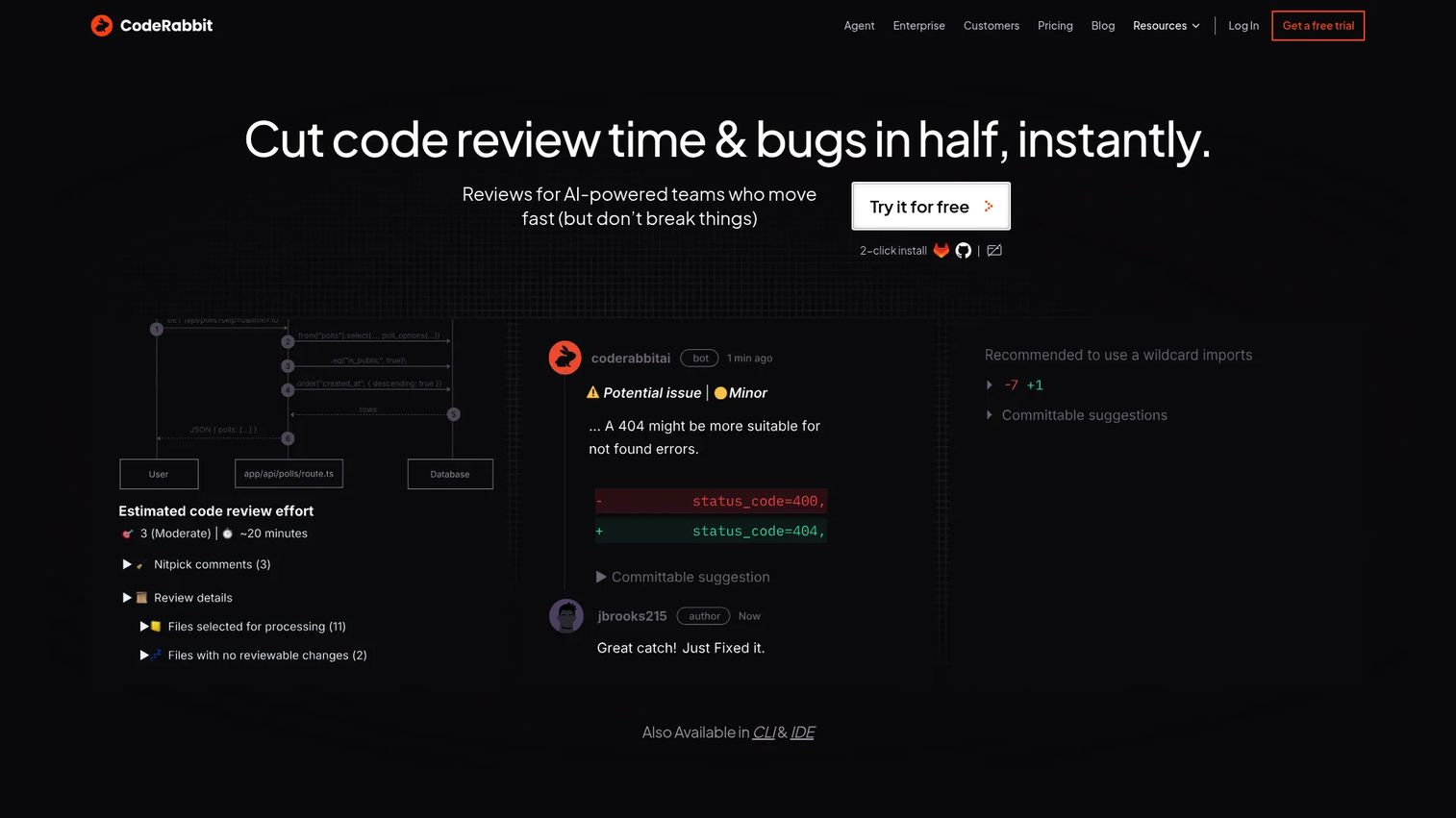
CodeRabbit is an AI code review platform that layers automated feedback onto your existing pull request workflow. It reads context across the codebase, posts line-by-line suggestions, and generates PR summaries so reviewers arrive already oriented. It works across the PR, the IDE, and the CLI, and supports custom checks, docstring generation, and autofix.
Best for: Teams that want AI-assisted pull request reviews and automated code-quality checks without changing their platform.
Key strengths
- PR reviews with line-by-line suggestions: A first automated pass that catches issues before a human reviewer opens the diff.
- IDE and CLI reviews: Feedback in the developer's own environment, not just on the PR.
- Custom checks and autofix: Docstring generation, configurable rules, and one-click fixes tied to your standards.
Why choose CodeRabbit: AI review is additive here, not a replacement. It clears the obvious noise so human reviewers focus on architecture and intent. For teams drowning in review backlog, that first automated pass materially shortens turnaround while keeping human approval gates in place.
CodeRabbit pricing: The Free plan is $0 per user per month and includes PR summarization plus IDE and CLI reviews. Pro is $24 per user per month billed annually, and Pro Plus is $48 per user per month billed annually, each adding progressively more review depth and integrations. Enterprise adds SSO, RBAC, audit logging, API access, and self-hosting. All plans include a 14-day free trial.
3. GitLab
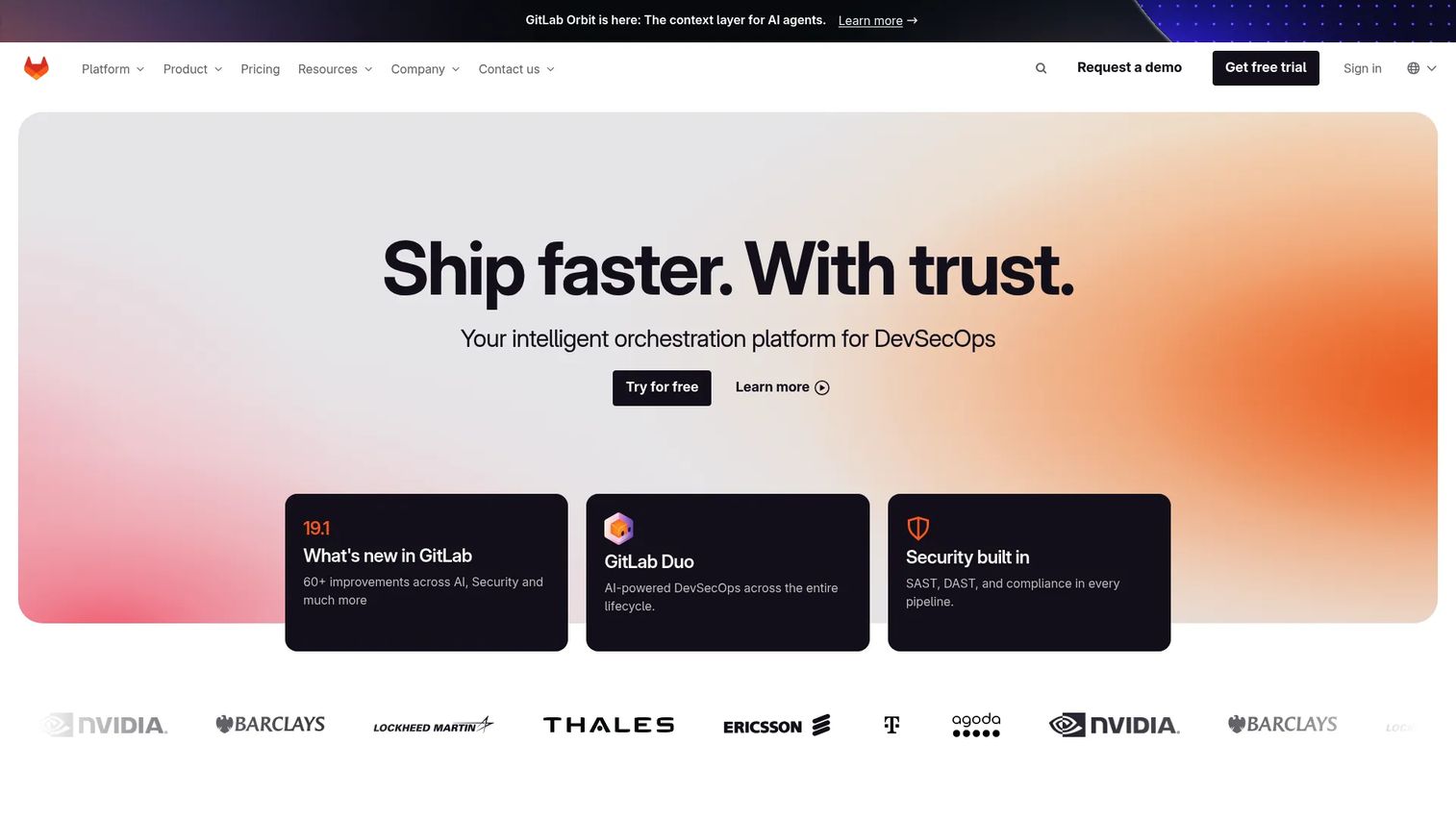
GitLab folds code review into a full DevSecOps platform. Its merge requests carry review approvals, and because planning, source control, CI/CD, and security testing all live in one place, review is tightly coupled to the rest of your delivery pipeline. GitLab code review shines when you want a single system of record from issue to deploy.
Best for: Teams that want an integrated DevSecOps platform with built-in CI/CD, security, and compliance.
Key strengths
- Merge requests with approval rules: Required approvers, merge checks, and code owner enforcement in one flow.
- Built-in CI/CD: Pipelines gate merges without stitching together external tools.
- Security and compliance: Built-in security testing and compliance management for regulated teams.
Why choose GitLab: For teams standardizing on one platform, GitLab removes the seams between review, testing, and deployment. Its GitLab Duo AI features add automated assistance across the workflow. The security and compliance tooling makes it a strong fit when auditability is a first-class requirement, not an afterthought.
GitLab pricing: The Free plan is $0 per user per month. Premium is $29 per user per month billed annually and adds advanced review, approval controls, and CI/CD capacity. Ultimate is custom pricing and layers on advanced security, compliance dashboards, and portfolio management. Most small teams get full merge request review on the Free tier.
4. Bitbucket
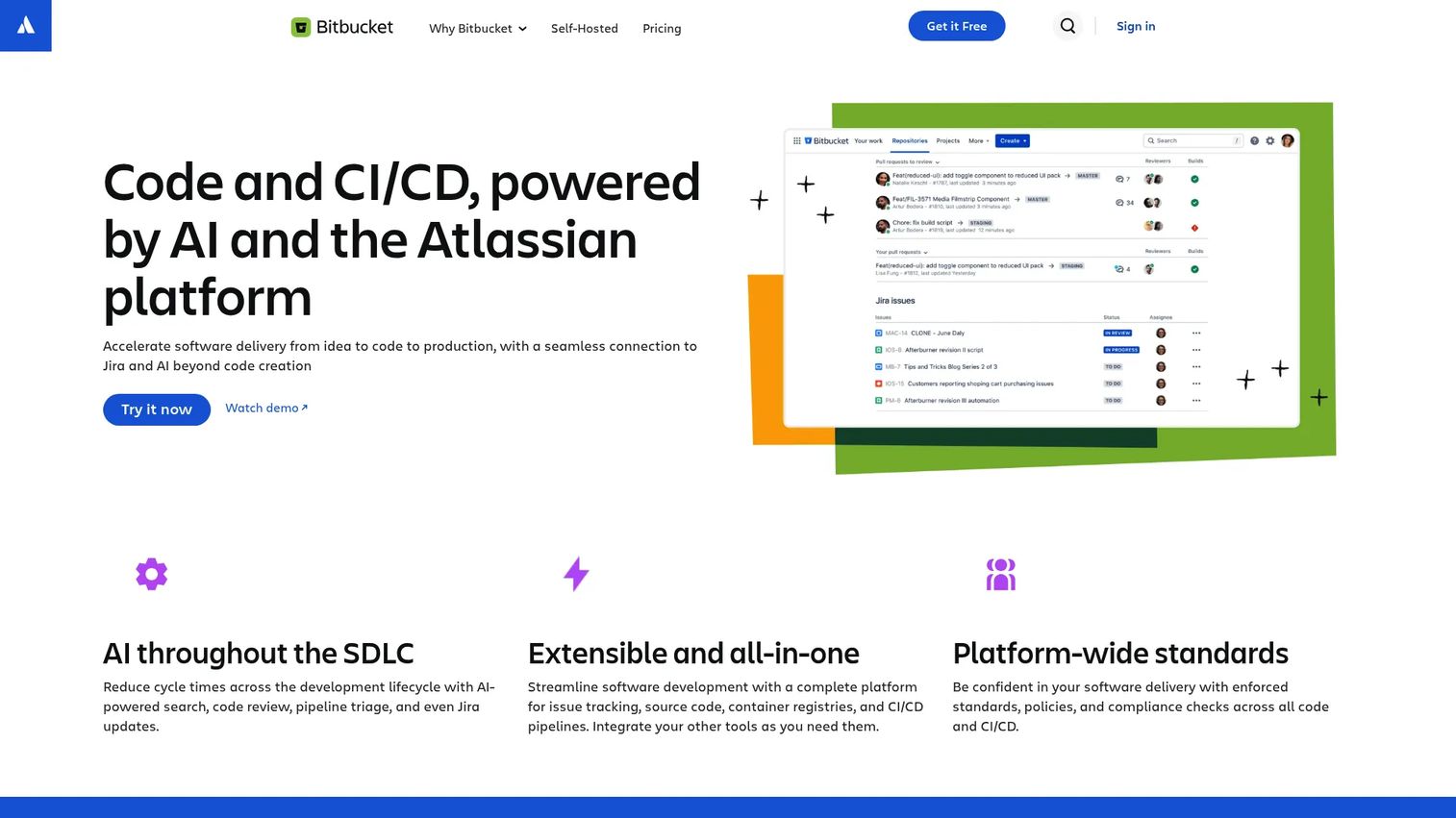
Bitbucket is Atlassian's Git hosting and review platform, and its biggest draw is native Jira integration. Bitbucket code review ties pull requests directly to issues, so every change traces back to the work item that spawned it. Branch permissions and Bitbucket Pipelines handle access control and CI/CD.
Best for: Teams that want Git hosting with Jira-native workflows and built-in CI/CD.
Key strengths
- Pull requests and code review: Inline comments, required reviewers, and merge checks.
- Jira integration: Every PR links to its issue for end-to-end traceability.
- Bitbucket Pipelines: Built-in CI/CD that gates merges without external tooling.
Why choose Bitbucket: If your team already runs on Jira and Confluence, Bitbucket keeps review inside the Atlassian stack you know. The issue-linked development model is genuinely useful for governance, because you can trace any deployed change back to its requirement. Branch permissions give you the access control regulated teams need.
Bitbucket pricing: The Free plan is free forever for up to five users. Standard starts at $15 per month and adds more users plus expanded controls. Premium starts at $30 per month and layers on advanced security and administration. Pricing is billed per user per month above the free tier.
5. Gerrit
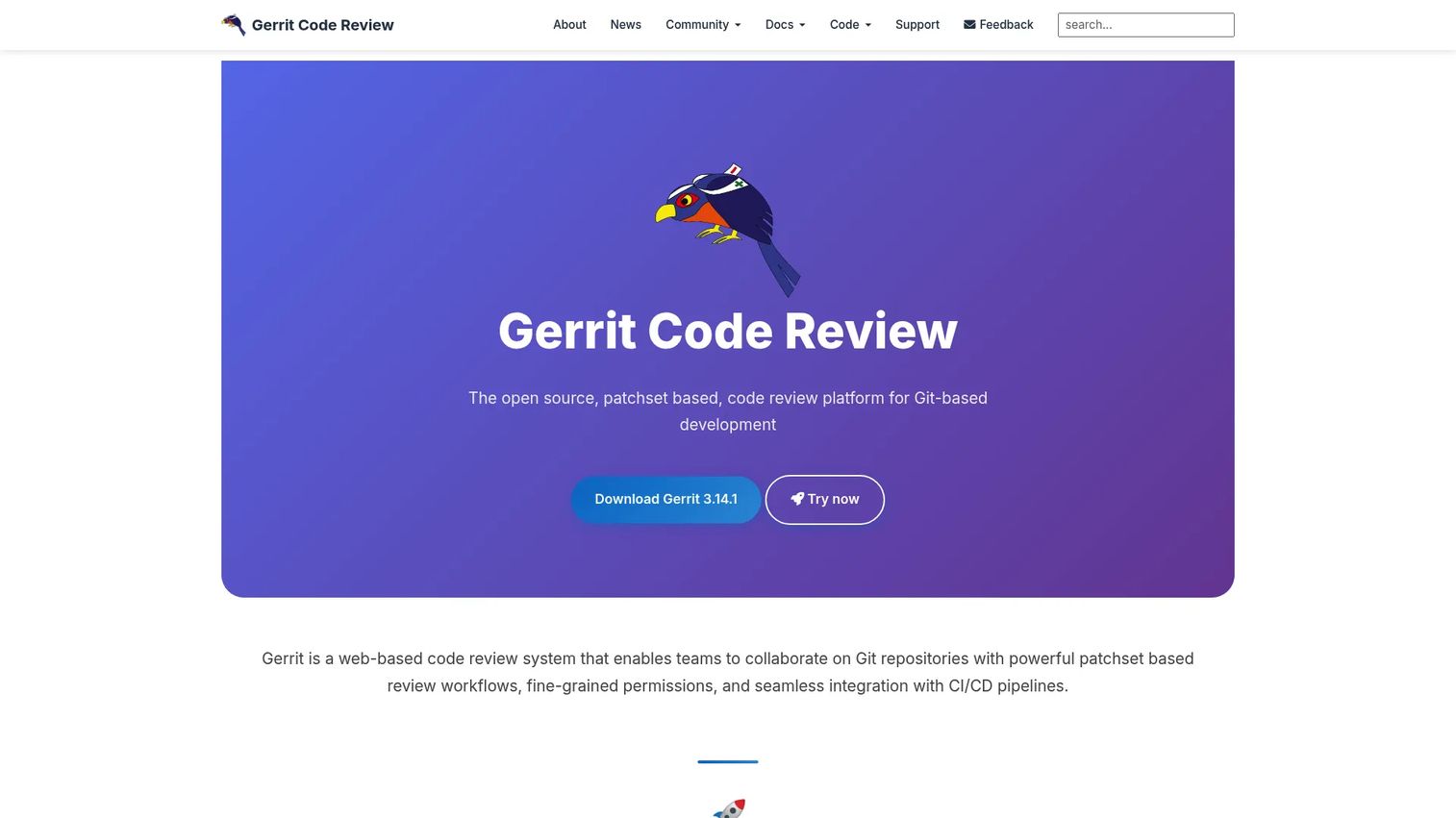
Gerrit is an open-source, web-based review system built around change-based workflows. Instead of branch-and-merge, reviewers vote on patchsets, and a change cannot land until it clears the required votes. That model gives Gerrit unusually strict control over what enters the codebase, which is why regulated and infrastructure-heavy teams gravitate to it.
Best for: Teams needing Git-based code review with strong review workflow controls.
Key strengths
- Patchset-based review: Reviewers vote on each iteration of a change before it can merge.
- Fine-grained permissions: Granular access control down to the branch and label level.
- CI/CD integration: Inline comments plus automated verification gates on every change.
Why choose Gerrit: Gerrit excels when governance is non-negotiable. The voting model makes approval explicit and auditable, and the fine-grained permissions suit environments where who-can-approve-what is tightly controlled. As open source with no licensing fees, it also avoids vendor lock-in, which matters to teams running their own infrastructure.
Gerrit pricing: Gerrit is 100% open source and free to use, with no licensing fees or vendor lock-in. Costs come from self-hosting and maintenance rather than seats, which suits teams that already run their own infrastructure.
6. Review Board
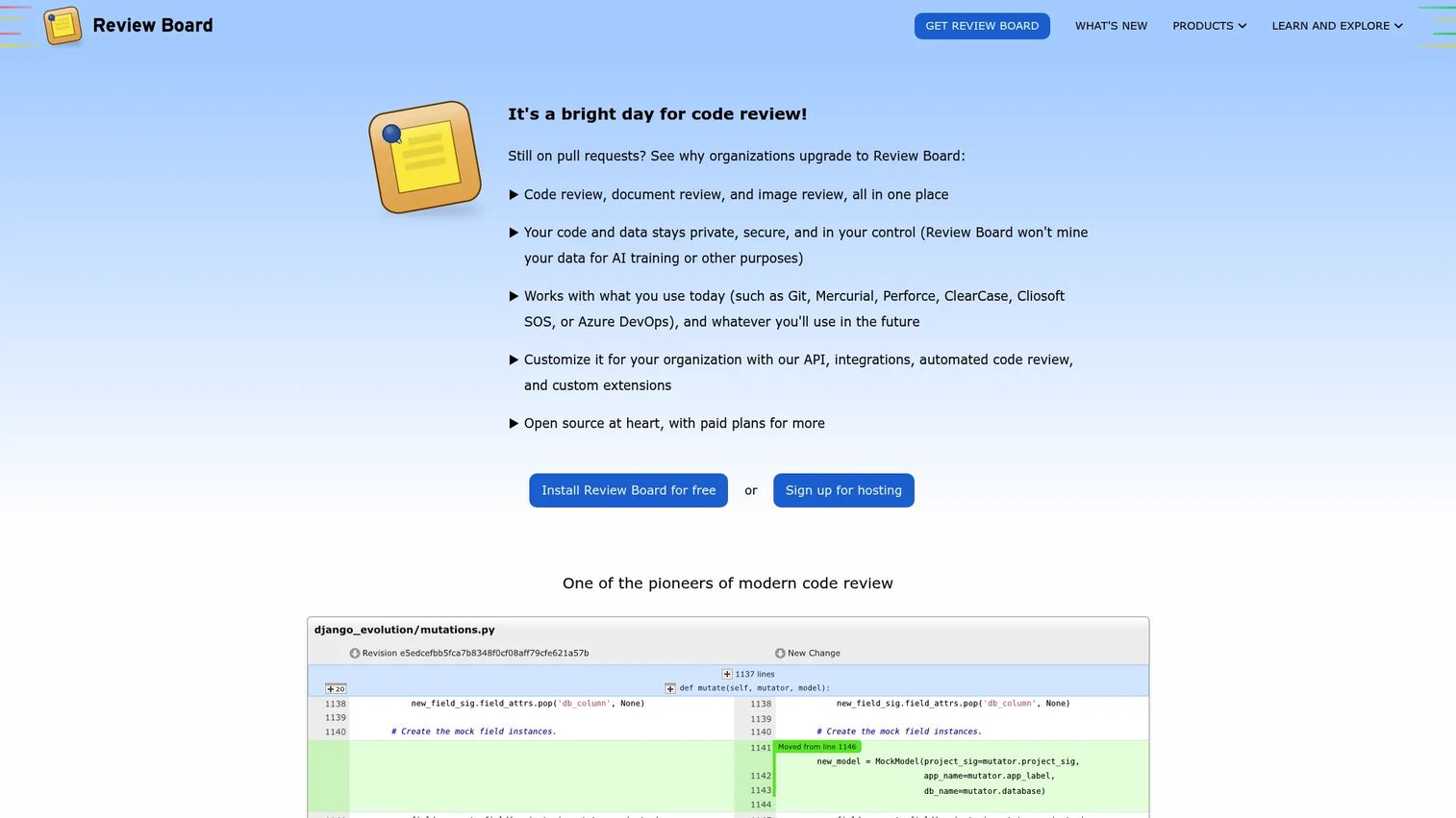
Review Board is an open-source, web-based review tool that works as a dedicated review layer rather than a full platform. It handles code, image, and Markdown review through an advanced diff viewer, and its RBTools command-line utilities plug into most source control systems. Teams that want focused review without adopting a heavyweight platform often land here.
Best for: Engineering teams that need code and document review workflows.
Key strengths
- Code, image, and Markdown review: Review more than just source, all in one place.
- Advanced diff viewer: Clear, granular diffs that make review comments precise.
- RBTools CLI: Command-line tools that connect to existing source control.
Why choose Review Board: Review Board fits teams that want a standalone review system decoupled from where their code is hosted. It supports multiple version control systems and gives you full review history, which is useful when your stack does not center on a single platform. The community edition keeps it accessible for open source and personal projects.
Review Board pricing: The Community edition is free for open source and personal projects. Paid on-premise plans include Basic at $6 per user per month, Business and Plus at $12 per user per month, and Enterprise at $15 per user per month, with monthly and annual billing options.
7. Crucible
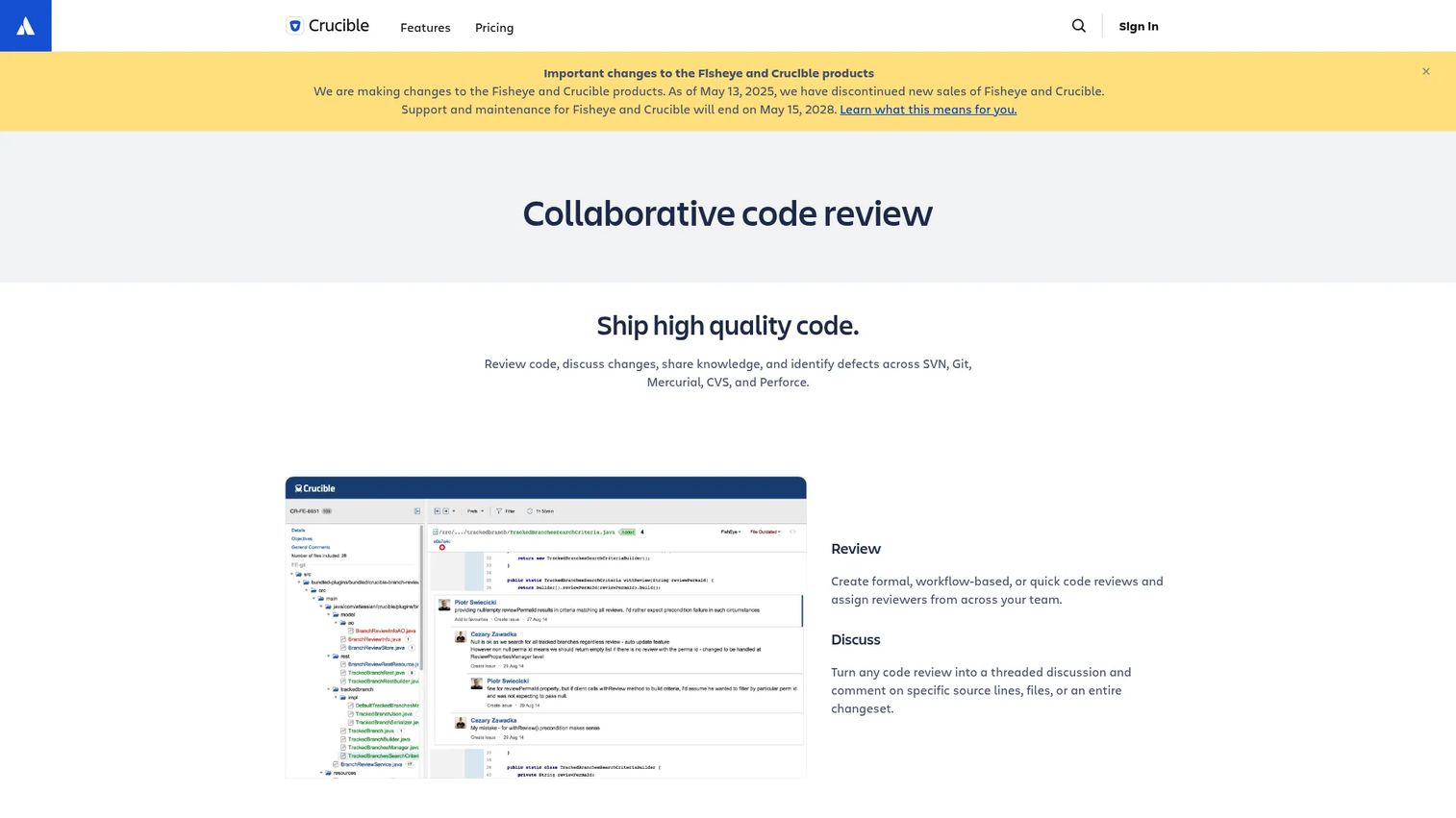
Crucible is Atlassian's dedicated code review tool, built for structured review sessions across source control systems. It supports formal, workflow-based reviews as well as quick ad-hoc ones, with inline comments, threaded discussions, and mentions. Its Jira integration adds audit and compliance traceability, which is the main reason Atlassian-adjacent teams still reach for it.
Best for: Teams needing formal code review with Jira-connected traceability.
Key strengths
- Formal or quick reviews: Structured, workflow-based review sessions or lightweight ad-hoc ones.
- Inline comments and threaded discussion: Mentions and threads keep review conversations organized.
- Jira integration: Audit and compliance traceability tied to your issue tracker.
Why choose Crucible: Crucible fits teams that want repeatable, documented review conversations with a clear trail back to Jira. It works across multiple source control systems, so it is not locked to one host. Atlassian describes it as in basic maintenance mode, so weigh that against your long-term platform roadmap before committing.
Crucible pricing: Crucible uses a one-time server license with two options: Small teams (unlimited repositories, up to five users) and Growing teams (unlimited repositories). It comes with a free 30-day trial and no credit card is required to start.
8. SonarQube
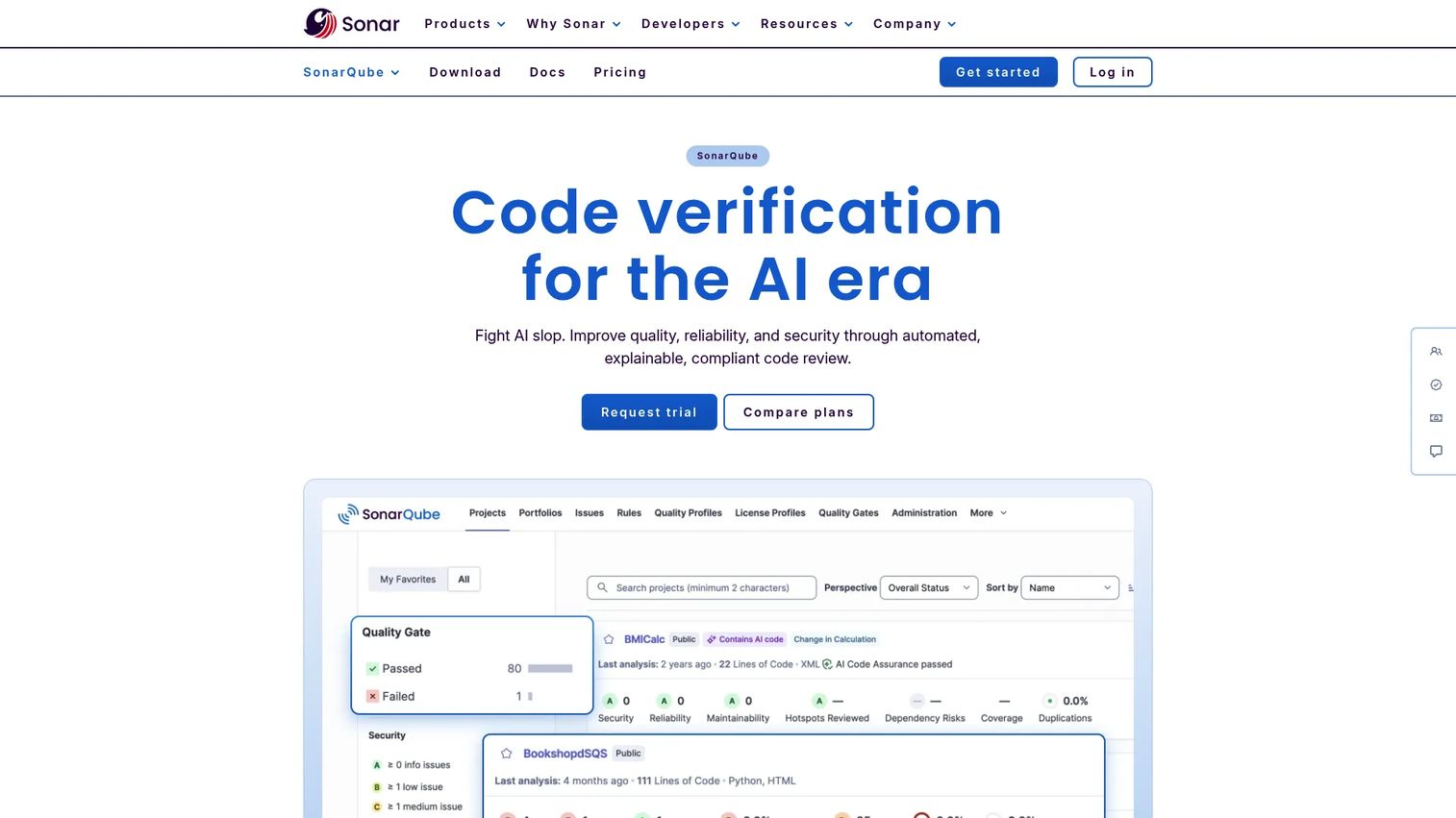
SonarQube is static analysis that complements human review rather than replacing it. It detects bugs, vulnerabilities, and code smells, then enforces quality gates that block a merge when code falls below your standards. Wired into CI/CD and pull requests, it gives reviewers automated quality signals before they read a single line.
Best for: Teams wanting automated code quality and security checks in the development workflow.
Key strengths
- Bug and vulnerability detection: Automated scanning for defects, security issues, and code smells.
- CI/CD and PR integration: Quality gates that surface findings directly on pull requests.
- SAST-style security analysis: Vulnerability detection with remediation guidance.
Why choose SonarQube: SonarQube is a force multiplier, not a substitute for human judgment. It handles the mechanical checks (duplication, maintainability, known vulnerability patterns) so reviewers spend their attention on design and intent. For teams that want a consistent quality bar enforced automatically before merge, it slots cleanly into an existing code review workflow.
SonarQube pricing: The Developer plan starts at $750 annually and includes core static analysis and security scanning. Enterprise is custom pricing and adds larger-scale governance, portfolio reporting, and premium support. Pricing scales with the size of your codebase and organization.
9. PR-Agent
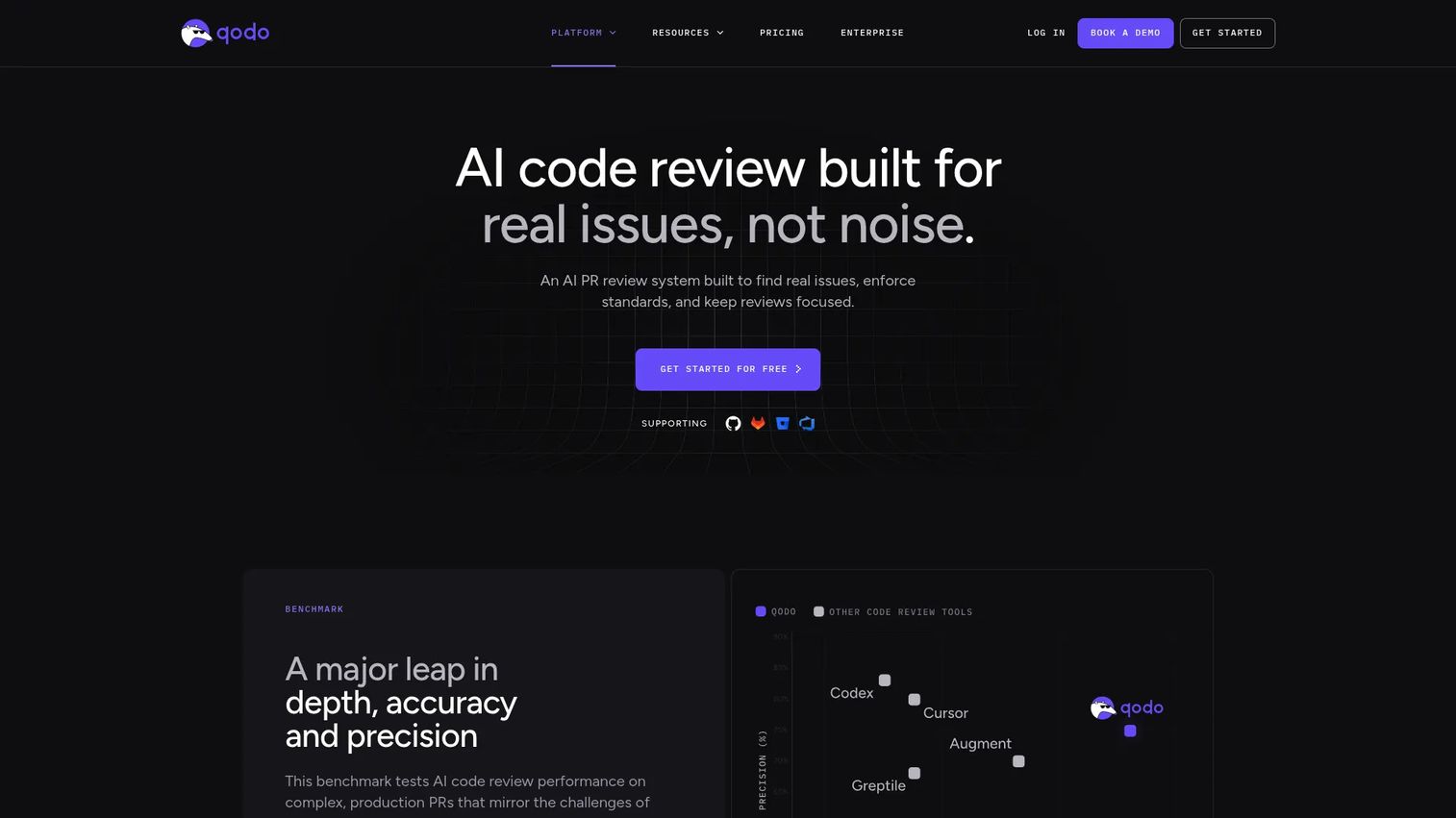
PR-Agent is an open-source AI review assistant, originally created by Qodo and now community-owned. It produces structured pull request reviews that surface key issues, a security assessment, an effort estimate, inline suggestions, and even a Q&A on the change. It works across GitHub, GitLab, Bitbucket, and Azure DevOps, so it fits almost any existing PR system.
Best for: Teams or open-source maintainers needing automated PR review and issue detection.
Key strengths
- Structured PR review: Key issues, security assessment, effort estimate, and inline suggestions in one pass.
- Cross-platform support: Works across GitHub, GitLab, Bitbucket, and Azure DevOps.
- Open source: Developed openly on GitHub, community-owned and extensible.
Why choose PR-Agent: PR-Agent is a lightweight AI option for teams that want automated review assistance without adopting a full platform. Because it is open source and works across the major hosts, it adds AI code review to your existing setup with minimal disruption. It works best alongside human review gates, not in place of them.
PR-Agent pricing: The Pro Team plan is $30 per month, and Enterprise is custom pricing. There is a 14-day trial and no permanent free tier, though qualified open-source projects can apply for free access.
Considerations before you choose
Workflow fit
The best tool is usually the one closest to where your code already lives. Migrating hosts to gain a review feature rarely pays off. If you are on GitHub, GitLab, or Bitbucket, start with their native review and layer AI or static analysis on top.
Automation depth
Decide how much of the first review pass you want automated. AI code review tools and code review automation cut turnaround by catching obvious issues early, but the value depends on how well they read your codebase context. Test them on real PRs before committing.
Governance and auditability
Compliance-heavy teams need approval workflows, audit logging, and access control that hold up under scrutiny. Confirm the tool records who approved what and when, and that merge checks cannot be bypassed. This is where change-based systems and platform-native controls earn their keep.
Integration reach
Review does not happen in isolation. Check that the tool connects to your CI/CD, issue tracker, and security scanners. The fewer seams in your code review workflow, the faster changes move from ready to merged.
Conclusion
The right code review tool depends less on feature count and more on where your team already works and how much governance you need. For most GitHub-first teams, native pull requests plus an AI layer like CodeRabbit or PR-Agent covers the majority of the job. Teams standardizing on one delivery platform get the most from GitLab or Bitbucket, while Gerrit suits environments where strict, change-based approval is non-negotiable. SonarQube belongs in almost any stack as an automated quality gate before merge.
Match the tool to your workflow maturity and audit requirements, then measure the impact on cycle time and review turnaround. That is the number that ties review tooling back to release cadence. If you are broadening your engineering stack evaluation, our guides to best ai agents and ai governance tools are useful next reads. And if your team also builds interactive product experiences to communicate value, Guideflow turns product flows into guided interactive demos, explorable sandboxes, and branded demo centers in minutes.
Start your journey with Guideflow today!
FAQs
Plain pull requests give you a place to comment, but a dedicated tool adds enforceable structure: required approvers, code owner rules, merge checks, and audit logging. That structure is what keeps review quality consistent as your team grows. It also cuts turnaround by automating the first pass and gating merges on tests.
GitHub's native pull requests already cover branch protection, required reviews, and status checks, so most GitHub-first teams start there. To speed things up, layer an AI code review tool like CodeRabbit or PR-Agent on top, and add SonarQube for automated static analysis. All three integrate directly into the GitHub PR flow.
AI code review tools read context and generate human-like feedback, summaries, and suggested fixes on a pull request. Static analysis tools like SonarQube apply deterministic rules to detect bugs, vulnerabilities, and code smells. They are complementary: AI handles nuance and intent, static analysis enforces a consistent, rule-based quality bar.
Yes. Tools with strong approval workflows, audit logging, and access control turn review into a defensible record of who approved each change and when. Change-based systems like Gerrit and platform controls in GitLab or Bitbucket make that trail hard to bypass, which is exactly what auditors want to see.
Focus on outcomes, not syntax. Ask how the tool affects PR turnaround time, review consistency, and audit readiness. Check integration with your existing CI/CD and issue tracker, and confirm merge checks cannot be skipped. Run a short pilot and measure cycle time before and after.
No. AI review clears obvious issues and orients reviewers faster, but 84% of developers use AI coding tools while only 29% trust the output, per the Stack Overflow Developer Survey (2025). Keep human approval gates in place. The best setup uses AI for the first pass and humans for architecture, intent, and judgment.
GitLab teams get the most from native merge requests, since review, CI/CD, security, and compliance live in one platform. Bitbucket teams benefit from Jira-linked pull requests and Pipelines inside the Atlassian stack. Both support AI assistants like PR-Agent, which works across GitLab, Bitbucket, and other hosts.
Look for automation that fits your existing workflow: AI or static analysis that posts directly on pull requests, merge checks that gate on tests, and approval rules that enforce your standards. Confirm the automation reads real codebase context and that it integrates with your CI/CD and issue tracker so nothing slows the path from ready to merged.