It's 4:47 PM on a Friday. The release is going out manually. Someone SSHes into a box, copies the artifact, restarts the service, and then a config value is wrong in production. Now three people are in a call trying to remember what the last person did.
That pattern costs real money. Research and Markets valued the deployment automation market at $8.29B in 2026, projecting growth to $15.19B by 2030. The growth is not hype. It reflects teams tired of release-night firefighting who want code to move through testing, staging, and production without a human babysitting every step.
Manual deployments do not just move slowly. They fail silently, resist auditing, and break the moment the one person who knew the runbook goes on vacation. Deployment automation software fixes the underlying problem: it makes releases repeatable, observable, and boring in the best possible way.
If you sit in presales or run technical discovery, you also need to explain these tools when a prospect asks how you handle CI/CD, rollback, and release governance. This guide gives you the vocabulary and the shortlist.
What's inside
This guide is for DevOps leads, platform engineers, release managers, and the presales teams who have to explain automation tooling during security reviews and technical evaluations. We picked tools that cover the real spread of deployment automation, from CI/CD pipelines to release orchestration and configuration management.
We evaluated each tool against four criteria:
- Workflow fit: how cleanly it connects to source control, CI, and existing pipelines
- Governance: access control, audit logs, rollback, and release history
- Scalability: whether it holds up from a single service to hundreds of environments
- Ecosystem: integrations, plugins, and community depth
TL;DR
- Best overall CI/CD automation: Jenkins for teams that want full control and a huge plugin ecosystem, self-hosted and open source.
- Best repo-native automation: GitHub Actions if your code already lives on GitHub. Zero new tabs.
- Best single platform: GitLab CI for teams that want code, pipelines, and security in one place.
- Best for Microsoft stacks: Azure DevOps for planning, building, and shipping in one suite.
- Best for infrastructure as code: Terraform for repeatable, versioned environment provisioning.
- Best for configuration management: Ansible and Puppet Enterprise for keeping infrastructure in a known state.
- Best for release orchestration: Octopus Deploy for governed, multi-environment promotion at scale.
What is deployment automation software
Deployment automation software is a category of tools that move code or software artifacts through testing, staging, and production with minimal manual intervention. Instead of a person running commands by hand, the software triggers, executes, and verifies each release step based on defined rules.
It sits inside the broader CI/CD and DevOps workflow. Continuous integration builds and tests code on every commit. Continuous delivery keeps that code in a release-ready state. Continuous deployment pushes it to production automatically once checks pass. Deployment automation is the piece that handles the actual promotion between environments and the safety controls around it.
The best automated software deployment tools share a common set of capabilities:
- Automated triggering: kick off deployments from a commit, merge, tag, or schedule
- Environment promotion: move the same artifact from dev to staging to production without rebuilding
- Rollback and monitoring: revert to a known-good state and watch health metrics after release
- Logs and dashboards: full visibility into what deployed, when, and by whom
- Security controls: role-based access, secrets management, and audit trails
- Version control integration: tie every deployment back to a specific commit
Deployment automation is not the same as build automation. Build automation compiles and packages your code. Deployment automation takes that packaged artifact and gets it running safely in each environment. Many tools do both, which is why the line blurs in practice.
When to use deployment automation software
Speed up release cycles without adding release-night chaos
The trigger is usually frequency. You started shipping weekly, then daily, and now every manual release is a coordination tax. CI/CD deployment automation lets you push small changes often, with each one following the same tested path. The result you want is releases that feel routine, not events you schedule around and dread.
Standardize deployments across environments
If your staging deployment looks nothing like production, you are debugging two systems instead of one. Deployment automation promotes the same artifact through each environment using the same steps. That environment standardization means a bug caught in staging is a bug you actually fixed, not a staging-only artifact you chased for an hour.
Reduce human error in complex delivery pipelines
The more services, regions, and dependencies you have, the more places a manual step can go wrong. A typo in a config, a skipped migration, a service restarted in the wrong order. Automated deployment encodes the correct sequence once, then runs it identically every time. When something does break, rollback and monitoring give you a clean path back instead of a scramble.
Comparison table
The table below sorts the 10 tools by how broadly they apply to deployment automation. CI/CD-native platforms come first, followed by infrastructure as code, configuration management, and release orchestration. Pricing and ratings reflect verified values from each vendor and G2 at the time of writing.
| # | Product | Best for | Key differentiator | Pricing | G2 rating |
|---|---|---|---|---|---|
| 1 | Jenkins | Self-hosted, extensible CI/CD | Hundreds of plugins, full control | Free, open source | 4.4/5 |
| 2 | GitHub Actions | Teams on GitHub | Repo-native workflow automation | Free; Team $4/user/mo | Not listed |
| 3 | GitLab CI | All-in-one DevSecOps | Code and pipelines in one platform | Free; Premium $29/user/mo | 4.5/5 |
| 4 | Azure DevOps | Microsoft-centric teams | Boards, repos, and pipelines together | Free tier; usage-based | 4.2/5 |
| 5 | Bitbucket Pipelines | Bitbucket Cloud users | CI/CD built into source control | Free 50 min/mo; add-ons from $10/mo | 4.4/5 |
| 6 | Terraform | Infrastructure as code | Multi-cloud provisioning | Free; Standard $0.47/resource/mo | 4.7/5 |
| 7 | Ansible | Configuration management | Agentless automation | Subscription; open source free | 4.6/5 |
| 8 | Octopus Deploy | Release orchestration | Governed multi-environment promotion | Free; Professional $4,330/yr | 4.4/5 |
| 9 | Puppet Enterprise | Config at scale | Desired-state enforcement | Free trial; custom quote | 4.2/5 |
| 10 | Red Hat Ansible Automation Platform | Enterprise automation | Governed automation across hybrid | Subscription; contact sales | 4.6/5 |
Best deployment automation software for 2026
1. Jenkins
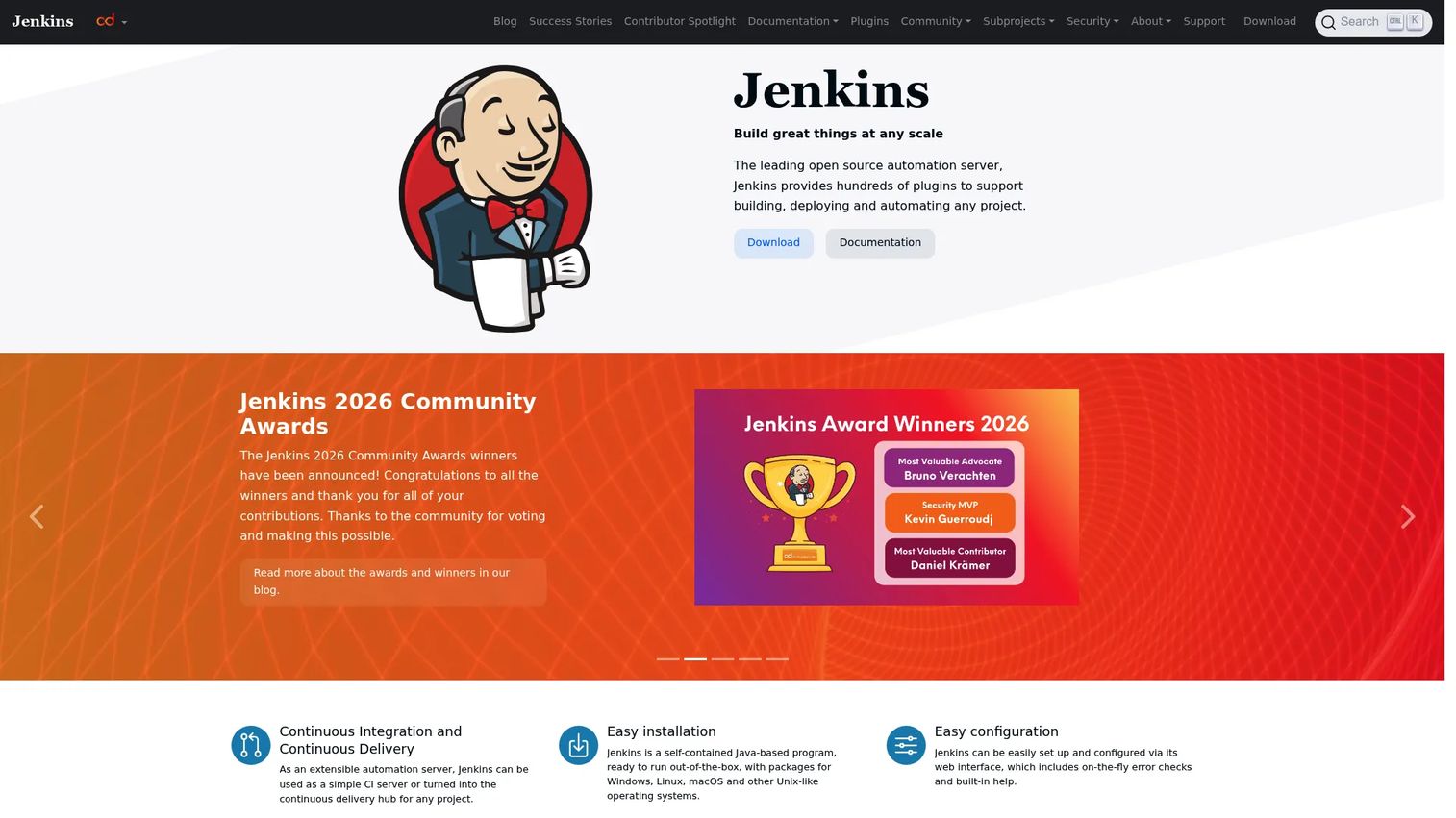
Jenkins is the open-source automation server that most CI/CD conversations still start with. It runs pipelines defined in code through a Jenkinsfile, executes builds and deployments across agents, and connects to almost anything through hundreds of community plugins. If you want full control over where and how your deployments run, Jenkins gives it to you.
Best for: Teams that want a self-hosted, highly extensible CI/CD server they fully control.
Key features
- Continuous integration and continuous delivery pipelines
- Jenkinsfile-based workflow as code
- Hundreds of plugins for integrations
- Self-hosted, full infrastructure control
- Distributed builds across agents
Why choose Jenkins: You want maximum flexibility and no per-seat cost, and you have the engineering capacity to run and maintain your own automation server. Jenkins rewards teams that want to shape the pipeline exactly to their workflow.
Jenkins pricing: Free and open source. There is no paid tier or subscription; you cover your own hosting and infrastructure costs.
2. GitHub Actions
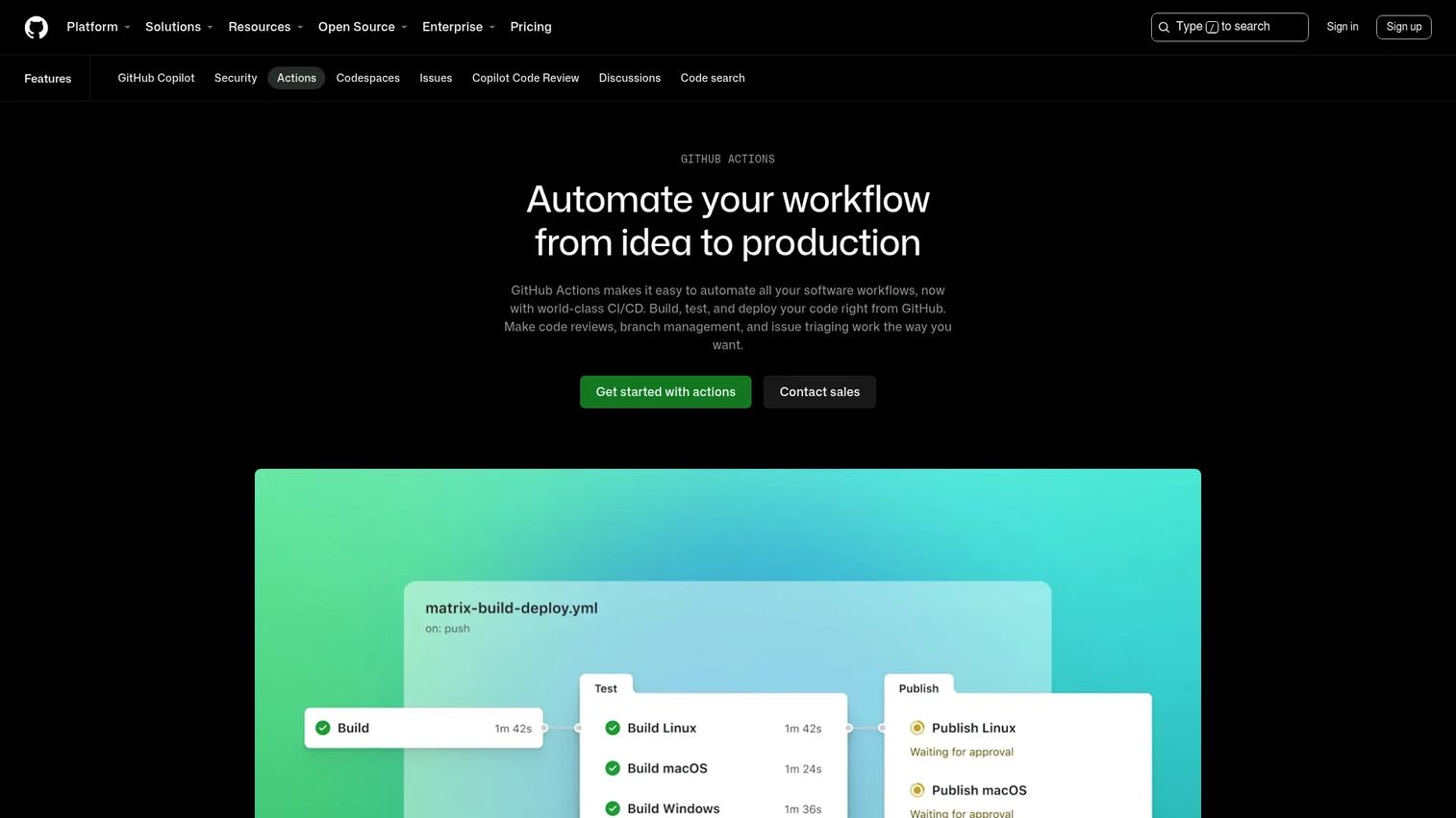
GitHub Actions brings CI/CD deployment automation directly into the repository where your code already lives. Workflows trigger on GitHub events like pushes, pull requests, and releases, then run on hosted or self-hosted runners. For teams already on GitHub, there is no separate tool to provision and no context switching between systems.
Best for: Teams and individual developers who want to automate CI/CD directly from their GitHub repositories.
Key features
- Hosted and self-hosted runners
- Workflow automation triggered by GitHub events
- Matrix builds for parallel testing
- Live logs during execution
- Marketplace of reusable actions
Why choose GitHub Actions: If your source of truth is already GitHub, Actions removes the friction of wiring up an external CI system. Everything lives next to the code, which keeps the deployment pipeline easy to reason about.
GitHub Actions pricing: Free plan includes 2,000 CI/CD minutes per month. Team is $4 per user/month for the first 12 months with 3,000 minutes. Enterprise is $21 per user/month with 50,000 minutes. Public repositories get free Actions usage.
3. GitLab CI
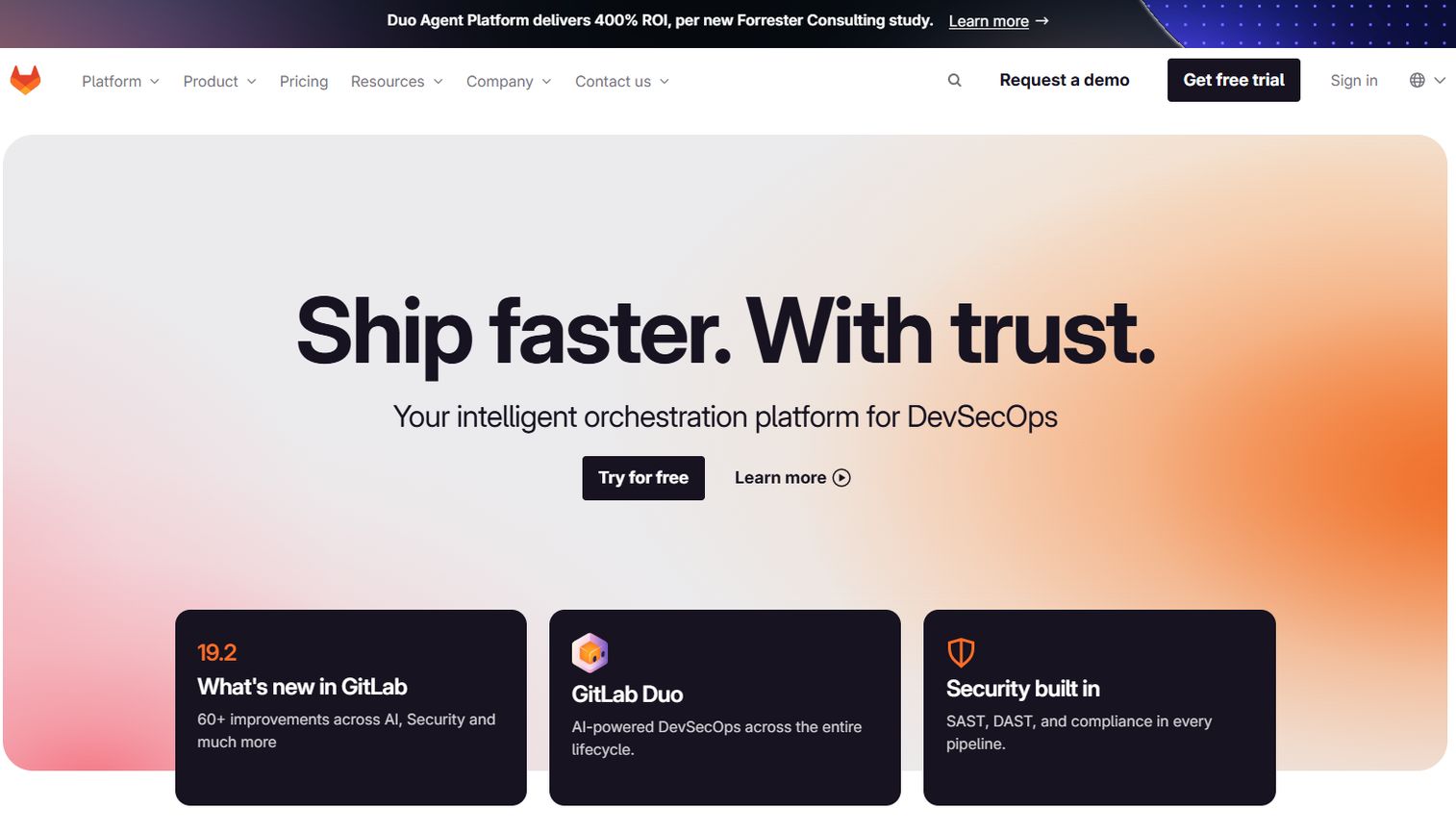
GitLab CI is the CI/CD engine built into GitLab's DevSecOps platform. Pipelines live alongside your code, issues, and security scanning, so a single merge request can trigger build, test, and deploy stages without leaving the platform. Its CI/CD catalog and templates help teams standardize pipelines across many projects.
Best for: Teams that want an all-in-one platform where code, pipelines, and security live together.
Key features
- Built-in CI/CD pipelines
- CI/CD catalog and reusable templates
- Hosted or bring-your-own runners
- Integrated security scanning
- Single platform for the full DevSecOps loop
Why choose GitLab CI: You want to consolidate source control, pipelines, and security into one tool instead of stitching together separate systems. That single platform reduces the integration surface your team has to maintain.
GitLab CI pricing: Free tier with no credit card required. Premium is $29 per user/month billed annually. Ultimate uses custom pricing through sales.
4. Azure DevOps
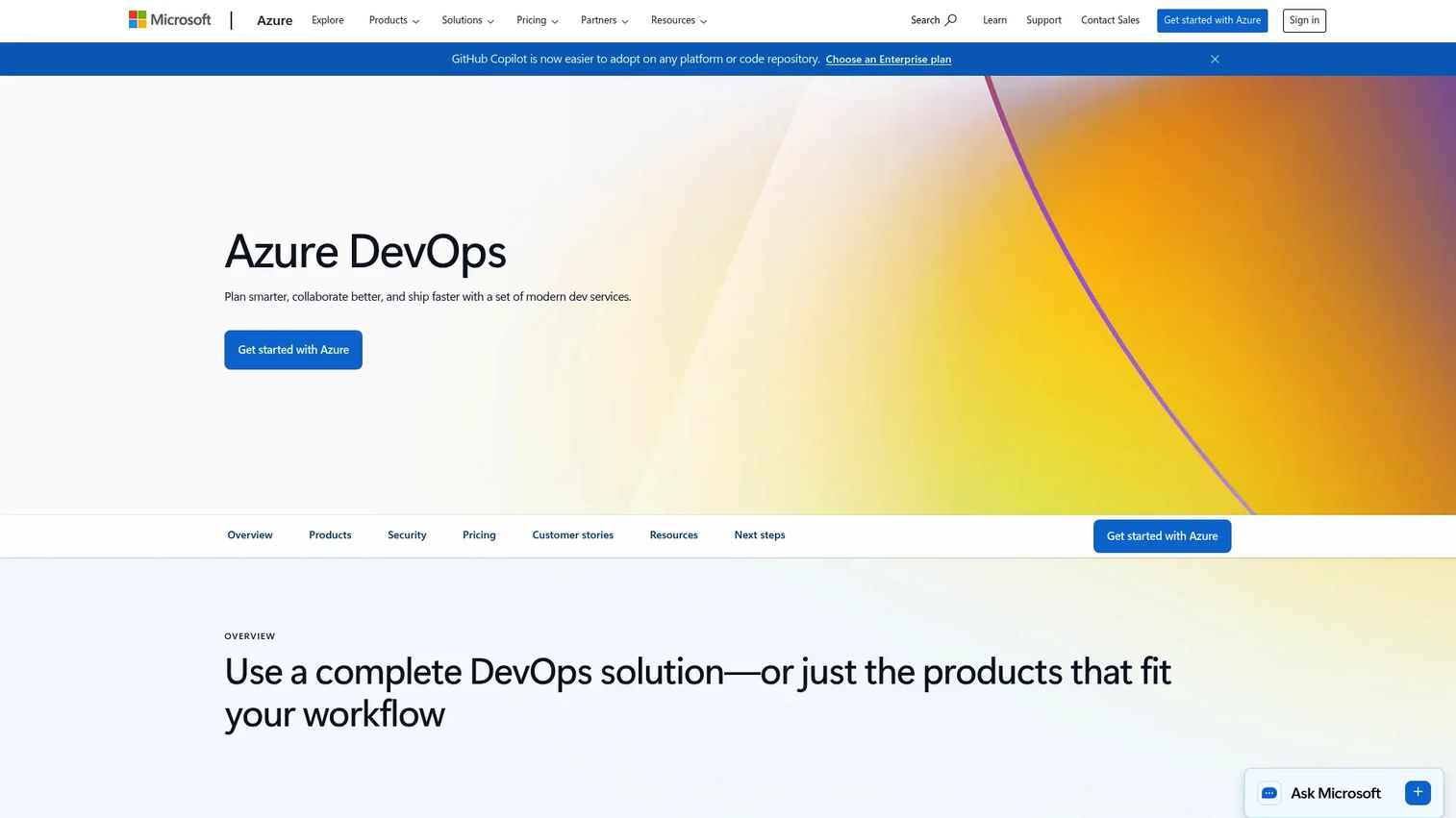
Azure DevOps is Microsoft's end-to-end platform for planning, building, testing, and deploying software. Azure Pipelines handles CI/CD across languages, clouds, and on-premises targets, while Boards, Repos, Test Plans, and Artifacts cover the rest of the delivery lifecycle. It fits naturally into Microsoft-centric organizations.
Best for: Teams that want an integrated Microsoft-based suite spanning work tracking through deployment.
Key features
- Azure Pipelines for CI/CD across clouds
- Azure Boards for work tracking and Kanban
- Azure Repos for source control
- Azure Test Plans for testing
- Azure Artifacts for package management
Why choose Azure DevOps: You are invested in the Microsoft ecosystem and want planning, code, and pipelines under one roof. The tight integration across the suite keeps your delivery workflow coherent.
Azure DevOps pricing: Free tier includes one Microsoft-hosted CI/CD parallel job with 1,800 minutes/month, plus one free self-hosted job with unlimited minutes. Extra Microsoft-hosted parallel jobs are $40/month; self-hosted are $15/month. Azure Artifacts starts at $2 per GiB after 2 GiB free.
5. Bitbucket Pipelines
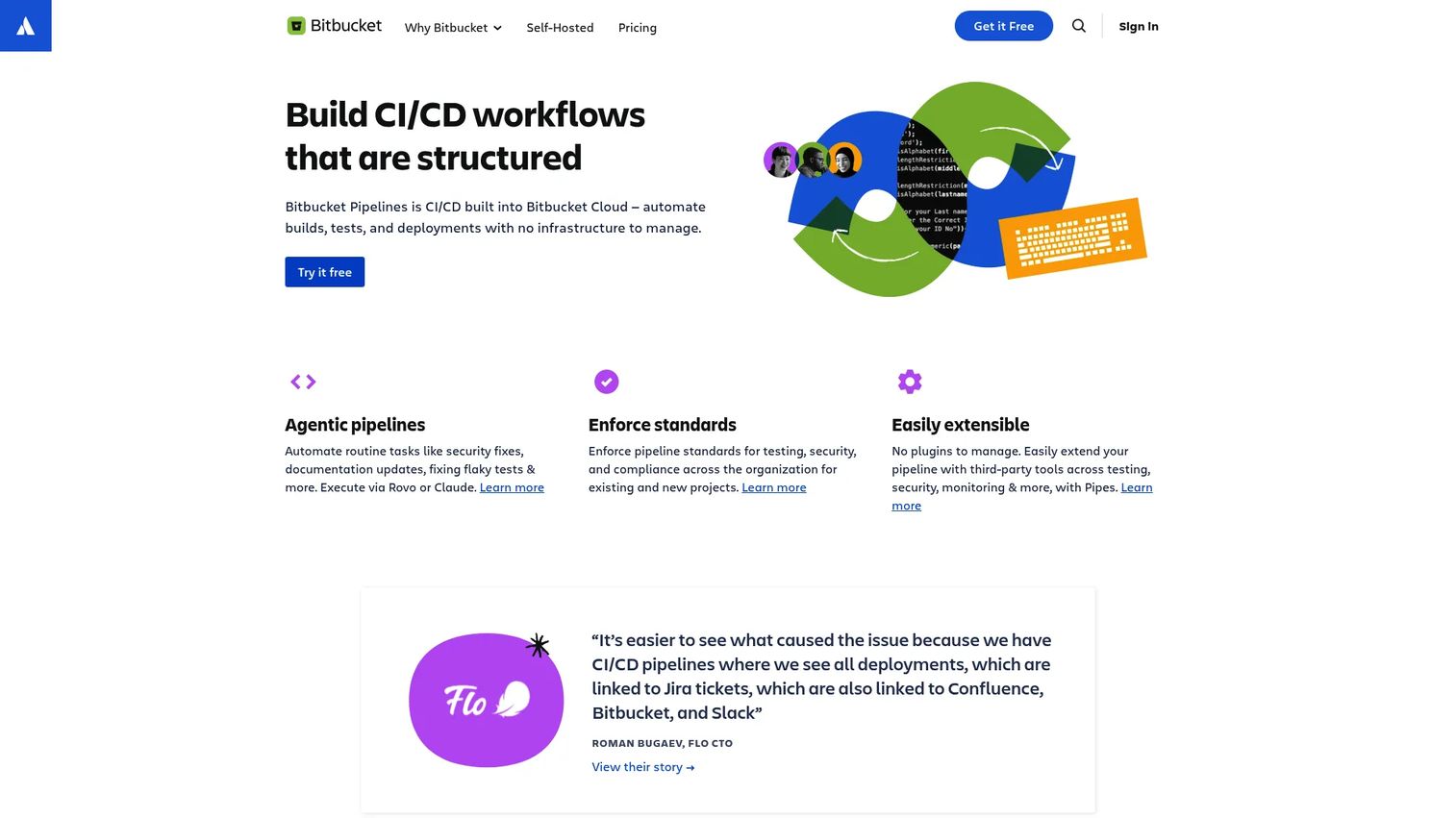
Bitbucket Pipelines is the built-in CI/CD that ships with Bitbucket Cloud. It automates builds, tests, and deployments right inside your Bitbucket repositories, with no separate CI infrastructure to manage. Bitbucket Pipes let you drop in prebuilt integrations for common deployment tasks.
Best for: Teams already on Bitbucket Cloud that want integrated CI/CD without managing separate infrastructure.
Key features
- Built-in CI/CD inside Bitbucket Cloud
- Pipeline visibility and logs
- Deployment tracking across environments
- Bitbucket Pipes prebuilt integrations
- Custom pipe support
Why choose Bitbucket Pipelines: Your source control is already Bitbucket, and you want deployment automation tied directly to it. There is nothing extra to provision, so pipelines start where your code lives.
Bitbucket Pipelines pricing: Free plan includes 50 build minutes/month. Standard includes 2,500 minutes and Premium includes 3,500 minutes, tied to your Bitbucket Cloud plan. Additional minutes cost $10/month per 1,000 minutes.
6. Terraform
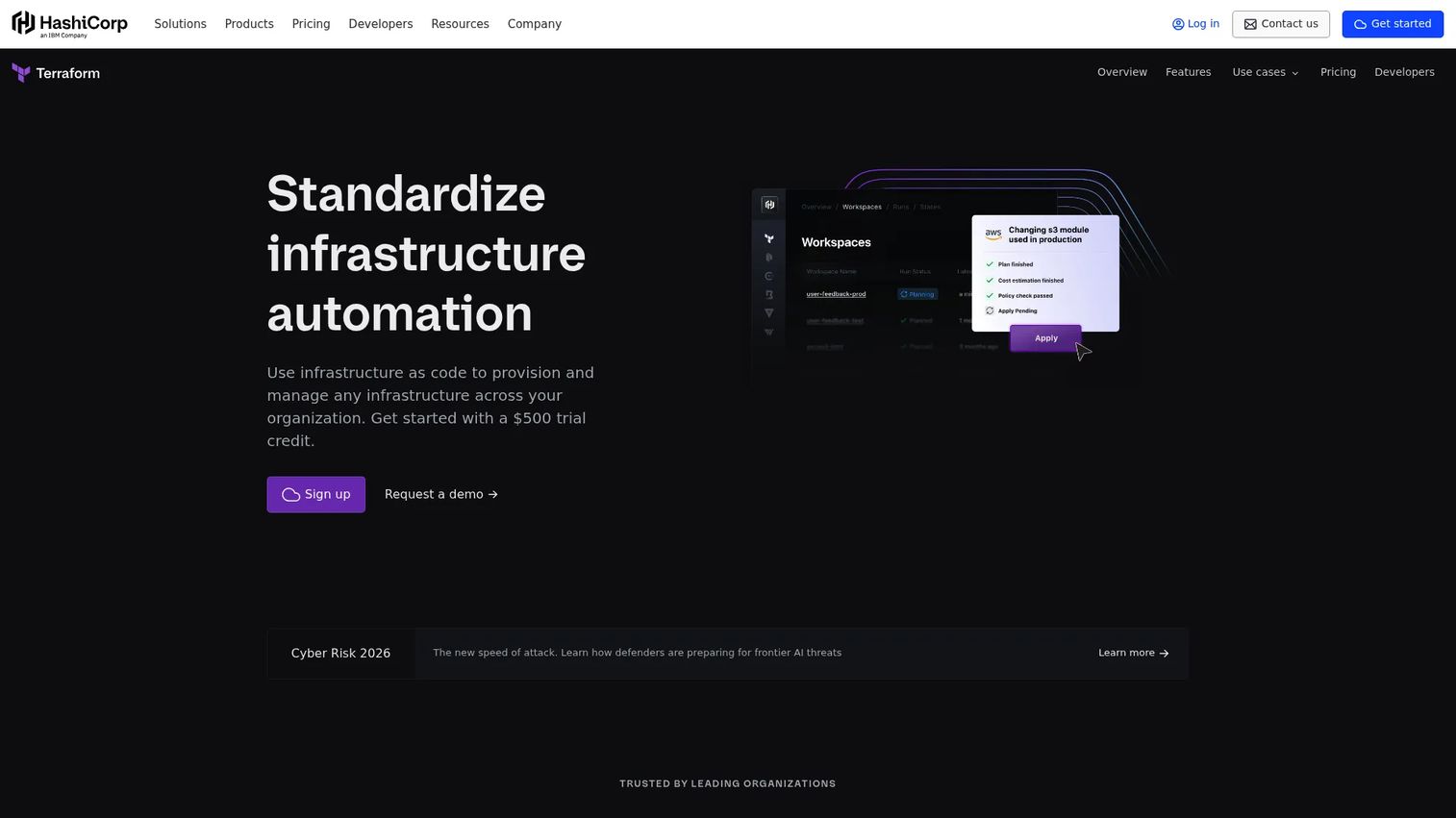
Terraform is the infrastructure as code platform for provisioning and managing cloud, private datacenter, and SaaS infrastructure. You describe your environments in configuration files, and Terraform makes reality match that description. That makes environments repeatable, versioned, and reviewable like any other code.
Best for: Teams standardizing multi-cloud infrastructure automation with governance controls.
Key features
- Infrastructure as code provisioning
- Full lifecycle management of resources
- Remote state storage and VCS connection
- Remote runs and execution
- Policy as code for governance
Why choose Terraform: Deployment automation is only half the story if your environments drift by hand. Terraform keeps the infrastructure underneath your deployments consistent and auditable, which pairs well with any CI/CD pipeline.
Terraform pricing: Free tier available. Essentials is $0.10 per resource/month, Standard is $0.47, and Premium is $0.99 per resource/month. Enterprise uses custom pricing, with a $500 trial credit for cloud plans.
7. Ansible
Ansible is the open-source IT automation engine used for configuration management, application deployment, and orchestration. It is agentless, so it connects over SSH without installing software on target machines. Playbooks written in YAML describe the desired state, and Ansible enforces it across your fleet.
Best for: Teams automating infrastructure, configuration, and application deployment across hybrid environments.
Key features
- Agentless automation over SSH
- Playbooks written in readable YAML
- Configuration management and enforcement
- Execution environments and certified collections
- Automation analytics
Why choose Ansible: You want configuration management and deployment orchestration without managing agents on every host. The YAML-based approach keeps automation readable for the whole team, not just the person who wrote it.
Ansible pricing: The open-source Ansible project is free to use. Enterprise automation is sold as Red Hat Ansible Automation Platform on a subscription basis; contact Red Hat for a quote.
8. Octopus Deploy
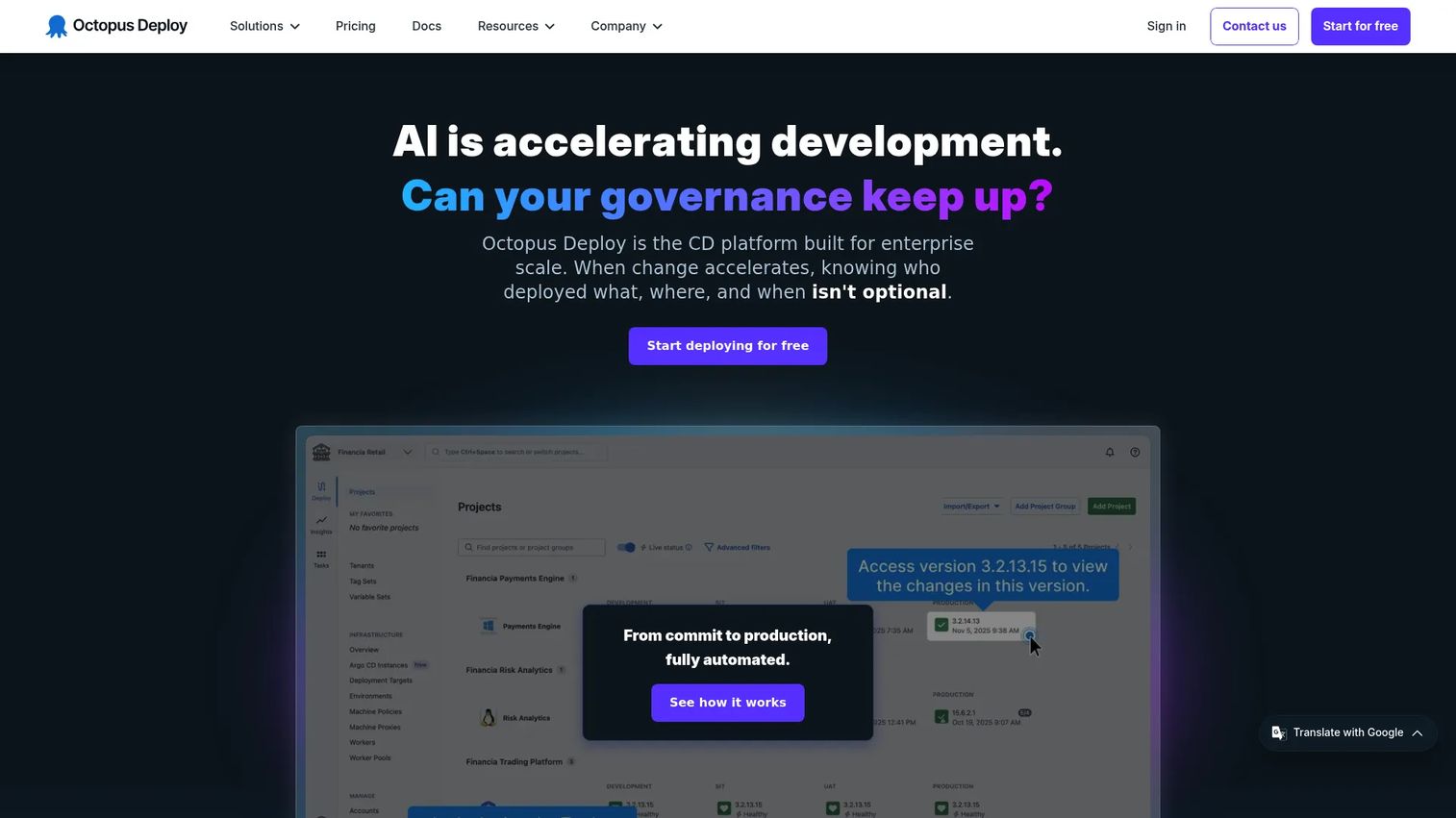
Octopus Deploy is a continuous delivery platform built specifically for release orchestration and deployment automation. Where CI tools build your artifacts, Octopus governs how they promote through environments. It snapshots releases, manages variables and secrets per environment, and gives you audit logs and RBAC across the whole promotion path.
Best for: Teams that need governed deployment automation across many environments and targets.
Key features
- Release snapshotting for consistency
- Built-in step templates and orchestration
- Variables and secrets management
- Runbook automation
- SSO, RBAC, and audit logs
Why choose Octopus Deploy: You have outgrown scripting environment promotion by hand and need governed, repeatable releases. Octopus handles GitOps-style promotion, environment scoping, and rollback so complex deployments stay controlled.
Octopus Deploy pricing: Free tier includes 10 projects, 10 tenants, 10 machines, and 10 users. Professional is $4,330 USD/year and Enterprise is $24,600 USD/year, both billed annually, with tenants and machines available as add-ons.
9. Puppet Enterprise
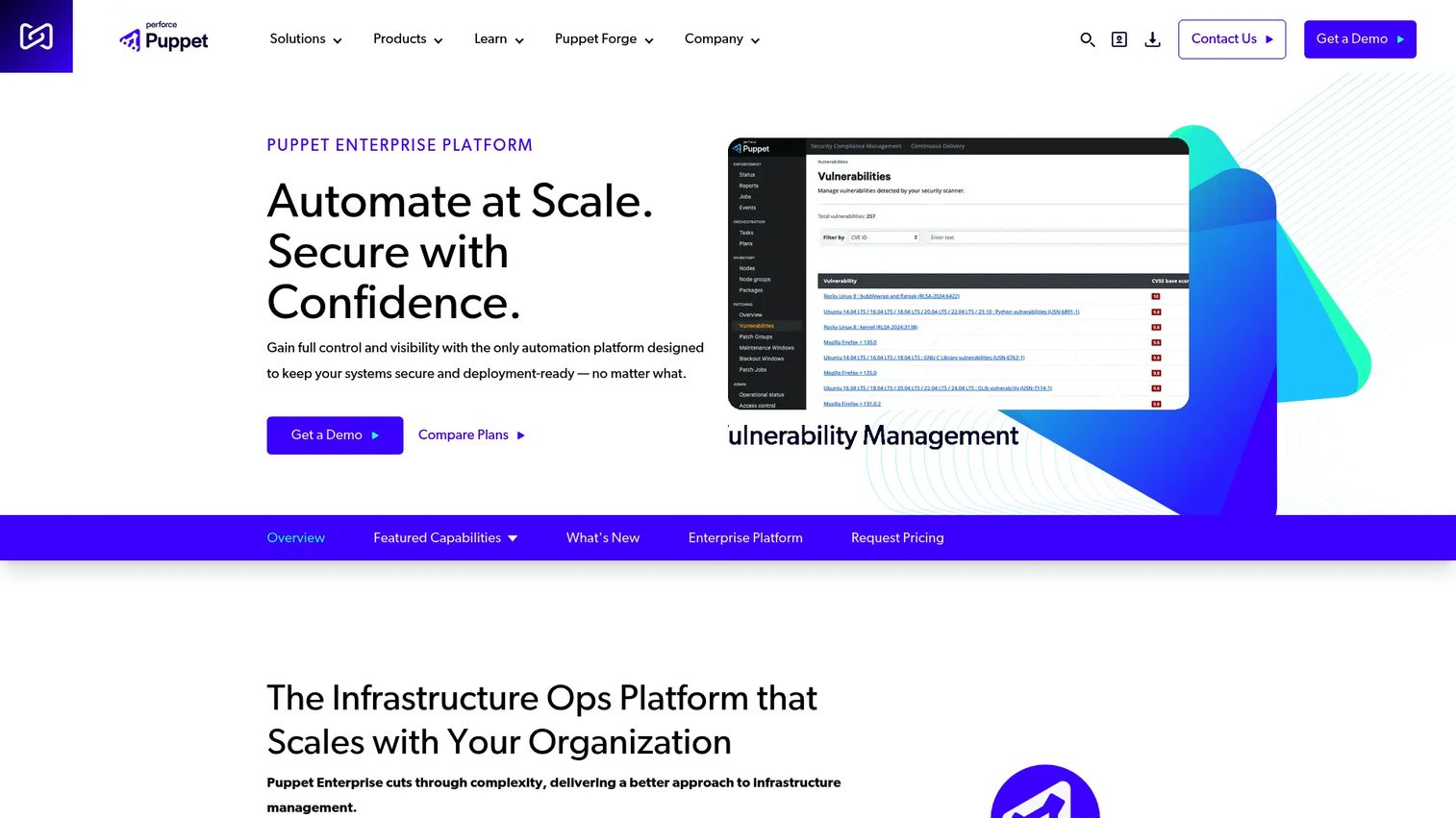
Puppet Enterprise is an IT operations platform for automating, scaling, and securing infrastructure. It uses policy-driven configuration management to continuously enforce a desired state across servers, so machines do not drift out of compliance. It works across cloud, hybrid, Linux, Windows, and MacOS environments.
Best for: Enterprises managing complex hybrid infrastructure that need configuration management and automation at scale.
Key features
- Policy-driven configuration management
- Continuous desired-state enforcement
- Agent-based and agentless automation
- Cross-platform support for Linux, Windows, MacOS
- Security, compliance, and patching features
Why choose Puppet Enterprise: You manage infrastructure large enough that manual configuration drift becomes a real risk. Puppet keeps thousands of nodes in a known, enforceable state with the governance an enterprise needs.
Puppet Enterprise pricing: A free 10-node trial is available with no time limit. Paid pricing is not published publicly; request a quote from Puppet for Enterprise plans.
10. Red Hat Ansible Automation Platform
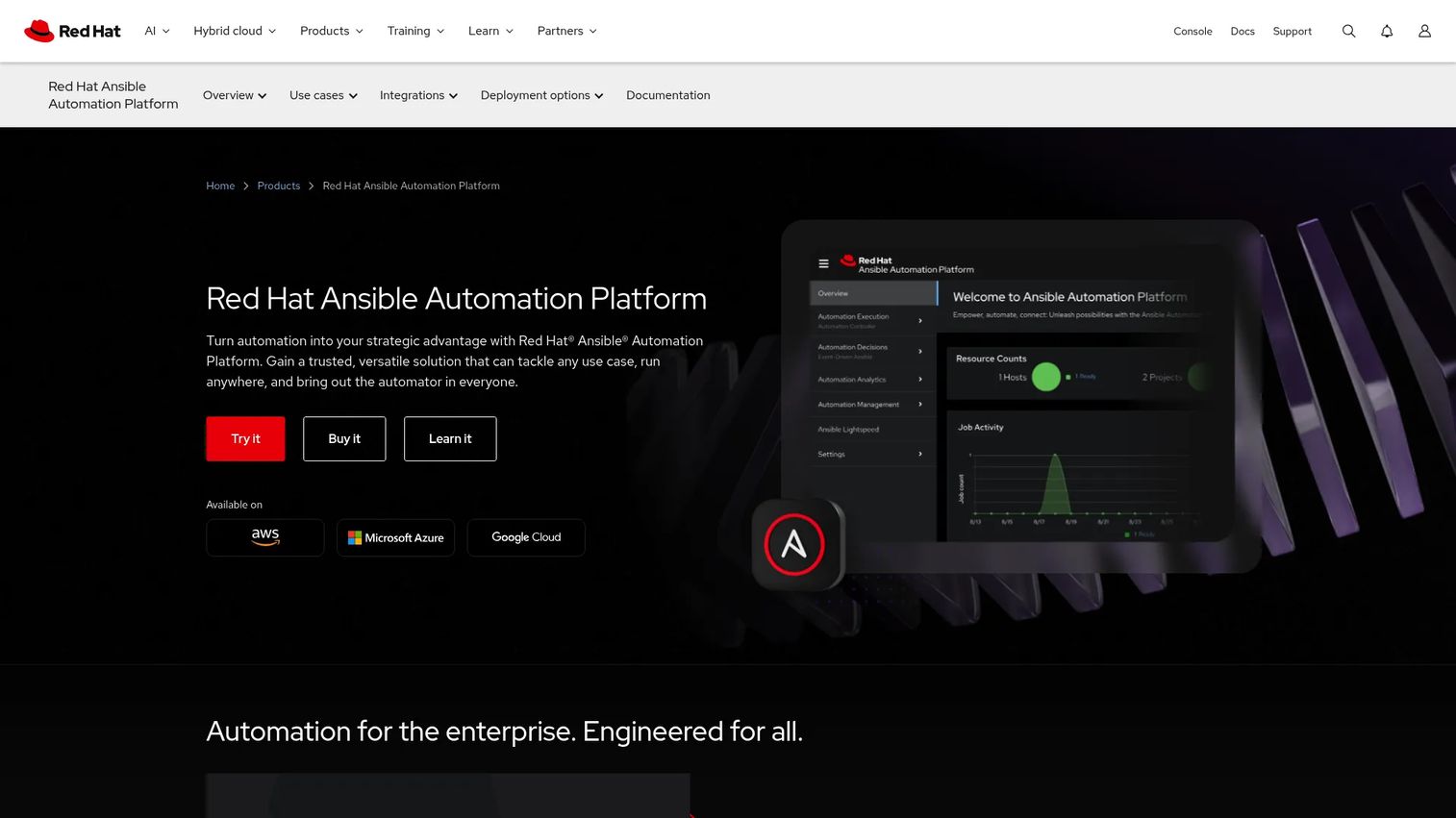
Red Hat Ansible Automation Platform is the enterprise automation platform for creating, executing, and managing IT automation at scale. It builds on the open-source Ansible engine and adds an automation controller, self-service portal, analytics, and event-driven automation. This is the version enterprises reach for when governance and scale matter.
Best for: Large teams needing governed, enterprise-wide automation across hybrid environments.
Key features
- Automation controller for centralized management
- Automation execution environments
- Self-service automation portal
- Event-driven Ansible
- Automation mesh and analytics
Why choose Red Hat Ansible Automation Platform: You already use Ansible and need enterprise governance, support, and analytics layered on top. It scales automation across infrastructure and deployment workflows with the controls a large org requires.
Red Hat Ansible Automation Platform pricing: Sold as Standard and Premium subscription tiers. Pricing varies by sizing; contact Red Hat or an authorized partner for a customized quote. There is no public free tier for the platform.
Considerations
Integration with source control and CI tools
Your deployment tool has to sit cleanly on top of the source control and CI you already run. Check that it triggers on the events you care about, commits, merges, and tags, and that it connects to your build system without custom glue. A tool that fights your existing pipeline creates more work than it removes.
Security, access, and auditability
Every deployment is a change to production, so it needs the same scrutiny. Look for role-based access control, secrets management, and audit logs that record who deployed what and when. If your organization runs security reviews, supply chain security and traceability will come up fast, so confirm the tool can answer those questions.
Rollback, observability, and release history
When a release goes wrong, the speed of your recovery depends on rollback and monitoring. Confirm the tool can revert to a known-good version quickly and surface health signals after deploy. A clear release history also tells you exactly what changed, which turns a postmortem into a five-minute lookup.
Environment standardization and drift control
The whole point of automation is that staging and production behave the same way. Evaluate how the tool promotes the same artifact across environments and whether it detects drift. Configuration management and infrastructure as code tools shine here, keeping environments in a known state instead of hand-tuned snowflakes.
Scalability across teams and environments
A tool that works for one service may buckle at fifty. Consider how it handles many pipelines, many environments, and many teams without turning into a bottleneck. Release orchestration platforms earn their keep exactly when the number of moving parts outgrows scripting by hand.
Conclusion
The right pick depends on where your team sits today. If you are early and want CI/CD deployment automation that lives next to your code, start with GitHub Actions, GitLab CI, or Bitbucket Pipelines depending on your source control. Teams that want full control and no per-seat cost land on Jenkins.
As complexity grows, layer in specialists. Terraform handles infrastructure as code so environments stay repeatable. Ansible and Puppet Enterprise keep configuration in a known state. Octopus Deploy governs release orchestration when environment promotion outgrows scripts, and Red Hat Ansible Automation Platform brings enterprise governance across the board.
The practical path is to start CI/CD-native, prove out automated deployment on a few services, then add orchestration and configuration management as your pipeline demands it. Pick the tool that fits your stack, not the one with the longest feature list.
If your team also needs to show these workflows to buyers, prospects, or new hires, Guideflow lets you build interactive, self-serve product walkthroughs for landing pages, sales follow-ups, onboarding, customer education, and internal training, without a live environment.
Start your journey with Guideflow today!
FAQs
Deployment automation software moves code and software artifacts through testing, staging, and production with minimal manual intervention. It triggers, executes, and verifies each release step based on defined rules, so deployments become repeatable and auditable instead of manual and error-prone.
Build automation compiles and packages your code into a deployable artifact. Deployment automation takes that artifact and gets it running safely in each environment, handling promotion, rollback, and monitoring. Many tools do both, but the jobs are distinct.
CI/CD platforms like Jenkins, GitHub Actions, GitLab CI, Azure DevOps, and Bitbucket Pipelines cover the pipeline side. Terraform handles infrastructure as code, Ansible and Puppet Enterprise handle configuration management, and Octopus Deploy handles release orchestration.
DevOps depends on shipping small changes frequently and reliably. Deployment automation is the mechanism that makes continuous delivery and continuous deployment possible, letting teams promote code through environments without manual coordination. That shortens feedback loops and reduces release risk.
Prioritize role-based access control, secrets management, and audit logs that trace every deployment back to a person and a commit. Supply chain security matters too, so confirm the tool can show provenance for what shipped. These controls are what security and IT reviewers ask about.
CI/CD alone works well until environment promotion, approvals, and multi-target deployments become complex to script. When you manage many environments with governance requirements, release orchestration tools like Octopus Deploy add environment scoping, GitOps-style promotion, and audit trails that CI pipelines handle less cleanly.
Infrastructure as code is a closely related and often overlapping piece. Tools like Terraform provision and version the environments your code deploys into, while deployment automation handles moving the application itself. Together they keep both the infrastructure and the releases repeatable.
Track deployment frequency, lead time from commit to production, change failure rate, and mean time to recovery. Improvements across those four DORA metrics tell you automation is working. A clear release history and fast rollback are practical signals that your pipeline is healthy.