Your analytics show drop-off somewhere in week one. The dashboard confirms it, but it cannot tell you whether the cause is a confusing onboarding flow, a crash on older devices, low-quality installs from a paid channel, or a workflow users simply do not understand. Each of those problems points to a different tool category. Buying the wrong one adds another dashboard without changing the metric.
Mobile apps consumed 5.3 trillion hours of user attention in 2025, up 3.8% year over year, according to Sensor Tower's State of Mobile 2026. The engineering and product investment required to compete for that attention is significant. The tools you choose to measure, diagnose, and improve that investment determine how fast you move from hypothesis to validated fix.
This guide maps 21 mobile app optimization tools to the specific jobs they perform so you can match your current bottleneck to the right category before selecting a vendor.
What's inside
This guide is for product managers, growth product managers, and mobile engineering leads who own activation, retention, and release quality.
- Who this is for: Product, growth, mobile, and engineering teams at SaaS and mobile-first companies
- How tools were selected: Relevance to mobile optimization jobs, PM usability, integration fit with common stacks, and rating and pricing availability
- What the list covers: Product analytics, mobile attribution, crash reporting, performance monitoring, experimentation, app store optimization tools, user research, and interactive mobile product education
- How to use it: Find your current bottleneck in the "Best for" column, then read that tool's section before comparing adjacent options
TL;DR
- Best for mobile product education and guided mobile experiences: Guideflow helps teams create interactive mobile demos for onboarding, product education, support, stakeholder alignment, and mobile workflow validation without app installs
- Best for UX diagnostics: UXCam fits teams that need session replay, heatmaps, and funnel drop-off analysis on mobile apps
- Best for attribution: Adjust and AppsFlyer help teams understand campaign quality, revenue impact, and paid acquisition performance
- Best for product analytics: Mixpanel, Amplitude, and Heap help PMs analyze cohorts, funnels, activation, and retention
- Best for reliability: Firebase, Instabug, Sentry, Dynatrace, and New Relic help teams catch crashes, errors, and performance regressions
- Best for experimentation: Statsig, Optimizely, LaunchDarkly, and Firebase help teams test changes with controlled exposure
What is mobile app optimization software?
Mobile app optimization software helps teams measure, diagnose, test, and improve the user experience, performance, acquisition quality, engagement, and retention of a mobile app.
The category is not one tool. It is a stack organized around a loop: Measure what users do, diagnose friction, monitor reliability, test improvements, improve acquisition quality, and validate whether a change moved activation or retention. Most mature teams run two to four tool types simultaneously.
Core capabilities to look for
- Behavior analytics: Funnels, cohorts, retention curves, event tracking, heatmaps, and session replay
- Reliability monitoring: Crashes, application not responding (ANR) events, errors, freezes, latency, and app health across releases
- Attribution and acquisition: Campaign measurement, SKAdNetwork support, fraud detection, and deep linking
- Experimentation: A/B tests, feature flags, remote configuration, and personalization
- App store optimization: Keyword tracking, competitor intelligence, and store conversion analysis
- Validation and research: Prototype testing, usability feedback, and task completion data
- Product education: Interactive mobile demos, onboarding flows, release education, and support guidance
Map the bottleneck before choosing a tool
PMs should not buy "app optimization software" as a vague category. Identify the constraint first:
- Do users fail to activate after install?
- Does performance break trust during first use?
- Are paid users low quality, showing short retention?
- Is experimentation slow because every test requires engineering?
- Are users confused by a specific workflow?
- Is the app store listing underperforming?
Each question maps to a different part of the optimization stack. Buying the right category for your current bottleneck is more important than buying the most well-known name.
When to use mobile app optimization software
Diagnose activation and onboarding drop-off
Use this category when installs are healthy but first meaningful actions are not. Product analytics tools surface the funnel step where users leave. Session replay shows what happened on screen before they did. Interactive mobile demos help teams show users what an improved flow looks like without waiting for an engineering cycle to test the hypothesis.
Improve app reliability before it damages retention
Use this category when app reviews, support tickets, or analytics dashboards point to crashes, freezes, or degraded screen performance. Crash reporting and application performance monitoring tools surface which errors are most common and which releases introduced them. Engineering teams use that signal to prioritize reliability fixes before they compound into churn.
Test growth and retention ideas without guessing
Use this category when you have competing roadmap hypotheses and need evidence at lower opportunity cost than a full release. Feature flags, experimentation platforms, and A/B testing tools let PMs validate onboarding changes, retention mechanics, and activation flows with controlled exposure. Cohort data from product analytics confirms whether the experiment moved the metric that matters.
Mobile app optimization software comparison
The table below lists all 21 tools in the exact order they appear in the full reviews. Use the "Best for" column to find your bottleneck first, then read the matching section.
| # | Product | Best for | Key differentiator | Pricing | G2 rating |
|---|---|---|---|---|---|
| 1 | UXCam | Mobile UX diagnostics | Session replay and behavioral analytics for mobile apps | Free plan; paid plans request-based | 4.6/5 |
| 2 | Adjust | Mobile attribution | Attribution, campaign measurement, and fraud prevention | Free plan available; paid plans contact sales | 4.7/5 |
| 3 | AppsFlyer | Growth attribution | Mobile measurement, SKAdNetwork support, and marketing analytics | Free Zero plan; Growth at $0.07/conversion | 4.5/5 |
| 4 | Firebase | Mobile app infrastructure | Analytics, crash reporting, testing, and remote configuration | Free Spark plan; Blaze pay-as-you-go | 4.5/5 |
| 5 | Sensor Tower | Market intelligence | App market, competitor, and store performance intelligence | Custom pricing | 4.3/5 |
| 6 | data.ai | App market analytics | Mobile market data and competitive benchmarking | Custom pricing | N/A |
| 7 | Mixpanel | Product analytics | Funnels, cohorts, retention, and event-based analysis | Free plan; Growth from $0/month usage-based | 4.5/5 |
| 8 | Instabug | Bug and crash reporting | In-app feedback, crash reporting, and mobile performance context | Basic from $1,200/month (annual) | 4.4/5 |
| 9 | Dynatrace | Enterprise observability | Full-stack monitoring for mobile and backend performance | From $7/month per host | 4.5/5 |
| 10 | New Relic | App performance monitoring | Mobile performance, errors, distributed tracing, and observability | Free plan; Standard from $10/month | 4.4/5 |
| 11 | Amplitude | Product growth analytics | Behavioral analytics and experimentation for product teams | Free plan; Growth custom | 4.5/5 |
| 12 | Heap | Autocaptured product analytics | Behavioral data capture without heavy manual tracking | Free plan; Growth custom | 4.4/5 |
| 13 | Sentry | Error monitoring | Error tracking and performance monitoring for mobile developers | Free Developer plan; paid plans contact | 4.5/5 |
| 14 | Statsig | Experimentation | Feature flags, experiments, and product analytics | Free plan; Pro from $150/month | 4.7/5 |
| 15 | Optimizely | Enterprise experimentation | Web and app experimentation with personalization | Custom pricing | 4.2/5 |
| 16 | LaunchDarkly | Feature management | Feature flags and progressive delivery for app releases | Free Developer plan; Foundation from $10/Service Connection/month | 4.5/5 |
| 17 | AppTweak | App store optimization | Keyword, competitor, and app store performance optimization | Essential from $79/month | 4.6/5 |
| 18 | Branch | Deep linking and attribution | Links that connect acquisition, onboarding, and retention | Basics and Essentials plans; contact sales for pricing | 4.6/5 |
| 19 | Maze | Product validation | Prototype testing and user research before building | Free plan; Starter from $99/month | 4.5/5 |
| 20 | UserTesting | Human insight | Qualitative user feedback and moderated app research | Custom pricing; request pricing | N/A |
| 21 | Guideflow | Mobile product education | Interactive mobile demos for onboarding, education, and support | Free plan; Solo from $35/month (yearly) | 5.0/5 |
Best 21 mobile app optimization software for 2026
1. UXCam
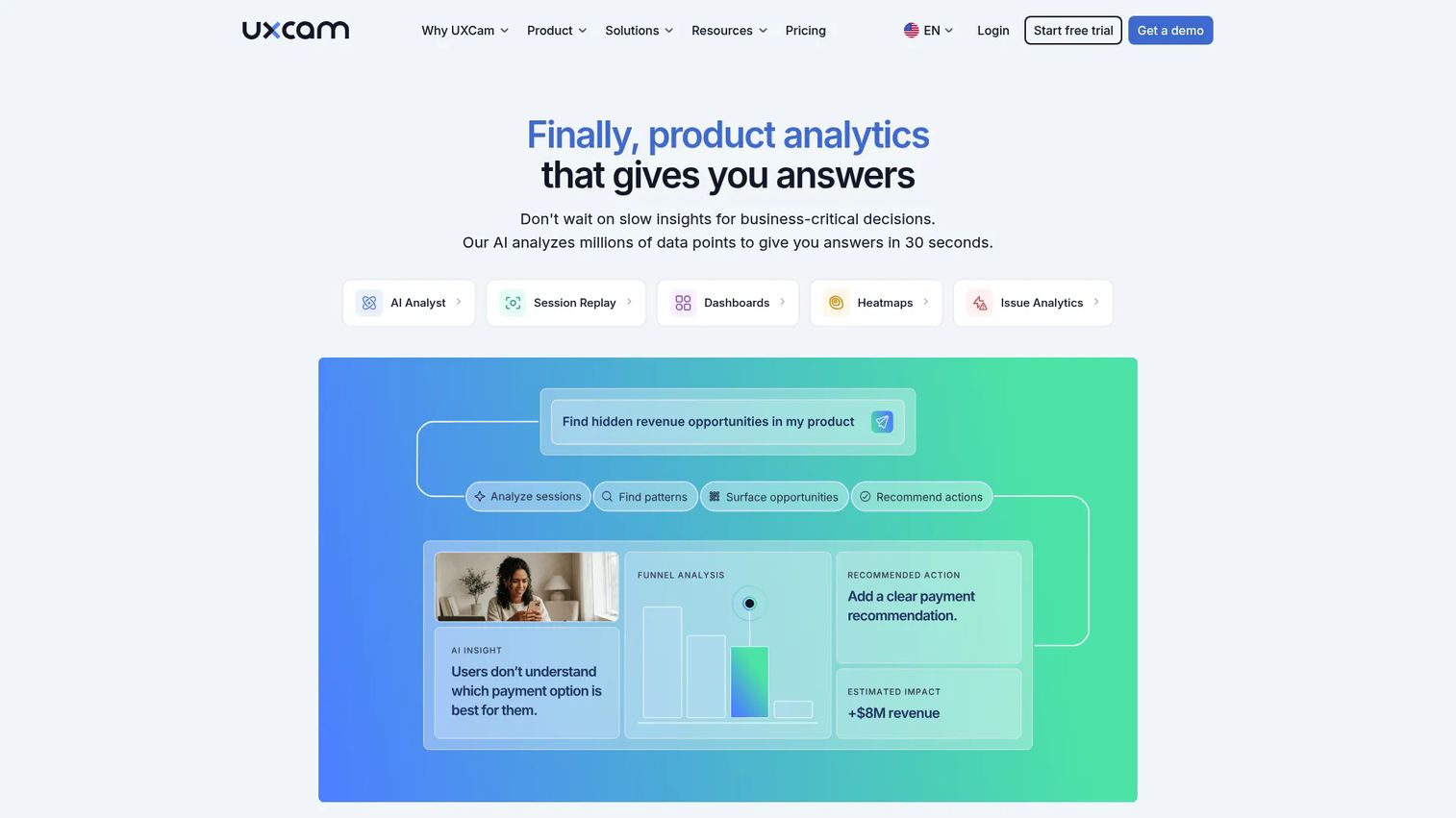
UXCam is a product analytics platform built specifically for mobile apps, combining session replay, heatmaps, funnels, event tracking, and an AI analyst in one workspace. It is designed for teams that need to move from aggregate drop-off data to frame-by-frame evidence of what happened before a user left.
Best for: Product and UX teams diagnosing why users abandon onboarding or specific mobile workflows.
Key features
- Session replay with gesture visualization
- Heatmaps and touch analytics
- Funnel analysis and drop-off mapping
- AI analyst for automated insight generation
- Frustration signal detection
Why choose UXCam: UXCam fills the gap between knowing where users leave and understanding why. PMs use it to prioritize UX fixes before adding more roadmap work, because seeing a session replay is faster than running another survey.
UXCam pricing: UXCam offers a free plan covering 3,000 monthly sessions. Paid plans (Starter, Growth, Enterprise) are customized and require requesting a quote from the team.
G2 rating: 4.6/5
2. Adjust
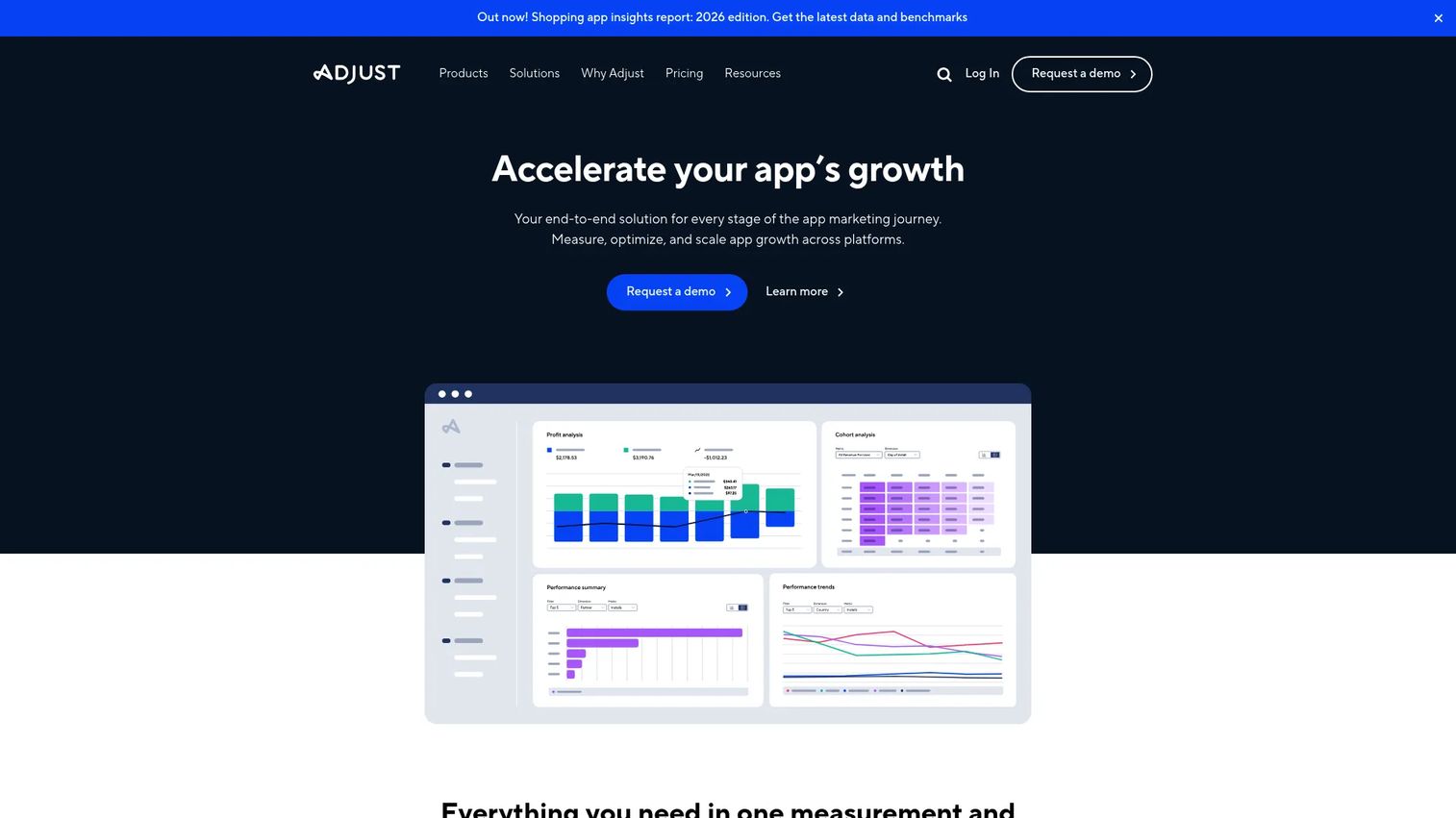
Adjust is a mobile measurement and analytics platform covering attribution, campaign analytics, audience segmentation, fraud prevention, and deep linking. It helps marketing and product teams connect paid acquisition spend to downstream user quality metrics.
Best for: App marketers and growth PMs investing in paid acquisition who need to measure campaign-to-retention cohort quality.
Key features
- Cross-platform attribution and measurement
- Campaign analytics and reporting dashboards
- Fraud prevention
- Audience segmentation and activation
- AI-powered Growth Copilot
Why choose Adjust: Attribution optimization starts with knowing which campaigns produce retained users rather than raw installs. PMs caring about activation and retention should pull Adjust cohorts alongside their product analytics data to connect spend to outcome. Check our roundup of best mobile attribution platforms for a full comparison.
Adjust pricing: Adjust offers a free plan. Paid plans are sales-led and pricing is not displayed on the website. Contact the Adjust sales team to get details on event volume, app count, and measurement features by tier.
G2 rating: 4.7/5
3. AppsFlyer
AppsFlyer is a mobile measurement partner for attribution, campaign analytics, SKAdNetwork, deep linking, fraud protection, and AI-powered marketing analytics. It supports mobile, web, CTV, and console measurement from a single platform.
Best for: Growth teams measuring acquisition quality across many paid channels who need a reliable attribution source of truth.
Key features
- Mobile, web, and cross-platform attribution
- SKAdNetwork measurement and modeling
- Deep linking
- Fraud protection
- Revenue measurement and ROI analytics
Why choose AppsFlyer: AppsFlyer is worth evaluating when your mobile growth team needs attribution across a broad channel mix, including SKAdNetwork, where modeling accuracy matters for optimization decisions. Product teams should connect AppsFlyer cohort data downstream to activation and retention metrics.
AppsFlyer pricing: The Zero plan is free and covers owned-media activities only. The Growth plan starts at $0.07 per conversion after a Welcome Package that includes 12,000 free conversions for the first year. Enterprise pricing is custom and available through the sales team.
G2 rating: 4.5/5
4. Firebase
Firebase is Google's mobile app development and optimization platform. It covers Analytics, Crashlytics, Remote Config, Test Lab, Performance Monitoring, and A/B Testing under one Google-backed infrastructure. Mobile teams use it to instrument, monitor, configure, and test their apps without assembling multiple separate services.
Best for: Mobile teams that want analytics, crash reporting, testing, and configuration in one Google-backed stack, especially teams earlier in their instrumentation journey.
Key features
- Firebase Analytics with event tracking and audiences
- Crashlytics for crash reporting and diagnostics
- Remote Config for feature configuration and personalization
- Performance Monitoring for latency and network tracking
- A/B Testing and Test Lab
Why choose Firebase: Firebase is a strong starting point for mobile teams that need instrumentation, release diagnostics, and basic experimentation without assembling multiple tools first. Teams with more advanced cohort and funnel analysis needs may still want a dedicated product analytics tool alongside it.
Firebase pricing: The Spark plan is free with no-cost quotas across most Firebase products. The Blaze plan is pay-as-you-go and adds usage beyond the free limits plus access to additional services.
G2 rating: 4.5/5
5. Sensor Tower
Sensor Tower is a digital intelligence platform providing insights across mobile apps, advertising, audiences, web, and gaming. It covers app downloads, revenue, active users, ad spend, share of voice, and competitor intelligence at the market level.
Best for: Enterprise teams optimizing market positioning, app store strategy, and competitive intelligence across categories and regions.
Key features
- App market downloads, revenue, and active user estimates
- Digital advertising insights including ad spend and impressions
- Competitor monitoring and category benchmarks
- Store ranking and keyword intelligence
- Audience and web visit insights
Why choose Sensor Tower: Product and growth teams reach for Sensor Tower when the problem sits outside the app itself: Market demand, competitor movement, keyword opportunity, or category position. Internal analytics explain your app; Sensor Tower explains the market your app competes in.
Sensor Tower pricing: Pricing is customized for each customer. Contact the Sensor Tower team to request a demo and get details on market coverage, app count, and intelligence modules.
G2 rating: 4.3/5
6. data.ai
data.ai is a mobile market intelligence platform covering app downloads, revenue, active users, usage, retention, market analysis, competitor benchmarking, and advertising insights across more than one million apps. The platform has been acquired by Sensor Tower, though it continues to operate with its own product surface.
Best for: Businesses and mobile teams that need mobile market trends, competitive benchmarks, and app performance context at scale.
Key features
- Mobile market data for over 1 million apps
- App downloads and revenue intelligence
- Usage and retention analysis
- Market and competitor monitoring
- App store optimization and advertising insights
Why choose data.ai: Use it when internal analytics explain your app's behavior, but you need market context to understand category share, competitor growth trajectories, or regional opportunity. It adds the outside-in view your product analytics cannot provide.
data.ai pricing: The official site offers free registration. Premium services are priced on a custom basis. Contact data.ai to discuss your markets, modules, and data depth requirements.
7. Mixpanel
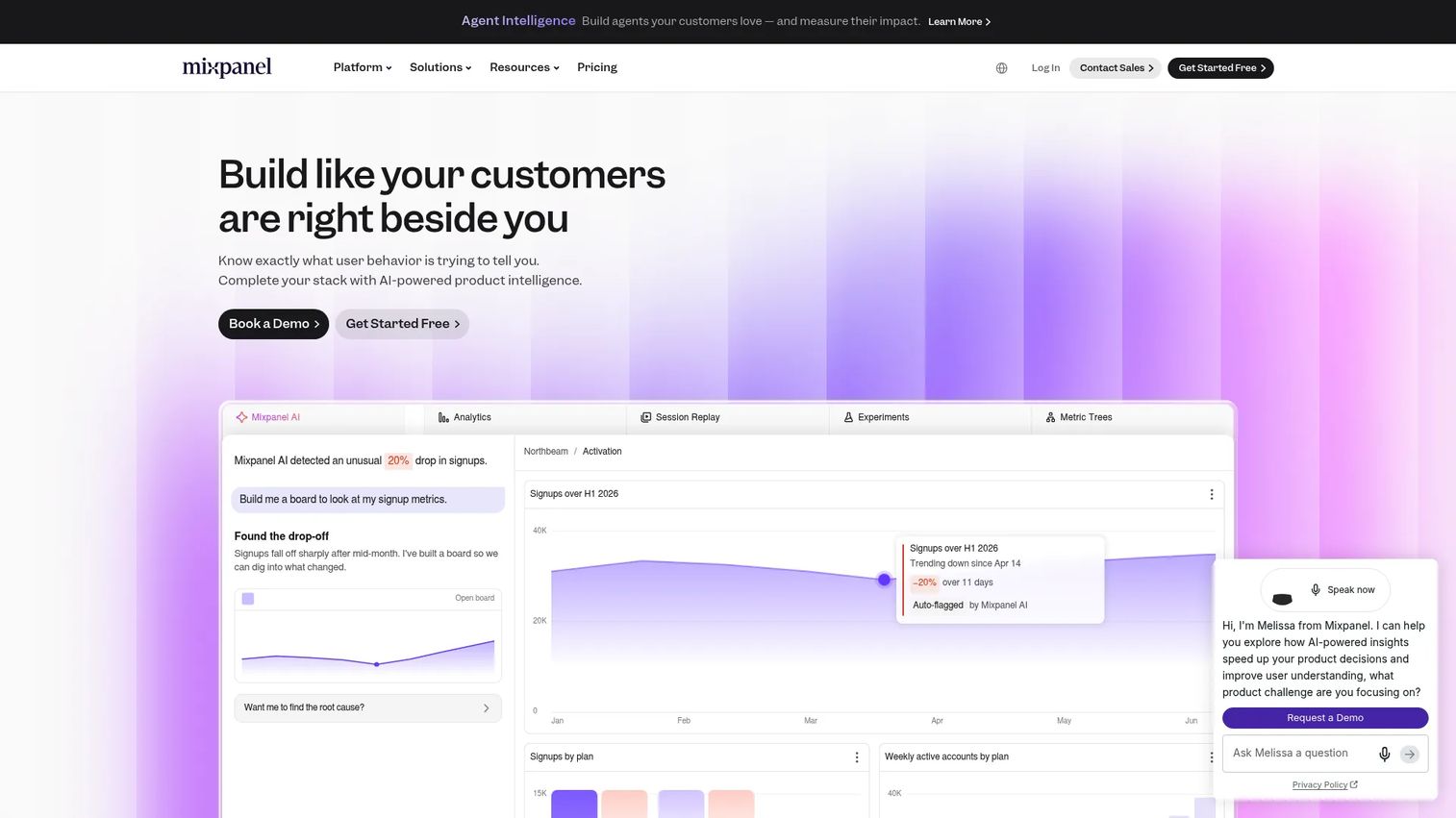
Mixpanel is a product intelligence platform combining analytics, session replay, heatmaps, experimentation, and feature flags in one tool. It is built around event-based analysis, giving PMs self-serve access to funnels, cohorts, retention curves, and user segmentation without always needing a data analyst.
Best for: Product teams that need self-serve mobile behavior analytics with fast time to first insight.
Key features
- Funnel analysis and conversion tracking
- Retention curves and cohort analysis
- Session replay and heatmaps
- Event-based segmentation
- Experimentation and feature flags
Why choose Mixpanel: Mixpanel fits teams where the PM needs to answer questions quickly without filing a data request. Instrumentation discipline is a real requirement: The quality of event taxonomy directly determines the quality of funnel and cohort answers. For a broader comparison, see our guide to product analytics software.
Mixpanel pricing: The Free plan covers up to 1 million events per month at no cost. The Growth plan starts at $0/month with usage-based pricing above the free limit; at 18 million events per year, reviewers report approximately $100/month billed annually. Enterprise pricing is custom.
G2 rating: 4.5/5
8. Instabug
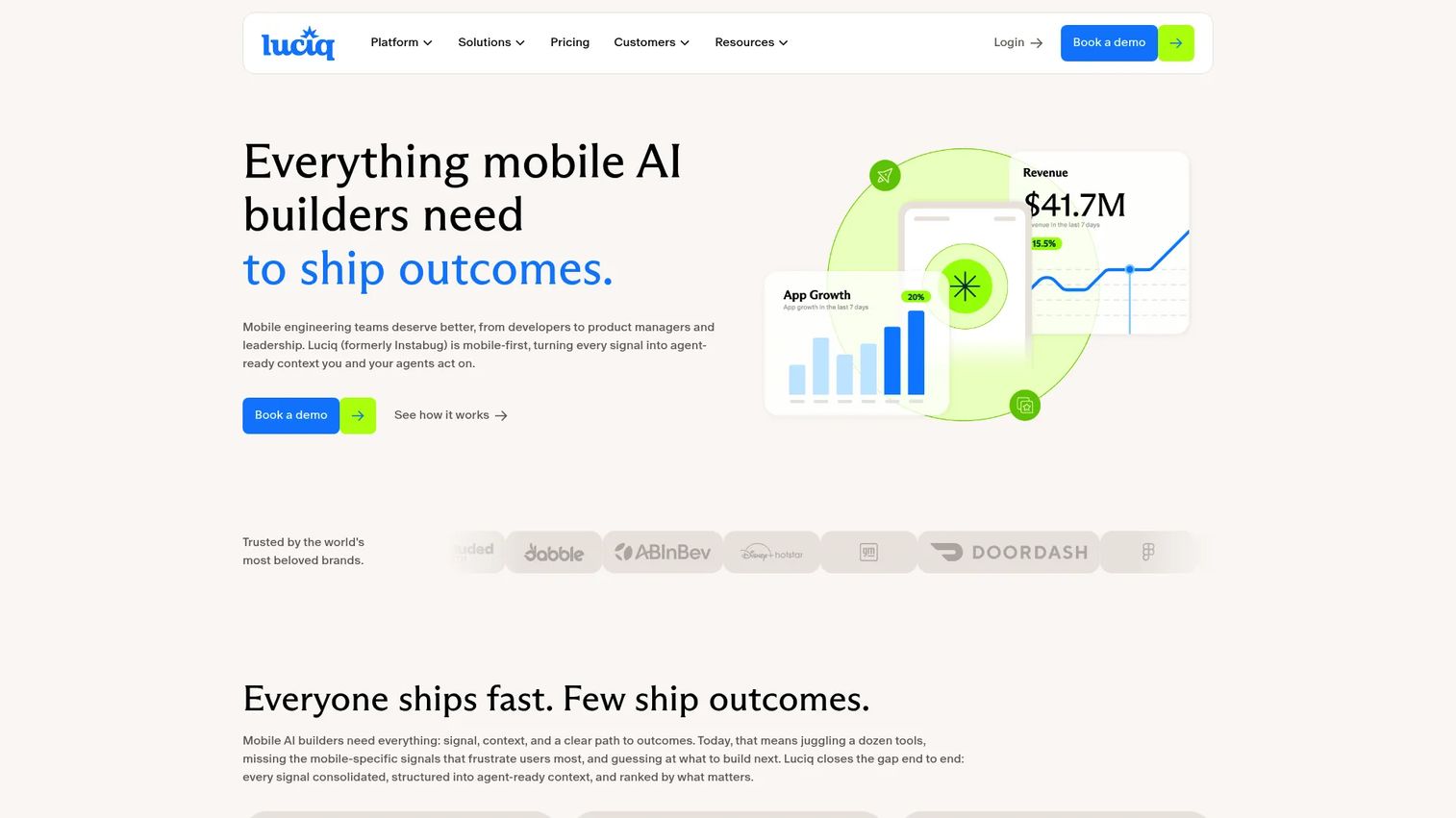
Instabug is an AI-powered mobile observability platform for bug reporting, crash reporting, performance monitoring, in-app feedback, session replay, and release management. It connects user-reported problems with technical context so engineering teams can reproduce and prioritize issues faster.
Best for: Mobile development teams that need user-reported bugs paired with device context, session data, and crash diagnostics.
Key features
- Bug and crash reporting with device context
- App performance monitoring
- Session replay
- In-app surveys and feedback
- Release monitoring and feature flags
Why choose Instabug: Instabug is the right call when support tickets and app reviews describe problems your team cannot reproduce without more context. The combination of user-initiated reporting and automatic session data removes the back-and-forth between support and engineering.
Instabug pricing: Instabug offers a free or indie tier for small projects. The Basic plan starts from $1,200/month with an annual commitment. Pro and Premium plans are available for larger teams; Premium pricing is custom. Contact Instabug for current plan details and annual pricing.
G2 rating: 4.4/5
9. Dynatrace
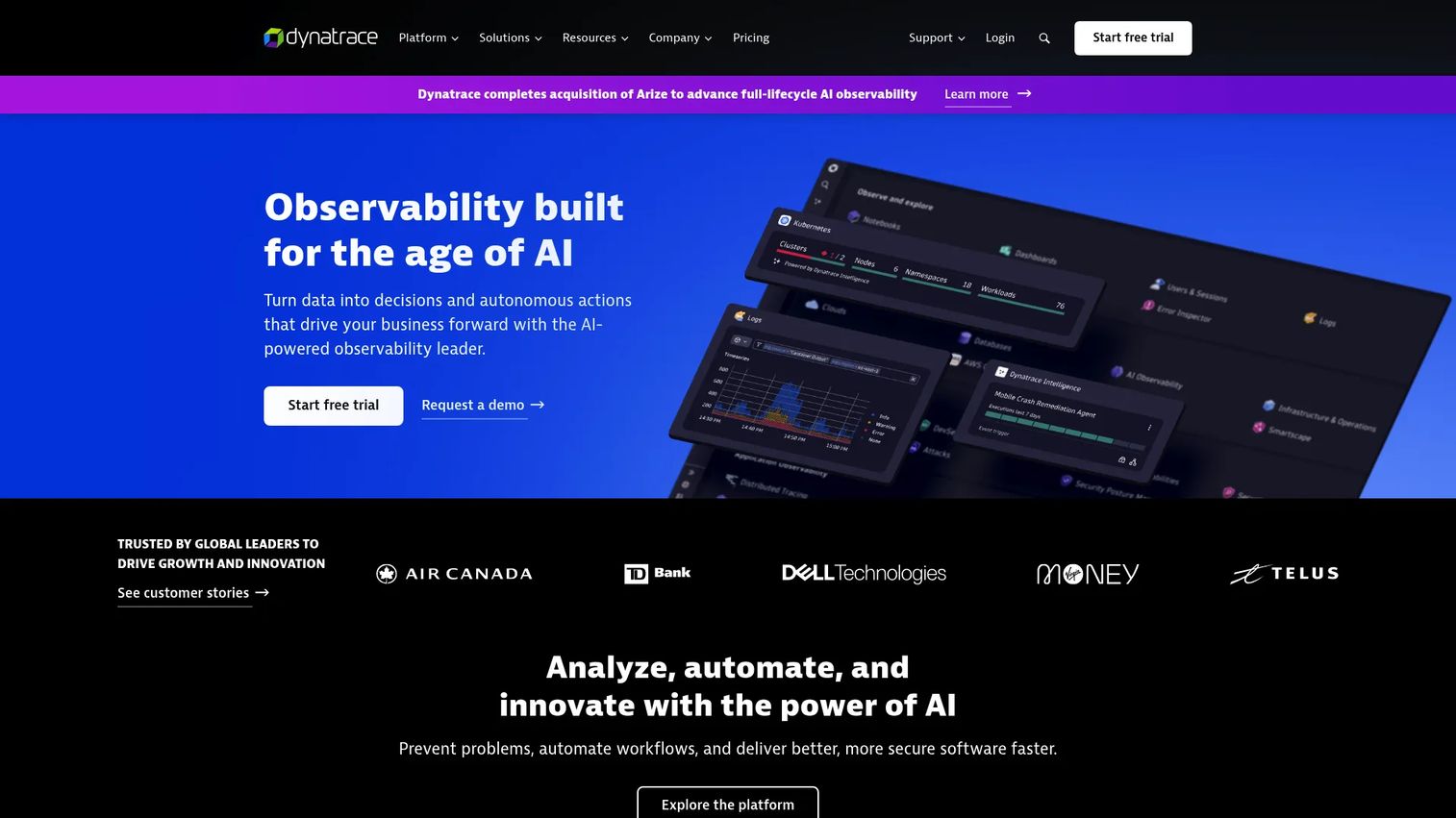
Dynatrace is an agentic AI platform for unified observability, security, and automation across applications, infrastructure, cloud platforms, and mobile workloads. It is built for organizations where mobile performance depends on distributed backend systems that need end-to-end tracing.
Best for: Enterprise teams needing full-stack visibility across mobile apps, APIs, cloud infrastructure, and backend services.
Key features
- Full-stack observability with distributed tracing
- Mobile monitoring and digital experience data
- AI-powered root-cause analysis
- Log analytics with DQL and Grail
- Automatic discovery and instrumentation via OneAgent
Why choose Dynatrace: Dynatrace is strongest when mobile reliability problems require tracing a failure across the app, API, cloud layer, and backend simultaneously. PMs should use the platform's user-impact data to connect reliability incidents to retention risk and justify engineering priority.
Dynatrace pricing: Dynatrace uses consumption-based Platform Subscription pricing. Foundation and Discovery starts at $7/month per host. Infrastructure Monitoring is $29/month per host. Full-Stack Monitoring is $58/month per 8 GiB host. An annual commitment is required.
G2 rating: 4.5/5
10. New Relic
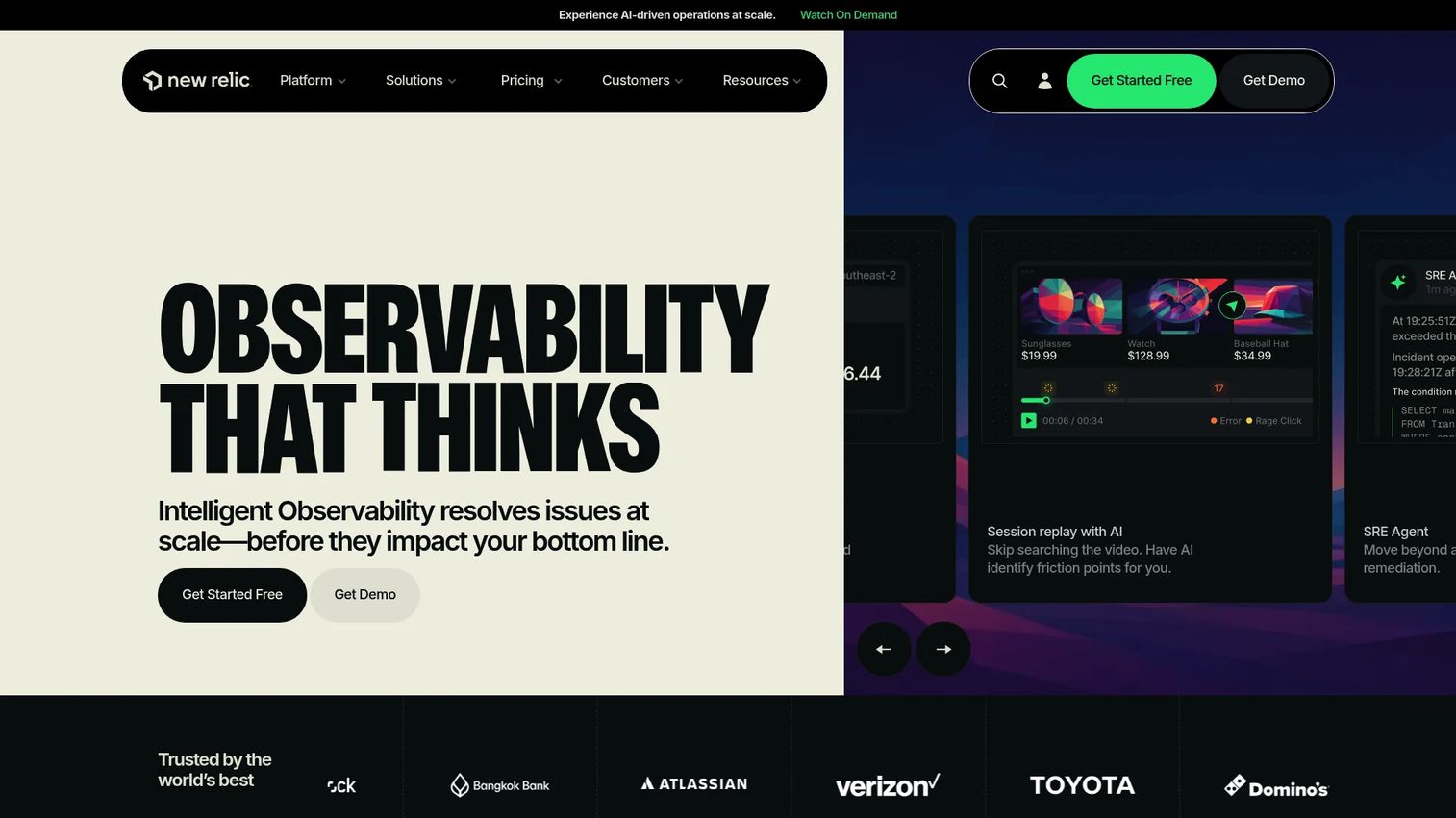
New Relic is an AI-powered observability platform for monitoring applications, infrastructure, logs, and user experience. Its mobile monitoring capability gives engineering and product teams visibility into crash-free sessions, error rates, latency, and release regressions.
Best for: Engineering and DevOps teams monitoring app health, error rates, and performance changes across releases.
Key features
- Mobile performance and crash monitoring
- Error tracking with distributed tracing
- Dashboards and alerting
- Synthetic monitoring
- AI-powered observability capabilities
Why choose New Relic: New Relic is the right pick when app optimization depends on technical health metrics. PMs should connect crash-free session rates, latency trends, and post-release error spikes to retention data to quantify the business impact of reliability work.
New Relic pricing: The Free plan includes 100 GB of data ingest per month and one full platform user. Standard starts at $10/month for the first full platform user, then $99/month per additional user (maximum 5 users). Pro is $349/user/month on an annual commitment. Enterprise pricing is custom.
G2 rating: 4.4/5
11. Amplitude
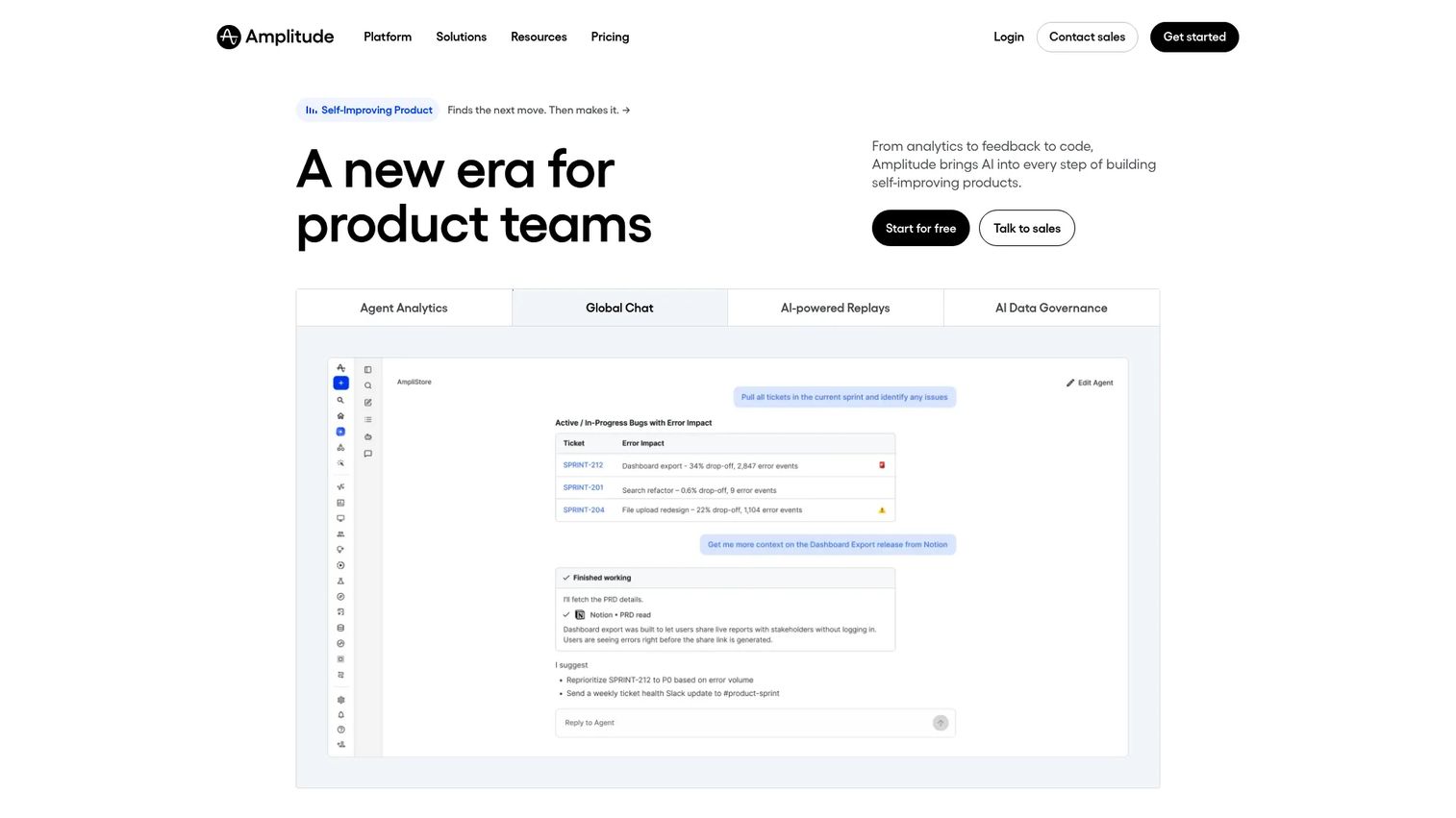
Amplitude is an AI-powered analytics platform for understanding user behavior, improving digital products, and running experiments. It covers product analytics, session replay, and feature experimentation across web and mobile.
Best for: Product organizations that need behavioral analytics connected to experimentation and business outcomes.
Key features
- Product analytics with funnels, retention, cohorts, and journeys
- Session replay for qualitative behavioral analysis
- Feature and web experimentation with A/B testing and feature flags
- Audience segmentation and behavioral dashboards
- AI-assisted analysis and recommendations
Why choose Amplitude: Amplitude is strong for PMs who need to connect user behavior to business metrics and run experiments without switching tools. It works best when instrumentation taxonomy is well governed and owned. For a broader view, our best user onboarding software guide covers adjacent tools that complement Amplitude.
Amplitude pricing: The Free plan covers 2 million events per month. The Plus plan starts at $0/month with usage-based pricing above the free limit. Growth and Enterprise plans use event-based pricing and require contacting the sales team.
G2 rating: 4.5/5
12. Heap
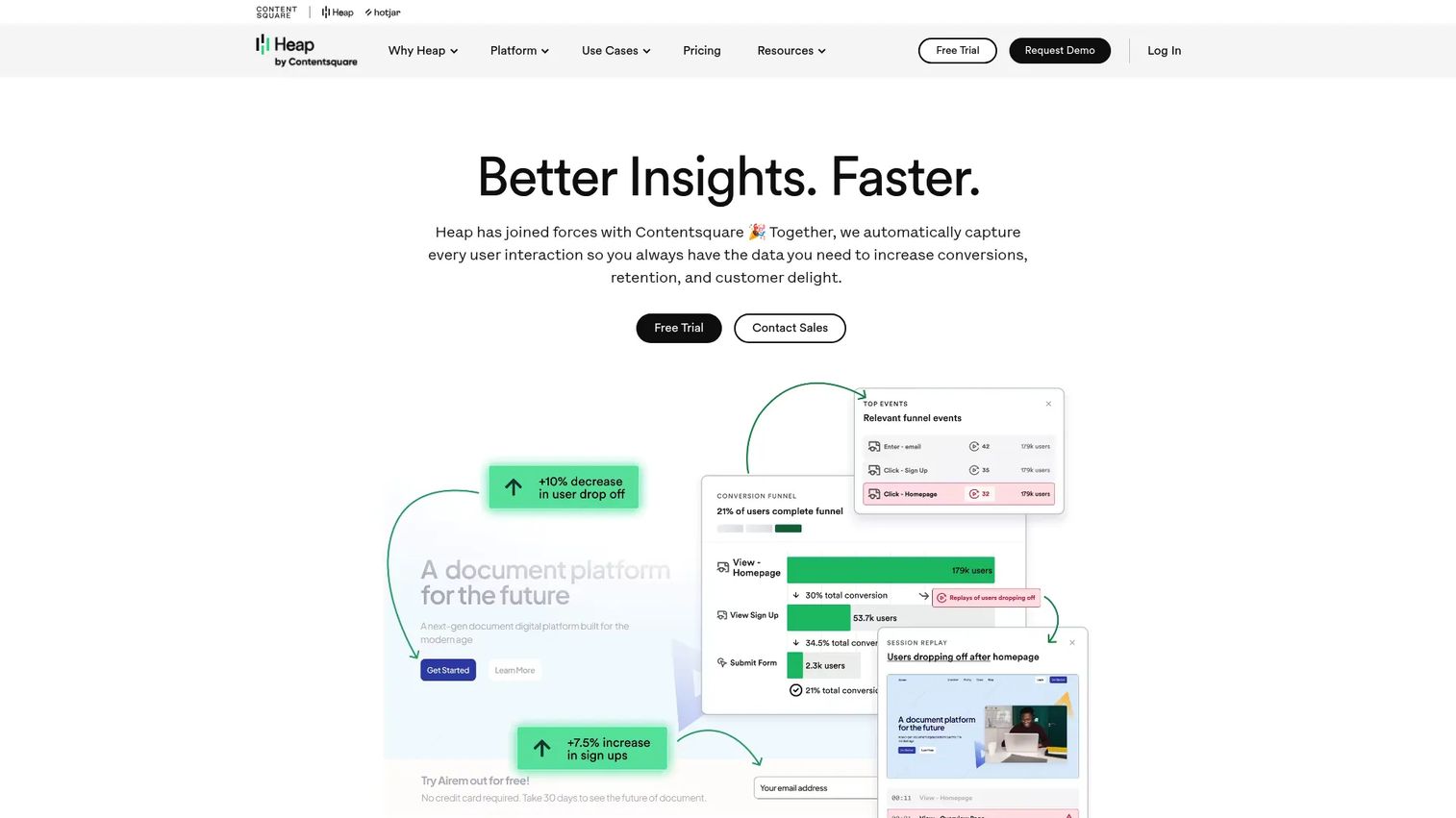
Heap is a product analytics platform built around autocapture, which automatically records clicks, taps, swipes, views, and form fills without requiring explicit instrumentation for every event. It lets teams analyze interactions they did not think to track when they first shipped the feature.
Best for: Teams that want behavioral analytics with less upfront event tracking work, particularly when instrumentation gaps have left questions unanswerable.
Key features
- Autocapture of taps, swipes, clicks, and form fills
- Funnel, path, and retention analysis
- Session replay and heatmaps
- Retroactive lookback analysis
- Data warehouse integration
Why choose Heap: Heap reduces the cost of discovering that a key event was never instrumented. The retroactive analysis capability means you can answer a question about past behavior without waiting for a new tracking release. Event governance is still required to get consistent answers at scale.
Heap pricing: The Free tier includes core analytics, unlimited enrichment sources, and six months of data history, up to 10,000 monthly sessions. Growth, Pro, and Premier plans use custom session-based pricing available on request.
G2 rating: 4.4/5
13. Sentry
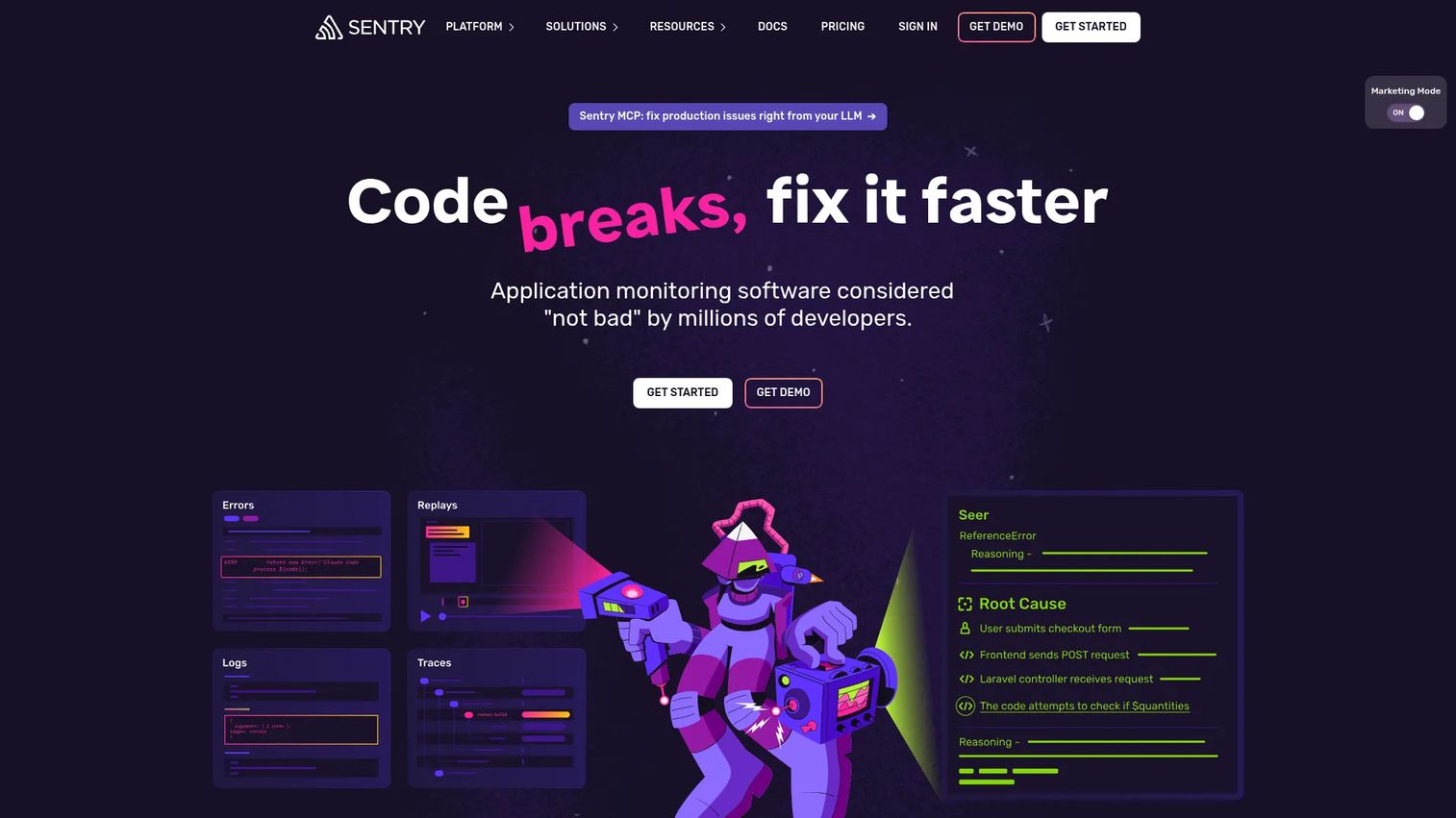
Sentry is a developer-first application monitoring and debugging platform for identifying, diagnosing, and resolving software errors, crashes, and performance issues. It connects error events to stack traces, session replay, and performance data so engineering teams can isolate causes without guessing.
Best for: Software development teams that need fast error diagnosis across mobile releases, with enough context to fix issues in the same session they find them.
Key features
- Error monitoring with stack traces and breadcrumbs
- Distributed tracing and performance monitoring
- Session replay
- Seer AI debugging and code-fix assistance
- Release tracking and regression alerts
Why choose Sentry: Sentry helps engineering teams isolate the errors that degrade user experience most. PMs should use Sentry's release and issue data to weigh reliability work against feature development, particularly when mobile crashes cluster around specific releases or device segments.
Sentry pricing: The Developer plan is free. Team, Business, and Enterprise plans are available with usage-based pricing. Contact Sentry for current event volume pricing and team seat details.
G2 rating: 4.5/5
14. Statsig
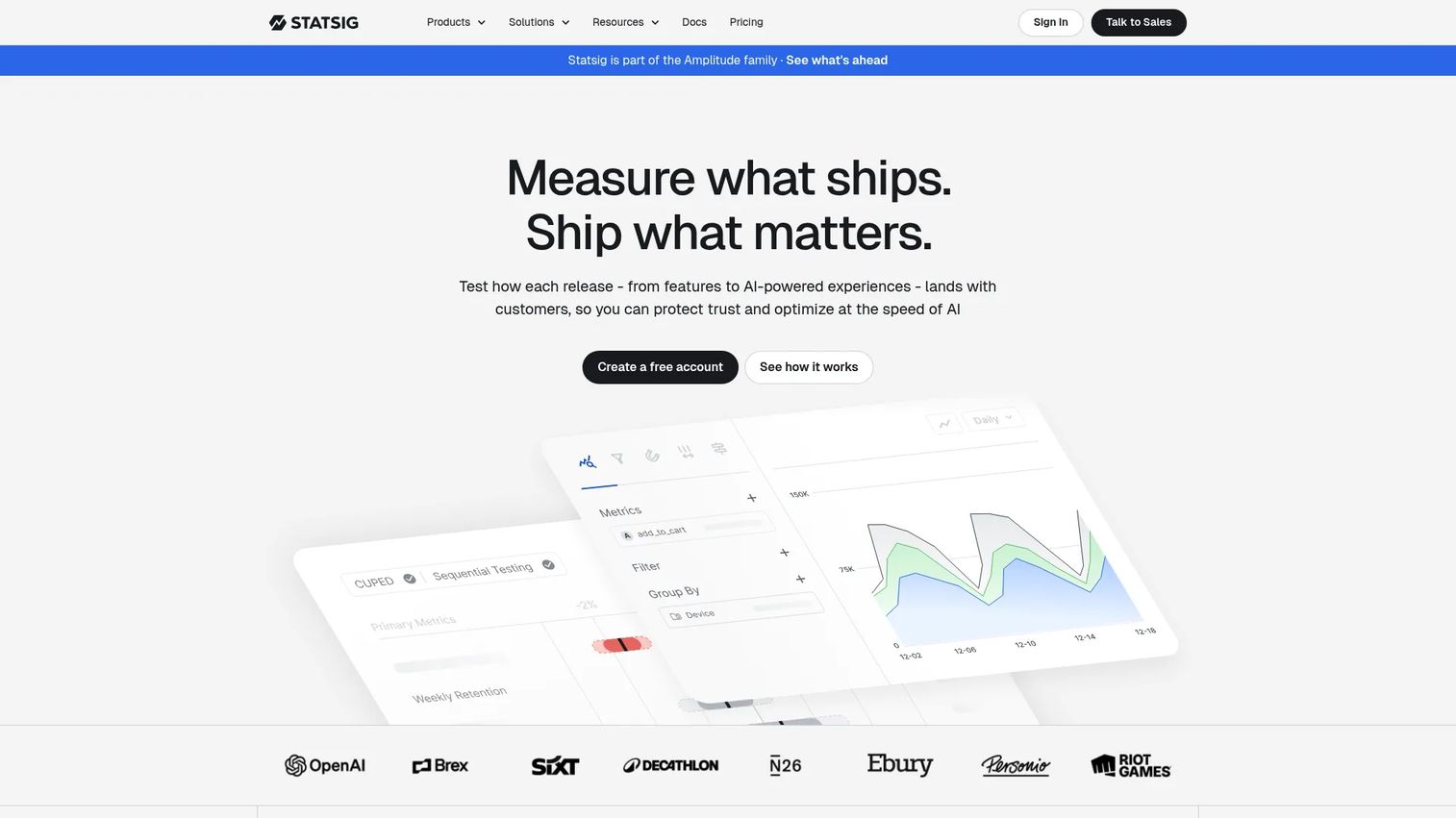
Statsig is a unified platform for feature flags, A/B testing, product analytics, session replay, and warehouse-native deployment. It is designed for teams that run frequent experiments and need fast, statistically grounded decisions without fragmenting their tool stack.
Best for: Product, engineering, and data teams that need integrated feature management, experimentation, and analytics in one workspace.
Key features
- Feature flags and configuration management
- A/B testing and experiment analytics
- Product analytics and metrics catalog
- Session replay
- Warehouse-native deployment option
Why choose Statsig: Statsig fits PMs who test onboarding or retention changes frequently. Experimentation quality depends on clean metrics and sufficient sample size; Statsig's metrics catalog helps standardize those inputs. Our A/B testing tools guide covers the broader experimentation category.
Statsig pricing: The Developer plan is free and includes 2 million events per month. The Pro plan is $150/month and includes 5 million events, then $0.05 per 1,000 additional events. Enterprise pricing is custom.
G2 rating: 4.7/5
15. Optimizely

Optimizely is an AI-powered digital experience platform for content management, experimentation, personalization, and commerce. Its experimentation module supports A/B testing, feature experimentation, server-side testing, and personalization across web and app surfaces.
Best for: Larger organizations standardizing experimentation governance across product, marketing, and commerce teams.
Key features
- A/B, multi-page, and feature experimentation
- Feature flags and controlled rollouts
- Personalization and audience targeting
- Experiment governance and approvals
- AI-powered marketing agents
Why choose Optimizely: Optimizely fits organizations that need governance, approval workflows, and experimentation scale across multiple teams. PMs should evaluate implementation effort carefully; the broader platform scope means onboarding and configuration take more time than lighter-weight experimentation tools.
Optimizely pricing: All plans are individually packaged. Contact Optimizely directly to discuss experimentation modules, monthly visitor volume, seat requirements, and implementation support.
G2 rating: 4.2/5
16. LaunchDarkly
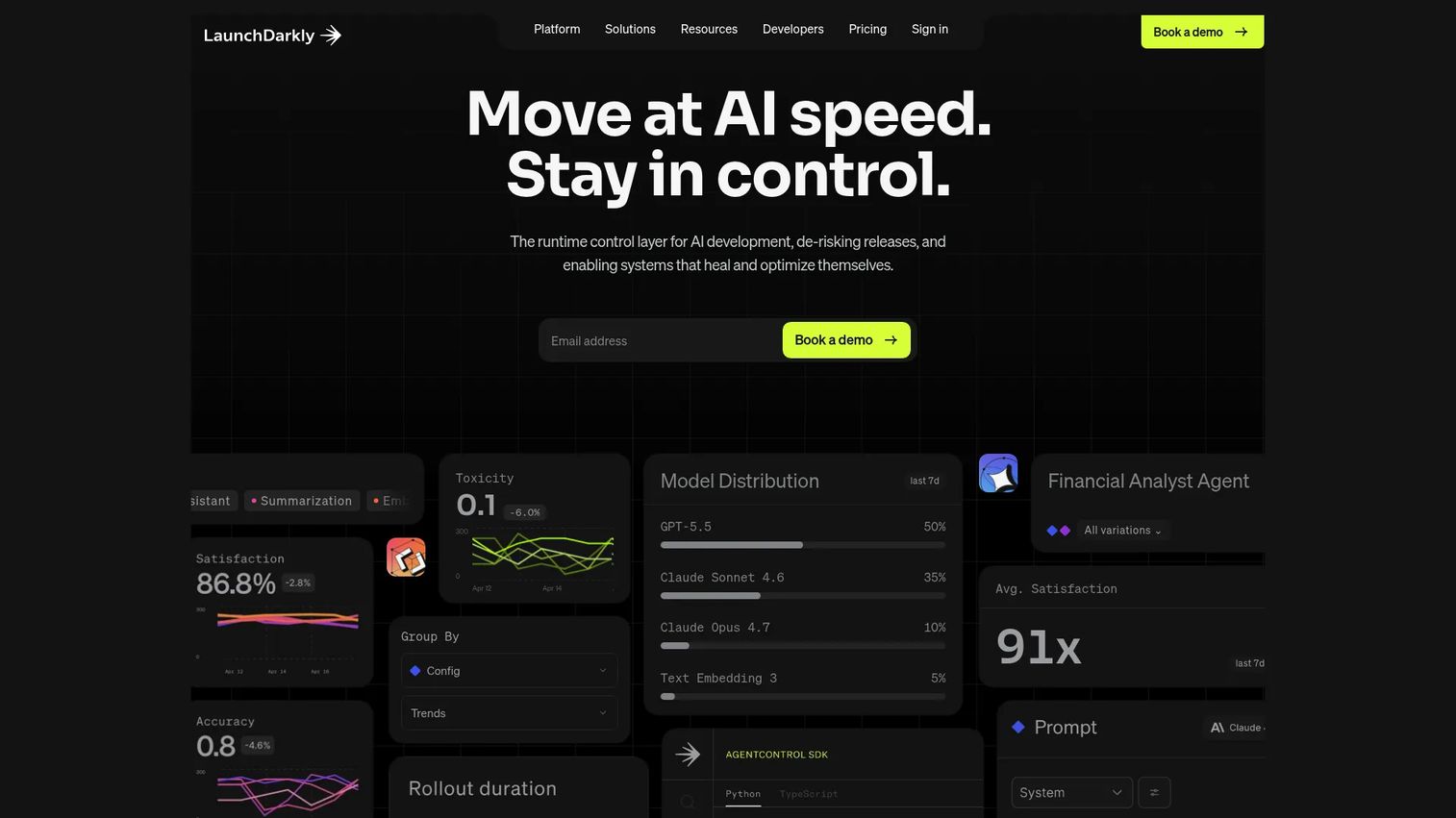
LaunchDarkly is a feature management and runtime control platform for feature flags, progressive delivery, audience targeting, experimentation, and AI model rollouts. It gives engineering and product teams the controls to ship changes with limited exposure and roll back instantly when something goes wrong.
Best for: Software engineering and product teams that need controlled, low-risk releases and fine-grained targeting across mobile app versions.
Key features
- Feature flags with real-time control and instant rollback
- Progressive delivery and audience segmentation
- A/B testing and experimentation
- AI model and prompt configuration
- Observability and release governance
Why choose LaunchDarkly: LaunchDarkly is especially useful when mobile release cycles make rollback planning important. A feature flag can deactivate a problematic change without a new app store submission, reducing the gap between a regression and its fix.
LaunchDarkly pricing: The Developer plan is free forever. The Foundation plan is usage-based: $10 per Service Connection per month, plus $8.33 per 1,000 client-side monthly active users per month, billed yearly. Enterprise pricing is custom.
G2 rating: 4.5/5
17. AppTweak
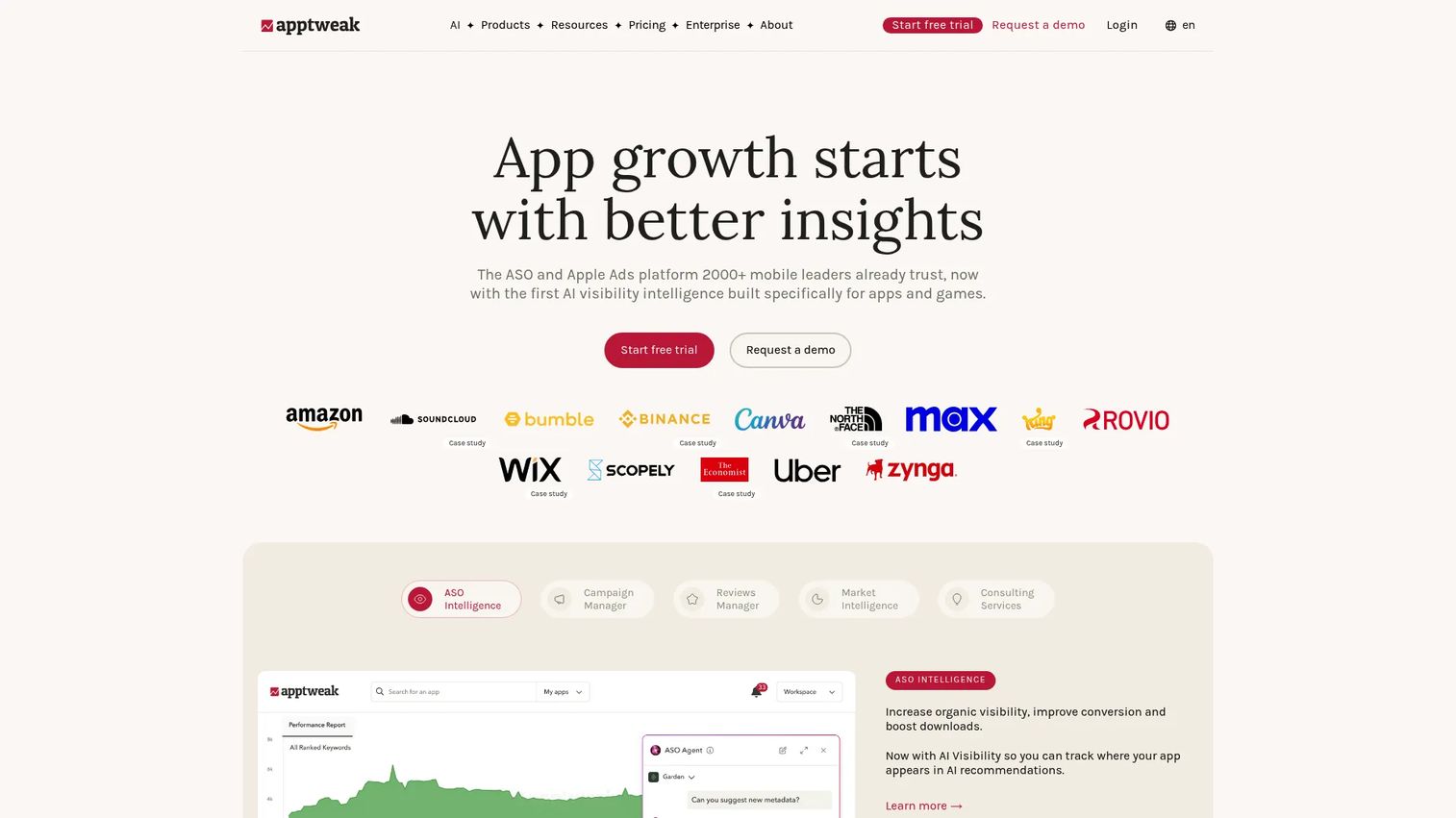
AppTweak is an app store marketing and intelligence platform for improving organic visibility, Apple Ads performance, review management, and market intelligence. It gives mobile growth teams keyword data, competitor tracking, store metadata analysis, and conversion optimization tools in one workspace.
Best for: Mobile growth teams improving app store visibility and listing conversion rate.
Key features
- Keyword research and ASO intelligence
- Competitor tracking and ranking analysis
- Store metadata and conversion optimization
- Apple Ads campaign management
- App review management with AI analysis
Why choose AppTweak: Use AppTweak when installs are constrained by discovery or store conversion rather than product experience. Pair ASO data with post-install retention cohorts to confirm that optimization effort is attracting users with strong long-term value, not just volume.
AppTweak pricing: The Essential plan is $79/month (billed monthly) or $949/year. Grow is $299/month or $3,590/year. Expand is $549/month or $6,590/year. Enterprise pricing is available on request. A free trial is advertised on the pricing page.
G2 rating: 4.6/5
18. Branch
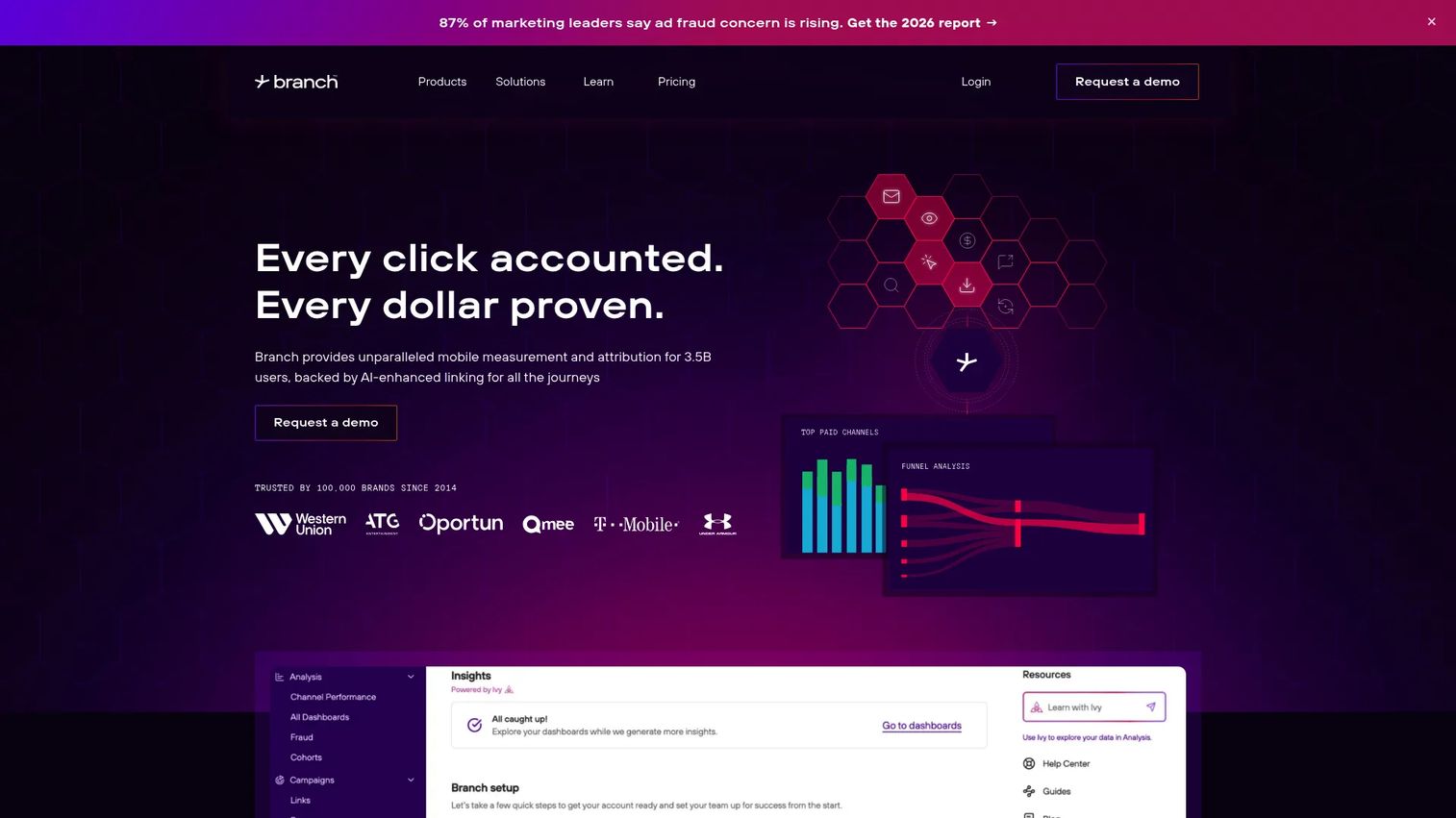
Branch is an AI-powered mobile measurement, attribution, deep linking, and omnichannel growth platform. It specializes in links that route users correctly regardless of device, channel, or install state, connecting paid campaigns, referrals, re-engagement, and onboarding into a single attribution view.
Best for: Marketing and growth teams improving acquisition-to-onboarding continuity across multiple channels.
Key features
- Deep linking and intelligent link routing
- Mobile and cross-platform attribution
- QR codes and engagement campaigns via Journeys
- SKAdNetwork measurement and modeling
- Cohort analytics and data export APIs
Why choose Branch: Branch is useful when users enter from many channels and need to land in the right in-app experience regardless of install state. PMs should use it to reduce the friction between a paid click or referral and the user's first meaningful action. For a broader comparison, see our best mobile attribution platforms guide.
Branch pricing: Branch offers Basics, Essentials, and Enterprise tiers, plus a 30-day free trial on the Basics plan. Pricing is not displayed on the website. Contact Branch to discuss link volume, attribution scope, channel coverage, and enterprise requirements.
G2 rating: 4.6/5
19. Maze
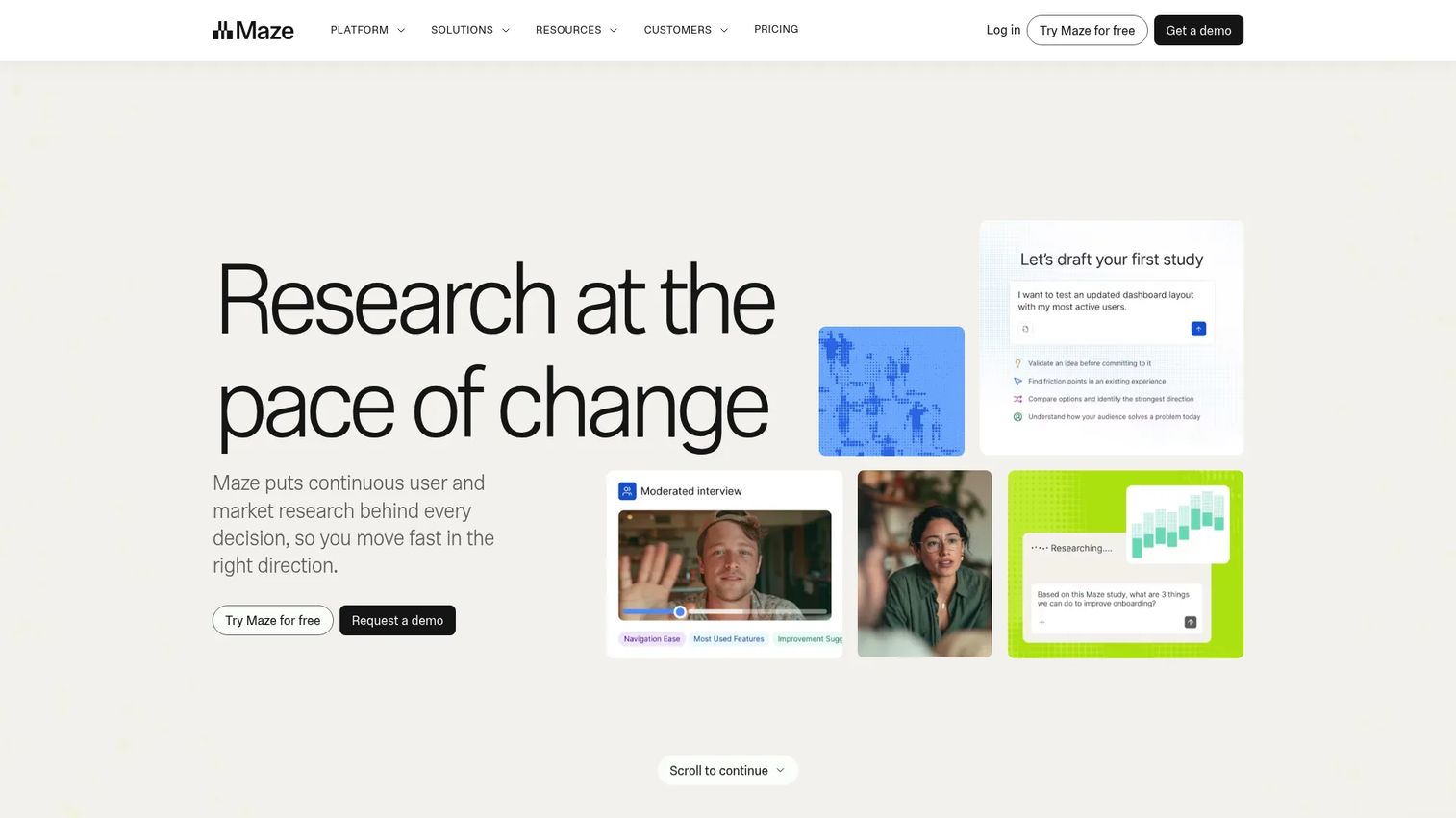
Maze is a user research platform for prototype testing, usability studies, surveys, moderated interviews, card sorting, and live app testing. It lets product teams collect quantitative and qualitative feedback before or after building, with automated reports and AI-powered analysis.
Best for: Product teams that need to validate mobile flows, prototypes, or concepts before committing engineering capacity.
Key features
- Prototype and usability testing
- Surveys and card sorting
- Moderated and AI-moderated interviews
- Live mobile app testing
- Automated reports with AI analysis
Why choose Maze: Maze reduces the risk of shipping a confusing onboarding flow or navigation change by testing it with real users earlier. It is a strong fit when PMs need evidence to prioritize a UX fix over a feature request, or when a high-stakes flow is about to launch. See our best user onboarding software tools guide for related options.
Maze pricing: The Free plan covers one study per month. The Starter plan is $99/month. Enterprise pricing is custom and available on request. Panel credits for participant recruitment are priced separately.
G2 rating: 4.5/5
20. UserTesting
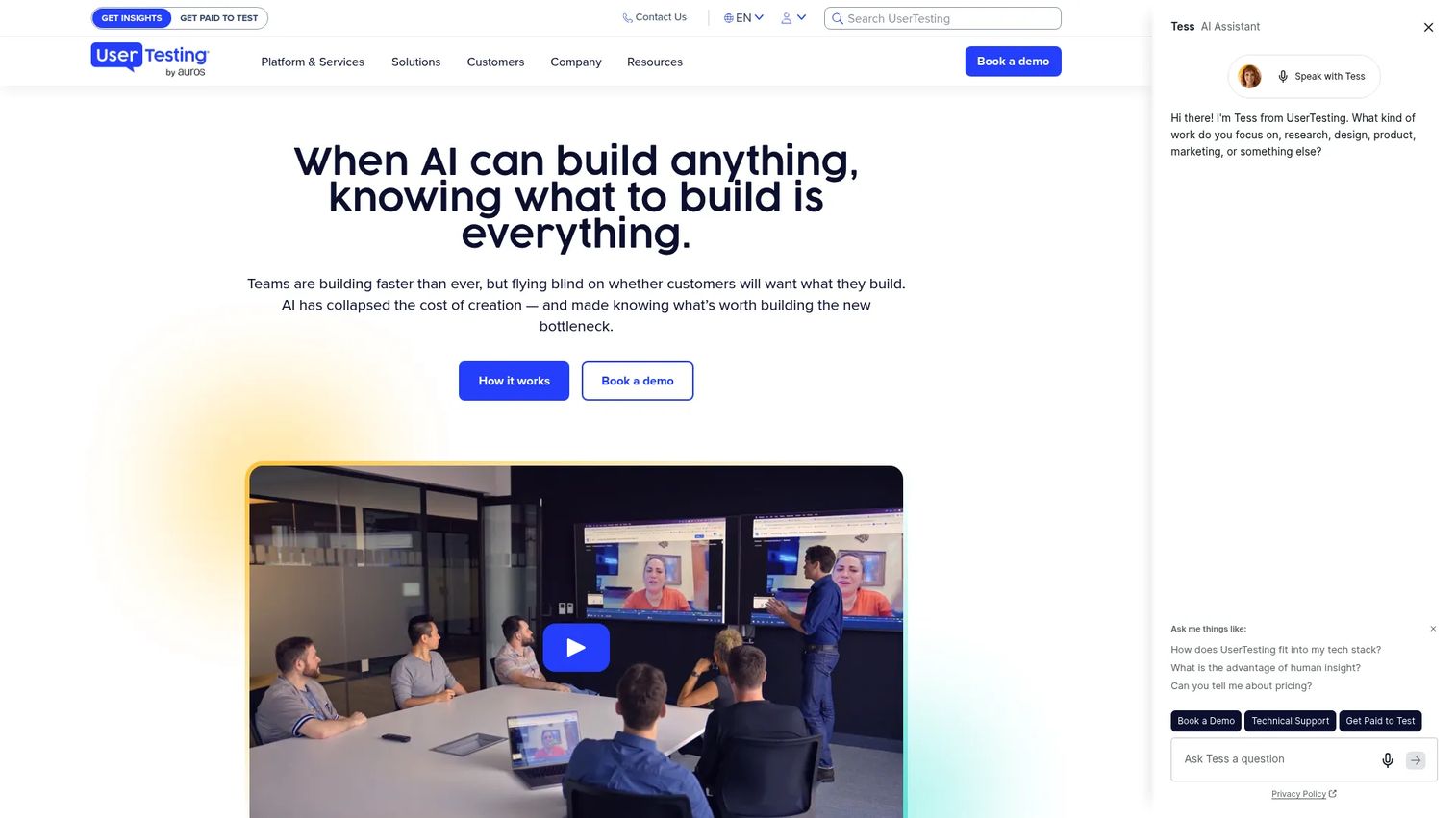
UserTesting is a human insight platform for gathering and analyzing customer feedback through unmoderated tests, moderated Live Conversation sessions, surveys, and prototype testing. It gives product and UX research teams access to a participant panel and AI-powered analysis tools.
Best for: Teams that need to hear users explain friction in their own words, particularly before high-stakes roadmap decisions.
Key features
- Unmoderated usability tests and surveys
- Moderated Live Conversation sessions
- Mobile app and prototype testing
- AI-powered test creation, analysis, and highlight reels
- Participant recruitment with audience targeting
Why choose UserTesting: Use it when analytics shows a pattern but stakeholders need to see and hear the user experience directly. The qualitative evidence from a UserTesting session often moves a roadmap conversation more effectively than a funnel chart alone. It is strongest for high-stakes flows where getting the design wrong is expensive.
UserTesting pricing: UserTesting offers Advanced, Ultimate, and Ultimate+ plans. All plans require requesting pricing from the sales team. Contact UserTesting to discuss seat count, test types, credit volume, and moderated research support.
21. Guideflow
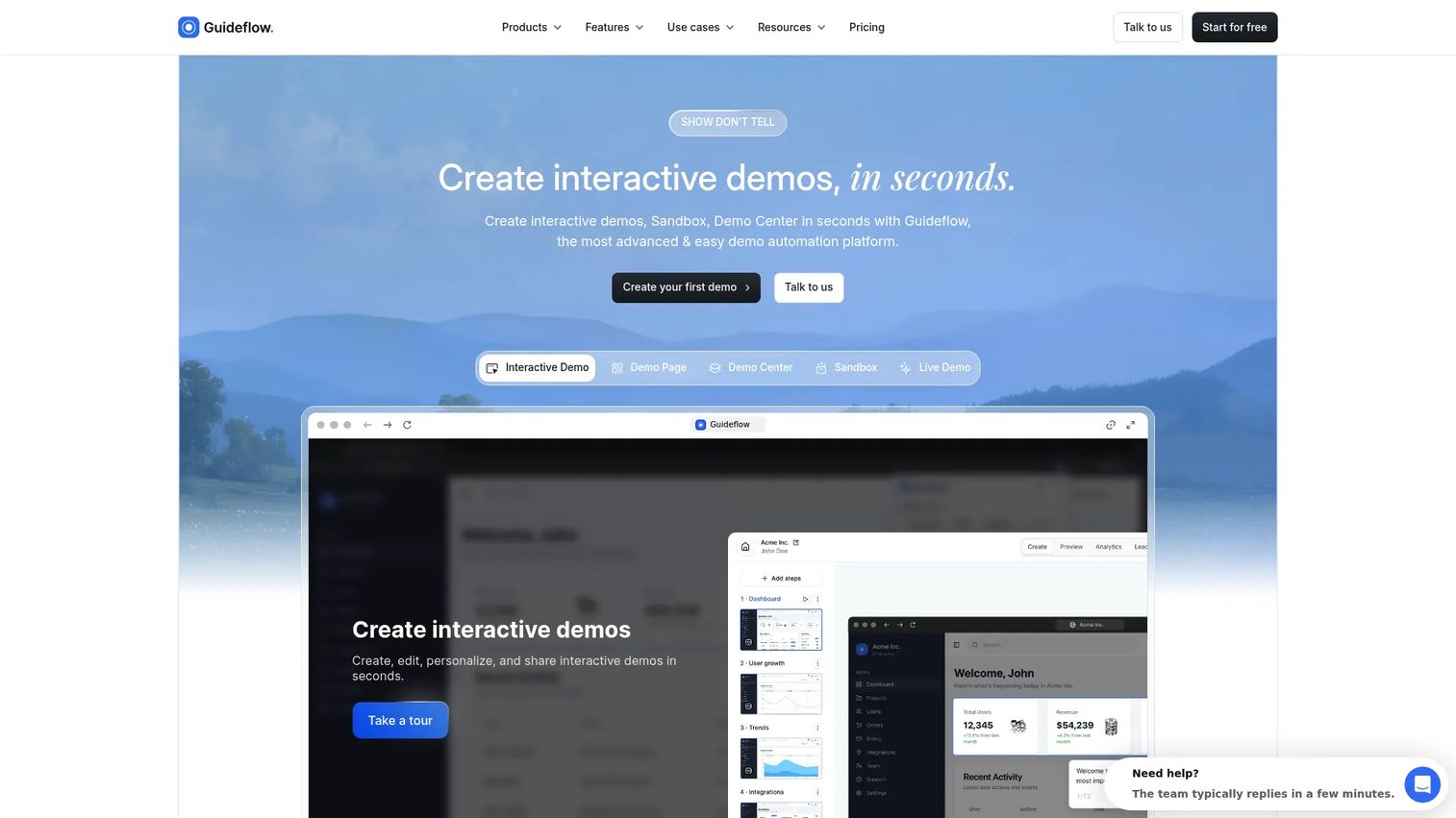
Guideflow is a demo automation platform for creating interactive product demos, mobile demos, sandboxes, demo centers, and live demos. For mobile product teams, the Mobile Demo format turns any iOS, Android, or mobile web app into a browser-based, clickable walkthrough that preserves taps, swipes, scrolls, and transitions without requiring app installation or engineering involvement.
Best for: Product teams that need to educate users, stakeholders, support agents, and buyers on mobile workflows without requiring app installs or waiting for engineering cycles.
Key features
- No-code mobile demos with tap, swipe, and scroll preservation
- Branching paths and persona-based personalization
- Interactive demos for guided onboarding and product education
- Demo Center for organizing and distributing demos at scale
- Analytics covering impressions, completion rate, and lead attribution
Why choose Guideflow: Guideflow occupies a different part of the mobile optimization stack than analytics or crash reporting. Mobile demos let users experience your mobile product exactly as it feels on their device, making Guideflow the right tool when the optimization problem is comprehension, onboarding clarity, or mobile workflow education. After your analytics identify the broken flow and your UX team designs the fix, Guideflow helps you show that improved flow to users, support teams, and internal stakeholders before the next release cycle. The Sandbox format gives prospects full freedom to explore the product on their own terms, while Demo Centers give teams a single branded hub to organize, distribute, and track all their demos.
Guideflow pricing: The Free plan is $0/month and covers up to 5 guideflows. The Solo plan is $35/month billed yearly ($40/month billed monthly). The Startup/Growth plan is $499/month billed yearly ($599/month billed monthly). Advanced is $1,499/month billed yearly. Enterprise starts from $2,999/month billed yearly.
G2 rating: 5.0/5
Start your journey with Guideflow today!
Considerations when choosing mobile app optimization software
Start with the bottleneck, not the category name
"Mobile app optimization" covers too many distinct jobs for a single purchase decision. A PM should identify whether the biggest constraint is activation, reliability, acquisition quality, experimentation speed, or user comprehension. Buying an analytics tool when the real problem is low-quality installs produces more dashboards without moving the metric.
Check instrumentation and data ownership
Event naming conventions, SDK implementation effort, data retention periods, export options, and privacy controls all affect how long a tool takes to produce useful answers. Ask who owns the instrumentation: Product, data, or engineering. A tool that requires constant engineering support to add events becomes a bottleneck at every release cadence.
Compare time to signal against implementation cost
PMs care about speed to validate and opportunity cost. Ask each vendor how long it takes to go from SDK installation to a usable first report, a running experiment, or a published demo. A tool that answers questions faster may justify higher cost even if a cheaper alternative exists, if the cheaper option adds weeks of setup before it delivers signal.
Map the tool to the team that will own it
Attribution tools typically sit with growth marketing. Observability tools belong to engineering. Product analytics live with product or data. Research tools usually land with product design. Ownership alignment determines adoption. A powerful tool without a clear owner rarely produces results.
Verify pricing drivers before committing
Mobile optimization pricing varies by events, sessions, monthly active users, seats, apps tracked, data volume, experiments, panel credits, and enterprise modules. Evaluate each tool's pricing against the metric volume and team size at which you expect to operate in 12 months, not today. A free tier that caps out at your current volume will require a mid-year upgrade conversation.
Conclusion
Mobile app optimization is not one purchase decision. It is a stack built around a loop: Measure behavior, diagnose friction, monitor reliability, test improvements, improve acquisition quality, and validate comprehension. The right tool category matches the bottleneck you are facing right now.
For in-app behavior analysis, start by comparing UXCam, Mixpanel, Amplitude, or Heap against your instrumentation maturity and self-serve analytics requirements. For acquisition quality and attribution, Adjust, AppsFlyer, and Branch each cover the measurement job with different channel strengths. When reliability is the primary threat to retention, Firebase, Instabug, Sentry, Dynatrace, and New Relic each offer distinct depth across crash reporting, error monitoring, and full-stack observability. For experimentation and release control, Statsig, Optimizely, and LaunchDarkly each suit different team sizes and governance needs. App store visibility work points toward Sensor Tower, data.ai, and AppTweak. Pre-build validation belongs to Maze and UserTesting. And when the optimization problem is comprehension or onboarding clarity after the fix is designed, Guideflow fits the product education layer.
Start with one bottleneck, instrument it well, and build the stack from there.
Start your journey with Guideflow today!
FAQs
Mobile app optimization software is a category of tools that help teams improve app experience, performance, acquisition quality, engagement, and retention. The category spans product analytics, UX diagnostics, crash reporting, error monitoring, attribution, experimentation, app store optimization, and user research. Most teams combine several tool types organized around a measurement and improvement loop.
PMs typically need product analytics for funnel and cohort analysis, UX diagnostic tools for session replay, reliability data from crash and performance monitoring, and experimentation tools for testing improvements. The strongest choice for any given team depends on whether the current bottleneck is activation, retention, crash rate, acquisition quality, or onboarding comprehension. No single tool covers every job.
Firebase covers analytics, crash reporting, remote configuration, and basic A/B testing on a free Spark plan with pay-as-you-go Blaze pricing for additional usage. It is a practical starting point for teams earlier in their instrumentation journey. Cost-effectiveness also depends on implementation time: A free tool that takes four weeks to produce signal may cost more in opportunity than a paid tool that answers the first question in days.
Mobile app optimization covers the full app experience around and after install, including user experience, onboarding, performance, retention, and experimentation. App store optimization (ASO) focuses specifically on improving visibility and conversion rate within the app store itself, covering keyword ranking, metadata, creative assets, and competitor positioning. ASO affects how many users discover and download the app; mobile app optimization affects what they do after.
Product analytics tools like Mixpanel, Amplitude, and Heap surface where users leave the onboarding funnel. UXCam provides session replay to show what happened on screen before drop-off. Experimentation tools like Statsig, Optimizely, and LaunchDarkly let teams test onboarding changes with controlled exposure. Interactive mobile demos from Guideflow help teams show users an improved flow before the next release or as a parallel education layer. Each tool addresses a different part of the onboarding improvement cycle.
Crash reporting and performance monitoring tools span several categories. Firebase Crashlytics covers basic crash reporting on the free Spark plan. Instabug pairs crash data with in-app feedback and device context. Sentry focuses on developer-first error monitoring with AI-assisted debugging. Dynatrace and New Relic provide full-stack observability that traces mobile performance problems through backend systems and infrastructure. The right choice depends on whether the team needs standalone crash reporting or full-stack visibility.
Yes, when the decision stakes are high. Analytics data shows what users do at scale across cohorts and funnels. User research explains why they behave that way, surfacing motivations, confusion points, and mental models that aggregate data cannot reveal. Combining both before making expensive roadmap decisions reduces the risk of optimizing for the wrong hypothesis. A funnel that shows 60% drop-off at step three does not explain whether the cause is friction, confusion, or expectation mismatch; research answers that question.
Start with one bottleneck, one metric, and one team owner. Instrument it well and give the first tool long enough to produce signal before adding another. Then build the stack to cover the optimization loop: Measure behavior, diagnose friction, monitor reliability, test improvements, improve acquisition, and validate comprehension. Avoid buying overlapping tools without clear ownership plans. A stack of well-owned tools produces faster improvement cycles than a stack of powerful tools with unclear accountability.