



A receptionist is alone at the front desk. Someone walks in agitated, then aggressive. Calling 911 means picking up a phone in front of that person and speaking out loud. That is the exact moment the whole idea of dialing for help breaks down.
Speed is the problem. When a threat is already in the room, seconds matter more than any incident report you write afterward. The global panic button systems market hit USD 3.2 billion in 2024, according to Dataintelo (2024), because organizations keep running into the same gap: emergency services are the right call, but often too slow for the first thirty seconds.
A workplace panic button closes that gap. It turns a discreet keystroke, tap, or wearable press into an instant alert to the people who can respond first, on-site, before anyone reaches for a phone. For any operations leader thinking about duty of care, that first thirty seconds is where the software earns its place.
What's inside
This guide is for IT admins, operations leaders, facilities managers, and school or healthcare administrators comparing panic buttons for businesses. We looked past marketing pages and evaluated each tool on the criteria that actually decide fit.
- Trigger methods: desktop, mobile, browser, hardware, and wearable activation
- Deployment model: offline, cloud, on-prem, and air-gapped support
- Alert routing: zones, location-aware alerts, and escalation rules
- Response workflow: acknowledgments, dashboards, and audit log depth
Each tool below is verified against its own pricing and feature pages, not memory.
TL;DR
- Best for offline and air-gapped environments: Panic Button Software, with a local database and one-time license.
- Best for discreet on-screen panic alerts: Little Green Button, built around a desktop panic alarm.
- Best for mobile and frontline safety workflows: SafetyCulture, a broader safety platform with a panic button inside it.
- Best for school and district communication: Singlewire InformaCast, multi-channel critical alerting.
- Best for enterprise alerting and coordination: Alertus, mass notification across facility systems.
- Best for employee panic alert mobile app use cases: Rave Panic Button, mobile-first with 911 escalation.
- Best for simple personal emergency alerts: Red Panic Button, one-tap alerts to trusted contacts.
What is panic button software?
Panic button software is an emergency alert system that lets a person trigger an instant, discreet alert to designated responders during a workplace threat, without calling emergency services first. The trigger can be a keystroke, an on-screen button, a mobile tap, or a physical device. The alert then routes to security, managers, or a wider group based on location and rules you set.
Most panic alarm software follows the same trigger-to-alert sequence. Someone activates the button. The system captures who triggered it and where. It then delivers the alert across chosen channels and logs the event for review.
Key capabilities to expect:
- Discreet activation: silent triggers that do not tip off an aggressor, via keyboard, mouse, mobile, or wearable
- Location-aware alerts: the alert carries the room, floor, or zone so responders know where to go
- Zone-based routing: different triggers notify different responder groups based on where they fire
- Multi-channel delivery: desktop popups, SMS, email, phone calls, paging, and digital signage
- Response workflow: acknowledgments, live status, and dashboards so responders coordinate
- Audit log: a timestamped record of every trigger, alert, and acknowledgment for compliance
- Deployment flexibility: cloud, on-prem, or fully offline for air-gapped sites
The category splits into three shapes. Desktop software suits office workers glued to a screen. Mobile apps suit field and lone workers. Hardware buttons and wearables suit reception desks, retail counters, and staff who cannot always reach a computer. Many systems combine all three.
When to use panic button software
Protect staff in public-facing environments
Reception desks, retail counters, front offices, and clinic check-ins put staff face to face with strangers. A visible call for help can escalate a situation fast. Discreet activation from a keyboard shortcut or a hidden button lets staff summon security without the aggressor knowing. The alert reaches responders while the employee keeps talking calmly.
Support lone workers and mobile teams
Field technicians, home healthcare visitors, warehouse supervisors, and after-hours staff often work with no one nearby. A wearable panic button or a panic button app with GPS sends location-aware alerts the moment something goes wrong. Responders know not just that help is needed, but exactly where.
Add backup to emergency response plans
Schools, hospitals, banks, and industrial sites already run formal safety plans. Panic button software adds a fast, trackable layer underneath them. Zone-based routing sends the right alert to the right team, and the audit log gives you a clean record for compliance reviews and post-incident analysis.
Comparison table
Here is how the seven tools compare on fit, differentiation, and pricing. Ratings reflect current G2 listings where a verified rating exists.
| # | Product | Best for | Key differentiator | Pricing | G2 rating |
|---|---|---|---|---|---|
| 1 | Panic Button Software | Offline and air-gapped deployments | Local database and Windows hardware trigger support | $399 one-time or $199 per year | Not rated |
| 2 | Little Green Button | Discreet on-screen alerts | Desktop panic alarm with mobile and hardware options | From £499 | Not rated |
| 3 | SafetyCulture | Mobile lone worker safety | Panic button inside a broader safety platform | Free; Premium from $24 per seat per month | 4.6/5 |
| 4 | Singlewire InformaCast | Schools and enterprise alerting | Multi-channel critical communication | Quote-based | 4.5/5 |
| 5 | Alertus | Campus and enterprise mass alerts | Notification across desktop, phone, and facility systems | Quote-based | 4.5/5 |
| 6 | Rave Panic Button | Mobile emergency alerts | Mobile-first app with 911 escalation | Contact sales | 5.0/5 |
| 7 | Red Panic Button | Simple personal safety alerts | One-tap alerts with wearable accessories | Free app; hardware from $4.99 | Not rated |
Best 7 panic button software tools for 2026
1. Panic Button Software
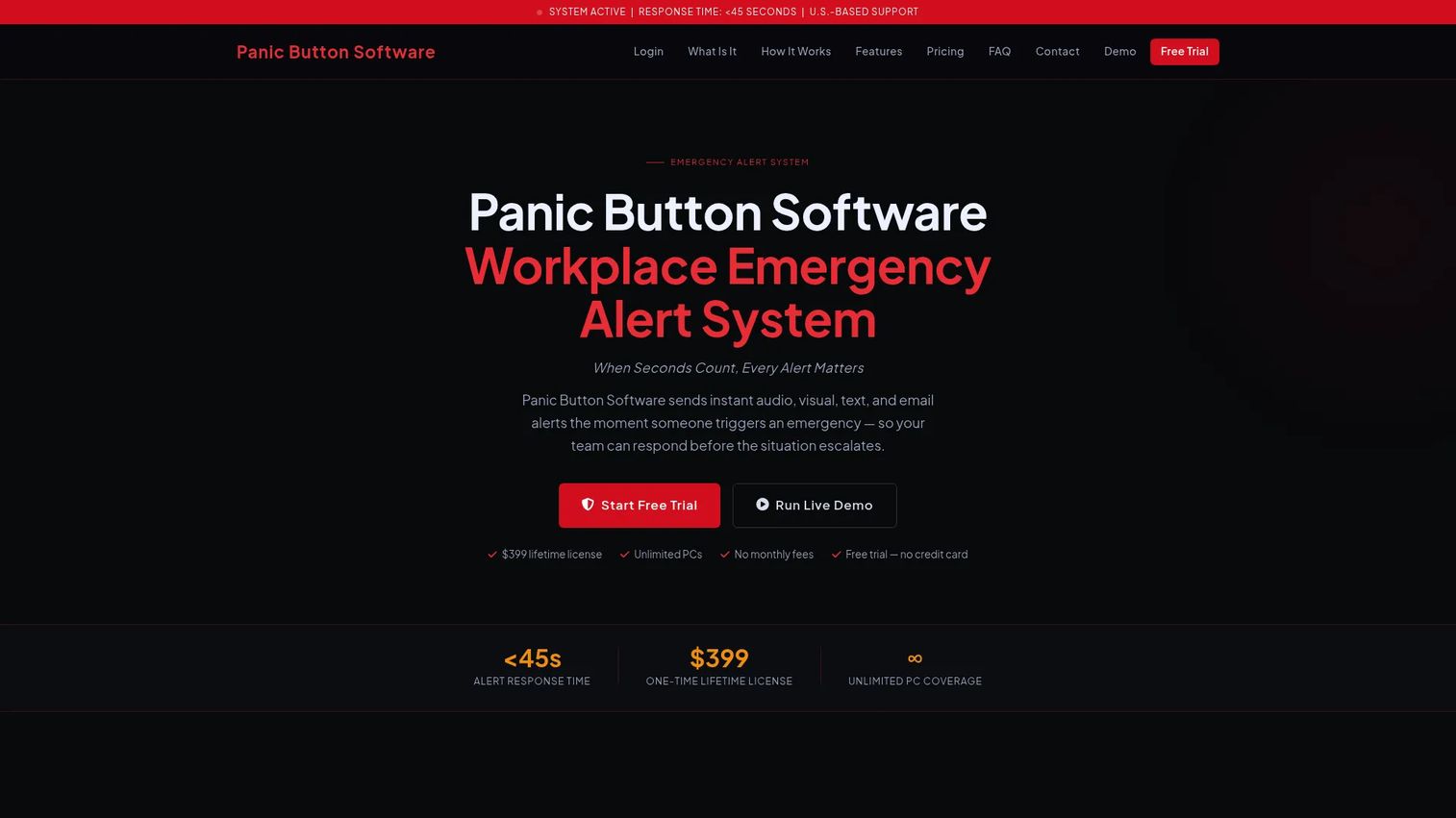
Panic Button Software is a Windows-based emergency alert system built for workplaces that want a one-time purchase and full control over where their data lives. Trigger a panic and it fires an instant PC popup, audio, text, and email alert to your chosen responders. The local database option means the whole system runs inside your network, which fits offline deployment and air-gapped sites where cloud is not an option.
Best for: Windows workplaces that want a one-time license and an on-prem deployment.
Key features
- Instant PC popup, audio, text, and email alerts
- Unlimited PC installations on one license
- Web Alert browser trigger for non-Windows devices
- Local database option for offline and air-gapped sites
- Cloud-hosted option for teams that prefer it
Why choose Panic Button Software: If your security posture rules out cloud, or you just prefer paying once instead of forever, the local plan gives you a self-contained employee safety panic button with no recurring cost.
Panic Button Software pricing: The local plan is a $399 one-time license covering unlimited PCs. The cloud-hosted plan runs $199 per year, also for unlimited PCs.
A verified G2 rating was not available at the time of writing.
2. Little Green Button
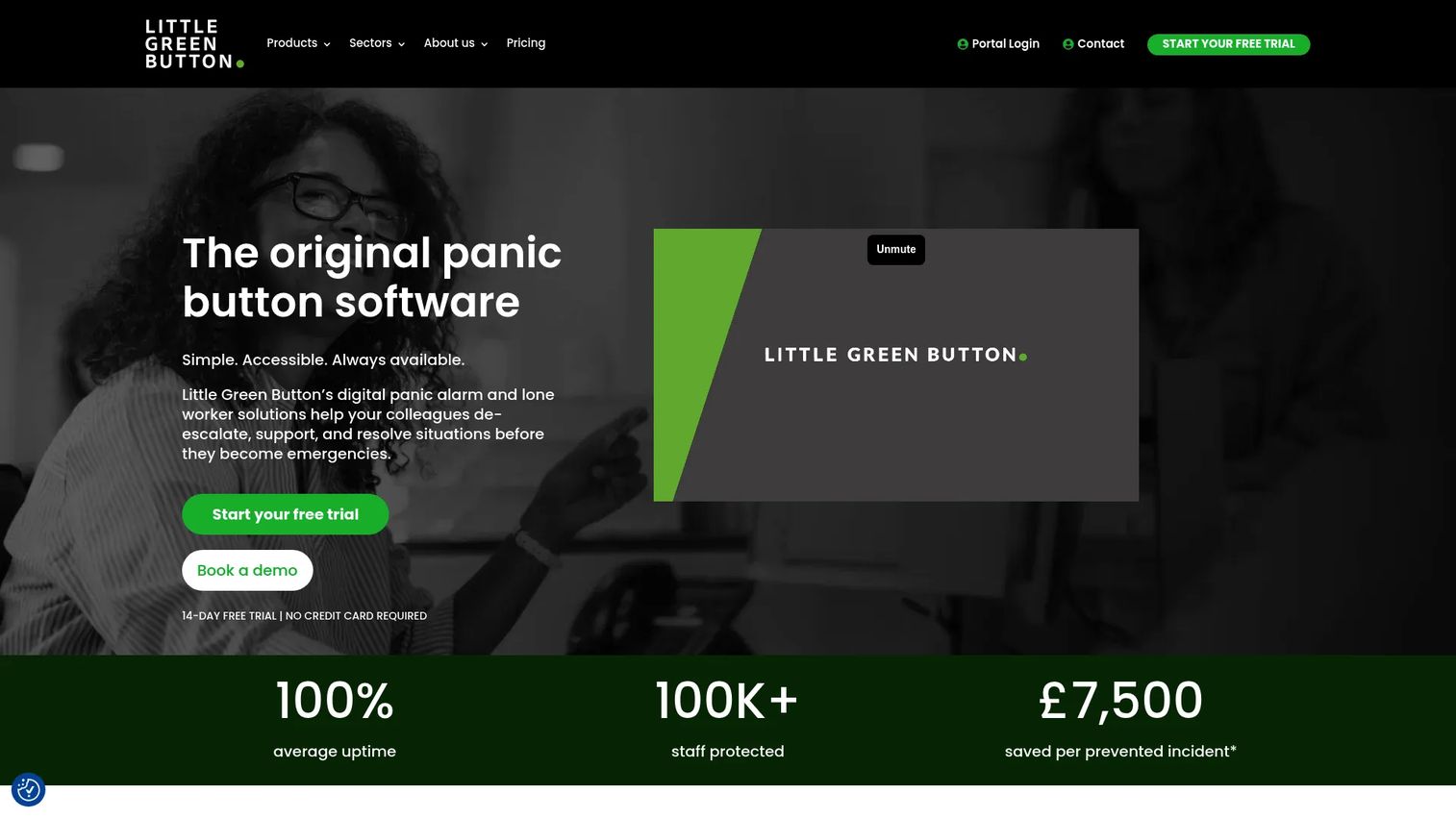
Little Green Button is panic alarm software built around a discreet desktop trigger, with a companion mobile app and optional hardware buttons for staff who are not always at a screen. Activation is quiet by design, so a receptionist or lone worker can raise the alarm without a visible move. It also supports offline operation, which matters for sites with patchy connectivity.
Best for: Organizations that want a discreet desktop panic alarm plus mobile and wearable options.
Key features
- Windows desktop panic alarm software
- Companion mobile app for lone workers
- Optional USB and wearable hardware buttons
- Discreet activation that stays hidden from an aggressor
- Offline mode for low-connectivity sites
Why choose Little Green Button: It covers desk-bound staff and mobile lone workers from one system, so you are not stitching together separate tools for different roles.
Little Green Button pricing: The site lists tailored plans starting from £499, with a 14-day free trial available.
A verified G2 rating was not available at the time of writing.
3. SafetyCulture
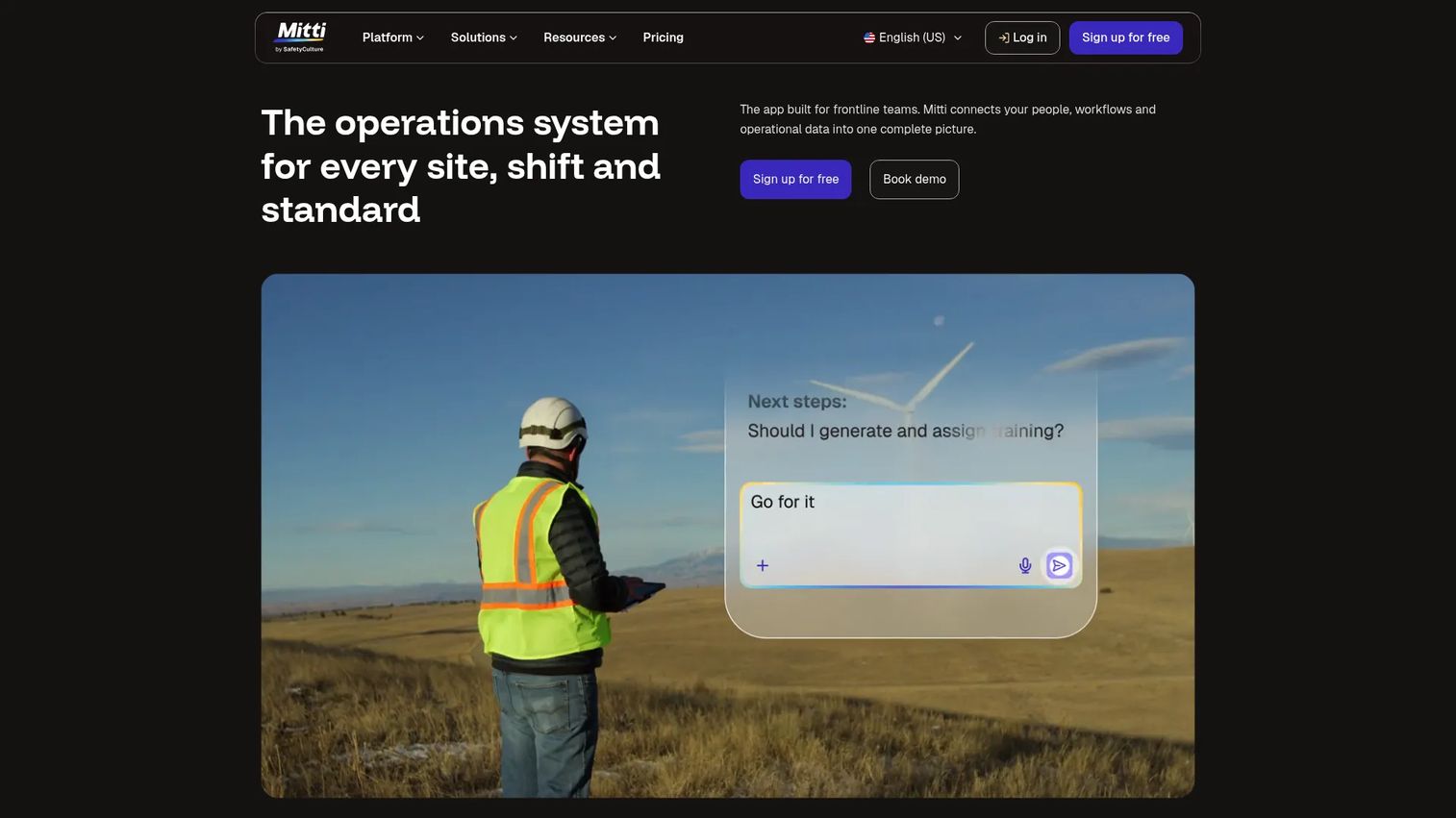
SafetyCulture is a mobile-first workplace operations platform that includes lone worker safety and a panic button alongside inspections, tasks, and training. If you already run inspections or safety workflows, the panic button lives inside a system your frontline staff use daily. GPS-backed alerts make it a fit for field teams and mobile workers who need location-aware alerts rather than a fixed desk trigger.
Best for: Frontline and field teams that want a mobile panic button inside a wider safety platform.
Key features
- Mobile lone worker safety with panic alerts
- GPS location captured with each alert
- Inspections and customizable templates
- Actions, issues, and task management
- Training, analytics, and asset management
Why choose SafetyCulture: It fits best when a standalone panic tool would be one more app to manage, and you would rather bundle safety alerting into a platform staff already open every shift.
SafetyCulture pricing: SafetyCulture is free for teams up to 10 users. Premium is $24 per seat per month billed annually, or $29 per seat per month billed monthly. Enterprise is custom-priced.
SafetyCulture holds a 4.6/5 rating on G2.
4. Singlewire InformaCast
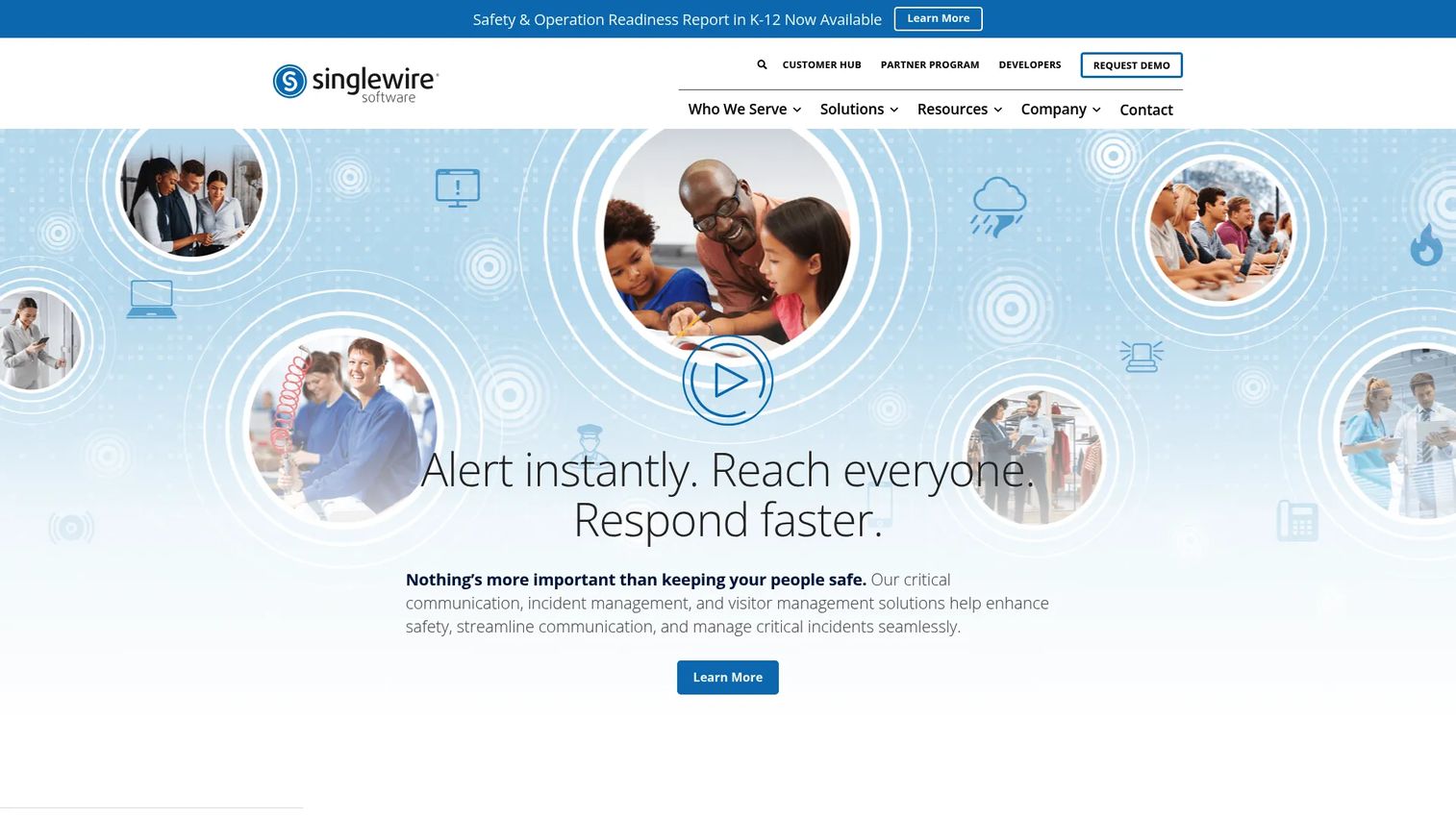
Singlewire InformaCast is mass notification and incident management software that handles both emergency and everyday communication. Its strength is reach: one trigger can push intrusive audio, text, and visual alerts across phones, PCs, digital signage, paging, radios, and mobile devices at once. That multi-channel spread makes it a common pick for schools and larger enterprises that need to reach everyone, everywhere, fast.
Best for: Schools and enterprises that need critical alerts across many channels and devices.
Key features
- Intrusive audio, text, and visual alerts
- Delivery to phones, PCs, signage, paging, and radios
- Incident management and virtual response planning
- Desk phone and mobile trigger support
- Multi-channel routing for wide reach
Why choose Singlewire InformaCast: When the job is not just alerting one security guard but reaching an entire campus across every device it owns, this multi-channel breadth is where it fits.
Singlewire InformaCast pricing: Singlewire uses quote-based pricing established by bid or order form, so you contact them for a figure specific to your deployment.
Singlewire InformaCast holds a 4.5/5 rating on G2.
5. Alertus
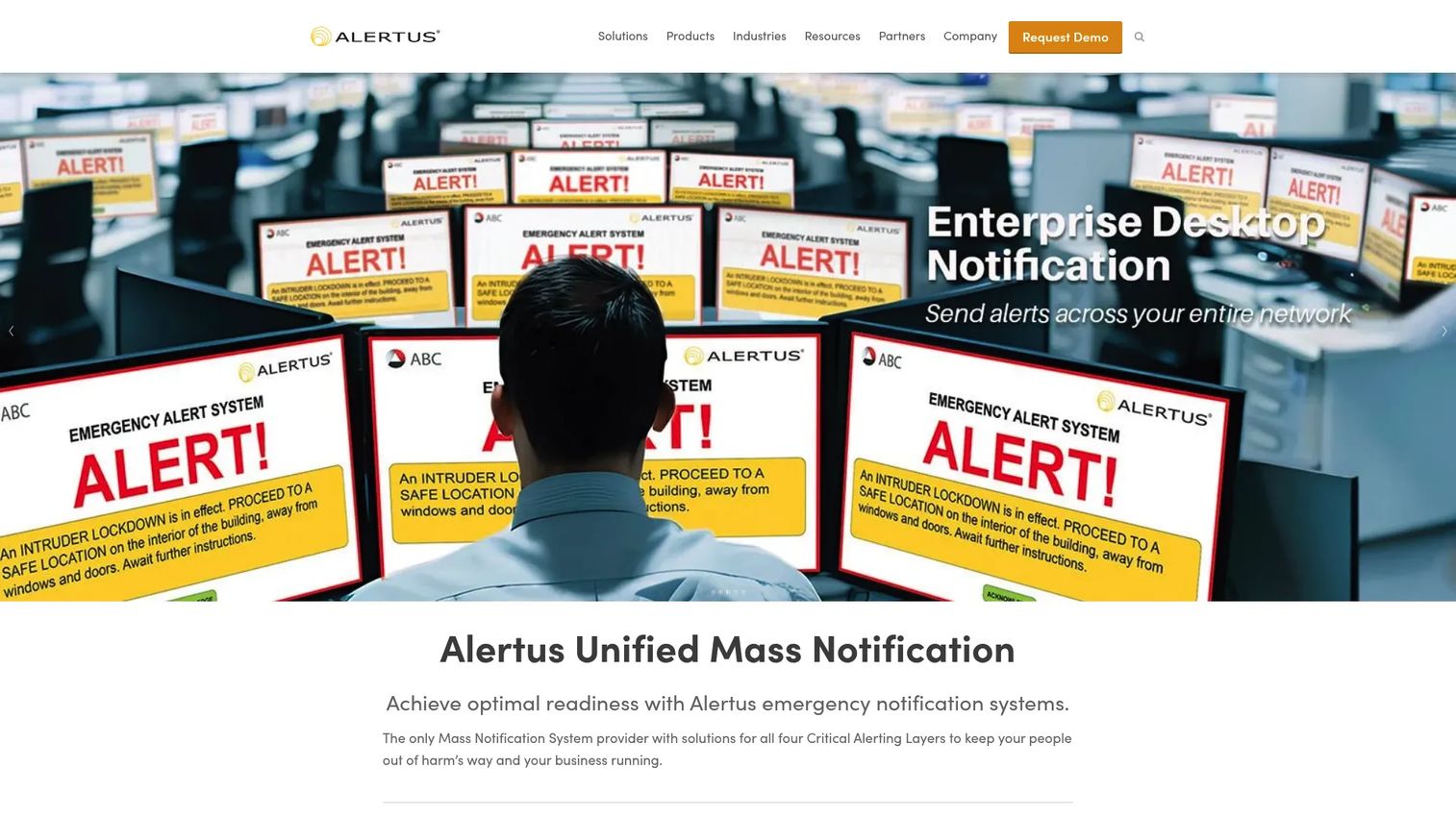
Alertus is a unified mass notification and emergency alerting platform aimed at campuses and large organizations. It pushes alerts across desktop, VoIP and IP phones, mobile apps, and text or email, plus facility systems for campus-wide coverage. Panic triggers can come from desktop activation or physical buttons, and the platform coordinates the response from there.
Best for: Campuses and enterprises needing mass notification across desktop, phone, mobile, and facility systems.
Key features
- Desktop alerting across all connected machines
- VoIP and IP phone notification
- Mobile apps with text and email alerts
- Desktop and hardware panic triggers
- Campus-wide response coordination
Why choose Alertus: It fits large sites where an alert has to hit every screen, phone, and speaker at once, and where physical panic buttons sit alongside software triggers.
Alertus pricing: Alertus doesn't publish list pricing on its site, but points to an annual fee model. You'll need to contact them for a quote scoped to your facilities.
Alertus holds a 4.5/5 rating on G2.
6. Rave Panic Button
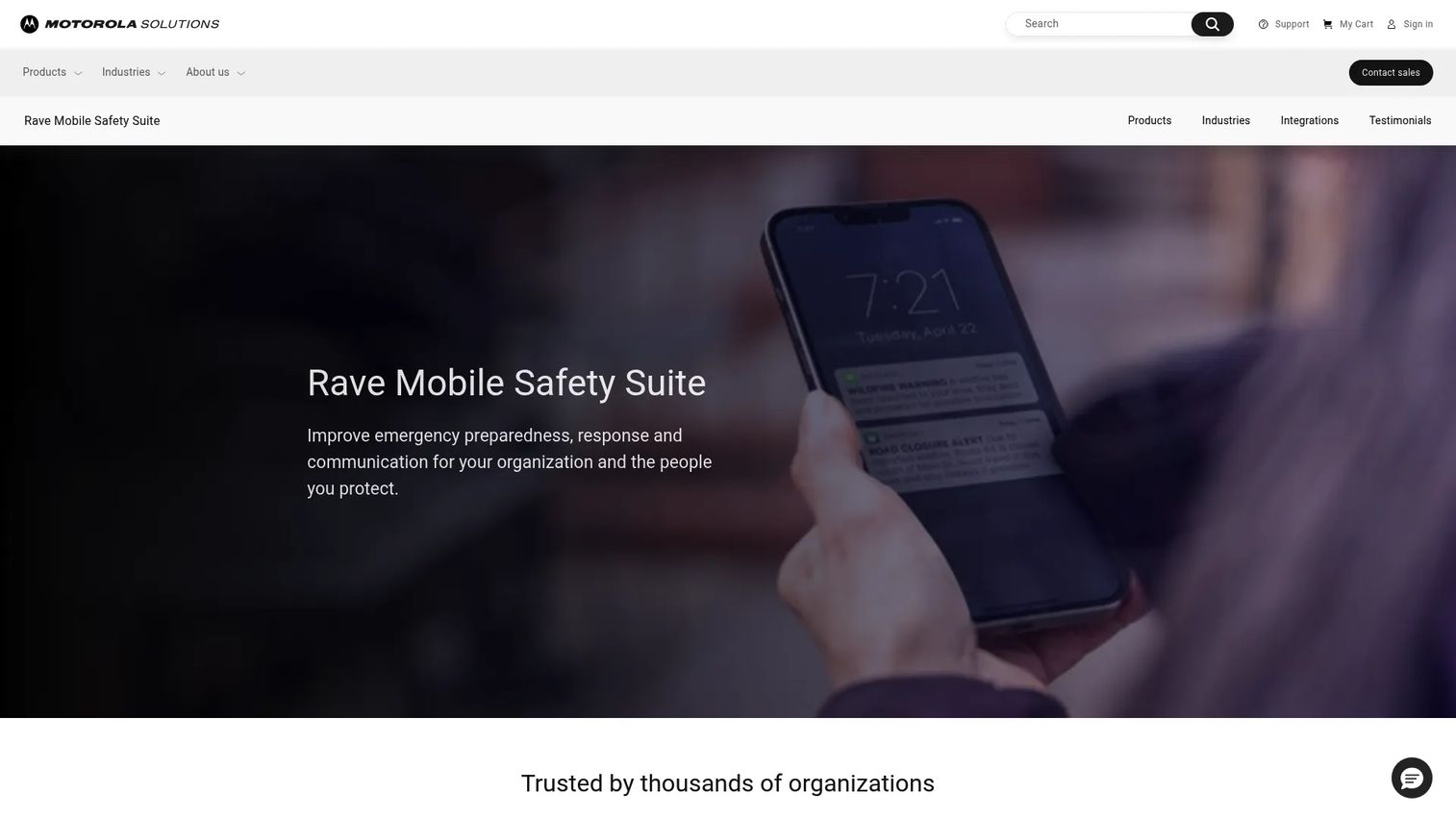
Rave Panic Button is a smartphone emergency app that rapidly dials 911 while broadcasting on-site notifications during an incident. One push both escalates to emergency services and alerts staff, and the app can send enhanced incident data to 911 dispatchers. That dual action makes it a strong panic button app for schools and workplaces that want responders and dispatch moving at the same time.
Best for: Schools and workplaces that want a mobile panic app with built-in 911 escalation.
Key features
- One-push emergency activation
- Enhanced incident data sent to 911
- Staff Assist and status checks
- Broadcasts across multiple channels
- Drill management support
Why choose Rave Panic Button: It fits when you want the 911 call and the internal alert to happen in a single tap, rather than treating them as separate steps.
Rave Panic Button pricing: Pricing isn't shown on the product page, which routes buyers to contact sales. The product now sits under Motorola Solutions.
Rave Panic Button holds a 5.0/5 rating on G2, based on a small number of reviews.
7. Red Panic Button
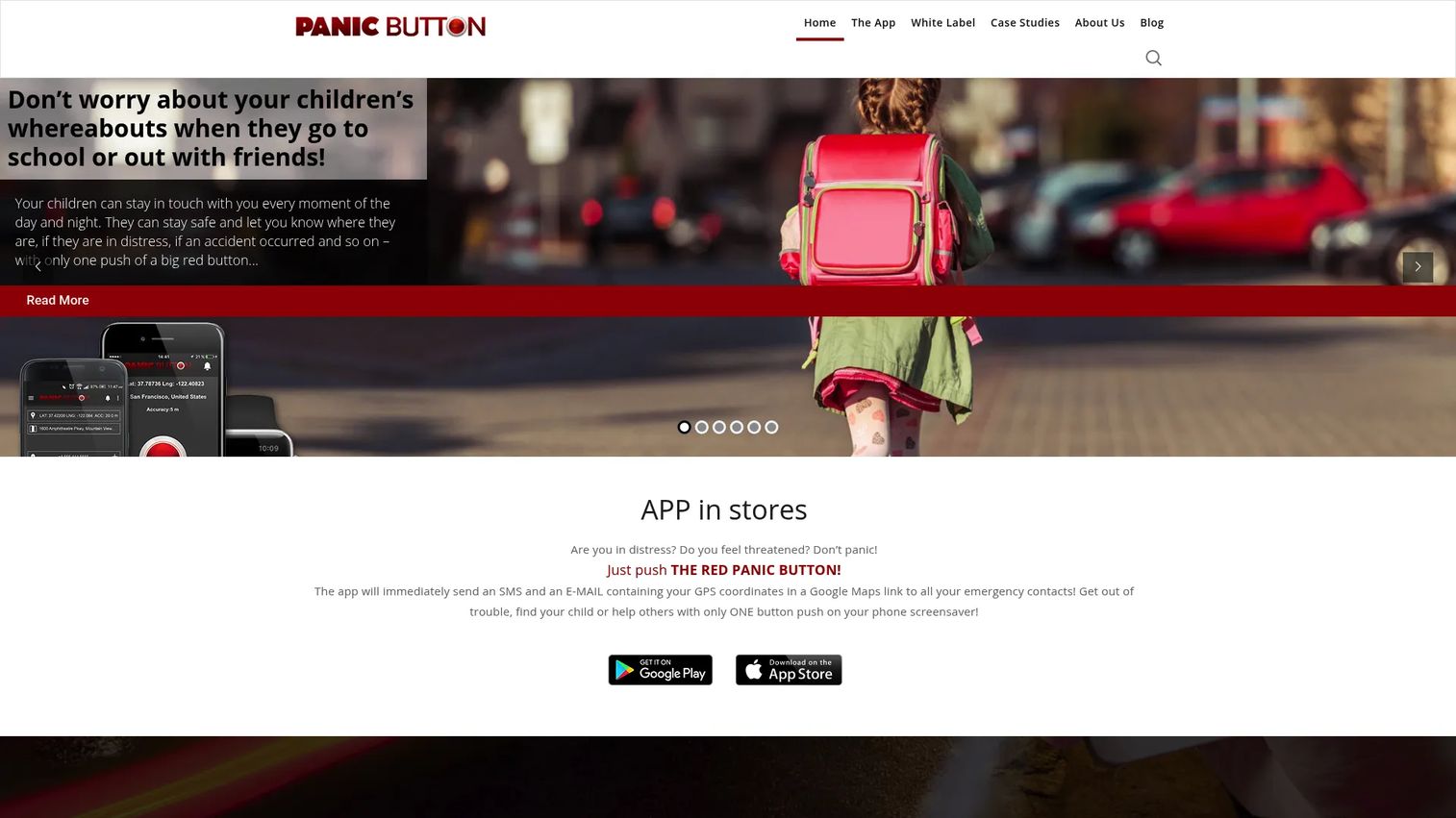
Red Panic Button is a mobile safety app that sends emergency alerts with GPS location to preset contacts in one tap. It supports widgets and wearable integrations, so a Bluetooth button or wristband can trigger the alert without unlocking the phone. This is the lighter-weight option here, built for personal safety and small-team alerting rather than campus-scale coordination.
Best for: Individuals and small teams wanting a simple one-tap alert app with wearable accessories.
Key features
- SMS and email alerts with GPS location
- Widget and wearable integrations
- Remote access and voice recording
- Quick SMS and photo or video attachments
- Bluetooth button, wristband, and key ring accessories
Why choose Red Panic Button: It fits when you want a straightforward personal alert tool and optional wearable panic button hardware, without the overhead of an enterprise platform.
Red Panic Button pricing: The Android and iOS apps are free with in-app purchases. Bluetooth hardware is sold separately: the key ring is $4.99, the wristband and belt clip are $14.99 each, and the standalone button is $44.99.
A verified G2 rating was not available at the time of writing.
Considerations
Before you commit, run each shortlisted tool through these five checks.
Trigger methods
Map triggers to your people. Desk-bound staff need keyboard or on-screen activation. Field and lone workers need mobile or wearable. Public-facing roles often need a hidden hardware button. Confirm the tool covers every role you are protecting, not just the most common one.
Alert routing
A generic alert to everyone is noise. Look for location-aware alerts and zone-based routing so a trigger on floor three notifies the right responders, with the right location, and escalates if no one acknowledges. Check whether routing supports the multi-channel delivery your site needs.
Deployment model
Decide where data can live before you shortlist. Regulated or security-sensitive sites may require on-prem deployment or a fully offline, air-gapped install. Others are fine with cloud. This single question rules tools in or out faster than any feature comparison.
Response workflow
An alert that no one acknowledges is a false sense of safety. Check for acknowledgments, live status, response dashboards, and a complete audit log. For duty of care and post-incident review, that timestamped record is often the most important feature you buy.
Hardware and device coverage
Confirm the tool triggers from a locked PC if your reception staff step away, and check which wearable and desktop devices it supports. Mismatched hardware coverage is a common reason a promising system fails at the front desk.
Conclusion
The right pick comes down to two questions: where can your data live, and how do people trigger the alert?
For offline or air-gapped sites, Panic Button Software gives you a local database and a one-time license. For a discreet desktop alarm across desk and mobile staff, Little Green Button fits. If you already run safety workflows, SafetyCulture folds a mobile panic button into the platform you use. For schools and enterprises that need to reach every device, Singlewire InformaCast and Alertus lead on multi-channel reach. Rave Panic Button suits teams that want 911 escalation baked into a mobile tap, and Red Panic Button covers simple personal alerts with wearable accessories.
Start with deployment model and response workflow. Those two decide fit faster than any feature list. Shortlist two tools that match your environment, run a trial, and test a real trigger from a real desk before you sign.
Start your journey with Guideflow today!
FAQs
Panic button software is used for workplace emergency alerting. It lets staff trigger a discreet, instant alert to designated responders during a threat, often before emergency services can arrive. It routes the alert by location, delivers it across channels, and logs the event for later review.
Yes. Systems with a local database or on-prem deployment run entirely inside your network, which supports offline and air-gapped sites. Panic Button Software offers a local plan for exactly this, so alerts fire even with no internet connection. Cloud-hosted options exist too for teams that prefer them.
A panic button app runs on a phone and suits field and lone workers who need GPS location-aware alerts on the move. Desktop software suits office staff at a screen, triggering from a keystroke or on-screen button. Many workplaces run both so every role is covered.
Many do. A wearable panic button, such as a Bluetooth wristband, key ring, or clip, lets staff trigger an alert without reaching for a phone or computer. Red Panic Button and Little Green Button both offer wearable or hardware button options for hands-free activation.
Some systems support hardware or USB triggers that work even when a PC is locked or a user has stepped away. This matters for reception desks where staff move around. Confirm locked PC trigger support with the vendor, since coverage varies by product and device.
Yes. Schools and healthcare sites gain fast response, location-aware routing, and a clean audit log for compliance and duty of care. Multi-channel systems like Singlewire InformaCast and Alertus reach many devices at once, while mobile-first options like Rave Panic Button add 911 escalation.










