Search "recipe management software" and you get two completely different products in one results page. One camp is built for restaurant kitchens that need to cost a dish to the penny, scale a batch from 4 covers to 400, and flag allergens before a plate hits the pass. The other camp is built for a person at home who saved 300 recipes across a dozen websites and wants them in one place with a grocery list attached.
Those are two separate jobs. Treating them as one buying decision is how operators end up paying for a full back-office platform to store family recipes, and how home cooks end up frustrated that a "restaurant" tool has no meal planning.
The money behind this split is real. The global recipe management system market was valued at roughly $1.5B in 2023 and is projected to reach $3.8B by 2032 at a 9.3% CAGR, according to Dataintelo (2024). The adjacent recipe apps market is forecast to climb from $7.08B in 2026 to $15.77B by 2034 at a 10.52% CAGR, per Straits Research (2024). Two markets, two buyers, one keyword.
This guide organizes the field by the job you actually have. If you evaluate software the way a founder evaluates any stack decision, you already know the drill: match the tool to the workflow, verify stack fit, and check onboarding friction before you commit. The same discipline that helps teams pick event management software or contract management applies here.
What's inside
This guide covers eight recipe management software tools across two buyer profiles: restaurant and foodservice operators, and home or self-hosted power users. We selected tools based on four criteria that matter regardless of which job you have: depth of core recipe features (costing, scaling, import), fit for the intended user, transparency of pricing, and how well the tool holds up as your recipe library grows. We verified pricing and features against each vendor's own site as of mid-2026. Where a figure was not publicly available, we left it out rather than guess.
TL;DR
- Best for restaurant recipe standardization and live food costing: meez, with unlimited recipes, built-in yields, and menu engineering.
- Best for multi-location back-office control: Restaurant365, which ties recipe costing to accounting, inventory, and labor.
- Best for independent kitchens wanting owned software: ChefTec, a one-time-license food cost and inventory system.
- Best cloud recipe costing on a smaller budget: reciProfity, starting at $65/month.
- Best for home cooks and cross-device organizing: Paprika, a one-time-purchase recipe organizer.
- Best self-hosted recipe manager for data ownership: Mealie or Tandoor Recipes, both open and household-focused.
What is recipe management software?
Recipe management software is a system for storing, standardizing, costing, scaling, and organizing recipes so the same dish comes out consistent every time it is made. A recipe management system spans three distinct product types: commercial restaurant platforms built around food costing and operations, consumer recipe organizers built around saving and planning meals, and self-hosted recipe managers built around data ownership.
The core of any recipe management program is the structured recipe: ingredients, quantities, units, yields, and steps stored as data rather than as a static document. From that foundation, different tools layer on different jobs.
Key features to expect from recipe software:
- Recipe costing: calculate plate cost from ingredient prices, so margins are visible before you price a menu.
- Batch recipe scaling: scale a recipe up or down while keeping ratios correct across yields.
- Unit conversions: convert between weight, volume, and count automatically, including purchase-to-recipe units.
- Ingredient import: pull recipes from a URL, photo, or existing document into structured format.
- Menu engineering: analyze which dishes drive profit versus which drain it.
- Allergen management: track allergens and nutritional data at the ingredient and recipe level.
- Meal planning and grocery lists: plan meals on a calendar and generate a shopping list (consumer tools).
- Cloud sync: access recipes across devices with changes synced in real time.
Commercial recipe costing software optimizes for margin and operational consistency. Consumer recipe organizers optimize for capture and convenience. Self-hosted managers optimize for control and portability. The right pick depends entirely on which of those three jobs is yours.
When to use each type
Standardize and cost recipes across a restaurant
If you run a kitchen or a group of them, your recipe software is really a margin tool. You need live food costing, batch scaling for prep, allergen tracking, and menu engineering that tells you which dishes to push. This is where commercial platforms like meez, Restaurant365, ChefTec, reciProfity, and Culvana earn their price.
Organize personal recipes across devices
If you cook at home, the job is capture and access. You want to save a recipe from any website, sync it to your phone and tablet, scale portions, and turn a week of meals into a grocery list. A consumer recipe organizer like Paprika does this without the overhead of a restaurant system.
Own and control your recipe data
If you are technically comfortable and value portability, a self-hosted recipe manager keeps your data on your own server. Mealie and Tandoor Recipes give households full ownership, flexible deployment, and no dependence on a vendor staying in business.
Comparison table
Here is how the eight tools compare across intent, differentiation, pricing, and rating. Restaurant platforms lead, followed by consumer and self-hosted options.
| # | Product | Intent | Key use case | Pricing | G2 rating |
|---|---|---|---|---|---|
| 1 | meez | Restaurant ops | Recipe standardization, food costing, menu engineering | From $19/mo (billed annually), free tier for individual chefs | Not available |
| 2 | Restaurant365 | Restaurant ops | Recipe costing tied to accounting, inventory, labor | Custom quote | 4.6/5 |
| 3 | ChefTec | Restaurant ops | Recipe costing, inventory, purchasing (owned license) | From $2,295 one-time | Not available |
| 4 | reciProfity | Restaurant ops | Cloud recipe costing and inventory | From $65/mo | Not available |
| 5 | Culvana | Restaurant ops | AI recipe and menu costing, inventory | Not publicly listed | Not available |
| 6 | Paprika | Home cooking | Cross-device recipe organizing, meal planning | From $29.99 one-time | 2.8/5 |
| 7 | Mealie | Self-hosted | Self-hosted recipe and meal management | Self-hosted | Not available |
| 8 | Tandoor Recipes | Self-hosted | Self-hostable recipe manager with planning | Free tier, self-host option | Not available |
1. meez
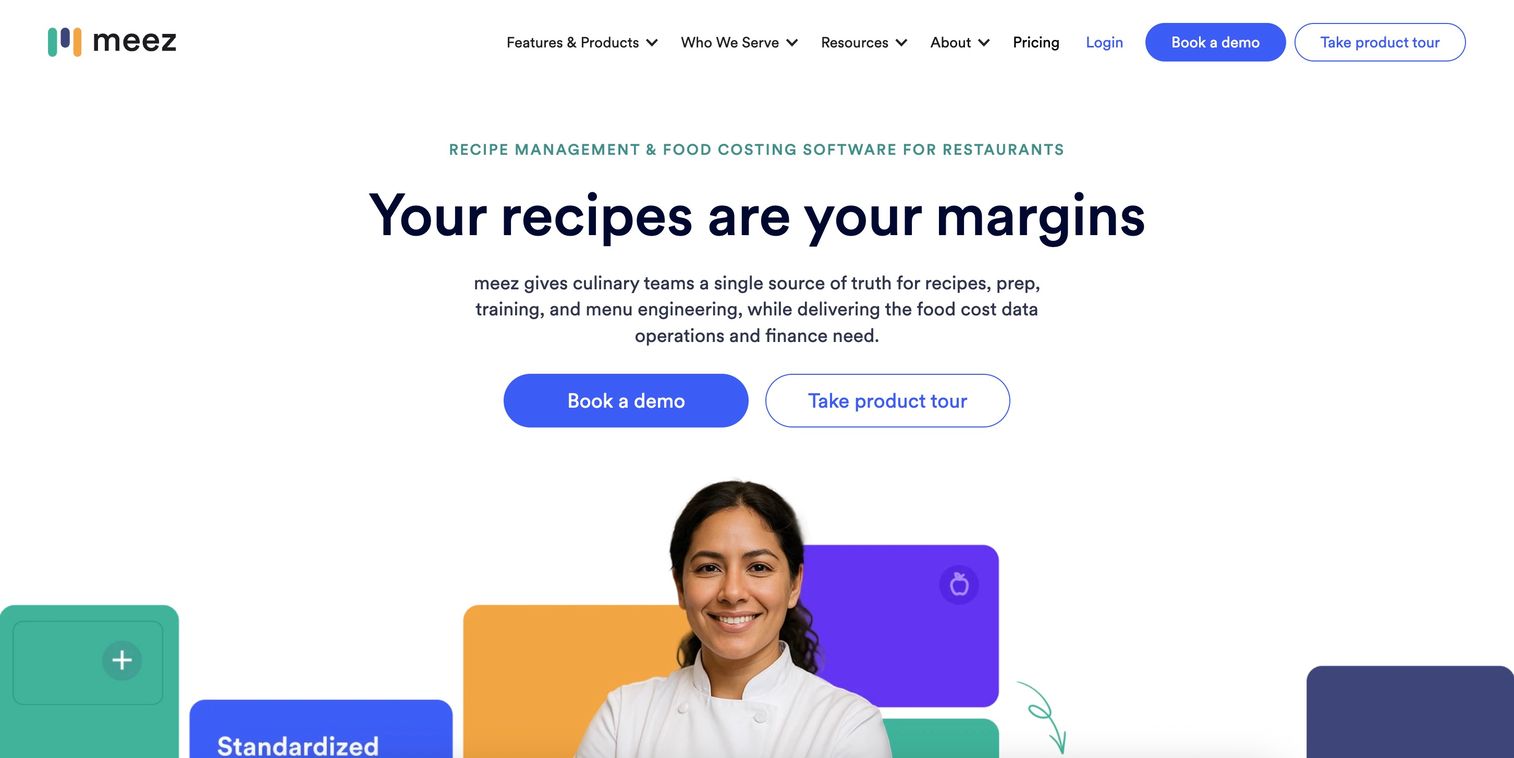
meez is restaurant recipe management and food costing software built for culinary teams that need every dish standardized and costed. It combines unlimited recipes and recipe books with AI recipe import, built-in yields and unit conversions, and live food costing, so a chef can see plate cost the moment ingredient prices change. It also handles inventory management and menu engineering, which turns recipe data into margin decisions.
Best for: Restaurants and multi-location foodservice operators that need recipe standardization and real-time food costing across a team.
Key strengths
- AI recipe import with built-in conversions: pull recipes in and let the system handle yields and unit conversions automatically.
- Live food costing: plate cost updates as ingredient prices move, so margins stay visible in real time.
- Menu engineering and inventory: connect recipe data to inventory and profitability analysis in one place.
Why choose meez: For operators, the appeal is standardization at scale. A recipe entered once becomes the single source of truth every station cooks from, which is the same repeatability logic a founder applies to any process that used to depend on one person. The AI import removes the tedious setup that kills most recipe software rollouts before they start.
meez pricing: meez lists a Starter plan from $19/mo billed annually, or $24/mo billed monthly. The Pro plan runs $89/mo annually and $119/mo monthly, and Premium is $179/mo annually or $199/mo monthly. An Enterprise tier is custom-priced, and the site notes a free tier for individual chefs.
2. Restaurant365
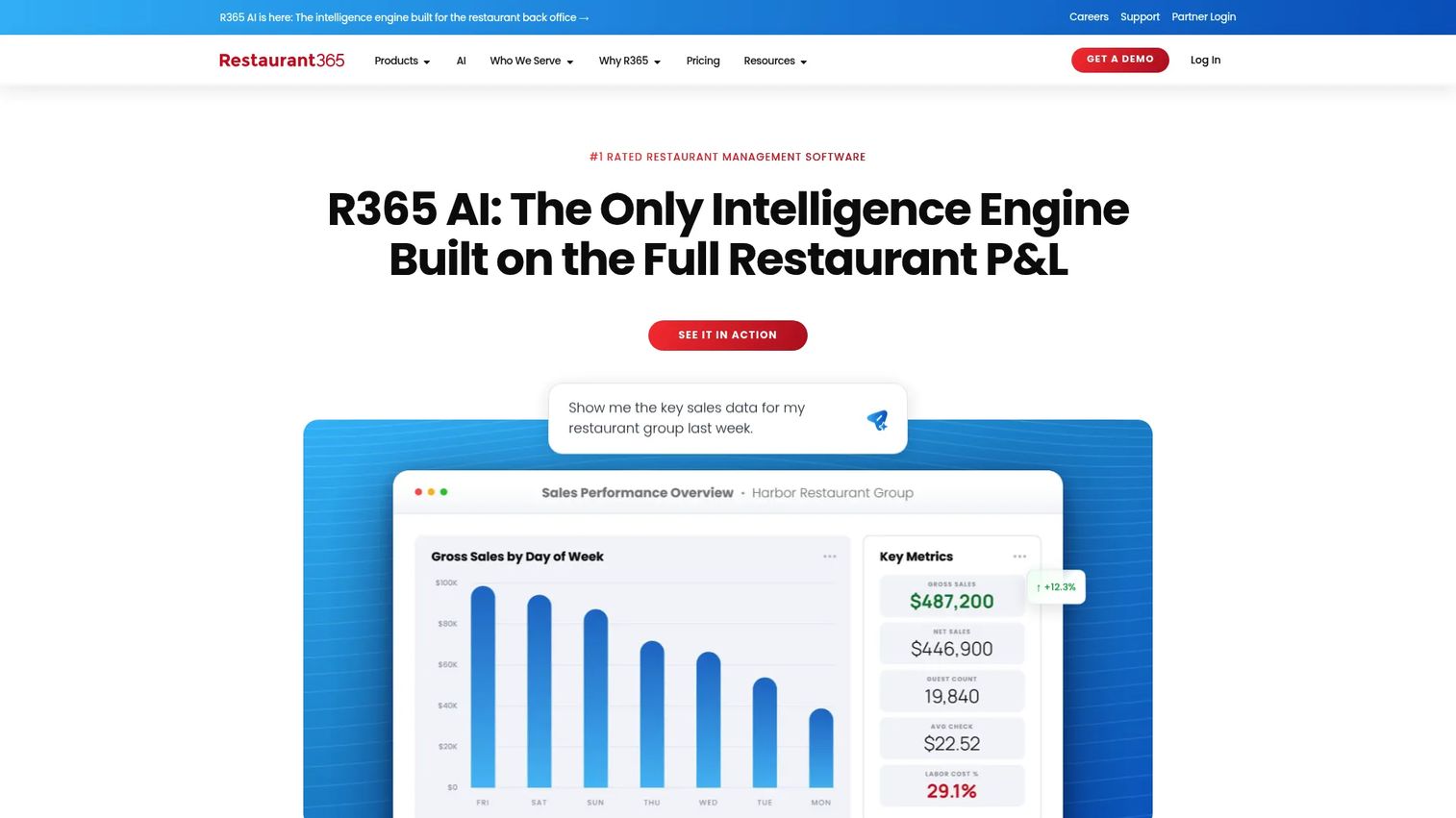
Restaurant365 treats recipe management as one layer inside a full restaurant operations platform. Recipe costing connects directly to restaurant-specific accounting, inventory, purchasing, and price alerts, plus scheduling, labor management, and payroll. That connection is the point: when an ingredient price rises, the impact flows through to recipe cost and margin without anyone re-keying data.
Best for: Multi-location restaurant groups that want recipe costing, back-office accounting, and labor in one platform.
Key strengths
- Connected recipe and financial data: recipe costs link to accounting and inventory, so margin control is continuous, not a monthly spreadsheet exercise.
- Purchasing and price alerts: get notified when ingredient prices shift enough to erode a dish's margin.
- Multi-location consistency: standardize recipes and costing across every unit in a group.
Why choose Restaurant365: If you already run accounting or labor through Restaurant365, adding recipe management keeps everything in one system rather than adding another tool. For a group operator, that consolidation is worth more than any single standalone recipe feature, because it removes the reconciliation work between systems.
Restaurant365 pricing: Restaurant365 uses custom quote-based pricing. The plan comparison lists an Essential Package, a Professional Package, and Custom or Add-On options, without public prices. You request a quote based on locations and modules. It holds a 4.6/5 rating on G2.
3. ChefTec
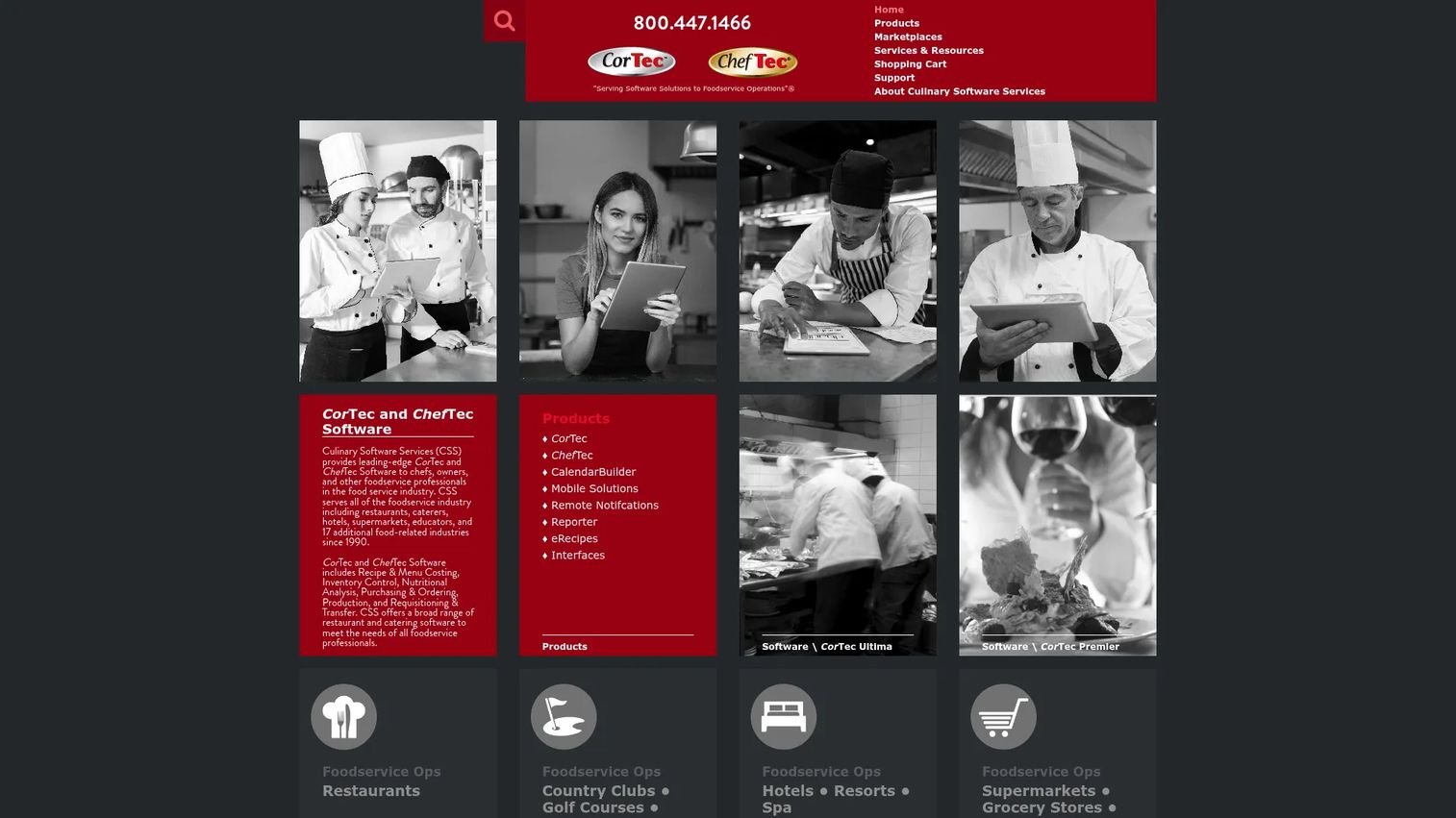
ChefTec is foodservice management software for independent operations and small chains that want to own their software outright rather than pay monthly. It covers recipe and menu costing, inventory control, nutritional analysis, purchasing and ordering, production, and requisitioning and transfer. The recipe costing software sits at the center, with yield control and nutritional data feeding directly into cost and compliance.
Best for: Independent foodservice operators needing recipe costing, inventory, and purchasing control they own.
Key strengths
- Recipe and menu costing with yield control: calculate true plate cost accounting for yields and trim loss.
- Nutritional analysis: generate nutritional data at the recipe level for menus and compliance.
- Purchasing and inventory: manage ordering, requisitioning, and transfers alongside recipe data.
Why choose ChefTec: The one-time license model fits operators who prefer a capital purchase over a recurring subscription. If you run a stable single kitchen or a small chain and want deep costing and inventory control without a monthly bill, ChefTec's owned-software approach is a genuine alternative to the cloud subscription model everyone else uses.
ChefTec pricing: ChefTec Ultra starts at $2,295 plus $195 for Cloud Services, and a cart page shows ChefTec Basic at $2,995.00, both one-time purchases. A Plus tier sits between them. There is no free tier. Capterra shows a 4.3/5 rating from a small number of reviews.
4. reciProfity
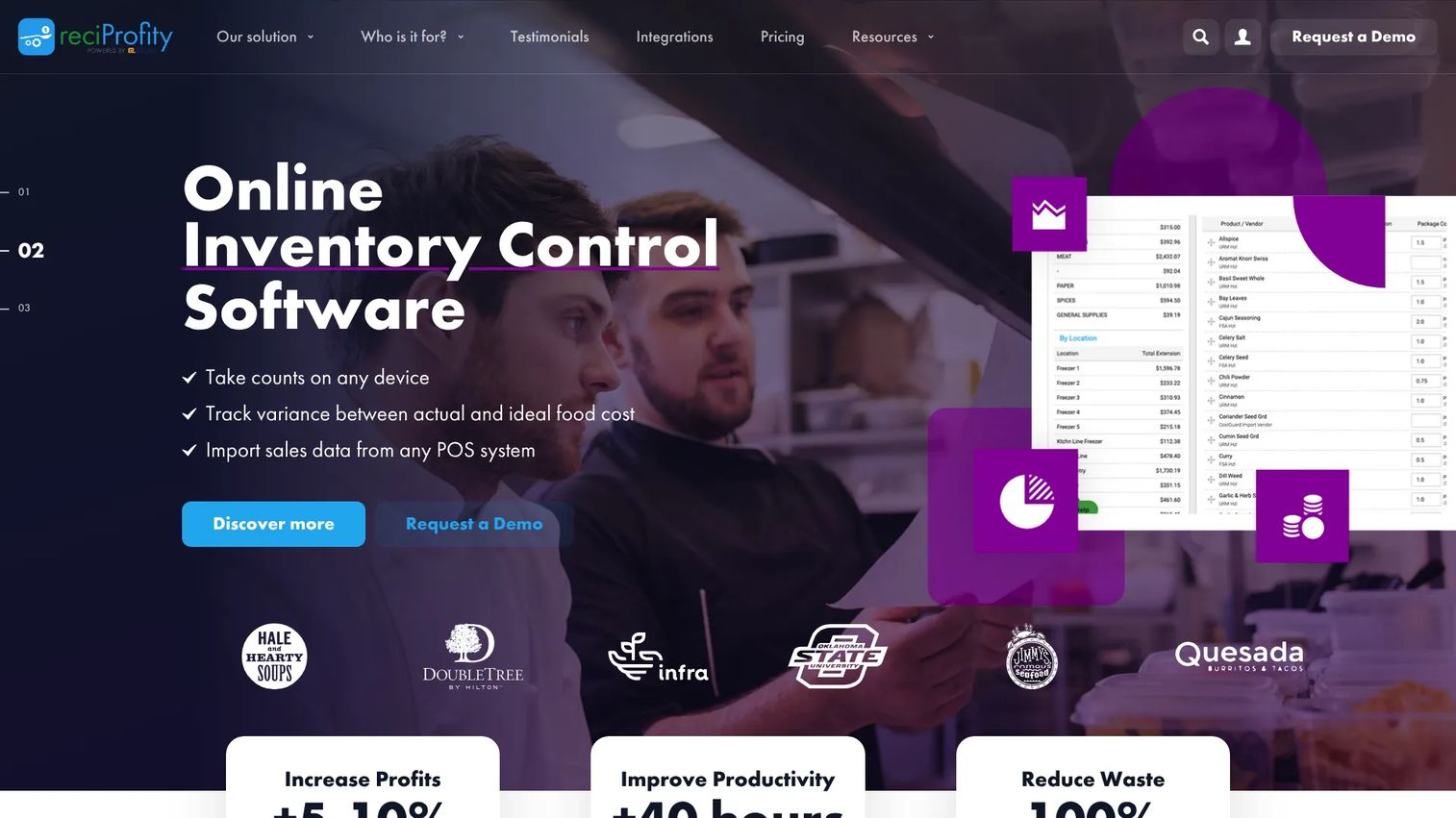
reciProfity is cloud-based food costing, recipe management, and inventory management software for food service businesses. It focuses on recipe costing, inventory control, and allergen and nutrition data, with published pricing that starts lower than most enterprise restaurant platforms. That makes it a practical recipe costing software pick for operators who want cloud access without a custom-quote sales cycle.
Best for: Restaurants, caterers, and food operators needing recipe costing and inventory control at a transparent price.
Key strengths
- Recipe costing: build accurate plate costs and track them as prices change.
- Inventory control: connect recipe usage to inventory counts and purchasing.
- Allergens and nutrition: capture allergen and nutritional data at the ingredient level for menu accuracy.
Why choose reciProfity: The published, self-serve pricing is the differentiator here. Where enterprise platforms hide numbers behind a demo, reciProfity lists tiers you can evaluate immediately. For a caterer or single operator who wants cloud recipe costing with batch recipe scaling and allergen tracking, that transparency shortens the buying decision considerably.
reciProfity pricing: The Agile plan starts from $65/month, Aware from $82/month, and the recommended Analyzer tier from $99/month. The pricing page also shows annual billing examples for each tier. There is no free tier.
5. Culvana
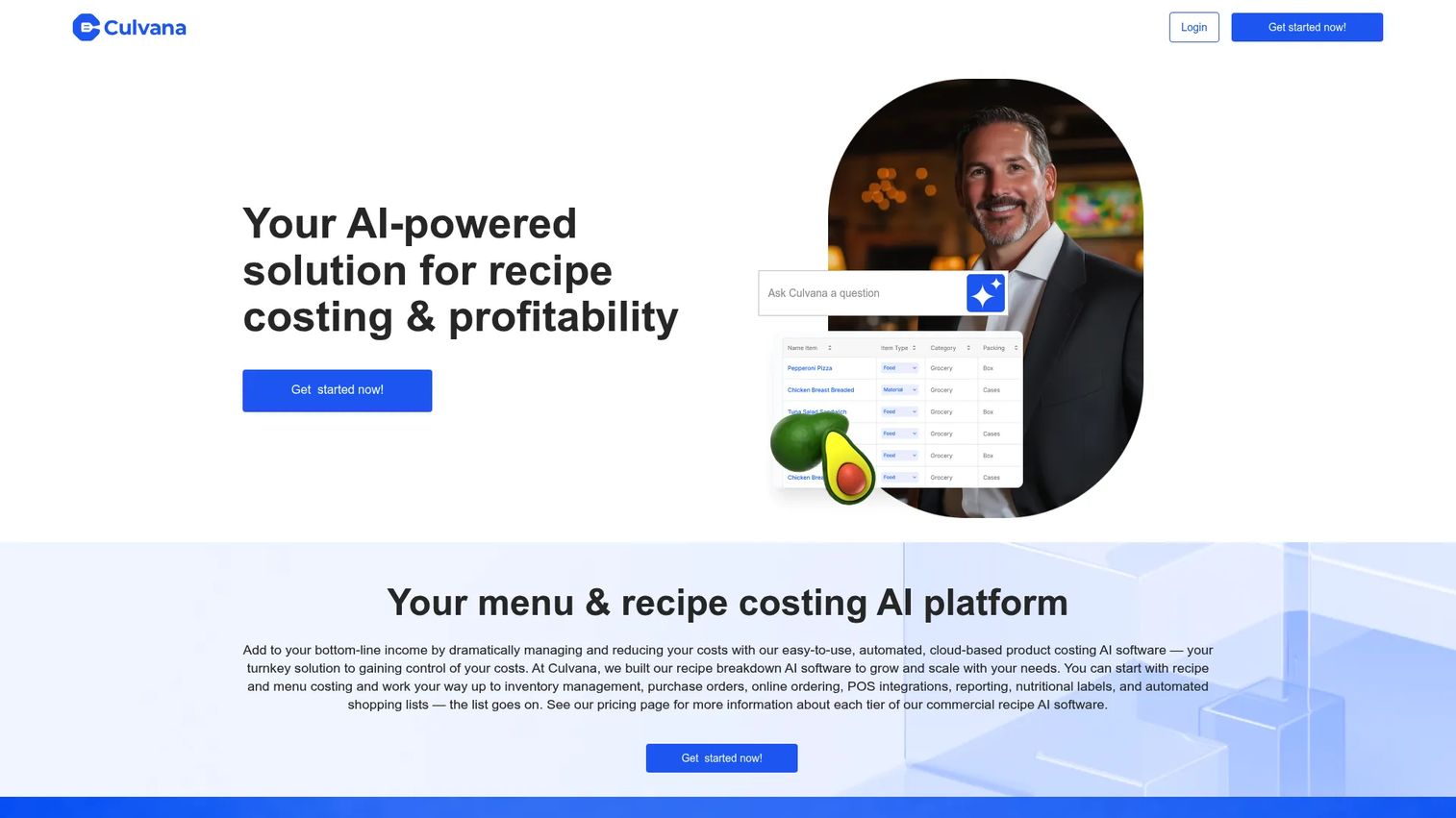
Culvana is AI-powered recipe and menu costing software for foodservice operators who want to move from basic recipe storage into broader kitchen control. It covers recipe and menu costing, inventory management, and nutritional labels with allergen and sensitivity analysis. The AI angle sits on the costing and menu side, helping operators surface margin insights faster than manual spreadsheets allow.
Best for: Restaurants and catering teams that need recipe costing plus inventory visibility with an AI-assisted layer.
Key strengths
- AI-assisted recipe and menu costing: speed up costing and menu analysis with automated calculation.
- Inventory management: track stock alongside recipe usage for tighter control.
- Nutritional and allergen analysis: generate labels and flag allergens and sensitivities at the recipe level.
Why choose Culvana: Culvana fits teams that have outgrown a plain recipe organizer and want costing, inventory, and menu engineering under one roof, with AI doing some of the heavy analysis. If your goal is to graduate from static recipe files into active margin management, it targets exactly that transition.
Culvana pricing: Culvana references a pricing page on its site, but public prices were not readable at the time of writing. Contact the vendor directly for current tiers and figures.
6. Paprika
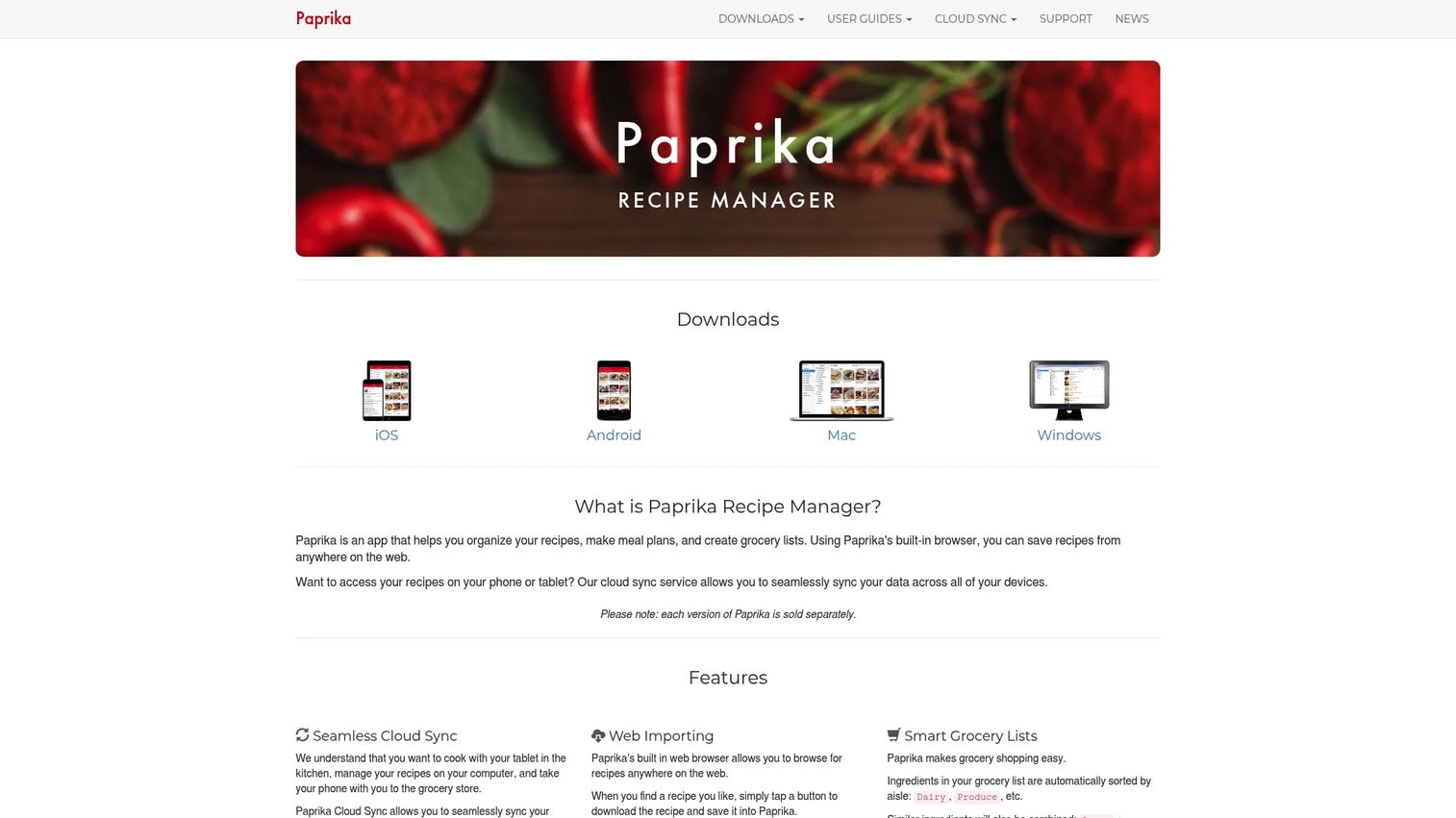
Paprika is where this list shifts from the kitchen line to the home kitchen. It is a recipe manager app for saving recipes from the web, meal planning, and building grocery lists. The appeal for home cooks and power users is the combination of web import, cloud sync across devices, pantry tracking, timers, and ingredient scaling, all in a one-time-purchase recipe organizer rather than a subscription.
Best for: Home cooks who want to save recipes from anywhere and plan meals across every device.
Key strengths
- Save recipes from the web: capture recipes from any site and strip out the clutter into a clean, structured format.
- Meal planning and grocery lists: plan a week on a calendar and auto-build a shopping list from it.
- Cross-device cloud sync: keep recipes, pantry, and lists in sync across phone, tablet, and computer.
Why choose Paprika: For anyone drowning in bookmarked recipes across a dozen tabs, Paprika consolidates capture, meal planning, and grocery lists into one place, with ingredient scaling and unit conversions built in. The one-time price per platform is a refreshing break from subscription fatigue, and the cloud sync keeps everything consistent wherever you cook.
Paprika pricing: Paprika offers a free trial. The Windows version shows a one-time price of $29.99, and Mac, iOS, and Android versions are sold separately. Its G2 listing shows a 2.8/5 rating in the context read.
7. Mealie
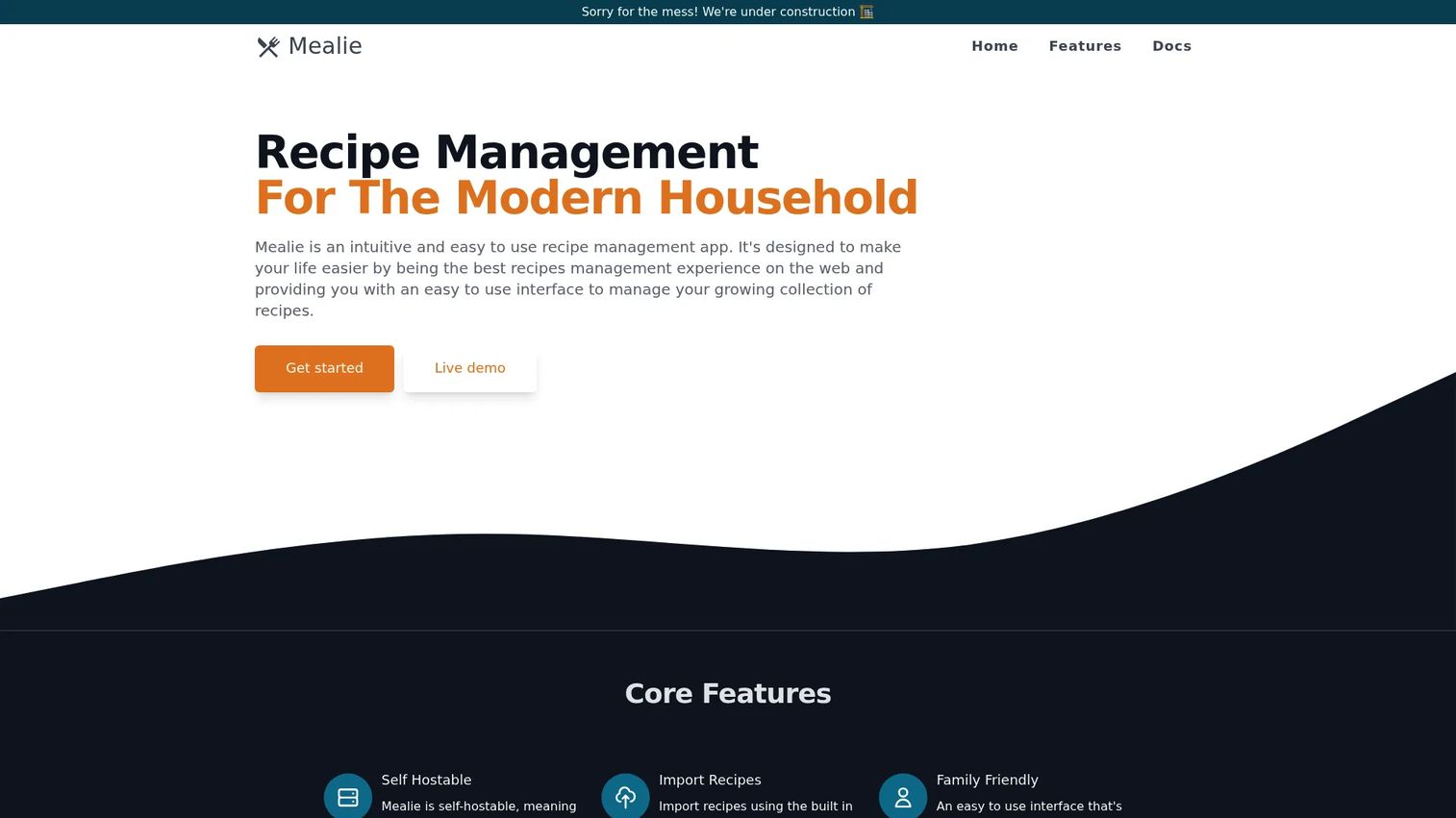
Mealie is a self-hosted recipe manager and meal planner for households that want full control of their data. It handles recipe importing from URLs, HTML, and JSON, a meal planning calendar, and shopping lists. Because you run it on your own server, your recipe library never depends on a vendor's uptime, pricing changes, or continued existence.
Best for: Technically comfortable households wanting a self-hosted recipe manager with meal planning and full data ownership.
Key strengths
- Flexible recipe import: pull recipes from URLs, HTML, or JSON into your own instance.
- Meal planning calendar: organize meals across the week in a structured planner.
- Shopping lists: generate lists from planned meals and manage them in one place.
Why choose Mealie: Mealie is for the household that treats its recipe collection as data worth owning. If you already self-host other services, adding Mealie keeps your recipes portable and private. The trade-off against cloud apps is that you manage the hosting yourself, which is exactly what its audience wants.
Mealie pricing: Mealie is self-hosted and open, and the project's own site does not publish a subscription price. Your cost is whatever your own hosting arrangement runs.
8. Tandoor Recipes
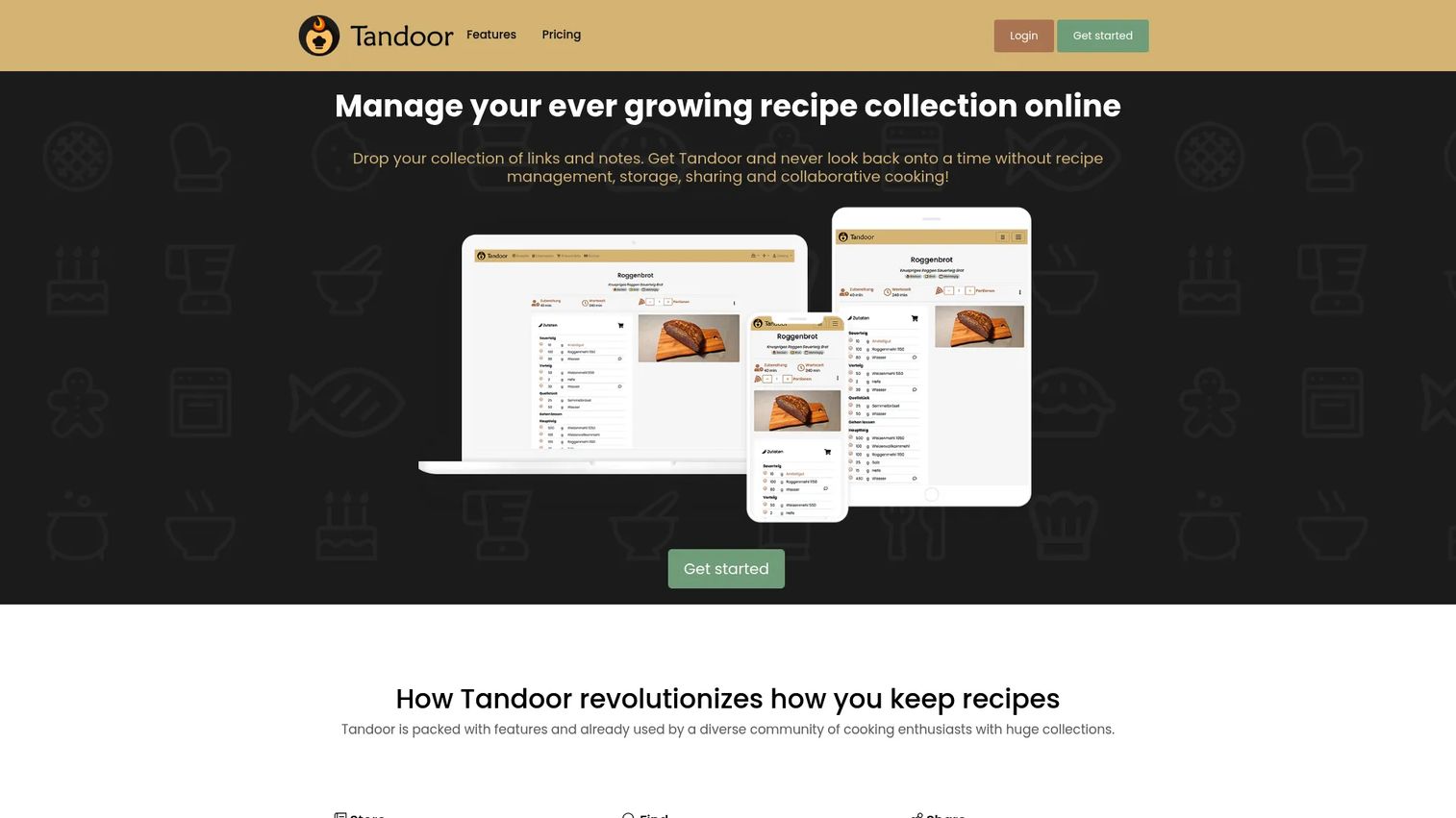
Tandoor Recipes is self-hostable recipe management software for organizing recipes, planning meals, building shopping lists, and sharing with others. It brings strong recipe structure, recipe import from websites, meal planning, shopping lists, and cookbook sharing and collaboration. It is open source with a self-hosting option, plus a managed hosted tier for people who want the same product without running a server.
Best for: Individuals or families who want a structured recipe manager with meal planning, shopping lists, and the option to self-host.
Key strengths
- Structured recipe management and import: organize recipes cleanly and import them from websites.
- Meal planning and shopping lists: plan meals and generate lists directly from them.
- Sharing and cookbooks: collaborate on recipes and group them into shared cookbooks.
Why choose Tandoor Recipes: Tandoor gives you a choice most self-hosted tools don't: run it yourself for free, or pay a small monthly fee for a managed instance. That flexibility makes it a good bridge for someone who wants data ownership without committing to full server maintenance from day one.
Tandoor Recipes pricing: Tandoor lists a Free plan at €0,00/mo, Basic at €1.99/mo, Standard at €4.49/mo, and Premium AI at €6.49/mo, plus a self-host option you manage yourself.
Considerations before you buy
Before you commit to any recipe management system, run through these criteria. They map directly to how a systems-minded buyer evaluates any stack addition, the same discipline you'd apply to choosing loyalty management software or community management.
Match the tool to the job, not the label
The single biggest mistake is buying a restaurant platform for a home kitchen, or vice versa. Decide first whether your job is margin and operations, personal organizing, or data ownership. That decision eliminates most of the list instantly.
Verify costing depth if margins matter
If you run a kitchen, test how the tool handles yields, trim loss, and purchase-to-recipe unit conversions. Surface-level costing that ignores yield gives you numbers that look right and lose money.
Check import and setup friction
Recipe software rollouts stall at data entry. Look for AI or bulk import that pulls recipes from URLs, photos, or existing files, so you are not typing hundreds of recipes by hand before you see value.
Confirm pricing transparency and model
Decide whether a subscription, a one-time license, or self-hosting fits your budget and risk tolerance. Custom-quote platforms fit larger groups; published pricing and one-time purchases favor faster, lower-commitment decisions.
Test data ownership and portability
Ask how you export your recipes if you leave. Self-hosted tools give you full control; cloud tools vary. Portability protects you from vendor lock-in as your library grows.
Conclusion
There is no single best recipe management software, because there is no single job behind the keyword. There are three.
For restaurant operations, meez leads on standardization and live food costing, Restaurant365 wins when you want recipe data tied to accounting and labor across locations, and ChefTec suits operators who prefer owning their software outright. reciProfity is the transparent-pricing cloud pick, and Culvana adds an AI layer to costing and menu work.
For home cooks, Paprika is the practical choice: web import, meal planning, grocery lists, and cross-device sync in a one-time purchase. For data ownership, Mealie and Tandoor Recipes give households a self-hosted recipe manager they fully control.
Your next step is simple. Name your job, restaurant margin, home organizing, or data ownership, then evaluate the two or three tools in that lane. Test import friction and costing depth on real recipes before you commit, the same way you'd trial any tool before it earns a place in your stack.
FAQs
For most restaurants, meez is the strongest recipe management software because it combines recipe standardization, live food costing, batch recipe scaling, and menu engineering in one cloud platform. Multi-location groups that already run accounting and labor through Restaurant365 may prefer it for the connected back-office data. Independent operators who want to own their software often choose ChefTec.
meez, Restaurant365, ChefTec, reciProfity, and Culvana all offer recipe costing software built around margin control. reciProfity stands out for transparent, published pricing starting at $65/month, while Restaurant365 excels when you want recipe costs tied directly to accounting and inventory. Culvana adds AI-assisted menu engineering to the costing workflow.
Yes. Batch recipe scaling and unit conversions are core features of most commercial recipe management systems. meez includes built-in yields and unit conversions, ChefTec handles yield control for accurate costing, and consumer tools like Paprika scale ingredients across portions for home cooking.
Yes, this is the home-cooking side of the category. Paprika offers meal planning, grocery lists, and pantry tracking with cloud sync across devices. Self-hosted options Mealie and Tandoor Recipes also include a meal planning calendar and shopping lists, with the added benefit of data ownership.
Mealie and Tandoor Recipes are the two leading self-hosted recipe managers. Both give households full data ownership, recipe import, meal planning, and shopping lists. Tandoor Recipes also offers a low-cost managed hosted tier and a free plan, which is useful if you want the product without running a server yourself.
Commercial recipe costing software typically includes allergen management. meez, Restaurant365, ChefTec, reciProfity, and Culvana all track allergens and nutritional data at the ingredient and recipe level, which matters for menu accuracy and compliance. Consumer recipe organizers focus more on capture and planning than on formal allergen management.
Start by identifying your job: restaurant margin control, home recipe organizing, or self-hosted data ownership. Then check costing depth (yields and unit conversions), import and setup friction, pricing model (subscription, one-time license, or self-hosted), and how easily you can export your data. Matching the food recipe management software to the actual job matters more than any single feature.