The release video looked finished on launch day. Two sprints later, the UI changed, Support had linked it in three help articles, and new users were still getting stuck before the first meaningful action.
That gap between "we made a video" and "users understood the feature" is where this decision lives. Descript alternatives divide into two categories: Tools that help you record and edit better, and tools that replace the passive video with something users can click through themselves. Searching for Descript alternatives typically means one of four things - needing stronger production controls, a more capable recording workflow, browser-first social editing, or an interactive product experience viewers can explore rather than watch.
Guideflow is the strongest pick for teams that need interactive product experiences. Riverside leads the field for high-quality remote recording and podcast production. The full shortlist covers interactive demos, recording platforms, browser editors, a professional editor with a free version, screen recording, social video, and async messaging.
TL;DR
- Best for interactive product experiences: Guideflow, for clickable product education, launch experiences, self-serve onboarding, and sales enablement.
- Best for recorded remote podcasts and interviews: Riverside, for local multi-track recording and producer controls.
- Best for browser-based social video: VEED, for captioned clips, social formats, and collaborative publishing from any browser.
- Best free professional editor: DaVinci Resolve, free version available, with full color grading, Fairlight audio, and non-linear editing at no cost.
- Best for screen-recorded training assets: Camtasia, for annotated screen capture combined with a timeline editor in one workflow.
- The list spans two categories: Recording and editing tools on one side, interactive demo software on the other. The Category column in the table tells you which is which.
- CapCut and Loom round out the list for social clips and async recordings respectively.
What's inside
- What Descript is and where teams commonly outgrow it
- A category guide separating editing, recording, social video, screen recording, and interactive demos
- A comparison table covering all eight alternatives with pricing and G2 ratings
- Per-tool guidance on features, limits, and PM-relevant use cases
- Use-case routing by job: Podcast production, professional editing, product education, social clips, and free options
What is Descript?
Descript is a transcript-first audio and video editor that lets teams edit recorded content by editing the transcript text, then refine the result with a timeline, recording tools, and publishing options.
Its strongest use cases are podcasts, interview recordings, narration-heavy explainers, and short clips cut from longer sessions. Teams use it when they want to move through a recording the way a writer moves through a document, removing filler words, trimming pauses, and restructuring sentences rather than dragging clips on a timeline.
What Descript does not do: A recorded and edited video is still a passive asset. A viewer watches it. They cannot branch into a path relevant to their role, click through a workflow at their own pace, or trigger a contextual step based on what they did previously. When the outcome is activation or feature adoption rather than content production, a different category of tool applies.
Key strengths: transcript-based editing, filler-word removal, Overdub AI voice, screen and camera recording, clip creation from long-form sessions, and multi-track audio editing.
Why teams look for Descript alternatives
Teams switch when their workflow demands something the transcript-first model does not cover.
They need deeper production controls
Descript's timeline editor covers most podcast and video-blog needs, but professional color grading, multi-camera workflows, and advanced audio routing sit outside its scope. G2 reviewers note that complex audio routing and precision export settings require a dedicated editor. Teams producing customer stories, launch films, or brand campaigns typically need more control over the final output.
They need a better recording workflow
Remote multi-person sessions with separate audio and video tracks, local backups, and producer-level controls are where Descript's recording features show limits. G2 reviewers report that recording quality and session reliability matter more than transcript editing when the source material involves multiple remote speakers or high-production interview content.
They need a shorter path to social-ready clips
Fast captioning, aspect-ratio formatting, template libraries, and browser collaboration for launch announcements and feature snippets are jobs where dedicated social-video tools outperform transcript-centric editors. Teams that need ten variations of a 60-second clip for multiple platforms spend more time in Descript than the workflow justifies.
They need product education users can act on
A passive video can explain a feature. It cannot let a new user click through the workflow, branch into a path relevant to their role, or reveal where they stop. For PMs whose metric is activation rate or time to first value, the measurement problem alone is a blocker: Video completion data does not tell you whether a user understood the feature or found the right next step.
How we picked these Descript alternatives
Each tool was evaluated on core job fit (editing, recording, screen capture, social video, or interactive product education), product-team value for release communication and onboarding, how well assets survive frequent release cycles, pricing model and free-plan availability, and measurement depth. Ratings come from G2; prices come from each vendor's pricing page. The list spans two categories: Recording and editing tools, and interactive demo software. The Category column in the table labels each one so readers can decide whether they need a direct replacement or a different type of asset.
Descript alternatives at a glance
No single Descript alternative fits every job. Guideflow serves interactive software experiences; the rest cover recording, editing, screen capture, and social-video production. The table below carries the Category column the benchmarks omit.
| # | Tool | Category | Best for | G2 rating | Free plan | Starting price |
|---|---|---|---|---|---|---|
| 1 | Guideflow | Interactive demo | Product education and self-serve software exploration | 5.0 | Yes | $0; Solo $35/user/month |
| 2 | Riverside | Recording and video production | Remote interviews, podcasts, multi-track recording | 4.8 | Yes | $0; Pro $24/month (annual) |
| 3 | VEED | Browser video editor | Captioned social clips, browser collaboration | 4.6 | Yes | $9/month (annual) |
| 4 | DaVinci Resolve | Professional video editor | Advanced editing, color grading, audio post-production | 4.7 | Yes | Free; Studio $295 one-time |
| 5 | Camtasia | Screen recording and editing | Annotated training videos and product explainers | 4.6 | No | From 39.56 EUR/year |
| 6 | Premiere Pro | Professional video editor | Adobe-based production and multi-track creative workflows | 4.5 | No (7-day trial) | $22.99/month (annual) |
| 7 | CapCut | Social video editor | Short-form social content and quick campaign clips | N/A | Yes | $0; Pro $19.99/month |
| 8 | Loom | Async video and screen recording | Personal screen recordings and internal async updates | N/A | Yes | Free; Business + AI $24/user/month |
The best Descript alternatives in 2026
1. Guideflow (interactive demo)
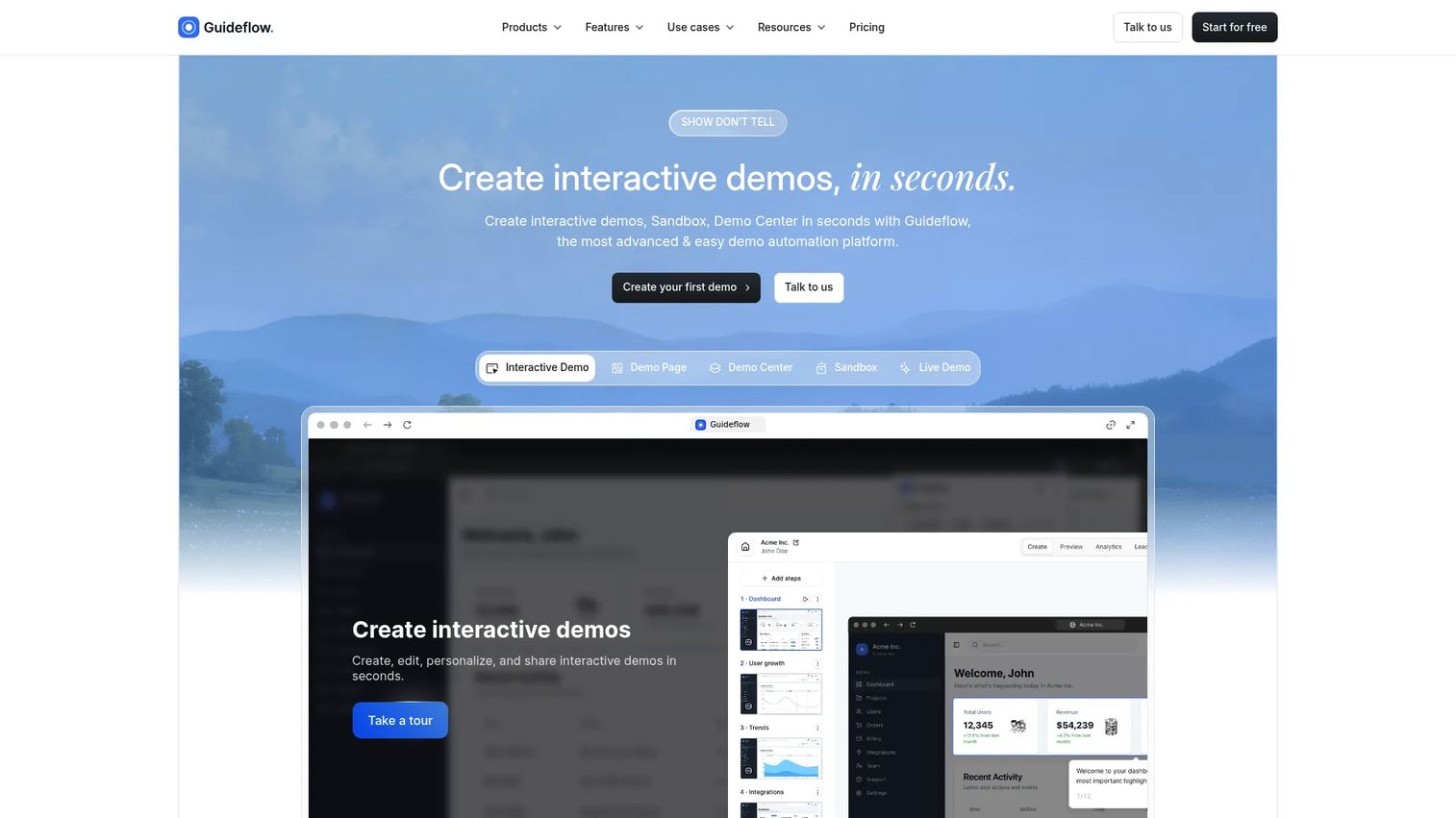
Guideflow belongs on this list for a specific reason: Some teams reach the limits of edited video not because the editing is hard, but because a passive video is the wrong format for the outcome they are chasing. When the goal is activation, feature adoption, or self-serve onboarding, an interactive demo gives users a clickable product experience rather than a recording they watch once and close.
Best for: Product teams replacing passive feature videos with interactive software experiences for onboarding, launch education, and self-serve sales content.
What it is: Guideflow is a demo automation platform. It produces six demo typed: Interactive demos, demo pages, demo centers, sandboxes, live demos, and mobile demos. Capture runs through the Chrome extension or the native app using screenshot, HTML, or video modes. Step content and CTAs are written automatically. The editor supports text, images, graphs, and branching paths. Translation covers more than 30 languages, and AI voiceover is available.
Key features:
- Capture through the Chrome extension or the native app
- Automated step content and CTAs
- Editable text, images, graphs, and branching paths
- Company-level visitor identification; CRM records created through in-demo forms or personalized links
- Step-level completion, drop-off, and viewer-flow analytics; integrations with HubSpot, Salesforce, Pipedrive, Zoho, and Marketo
Where Guideflow falls short: Guideflow is purpose-built for buyer-facing and user-facing product experiences. It is not a transcript-first editor for podcast post-production, detailed color grading, or polishing a talking-head recording. Teams whose primary asset is a narrated video with on-camera presence will find the recording and editing tools later in this list a better fit.
Pricing: Free at $0. Solo at $35 per user per month. Growth at $499 per month. Advanced at $1,499 per month. Enterprise from $2,999 per month.
G2 rating: 5.0
How it compares to Descript: Descript helps teams edit a recording. Guideflow helps SaaS teams publish a clickable product experience that supports onboarding, release communication, sales content, and support flows. They serve different outcomes, and many teams use both.
Start your journey with Guideflow today!
2. Riverside (recording and video production)
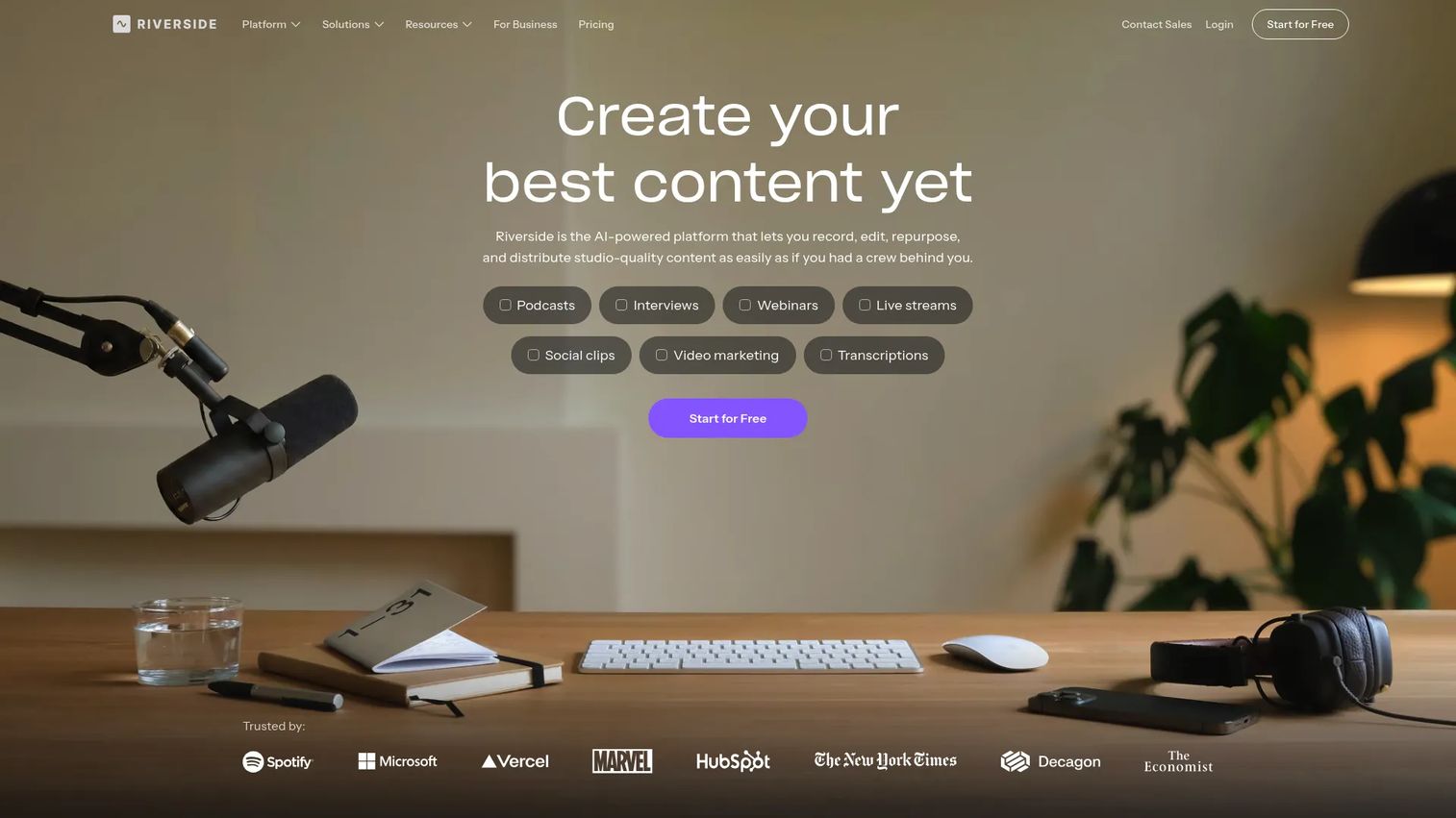
Riverside earns its place here as the clearest like-for-like Descript alternative for teams where recording quality is the first requirement. If the problem is that remote sessions sound and look inconsistent, or that editing a transcript is secondary to getting clean source material from distributed participants, Riverside addresses those problems at the recording layer before any editor touches the file.
Best for: Teams recording remote interviews, multi-speaker podcasts, customer conversations, executive updates, or launch recordings with distributed participants.
What it is: Riverside is an AI-powered platform for recording, editing, repurposing, streaming, and publishing studio-quality audio and video content. It records locally on each participant's device, producing separate tracks up to 4K, then syncs them after the session. It carries a 4.8 rating on G2 and serves podcasters, marketers, and production teams.
Key features:
- Local recording with separate audio and video tracks up to 4K
- Text-based editing and AI clip creation
- AI-generated show notes, captions, and promotional assets
- Podcast hosting, analytics, and publishing
- HD multistreaming and producer controls for webinars
Where Riverside falls short: G2 reviewers note that Riverside's editing depth is focused on text-based trimming and clip creation rather than multi-track post-production or color work. Teams that need to move from recording to a polished film-quality output will likely need a second editor downstream. Some reviewers flag that AI credit limits on lower tiers constrain heavier AI asset generation workflows.
Pricing: Free plan available. Pro at $24 per month, billed annually. Grow at $34 per month, billed annually. Webinar at $79 per month, billed annually. Business pricing on request.
G2 rating: 4.8
How it compares to Descript: Riverside places more emphasis on recording quality and remote production. Descript centers on transcript-led editing after recording is done. Use Riverside when clean source material is the primary problem.
3. VEED (browser video editor)
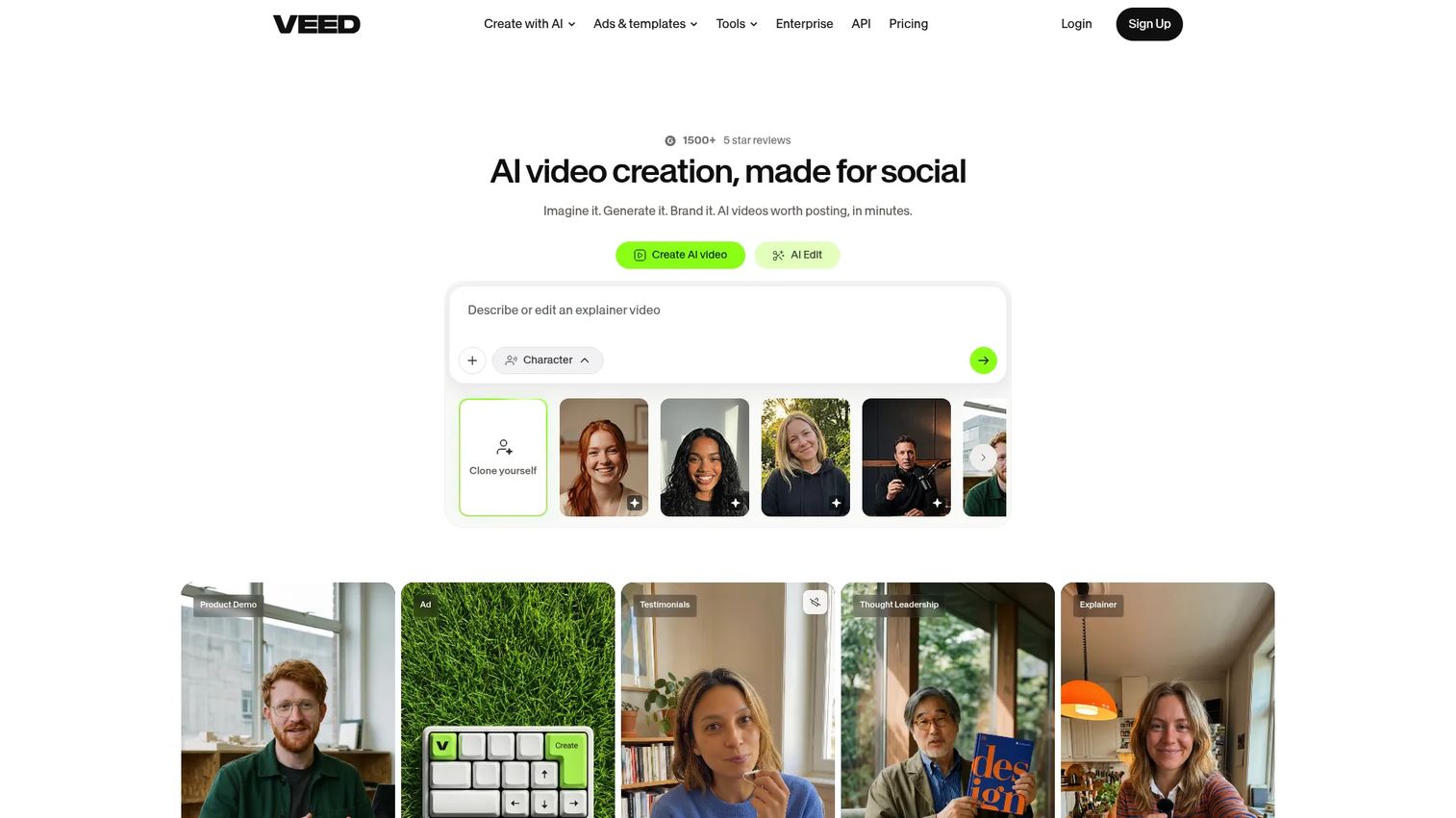
VEED fits teams that need browser-based collaboration on short product clips, captions, launch snippets, and social formats without a desktop editing workflow. Product and PMM teams producing captioned feature videos for release announcements will find the browser model removes the "send me the file" back-and-forth that slows down cross-functional content work.
Best for: PMM and product teams producing captioned social clips and short-form video for launch campaigns and feature announcements without a desktop editor.
What it is: VEED is a browser-based AI video creation and editing platform. It covers video generation, online editing, automatic subtitles, transcription, translation, and dubbing, with AI avatars and voice generation available on paid plans. It has a 4.6 rating on G2.
Key features:
- Browser-based video editor with text, captions, and audio tools
- Automatic subtitles, transcription, translation, and dubbing
- Social aspect-ratio resizing and template library
- Screen and webcam recording
- Video collaboration, hosting, and sharing
Where VEED falls short: G2 reviewers report that the free plan applies watermarks to exported videos and that rendering times can slow on longer projects. Some reviewers note credit-based limits on AI features can create friction in high-volume workflows. Export quality on the free and lower paid tiers draws occasional criticism for professional use cases.
Pricing: Free plan with watermarked exports. Paid plans start at $9 per month, billed annually, or $19 per month billed monthly.
G2 rating: 4.6
How it compares to Descript: VEED suits browser-based social and promotional video assembly. Descript is more capable for transcript-centered editing of spoken content and long-form audio production.
4. DaVinci Resolve (professional video editor)
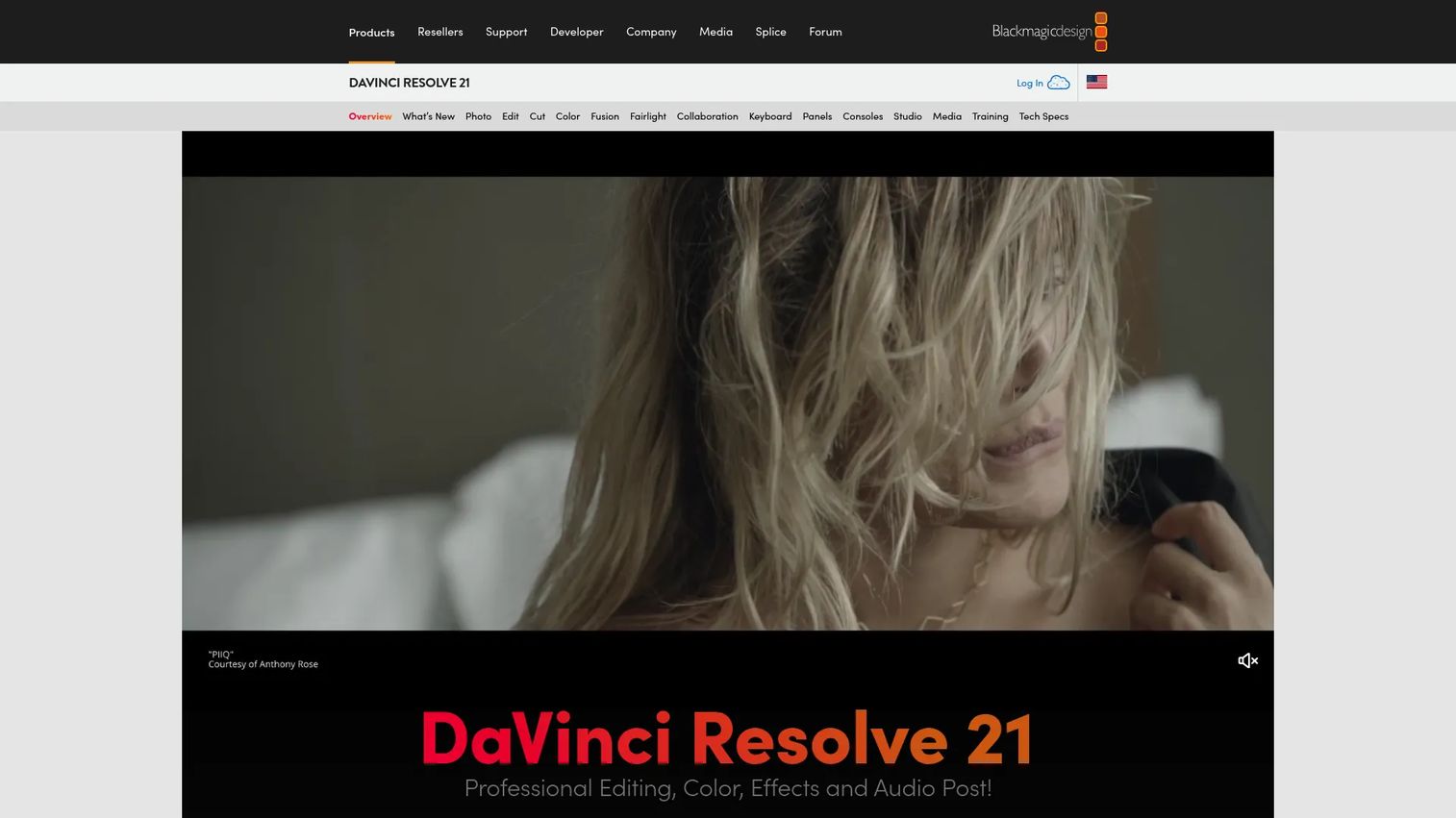
The strongest case for DaVinci Resolve is simple: The free version covers professional-grade editing, color grading, and audio post-production at no cost. For teams with a skilled video editor who needs control over the full post-production pipeline, Resolve offers capabilities that go well beyond what Descript's timeline provides.
Best for: Teams with skilled editors producing polished customer stories, launch films, or training media where production quality justifies specialist time.
What it is: DaVinci Resolve is all-in-one post-production software covering video editing, color correction, visual effects, motion graphics via Fusion, and Fairlight audio post-production. The free version handles the full editing workflow. The Studio edition, a one-time purchase, adds AI Neural Engine features, noise reduction, text-based editing, and resolutions beyond 4K. It holds a 4.7 rating on G2.
Key features:
- Advanced non-linear video editing and trimming
- Professional color correction and HDR grading
- Visual effects and motion graphics through Fusion
- Fairlight audio post-production
- Multi-user local and remote collaboration
Where DaVinci Resolve falls short: G2 reviewers consistently flag the learning curve as steep for non-specialists. Hardware requirements for demanding projects are significant, and teams without a dedicated editor often find the interface overwhelming relative to simpler tools. Collaboration setup for distributed teams requires configuration effort.
Pricing: Free version of DaVinci Resolve 21 available. DaVinci Resolve Studio 21 is a one-time purchase at $295.
G2 rating: 4.7
How it compares to Descript: Resolve offers a fundamentally different engagement model, covering the full post-production pipeline with professional precision. Descript offers a more approachable transcript-led workflow. The two serve different production scales and skill levels.
5. Camtasia (screen recording and editing)
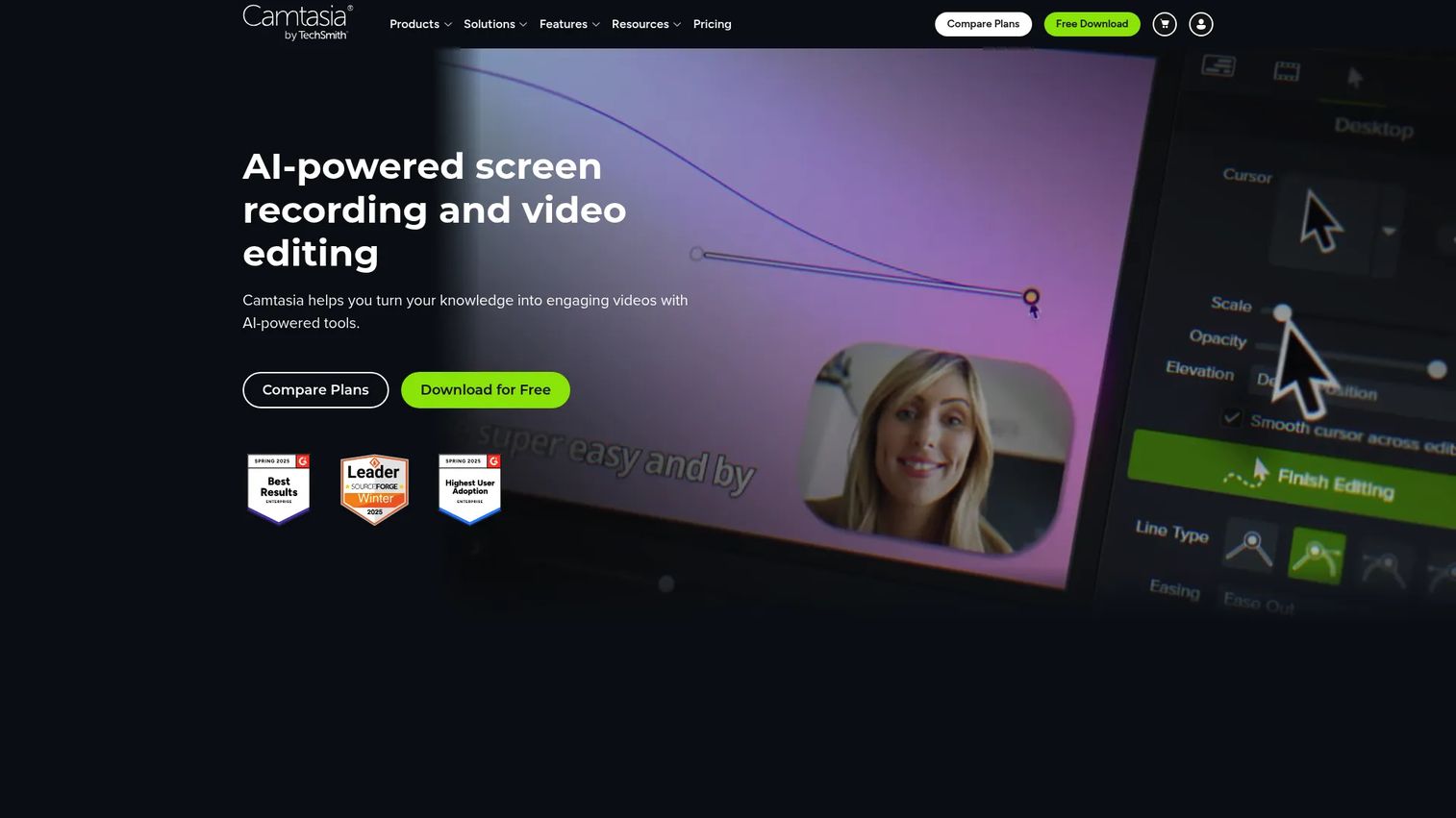
Camtasia addresses a specific PM need that Descript does not: A purpose-built screen recording workflow combined with annotation, zoom effects, and callouts in one editor. When the asset is a recorded tutorial with callouts showing where to click, Camtasia produces that output more directly than a transcript-first tool.
Best for: Product educators and enablement teams making annotated screen-recorded tutorials, software demos, and training content with visual callouts.
What it is: Camtasia is AI-powered screen recording and video editing software from TechSmith, built for creating tutorials, demos, and training videos. It records the screen, camera, and audio, then provides a timeline editor with annotations, captions, zoom effects, and cursor highlighting.
Key features:
- Multitrack screen, camera, and audio recording
- Non-linear editing with zoom, pan, and transitions
- AI text-based editing, transcription, captions, and background-noise removal
- Annotations, cursor effects, and visual callouts
- Template and asset-library workflows
Where Camtasia falls short: G2 reviewers note that Camtasia's pricing is subscription-based and the cost draws comment relative to tools with comparable screen recording features. Some reviewers report that the desktop-only requirement creates friction for teams expecting browser access. Advanced audio post-production remains limited compared to dedicated audio tools.
Pricing: Tiers displayed in EUR on the pricing page. Starter from 39.56 EUR per year. Essentials from 182.49 EUR per year. Create from 252.62 EUR per year. Pro from 607.71 EUR per year.
G2 rating: 4.6
How it compares to Descript: Camtasia centers on screen capture and visual teaching assets with annotation tools built in. Descript centers on transcript-first editing of spoken content.
6. Premiere Pro (professional video editor)
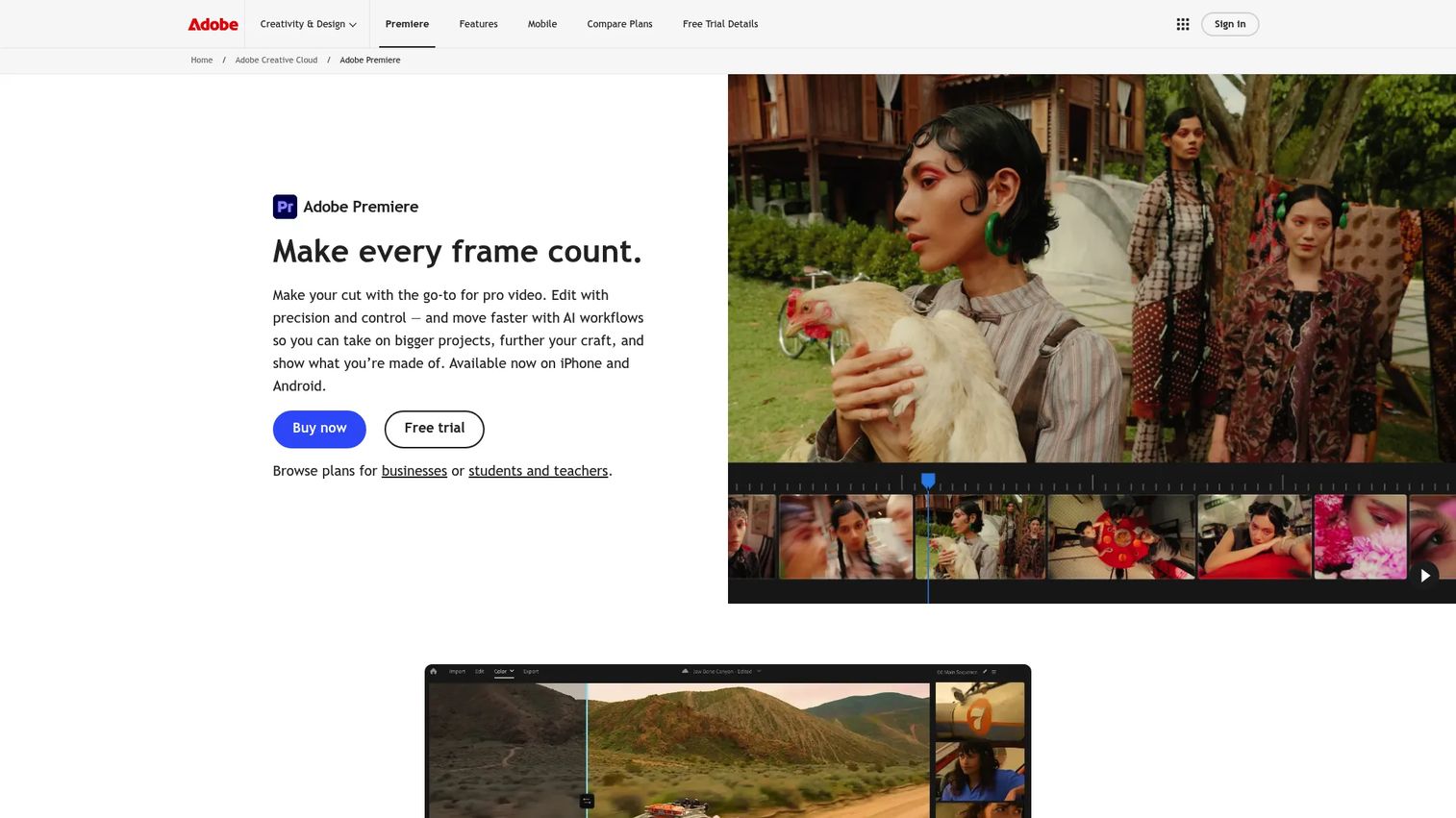
Teams already operating inside Adobe Creative Cloud will find Premiere Pro the most natural professional editing choice. The integration with After Effects, Audition, and other Creative Cloud tools makes it the default for in-house creative teams producing high-volume, edited video assets.
Best for: In-house creative teams producing professionally edited launch films, customer stories, and campaign video assets inside an Adobe workflow.
What it is: Premiere Pro is professional video-editing software covering multi-track timeline editing, AI-powered media search, text-based editing with automatic transcription, multicam editing, and generative AI features. It carries a 4.5 rating on G2 and is widely used by filmmakers, content creators, and enterprise creative teams.
Key features:
- AI-powered media search and footage discovery
- Text-based editing with automatic transcription
- Multicam editing with synchronized clips
- Generative Extend for video and ambient audio
- Professional color grading, effects, and audio tools
Where Premiere Pro falls short: G2 reviewers frequently cite subscription cost as a friction point, particularly for smaller teams or freelancers who do not use the full Creative Cloud suite. Hardware demands on complex projects draw comment, and reviewers on lower-spec machines report performance issues. The learning curve is significant for users coming from browser-based tools.
Pricing: Individual Premiere plan at $22.99 per month, billed annually. Creative Cloud Pro at $34.99 per month, billed annually. Premiere for teams at $37.99 per license per month, billed annually. A seven-day free trial is available.
G2 rating: 4.5
How it compares to Descript: Premiere Pro gives creative teams full control over professional output. Descript gives generalists a faster text-led way to edit spoken recordings without specialist editing skills.
7. CapCut (social video editor)
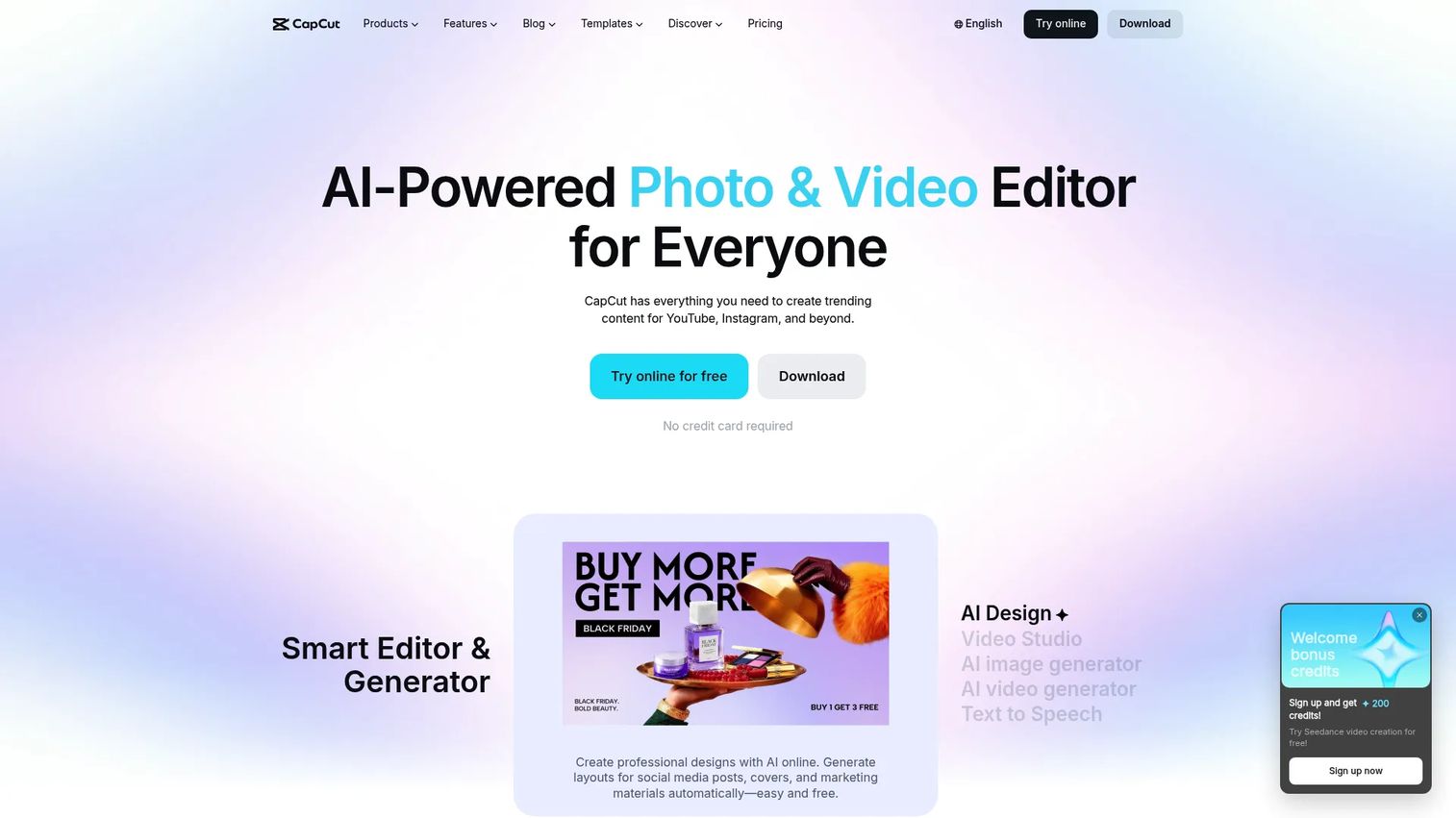
CapCut's clearest use case for product teams is short-form social content tied to launch moments: A 30-second feature clip with auto-captions, quick cuts, and social formatting done in one workflow. The free tier covers basic editing; the Pro tier adds AI credits, templates, and 1 TB storage.
Best for: Product and growth teams turning launch moments into short-form social clips with auto-captions and templated formatting.
What it is: CapCut is an AI-powered photo and video editor for creating content across platforms including YouTube, Instagram, and TikTok. It covers AI video generation, auto captions, transcription, background removal, and effects. Available on mobile and desktop.
Key features:
- AI video generation and editing
- Auto captions and transcription
- Templates, effects, and social aspect-ratio formatting
- Mobile and desktop editing
- Background removal and text-to-speech
Where CapCut falls short: CapCut's pricing page does not carry a G2 rating for enterprise governance comparison. Reviewers on business-focused platforms note that brand control and customization depth are limited compared to dedicated creative tools. The Pro plan's AI credits can constrain high-volume AI-generation workflows, and some reviewers flag that export quality for premium use cases requires the Ultra tier.
Pricing: Free plan available. Pro at $19.99 per month. Ultra at $79 per month. Teams at $12.49 per seat per month.
How it compares to Descript: CapCut is better suited to social-first clips and fast visual pacing. Descript is more appropriate for transcript-driven edits and spoken content that needs cleanup or repurposing.
8. Loom (async video and screen recording)
Loom fills a specific gap: When a PM needs to show a screen, add voice context, and move a decision forward asynchronously without building a production-quality asset. Bug reproductions, internal feature reviews, stakeholder updates, and one-off customer explanations are where Loom earns its place.
Best for: Product updates, internal feature reviews, quick bug reproductions, and one-off async explanations where a shared link is the goal.
What it is: Loom is an asynchronous video messaging and screen-recording platform for workplace communication. It records screen, camera, or both, produces a shareable link immediately, and adds viewer comments, reactions, and transcriptions. AI features generate titles, summaries, and meeting notes.
Key features:
- Screen and camera recording
- Trim and stitch editing, background removal, text and arrow overlays
- Transcriptions and closed captions
- Video and viewer insights
- AI-generated titles, summaries, and chapters
Where Loom falls short: The Starter free plan limits recordings to five minutes and up to 25 recordings per person. G2 reviewers note that production controls and customization depth are limited compared to full video editors, making Loom unsuitable for polished external content. Business pricing is not published as a numeric figure; the Business + AI plan sits at $24 per user per month.
Pricing: Starter free plan available with recording limits. Business + AI at $24 per user per month, with 17% savings on annual billing. Business pricing on request. Enterprise pricing on request.
How it compares to Descript: Loom focuses on sending an async recording with minimal friction. Descript is stronger when that recording needs transcript-led editing, filler-word cleanup, or repurposing into clips. Use Loom to keep teams aligned; use an interactive demo when viewers must explore the product flow and you need behavior data.
Which Descript alternative is best for interactive product education?
Guideflow is the strongest option when the audience must click through a software workflow rather than watch an edited recording.
An edited feature video helps a user watch a workflow. An interactive demo helps them experience it. For PMs whose metric is activation rate, time to first value, or support ticket deflection, the instrumentation gap matters as much as the format: Step-level completion and drop-off data show where users stop, which video completion data does not surface. Guideflow covers onboarding flows, feature launches, self-serve sales content, and support documentation. It does not replace professional video editing or podcast post-production.
Which option is best for polished recorded video?
DaVinci Resolve leads for professional editing depth; Premiere Pro fits teams already inside Adobe Creative Cloud.
Choose DaVinci Resolve for color grading, Fairlight audio, and full post-production control at no upfront cost on the free version. Choose Premiere Pro when Creative Cloud collaboration and integration with After Effects or Audition are already part of the workflow. For teams where the recording itself is the bottleneck, start with Riverside before reaching for an editor.
Where can you find a free Descript alternative?
DaVinci Resolve offers the most capable free professional editing option. Guideflow has a free plan for interactive product experiences.
DaVinci Resolve's free version covers the full editing, color, and audio pipeline. VEED, Riverside, Loom, and CapCut also offer free plans, though each carries limits on exports, recording time, storage, or watermarks. Check each vendor's current pricing page for commercial-use terms and feature gates before standardizing on a tool for team use.
What is the cheapest Descript alternative for your workflow?
The most cost-efficient choice depends on whether you need editing, recording, social clips, or interactive product experiences.
DaVinci Resolve costs nothing for the free version, covering professional editing. Loom's free Starter plan handles lightweight async recordings within its recording limits. CapCut's free plan reaches basic social video editing. Guideflow's free plan covers interactive product experiences. Avoid treating a single cheapest pick as universal: The pricing models are not equivalent across categories, and the feature you need may sit on a paid tier regardless of the entry price.
Which tool helps product teams explain feature releases?
Match the format to the outcome: Recorded narration for storytelling, interactive demo for adoption.
For a release announcement clip, VEED or CapCut handle social-ready formats. For an executive or customer interview, Riverside captures the source material cleanly. Internal feature reviews and async stakeholder updates fit Loom. Annotated instructional recordings with callouts fit Camtasia. When users must learn a workflow by doing it rather than watching it, Guideflow's interactive demos are the right format. High-production launch campaigns requiring color and sound design fit DaVinci Resolve or Premiere Pro. The best video editing software for a product team depends on which moment in the release cycle you are solving for.
When should you stay with Descript?
Stick with Descript when transcript-first editing is already central to your workflow and most of what you produce is spoken content.
Three situations favor staying: Your team edits long audio recordings by changing the transcript rather than dragging clips; you need a single workspace that handles recording, transcription, filler-word removal, and clip creation without switching tools; and changing tools would disrupt a mature production cadence without solving a clear problem in distribution, measurement, or viewer behavior.
Descript is good at what it does. The alternatives in this list address specific constraints, not a general deficiency in Descript itself.
Why product teams switch from Descript to Guideflow
Product teams shift to Guideflow when an edited feature video is producing views but not activation. The instrumentation mismatch is usually what triggers the switch: Video completion data cannot show where a user stopped in a workflow, which next step confused them, or whether they found the feature they came for.
Turn feature education into a guided experience
An interactive demo shows the workflow itself and directs users toward the activation event. Unlike a recorded walkthrough, the viewer follows the path that fits their role. Capture runs through the Chrome extension or the native app. More than 500,000 guideflows have been created by teams using this model for onboarding flows, launch education, and sales content.
Reduce content rot after UI changes
A narrated video requires a re-record when the interface changes. An interactive demo captured with Guideflow edits text, images, and graphs without re-capturing the whole flow. For teams shipping features weekly, the maintenance cost of video-first product education compounds quickly across a growing library.
Personalize the story by audience
Different paths for trial users, paying customers, admins, and end users are built through editable branching and segment-level content adjustments. The same underlying capture supports multiple audience cuts without separate production runs.
Instrument learning, not only views
Analyzing demo engagement at step level shows completion, drop-off, and viewer flow. Those signals map directly to activation, onboarding completion, and feature adoption, which are the metrics a PM is accountable for. CRM records are created when viewers identify through an in-demo form or a personalized link, connecting engagement data to pipeline.
One limitation to name: Guideflow is purpose-built for buyer-facing and user-facing product experiences. Teams whose primary need is podcast production, color grading, or polished talking-head video will find the editing tools in this list a better operational fit.
Start your journey with Guideflow today!
FAQs
The right choice depends on the asset's job. Product managers creating narrated release videos may prefer Riverside for clean multi-track recording or Camtasia for annotated screen capture. Teams trying to improve onboarding completion or feature adoption should evaluate interactive demo software that lets users click through a workflow rather than watch a recording. The two categories serve different outcomes and are often used together.
Several alternatives offer free plans or free versions. DaVinci Resolve's free version covers professional editing, color grading, and Fairlight audio with no time limit. Riverside, VEED, CapCut, and Loom each have free plans with varying limits on recording time, exports, watermarks, and storage. Guideflow has a free plan for interactive product experiences. Check each vendor's current pricing page for commercial-use restrictions and feature gates before committing.
Riverside is a strong choice for remote recording and podcast production, capturing separate tracks locally before editing. For teams that need detailed audio and video post-production controls beyond transcript trimming, DaVinci Resolve with Fairlight handles professional audio mixing. The two tools address different stages: Riverside at recording, DaVinci Resolve at post-production.
Camtasia is the strongest fit for annotated training videos with callouts, zoom effects, and structured tutorials. Loom is better for lightweight async recordings and quick internal explanations where a shareable link is the goal and production polish is secondary. The choice depends on whether the output is an instructional asset or an internal communication.
Yes, when the goal is product exploration, onboarding, or self-serve education. An interactive demo lets the viewer click through a workflow at their own pace, while a product video works better for narration, brand storytelling, and polished visual communication. Many product teams use both: A short launch video for announcement, and an interactive demo embedded in onboarding or help content for hands-on learning.
CapCut and VEED are strong candidates for short, captioned, social-ready videos. CapCut suits mobile-first teams building social clips with templates and auto-captions on a free plan. VEED suits browser-based teams collaborating on captions, translations, and multi-format exports. The choice turns on whether your team edits in a browser or on mobile and how much brand customization the workflow requires. Explore the best social media marketing tools and best audio editing software roundups for adjacent options.
Switch only if your current format creates maintenance debt you cannot sustain. For narrated videos, choose a tool with an editing workflow your team can run at pace with your release cadence. For repeated product education, evaluate interactive assets that can be updated when the interface changes without re-recording the full session. If Descript's transcript editing fits how your team works today, changing tools adds transition cost without guaranteed improvement.