



A wedding coordinator holds a Saturday in June. A sales manager books the same room for a corporate offsite. Neither knows about the other because one lives in a spreadsheet and the other lives in an inbox.
That is how double bookings happen. And it is how deposits slip, follow-ups stall, and pipeline visibility disappears.
Most venue teams do not lose deals because demand is soft. They lose deals because the booking process leaks. Inquiries sit unanswered for two days. A contract goes out without the deposit terms. A room shows as available when it is already committed. Every one of those gaps costs revenue, and none of them show up on a spreadsheet until it is too late.
The venue management software market reflects the pressure. Probity Market Insights valued the global venue management software market at USD 1.18B in 2024, projected to reach USD 3.85B by 2033 at a 14.1% CAGR (2025). Operators are buying software because manual booking management stops scaling the moment you run more than one space.
The right event venue booking software fixes the leaks at the source. It centralizes your venue booking calendar, enforces double-booking prevention, tracks inquiries through a venue CRM, and handles payments, invoicing, and deposits without a separate tool. That is the difference between a venue that runs on process and one that runs on the person who happens to remember which room is free.
What's inside
This guide is for venue operators, event sales managers, hospitality teams, and founders replacing spreadsheets with real booking management. We looked at platforms that centralize venue operations rather than solve one narrow piece.
We selected the 8 tools below on four criteria:
- Booking depth: availability control, holds, and double-booking prevention across multiple spaces
- Workflow automation: inquiry routing, reminders, contracts, and BEOs without manual chasing
- Payments and reporting: deposits, invoicing, and reporting and analytics in one place
- Venue-type fit: whether the tool matches restaurants, music venues, wedding spaces, or enterprise arenas
Pricing and ratings reflect verified vendor and G2 sources at the time of writing.
TL;DR
- Best for all-in-one venue operations: EventPro, with configurable modules for booking, catering, invoicing, and reporting.
- Best for bookings plus BEOs and catering: Planning Pod, built for venues running full event operations end to end.
- Best for fast-moving smaller teams: Perfect Venue, with a central calendar, automatic BEOs, and quick payments.
- Best for music and live-event venues: Opendate, purpose-built for booking, ticketing, and artist workflows.
- Best for solo pros and small service teams: HoneyBook, for proposals, contracts, and payments in one clientflow.
- Best for restaurants and hospitality event sales: Tripleseat, with inquiry capture, proposals, and direct booking.
- Best for enterprise venue workflows: VenueOps and Momentus Technologies, for complex spaces, pricing, and finance.
What is venue booking software
Venue booking software is a system for managing venue availability, inquiries, reservations, client communications, contracts, payments, and reporting in one place. It replaces the spreadsheet-plus-inbox setup most venues start with and gives sales and operations teams a single source of truth for every booking.
At its core, event space booking software connects the moment a lead asks about a date to the moment the event happens and the final invoice clears. It tracks who wants which space, when, at what price, and what still needs to be signed or paid.
Core capabilities to expect:
- Venue booking calendar: a shared, real-time online booking calendar showing every space and hold
- Double-booking prevention: automatic blocks so two events cannot claim the same room and time
- Venue CRM and lead pipeline: inquiry capture, lead stages, and communication history in one record
- Proposals, contracts, and deposits: documents, e-signatures, and payment terms tied to each booking
- Payments, invoicing, and deposits: online payment processing, deposit schedules, and balance tracking
- Reporting and analytics: revenue, occupancy, lead source, and conversion reporting
- Workflow automation and reminders: inquiry routing, follow-up nudges, and task triggers
- Floor plans and room layouts: space diagrams, capacities, and setup configurations
Strong venue scheduling software makes availability the single fact everyone trusts. When the calendar is authoritative, double bookings stop being a risk and start being impossible.
When to use venue booking software
Replace spreadsheets and inboxes
You know the setup: one shared spreadsheet for the calendar, a shared inbox for inquiries, and a folder of contract templates. It works until two people edit the same cell or an inquiry gets buried under 40 unread emails. Venue booking software makes the calendar authoritative and the pipeline visible, so nothing depends on one person's memory.
Centralize bookings across multiple spaces
A single ballroom is manageable by hand. Three event spaces, a patio, and a private dining room are not. Once you run multiple spaces, you need a venue booking calendar that shows every hold and confirmed event at once. This is where double-booking prevention earns its keep, blocking conflicts before they reach a client.
Speed up deposits and follow-up
Deals cool when the follow-up is slow and the deposit request is manual. Booking software automates the reminder, sends the proposal, and collects the deposit in the same flow. Faster deposits mean committed revenue, and workflow automation means your team stops chasing and starts closing.
Comparison table
The table below compares the 8 tools by fit for venue operators. Pricing and G2 ratings reflect verified vendor and G2 listings at the time of writing. Several enterprise platforms use quote-based pricing, noted where public numbers are not published.
| # | Product | Best for | Key differentiator | Pricing | G2 rating |
|---|---|---|---|---|---|
| 1 | EventPro | Configurable all-in-one venue ops | Modular booking, catering, invoicing, reporting | Custom quote | 4.1/5 |
| 2 | Planning Pod | Bookings plus BEOs and catering | Floor plans, BEOs, CRM, payments in one platform | From $19.99/mo | 4.0/5 |
| 3 | Perfect Venue | Fast-moving smaller venue teams | Central calendar, automatic BEOs, quick payments | From $99/mo | 4.8/5 |
| 4 | Opendate | Music and live-event venues | Booking, ticketing, and artist workflows | Free; from $4K/yr | N/A |
| 5 | HoneyBook | Solo pros and small service teams | Clientflow with proposals, contracts, payments | From $29/mo | 4.4/5 |
| 6 | Tripleseat | Restaurants and hospitality event sales | Inquiry capture, proposals, direct booking | Custom quote | 4.5/5 |
| 7 | VenueOps | Event, room, and pricing workflows | Rental rates, invoice and hospitality views | Quote-based | 4.2/5 |
| 8 | Momentus Technologies | Enterprise venue and event operations | Lead-to-execution with finance and AR/AP | Quote-based | 4.4/5 |
Best venue booking software for 2026
1. EventPro
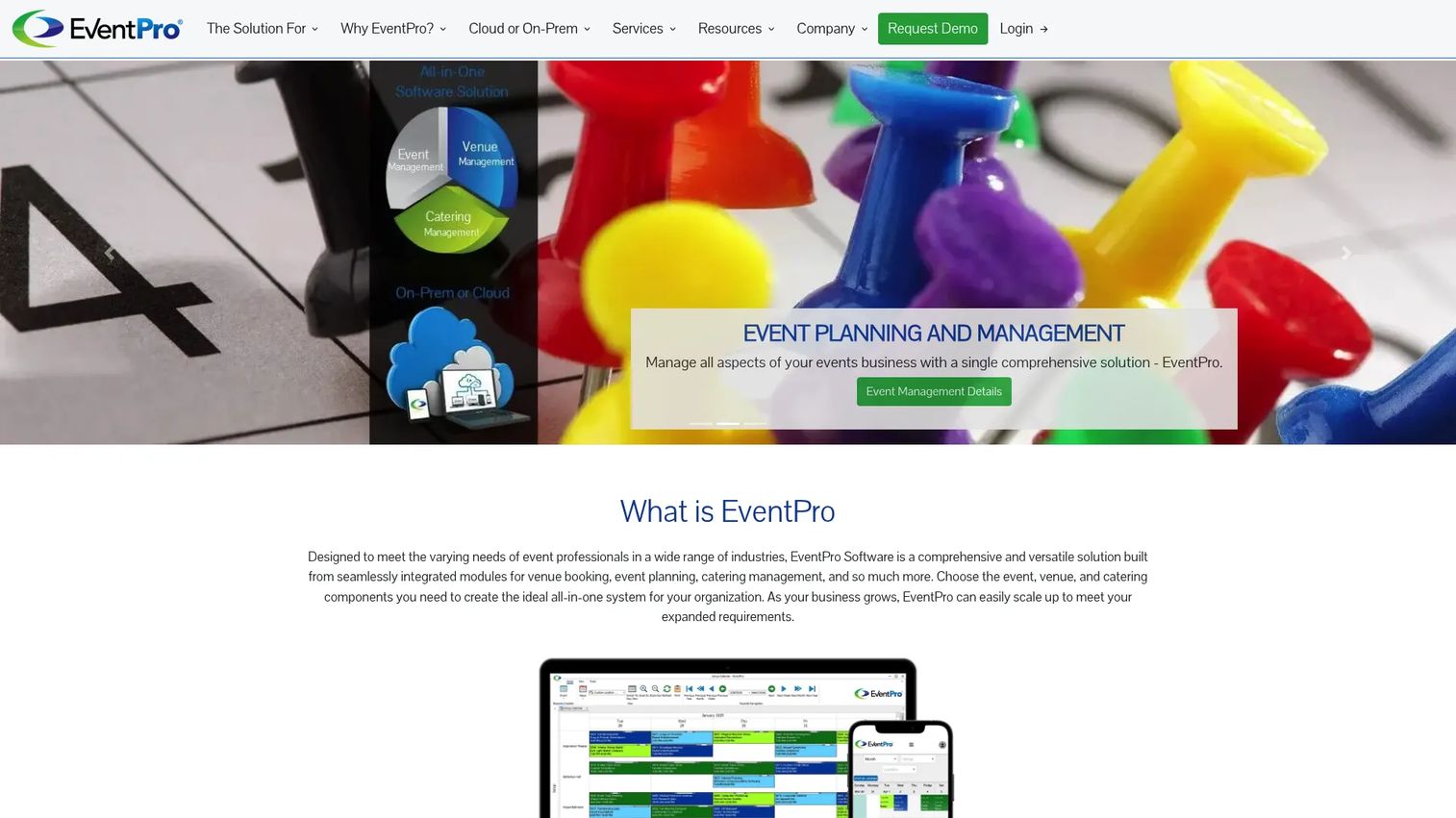
EventPro is event and venue management software built around configurable modules. You assemble the platform from the pieces you actually need: venue booking, a shared booking calendar, catering, invoicing, budgets, dashboards, and reporting. That modular approach suits organizations that want one system to cover venue operations without paying for functions they will not use.
The shared booking calendar sits at the center. It gives sales and operations a single view of every space, with attendee, exhibitor, itinerary, and travel management layered on for teams running larger events. Catering, budgets, and online registrations round out the operational picture.
Best for: Organizations that need configurable venue, event, and catering management in one platform.
Key strengths
- Venue booking and shared booking calendar
- Event planning with attendee and exhibitor management
- Catering, invoicing, budgets, and dashboards
- Reporting and online registrations and bookings
Why choose EventPro: If your venue operation spans multiple functions and you want to configure the system to match how you actually work, EventPro's module approach fits. It rewards teams that value breadth and want a single platform for booking, catering, and reporting.
EventPro pricing: Pricing is customized based on your organization's needs. EventPro says purchase options vary by modules, users, rooms, and training, and invites prospects to request a complimentary assessment.
2. Planning Pod
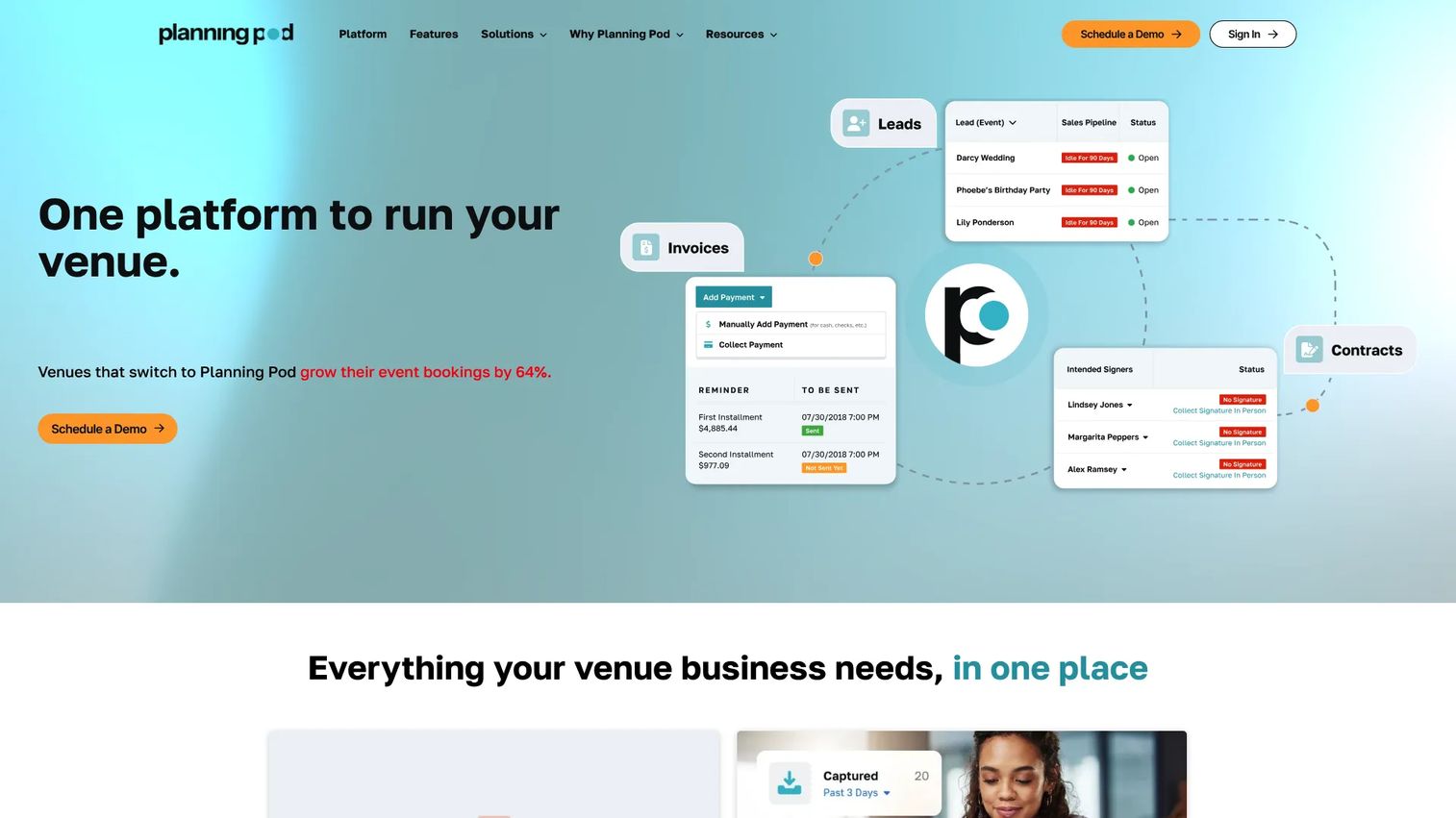
Planning Pod is an all-in-one operations platform for venues and event businesses. It combines booking calendars, holds, and tour scheduling with the operational tools venues need to run events: floor plans, BEOs, contracts, invoices, and payment processing. For a team consolidating five disconnected tools into one, this is the profile that fits.
The booking side handles availability, holds, and tour scheduling, so inquiries move to confirmed events without falling through cracks. The operations side covers BEOs, floor plans, client portals, checklists, and task management. Contracts, invoices, and payments live in the same system, which keeps deposits and balances tied to each booking.
Best for: Venues and event businesses that need an all-in-one operations platform end to end.
Key strengths
- Booking calendars, holds, and tour scheduling
- Floor plans, BEOs, and venue planning tools
- Contracts, invoices, payments, and client portals
- Checklists, task management, and event websites
Why choose Planning Pod: Planning Pod fits venues that want booking and full event operations in one place rather than stitched across tools. If you run events that need BEOs and floor plans alongside your booking calendar, the consolidation pays off.
Planning Pod pricing: G2 lists a free trial and a plan called The Five at $19.99 per month. The brand site confirms monthly or yearly paid subscriptions after the trial.
3. Perfect Venue
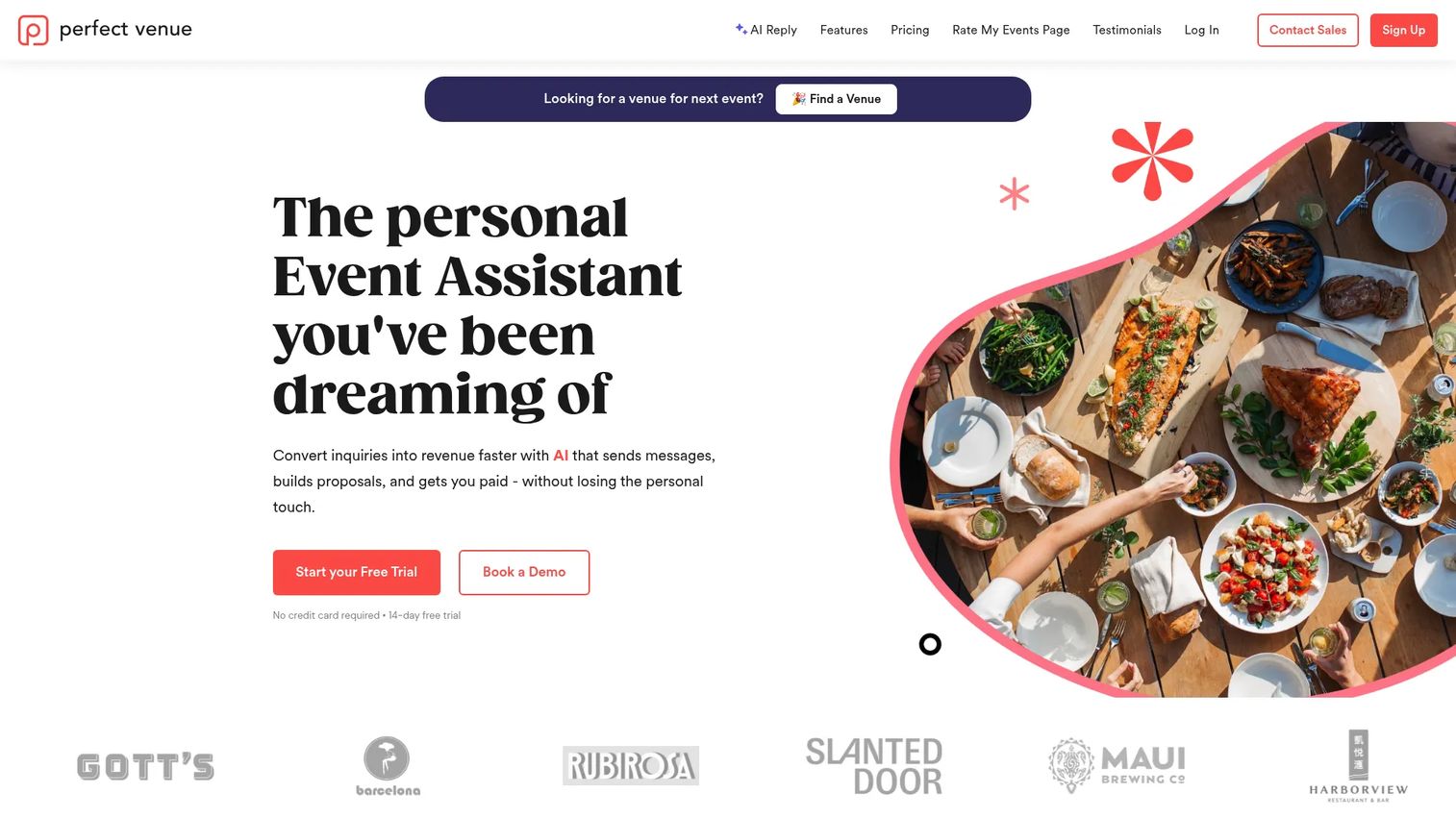
Perfect Venue is event management software built for independent venues and hospitality teams managing private events. It leans modern and sales-forward, with a central calendar, automatic BEOs, online proposals, and payments. For a smaller team that wants to move fast without a heavy implementation, it hits the mark.
The central calendar keeps every event and hold in one view, which is where double-booking prevention starts. Automatic BEOs and documents cut the manual paperwork that slows down private-event turnarounds. Online proposals and payments let a prospect review, sign, and pay deposits in the same flow, so follow-up does not stall.
Best for: Independent venues and hospitality teams managing private events.
Key strengths
- Central calendar for events and holds
- Automatic BEOs and documents
- Online proposals and payments
- Deposit collection tied to each booking
Why choose Perfect Venue: Perfect Venue fits fast-moving teams that want a clean, modern system without a long setup. If your priority is speed to a signed contract and collected deposit, this is a strong fit. Its 4.8/5 G2 rating reflects that hospitality teams like the experience.
Perfect Venue pricing: Perfect Venue shows four editions plus a free trial. The Basic plan starts at $99 per month, Professional at $199 per month, and Premium at $299 per month. Enterprise pricing is available on request.
4. Opendate
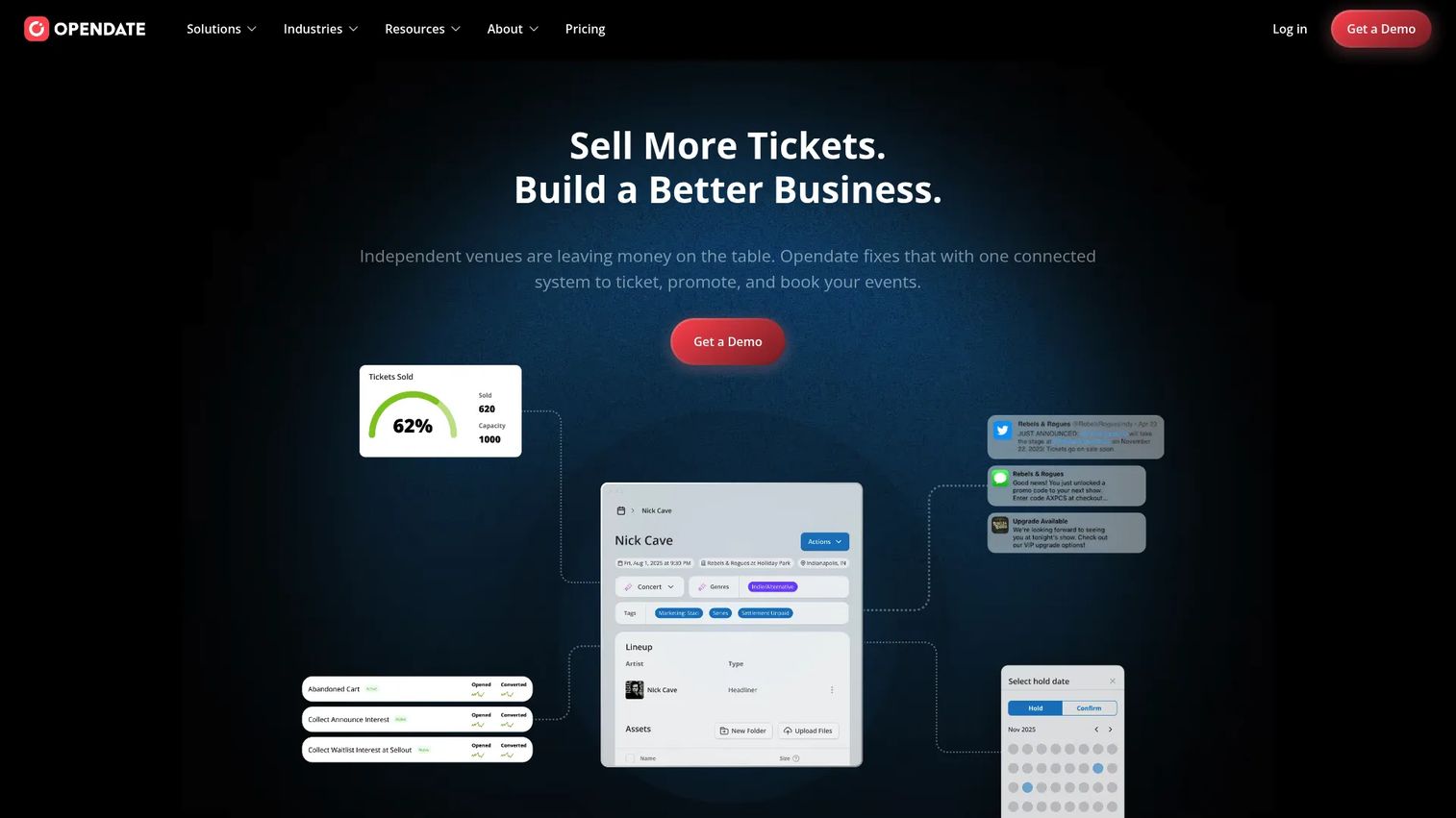
Opendate is a live music automation platform for venues that manage booking, ticketing, events, and related workflows. It is the most specialized tool on this list, built for music venues rather than general event spaces. If you book artists, sell tickets, and run shows, the workflow maps to how you actually operate.
Calendar management and offer management handle the booking side, while inbound artist submission gives you a pipeline of acts to consider. Event forecasting and advanced reporting cover the analytics venues need to plan seasons and budget shows. Ticketing, fan management, a venue mobile app, a custom venue website, and a marketing suite round out a platform that goes well beyond booking.
Best for: Independent music venues that want one system for booking, ticketing, promotion, and event operations.
Key strengths
- Calendar management and offer management
- Inbound artist submission and fan management
- Ticketing and event forecasting
- Advanced reporting, mobile app, and marketing suite
Why choose Opendate: Opendate fits live music venues that need artist booking and ticketing in the same system as their calendar. If a general venue tool leaves gaps around shows and fans, this closes them.
Opendate pricing: Opendate lists three packages: Opener (free), Marquee (starting at $4K per year), and Headliner (free with ticketing).
5. HoneyBook
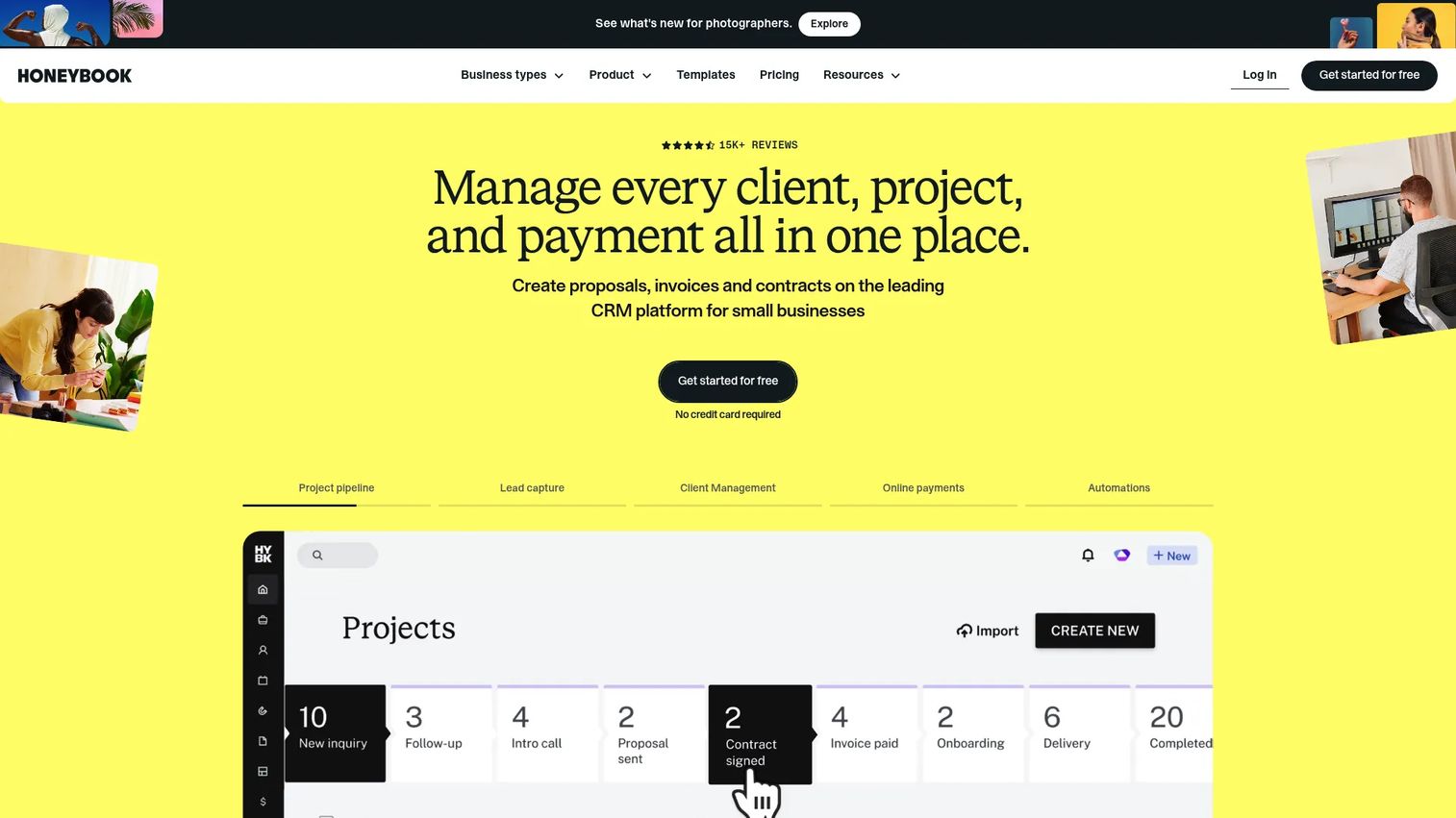
HoneyBook is clientflow management software for independent service businesses. It manages leads, projects, invoices, contracts, and payments in one place. It is not a dedicated venue platform, but for a solo event professional or a small service team, it covers the client-facing side of booking work cleanly.
The strength here is the clientflow: proposals, contracts, invoices, and questionnaires flow from a first inquiry to a signed, paid project. Online payments and financial tools keep deposits and balances organized. Unlimited clients and projects mean a growing solo operator does not hit a wall.
Best for: Service-based solo professionals and small teams that want an all-in-one client management workflow.
Key strengths
- Unlimited clients and projects
- Proposals, contracts, invoices, and questionnaires
- Online payments and financial tools
- Lead and project management in one place
Why choose HoneyBook: HoneyBook fits solo pros and small teams whose booking work is really client management. If you do not need floor plans and BEOs but do need clean proposals, contracts, and payments, it earns its place.
HoneyBook pricing: HoneyBook lists three plans. Starter is $29 per month billed annually or $36 billed monthly, Essentials is $49 per month billed annually, and Premium is $109 per month billed annually. A 30-day free trial is offered.
6. Tripleseat
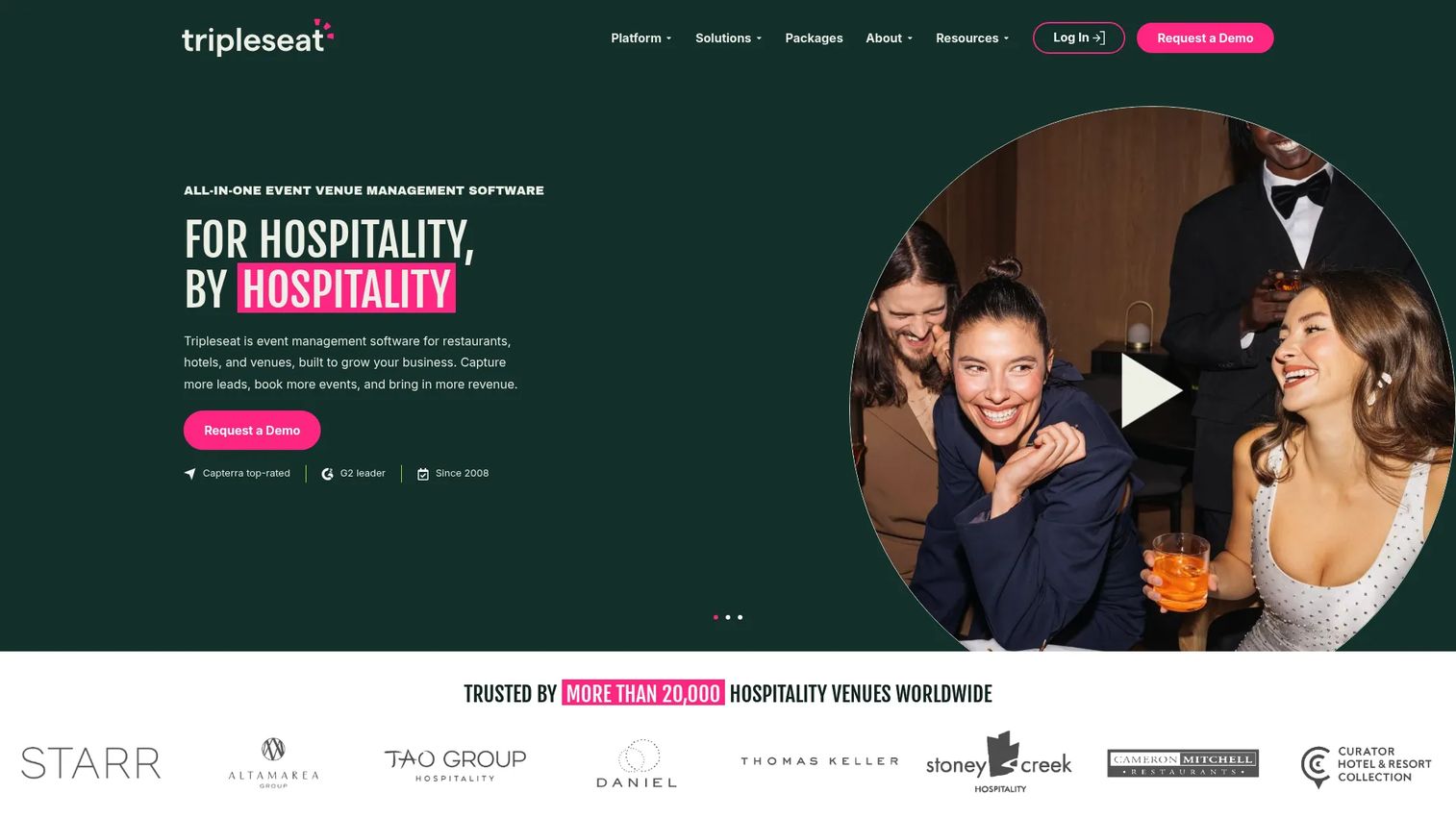
Tripleseat is all-in-one event management software for hospitality venues. It is widely used by restaurants, hotels, and venues managing event sales and booking workflows. If your event business runs through a busy sales pipeline, Tripleseat is built around that motion.
Inquiry capture and web forms bring leads in without manual entry. Proposals, contracts, and BEOs move each lead toward a confirmed booking. Direct booking, payments, floor plans, tickets, and insights cover the operational and reporting side, so the whole sale lives in one system rather than scattered across email and documents.
Best for: Restaurants, hotels, and venues managing event sales and booking workflows.
Key strengths
- Inquiry capture and web forms
- Proposals, contracts, and BEOs
- Direct booking, payments, and floor plans
- Tickets and insights reporting
Why choose Tripleseat: Tripleseat fits hospitality venues with real event sales volume that want inquiry-to-booking in one flow. Its 4.5/5 G2 rating reflects strong adoption across restaurants and hotels.
Tripleseat pricing: Tripleseat uses quote-based pricing and asks prospects to request a customized pricing call. No public price is shown on the brand site.
7. VenueOps

VenueOps is venue management software now branded as Momentus Elite. It focuses on the operational data views complex venues rely on: event, room, and venue data, price schedules and rental rates, and invoice, exhibitor, and hospitality charge views. For venues that manage detailed pricing and charges per event, that depth matters.
The event, room, and venue data views give teams a structured picture of what is booked and where. Price schedules and rental rates keep pricing consistent across events, which is where manual spreadsheets tend to break down. Invoice, exhibitor, and hospitality charge views tie the financial detail to each booking.
Best for: Venues that need event, room, and pricing workflow management.
Key strengths
- Event, room, and venue data views
- Price schedules and rental rates
- Invoice and exhibitor charge views
- Hospitality charge management
Why choose VenueOps: VenueOps fits venues with detailed pricing and charge structures that outgrow spreadsheets. If your bookings carry variable rental rates and hospitality charges, the structured views keep them straight.
VenueOps pricing: VenueOps, now part of the Momentus family as Momentus Elite, does not publish public pricing. Contact the vendor for a quote based on your venue's needs.
8. Momentus Technologies
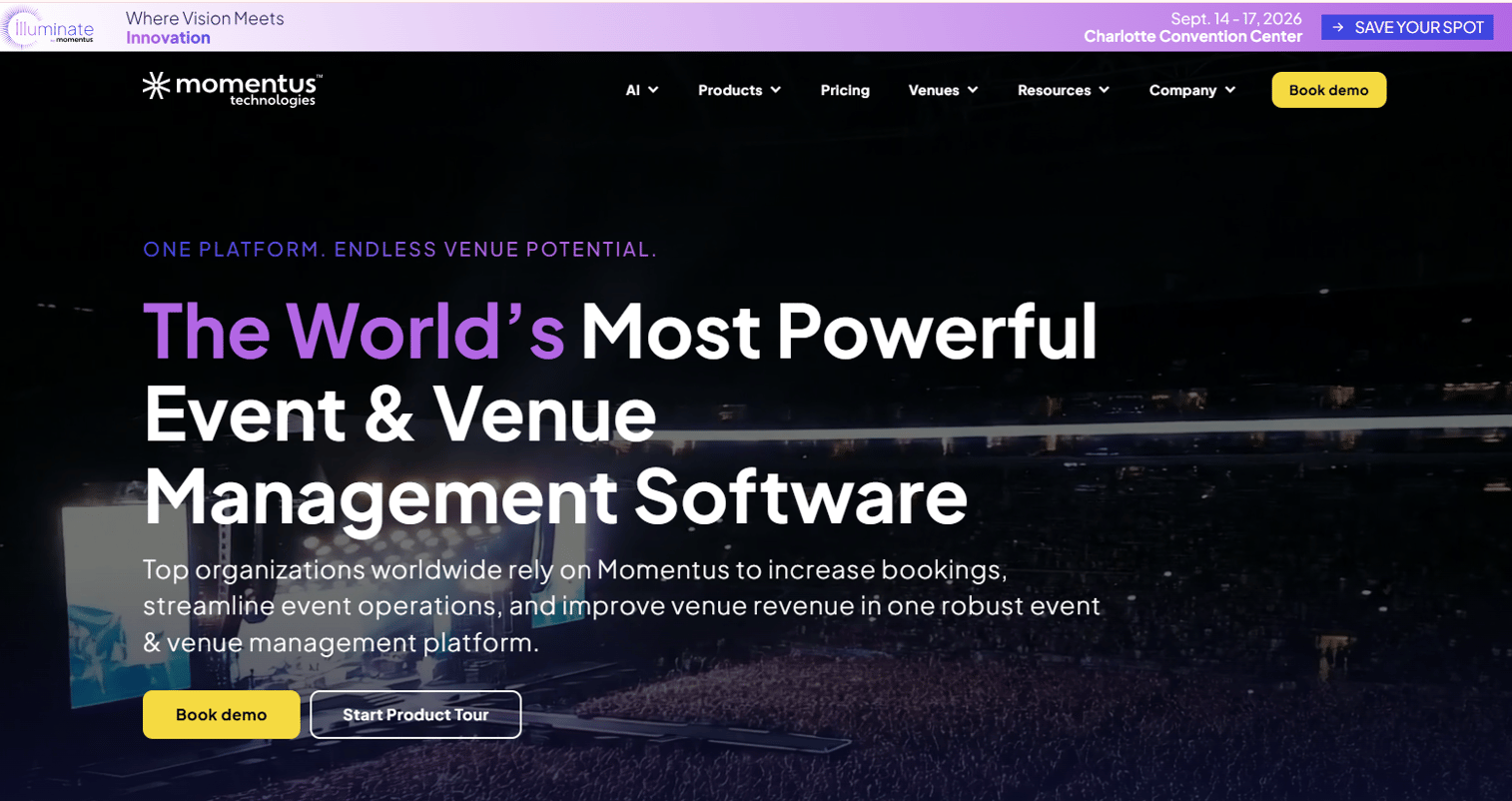
Momentus Technologies is venue and event management software for complex venues and events. It targets the enterprise end of the market: arenas, convention centers, and large operators that need a platform covering the full lifecycle from lead to service execution. For that scale, the finance depth is the differentiator.
Lead capture, contracting, event details, and service execution cover the operational lifecycle end to end. Calendars and booked space visibility keep large teams aligned on what is committed. The finance layer, including AR, AP, payments, and reporting, is where enterprise venues get the control that smaller tools do not offer.
Best for: Venues and event operators needing an enterprise venue management platform.
Key strengths
- Lead capture, contracting, and event details
- Service execution and event workflows
- Calendars and booked space visibility
- Finance including AR, AP, payments, and reporting
Why choose Momentus Technologies: Momentus fits enterprise venues that need lead-to-execution coverage with real finance controls. If AR, AP, and complex event workflows are dealbreakers, this is the platform built for that scale.
Momentus Technologies pricing: Pricing is quote-based and packaged by tier, spanning Momentus Enterprise and Momentus Elite. Public pricing numbers are not shown; contact the vendor for a quote.
Considerations
Before you commit, run any shortlisted tool through this checklist against one real booking scenario.
Availability and double-booking controls
Confirm the venue booking calendar treats availability as a single authoritative fact. Test whether the system blocks a conflicting hold in real time, not after a manager notices. Strong double-booking prevention is the difference between a calendar you trust and one you double-check by hand.
CRM and communication workflow
Check how inquiries enter the system and how the venue CRM tracks them through stages. You want lead capture, communication history, and follow-up in one record, not scattered across inboxes. Verify that automated reminders actually fire when a lead goes quiet.
Payments and invoicing
Test the full path: proposal, contract, deposit, and final balance. Confirm the tool handles payments, invoicing, and deposits without a bolt-on. The faster a deposit clears, the sooner the booking is real revenue rather than a soft hold.
Reporting and pipeline visibility
Ask what the reporting and analytics actually show: revenue, occupancy, lead source, conversion, and forecast. For a founder or operator, this is the visibility that turns booking data into weekly decisions instead of month-end guesswork.
Automation and customization
Look at how much manual work the tool removes through workflow automation, and how far you can tailor it to your venue types, floor plans, and room layouts. The goal is fewer manual steps and fewer things that depend on one person remembering to act.
Conclusion
The right venue booking software depends on how you operate. For configurable all-in-one venue operations, EventPro and Momentus Technologies cover the most ground. For bookings plus BEOs and catering, Planning Pod and Tripleseat fit venues running full event sales. Perfect Venue suits fast-moving smaller teams, HoneyBook fits solo pros and small service businesses, Opendate is built for music venues, and VenueOps handles detailed pricing and charge workflows.
The pattern that matters most: pick the tool that makes your venue booking calendar authoritative, enforces double-booking prevention, and ties payments, invoicing, and deposits to clean reporting and analytics. That is what turns a booking process that depends on one person into a system that runs on its own.
Next step: shortlist two tools and run each against one live booking scenario, from inquiry to signed contract to collected deposit. Whichever one moves that scenario fastest, with the fewest manual steps, is the one that will scale with you.
FAQs
Venue booking software is a system that manages venue availability, inquiries, reservations, client communication, contracts, payments, and reporting in one place. It replaces the spreadsheet-and-inbox setup most venues start with. The result is a single source of truth for every booking, so nothing depends on one person's memory.
It treats the venue booking calendar as a single authoritative record of availability. When a space is held or confirmed for a date and time, the system blocks any conflicting request in real time. That double-booking prevention removes the risk that two events claim the same room because the information lived in two different places.
Look for a shared venue booking calendar, double-booking prevention, a venue CRM for lead tracking, and proposals, contracts, and deposits. It should also handle payments, invoicing, and deposits, offer reporting and analytics, and support floor plans and room layouts. Workflow automation for reminders and follow-ups ties it together.
Yes. Most platforms on this list include online payment processing, deposit schedules, and balance tracking tied to each booking. That means a client can review a proposal, sign a contract, and pay a deposit in the same flow. Faster deposits turn soft holds into committed revenue.
A venue CRM focuses on the sales side: capturing inquiries, tracking leads through stages, and managing client communication. Event management software covers the operational side: BEOs, floor plans, catering, staffing, and service execution. Most modern venue booking software combines both, so the sales pipeline and the operations plan live in one system.
For fast-moving smaller venue teams, Perfect Venue offers a modern central calendar, automatic BEOs, and quick payments. For solo pros and small service businesses whose work is really client management, HoneyBook covers proposals, contracts, and payments cleanly. Planning Pod is a strong all-in-one option when a small team needs booking plus full event operations.
Start with your venue type and volume. Wedding venues and private-event spaces benefit from Perfect Venue or Planning Pod, which pair a booking calendar with BEOs and floor plans. Restaurants and hotels with high event-sales volume fit Tripleseat. Run your top two picks against one real booking scenario before deciding.
Yes. Good venue scheduling software surfaces reporting and analytics on revenue, occupancy, lead source, and conversion. Platforms built for larger operators, like Momentus Technologies and Opendate, add event forecasting and finance reporting. That visibility turns booking data into weekly decisions instead of month-end guesswork.










