A learner needs to rehearse a confined-space rescue, a high-voltage switchover, or a difficult customer confrontation. Live practice consumes equipment time, instructor capacity, or safety budget. Video shows the procedure but cannot prove the learner can execute it under pressure.
That gap is why virtual reality training has become a serious operational investment. The VR training market was valued at $10.1 billion in 2025 and is forecast to reach $113.4 billion by 2034, growing at a 32.1% CAGR, according to Growth Market Reports (2025). PwC (2020) found that VR learners completed training four times faster than classroom participants, and at 3,000 learners, VR training costs 52% less than classroom delivery.
The decision tension is real, though: Fidelity versus speed to launch, packaged content versus a custom build, headset-only delivery versus cross-device access. The right VR training simulator gives people safe repetition and gives the team evidence that the skill transferred.
What's inside
This guide is for product managers, L&D leaders, safety teams, and operations owners evaluating a VR training pilot. Eight platforms were selected based on:
- Scenario realism: Does the simulation reproduce the decisions and conditions that matter?
- Authoring model: No-code, low-code, or full development engine?
- Deployment flexibility: Headset, desktop, mobile, browser, or all of the above?
- Analytics and LMS readiness: Can the platform instrument cohort performance and connect to existing learning infrastructure?
You'll get a comparison table, individual tool guidance, a buying checklist, and implementation-focused FAQs.
TL;DR
- Best for custom 3D training systems: Unity, free to start, Pro at $210/month.
- Best for managed enterprise practice: PIXO VR, with built-in learner management and analytics starting at $14,999/year.
- Best for high-fidelity XR hardware: Varjo, with dual 4K-per-eye displays and eye tracking.
- Best for rapid no-code branching scenarios: Warp VR, starting at $486/month billed yearly.
- Best for open-source XR development: OpenSpace3D, free with full physics and AR/VR support.
- Best for AI roleplay and communication training: VirtualSpeech, Individual plan at $45/month.
All eight tools serve different simulation models. No single platform wins across every use case.
What is a VR training simulator?
A VR training simulator is software, hardware, or a combined platform that lets people practice job-relevant tasks in immersive digital scenarios instead of relying only on classrooms, videos, or live equipment.
The category spans several distinct types:
| Category | What it is | Best fit |
|---|---|---|
| VR training platform | Content authoring, delivery, assignments, analytics | Repeatable workforce programs |
| VR simulator | A focused environment for practicing a specific task | Equipment operation, safety, emergency response |
| XR development engine | A build environment for custom experiences | Teams with 3D assets and technical resources |
| High-fidelity XR hardware | Headsets and tracking systems for detailed simulations | Visual precision, mixed reality, complex spatial tasks |
| AI roleplay platform | Immersive practice for conversations and decisions | Sales, leadership, interviews, customer interactions |
Core capabilities found across VR training software include:
- Scenario authoring from 360-degree footage, 3D models, or digital twins
- Branching choices and consequence-based learning paths
- Device delivery across headsets, desktops, tablets, and mobile browsers
- Instructor monitoring, session controls, and environment resets
- Learner scoring for decisions, task time, accuracy, and repeat attempts
- LMS integration via SCORM, xAPI, or LTI
- Multi-user collaboration and facilitator-led sessions
- Content versioning tied to procedural and product changes
For product managers, the success metric is not headset utilization. It is whether learners reach a measurable competency faster and whether the team can maintain scenarios as workflows change. Instrumentation matters as much as immersion. Cohort performance data, segmentation by role or location, and clear time-to-proficiency metrics are what turn a VR pilot into a scalable program.
When to use a VR training simulator
Train in hazardous, expensive, or inaccessible environments
Confined spaces, heavy equipment, high-voltage procedures, aviation maintenance, and emergency response all share a common constraint: Live practice is costly or dangerous. VR simulation creates a repeatable practice space without putting people, equipment, or production schedules at risk. Learners can repeat a high-voltage switchover or confined-space rescue until the decision becomes automatic, without any live exposure.
Standardize onboarding and certification across locations
When training quality changes from instructor to instructor, the problem is not the instructors. It is an unscalable delivery model. VR training makes the same scenario available across sites, shifts, and cohorts. From a PM perspective, this is a segmentation and measurement win: You can compare activation and proficiency by location, role, or hire date, then prioritize scenario iteration where drop-off is highest.
Measure skill development before it becomes a field problem
Completion rates are weak evidence. A strong VR training program captures accuracy on specific decisions, time-to-completion, retry counts, and after-action review data. That instrumentation lets a team detect the step where learners consistently fail before that failure appears in the field. Pair training analytics with your existing user onboarding software stack to build a complete view of readiness across the employee lifecycle.
| Use VR when | Use another format when |
|---|---|
| The task involves physical risk or expensive equipment | The knowledge is low-risk and text-based |
| Repetition is required and live reps are limited | Procedures change faster than a scenario can be updated |
| Consistent measurement across sites matters | A quick checklist or video is sufficient for compliance |
VR training simulator comparison
The eight tools below address different training problems. Some are platforms for building custom experiences. Others package scenario authoring, learner management, reporting, or high-fidelity XR hardware. Choose based on the training task and operating model before comparing price.
| # | Product | Best for | Key differentiator | Pricing | G2 rating |
|---|---|---|---|---|---|
| 1 | Unity | Custom cross-platform simulations | Real-time 3D engine with broad device support | Free (Personal); Pro from $210/month | 4.5/5 |
| 2 | PIXO VR | Enterprise skills practice with measurement | Delivery, learner management, and performance reporting | From $14,999/year | Not listed |
| 3 | Varjo | High-fidelity XR simulation | Dual 4K-per-eye headsets with eye tracking and mixed-reality | Varjo Base free; Base Pro from €2,500/year | Not listed |
| 4 | Warp VR | No-code branching scenarios | 360-degree scenario builder with multi-device delivery | From $486/month (billed yearly) | 4.8/5 |
| 5 | OpenSpace3D | Open XR development | Open-source 3D and XR authoring with visual programming | Free and open-source | 4.6/5 |
| 6 | Vortex Studio | Equipment and operator simulation | Physics-driven mechanical and machinery simulation | Custom pricing | 2.5/5 |
| 7 | Breakroom | Collaborative immersive learning | Multi-user sessions with integrated LMS and gamification | Custom pricing | 4.5/5 |
| 8 | VirtualSpeech | AI roleplay and communication training | AI avatars with scored feedback and VR or browser practice | From $45/month (Individual) | 4.8/5 |
Pricing and ratings verified in October 2026 from vendor pricing pages and available G2 listings.
Best 8 VR training simulators for 2026
1. Unity
Unity is a real-time development platform for creating and operating interactive 2D and 3D content across multiple platforms, including VR, AR, mobile, desktop, and consoles. Organizations use it to build custom VR training environments from CAD files, scan data, or proprietary 3D models, producing experiences that match their specific equipment, workflows, and facility layouts. It is a development foundation, not a turnkey training catalog.
Best for: Product and technical teams building custom VR training systems around proprietary equipment, environments, or procedures where no off-the-shelf scenario fits.
Key features
- Real-time 3D development engine with URP and HDRP rendering
- Cross-platform publishing: VR, AR, mobile, desktop, and consoles
- CAD and 3D asset import pipelines
- Physics and interaction systems for equipment simulation
- Enterprise integration options for LMS and data connections
Why choose Unity: Choose Unity when simulation fidelity and customization are the primary requirements and the organization has internal development capacity or an implementation partner. The opportunity cost is real: Without technical ownership, Unity creates a build dependency that slows scenario iteration.
Unity pricing: The Personal plan is free. Pro runs $210/month per seat or $2,310/year per seat. Enterprise and Industry plans use custom pricing through Unity's sales team.
Unity holds a 4.5/5 rating on G2.
2. PIXO VR
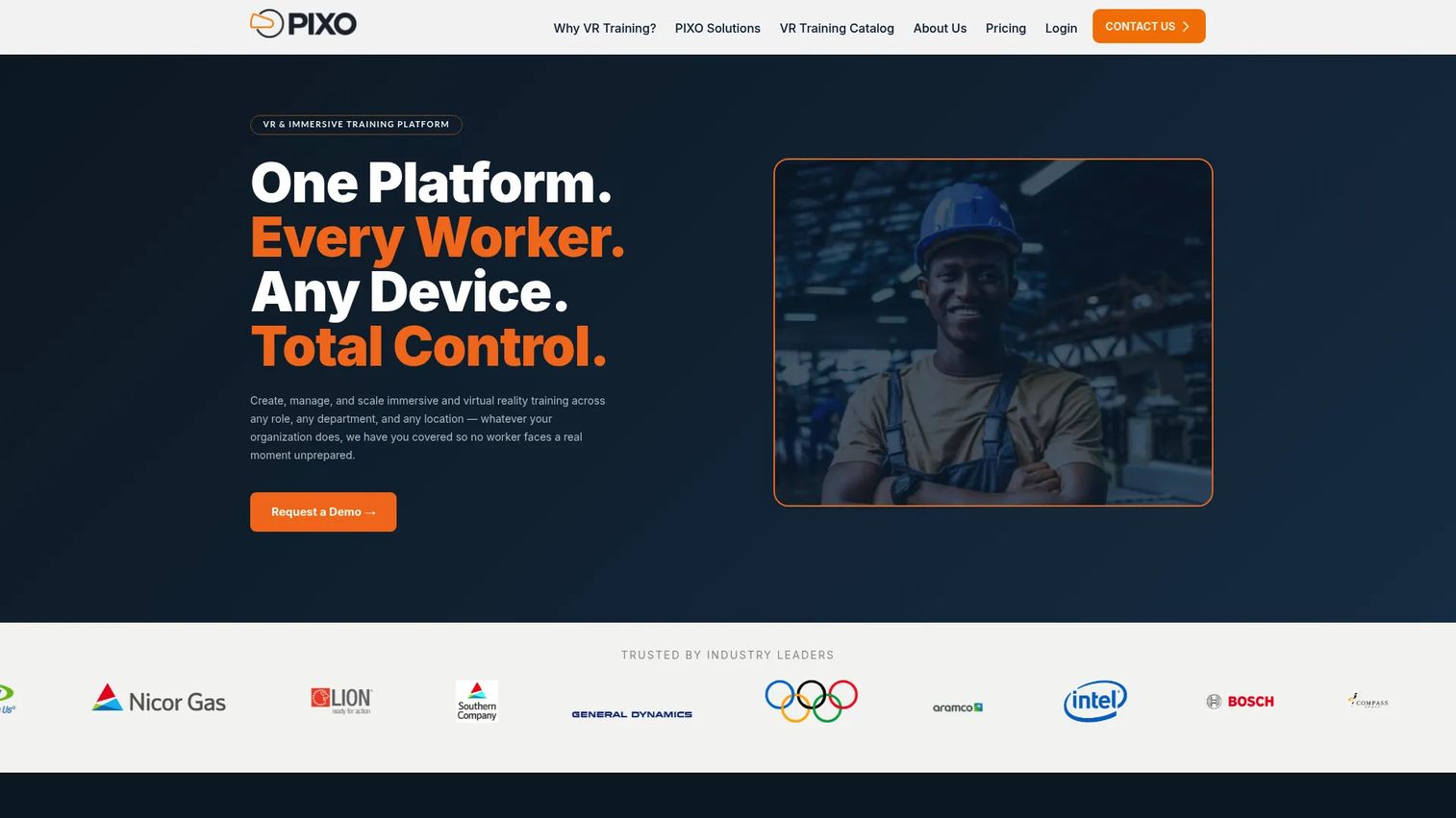
PIXO VR is an enterprise immersive training platform that combines content delivery, learner management, trainer oversight, and analytics in one operating model. It supports multi-device delivery across VR, AR, tablet, mobile, and desktop, and includes PIXO Builder for creating or customizing training content. The platform holds SOC 2 Type II certification and integrates with LMS, HRIS, SSO, and SAML systems.
Best for: Large organizations that need to assign immersive learning at scale, monitor performance by cohort, and report outcomes across multiple sites and training programs.
Key features
- Multi-device delivery: VR, AR, tablet, mobile, and desktop
- Real-time trainer oversight and user management dashboard
- Performance analytics and scenario randomization
- LMS, HRIS, SSO, and SAML integrations
- SOC 2 Type II compliance
Why choose PIXO VR: Strong fit when the buyer needs to prove training impact through measured practice rather than simply deliver immersive content. For PMs evaluating a pilot, the right question is whether managers can see individual performance, cohort patterns, retry counts, and evidence of task proficiency before scaling.
PIXO VR pricing: Plans are billed annually. Start covers 50 active monthly users and 3 PIXO trainings at $14,999/year. Growth supports 100 users with expanded analytics and trainer features at $24,999/year. Team supports 250 users, 6 trainings, LMS integration, and white labeling at $49,999/year. Business plans use custom packaging. Headsets are not included in any tier.
3. Varjo
Varjo produces professional-grade virtual and mixed-reality headsets combined with software and services for demanding simulation, design, and research applications. The XR-4 headset delivers dual 4K-per-eye displays at up to 51 pixels per degree, depth-aware video passthrough, LiDAR, and inside-out tracking. Varjo Base software handles eye tracking, foveated rendering, headset management, and session recording.
Best for: Aviation, defence, medical, engineering, and research teams where visual fidelity and spatial tracking accuracy are central to the training outcome rather than a nice-to-have.
Key features
- XR-4 headsets with dual 4K-per-eye displays and 51 ppd resolution
- Eye tracking with foveated rendering
- Video-passthrough mixed reality with LiDAR depth awareness
- Varjo Base software for device management and session recording
- Professional simulation integrations for flight, automotive, and industrial use cases
Why choose Varjo: Use Varjo when learners must inspect complex environments, read dense instruments, or practice precise spatial tasks where lower-resolution displays produce meaningfully different training outcomes. It is a hardware-plus-software investment, so the team needs a content pipeline, a device management plan, and a justified fidelity requirement before committing.
Varjo pricing: Varjo Base software is free. Varjo Base Pro runs €2,500/year or €5,000 as a perpetual license. The Integrated XR System combining an XR-4 headset, workstation, software, and support starts at €24,990. The Focal Edition runs €29,990. Hardware costs are one-time purchases.
4. Warp VR
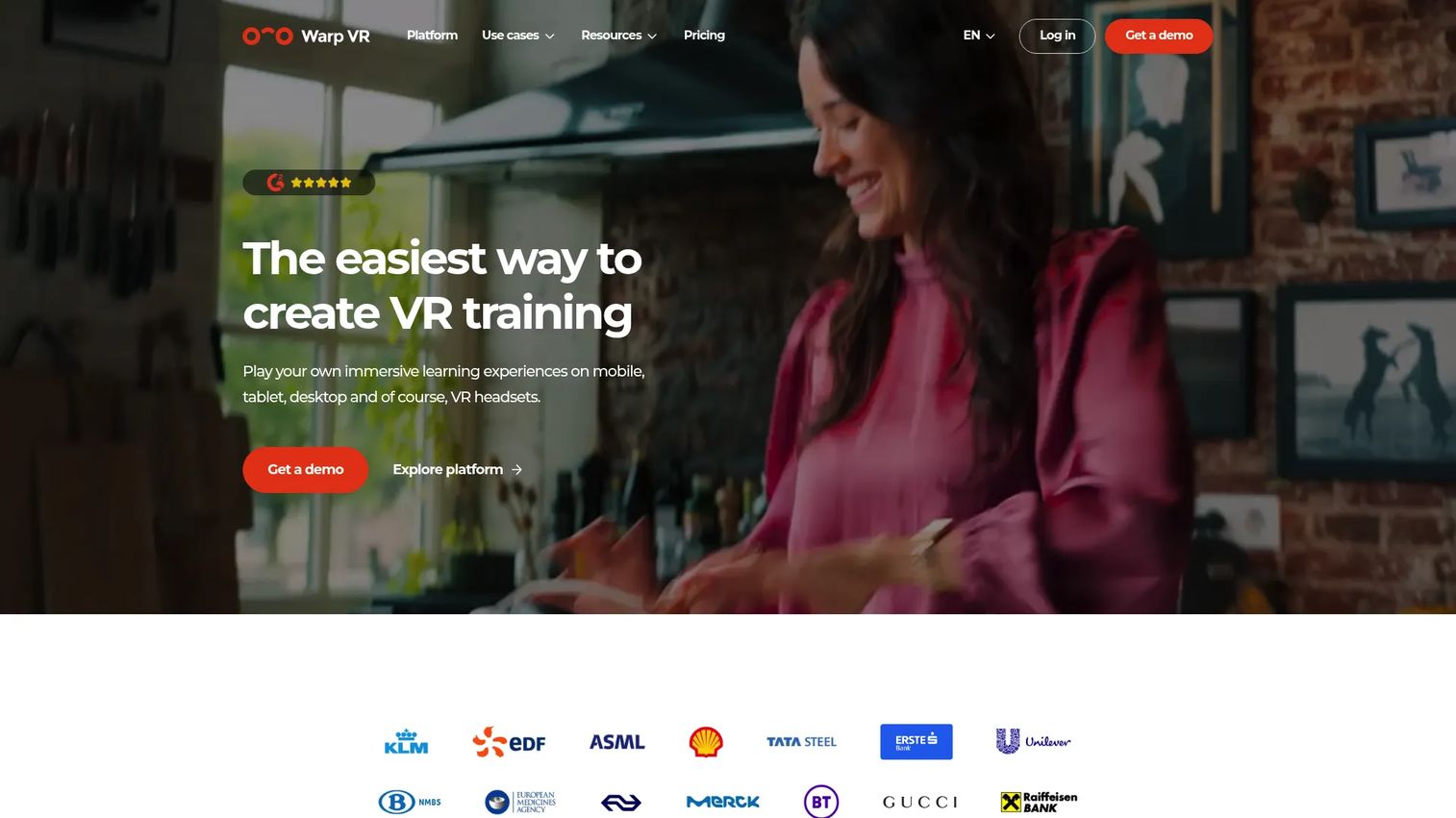
Warp VR is a platform for creating, distributing, and analyzing immersive, interactive VR training scenarios without writing code. Its editor supports flat, 180-degree, and 360-degree media, including monoscopic and stereoscopic content. Scenarios play back on Meta and Pico VR headsets, smartphones, tablets, and desktop browsers, which matters for teams that cannot issue headsets to every learner on day one.
Best for: Teams that need to publish and update role-specific scenarios quickly across multiple device types, and that want LMS integration without a development team.
Key features
- No-code editor with AI Scenario Builder
- Branching paths, interactive scoring, and consequence-based feedback
- 360-degree and flat media support (monoscopic and stereoscopic)
- Multi-device playback: Meta, Pico, smartphones, tablets, browsers
- LMS integration via SCORM, LTI, and xAPI; API on eligible plans
Why choose Warp VR: Warp VR is the right call when launch speed and content iteration matter more than physics-based simulation fidelity. A training owner can modify a scenario after a policy or workflow change without involving a development team, which directly reduces the release cadence risk that keeps VR content from staying current.
Warp VR pricing: A free plan is available with 0 active scenarios. The Start plan runs $486/month billed yearly. Team is $810/month billed yearly. Enterprise pricing is quote-based. Education plans start at $4,536/year. Add-ons cover extra active scenarios, LMS integration, Remote View, extra workspaces, and SSO/SCIM.
Warp VR holds a 4.8/5 rating on G2. If you're evaluating digital adoption platforms alongside VR training, Warp VR's cross-device approach makes it easier to complement existing software onboarding programs.
5. OpenSpace3D
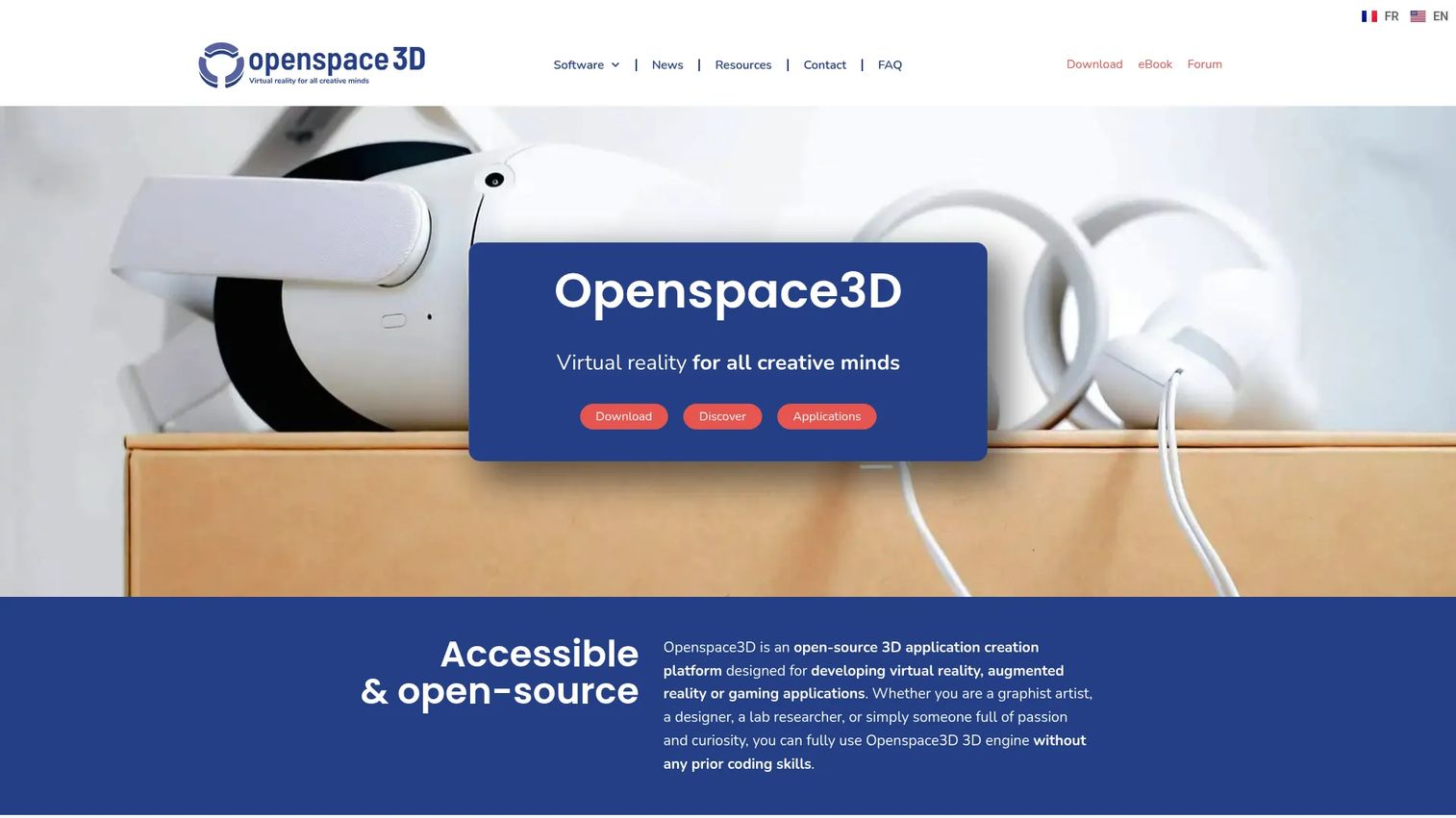
OpenSpace3D is a free, open-source platform for creating VR, AR, mixed-reality, and interactive 3D applications without writing code. It uses a visual programming workflow, includes a built-in 3D and physics engine, and supports AR and VR deployment through OpenXR. It sits between a no-code authoring tool and a full development engine, offering open architecture for teams that need to control their own build environment.
Best for: Technical teams, universities, and implementation partners that require open architecture, license flexibility, and the ability to extend or customize the platform itself.
Key features
- No-code visual programming with node-based logic
- Built-in 3D and physics engines
- 3D model import and scene composition tools
- AR and VR deployment via OpenXR
- Free and open-source with no license restrictions
Why choose OpenSpace3D: Choose it when ownership, extensibility, and cost structure are the primary constraints. The software license is free, but implementation, content design, hosting, and ongoing technical support still require budget and skilled resources. Total cost of ownership deserves the same scrutiny as any paid platform, especially if internal technical ownership is unclear.
OpenSpace3D pricing: The core platform is free and open-source. No paid software tiers were listed on the official site at the time of verification.
OpenSpace3D holds a 4.6/5 rating on G2 from 11 reviews. For teams comparing simulation approaches, the acoustic simulation software and 3D visualization software guides cover adjacent tooling categories that sometimes appear in the same evaluation.
6. Vortex Studio
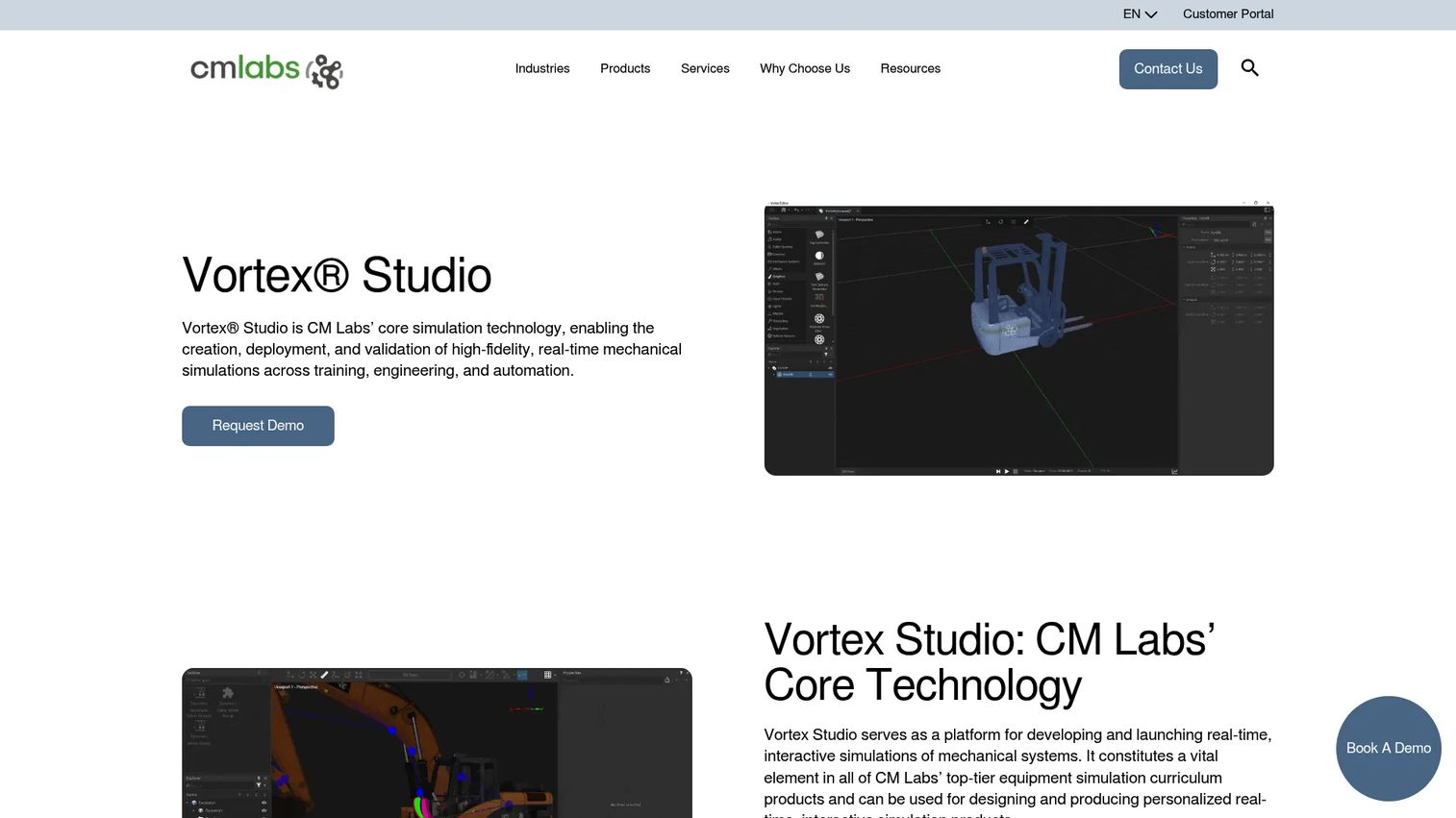
Vortex Studio is CM Labs' platform for creating, deploying, and validating high-fidelity, real-time mechanical simulations for operator training, engineering, and automation. It simulates mechanisms, vehicles, vessels, cables, and earthmoving systems with physics-driven interaction models. Vortex Studio exports to Unity and Epic Unreal Engine, integrates with Simulink and ROS2, and supports Python 3 scripting and automated verification testing.
Best for: Construction, maritime, mining, robotics, and equipment teams that need authentic machine behavior rather than generic scenario branching, and that have engineering subject matter experts to support implementation.
Key features
- Real-time mechanical simulation: Vehicles, vessels, cables, earthmoving systems
- Physics-driven interaction with hydraulics and motion modeling
- Export to Unity and Unreal Engine for rendering
- Integration with Simulink and ROS2
- Python 3 scripting and distributed simulation management
Why choose Vortex Studio: Choose it when physical behavior is the training requirement and visual similarity alone would not reproduce the decisions that cause errors in the field. This category typically requires a deeper implementation effort, engineering-grade subject matter expertise, and a longer development timeline than packaged platforms. Validate whether the simulation model replicates the specific control behavior and failure mode you are training against.
Vortex Studio pricing: The official product page presents Vortex Create and Vortex Activate packages but directs visitors to contact CM Labs for pricing. Project cost varies by simulation scope, equipment complexity, and implementation services required.
Vortex Studio holds a 2.5/5 rating on G2 from 1 review. That limited sample reflects the platform's specialist positioning rather than widespread general deployment.
7. Breakroom
Breakroom is an AI-powered virtual training and simulation platform for soft skills, safety and compliance, onboarding, and immersive events. It supports VR, desktop, and browser-based access, includes a no-code world and content creation editor, and features built-in voice, text, screen sharing, webcam, and broadcast tools. The integrated LMS handles assignments and SCORM-ready reporting. Gamification tools include taskboards, trivia, findable items, and leaderboards.
Best for: Distributed teams that need collaborative VR training with built-in learning workflows, facilitator-led sessions, and standards-based data export to existing certification and workforce analytics systems.
Key features
- AI-powered scene-aware virtual agents for interactive scenarios
- Integrated LMS with SCORM-ready reporting
- Multi-user environments with voice, text, and screen sharing
- No-code 3D world and training content creation
- Gamification: Taskboards, trivia, leaderboards, and findables
Why choose Breakroom: Breakroom fits programs where group participation, facilitator interaction, and reportable outcomes matter as much as simulated equipment. This is less about high-fidelity machinery and more about active group learning with measurable participation. The reporting question to validate before buying: Can the platform send completion and participation data to your existing certification and sales training software or workforce analytics infrastructure?
Breakroom pricing: The official website does not display pricing and directs prospective buyers to book a demo. Contact Breakroom directly for current plan details and seat or usage pricing.
Breakroom holds a 4.5/5 rating on G2. Teams evaluating broader employee development tooling may also find the best talent management software guide useful when building the business case for an integrated learning stack.
8. VirtualSpeech
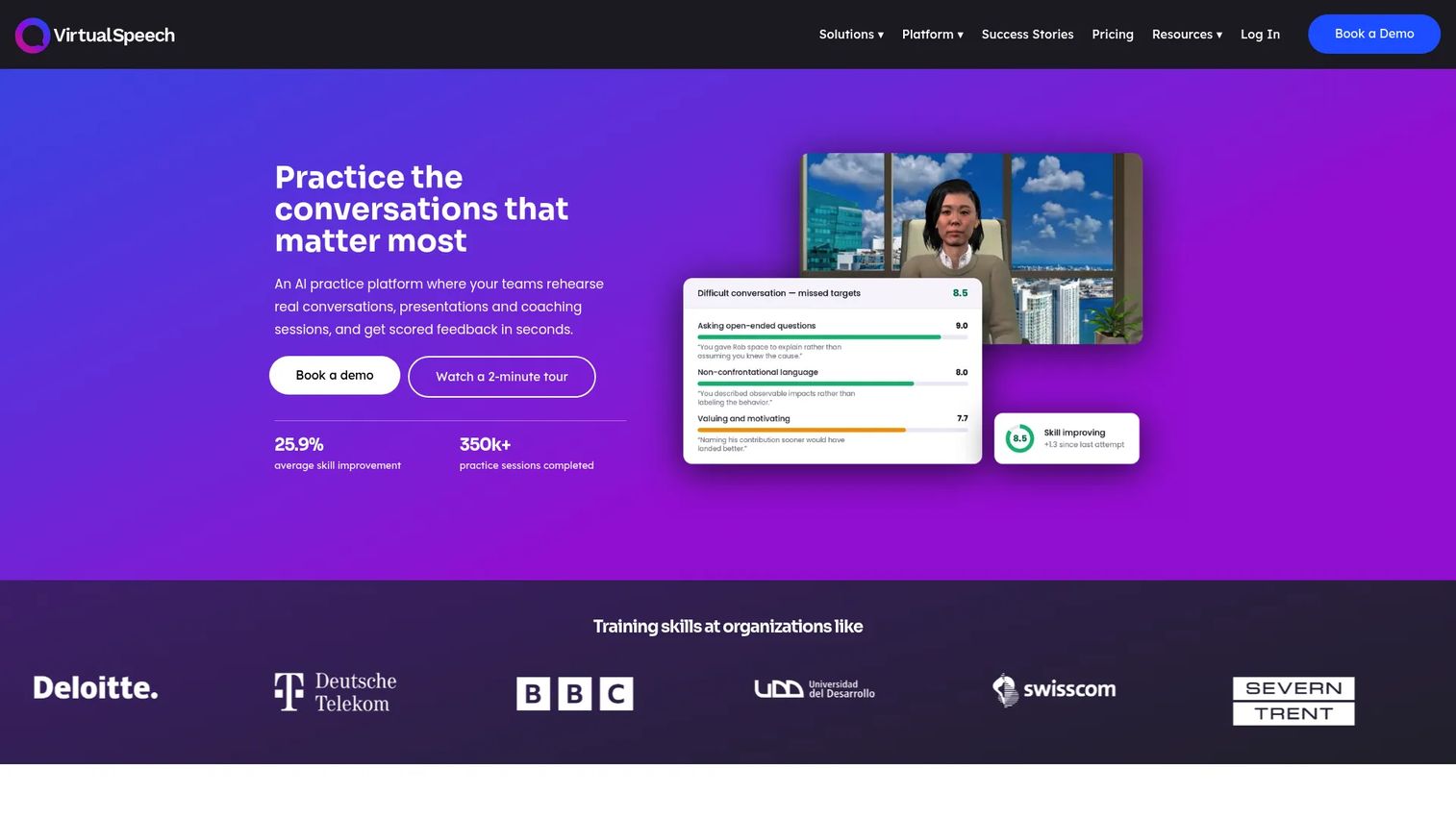
VirtualSpeech is an AI-powered soft-skills training platform for practicing conversations, presentations, coaching sessions, and communication exercises with scored feedback. It supports VR, mixed reality, and browser-based practice, making it more accessible than headset-only programs. The platform delivers AI avatar roleplays, AI feedback on performance, interactive courses, learning paths, and certificates for individuals. Enterprise and Education plans add organizational analytics, no-code roleplay authoring, LMS and SSO integrations, and administrative controls.
Best for: Teams building measurable communication and decision-making practice for sales, leadership, customer-facing roles, or interview preparation, where flexible device access matters.
Key features
- AI avatar roleplay with real-time performance feedback
- Public-speaking practice in browser, VR, and mixed reality
- AI coaching with scoring on delivery, content, and confidence signals
- Learning paths and certificates for individuals
- Enterprise analytics, LMS integration, and no-code roleplay authoring
Why choose VirtualSpeech: Use VirtualSpeech when the training objective is speaking, listening, presenting, or navigating a conversation under pressure. It delivers far more repeatable practice than classroom roleplay alone, without the fidelity overhead of a physics-based machinery simulator. For PMs building the business case, the key validation question is which feedback signals the platform captures and whether managers can review progress by cohort before scaling. The 360 feedback software category often complements VirtualSpeech in organizations building a broader performance development program.
VirtualSpeech pricing: The Individual Monthly plan starts at $45/month. The Individual Annual plan runs $399/year. A free Lite version is also available with limited access. Enterprise and Education plans require a conversation with the VirtualSpeech team for custom pricing.
VirtualSpeech holds a 4.8/5 rating on G2 (seller page, 3 reviews).
Considerations before you buy
Match simulation fidelity to the task
Do not buy high-end XR hardware because it looks compelling in a demo. Define the real skill first. Equipment inspection, precision control, and spatial procedures may require high fidelity to reproduce the decisions that matter. Policy learning or customer conversation practice typically does not. The instrumentation question comes first: What observable outcome proves the training worked?
Check who owns scenario updates
Training content becomes stale when procedures, products, equipment configurations, or compliance requirements change. Before signing, confirm who can update scenes, instructions, scoring criteria, and visual assets after launch. Tie this to your release cadence. A platform that requires a development team for every scenario revision creates a maintenance burden that will slow down the program within the first quarter.
Plan for device deployment and learner support
Evaluate headset procurement, device enrollment, charging logistics, sanitation protocols, offline requirements, and network access before the pilot. A strong scenario will not succeed if learners cannot access it reliably during a shift. This is also an opportunity to assess whether cross-device delivery (tablets, browsers, desktops) can extend the program's reach without adding headset fleet complexity.
Verify reporting depth and LMS compatibility
Ask which metrics the platform captures and where they go. Time-on-task, decision accuracy, retry counts, facilitator notes, and cohort comparisons are the signals worth measuring. Completion alone is weak evidence of readiness. Confirm SCORM, xAPI, LTI, API, or data-export requirements against your existing analytics platforms and certification infrastructure before committing to a vendor.
Pilot one high-value training moment first
Start with a workflow that has a known error pattern, a measurable onboarding bottleneck, or a clear baseline metric. Define the cohort, the success metric, the scenario owner, and the review cadence before scaling. A well-structured pilot produces the data you need to justify the next phase. An underdefined pilot produces a headset drawer full of unused hardware.
Conclusion
The right VR training simulator depends entirely on what training moment you need to improve and who will own the experience after launch.
Unity suits technical teams building custom simulation systems from real 3D data. PIXO VR fits managed enterprise programs that need cohort-level measurement from day one. Varjo addresses use cases where visual fidelity and eye tracking change what learners can practice. Warp VR serves teams that need to publish and update branching scenarios quickly, across multiple device types. OpenSpace3D gives technically capable teams a free, extensible foundation. Vortex Studio handles equipment physics and operator simulation for construction, maritime, and heavy industry. Breakroom works for collaborative, facilitator-led immersive learning with integrated LMS reporting. VirtualSpeech serves AI-supported communication and presentation practice with flexible device access.
The question that narrows the list fastest: "What learning moment must improve, what evidence will prove it improved, and who will maintain the scenario when the procedure changes?"
For teams evaluating broader learning technology decisions alongside this purchase, Guideflow's guides on best user onboarding software tools and best onboarding flow software cover adjacent categories that often sit in the same technology review.
Start your journey with Guideflow today!
FAQs
VR training software typically refers to the authoring, delivery, learner management, and analytics layer of a program. A VR training simulator is the immersive environment where a learner actually practices a specific task, decision, or procedure. Many vendors combine both, but distinguishing them helps when evaluating whether a platform requires a separate content development effort.
Headsets create the strongest immersion for spatial and physical practice, but many platforms also support desktop, tablet, mobile, and browser delivery. Starting a pilot on cross-device formats can reduce procurement complexity and let you validate scenario effectiveness before committing to a headset fleet.
VR is well suited to hazardous, costly, or difficult-to-stage situations because learners can repeat a scenario without live exposure to the actual risk. PwC (2020) found VR learners completed training four times faster than classroom participants. The buyer should still validate training outcomes against their own safety and competency metrics rather than assuming fidelity equals transfer.
Many platforms support SCORM, xAPI, or LTI standards, while others provide APIs or custom data exports. The standards matter less than the specific reporting fields your certification and workforce analytics systems require. Test the exact data flow in a pilot environment before the full rollout.
Total cost includes software licenses, hardware, scenario production, deployment infrastructure, content updates, and support. Some platforms start with self-serve annual pricing (Warp VR from $486/month billed yearly; PIXO VR from $14,999/year). High-fidelity or custom simulation programs price through enterprise sales conversations. Hardware adds significant capital cost for headset-dependent programs.
Measure completion, time-to-proficiency, decision accuracy, error patterns, retry counts, learner confidence, and any operational outcome connected to the target procedure. Establish a pre-pilot baseline so you can compare cohort performance before and after. Without a baseline, the pilot produces activity data, not evidence of impact.
Assign a named content owner to every scenario and tie recapture or update reviews to your release and procedure-change cadence. Short, modular scenarios cost less to update than long walkthroughs. Centralizing content in a platform with a shared library means one update propagates everywhere the scenario is assigned, rather than requiring manual edits across separate versions.
Platforms with AI roleplay and scored feedback, such as VirtualSpeech, are better suited for speaking, leadership, interview practice, and customer interactions. Physics-based simulation platforms fit physical equipment operation and spatial procedures. The two categories serve different training objectives and often run in parallel within the same organization.