You run three crews across nine buildings. One cleaner clocked in from the parking lot. Another skipped the restroom checklist. Payroll took your ops lead six hours to reconcile last Friday. And the client emailed asking for proof the third-floor floors got done.
That is the real job of running a cleaning company. Not the mopping. The coordination.
Spreadsheets stop scaling the moment you add a second site. Text threads lose the timestamp that would have settled a dispute. And manual timesheet cleanup eats the margin you fought to win on the bid.
The market has noticed. The global janitorial software market was valued at $3.72 billion in 2024 and is projected to reach $6.30 billion by 2035, according to Market Research Future (2024). More than 60% of new janitorial business software installations are now cloud-based, per Strategic Revenue Insights (2025). The category has shifted from nice-to-have to how serious operators run.
The problem is that "janitorial management software" now spans workforce tracking, bidding, inspections, payroll prep, client portals, and full field service management. Pick the wrong one and you pay for modules your team never opens. Pick right and you cut admin hours, verify work, and give clients proof without a phone call.
What's inside
This guide compares seven janitorial software tools for 2026, chosen for how well they handle the operational bottlenecks that actually slow cleaning companies down.
We scored each tool against criteria that map to daily reality:
- Scheduling and route management for recurring, multi-site jobs
- Time tracking and GPS verification for accountability
- Payroll prep, exports, and job costing to cut admin time
- Quality control through inspections, checklists, and photo proof
- Communication across crews and clients, including multilingual support
- Client-facing workflows like portals, reporting, and booking
This is for owners, operators, and ops leaders who want less manual coordination and clearer visibility, not a longer feature list.
TL;DR
- Best overall for all-in-one janitorial ops: Swept, for commercial cleaning teams that want scheduling, quality control, and client comms in one place.
- Best for broad cleaning management: Janitorial Manager, a deep all-in-one janitorial management system.
- Best for workforce coordination and internal comms: Connecteam, strong on scheduling, time tracking, and team chat.
- Best for GPS and payroll-focused labor tracking: Chronotek Pro, built around location verification and payroll accuracy.
- Best for service businesses that also need job management: HouseCall Pro, broader field service management.
- Best for bidding and checklist-led operations: CleanGuru, strong on estimates plus quality control.
- Best for recurring cleaning workflows and booking: ZenMaid, simple scheduling and customer communication.
What is janitorial software
Janitorial software is a cloud-based system that helps cleaning and janitorial businesses schedule crews, track time and location, verify work quality, prepare payroll, and communicate with staff and clients from one platform.
Most cleaning company software combines several feature sets. The strongest janitorial operations software covers all of them without forcing you to bolt on separate tools.
Core feature sets to expect:
- Scheduling: recurring jobs, multi-site routes, shift swaps, and crew assignment.
- Time tracking: clock-in/out, GPS verification, and geofencing.
- Inspections: checklists, photo capture, and quality scores.
- Payroll reporting: hour totals, exports, and job costing by site.
- Inventory and supplies: consumable tracking and reorder signals.
- Client portals: shared reports, inspection results, and request logs.
- Messaging: crew and client communication, often multilingual.
- Mobile app access: field-first apps for cleaners on site.
North America generates over 35% of global janitorial business software revenue, with the U.S. market forecast at 9.5% CAGR, per Strategic Revenue Insights (2025). Small and mid-sized businesses account for roughly 55% of the market, which is why most janitorial scheduling software now ships mobile-first and priced for smaller teams.
When to use janitorial software
Not every cleaning business needs a platform on day one. Here is when the switch pays for itself.
Manage recurring cleaning routes
Recurring work is where spreadsheets break first. A single site is easy. Add multi-site scheduling, shift changes, and last-minute call-outs and the manual version falls apart fast.
Janitorial scheduling software keeps routes consistent, shows crew coverage at a glance, and lets you reassign a shift without a phone tree. The moment you are managing more than a handful of recurring accounts, this is the bottleneck to fix.
Verify work and reduce disputes
"We cleaned it." "It didn't get cleaned." That argument costs accounts.
Clock-in/out with GPS, inspection checklists, QR scans at the site, and timestamped photos turn opinion into record. When a client questions a visit, you send proof instead of an apology. Accountability improves and the back-and-forth drops.
Reduce payroll prep and admin
If your ops lead spends Friday afternoon reconciling timesheets, labor tracking is your problem. Janitorial payroll software captures hours automatically, exports to payroll, and ties labor to job costing so you see margin per site.
Manual timesheet cleanup is invisible cost. Software replaces it and gives you the numbers to bid smarter next time.
Janitorial software comparison
Here is a decision-oriented view of all seven tools, sorted by relevance to janitorial operations. Use it to shortlist, then read the sections below for the detail. Pricing and ratings reflect verified vendor and G2 values at time of writing.
| # | Product | Best for | Key differentiator | Pricing | G2 rating |
|---|---|---|---|---|---|
| 1 | Swept | All-in-one janitorial ops | Cleaning-specific ops plus multilingual crew support | From $30/mo | 4.3/5 |
| 2 | Janitorial Manager | Broad cleaning management | Deep module set with client portal and QR verification | Quote-based | 4.0/5 |
| 3 | Connecteam | Workforce coordination and comms | Scheduling, time clock, and team chat in one app | From $29/mo | 4.6/5 |
| 4 | Chronotek Pro | GPS and payroll-focused tracking | Location verification and payroll prep | $6/employee + $14 base/mo | Not listed |
| 5 | HouseCall Pro | Field service plus job management | Booking, invoicing, and dispatch | From $59/mo | 4.3/5 |
| 6 | CleanGuru | Bidding and checklist-led ops | Estimating plus geofenced timekeeping | From $79/mo | Not listed |
| 7 | ZenMaid | Recurring cleaning and booking | Automated scheduling and customer comms | From $19/mo | 4.8/5 |
Best 7 tools for janitorial operations
1. Swept
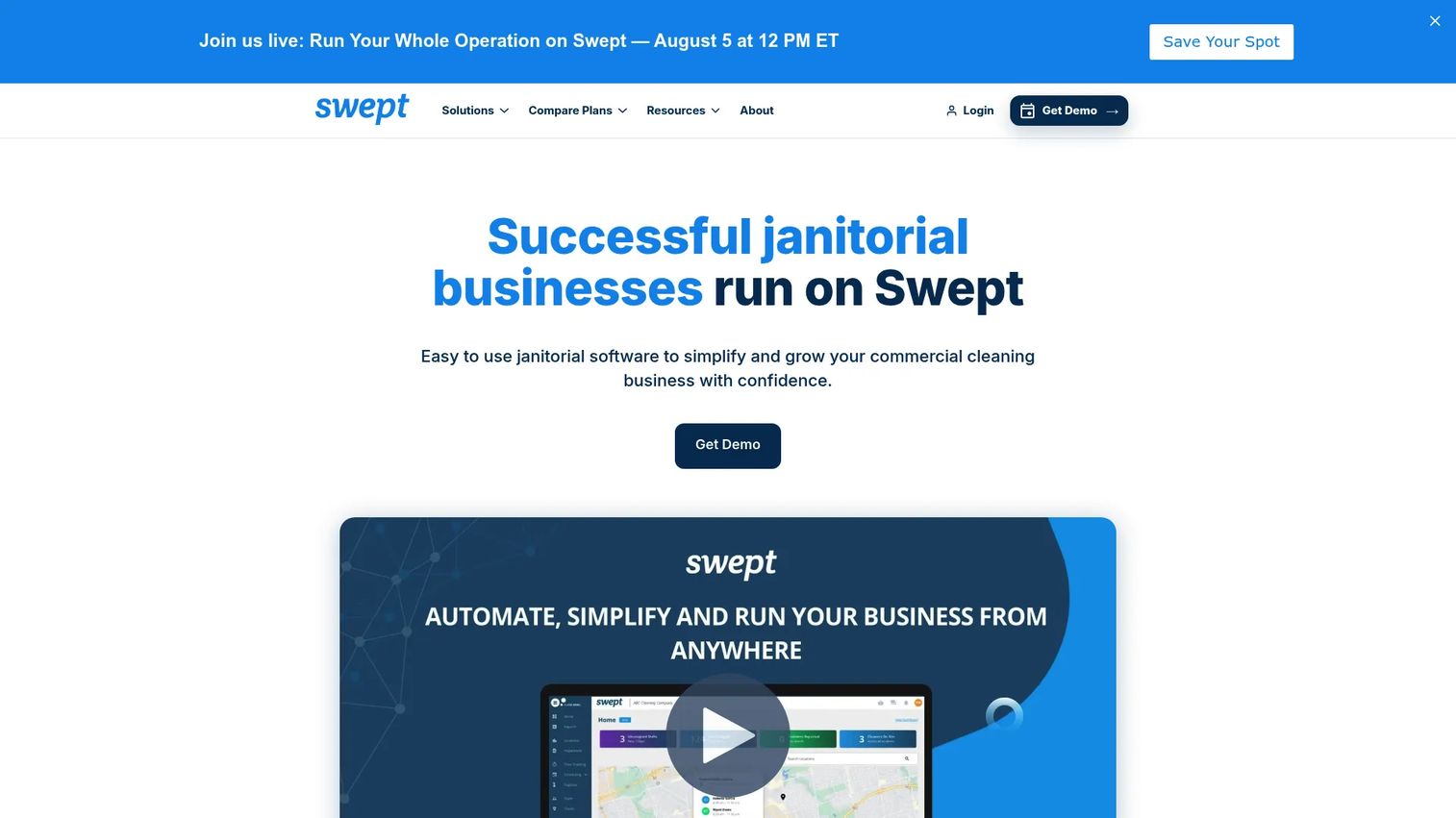
Swept is built for commercial cleaning teams that want operations, quality control, and client communication in one place instead of stitched across four apps. It handles scheduling and GPS time tracking, then layers on inspections, checklists, and photo-based quality assurance so work gets verified, not assumed. Messaging, a client portal, and supply management round it out, and the multilingual support matters when your crews do not all share a first language.
Best for: Multi-location janitorial and cleaning businesses that need ops, quality control, and client comms together.
Key strengths
- Scheduling and GPS time tracking
- Inspections, checklists, and photo-based QA
- Team and client messaging
- Client portal for transparency
- Supply and inventory management
- Multilingual cleaner support
Why choose Swept: If your bottleneck is coordinating crews across sites while keeping clients informed, Swept fits the janitorial workflow more tightly than general field service tools. The multilingual angle is a real differentiator for teams with mixed-language crews.
Swept pricing: Three plans: Launch at $30/month, Optimize at $150/month, and Scale at $225/month, billed monthly. Annual billing saves 20%, bringing Launch to $24/month. Pricing is location-based and starts at 15 locations.
2. Janitorial Manager
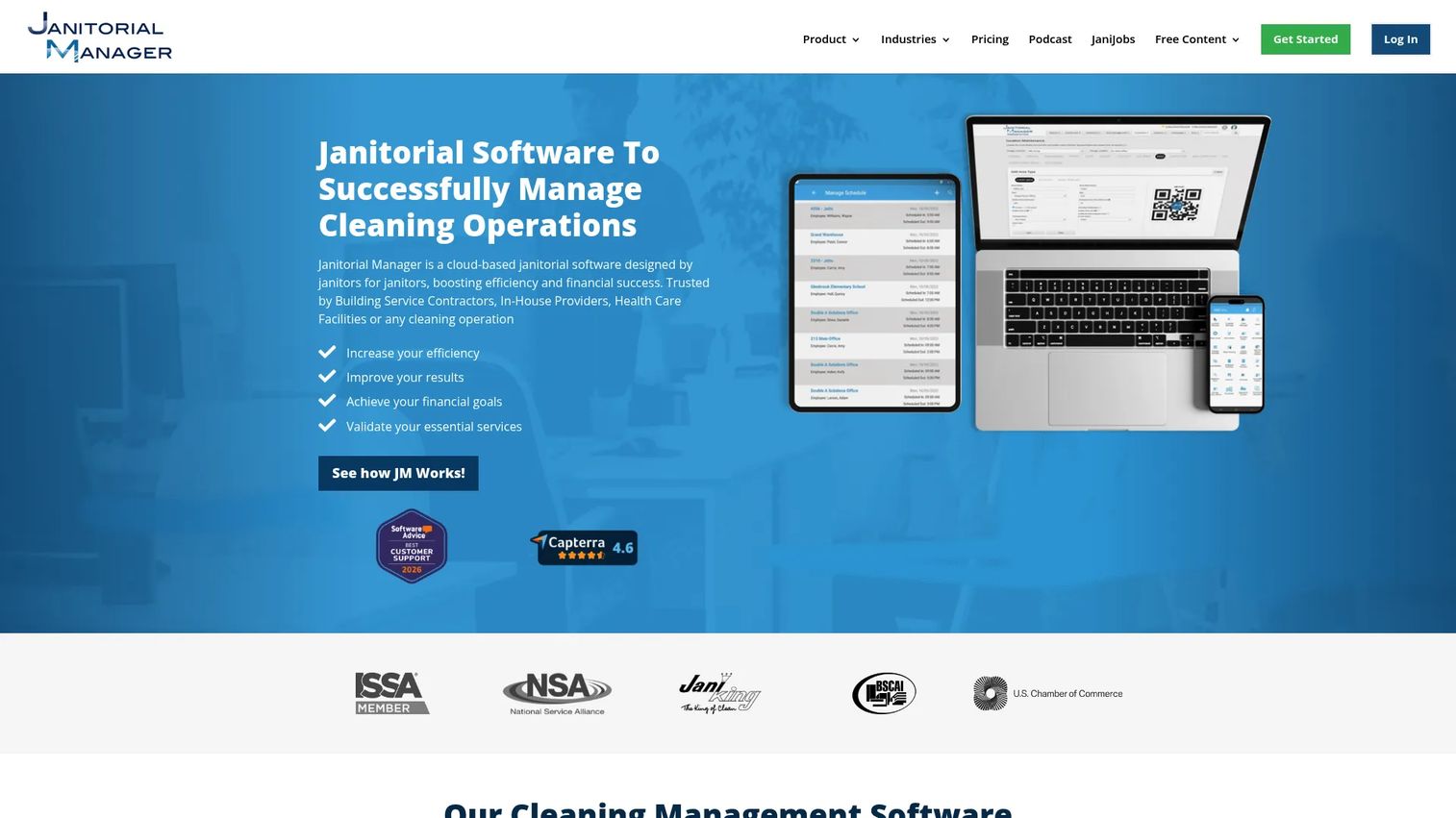
Janitorial Manager is a cloud-based janitorial management system built to run broad cleaning operations from one place. It covers time tracking, equipment tracking, and work order management, and extends into inspections, work loading, bidding, job costing, and a client portal. Its Scan4Clean QR verification lets crews prove a location was serviced with a scan, which turns quality control into a defensible record.
Best for: Cleaning companies and facilities that need an all-in-one janitorial operations system with deep module coverage.
Key strengths
- Time tracking and labor visibility
- Equipment tracking
- Work order management
- Inspections and work loading
- Client portal for reporting
- Scan4Clean QR verification
Why choose Janitorial Manager: Choose it when your operation is complex enough to justify a full platform: multiple sites, formal bidding, equipment to track, and clients who expect portal-level transparency. It supports a heavier buying case than a simple scheduling tool.
Janitorial Manager pricing: Pricing is quote-based. The plans page uses a quote request form and does not display public prices, so you will need to contact the vendor for a figure tied to your team size and module needs.
3. Connecteam
Connecteam is an all-in-one workforce management app for frontline teams, and it maps cleanly to janitorial work. Employee scheduling and shift management cover your routes, a GPS time clock with digital timesheets handles accountability, and the communications side brings chat, updates, a knowledge base, and help desk into the same app. Digital forms cover inspections and checklists, and analytics and integrations tie it back to your other systems.
Best for: Deskless and frontline cleaning teams that need scheduling, time tracking, and internal communications in one app.
Key strengths
- Employee scheduling and shift management
- GPS time clock and digital timesheets
- Digital forms for inspections
- Chat, updates, and knowledge base
- Analytics and reporting
- Integrations with common tools
Why choose Connecteam: If your priority is workforce coordination and keeping crews connected, Connecteam is strong and generously priced for smaller teams. It is a workforce app first, so cleaning-specific extras like bidding live elsewhere.
Connecteam pricing: Each hub has Basic, Advanced, and Expert tiers at $29, $49, and $99 per month, covering the first 30 users, plus a custom Enterprise tier. Prices are in USD and billed monthly, with per-additional-user pricing on paid tiers. A 14-day free trial is available with no credit card needed, and a free tier exists.
4. Chronotek Pro
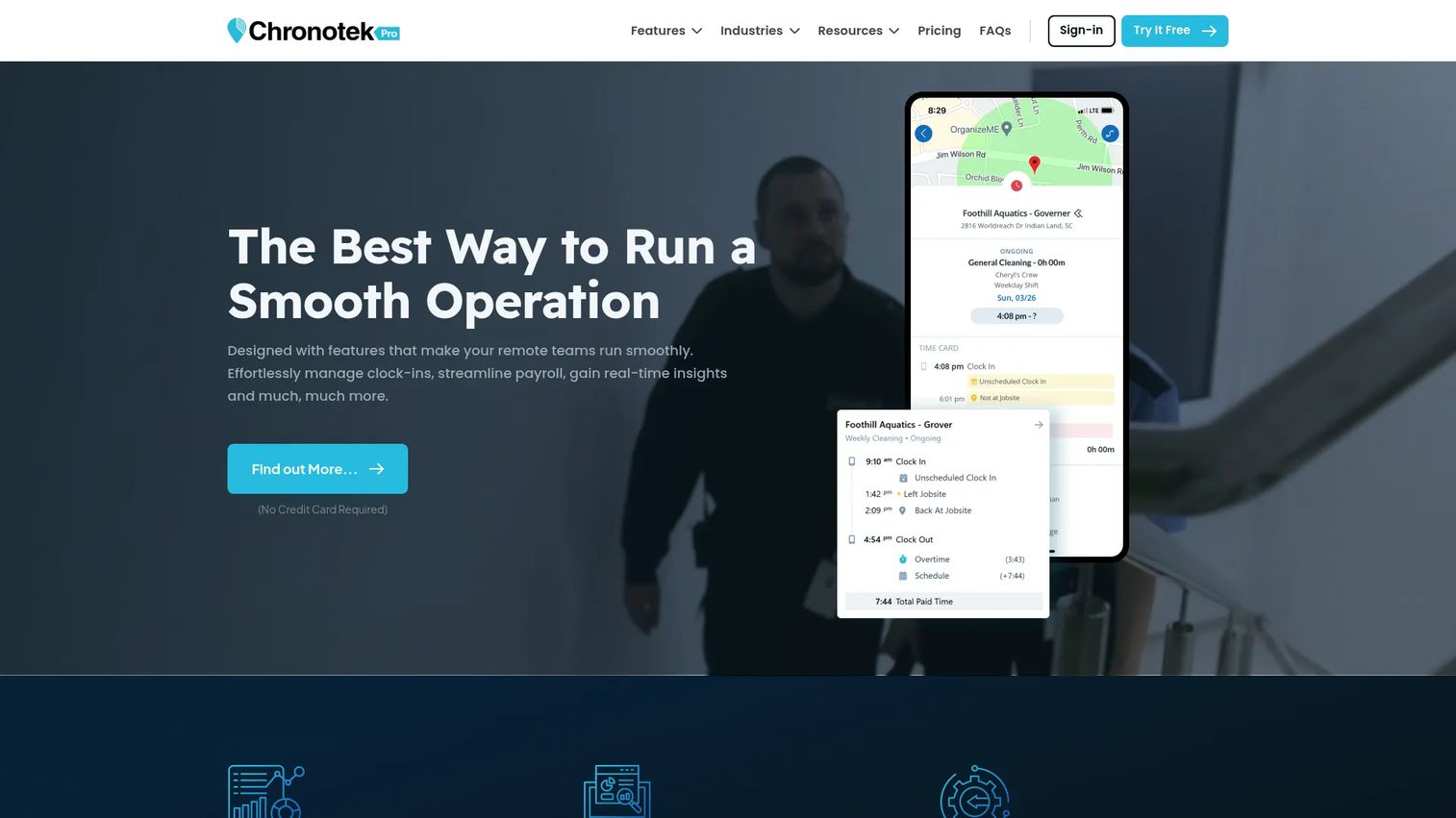
Chronotek Pro is workforce time tracking built for field-service businesses that care about labor verification and payroll accuracy. A GPS time clock with location verification confirms cleaners are where they should be, scheduling with no-show alerts catches gaps before clients do, and messaging pushes job instructions to the field. Payroll exports and job costing close the loop so hours turn into clean pay runs and per-site margin.
Best for: Field-service and cleaning businesses that need GPS-based time tracking and workforce scheduling with payroll prep.
Key strengths
- GPS time clock and location verification
- Scheduling with no-show alerts
- Messaging and job instructions
- Payroll exports
- Job costing by site
- Break and travel tracking
Why choose Chronotek Pro: Pick it when accountability and payroll accuracy are your top two problems. It is labor-focused rather than client-facing, so it excels for operations teams that live in timesheets and schedules.
Chronotek Pro pricing: Public pricing shows $6 per employee plus a $14 monthly base fee. Starter and Professional tiers do not display public numeric prices, while the Enterprise tier starts at $2,500/month. A free 14-day trial is available.
5. HouseCall Pro
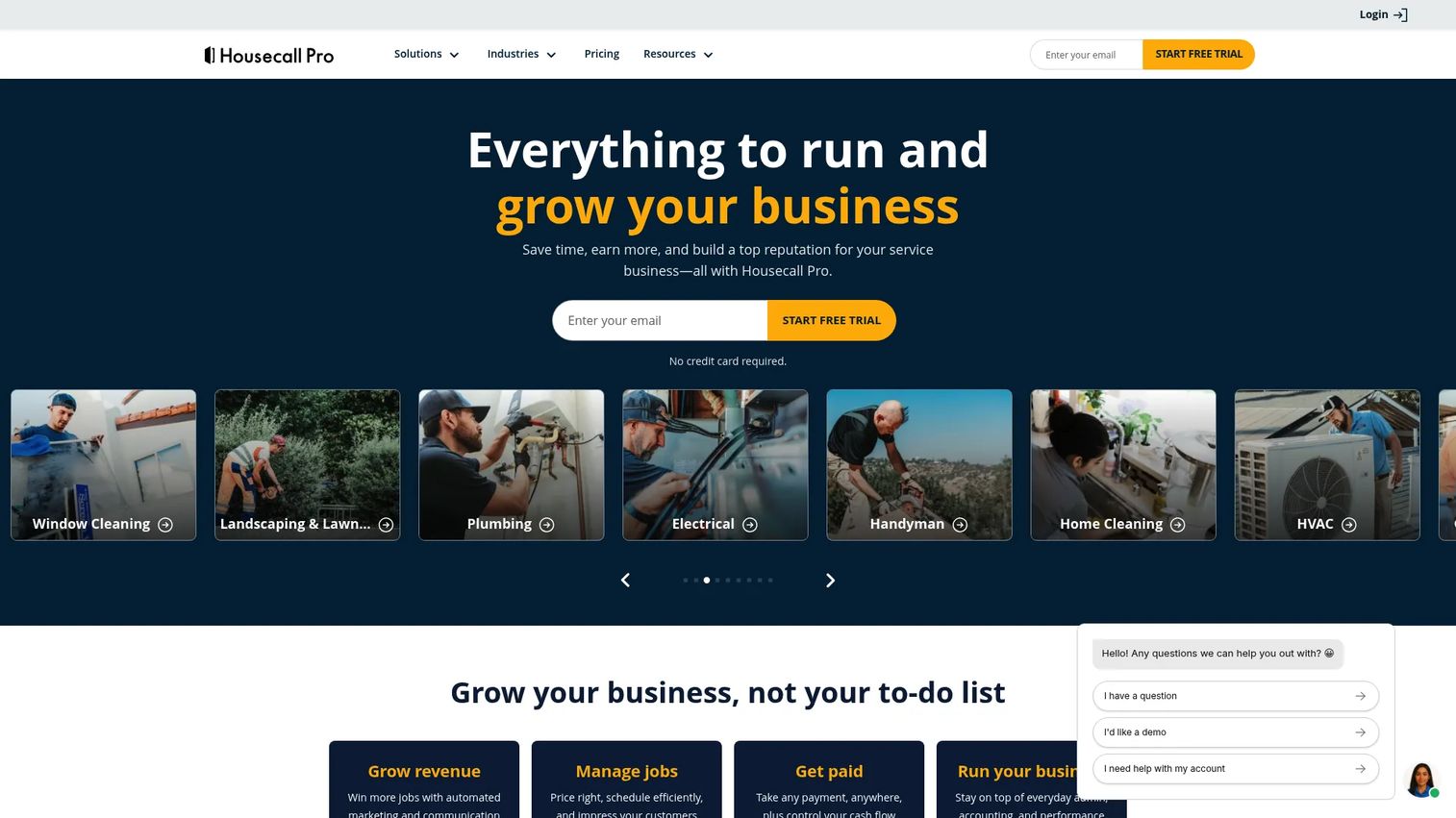
HouseCall Pro is field service management software for home and commercial service businesses, and cleaning companies use it when they want broader job management than a pure janitorial app. Online booking, scheduling, and dispatching handle recurring jobs, while invoices and payments, customer management, property profiles, inventory, and checklists cover the money and admin side. A QuickBooks integration keeps the books aligned.
Best for: Cleaning and home service businesses that want scheduling, invoicing, and dispatch in one field service platform.
Key strengths
- Online booking and scheduling
- Dispatching and recurring jobs
- Invoices and payments
- Customer management and property profiles
- Inventory and checklists
- QuickBooks integration
Why choose HouseCall Pro: Choose it when you run cleaning alongside other service work, or when payments and invoicing matter as much as crew scheduling. It is broader than janitorial-only tools, so some cleaning-specific features live outside its core.
HouseCall Pro pricing: Three plans billed annually: Basic at $59/month, Essentials at $149/month, and Max at $299/month. A 14-day free trial is available.
6. CleanGuru
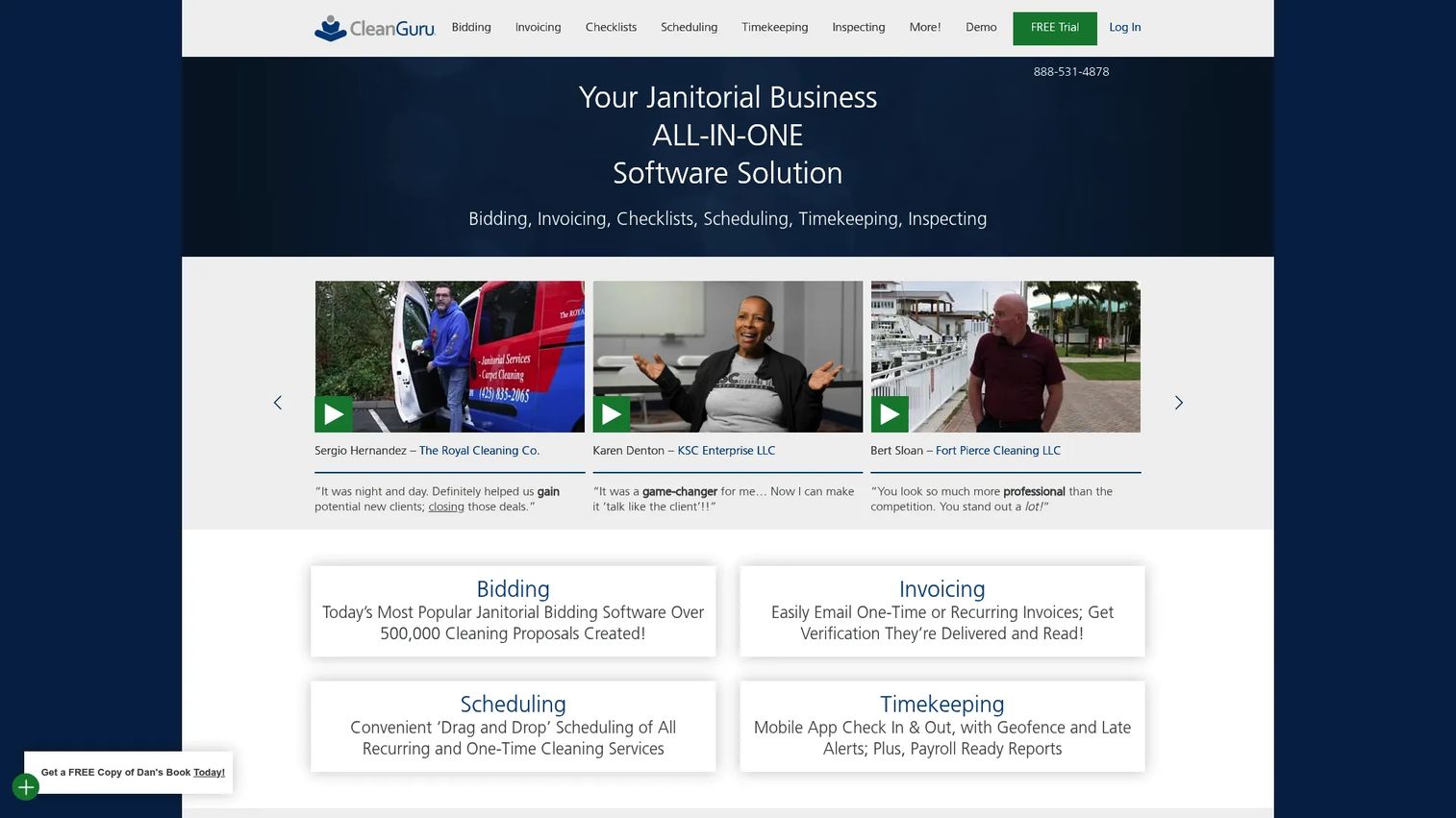
CleanGuru is janitorial software that leads with bidding and pairs it with day-to-day operations. Bidding and proposals help you win work, drag-and-drop scheduling assigns crews, and timekeeping with a geofence verifies attendance. Inspections and customizable checklists keep quality consistent, and invoicing ties the revenue side together. It is a fit for companies balancing estimates, operations, and quality control at once.
Best for: Growing cleaning businesses that need estimating, operations, and quality control in one janitorial platform.
Key strengths
- Bidding and proposals
- Drag-and-drop scheduling
- Geofenced timekeeping
- Inspections
- Customizable checklists
- Invoicing
Why choose CleanGuru: If winning bids and running clean operations are equally urgent, CleanGuru puts both in one tool. That makes it a practical pick for smaller or growing service teams that do not want a separate estimating app.
CleanGuru pricing: Three plans billed monthly: Basic at $79/month, Guru at $129/month, and Guru Plus at $159/month. A free trial is available from the pricing page.
7. ZenMaid
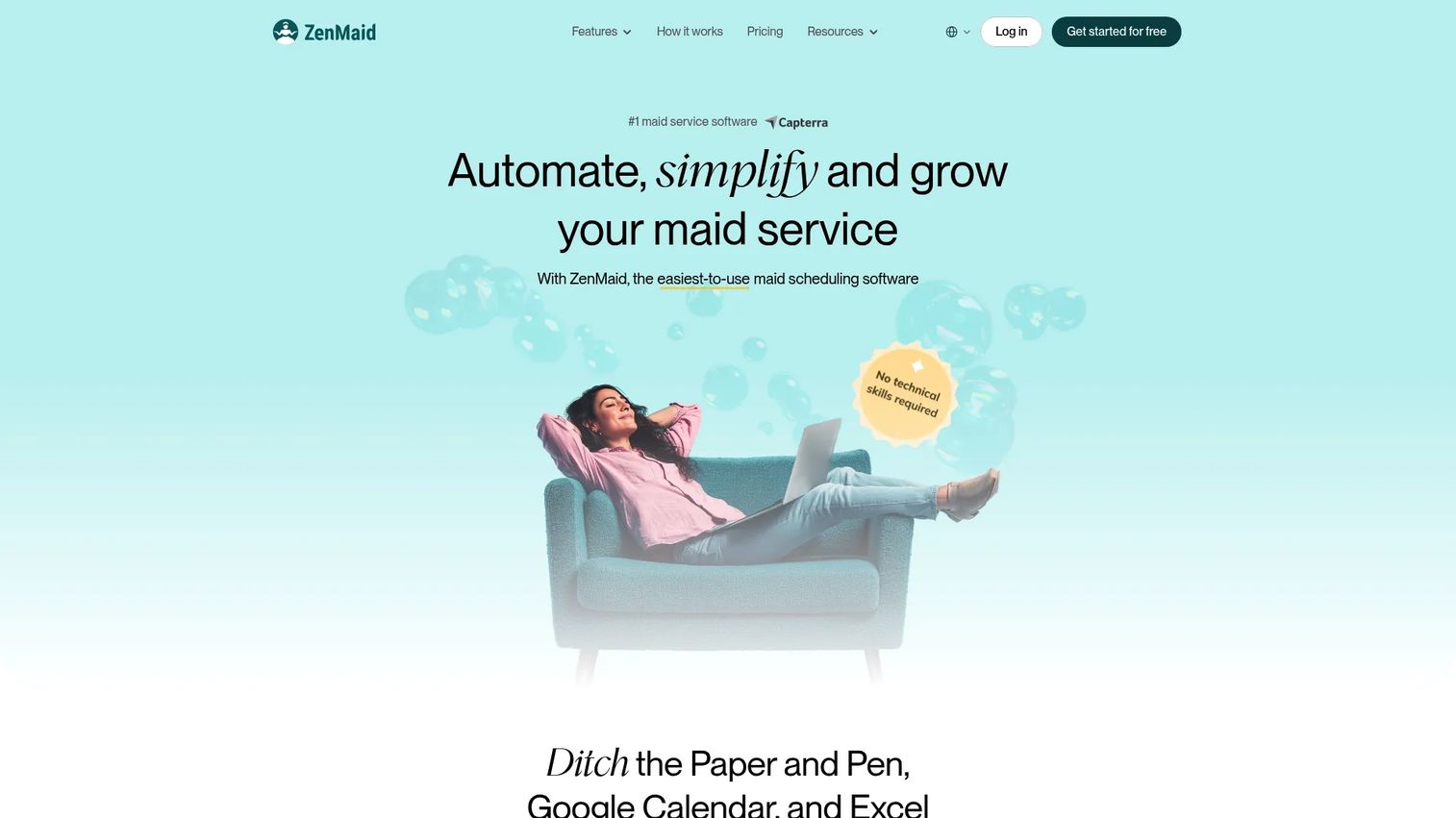
ZenMaid is scheduling and operations software built for maid and cleaning businesses that want recurring work handled simply. Drag-and-drop scheduling and dispatch cover the calendar, automatic work order generation and instant booking forms reduce admin, and online payments and invoicing run through Stripe and Square. Automated SMS and email communications keep customers informed without manual reminders.
Best for: Residential and recurring cleaning businesses that need scheduling, dispatch, and customer communication in one tool.
Key strengths
- Drag-and-drop scheduling and dispatch
- Automatic work order generation
- Instant booking forms
- Online payments with Stripe and Square
- Automated SMS and email reminders
- Recurring job automation
Why choose ZenMaid: Its maid-service workflow translates well to recurring janitorial jobs where the priority is a tight schedule and strong customer communication. It is lighter on inspections and multi-site complexity, so it fits teams that value simplicity over deep module coverage.
ZenMaid pricing: Three plans billed monthly: Starter at $19/month with up to 40 appointments, Pro at $39/month with unlimited appointments, and Pro Max at $49/month with priority support and advanced features. A 14-day free trial is available.
Considerations before you buy
The best janitorial software is the one that fixes your biggest bottleneck first. Run through this checklist before you commit.
Match the tool to your actual bottleneck
If payroll prep eats your week, prioritize labor tracking and exports. If clients keep disputing work, prioritize inspections and GPS. Buying for features you will not use is the most common way teams overpay.
Check how it handles recurring, multi-site work
Recurring routes and shift changes are where cheaper tools show cracks. Test scheduling with a real week of your data, including a call-out and a swap, before you sign anything.
Verify payroll and job costing exports
Look at whether hours export cleanly to your payroll system and whether you get cost per site. Job costing is what turns operational data into smarter bids.
Confirm client-facing transparency
If your accounts want proof, a client portal or shareable inspection report matters. Decide whether transparency is a nice-to-have or a retention lever for your book of business.
Test the mobile app with a real cleaner
Your crews live in the app, not the dashboard. If the mobile experience is clunky in a language your team speaks, adoption stalls and your data goes stale.
Conclusion
The right pick comes down to your biggest operational bottleneck, not the longest feature list.
For all-in-one janitorial operations with strong quality control and multilingual crews, Swept is the most complete fit. For a deep, portal-driven janitorial management system, Janitorial Manager handles complexity well. If workforce coordination and internal comms lead your list, Connecteam is strong and affordable. Chronotek Pro wins on GPS accountability and payroll prep. HouseCall Pro suits teams that need broader field service management. CleanGuru pairs bidding with operations, and ZenMaid keeps recurring scheduling and customer communication simple.
Start with the tool that solves your worst Friday. If that is timesheet reconciliation, lead with labor tracking. If it is client disputes, lead with inspections and verification. If it is winning work, lead with bidding. Shortlist two, run a real week of your own data through each, and pick the one your crew actually opens.
FAQs
Janitorial software coordinates the operational side of a cleaning business: scheduling crews across sites, tracking time and location, verifying work through inspections, preparing payroll, managing supplies, and keeping clients informed. It replaces spreadsheets, text threads, and manual timesheet cleanup with one system, which cuts admin time and improves accountability.
At minimum, look for scheduling for recurring and multi-site jobs, GPS time tracking, inspections and checklists, payroll exports, and crew and client communication. Stronger commercial cleaning software adds job costing, client portals, inventory tracking, and multilingual support. Prioritize the features that map to your current bottleneck rather than the longest list.
Yes. Janitorial payroll software captures clock-in/out data automatically, totals hours, and exports to payroll systems, which removes manual timesheet reconciliation. Many tools also add job costing, so you see labor cost per site and can bid future work with real numbers instead of guesses.
Several tools do. A client portal lets accounts view inspection results, service reports, and request logs on their own, which builds transparency and reduces status-update phone calls. Portals matter most when clients expect proof of work or when transparency is a retention lever for larger contracts.
Smaller teams should prioritize simplicity and price over deep module coverage. Tools with low entry pricing and quick setup let you get value fast without paying for features you will not open. ZenMaid and Connecteam both start affordably, and the right choice depends on whether you need cleaning-specific booking or broader workforce coordination.
For recurring work, prioritize route consistency, easy shift swaps, and automated customer reminders. ZenMaid handles recurring scheduling and booking simply, while Swept and Janitorial Manager add multi-site depth and quality control. Test a real week of your recurring schedule, including a call-out, before deciding.
Teams verify accountability through GPS time clocks, mobile app check-ins, QR scans at the site, timestamped inspection photos, and checklists tied to each visit. Together these turn "we cleaned it" into a defensible record, which settles client disputes and improves quality without constant supervision.