You rebuilt the demo for the third time this month. The staging environment broke the morning of the call. Your champion brought two new technical stakeholders nobody warned you about, and after the meeting they asked the same questions they asked four weeks ago.
The bottleneck is not qualification. It is the gap between what happens in a live call and what buyers remember, share, and act on afterward. According to TrustRadius (2024), 71% of buyers who used product demos said they were the most influential resource they consulted during purchase. That figure says a lot about how much demo quality matters, and how little most presales workflows protect it.
The right interactive demo software lets you show the product accurately, send the right version to the right stakeholder, and see which parts of the experience actually moved the account forward.
What's inside
This guide is for presales, sales engineering, PMM, and GTM teams choosing demo creation software in 2026. Tools were selected and ordered by:
- Demo format coverage: Interactive demos, sandboxes, demo centers, live demos, mobile demos, and video formats
- Speed to create and update: How fast teams can build, recapture, or edit without engineering
- Personalization and governance: Account-level edits, templates, permissions, and version control
- Analytics and integrations: Engagement signals, CRM sync, and presales workflow fit
Pricing and G2 ratings are verified against live vendor sources as of November 2026.
TL;DR
- Best overall for demo creation software: Guideflow, covering interactive demos, sandboxes, demo centers, live demos, and mobile demos in one platform
- Best for governed enterprise demo programs: Demoboost, with role-based access, SSO, and AI-assisted personalization
- Best for live demo data personalization: Saleo, which injects prospect-specific data directly into the native product
- Best for marketing-led demo journeys: Tourial, built around self-guided tours and demo hub distribution
- Best for cinematic product storytelling: ScreenSpace, for complex products that need a polished visual narrative
What is demo creation software?
Demo creation software helps teams build, personalize, share, and measure product demos without relying on fragile live environments or rebuilding the same flow for every prospect.
The category covers several distinct demo formats:
- Interactive demos: Guided, clickable product experiences used on landing pages, in email sequences, as sales follow-ups, for customer onboarding, feature launches, partner enablement, internal training, and support documentation
- Sandboxes: Open, explorable product replicas where buyers navigate freely, validate workflows, run proof-of-concept evaluations, test use cases, and involve technical stakeholders on their own schedule
- Demo centers: Branded hubs that organize multiple demos by persona, product line, use case, or buying stage, giving champions and buying committees a single destination to explore
- Live demos: Presenter-led experiences structured for discovery calls, technical deep-dives, QBRs, executive briefings, and webinars
- Mobile demos: Browser-based mobile product experiences for app flows, field sales, SMS, social campaigns, and mobile onboarding
- Video and screen capture: Useful for narrative explanation and quick education when viewer interaction is secondary
Key capabilities to look for across these formats:
- No-code capture and editing with no engineering dependency
- Account-level personalization by prospect, persona, or use case
- Shareable links, embeds, and controlled access options
- Forms, CTAs, and lead capture inside demos
- Engagement analytics with drop-off tracking and stakeholder-level visibility
- CRM and marketing automation integrations that surface intent signals
- Governance, permissions, and version control for multi-seller teams
- AI-assisted steps, narration, translation, or content editing
When to use demo creation software
Qualify buyers before a live SE call
Self-serve interactive demos let buyers explore core workflows before they book time with a solutions engineer. When prospects arrive at a call having already clicked through the product, discovery goes deeper and unqualified accounts often self-select out. Engagement data from those pre-call demos shows which features the account actually viewed and where they stopped, giving your team real signal to prioritize follow-up.
Support technical validation without rebuilding demos
Sandbox demos excel when technical buyers want to explore freely, validate specific workflows, or run a proof-of-concept evaluation on their own terms. Keeping demos stable across a deal cycle, using synthetic or representative data, means the experience holds up regardless of what your staging environment is doing that day. Technical stakeholders get the hands-on access they need without an SE having to rebuild the environment for every new contact in the account.
Keep buying committees aligned after the call
A live demo that has no shareable artifact loses its impact the moment the meeting ends. Demo centers and shareable links let champions forward the right demo to procurement, security, or executive stakeholders who were not on the call. Analytics then show which stakeholders engaged, which flows they viewed, and what they ignored, giving presales and AEs a clearer picture of where the deal actually stands.
Demo creation software comparison
The table below covers pricing and G2 ratings verified in November 2026. Where a vendor does not publish prices, the pricing cell reflects what is known from vendor pages and reviewer-reported context. Use it as a starting point; your actual quote will depend on team size and feature tier.
| # | Product | Best for | Key use case | Pricing | G2 rating |
|---|---|---|---|---|---|
| 1 | Guideflow | Presales and GTM teams needing multiple demo formats | Interactive demos, sandboxes, demo centers, live demos, mobile demos | Free; paid from $40/mo | 5.0/5 |
| 2 | Demoboost | Revenue teams scaling governed demo libraries | AI-assisted demo creation with enterprise personalization | From $375/mo (annual) | 4.8/5 |
| 3 | Saleo | SEs personalizing live demos with real product data | Inject prospect-specific data into native product environments | Contact sales | 4.9/5 |
| 4 | Tourial | Marketing and sales teams building demo journeys | Self-guided tours and demo hub experiences | Contact sales | N/A |
| 5 | Demoleap | Sales teams needing live-call guidance | In-call demo assistance and discovery prompts | Unverified | N/A |
| 6 | ScreenSpace | Teams creating cinematic product stories | Interactive visual narratives for complex B2B products | From $8,000 (one-time) | 4.9/5 |
| 7 | Fable | Product-led and marketing teams building interactive demos | HTML-capture demos with personalization and lead forms | Contact sales | 4.8/5 |
| 8 | DemoEasel | Enterprise teams needing live, video, and presentation demos | Live demos, self-guided walkthroughs, PowerPoint, Keynote | 30-day trial; contact sales | 3.5/5 |
| 9 | Hobbes | B2B SaaS teams wanting conversational AI demo experiences | AI product expert that navigates live and answers questions | Contact sales | 5.0/5 |
| 10 | Lancey | Engineering teams connecting customer feedback to code | Turns feedback from Slack and Intercom into pull requests | Contact sales | 5.0/5 |
Best 10 demo creation software tools for 2026
1. Guideflow
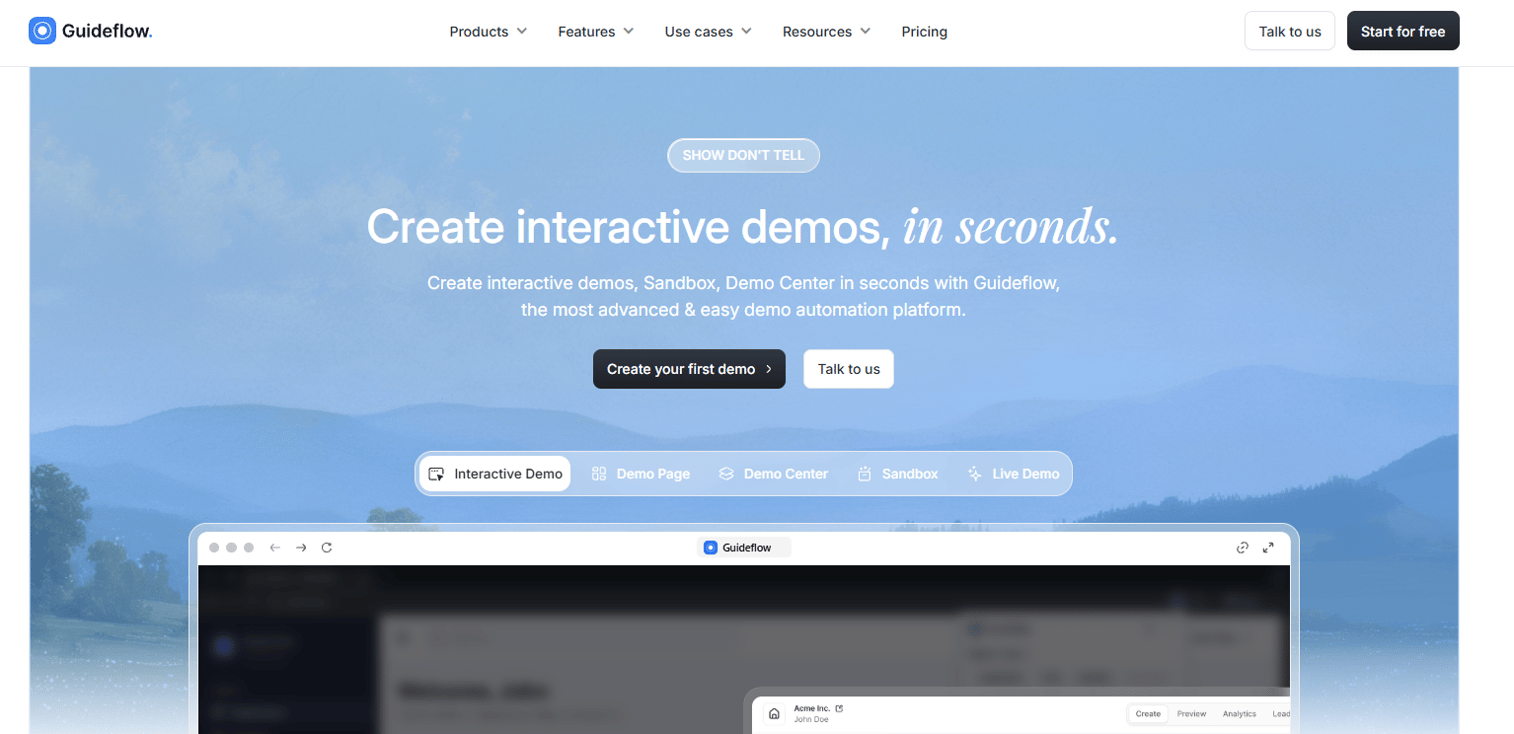
Guideflow is a demo automation platform built for presales and GTM teams that need more than a single demo format. You capture your product via screenshot, HTML, or video directly from the browser, then edit, personalize, and share without touching engineering. The platform covers interactive demos, sandboxes, demo centers, live demos, and mobile demos, so one tool handles the full buyer journey from cold outreach through post-call follow-up and champion enablement.
Best for: Presales and GTM teams that need reusable, personalized demo experiences across guided demos, free exploration, demo hubs, live calls, and mobile.
Key features
- Interactive demos, sandboxes, demo centers, live demos, and mobile demos
- No-code capture and editing with AI-generated steps and narration
- Personalization by account, variable, or CRM data
- Shareable links, embeds, video, GIF, and PDF export
- Engagement analytics with CRM and Slack integrations
Why choose Guideflow: Interactive demos guide the product story, sandboxes let buyers validate on their own terms, demo centers organize everything for buying committees, live demos add the human layer, and mobile demos meet users on any device. Teams that want one consistent demo creation system across the buyer journey, without SE rebuild cycles, fit this platform.
Guideflow pricing: A free plan is available. Paid plans start at $40/month (Solo), $599/month (Startup), and $1,799/month (Advanced), billed monthly. Enterprise pricing is custom.
G2 rating: 5.0/5
Start your journey with Guideflow today!
2. Demoboost
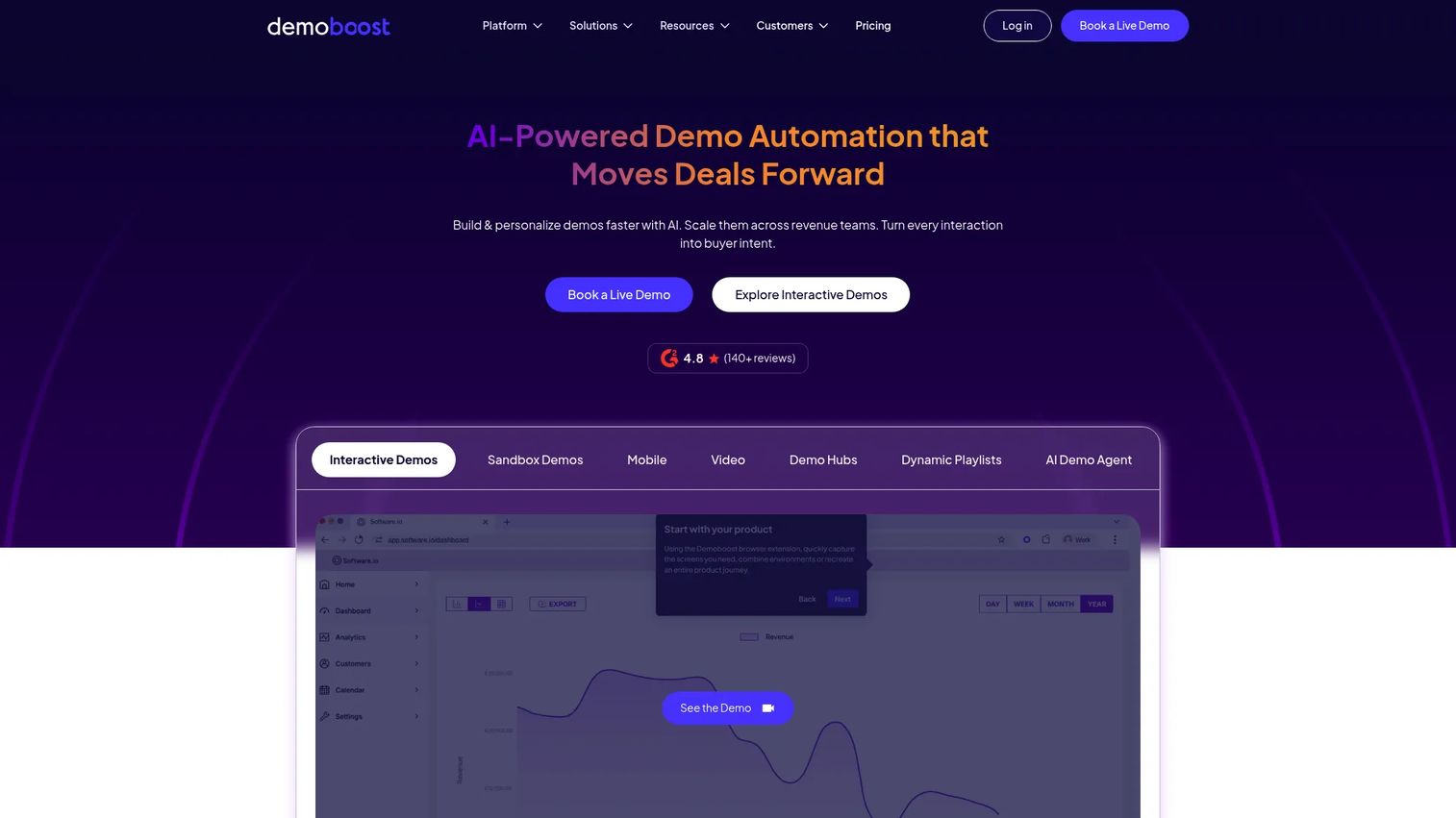
Demoboost is an AI-powered demo automation platform built for revenue teams that need governed, scalable demo programs. It covers interactive, screenshot, video, mobile, sandbox, and overlay demo formats, with role-based access control, SSO on enterprise tiers, and CRM integrations that route buyer engagement data back into your existing sales workflow.
Best for: Presales and sales organizations scaling a demo library across multiple sellers who need consistent quality and central governance.
Key features
- AI-assisted demo creation and personalization workflows
- Multiple demo formats: HTML, screenshot, video, mobile, sandbox, overlay
- Buyer engagement and intent analytics
- Role-based access control and SSO (enterprise tier)
- CRM and sales-tech integrations
Why choose Demoboost: Strong fit for teams where multiple sellers run demos from a shared library and consistency matters as much as creation speed. The Start Up plan works for smaller revenue teams; Growth and Enterprise tiers add sandbox demos, revenue-intelligence analytics, full whitelabeling, and SSO.
Demoboost pricing: Plans are billed annually. Start Up is $375/month, Essentials is $600/month, Growth is $1,200/month, and Enterprise uses custom pricing. No free tier is available.
G2 rating: 4.8/5
3. Saleo
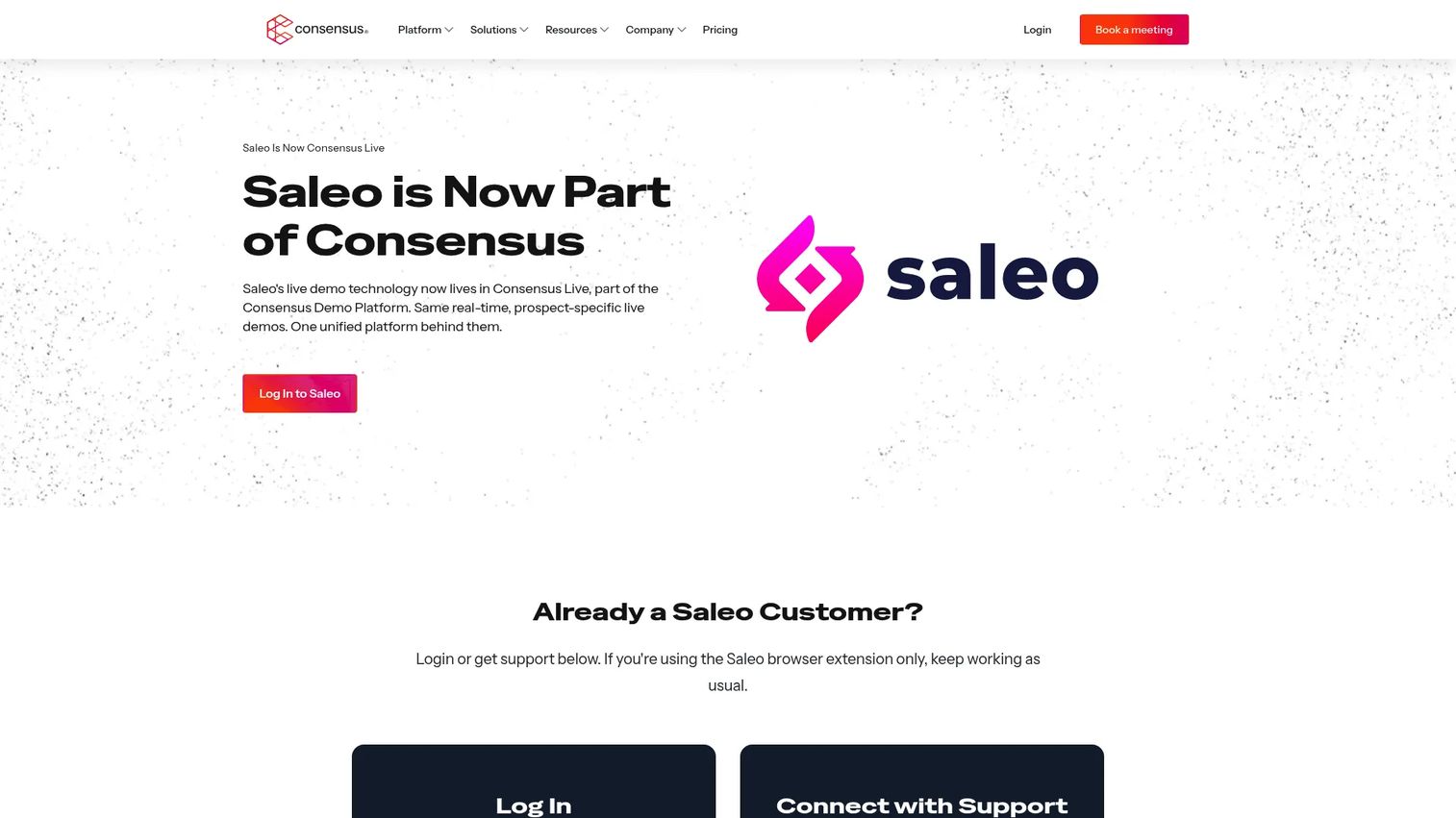
Saleo is a live demo platform that injects prospect-specific data into a company's native SaaS product during seller-led demonstrations. Rather than maintaining a separate demo environment, SEs edit text, images, tables, graphs, and metrics inside the real product so each call feels account-specific. Saleo is now part of Consensus, with its live demo capability branded as Consensus Live.
Best for: Enterprise SaaS sales engineers who run personalized, presenter-led demos and need realistic account-specific data without maintaining separate environments.
Key features
- Real-time data injection into native product environments
- Personalization of text, images, graphs, tables, and metrics
- Demo library with folders, sharing, and role-based access
- Guided tours and light sandbox experiences
- SSO integrations
Why choose Saleo: Use it when the core challenge is making a live product look relevant to each prospect rather than creating a separate demo asset. SEs who spend significant time manually staging demo data before each call get that time back.
Saleo pricing: The product is now part of the Consensus platform; reach out to their team for package details and contract terms.
G2 rating: 4.9/5
4. Tourial
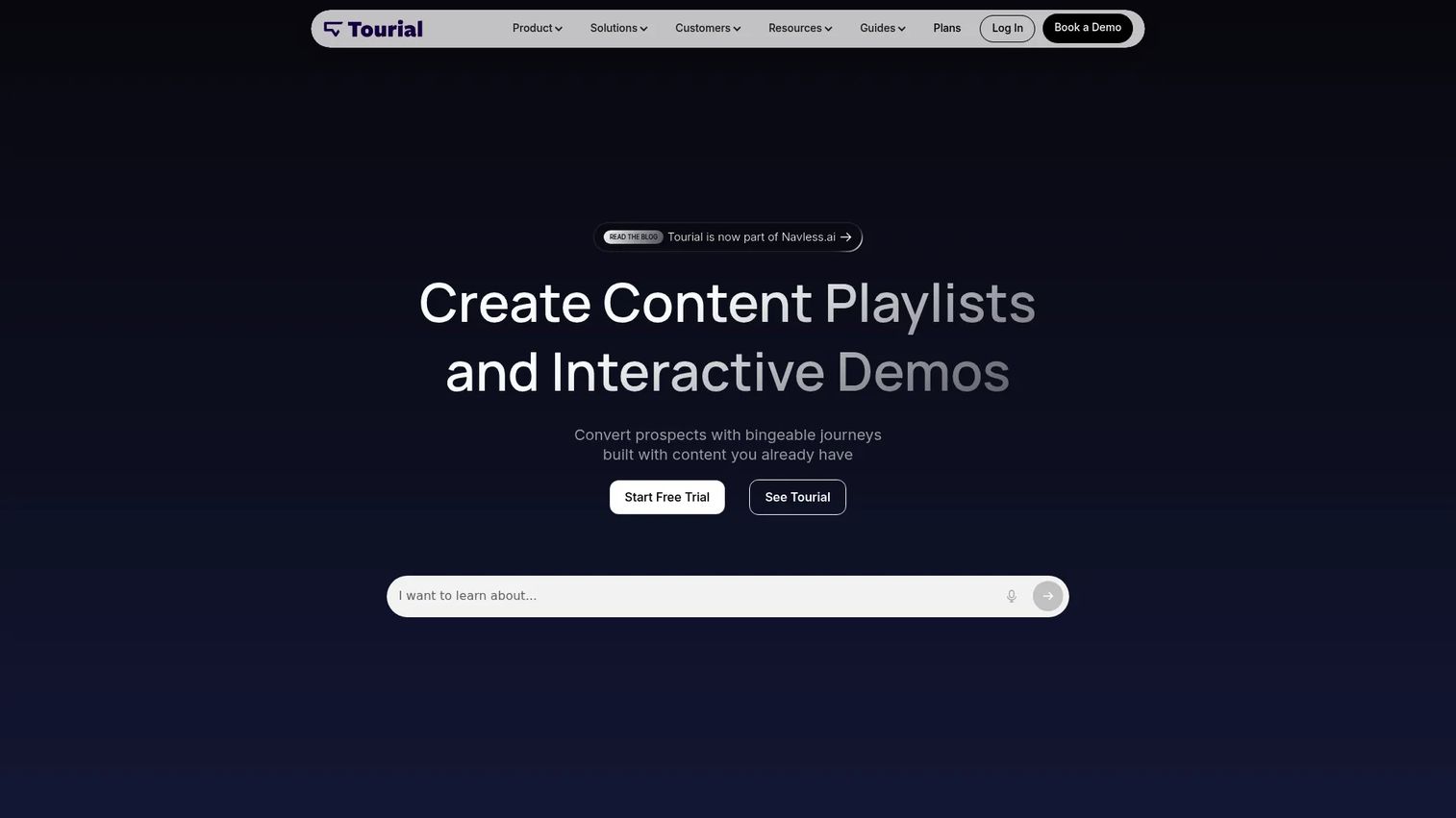
Tourial is a platform for creating personalized micro tours, content playlists, and interactive demos designed for buyer engagement. It includes AI-assisted tour generation, Tour Centers for organizing content by persona or product line, engagement analytics, and a Chrome extension for capturing product screens. Tourial is now part of Navless.ai.
Best for: B2B marketing and go-to-market teams building self-guided demo journeys for website conversion and buyer-led exploration before SE involvement.
Key features
- AI-assisted interactive tour generation
- Tour Centers for organizing playlists and demos
- Engagement analytics and custom event capture
- Chrome extension for capturing product screens
- Integrations and SSO (premium add-on)
Why choose Tourial: Fits teams where the demo lives primarily on marketing pages and needs to guide visitors through a curated product story. Presales teams benefit by reducing repetitive early-stage education before prospects book a call.
Tourial pricing: Contact the team for current package costs and seat details.
5. Demoleap
Demoleap positions as a platform that assists sales reps during live calls with guided playbooks, discovery prompts, and in-call coaching. The core idea is that rep inconsistency during live demos is a bigger bottleneck than the demo asset itself.
Best for: Sales teams where live call consistency and talk-track adherence are the primary gap, rather than demo asset creation.
Key features
- Live call guidance and sales play assistance
- Discovery workflow prompts
- Demo execution support
- Team coaching insights
Why choose Demoleap: Relevant when the problem is what happens during the call, not what gets shared afterward. Useful for sales leaders standardizing demo flow across a larger team.
Demoleap pricing: Contact Demoleap directly for current plan details.
6. ScreenSpace
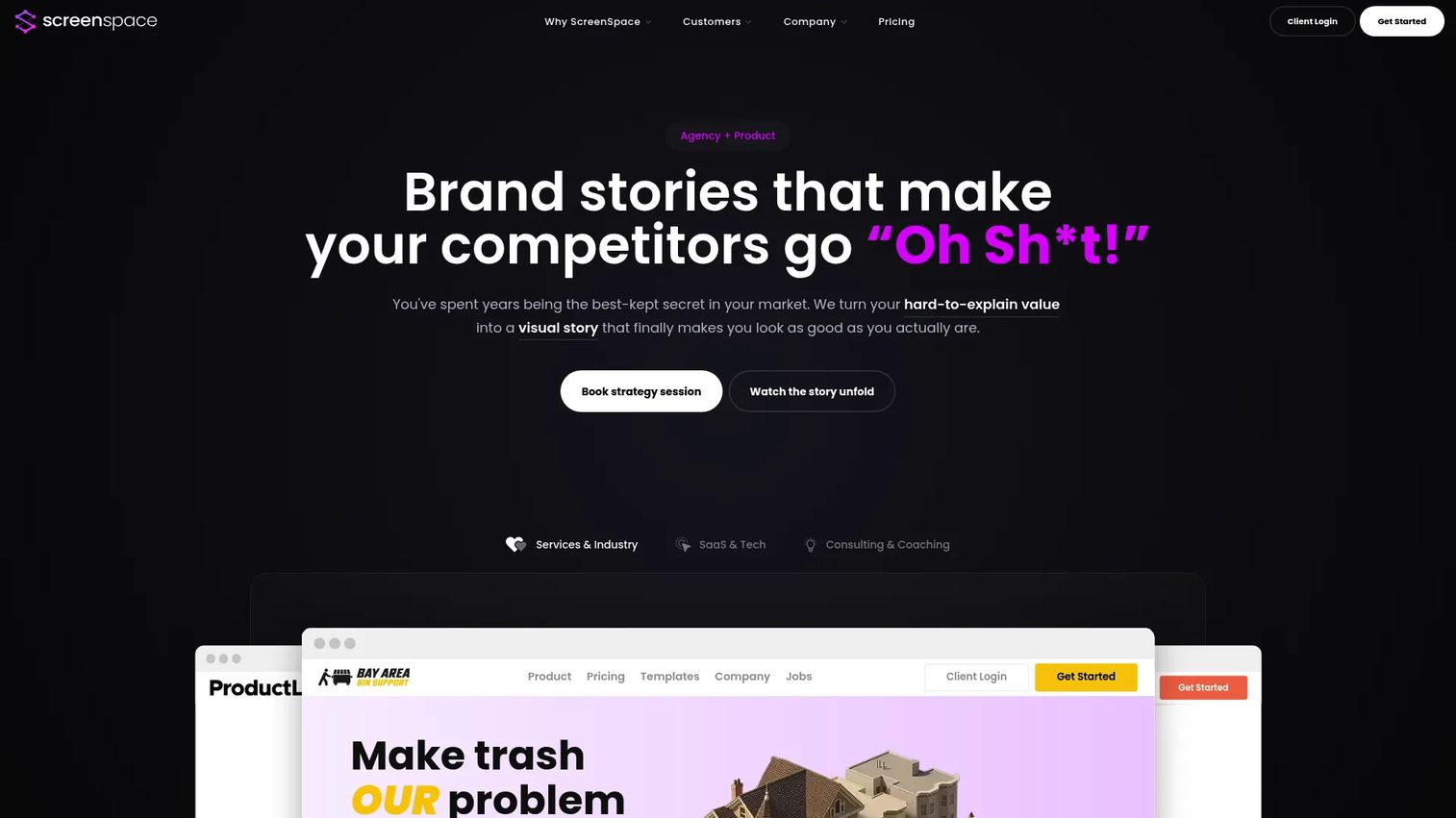
ScreenSpace is a visual storytelling agency and platform that helps B2B companies turn complex expertise into cinematic, interactive buyer experiences. It is not a self-serve demo creation tool; engagements are delivered as projects, with ScreenSpace building the interactive story alongside the client. The focus is on narrative quality and visual production rather than speed or self-service.
Best for: Established B2B companies in professional services, industrial sectors, or complex SaaS that need an interactive product story with high production value.
Key features
- Interactive visual stories with cinematic production
- Drag-and-drop story builder (platform access on select plans)
- Lead capture and real-time engagement analytics
- Buyer-intent signals and CRM integrations
- Embeddable experiences for websites and campaigns
Why choose ScreenSpace: Use it when narrative quality and visual polish are the priority and the team does not have the in-house capability to produce that quality alone. Less suited to teams that need to create or update demos frequently without agency involvement.
ScreenSpace pricing: Projects start at $8,000 (one-time) for Narrative Foundation. Visual Story is $28,000 (one-time). Creative Partnership plans run $7,500 to $12,000 per month, billed quarterly.
G2 rating: 4.9/5
7. Fable
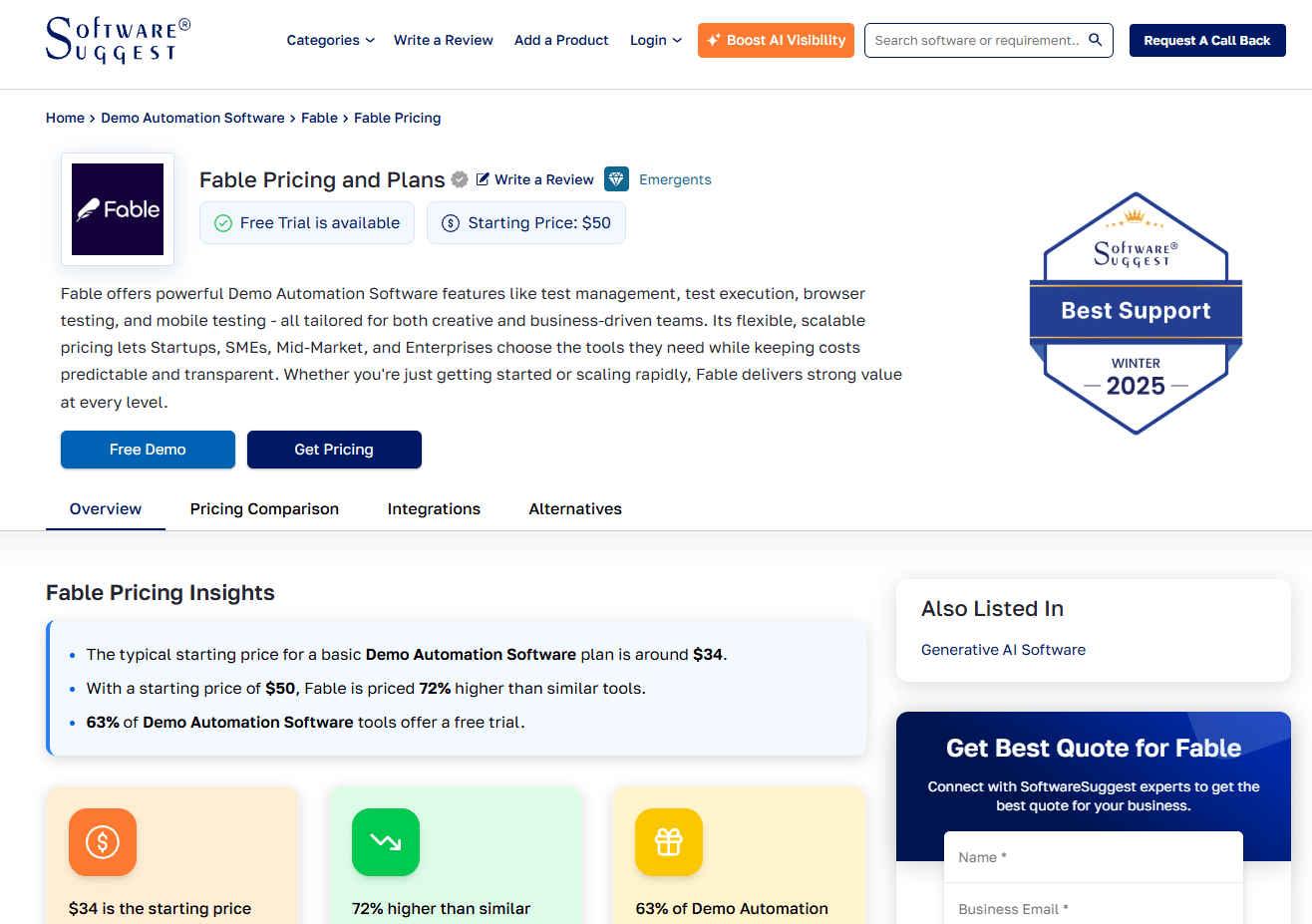
Fable is an interactive product demo platform that lets sales, marketing, onboarding, and support teams build personalized demos from real HTML captures without engineering support. It includes AI assistance, analytics, lead forms, and CRM integrations via Zapier. The platform targets teams that want interactive demos without complex enterprise rollout requirements.
Best for: Sales, marketing, and onboarding teams building interactive product demos for self-guided buyer education and product-led growth motions.
Key features
- HTML capture of real user workflows
- Personalized demos with AI assistance
- Lead forms and engagement analytics
- CRM and Zapier integrations
- Web embed support
Why choose Fable: A solid starting point for teams testing self-guided demos without committing to an enterprise rollout. The focus on HTML capture means demos reflect the real product interface, which matters for technical buyers.
Fable pricing: Contact Fable for current tier details. G2 reviewer data does not surface a reported range.
G2 rating: 4.8/5 (103 reviews)
8. DemoEasel
DemoEasel is a demo creation tool for producing live demos, self-guided walkthroughs, videos, mobile demos, PowerPoint content, and Keynote simulations. It runs on Windows and macOS as a desktop application, targeting enterprise teams that need reliable, reusable demonstrations across multiple presentation formats.
Best for: Enterprise teams that need a single tool to produce demos across live, video, presentation, and self-guided formats without a web-only workflow.
Key features
- Live demos and self-guided walkthroughs
- Video and mobile demo creation
- PowerPoint and Keynote simulation output
- Windows and macOS desktop application
- 30-day trial available
Why choose DemoEasel: Relevant when the team already works in presentation tools like PowerPoint or Keynote and wants demos that integrate directly with those formats. Less suited to teams whose priority is browser-based sharing, embed analytics, or CRM integration.
DemoEasel pricing: A 30-day trial is available for download. Contact DemoEasel for commercial plan details.
G2 rating: 3.5/5 (1 review)
9. Hobbes
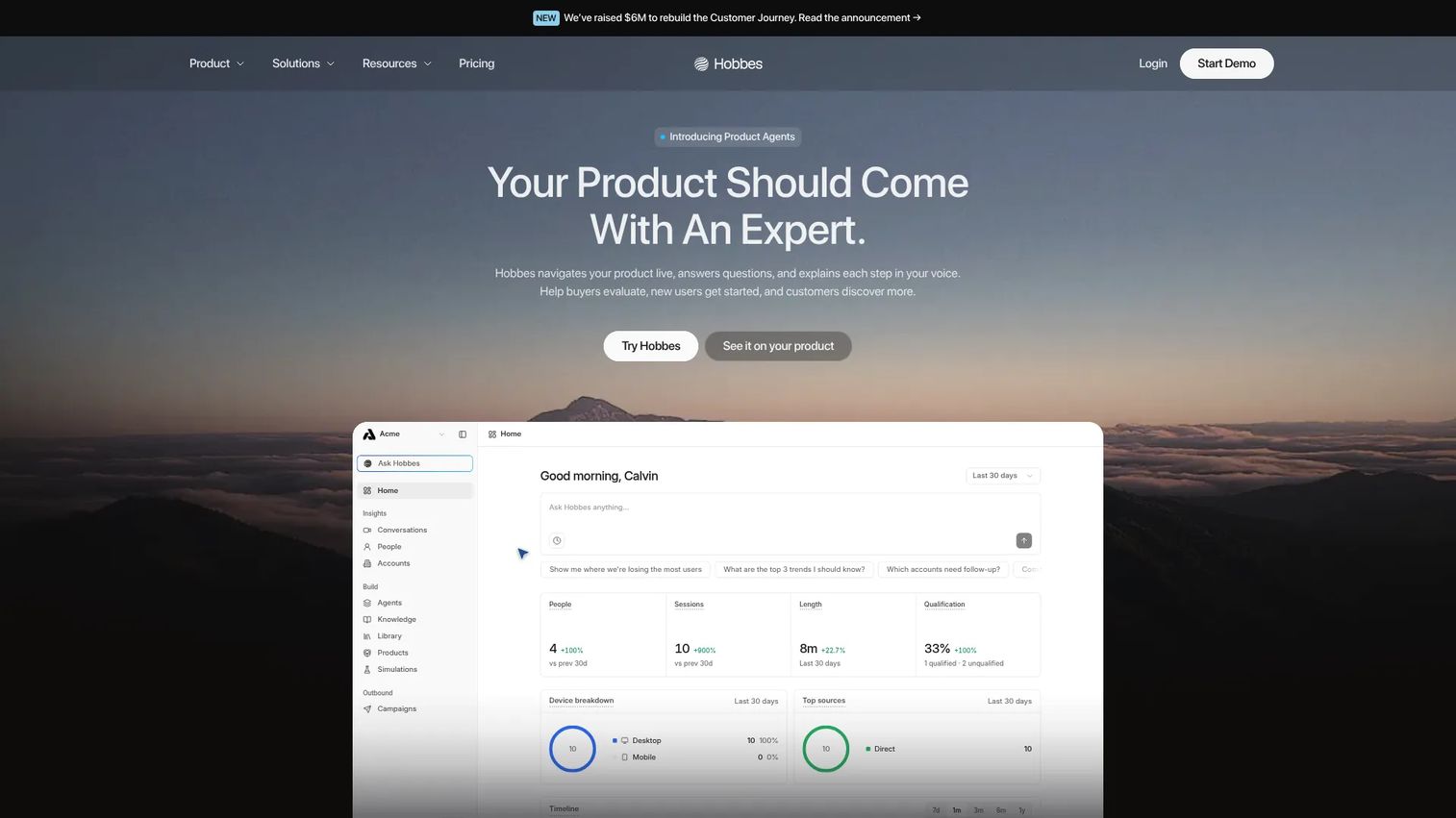
Hobbes provides AI product experts that navigate products live, answer buyer questions, explain workflows, and score qualifications. Rather than a static demo asset, buyers interact with an AI that knows the product, surfaces relevant slides, tracks objections, and feeds qualification data back to the sales team via CRM integrations. It applies to demos, onboarding, and customer expansion.
Best for: B2B SaaS teams with complex products that need conversational demos, buyer qualification, or hands-on onboarding support without requiring an SE on every call.
Key features
- Conversational AI that navigates the product live
- Dynamic responses with charts and visual answers
- Qualification scoring and objection tracking
- Native CRM integrations and webhooks
- Product knowledge from live products, docs, and transcripts
Why choose Hobbes: Fits teams where buyer questions during a demo are as important as the product flow itself. The qualification scoring and objection tracking create intent data that connects directly to your CRM, which is useful for presales teams managing high demo volume.
Hobbes pricing: Four plans (Starter, Growth, Scale, Custom) are listed on the pricing page, but no numeric prices are displayed. Contact Hobbes for current package details.
G2 rating: 5.0/5 (5 reviews)
10. Lancey
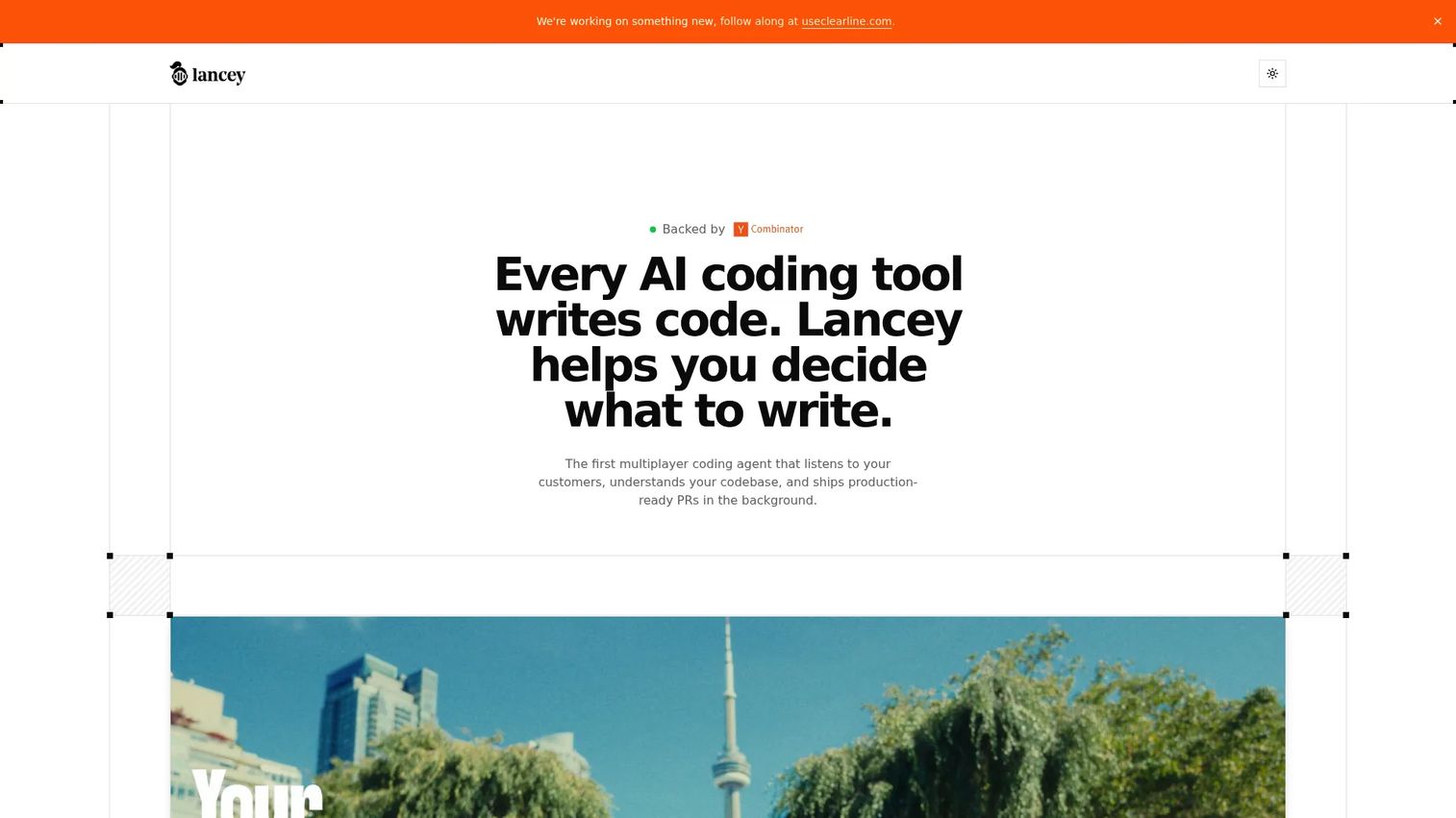
Lancey is a multiplayer coding agent that connects customer feedback to a codebase and delivers ready-to-merge pull requests. It ingests issues from Slack, Intercom, and Zendesk, turns them into prioritized tasks, and generates code changes autonomously. Lancey sits at the edge of the demo creation category; its core job is engineering automation driven by customer signal, not buyer-facing product demonstration.
Best for: Engineering teams that want to close the loop between customer-reported issues and production code changes, using customer feedback as the prioritization signal.
Key features
- Ingests feedback from Slack, Intercom, and Zendesk
- Turns feedback into prioritized, actionable tasks
- Generates ready-to-merge pull requests
- Autopilot mode for autonomous issue identification
- Isolated execution environment with strict access controls
Why choose Lancey: Worth considering if your team is trying to connect product feedback signals to development velocity. Its overlap with demo creation software is narrow; it does not create buyer-facing demo assets, but it can accelerate the product changes that make demos more accurate.
Lancey pricing: Contact Lancey for current terms.
G2 rating: 5.0/5 (10 reviews)
Considerations when choosing demo creation software
Match the demo format to the buying moment
An interactive demo excels at warming up buyers before a live call or leaving something shareable afterward. A sandbox performs best when a technical buyer wants to explore freely and validate specific workflows. Demo centers work well when the buying committee has more than three stakeholders. Evaluate whether a tool supports all the formats your team actually needs across the full deal cycle.
Check how fast your team can update demos
A UI change that breaks your demo the morning of a call is a presales tax you should not pay repeatedly. Ask vendors how recapture works, whether step-level editing is possible without rebuilding the whole flow, who owns updates in a multi-seller team, and whether version control exists. If a demo takes a sprint to update, it will go stale.
Evaluate personalization without creating chaos
Personalization helps when it is governed. Look for tools that let sellers edit account-specific text and data within guardrails, rather than giving unrestricted edit access that causes version drift. Templates, reusable variables, approval flows, and permission levels separate a tool that scales from one that creates a demo library full of inconsistencies.
Demand useful analytics, not vanity views
A view count tells you almost nothing. Presales needs to know which stakeholder at which company opened the demo, which flow they viewed, where they dropped off, and whether that activity synced to the CRM. If a tool cannot surface those signals at the account level, it cannot support pipeline qualification decisions.
Validate security and enterprise controls early
SSO, role-based access, domain-restricted sharing, audit logs, and data handling practices all become requirements before procurement signs off on an enterprise deal. Raise these questions in your trial period, not in the final contracting stage. No tool's use of a demo platform makes your team compliant with any regulation; that determination depends on your security review process.
Conclusion
For presales and GTM teams that need broad demo creation coverage, Guideflow is the clearest starting point. Interactive demos guide the product story, sandboxes give technical buyers room to validate, demo centers keep buying committees aligned, live demos preserve the human layer, and mobile demos reach users wherever they are. The free tier gets you started, and paid plans scale with team size and format requirements.
Demoboost is the stronger fit when governed enterprise demo programs are the priority and the team needs role-based access, AI-assisted personalization, and revenue-intelligence analytics across a larger seller base. Saleo (now Consensus Live) is the right choice for SEs who run presenter-led demos and need prospect-specific data in the native product rather than a separate demo environment. Tourial works well for marketing-led demo journeys and website-based buyer education.
ScreenSpace serves teams that need cinematic production quality for complex products. Fable, Hobbes, and DemoEasel each cover specific use cases: Fable for HTML-based interactive demos, Hobbes for conversational AI-driven buyer qualification, and DemoEasel for multi-format desktop demo creation. Demoleap addresses live-call consistency rather than demo asset creation. Lancey sits at the edge of this category, focused on engineering automation rather than buyer-facing demo experiences.
Start your journey with Guideflow today!
FAQs
Demo creation software helps teams build, personalize, share, and measure product demos without relying on fragile live environments or rebuilding the same flow for every prospect. It covers formats including interactive demos, sandboxes, demo centers, live demos, mobile demos, and video-based demos, depending on the platform. Most tools include no-code capture, editing, sharing controls, analytics, and CRM integrations.
The best tool depends on whether the team primarily needs guided demos, free exploration for technical validation, live demo data personalization, or marketing-led demo journeys. Teams should evaluate format coverage, how fast demos can be updated, whether analytics surface account-level intent, and how well the tool integrates with existing CRM and sales workflows. Guideflow covers the broadest format range for presales and GTM teams.
The terms overlap significantly. Demo creation software tends to emphasize the process of building, maintaining, and distributing demo assets, including governance, version control, and speed of creation. Product demo software often emphasizes the buyer-facing experience, covering interactive demos, sandboxes, and demo hubs. Many platforms fit both descriptions simultaneously.
It can reduce the volume of repetitive live demos and improve what buyers experience before and after a call. Self-serve interactive demos and sandboxes handle early-stage education, pre-call exploration, and post-call follow-up well. Live demos still perform best when the buyer needs real-time conversation, objection handling, and a presenter who can adapt to unexpected questions in the moment.
Sandboxes perform best when technical buyers want to explore freely rather than follow a guided flow. They excel at proof-of-concept evaluations, hands-on workflow testing, procurement and security reviews, developer assessments, and partner technical certification. Any situation where the buyer wants to click around on their own schedule and validate specific use cases is a strong fit for sandbox deployment.
No-code capture and editing matter because SEs cannot wait on engineering for every update. Account-level personalization matters because every demo should reflect the prospect's context. Analytics at the stakeholder level matter because a view count does not tell you whether the right people engaged. CRM integration matters because intent signals are only useful if they reach the team that acts on them. Security controls matter because enterprise procurement will ask about them.
Pricing varies by team size, demo format support, analytics depth, and security requirements. Some platforms offer a free tier for individual use, with paid plans starting below $100 per month for small teams. Enterprise platforms with sandbox demos, SSO, role-based access, and advanced analytics typically require a custom annual contract and a sales conversation. ScreenSpace operates a project-based agency model starting at $8,000 per engagement.
Most platforms in this category connect with at least one major CRM. Common integrations include Salesforce, HubSpot, Pipedrive, and Marketo, with engagement data flowing automatically to contact or opportunity records. The depth of integration varies, covering basic link-click data at the lower end and full account-level intent scoring with automated alerts at the higher end. Verify the specific CRM your team uses before committing to a platform.