A dispatcher fields a call, types an address, and every second between that keystroke and a unit rolling out is measured. Multiply that by thousands of incidents a month, add records that need to hold up in court, add reporting mandates that shift by jurisdiction, and the operational load becomes obvious. Public safety teams do not have the luxury of a system that mostly works.
The stakes are why this category keeps expanding. The global public safety software market was valued at US$12.3 billion in 2025 and is projected to reach US$39.4 billion by 2036 at an 11.2% CAGR, according to Fact.MR (2024). The law enforcement software segment alone sat at US$18.86 billion in 2025 and is forecast to reach US$40.82 billion by 2033, per SNS Insider (2024). Agencies are buying faster dispatch, cleaner coordination, and better documentation because the manual version does not scale.
The problem for anyone evaluating vendors is that most vendor pages read like brochures. They tell you a platform does "everything" without telling you when it fits your agency and when it does not. This guide takes the opposite approach. It treats the decision the way an operational leader would: which workflow hurts most right now, and which tool solves that specific pain. If you build software for regulated, high-stakes buyers yourself, the way these vendors package complex workflows into repeatable motions is worth studying too. The same principle that makes a good interactive demo convert applies here: show the workflow, don't just describe it.
What's inside
This guide is built for teams comparing public safety software solutions across CAD, dispatch, command center operations, records management, analytics, mobile field response, and emergency coordination. We looked at eight public safety software companies that serve real agency workflows, not adjacent tools that happen to mention safety.
Each tool was selected against four criteria:
- Workflow coverage: how much of the dispatch-to-records-to-analytics chain it handles
- Interoperability: how well it shares data across agencies, systems, and NG9-1-1 infrastructure
- Compliance and security: alignment with state, federal, and CJIS-style reporting requirements
- Usability: whether field teams and dispatchers can actually work in it under pressure
TL;DR
- Best for end-to-end public safety suites: Tyler Technologies, for agencies that need CAD, records, analytics, and citations in one platform
- Best for command center operations: Motorola Solutions, for teams unifying dispatch, evidence, and real-time collaboration
- Best for geospatial intelligence: Hexagon, for multi-jurisdiction situational awareness and spatial analytics
- Best for inspection and incident workflows: SafetyCulture, for structured documentation and mobile field reporting
- Best for school and organizational safety: CrisisGo, for fast alerting and incident response coordination
- Best for mass notification: Everbridge, for large-scale critical event management
- Best for emergency communication: AlertMedia, for two-way alerting and threat intelligence
- Best for crew management: ARCOS Crew Manager, for staffing visibility and resource mobilization
What is public safety software?
Public safety software is a category of systems that agencies use to receive, dispatch, document, coordinate, and analyze emergency response across police, fire, EMS, and command center operations. A public safety software platform typically connects call intake, unit dispatch, field reporting, records, and analytics into a shared operating picture.
The category breaks into a handful of core building blocks. Most agencies assemble a public safety system from some combination of these:
- CAD software and dispatch software: Computer-aided dispatch handles call intake, unit recommendation, status tracking, and resource allocation. This is the operational heartbeat that turns a 911 call into a rolling response.
- NG9-1-1: Next Generation 9-1-1 upgrades legacy voice-only call handling to an IP-based model that supports text, images, video, and precise location data, and routes calls across jurisdictional boundaries.
- Field response and mobile operations: Mobile public safety software puts dispatch data, reporting, and records in the hands of officers and responders in the field, so documentation happens at the scene rather than back at the station.
- Records and evidence: Records management systems store incident reports, arrest records, citations, civil process, and digital evidence in a structured, auditable, court-ready form.
- Analytics and situational awareness: Public safety analytics turn incident and response data into patterns, hotspots, and resource forecasts, and feed command center software with real-time situational awareness.
- Compliance and interoperability: The layer that keeps everything defensible: state and federal reporting alignment, CJIS-style security, and real-time information sharing across agencies and systems.
The defining trait of this category is that failure is not an abstraction. A dropped record or a delayed dispatch has consequences that ordinary business software never carries. That is why interoperability, compliance, and resilience show up as first-order buying criteria, not nice-to-haves.
When to use public safety software
Different agencies reach for these platforms at different moments. Here are the four scenarios that most often trigger a purchase.
Unify dispatch, records, and field operations
When dispatchers, records clerks, and field officers work in disconnected systems, information gets re-keyed, lost, or delayed. A unified public safety software platform closes those gaps so a call intake flows straight into dispatch, into a field report, and into records without manual handoffs. This is the classic driver for agencies consolidating a fragmented stack.
Standardize reporting and documentation
Reporting mandates change by state and by discipline, and manual compliance is slow and error-prone. Software that bakes state and federal reporting formats into the workflow removes the guesswork and produces audit-ready documentation by default. Agencies facing new mandates or failed audits buy for this reason.
Improve real-time coordination across agencies
Multi-jurisdiction incidents fall apart when agencies cannot see the same picture. Platforms built for interoperability let neighboring departments, fire, and EMS share location, status, and incident data in real time. If your agency runs mutual-aid responses often, this is the priority.
Support mobile teams and emergency crews
Field response lives or dies on what responders can access from a vehicle or a phone. Mobile public safety software and crew management tools give teams live status, assignments, and reporting wherever they are, so coordination does not depend on returning to a desk.
Comparison table
Here is the shortlist at a glance. Pricing for public safety software is almost always quote-based because deployments vary by agency size, jurisdiction, and integration scope, so most vendors route pricing through sales.
| # | Product | Intent | Key use case | Pricing | G2 rating |
|---|---|---|---|---|---|
| 1 | Tyler Technologies | End-to-end suite | CAD, records, analytics, citations, civil process | Custom (contact sales) | 4.0/5 |
| 2 | Motorola Solutions | Command center | Dispatch, evidence, real-time collaboration | Custom (contact sales) | 4.4/5 |
| 3 | Hexagon | Geospatial intelligence | CAD, situational awareness, spatial analytics | From $1,900 (product-specific) | 4.2/5 |
| 4 | SafetyCulture | Inspection workflows | Inspections, incident reporting, documentation | Free; Premium from $24/seat/mo | 4.6/5 |
| 5 | CrisisGo | Safety communication | Alerting, incident response, drills | From $2,520/yr per school | 4.3/5 |
| 6 | Everbridge | Mass notification | Critical event management, alerting | Custom (contact sales) | 4.5/5 |
| 7 | AlertMedia | Emergency communication | Two-way alerts, threat intelligence | Custom (contact sales) | 4.7/5 |
| 8 | ARCOS Crew Manager | Crew management | Crew and resource mobilization | Custom (contact sales) | 3.5/5 |
1. Tyler Technologies
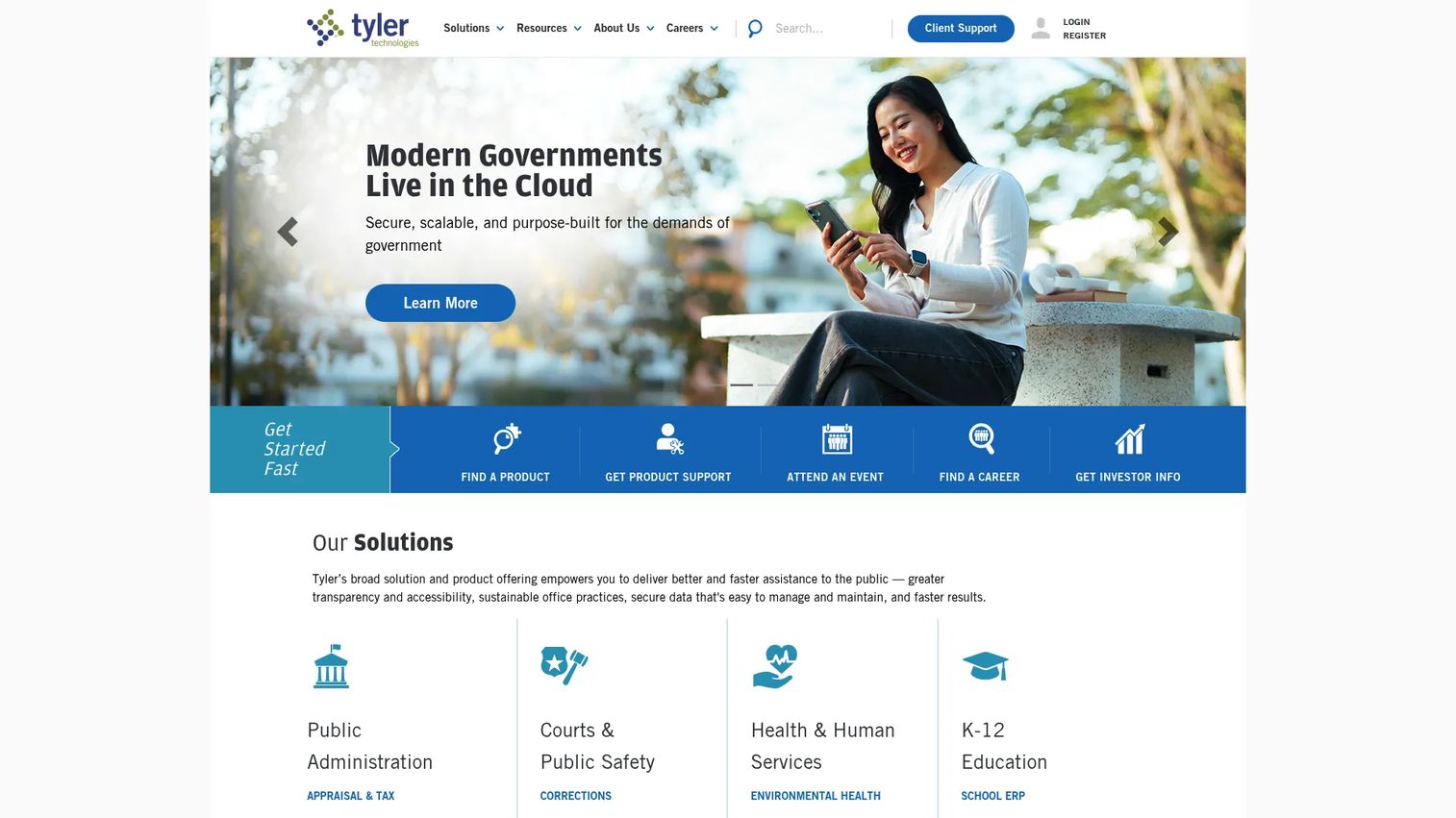
Tyler Technologies is a public-sector software provider that serves cities, counties, states, and school districts with integrated products spanning public safety, courts, ERP, payments, and permitting. On the public safety side, it packages CAD, records management, analytics, mobile field operations, citations, and civil process into a connected suite, which is what makes it the default choice for agencies that want breadth rather than a point tool.
For an operational leader consolidating a fragmented stack, the appeal is that a single vendor covers most of the dispatch-to-records-to-reporting chain. That reduces the number of integrations you own and the number of contracts you manage. Tyler leans heavily on state and federal reporting alignment, which matters when compliance is a recurring fire drill rather than a one-time setup.
Best for: Cities, counties, states, and school districts that need integrated public-sector software across public safety and adjacent government functions.
Key strengths
- Broad workflow coverage: CAD, records, analytics, mobile, citations, and civil process in one connected suite
- Public-sector focus: Products built specifically for government and school operations, not repurposed enterprise software
- Compliance alignment: State and federal reporting baked into workflows to reduce manual audit prep
Why choose Tyler Technologies: Pick Tyler when your priority is depth and consolidation. If your agency is tired of stitching together separate systems for dispatch, records, and reporting, a broad suite from one vendor removes integration overhead and gives you a single accountability point. It fits agencies that value coverage across the full operational chain over best-in-class specialization in any single area.
Tyler Technologies pricing: Tyler does not publish standard pricing for its public safety products. Public pages route prospects to contact sales or request a demo, and deployments are quoted based on agency size, module selection, and integration scope. Budget for a procurement process rather than a self-serve signup.
2. Motorola Solutions
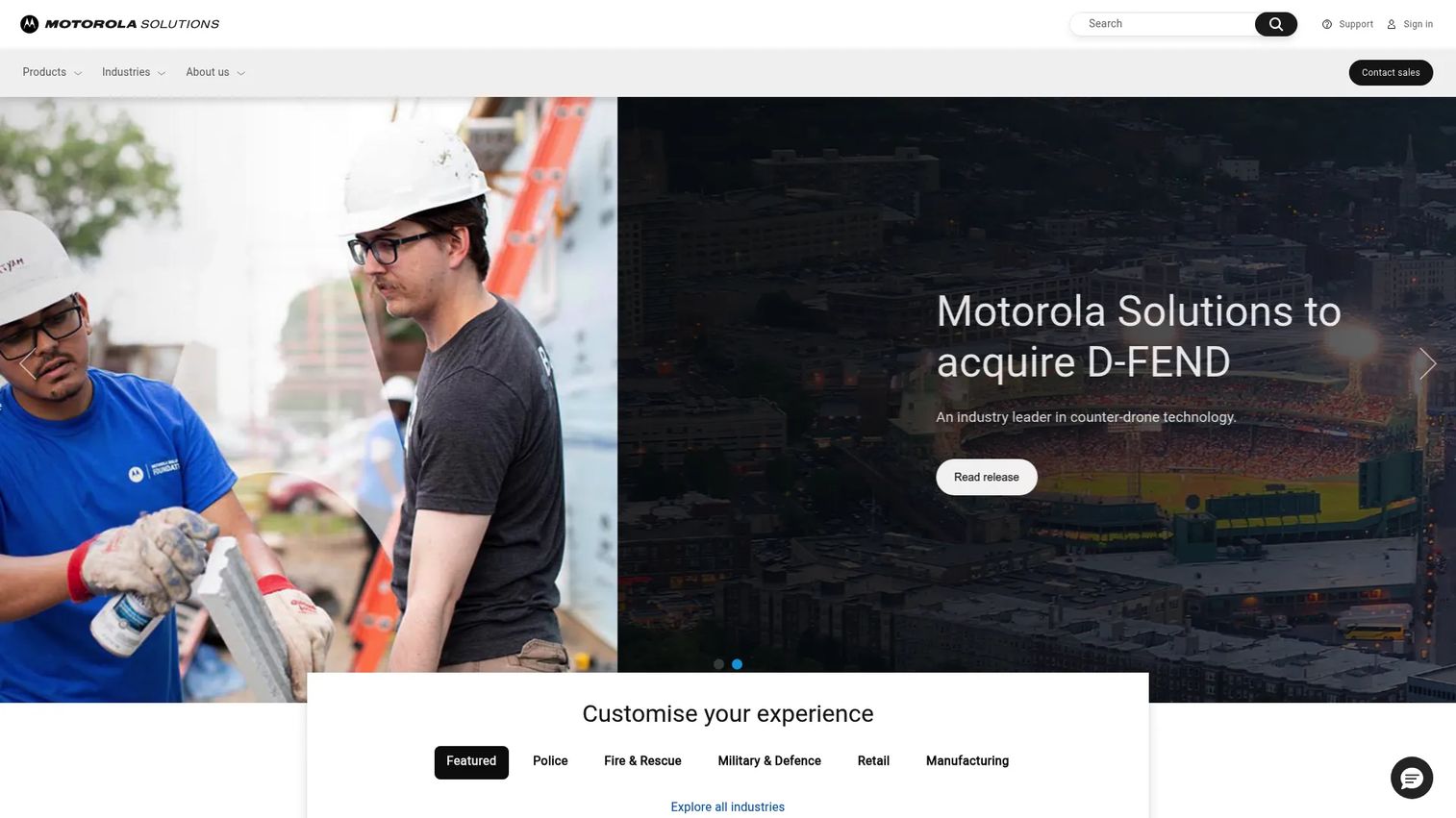
Motorola Solutions is a public safety and enterprise technology company built around critical communications, video security, and command center software. Its command center suite unifies CAD, records, evidence management, and real-time collaboration into a single incident view, which is the core reason agencies choose it when coordination and scale are the dominant concerns.
Where Tyler leans on suite breadth, Motorola leans on the end-to-end incident narrative: from the moment a call comes in, through dispatch, through field response, to evidence and closure, the platform is designed to keep everyone looking at the same picture. Its communications heritage shows up in resilient architecture, which matters for agencies that cannot tolerate downtime during a major incident.
Best for: Public safety agencies and enterprises that need integrated communications and security systems with a unified command center view.
Key strengths
- Command center unification: CAD, records, and evidence in one real-time incident view
- Critical communications heritage: Resilient architecture built for environments where downtime is not an option
- Video and analytics: Integrated video security and analytics that feed situational awareness
Why choose Motorola Solutions: Choose Motorola when coordination and scalability are the deciding factors. Agencies running high call volumes, multi-unit responses, or large jurisdictions get value from a system designed to keep dispatch, field, and evidence workflows synchronized. It fits teams that treat the command center as the operational hub and want communications, CAD, and evidence under one roof.
Motorola Solutions pricing: Motorola does not display public pricing on its site and routes product, pricing, and demo inquiries to sales. Expect a scoped, quote-based engagement that reflects your communications infrastructure, module selection, and deployment size.
3. Hexagon
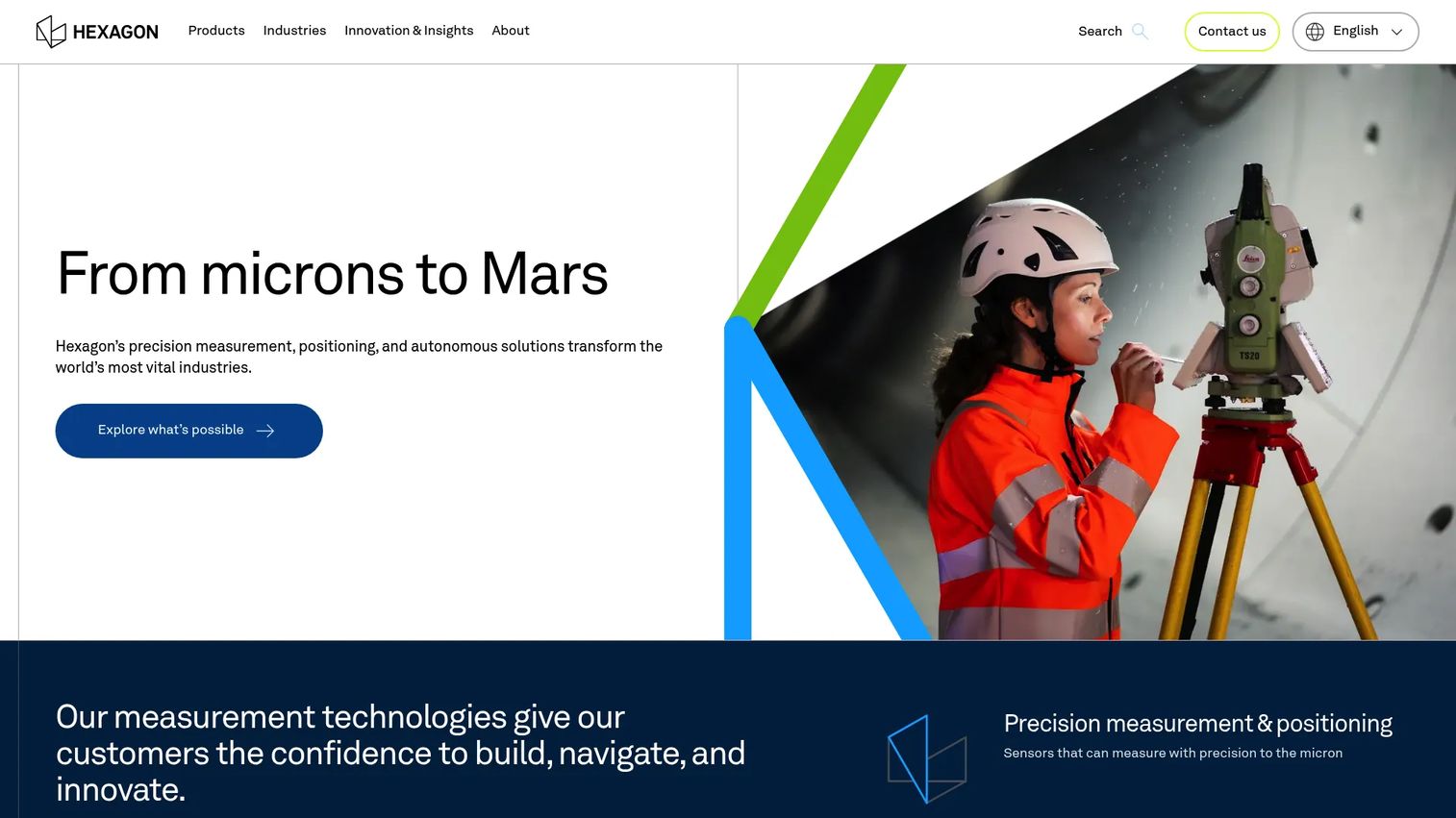
Hexagon is a global measurement and spatial intelligence company whose public safety platform centers on CAD, geospatial intelligence, and multi-domain operations. Its differentiator is situational awareness: mapping incidents, resources, and patterns onto a spatial picture that helps command staff understand not just what is happening but where and how it is unfolding across a jurisdiction.
For large or multi-jurisdiction environments, that geospatial layer is the draw. When incidents cross boundaries or involve many responding units, seeing the operating picture on a map rather than in a list changes how command decisions get made. Hexagon frames its platform around cross-agency collaboration and the full incident lifecycle, which suits agencies coordinating across departments and regions.
Best for: Enterprises and large agencies needing spatial intelligence, digital twins, or multi-domain operational coordination.
Key strengths
- Geospatial intelligence: Spatial and operational intelligence that maps incidents and resources for command decisions
- Precision positioning: Measurement and positioning technology that underpins accurate situational awareness
- Digital twins and 3D environments: Modeling capabilities that support planning and multi-domain operations
Why choose Hexagon: Choose Hexagon when situational awareness and geospatial analysis are central to how your agency operates. Large jurisdictions, multi-agency coordination, and incidents that play out across a map benefit most from a platform built around spatial intelligence. It fits command-heavy environments where understanding location and movement drives the response.
Hexagon pricing: Hexagon is a broad software and hardware brand, so pricing is product-specific. Some product lines show subscription pricing publicly, starting around $1,900 for certain design and modeling products, with perpetual and subscription options plus maintenance programs. Public safety platform pricing is typically scoped directly with Hexagon based on deployment.
4. SafetyCulture
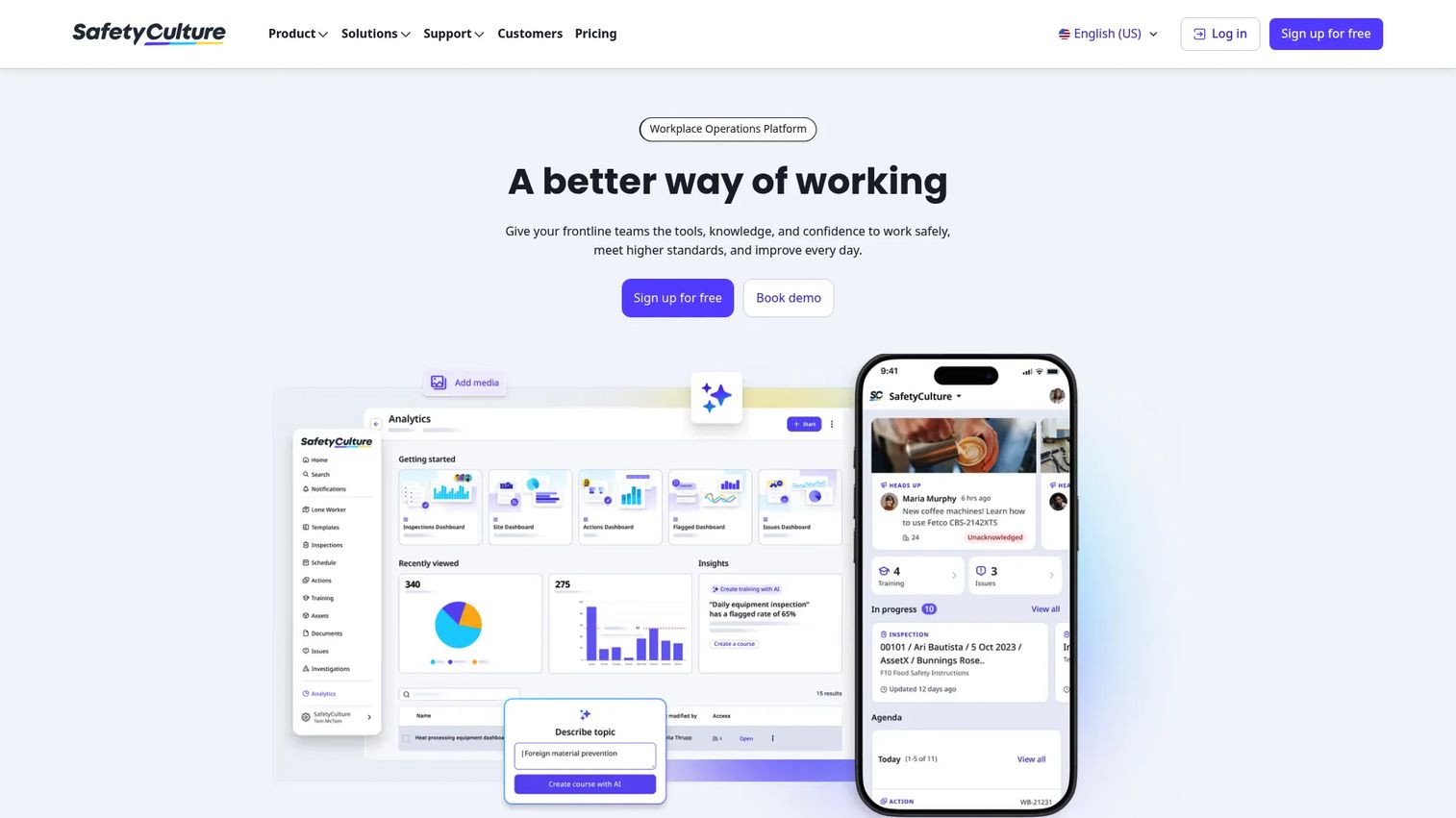
SafetyCulture is a workplace operations platform built around inspections, issues, actions, training, and analytics, with a mobile-first design that puts structured workflows in the hands of frontline teams. It is not a CAD or command center system, and it does not pretend to be. Its fit in public safety is around incident readiness, structured documentation, and operational consistency.
For teams that need repeatable processes around inspections, safety checks, and incident reporting, SafetyCulture turns loose procedures into templated, trackable workflows. The mobile experience is the strength: field staff complete inspections, log issues, and capture evidence from a phone, and the data rolls into analytics automatically. Think of it as the documentation and process backbone rather than the dispatch engine.
Best for: Teams needing mobile-first inspections, audits, issue tracking, and frontline operations workflows.
Key strengths
- Mobile-first inspections: Templated inspections and checklists completed from any device in the field
- Issue and action tracking: Log, assign, and follow issues to resolution with an auditable trail
- Built-in analytics: Frontline data rolls into dashboards without manual reporting
Why choose SafetyCulture: Choose SafetyCulture when your priority is structured documentation and process consistency rather than dispatch or command center scope. It fits agencies and organizations that need repeatable inspection and incident workflows their teams will actually use on mobile. Set expectations accordingly: this is the process and documentation layer, not the CAD backbone.
SafetyCulture pricing: SafetyCulture offers a free plan for teams up to 10 users. Premium runs $24 per seat per month billed annually, or $29 per seat per month billed monthly, and Enterprise is custom-priced through sales. The free tier makes it one of the few tools here you can evaluate hands-on before a procurement conversation.
5. CrisisGo
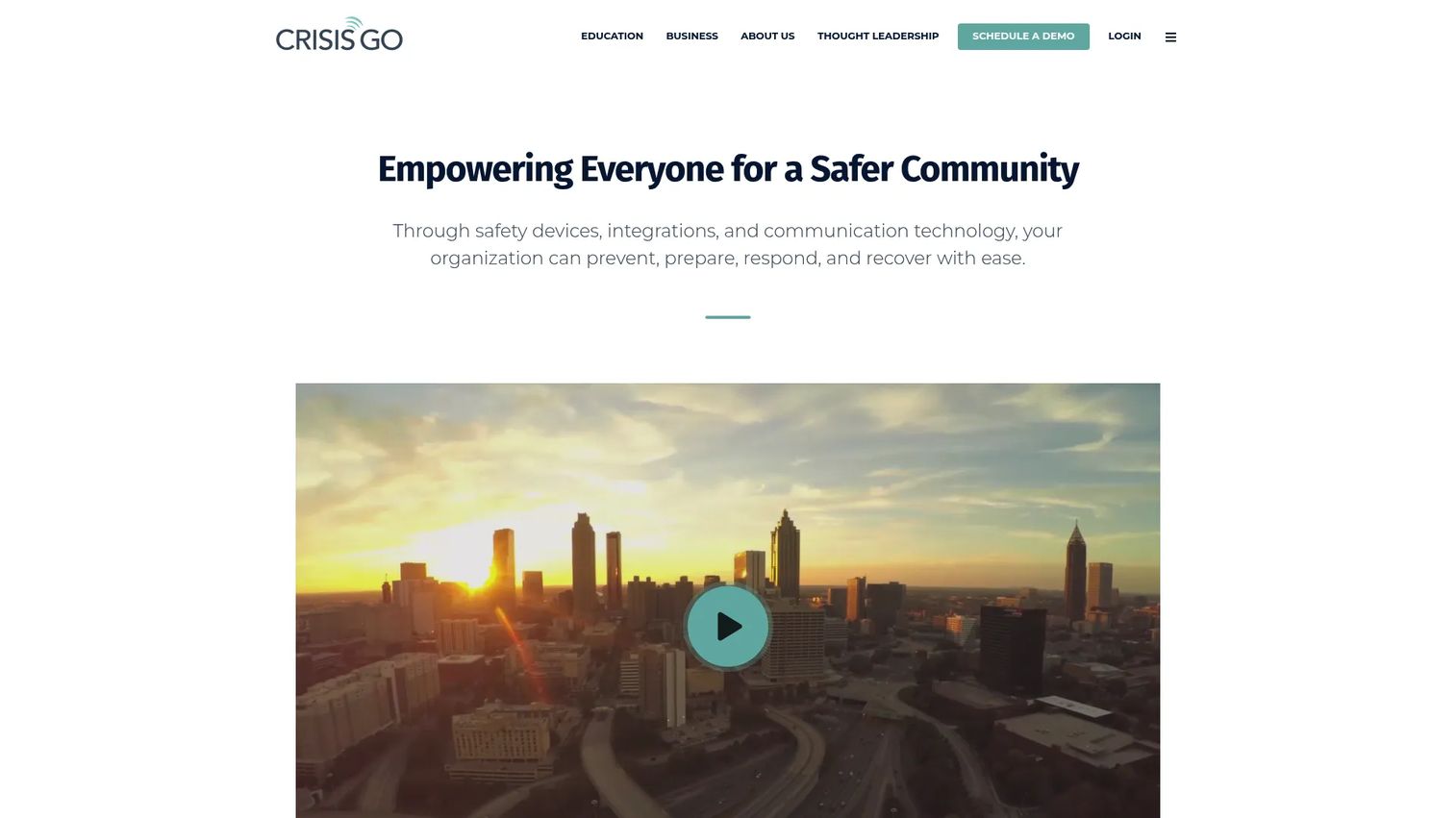
CrisisGo is a safety communication and incident management platform focused on emergency alerts, drill and incident reporting, and digital emergency plans. It is built for organizations that need fast, simple operational response and notification rather than a full dispatch stack, and it has strong traction in schools and distributed organizations.
The value is speed and simplicity. When an incident happens, staff need to trigger alerts, follow a plan, and coordinate response without wrestling with complex software. CrisisGo packages alerting, checklists, and reporting into workflows that non-specialists can run under pressure. For schools, agencies, and multi-site organizations, that accessibility is the point.
Best for: Schools and organizations needing emergency communication and crisis response tools.
Key strengths
- Emergency alerts: Fast notifications that reach staff and responders during an incident
- Incident and drill management: Reporting and coordination tools for both real events and practice drills
- Digital emergency plans: Checklists and plans staff can follow step by step under pressure
Why choose CrisisGo: Choose CrisisGo when fast alerting and simple incident response matter more than deep dispatch or records capability. It fits schools, distributed teams, and organizations that need staff to act quickly during an emergency without specialized training. The strength is accessibility during high-stress moments.
CrisisGo pricing: CrisisGo publishes pricing for specific offerings, including Safety iResponse for Independent Schools at $2,520 annually per school, and a SD7 App option at $5 per month per SD7 on a one-year agreement. Broader product pricing is typically quote-based, so plan to scope your deployment with sales.
6. Everbridge
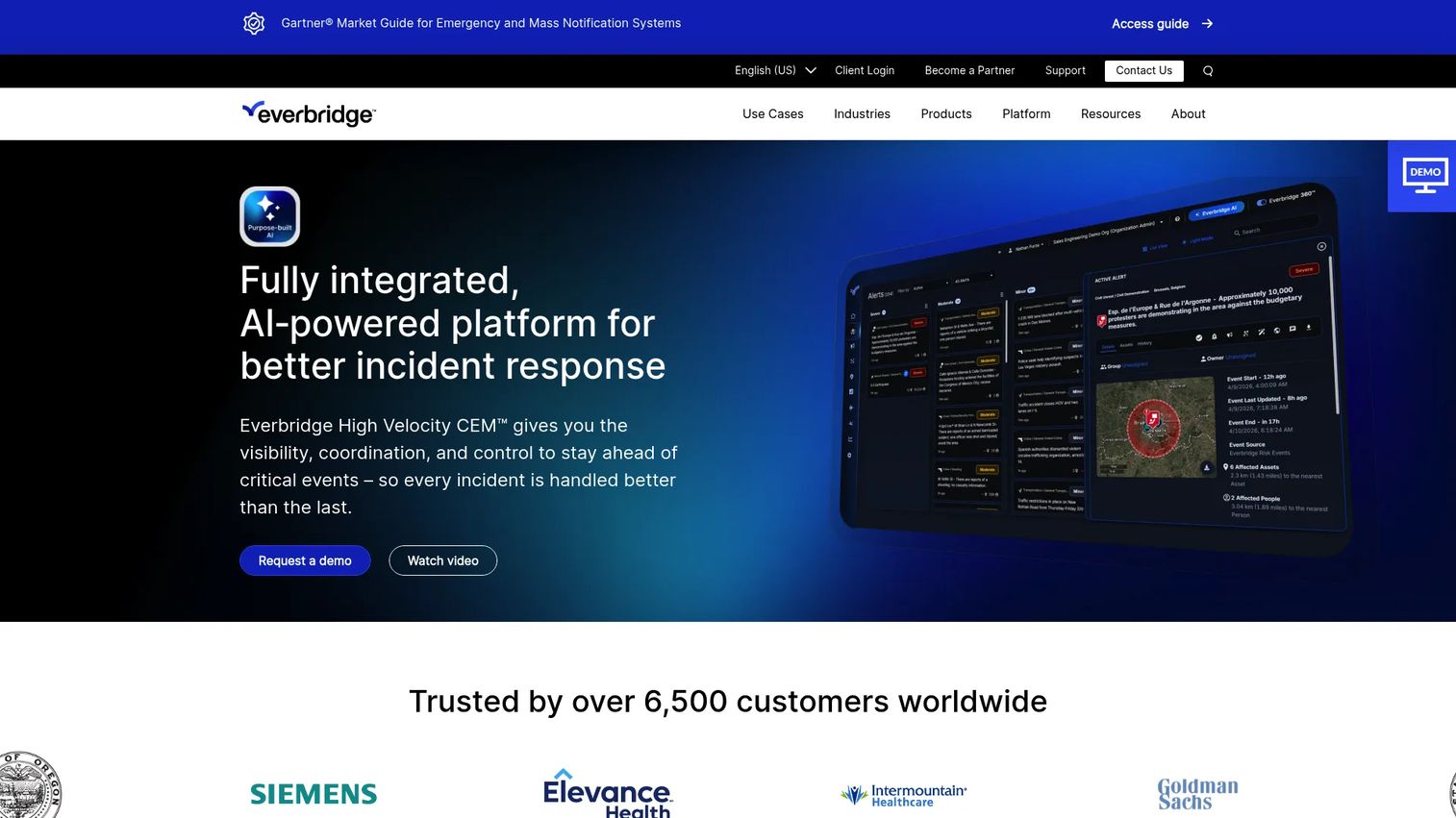
Everbridge is an enterprise critical event management platform built around mass notification, risk intelligence, and incident communications. Where the suite vendors focus on dispatch and records, Everbridge focuses on the alerting and coordination layer at scale, which is what makes it a fit when broad emergency communication is the priority.
The core job is reaching large populations fast and coordinating the response. Everbridge combines high-velocity critical event management, automated event handling, and risk intelligence so organizations can detect a threat, notify the right people, and manage the incident through resolution. For large agencies, campuses, and enterprises where the challenge is scale of communication rather than unit dispatch, that focus pays off.
Best for: Large organizations needing critical event management and emergency communications.
Key strengths
- High-velocity critical event management: Alerting and coordination built for large-scale incidents
- Mass notification: Multichannel communication that reaches large populations quickly
- Risk intelligence: Automated event handling and threat detection that trigger the right response
Why choose Everbridge: Choose Everbridge when large-scale alerting and crisis coordination are the central problem. It fits organizations that need to notify thousands of people fast and manage a critical event through to resolution. Resilience and reach are the deciding factors here, not dispatch depth.
Everbridge pricing: Everbridge uses custom pricing and offers Everbridge 360 in three packages: Core, Professional, and Enterprise. No public price is shown on the site, so plan to scope a quote based on your population size and required capabilities.
7. AlertMedia
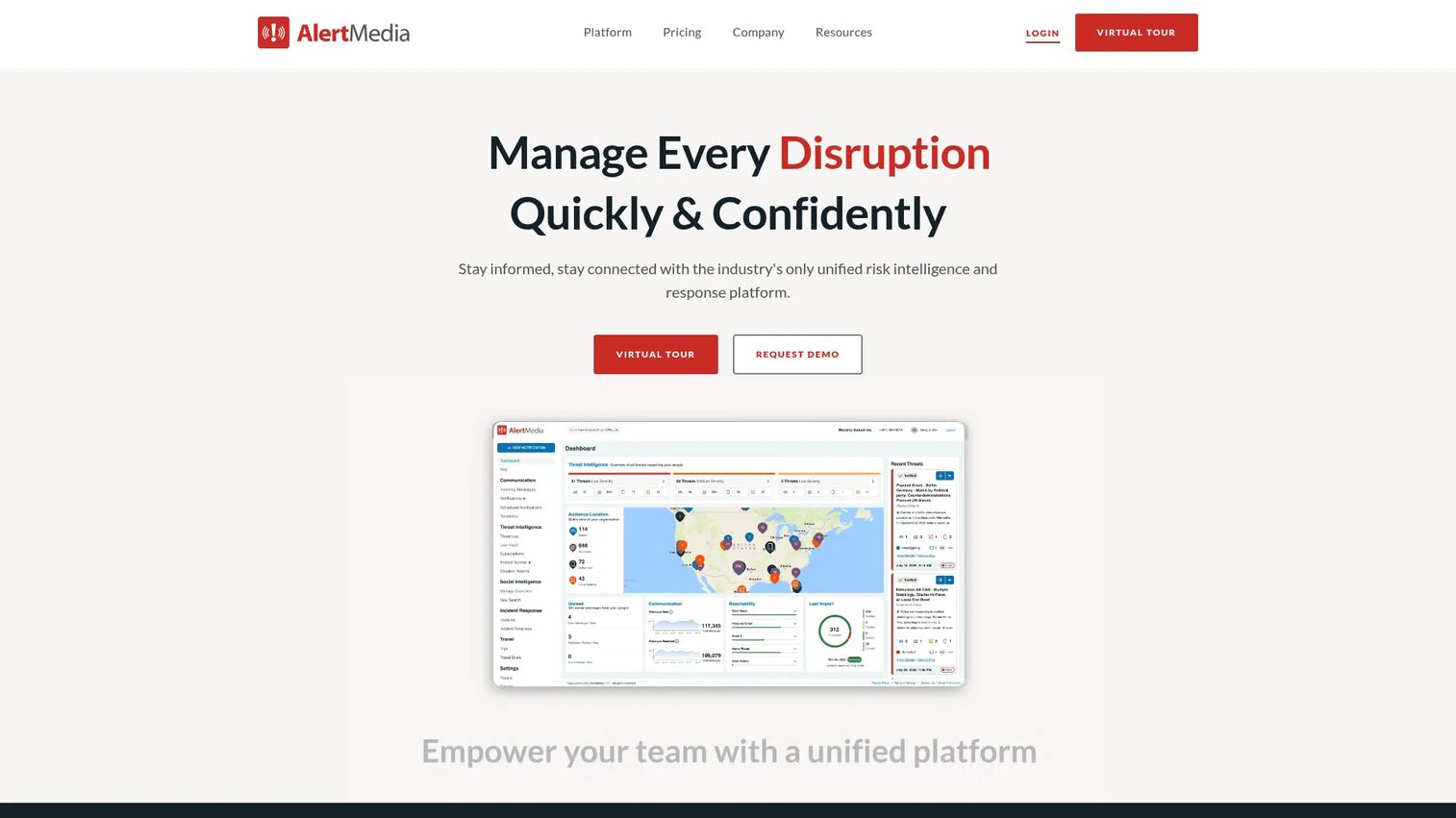
AlertMedia is an emergency communication and risk intelligence platform focused on multichannel alerting, two-way messaging, and threat intelligence. It positions around communications-first buying intent: getting the right message to the right people fast, and letting them respond, without the overhead of a full dispatch stack.
The strength is simplicity in the alerting workflow. AlertMedia sends alerts via text, voice, WhatsApp, and other channels, pairs them with real-time threat intelligence and impact assessments, and supports response planning with templates and workflows. Two-way messaging means responders and stakeholders can confirm status, which turns a one-way alert into a coordination loop. For teams whose primary need is rapid, reliable communication, it hits the mark.
Best for: Organizations needing enterprise-grade emergency notifications and threat intelligence.
Key strengths
- Multichannel alerts: Notifications via text, voice, WhatsApp, and more to reach people wherever they are
- Two-way messaging: Responders confirm status, turning alerts into a coordination loop
- Threat intelligence: Real-time monitoring and impact assessments that inform the response
Why choose AlertMedia: Choose AlertMedia when emergency communication is the primary job and you want a straightforward, reliable alerting workflow. It fits teams that need to notify, get responses, and coordinate without deploying a heavy operational platform. Communications-first is the whole pitch, and it delivers on it.
AlertMedia pricing: AlertMedia uses custom pricing with no public price listed, and notes there are no setup fees. Pricing depends on audience size and geographic area, so a quote reflects the scale of who you need to reach.
8. ARCOS Crew Manager
ARCOS Crew Manager is crew management software for identifying, assigning, and tracking crews, vehicles, and equipment, with real-time views of resource availability. Its roots are in utility field operations, which makes it a fit for public-safety-adjacent teams whose priority is workforce mobilization rather than dispatch or records.
The core job is knowing who and what is available, where they are, and how to mobilize them. For emergency and utility-adjacent operations, that visibility is the difference between a fast response and a scramble. ARCOS gives supervisors a live picture of crew and resource status, supports assignment and tracking, and handles mutual-assistance coordination when an event exceeds local capacity.
Best for: Utilities and field operations needing crew and mutual-assistance resource coordination.
Key strengths
- Real-time crew visibility: Live views of crew and resource availability across the operation
- Assignment and tracking: Assign crews and equipment, then track them through the response
- Mutual-assistance coordination: Mobilize outside resources when an event exceeds local capacity
Why choose ARCOS Crew Manager: Choose ARCOS when your priority is workforce mobilization and resource visibility rather than call handling or records. It fits utilities and field operations that need to know exactly who and what is available during an emergency. Staffing and dispatch readiness are the deciding factors here.
ARCOS Crew Manager pricing: ARCOS does not publish public pricing for Crew Manager, and deployments are scoped directly with the vendor. Plan for a quote-based procurement process tied to your workforce size and coordination requirements.
Considerations before you buy
The right choice depends on which workflow hurts most and how your agency operates. Run any shortlisted vendor through this checklist before committing.
Workflow coverage vs. specialization
Decide whether you need a broad suite that covers dispatch, records, and analytics, or a specialized tool that solves one job well. A suite reduces integration overhead but may not lead in every area. A specialist goes deep but has to play well with your other systems. Map your most painful workflow first, then choose accordingly.
Interoperability and information sharing
Public safety rarely happens in isolation. Confirm how a platform shares data across agencies, disciplines, and NG9-1-1 infrastructure. Real-time information sharing across neighboring departments, fire, and EMS is what makes multi-jurisdiction response work. Ask for specifics on standards and integrations, not just a claim of "open architecture."
Compliance and security
State and federal reporting mandates, CJIS-style security, and audit requirements are non-negotiable. Verify that a platform aligns with your jurisdiction's reporting formats and security controls out of the box. The cost of getting this wrong is measured in failed audits and inadmissible records, not just money.
Mobile and field readiness
If your response lives in the field, evaluate the mobile experience under realistic conditions. Can officers and responders access dispatch data, file reports, and pull records from a vehicle or phone? Field usability under pressure is a different test than a polished sales demo, so ask for hands-on access.
Resilience and deployment model
Public safety systems cannot go dark during a major incident. Ask about uptime guarantees, failover, and whether the deployment is cloud, on-premise, or hybrid. Cloud-enabled architectures are growing fast in this market, but the right model depends on your agency's security posture and connectivity.
Conclusion
There is no single best public safety software, only the best fit for the workflow you most need to fix. If you want suite depth across dispatch, records, analytics, and citations, Tyler Technologies is the broad-coverage pick. If command center coordination and a unified incident view drive your decision, Motorola Solutions is built for it. For geospatial situational awareness across large or multi-jurisdiction environments, Hexagon leads. SafetyCulture fits structured inspection and documentation workflows, CrisisGo fits fast school and organizational safety response, and for alerting at scale, Everbridge and AlertMedia handle mass notification and emergency communication. ARCOS Crew Manager fits teams whose priority is workforce mobilization.
Start with the tool that matches your most painful workflow, not the one with the longest feature list. Shortlist one vendor, run a scoped evaluation with your dispatchers or field team, and pressure-test it against your real reporting and interoperability requirements before you sign.
If you build software for buyers like these yourself, the lesson is the same one that drives every good interactive demo: the fastest way to win a high-stakes buyer is to let them experience the workflow, not just read about it. Start your journey with Guideflow today!
FAQs
Public safety software is used to receive emergency calls, dispatch units, document incidents, coordinate response across agencies, and analyze operational data. It connects call intake, CAD and dispatch, field reporting, records management, and analytics into a shared operating picture so agencies can respond faster and keep court-ready records.
The features that matter most are CAD and dispatch, records and evidence management, mobile field access, public safety analytics, and interoperability. Compliance with state and federal reporting and resilient, secure architecture round out the list. Prioritize the ones that map to your most painful workflow rather than chasing the longest feature list.
CAD software and dispatch software are the operational core. Computer-aided dispatch handles call intake, unit recommendation, status tracking, and resource allocation, turning a 911 call into a coordinated response. Most public safety platforms build records, analytics, and mobile workflows around this dispatch engine.
NG9-1-1, or Next Generation 9-1-1, replaces legacy voice-only call handling with an IP-based model that supports text, images, video, and precise location data. It matters because it lets calls route across jurisdictional boundaries and gives dispatchers richer information at intake, which improves response accuracy and speed.
Agencies should look for CJIS-style security controls, alignment with state and federal compliance requirements, encryption, access controls, and audit trails. Because records must hold up in court and data is highly sensitive, verify security and compliance out of the box rather than treating them as add-ons. Ask about failover and resilience too.
For mobile field teams, look for platforms with strong mobile public safety software, so officers and responders can access dispatch data, file reports, and pull records from a vehicle or phone. Tyler Technologies and Motorola Solutions offer mobile field operations within their suites, while SafetyCulture is strong for mobile-first inspections and incident documentation.
Public safety software platforms support compliance by building state and federal reporting formats directly into workflows, so documentation is audit-ready by default. They maintain structured, auditable records for incidents, arrests, citations, and civil process, and enforce security controls that meet law enforcement data standards. This reduces manual audit prep and the risk of inadmissible records.
Public safety software covers the full operational chain: dispatch, records, field response, and analytics for emergency agencies. Mass notification software, like Everbridge or AlertMedia, focuses specifically on alerting and coordinating large populations during a critical event. Many agencies use both, pairing an operational platform with a dedicated alerting tool for large-scale communication.