Your last discovery round produced 47 interview notes. They live in a Google Doc nobody opened. The roadmap debate from Tuesday's call ended with three people nodding and zero agreement. The design feedback is split across Slack threads, a Figma comment, and a meeting you half-remember.
This is the real cost of scattered product work: alignment that never quite happens. You ship anyway, then spend the next sprint reconciling what everyone thought they agreed to.
Visual collaboration tools exist to fix exactly this. They give distributed product teams one shared surface to brainstorm, map, critique, and decide, instead of stitching context back together across five apps. The category is also growing fast: the global visual collaboration platform software market valuation was valued at USD 9,103.16 million in 2022 and is projected to grow at an 18.5% CAGR through 2030, according to Teamhood's 2026 market analysis.
The problem is not whether to use a shared canvas. It is which one fits how your product team actually works: how you run discovery, how you align stakeholders, and how you move from a wall of sticky notes to something engineering can build. The wrong pick becomes another tab nobody opens. The right one becomes where decisions get made.
This guide compares 12 tools through a product team's lens, not a generic buyer's. Each one is evaluated on the things that decide whether a tool sticks: canvas quality, integration with your stack, template fit for product workflows, and how it scales as more teams pile in. If you're also evaluating the broader toolkit your team runs on, our roundup of the best product management tools is a useful companion read.
What's inside
This guide is for product managers, product designers, product ops, and cross-functional leads at B2B SaaS companies who need a shared visual surface for ideation and alignment. We picked the 12 tools on four criteria that matter most to product teams.
- Canvas quality: real-time and async co-creation that holds up with many contributors.
- Product stack fit: integrations with Jira, Figma, Slack, and analytics tools.
- Workflow templates: discovery, roadmapping, retros, and journey maps out of the box.
- Scale and security: SSO, permissions, and compliance as adoption spreads.
Every section speaks to the product team job: faster alignment, shorter time from idea to validated execution.
TL;DR
Short on time? Here are the decision shortcuts by sub-segment of product team.
- Best all-round for product teams: Miro. One scalable canvas with deep Jira, Figma, and Slack integrations.
- Best for Figma-native design teams: FigJam. The obvious pick if design already lives in Figma.
- Best for structured workshops: Mural. Facilitation tools built for formal sprints and design sprints.
- Best for ideation to diagram: Lucidspark, then Lucidchart when you need technical clarity.
- Best free option: Microsoft Whiteboard or FigJam's free tier, depending on your stack.
- Best for lightweight visual thinking: Whimsical. Fast flowcharts, wireframes, and docs.
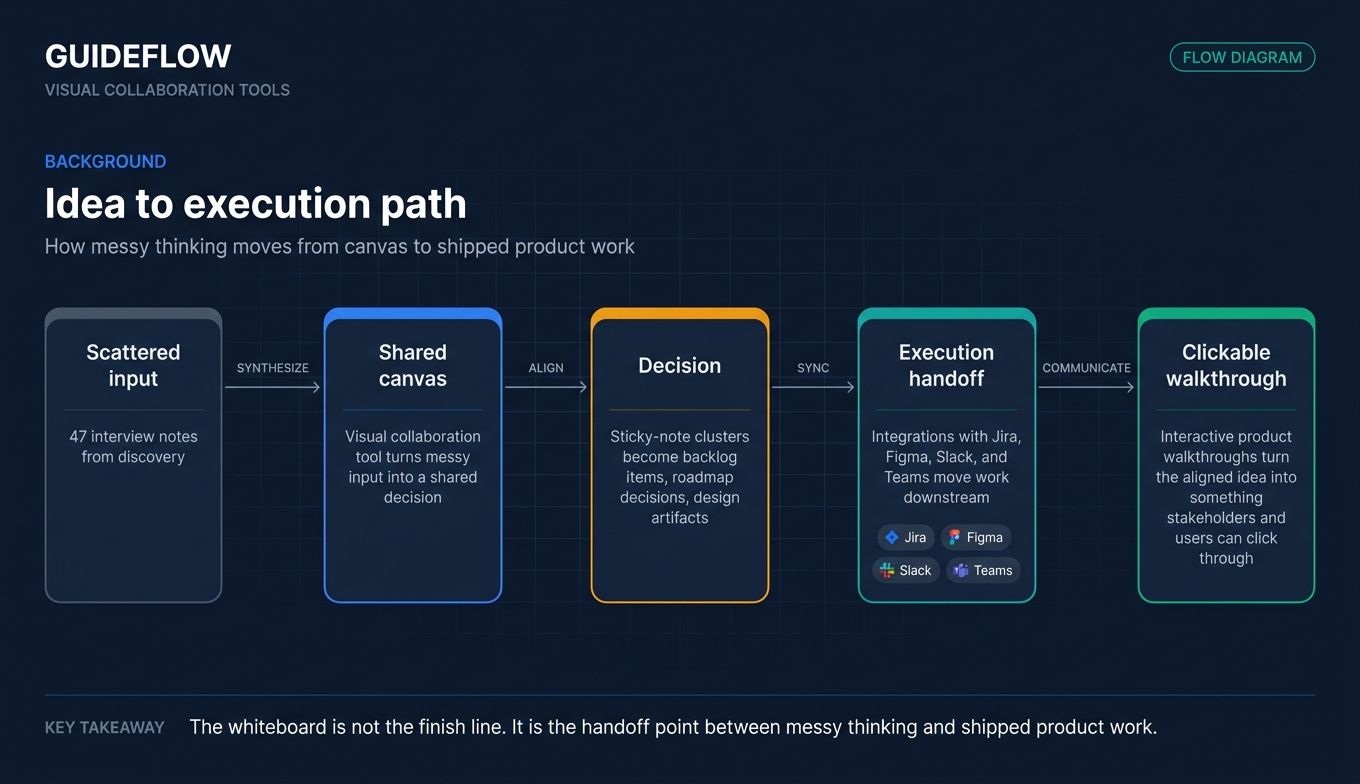
Once your sticky-note clusters become roadmap items, the next step is communicating the resulting product experience, where formats like an interactive demo turn ideation outputs into shareable walkthroughs.
Background: what are visual collaboration tools?
Visual collaboration tools are shared digital canvas platforms that let distributed teams brainstorm, diagram, give feedback, and co-create in real time or asynchronously. Think of them as an infinite whiteboard that lives in the browser, where everyone's cursor, sticky note, and comment is visible at once.
The difference from a document editor is spatial. A doc is linear: you read top to bottom, one cursor at a time. A visual collaboration platform is freeform: ideas cluster, connect, and rearrange in two dimensions. That structure matches how product teams actually think during discovery and design, where relationships between ideas matter as much as the ideas themselves.
This is also why these tools get grouped with design collaboration tools and creative collaboration tools. The canvas is general enough for a research synthesis, a system diagram, or a brand exploration. The category is broad, which is why analysts often file it under collaboration applications alongside chat and docs.
Most visual collaboration software shares a core feature set:
- Infinite canvas with freeform content: sticky notes, text, shapes, drawings, and embeds anywhere on the board.
- Real-time cursors and live co-editing: multiple people contributing at once, each cursor visible and labeled.
- Templates: brainstorms, roadmaps, retros, and user journey maps so you do not start from a blank board.
- Comments, reactions, and version history: async feedback and a record of how the board evolved.
- Exports and integrations: connections to Jira, Figma, Slack, and Teams to move work downstream.
- AI assistance: clustering sticky notes, summarizing sessions, and generating content or diagrams from a prompt.
The thing to understand is where this sits in a product team's workflow. A visual collaboration tool is the front end of execution: it is where messy input becomes a shared decision. What happens after, turning that decision into a built and communicated product experience, is a separate layer. That is where formats like interactive product walkthroughs come in, taking the aligned idea and making it something a stakeholder or user can actually click through. The canvas and the walkthrough are complementary parts of the same idea-to-execution path.
When product teams use visual collaboration tools
The category covers a lot. For product teams specifically, online design collaboration tools and visual collaboration platforms earn their keep in three recurring moments.
Run discovery and synthesize research
After a round of customer interviews, you have raw notes and no shared view of what they mean. A shared canvas lets you cluster quotes, affinity-map findings, and tag patterns with the whole team watching. Instead of one person writing a 40-slide synthesis deck nobody reads, the team builds the insight together. The argument happens on the board, where it is visible and fast. If discovery is a recurring need, our list of the best user research tools pairs well with a shared canvas.
Map roadmaps and align stakeholders
Roadmap debates die in meetings because there is nothing concrete to react to. A visual roadmap or user journey map gives engineering, design, sales, and CS the same picture at the same time. People drop comments, flag dependencies, and vote on priorities asynchronously, which means alignment is not gated by who showed up to the call. The board becomes the single source the org reacts to.
Facilitate workshops, retros, and design reviews
Sprint planning, retros, and design critique all need a shared surface for remote and hybrid teams. Visual collaboration platforms add timers, voting, and private modes so a facilitated session stays on track even when half the team is on a different continent. Design reviews get faster when feedback lands as annotations on the actual screen, not as a paragraph in Slack that nobody can map back to the design.
Comparison table
Here is the shortlist at a glance. Pricing and G2 ratings reflect each vendor's live pages as of June 2026. Use this to narrow to two or three, then read the full sections below before you commit your team to any single visual collaboration platform.
| # | Product | Intent | Key use case | Pricing | G2 rating |
|---|---|---|---|---|---|
| 1 | Miro | Enterprise whiteboarding default | One scalable canvas for cross-functional product work | Free; paid from $8/member/mo | 4.6/5 |
| 2 | Mural | Workshop facilitation | Formal workshops and design sprints | Free; Team+ from $9.99/member/mo | 4.6/5 |
| 3 | FigJam | Design-native whiteboarding | Product and design teams already in Figma | Free; included with all Figma seats | 4.6/5 |
| 4 | Lucidspark | Brainstorm to diagram | Ideation that converts to structured diagrams | Free tier available | Not listed |
| 5 | Lucidchart | Diagramming-focused | Process maps and system diagrams | Free tier available | 4.5/5 |
| 6 | Whimsical | Lightweight visual thinking | Fast flowcharts, wireframes, and docs | Free; Pro from $10/editor/mo | 4.6/5 |
| 7 | Microsoft Whiteboard | Microsoft 365 ecosystem | Teams-native brainstorming | Free | 4.0/5 |
| 8 | Zoom Whiteboard | Meeting-native | Whiteboarding inside Zoom calls | Free; paid from $2.07/user/mo | Not listed |
| 9 | Conceptboard | Secure design review | Feedback and approval cycles | Free; Starter from 5€/user/mo | 4.6/5 |
| 10 | Stormboard | Structured sticky-note canvas | Exportable workshop outputs | Free; Business from $8.33/user/mo | 4.4/5 |
| 11 | Klaxoon | Engagement-focused workshops | Facilitation-heavy sessions | Free; Starter from $24.90/host/mo | 4.7/5 |
| 12 | Bluescape | Enterprise visual workspace | Secure multi-stakeholder reviews | Custom pricing | 4.2/5 |
The 12 best visual collaboration tools for product teams in 2026
1. Miro
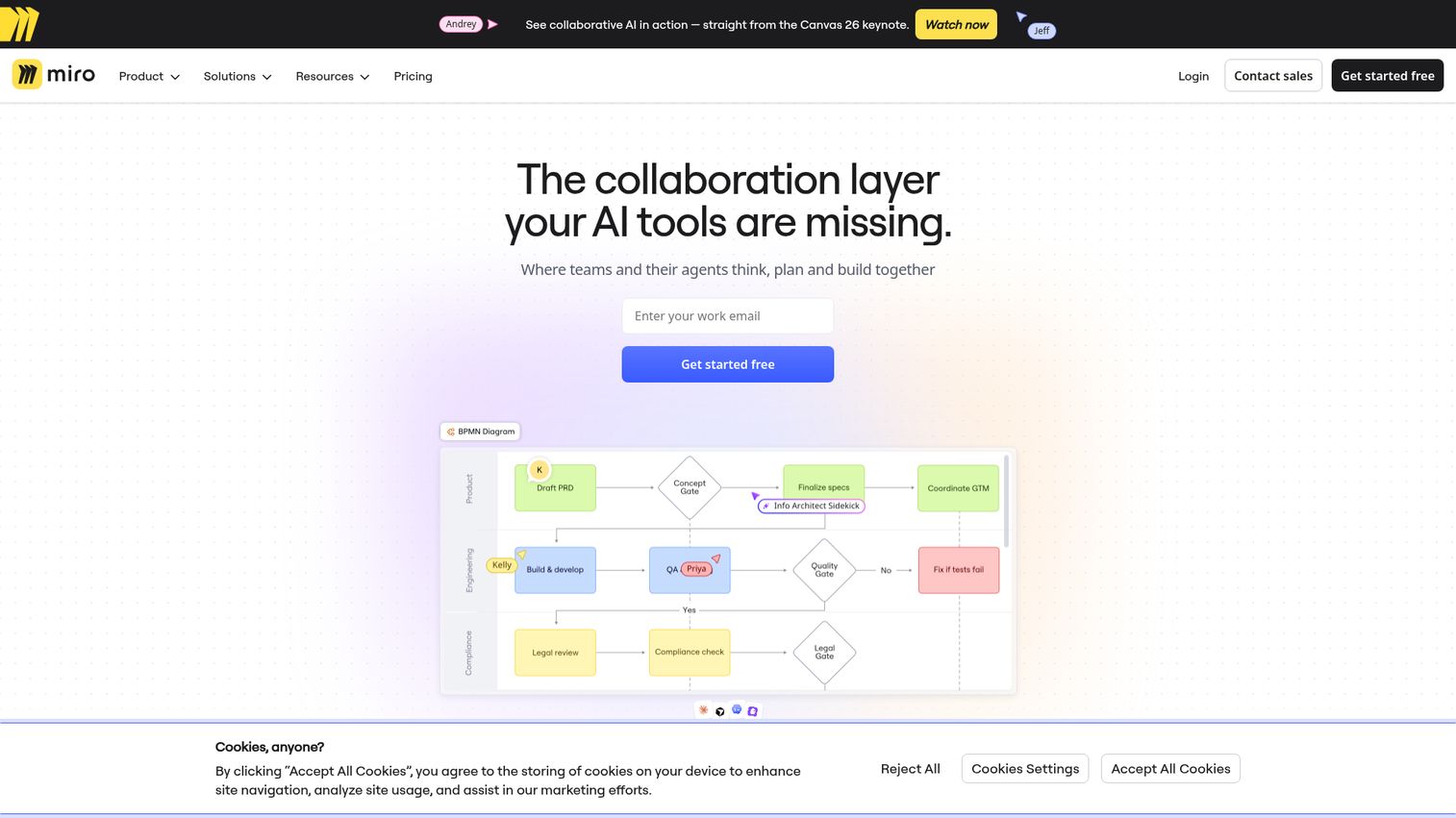
Miro is the default shared canvas for most product orgs, and for good reason. It is an AI innovation workspace built around an infinite multiplayer canvas, with docs, tables, diagrams, and timelines layered on top. For a PM, it is the one board where discovery, roadmapping, and workshops can all live without forcing the team into a separate tool for each.
Best for: Cross-functional product teams that want a single scalable canvas for everything from research synthesis to sprint planning.
Key strengths
- Infinite multiplayer canvas: real-time co-creation that holds up with large, distributed teams.
- Deep product-stack integrations: native connections to Jira, Azure DevOps, Asana, Slack, Google Drive, Teams, and Zoom.
- Miro AI and AI Workflows: clustering, summarization, and automation that cut synthesis time after a session.
Why choose Miro: If you want one canvas that every function will actually adopt, Miro is the safe call. The template library and integration depth mean discovery output can become Jira tickets without leaving the board, which is exactly the idea-to-execution handoff PMs care about.
Miro pricing: The Free plan includes one workspace with 3 editable boards, templates, and integrations. Starter is $8 per member per month billed annually, or $10 monthly, and adds unlimited private boards and version history. Business is $20 per member per month billed annually, adding multiple workspaces, SSO, and 50 AI credits per member. Enterprise is custom-priced from 30 members.
2. Mural
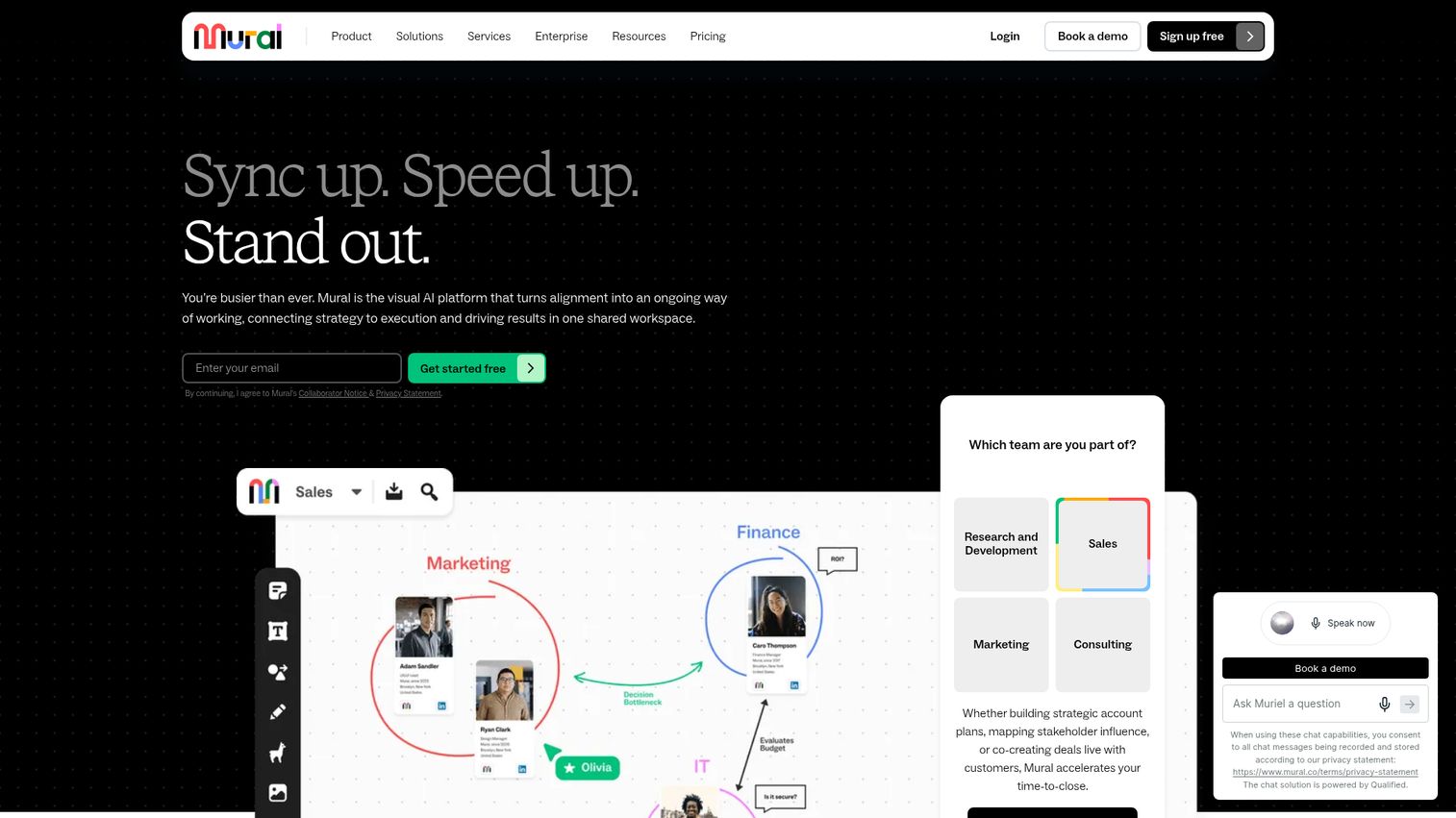
Mural is the canvas built for people who run workshops as a craft. It is a visual work platform for collaboration, meetings, brainstorming, and facilitation, with structure that keeps a room of remote participants moving. PMs who lead formal design sprints will feel the difference in the facilitation toolkit.
Best for: Product managers who run formal workshops, design sprints, and facilitated sessions for distributed teams.
Key strengths
- Facilitation toolkit: timer, summon participants, super lock, outline, and private mode keep sessions on track.
- Shared visual canvas: sticky notes and text on infinite or resizable boards for any session format.
- Async-friendly structure: rooms and frameworks that let people contribute before and after a live session.
Why choose Mural: Choose Mural when facilitation quality is the deciding factor. The private mode and summon features prevent the anchoring and chaos that derail unstructured workshops, which matters more the larger and more cross-functional your sessions get.
Mural pricing: The Free plan covers unlimited members with 3 editable murals at a time and view-only visitors. Team+ is $9.99 per member per month billed annually, or $12 monthly, and adds unlimited editable murals, editing visitors, and Mural AI. Business is $17.99 per member per month billed annually, adding SSO and advanced integrations. Enterprise is contact-priced with advanced security, SCIM, and data residency.
3. FigJam (by Figma)
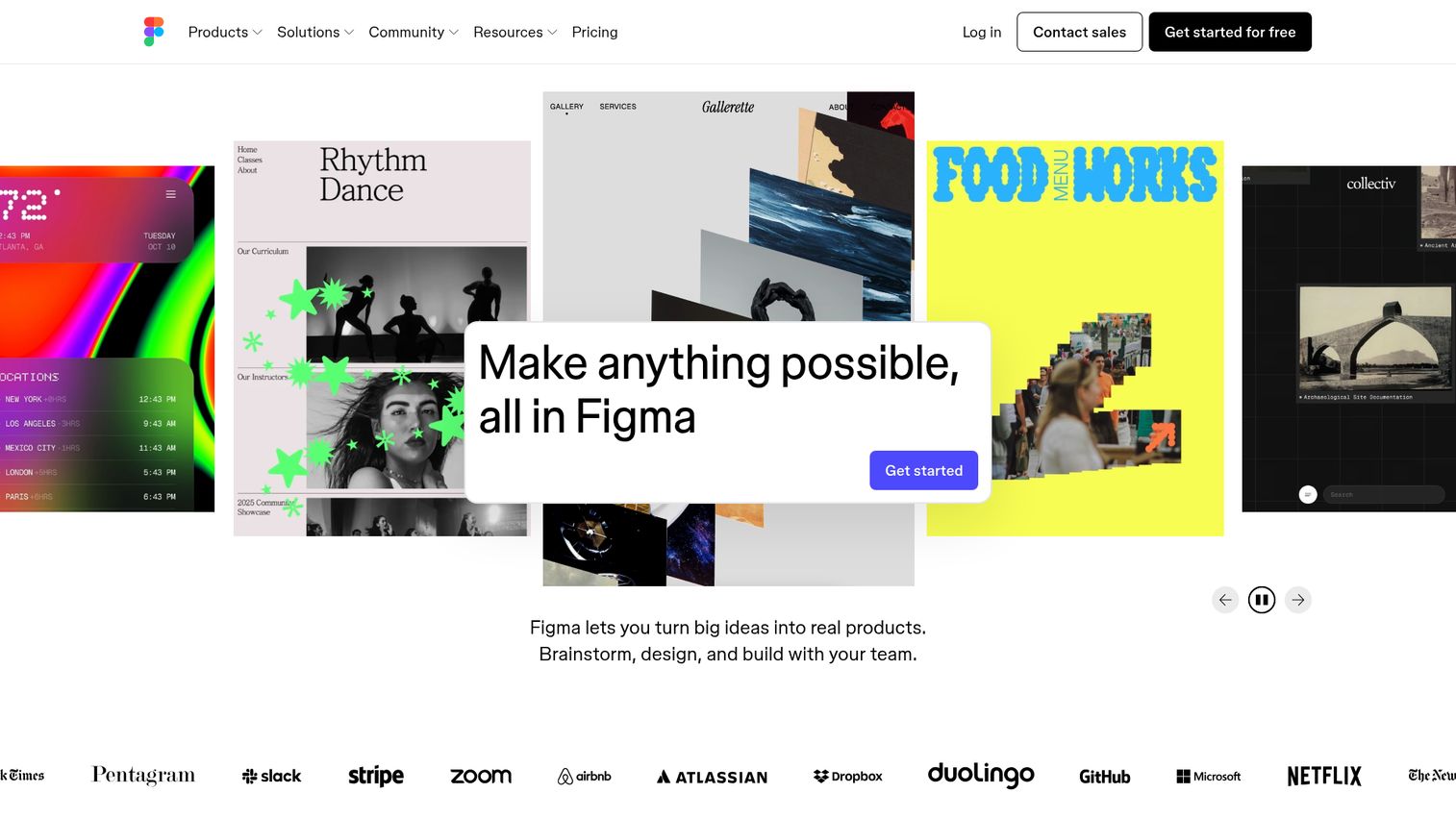
FigJam is Figma's collaborative whiteboard, and it is the natural choice for any product team whose design work already lives in Figma. It handles real-time brainstorming, diagramming, and workshops, then hands off cleanly into design files. For teams where PM and design sit close together, it removes a tool boundary.
Best for: Product and design teams already in Figma who want their whiteboard and design files in one ecosystem.
Key strengths
- Tight Figma integration: ideation and design files live in the same place, so handoff is not a copy-paste exercise.
- Real-time collaboration: brainstorming, diagramming with shapes and connectors, and workshops on a shared board.
- FigJam AI: generate diagrams, organize content, and speed up session cleanup.
Why choose FigJam: As one of the strongest design collaboration tools available, FigJam wins when your product and design teams already standardize on Figma. The shared seat model means whiteboarding does not require a separate purchase decision, which lowers the friction to roll it out.
FigJam pricing: FigJam is included with all seats on every Figma plan. The Starter plan is free with limited access. Professional seats run $16 monthly for a full seat, $12 for a dev seat, and $3 for a collab seat. Organization seats, billed annually, are $55, $25, and $5 by seat type. Enterprise seats, billed annually, are $90, $35, and $5.
4. Lucidspark
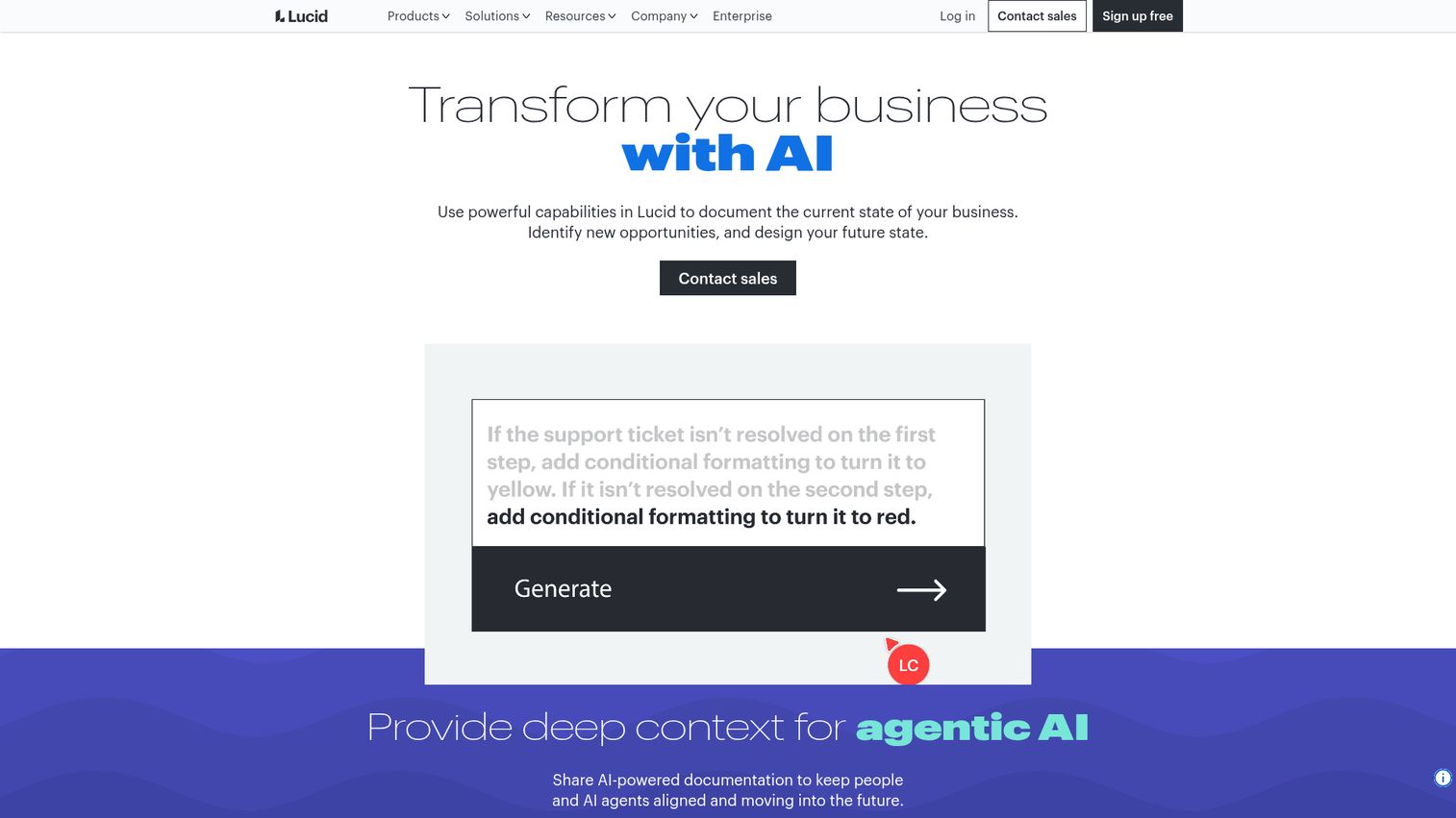
Lucidspark is built for the messy front end of product work: freeform ideation and group brainstorming. Where it stands out is the path forward. Ideas captured on a Lucidspark board can be grouped into themes and carried into Lucidchart for structured diagrams, so a brainstorm does not dead-end as a wall of sticky notes.
Best for: Remote and hybrid product teams that brainstorm freely, then need to convert ideas into organized diagrams.
Key strengths
- Freeform ideation canvas: sticky notes, freehand drawing, shapes, and color-coded collaborator cursors.
- Real-time collaboration: comments, chat, a built-in timer, and call-others-to-me navigation for facilitated sessions.
- Idea organization: voting and grouping that turn raw input into themes, workflows, and documentation.
Why choose Lucidspark: Pick Lucidspark when your team thinks in two phases: diverge first, then converge. The handoff into Lucidchart is the differentiator, because it covers both the brainstorm and the structured artifact that comes after, inside one Lucid suite.
Lucidspark pricing: Lucid lists Free, Individual, Team, Enterprise, and FedRAMP plans for Lucidspark. The Free plan provides limited access to Lucidspark, while Individual and Team unlock premium collaboration features. Enterprise provides the full Lucid Visual Collaboration Suite. Public dollar figures were not available on the vendor pricing page at the time of writing, so confirm current pricing directly with Lucid.
5. Lucidchart
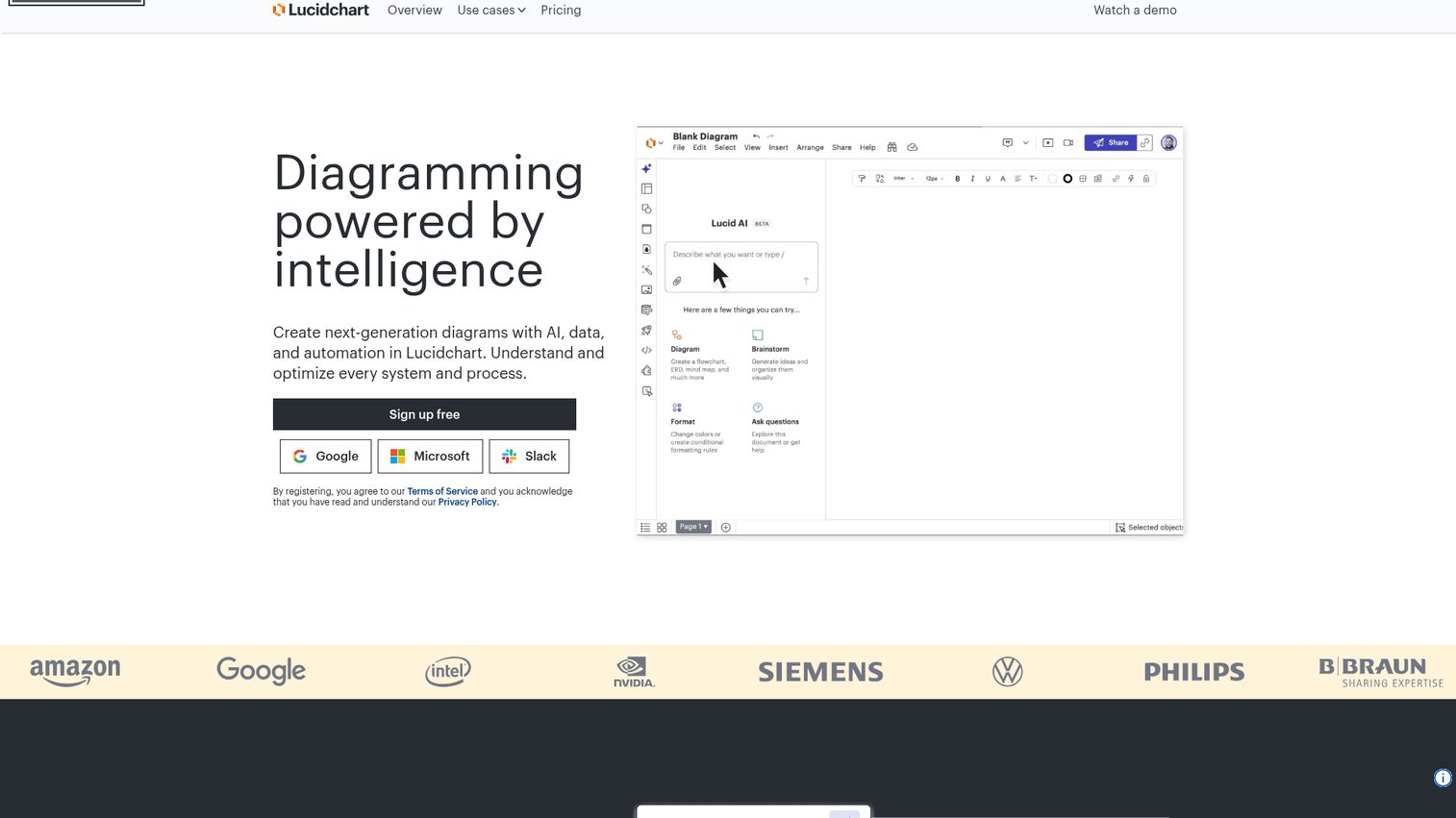
Lucidchart is the diagramming half of the Lucid suite, and it earns a spot for PMs who need technical and process clarity, not just sticky notes. When a roadmap conversation turns into a system architecture question or a process map, Lucidchart is where that gets drawn precisely and collaboratively.
Best for: Product managers who need to document and visualize processes, systems, and technical flows with precision.
Key strengths
- AI-generated diagrams: Lucid AI and prompt-based diagram creation speed up the first draft.
- Real-time collaboration: the whole team can edit and comment on a diagram at once.
- Data linking: connect diagrams to live data with conditional formatting for system and process maps.
Why choose Lucidchart: Choose Lucidchart when the artifact you need is structured and technical, like a process map, a system diagram, or an org chart. It pairs naturally with Lucidspark, so teams can move from a loose brainstorm to a precise diagram without switching vendors.
Lucidchart pricing: Lucidchart offers a free tier with sign-up and no payment required, alongside premium diagramming plans. The vendor pricing page confirms free and paid options, but public dollar figures and tier names were not readable at the time of writing. Check Lucid's pricing page directly for current paid plan details before you buy.
6. Whimsical
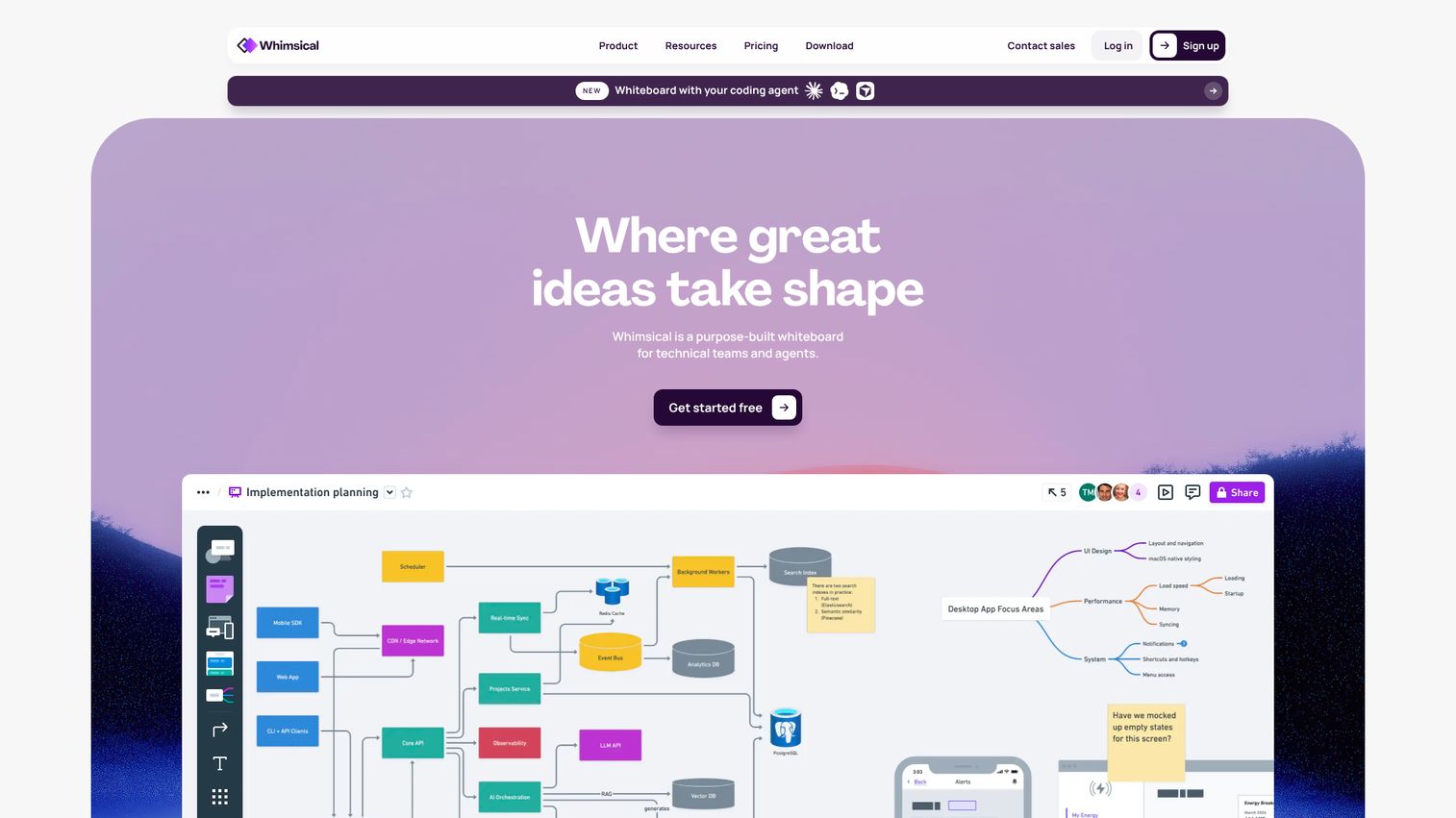
Whimsical is the fast, low-friction option for product teams that want to think visually without ceremony. It is a purpose-built whiteboard for technical teams, covering flowcharts, wireframes, mind maps, and docs on an infinite canvas. The appeal is speed: you go from idea to clear artifact in minutes.
Best for: Product managers and technical teams that want quick diagrams, wireframes, and visual docs without overhead.
Key strengths
- Multi-format canvas: diagrams, flowcharts, mind maps, wireframes, and boards in one place.
- Real-time multiplayer: comments, templates, and version history for collaborative work.
- Whimsical AI: generate diagrams, brainstorm ideas, and organize information from a prompt.
Why choose Whimsical: Reach for Whimsical when speed and clarity matter more than facilitation features. PMs who sketch a flow during a call or wireframe a concept before a design review will appreciate how little setup it demands.
Whimsical pricing: The Free plan covers personal projects and flexible collaboration at $0 per editor. Pro is $10 per editor per month with annual billing and unlocks unlimited team boards and higher limits. Business is $20 per editor per month with annual billing, adding SSO, SAML, SCIM, security controls, and higher storage and AI credit limits.
7. Microsoft Whiteboard
Microsoft Whiteboard is the ecosystem-native choice for product teams already living in Microsoft 365 and Teams. It is a free digital canvas for brainstorming, planning, and real-time collaboration that works across web, desktop, mobile, and inside Teams meetings. If your org runs on Microsoft, the adoption hurdle is close to zero.
Best for: Microsoft-stack product teams that want a simple, free whiteboard inside Teams.
Key strengths
- Teams integration: whiteboard inside meetings with boards saved to the cloud automatically.
- Templates and infinite canvas: pre-built layouts for brainstorming, sprint planning, and project planning.
- Core canvas tools: sticky notes, drawing tools, shapes, and customizable pens and highlighters.
Why choose Microsoft Whiteboard: Choose it when your team already standardizes on Microsoft 365 and you want a no-cost canvas with zero procurement. It will not match the template depth of Miro or Mural, but it covers the common cases and arrives already approved by IT.
Microsoft Whiteboard pricing: Microsoft's product page states that Microsoft Whiteboard is free and accessible from mobile devices, desktop apps, and web browsers. There is no separate paid tier or currency-denominated price for the whiteboard itself; access comes through Microsoft 365.
8. Zoom Whiteboard
Zoom Whiteboard is the meeting-native option for teams that run discovery and planning inside Zoom calls. It is an online collaborative whiteboard built into the Zoom platform, so a live whiteboarding session persists across meetings instead of vanishing when the call ends. For distributed teams that live in Zoom, that continuity is the point.
Best for: Product teams that run most of their sessions in Zoom and want whiteboards that persist across meetings.
Key strengths
- In-meeting and persistent boards: whiteboard during a call, then keep the board after it ends.
- 250+ templates: mind maps, Kanban boards, project planning, and flowcharts ready to go.
- AI-assisted boards: generate boards, create diagrams, and organize content with AI Companion.
Why choose Zoom Whiteboard: Pick it when your team's center of gravity is Zoom. The board lives where the conversation already happens, which removes the friction of opening a separate tool mid-call. Task integrations on higher tiers connect it to Jira, Asana, and Azure DevOps.
Zoom Whiteboard pricing: Whiteboard Basic is free with 3 concurrently editable boards. Whiteboard is $2.07 per user per month billed annually, or $2.49 monthly, adding unlimited editable boards, AI Companion, and version history. Whiteboard Plus is $5.83 per user per month billed annually, or $7 monthly, adding Jira, Asana, and Azure DevOps integrations plus org-wide templates.
9. Conceptboard
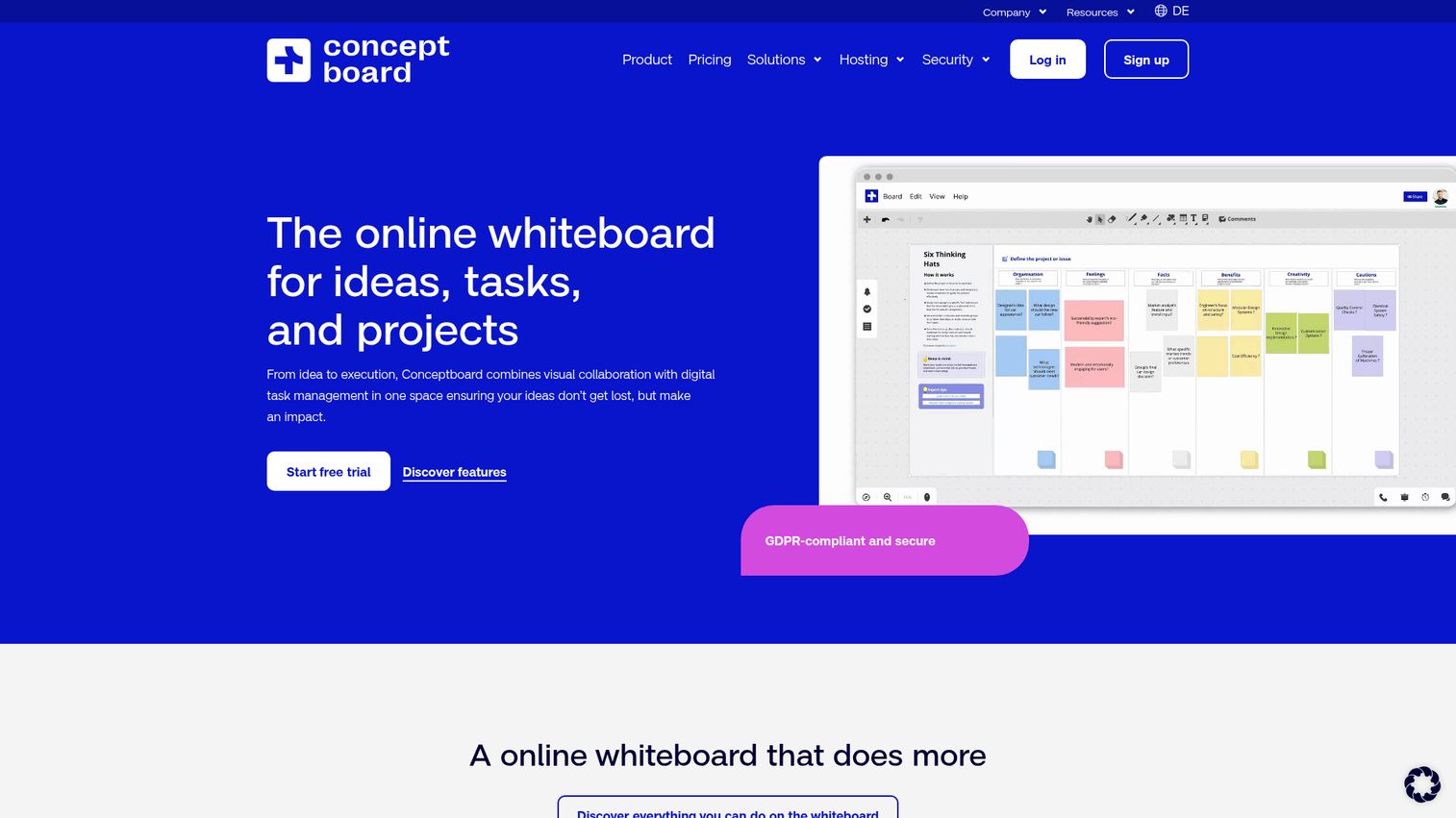
Conceptboard is the visual collaboration tool to consider when design review, feedback cycles, and data security all matter at once. It is a GDPR-compliant online whiteboard for visual collaboration, task management, and project planning, with annotation and moderation features built for structured feedback. Teams with compliance requirements get a canvas that does not force a tradeoff on security.
Best for: Teams running visual feedback and approval cycles that also need a strong security and compliance posture.
Key strengths
- Real-time collaborative canvas: live cursors, comments, sticky notes, drawing tools, and file uploads.
- Visual task management: tasks, responsibilities, workflows, and Kanban-style planning on the board.
- Enterprise security: SSO, audit logs, access management, and GDPR compliance.
Why choose Conceptboard: Choose Conceptboard when feedback and approval cycles are central and your org has data-residency or compliance needs. The annotation and moderation tools make it a strong pick among design collaboration software for review-heavy product work.
Conceptboard pricing: The Free plan is included in the package comparison. Starter is 5€ per user per month with monthly or annual billing starting at one user. Advanced starts from 10€ per user per month on a 12-month contract for 10 or more users. Corporate and Government starts from 14€ per user per month on a 24-month contract for 100 or more users. Prices exclude VAT.
10. Stormboard
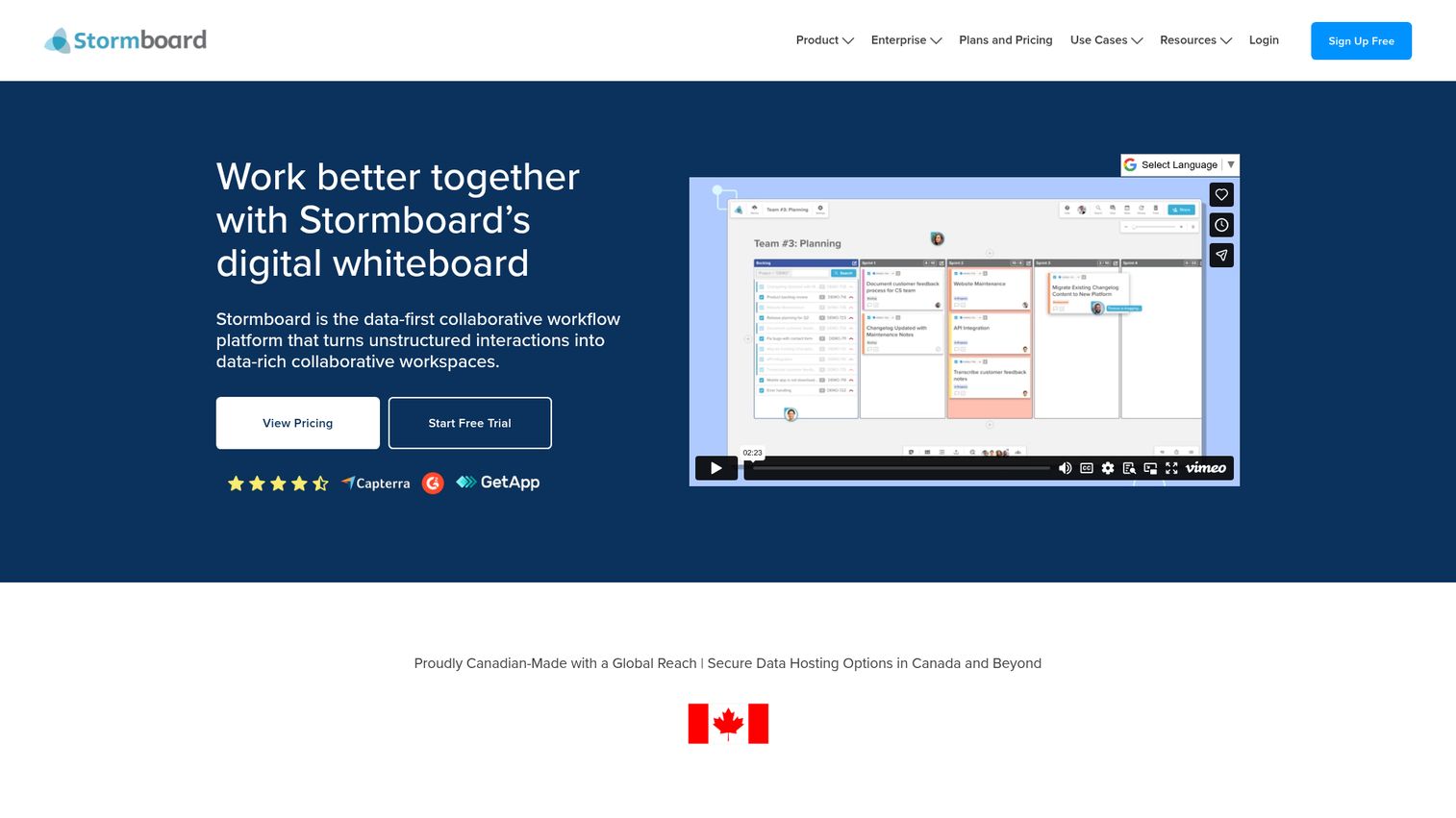
Stormboard brings structure to the sticky-note canvas, which is what sets it apart for PMs who need workshop outputs they can actually use afterward. It is a shared digital workspace for meetings, project management, and team initiatives, with index-card structure and strong reporting. The board does not just capture the session; it produces an exportable artifact.
Best for: Product managers who want structured, exportable outputs from workshops, not just a snapshot of a messy board.
Key strengths
- Structured whiteboards: text, files, images, video, and sticky notes organized in template sections.
- 250+ templates: purpose-built and customizable layouts for agile and planning sessions.
- Reports and exports: generate documents, spreadsheets, and images from board content.
Why choose Stormboard: Pick Stormboard when the deliverable matters as much as the session. The reporting and export features turn a workshop into a document stakeholders can read, which closes the gap between ideation and follow-through.
Stormboard pricing: The Personal plan is free. Business is $10 per user per month billed monthly, or $8.33 per user per month billed annually, and is priced per member. Enterprise is available through dedicated contracts with sales. All prices are in USD.
11. Klaxoon (Board)
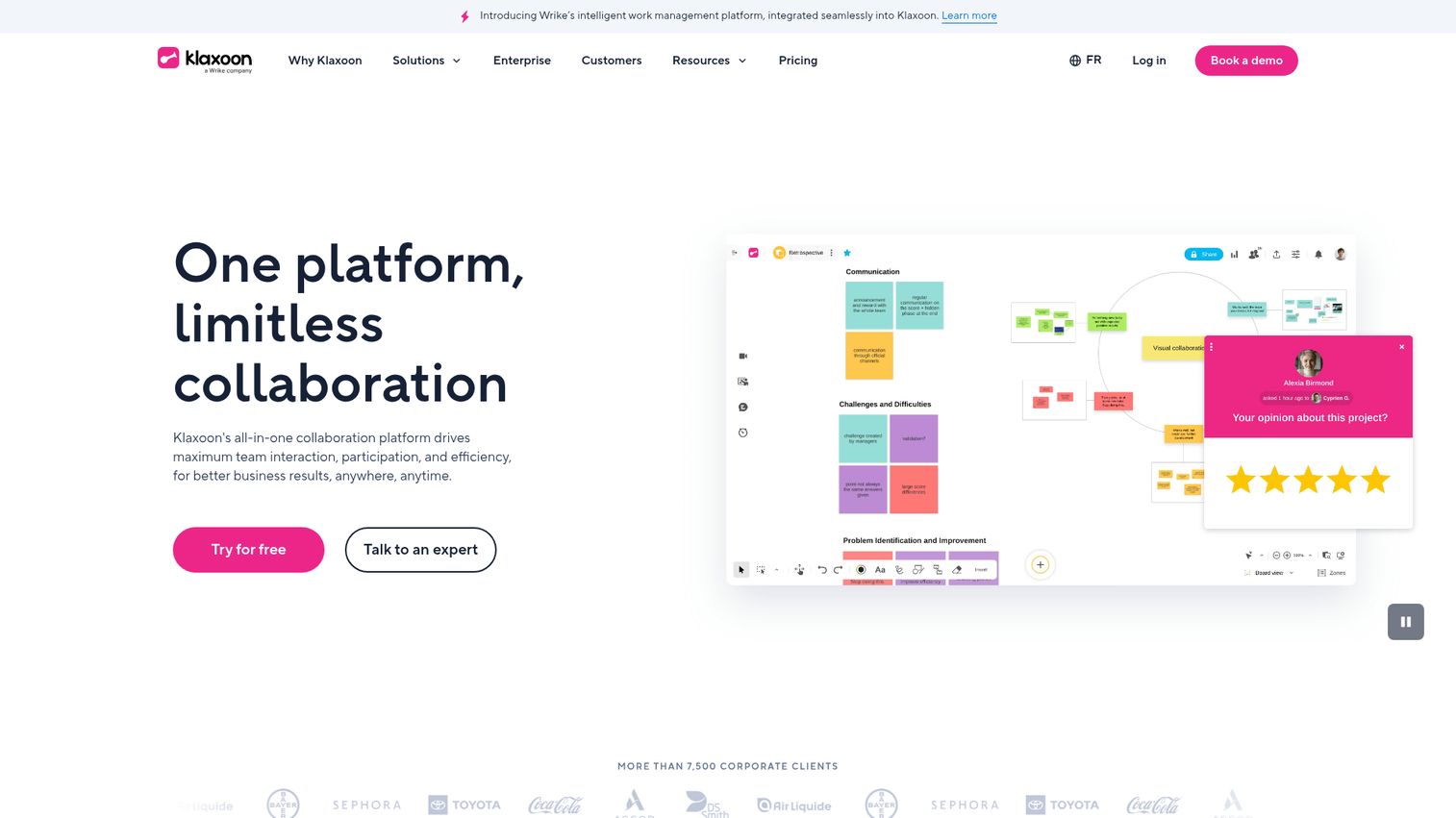
Klaxoon leans hardest into engagement, which makes it a strong pick for facilitation-heavy product teams. Its Board feature is a full digital whiteboard, but it sits inside a broader platform of quizzes, polls, and interactive activities. For PMs whose challenge is keeping a remote room actually participating, that mix is the draw.
Best for: Facilitation-heavy product teams that want to keep participants engaged across workshops, training, and hybrid meetings.
Key strengths
- Digital whiteboarding with Board: diagramming, shapes, mind mapping, connectors, dot-voting, and multiple views.
- Interactive activities: quizzes, polls, and presentations that drive participation in live sessions.
- Broad integrations: Wrike, Microsoft Teams, Google Workspace, cloud storage, Zapier, Jira, and API options.
Why choose Klaxoon: Choose Klaxoon when engagement is your bottleneck, not canvas features. The activity formats give facilitators ways to pull every participant in, which matters for large or passive groups where a plain whiteboard goes quiet.
Klaxoon pricing: The Free plan includes all activities, individual access, and up to 50 unique monthly contributors with one open activity at a time. Starter is $24.90 per host per month and adds unlimited activities, up to 20 participants per activity, and co-facilitation. Enterprise is contact-priced with up to 1,000 simultaneous participants, analytics, and enterprise-grade security.
12. Bluescape
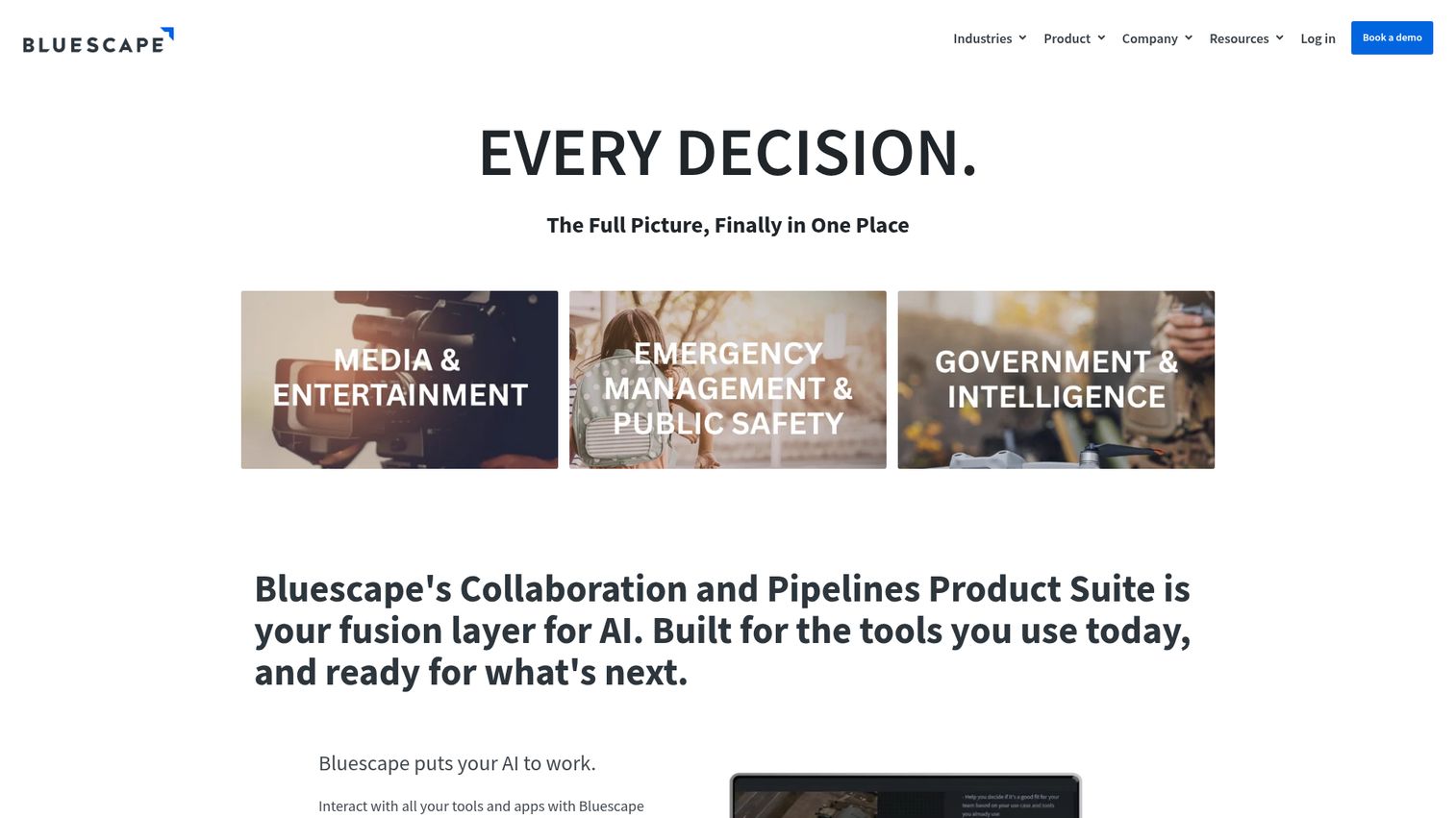
Bluescape is the enterprise visual workspace for product orgs with serious security and scale requirements. It is a secure virtual workspace for visual planning, decision-making, and response, with deployment options that go beyond standard SaaS. For large organizations that need control over where data lives, it is built for that reality.
Best for: Enterprise product organizations with strict security requirements and large, multi-stakeholder reviews.
Key strengths
- Flexible deployment: public cloud, private instance, or on-premises environments.
- Pipelines and APIs: workflow automation and integrations for enterprise stacks.
- Rich collaborative workspaces: images, video, documents, live content, annotations, and synchronized playback.
Why choose Bluescape: Choose Bluescape when security posture and deployment control are non-negotiable. The on-premises and private-instance options make it a fit for regulated industries and large reviews where standard cloud whiteboards would not clear procurement.
Bluescape pricing: Bluescape uses custom pricing. The vendor directs prospective buyers to contact sales for a demo and a custom quote rather than publishing public tiers or figures. Confirm current pricing and deployment options directly with Bluescape's sales team.
Considerations: how to choose a visual collaboration tool for your product team
Shortlisting is the easy part. Picking the visual collaboration software your team actually adopts comes down to a few decisions that matter more than the feature list. Run each candidate through this checklist.
Integration with your product stack
The canvas is only useful if work leaves it. Check whether the tool connects to Jira, Figma, Slack, and your analytics tools, because that is how a sticky-note cluster becomes a backlog item. Maintainability matters across release cadence: an integration that breaks every quarter is worse than none. To round out that stack, our roundup of product analytics software covers the measurement layer that closes the loop.
Real-time and async balance
Distributed product teams need both live workshops and async contribution. Evaluate cursor presence, comment quality, and notifications, since the async layer is where alignment happens between meetings. A tool strong on live sessions but weak on async leaves remote contributors out.
Security, permissions, and compliance
As adoption spreads across teams, security stops being optional. Look for SSO, granular permissions, SOC 2 or ISO 27001, and data residency options. Most vendors gate these behind enterprise tiers, so factor that into the real cost of scaling.
Templates and workflow fit
Check whether the tool ships with discovery, roadmap, retro, and journey-map templates, or whether you will build every board from scratch. Strong templates lower the activation barrier for non-power-users and keep sessions consistent across teams.
Scalability and pricing model
Per-seat pricing can creep as adoption spreads beyond the core product team. Compare per-seat against flat models, read the free-tier limits carefully, and note which features are gated to enterprise. The tool that looks cheap for five people can get expensive at fifty.
One more thing to plan for: what happens after alignment. Once a board produces a decision, the next job is communicating the resulting product experience to stakeholders and users. That is where interactive product walkthroughs come in as a complementary layer, turning the aligned idea into something people can click through rather than read about. The right product tour software makes that handoff repeatable.
Conclusion
The shortlist sorts cleanly by how your product team works. Miro is the all-round pick for cross-functional teams that want one scalable canvas. FigJam is the obvious choice if design already lives in Figma. Mural wins when facilitation quality decides everything. Lucidspark handles the ideation-to-diagram path, with Lucidchart for the structured artifact that follows.
For everything else, match the tool to your constraint: Microsoft Whiteboard or Zoom Whiteboard if your team lives in those ecosystems, Whimsical for speed, Conceptboard for secure feedback cycles, Stormboard for exportable outputs, Klaxoon for engagement, and Bluescape for enterprise security.
The next step is simple. Shortlist two or three, then run a real workshop on each free tier with your actual team and your actual discovery notes. Evaluate against the considerations checklist: integration, async balance, security, templates, and pricing at scale.
The goal is not a prettier whiteboard. It is faster alignment and a shorter path from a messy idea to validated execution. Pick the tool that gets your team there with the least friction, and the choice will pay for itself in the meetings you stop needing.
FAQ
A visual collaboration tool is a shared digital canvas where teams brainstorm, diagram, and give feedback in real time or asynchronously. Unlike a document editor, which is linear and text-first, a visual collaboration tool is spatial and freeform, so ideas can cluster and connect across an infinite board. It is built for the kind of thinking where relationships between ideas matter as much as the ideas themselves.
Visual collaboration tools handle ideation: brainstorming, mapping, and co-creation on a canvas. Project management tools handle execution: task tracking, assignments, and status. The two solve different jobs, and most product teams use both. A common workflow is to ideate on a visual collaboration platform, then push the resulting items into a project management tool like Jira to build them.
There is no single universal winner; it depends on how your team works. Miro is the strongest all-round pick for cross-functional product teams that want one scalable canvas. FigJam is best if design already lives in Figma, and Mural is best for teams that run formal workshops. Shortlist based on your stack and your dominant use case rather than chasing one declared best.
Yes. FigJam, Microsoft Whiteboard, and Miro all offer free tiers. Microsoft Whiteboard is free through Microsoft 365, FigJam is included free on the Starter plan, and Miro's free plan covers one workspace with 3 editable boards. The typical limitation is the number of editable boards and gated features like SSO and advanced integrations, which sit on paid tiers.
Yes, they are built for distributed work. Real-time cursors let everyone contribute to a live session, while async comments and notifications keep alignment moving between meetings. The balance of sync and async is what makes a visual collaboration app useful for hybrid teams, where not everyone is in the same room or even the same time zone.
In 2026, AI in these tools focuses on speeding up synthesis and creation. Common capabilities include clustering sticky notes into themes, summarizing a session into key takeaways, generating templates from a prompt, and creating diagrams from natural-language descriptions. The practical value for product teams is less manual cleanup after a workshop and a faster path from raw input to a usable artifact.
Yes, the enterprise-grade options are. Look for SSO, granular permissions, SOC 2 or ISO 27001 compliance, and data residency controls. These features are typically gated to enterprise or business tiers rather than included in free plans. For regulated industries, tools that offer private-instance or on-premises deployment add another layer of control over where data lives.
The handoff has three steps. First, convert your sticky-note clusters into concrete items and sync or export them to Jira and Figma. Second, turn those clusters into prioritized roadmap items your team can build. Third, communicate the resulting product experience to stakeholders and users, often through interactive walkthroughs that let people see the change rather than read about it.