Ask three people on your leadership team who owns a specific function, and you might get three different answers. One checks Slack. One opens a spreadsheet someone last edited four months ago. One just guesses. That gap is where hiring slows down, accountability blurs, and new managers spend their first month figuring out who actually reports to whom.
The org chart was supposed to fix that. Instead, most of them rot. The org chart software market was worth USD 2.5 billion in 2024 and is projected to reach USD 5.1 billion by 2033, growing at 8.6% CAGR according to Verified Market Reports (2025). That growth tracks with a simple reality: companies are getting more complex faster than their static diagrams can keep up. A company org chart drawn in a slide deck is accurate the day you make it and wrong by the next reorg.
For a SaaS founder, the real job is not drawing boxes. It is keeping the company structure visible enough that hiring, planning, and ownership do not depend on tribal knowledge or your memory. The right organizational chart software stays current as the company changes. The wrong one becomes another stale artifact.
This guide compares the eight best org chart tools for 2026, with verified pricing, real G2 ratings, and an honest read on which ones actually keep reporting lines accurate. If you are evaluating broader people-ops and GTM infrastructure, you may also find our roundups of AI app builder software and interactive demo tools for marketing teams useful as you map your stack.
What's inside
This article is for founders, HR leads, and operations teams who need to keep their company structure visible as they grow. We compared eight org chart software tools on the factors that decide whether a chart stays useful: data import from CSV, Excel, and HRIS sources; automation and update speed; customization and branding; sharing and permissions; and fit for a growing company. Each tool gets an overview, who it is best for, key strengths, a reason to choose it, and verified pricing. The goal is a shortlist you can act on, not a theory lesson on diagramming.
TL;DR
- Best overall dedicated org chart maker: Organimi, for fast setup, flexible visualization, and CSV import.
- Best for Microsoft-heavy teams: Microsoft Visio, for templates, Excel-based charts, and Active Directory data.
- Best for collaboration and diagrams: SmartDraw, for drag-and-drop editing and broad integrations.
- Best for HR-driven org planning: OrgChart, for live employee data and workforce planning.
- Best for enterprise governance: Ingentis, for org analytics and scenario planning.
- Best for employee directory use cases: Sift, for searchable profiles and always-updated charts.
- Best for all-in-one people visibility: Workleap, for org structure plus broader people operations.
- Best approachable directory: Pingboard, for lightweight org mapping tied to people data.
What is org chart software?
Org chart software is a tool that visualizes a company's reporting structure, roles, and departments, and keeps that structure current through data imports, syncs, and permissions. Modern tools do more than draw boxes. They connect to your people data so the chart updates when the org does, instead of waiting for someone to redraw it by hand.
That distinction matters. A simple org chart builder produces a static picture. A purpose-built organization chart software platform produces a living view of who reports to whom, what teams own which functions, and how that shifts as you hire, promote, and restructure.
Core capabilities to expect:
- Data import and sync: Pull from CSV, Excel, HRIS, and directory sources like Active Directory, so the chart reflects real records instead of manual entry.
- Customization: Custom fields, employee photos, branding, and themes that match how your company presents internally.
- Export and sharing: PDF, image, link, and embed options, often with print-ready layouts for board decks or onboarding docs.
- Collaboration and access control: Comments, shared editing, and role-based permissions so sensitive structure data stays restricted.
- Structure flexibility: Support for hierarchical, flat, divisional, and matrix layouts, including a matrix organization chart where someone reports to more than one manager.
The further your tool sits toward live data and automation, the less time you spend maintaining the chart and the more you trust what it shows. That is the difference between an org chart that informs decisions and one that quietly misleads them.
When to use org chart software
Keep reporting lines visible during growth
Rapid hiring is when structure breaks fastest. You add a sales pod, split a product team, hire a VP, and suddenly the old chart describes a company that no longer exists. Org chart software is most valuable here because it gives founders and department heads one reference everyone trusts. When a leadership role changes or you run a reorg, an updated chart prevents the "wait, who do I escalate to now?" confusion that stalls real work.
Replace manual spreadsheet charts
If someone on your team rebuilds the org chart every quarter in a spreadsheet or slide, that is a signal. Manual charts fall out of date the moment they are saved, and rebuilding them is unpaid busywork. Software with CSV org chart import or HRIS sync regenerates the structure automatically when your underlying data changes. You stop maintaining a picture and start maintaining a source of truth that draws itself.
Support workforce planning and org design
Beyond visibility, org chart tools help you plan. You can model headcount changes, compare team structures, and stage a reorg before announcing it. This is where matrix and divisional layouts earn their keep: you can see dotted-line relationships, cross-functional ownership, and where a new function would slot in. For founders preparing a board update or a fundraise, a clean structure view doubles as evidence that the company scales without depending on you.
Comparison table
Ranked by relevance to org chart software buyers who want charts that stay current. Pricing and ratings below are verified as of mid-2026; check each vendor's page before purchase, since tiers change.
| # | Product | Intent | Key use case | Pricing | G2 rating |
|---|---|---|---|---|---|
| 1 | Organimi | Dedicated org chart maker | Fast setup, CSV import, sharing | From $29/mo | 4.5/5 |
| 2 | Microsoft Visio | Microsoft-native diagramming | Templates, Excel charts, AD data | From $5/user/mo | 4.2/5 |
| 3 | SmartDraw | Broad diagramming tool | Drag-and-drop, integrations | From $7.95/mo | 4.5/5 |
| 4 | OrgChart | HR org automation | Live data, workforce planning | From $105/mo | 4.5/5 |
| 5 | Ingentis | Enterprise org analytics | Scenario planning, governance | Request a demo | 4.7/5 |
| 6 | Sift | People directory | Search, auto-updated charts | From $150/mo | 4.8/5 |
| 7 | Workleap | All-in-one people platform | Org visibility, talent management | From $4,999/yr | Not listed |
| 8 | Pingboard | Employee directory | Visual charts, people search | Contact sales | Not listed |
The 8 best org chart software tools for 2026
1. Organimi
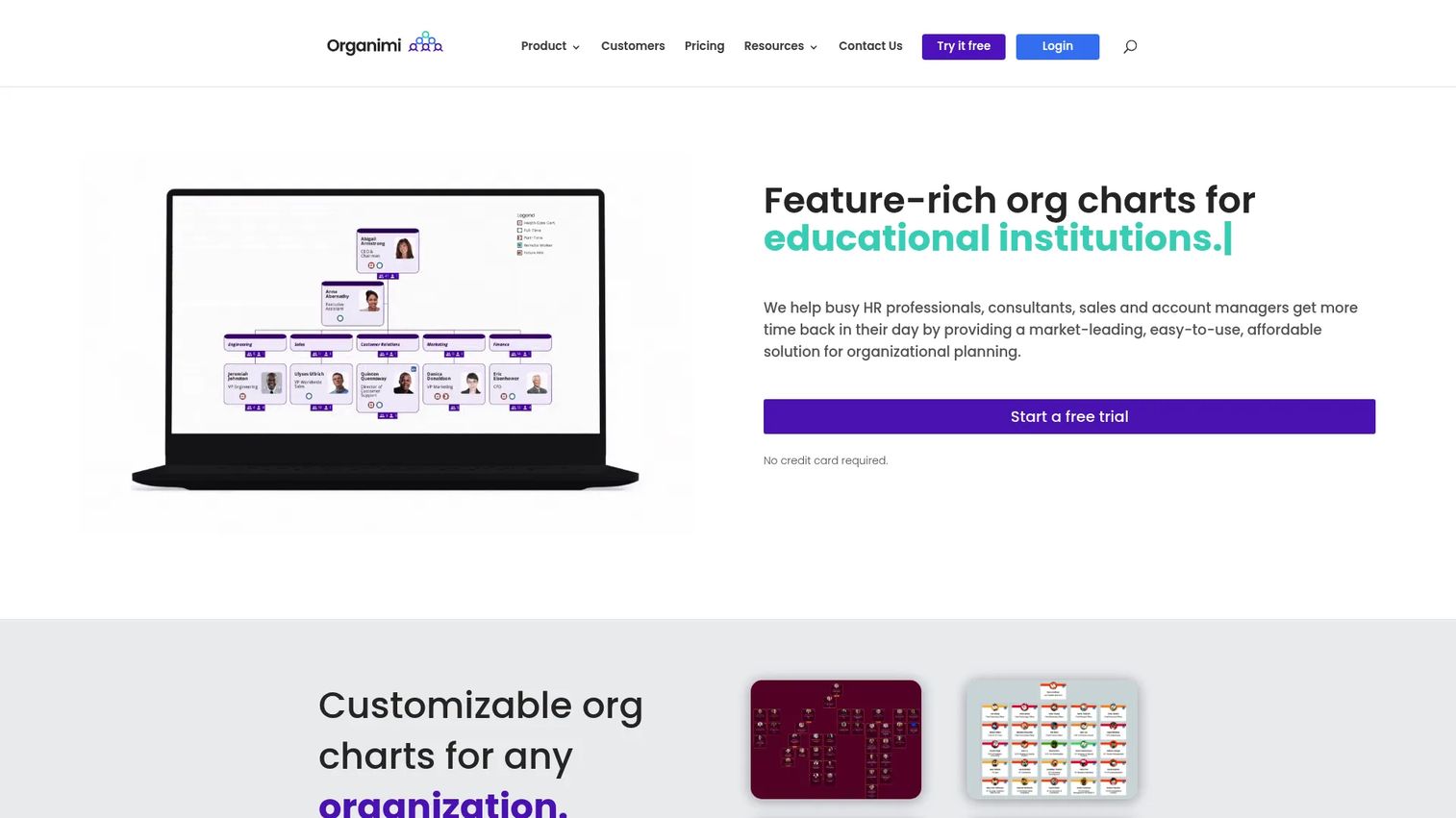
Organimi is a cloud-based org chart maker built for teams that want to create, share, and manage organizational charts without a heavy implementation. You can build charts manually or import your people data, then customize how everything looks and control who sees what. It handles directories and photoboards alongside the chart itself, which makes it a practical single tool for company structure and people lookup.
Best for: Teams that need a flexible org chart tool with sharing, customization, and reporting built in.
Key strengths
- CSV and Excel import: Build a full chart from a spreadsheet upload instead of placing every box by hand.
- Role-based sharing: Share privately or company-wide with permissions, so sensitive structure data stays controlled.
- Custom fields and branding: Add custom fields, branding, reporting, and exports to match how your company presents internally.
Why choose Organimi: It hits the sweet spot for founders and ops teams that want a dedicated org chart builder without committing to a full HR platform. The CSV import means you can stand up a real chart in an afternoon, and matrix and directory-style views cover most growing-company structures. It is presentation-friendly while still being data-driven, which is rarer than it sounds.
Organimi pricing: Organimi publishes its pricing. The Basic plan starts at $29 per month and the Premium plan at $49 per month, both with monthly and annual options. The Enterprise plan is quote-based and billed annually. There is no permanent free tier, though a 14-day Premium trial is available. Organimi holds a 4.5/5 rating on G2.
2. Microsoft Visio
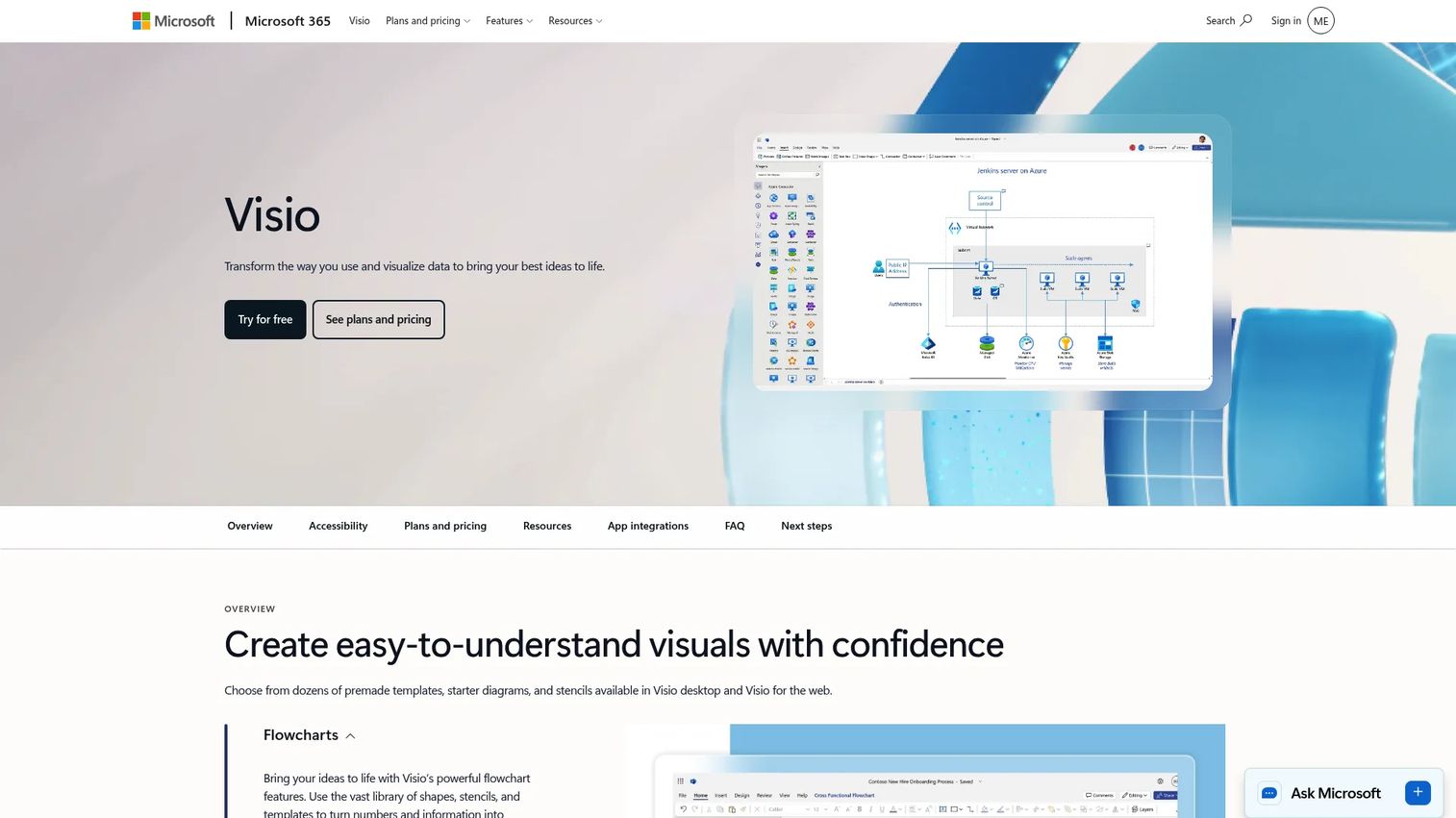
Microsoft Visio is the diagramming standard for Microsoft-centric teams. If your company already lives in Microsoft 365, Visio gives you wizard-based org chart creation, a deep template library, and data-driven charts that pull from Excel or Active Directory. You get both web and desktop options depending on the plan, which suits teams that mix quick edits with more detailed diagramming work.
Best for: Teams that need Microsoft-integrated diagramming for flowcharts, org charts, and technical diagrams in one tool.
Key strengths
- Excel-based charts: Generate an org chart from an Excel sheet, then refresh it when the data changes.
- Active Directory support: Pull employee data directly from your directory for accurate reporting lines.
- Microsoft 365 integration: Edit in the browser, in Teams, or on desktop, with familiar Office formatting throughout.
Why choose Microsoft Visio: If your stack is already Microsoft, Visio removes friction. The wizard turns an Excel org chart into a structured diagram in minutes, and the Active Directory connection keeps it tied to real records. It is broad rather than HR-specialized, so it suits teams that want one diagramming tool for org charts plus flowcharts, network maps, and process diagrams.
Microsoft Visio pricing: Visio is included with commercial Microsoft 365 plans for viewing and basic diagrams. Visio Plan 1 (web and Teams) starts at $5.00 per user per month, paid yearly, and Visio Plan 2 (desktop plus advanced data connectivity and offline support) is $15.00 per user per month, paid yearly. Both paid plans include a one-month free trial. Visio holds a 4.2/5 rating on G2.
3. SmartDraw
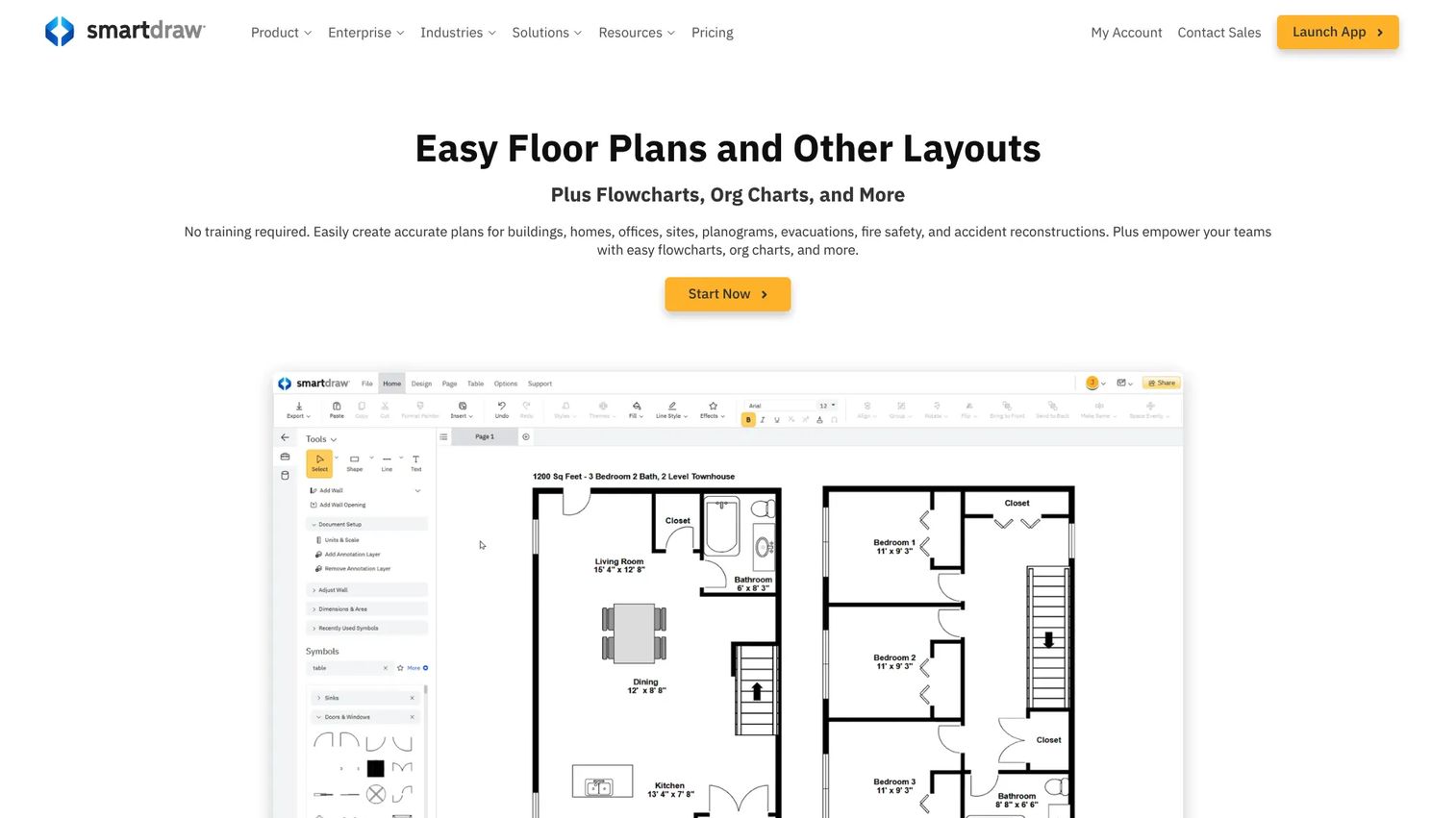
SmartDraw is a browser-based diagramming tool that handles org charts well when your team wants collaboration, imports, and flexible exports without CAD-level complexity. It covers everything from floor plans to flowcharts, and its org chart capability benefits from the same drag-and-drop editing and broad integration set. For teams that want one visual tool across many diagram types, it earns its place.
Best for: Teams needing easy diagramming and scaled drawings across many formats, not just org charts.
Key strengths
- Drag-and-drop editing: Build and rearrange charts quickly with auto-formatting that keeps layouts clean.
- Broad integrations: Connect with Microsoft 365, Google Workspace, Jira, and Confluence to embed charts where work happens.
- Flexible exports: Push diagrams into docs, decks, and wikis without rebuilding them.
Why choose SmartDraw: Choose SmartDraw when the org chart is one of several diagram types your team needs, and you would rather standardize on a single visual tool. It performs best for teams that value editing speed and export flexibility over deep HR data sync. The integration breadth means charts land directly in the tools your team already uses.
SmartDraw pricing: The Individual plan is $7.95 per month, billed annually. The Team plan is $6.95 per user per month, billed annually, with a three-user minimum. The Enterprise plan is quote-based with a ten-user minimum. SmartDraw holds a 4.5/5 rating on G2.
4. OrgChart
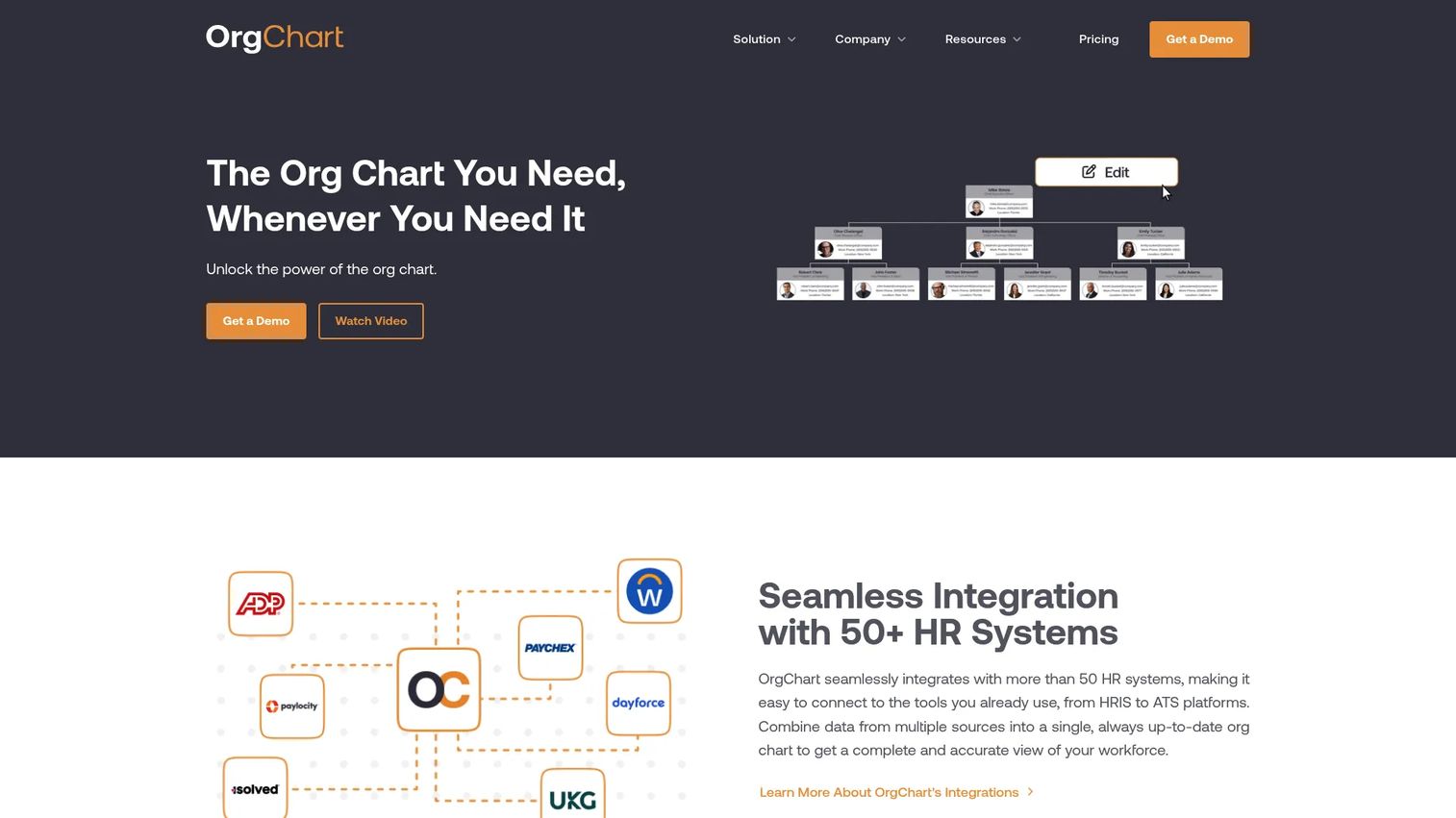
OrgChart is built for HR teams that care more about current data than presentation polish. It automates org charts from live employee records, connects to dozens of HR systems, and layers in workforce planning. This is the tool for companies where the chart needs to be accurate because real decisions, like headcount and span of control, depend on it.
Best for: HR teams that need automated org charts with data integrations and workforce planning.
Key strengths
- Automated charts: Generate unlimited customizable org charts that refresh as employee data changes.
- 50+ HR integrations: Connect to HRIS, ATS, and payroll systems so the chart reflects the system of record.
- Workforce planning: Manage positions and model headcount alongside the live structure view.
Why choose OrgChart: If keeping reporting lines accurate is the whole point, OrgChart is the strongest fit on this list. The HRIS sync removes manual updates entirely, which matters when your org changes weekly. It is HR-first rather than design-first, so teams that want a defensible source of truth over a polished slide will get more out of it.
OrgChart pricing: OrgChart publishes starting prices for a minimum of 100 employees charted, billed annually, with cost rising by employee count. The Core plan starts at $105 per month, Plus at $157 per month, and Pro at $263 per month. OrgChart holds a 4.5/5 rating on G2.
5. Ingentis
Ingentis is an enterprise-grade option for org charts, org analytics, and org design. It goes beyond visualization into scenario simulation, letting larger HR and organizational development teams model reorganizations before they commit. For companies with formal HR operations and complex structures, it brings the governance and analytics depth that lighter tools do not aim for.
Best for: Mid-market and enterprise HR and organizational development teams managing org charts and restructuring.
Key strengths
- Browser-based org charts: Render large, complex structures cleanly across the organization.
- Org analytics and HR metrics: Surface span of control, headcount distribution, and other structural metrics.
- Scenario simulation: Model reorgs and compare structural options before rolling them out.
Why choose Ingentis: Choose Ingentis when scale and governance are non-negotiable, and you need to analyze structure, not just draw it. The scenario planning is the differentiator for enterprises restructuring teams or absorbing acquisitions. It connects to HR data sources so the analytics stay grounded in real records.
Ingentis pricing: Ingentis does not publish a public price. The site routes you to request a demo, and pricing is tailored to organization size and requirements. On third-party reviews, Ingentis holds a 4.7/5 rating on Capterra, among the highest on this list.
6. Sift
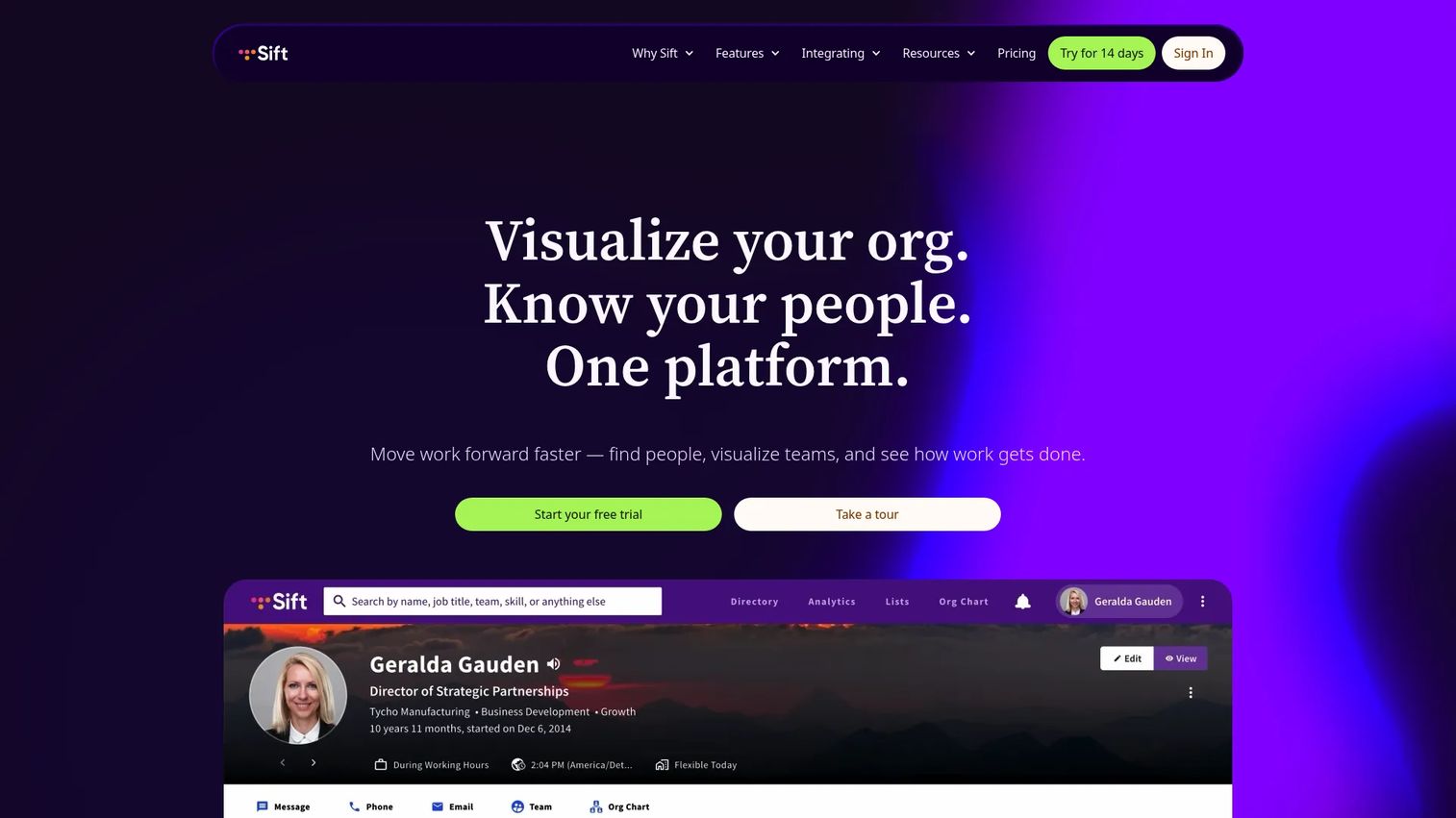
Sift is people directory software that pairs an always-updated org chart with deep search. The angle here is discovery: helping people understand who does what and where they sit, not just how the boxes connect. With custom profiles, search, and apps across Teams, web, iOS, and Android, it doubles as the internal "who's who" for distributed companies.
Best for: Organizations that want a searchable people directory plus an always-updated org chart.
Key strengths
- Automated org chart: Keep the structure current without manual redraws.
- Directory and search: Find colleagues by name, role, skill, or team across web and mobile.
- Custom profiles and API: Build rich employee pages and connect data through integrations.
Why choose Sift: Choose Sift when internal visibility and employee discovery matter as much as the reporting hierarchy. It performs best for larger, distributed teams where people genuinely cannot keep track of who handles what. The mobile and Teams apps mean the directory is available where employees already work.
Sift pricing: Sift publishes plans starting at 20 users. Sift Org Chart is $150 per month, Sift Directory is $175 per month, and Sift Complete is $200 per month, all billed annually, with additional users at $1.50 per month each. Sift Enterprise serves organizations over 1,000 employees and is quote-based. Sift holds a 4.8/5 rating on G2, the highest on this list.
7. Workleap
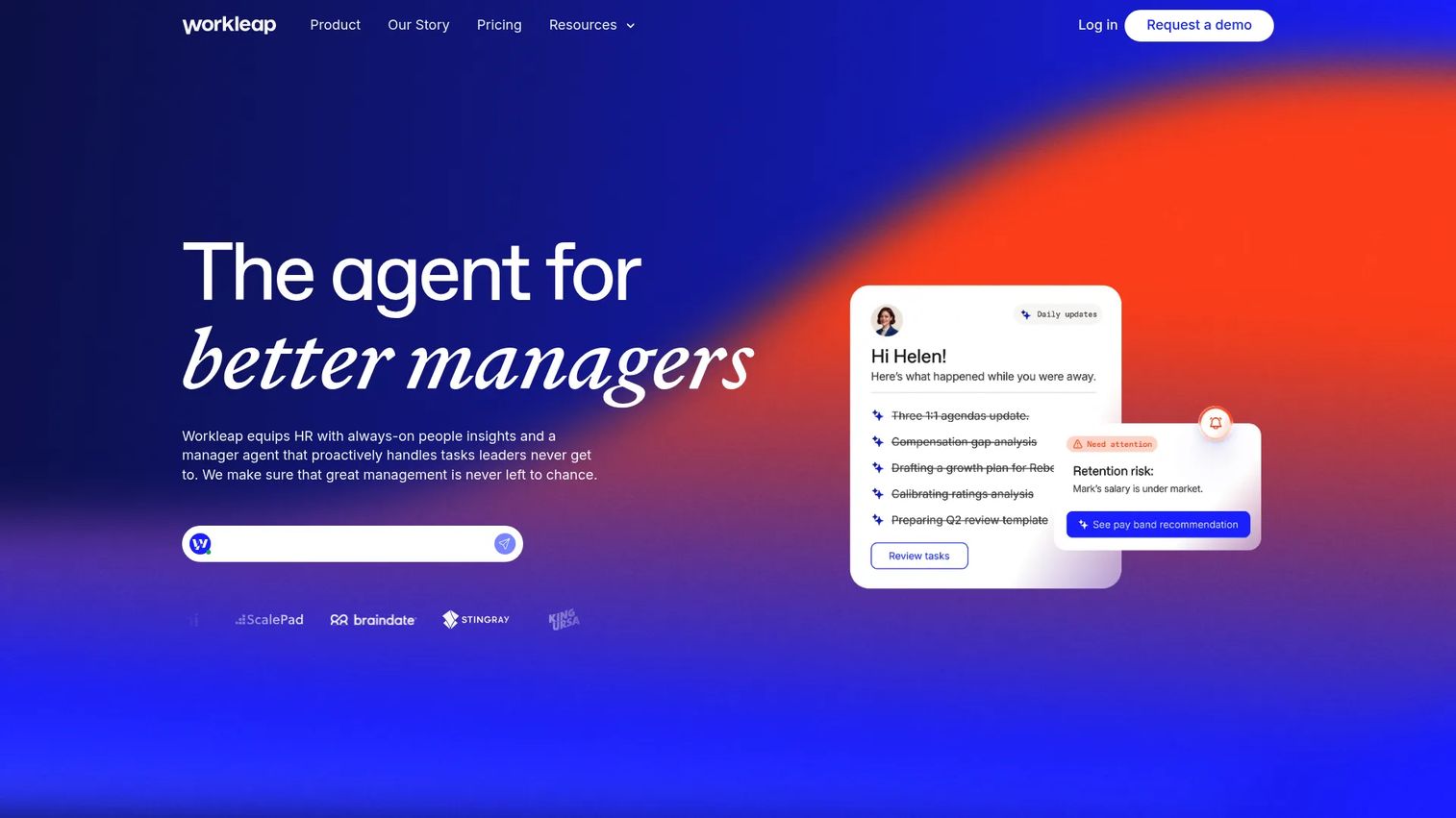
Workleap is an AI-powered talent management platform where org visibility is one capability inside a broader people operations suite. It helps leaders understand team structure while also covering engagement surveys, performance reviews, and compensation planning. For companies that want structure plus the wider employee experience layer, it consolidates several tools into one.
Best for: HR teams that want an all-in-one people management platform rather than a standalone chart tool.
Key strengths
- Engagement and feedback: Run surveys and gather feedback alongside the structure view.
- Performance management: Handle reviews and goal-setting in the same platform as org data.
- Compensation planning: Model and analyze compensation tied to roles and structure.
Why choose Workleap: Choose Workleap when you want org visibility as part of a larger people platform, not as a single-purpose tool. It fits companies ready to consolidate engagement, performance, and structure into one system. That breadth is the point: leaders get context on team structure without bolting on separate tools for each people-ops job.
Workleap pricing: Workleap publishes platform pricing. The Standard plan is $4,999 USD per year and the Pro plan is $11,999 USD per year. The Enterprise plan is custom for organizations over 250 employees. A separate Manager Agent add-on is $99 USD per manager per month. A current numeric G2 rating was not available at the time of writing.
8. Pingboard
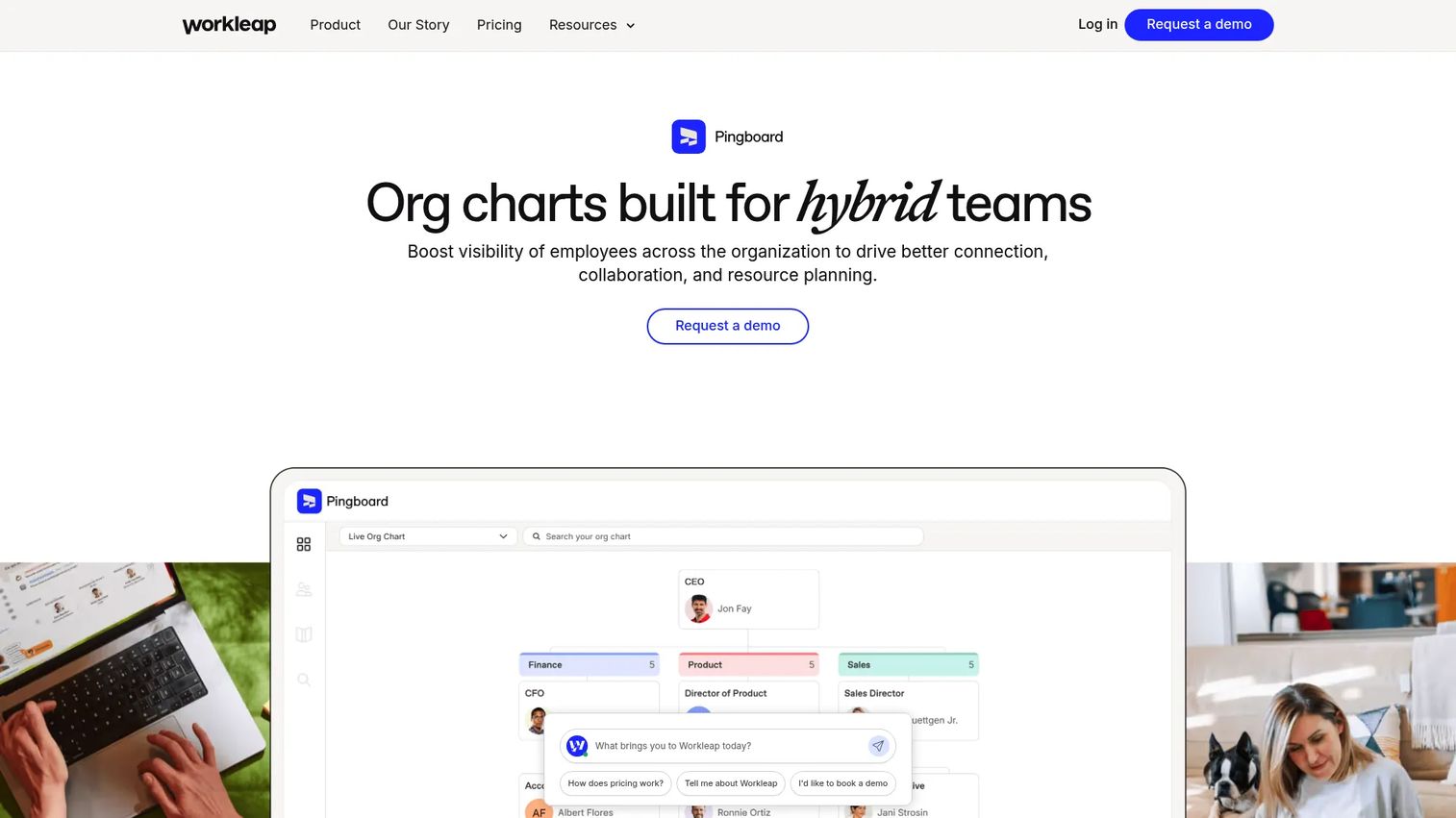
Pingboard, now part of Workleap, is an approachable org chart and employee directory tool that keeps structure and people data easy to browse. It focuses on the basics done well: a clean visual chart, a searchable directory, and custom profiles. For companies that want a lightweight, friendly way to map the org without an enterprise rollout, it stays simple on purpose.
Best for: Teams that need a visual org chart and searchable employee directory without heavy setup.
Key strengths
- Visual org charts: Map reporting structure in a clean, browsable layout.
- Employee directory: Give the whole team an easy way to find and learn about colleagues.
- Custom profiles: Add the details that help people connect names to roles and context.
Why choose Pingboard: Choose Pingboard when you want an approachable people directory tied to org structure, without the weight of a full HR suite. It suits smaller and growing companies that value ease of browsing over advanced analytics. As part of Workleap, it also offers a path to expand into broader people-ops tooling later if needs grow.
Pingboard pricing: Pingboard is now presented as a product within Workleap rather than a standalone branded plan. Pingboard-specific public pricing was not available from primary sources at the time of writing; contact Workleap for current packaging.
How to choose org chart software
Picking the right tool comes down to a few practical questions, not a feature checklist. Work through these before you commit.
Where does your people data live?
If your structure data sits in an HRIS, ATS, or directory like Active Directory, prioritize tools that sync directly. Live sync is what keeps the chart accurate without anyone touching it. If your data lives in spreadsheets, confirm the tool supports clean CSV org chart import so you are not retyping records.
How complex is your structure?
A flat startup needs less than a matrixed enterprise. If people report to more than one manager, confirm the tool handles a matrix organization chart with dotted-line relationships. If you run divisions or regions, check that the layout options match how you actually operate.
Who needs to see it, and who should not?
Org structure can be sensitive, especially around compensation or unannounced reorgs. Look for role-based permissions, private sharing, and access control. The right org chart software for HR teams treats visibility as a setting, not an all-or-nothing switch.
How will you share and present it?
Decide whether you need PDF exports for board decks, embeds for an intranet, or live links for the whole company. Most tools cover the basics, but print-ready layouts and embed options vary. Match the output to where the chart actually gets used.
What is the real cost at your size?
Pricing on this list ranges from a few dollars per user to enterprise contracts. Several tools price by employee count, so a chart that is cheap at 50 people can change at 500. Model the cost at your projected headcount, not just today's.
Conclusion
The best org chart software is the one that stays current after you stop paying attention to it. That single criterion separates a useful tool from another stale artifact.
If you want a dedicated org chart maker with fast setup and flexible sharing, Organimi is the strongest all-around pick. For Microsoft-centric teams, Microsoft Visio removes friction by tying into Excel and Active Directory. For enterprise planning and org analytics, Ingentis brings the scenario modeling larger teams need. And for internal people visibility, Sift and Pingboard make it easy to see who does what across a distributed company.
Your next step is simple. Start with your data source, your structure complexity, and your sharing needs, then shortlist the two tools that match all three. Run a real chart through each, with your actual people data, before you decide. The tool that handles your messiest org change without manual cleanup is the one worth keeping.
FAQs
Org chart software is used to visualize reporting lines, roles, and departmental structure in one clear view. Teams rely on it for planning headcount, communicating who owns what, and onboarding new hires who need to learn the structure fast. The better tools keep that picture current automatically, so it stays useful between reorgs instead of going stale.
Most tools pull from CSV, Excel, HRIS platforms, and directory services like Active Directory, and many connect to ATS and payroll systems too. Live sync is preferable for fast-changing teams because the chart updates when your records do, with no manual redraw. For smaller teams, a clean CSV org chart import is often enough to get an accurate chart quickly.
An org chart maker usually implies static creation: you draw a chart and it stays fixed until someone edits it. Org chart software typically adds automation, data sync, permissions, and updates, so the chart maintains itself as the company changes. In practice, the distinction is whether you are maintaining a picture or a living source of truth.
Some tools support matrix and multi-parent structures better than others, so it is worth treating this as a selection criterion. A matrix organization chart shows dotted-line relationships where an employee reports to more than one manager, which flat-hierarchy tools cannot represent cleanly. If you run cross-functional teams, confirm matrix support before committing.
It becomes most useful once the team grows beyond founder memory and a simple spreadsheet stops keeping up. Early on, a shared doc may be enough, but as hiring accelerates and reporting lines shift, a real org chart builder adds clarity for onboarding and accountability. For founders, it also doubles as evidence that the company scales without everything routing through them.
Most tools support PDF, image, and link sharing, and many offer embeds for an intranet or wiki. Permission controls matter here, since structure data can be sensitive around compensation or unannounced changes. Look for role-based access so you can share the chart broadly while keeping restricted details private.
HR teams should prioritize live data sync, access control, update speed, and reporting flexibility. The strongest org chart software with HRIS sync removes manual maintenance entirely, which keeps the chart trustworthy as the org shifts. Workforce planning is the other key factor: if you model headcount and restructures, choose a tool built for that, not just for drawing boxes.