You built next week's schedule in a spreadsheet. Then two people requested time off, one called out, and a shift swap fell apart in a group text nobody reads. Now you're rebuilding the whole thing by hand at 9pm.
That is the tax on manual scheduling. Missed shifts, coverage gaps, surprise overtime, and hours of manager time that should have gone somewhere useful. For a team trying to run repeatable operations without the founder or a manager in every decision, that tax compounds fast.
The market has noticed. The global employee scheduling software market was valued at $4.3 billion in 2025 and is projected to reach $11.2 billion by 2034 at an 11.2% CAGR, according to Dataintelo (2025). Roughly 65% of organizations plan to upgrade or replace legacy scheduling tools within two years, per a LinkedIn market analysis (2024).
This guide compares the tools that actually reduce that overhead. We rank them by automation, employee self-service, time tracking, compliance, integrations, and how well they hold up as your headcount and locations grow.
What's inside
This guide covers shift-based scheduling tools built for hourly and frontline teams: retail, hospitality, restaurants, healthcare, manufacturing, and service operations.
We picked the eight tools below using six criteria that matter when you are trying to build a system, not a side project:
- Automation: recurring shifts, templates, and coverage logic
- Employee self-service: swaps, availability, time off, open shifts
- Time tracking: clock-in/out, timesheets, attendance auditability
- Compliance: labor rules, breaks, overtime controls
- Integrations: POS, HR, payroll, and workforce systems
- Pricing visibility and scale: clear tiers, room to grow
TL;DR
- Best for small hourly teams: Homebase, scheduling plus time tracking and payroll in one free-to-start plan.
- Best for mission-critical scheduling: Shiftboard, compliance-heavy automation for enterprise shift operations.
- Best for Microsoft-native teams: Microsoft Teams Shifts, frontline scheduling inside the workspace you already run.
- Best for all-in-one frontline ops: Connecteam, scheduling plus communication and daily operations.
- Best for workforce planning: Deputy, automated scheduling with labor forecasting and compliance.
- Best for restaurants: 7shifts, scheduling built around labor cost and POS data.
- Best for straightforward scheduling: When I Work, fast setup for shift-based teams.
- Best for scheduling plus timekeeping: Buddy Punch, strong time tracking with GPS and scheduling.
What is shift scheduling software
Shift scheduling software is a tool that plans, assigns, and manages employee work shifts, then handles the swaps, time-off requests, and coverage changes that follow. The best tools do more than drop names onto a calendar. They automate recurring schedules, enforce labor rules, track hours, and give employees a mobile way to manage their own availability.
Modern employee scheduling software connects scheduling to time tracking and payroll, so labor cost stays visible instead of showing up as a surprise. That is the shift from a static calendar to actual workforce management.
Key capabilities to expect from staff scheduling software:
- Recurring shifts and templates: build once, reuse every week
- Shift swaps and open shifts: employees trade or claim shifts with manager approval
- Availability and time-off management: collect preferences before you publish
- Time tracking and attendance: clock-in/out tied to the schedule
- Labor cost controls: overtime alerts, budget guardrails, break rules
- Mobile access: managers and staff work from a phone
- Notifications: shift reminders, change alerts, coverage requests
- Integrations: POS, payroll, HR, and workforce management systems
An employee scheduling app is the same category with a stronger emphasis on mobile-first use, which matters for frontline teams who never sit at a desk.
When to use shift scheduling software
Reduce manager time spent building schedules
Manual scheduling eats hours every week. Templates, recurring shifts, and auto-scheduling cut that down by generating a draft from your rules and past patterns. Managers edit instead of starting from a blank grid. That time goes back to running the floor.
Give employees self-service control
Most schedule chaos comes from communication, not planning. When employees set availability, request time off, swap shifts, and claim open shifts from an app, the back-and-forth disappears. Managers approve rather than coordinate. Coverage gaps get filled by the people closest to them.
Tighten labor control and attendance
Scheduling and time tracking belong together. When the schedule feeds the time clock, you catch early clock-ins, no-shows, and overtime before payroll runs. That link is where online employee scheduling software pays for itself: fewer coverage gaps, fewer compliance risks, and a clear line of sight into labor cost.
Comparison table
Read this table as a shortlist, not a ranking of best to worst. Each tool wins for a specific kind of team. Match the "best for" column to your own operation, then read the two or three sections that fit. Pricing and ratings below are verified from each vendor's pricing page and G2 listing.
| # | Product | Best for | Key differentiator | Pricing | G2 rating |
|---|---|---|---|---|---|
| 1 | Homebase | Small hourly teams | Scheduling, time tracking, and payroll in one | Free; paid from $30/mo | 4.5/5 |
| 2 | Shiftboard | Mission-critical shift operations | Compliance-heavy automation at scale | Custom (Enterprise, Enterprise Plus) | 4.6/5 |
| 3 | Microsoft Teams | Microsoft-native orgs | Frontline Shifts inside Microsoft 365 | Free; Essentials from $4/user/mo | 4.4/5 |
| 4 | Connecteam | All-in-one frontline ops | Scheduling plus communication and operations | Free; paid from $29/mo | 4.6/5 |
| 5 | Deputy | Workforce planning | Auto-scheduling with labor forecasting | From $5/user/mo | 4.6/5 |
| 6 | 7shifts | Restaurants | Labor cost and POS-linked scheduling | Free; paid from $29.99/mo per location | 4.5/5 |
| 7 | When I Work | Straightforward scheduling | Fast setup for shift-based teams | From $2.50/user/mo | 4.4/5 |
| 8 | Buddy Punch | Scheduling plus timekeeping | GPS and geofenced time tracking | From $4.99/user/mo | 4.8/5 |
Best shift scheduling software for 2026
1. Homebase
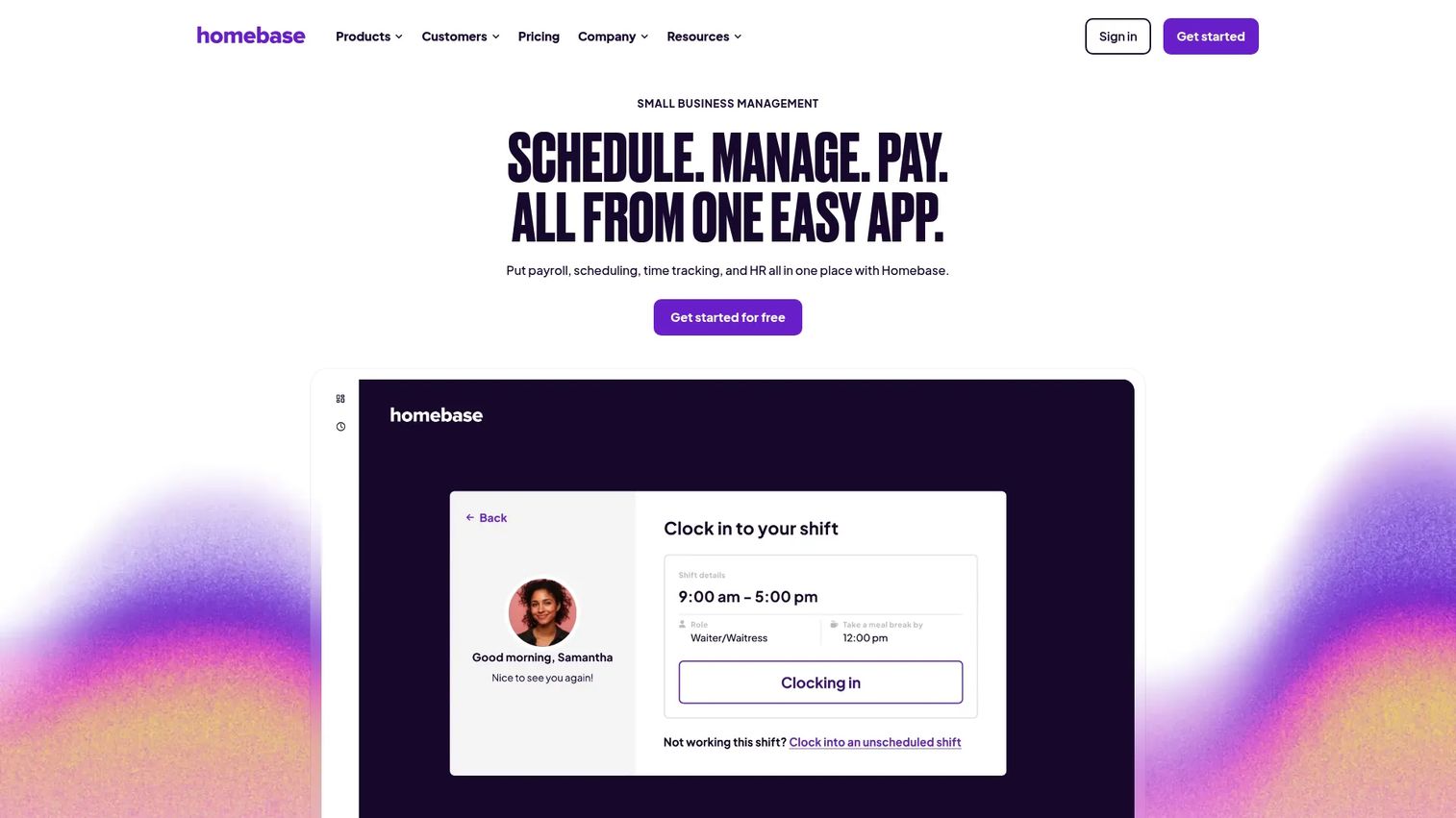
Homebase is workforce management software built for hourly teams and small businesses. It pairs scheduling with time tracking, team messaging, hiring, and an optional payroll add-on, so a single owner or manager can run staffing end to end. It fits retail shops, cafes, salons, and service teams that want one system instead of five apps.
Best for: Small hourly-work teams that need scheduling, time tracking, and payroll in one place.
Key strengths
- Scheduling and shift management with templates
- Time tracking and time clocks
- Payroll add-on and processing
- Hiring, onboarding, HR, team communication, and task management
Why choose Homebase: If you run a single location or a handful of them and want to start free before you commit, Homebase covers the whole hourly workflow without forcing you into an enterprise contract. The free plan makes it a low-risk first tool for a growing team.
Homebase pricing: The Basic plan is free. Essentials is $30/month, Plus is $70/month, and All-in-One is $120/month, each billed per location. Payroll is an add-on at $39/month plus $6/month per employee paid.
2. Shiftboard
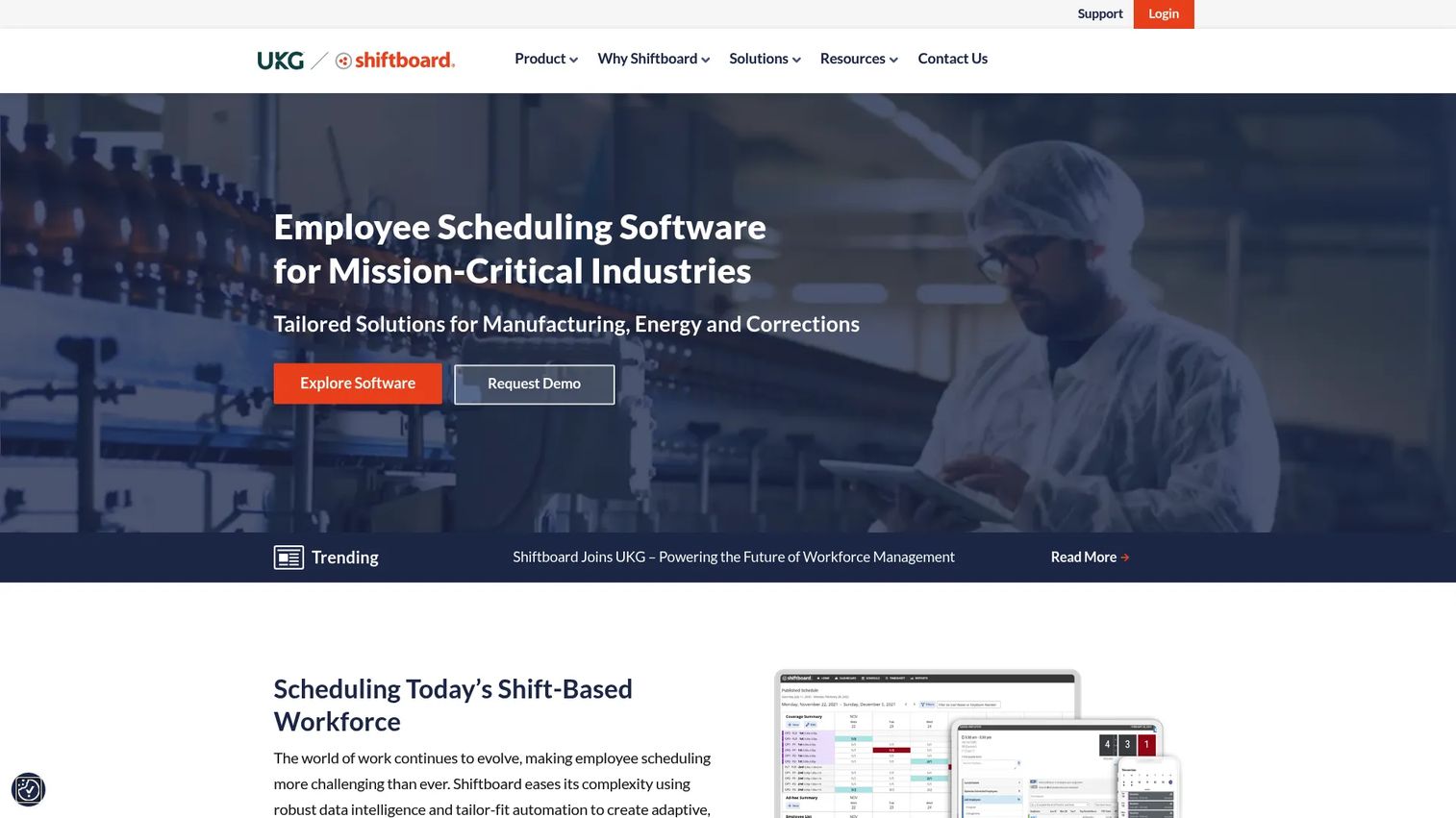
Shiftboard is workforce scheduling software built for mission-critical, shift-based operations. It focuses on the industries where a coverage gap is a real problem: manufacturing, energy, healthcare, and corrections. Automation, coverage optimization, and labor-rule enforcement sit at the center of the product.
Best for: Shift-based enterprises that need compliance-heavy workforce scheduling.
Key strengths
- Automated shift scheduling
- Shift trading and employee self-service
- Compliance and labor-rule enforcement
Why choose Shiftboard: When schedules run 24/7, span certifications and union rules, and cannot afford a gap, Shiftboard's depth in compliance and coverage optimization is the point. It suits operations teams that treat scheduling as risk management, not just calendar work.
Shiftboard pricing: Shiftboard offers Enterprise and Enterprise Plus plans. Public prices are not listed on its plans page, so pricing is quoted based on your operation. Minimum subscription fees apply.
3. Microsoft Teams
Microsoft Teams includes Shifts, a frontline scheduling feature that lives inside the collaboration workspace many organizations already run. Employees view schedules, request swaps, set availability, and pick up open shifts without leaving Teams. For orgs standardized on Microsoft 365, that ecosystem fit removes a separate login and a separate bill.
Best for: Teams that already run Microsoft-native chat, meetings, and calling and want scheduling in the same workspace.
Key strengths
- Chat and channels
- Meetings, webinars, and town hall
- Cloud calling and Teams Phone
Why choose Microsoft Teams: If your workforce already lives in Teams, Shifts gives you frontline scheduling, swaps, and open shifts without adding a new vendor. The value is consolidation: one platform for communication and staffing.
Microsoft Teams pricing: Teams Free is available for individuals. The lowest paid business plan, Teams Essentials, is $4.00/user/month billed yearly. Teams Premium is $10.00/user/month billed yearly, and Shifts is available within qualifying Microsoft 365 plans.
4. Connecteam
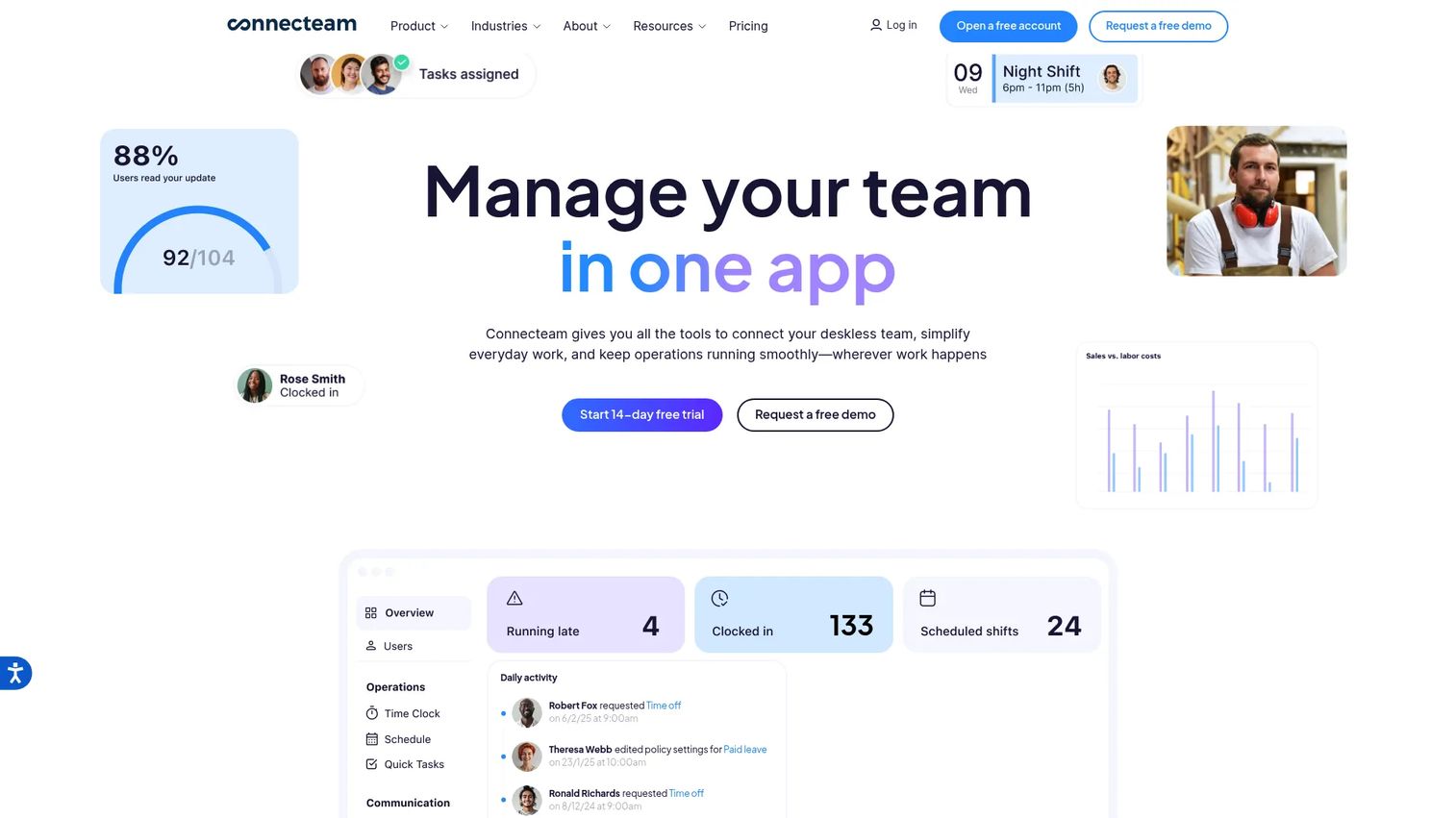
Connecteam is an all-in-one employee management app for deskless teams. Beyond scheduling and time tracking, it bundles internal communication, task management, and daily operations tools into one mobile-first app. That breadth fits teams that want to coordinate the whole shift, not just fill it.
Best for: Deskless-workforce teams that need scheduling, time tracking, and internal communication in one app.
Key strengths
- Employee scheduling
- Time tracking
- Daily operations tools
Why choose Connecteam: If your frontline team needs scheduling plus a way to communicate, assign tasks, and run daily checklists, Connecteam consolidates those into a single app. The free Small Business tier makes it easy to test with a small team first.
Connecteam pricing: The Small Business plan is $0 for up to 10 users. Paid plans, priced for the first 30 users, start at Basic ($29/mo yearly), then Advanced ($49/mo yearly) and Expert ($99/mo yearly). Enterprise is custom, and a 14-day free trial is available.
5. Deputy
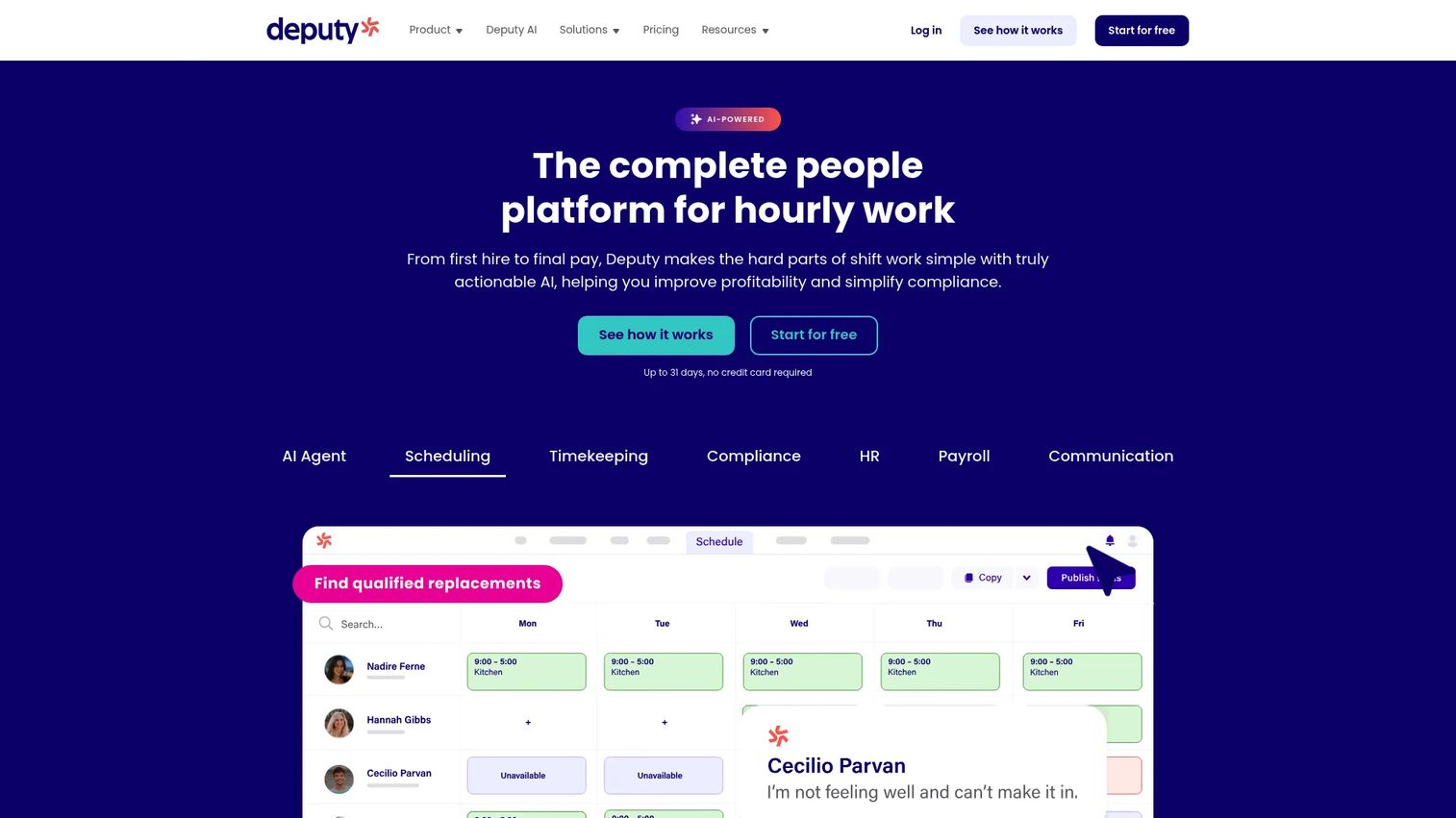
Deputy is workforce management software covering scheduling, time tracking, compliance, HR, payroll, and team communication. It leans into automated scheduling and labor forecasting, which helps teams match staffing to demand instead of guessing. That makes it a strong fit when you want a real workforce management layer, not just a shift calendar.
Best for: Hourly-work businesses that need scheduling plus time-and-attendance management.
Key strengths
- Scheduling
- Time tracking
- Compliance tools
Why choose Deputy: If you want auto-scheduling driven by demand and labor rules, plus compliance workflows that keep you inside break and overtime limits, Deputy delivers that planning depth. It suits multi-location teams that want forecasting alongside scheduling.
Deputy pricing: Lite is $5 per user per month, Core is $6.50 per user per month, and Pro is $9 per user per month, each billed upfront or in monthly installments. Add-ons for payroll, HR, messaging, and analytics are available.
6. 7shifts
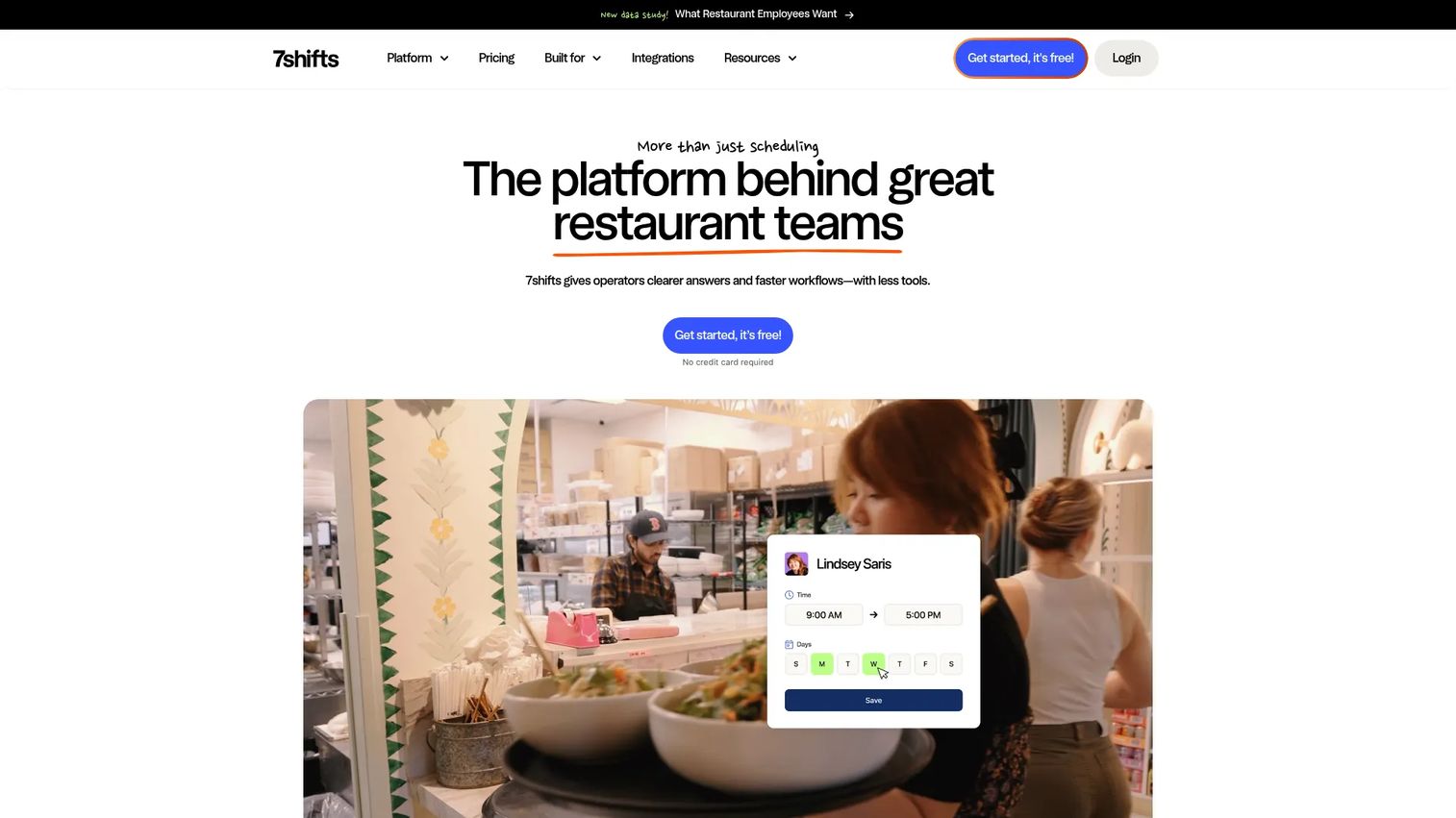
7shifts is a restaurant scheduling and payroll platform built around the realities of food service: tight labor margins, POS data, and constant shift trades. It ties scheduling to labor cost and integrates with restaurant point-of-sale systems, so managers see sales and labor together. If you run restaurants, it speaks your language.
Best for: Restaurants that need scheduling, payroll, and team management in one platform.
Key strengths
- Restaurant scheduling
- Time clocking
- Payroll and team communication
Why choose 7shifts: Restaurant operators care about labor as a percentage of sales, and 7shifts builds scheduling around that number with POS-linked workflows. The free single-location tier lets an independent operator start without a contract.
7shifts pricing: Comp is free for single locations up to 20 employees. Entrée is $29.99, The Works is $69.99, and Gourmet is $135, each per month per location. Monthly and annual billing are available.
7. When I Work
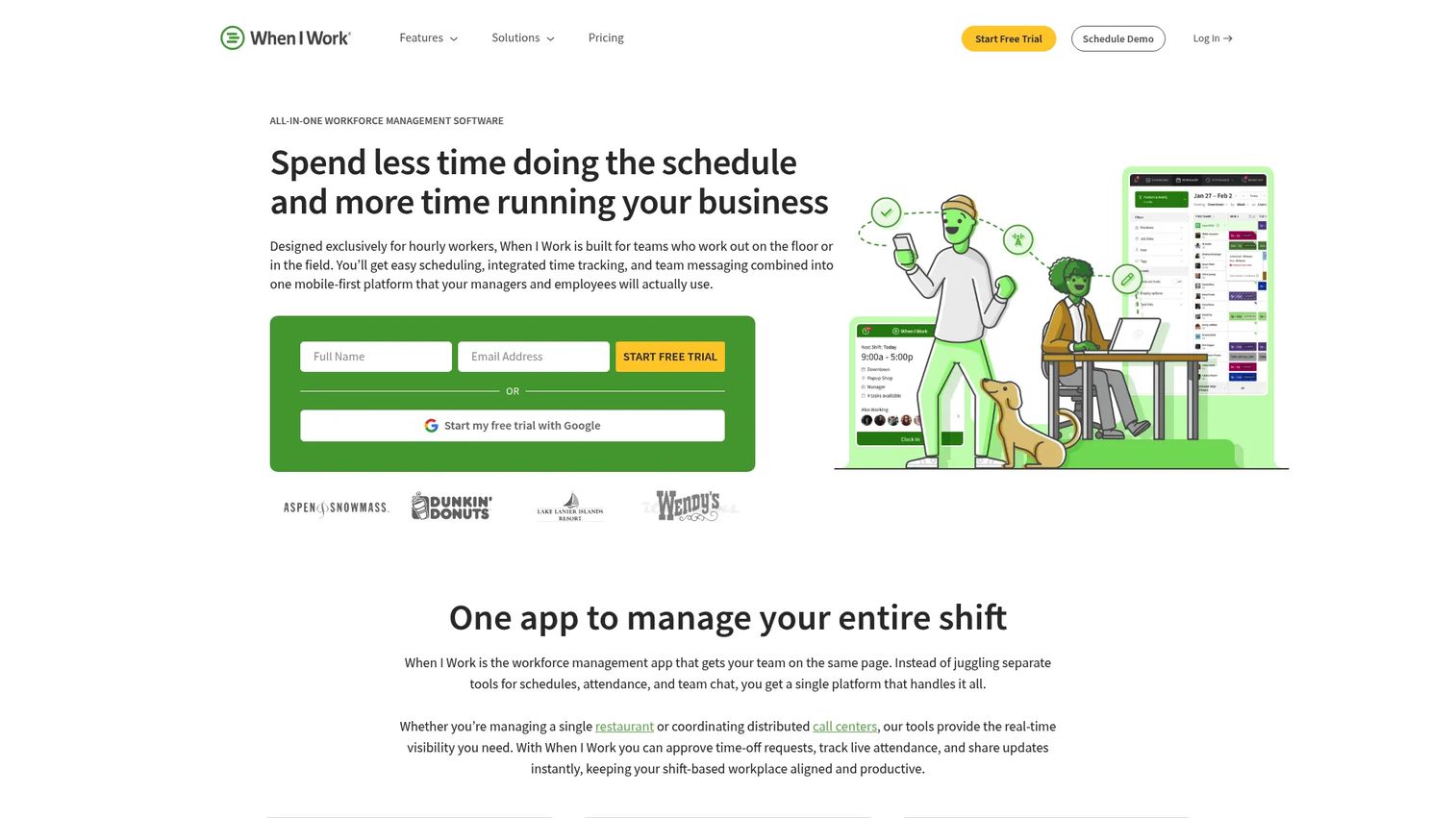
When I Work is employee scheduling and time tracking software for shift-based teams that want to get running fast. It covers scheduling, time tracking, and team messaging in one tool with a clean, mobile-friendly interface. For smaller teams that want straightforward scheduling without a heavy rollout, it hits the mark.
Best for: Shift-based businesses that need scheduling, time tracking, and team messaging in one tool.
Key strengths
- Employee scheduling
- Time tracking and time clock
- Team messaging
Why choose When I Work: If you want a scheduling tool your team can adopt in a day, When I Work keeps the setup simple and the mobile experience clean. It fits single and multi-location teams that value speed over deep configuration.
When I Work pricing: Plans start at $2.50 per user per month for single-location teams and $5 per user per month for multi-location businesses, billed monthly or annually. A 14-day free trial with full access is available.
8. Buddy Punch
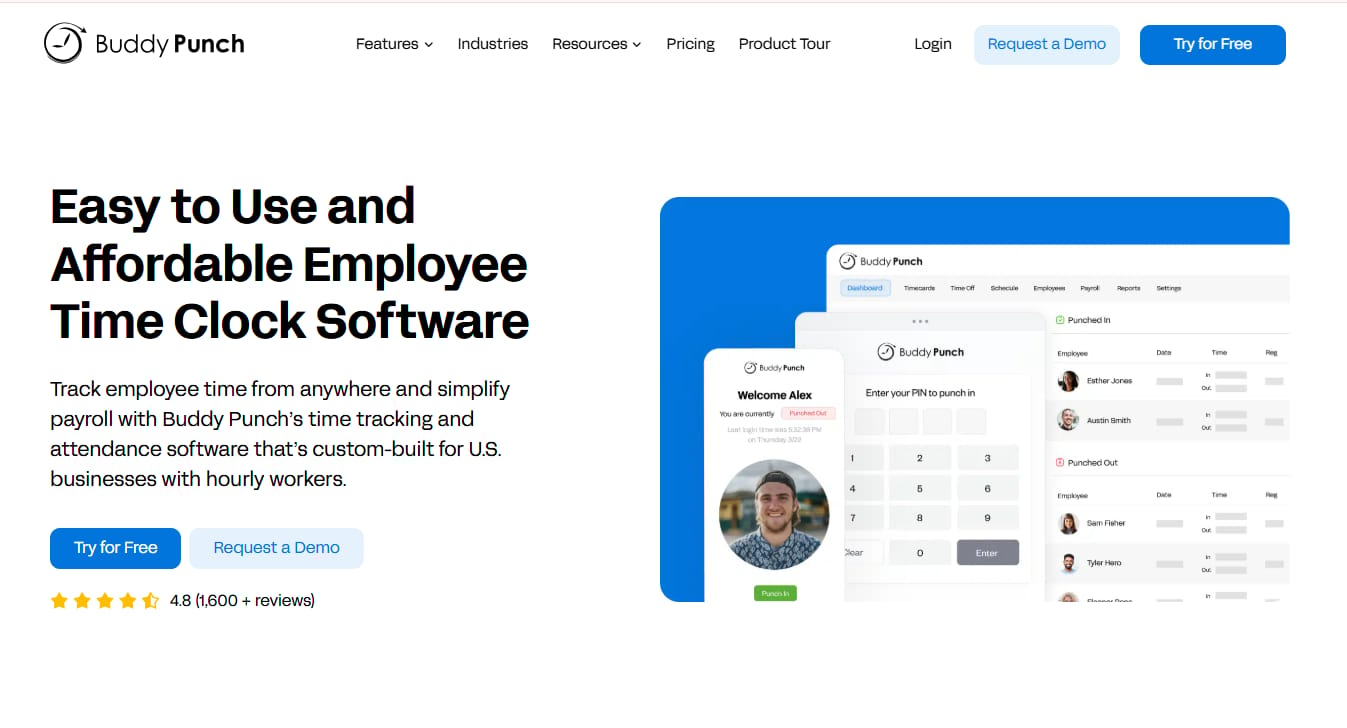
Buddy Punch is cloud-based time tracking, scheduling, and payroll software. Its strength is timekeeping: punch in/out, GPS and geofencing, kiosk, QR code, and webcam punch controls, with scheduling layered on top. For teams that want light scheduling backed by strong attendance controls, it fits well.
Best for: Small to mid-sized businesses that need time tracking plus scheduling and payroll options.
Key strengths
- Time tracking with punch in/out and time-off tracking
- GPS/geofencing, kiosk, QR code, and webcam punch controls
- Scheduling, payroll integrations, and payroll add-on
Why choose Buddy Punch: If accurate attendance is your priority and scheduling is secondary, Buddy Punch's punch controls and GPS verification keep timesheets honest. It suits teams with remote or field staff where knowing who clocked in from where matters.
Buddy Punch pricing: Starter is $4.99/user/month, Pro is $7.99/user/month, and Advanced is $13.99/user/month, each plus a $19 base fee per month. A payroll add-on is $8/user/month plus a $49 base fee per month, and a 14-day free trial is available.
Considerations
Automation and rule coverage
Look past "auto-scheduling" as a checkbox. Test whether the tool handles recurring shifts, honors labor rules, and fills coverage based on skills or roles. The difference between a template and true coverage logic shows up when someone calls out and you need a qualified replacement fast.
Employee self-service
The features that reduce manager work most are swaps, availability, time-off requests, and open shifts. Confirm each one runs through approvals so you keep control while offloading the coordination. Self-service is where you win back hours.
Time tracking and attendance
If scheduling and time tracking live in separate tools, you lose the link between planned and actual hours. Check for clock-in/out, timesheets, and an audit trail. That connection is what turns scheduling into labor cost control.
Integrations
Verify the tool connects to your POS, payroll, HR, and any workforce management systems you run. Payroll and POS links matter most, because that is where labor cost visibility and clean time tracking come from. A tool that does not integrate creates a new manual step.
Scalability and admin overhead
The right tool stays simple as you add locations, roles, and rules. Ask whether admin work grows linearly with headcount or stays flat. A tool that gets heavier with every location becomes its own ops project, which defeats the point.
Conclusion
The best shift scheduling software depends on what you value most. If you want SMB simplicity with payroll built in, start with Homebase. If you run compliance-heavy, 24/7 operations, look at Shiftboard. If your team already lives in Microsoft 365, Shifts inside Microsoft Teams removes a whole vendor. Restaurants should shortlist 7shifts, planning-heavy teams should test Deputy, and teams that want the whole shift coordinated in one app should try Connecteam. For fast, straightforward scheduling, When I Work delivers, and for timekeeping-first teams, Buddy Punch fits.
Pick two or three from this list based on your team size and complexity, then run a free trial or free tier before you commit. Scheduling is a system you will touch every week, so test it with a real week of shifts before you standardize on one.
FAQs
Employee scheduling software is a tool that plans and assigns work shifts, then manages the swaps, availability, and time-off requests that follow. It replaces spreadsheets and group texts with a single system managers and staff both use. Most tools add mobile access, notifications, and approvals so coordination happens in one place.
The main benefits are time savings, fewer coverage gaps, clearer communication, and tighter labor cost control. Automation cuts the hours managers spend building schedules. Self-service moves swaps and time-off requests to employees, and time tracking ties planned hours to actual cost so overtime does not surprise you.
You build schedules from templates or recurring shifts, then publish them to your team. Employees get notified on mobile, set availability, and request swaps or time off through the app. Managers approve changes, and the schedule often feeds a time clock so hours flow into timesheets and payroll.
Yes. Most modern tools connect to payroll systems so tracked hours flow into pay runs without manual entry. Restaurant and retail tools often integrate with POS systems too, which links labor cost to sales. These integrations are where you get real labor cost visibility instead of guessing.
The terms are largely interchangeable. "Staff scheduling software" tends to describe the full platform, including web-based admin tools, while a "shift scheduling app" implies a stronger mobile focus for employees on the floor. Most vendors offer both a web dashboard and a mobile app under one product.
Yes, if your team has recurring shifts, swaps, or time tracking needs. Even a five-person team loses hours to manual scheduling and text-message coordination. Several tools here start free or under a few dollars per user, so the cost is low and the time savings show up in the first week.
Managers post open shifts to eligible employees, who claim them from the app. For swaps, one employee requests a trade and another accepts, subject to manager approval. Approval settings and visibility rules keep coverage intact while letting employees resolve most changes themselves.